
AI Photo & Video Effects
Choose an effect, upload a reference photo, adjust the available settings, and generate an image or video.
Featured
5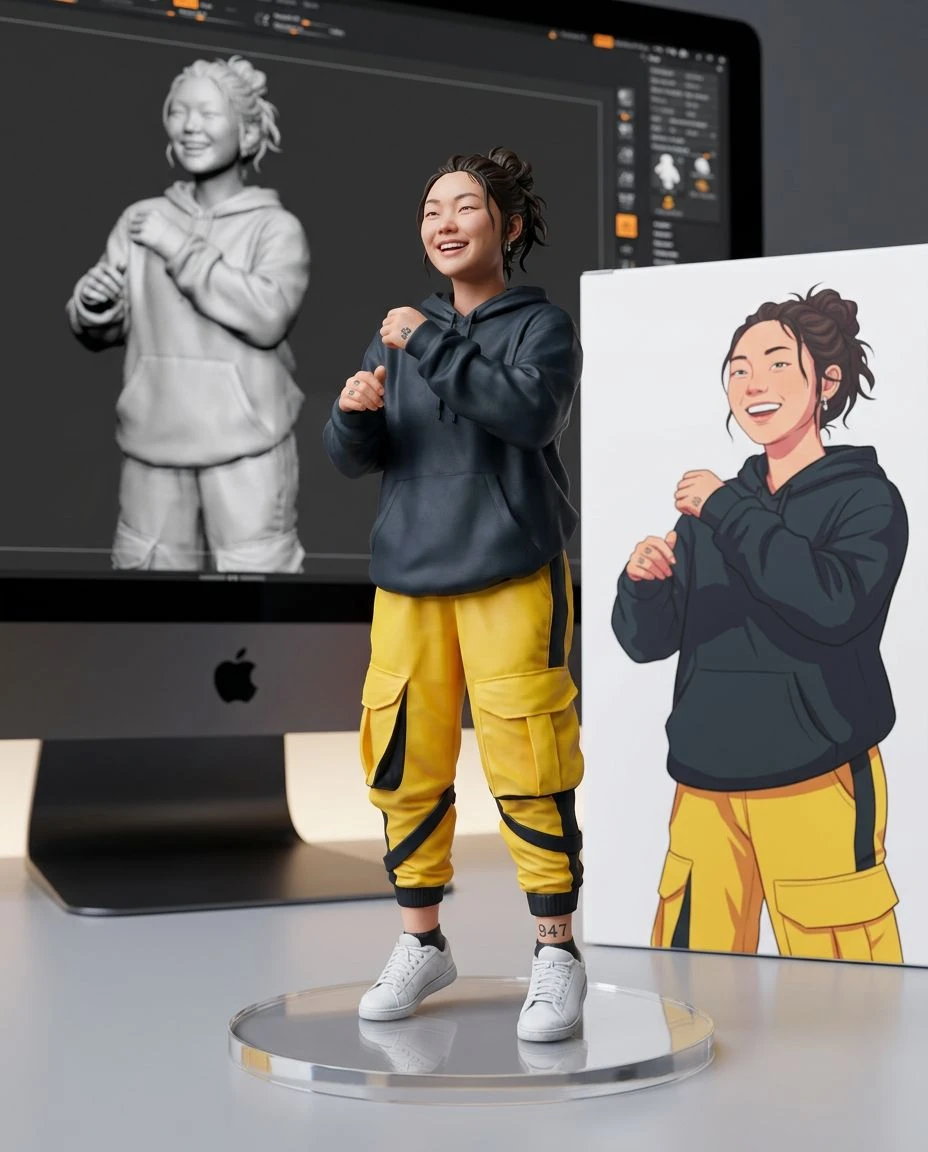
 Before
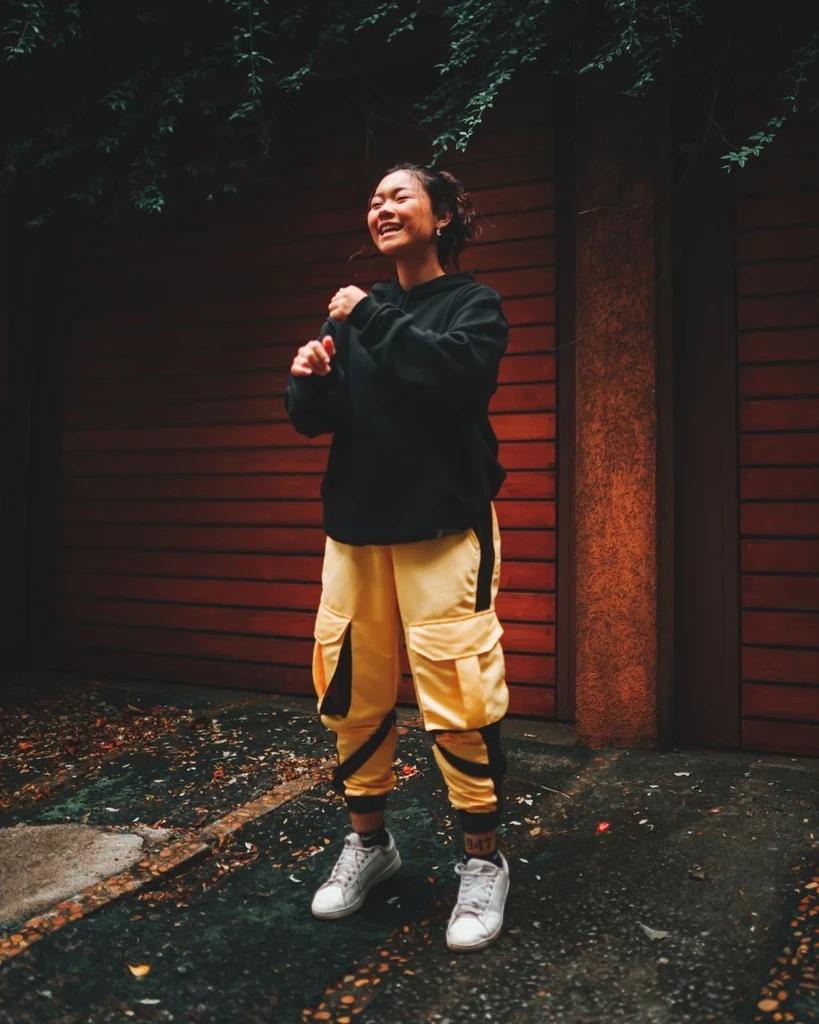
Collectible Figure
FeaturedTurn a photo into a desk-ready collectible figurine with packaging.
 Before
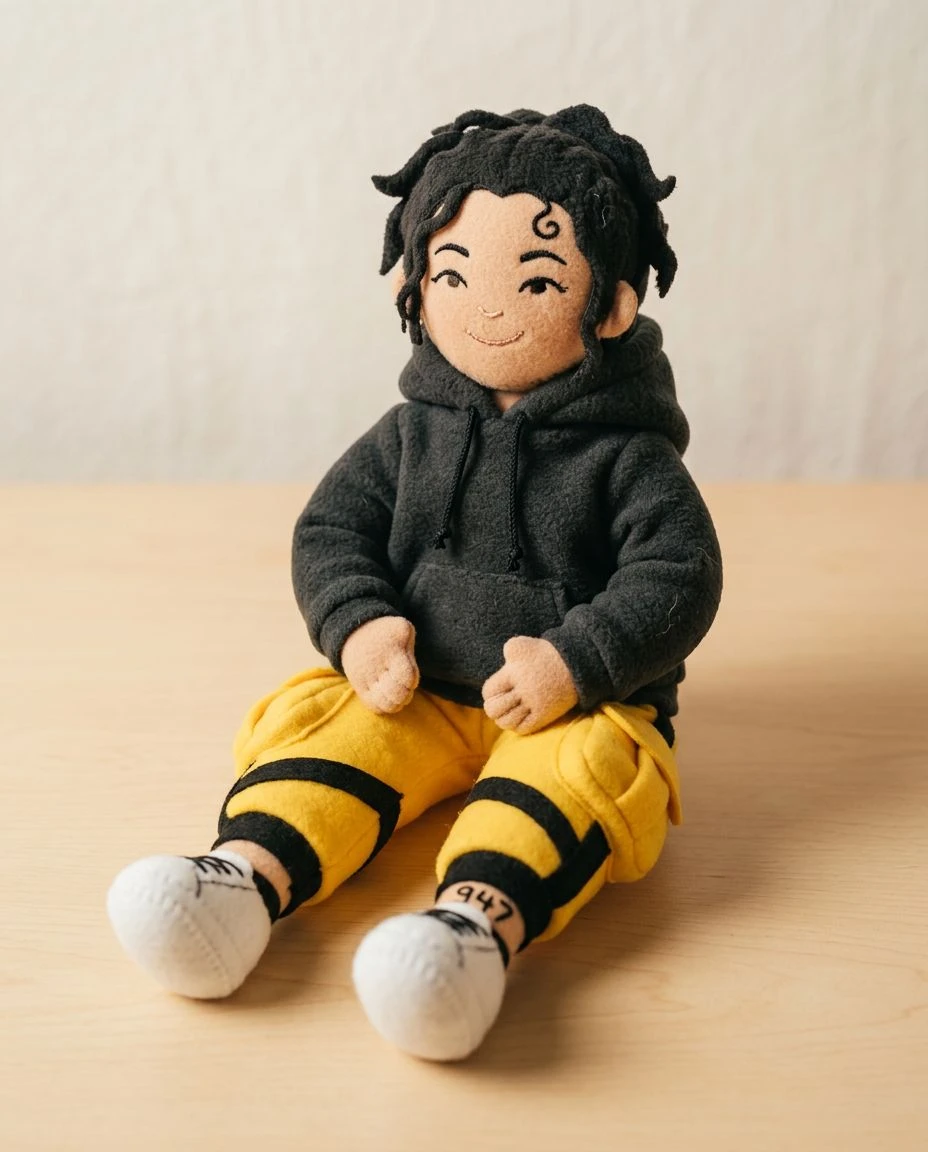
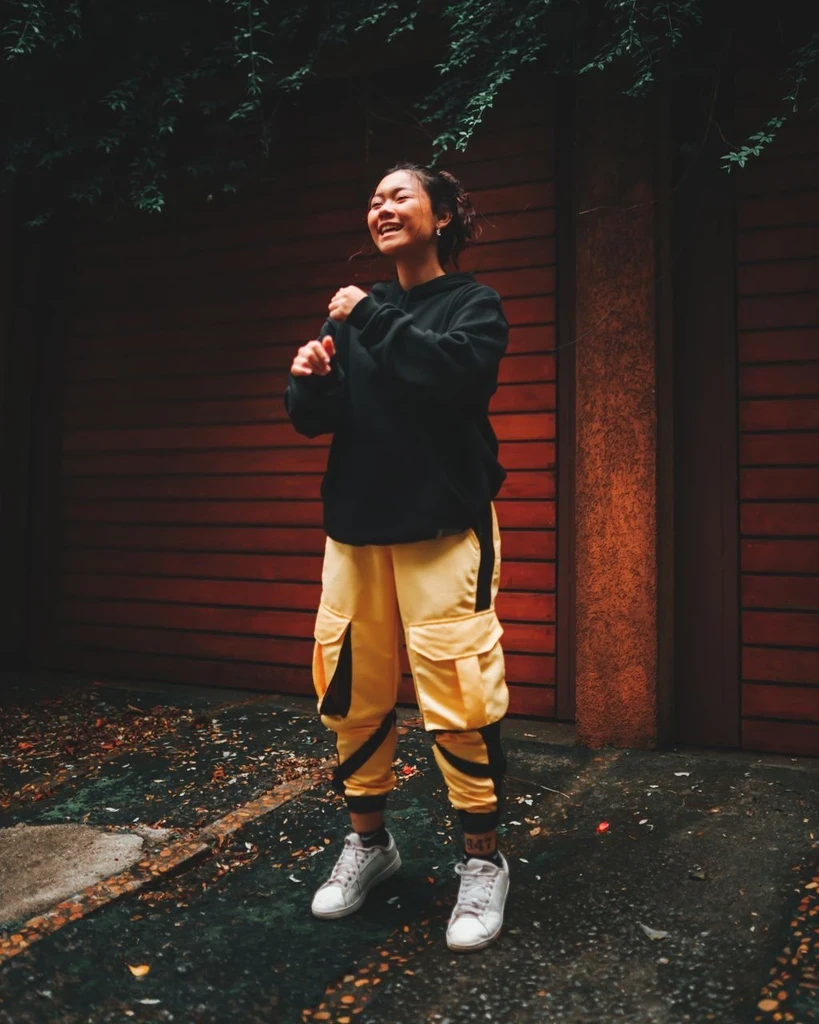
Plush Toy
FeaturedReimagine a subject as a soft handmade plush character.

 Before
Professional Headshot
FeaturedGive a clear portrait soft studio lighting, a neutral backdrop, and a professional wardrobe.
 Before
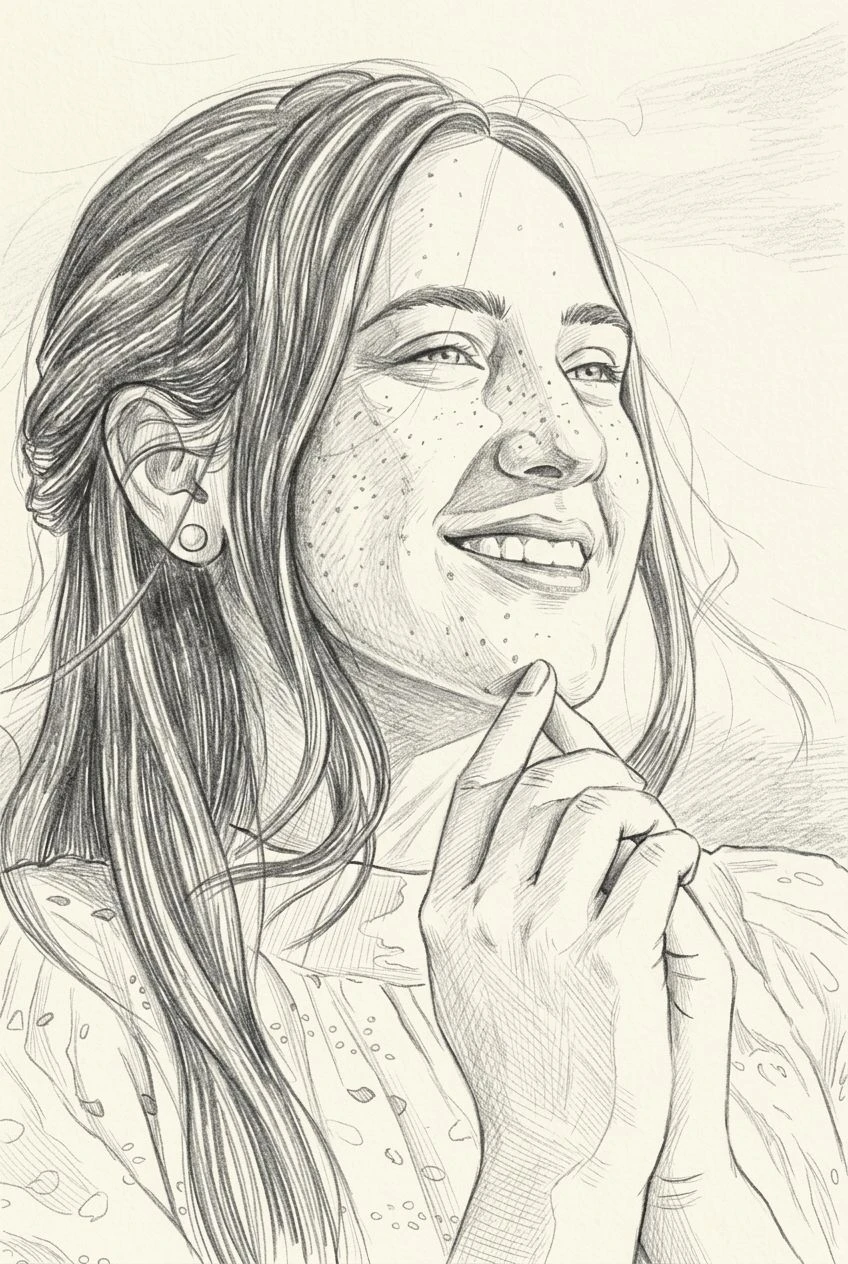
Sketch Portrait
FeaturedTurn a photo into a refined hand-drawn sketch portrait.
 Before
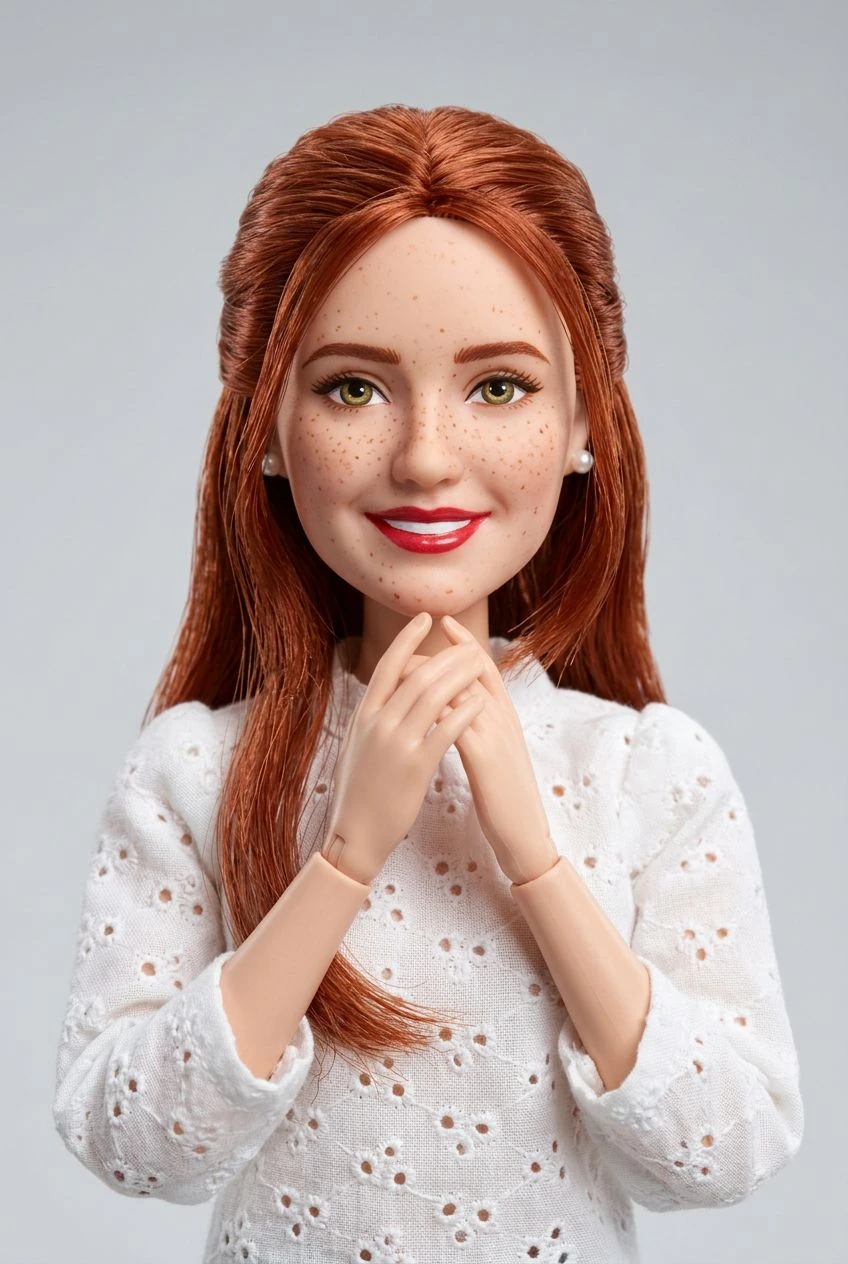
3D Glam Doll
FeaturedRestyle a portrait as a polished 3D fashion doll.
Image
11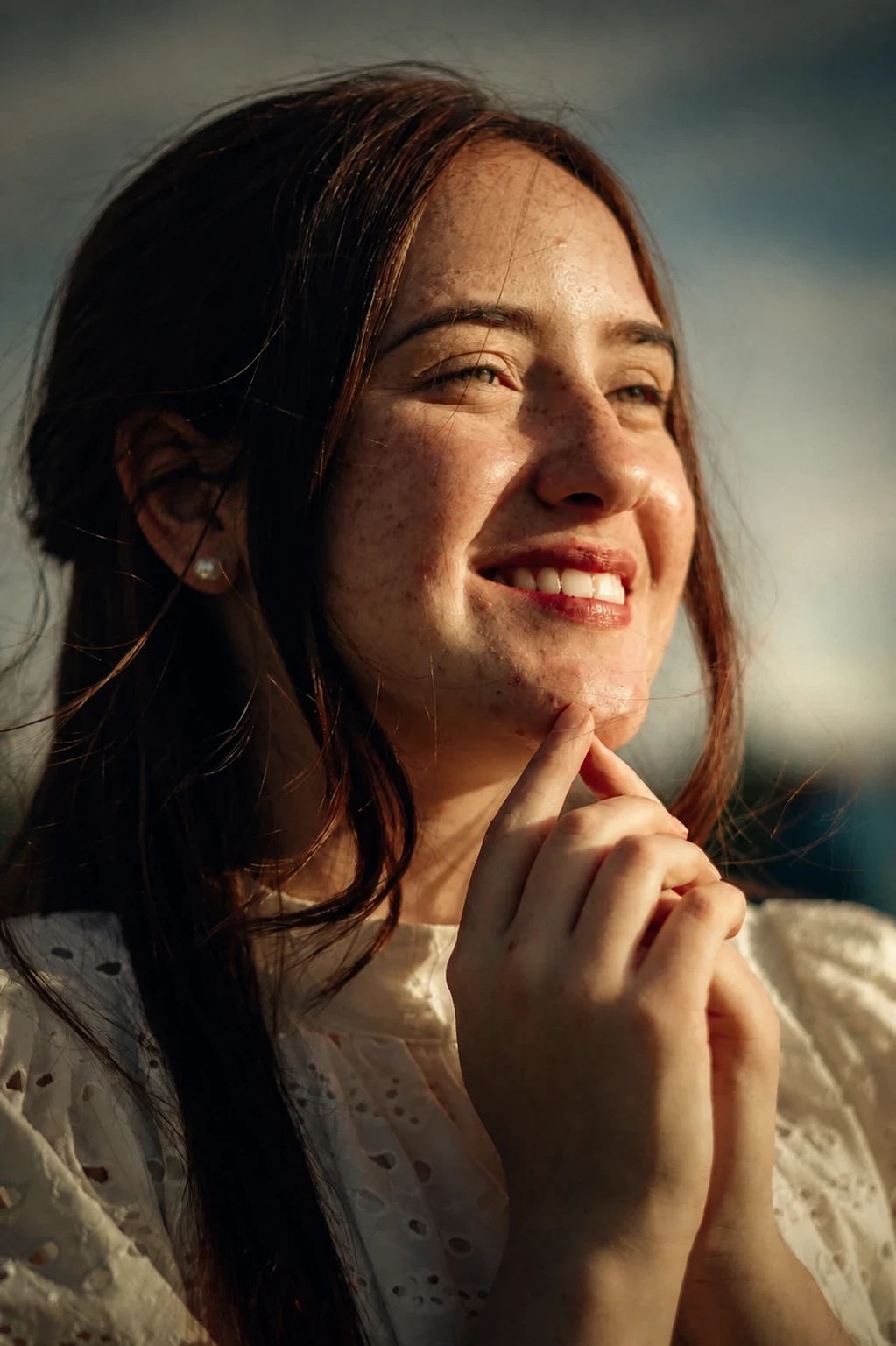

Cinematic Portrait
Give a portrait cinematic lighting, depth, and editorial polish.
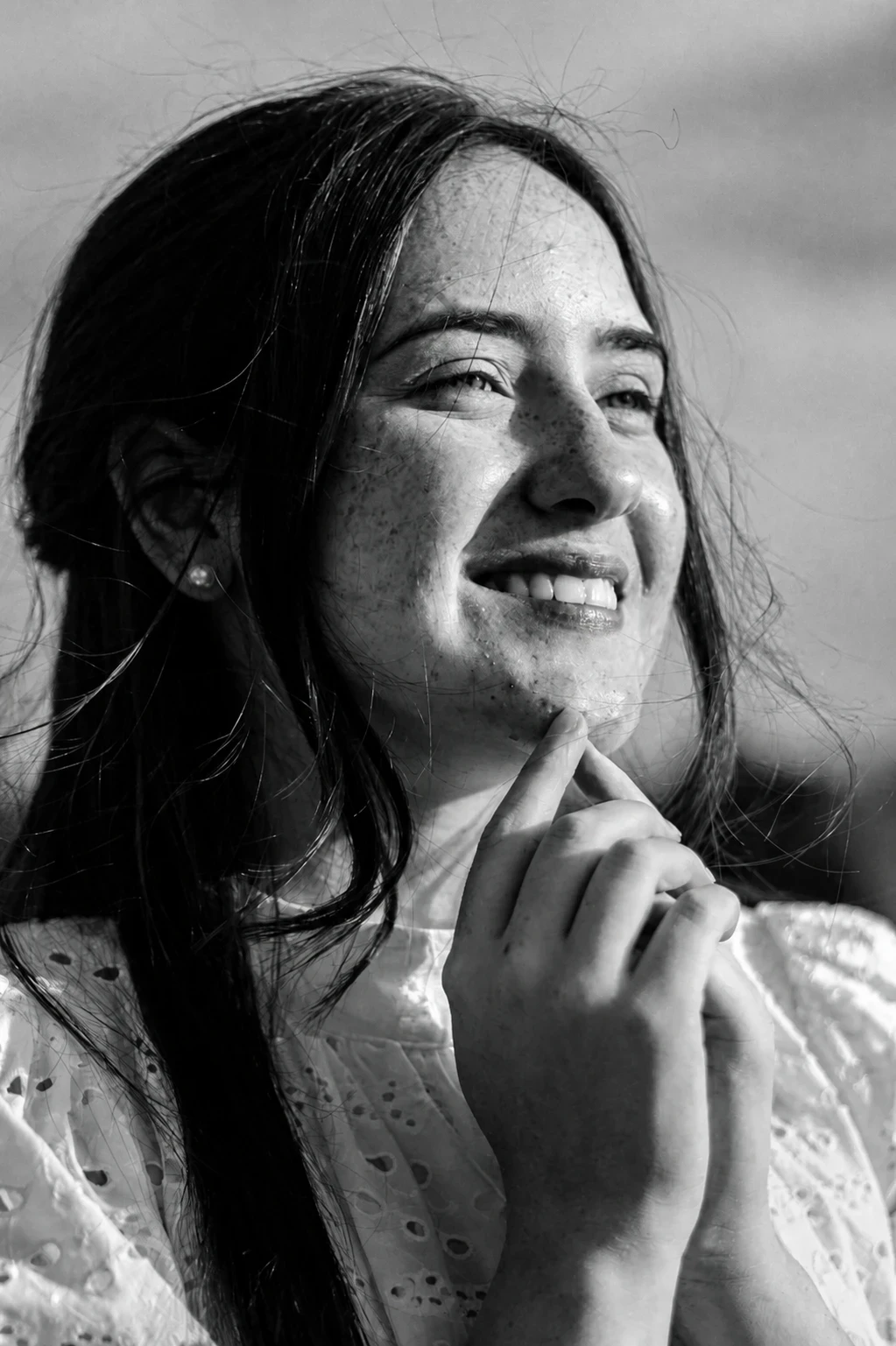

Dramatic B&W Portrait
Convert a portrait into a high-contrast black-and-white editorial look.
 Before
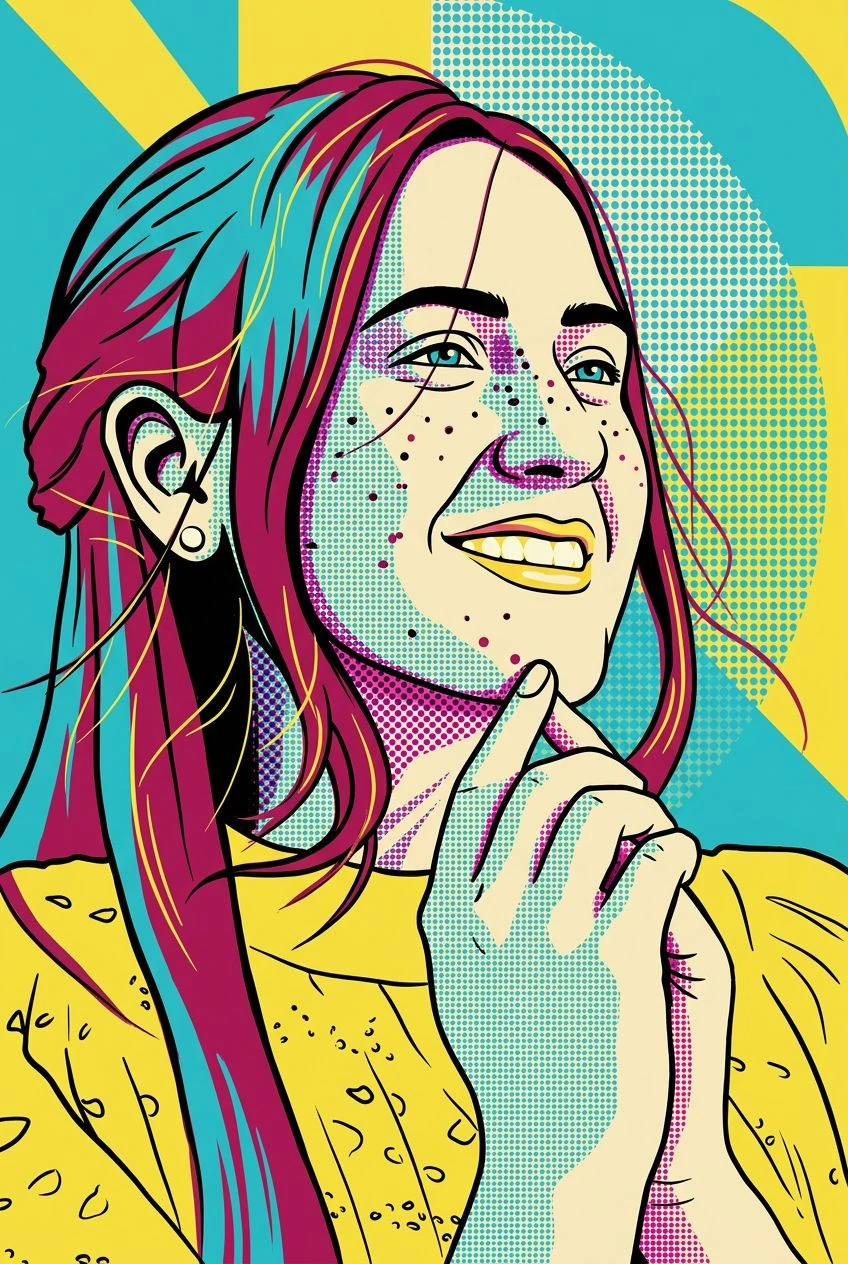
Pop Art Portrait
Restyle a face into bold graphic pop-art color blocks.
 Before
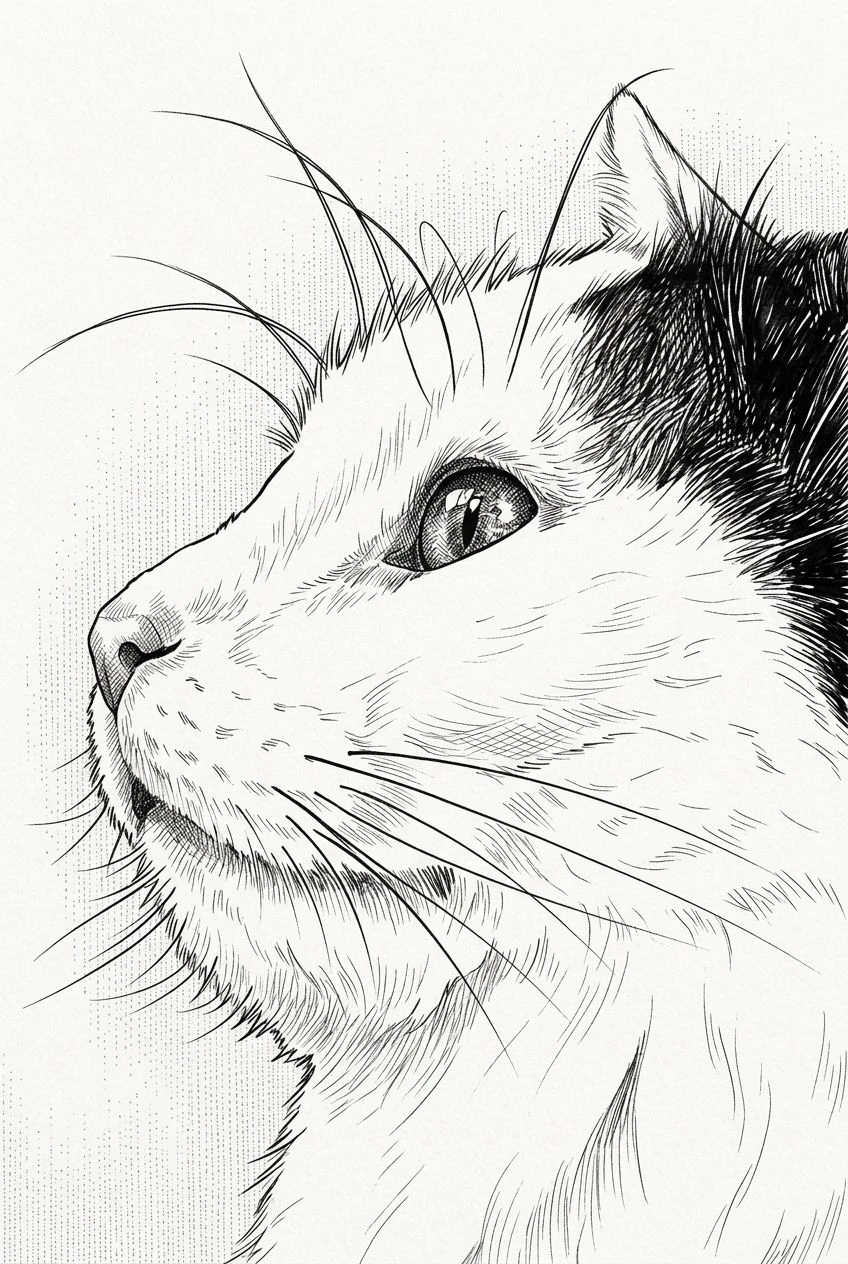
Ink Illustration
Turn a subject into clean ink illustration artwork.

 Before
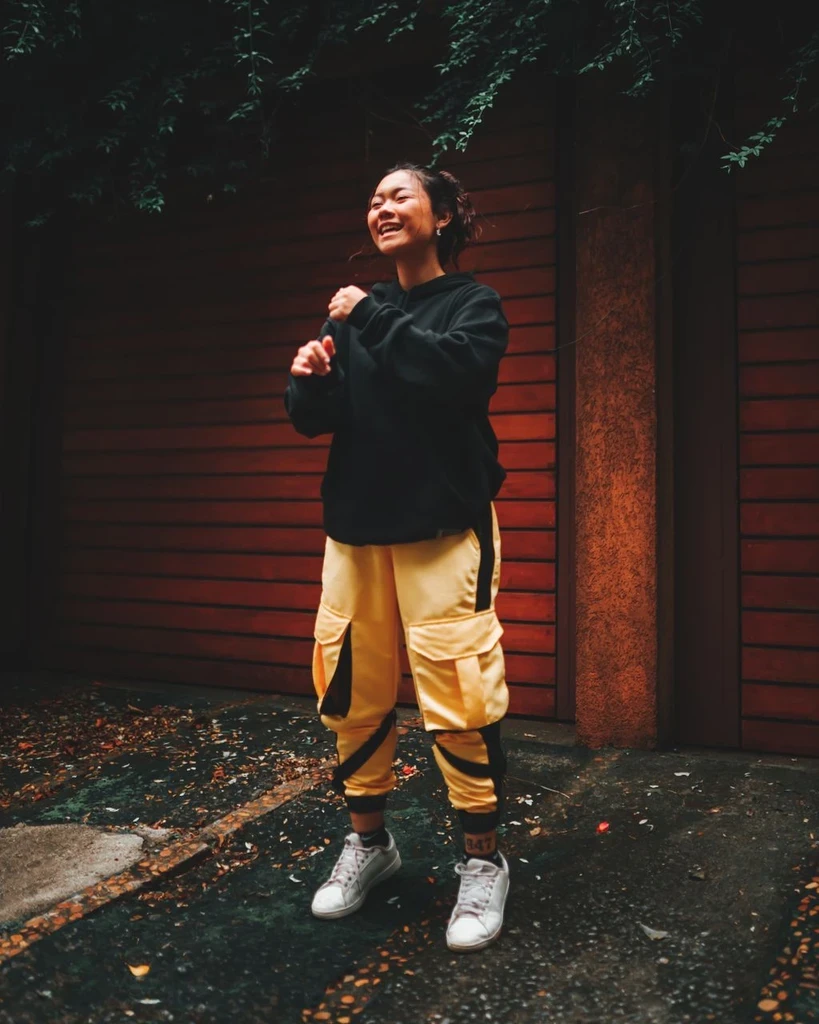
Anime Portrait
Restyle a photo as polished anime key art while keeping likeness cues.
 Before
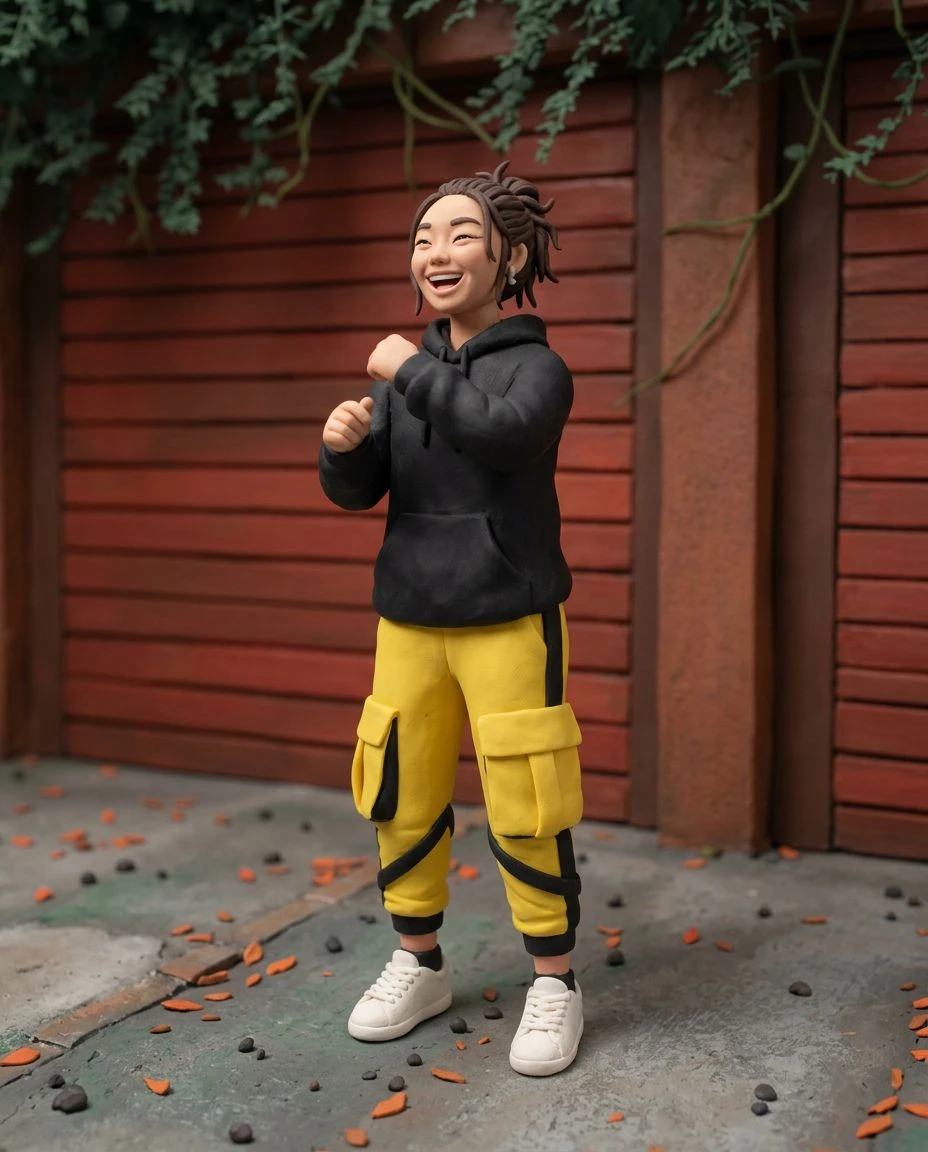
Clay Character
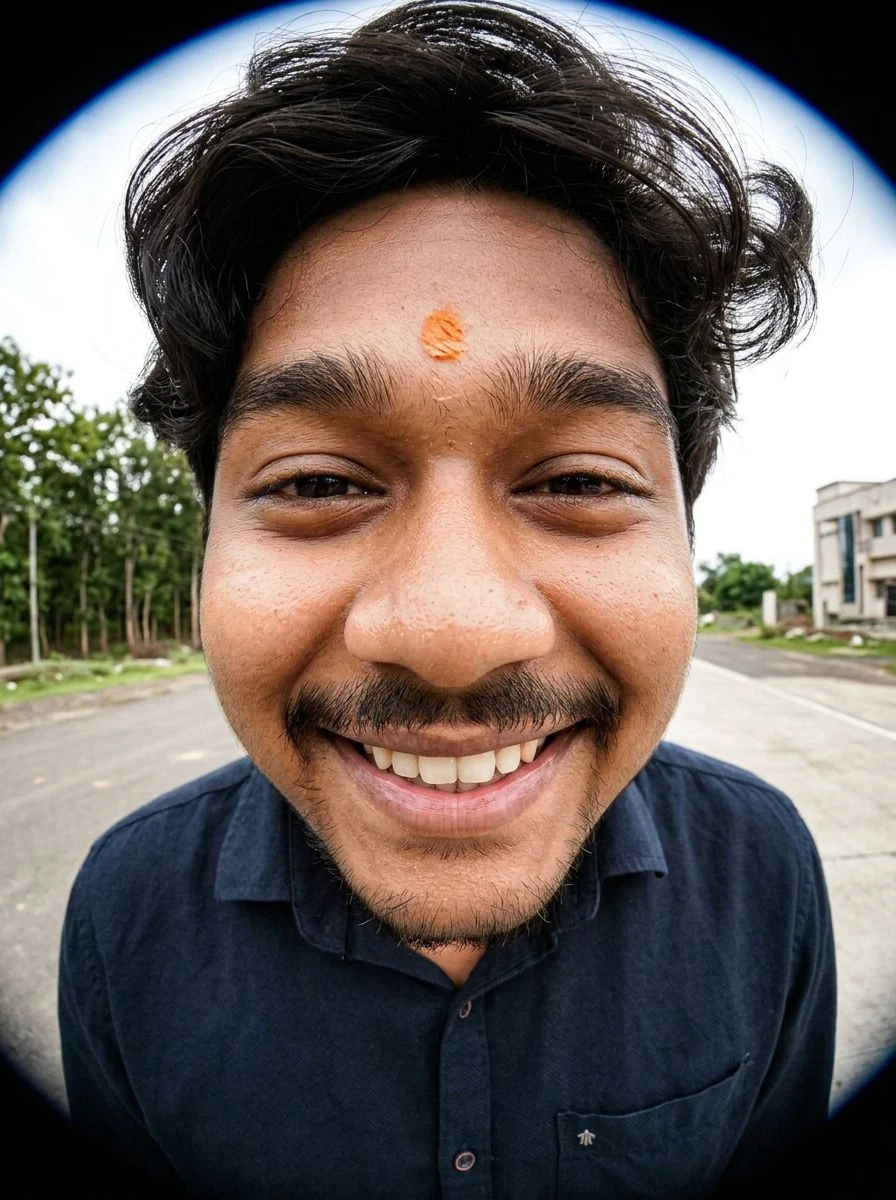
Rebuild a subject as a handcrafted stop-motion clay character.
 Before
Fisheye Portrait
Restyle a portrait with playful fisheye lens distortion.


Outfit Restyle
Change clothing in a photo while using the person, pose, and background as references.

 Before
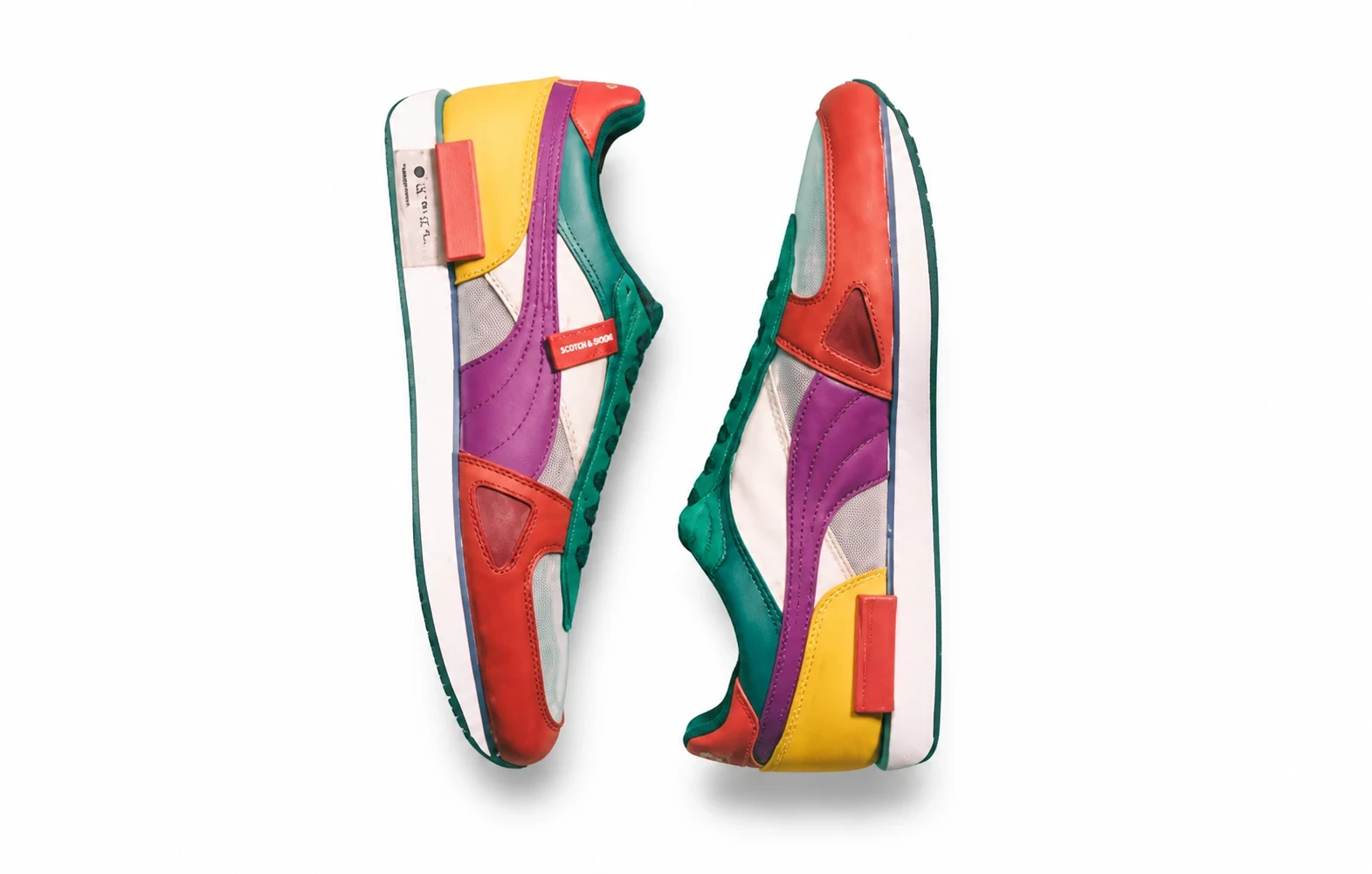
Product Poster
Build an art-directed advertising image around a product reference.
 Before
Product Packshot
Turn a casual product photo into a clean commercial packshot.

 Before
Room Redesign
Explore new furnishings, textiles, and decor in your room photo while keeping its architecture as the reference.
Video
13
AI Kiss
Turn one photo of two people into a short kiss video.

AI Hug
Turn one photo of two people into a short hug video.
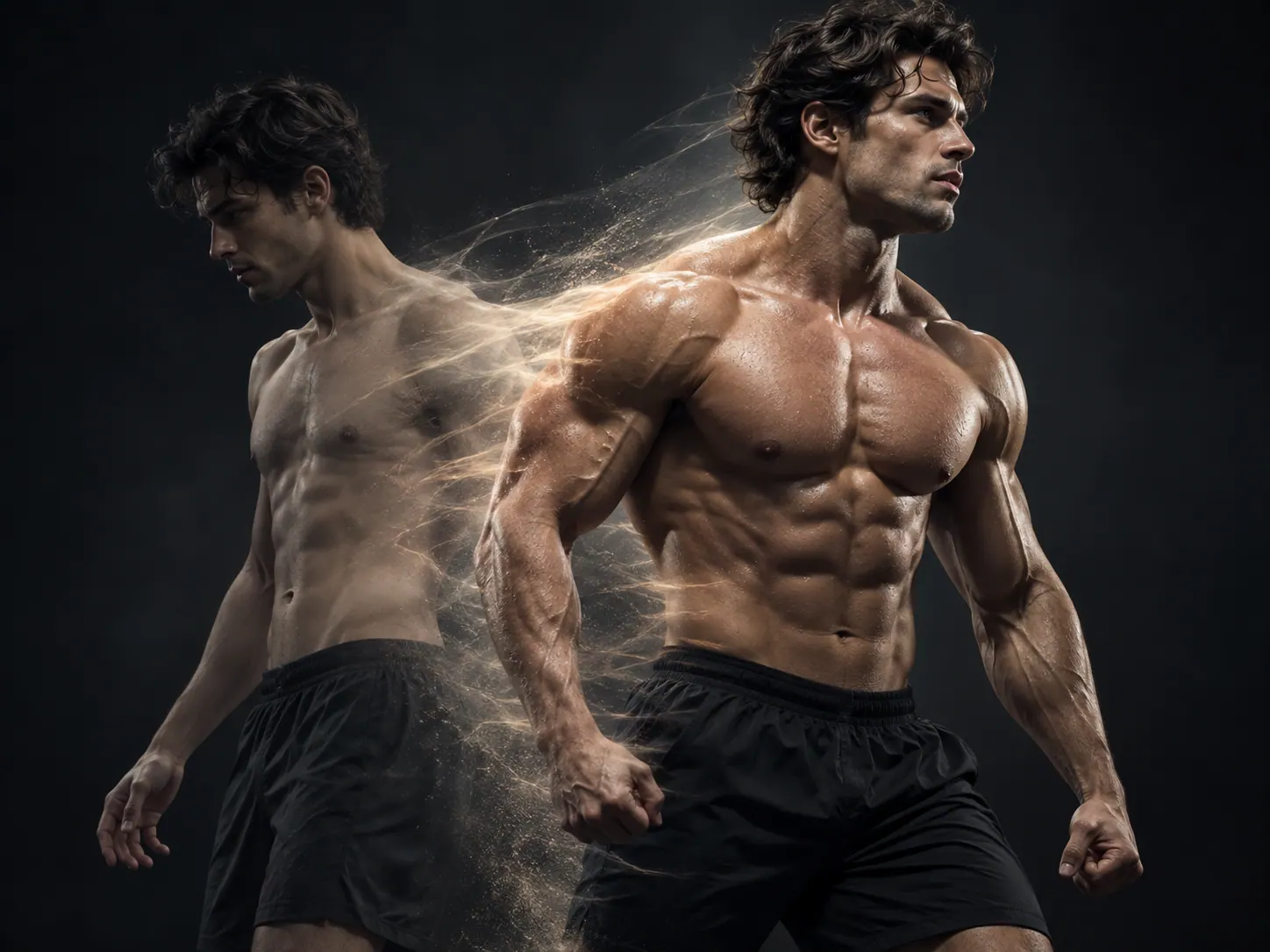
Muscle Surge
Show a person's physique growing in a stylized action beat.
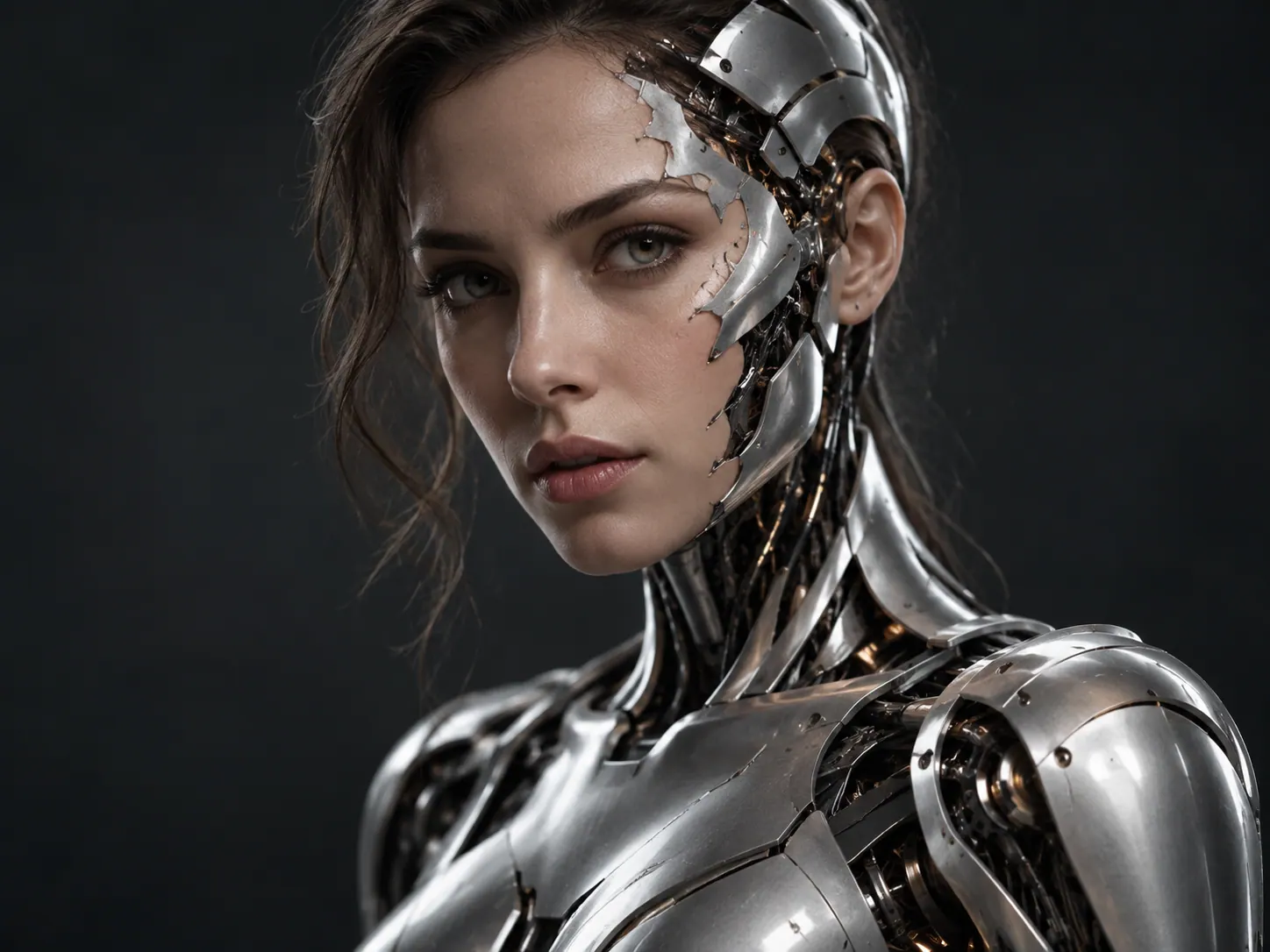
Robot Transformation
Watch mechanical details build over the subject.
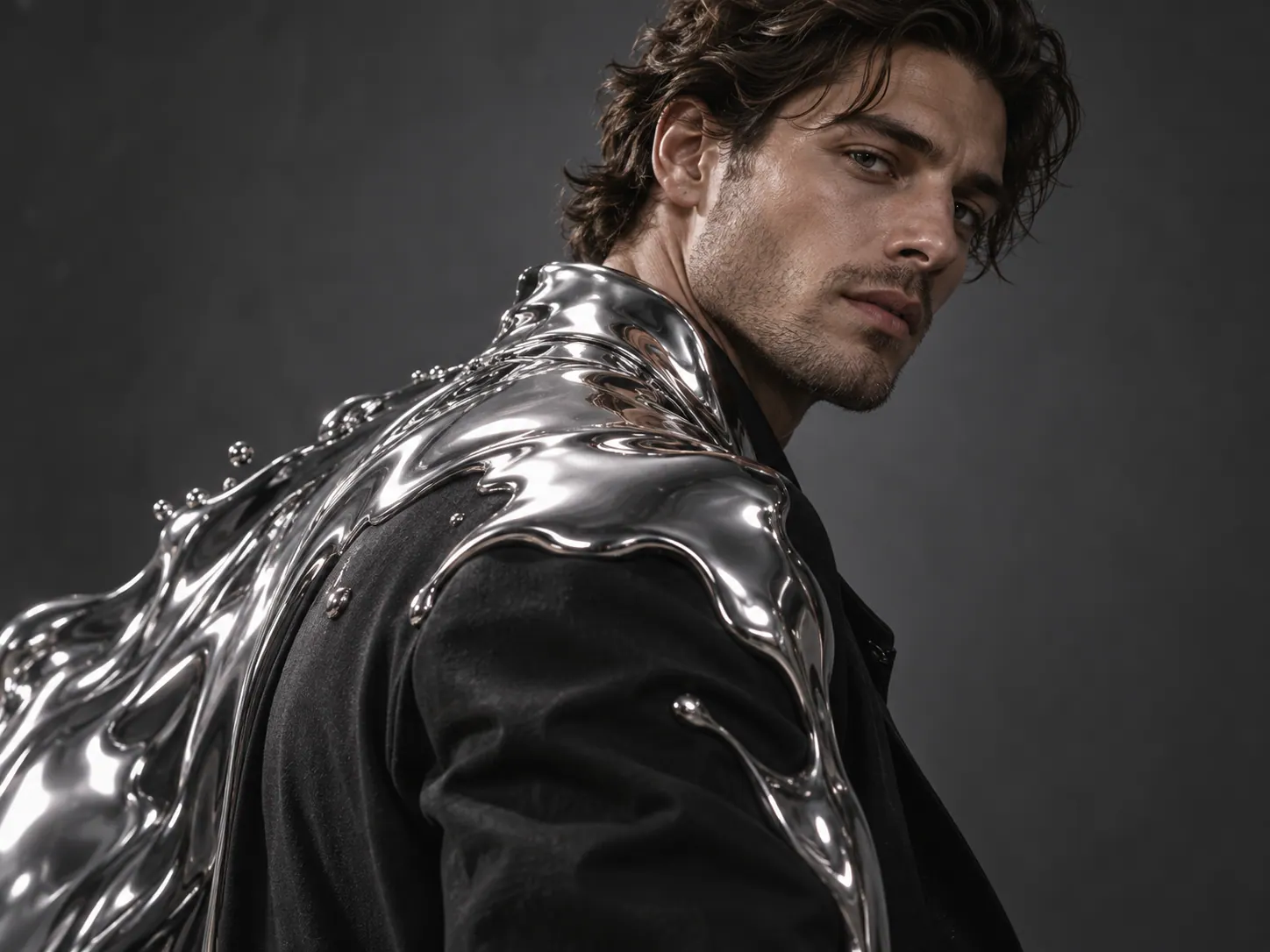
Liquid Metal
Cover the subject with flowing, mirror-like metal.
Earth Zoom
Create a cinematic zoom transition between a view of Earth and your scene.
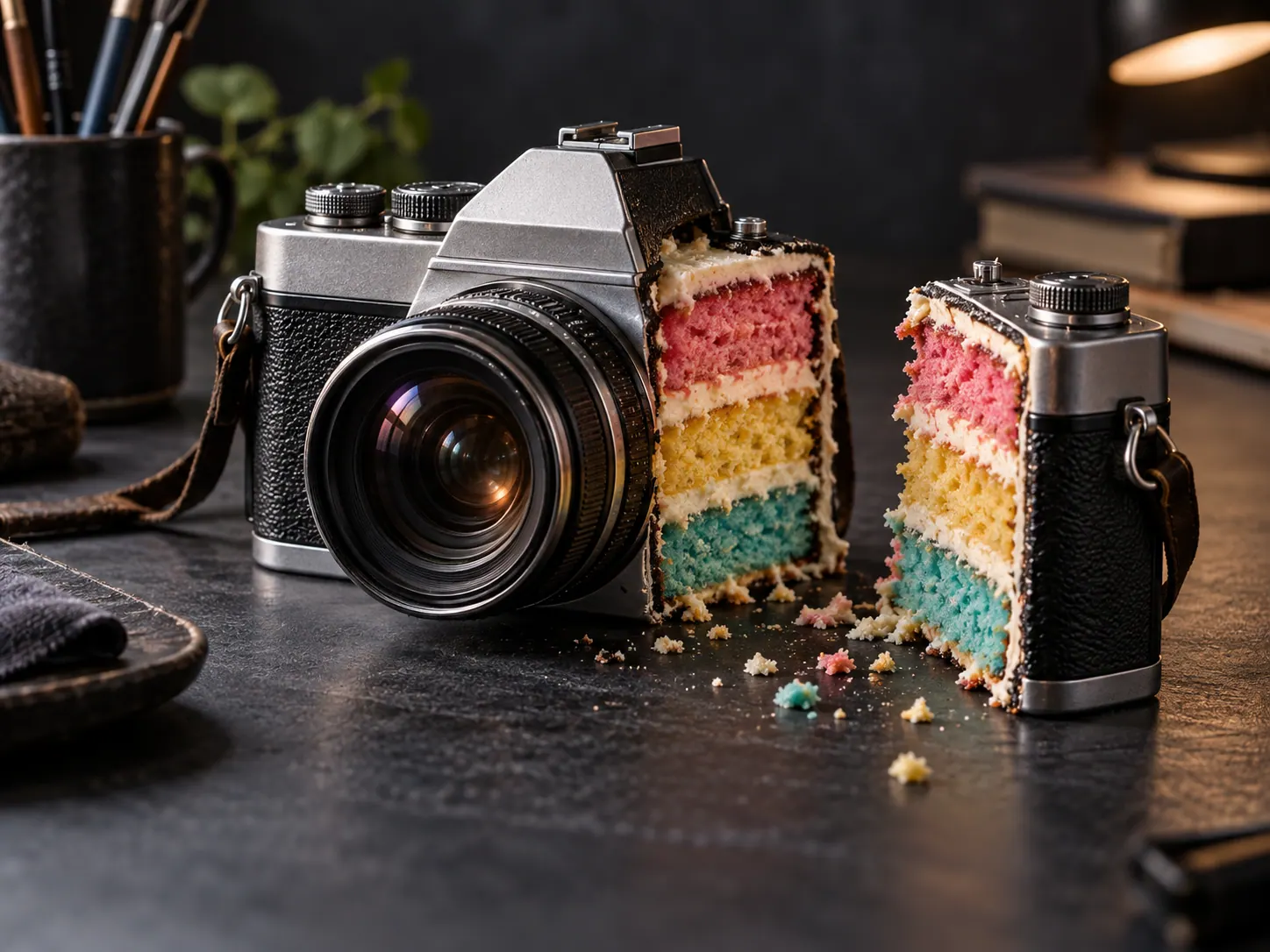
Cakeify
Give a familiar object a surprising cake-like transformation.
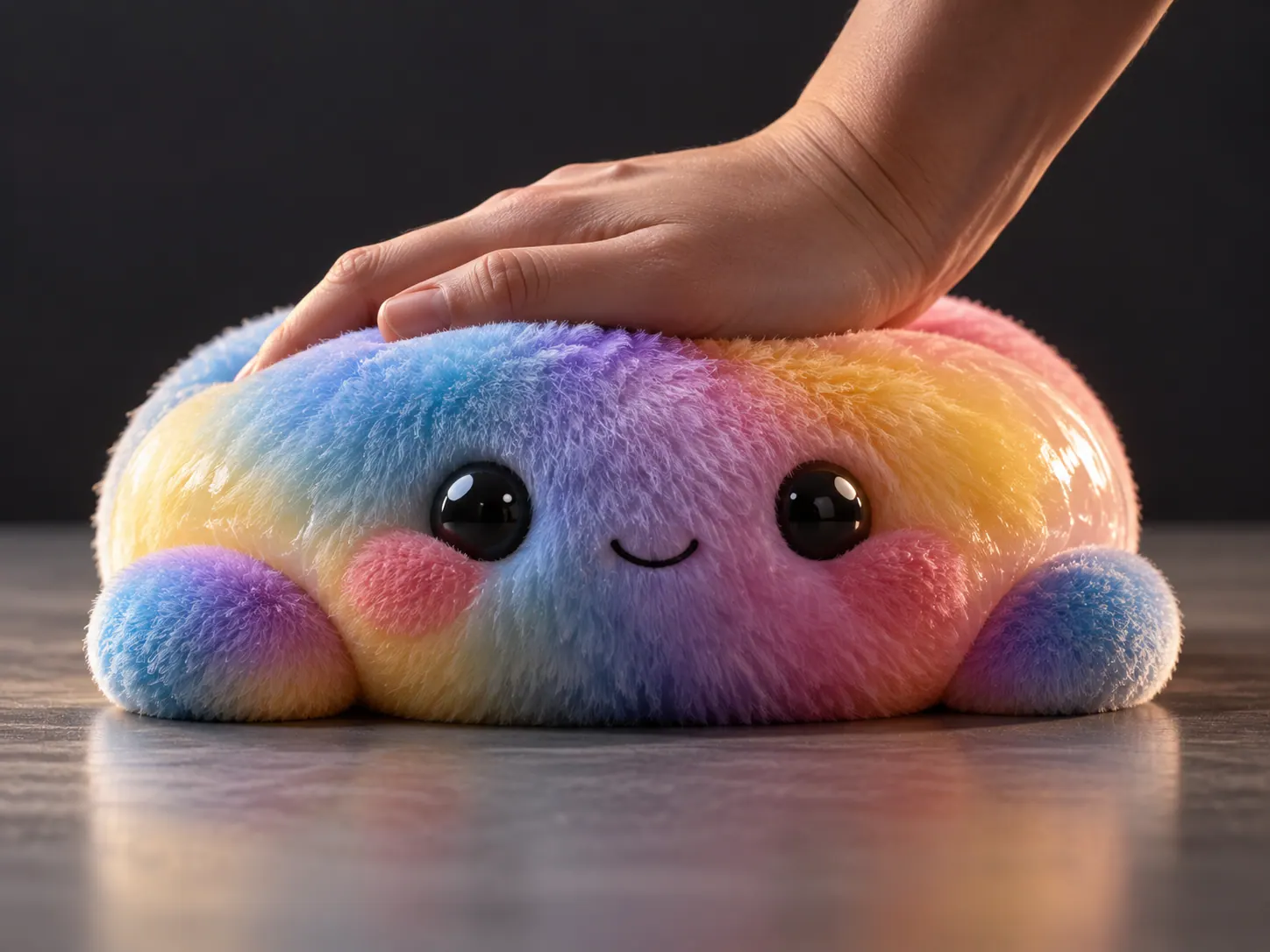
Squish
Give the subject a soft squeeze and rebound.
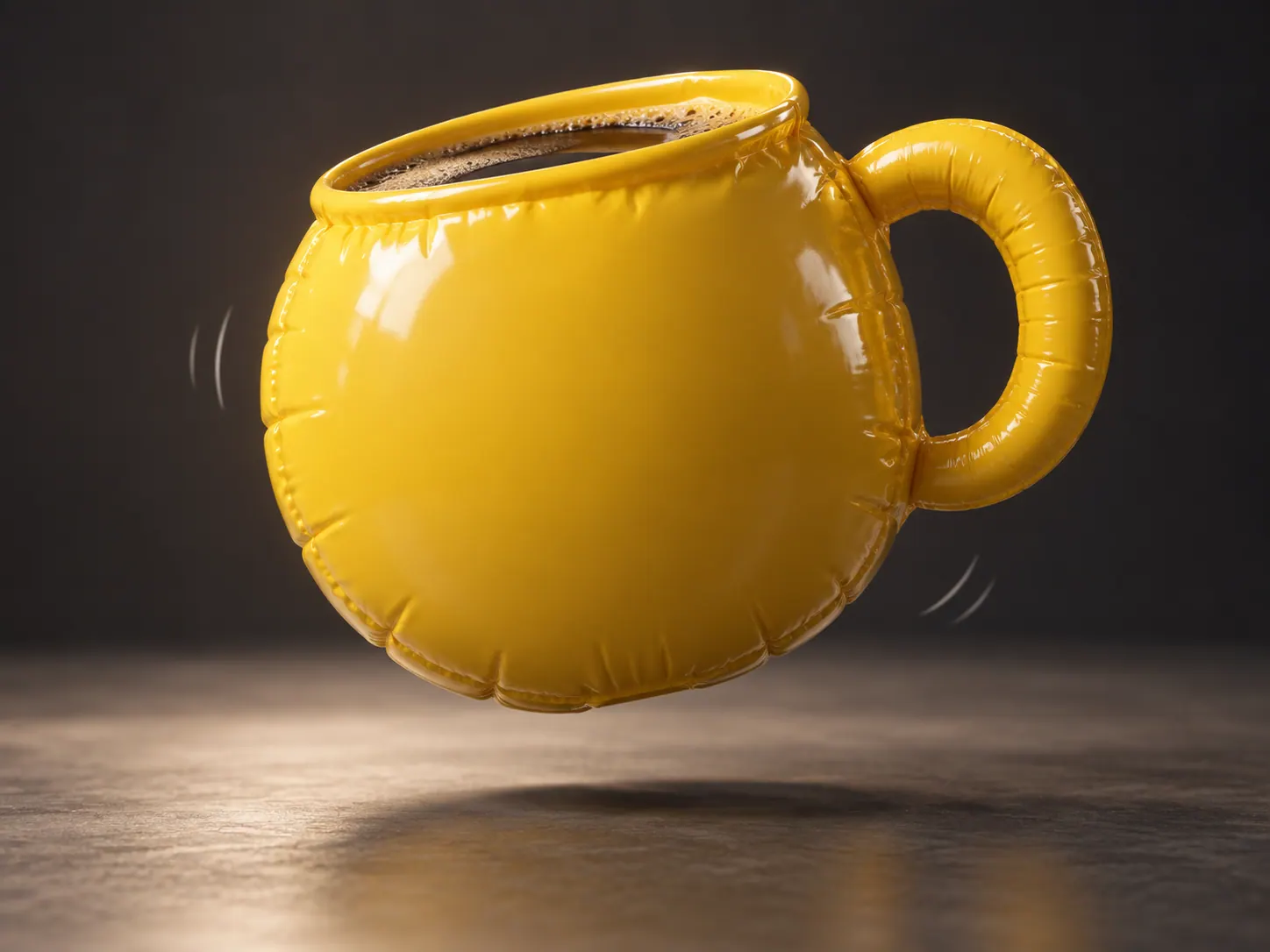
Inflate
Inflate the subject into a rounded balloon-like form.
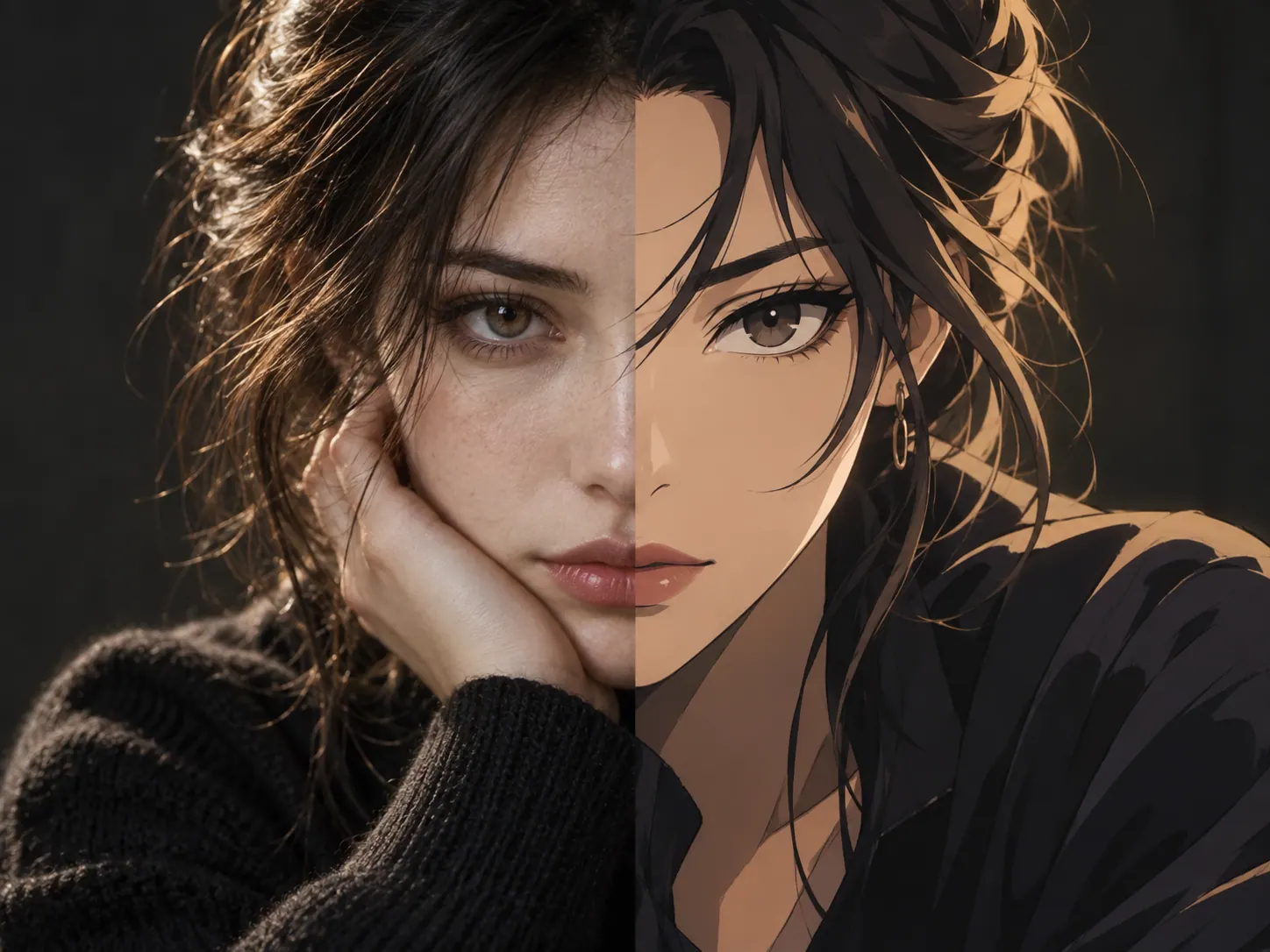
Anime Transformation
Turn a portrait photo toward an anime-inspired look in a short video.
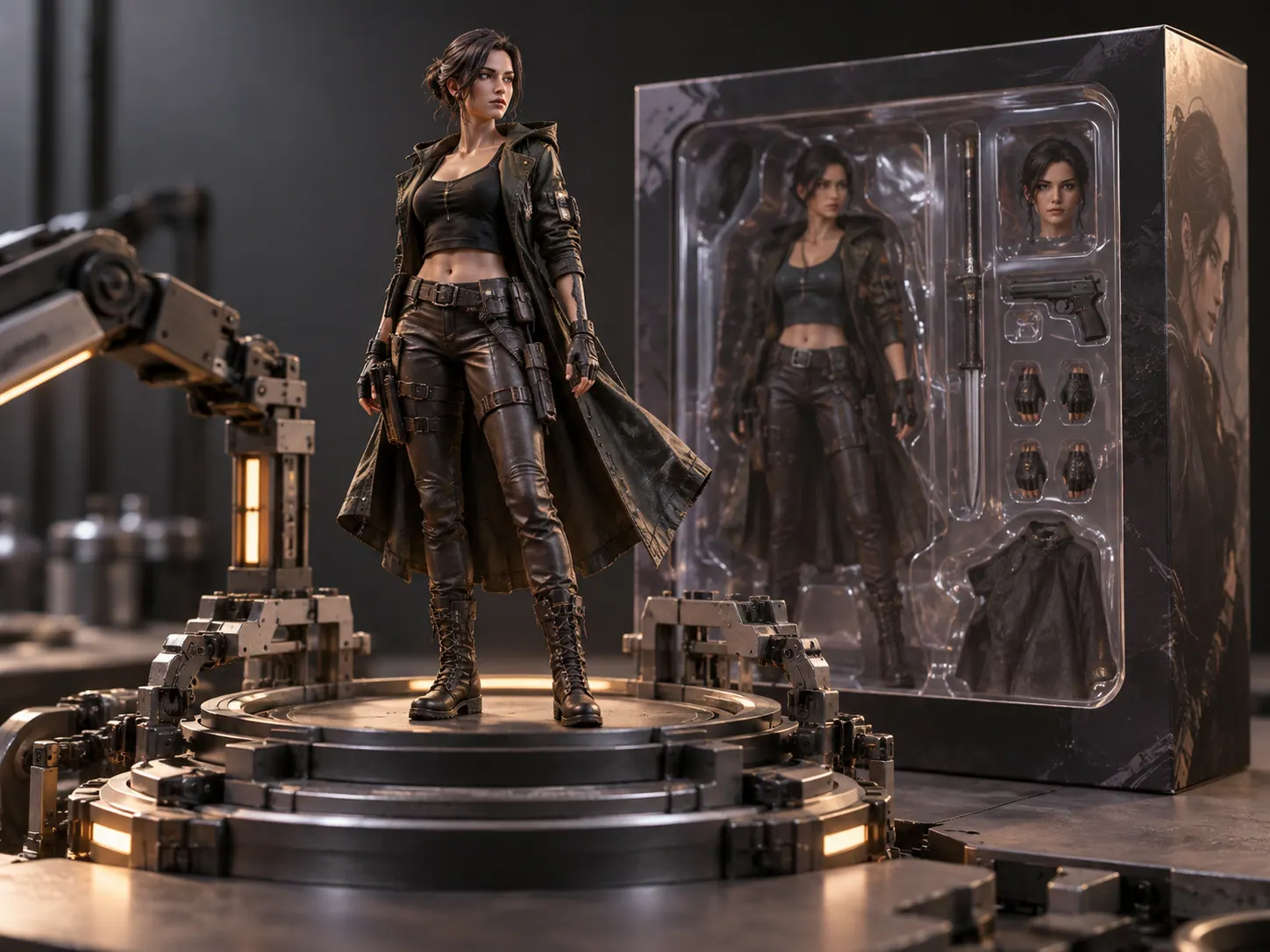
3D Figurine
Turn the subject into a miniature collectible figure.
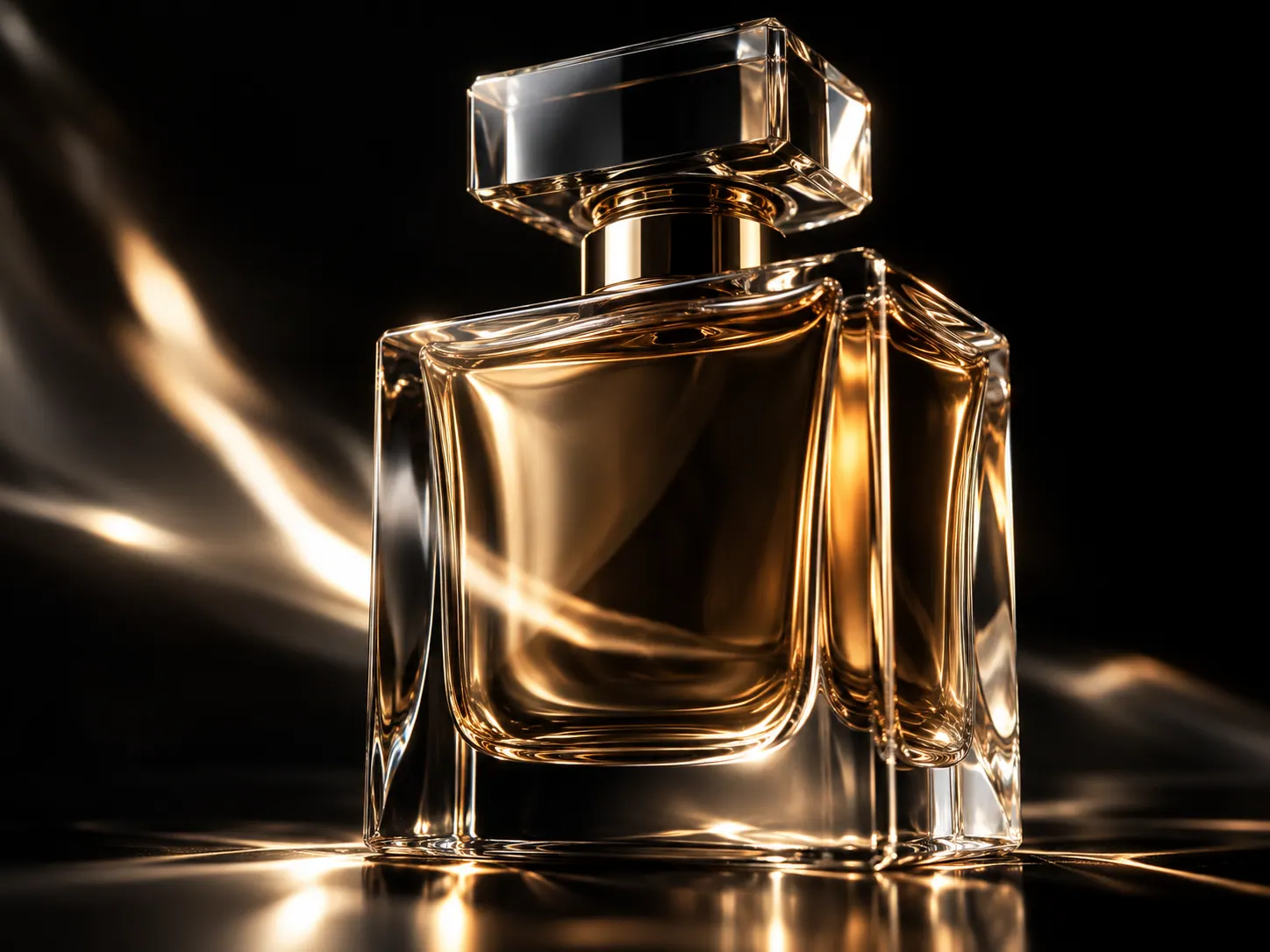
Product Close-up
Move in close to the shape and surface of a product.

Package Explosion
Create a stylized video reveal from a packaged product photo.
Create with an AI effect
Start from a visual outcome instead of configuring a model.
1
Pick a template
Browse ready-made photo and video effects and open the one that matches your idea.
2
Upload a reference
Give the effect a concrete visual anchor so the result stays on brief.
3
Generate and download
Review the result, then download it.
AI Effects FAQs
Choose an effect and generate
Choose a photo or video effect, upload a reference image, and generate a result.