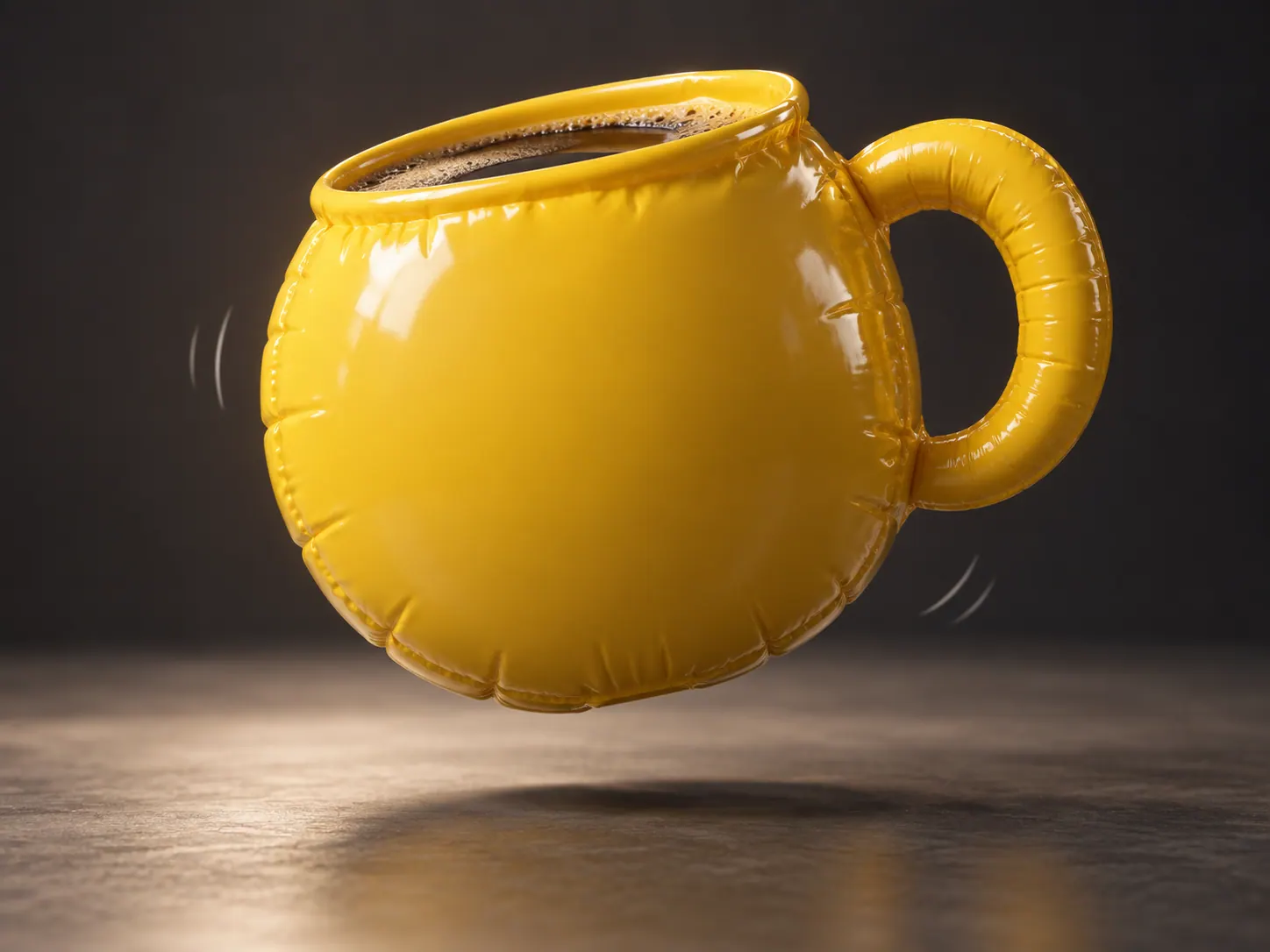
Soft deformation
The preset compresses the subject into a squishy interpretation.
Give a subject a soft, elastic squeeze-and-rebound motion.
Explore a playful mascot reaction or a tactile-looking product joke.
Use one subject with visible edges and space around it.
Adjust effect strength and choose an aspect ratio for the clip.
Watch whether the shape stays readable through compression and recovery.
The subject compresses and rebounds while remaining recognizable.
The preset compresses the subject into a squishy interpretation.
Simple shapes make the squeeze easier to follow.
Try a mascot or familiar object as a short visual reaction.
Continue with another ready-made creative effect.
Upload a photo to see the subject compress and rebound in a short clip.