
Automatic text cleanup
Remove visible words and captions without painting a mask around every character.
Remove captions, signs, and visible text while rebuilding the background.
Drag the divider to compare real tool results across different scenes.
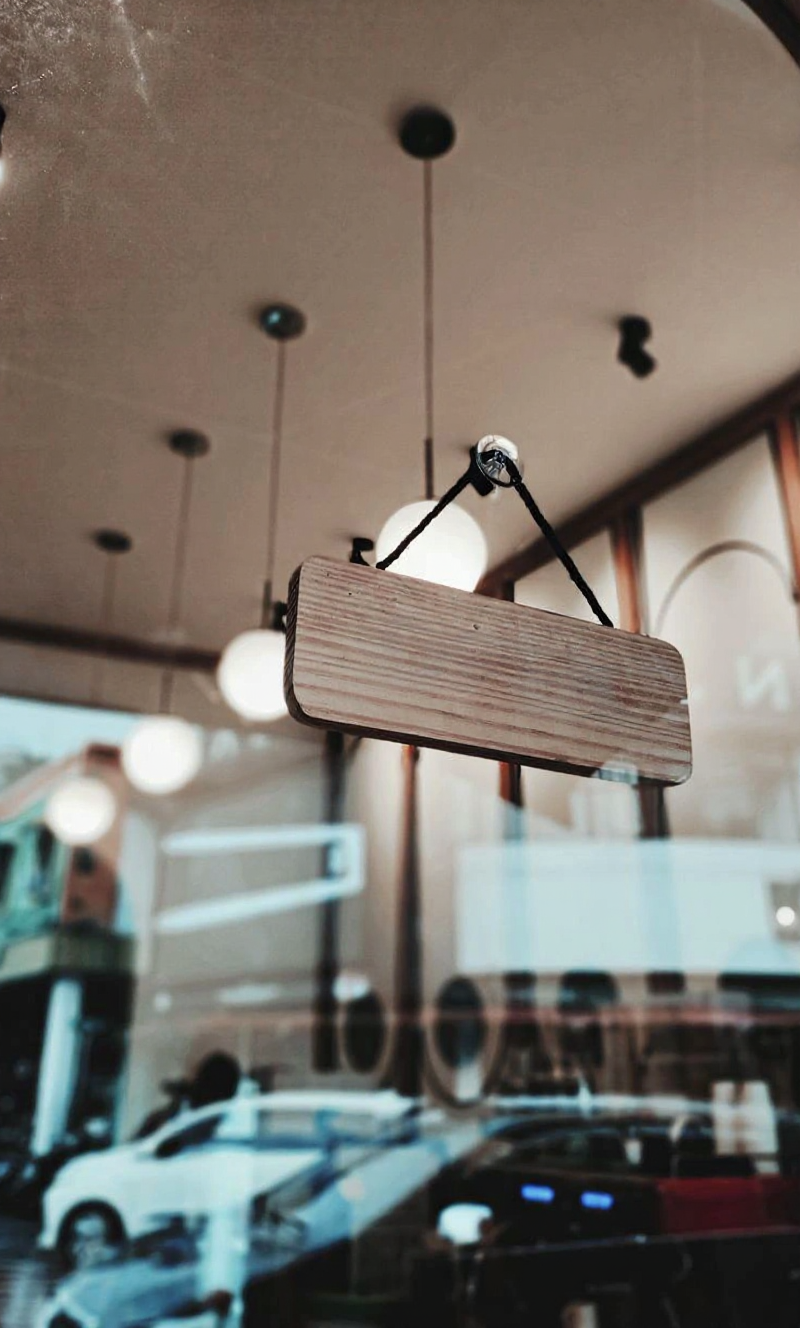





Upload an image with unwanted words, run automatic text removal, then download the rebuilt background.
Upload a JPG, PNG, or WebP image where the text and surrounding background are clearly visible.
Review the source preview, then start removal. The tool handles text detection and background reconstruction.
Check that captions and signs are gone, then download the reconstructed image.
Clean up product photos, social graphics, screenshots, and signs without manually cloning the background.
Remove visible words and captions without painting a mask around every character.
AI fills the removed area using nearby color, texture, lighting, and scene detail.
Review the rebuilt image and download the finished result for your next workflow.
Questions about captions, signs, screenshots, credits, and reconstruction quality.
After removing text, try object removal, background removal, or image upscaling.



Keep creating
Use a focused tool for a specific task, or keep generating when you need more models, modes, and templates.
Upload a photo or graphic above and download a version without captions or signs.