- Artwork width (%): 13.6%
- Angle (°): 20.0°
- Gloss
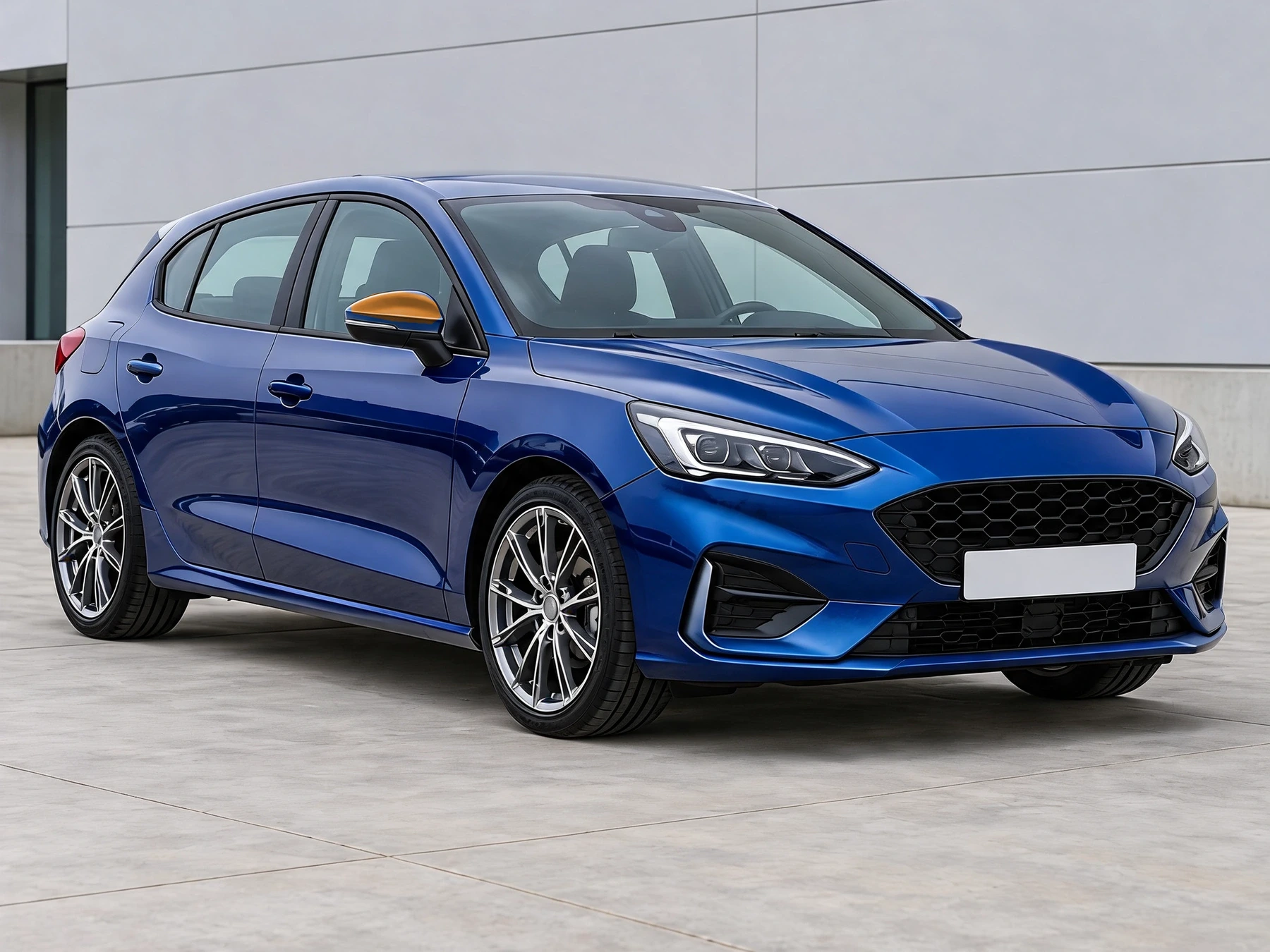
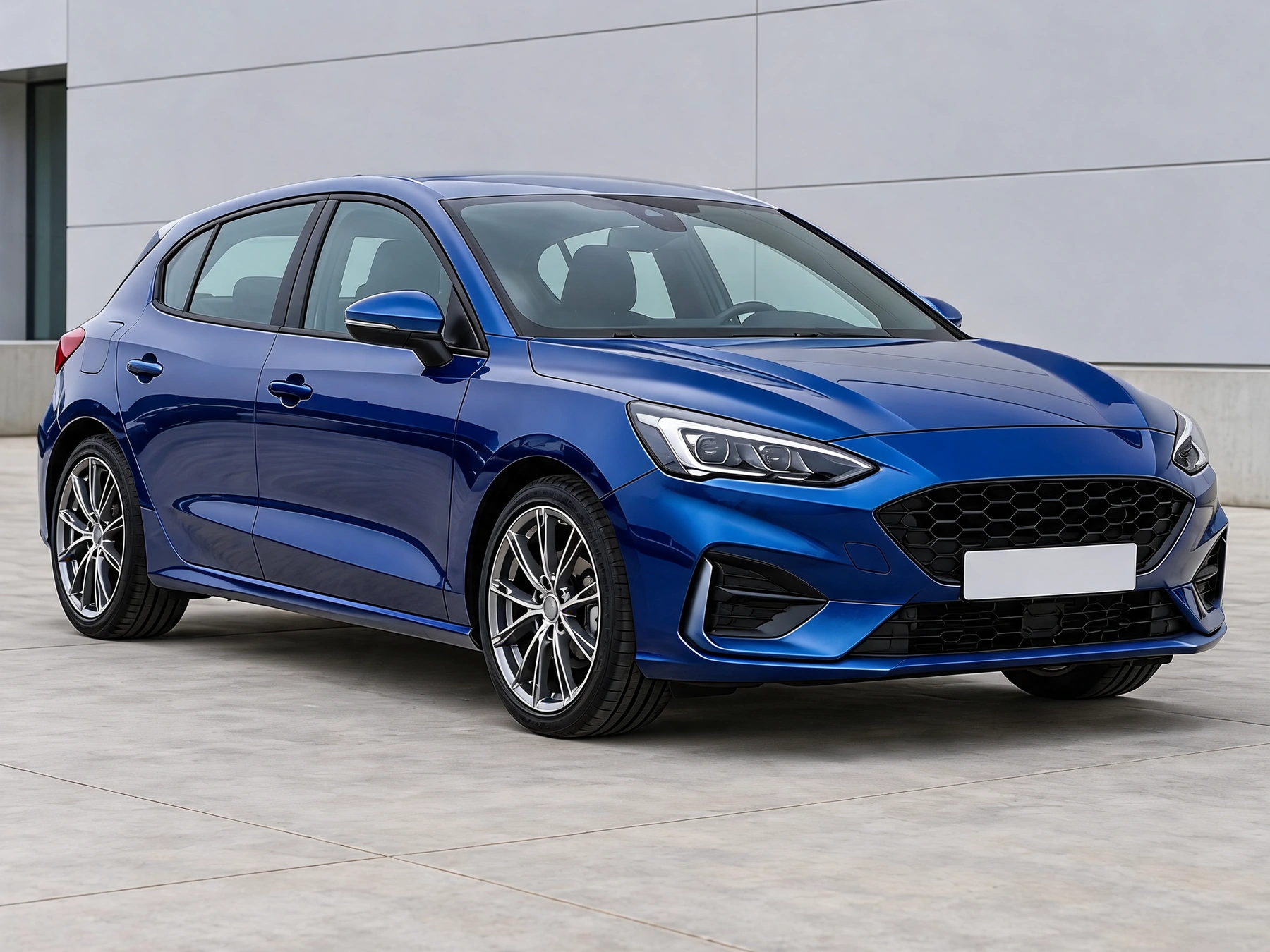
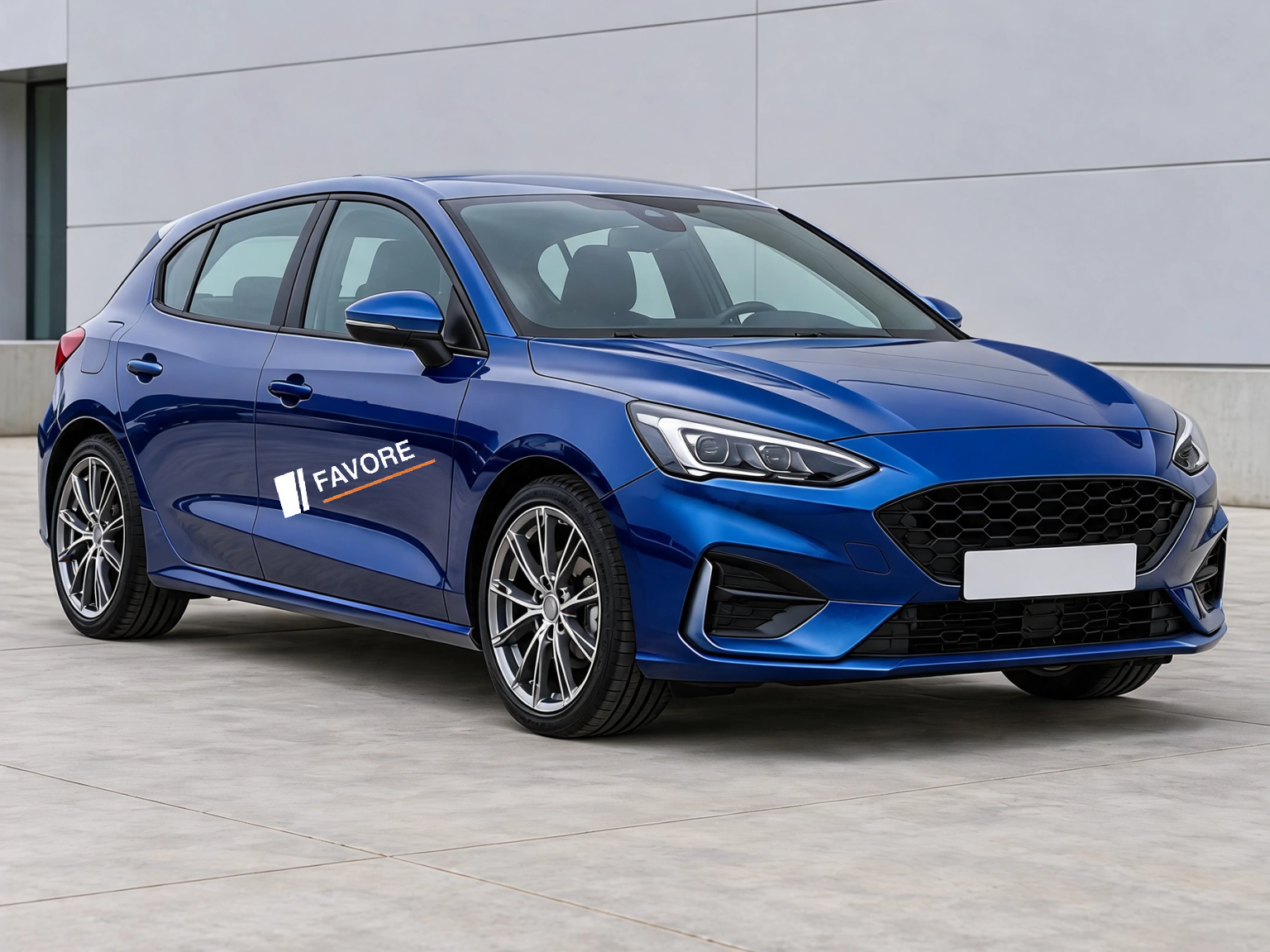
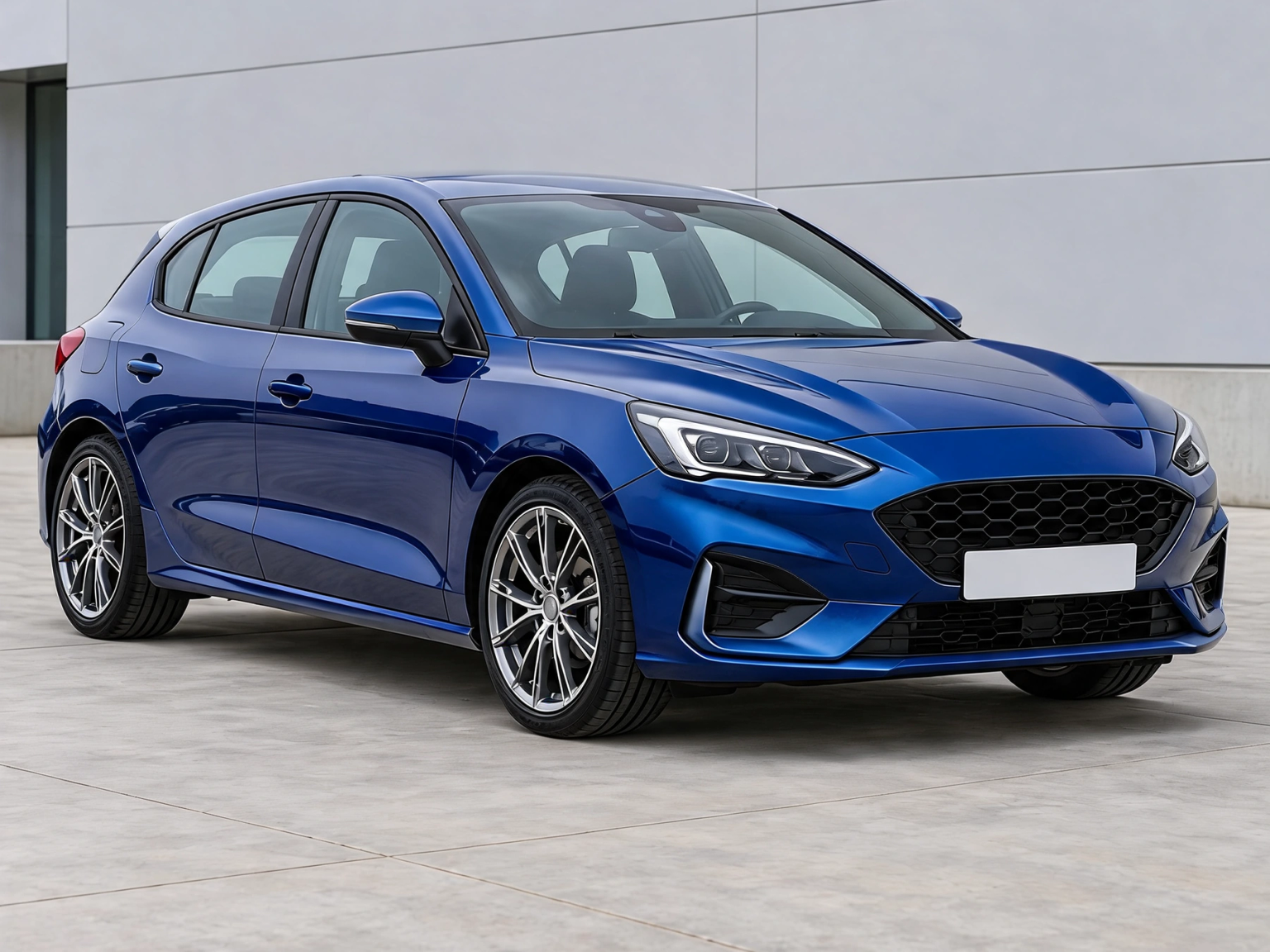
Place your artwork directly on the car photo, adjust its size, angle and perspective, then let AI blend the vinyl shading and reflections.
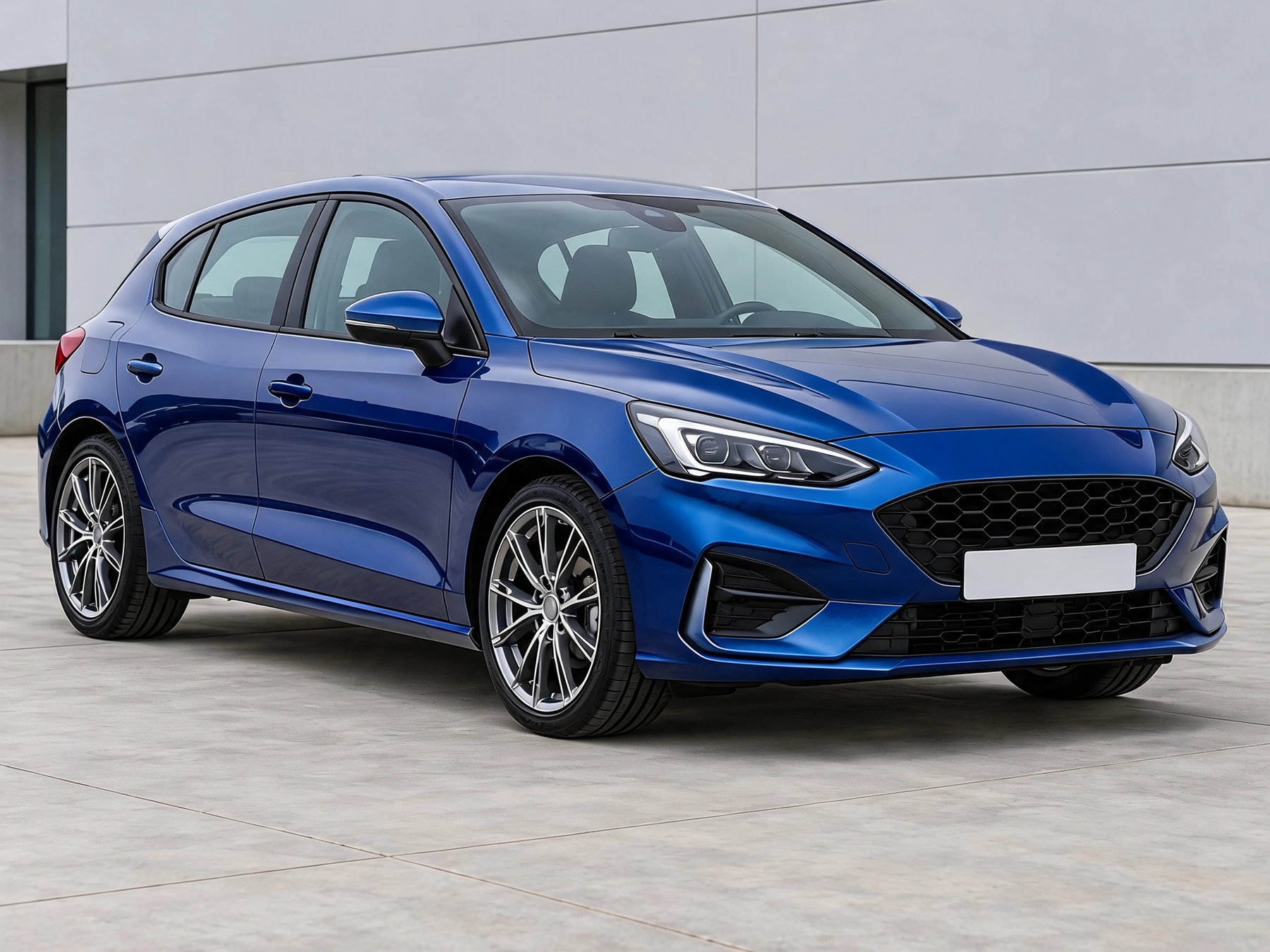
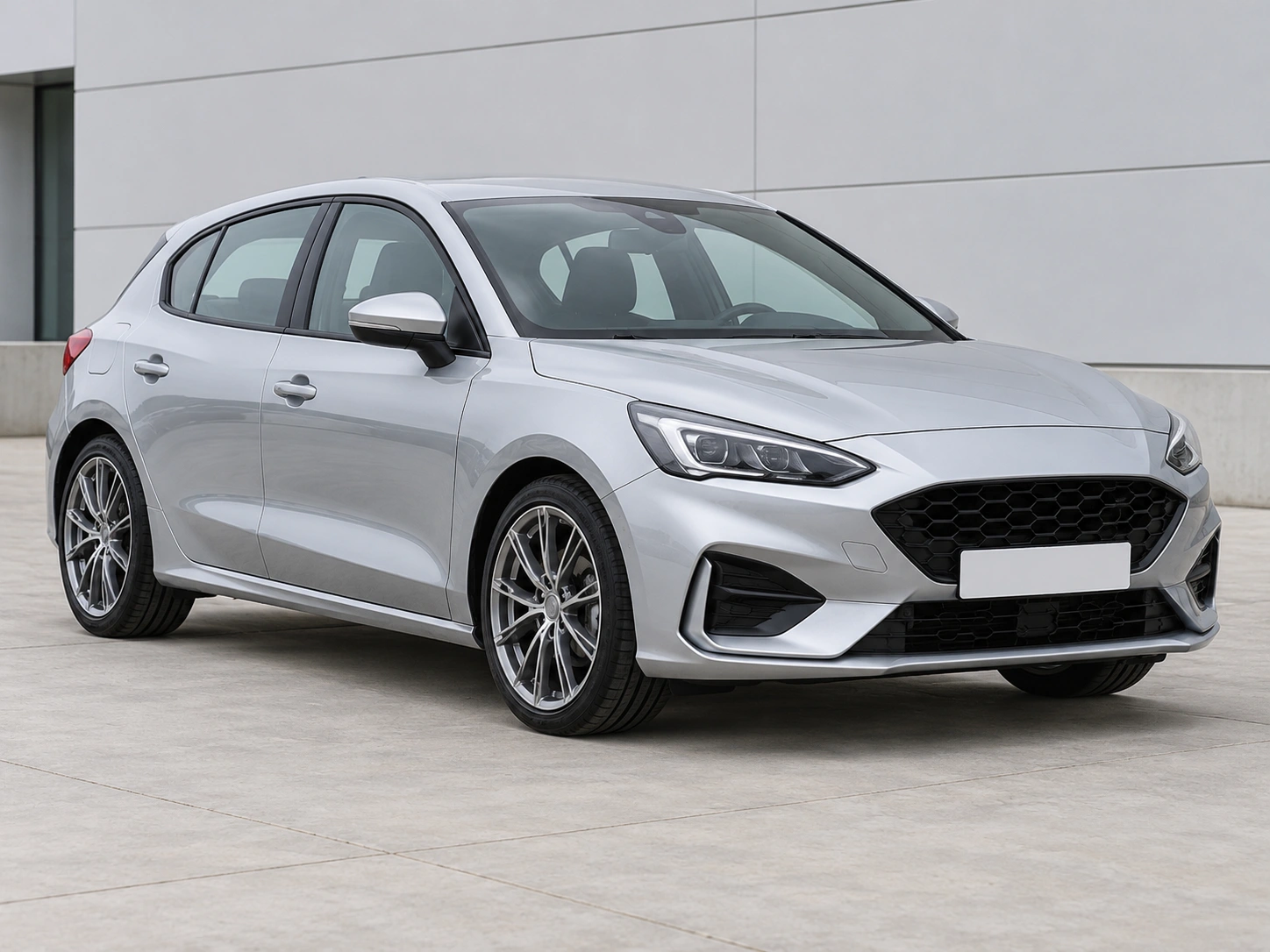
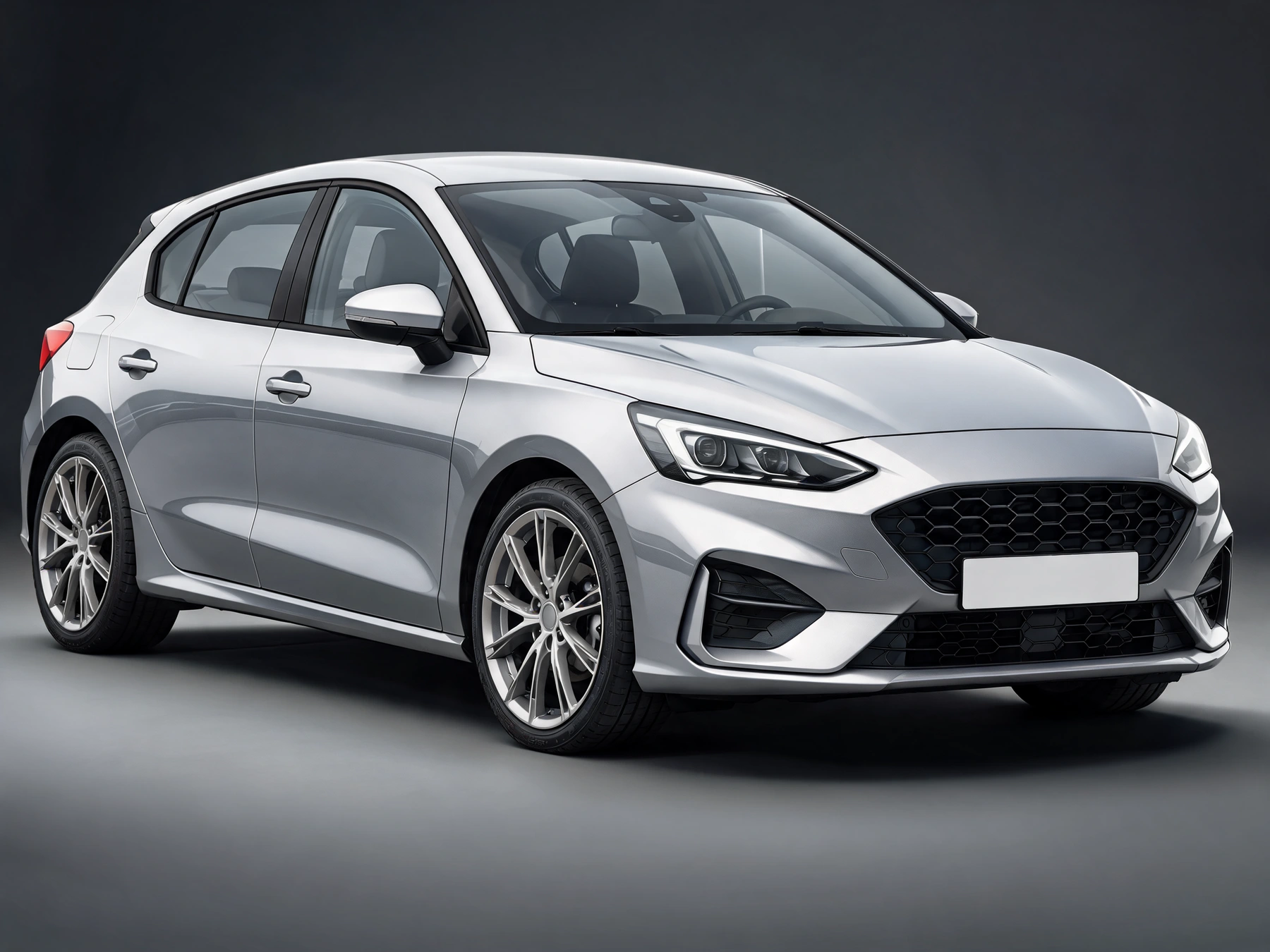
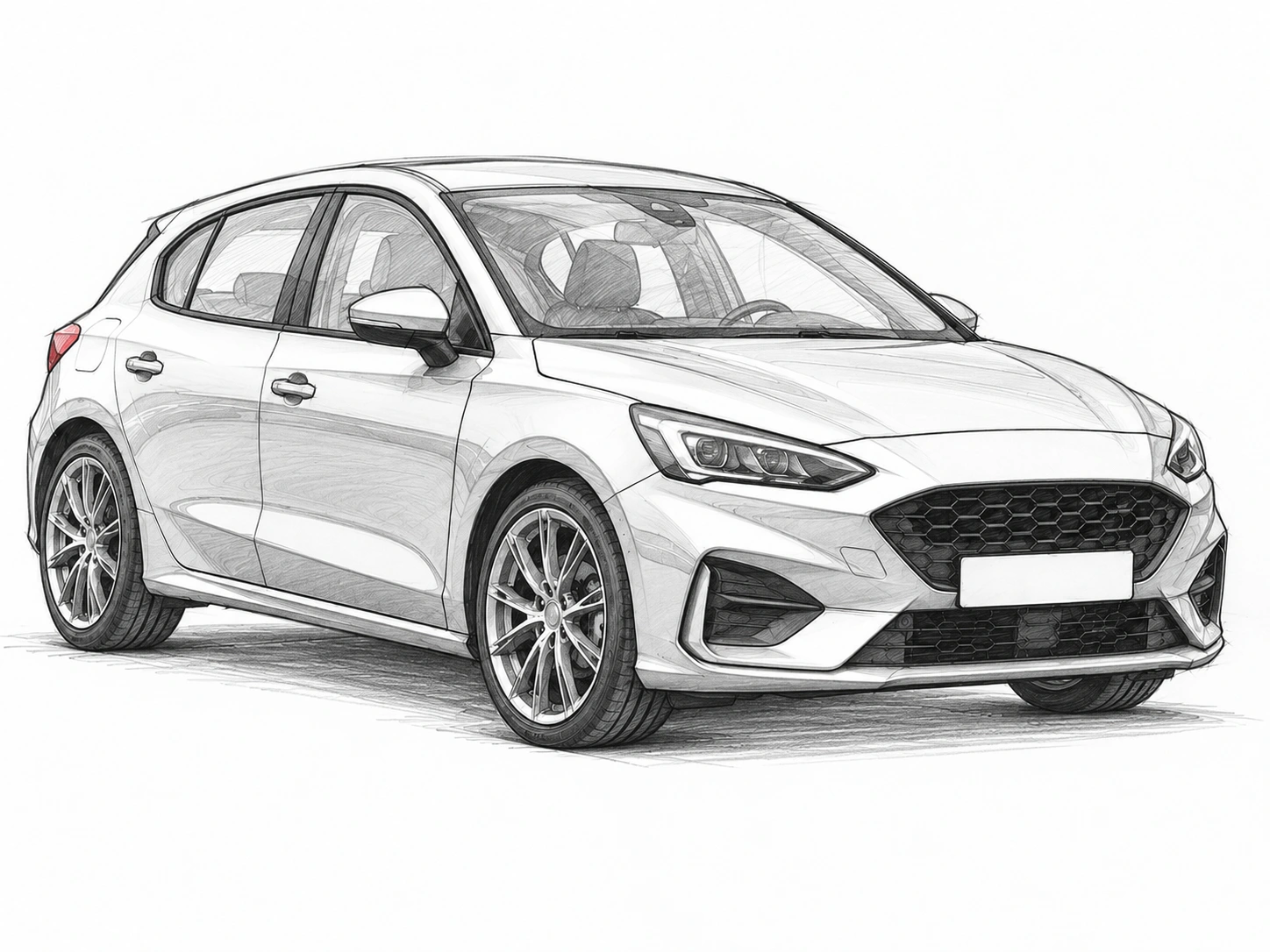
Drag the divider to compare real tool results across different scenes.
Show the target panel clearly in a well-lit car photo. Upload PNG, JPG or WebP artwork. Transparent PNG is recommended; this image supplies the artwork only.
Drag to move the artwork, use size and rotation controls, and drag the four corners to match the panel perspective. Generate only after checking the placement preview.
Pixels outside the verified artwork mask are retained from the original working photo. Check the artwork and lighting in the generated area before downloading.
Show the target panel clearly in a well-lit car photo. Upload PNG, JPG or WebP artwork. Transparent PNG is recommended; this image supplies the artwork only.
Drag to move the artwork, use size and rotation controls, and drag the four corners to match the panel perspective. Generate only after checking the placement preview.
Placement preview is free and is not an AI result. AI blending uses the displayed credit quote; changing layout requires another generation.
Get answers about source files, settings, and results for AI Car Decal Designer.
Start with your car photo and choose a focused tool: paint, wraps, wheels, body parts, exterior details or studio rendering.
Place your artwork directly on the car photo, adjust its size, angle and perspective, then let AI blend the vinyl shading and reflections.