- #8B5E3C
- Seat upholstery
- Leather
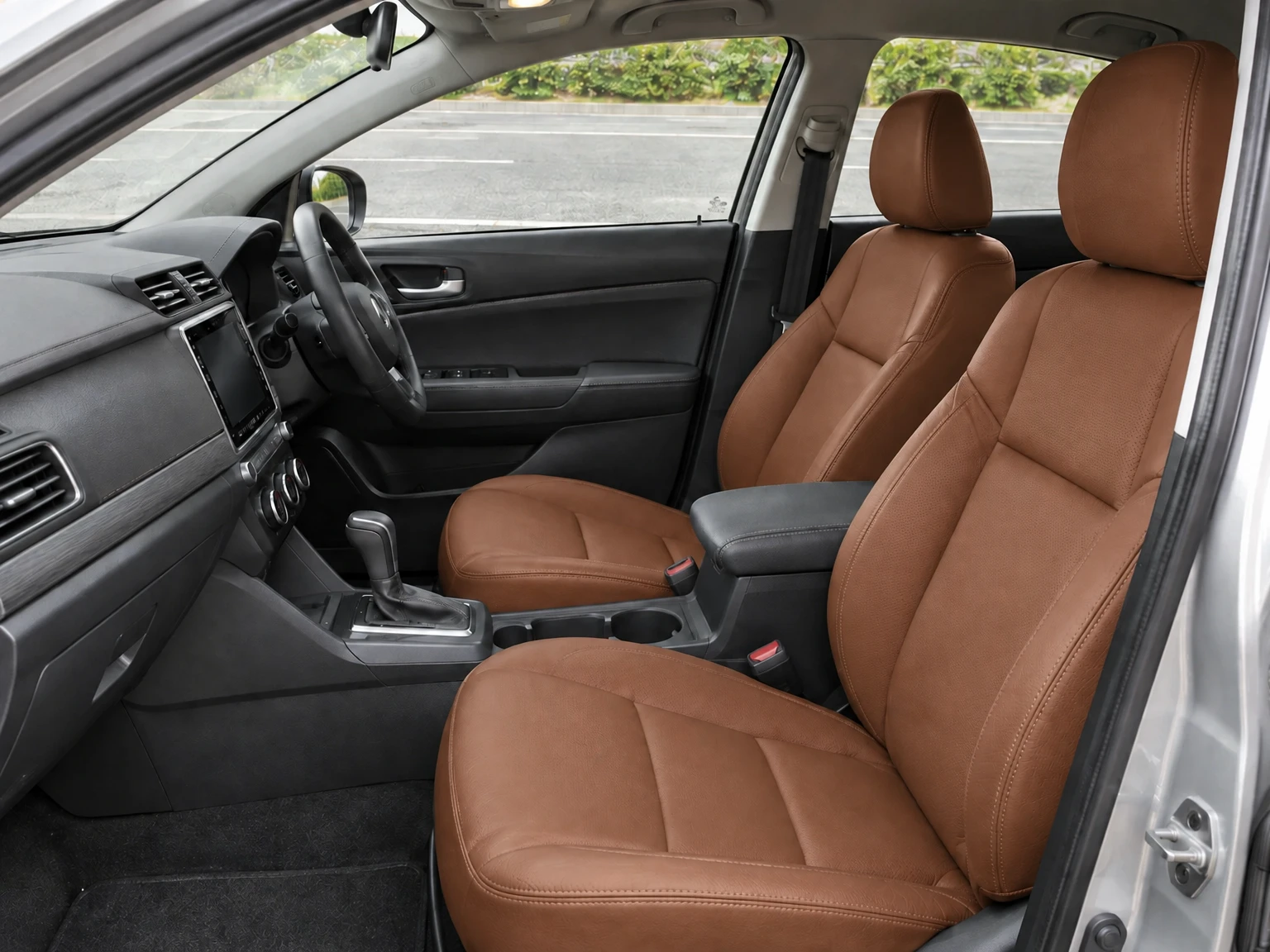
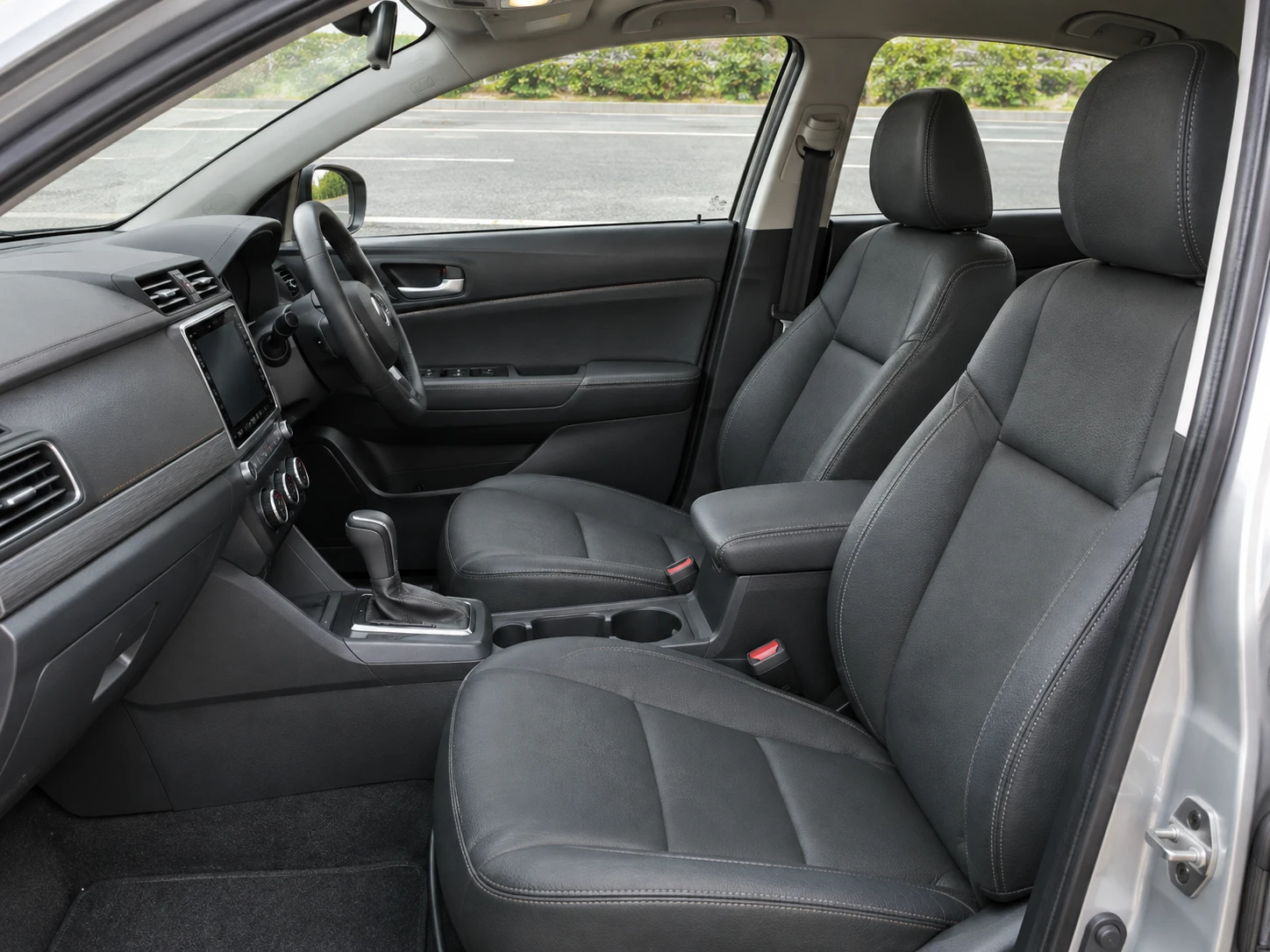
Preview new upholstery colors and cabin materials in your own car interior photo. Target seats, door inserts, decorative trim or existing stitching.
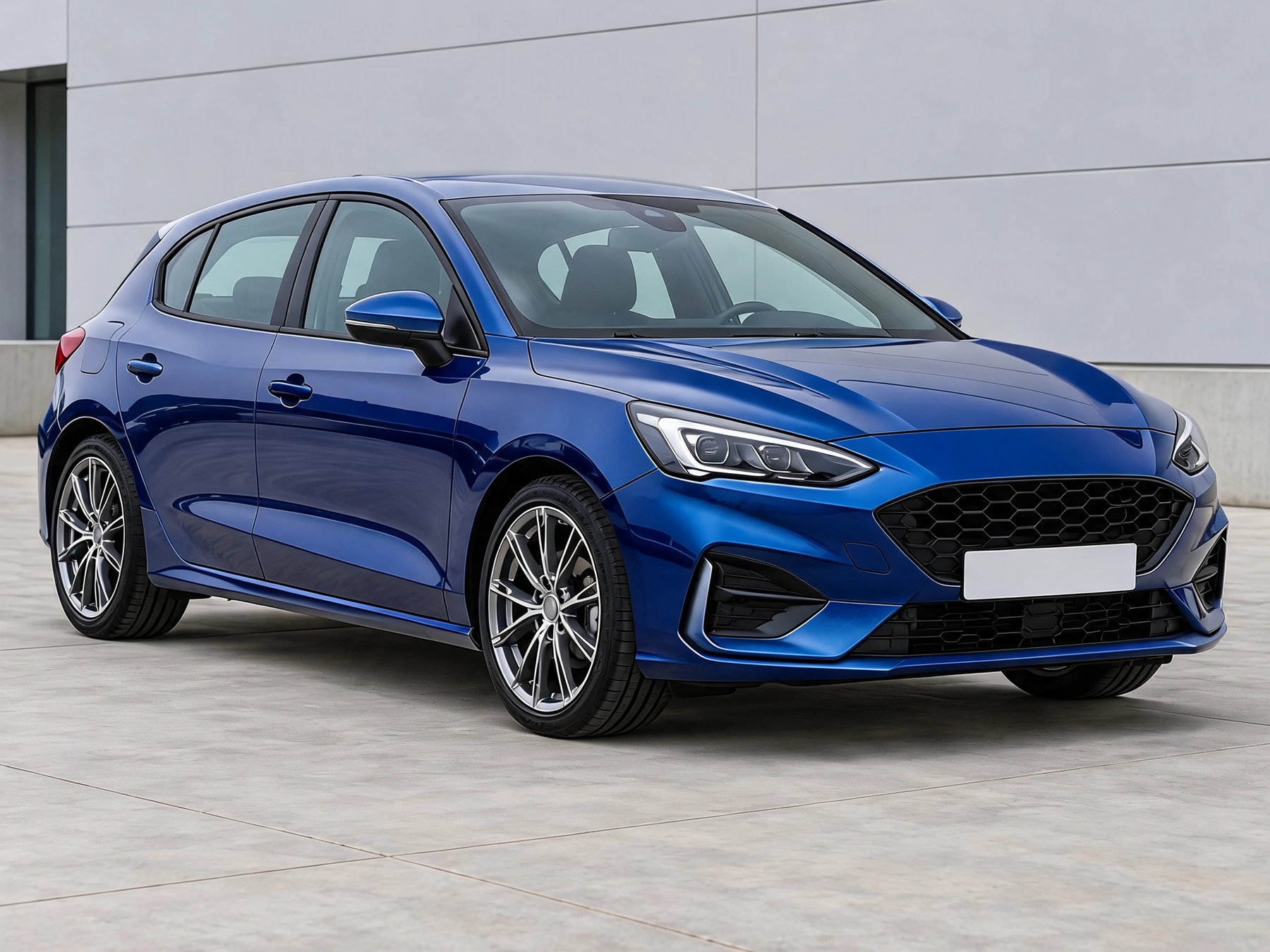
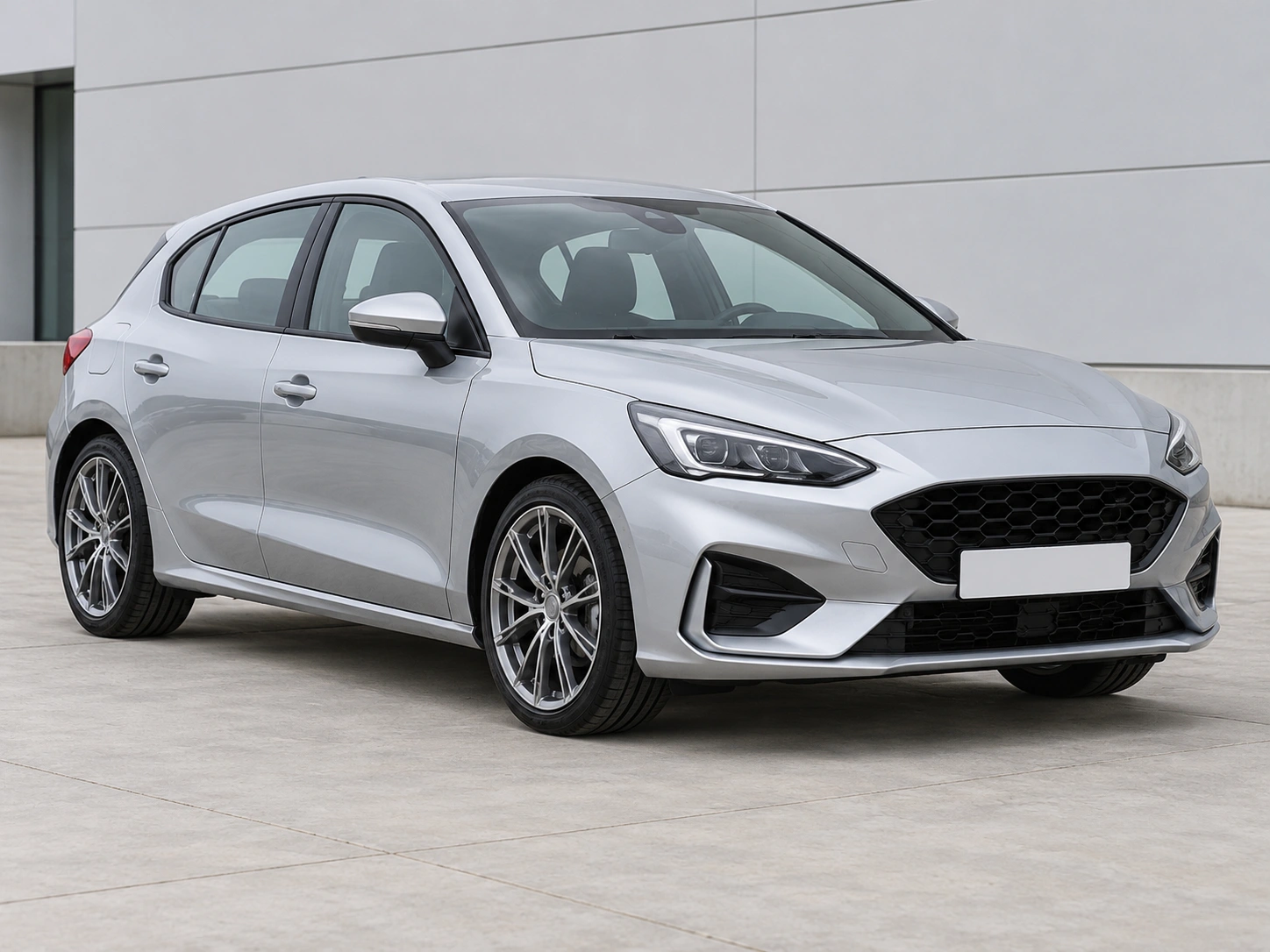
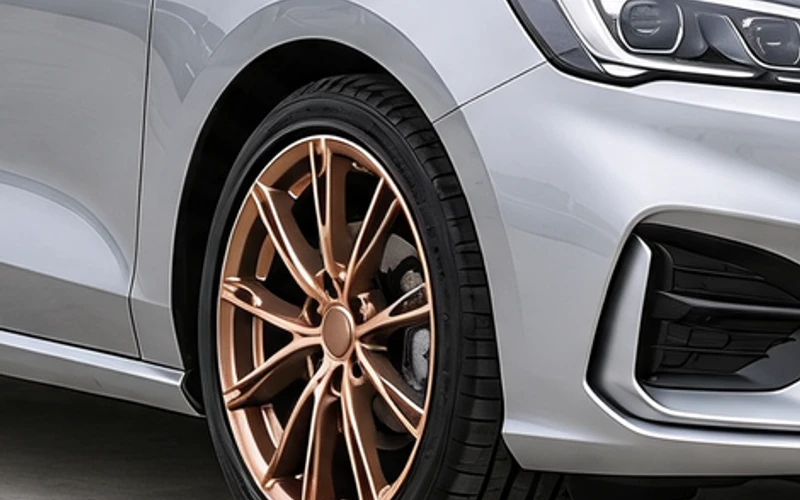
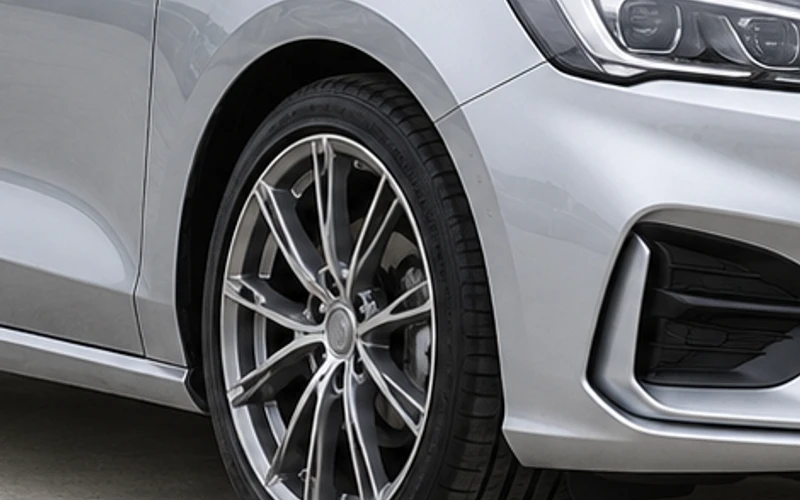
Drag the divider to compare real tool results across different scenes.
Use a clear photo taken inside the car. Show the selected seats, door inserts, trim or stitching; an exterior photo cannot reveal hidden cabin surfaces.
The edit asks to retain seat shapes, cabin layout, screens, controls and every unselected surface. Existing stitching can be recolored without changing the upholstery.
Check the selected surface and unchanged cabin details. Colors and textures are appearance concepts; use physical samples when choosing upholstery.
Use a clear photo taken inside the car. Show the selected seats, door inserts, trim or stitching; an exterior photo cannot reveal hidden cabin surfaces.
Pick one surface and a color. Seats and door inserts offer leather or suede; trim offers wood grain or carbon fiber. Keep the original material for a color-only change.
Check the selected surface and unchanged cabin details. Colors and textures are appearance concepts; use physical samples when choosing upholstery.
Get answers about source files, settings, and results for Car Interior Color Changer.
Start with your car photo and choose a focused tool: paint, wraps, wheels, body parts, exterior details or studio rendering.
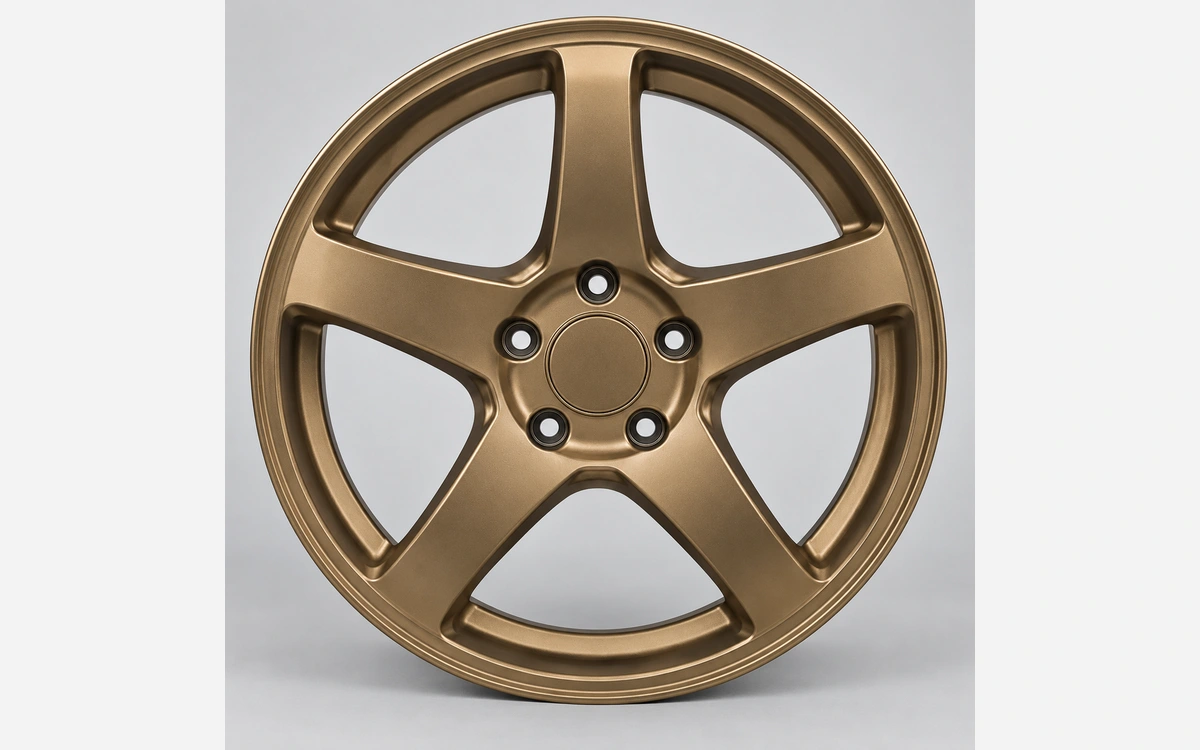
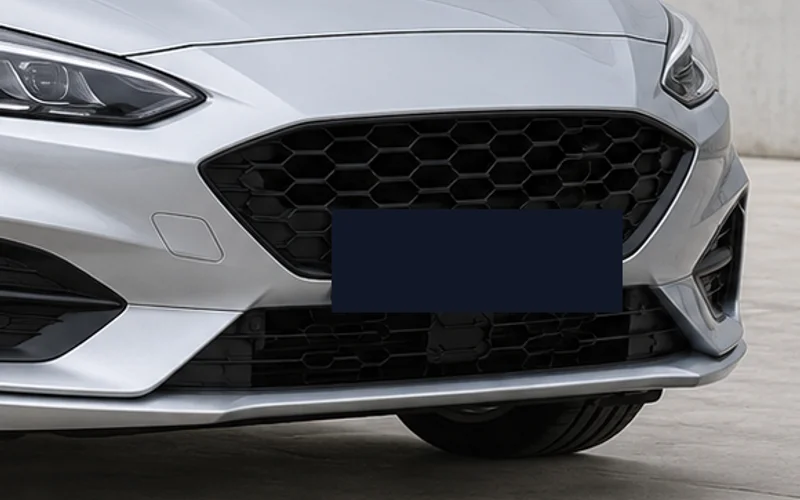
Preview new upholstery colors and cabin materials in your own car interior photo. Target seats, door inserts, decorative trim or existing stitching.