- #CD7F32
- Satin
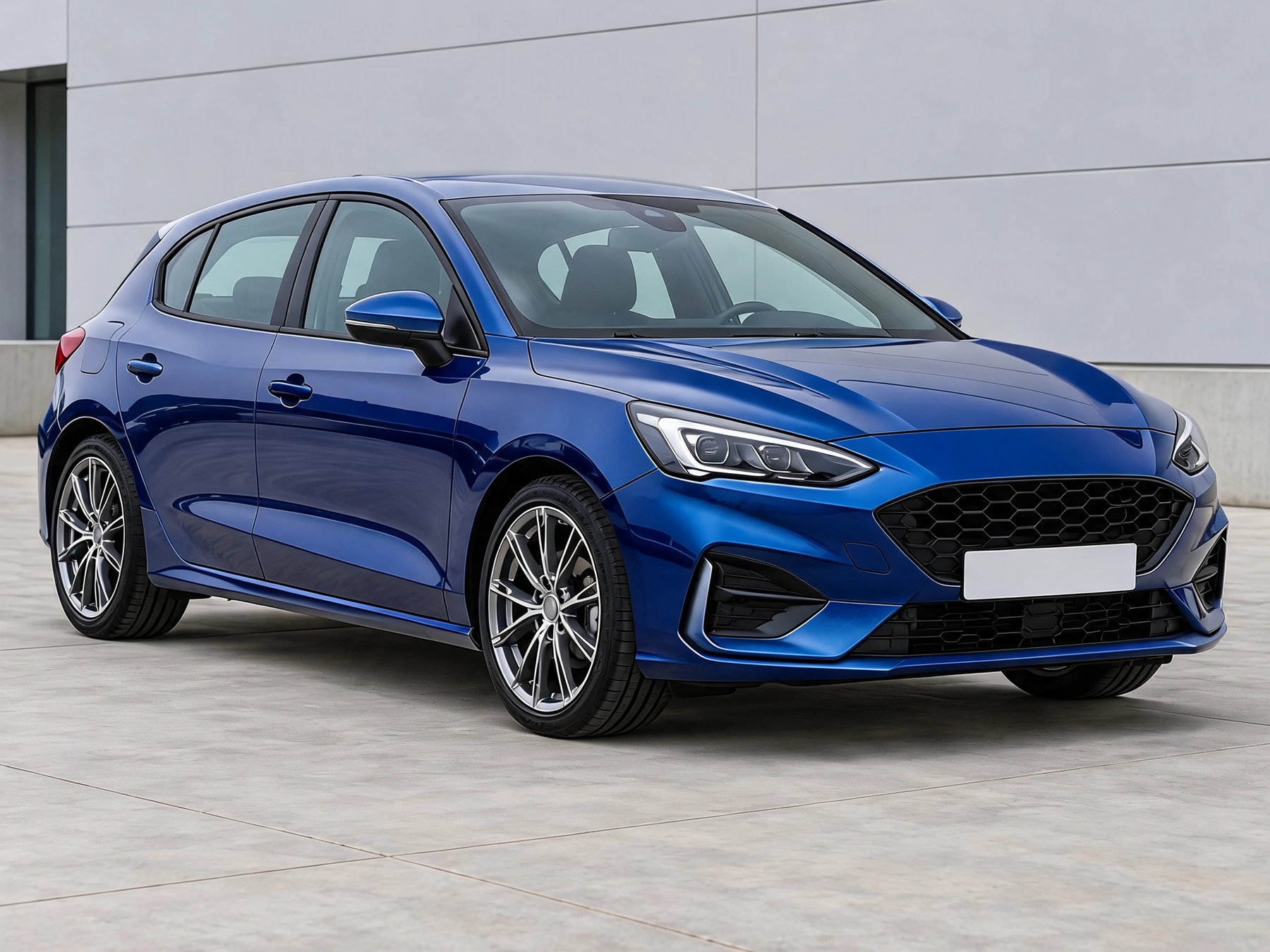
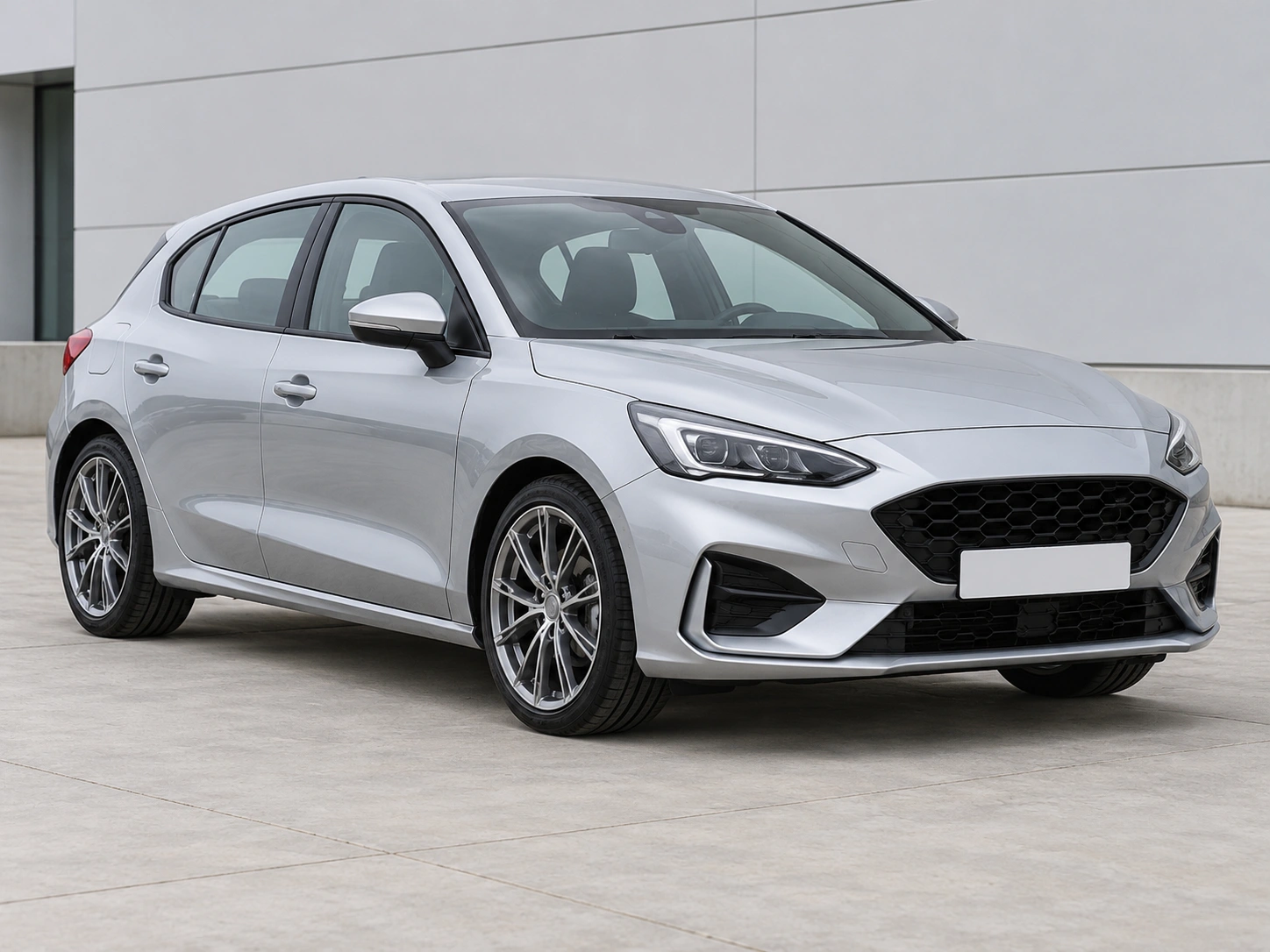
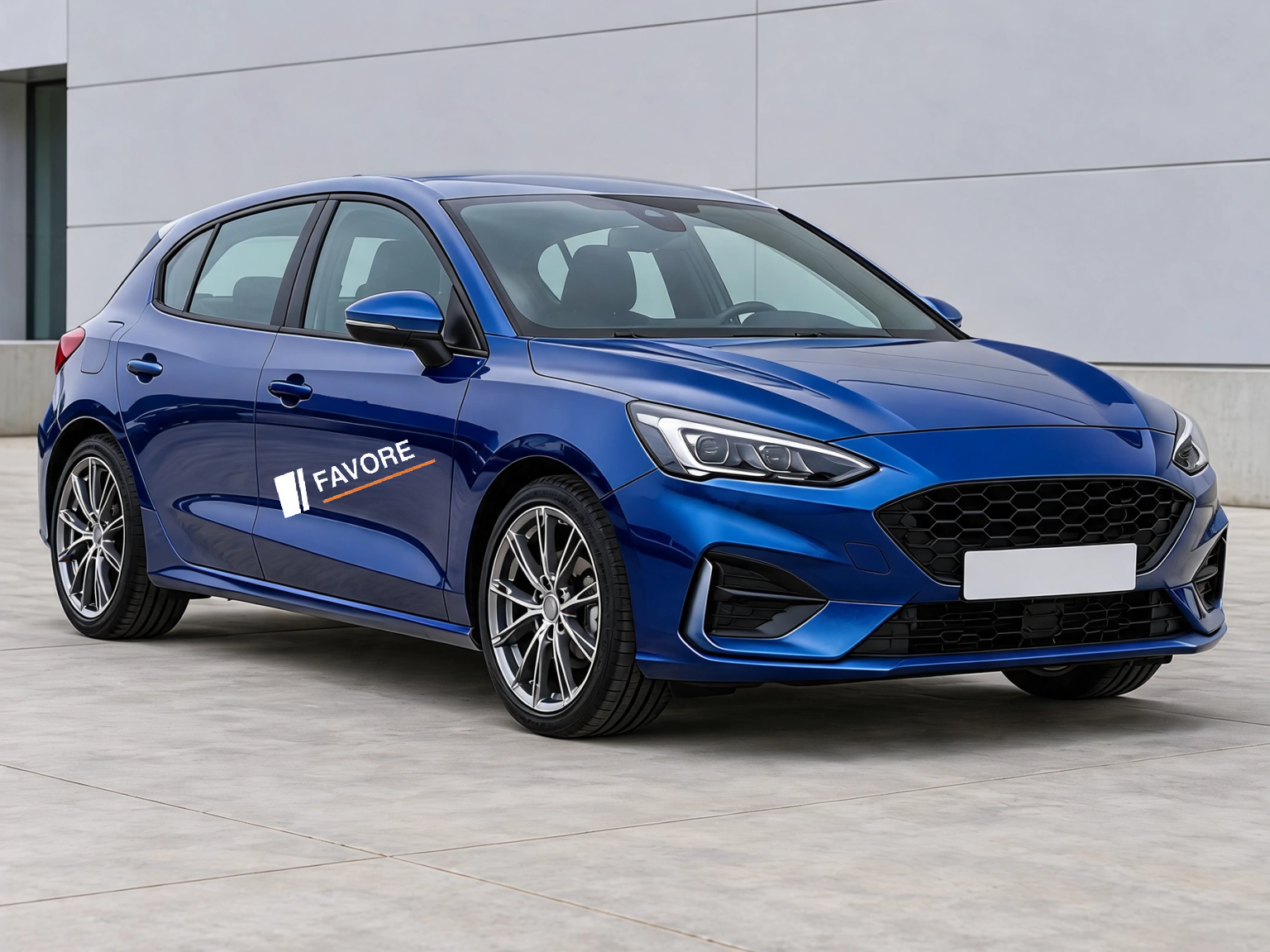
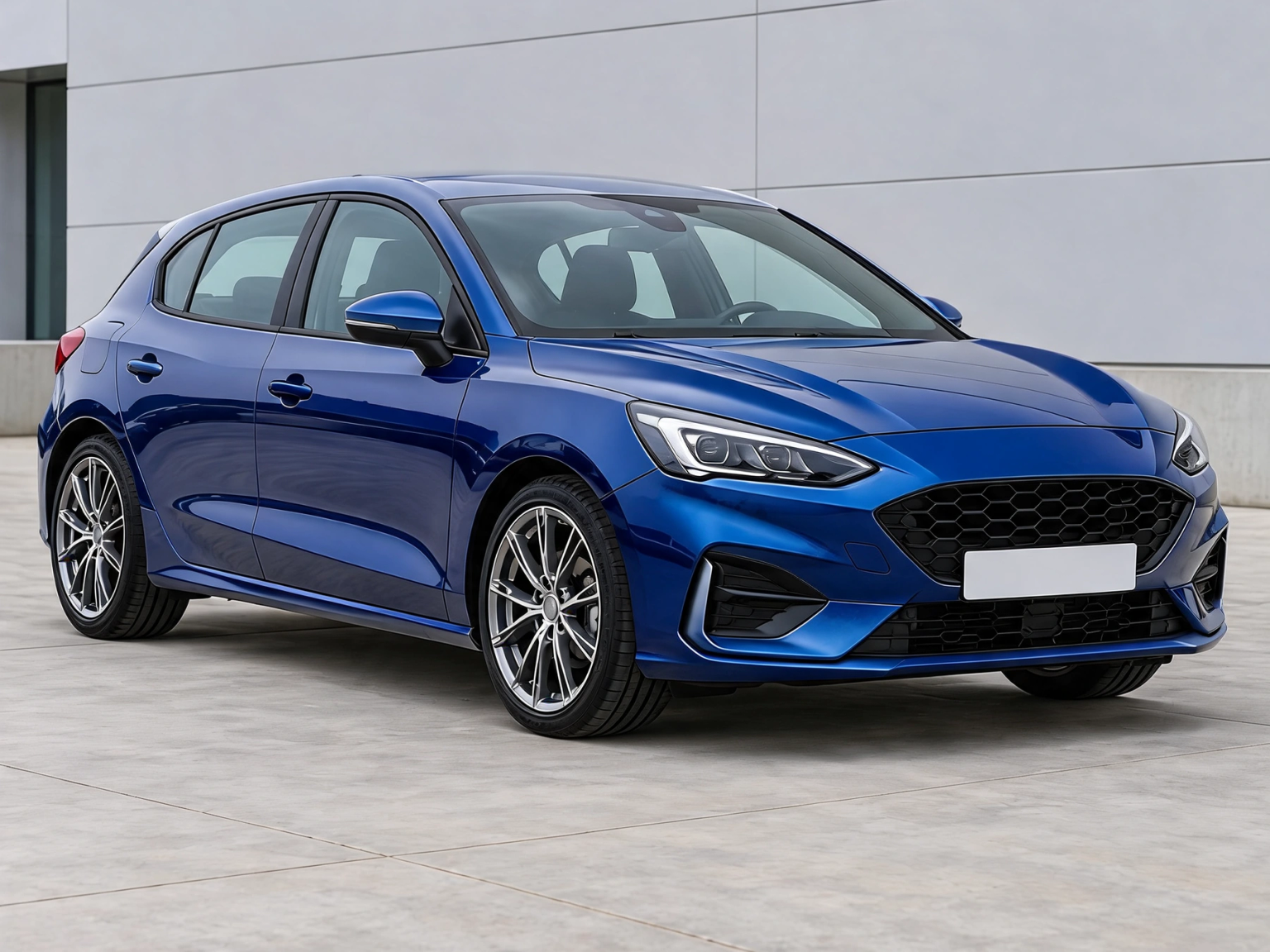
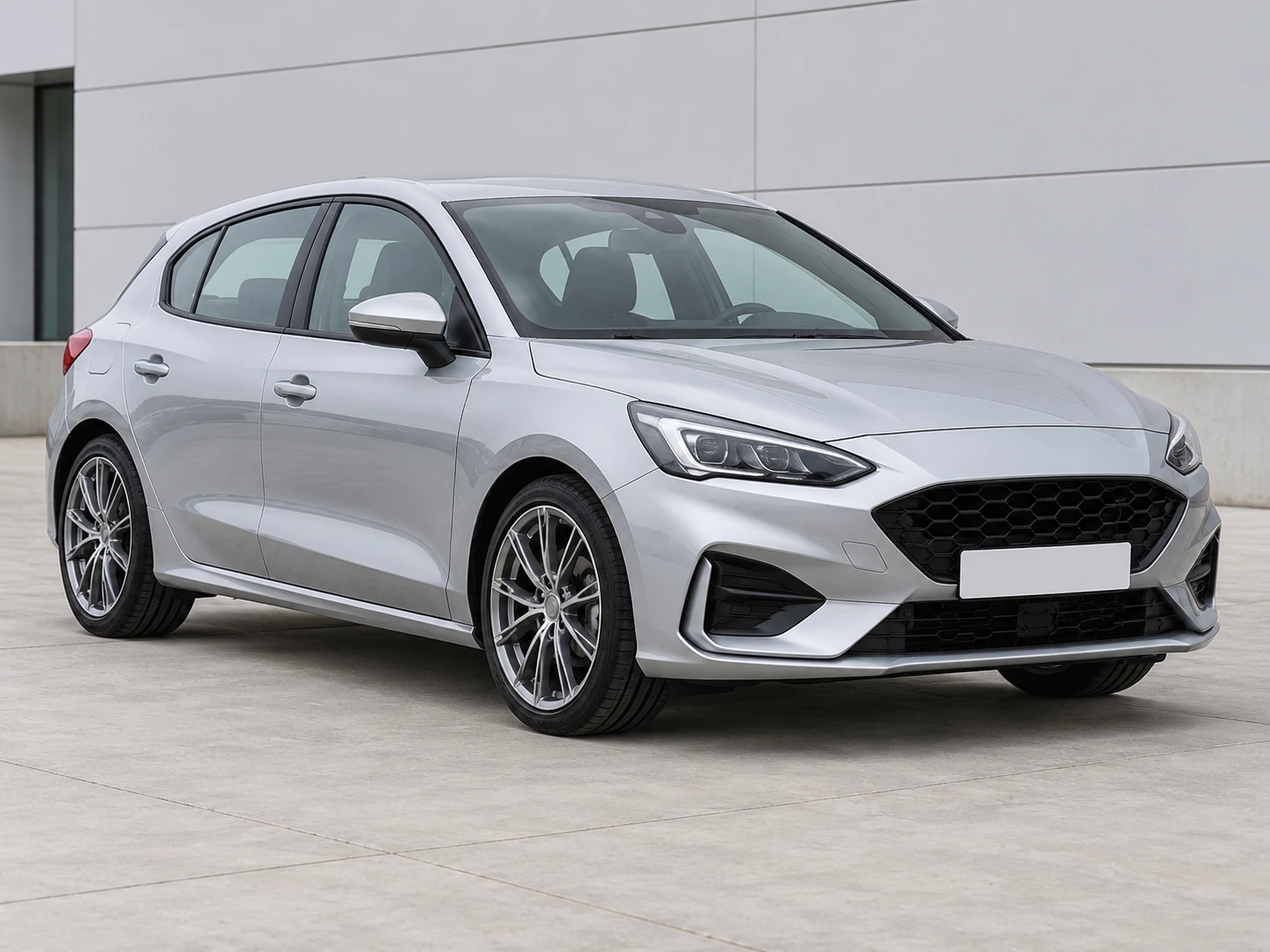
Change the color of your original wheels in a car photo. Preview black, silver, bronze or a custom rim color while keeping the existing spoke design.
Drag the divider to compare real tool results across different scenes.
Use a sharp car photo with the original rims clearly visible. A side or three-quarter view can show both wheels. No wheel reference image is needed.
The edit targets the visible metal rims. It asks to retain spokes, wheel size, tires, brakes, body paint and the background; inspect these details in the result.
Compare every visible rim with the original. The result previews appearance; it does not specify a paint code or verify wheel fitment.
Use a sharp car photo with the original rims clearly visible. A side or three-quarter view can show both wheels. No wheel reference image is needed.
Choose a rim color and gloss, matte, satin or metallic finish. To replace the wheel design instead, use Car Wheel Visualizer with a reference image.
Compare every visible rim with the original. The result previews appearance; it does not specify a paint code or verify wheel fitment.
Get answers about source files, settings, and results for Wheel Color Changer.
Start with your car photo and choose a focused tool: paint, wraps, wheels, body parts, exterior details or studio rendering.
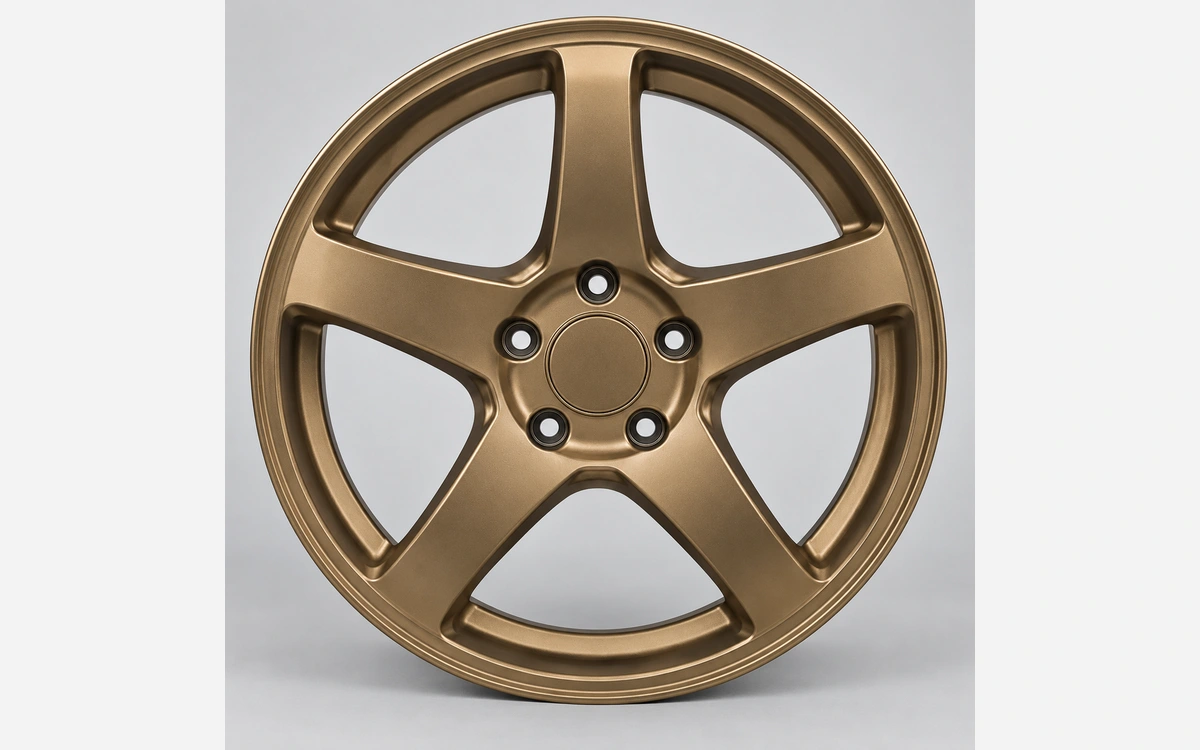
Change the color of your original wheels in a car photo. Preview black, silver, bronze or a custom rim color while keeping the existing spoke design.