
Leading AI models
Switch between image and video capabilities without learning a different interface for every provider.
A focused selection of image generation and editing models.
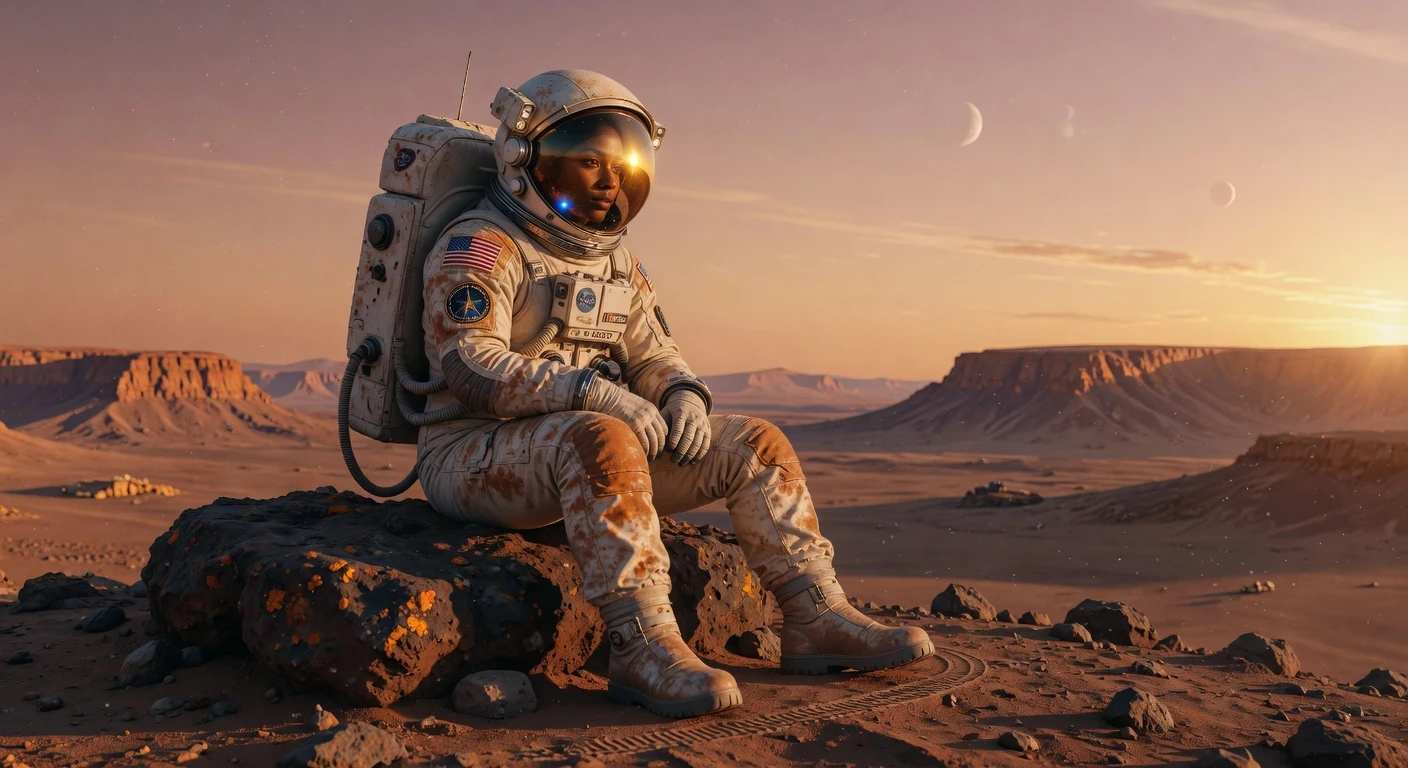
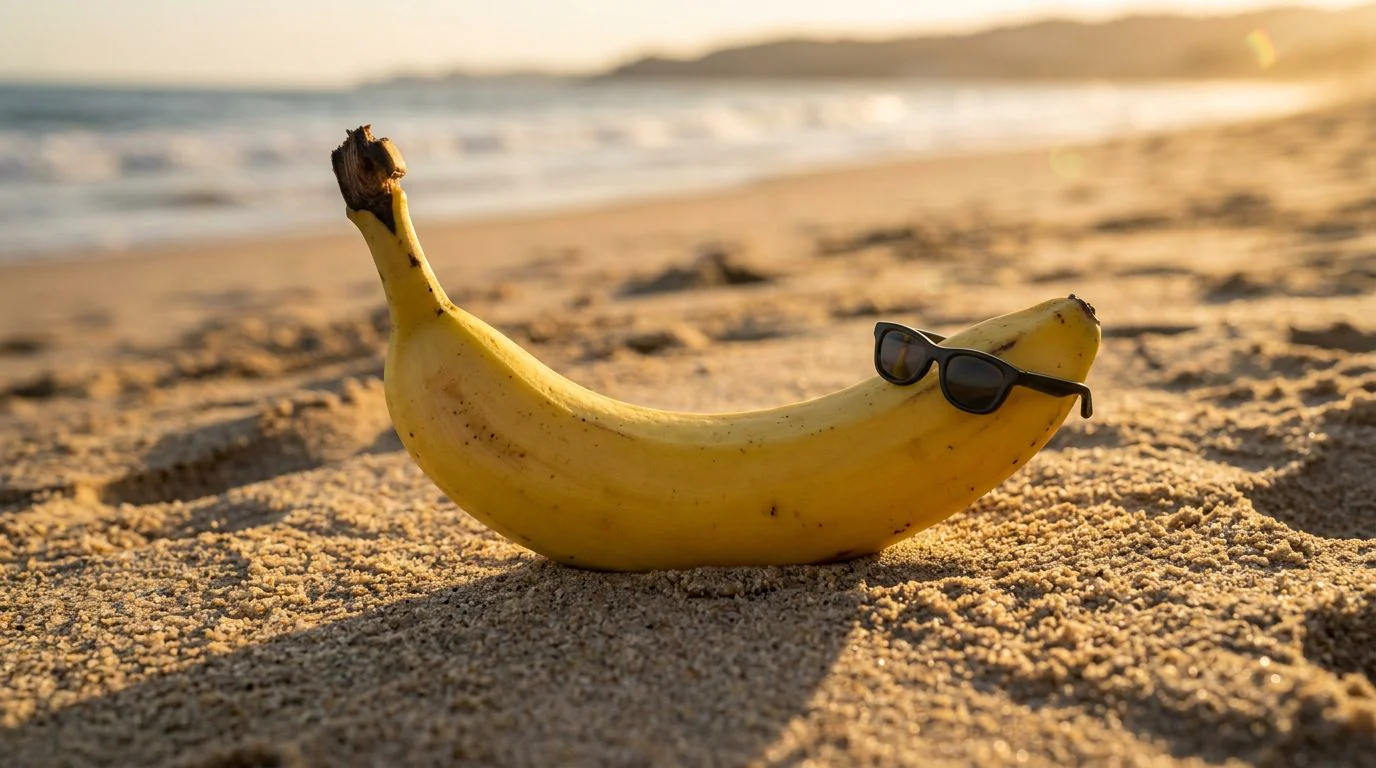
Jump into tools and effects when you want to refine, restyle, or extend your results.
Category landing with examples, models, and FAQs for Image creation.
Upscale, remove backgrounds, expand frames, and polish deliverables.
Models, tools, and effects curated for Image creation.
Compare plans and credit packs for models and tools.
Create images and videos with any supported model in one workspace. Pick a model, add prompts and references, and generate without switching tools.
Pick a model, add prompts and reference media, and review credit estimates before running. Results save to history so you can continue with compatible edit, animation, or tool workflows.
Browse featured models below, or explore image, video, and tool pages when you want focused examples and workflows.
Move from an idea or source image to a finished result in one continuous flow.
Start with an image or video model that fits your output and editing needs.
Write a prompt, add reference media, and adjust only the controls relevant to the selected model.
Download the result or continue directly into image editing, animation, video editing, or enhancement.
The flow starts simple and exposes model-specific controls only when they are useful.
Switch between image and video capabilities without learning a different interface for every provider.
Generate from a prompt, edit an image, guide with references, or animate an existing frame.
Carry results into compatible editing, restyling, animation, and enhancement actions.
Choose a model, add references, and generate. Your results save automatically to history.