Product visuals
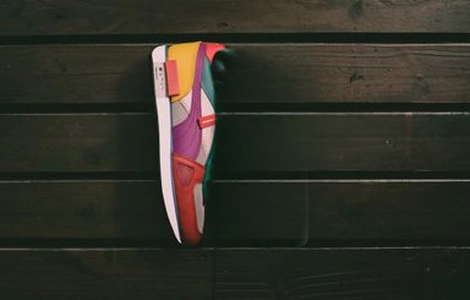
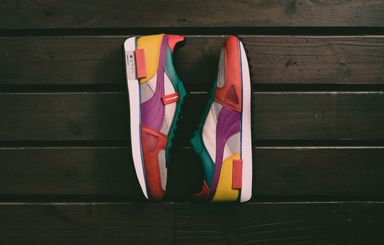
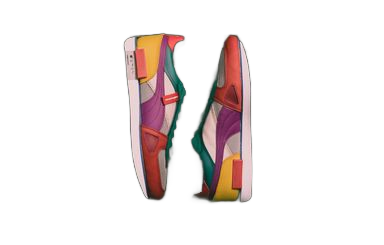
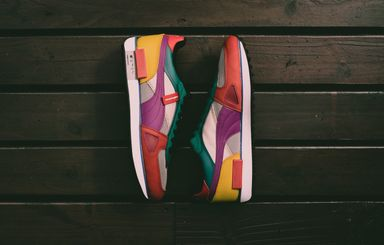
Keep a product as a reference while changing its setting, lighting, or styling.
Generate images from text or edit with up to 10 references, with output up to 4K and optional web grounding.
Keep a product as a reference while changing its setting, lighting, or styling.
Describe the composition and put the exact words you want in quotation marks.
Start with text alone, or upload 1–10 images to edit. Auto aspect ratio follows the first reference. Each image must be at least 256px per side and at most 16 MP.
Choose 768 × 768, 1K, 1.5K, 2K, or 4K. Web grounding uses web and image search to research the prompt and can be turned off.
Compare Flux 3 Image with Flux 2 Max, Pro, Flex, and Klein 4B by resolution, reference images, editing, and creative controls.
| Feature | Flux 3 ImageCurrent | ||||
|---|---|---|---|---|---|
| Best for | Product visuals | Final-quality hero visuals | Daily production work | Exact look and advanced control | Fastest drafts and previews |
| Speed | Varies by resolution | Quality-first | Balanced | Slower when pushing quality | Fastest |
| Detail / resolution | 768 × 768 / 1K / 1.5K / 2K / 4K | Up to 4 MP | Up to 4 MP | Up to 4 MP | 0.25–4 MP |
| Multi-image edits | Up to 10 references | Up to 8 references | Up to 8 references | Up to 10 references | Up to 5 references |
| Creative control | Web grounding · Output quality | Balanced defaults | Simple controls | Steps, guidance, upsampling | Minimal settings |
| Editing | Text generation and reference editing | Strong multi-reference edits | Reliable reference editing | Deep multi-reference control | Light reference editing |
Refer to image 1, image 2, and so on, and describe what each image should contribute.
Check the composition at 1K before choosing a slower 2K or 4K final render.
Explore other models, or browse the full catalog.