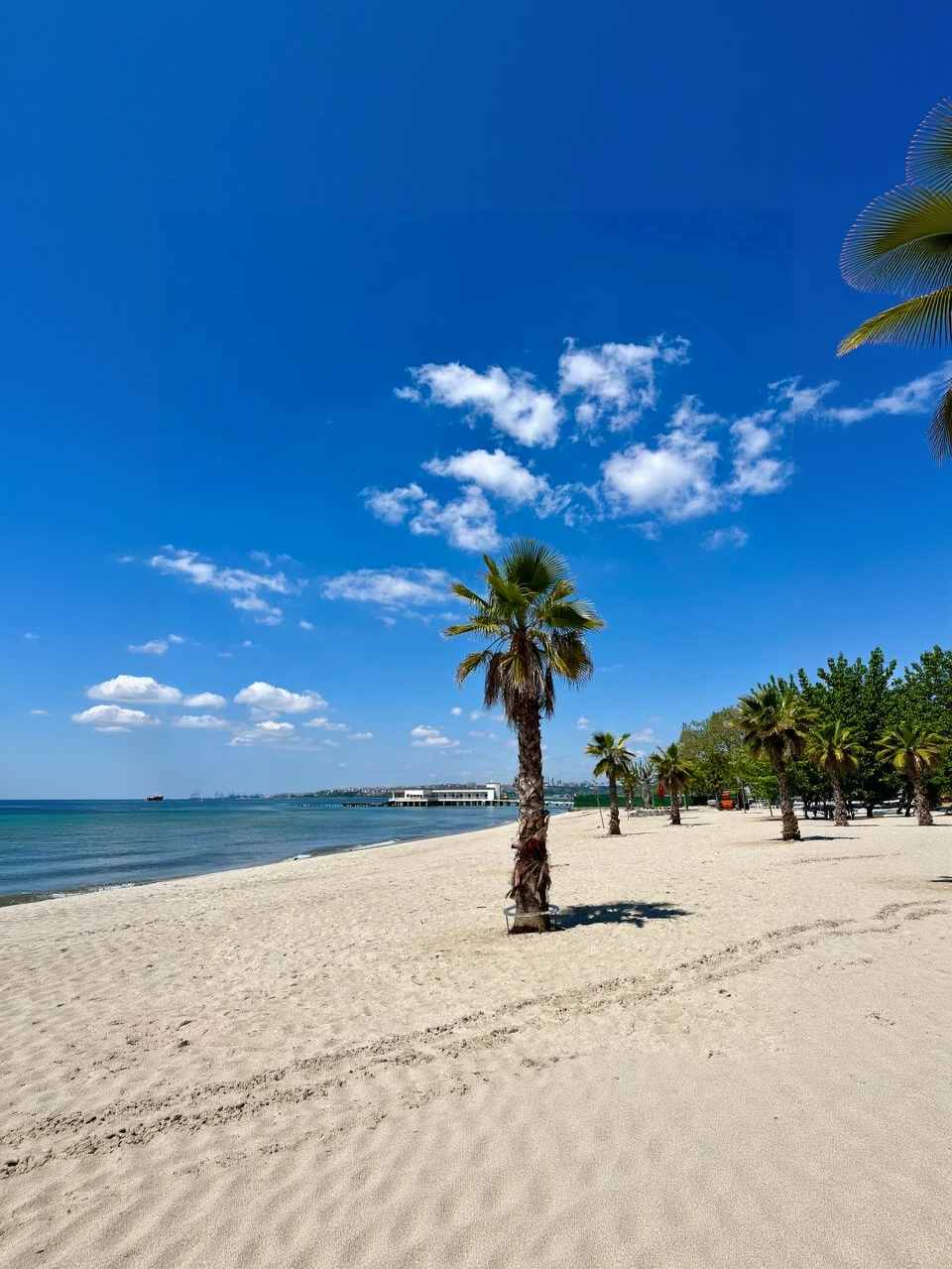
Precise brush selection
Paint over the object, its edges, and nearby shadows so the tool knows exactly what to replace.
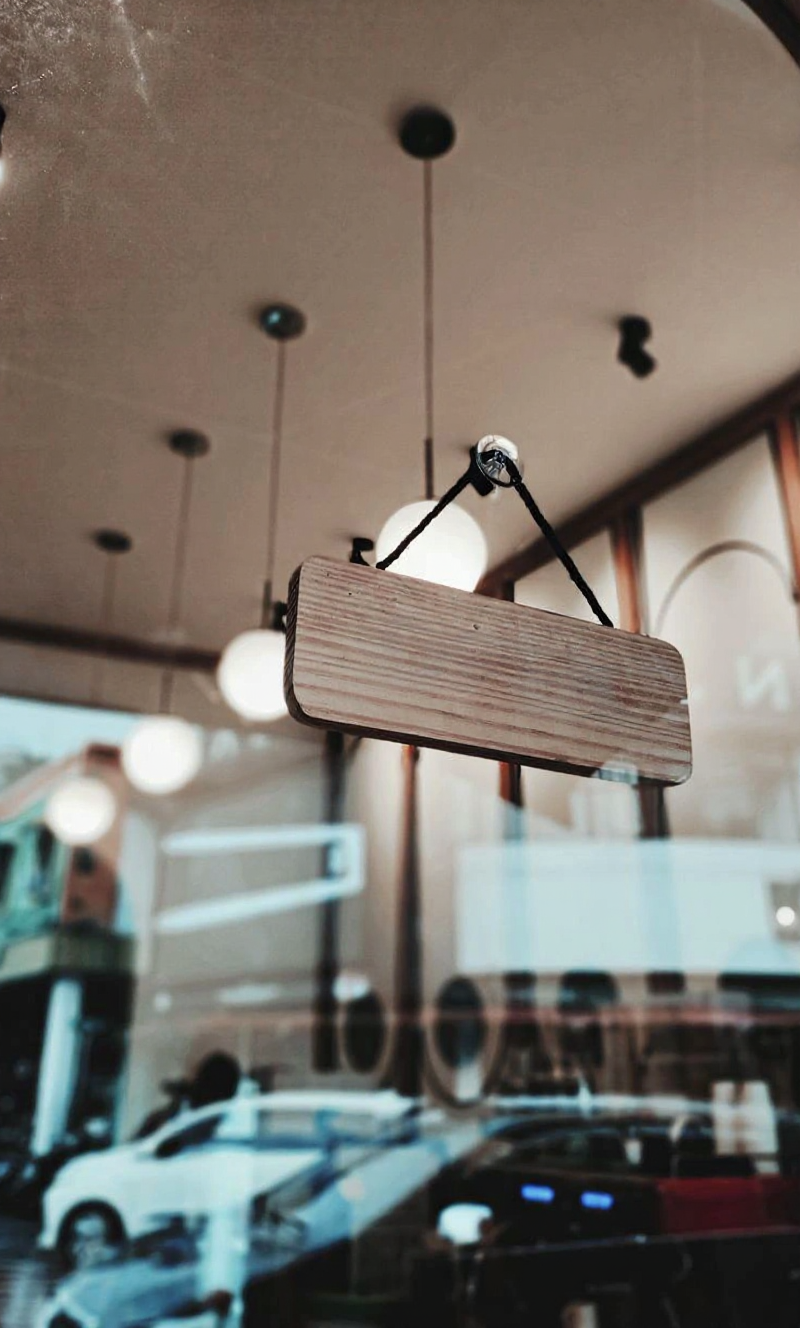
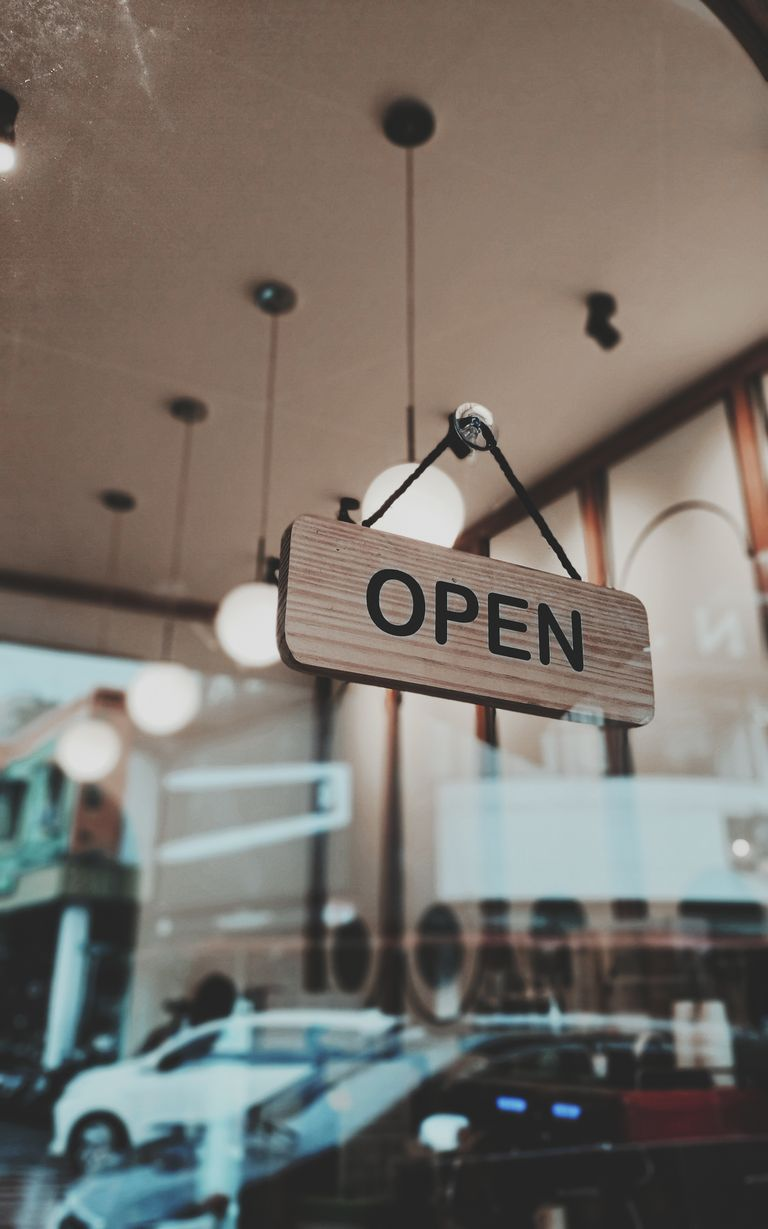
Brush over an unwanted object and reconstruct the background naturally.
Drag the divider to compare real tool results across different scenes.
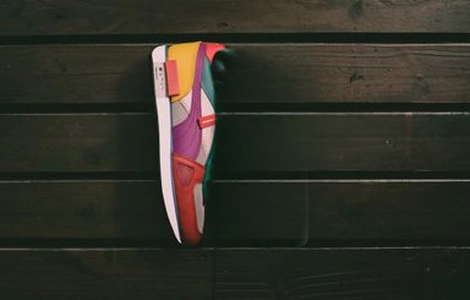
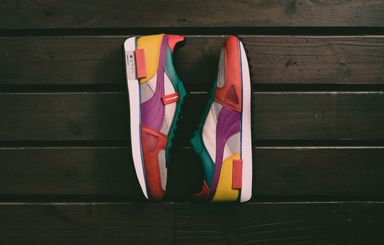
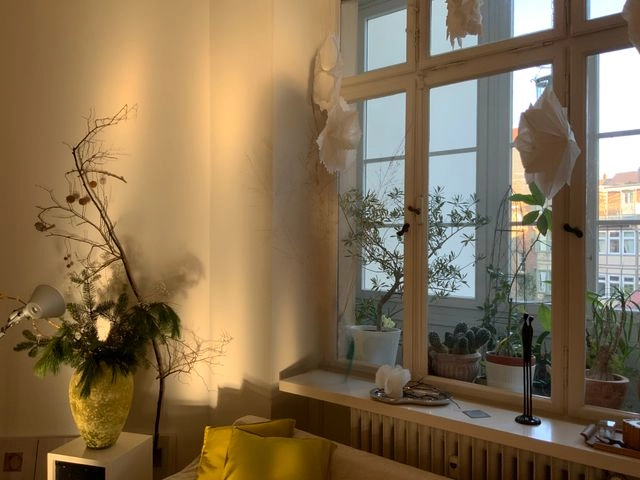
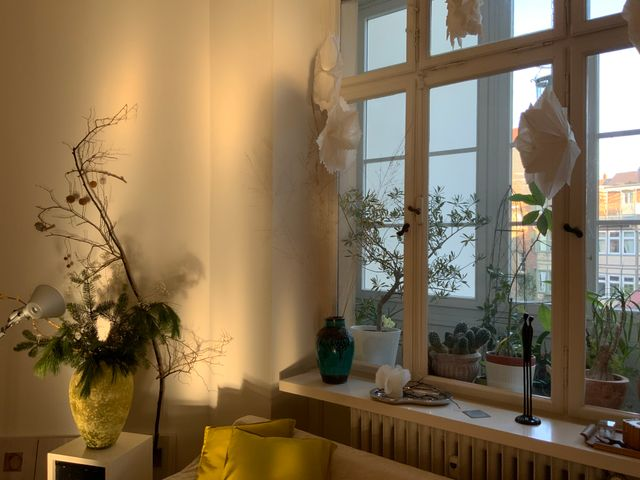

Upload a photo, brush over the distraction, then download a clean reconstruction.
Upload a clear photo with the unwanted object and enough visible background around it.
Brush over the complete object, including edge pixels and shadows, then adjust the brush size for tighter areas.
Review the inpainted area, refine the mask if needed, then download the cleaned image.
Clean distractions from travel, product, property, and social photos with a precise brush-based workflow.
Paint over the object, its edges, and nearby shadows so the tool knows exactly what to replace.
AI rebuilds the selected area using the surrounding structure, texture, color, and lighting.
Compare the processed image, refine the mask when needed, and download the cleaned result.
Tips for masking, inpainting quality, credits, and what kinds of objects remove cleanly.
Remove text, restore faces, or upscale the cleaned photo after object removal.
Keep creating
Use a focused tool for a specific task, or keep generating when you need more models, modes, and templates.
Brush over the distraction above and download a photo with a reconstructed background.