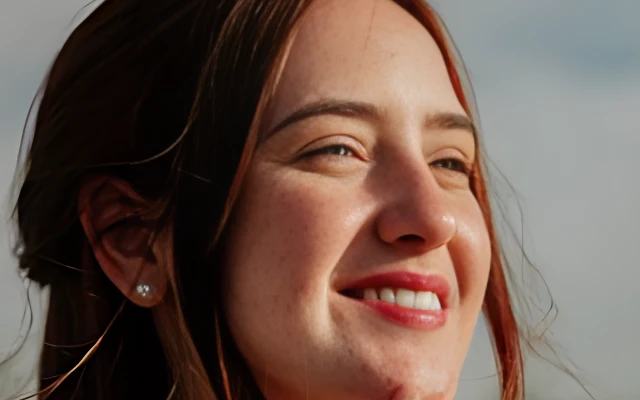
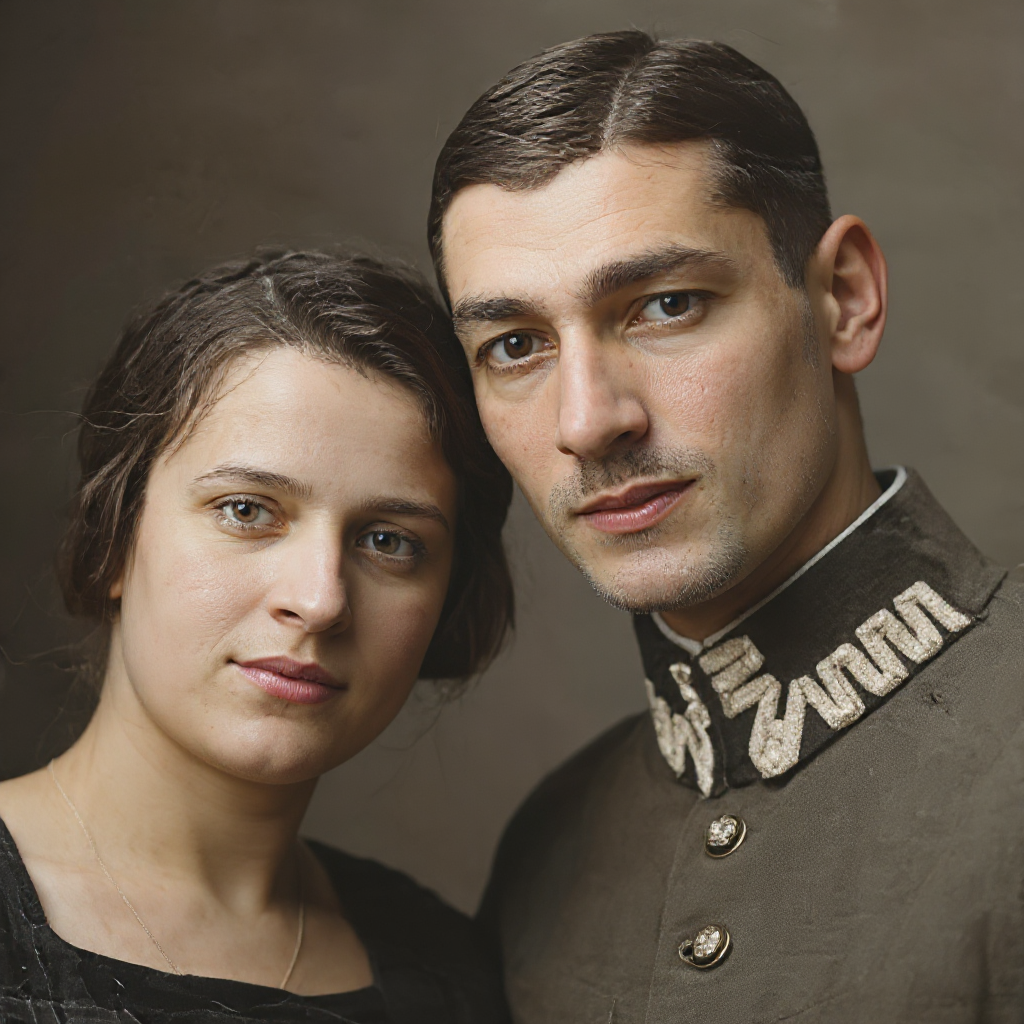
Natural skin smoothing
Reduce spots and uneven tone while aiming to keep pores and identity intact.
Smooth skin and reduce blemishes on a portrait while keeping a natural look. Upload a photo and download a cleaned-up face.
Upload a photo, run retouch, download the cleaned face.
Use a well-lit photo with the face clearly visible. JPG, PNG and WebP are supported.
The model smooths skin and reduces blemishes. Compare with the original to keep the look natural.
Save the retouched portrait or continue into a headshot or hairstyle change.
A fast pass for skin cleanup before you share a headshot or profile photo.
Reduce spots and uneven tone while aiming to keep pores and identity intact.
The model targets blemishes rather than replacing the whole face with a different person.
Use retouch before a professional headshot, after restoration, or beside a hairstyle change.
Skin, identity, credits, and privacy for portrait retouch.
Continue with a professional headshot, face restoration, or old-photo repair.