
Recover facial detail
Improve eyes, skin texture, facial edges, and other details lost to blur, age, or compression.
Recover facial detail in old, compressed, or AI-generated portraits.
Drag the divider to compare real tool results across different scenes.


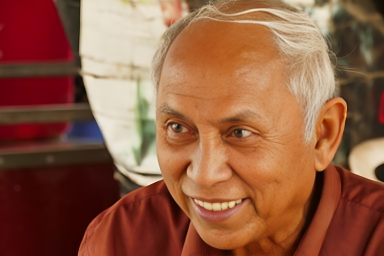
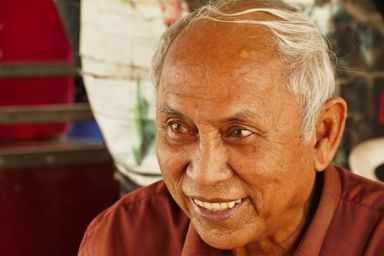


Upload a portrait, choose restoration style and scale, then download the repaired face.
Upload a JPG, PNG, or WebP portrait with at least one face clearly visible.
Choose the restoration style and 1×, 2×, or 4× scale, then compare the restored result with the source.
Compare the restored face with the source, then download when identity and detail look right.
Improve damaged or low-quality portraits while keeping restoration strength and output size under your control.
Improve eyes, skin texture, facial edges, and other details lost to blur, age, or compression.
Choose a restoration model designed to preserve recognizable facial structure while repairing detail.
Select the restoration style and choose 1×, 2×, or 4× output scaling for the intended use.
Common questions about portrait restoration, scale options, and GFPGAN styles.
Continue with image upscaling, background removal, or object cleanup after restoring a face.
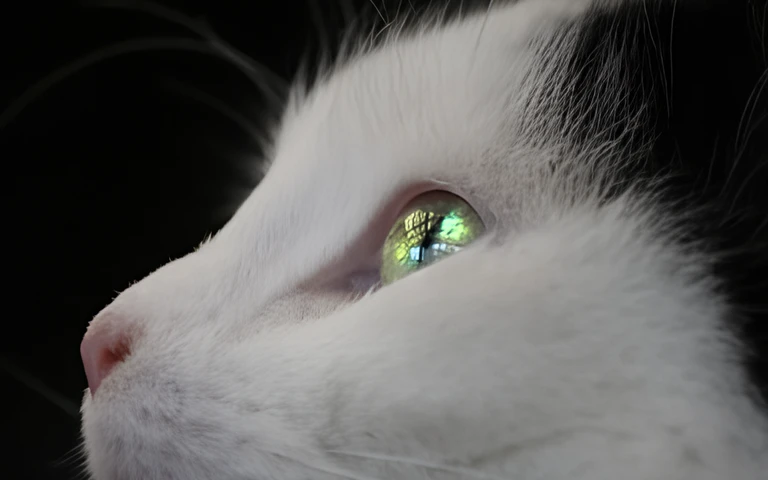
Keep creating
Use a focused tool for a specific task, or keep generating when you need more models, modes, and templates.
Upload a face photo, pick a style and scale, then download the repaired result.