Invisible mannequin fill
Remove the stand, hanger or body and reconstruct the neckline so the garment looks worn without a visible model.
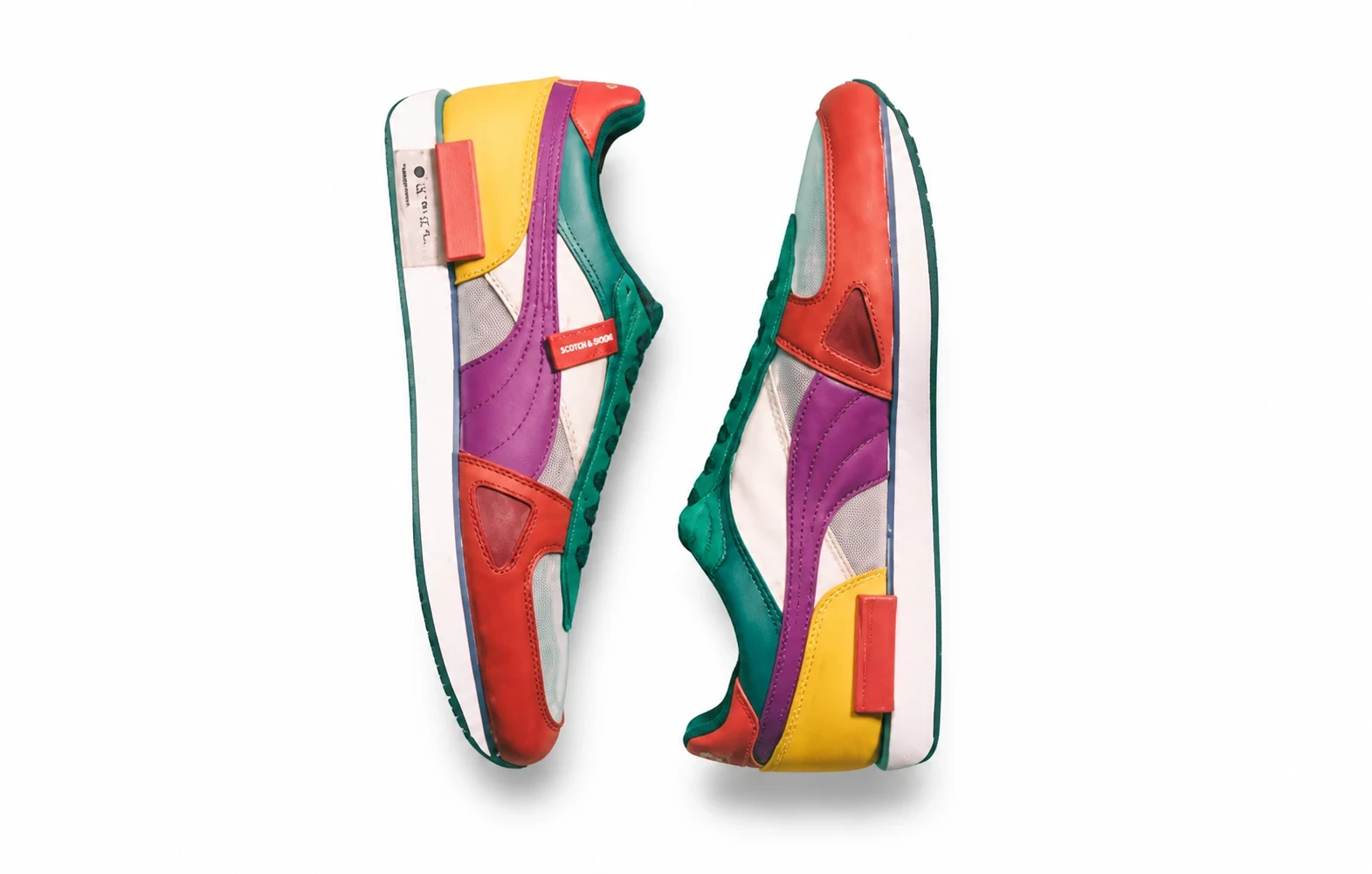
Create an invisible-mannequin apparel listing image from a garment photo.
Remove the stand, hanger or body and reconstruct the neckline so the garment looks worn without a visible model.
Choose white, light gray or warm beige. Review edges, labels and fabric against the real garment.
Turn a mannequin or hanger shot into a hollow-body listing image.
Prepare a front or back view for Amazon, Shopify or your own store.
Keep fabric and branding while presenting the garment without a model.
Use a clear JPEG, PNG or WebP showing the complete product. Keep packaging and labels readable.
Choose front or back, natural volume or a hollow interior, and a studio background color.
Compare with your original. Check the product shape, color and label text before using the result.
Explore other product photography tasks, remove an existing background or enlarge an image for your next design.
Create an invisible-mannequin apparel listing image from a garment photo.