
Text to image
Describe a scene, product, character, or design and generate a new image with a compatible AI model.
Create a new visual from a written prompt, one or more reference images, or both. Describe the subject, style, composition, and changes you want, then choose a compatible model.
Start with a prompt, existing visuals, or both. Favore keeps model selection, generation, editing, effects, and your next creative step connected.
Describe a scene, product, character, or design and generate a new image with a compatible AI model.
Upload one or more supported images to guide identity, composition, or style, or to describe changes to an existing visual.
Turn a prompt, reference image, or existing visual into a new image in three focused steps.
Begin with text, add supported reference images, or upload an existing image you want to transform.
Explain the subject, style, composition, or edits you want, then review compatible controls and the estimated credit cost.
Create the image, compare the result with your intent, then edit, enhance, or use it as the next reference.
Compare compatible models in one place. Available controls and credit estimates update with the model and settings you select.
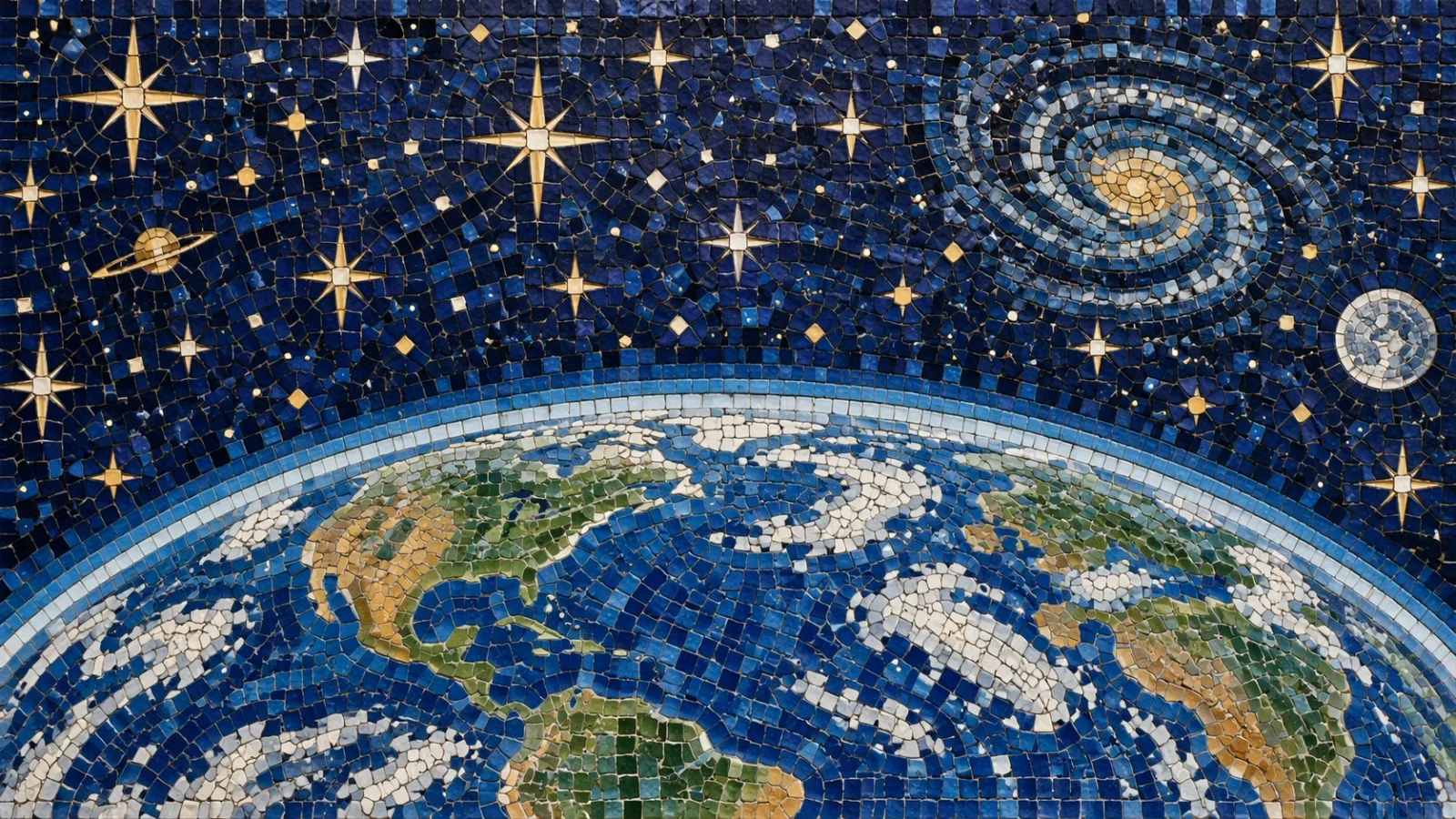
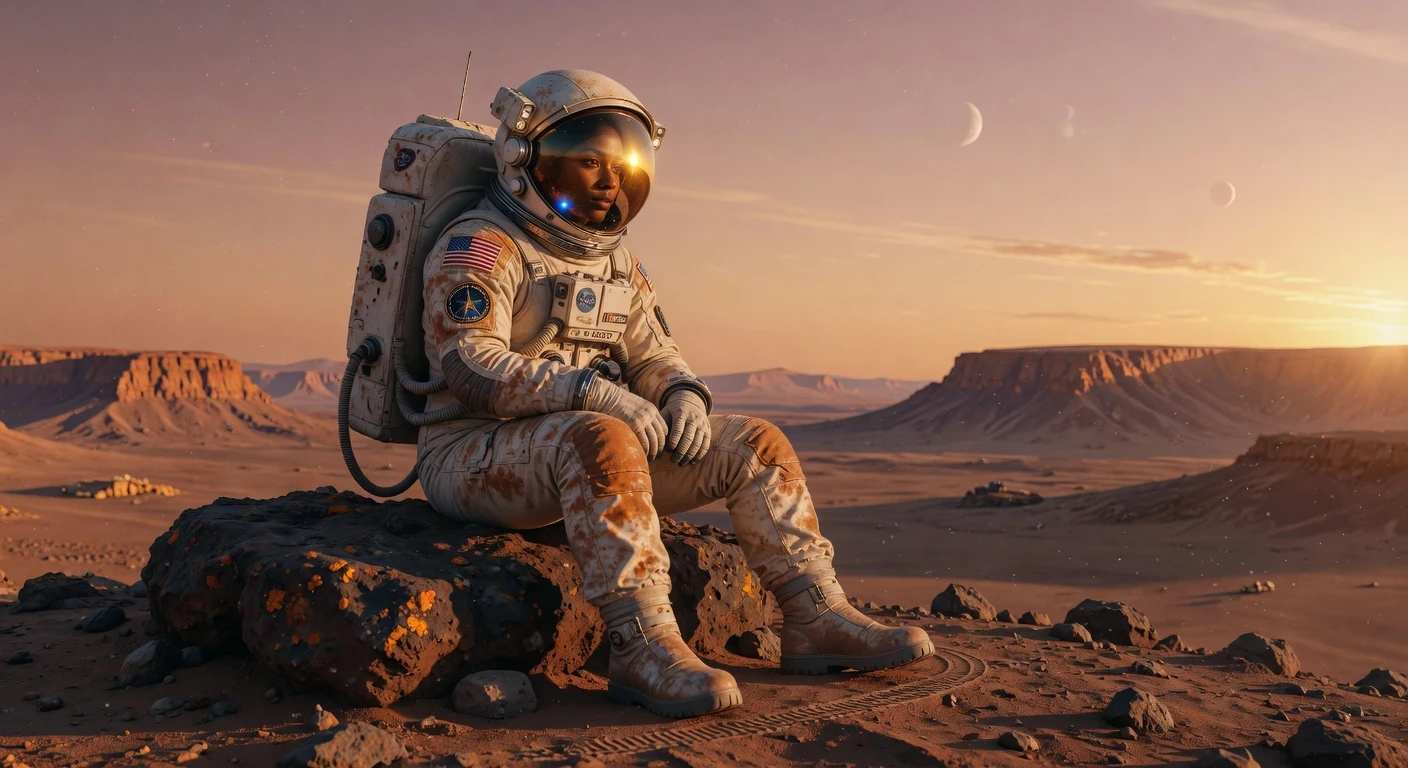
Use this page when you want to create or change still visuals from a written brief, reference photos, or both—text-to-image, reference-guided generation, and compatible image edits in one place.
Compare models, review credit estimates, and start in the composer above. When you need a focused utility such as background removal or upscaling, continue to the AI tools catalog. For day-to-day image modes, open the image hub.
Favore keeps generation, editing, and follow-up actions connected so you can refine a result without re-uploading files between steps.
Generate clean packshots or lifestyle scenes, then polish with background removal or upscaling tools.
Explore variations from a prompt or brand references, then edit the best frame for the channel.
Iterate quickly on mood, composition, and style before committing to a final asset.
Upload an existing image and describe targeted changes with compatible edit models.
Browse image and video modes, models, tools, and effects in one place.
Direct answers about text and reference-image creation, model choice, editing, and credits.
Add a prompt, reference images, or an existing visual, choose a compatible model, and review the credit estimate before generating.