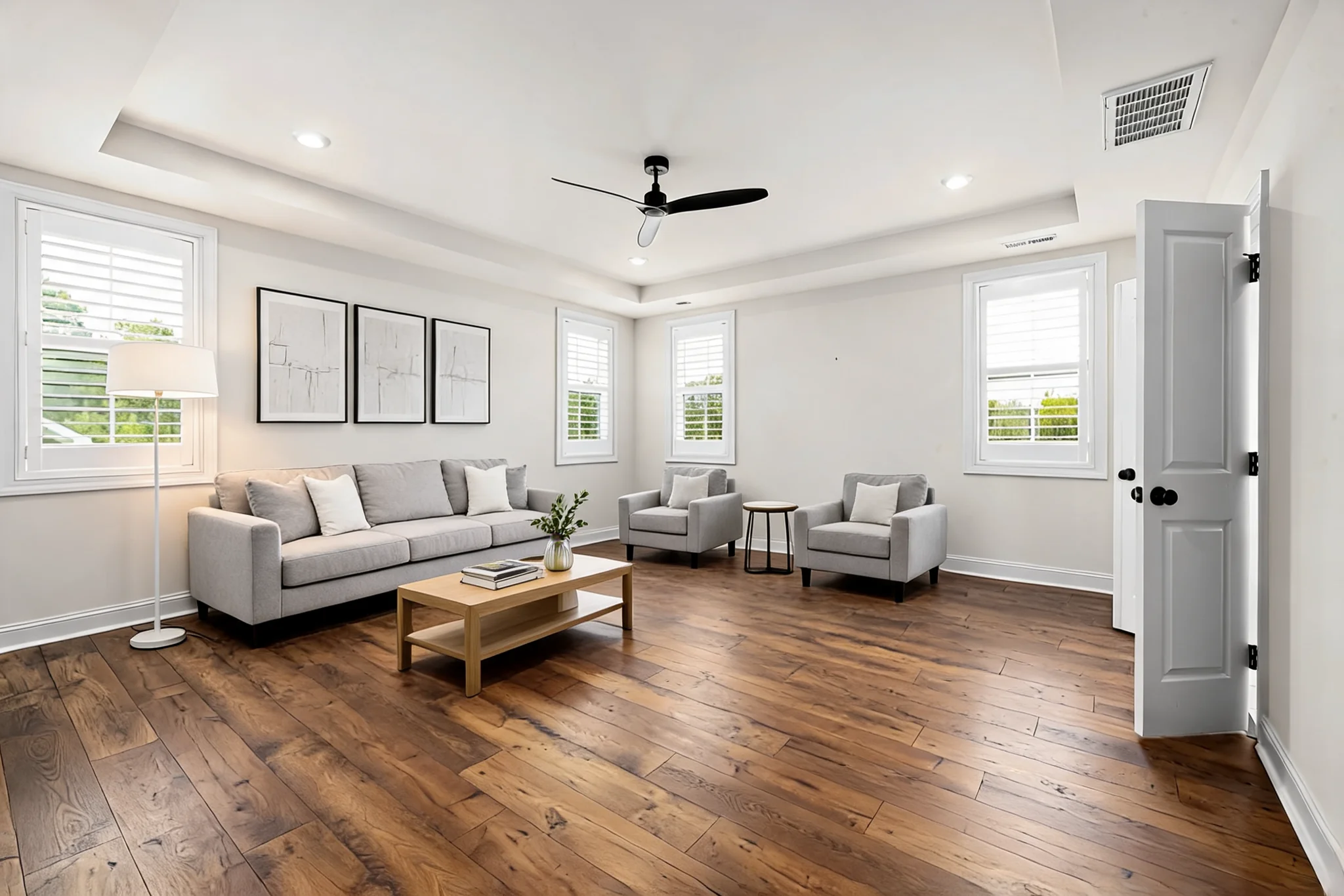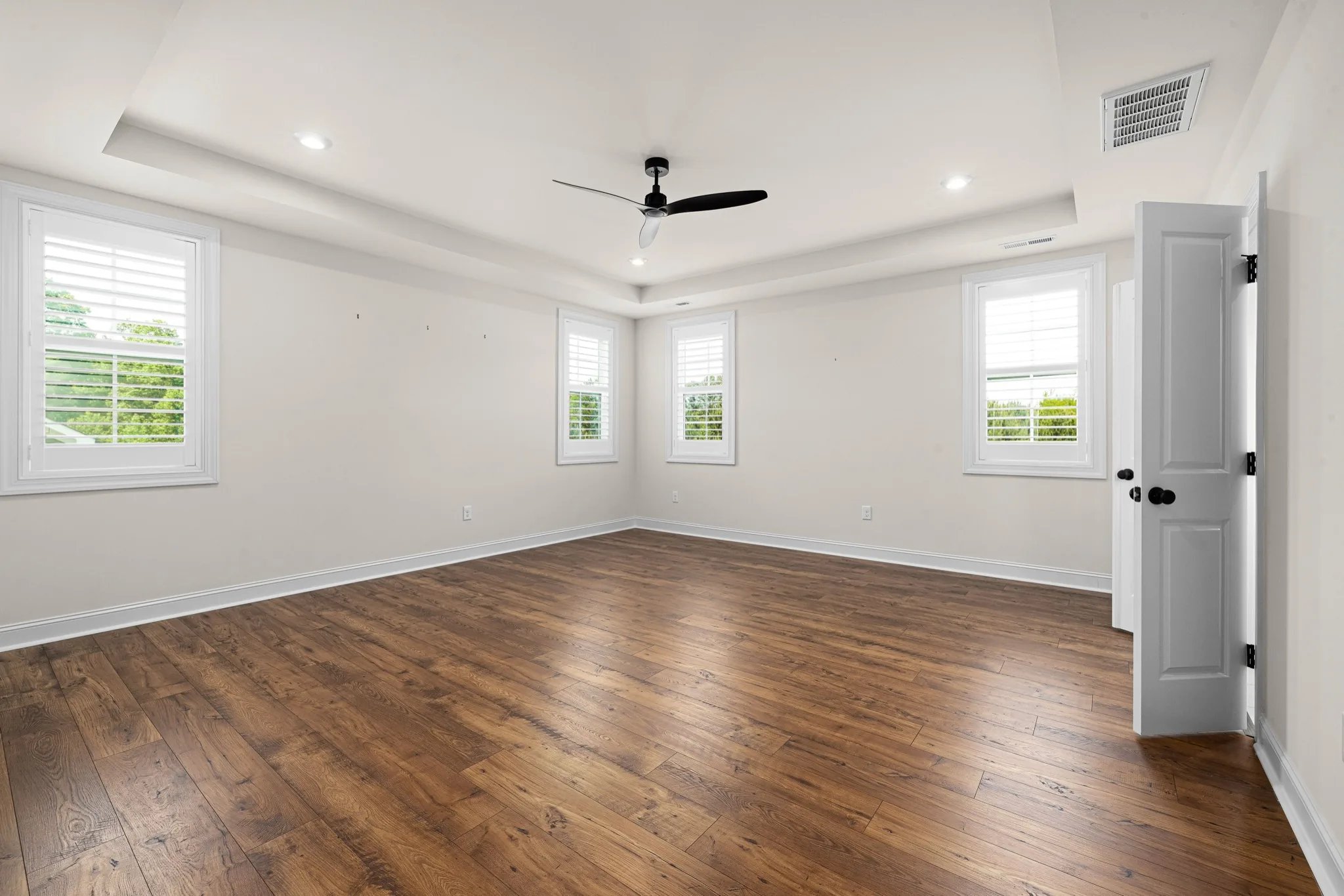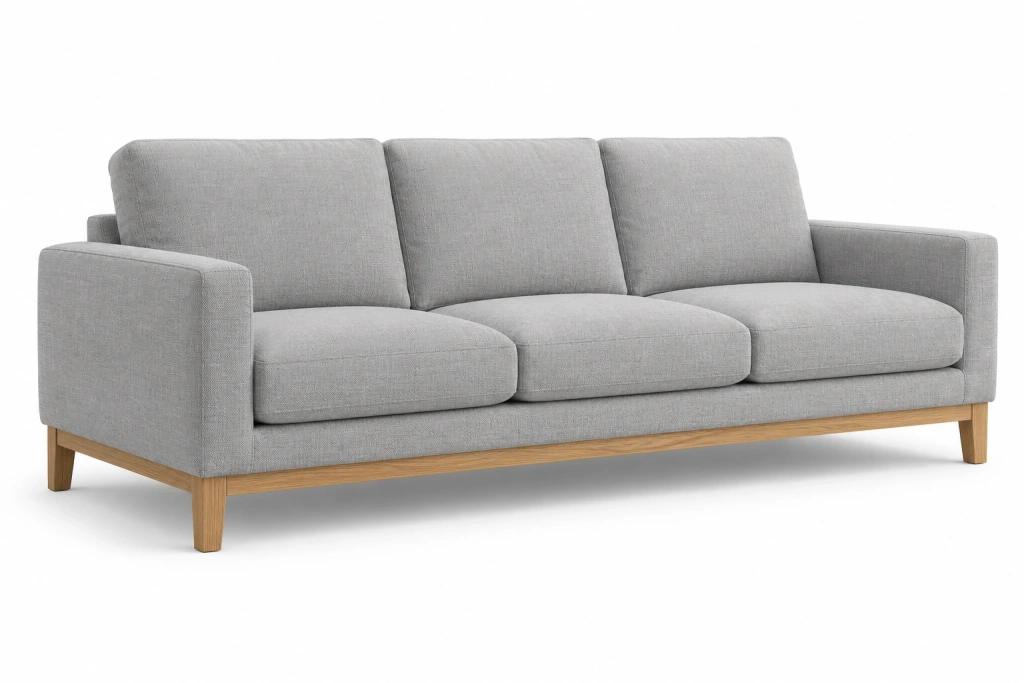
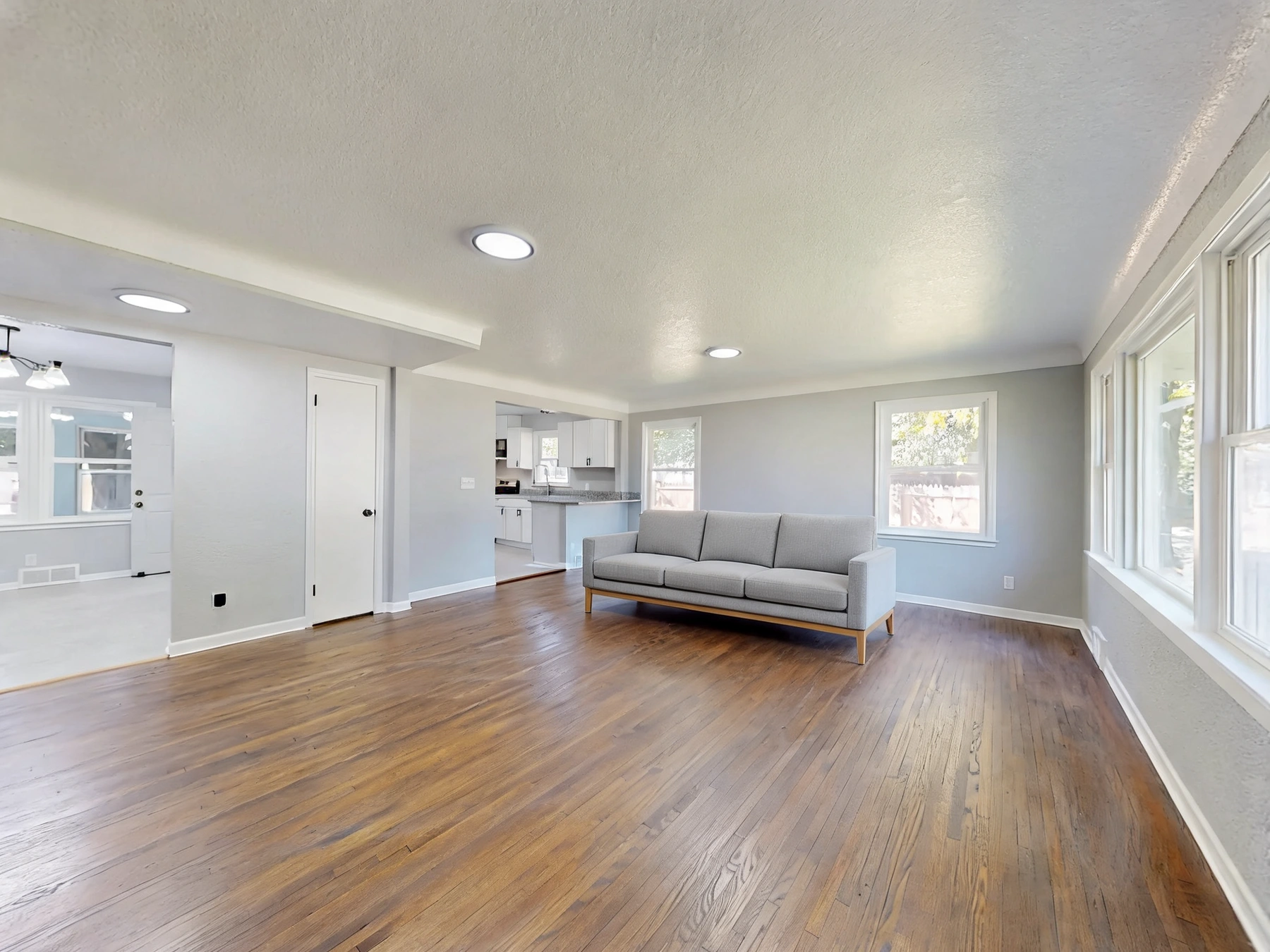
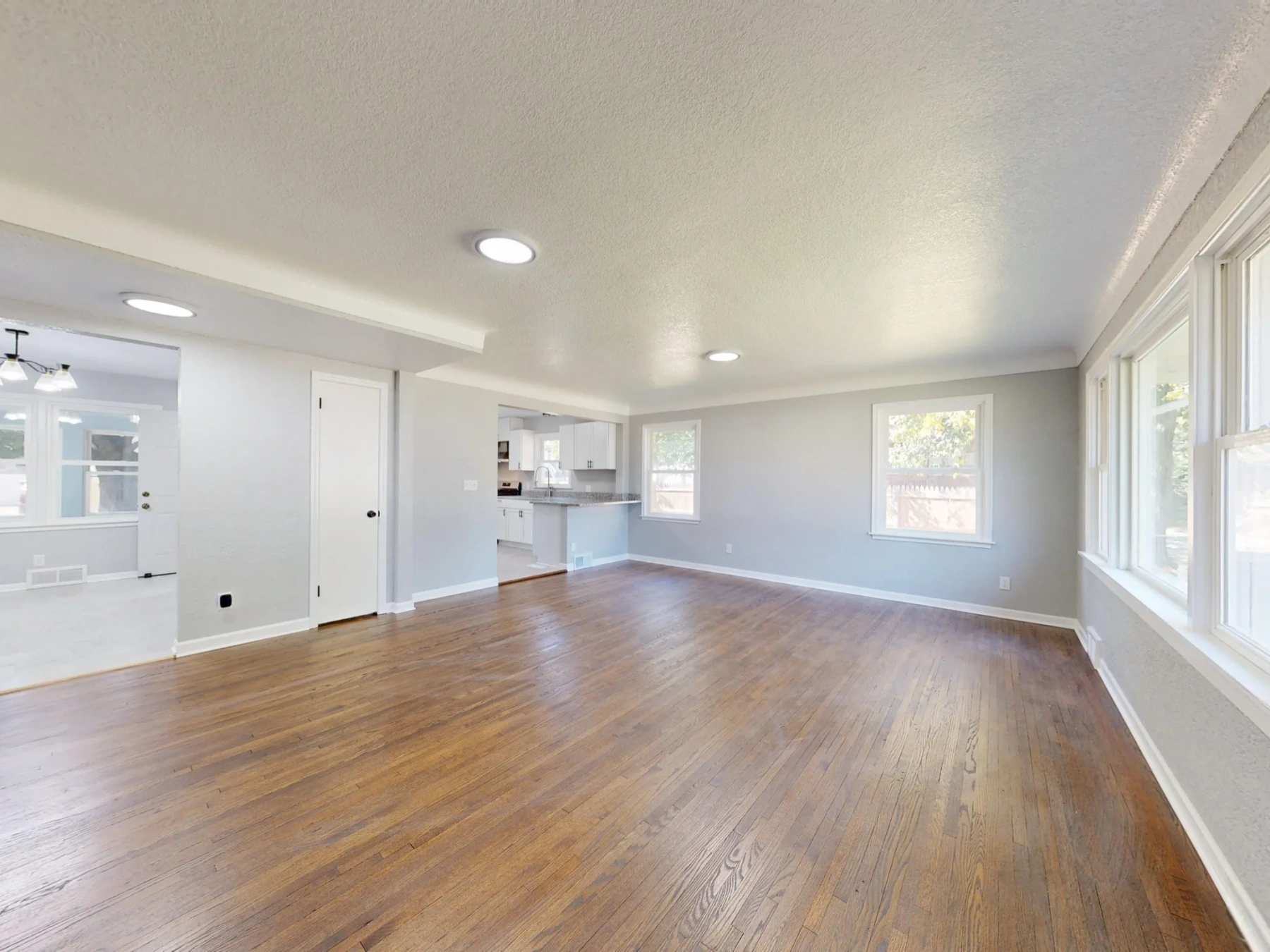
- Place furniture in the room
Upload a room and one to three furniture photos to preview a furniture set, place your products in a real interior, or swap a piece while keeping the scene.
Drag the divider to compare real tool results across different scenes.
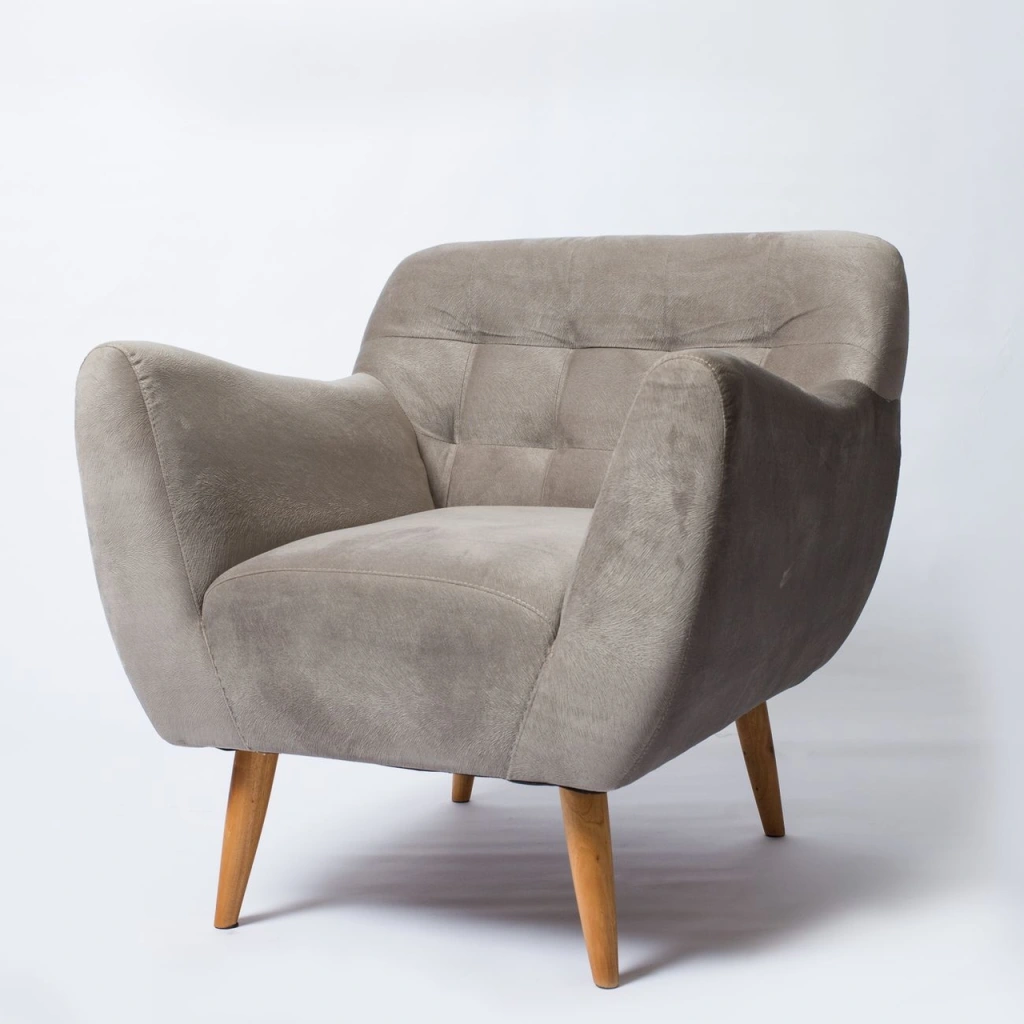
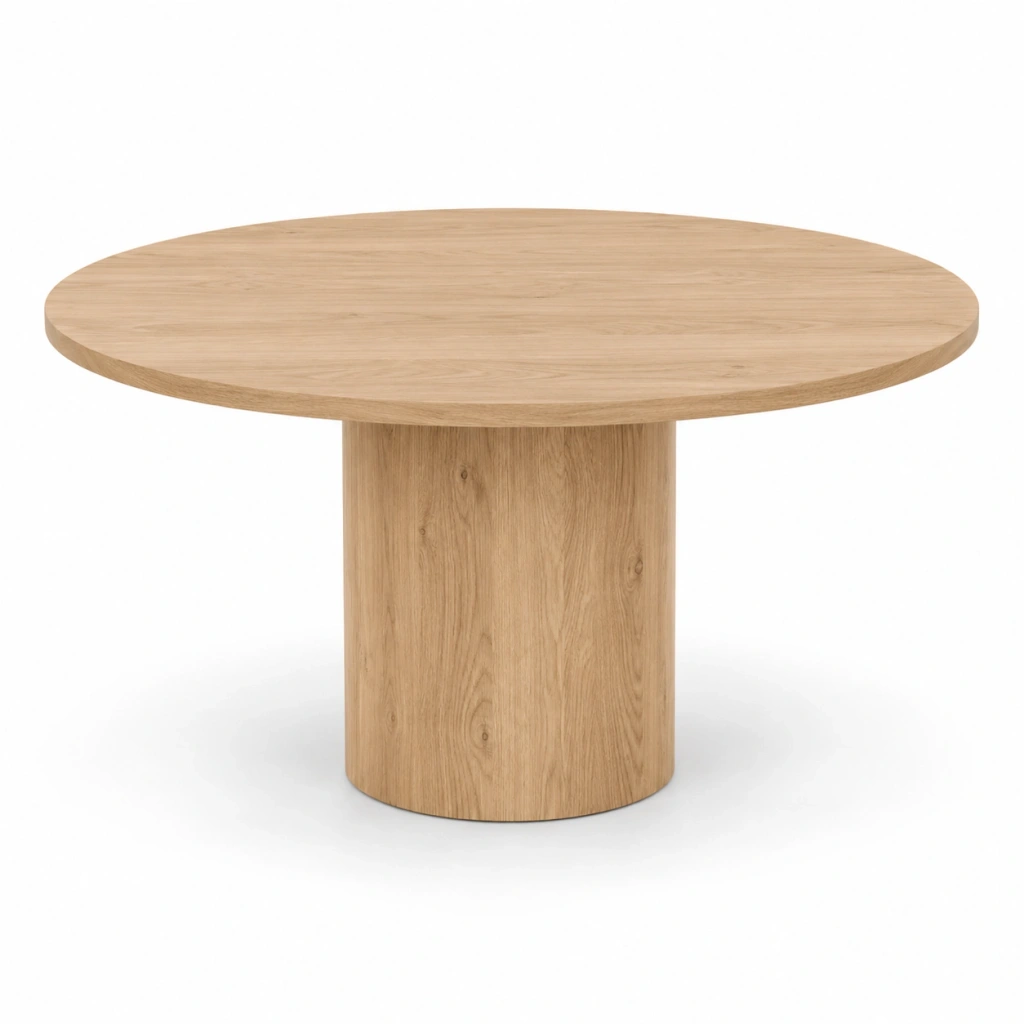
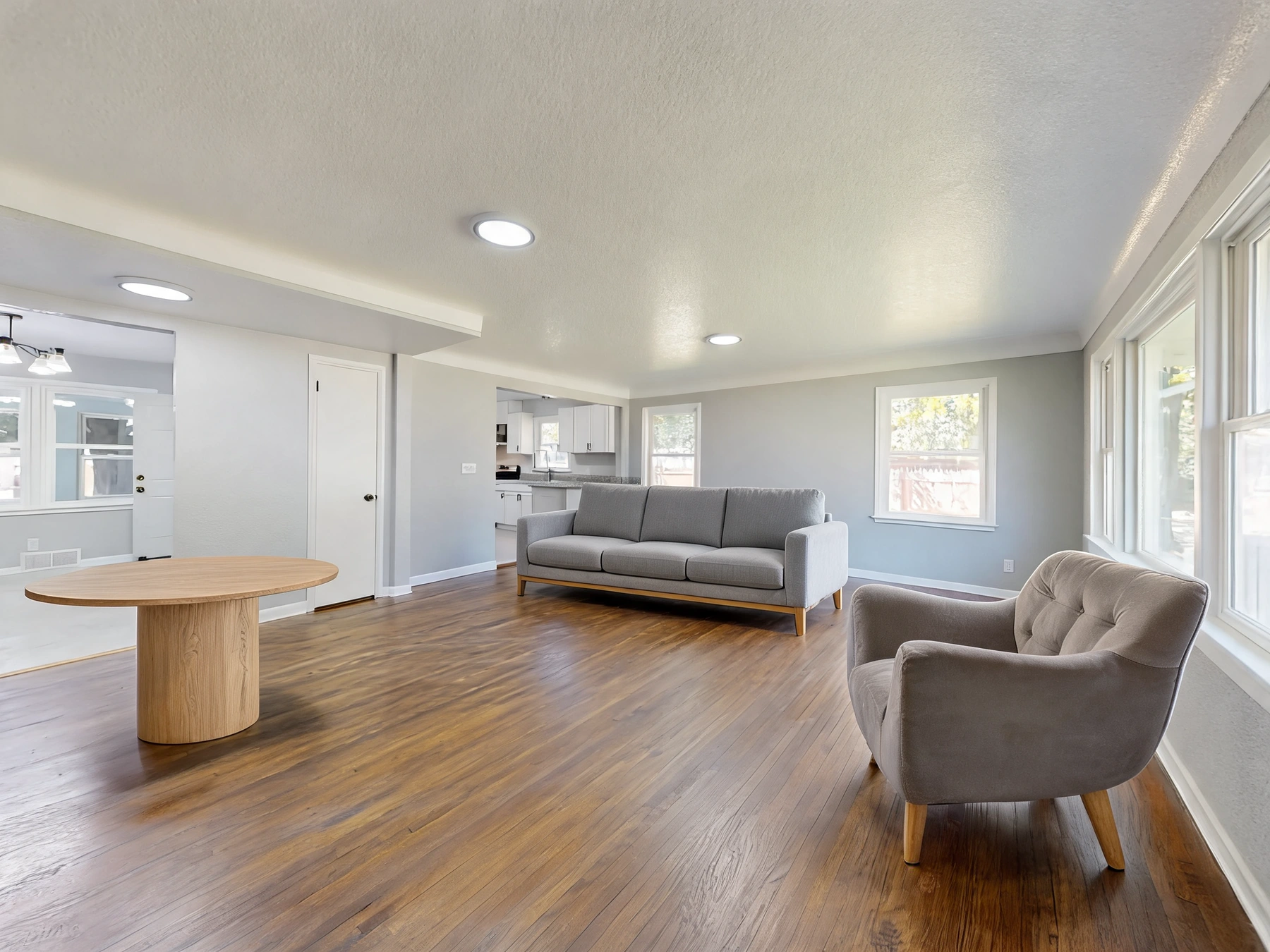
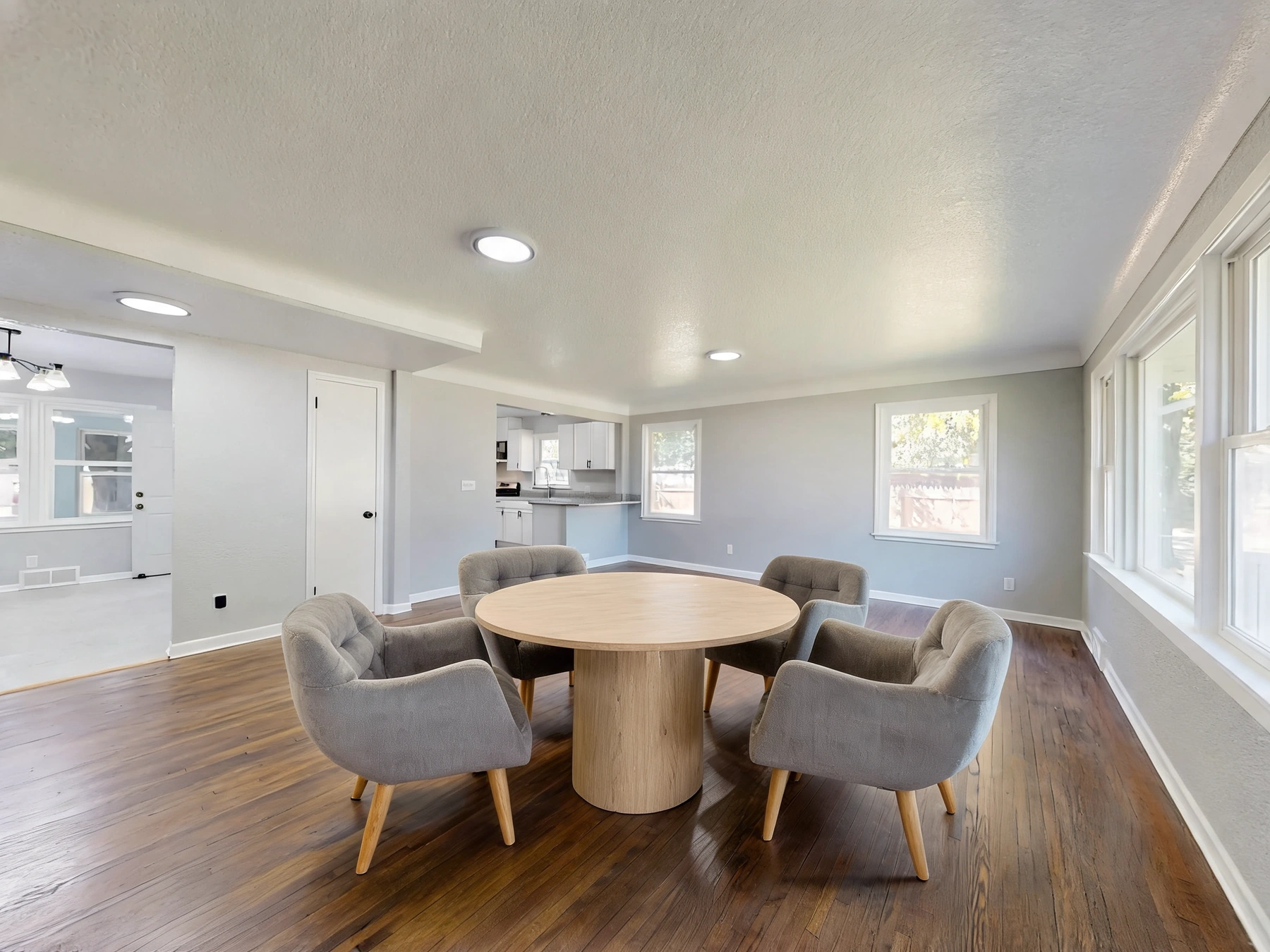
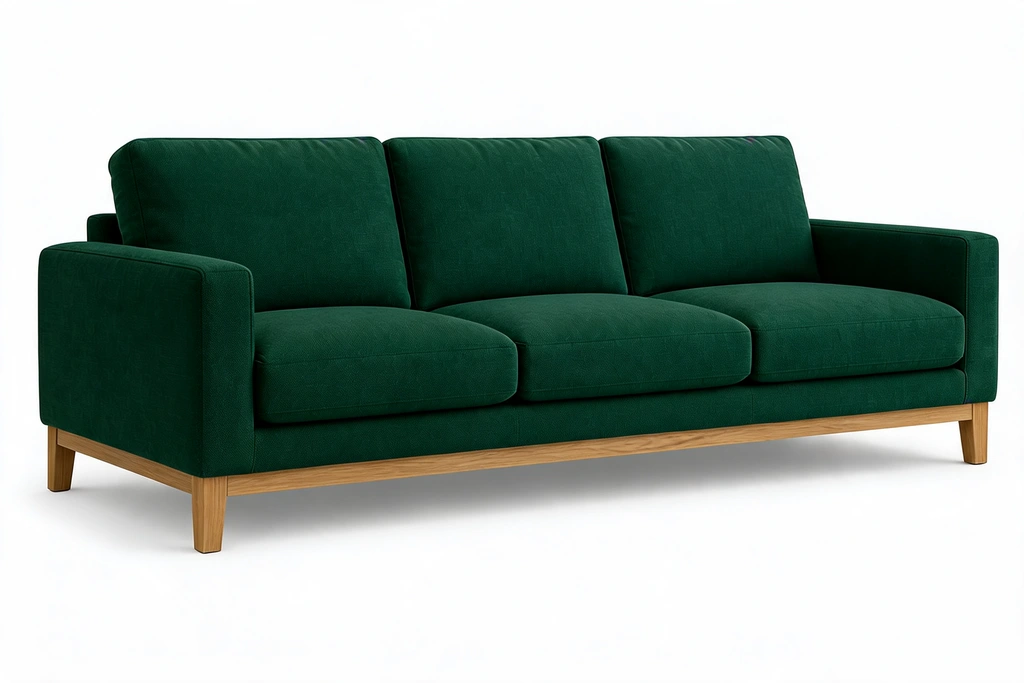
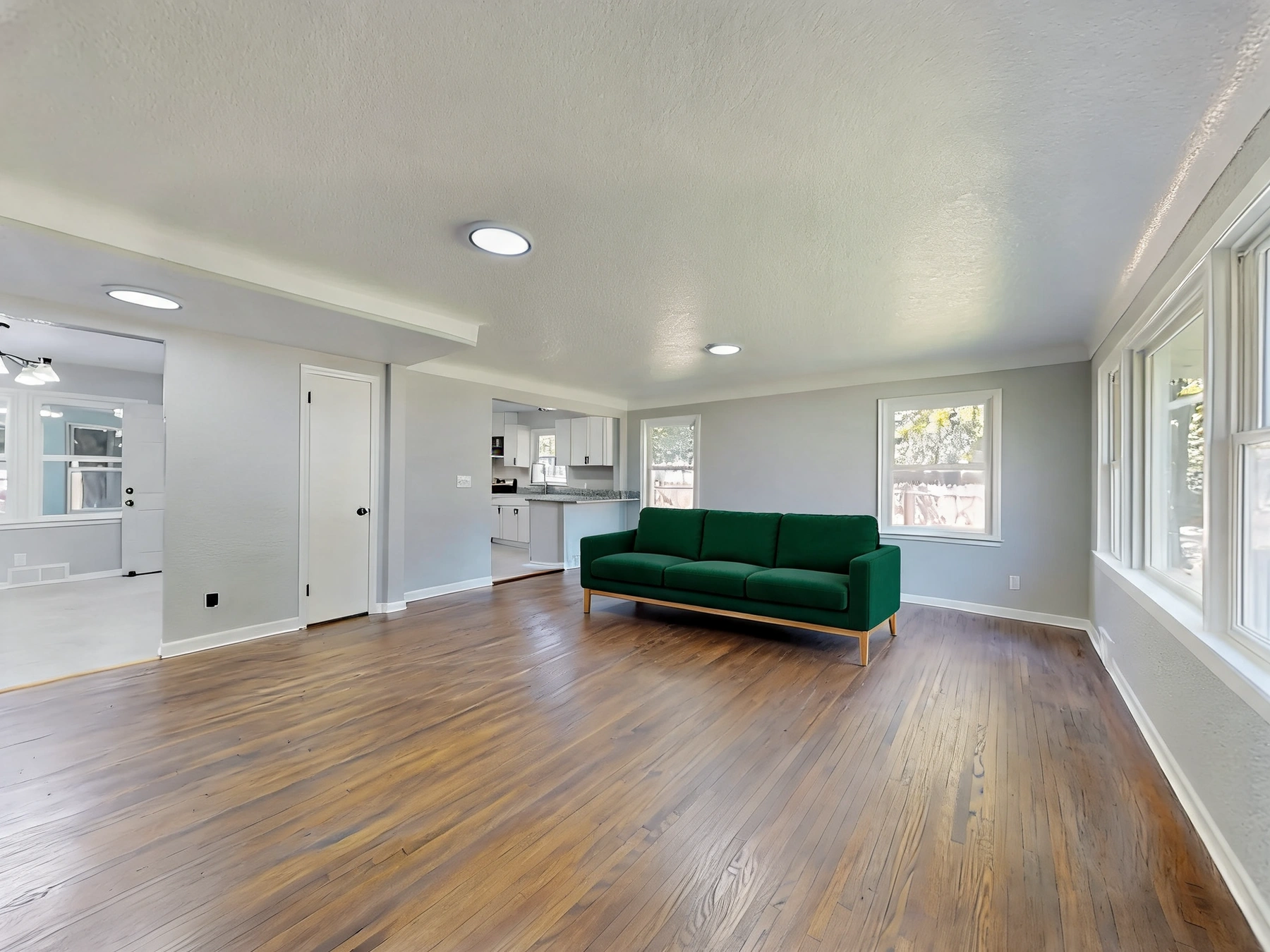
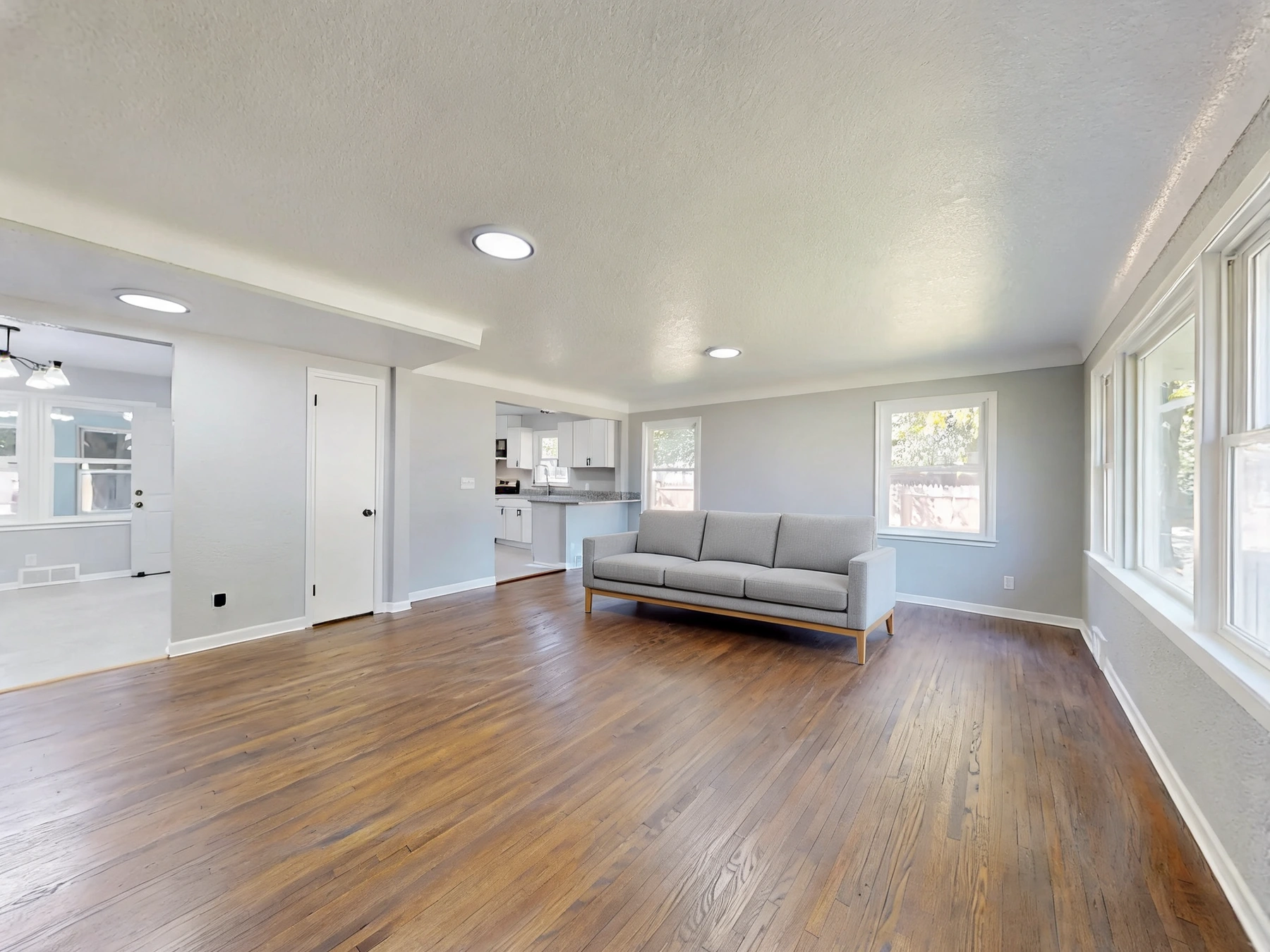
Bring a room photo and a clear product packshot. Describe where the piece should go; the model adapts perspective, light and floor contact.
Upload up to three furniture references, such as a table, chair and pendant. Describe the arrangement and any repeated chairs in the placement notes.
Choose Replace and name the existing piece. Reuse the room with another product photo to explore a different option; inspect scene consistency each time.
Use one room photo and one to three clear furniture images. Each JPEG, PNG or WebP must be within 12 MB.
Choose Place or Replace. Refer to furniture images by upload order and describe where each item belongs.
Inspect product shapes, upholstery, legs, shadows and room details. Download the concept or refine the selected area in the editor.
Get answers about source files, settings, and results for AI Furniture Visualizer.
Preview fabric and color variants, prepare clean packshots or use single-product staging.
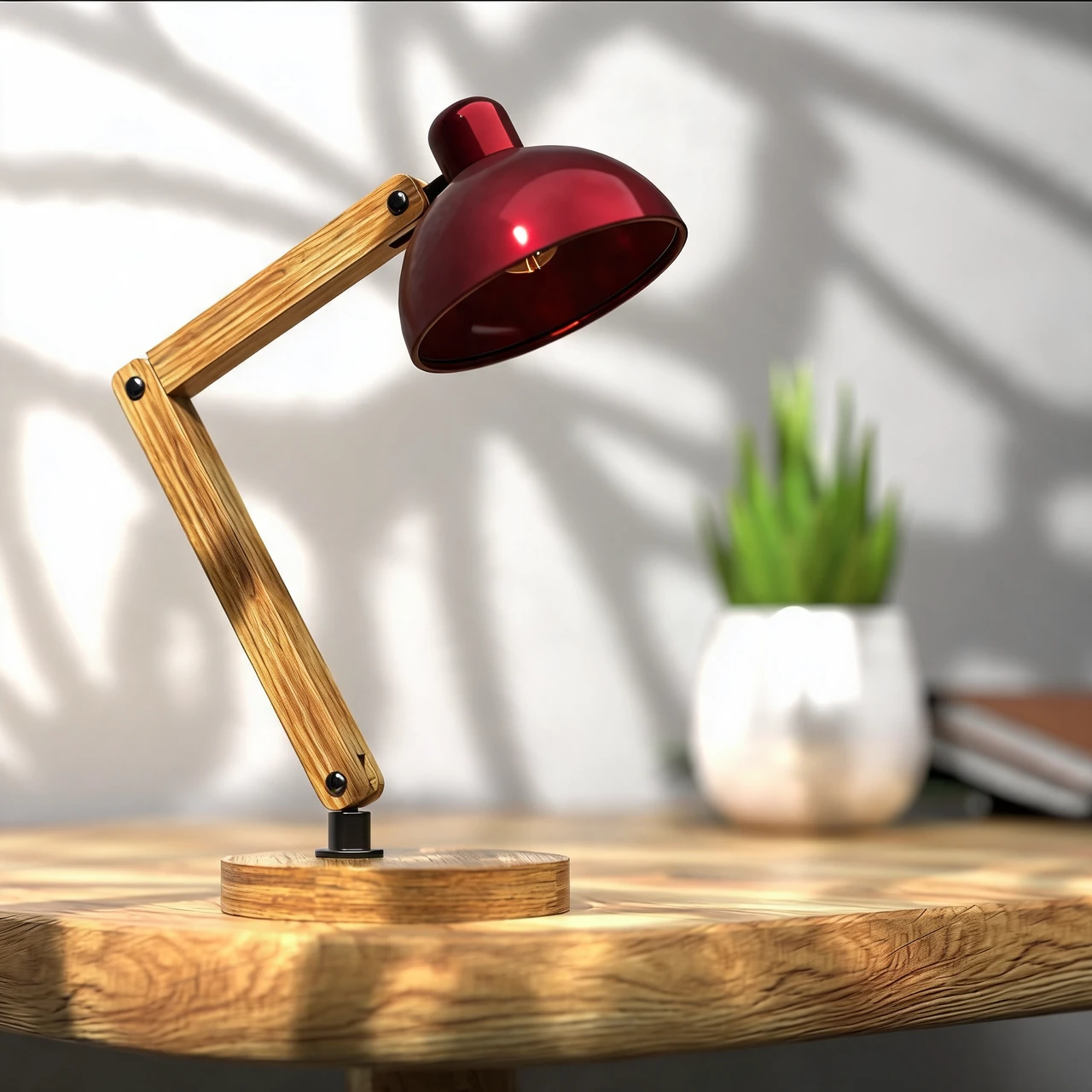
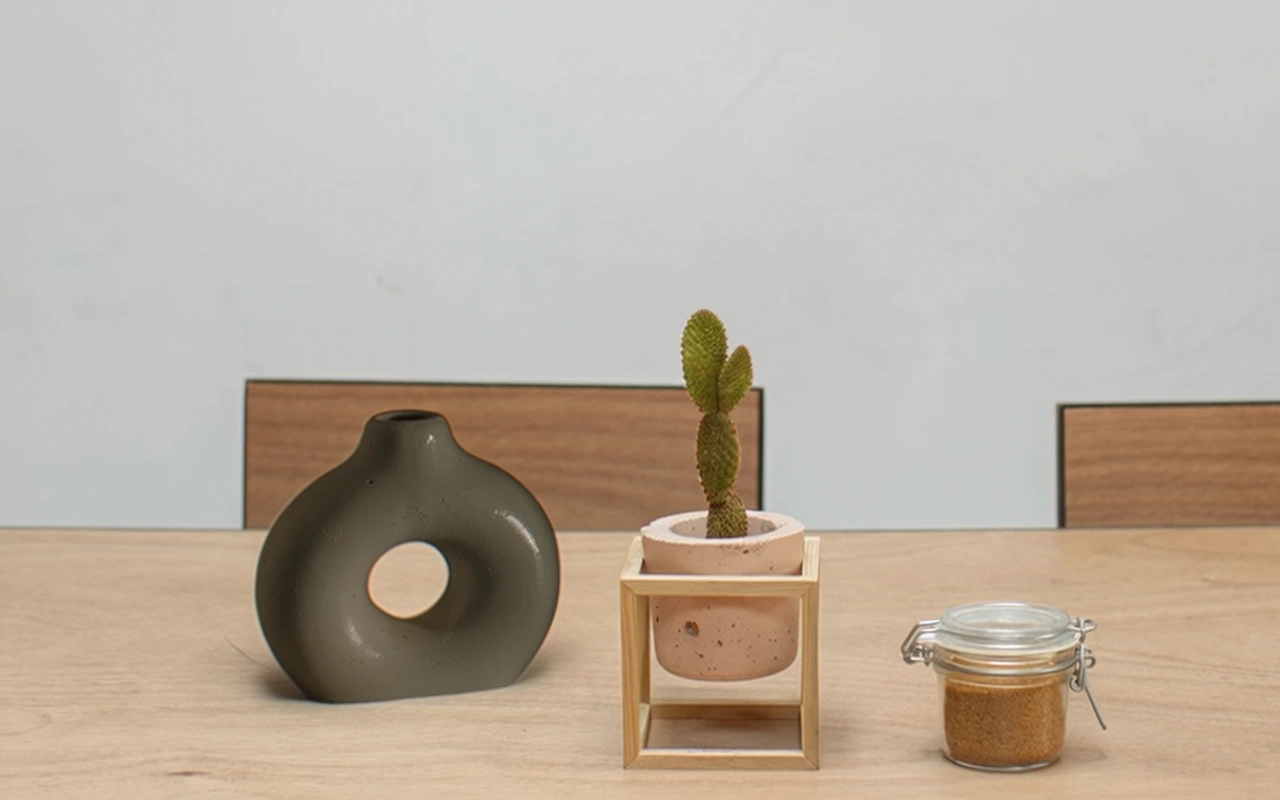
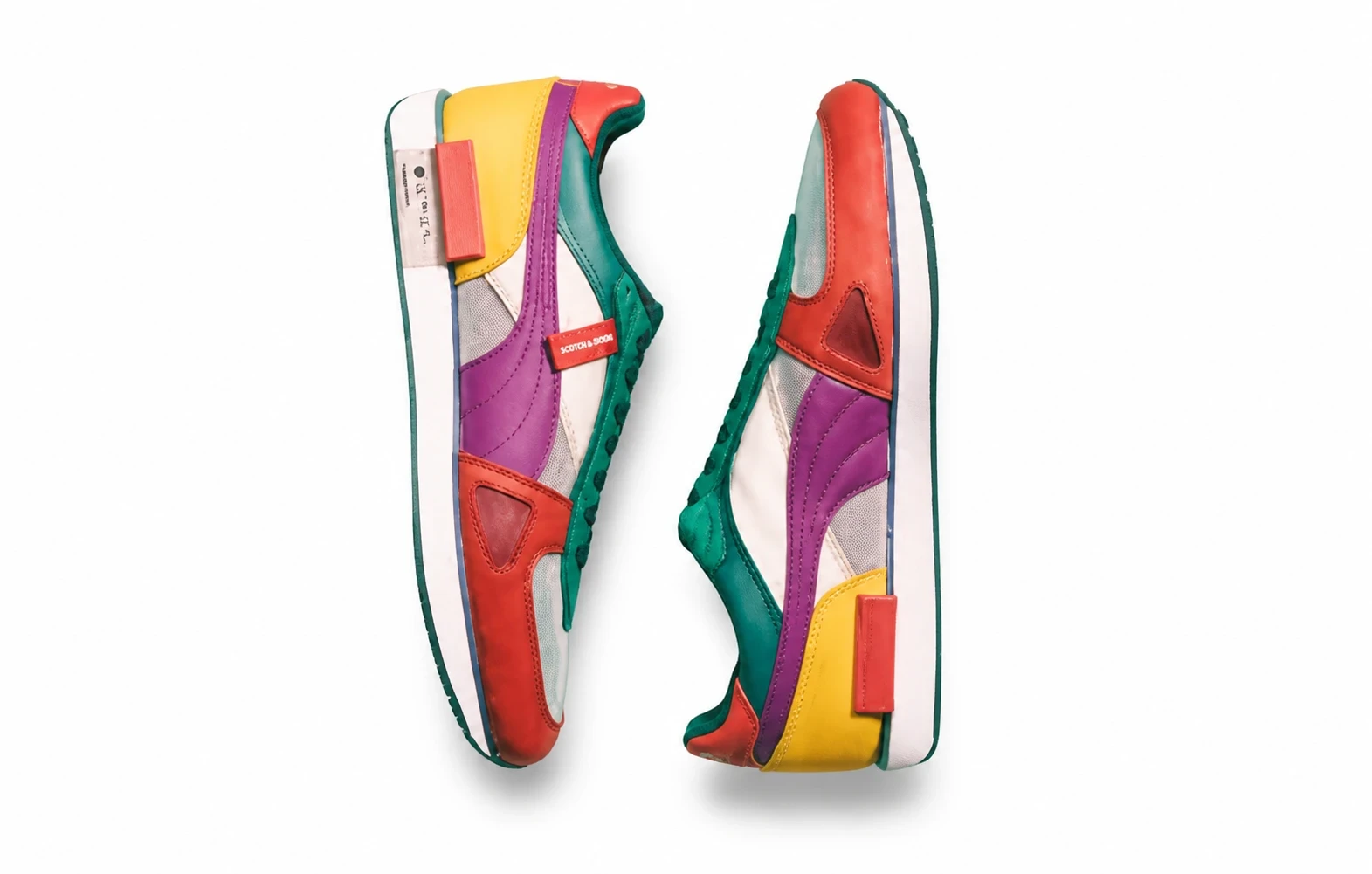


Upload a room and one to three furniture photos to preview a furniture set, place your products in a real interior, or swap a piece while keeping the scene.