
Text to video
Describe the scene, subject movement, camera direction, and mood to generate a video from text.
An AI video generator turns a prompt or visual starting point into motion. Describe the scene, action, camera, and mood, choose a compatible model, and create in one connected workspace.
Choose the workflow that matches your source material. Each mode shows compatible models, controls, inputs, and an estimated credit cost.
Describe the scene, subject movement, camera direction, and mood to generate a video from text.
Upload a still image and direct how the subject, scene, and camera should move.
Use compatible image, video, or audio references to guide a new video generation.
Transform an existing clip with a compatible model and a clear description of the change.
Turn a prompt, image, or reference into a generated video in three focused steps.
Start with text for a new scene, an image for controlled animation, or references when the selected model supports them.
Describe the action, pacing, camera movement, framing, and mood, then choose a compatible model and settings.
Review the credit estimate, create the clip, then continue with another compatible video workflow when needed.
Compare compatible video models in one place. Available inputs, duration, quality controls, and credit estimates vary by model.
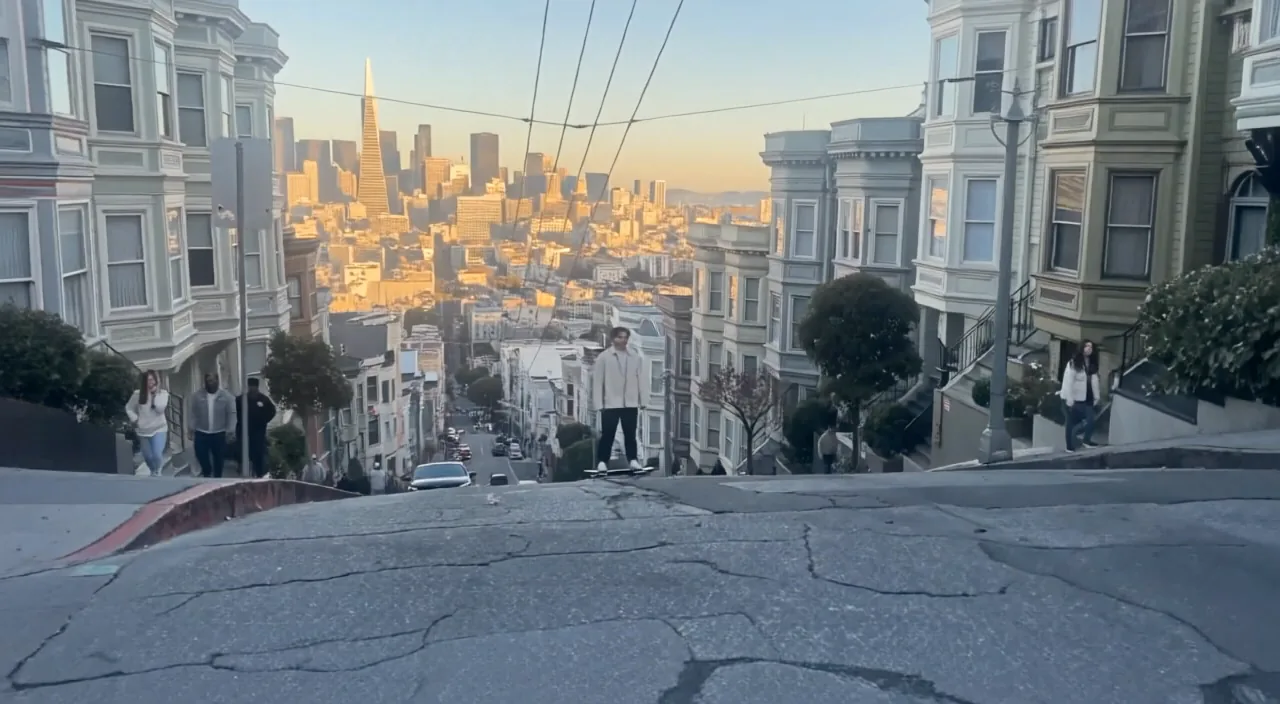
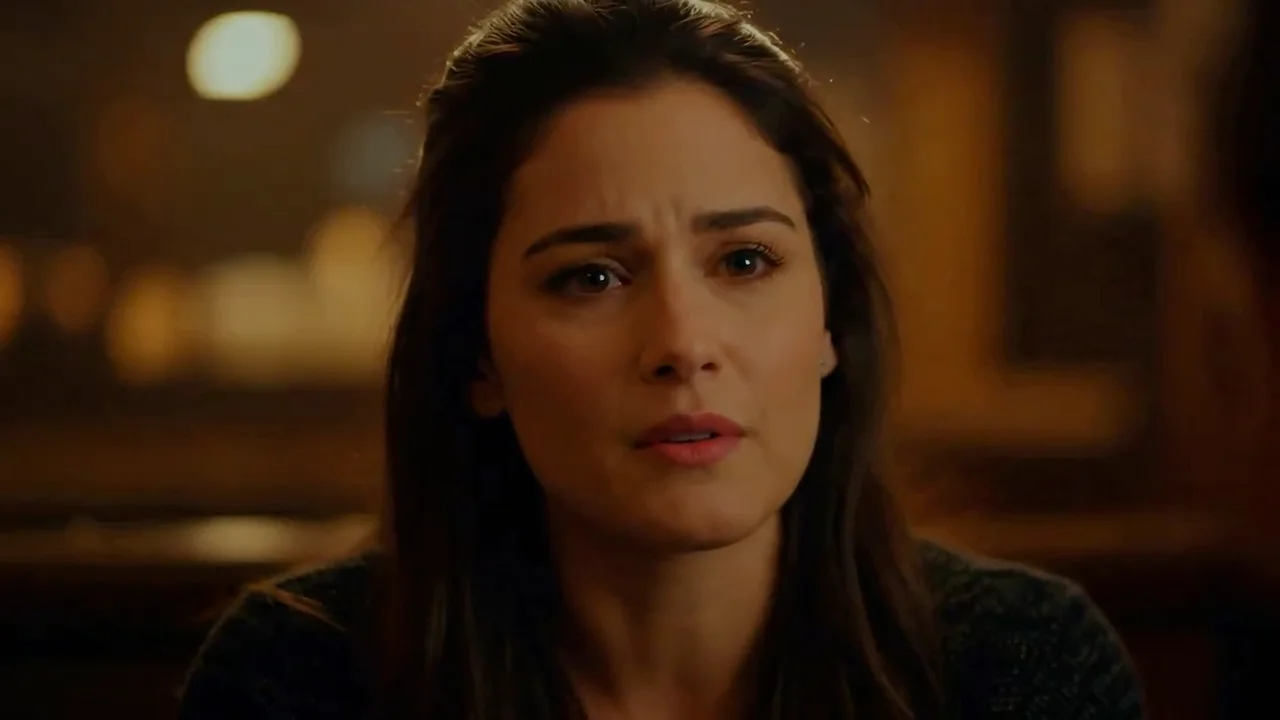
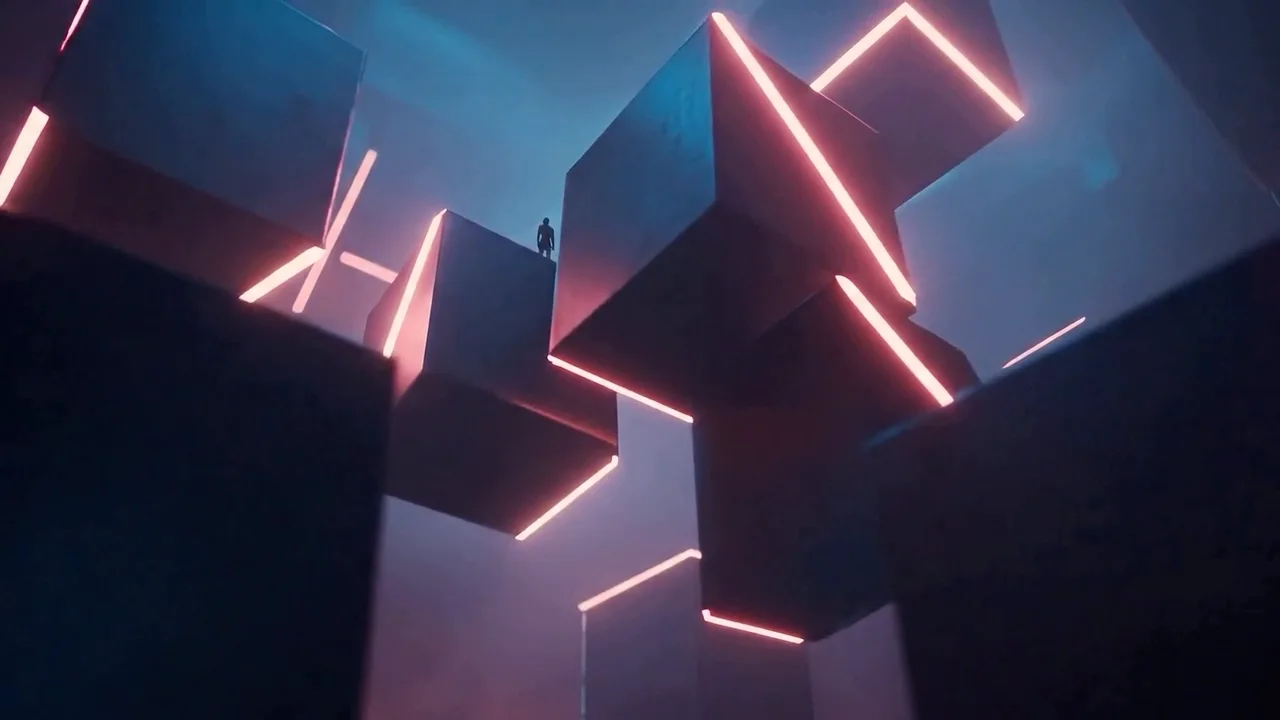
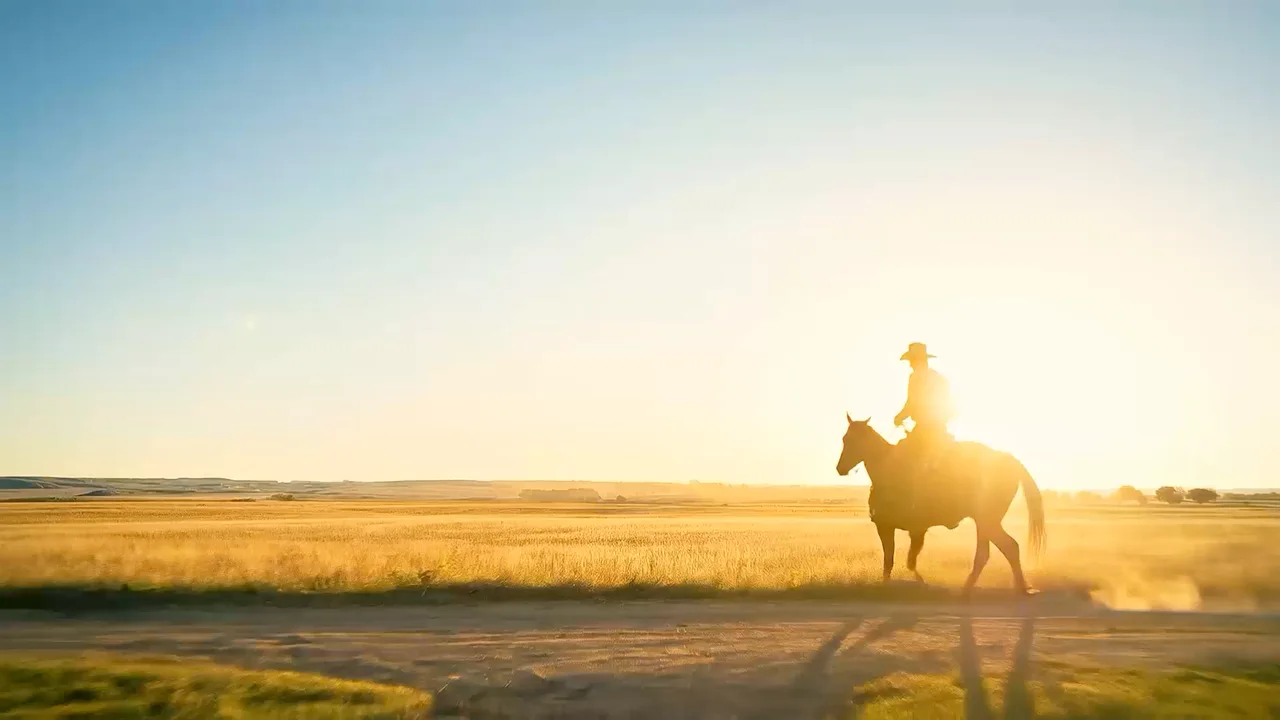
This page covers AI video creation from text, images, references, and compatible edit workflows—from first clip to follow-up edits.
Start in the composer, compare models, and review credit estimates before rendering. For extending or upscaling clips, browse video tools.
You can chain compatible steps so a clip becomes the starting point for another video action without exporting and re-importing manually.
Turn a prompt or key visual into a short motion piece with directed camera and pacing.
Animate hero frames for ads, storefronts, or launch teasers while keeping brand lighting.
Explore scene ideas quickly before investing in full production.
Continue from a generated or uploaded clip with compatible edit or extend workflows.
Browse image and video modes, models, tools, and effects in one place.
Direct answers about video inputs, model choice, workflows, and credits.
Choose a starting point, direct the motion, compare compatible models, and review the credit estimate before generating.