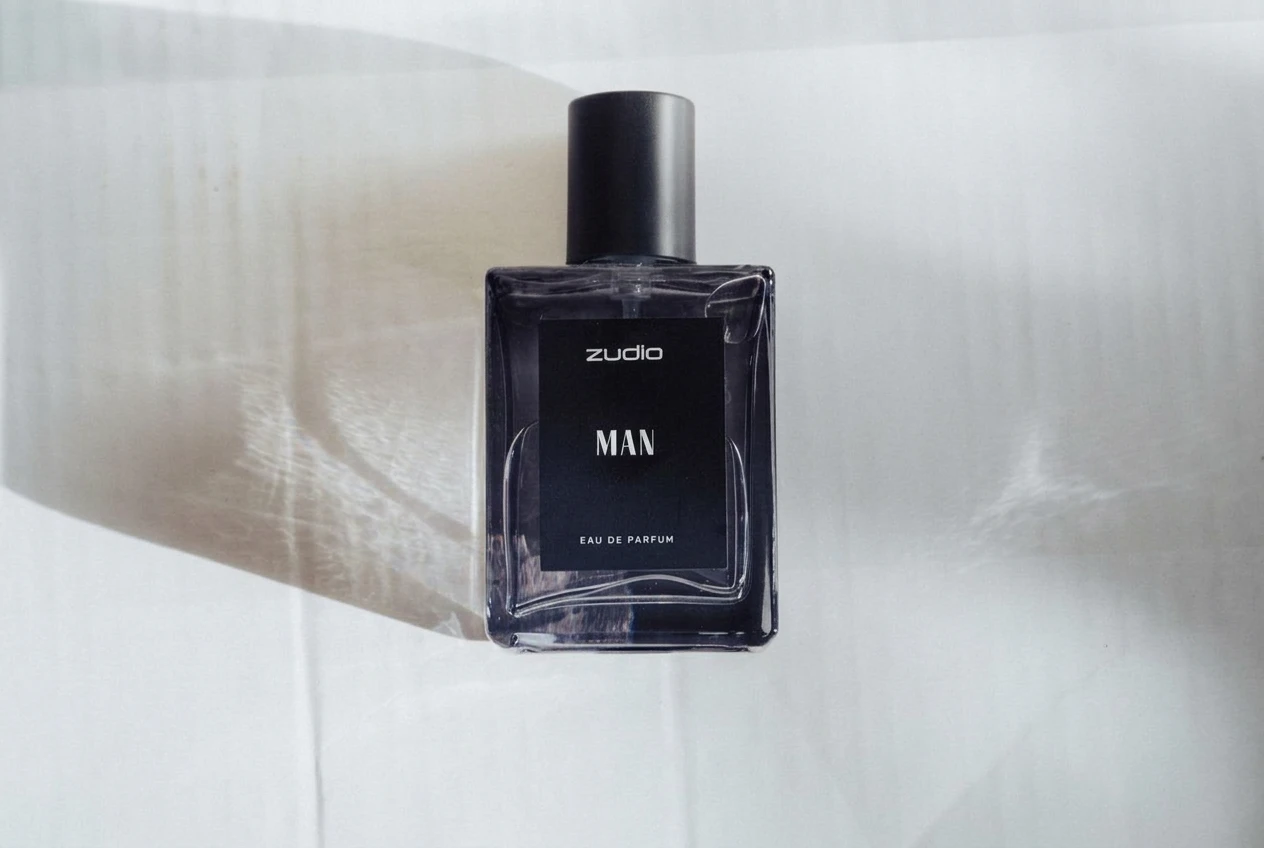
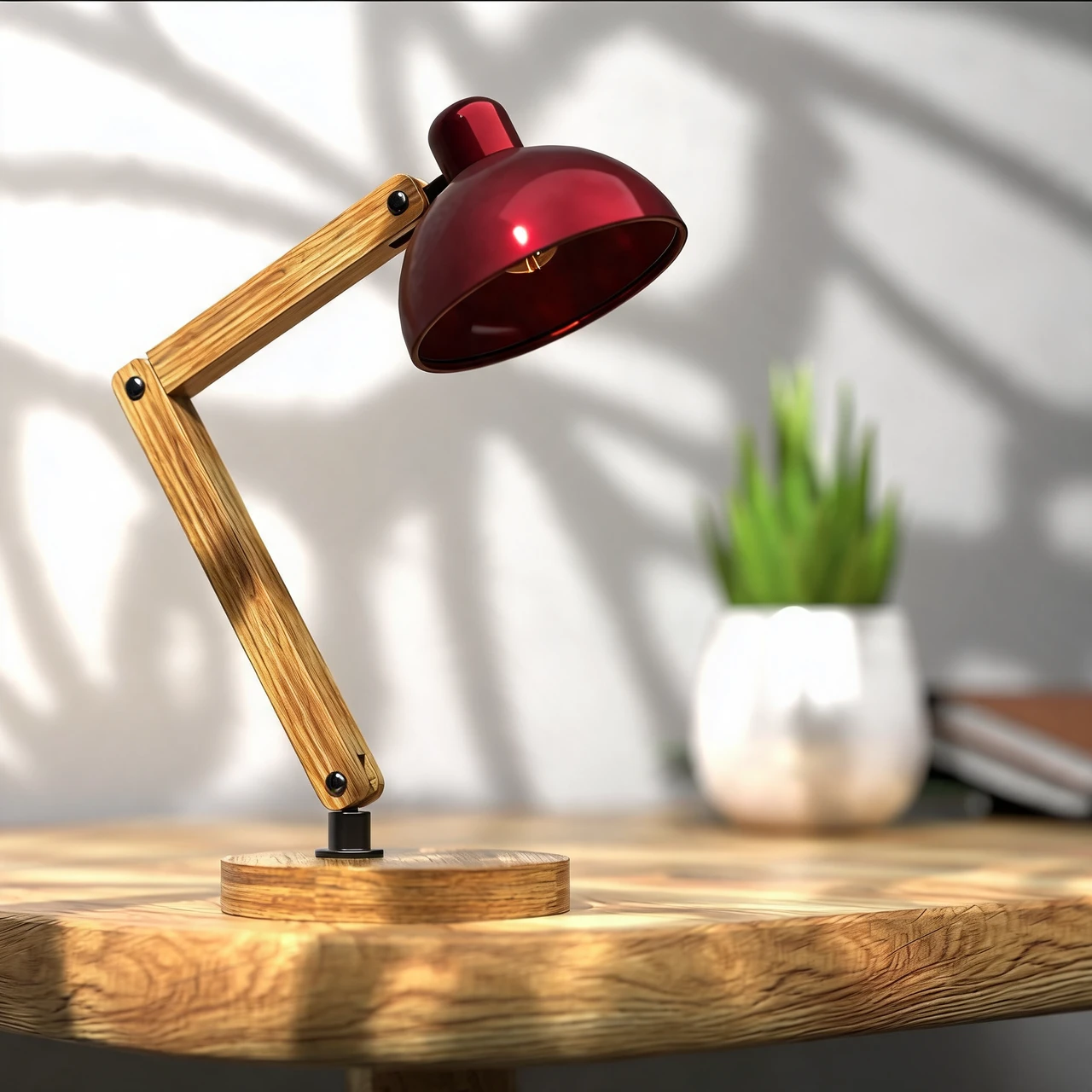
Standard product photo
Create a square product photo on a white or solid-color background.
Create and edit product photos with backgrounds, lighting, staging, shadows, retouching and color previews.
Create a square product photo on a white or solid-color background.
Choose a preset, describe a background in English or upload a reference image.
Change the lighting in your product photo. Choose from six styles and five aspect ratios to explore a new look for store content and social campaigns.
Explore a new product photography concept from one photo. Upload your item, choose an aspect ratio and let the tool create a new composition.
Place your product in a scene you choose. Upload a product photo and a scene, then guide position and scale for storefront and campaign concepts.
Choose Standard product photo for a white or solid-color presentation. Check the finished image against your marketplace’s requirements before publishing.
Create a new setting around your existing product photo for a store page or seasonal campaign. Guide it with a preset, an English description or a reference background.
Try a portrait or landscape scene for product posts and store content. Review the product’s labels, proportions and colors before sharing.
Use a clear JPEG, PNG or WebP showing the complete product. Keep packaging and labels readable.
Choose a product photography task and adjust its controls. Staging also requires a scene image.
Compare with your original. Check the product shape, color and label text before using the result.
Explore other product photography tasks, remove an existing background or enlarge an image for your next design.
Upload your product, choose a photography task and review the credit cost before generating.