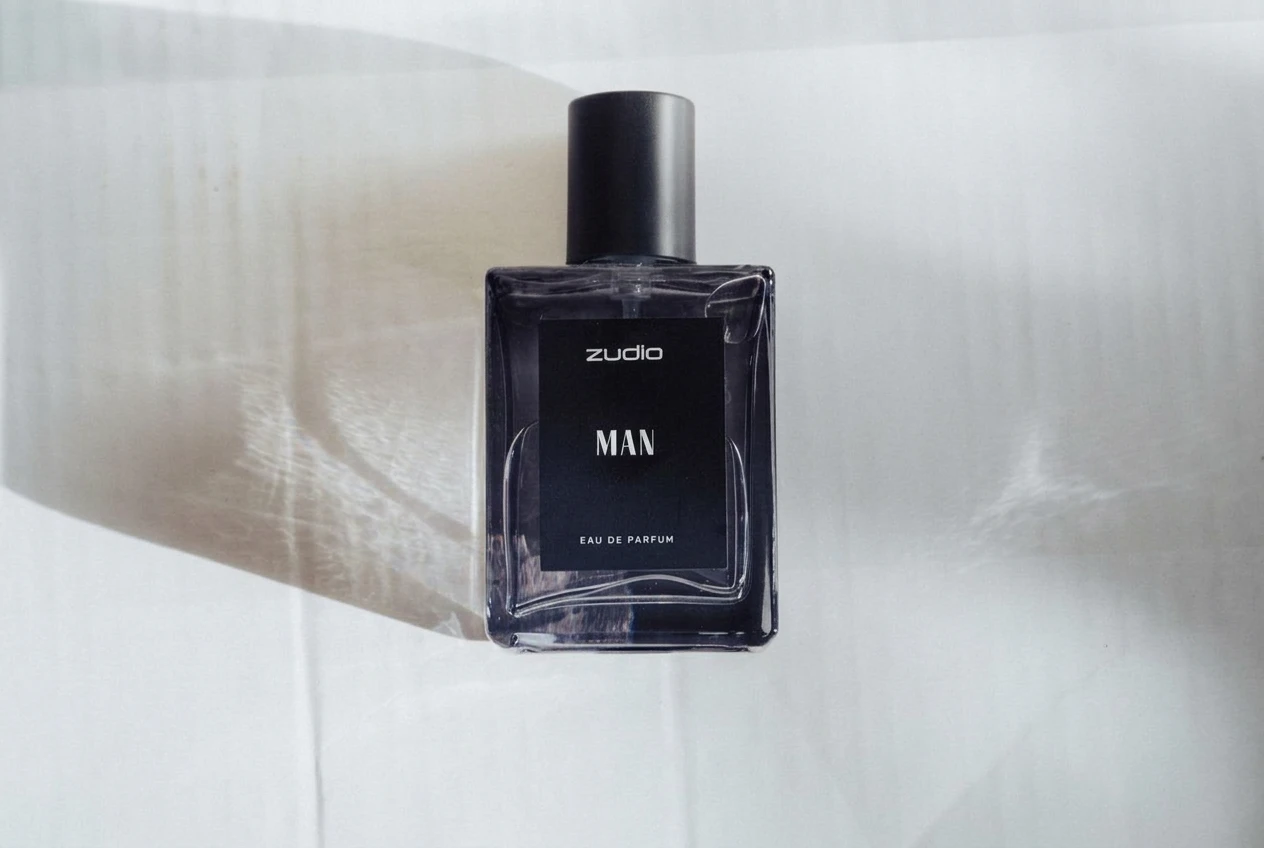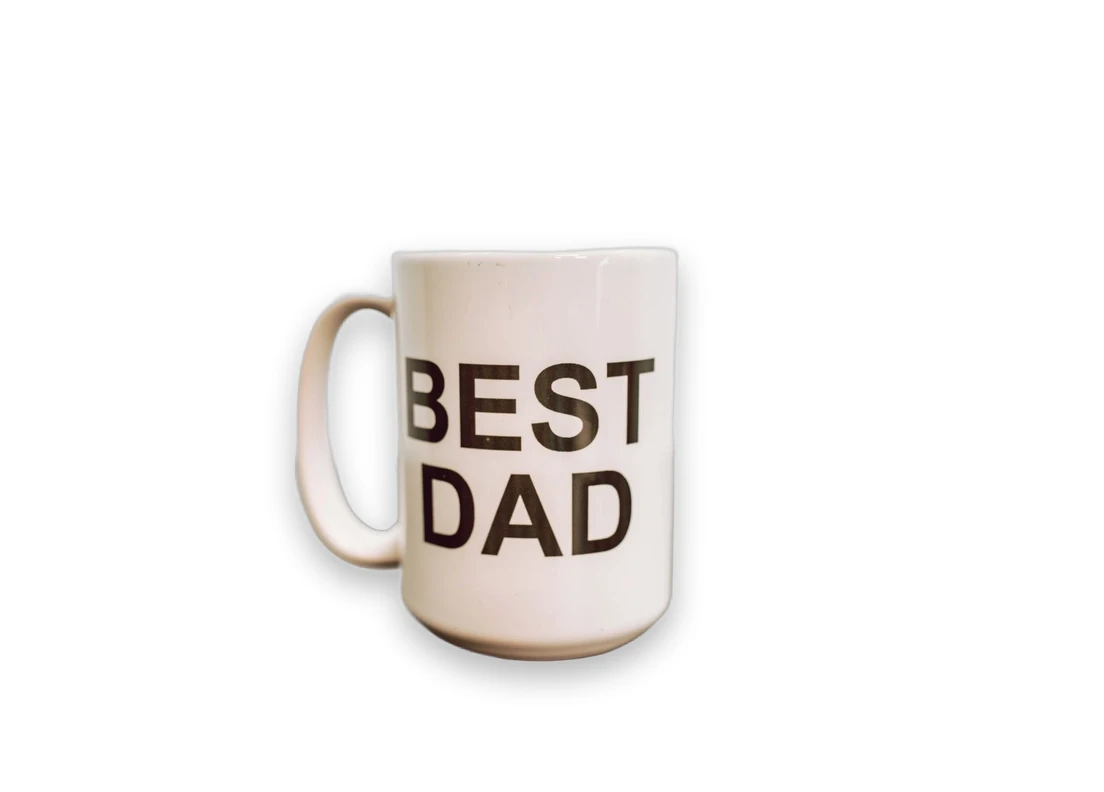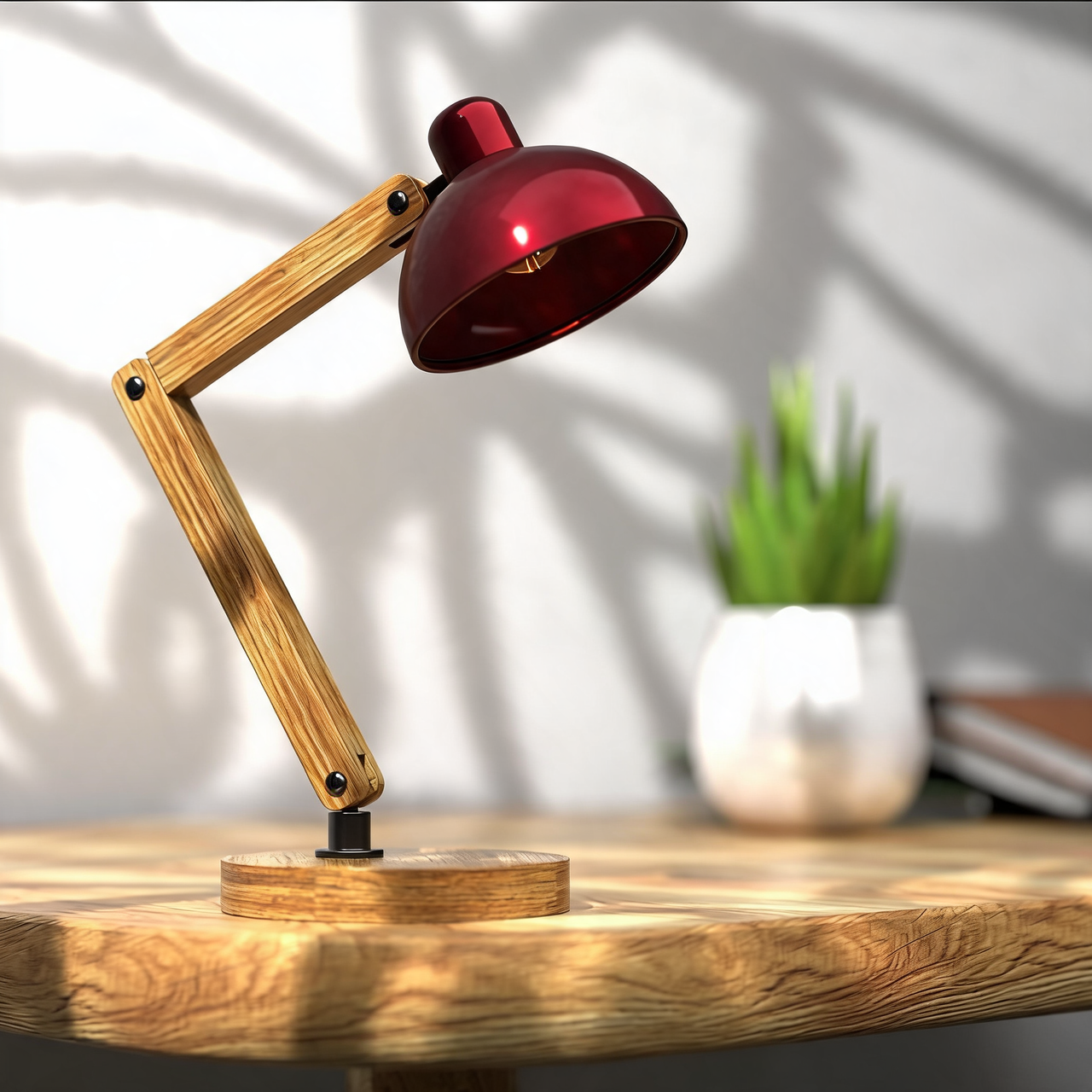
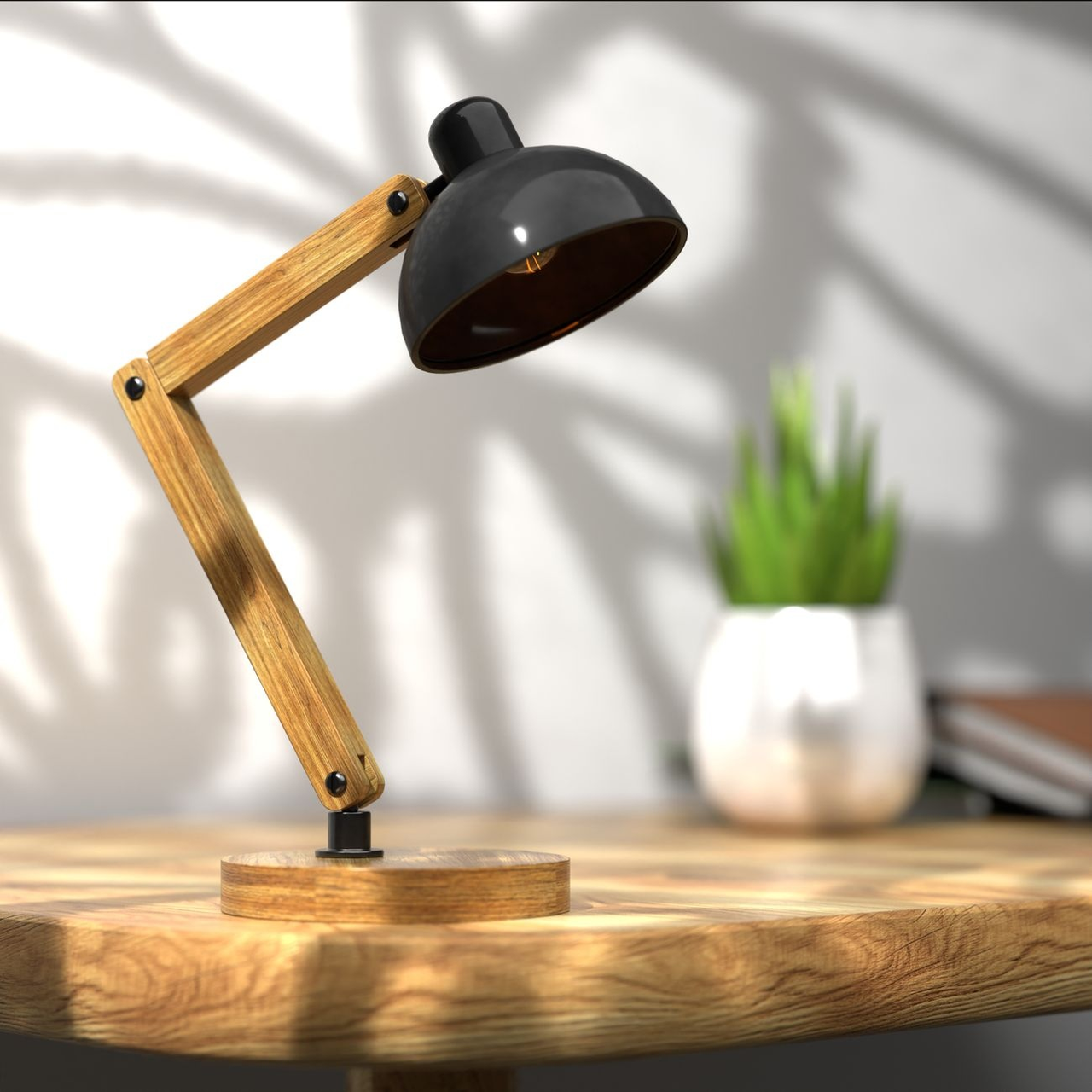
Preview a new color on a selected part of your product.
Drag the divider to compare real tool results across different scenes.
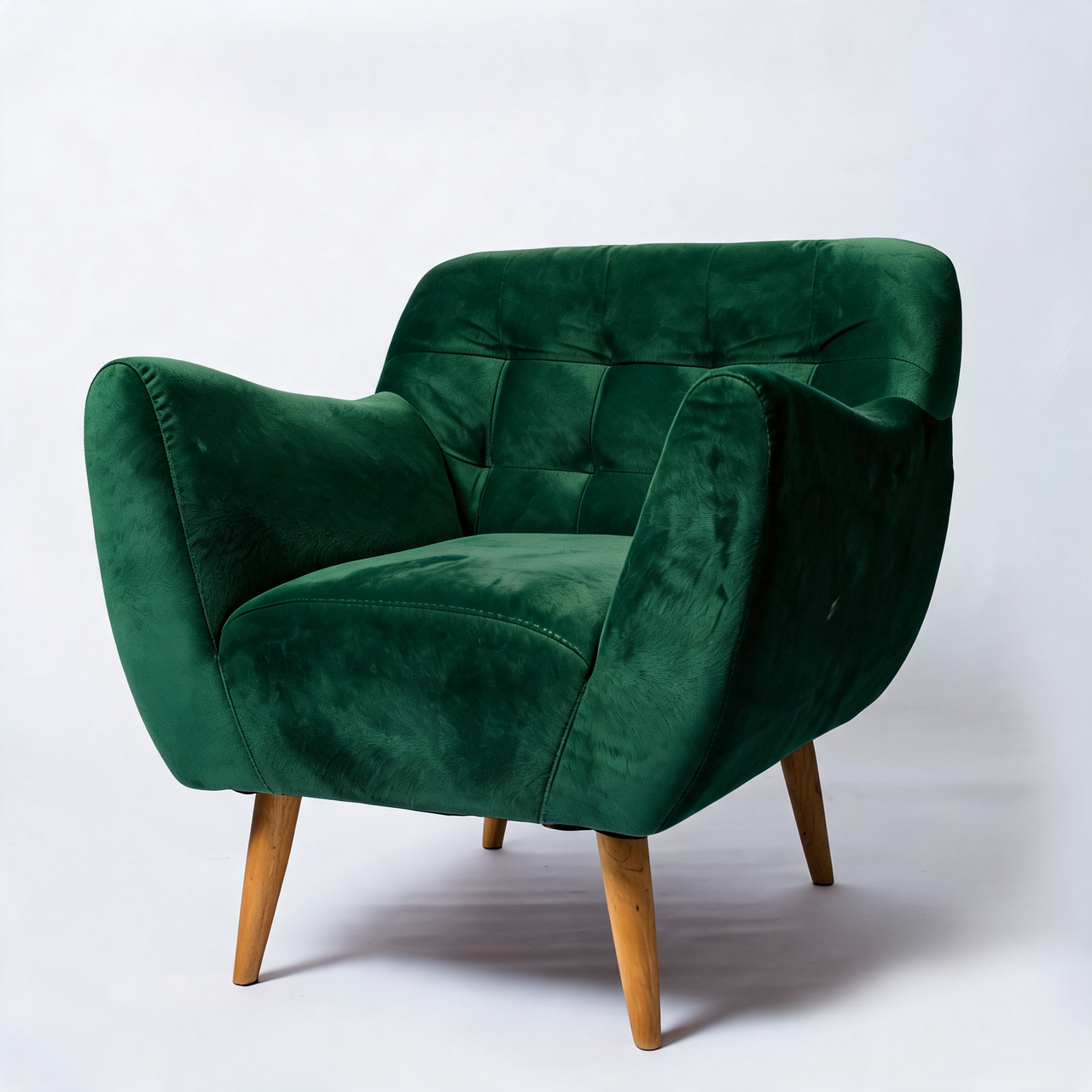
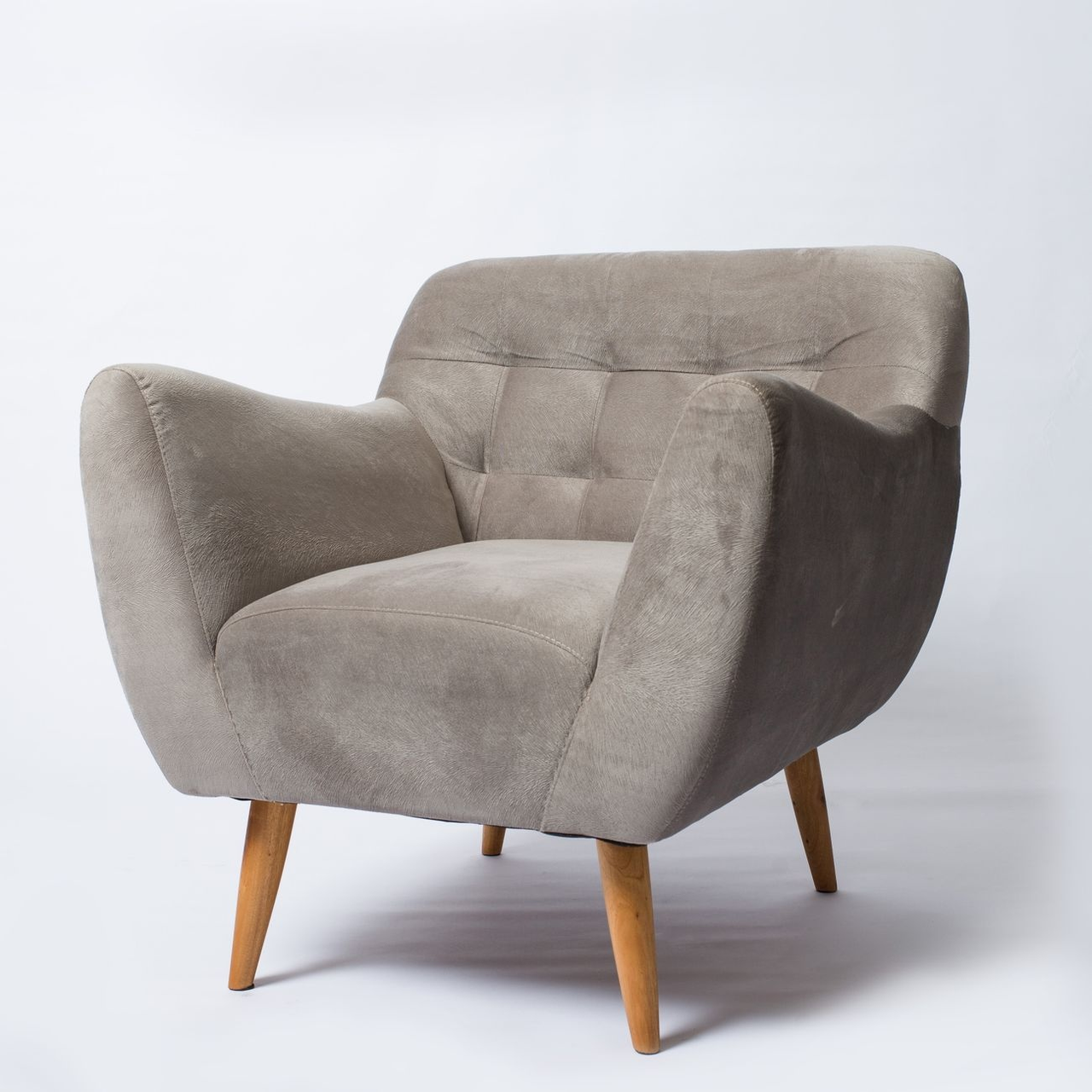
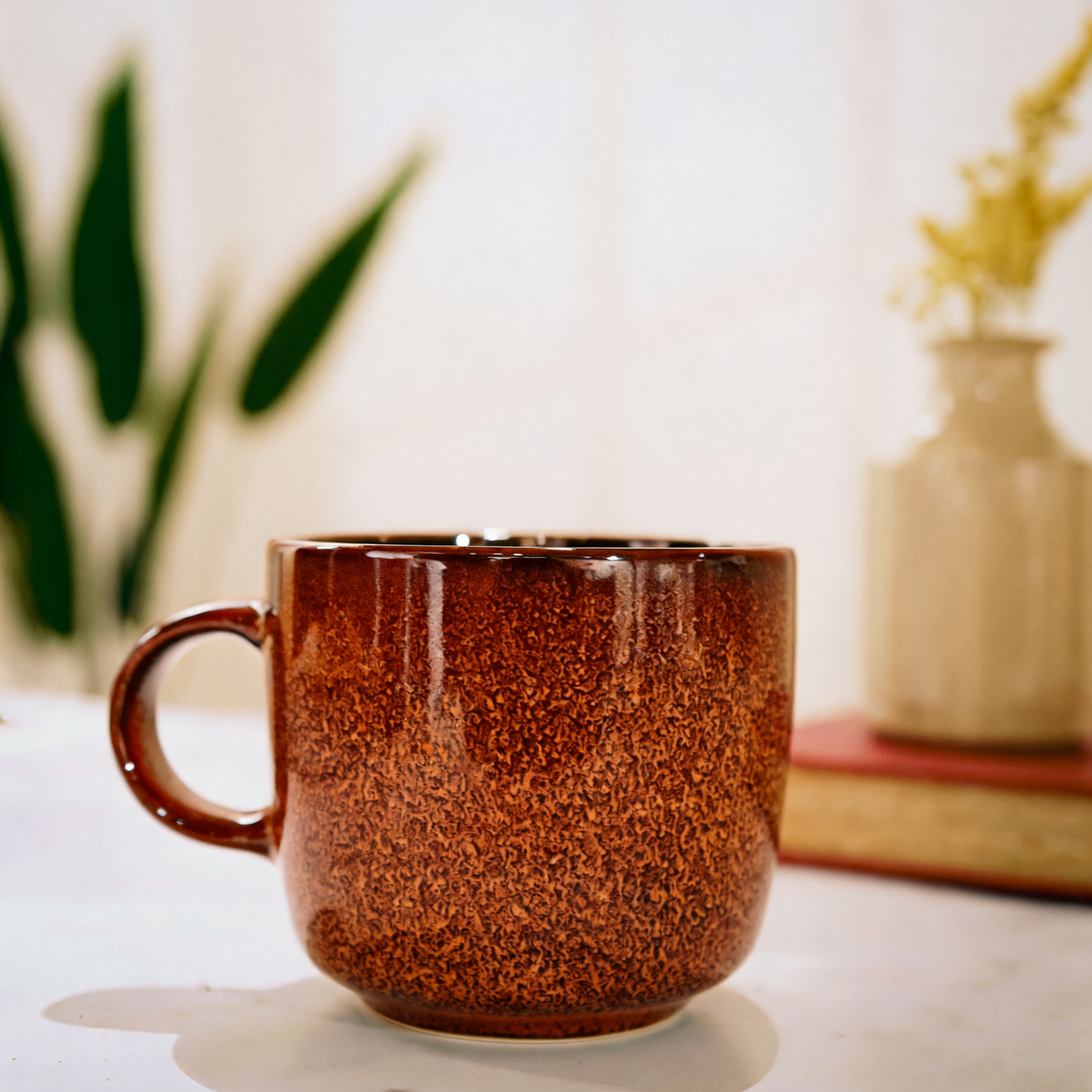
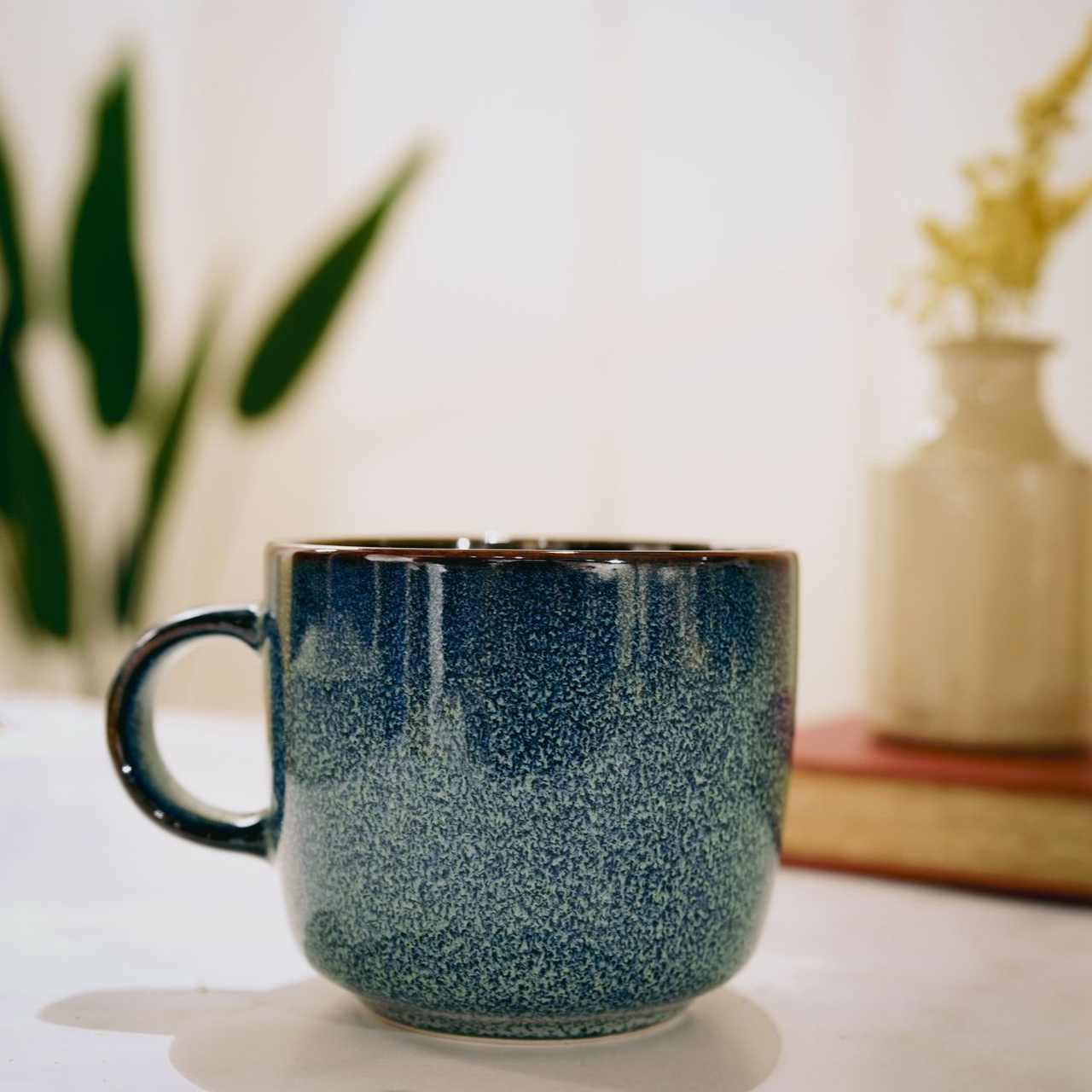
Describe a specific part. This creates a color preview; check the result against the real product.
Describe the exact part to recolor and choose a HEX color. Review it as a color preview.
Explore a color variant and compare it with the real item.
Try color ideas for a product campaign.
Compare selected colors while checking the rest of the image.
Use a clear JPEG, PNG or WebP showing the complete product. Keep packaging and labels readable.
Describe the exact part to recolor and choose a HEX color. Review it as a color preview.
Compare with your original. Check the product shape, color and label text before using the result.
Explore other product photography tasks, remove an existing background or enlarge an image for your next design.
Preview a new color on a selected part of your product.