Background presets
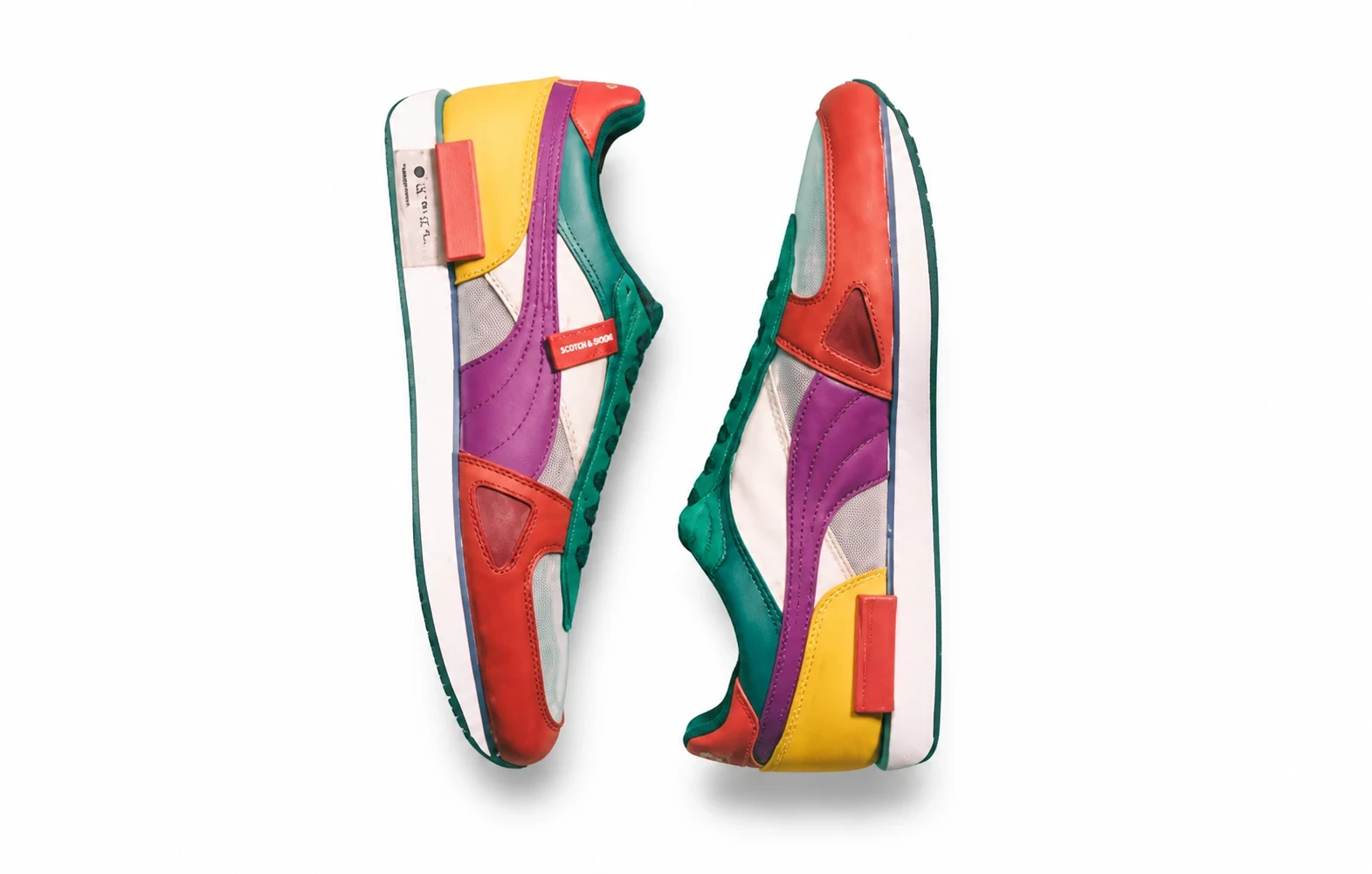
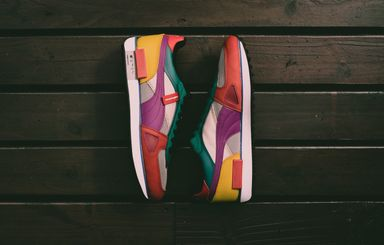
Start with light stone, a wood table, a minimal podium or a soft studio. These illustrations show scene ideas; generated lighting and composition can vary.
Choose a preset, describe a background in English or upload a reference image.
Start with light stone, a wood table, a minimal podium or a soft studio. These illustrations show scene ideas; generated lighting and composition can vary.
English text only. Describe the setting, surface and lighting. Up to 2000 characters.
Upload an optional image to the Background slot. It guides a generated scene rather than copying it exactly. Remove it to use a text description or preset.
Choose Standard product photo for a white or solid-color presentation. Check the finished image against your marketplace’s requirements before publishing.
Create a new setting around your existing product photo for a store page or seasonal campaign. Guide it with a preset, an English description or a reference background.
Try a portrait or landscape scene for product posts and store content. Review the product’s labels, proportions and colors before sharing.
Use a clear JPEG, PNG or WebP showing the complete product. Keep packaging and labels readable.
Choose a preset, describe a background in English or upload a reference image.
Compare with your original. Check the product shape, color and label text before using the result.
Explore other product photography tasks, remove an existing background or enlarge an image for your next design.
Upload your product, choose a photography task and review the credit cost before generating.