Higher-resolution images
Enlarge low-resolution source images into more useful output dimensions.
Enlarge low-resolution images while recovering sharper edges and texture.
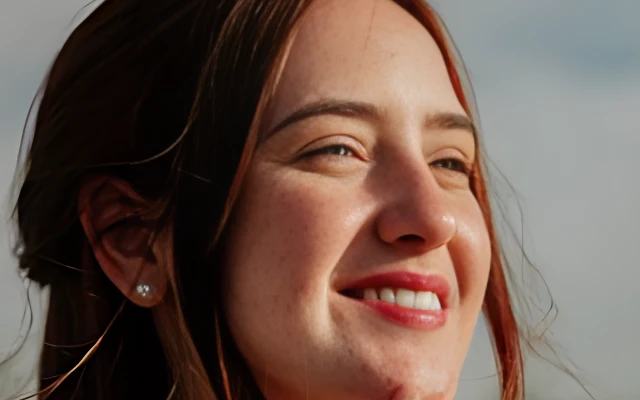
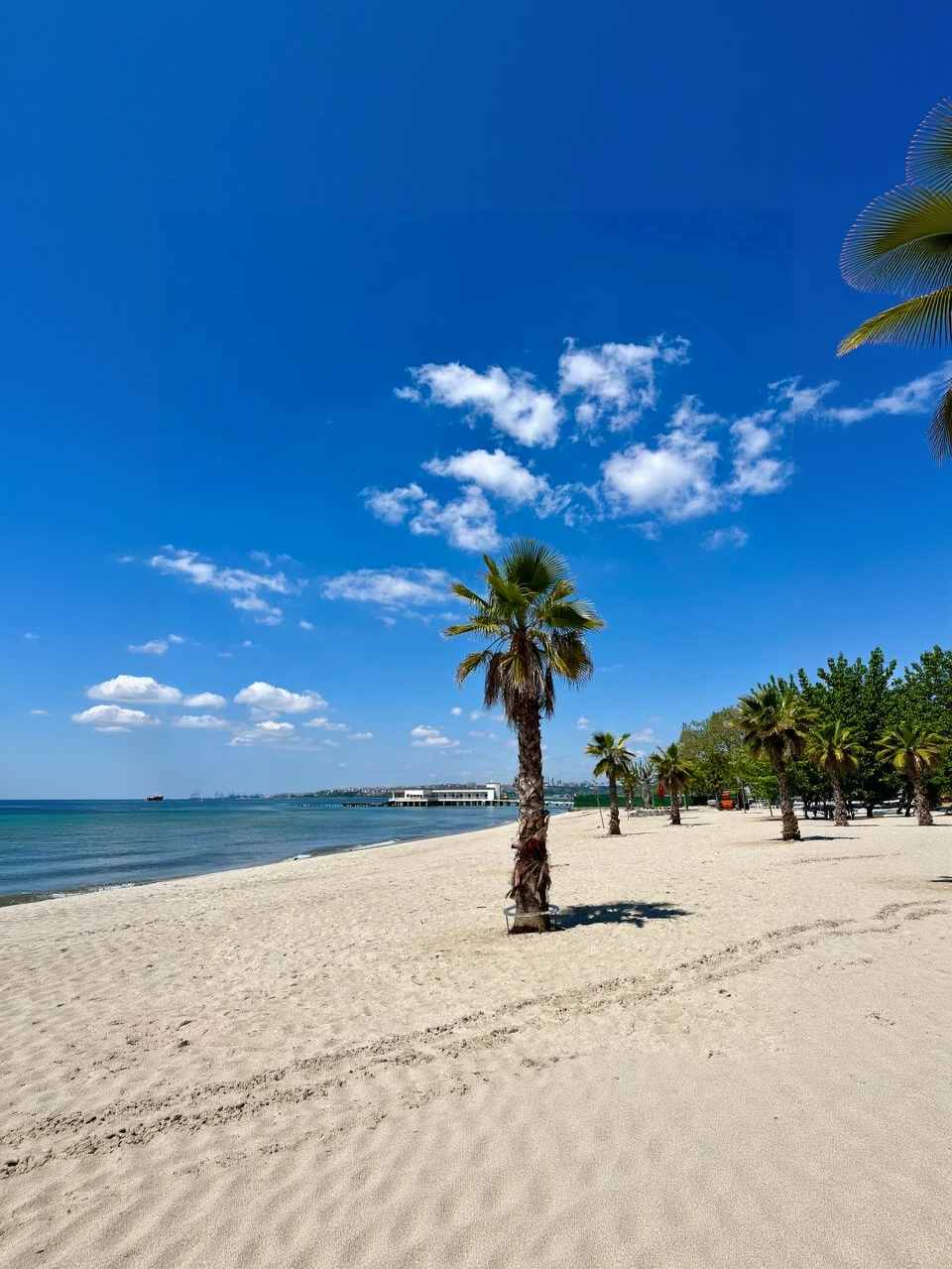
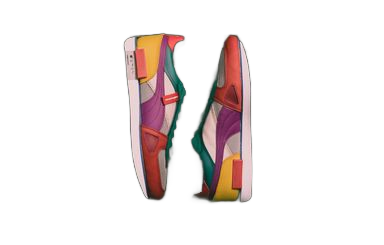
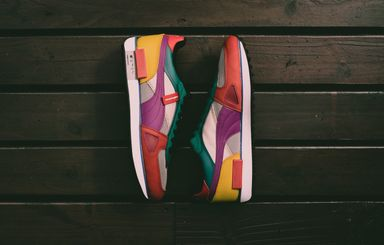
Drag the divider to compare real tool results across different scenes.
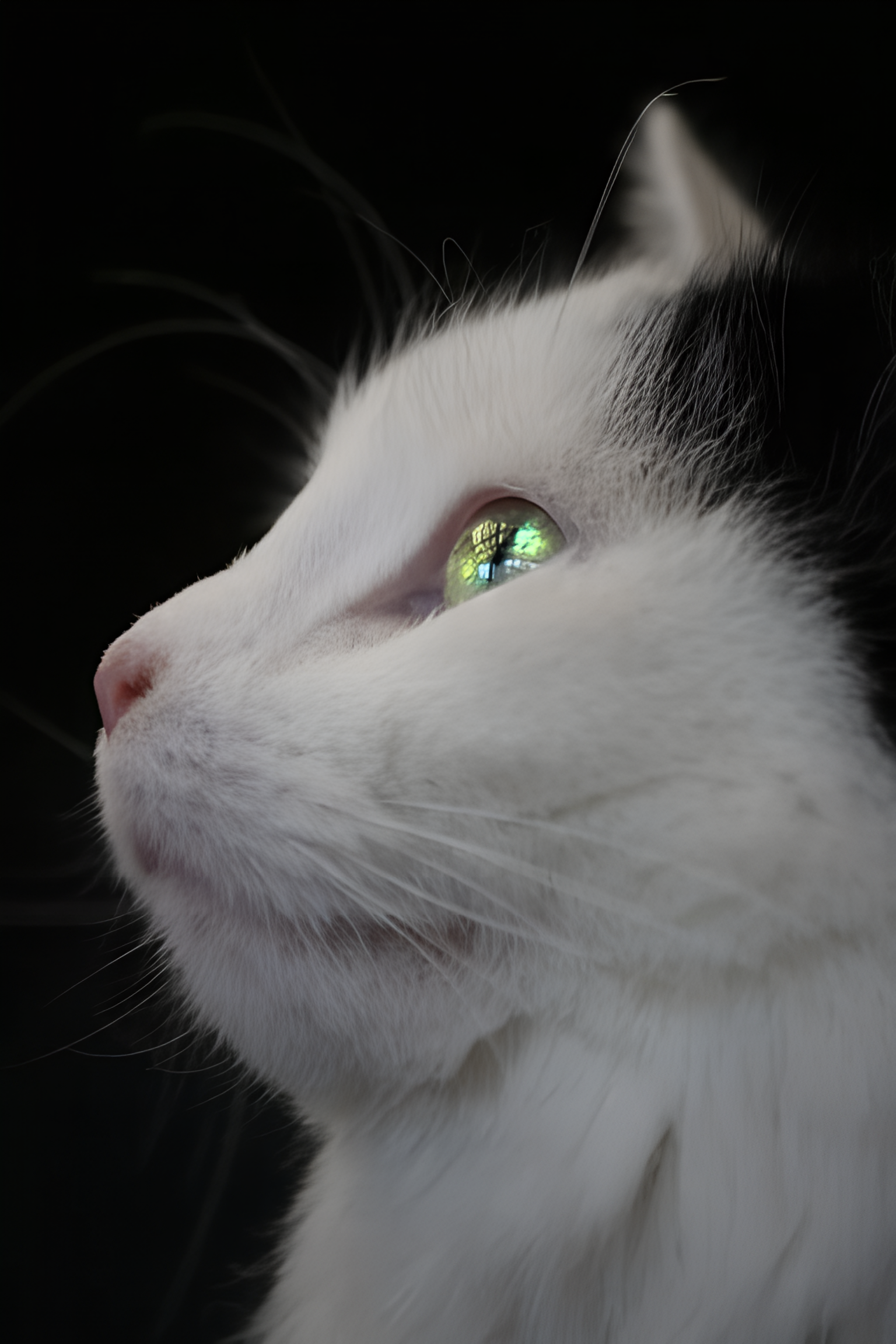
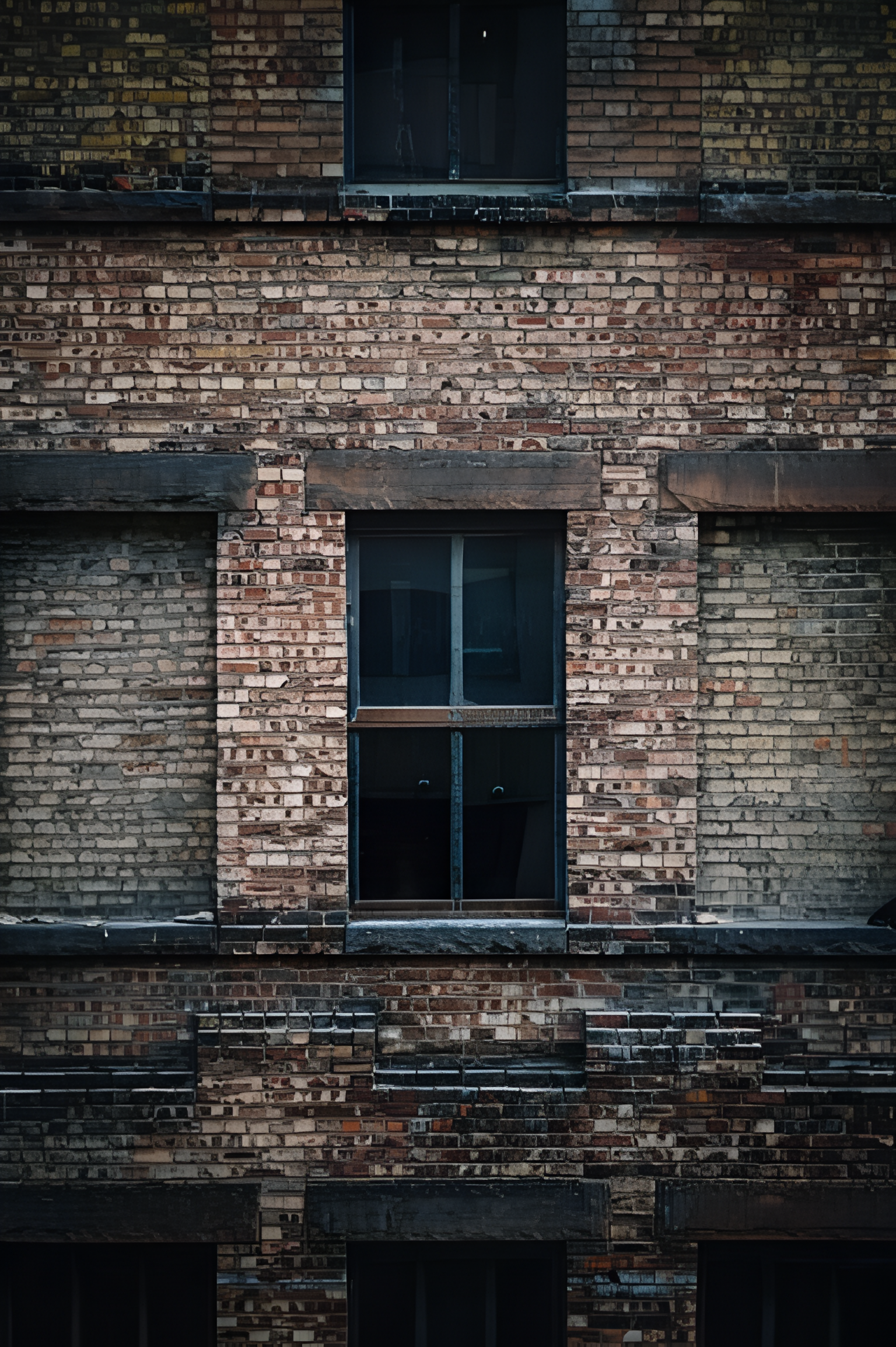
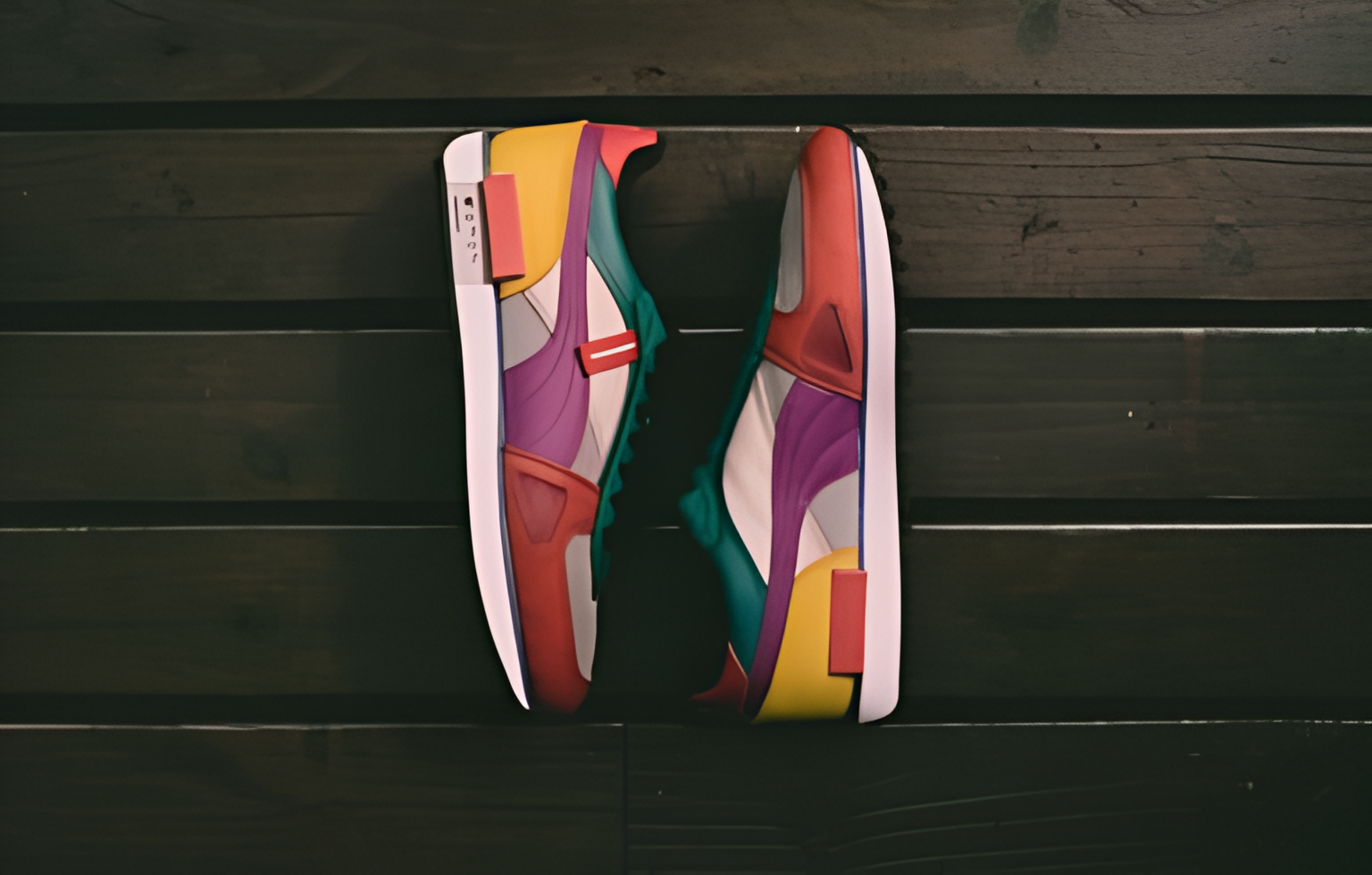
Upload a low-resolution photo, run crisp AI upscaling, then download the sharper result.
Upload a JPG, PNG, or WebP image that needs more resolution or clearer visible detail.
Check the source preview and start upscaling. The focused workflow applies the enhancement automatically.
Compare before and after, then download the upscaled image when you are happy with the detail.
Prepare small or compressed images for larger displays, product pages, presentations, and creative reuse.
Enlarge low-resolution source images into more useful output dimensions.
AI enhances visible structure and texture instead of only stretching the original pixels.
Download an enhanced image for product pages, presentations, social posts, or further editing.
Answers about resolution, formats, credits, and what AI upscaling can and cannot recover.
Pair upscaling with background removal, face restoration, or object cleanup for a complete photo workflow.
Keep creating
Use a focused tool for a specific task, or keep generating when you need more models, modes, and templates.
Upload a photo above and download a sharper, higher-resolution result.