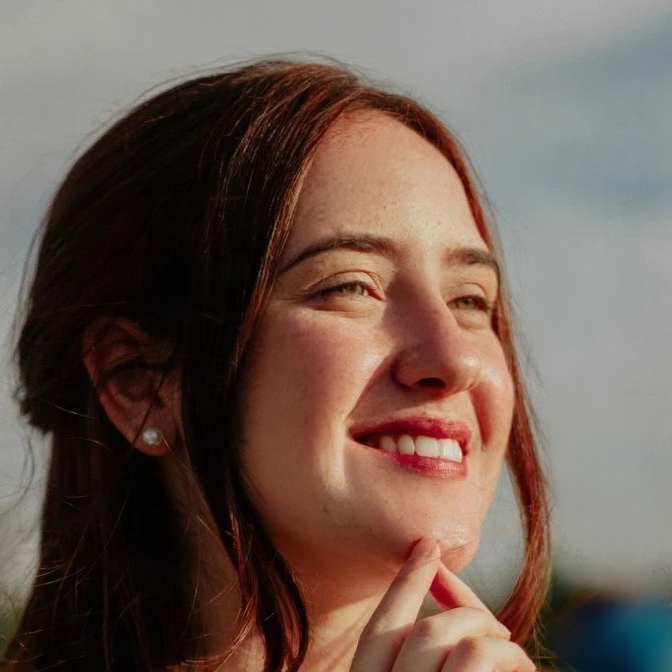
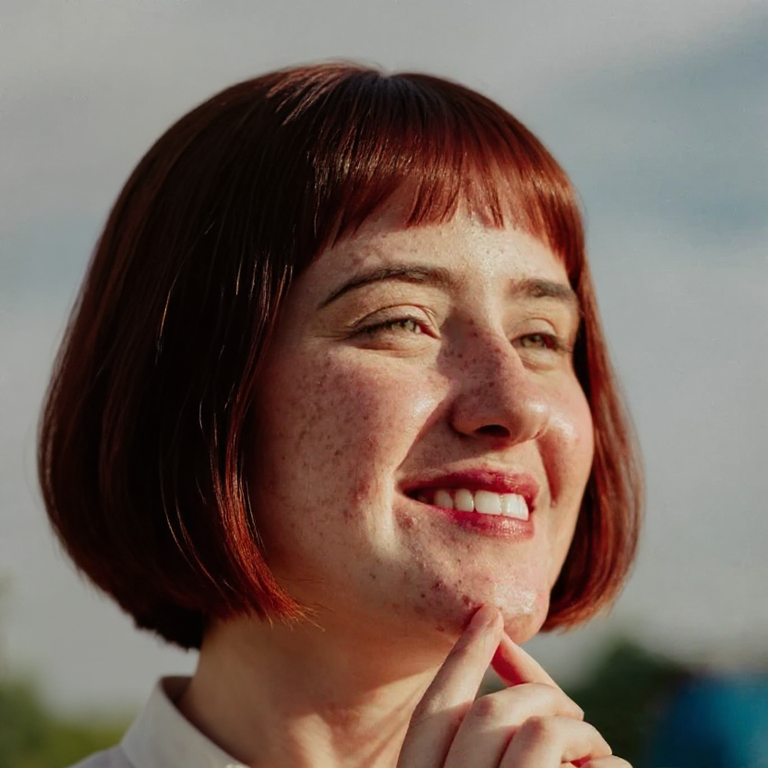
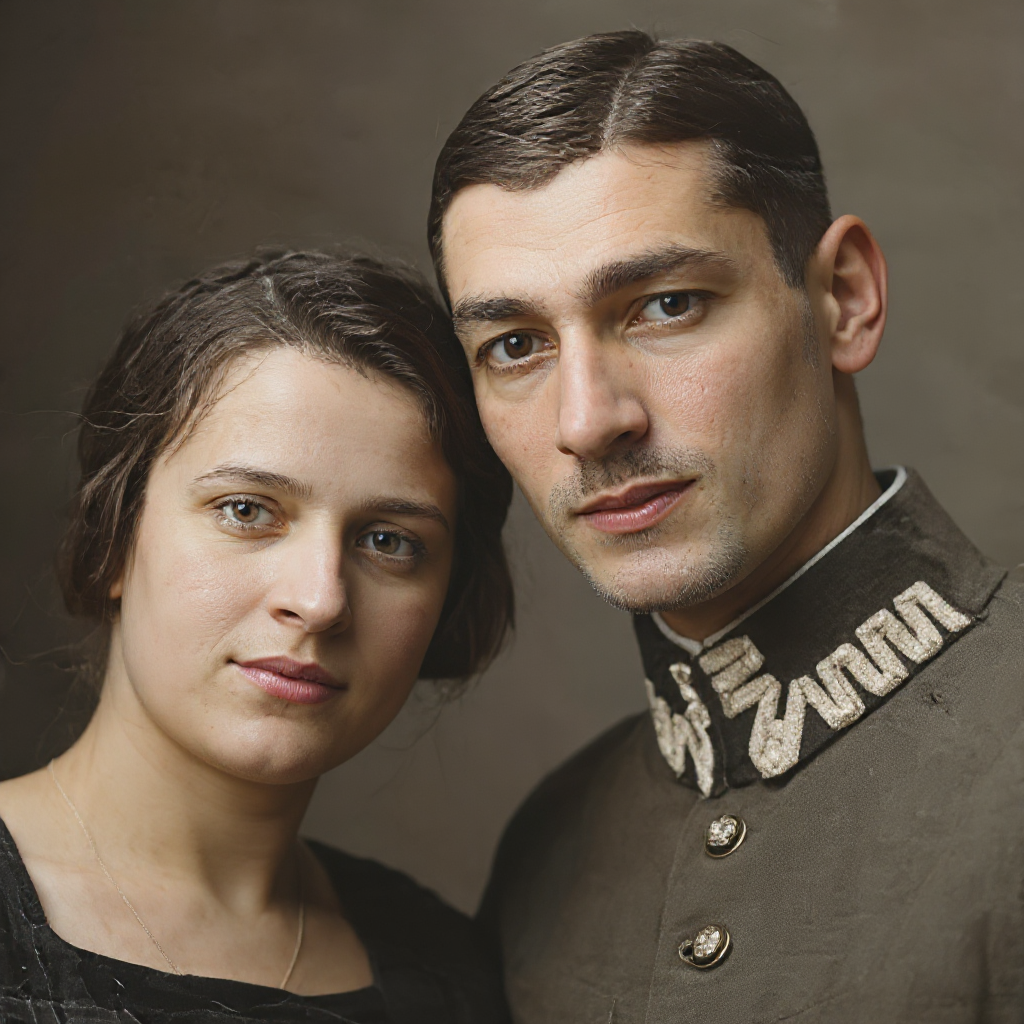
Studio-style backgrounds
Neutral, white, gray, black, or office backdrops for CVs, LinkedIn, and team pages.
Turn a casual portrait into a professional headshot. Keep identity, pick a background, and download a studio-style photo.
Upload a portrait, pick a background, download the professional result.
Use a clear, front-facing photo with your face unobstructed. JPG, PNG and WebP are supported.
Select a studio-style backdrop that fits the use: CV, company directory, or social profile.
Run the headshot, compare with the original, and download when identity and lighting look right.
One portrait in, a business-ready headshot out — without booking a studio.
Neutral, white, gray, black, or office backdrops for CVs, LinkedIn, and team pages.
The model aims to keep your recognizable face while cleaning lighting and wardrobe context.
Match the original crop or switch to a ratio that fits a profile or directory.
Backgrounds, credits, identity, and privacy for professional portraits.
Retouch skin, try a new hairstyle, or restore an older source photo first.
Upload a portrait and generate a studio-style headshot with AI.