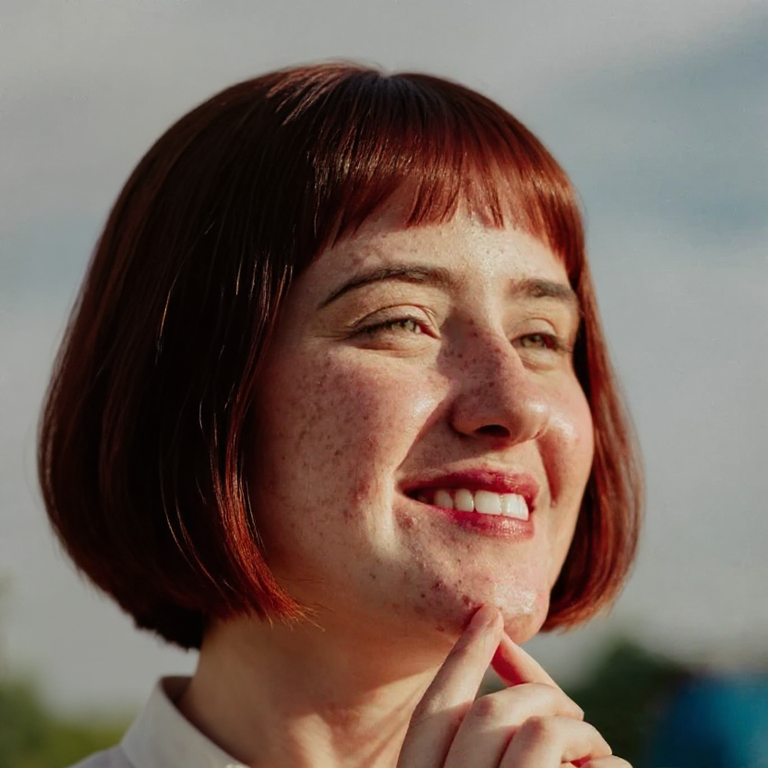
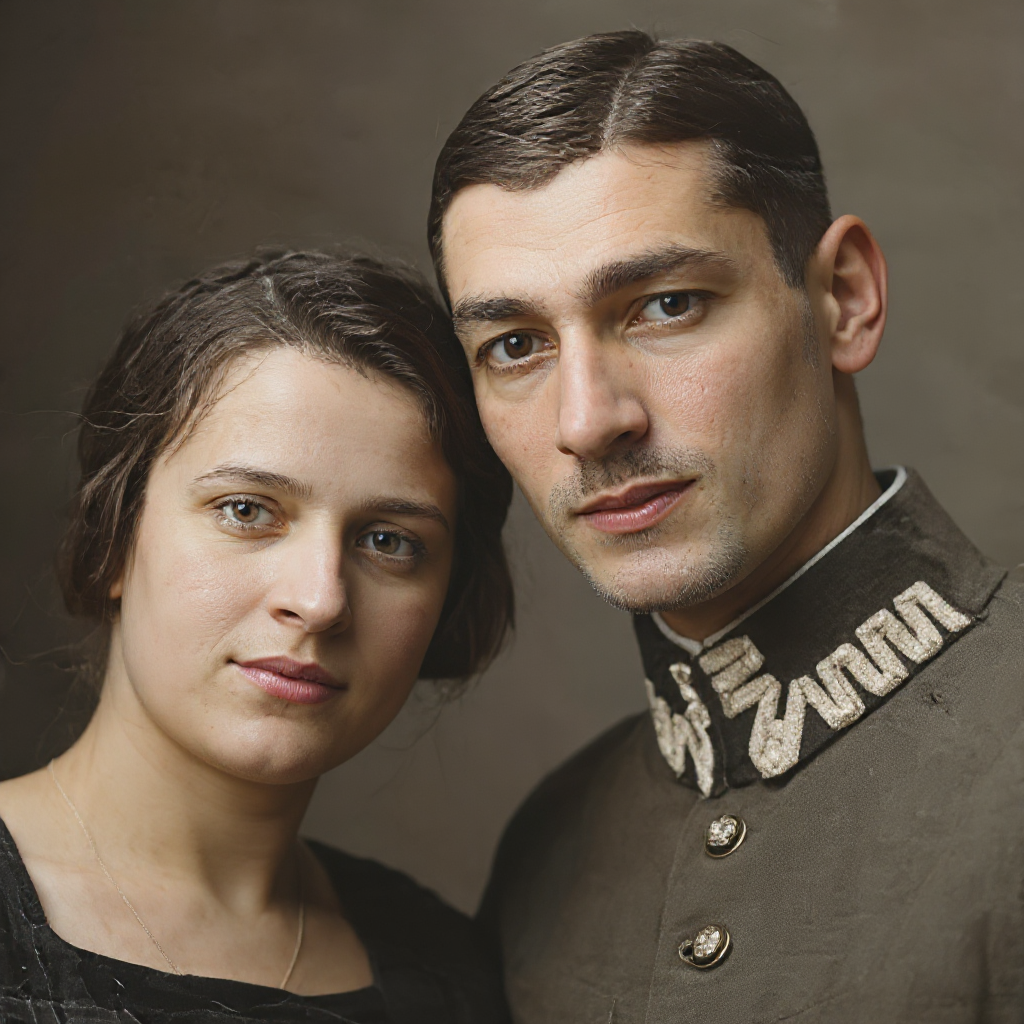
Older and younger presets
Jump forward or back by named steps such as 20 years older, 10 years younger, teenager, or elderly — without writing a prompt.
See a portrait older or younger while keeping identity. Choose a named age change, then download the result.
Upload a photo, pick an age change, download the progressed portrait.
Use a clear, front-facing photo of someone you have permission to edit. JPG, PNG and WebP are supported.
Select a named preset such as 20 years older, 20 years younger, or elderly. Safety checks stay on.
Run the change, compare with the original, and download when the age and identity look right.
Named age presets on one portrait — identity first, age second.
Jump forward or back by named steps such as 20 years older, 10 years younger, teenager, or elderly — without writing a prompt.
The model aims to keep recognizable facial structure while adding or removing age cues.
Aging and baby-face share one age-progression tool. This page defaults to looking older; the baby page starts from a baby preset.
Age presets, credits, baby-face, consent, and privacy.
Switch to the baby-face preset, restore an old print, or retouch skin on the same portrait.
Upload a portrait and preview a named age change with AI.