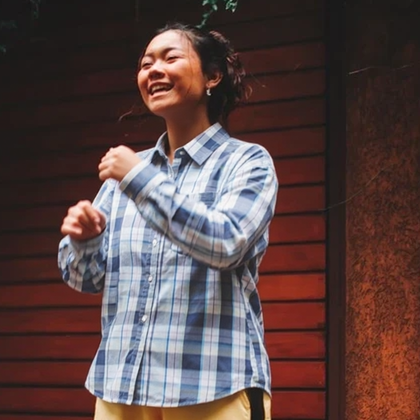
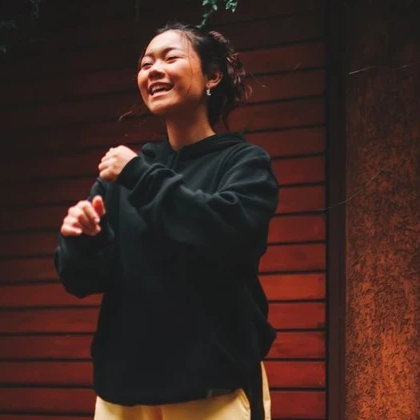
Salon-style cuts
Choose bob, pixie, layers, ponytail, waves and other named cuts instead of guessing with a prompt.
Try a new haircut and hair color on a portrait without booking a salon. Keep your face, change the hair.
Upload a portrait, pick cut and color, download the restyled look.
Use a front-facing photo with visible hairline. JPG, PNG and WebP are supported.
Choose a named hairstyle, optional color, and keep the original aspect ratio or switch to a social crop.
Run the change, compare with the original, and download when the new hair looks right.
Named cuts and colors on a single portrait — your face stays, the hair changes.
Choose bob, pixie, layers, ponytail, waves and other named cuts instead of guessing with a prompt.
Keep your current color or try blonde, brunette, copper, silver, pink and more before you commit.
The model restyles hair while aiming to keep recognizable facial features from your photo.
Cuts, colors, credits, identity and privacy for AI hair previews.
Continue with a professional headshot or a light portrait retouch after the new cut.
Upload a portrait and preview cuts and colors before you book a salon.