Layout-preserving remodel
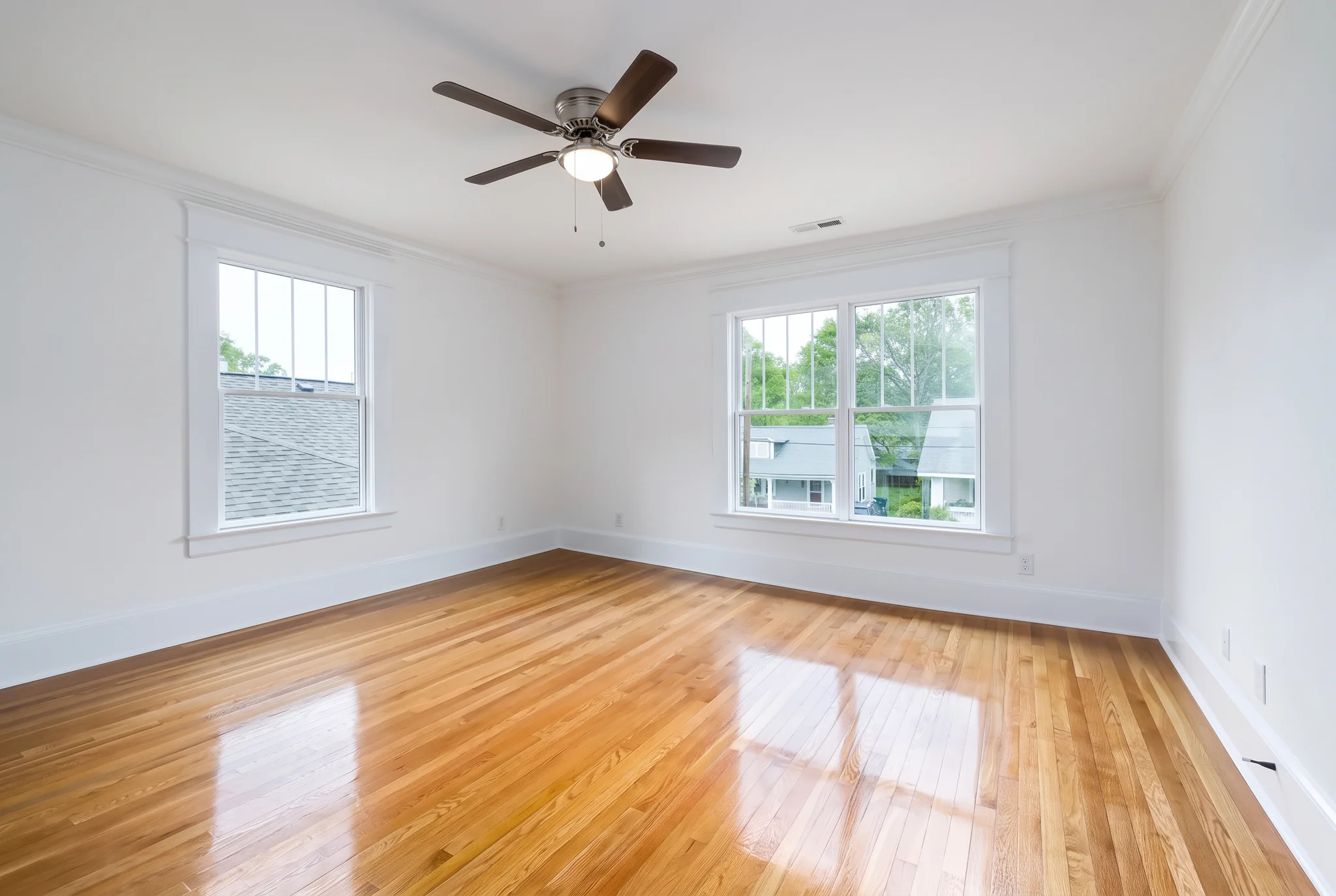
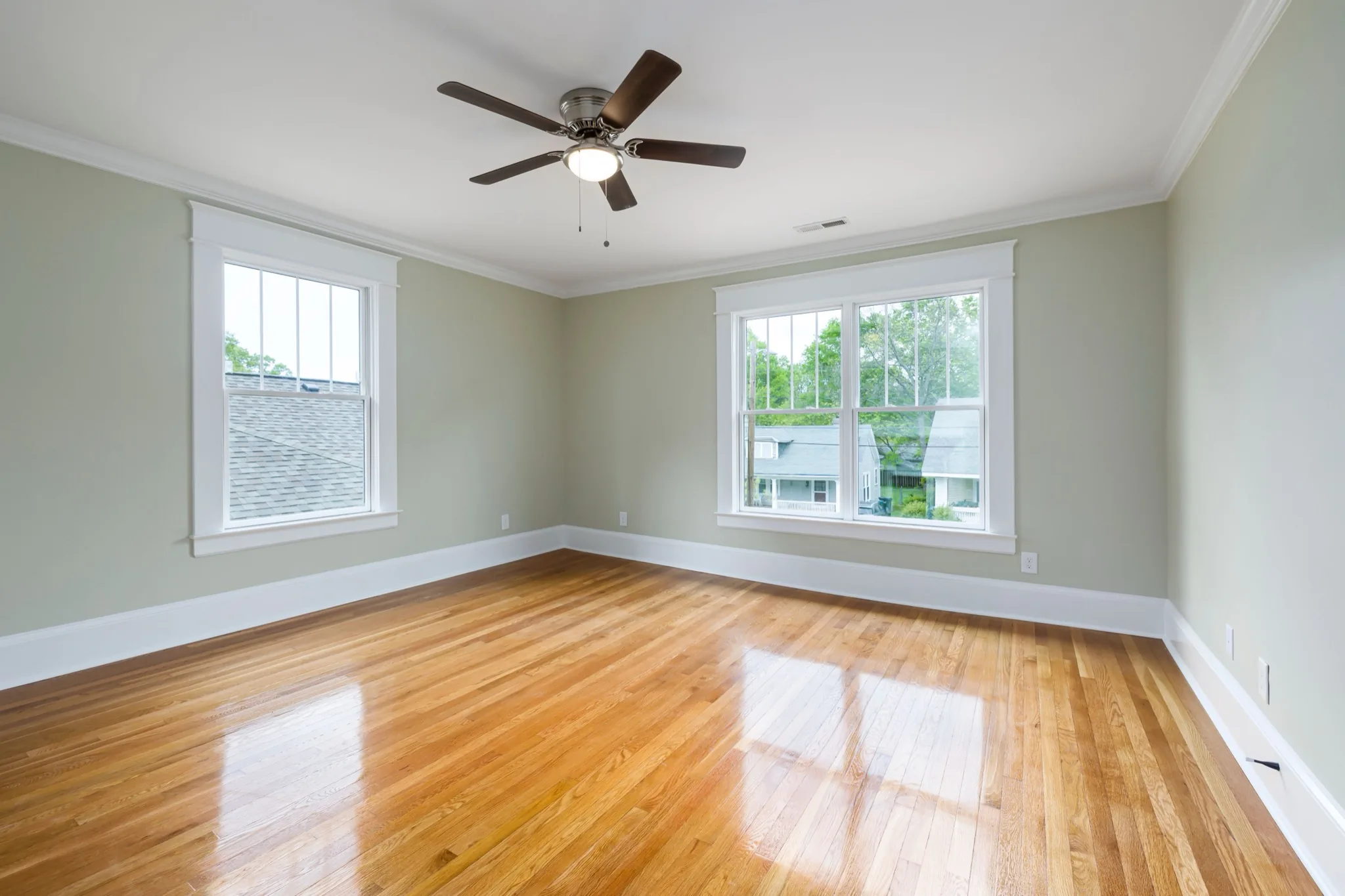
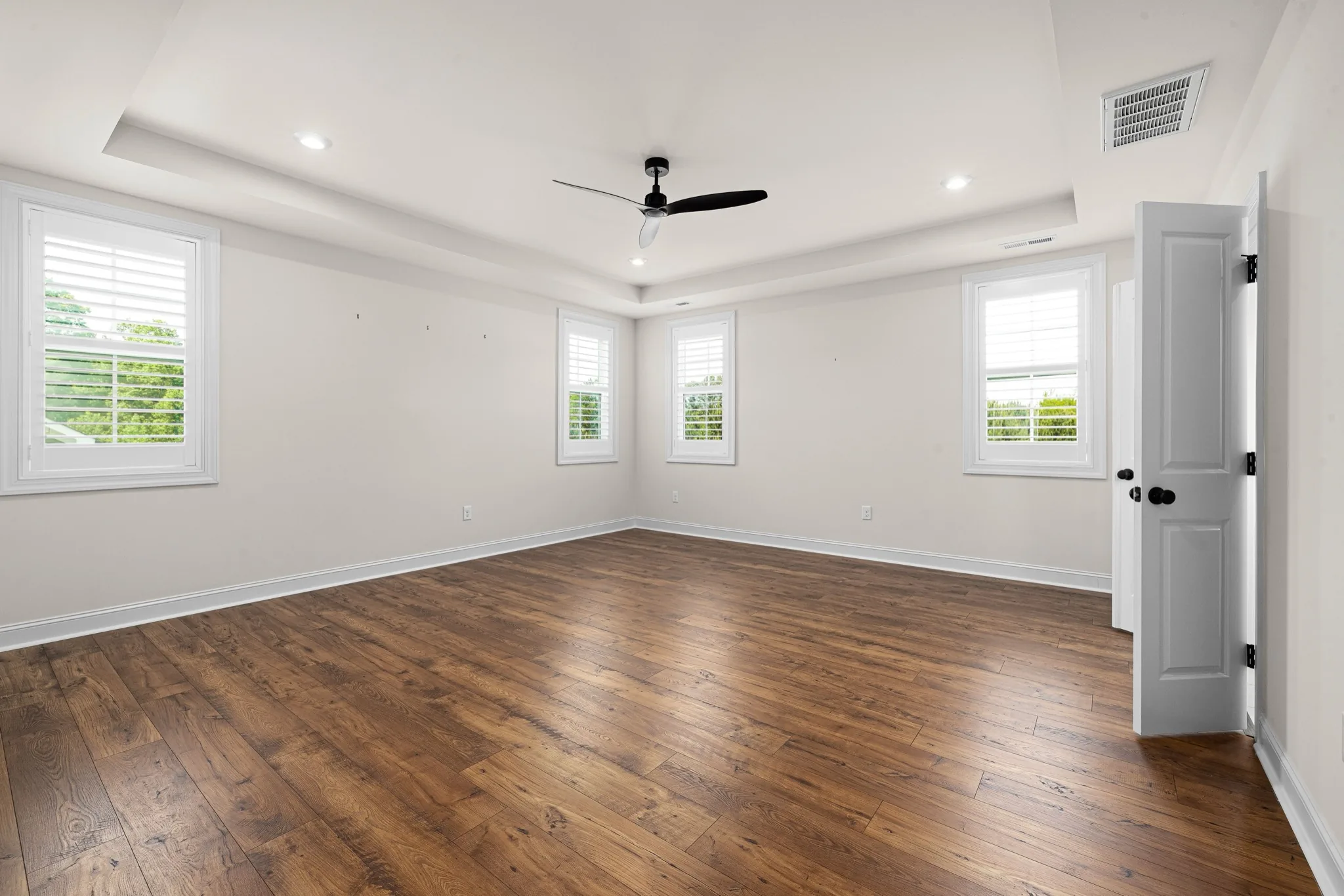
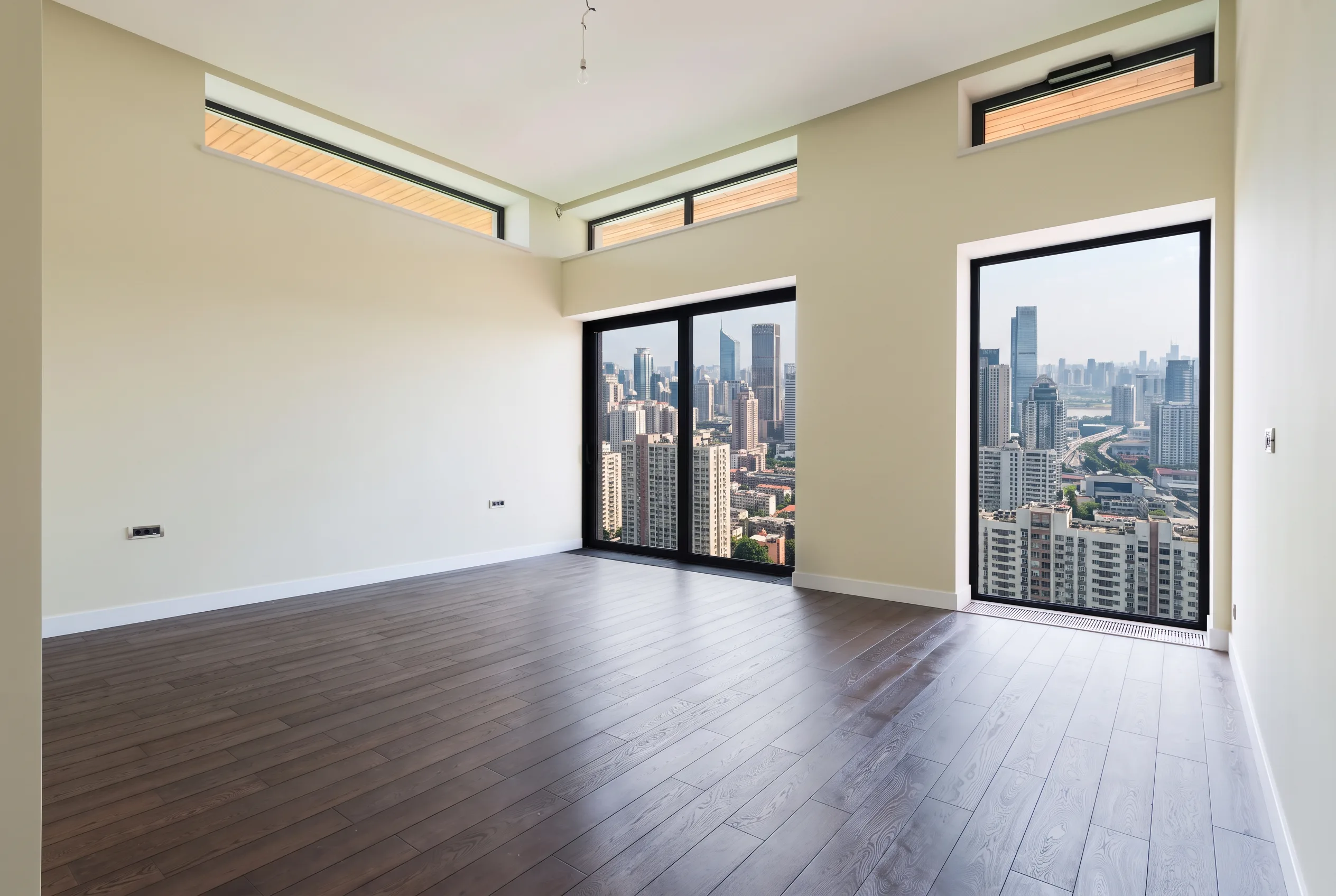
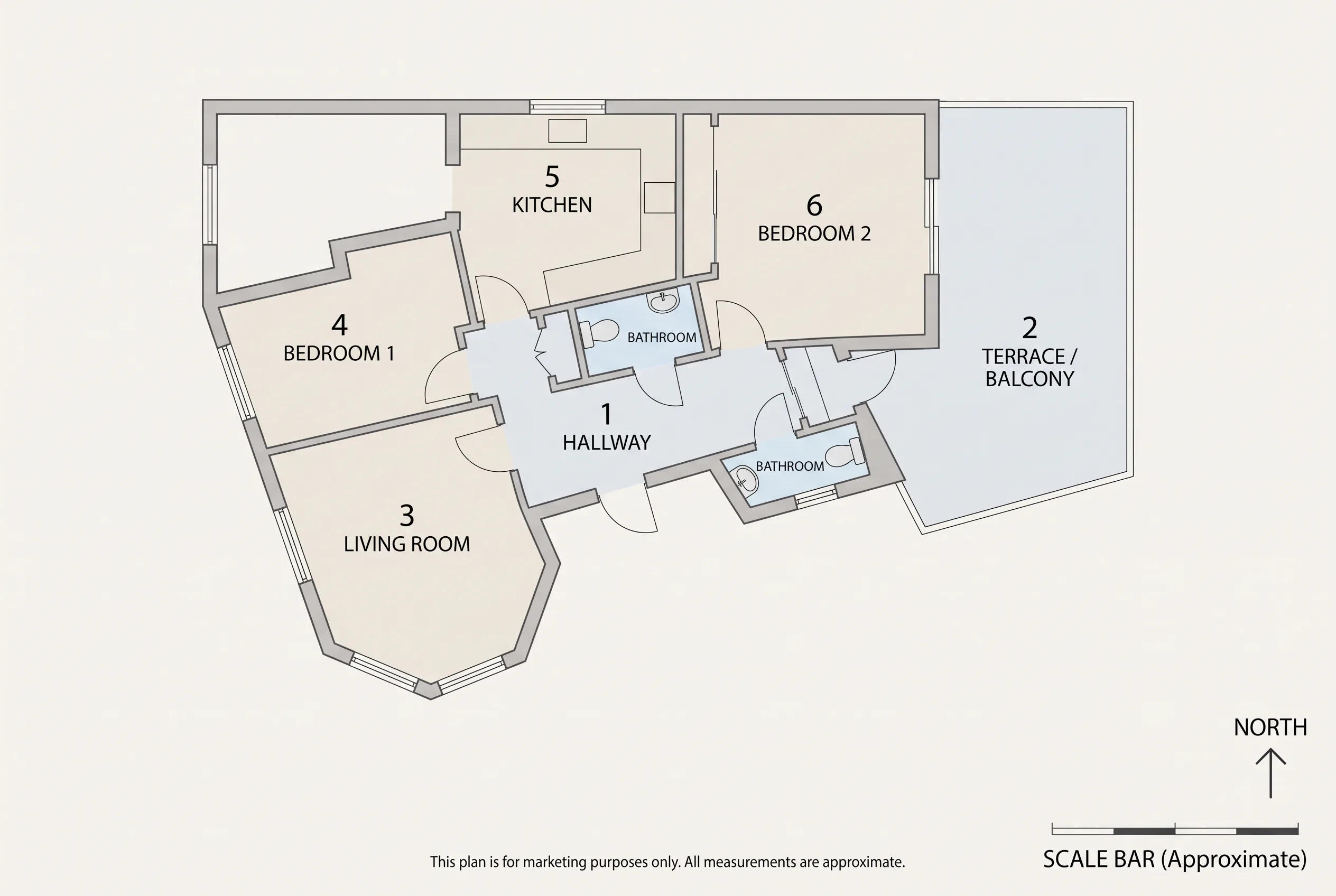
Room layout, structural walls, window and door positions stay in place. Favore updates finishes and fixtures, not the footprint.
Preview a kitchen remodel, bathroom remodel or living upgrade with updated finishes on the existing layout — AI Remodel Preview for remodel clients and property marketing.
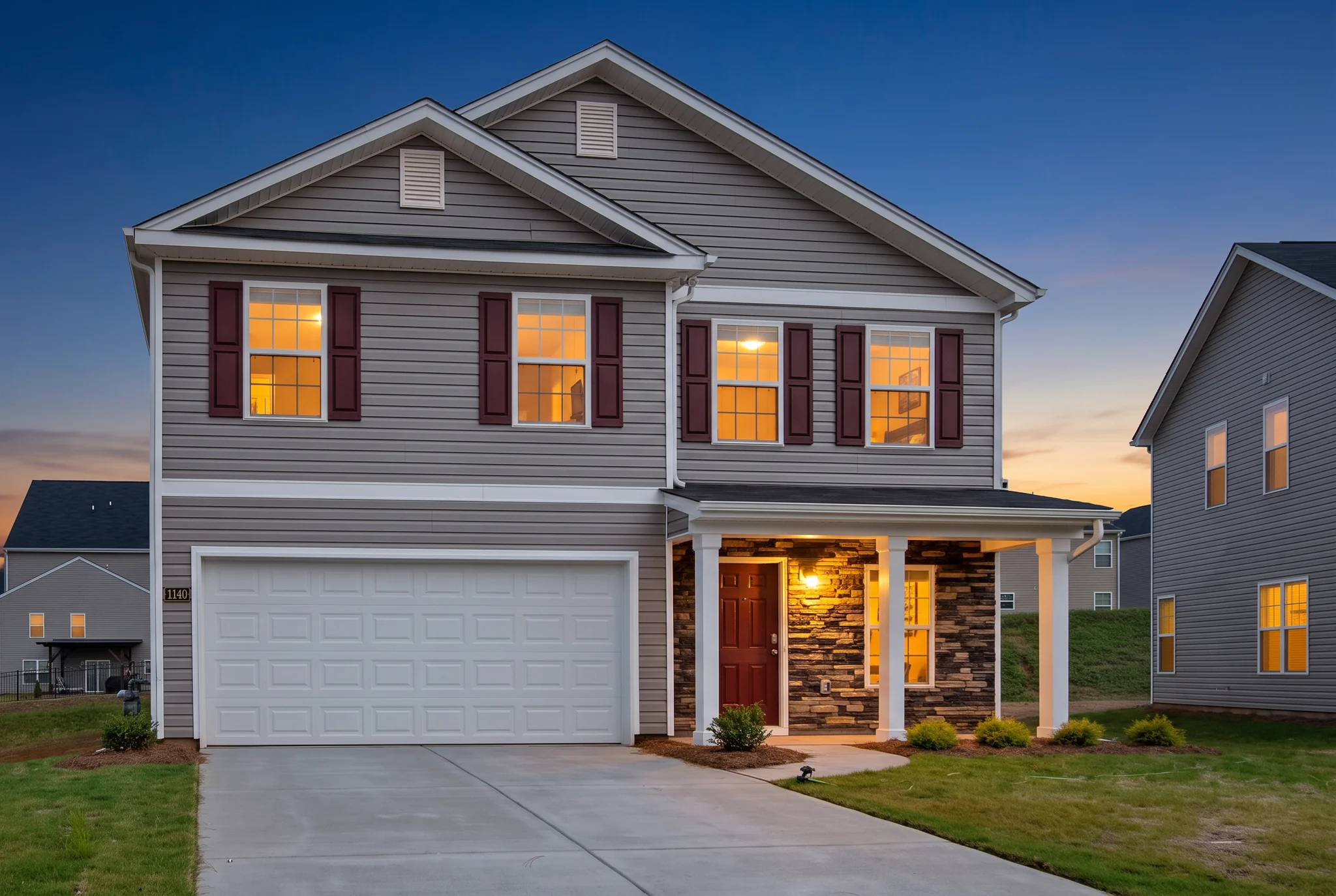
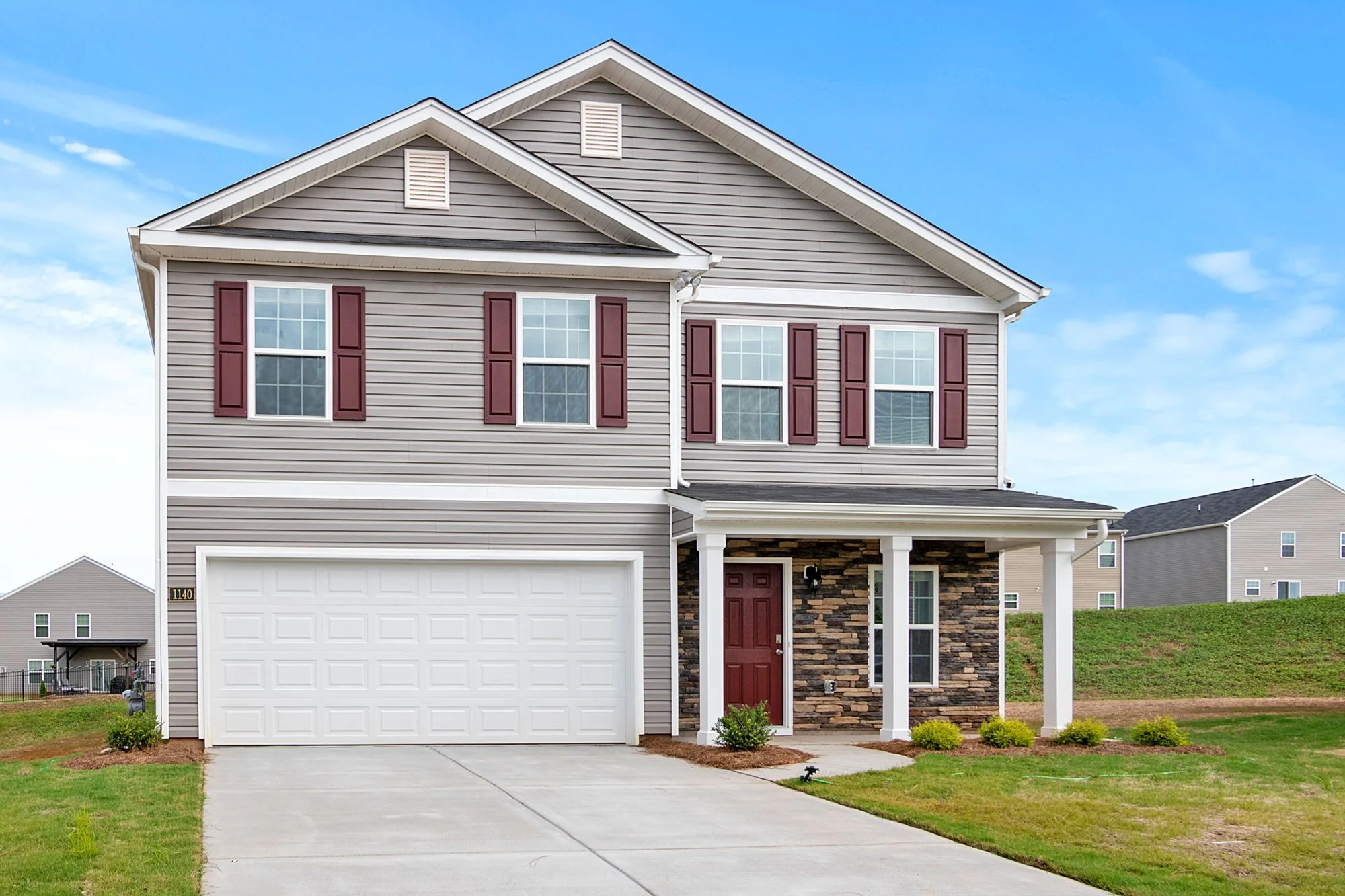
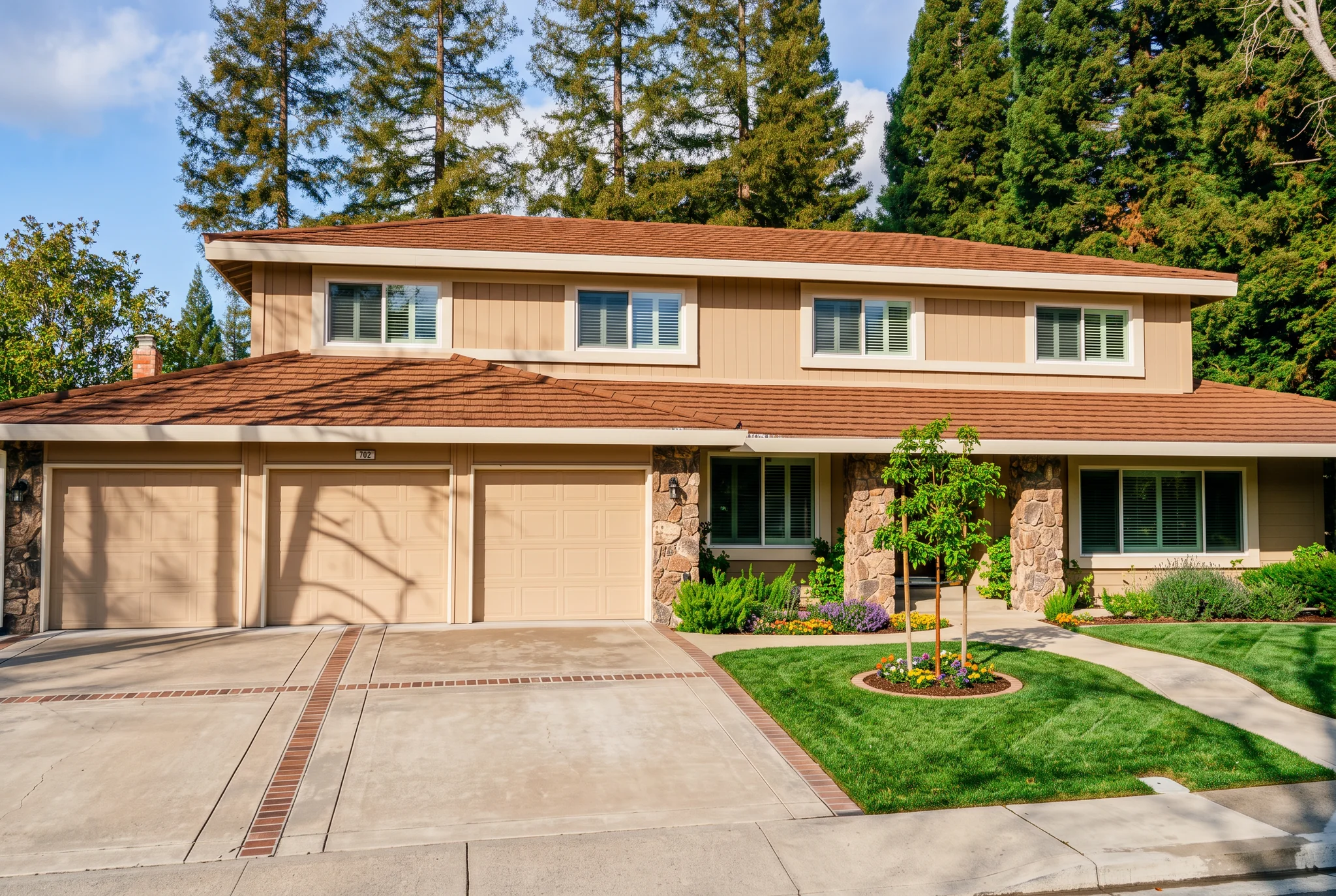
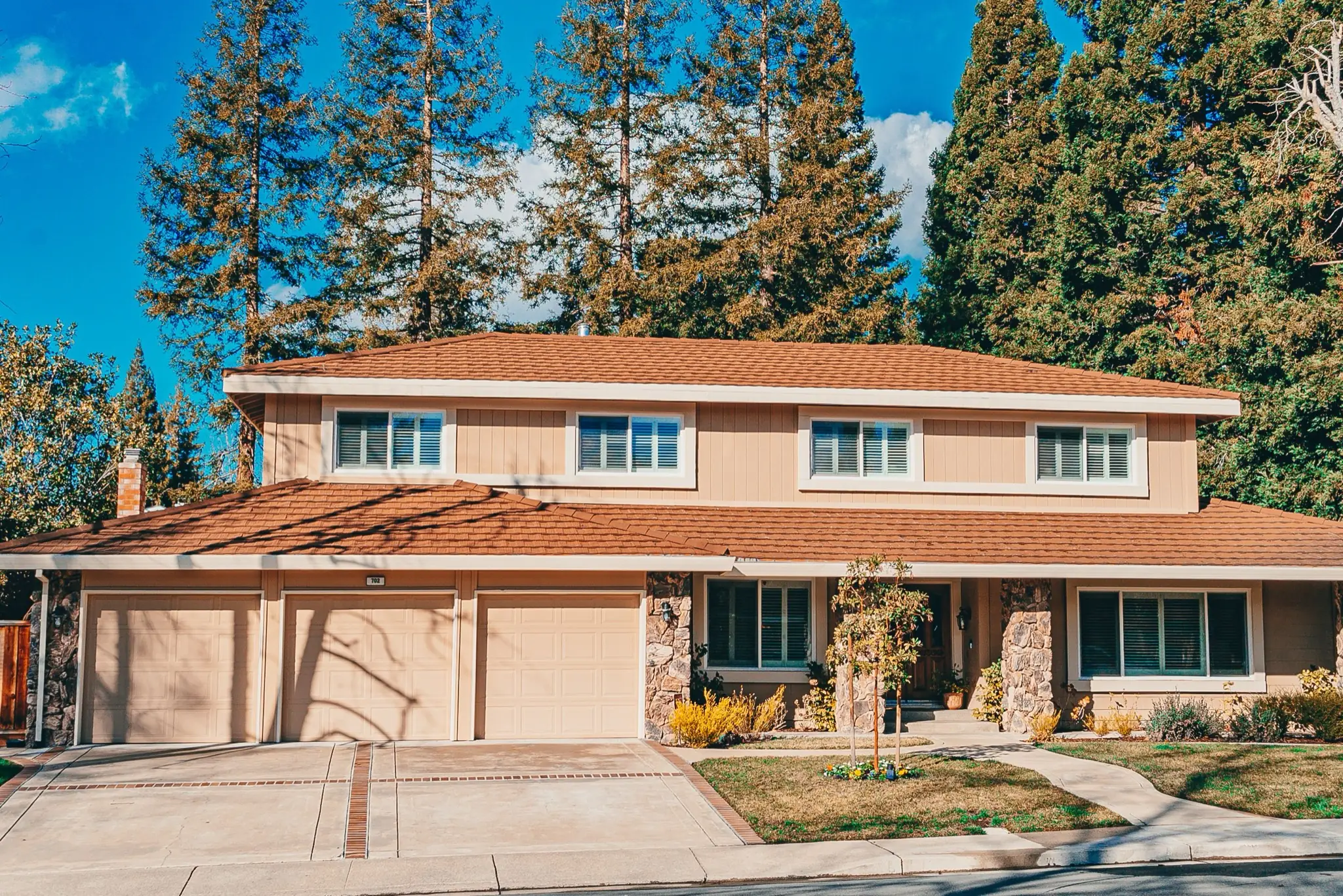
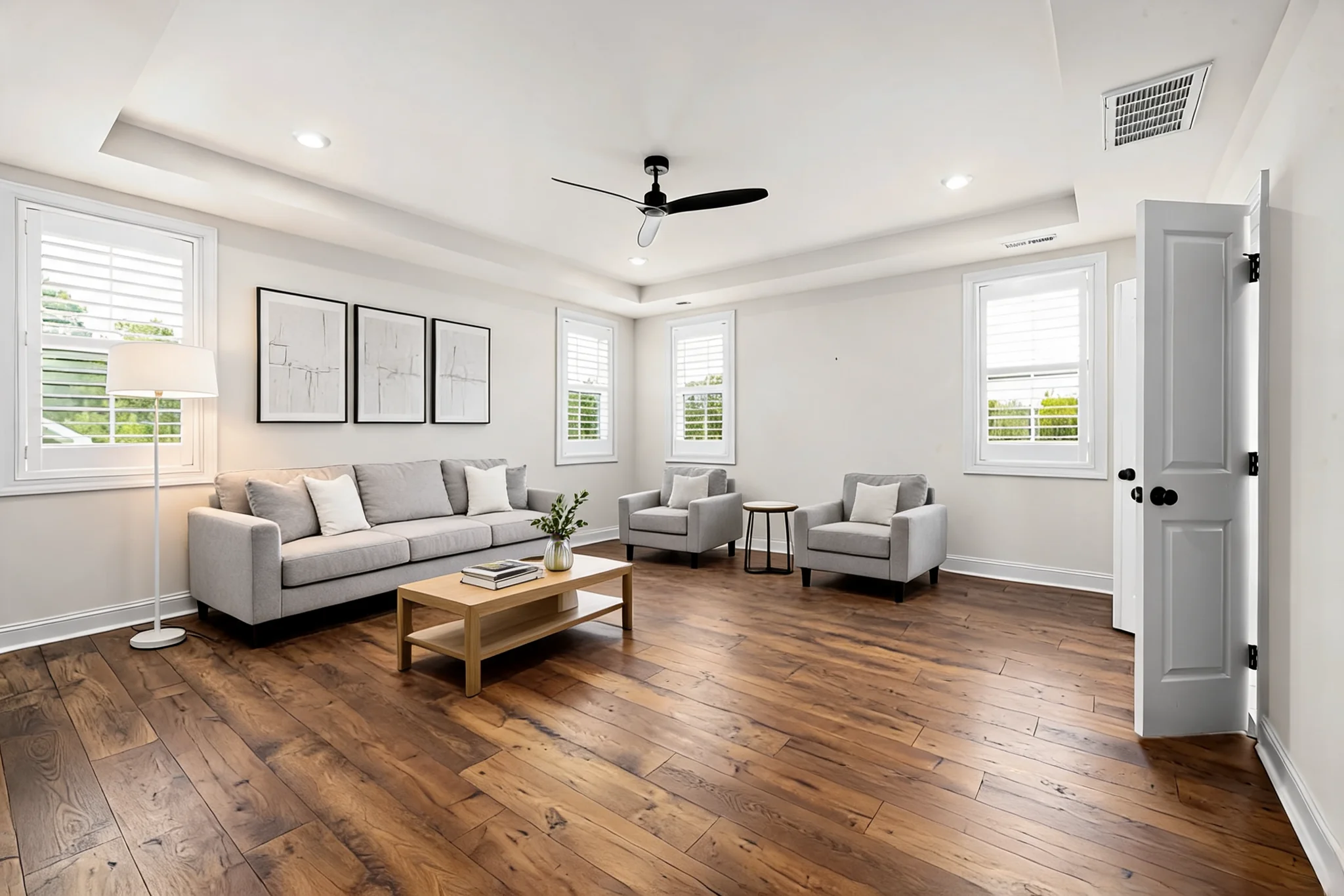
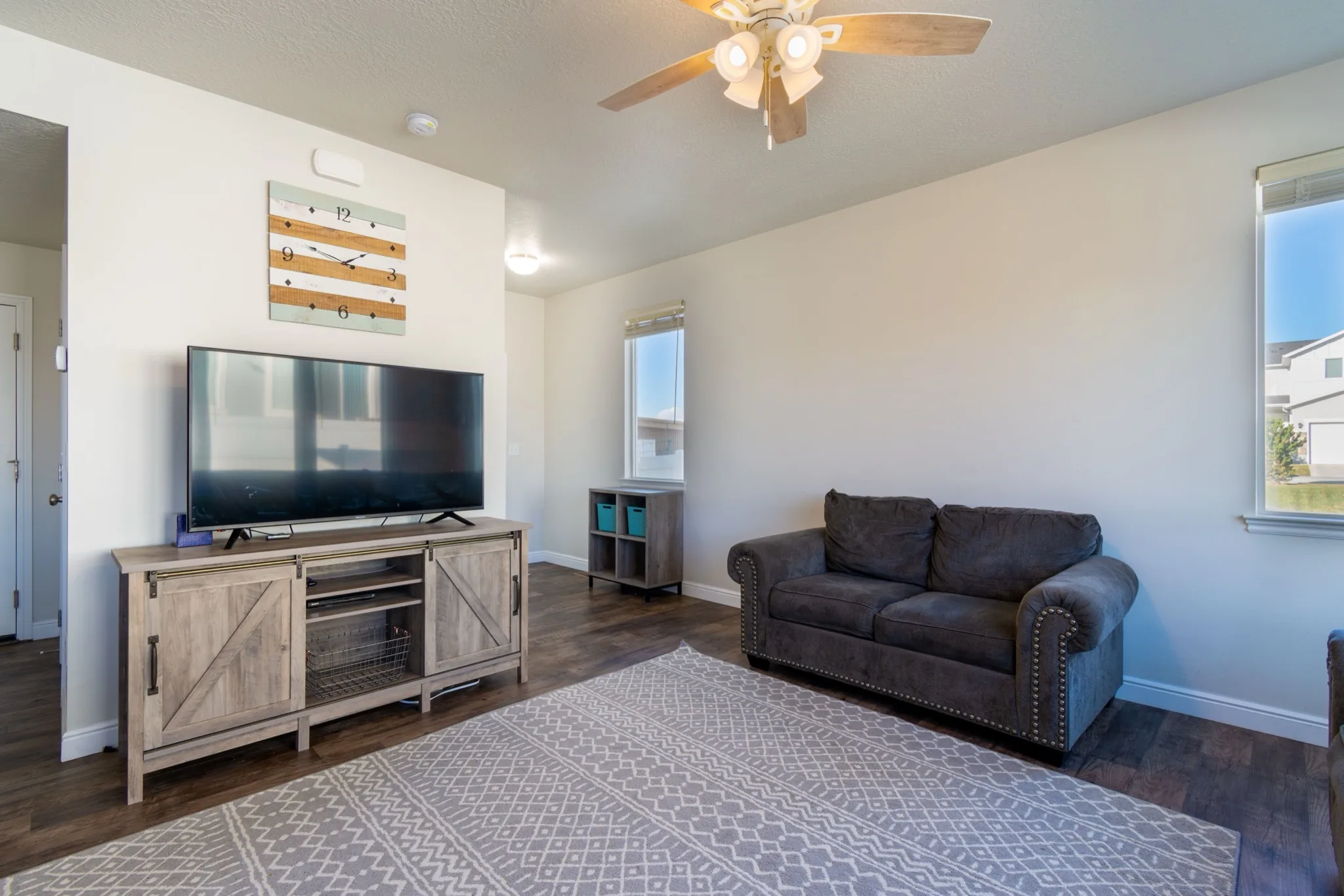
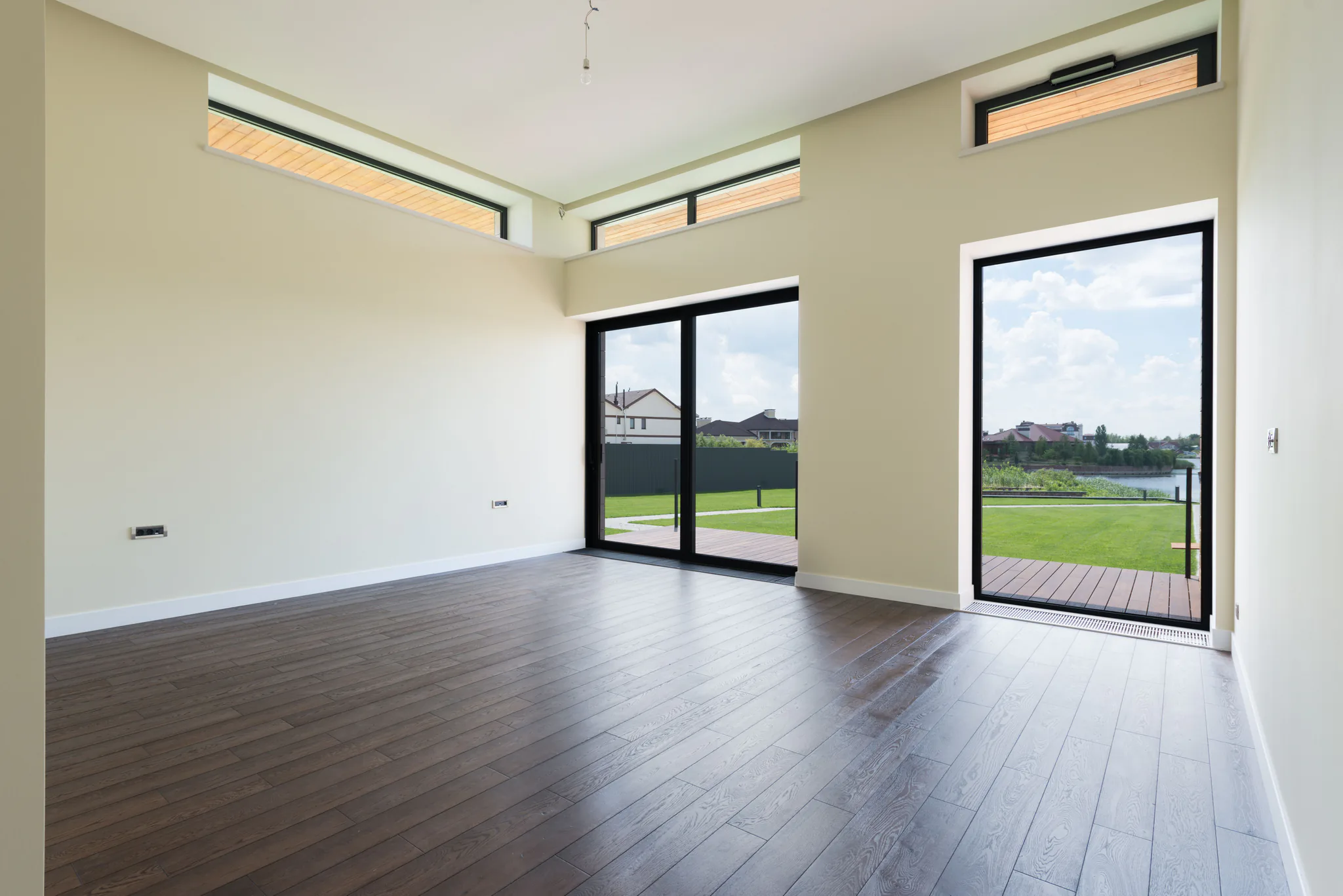
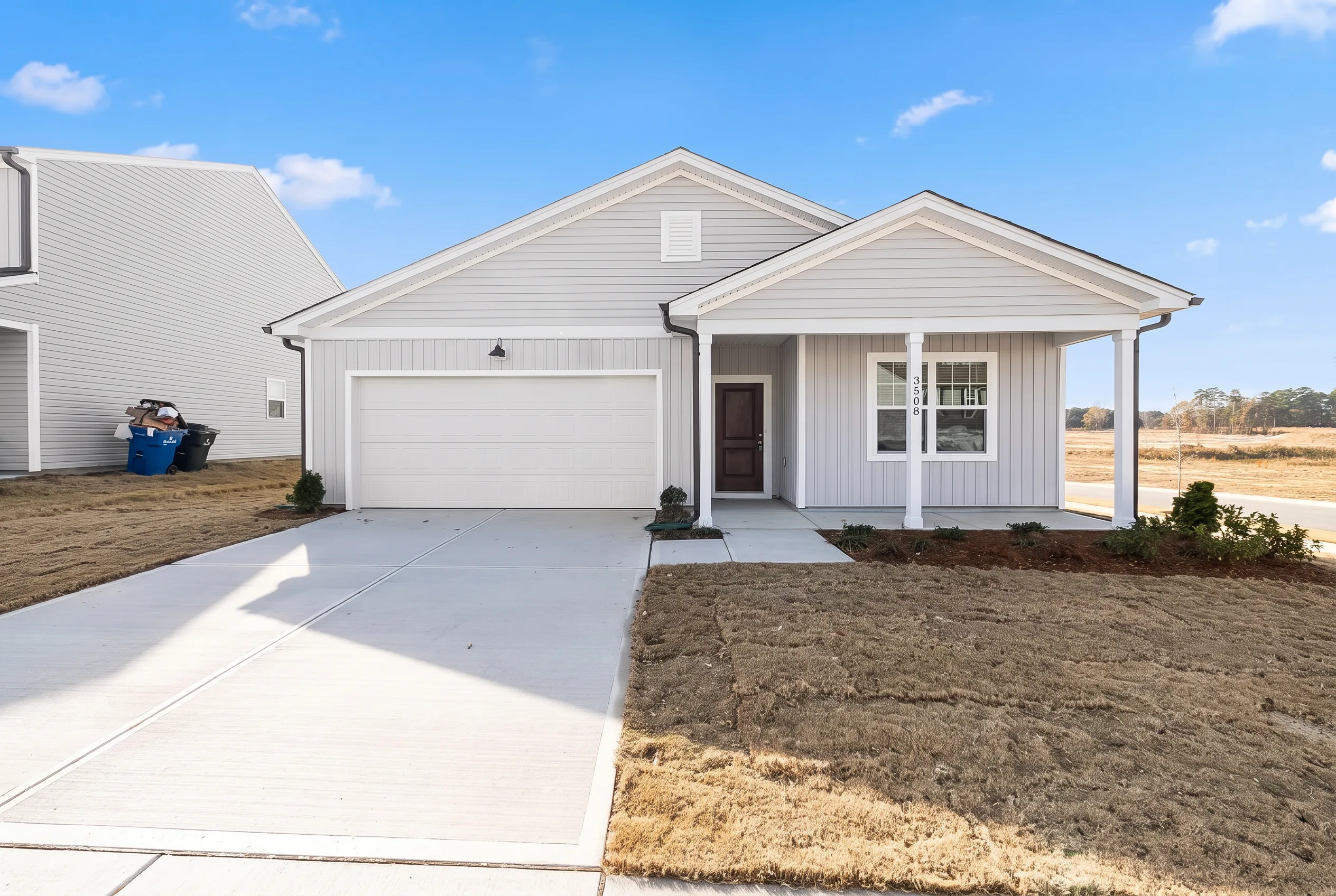
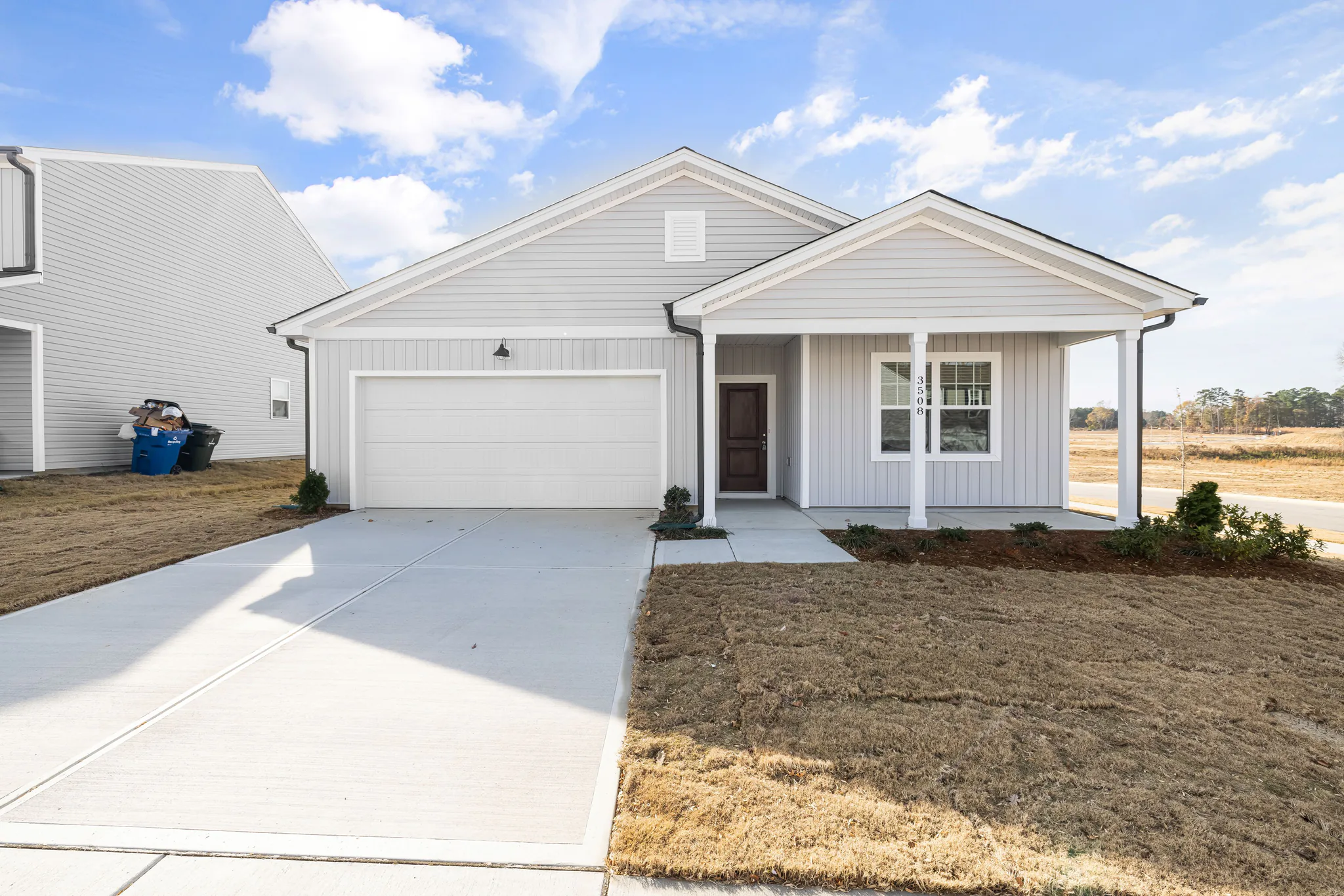
Drag the divider to compare real tool results across different scenes.
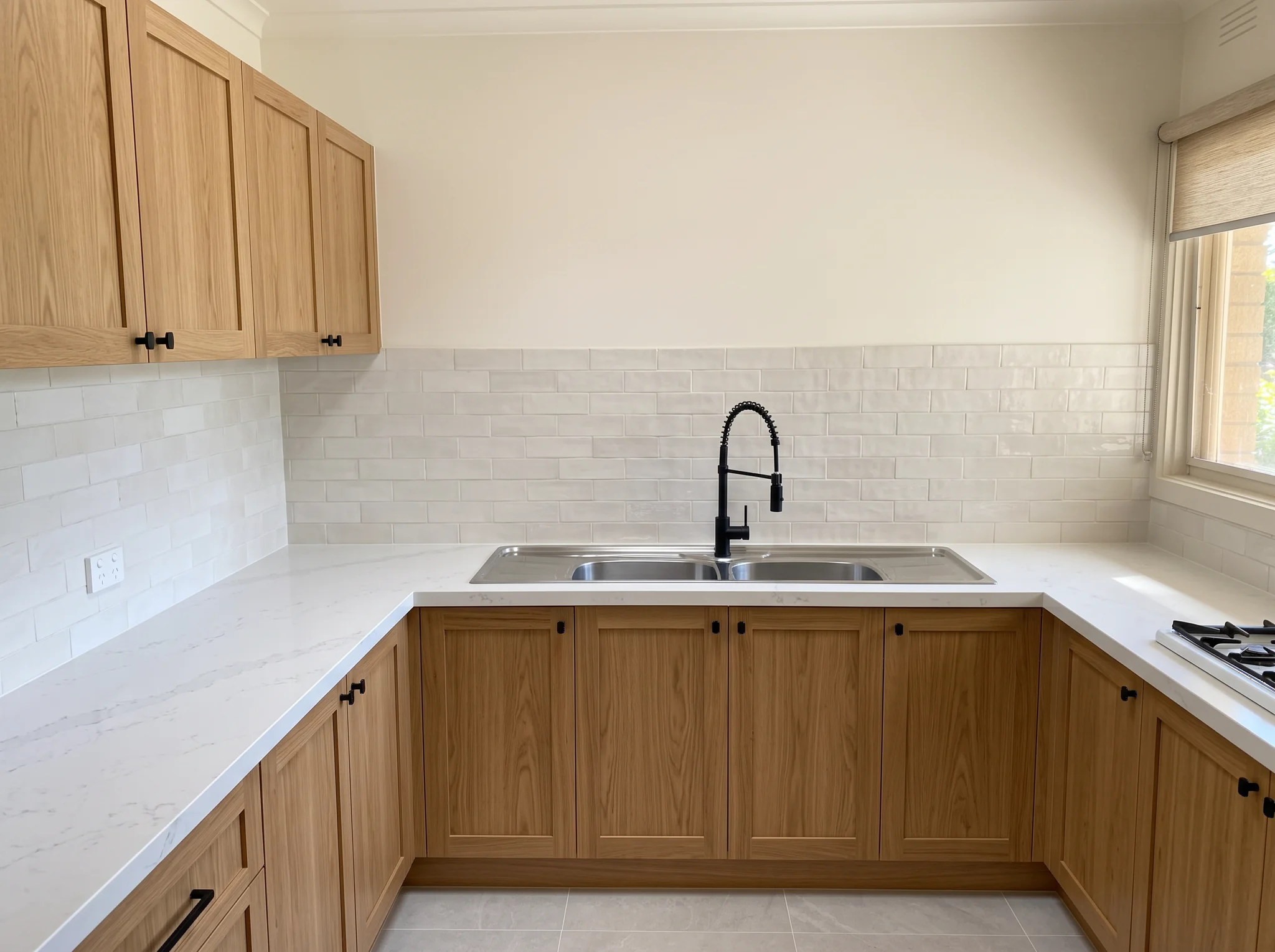
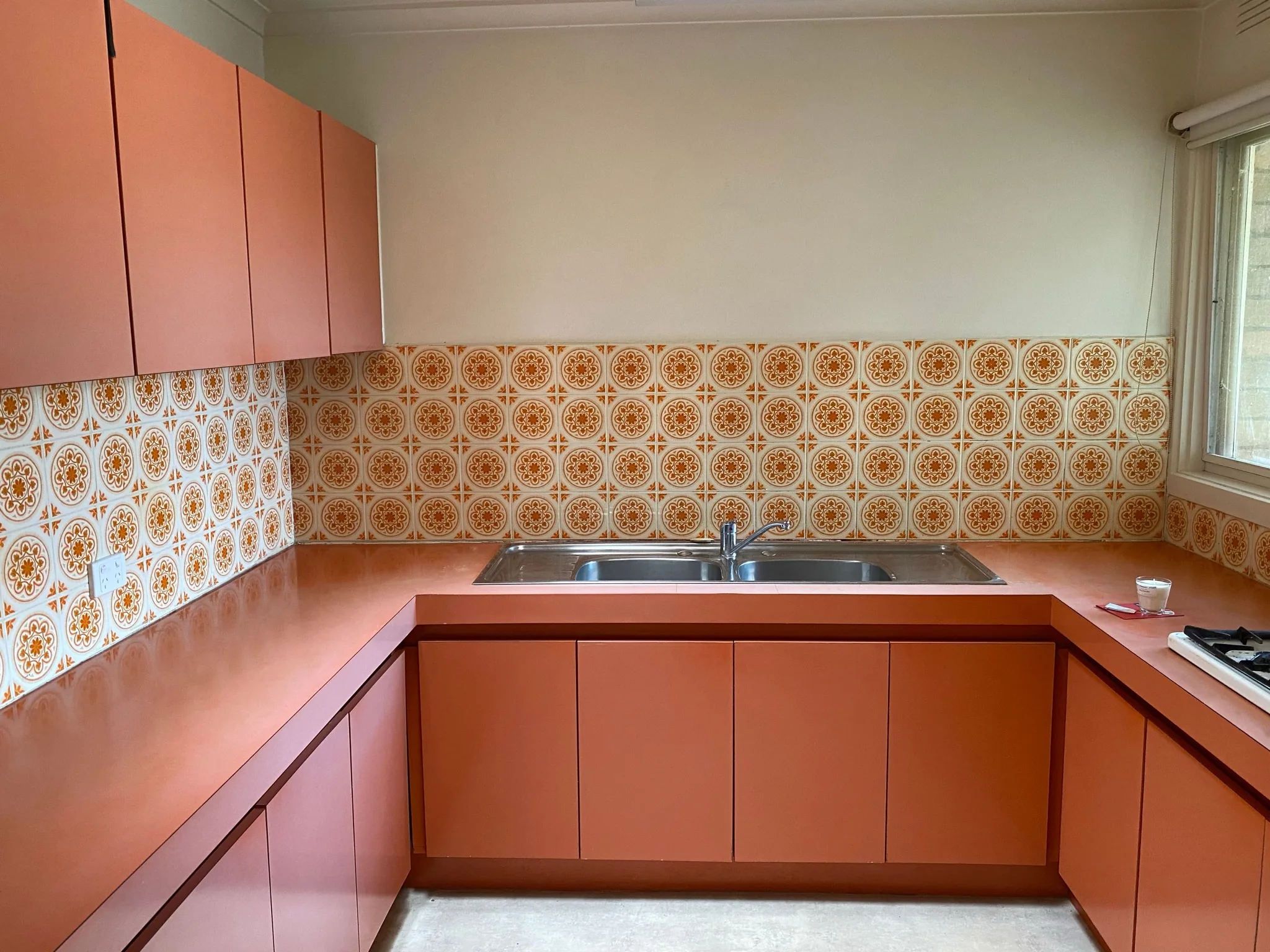
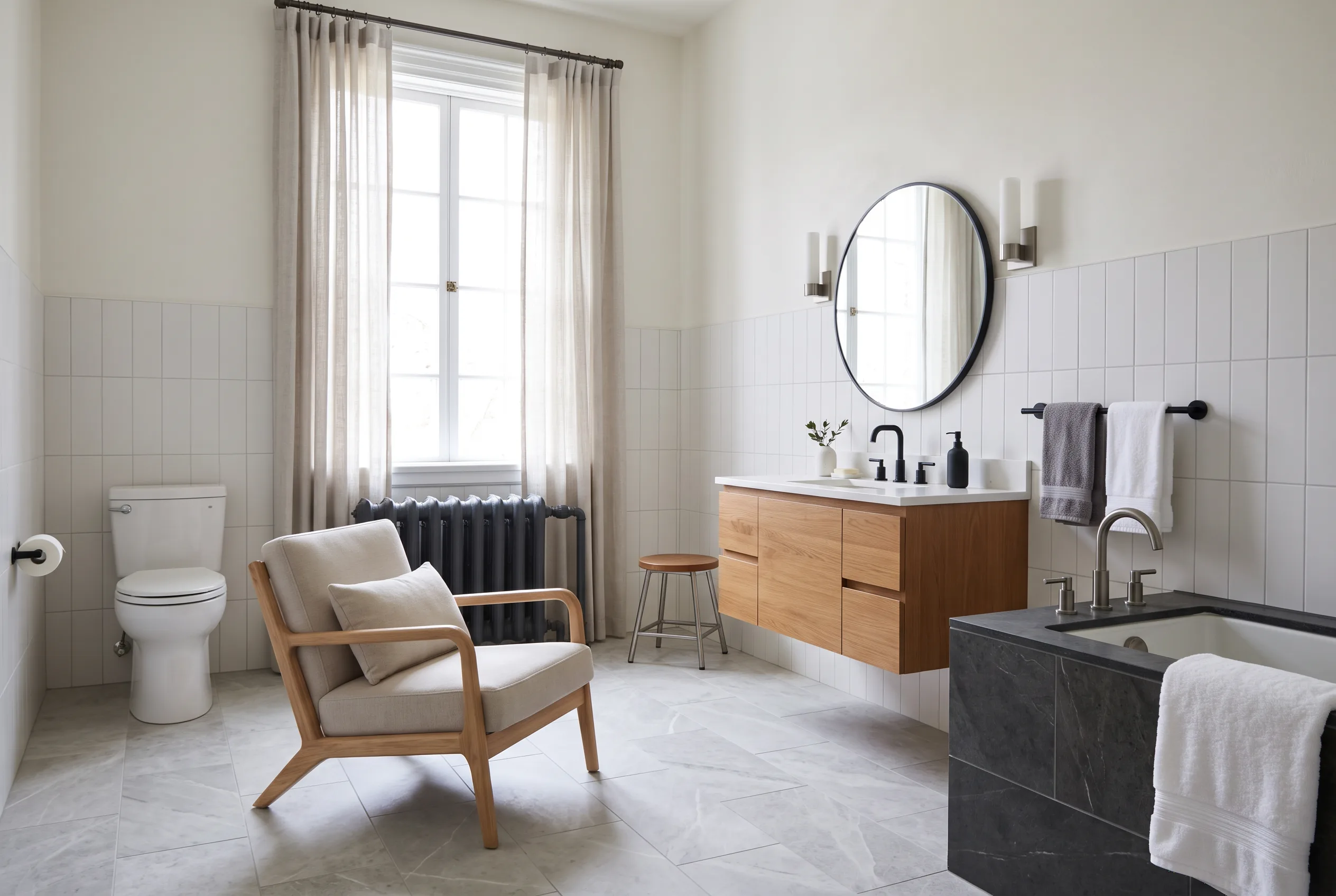
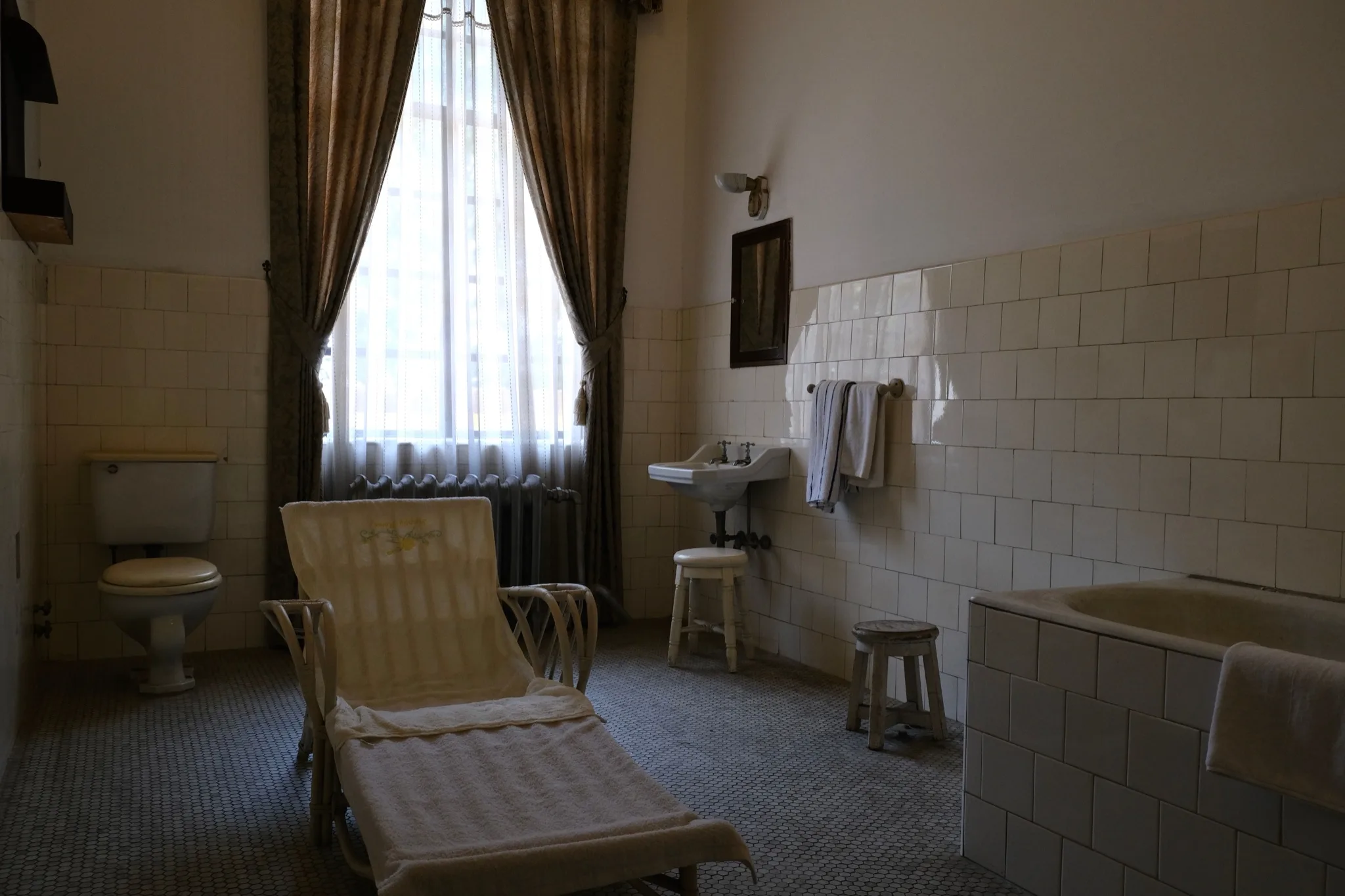
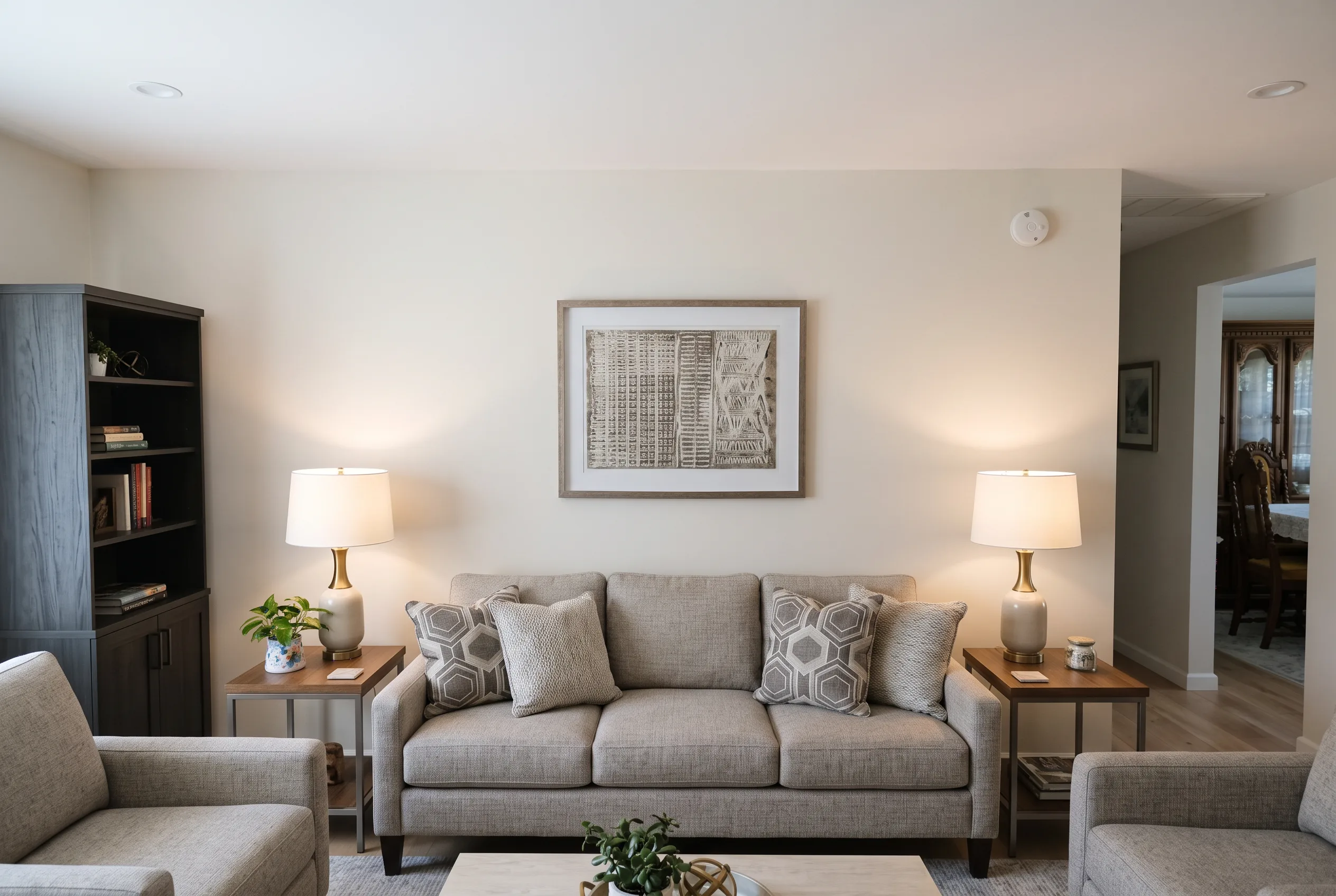
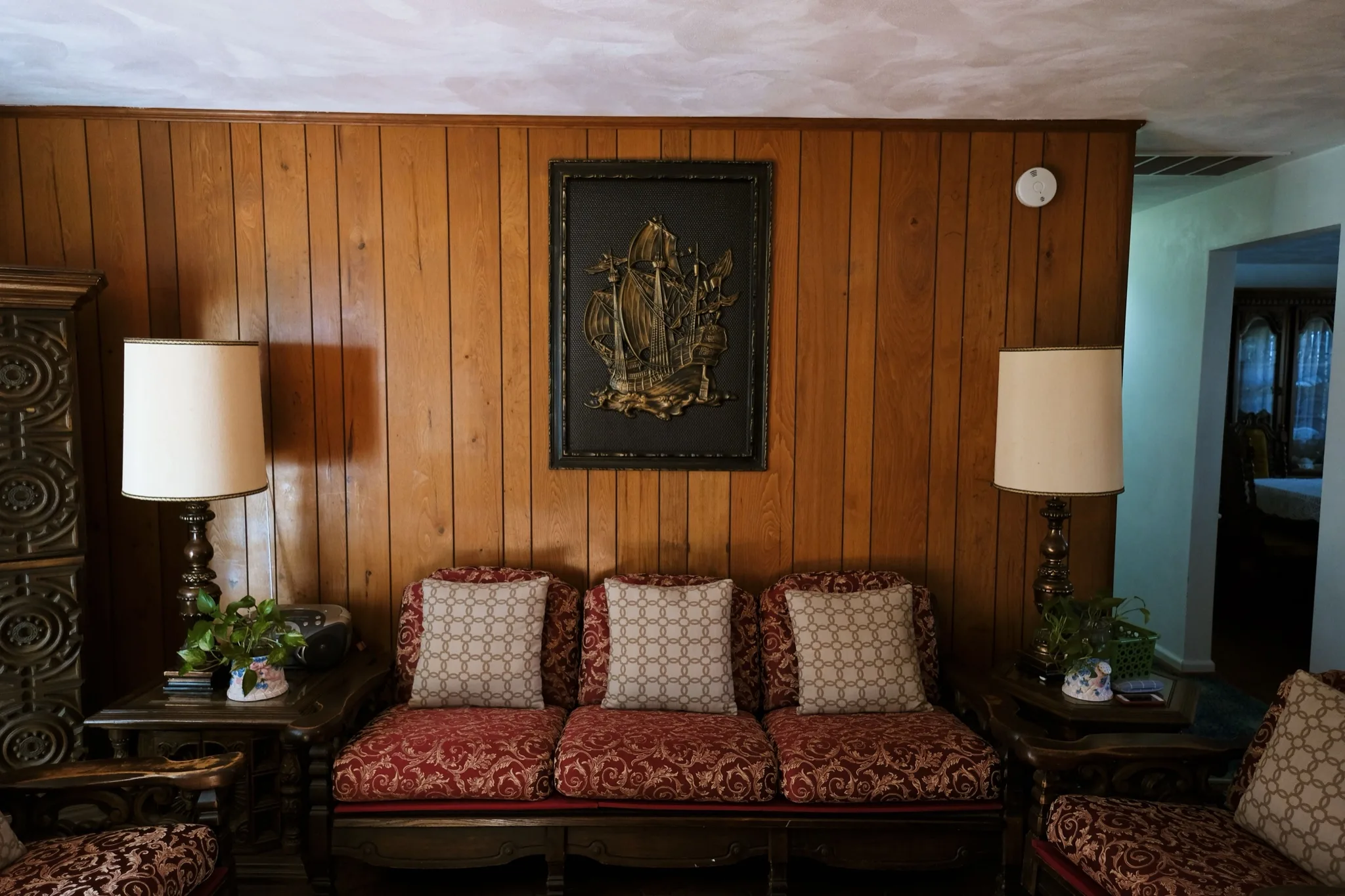
Room layout, structural walls, window and door positions stay in place. Favore updates finishes and fixtures, not the footprint.
Preview updated flooring, cabinetry, countertops, fixtures, wall treatments, and materials for a renovated look.
Show before and after remodel direction for kitchens, baths and living spaces with updated finishes before construction.
Preview remodel concepts for kitchens, bathrooms, living rooms, offices and other spaces with different finish levels.
Try Refresh, Moderate, and Extensive scopes to find the right renovation level for your project or presentation.
Use a clear JPEG, PNG or WebP of a room, interior, or exterior space. Keep the space fully visible.
Select Refresh, Moderate or Extensive. No written prompt is needed.
Check layout, walls, windows, and doors against the original. This is a renovation preview, not a construction plan.
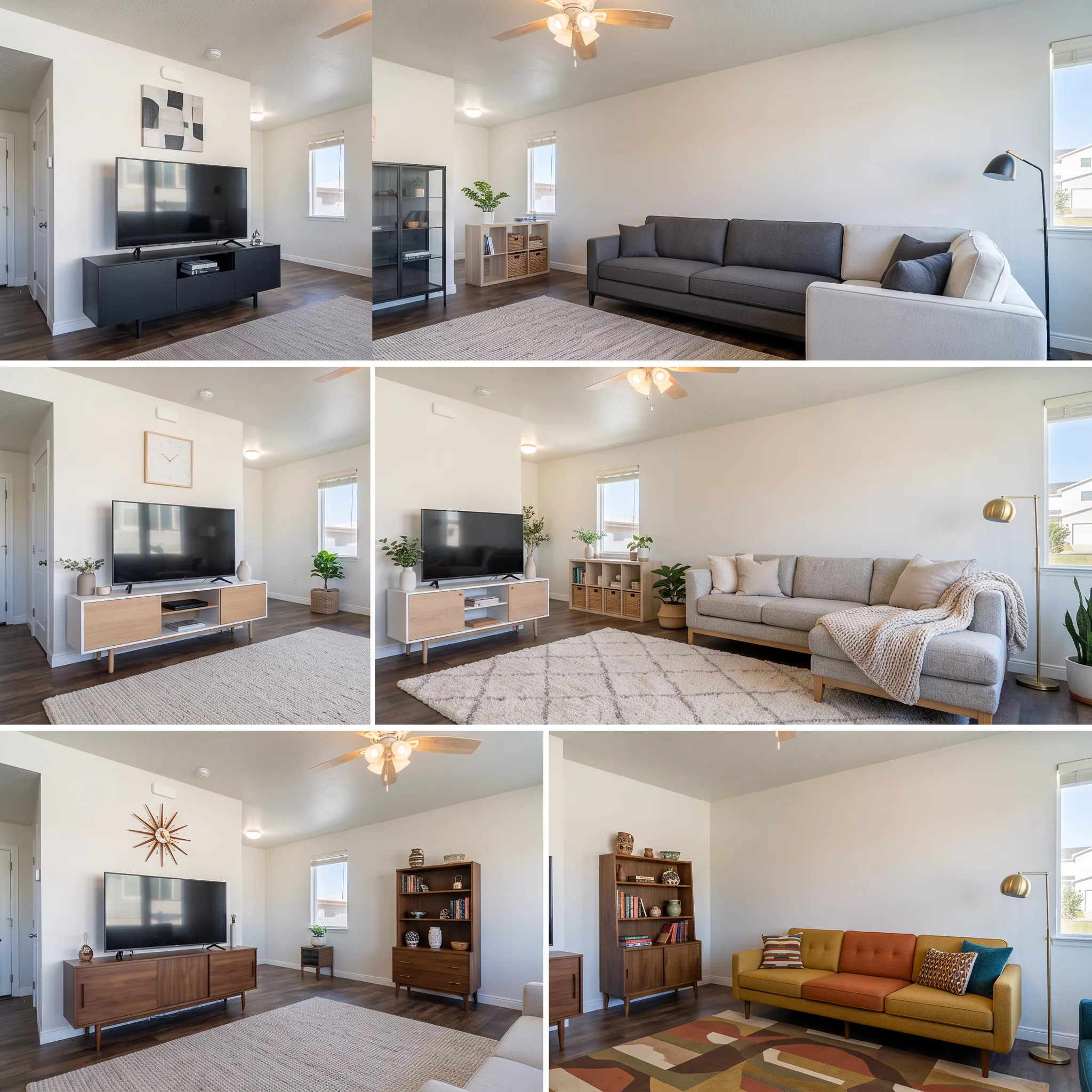
Clear a room, stage furniture, restyle finishes, preview a remodel, or refresh exteriors — for homes, offices, and exteriors.
Preview a kitchen remodel, bathroom remodel or living upgrade with updated finishes on the existing layout — AI Remodel Preview for remodel clients and property marketing.