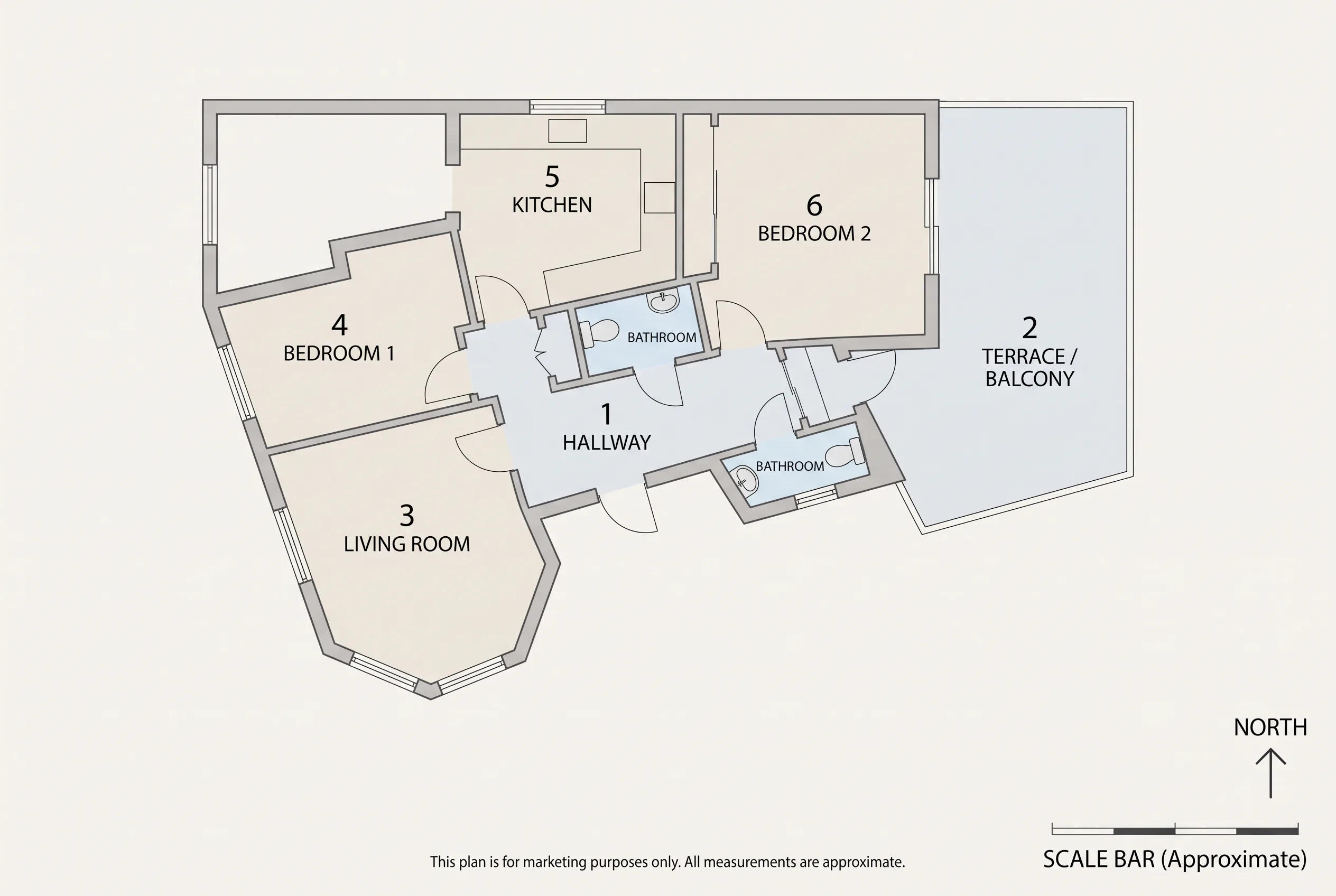
Keep architecture and frames
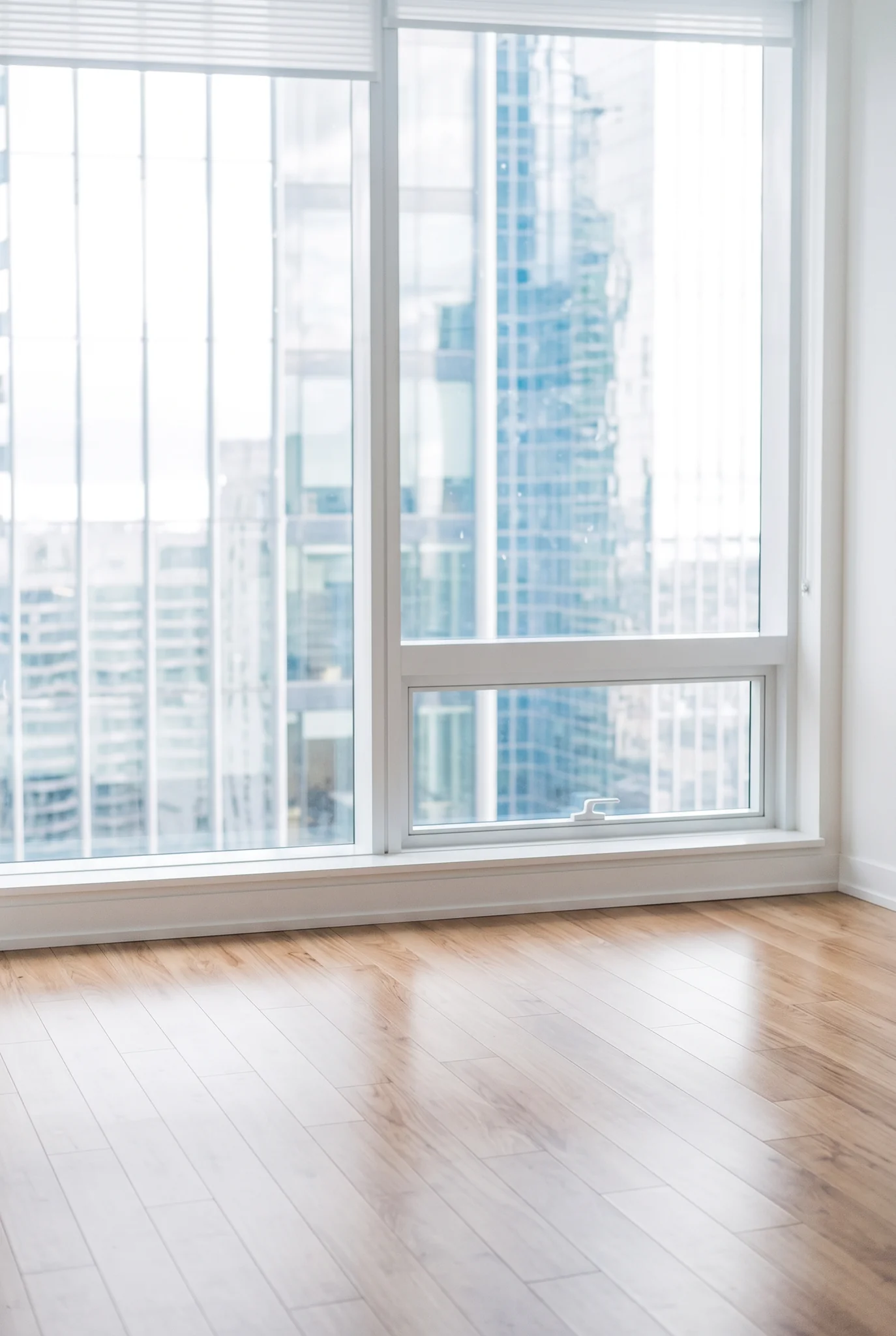
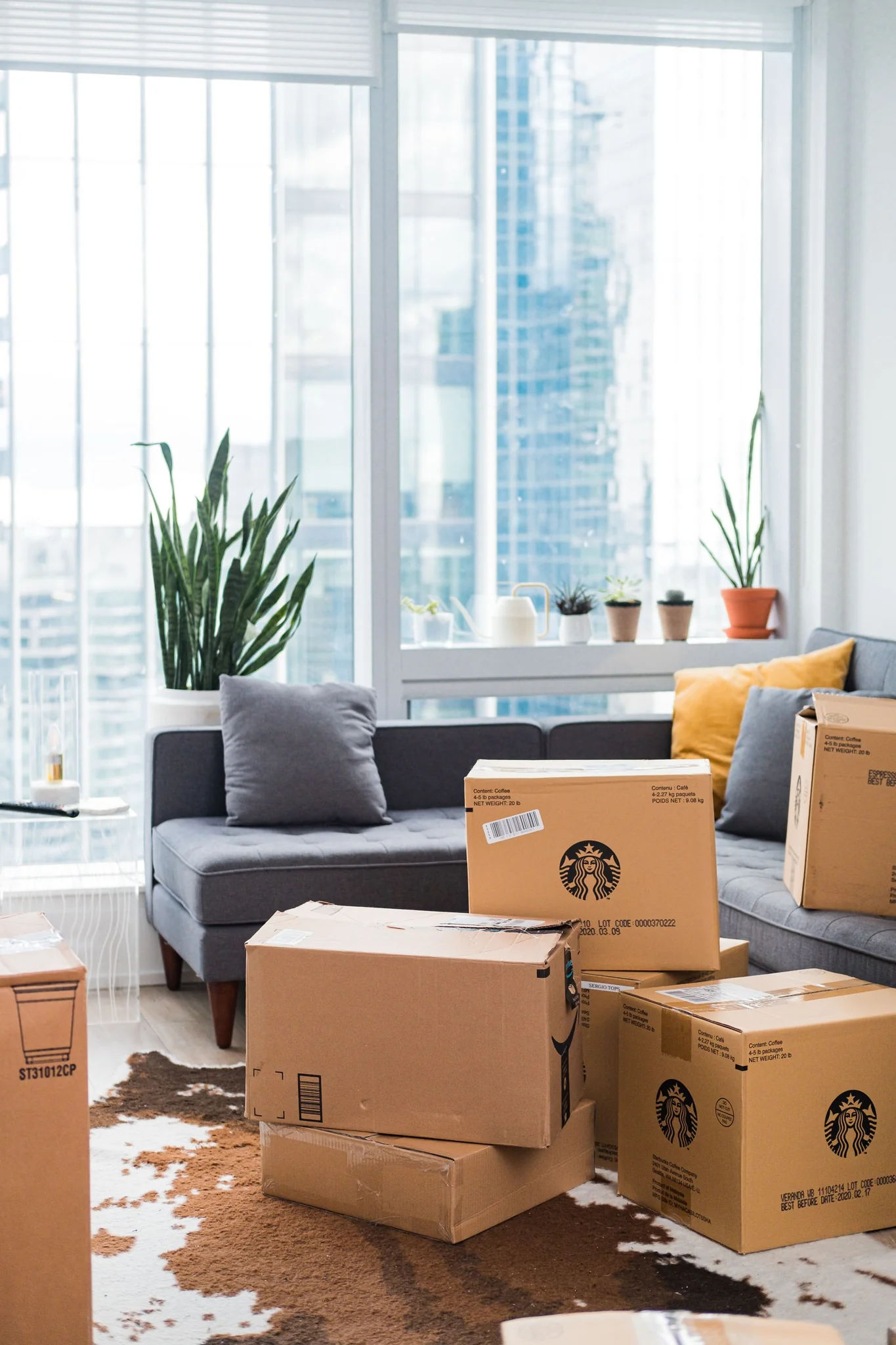
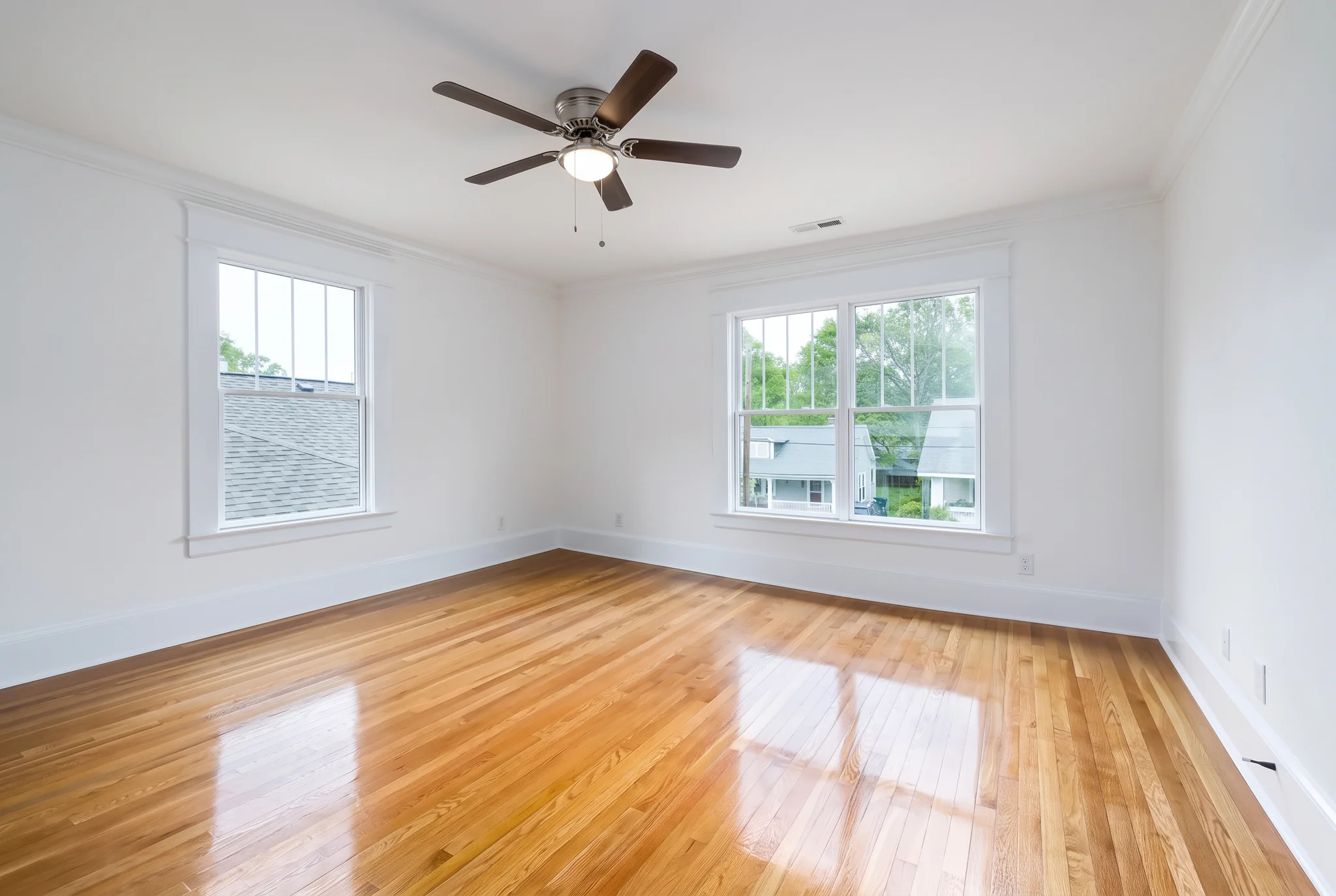
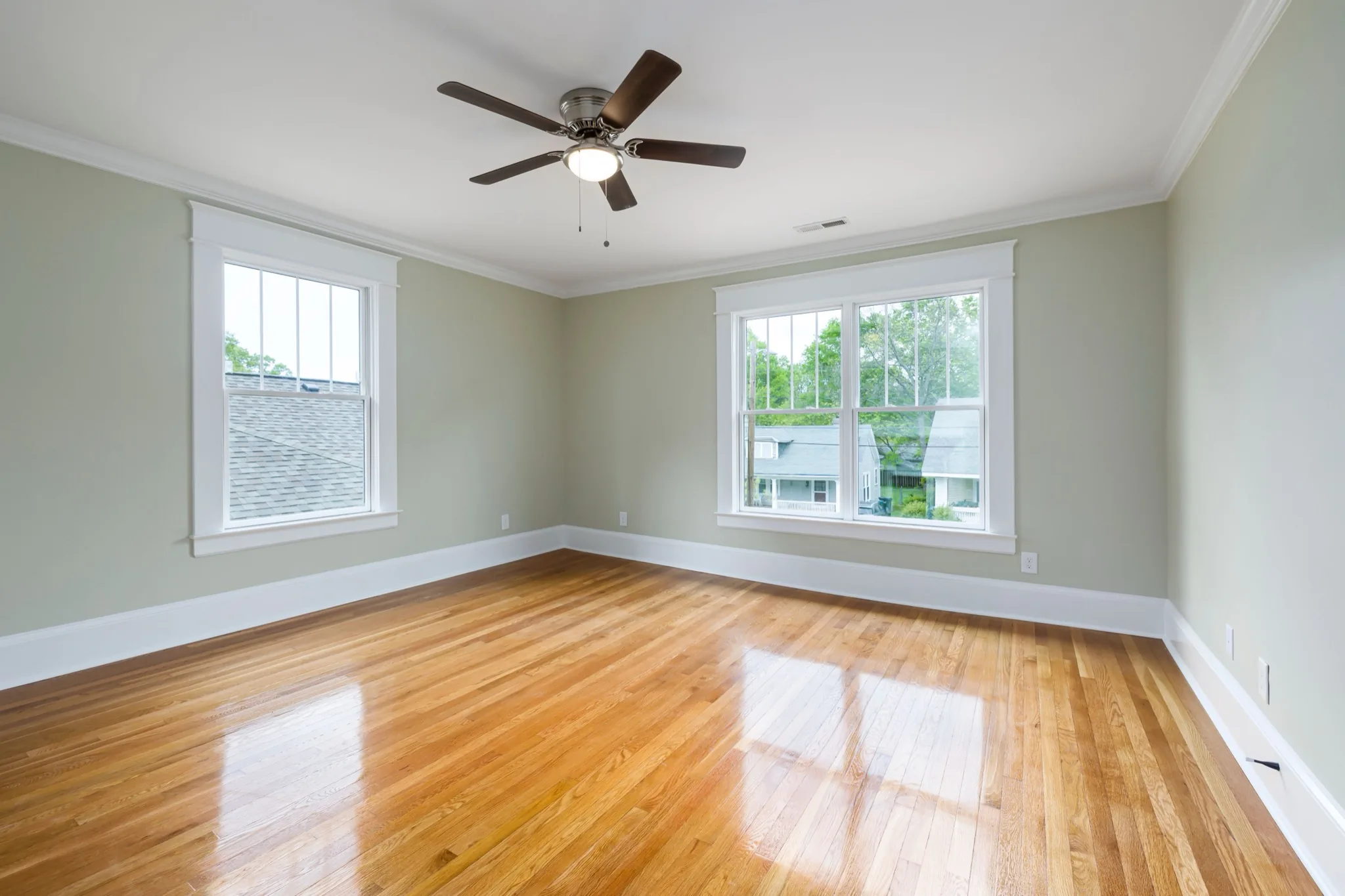
Walls, furniture, window frames and camera angle stay in place. Favore only changes what is outside the glass.
Replace the exterior view through windows — ocean view, city view or garden view — while keeping room architecture, frames and camera. For property marketing and remodel previews.
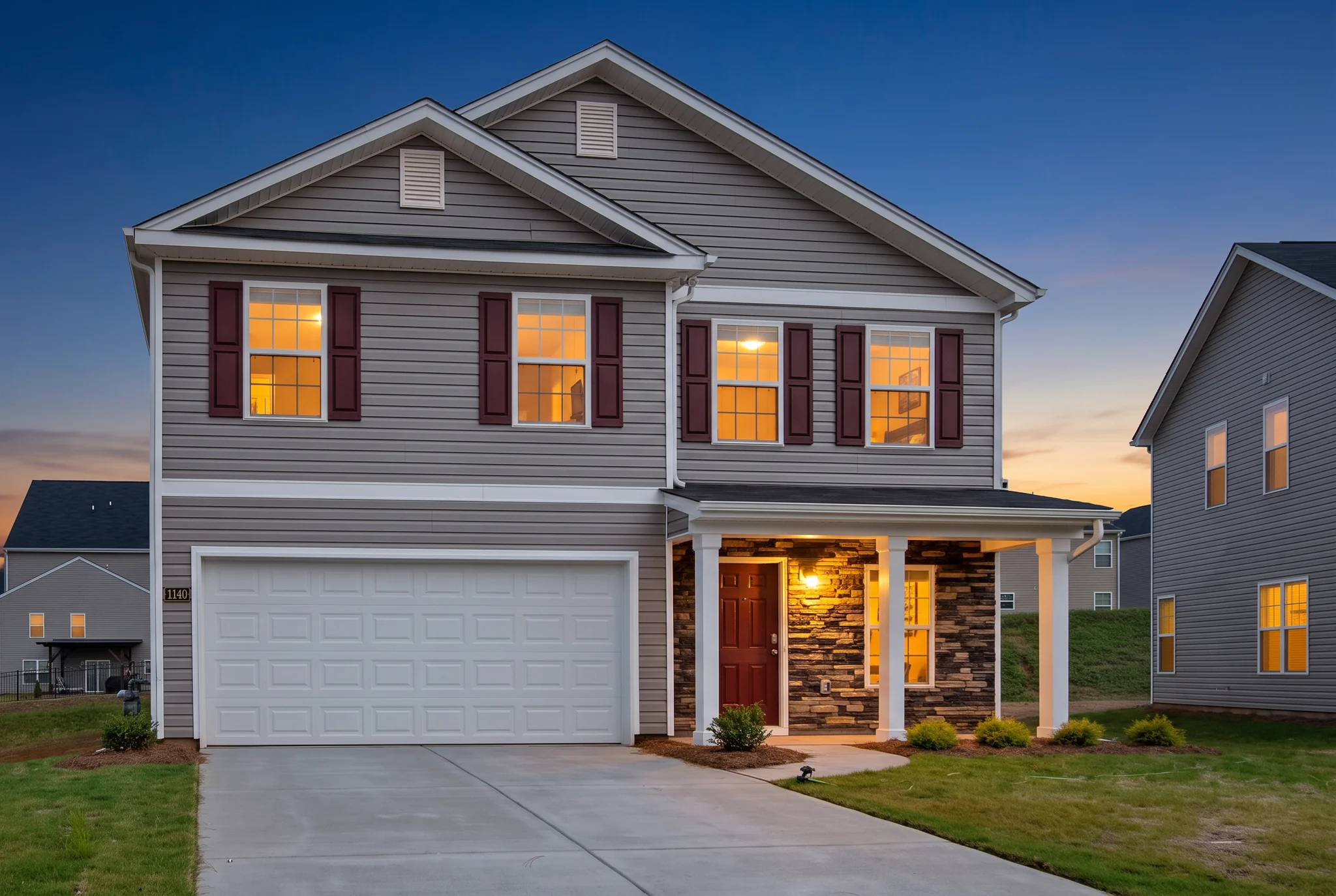
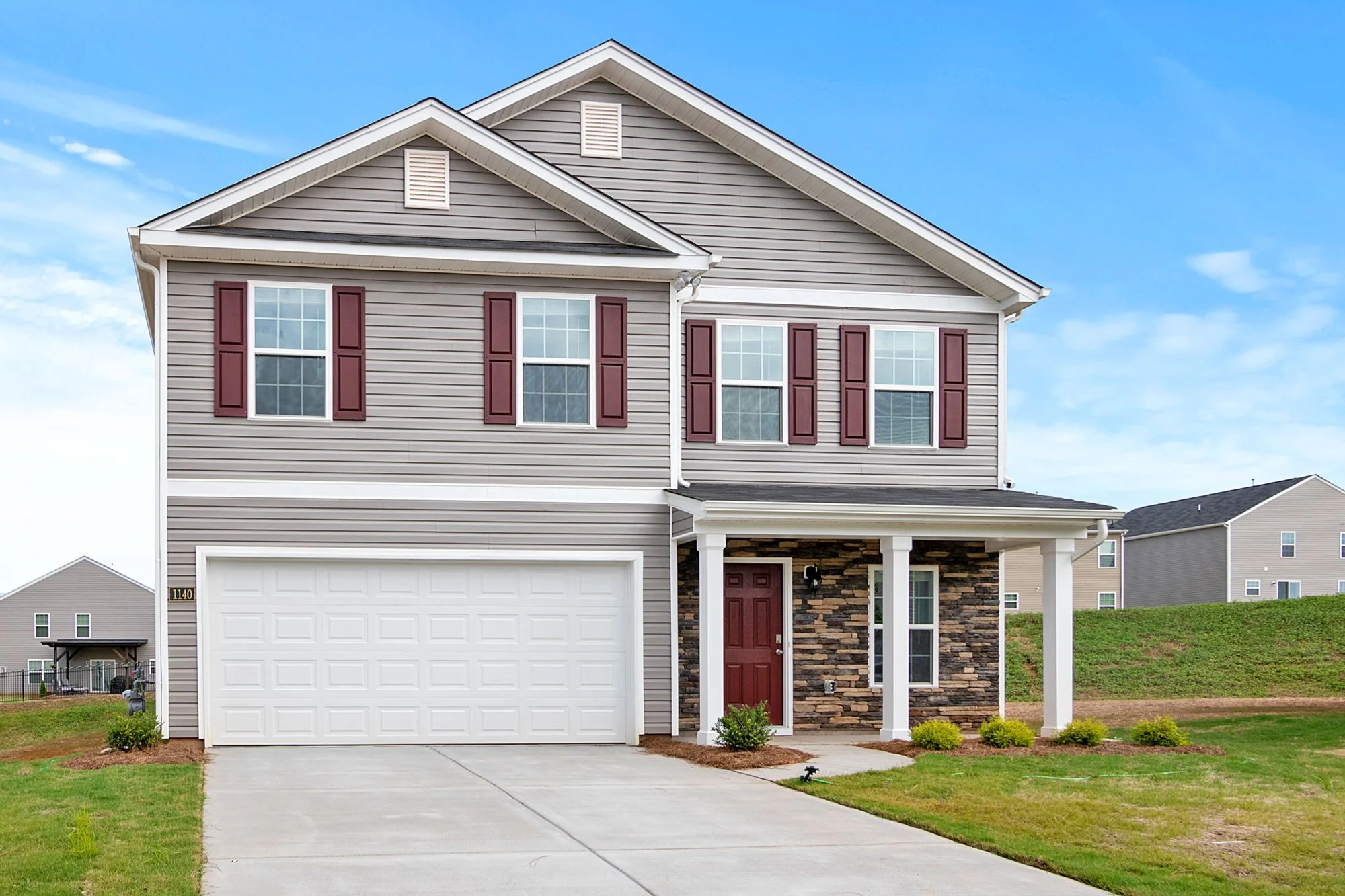
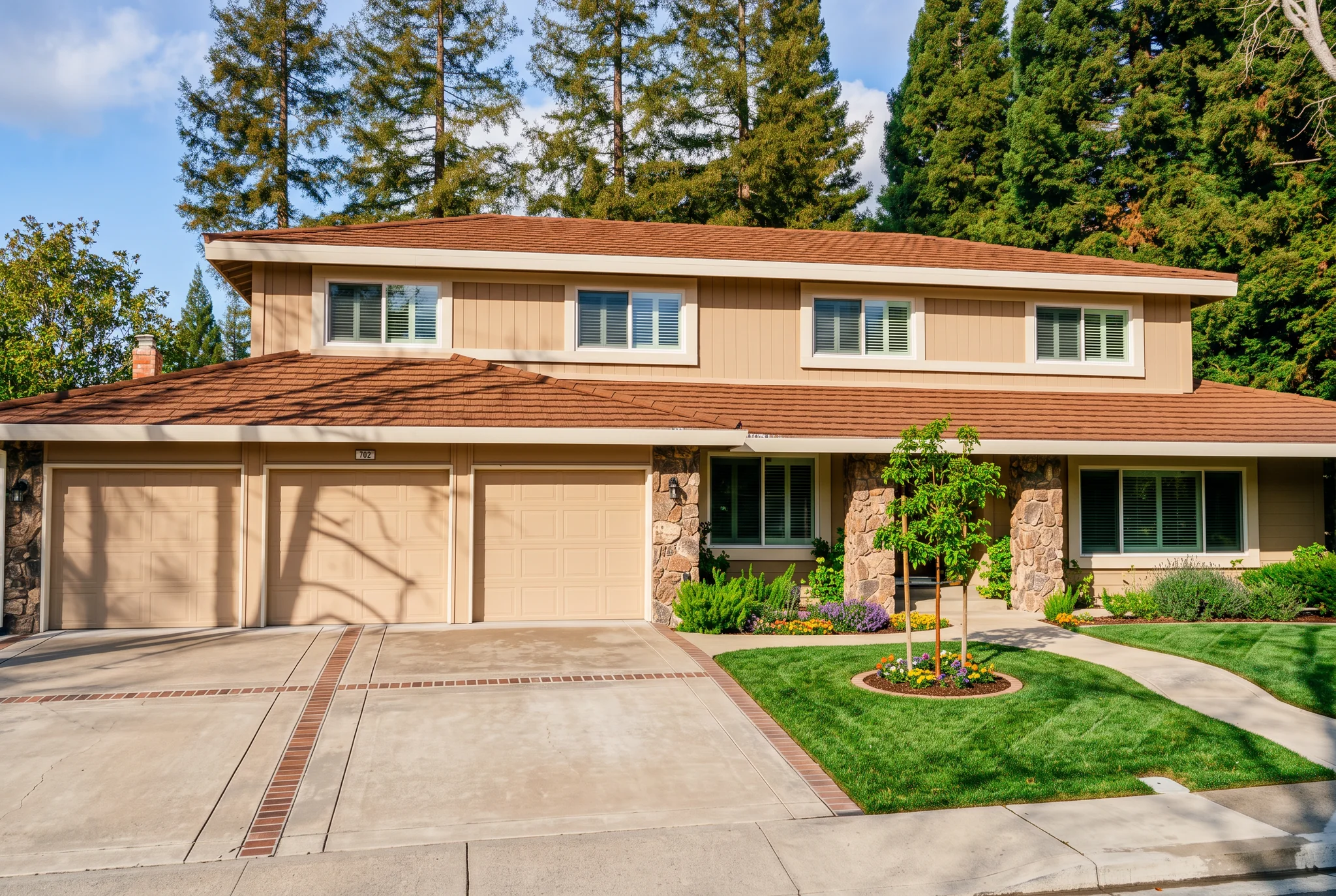
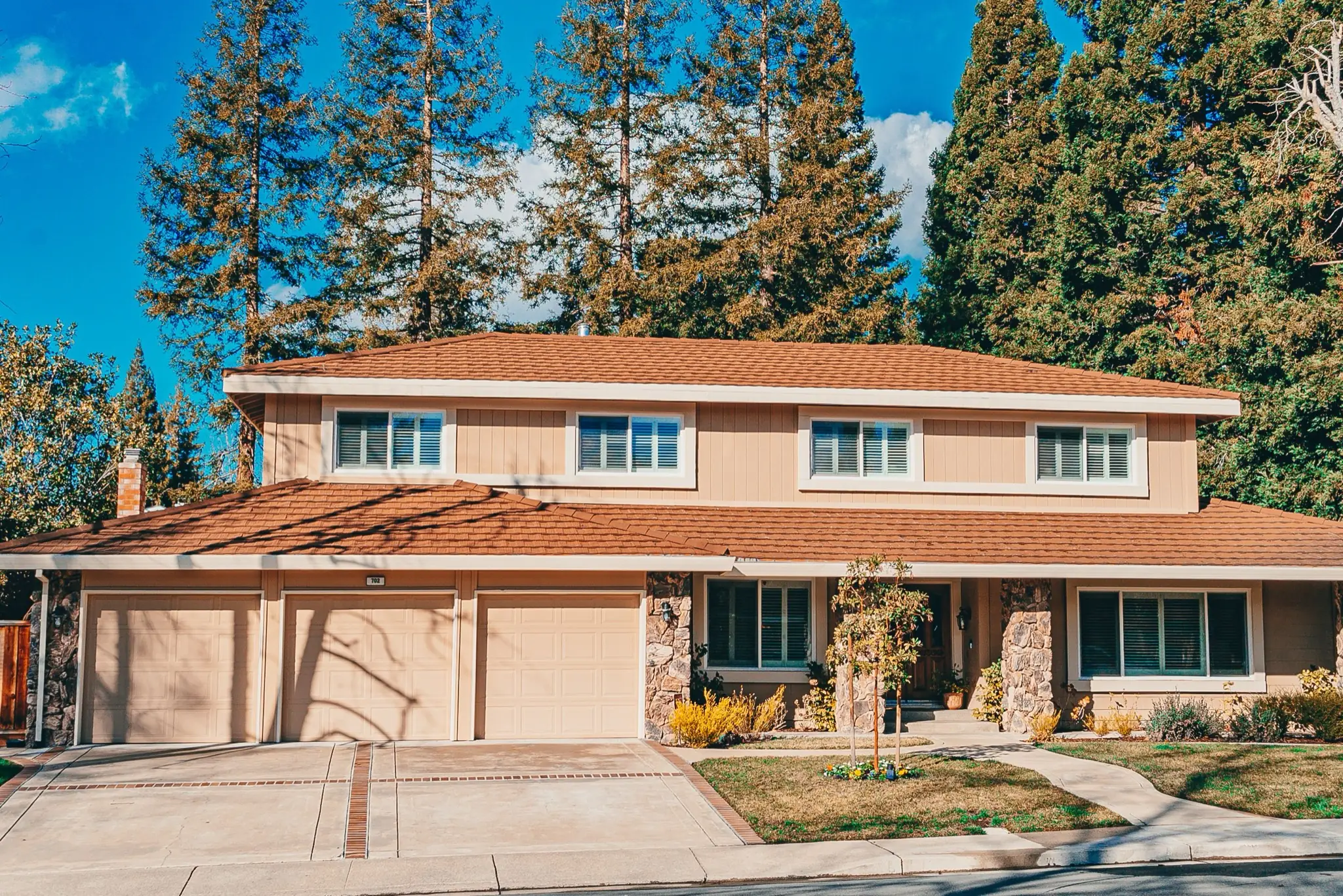
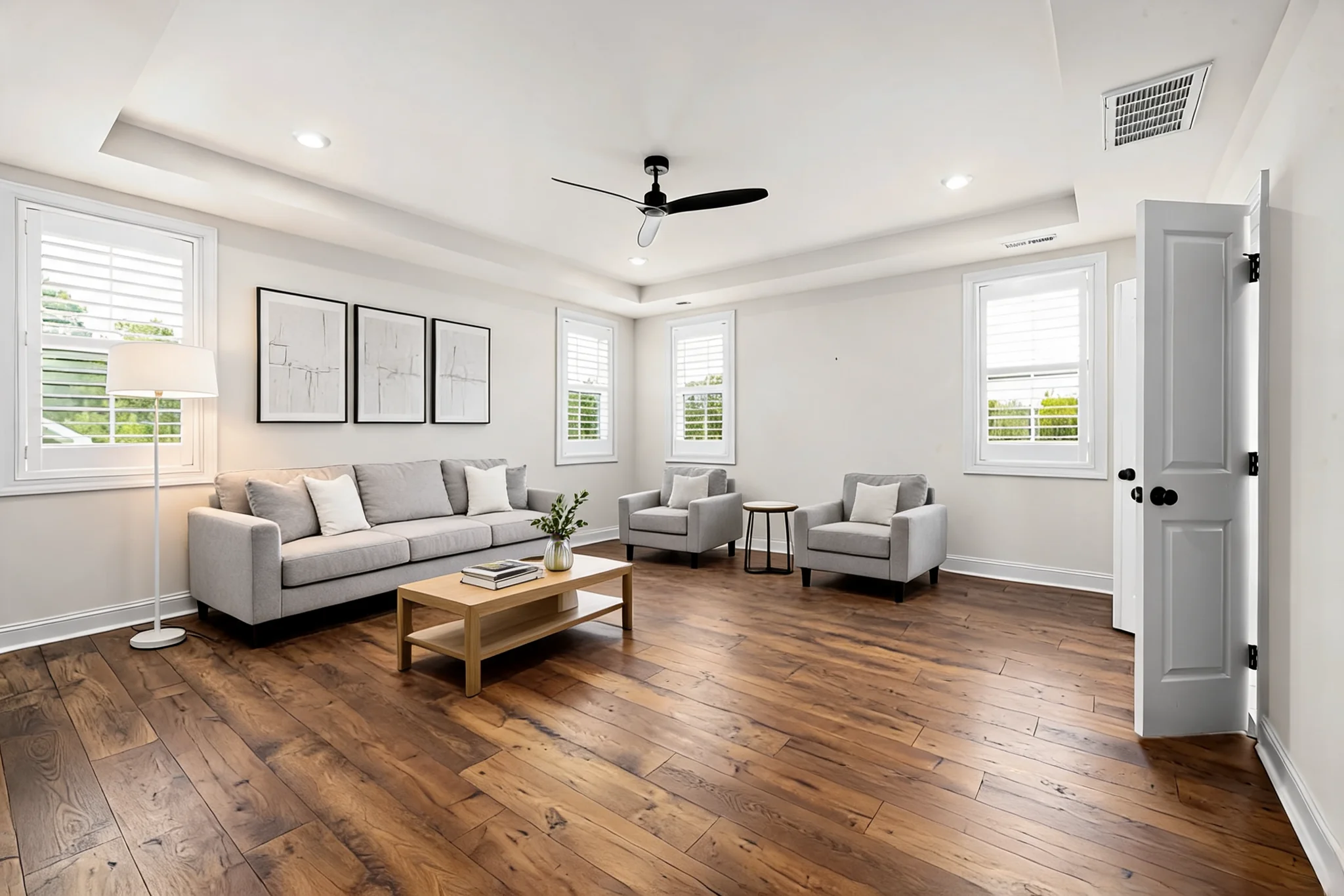
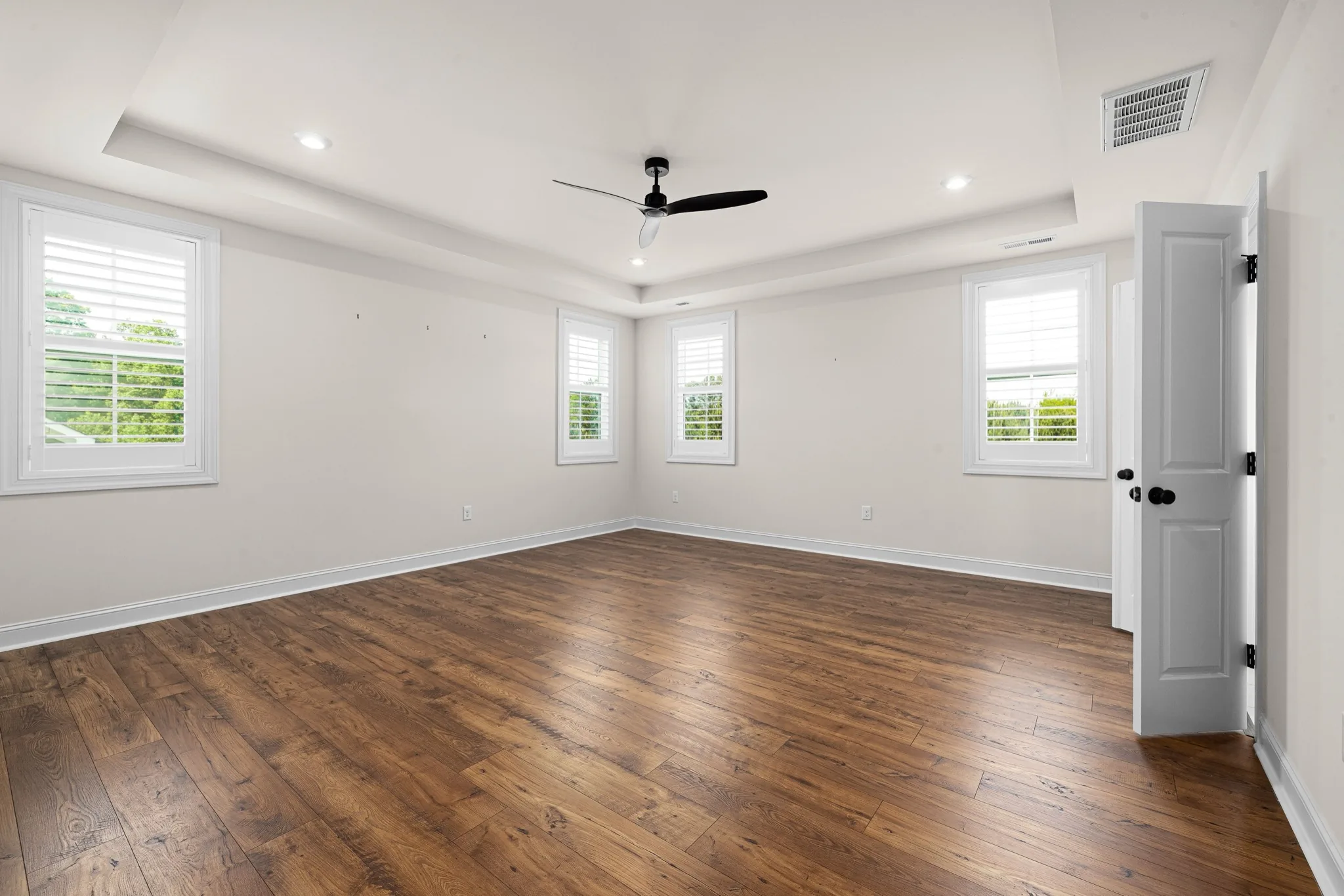
Drag the divider to compare real tool results across different scenes.
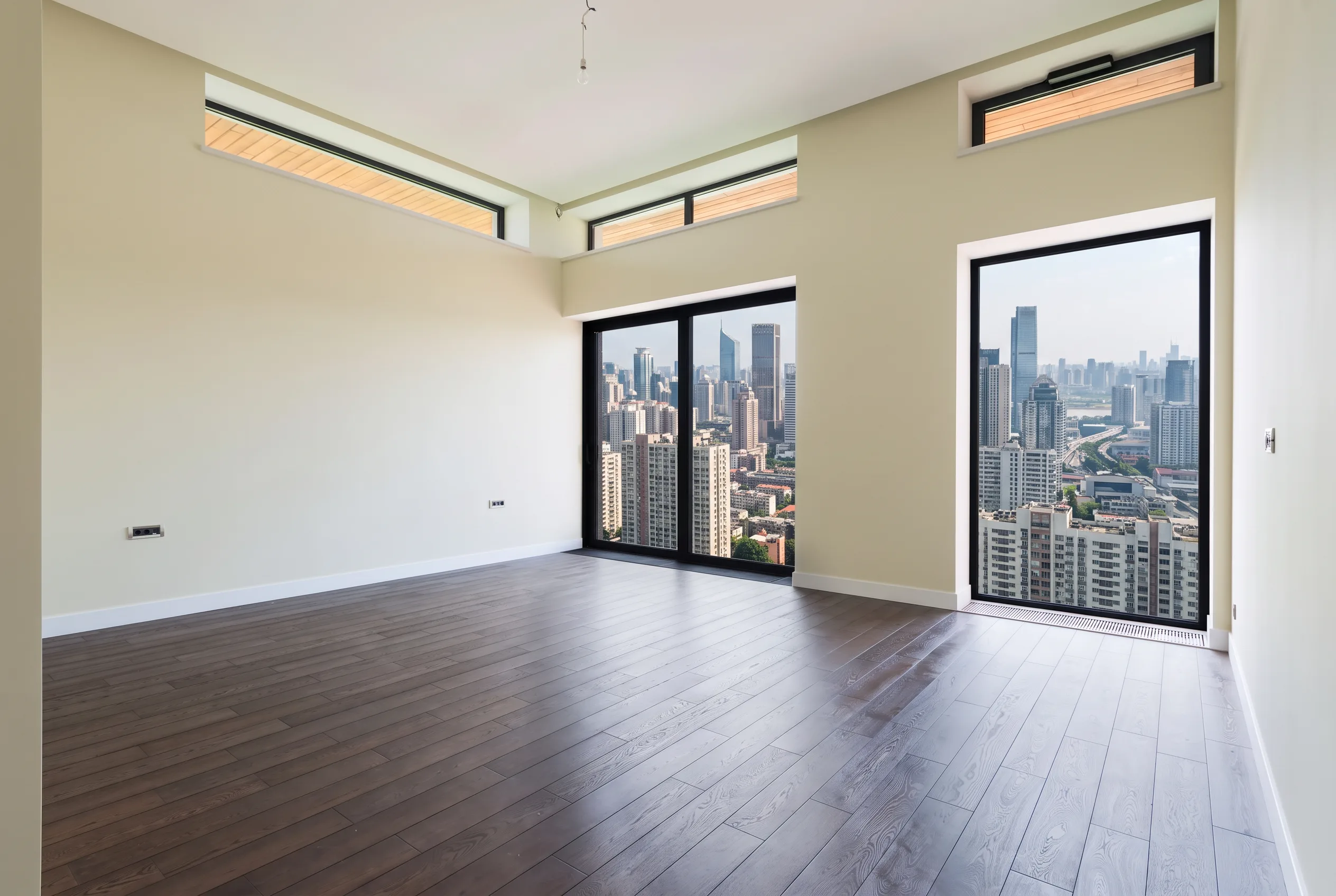
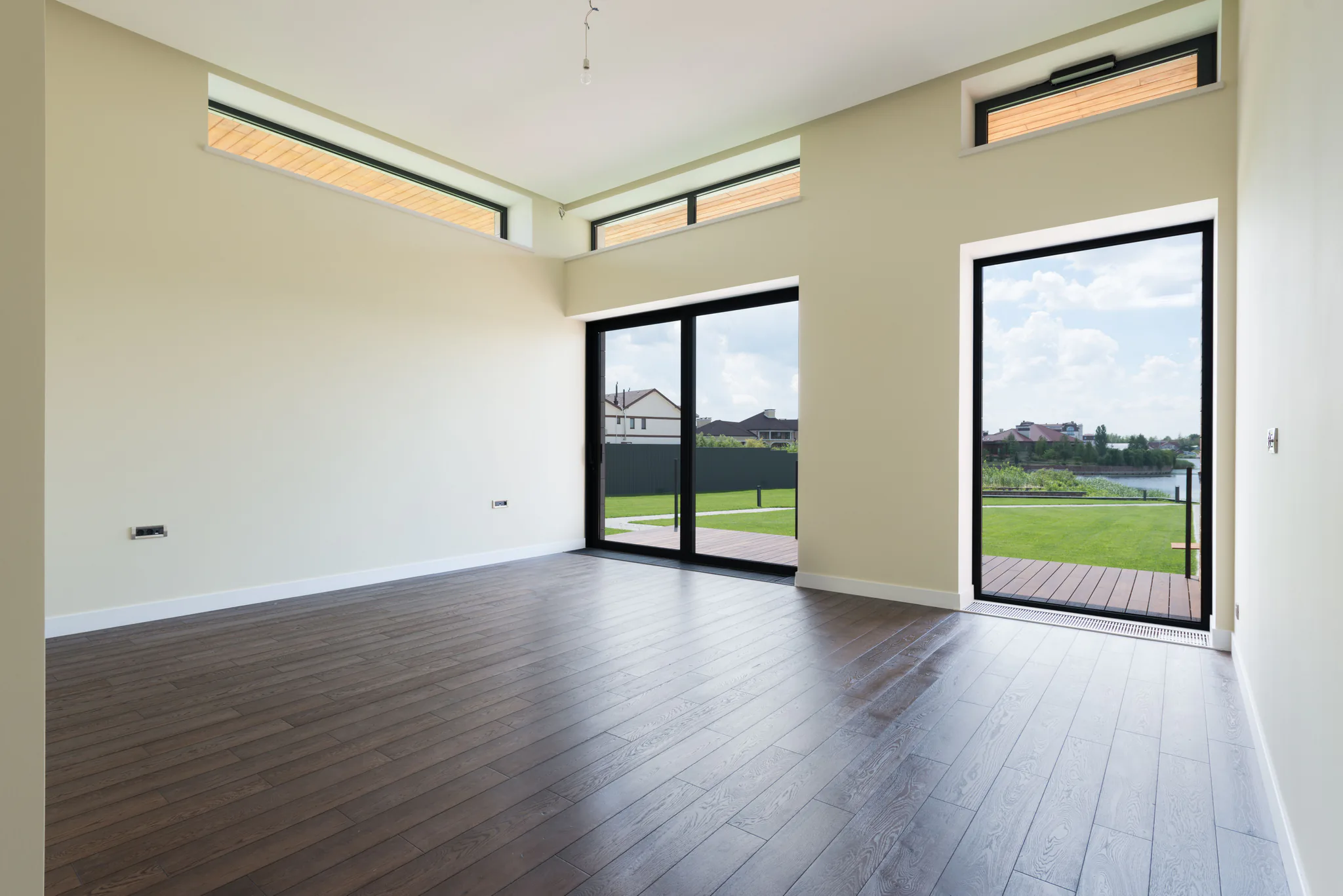
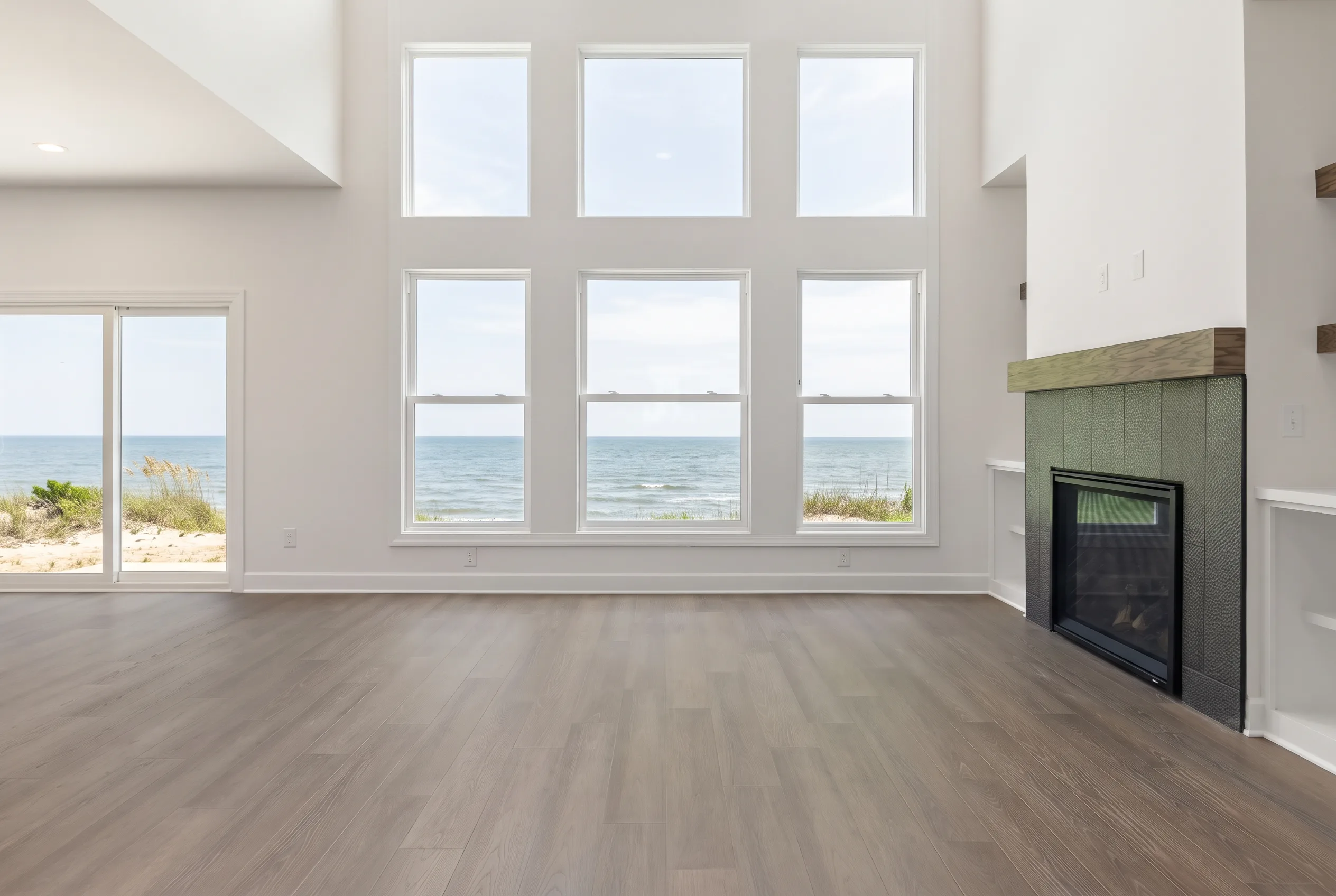
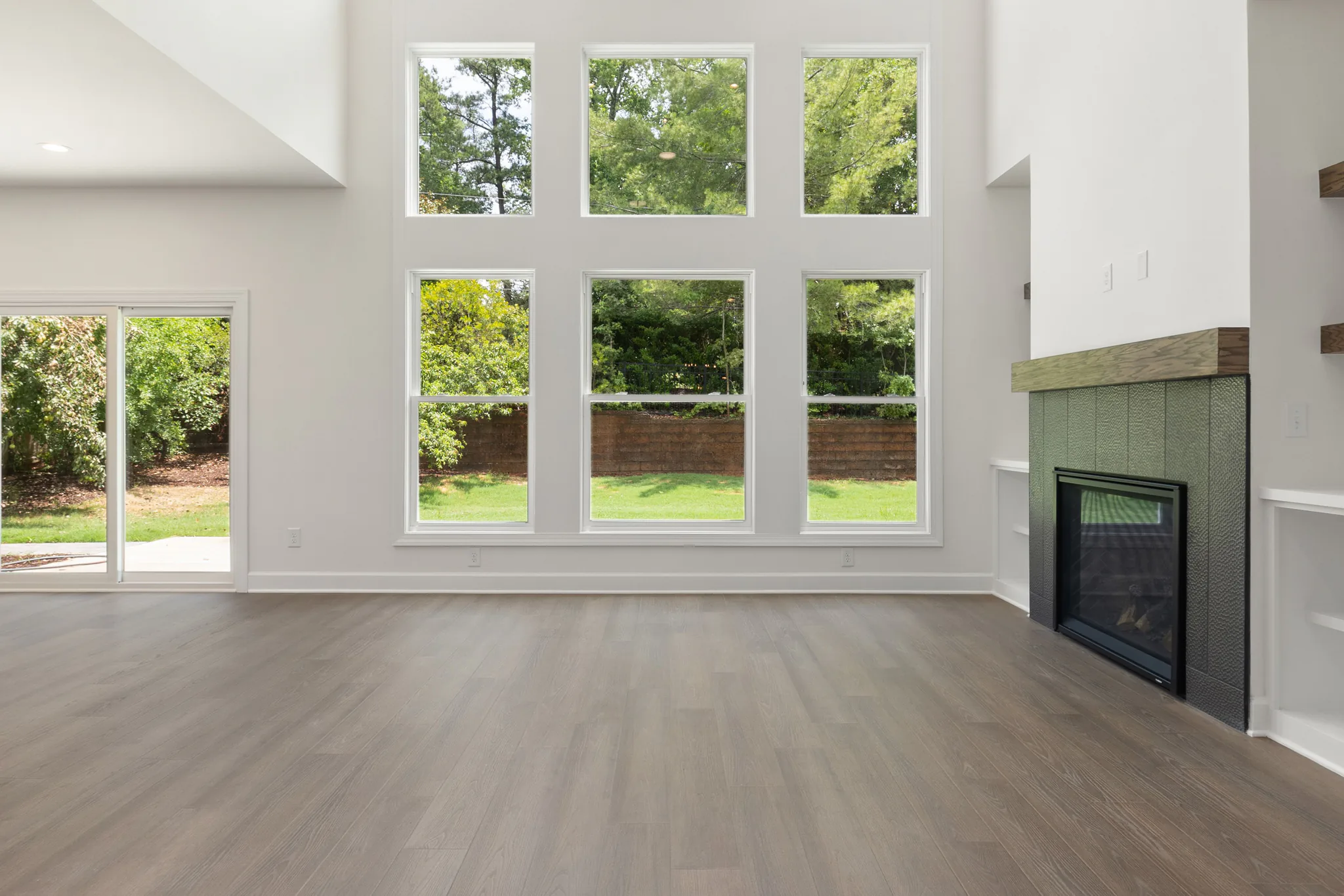
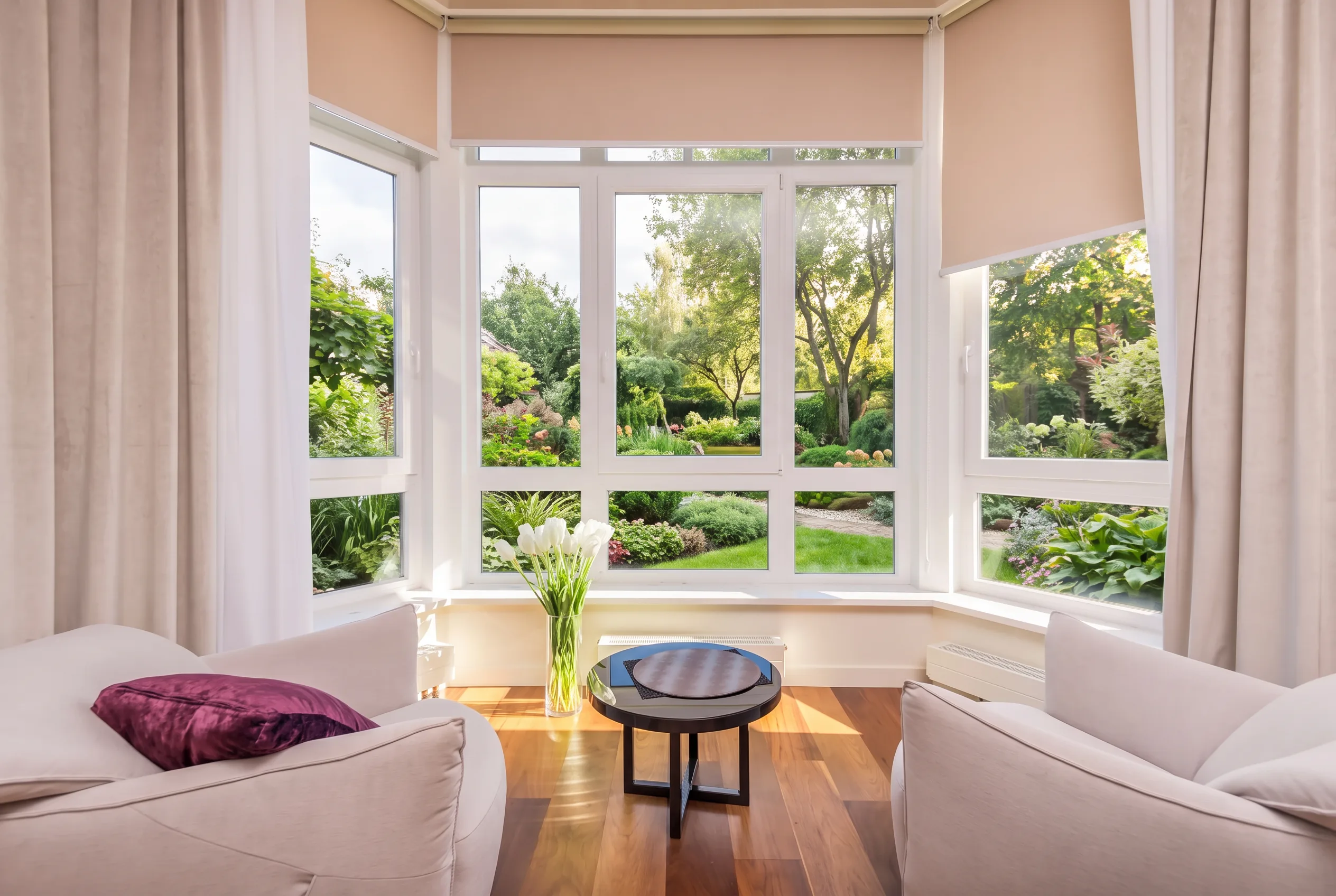
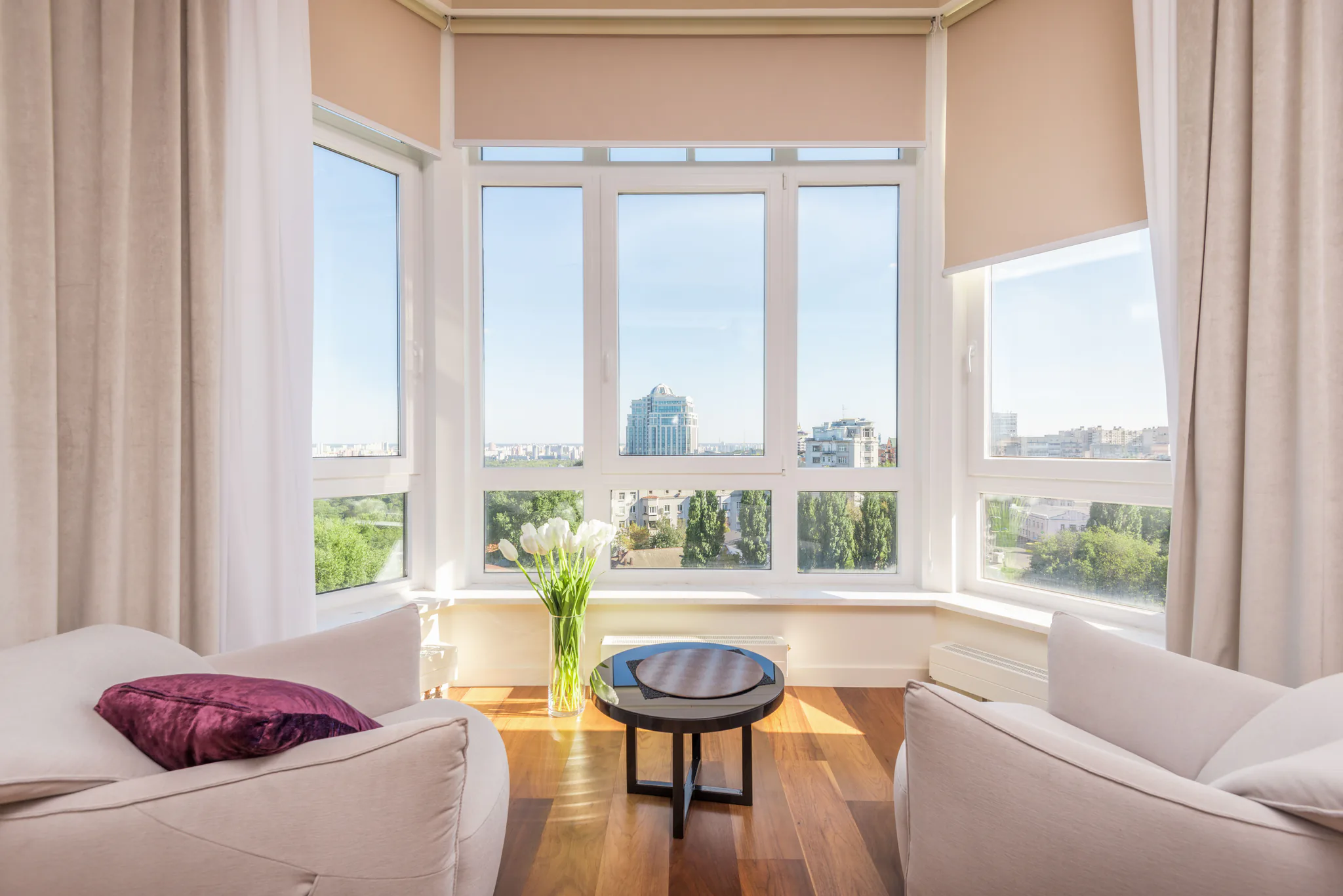
Walls, furniture, window frames and camera angle stay in place. Favore only changes what is outside the glass.
Choose ocean view, city view, garden, mountains, forest or overcast city for the listing mood you need.
Swap a messy or construction-heavy exterior for a cleaner ocean view, city view or garden view in marketing stills.
Preview different outdoor atmospheres without moving furniture.
Works on living rooms, offices and retail interiors with visible windows.
Use a clear JPEG, PNG or WebP with visible windows. Keep room structure in frame.
Select city skyline, ocean, garden and more. No written prompt is needed.
Check frames, furniture and camera against the original. This is a marketing preview, not a construction plan.
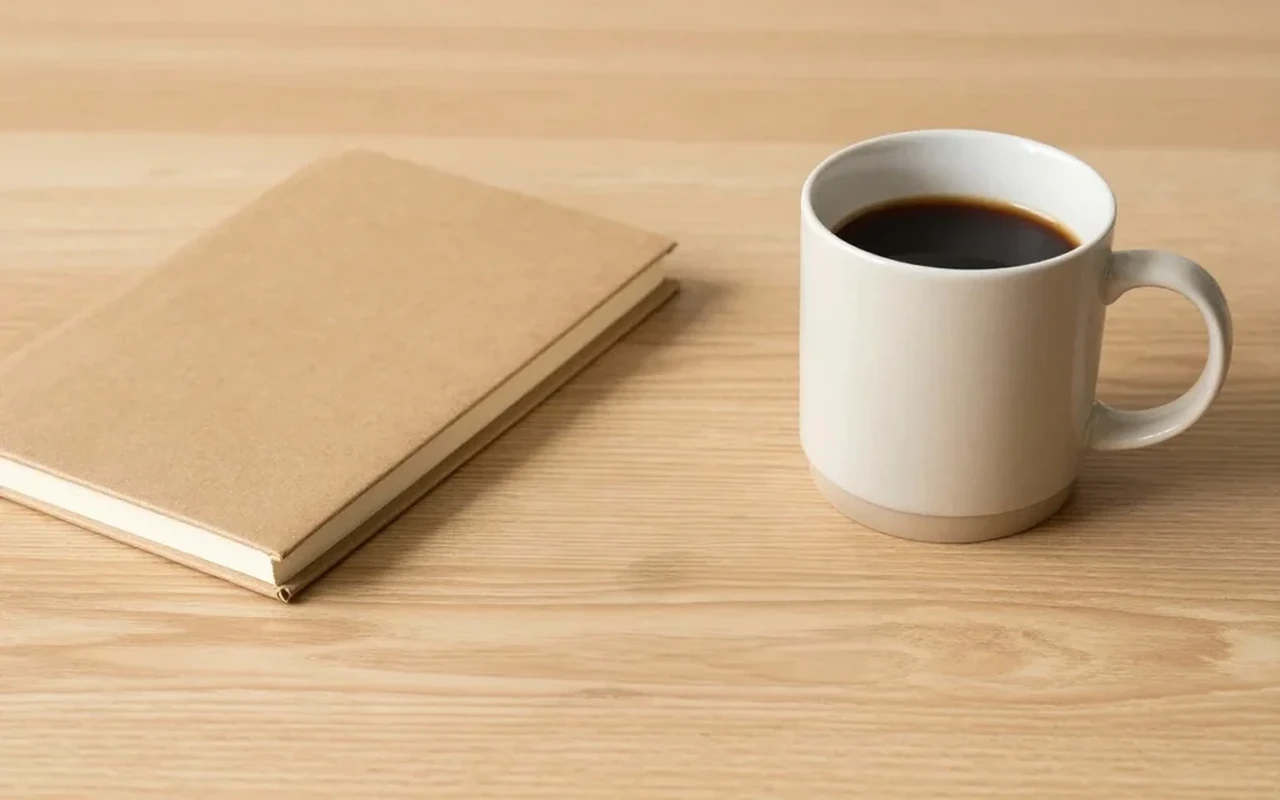
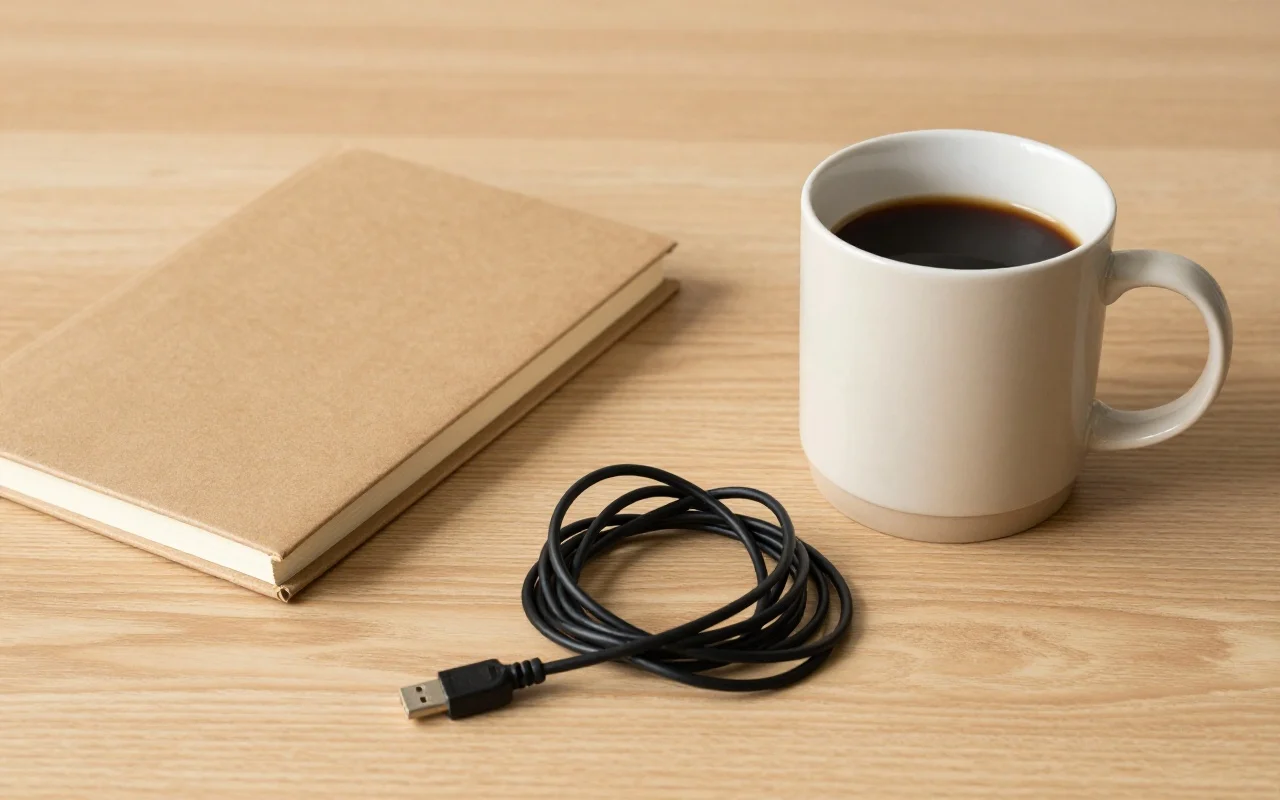
Clear a room, stage furniture, restyle finishes, preview a remodel, or refresh exteriors — for homes, offices, and exteriors.
Replace the exterior view through windows — ocean view, city view or garden view — while keeping room architecture, frames and camera. For property marketing and remodel previews.