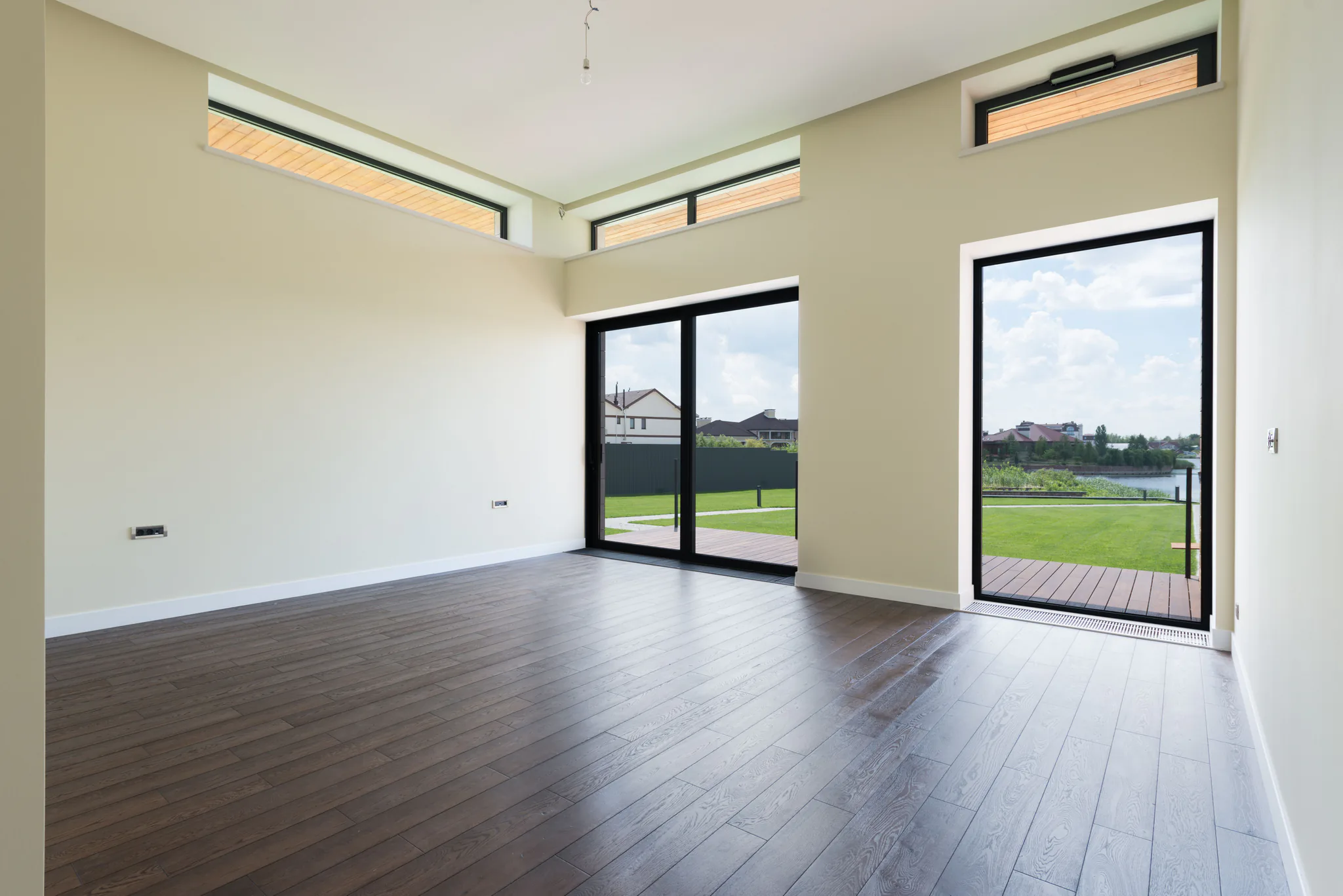
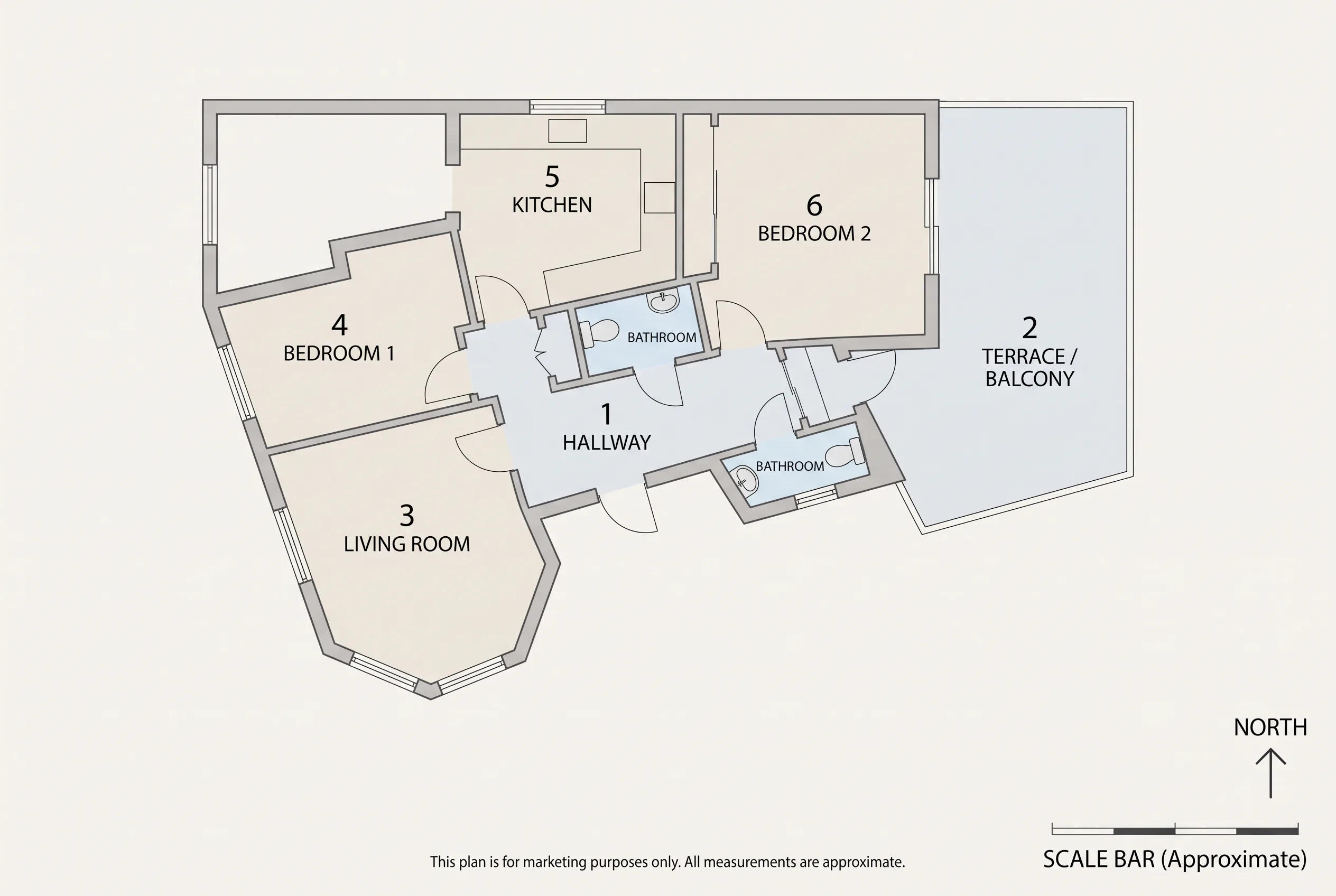
Keep the floor plan
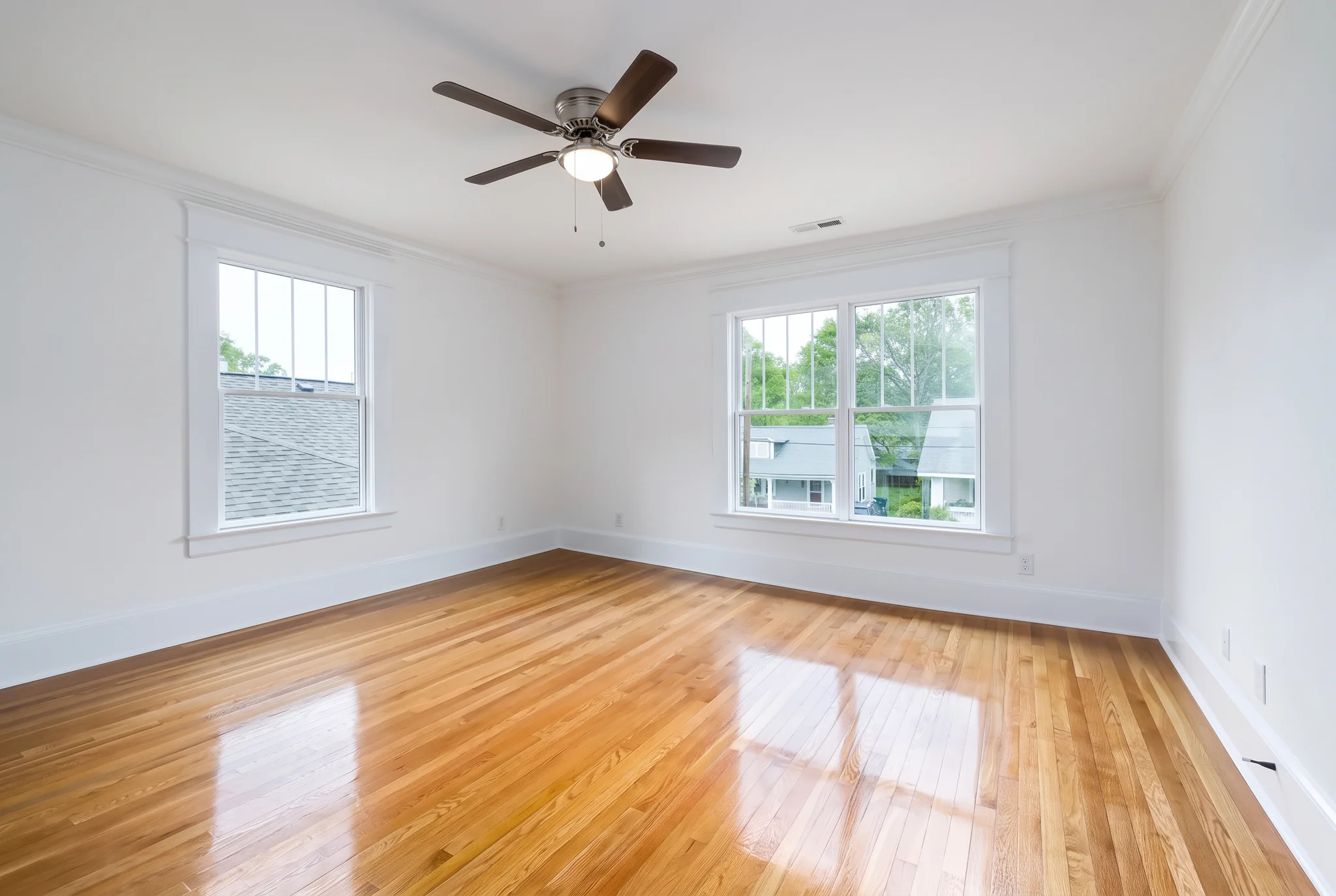
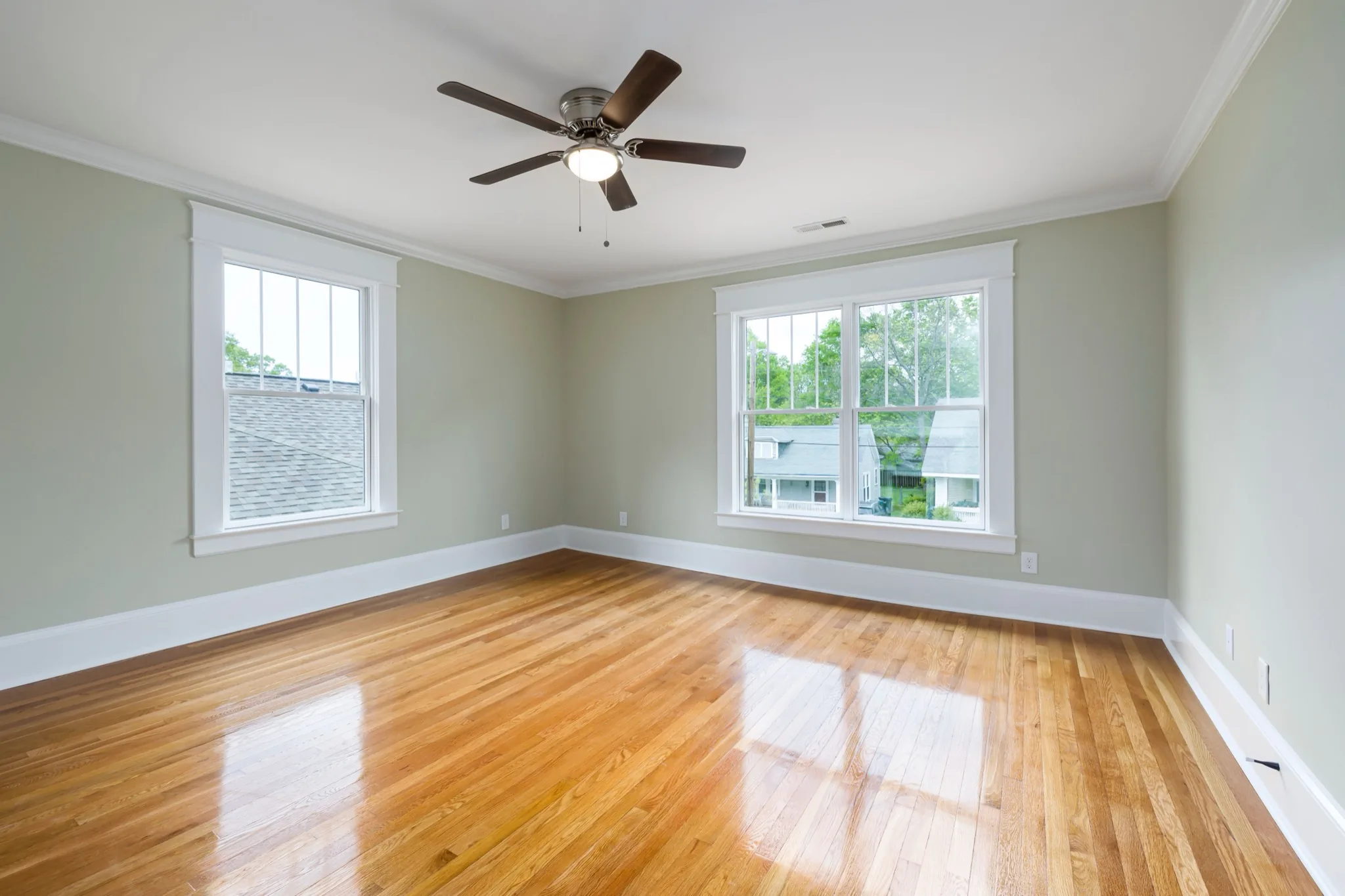
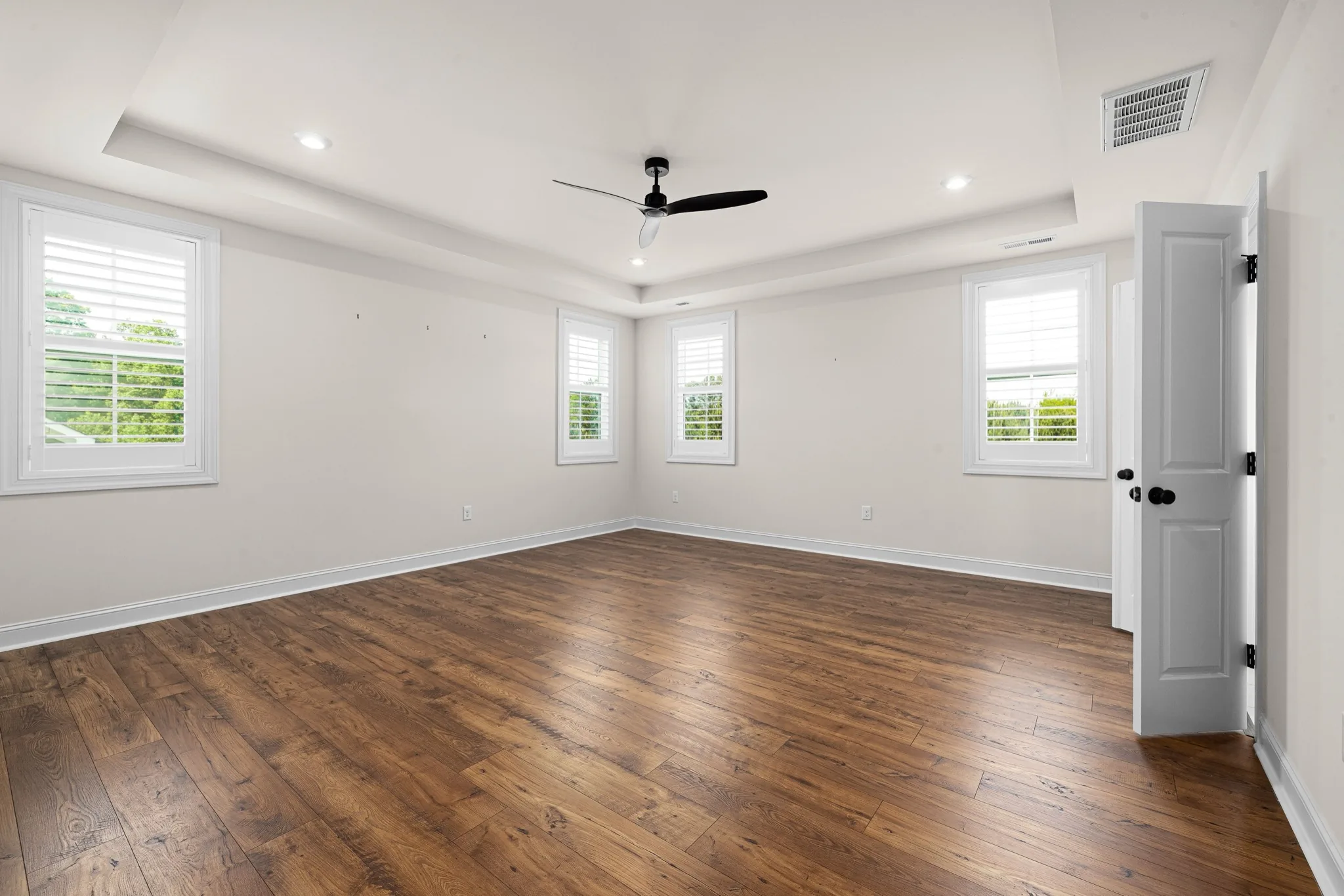
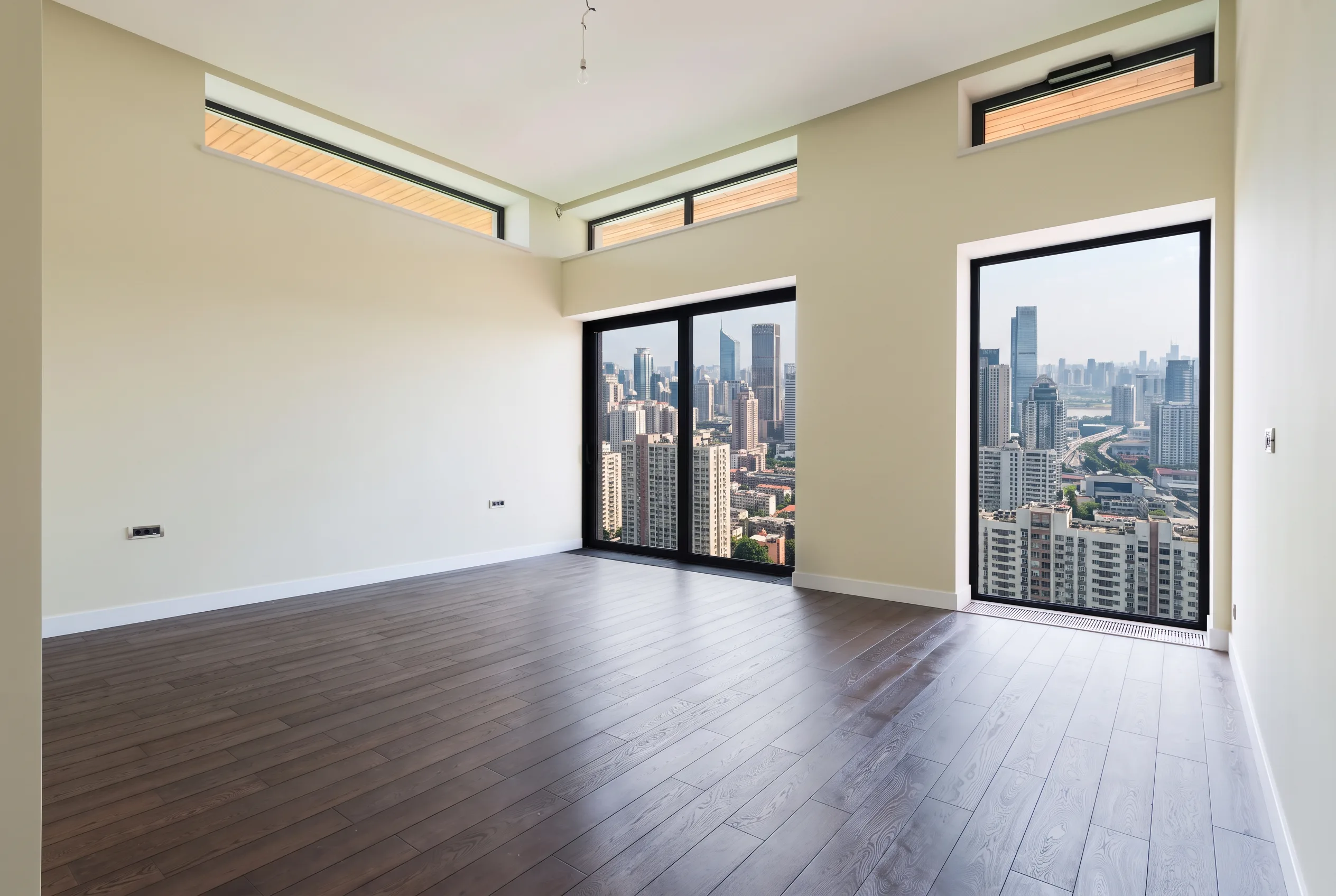
Walls, windows, doors, ceiling and floor stay in place. Favore does not redesign the room or change the camera angle.
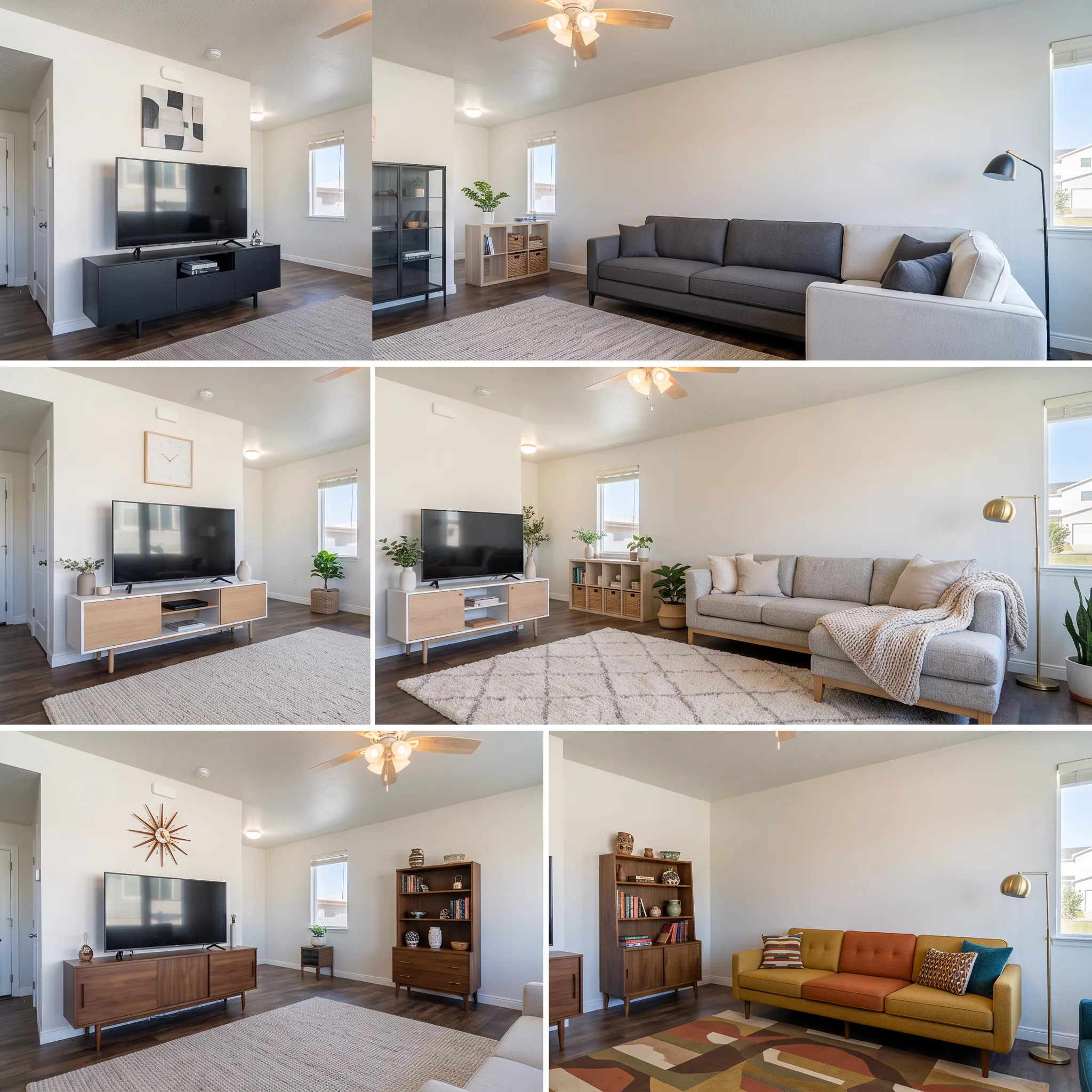
Remove furniture and clutter from interior photos for homes or commercial property spaces. Choose full empty or soft declutter before virtual staging or remodel previews.
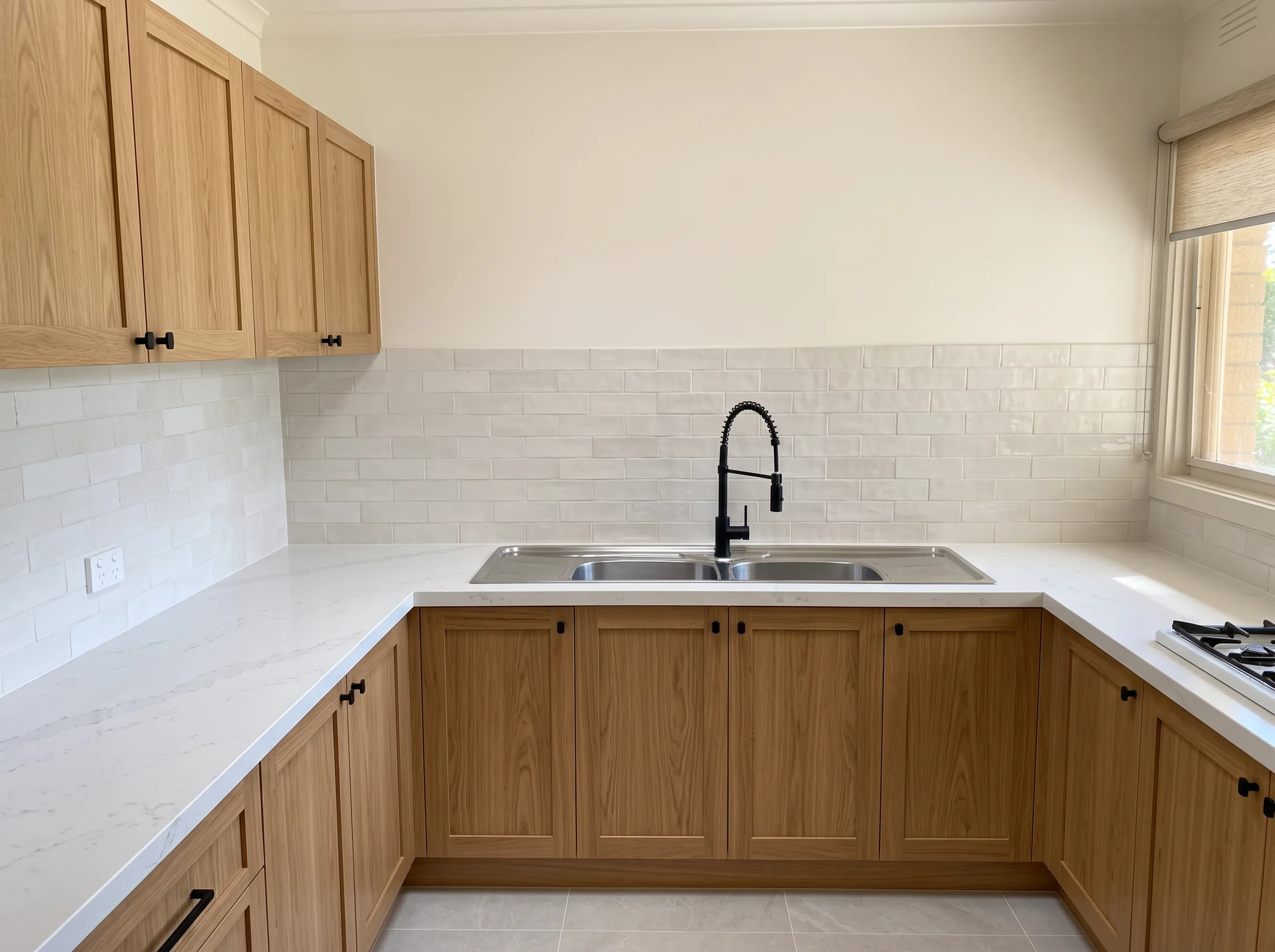
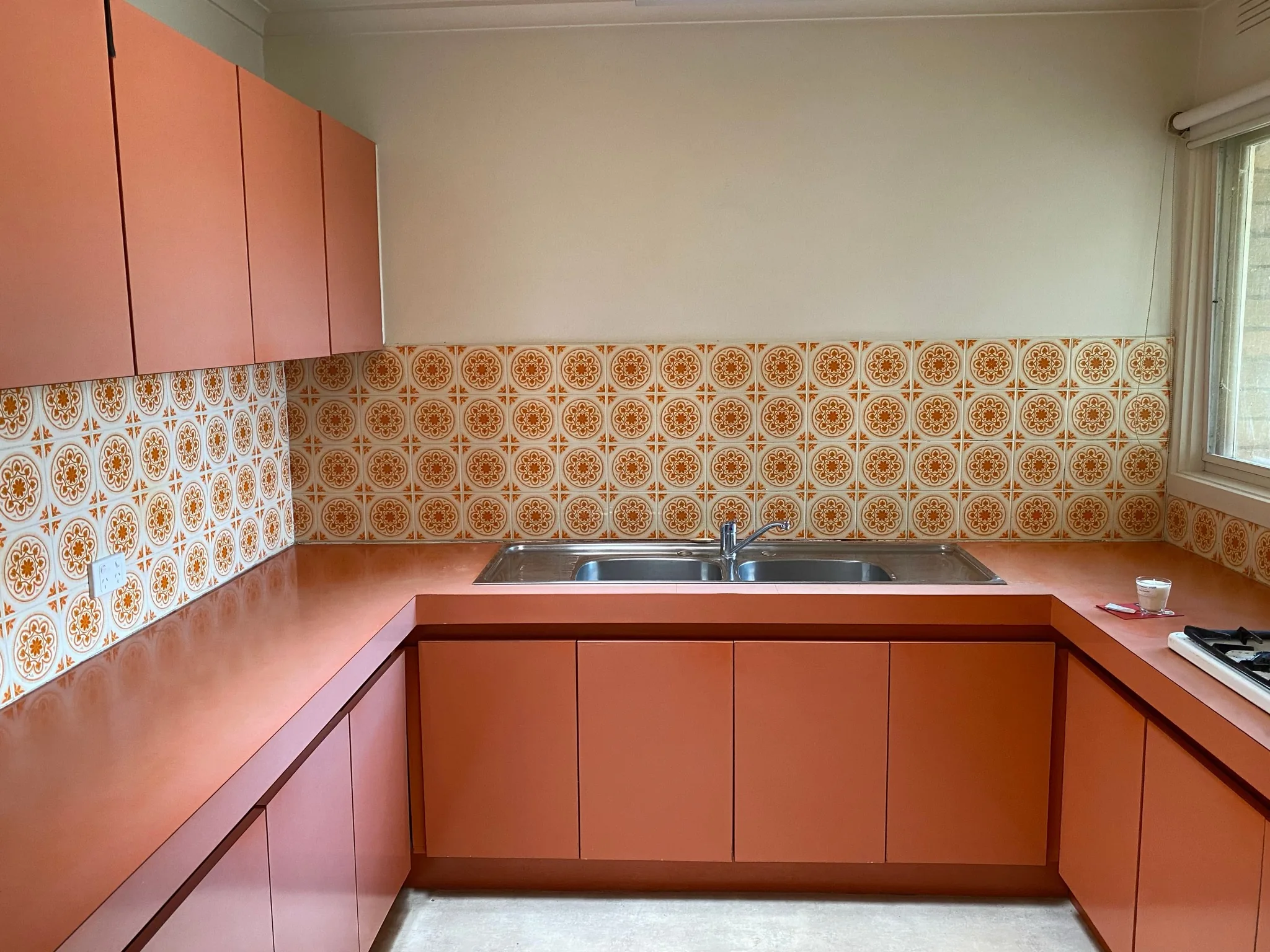
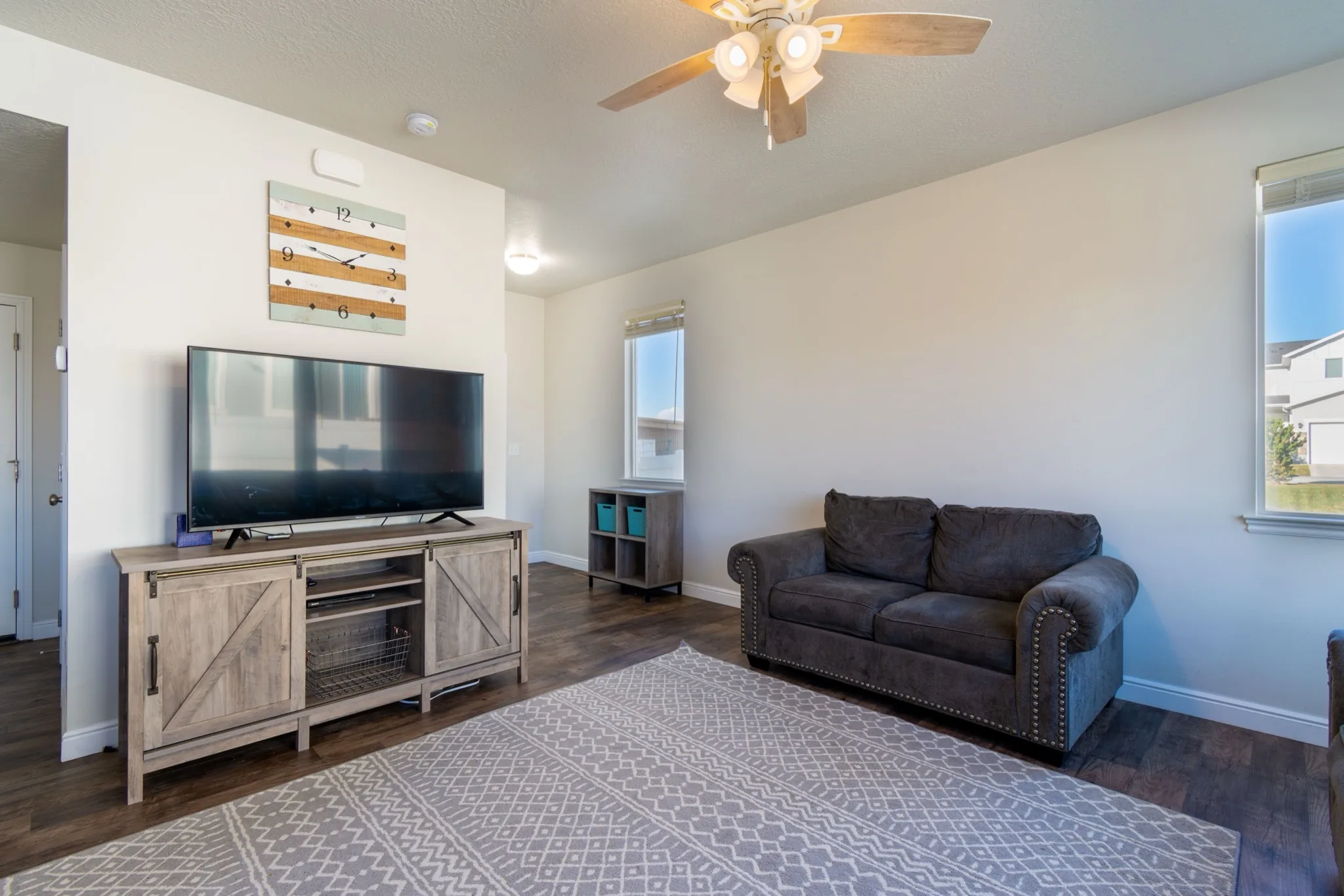
Drag the divider to compare real tool results across different scenes.


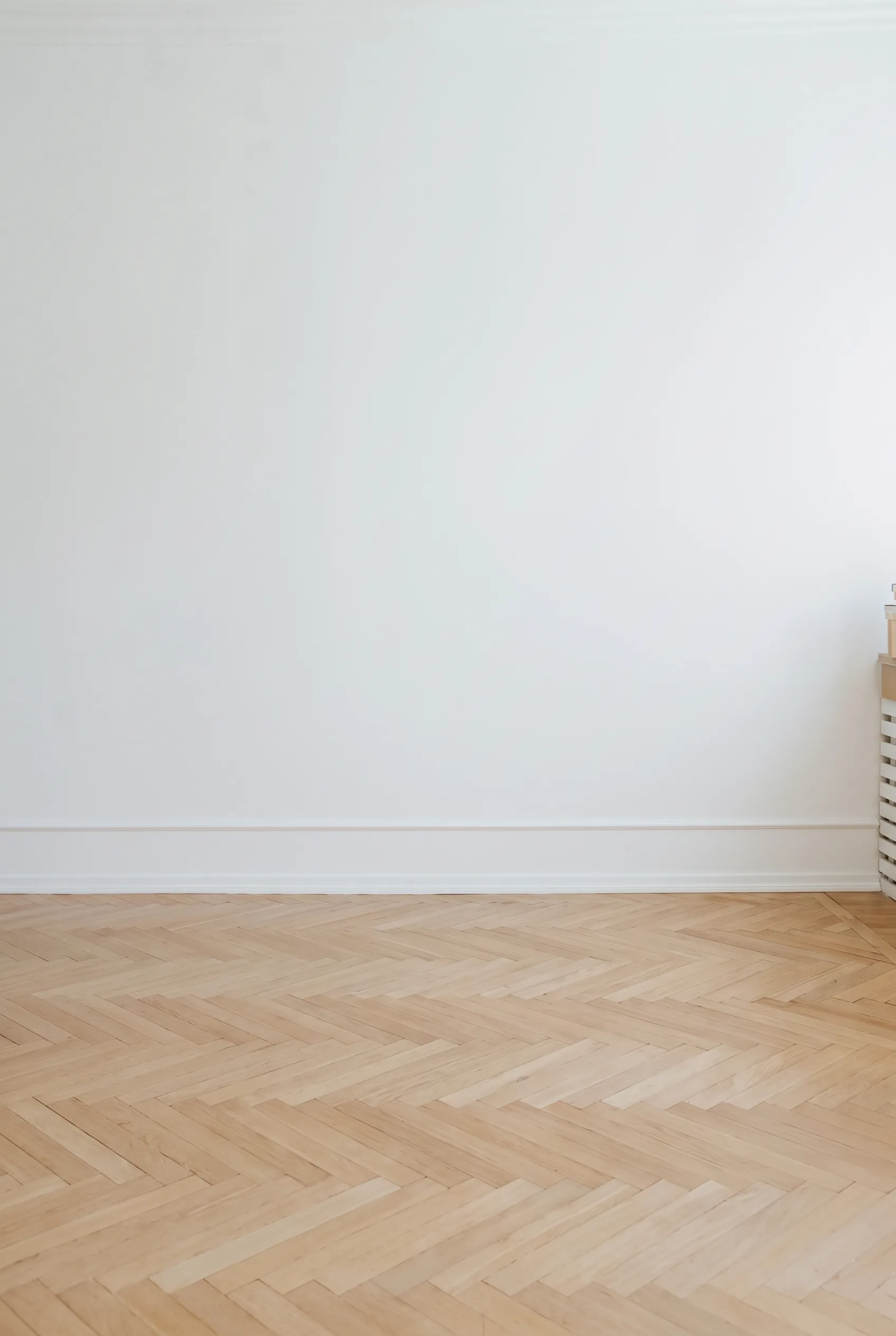

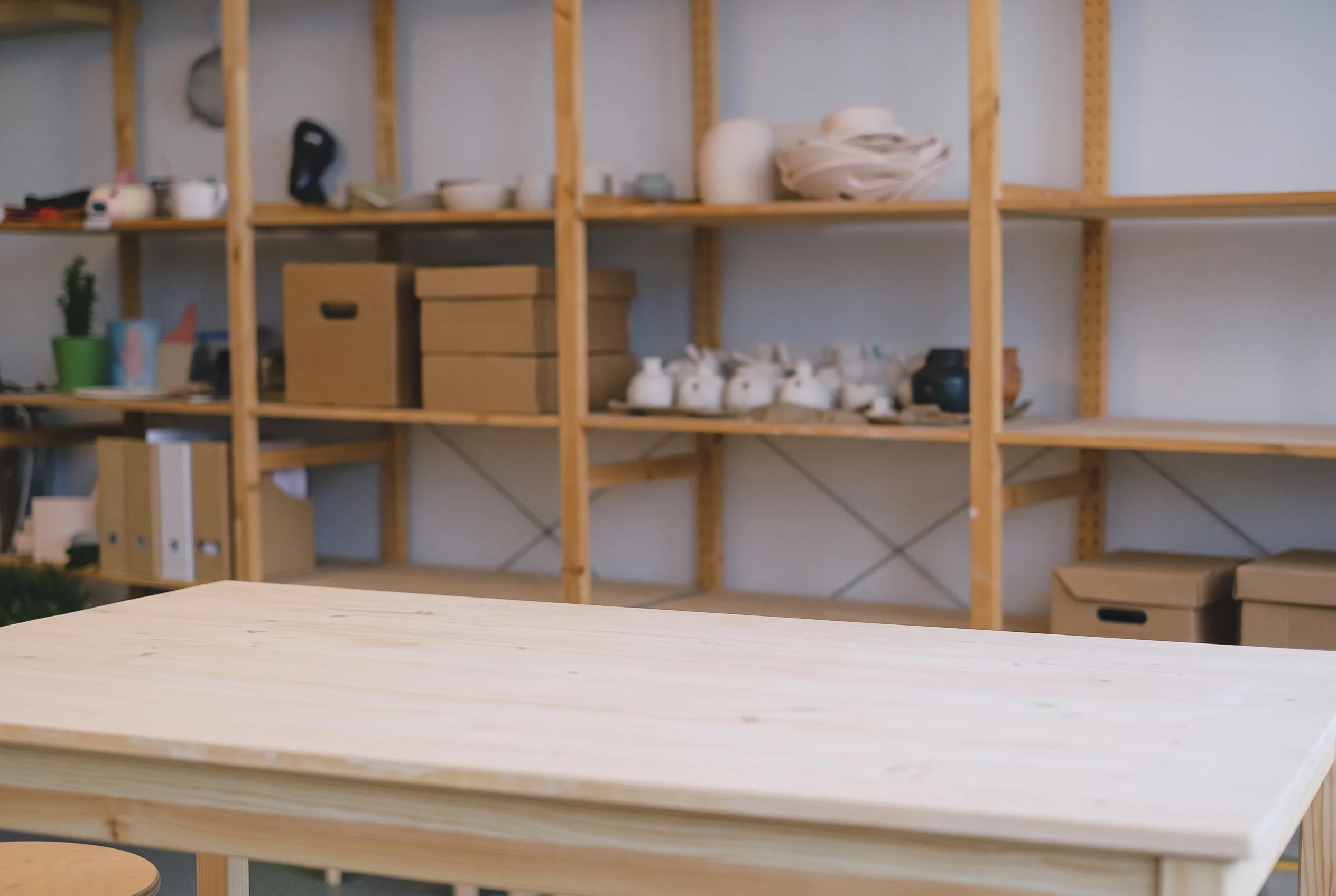

Walls, windows, doors, ceiling and floor stay in place. Favore does not redesign the room or change the camera angle.
Clear every movable piece, or only remove clutter while the main furniture stays.
Show a vacant room from a furnished photo when the seller still lives in the home.
Empty the room first, then continue in Favore Virtual Staging with a clean floor plan.
Tidy personal items and visual noise before a listing goes live.
Use a clear JPEG, PNG or WebP of a furnished or cluttered interior. Keep architecture visible.
Select Full empty or Soft declutter. No written prompt is needed.
Check walls, windows and floor against the original. This is a marketing or remodel preview, not a construction plan.
Practical playbooks that link declutter, staging, exteriors, and dusk heroes for homes, offices, and exteriors.
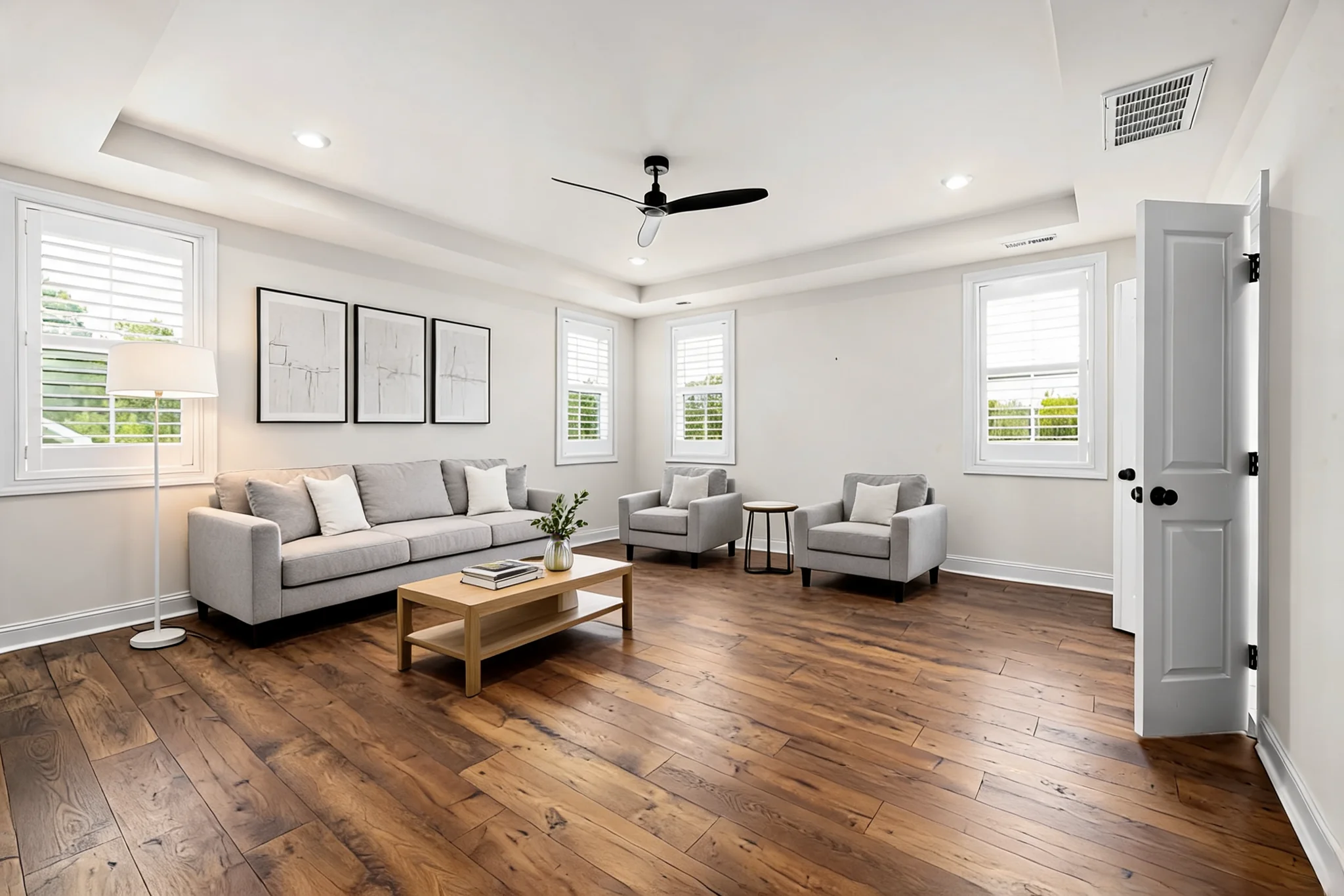 Guides
 Guides
Clear a room, stage furniture, restyle finishes, preview a remodel, or refresh exteriors — for homes, offices, and exteriors.
Remove furniture and clutter from interior photos for homes or commercial property spaces. Choose full empty or soft declutter before virtual staging or remodel previews.