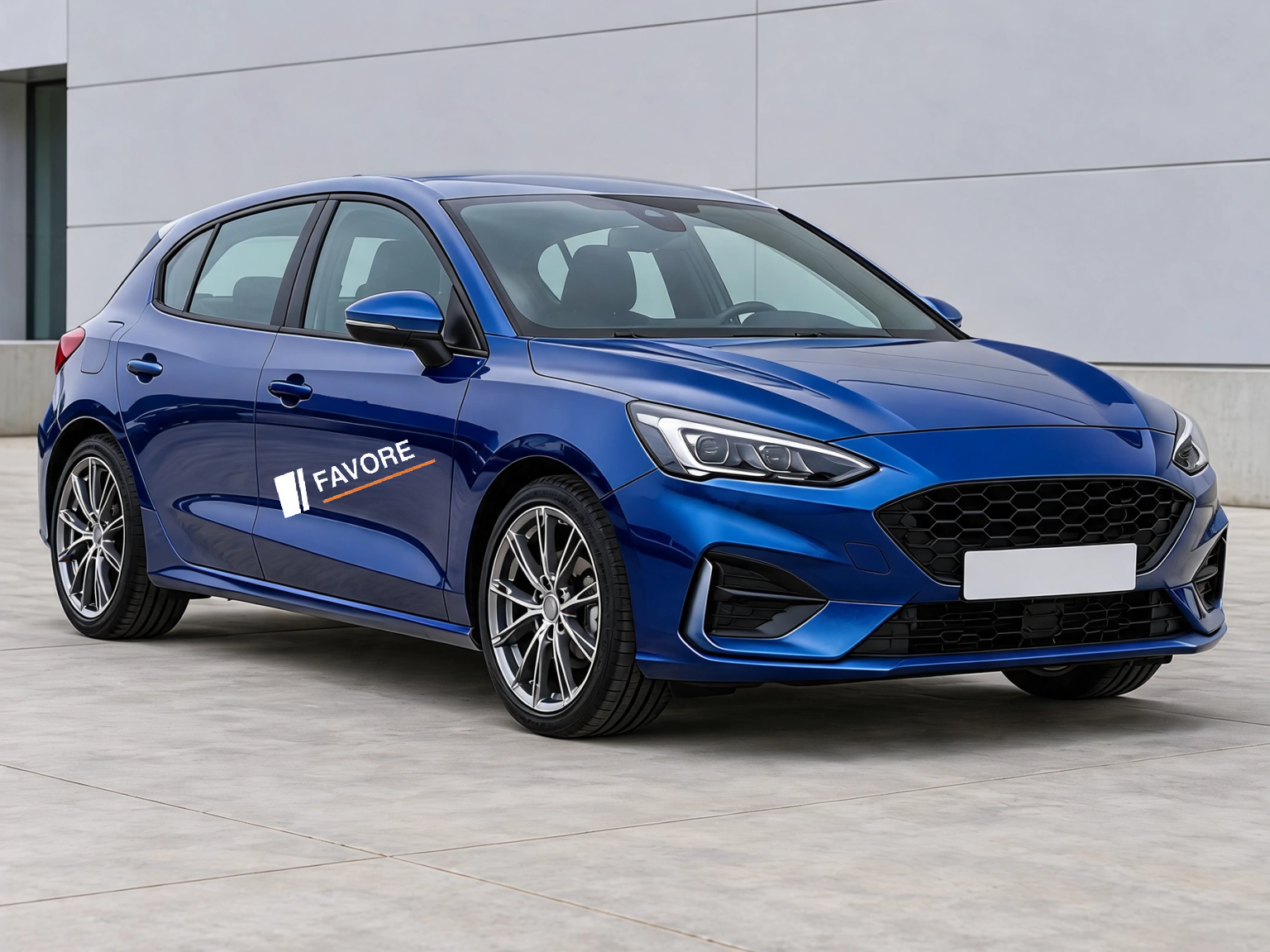
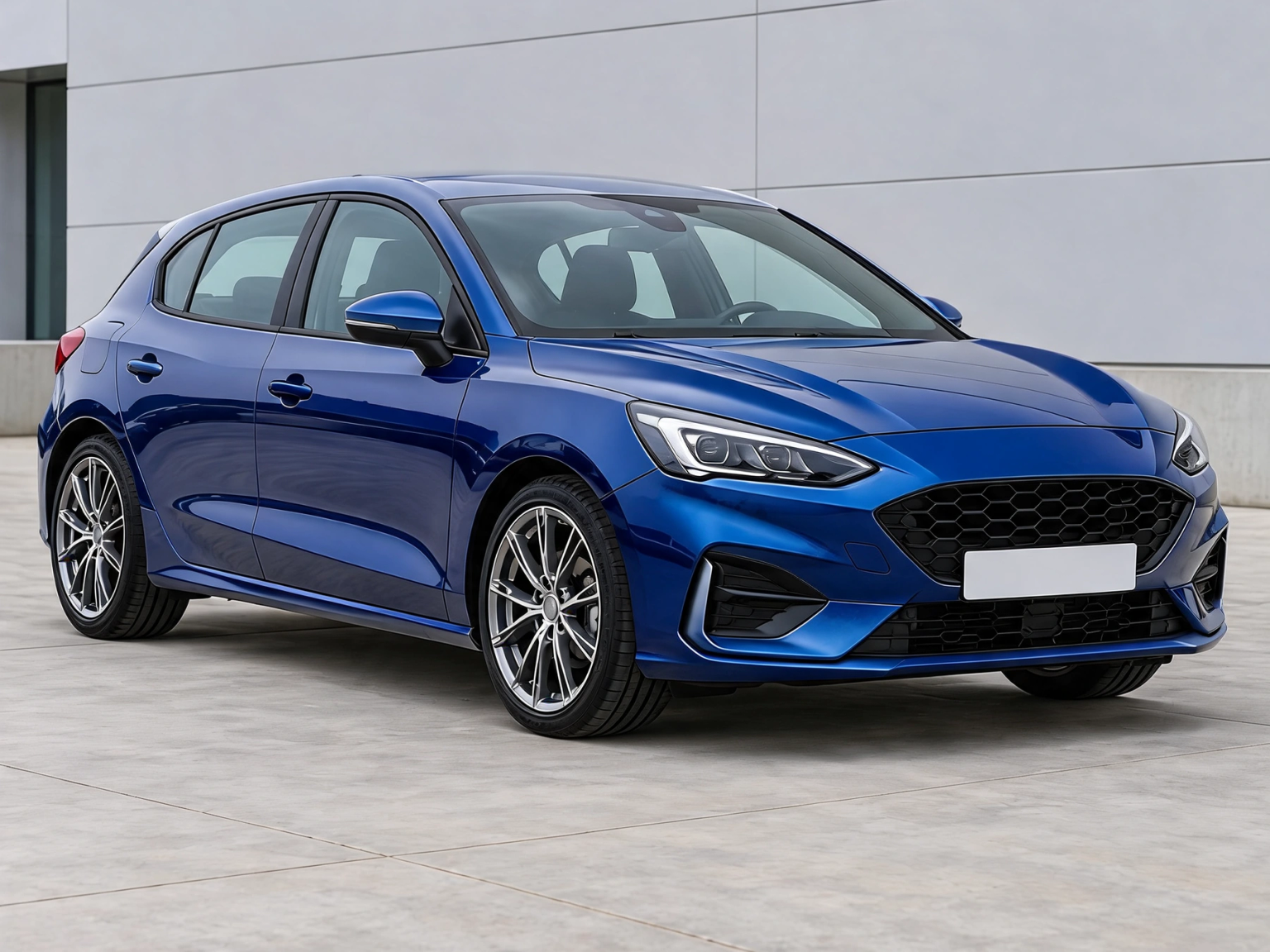
Your own car photo
Choose a JPG, PNG or WebP photo up to 12 MB, 24 megapixels and 8192 pixels per side. The photo stays in this browser; there is no server upload.
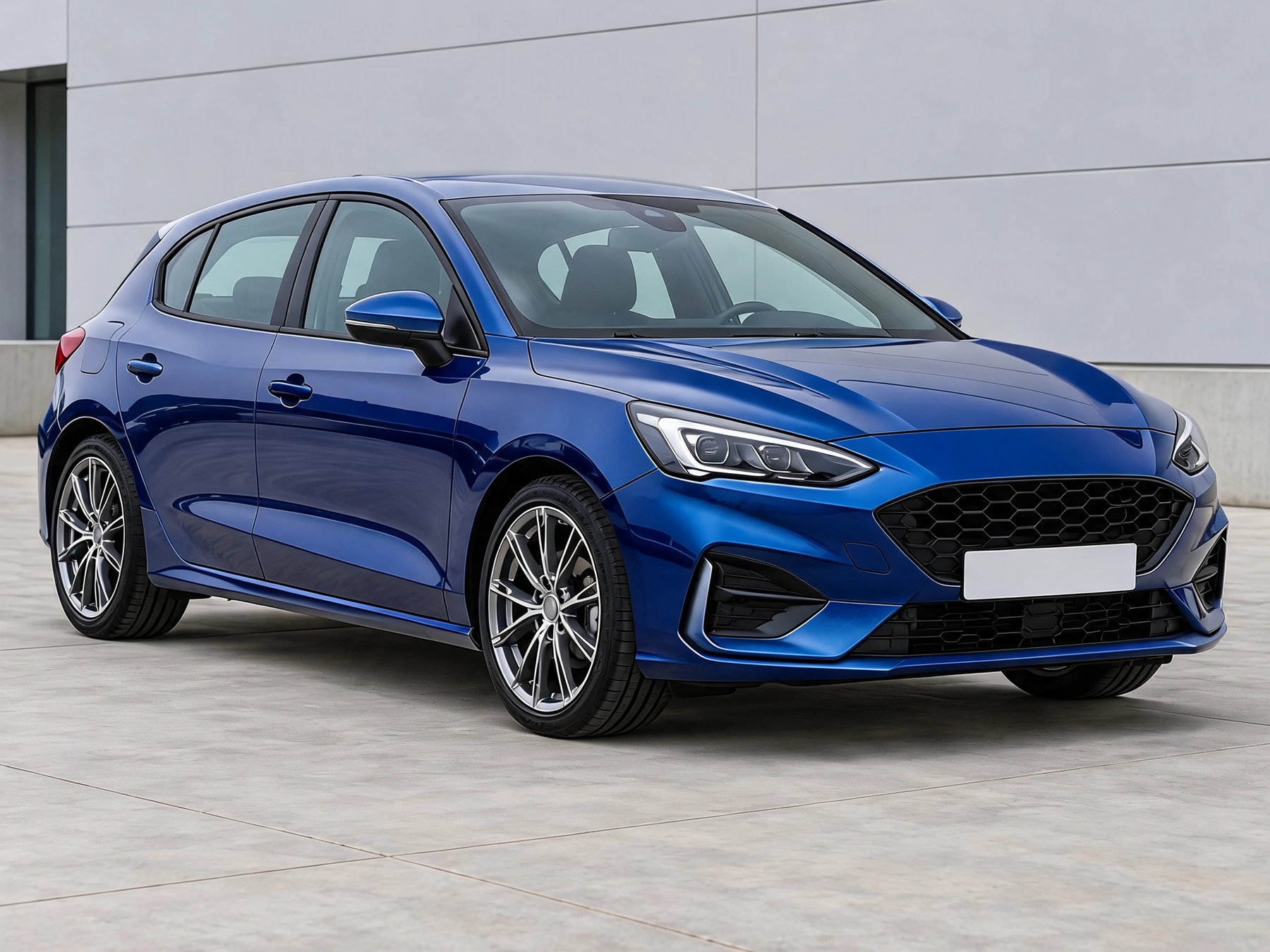
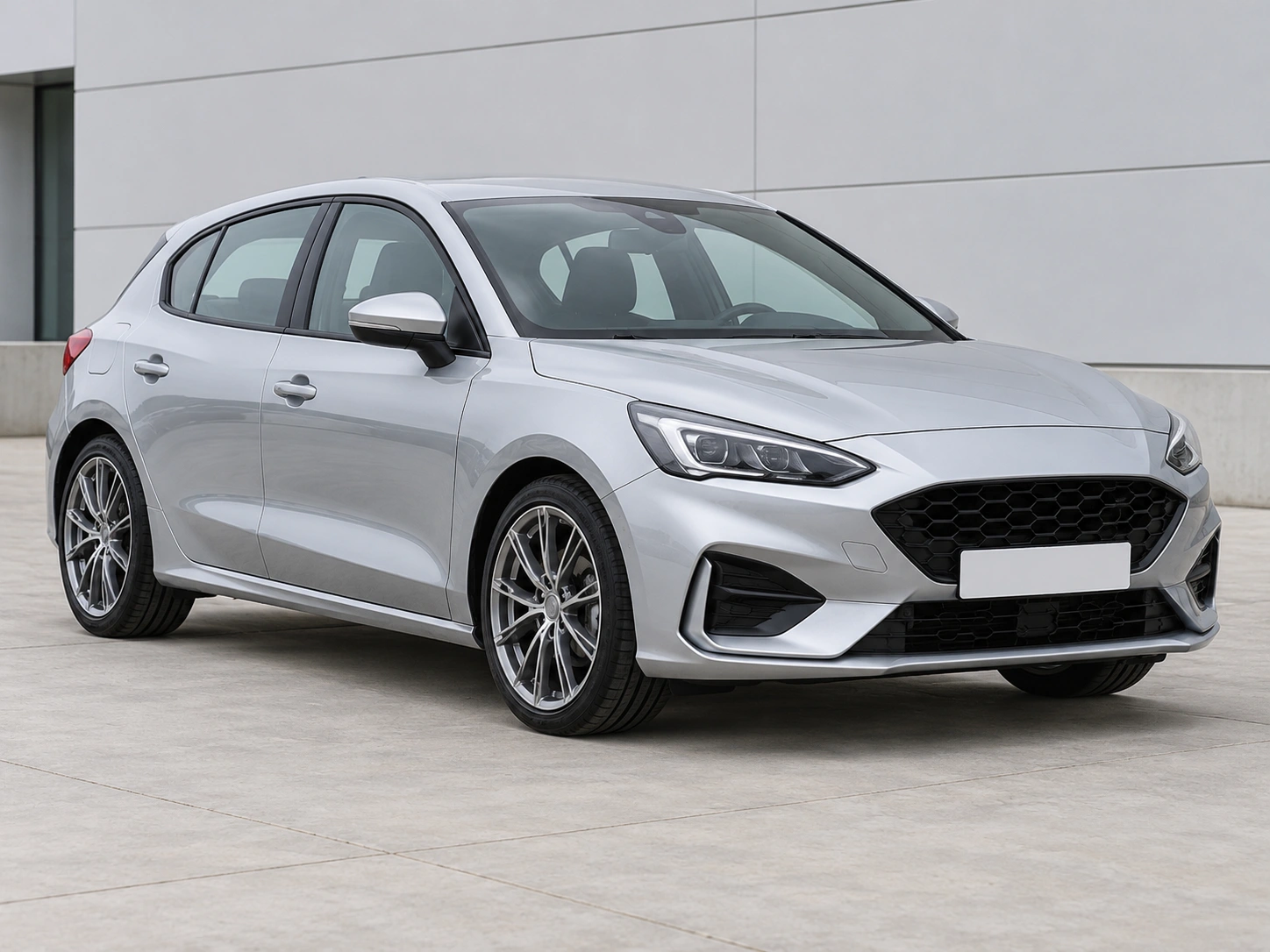
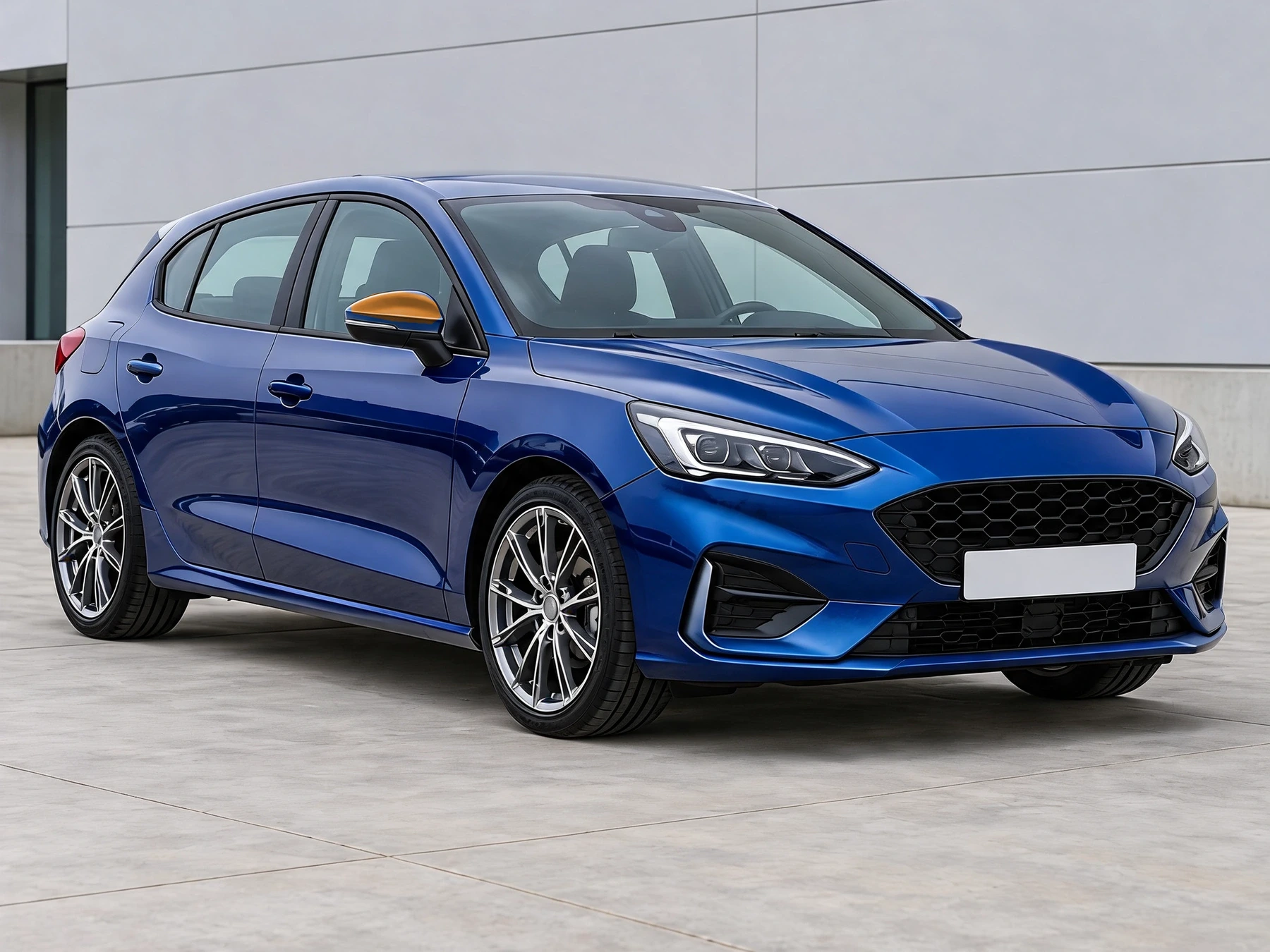
Outline a visible car part and preview another color while retaining its shading. Pick a color or sample one from the original photo.
Choose a JPG, PNG or WebP photo up to 12 MB, 24 megapixels and 8192 pixels per side. The photo stays in this browser; there is no server upload.
Click around the part, then close the selection. Drag points to refine it. Only the selected area changes.
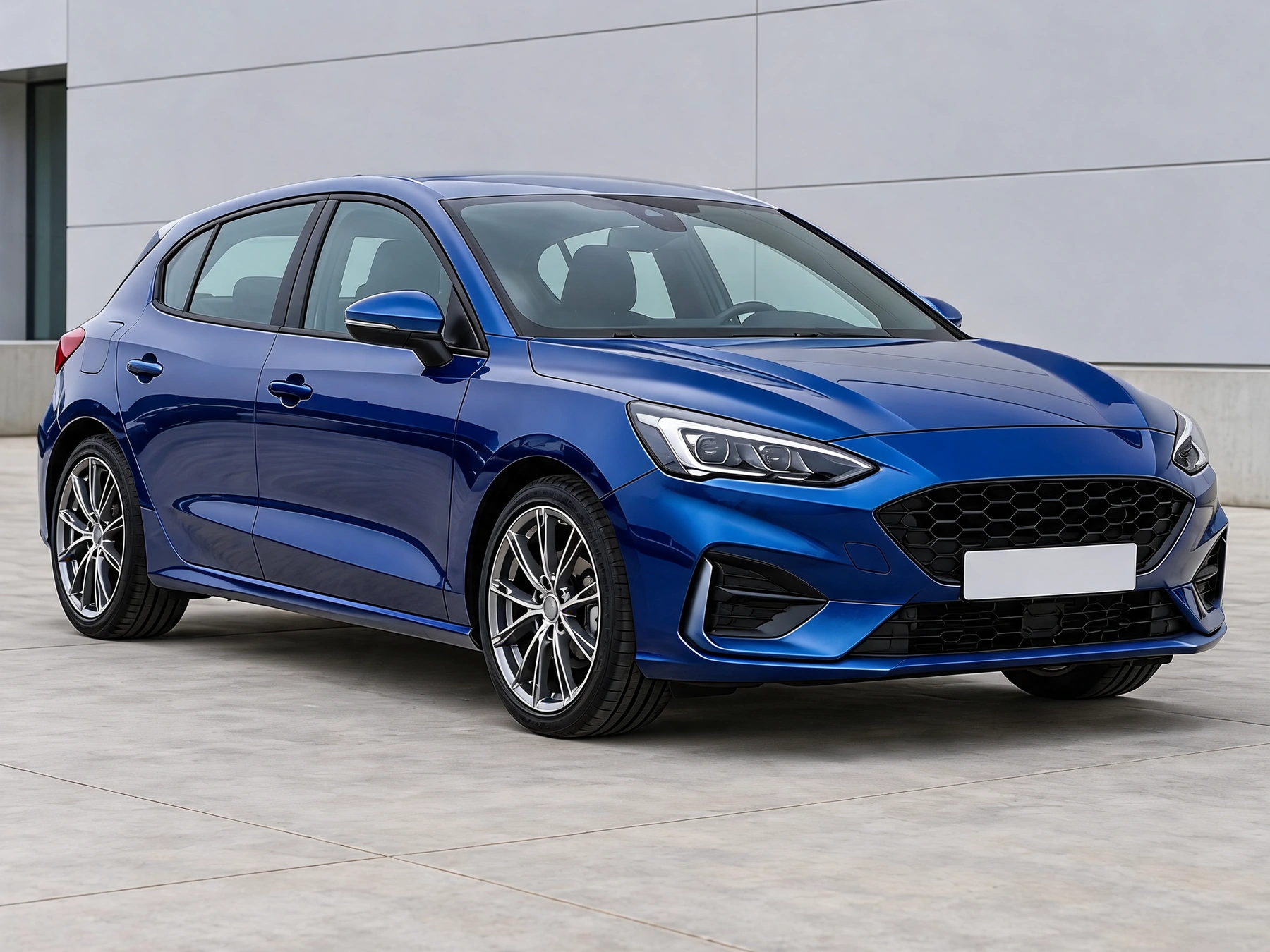
Every adjustment starts from the original upload. Use Original to check the result. Local exports are not saved to account history.
Choose a JPG, PNG or WebP photo up to 12 MB, 24 megapixels and 8192 pixels per side. The photo stays in this browser; there is no server upload.
Click around the part, then close the selection. Drag points to refine it. Only the selected area changes.
Processed on this device without sign-in or credits. Images are resized only when needed; PNG exports are up to 2048px on the longest edge.
Get answers about source files, settings, and results for Car Part Recolor.
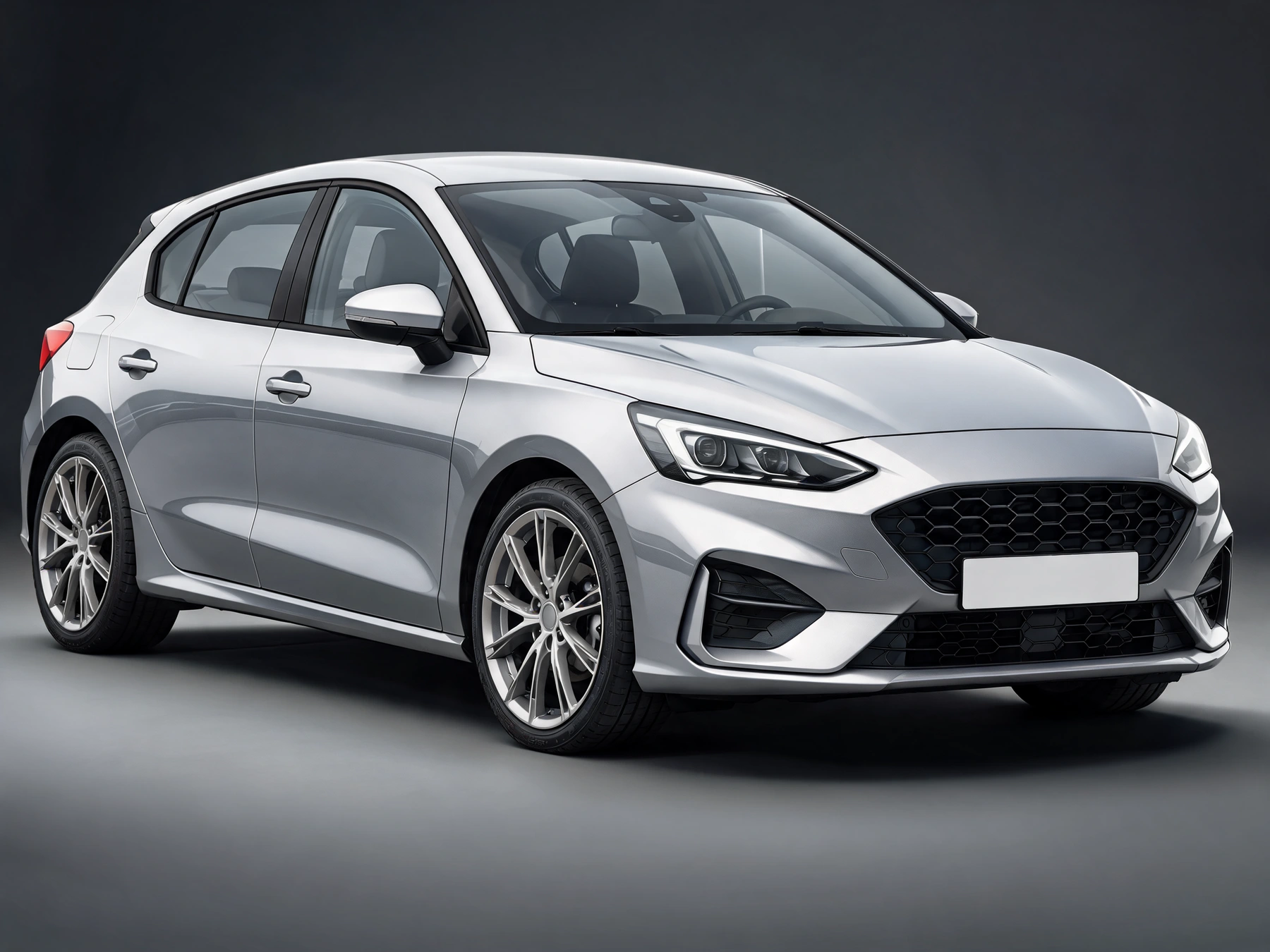
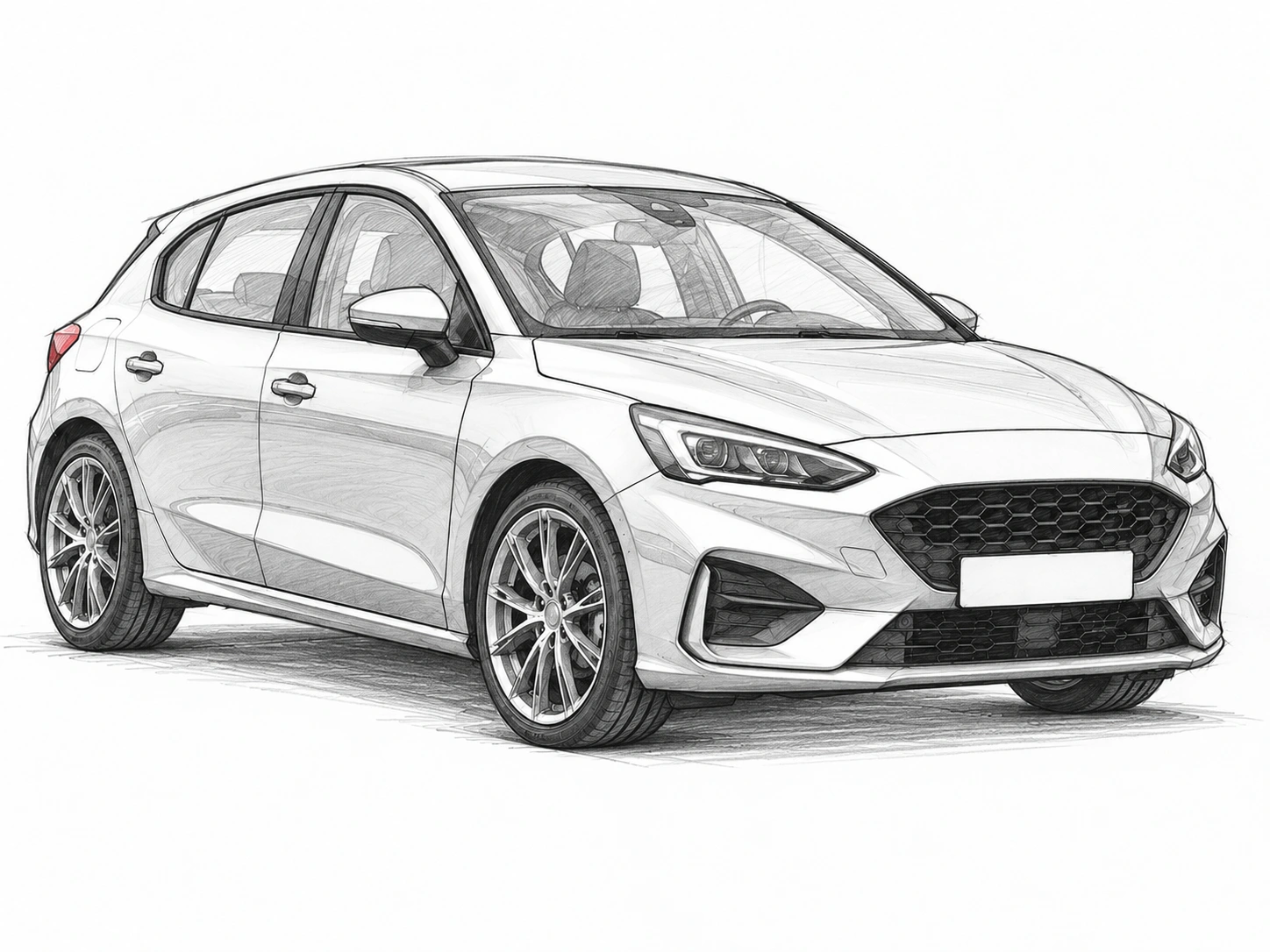
Start with your car photo and choose a focused tool: paint, wraps, wheels, body parts, exterior details or studio rendering.
Outline a visible car part and preview another color while retaining its shading. Pick a color or sample one from the original photo.