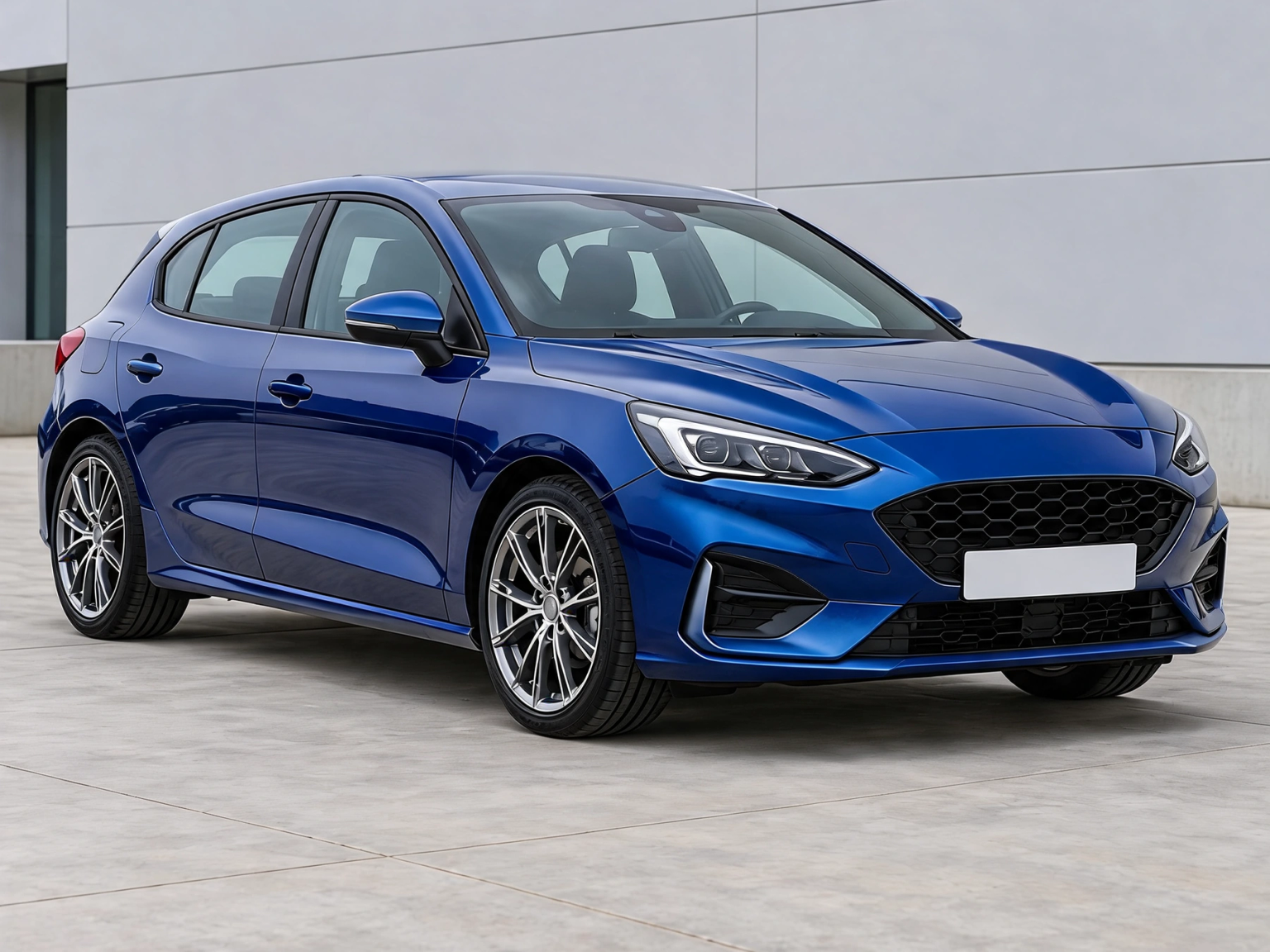
Choose car photo
Choose a JPG, PNG or WebP photo up to 12 MB, 24 megapixels and 8192 pixels per side. The photo stays in this browser; there is no server upload.
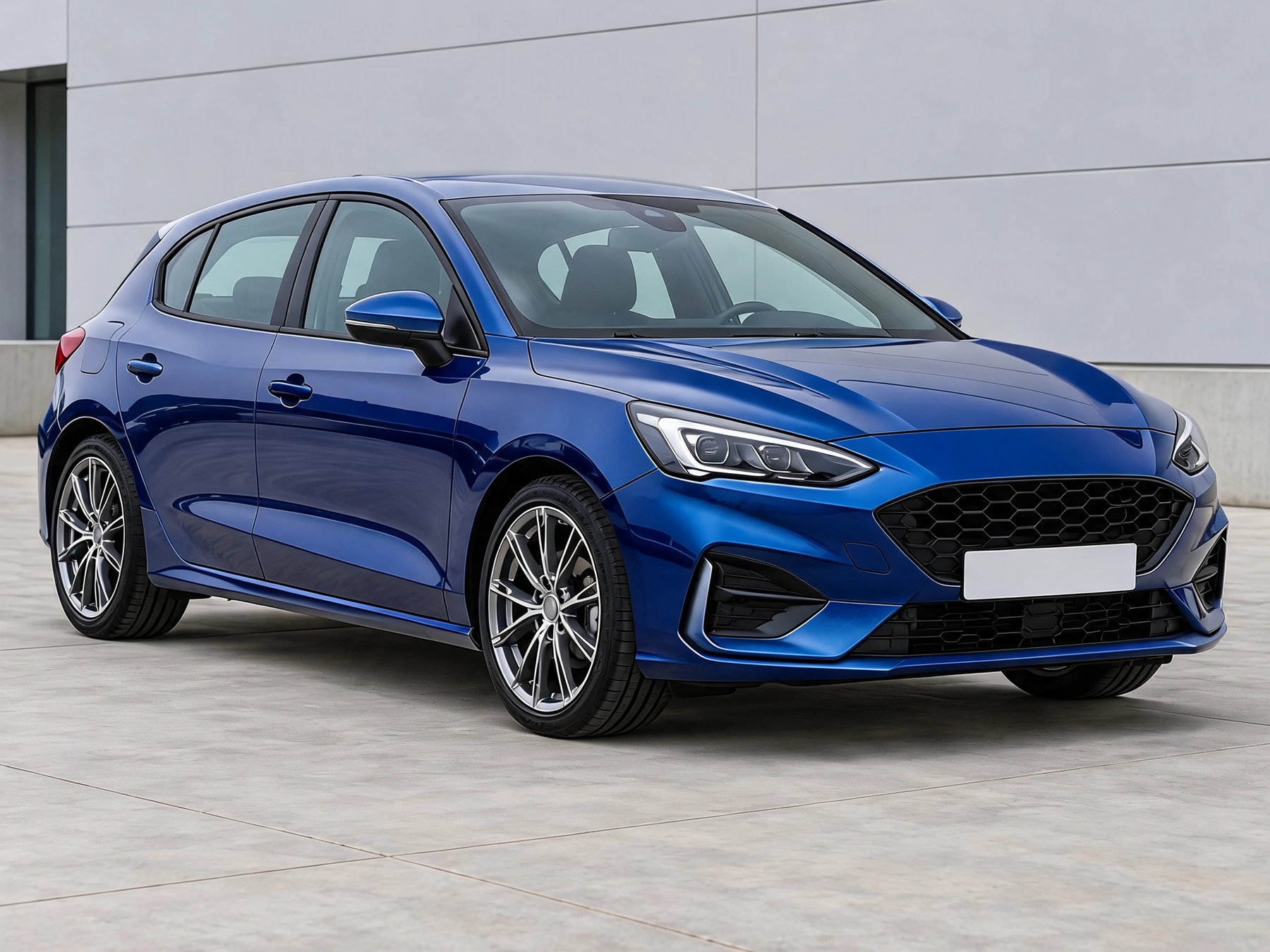
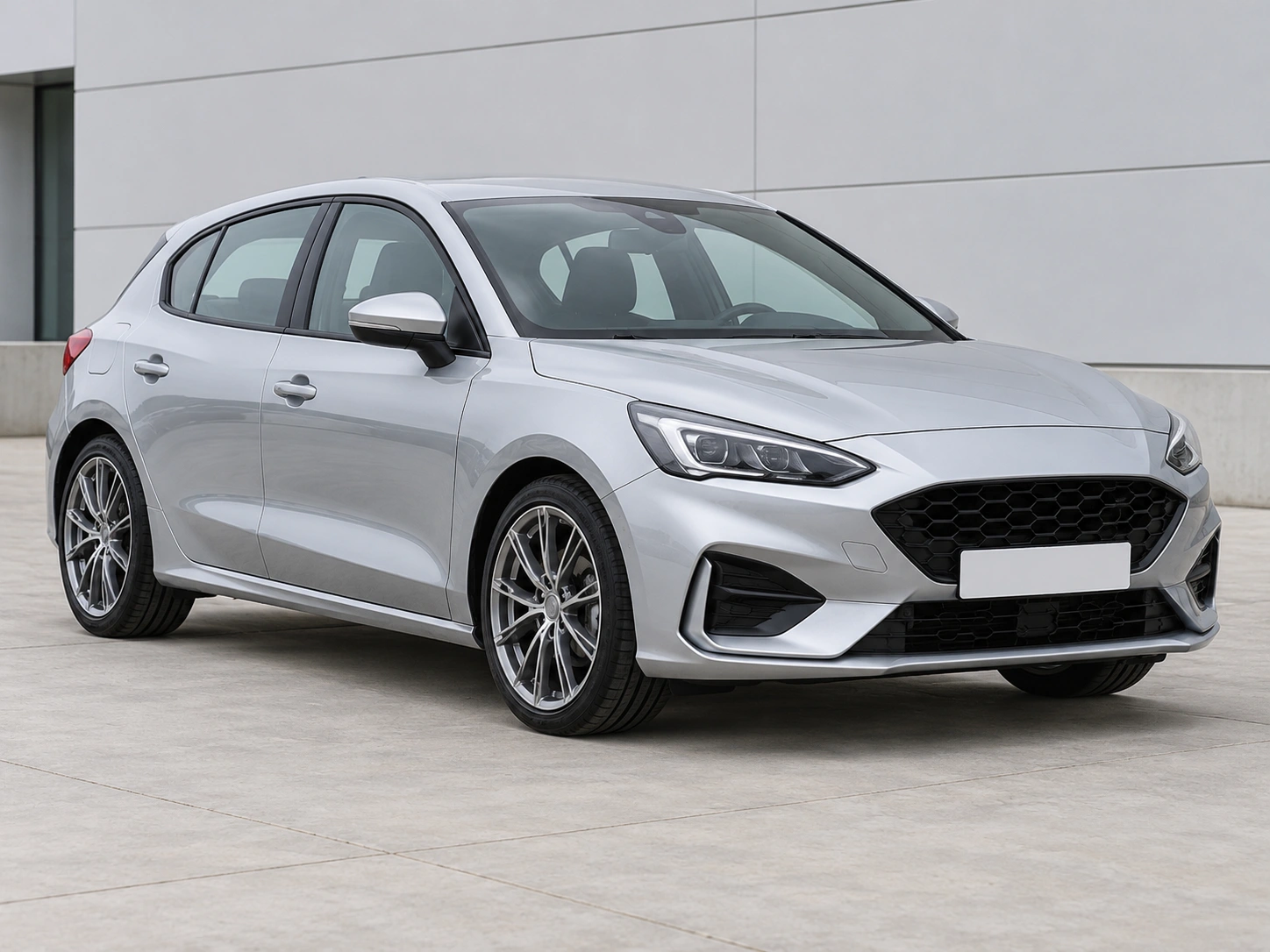
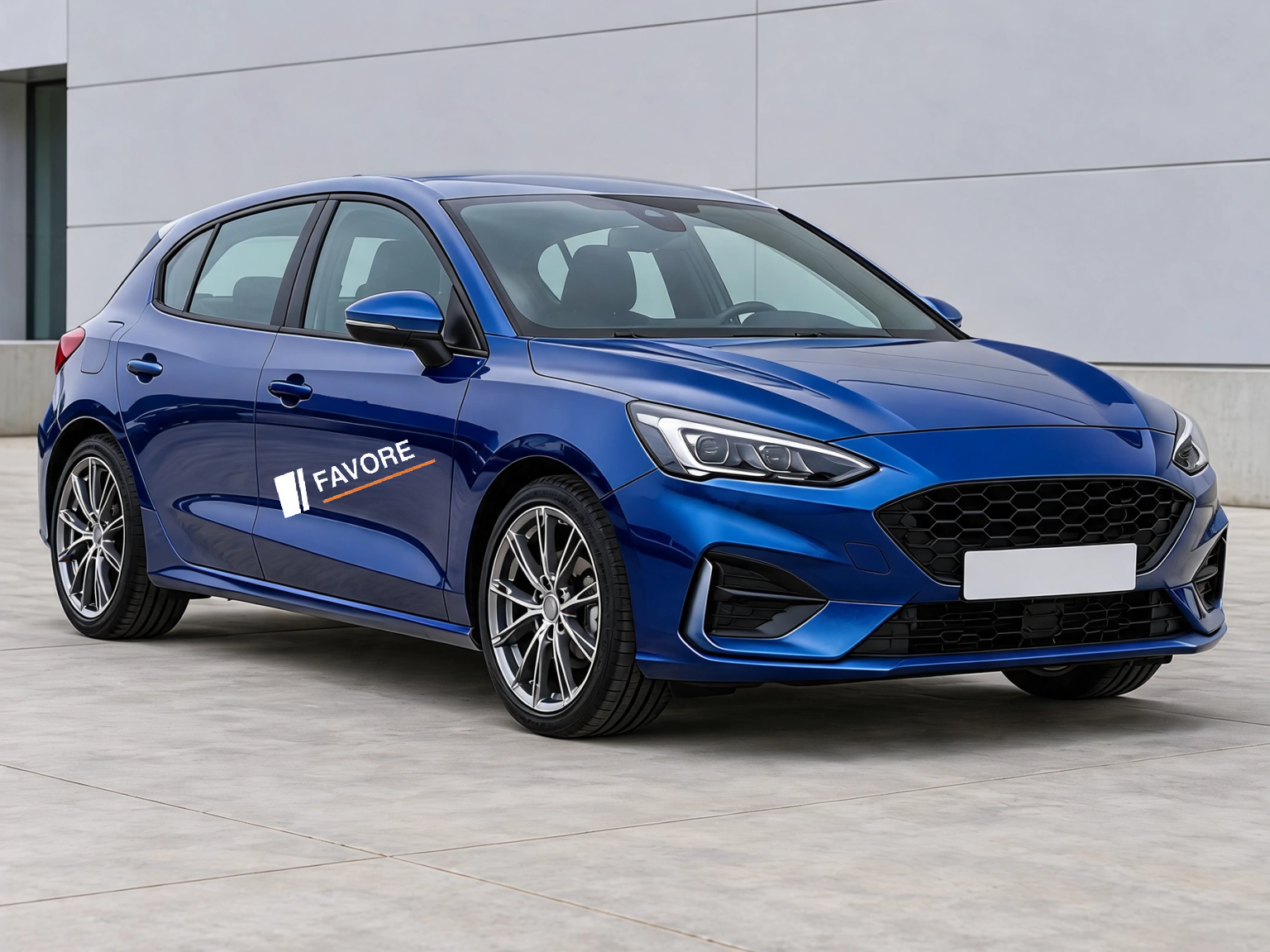
Hide license plates in a photo with solid cover, pixelation or blur. Select the areas yourself and download a PNG, with local processing and no account.
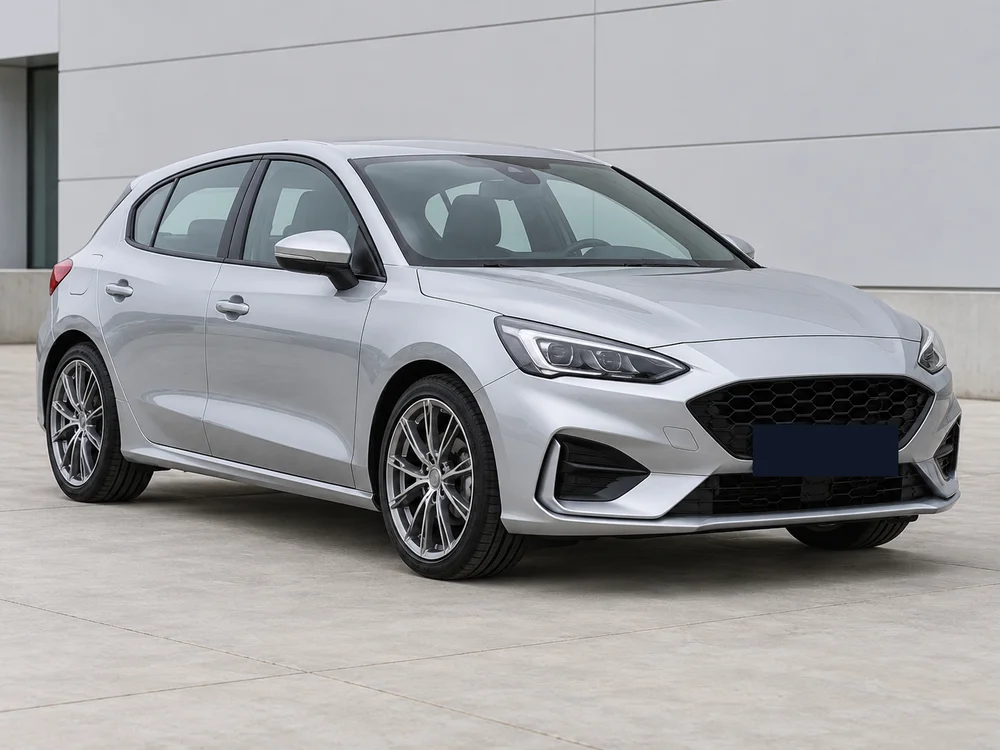
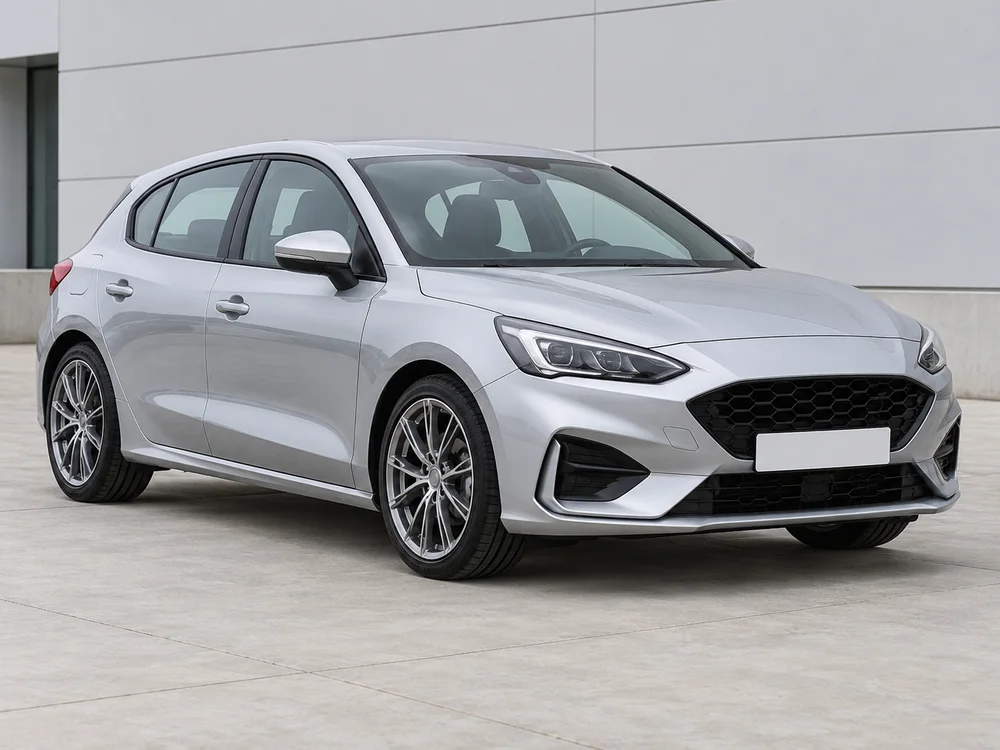
Choose a JPG, PNG or WebP photo up to 12 MB, 24 megapixels and 8192 pixels per side. The photo stays in this browser; there is no server upload.
Pixels outside the selected areas stay unchanged and the PNG keeps the original dimensions. Up to 20 areas can be covered, with undo and clear controls.
Check every plate, including cars in the background, before downloading. Solid cover fully covers the selected area. This tool edits still photos and does not track plates in video.
Choose a JPG, PNG or WebP photo up to 12 MB, 24 megapixels and 8192 pixels per side. The photo stays in this browser; there is no server upload.
Drag a rectangle over each plate, including its edges. Select solid cover, pixelation or blur, adjust strength when available, and download the PNG.
Check every plate, including cars in the background, before downloading. Solid cover fully covers the selected area. This tool edits still photos and does not track plates in video.
Get answers about source files, settings, and results for Blur License Plates Online.
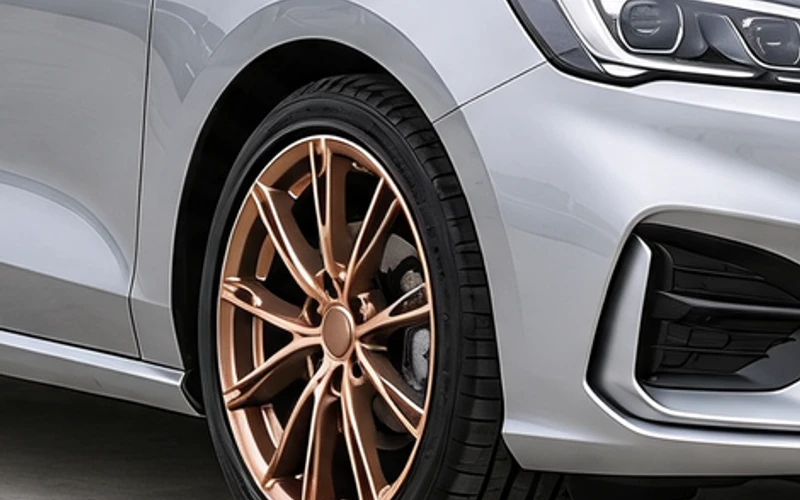
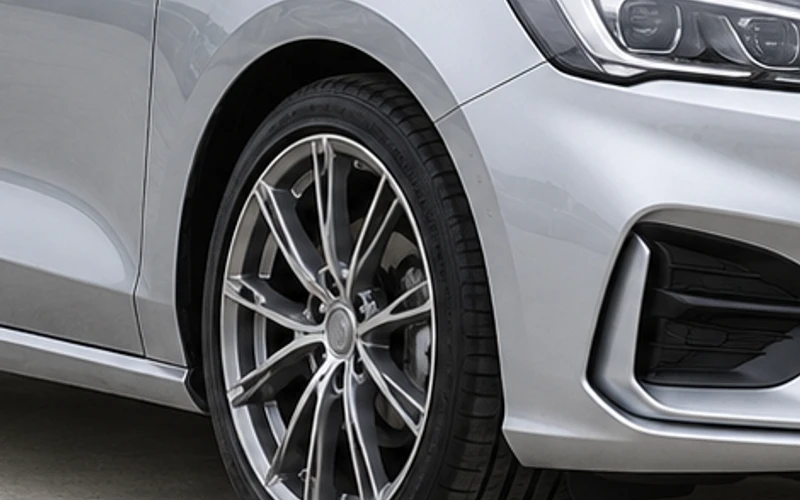
Start with your car photo and choose a focused tool: paint, wraps, wheels, body parts, exterior details or studio rendering.
Hide license plates in a photo with solid cover, pixelation or blur. Select the areas yourself and download a PNG, with local processing and no account.