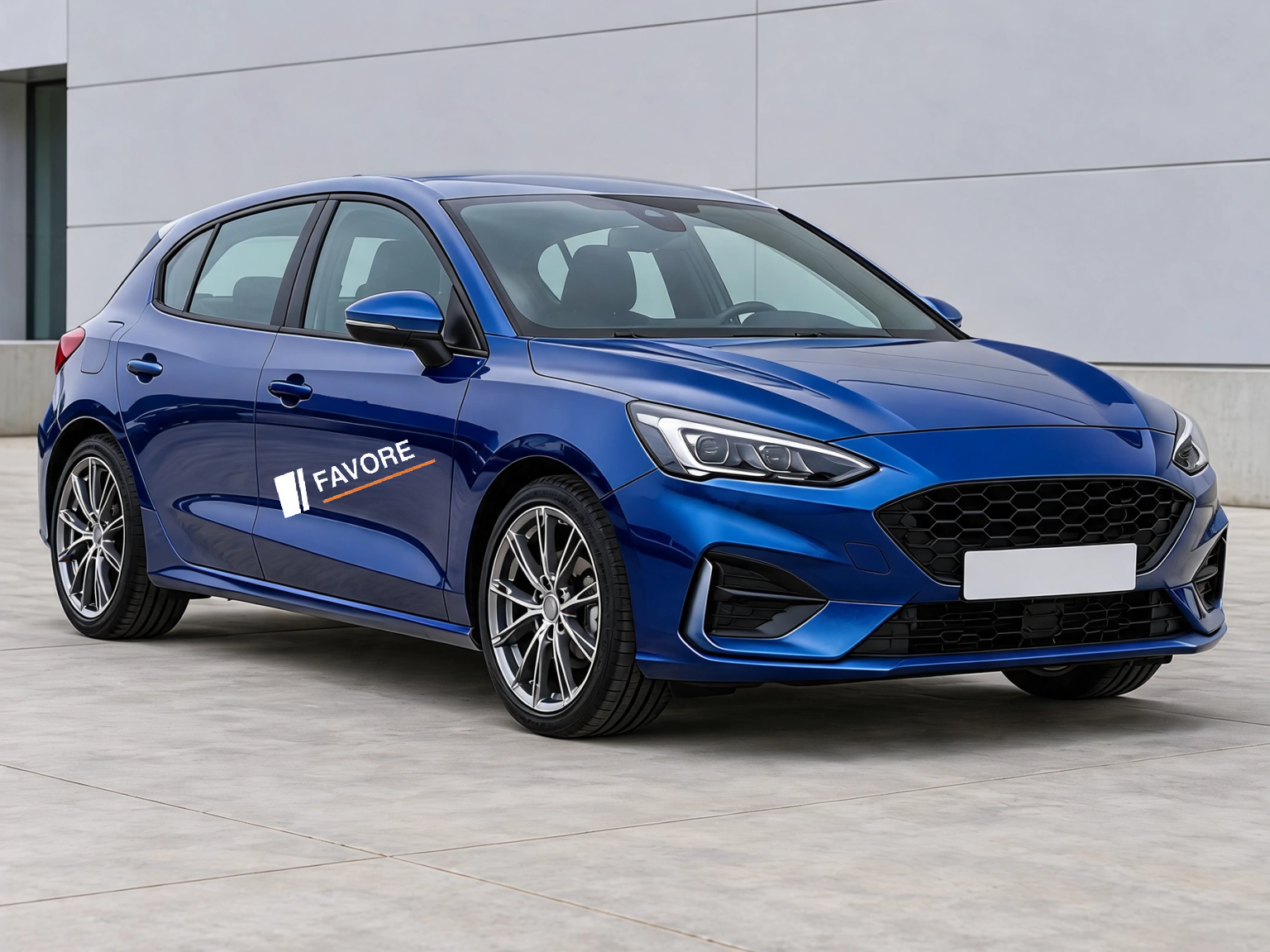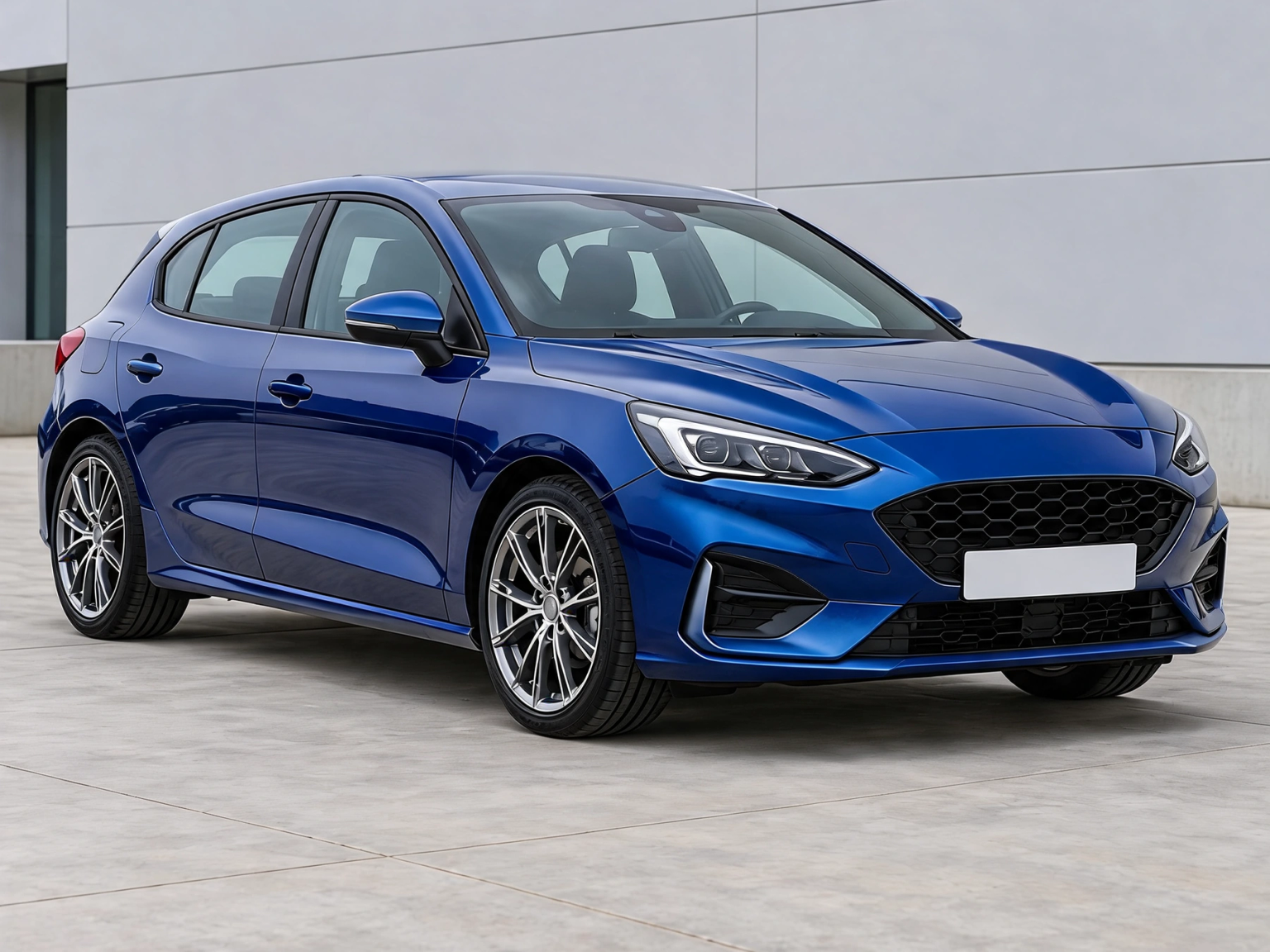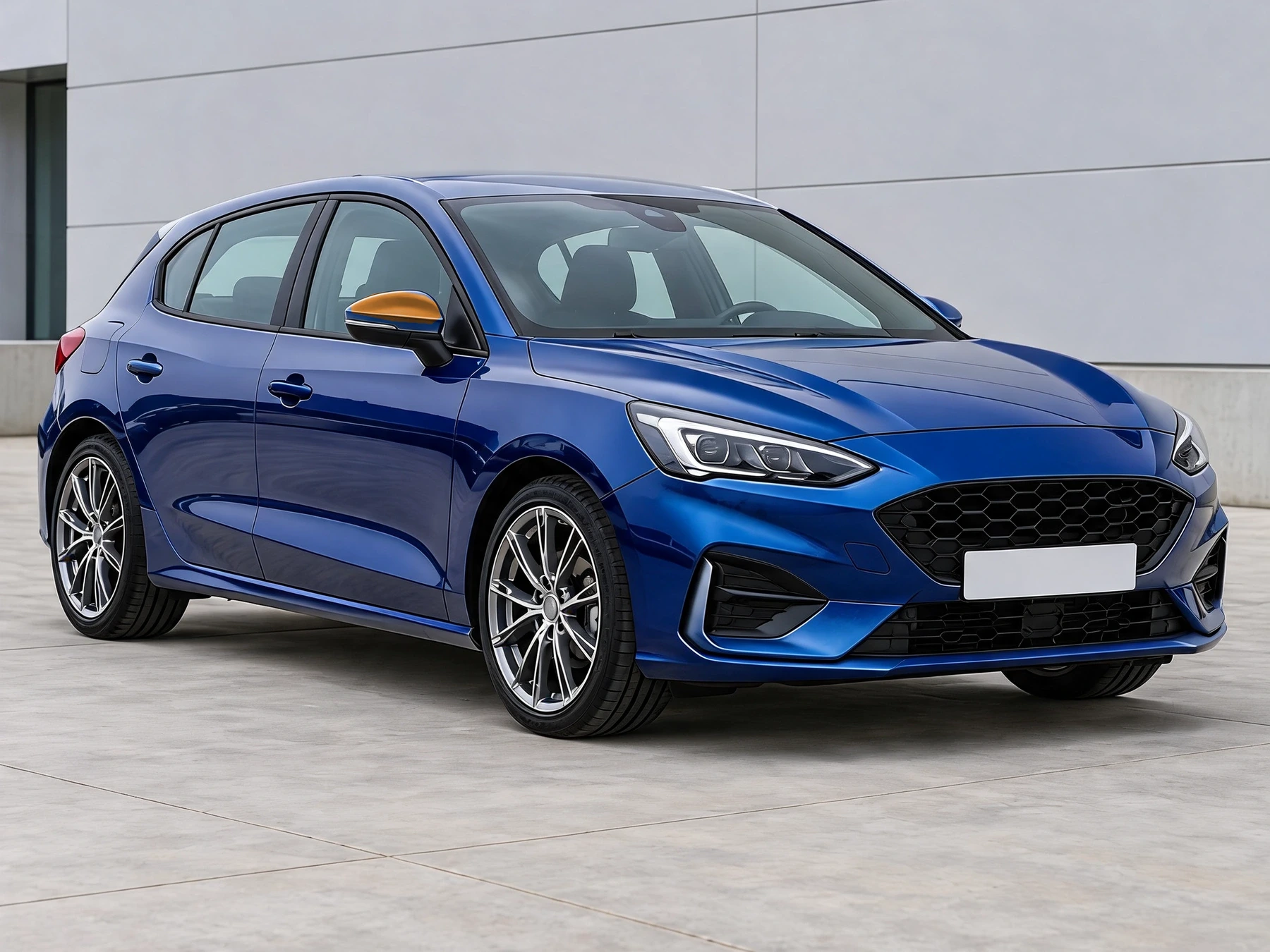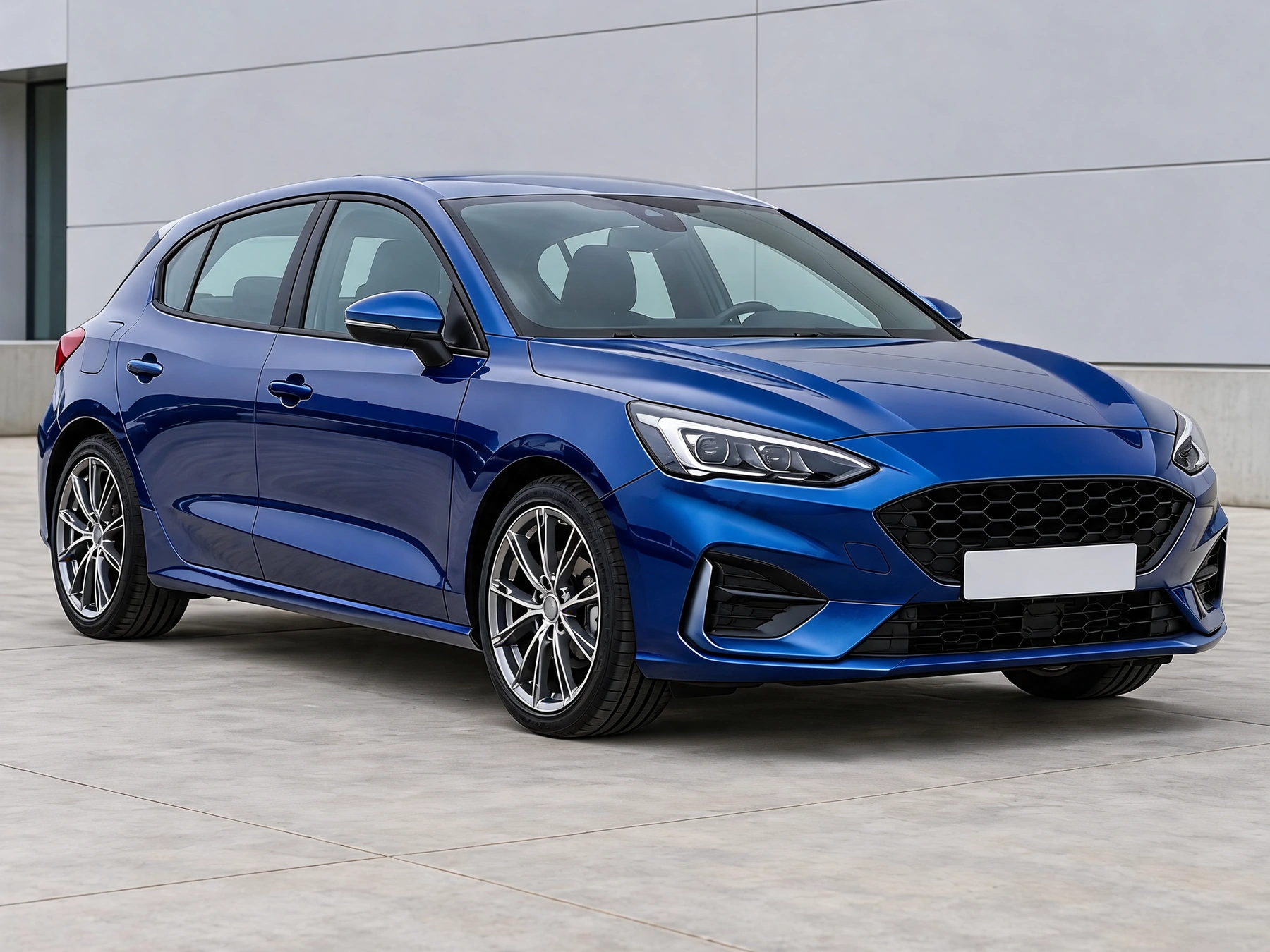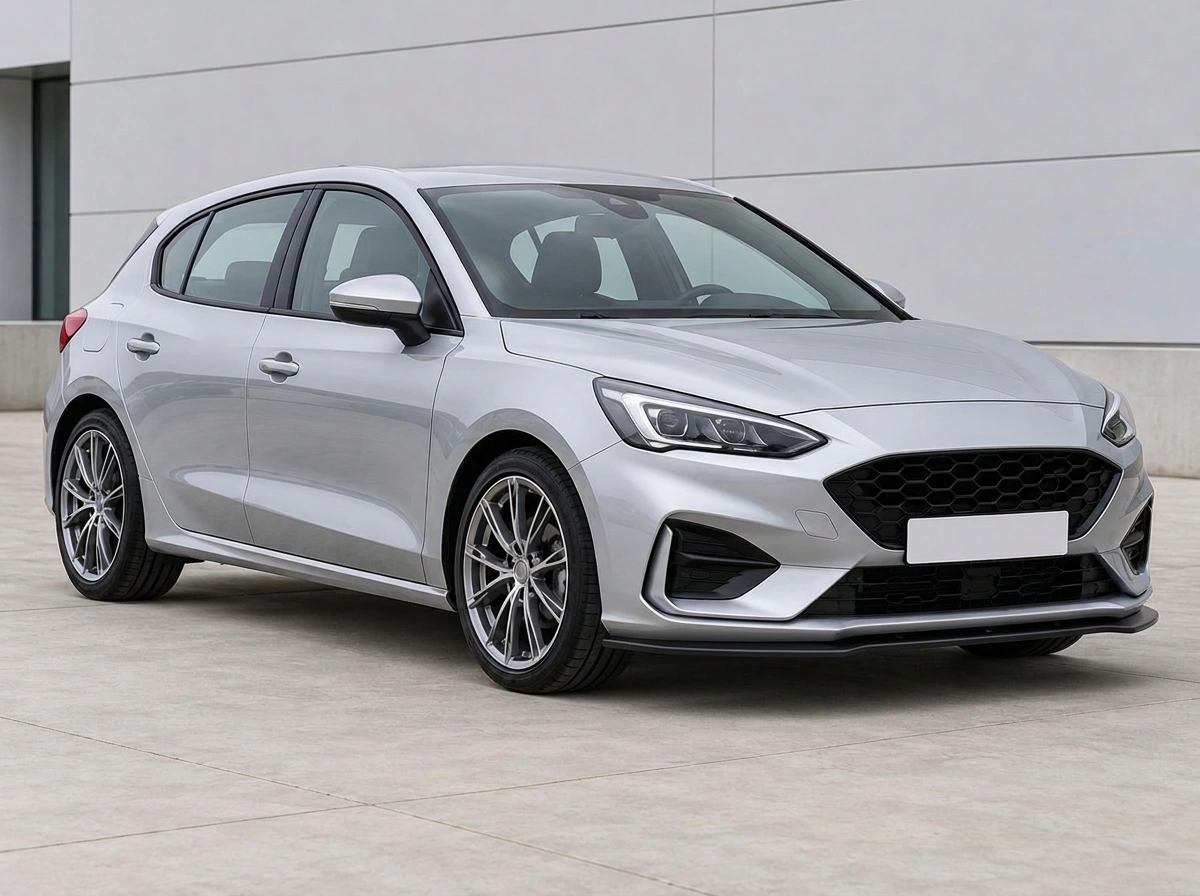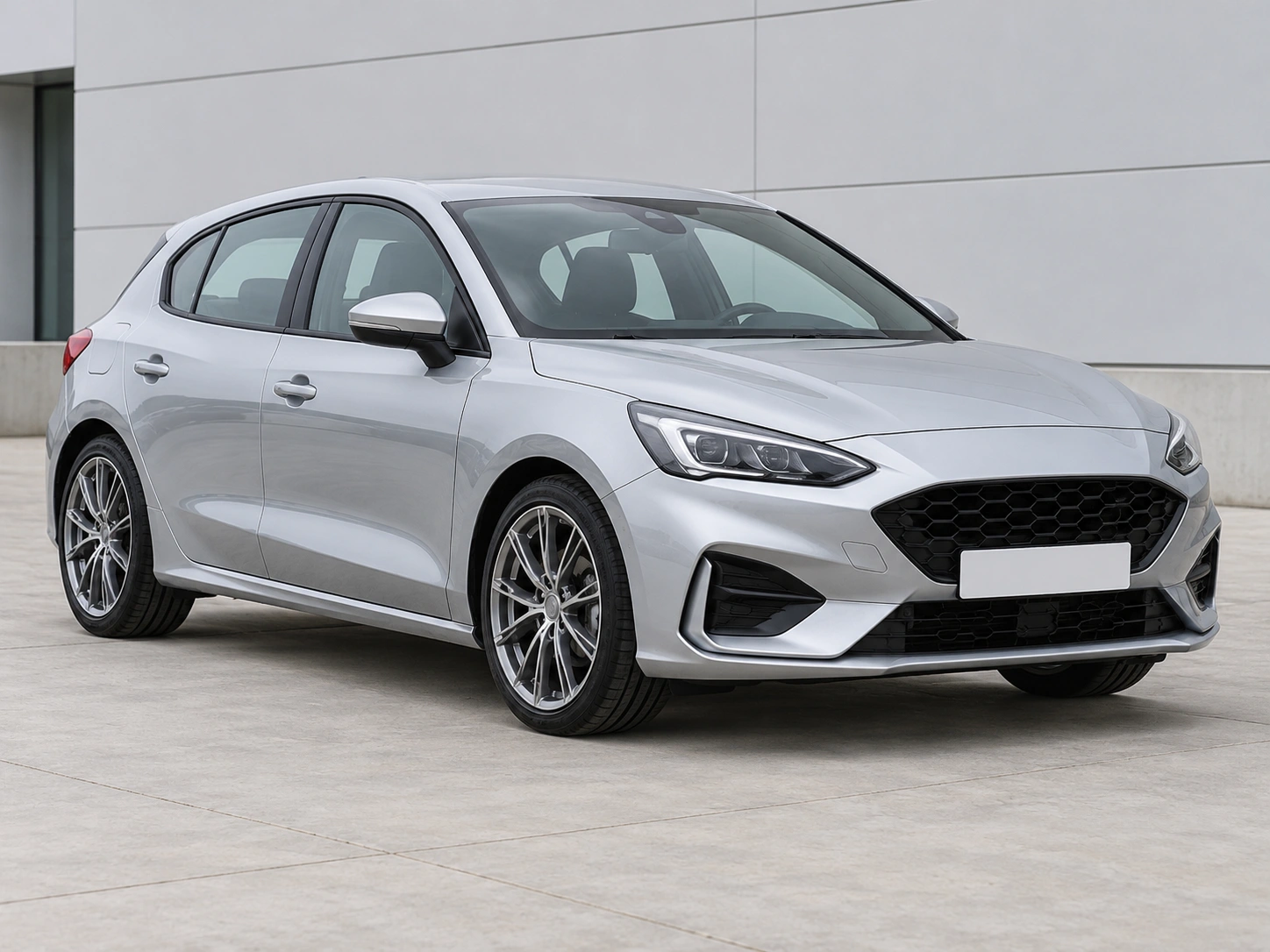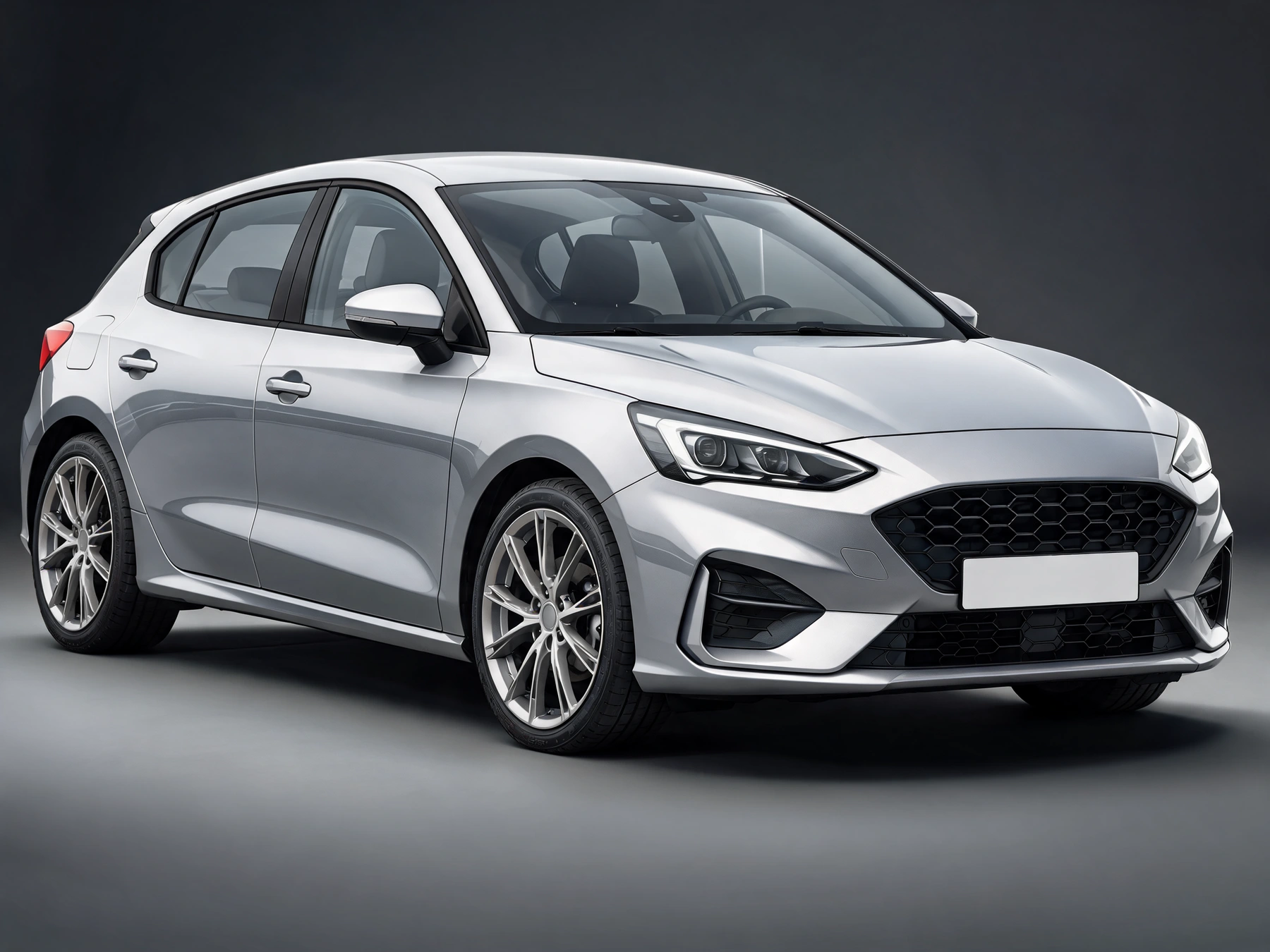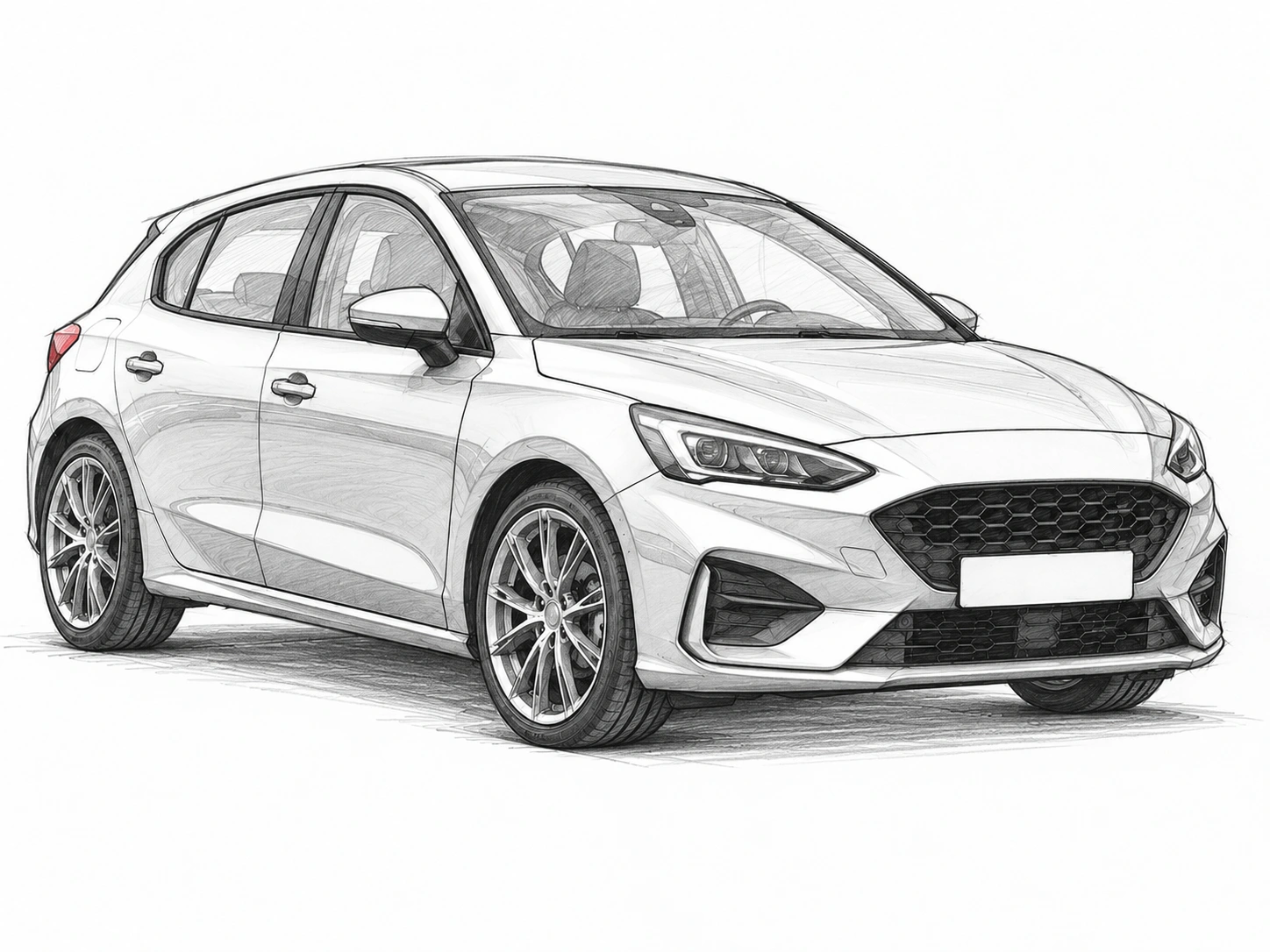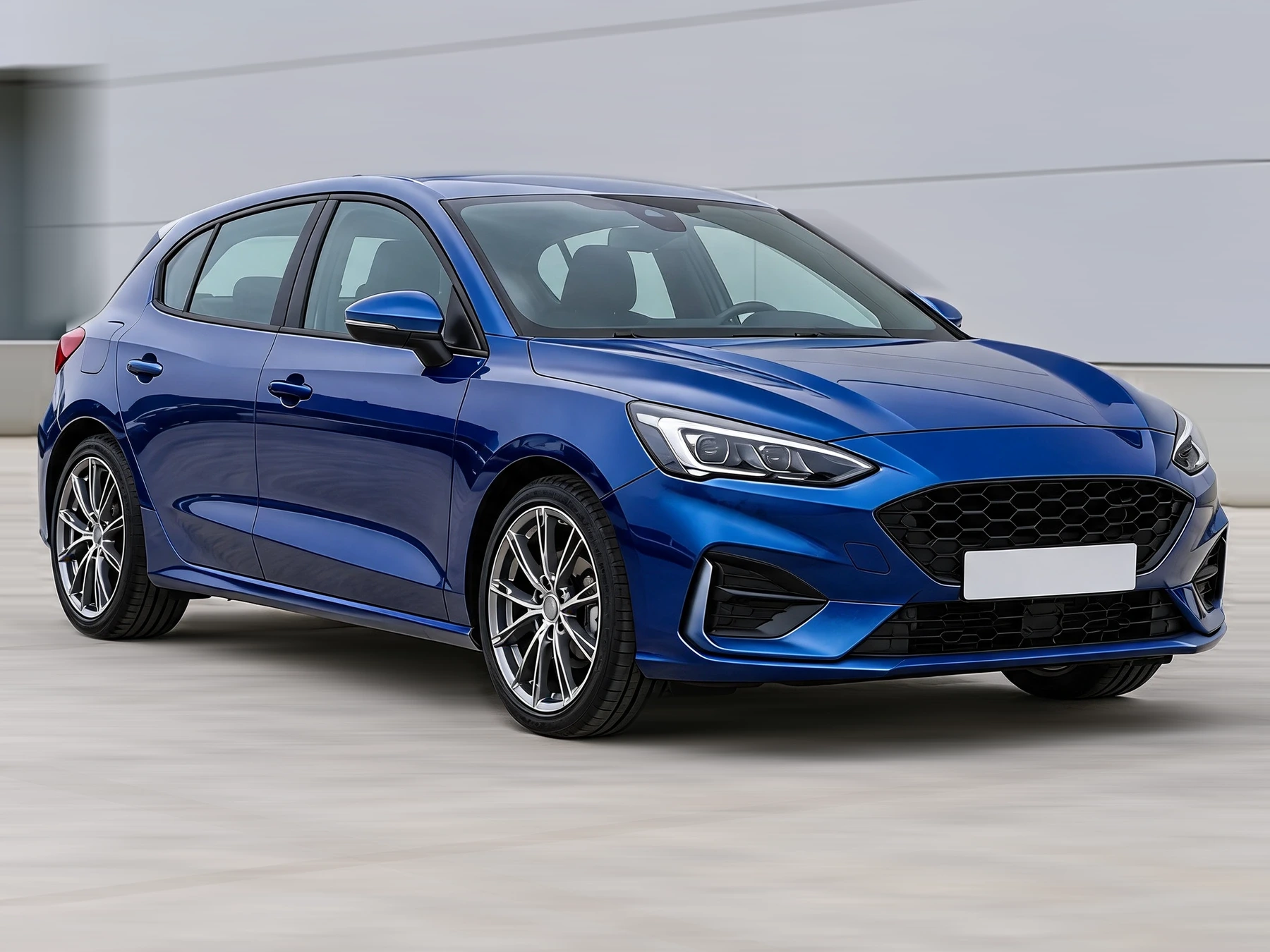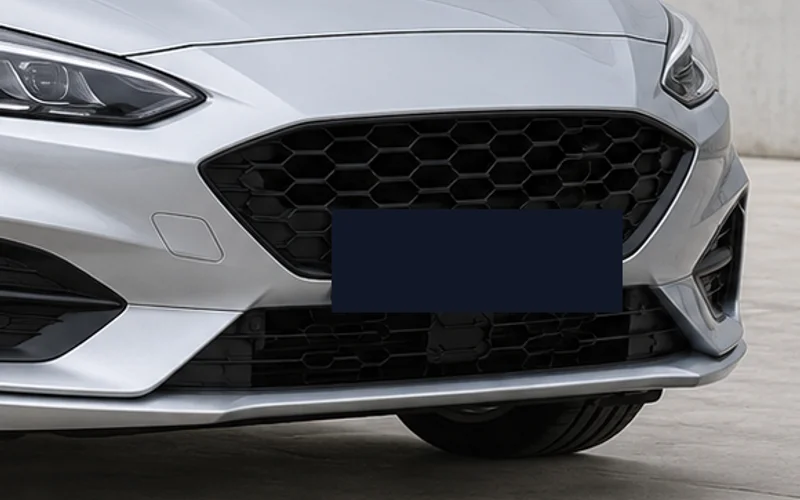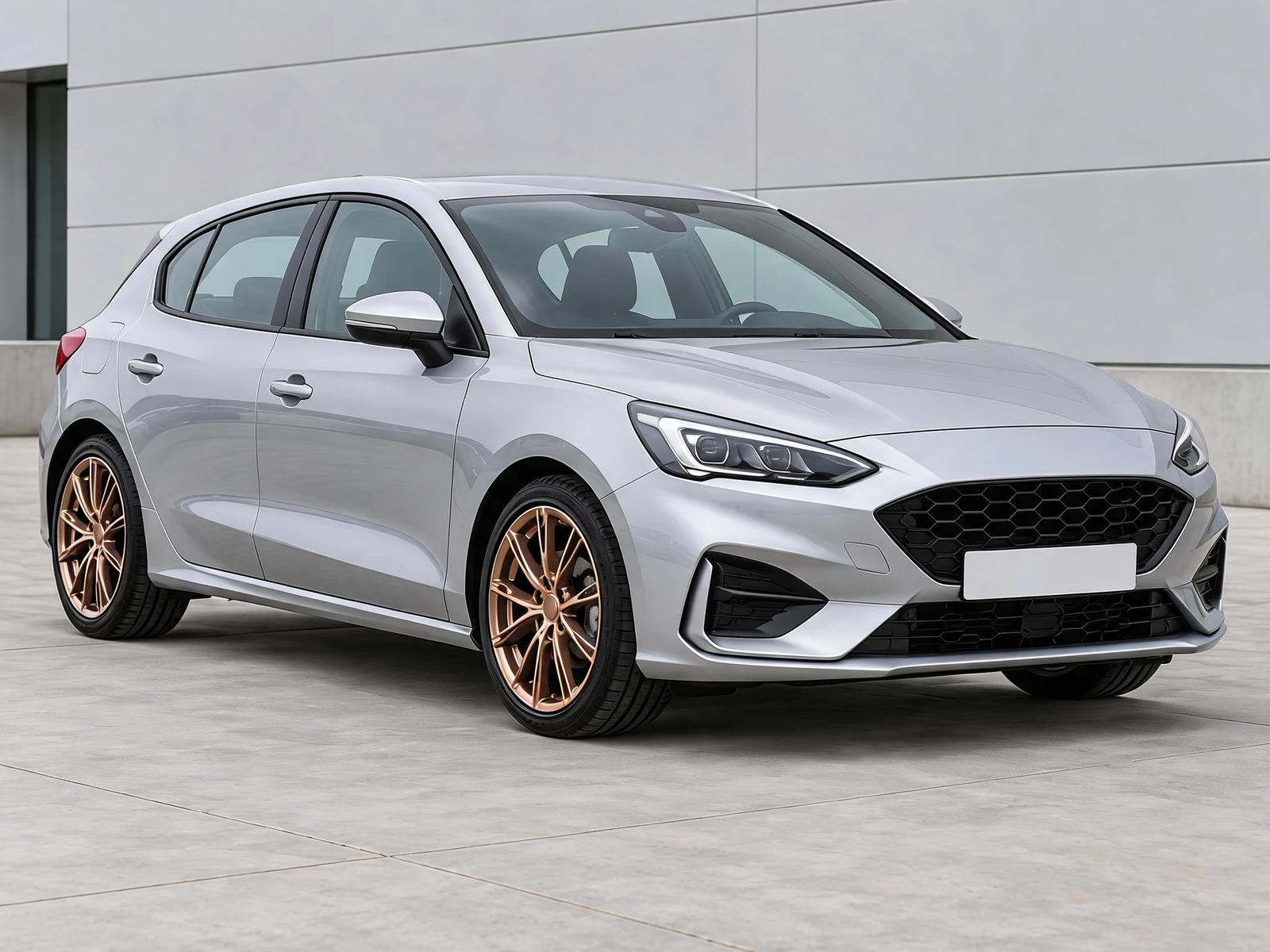
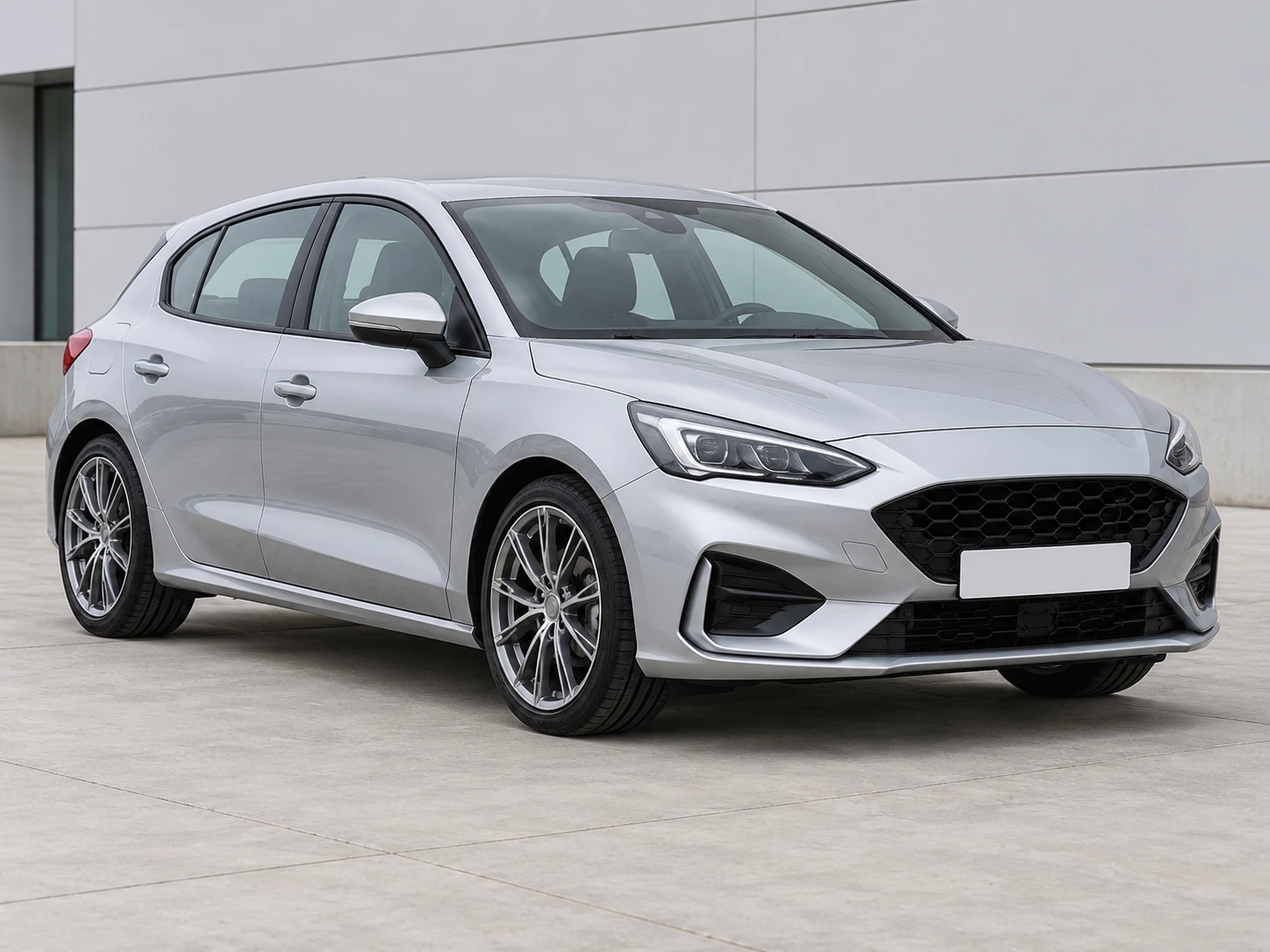
Start with your car photo and choose a focused tool: paint, wraps, wheels, body parts, exterior details or studio rendering.
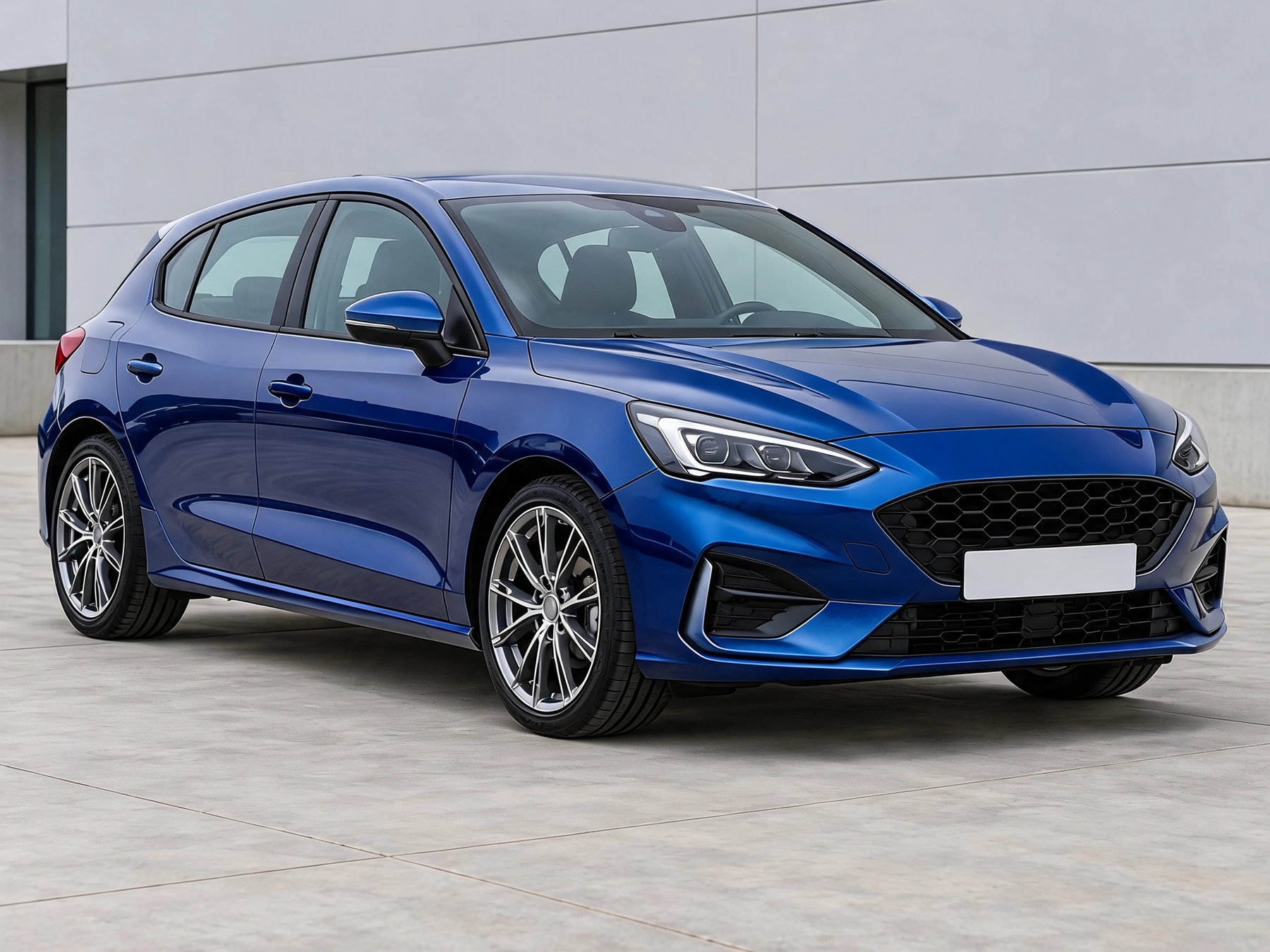
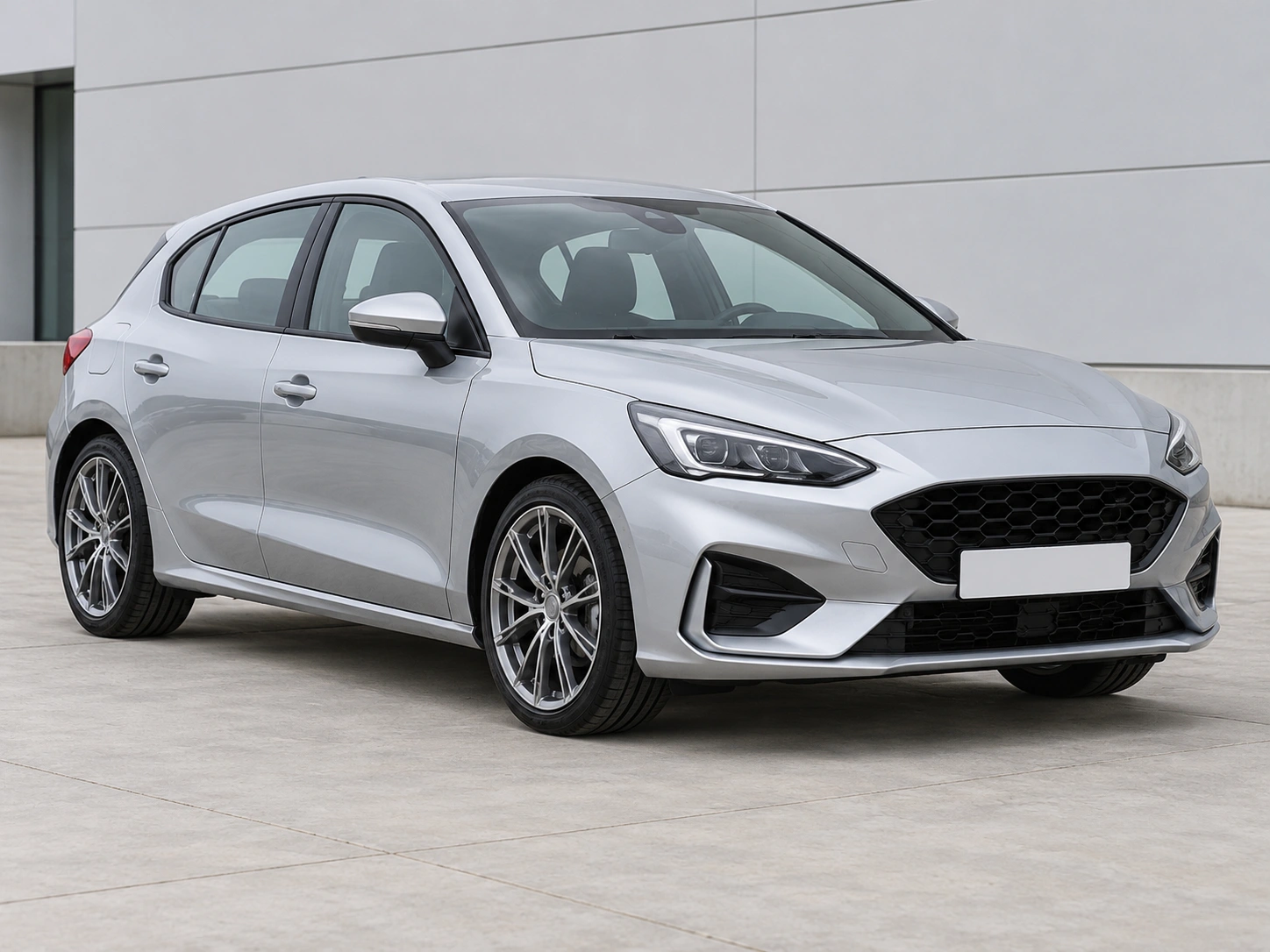
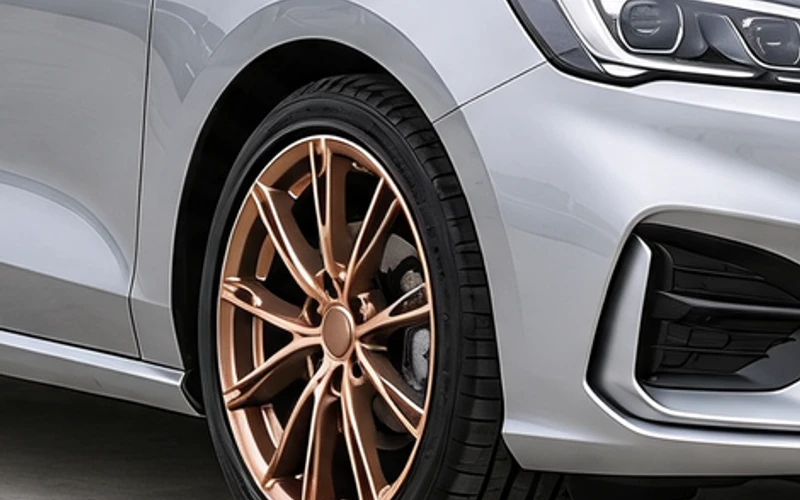
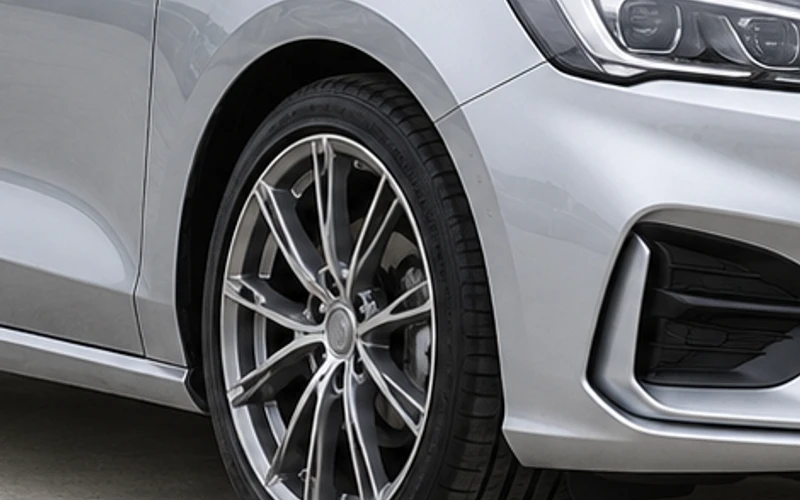
Drag the divider to compare real tool results across different scenes.
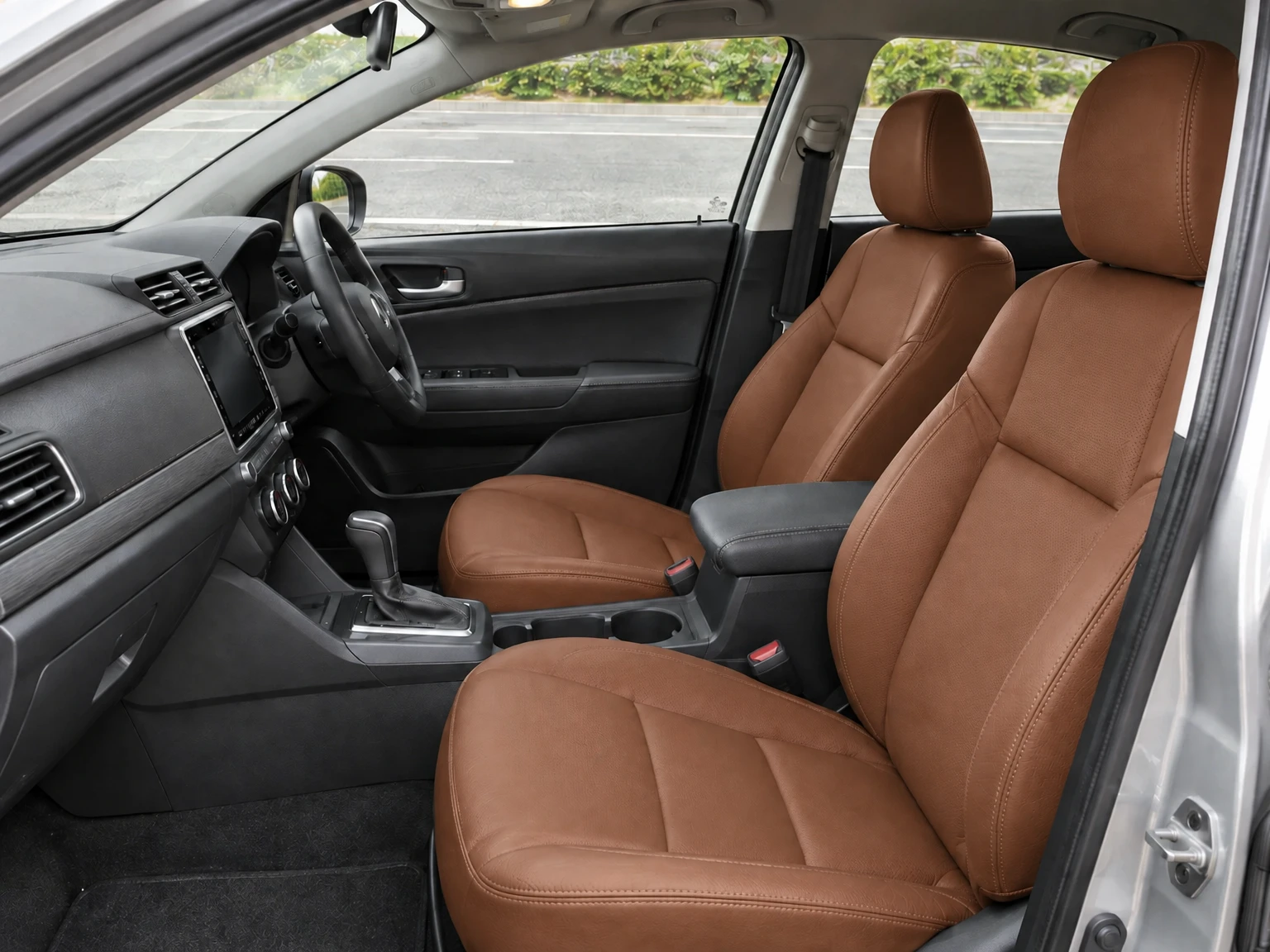
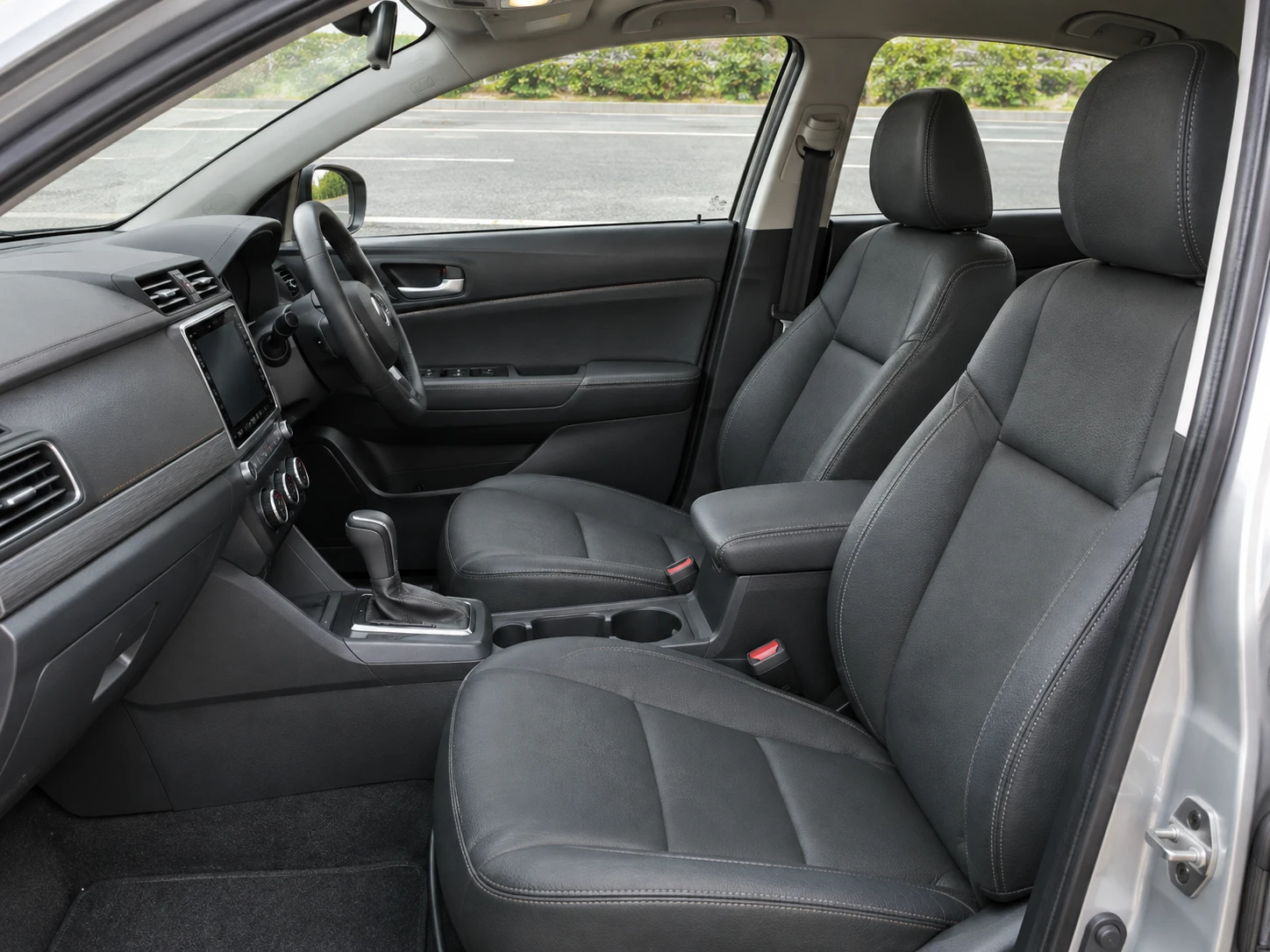
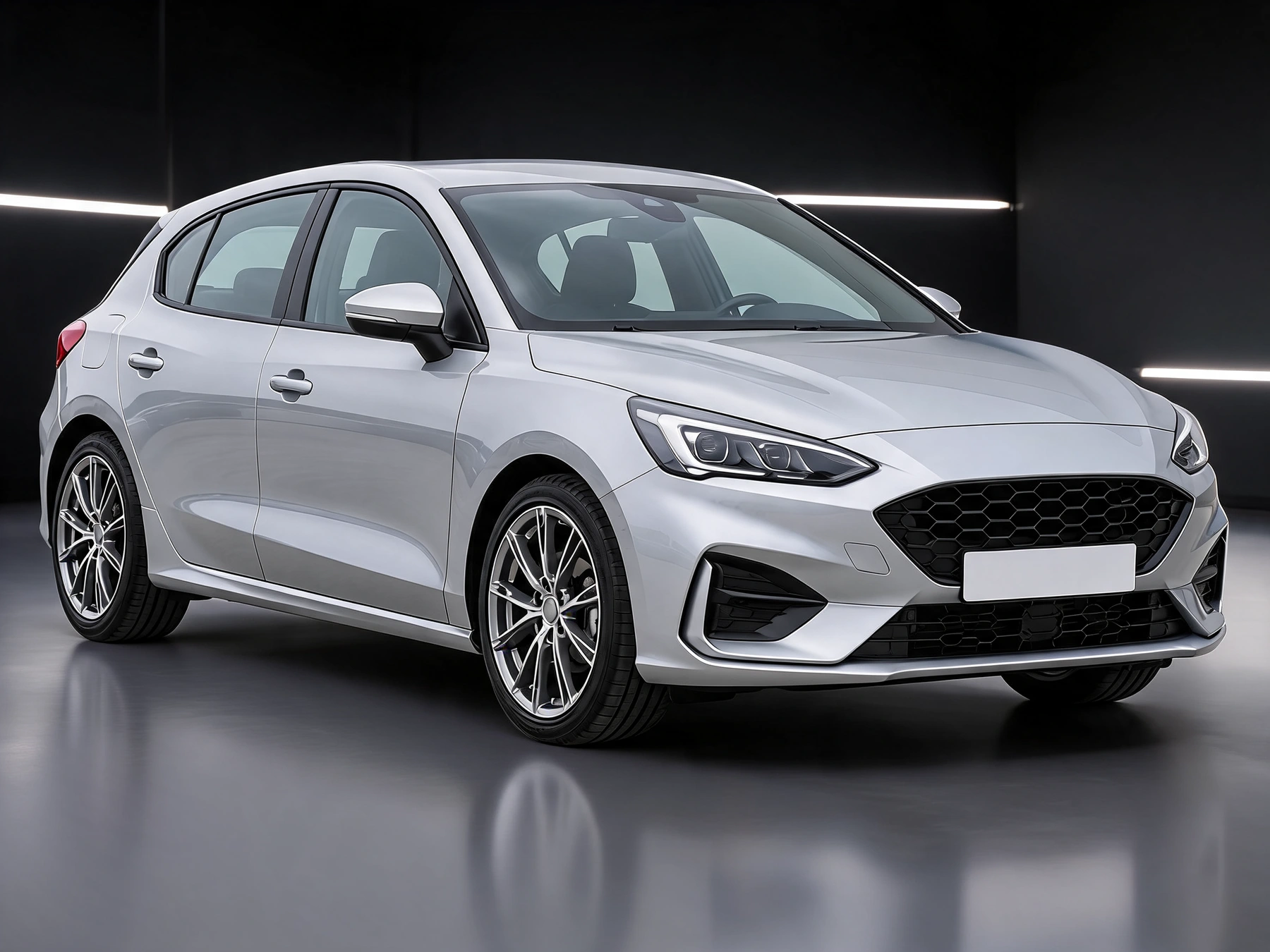
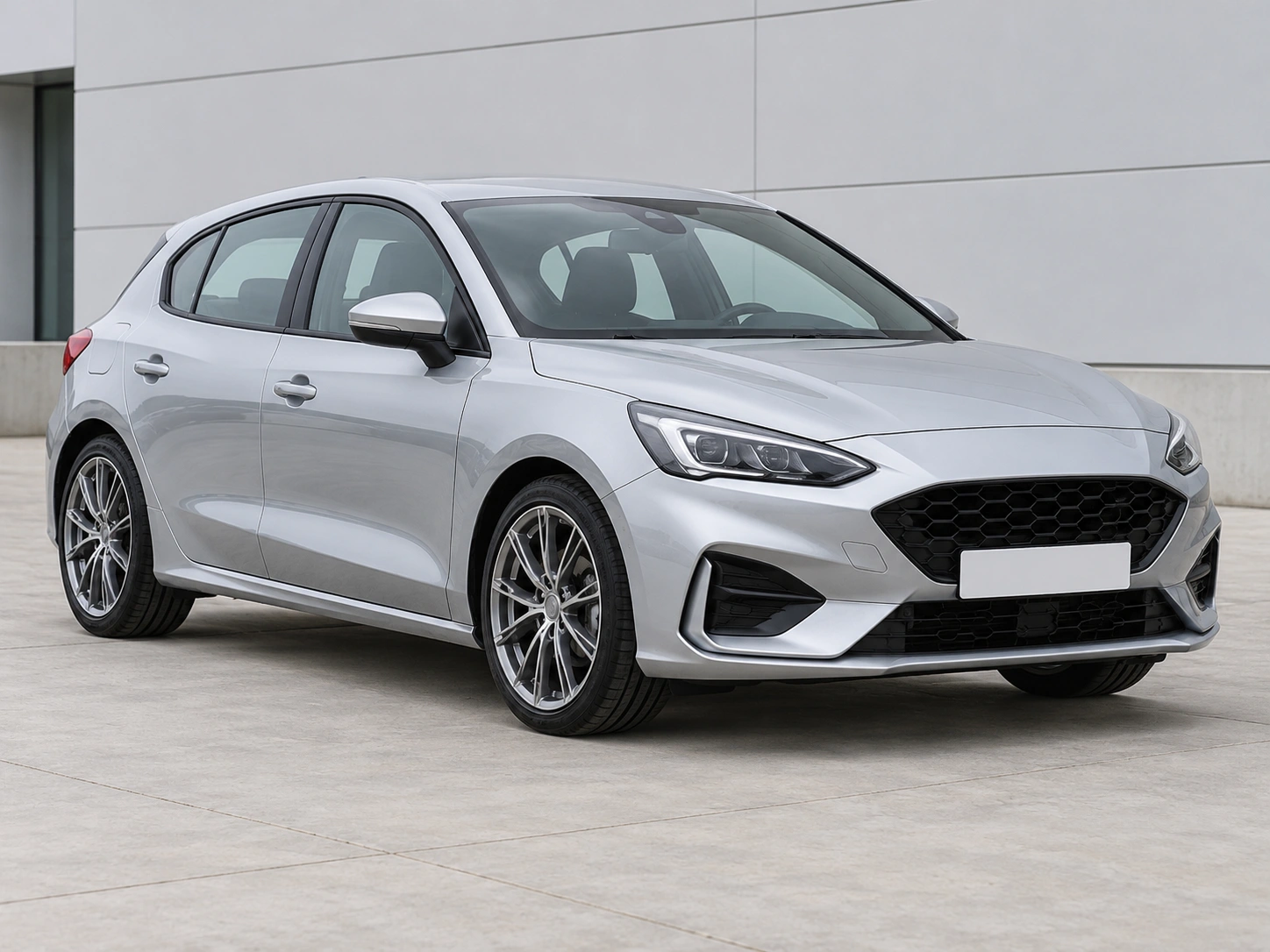
Try paint finishes, two-tone panels, racing stripes and graphic wraps.
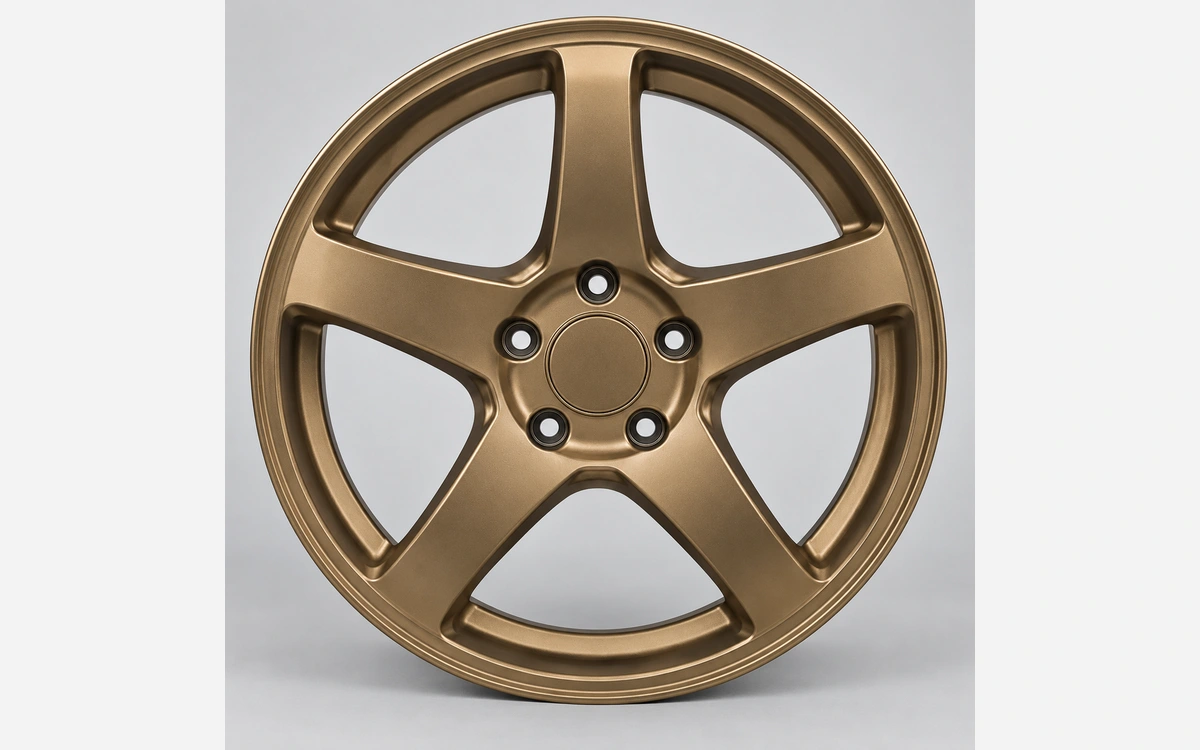
Preview wheel references, body kits, spoilers and individual exterior details.
Preview new upholstery colors and cabin materials in your own car interior photo. Target seats, door inserts, decorative trim or existing stitching.
Present a car photo, sketch, clay model or CAD screenshot in a new setting.
Hide license plates in a photo with solid cover, pixelation or blur. Select the areas yourself and download a PNG, with local processing and no account.
Explore a paint, wrap or wheel direction on the car you already own before buying parts.
Use an owner’s photo to discuss an appearance direction and the exact part to change.
Present a sketch, clay model or CAD screenshot with materials and lighting, without turning it into an engineering model.
Start with your car photo and choose a focused tool: paint, wraps, wheels, body parts, exterior details or studio rendering.
Each tool focuses on one change. Download a result to use as the source for another tool, then check that earlier details are preserved.
Use a view that shows the selected part. Show brake calipers through the rims, and use a rear view for exhaust tips; do not invent hidden hardware.
Choose the task and its settings. Add a styling reference or describe the change when available. Wheel previews require a wheel reference. Wrap and body-part tools accept optional styling references, used only for the selected task.
Preserve details outside the selected task. Check the car identity, viewpoint and all unselected parts in every result. Review the result, then continue editing or download the image.
A visual preview helps you choose a direction; it cannot confirm physical fitment, paint-code accuracy or road approval.
Preserve details outside the selected task. Check the car identity, viewpoint and all unselected parts in every result.
Keep one task in each run. A wheel or wrap reference should guide that part, not replace the vehicle or add unrelated modifications.
Where offered, start with 4:3 or choose a wider frame for a wide photo. Keep the whole car visible and inspect every result for clipping.
Plan a visual change before you buy
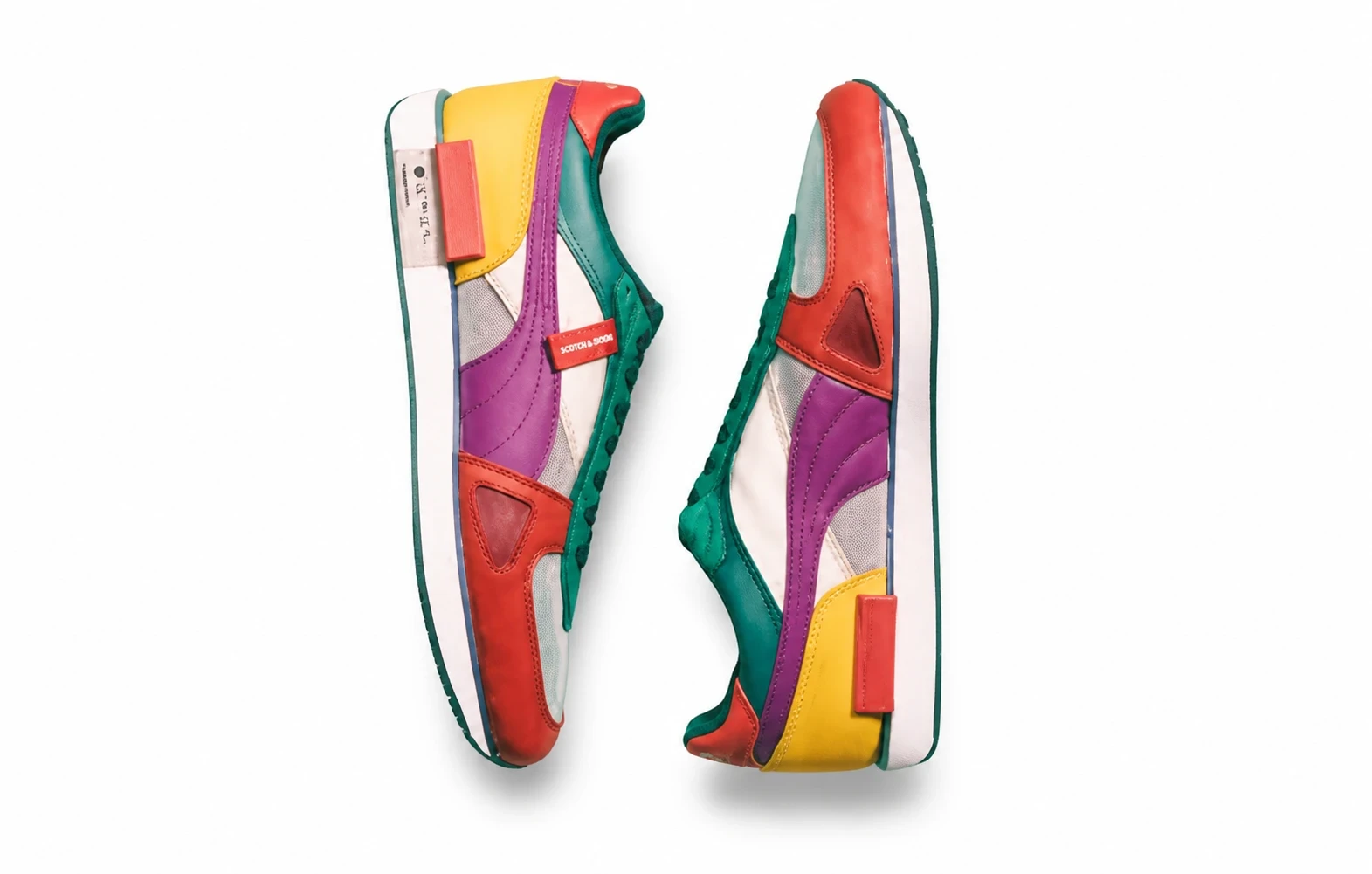
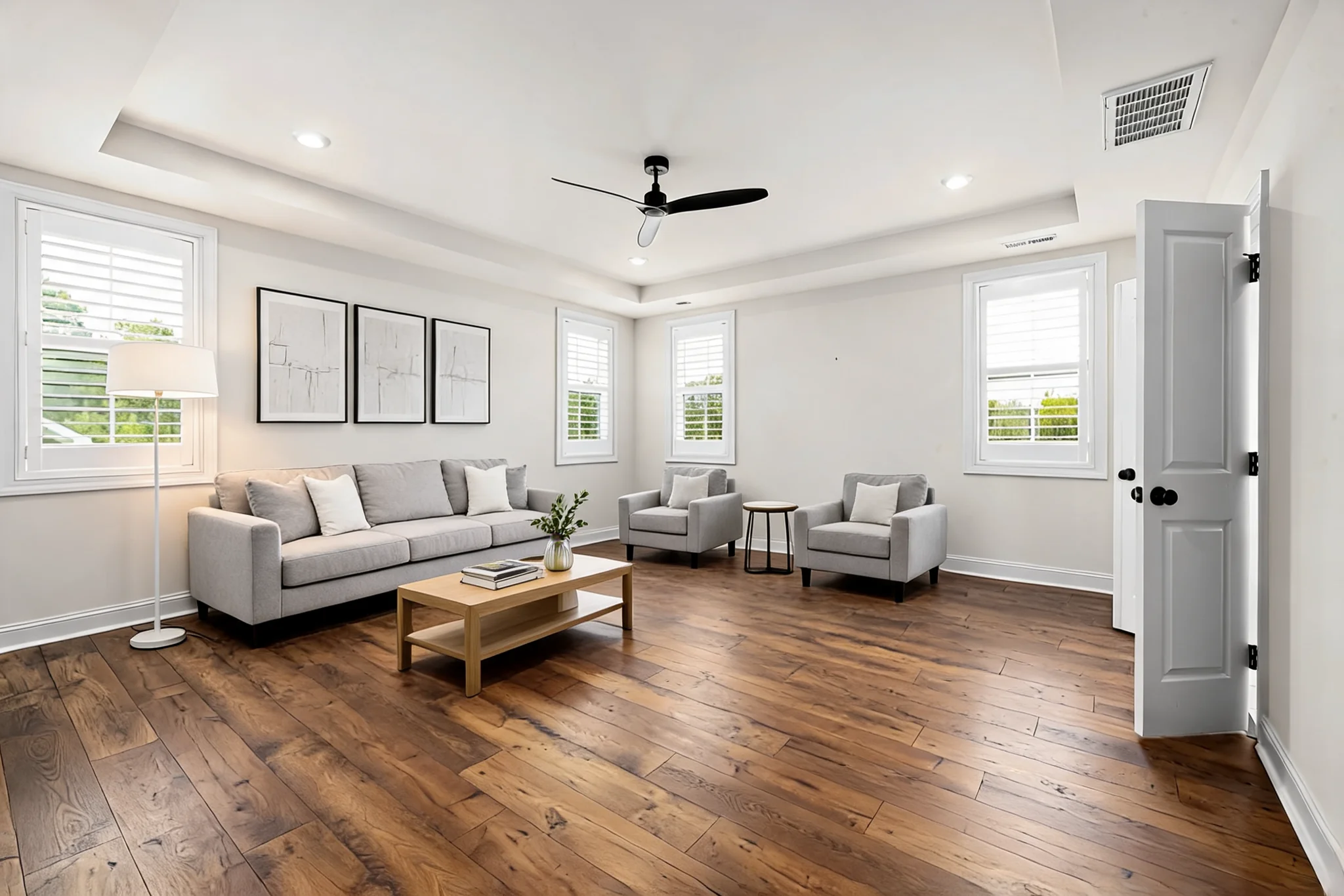

Photo and reference requirements, tool selection, and the scope of car appearance previews.
Start with your car photo and choose a focused tool: paint, wraps, wheels, body parts, exterior details or studio rendering.