Car photo customization guide
Plan a visual change before you buy
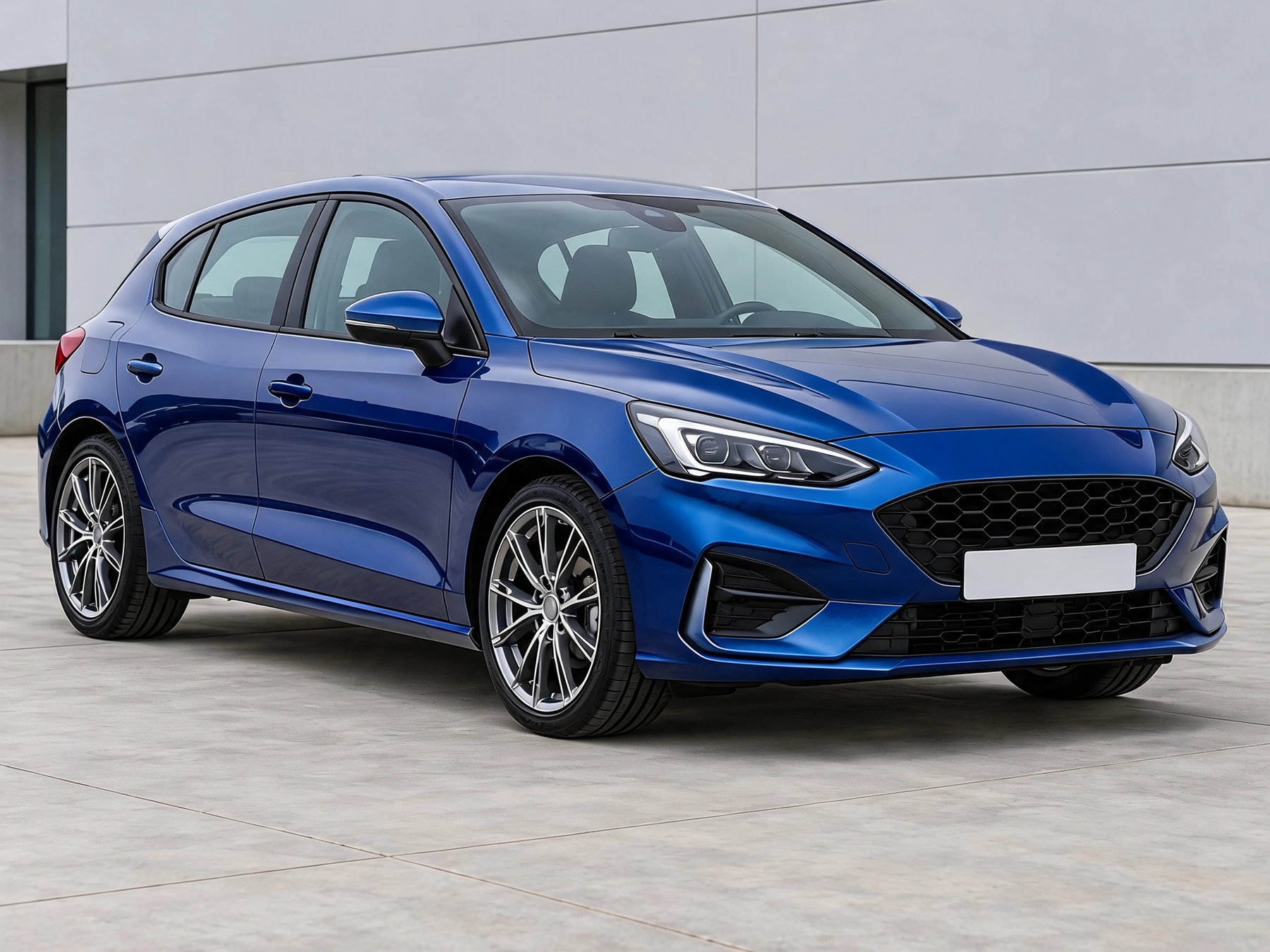
Start with your car photo and choose a focused tool: paint, wraps, wheels, body parts, exterior details or studio rendering. Explore a paint, wrap or wheel direction on the car you already own before buying parts.
Choose a task for your car
AI Car Color & Wrap Preview
Preview paint colors and gloss, matte, satin or metallic finishes on your car. Change the body, painted roof or mirror caps.
Two-tone / graphic wrap
Preview two-tone body wraps, racing stripes, graphics and carbon-fiber-style materials on your own car photo.
AI Car Wheel Visualizer
Upload your car and a wheel reference to preview a new rim design, with the reference finish or black, silver or bronze.
AI Car Modification Preview
Preview a body kit, spoiler or ride-height change on your own car photo.
Car exterior details
Preview black trim, brake caliper colors, window tint or exhaust tips. Change one detail at a time.
AI Car Rendering & Studio Photos
Turn a vehicle sketch, clay model, CAD screenshot or car photo into a photoreal studio or outdoor concept.
Prepare the source photo
Use a view that shows the selected part. Show brake calipers through the rims, and use a rear view for exhaust tips; do not invent hidden hardware.
Set the look
Choose the task and its settings. Add a styling reference or describe the change when available. Wheel previews require a wheel reference. Wrap and body-part tools accept optional styling references, used only for the selected task.
Review and finish
Keep one task in each run. A wheel or wrap reference should guide that part, not replace the vehicle or add unrelated modifications. Where offered, start with 4:3 or choose a wider frame for a wide photo. Keep the whole car visible and inspect every result for clipping.
Before you act on a preview
Preserve details outside the selected task. Check the car identity, viewpoint and all unselected parts in every result.
This is an appearance concept. It does not guarantee a paint-code or wrap-brand color match, wheel fitment, dimensions or clearance. Confirm physical samples and specifications before buying.
Wheel Color Changer
Change the color of your original wheels in a car photo. Preview black, silver, bronze or a custom rim color while keeping the existing spoke design.
Car Interior Color Changer
Preview new upholstery colors and cabin materials in your own car interior photo. Target seats, door inserts, decorative trim or existing stitching.
Blur License Plates Online
Hide license plates in a photo with solid cover, pixelation or blur. Select the areas yourself and download a PNG, with local processing and no account.
AI Car Decal Designer
Place your artwork directly on the car photo, adjust its size, angle and perspective, then let AI blend the vinyl shading and reflections.
Car Part Recolor
Outline a visible car part and preview another color while retaining its shading. Pick a color or sample one from the original photo.
Car Motion Blur
Create a rolling-shot effect from a parked-car photo. Outline the car to keep it sharp while adding directional blur to the background.
Processed on this device without sign-in or credits. Images are resized only when needed; PNG exports are up to 2048px on the longest edge.
Related posts
 Guides
 Guides
 Guides