Your own car photo
Choose a JPG, PNG or WebP photo up to 12 MB, 24 megapixels and 8192 pixels per side. The photo stays in this browser; there is no server upload.
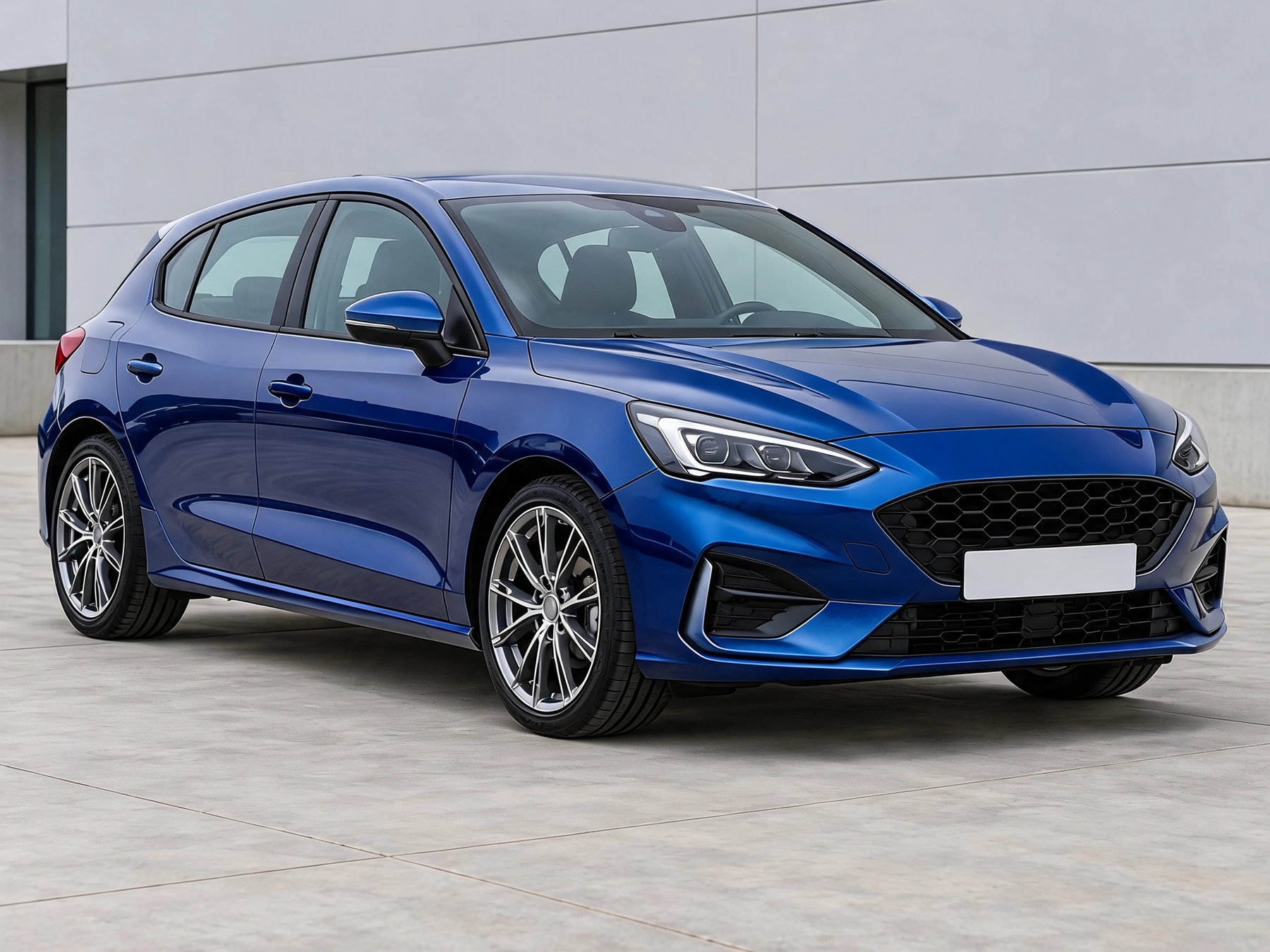
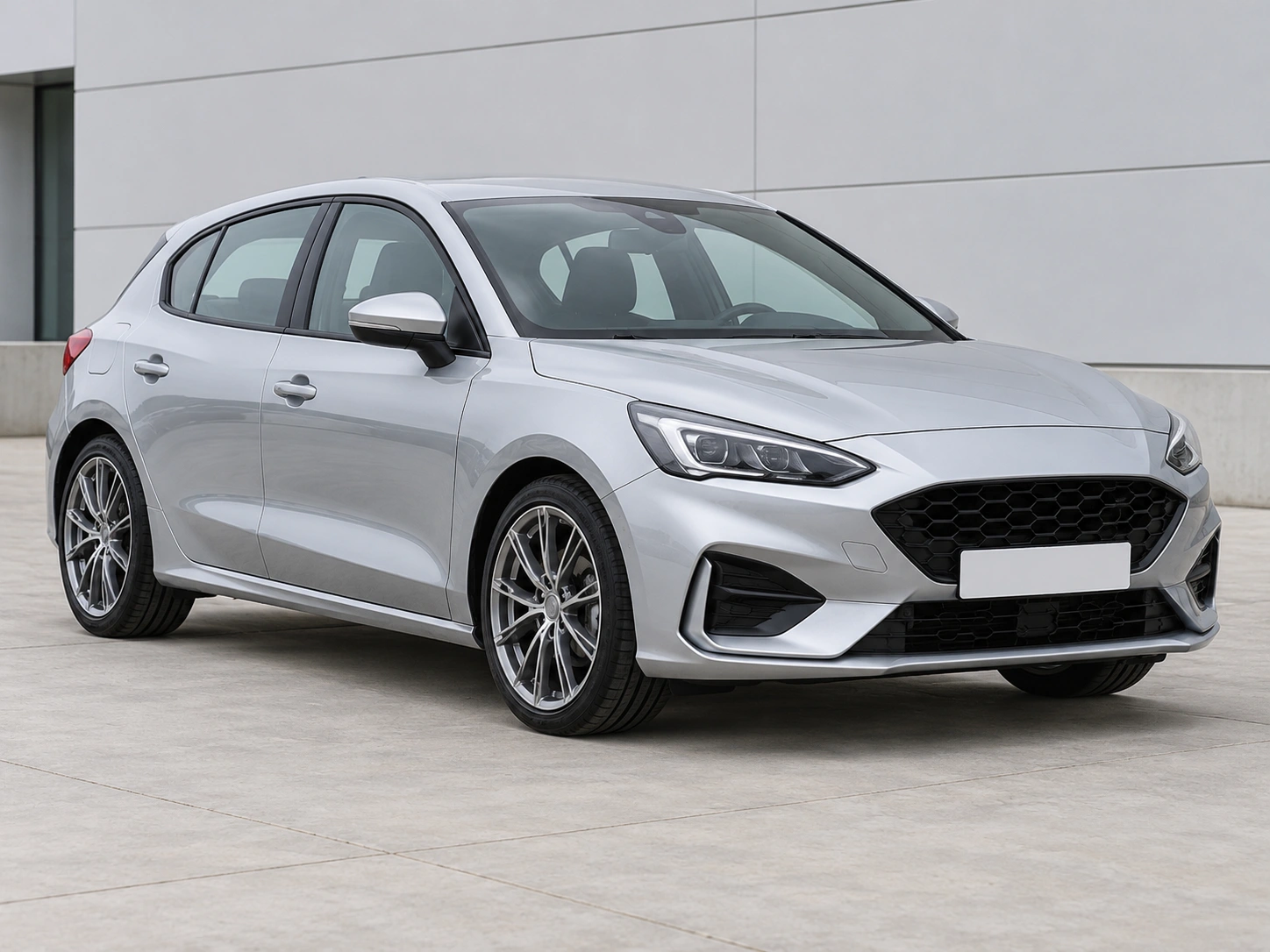
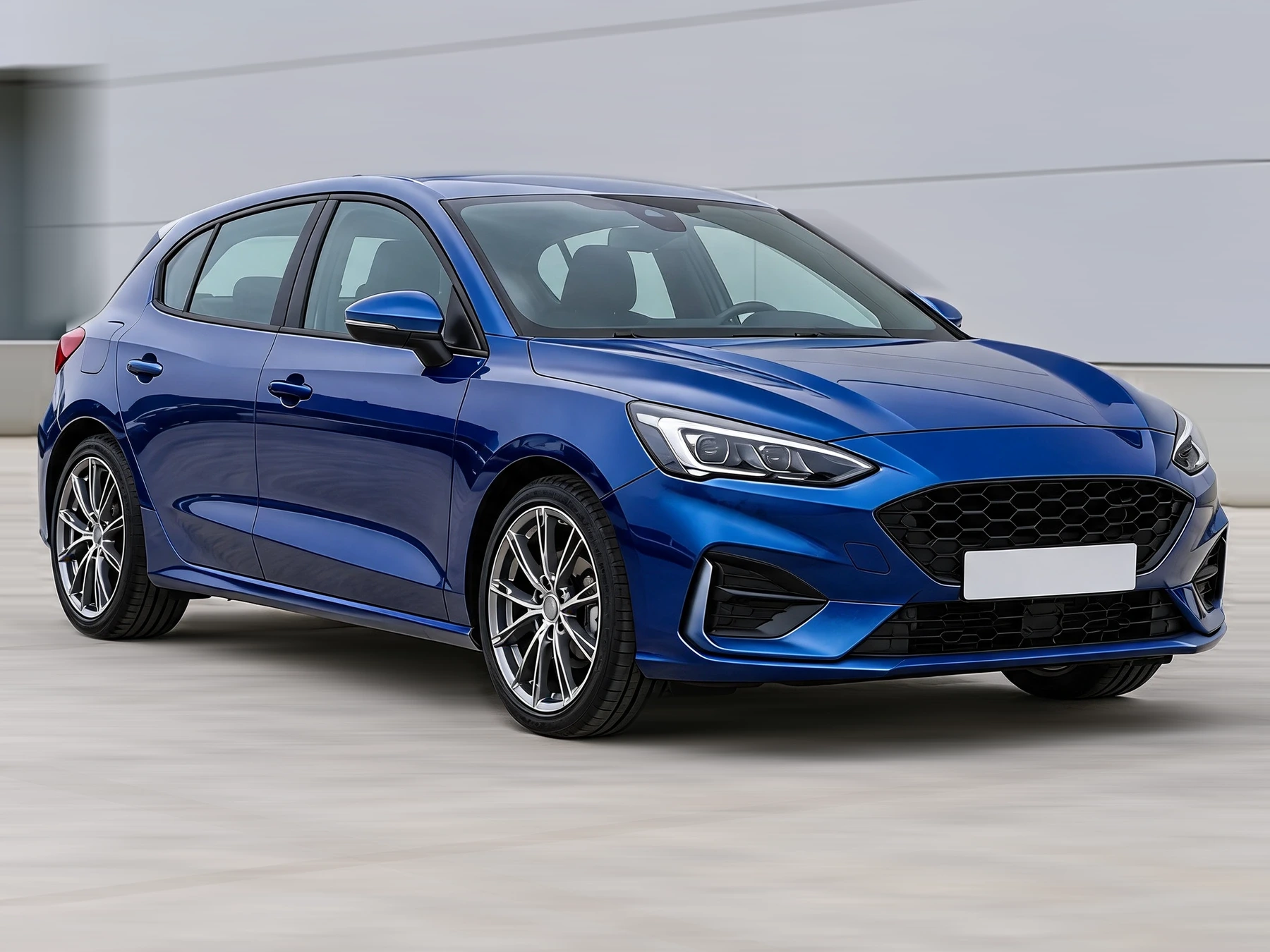
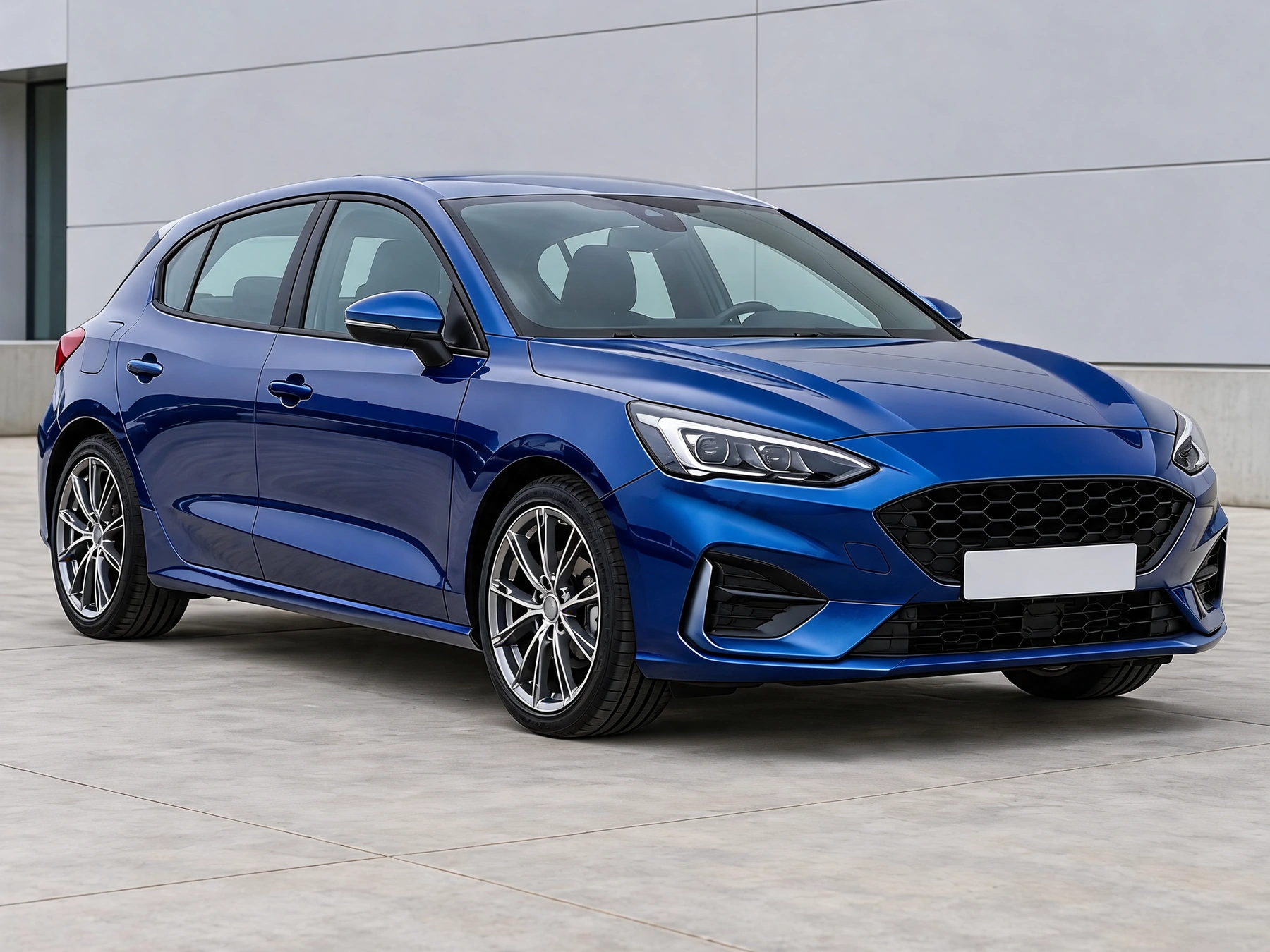
Create a rolling-shot effect from a parked-car photo. Outline the car to keep it sharp while adding directional blur to the background.
Choose a JPG, PNG or WebP photo up to 12 MB, 24 megapixels and 8192 pixels per side. The photo stays in this browser; there is no server upload.
Outline the entire car, including wheels and mirrors, then close the selection. The outlined area stays sharp; the background receives motion blur.
Every adjustment starts from the original upload. Use Original to check the result. Local exports are not saved to account history.
Choose a JPG, PNG or WebP photo up to 12 MB, 24 megapixels and 8192 pixels per side. The photo stays in this browser; there is no server upload.
Outline the entire car, including wheels and mirrors, then close the selection. The outlined area stays sharp; the background receives motion blur.
Processed on this device without sign-in or credits. Images are resized only when needed; PNG exports are up to 2048px on the longest edge.
Get answers about source files, settings, and results for Car Motion Blur.
Start with your car photo and choose a focused tool: paint, wraps, wheels, body parts, exterior details or studio rendering.
Create a rolling-shot effect from a parked-car photo. Outline the car to keep it sharp while adding directional blur to the background.