
Directional lighting
A shaped light source gives the face and surrounding scene more depth.
Shape a portrait with directional light, film-inspired color, and subtle grain.
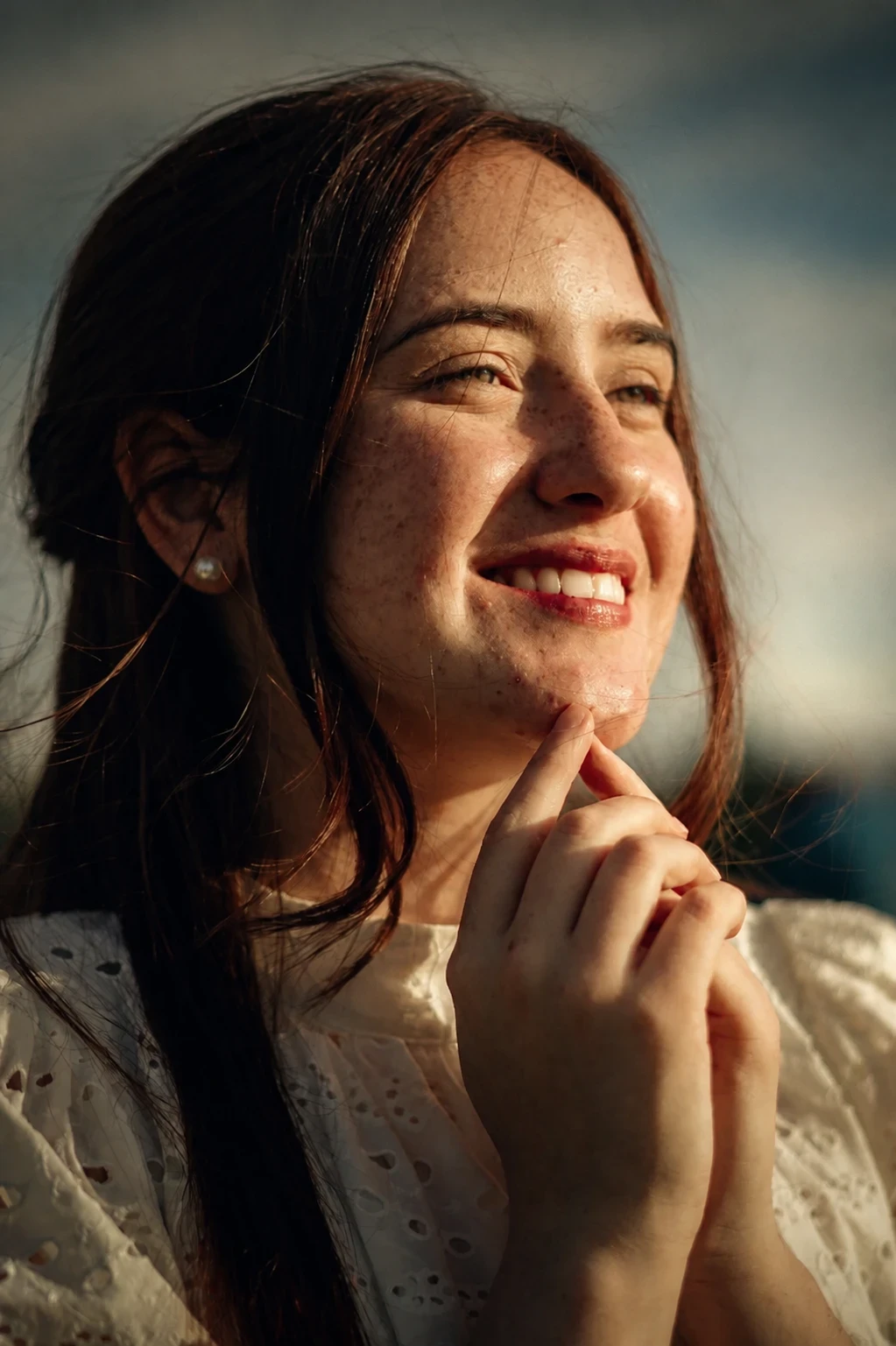
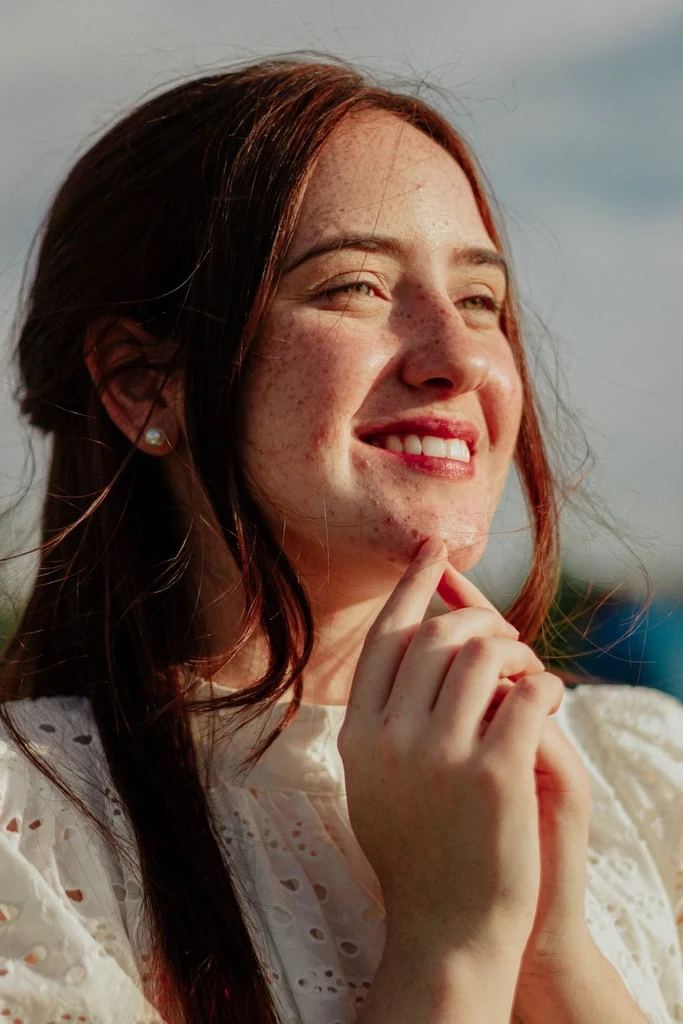
Explore a film-still mood for an artist profile, editorial image, or personal portrait.
Use the pose, crop, and setting you want the final portrait to follow.
In Settings, suggest warm window light, cool shadows, or another specific mood.
Check that the light adds depth without hiding the expression.
The recipe changes light, color, and depth while asking to keep the person and setting recognizable.
A shaped light source gives the face and surrounding scene more depth.
Coordinated highlights and shadows create an editorial color treatment.
The recipe asks to retain the pose, clothing, crop, and setting from the reference.
Continue with another ready-made creative effect.
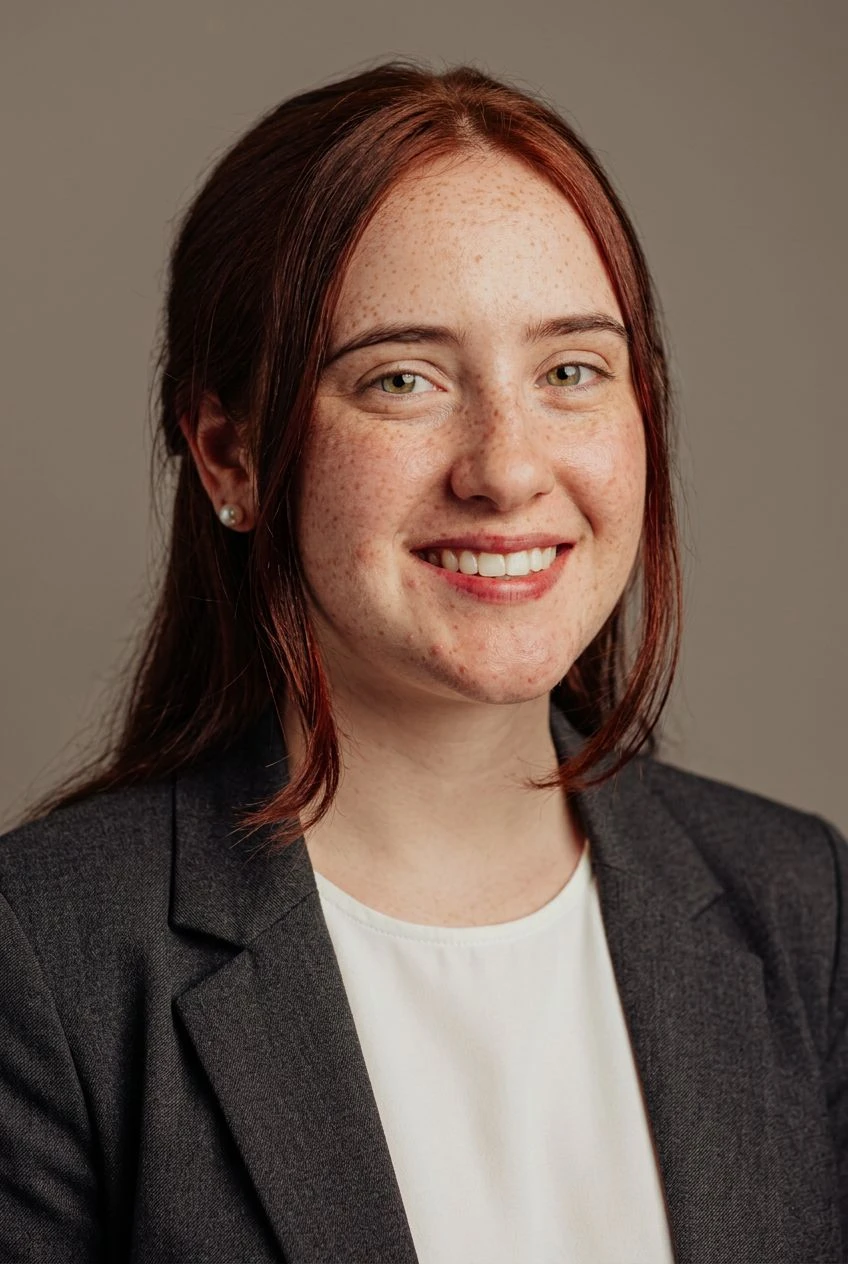
 Before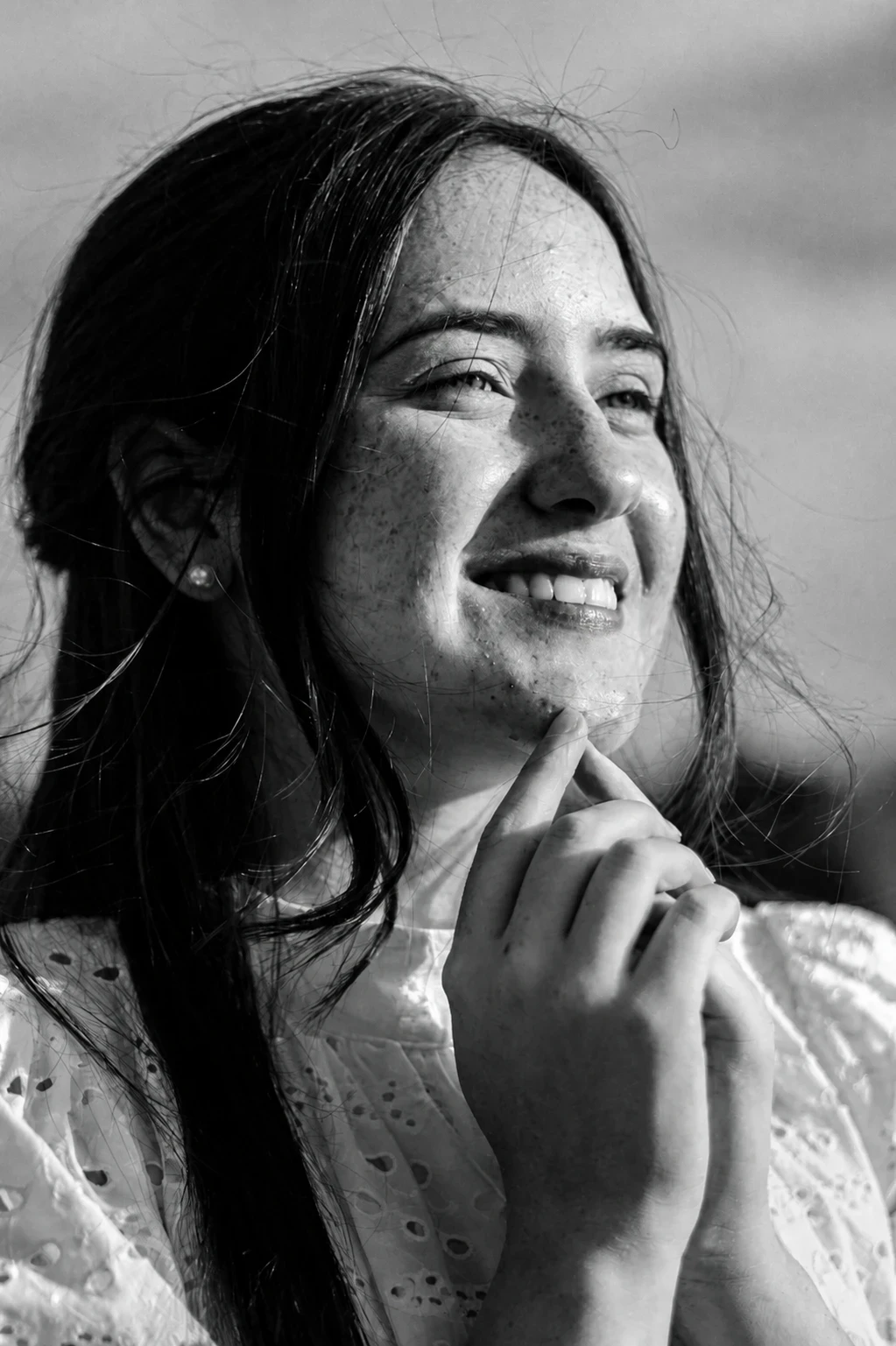
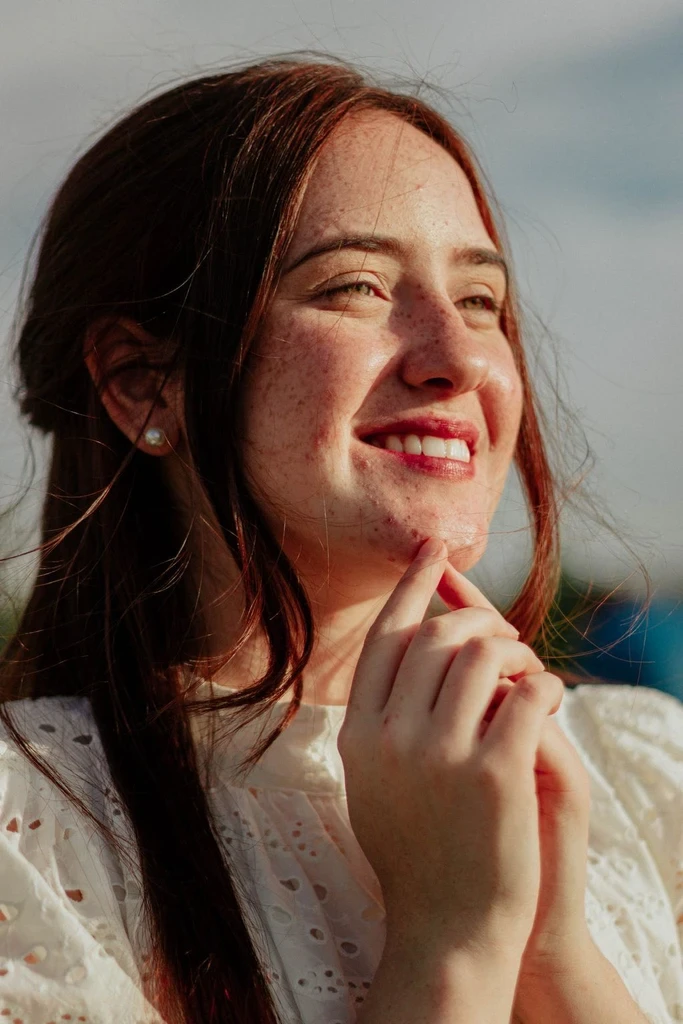
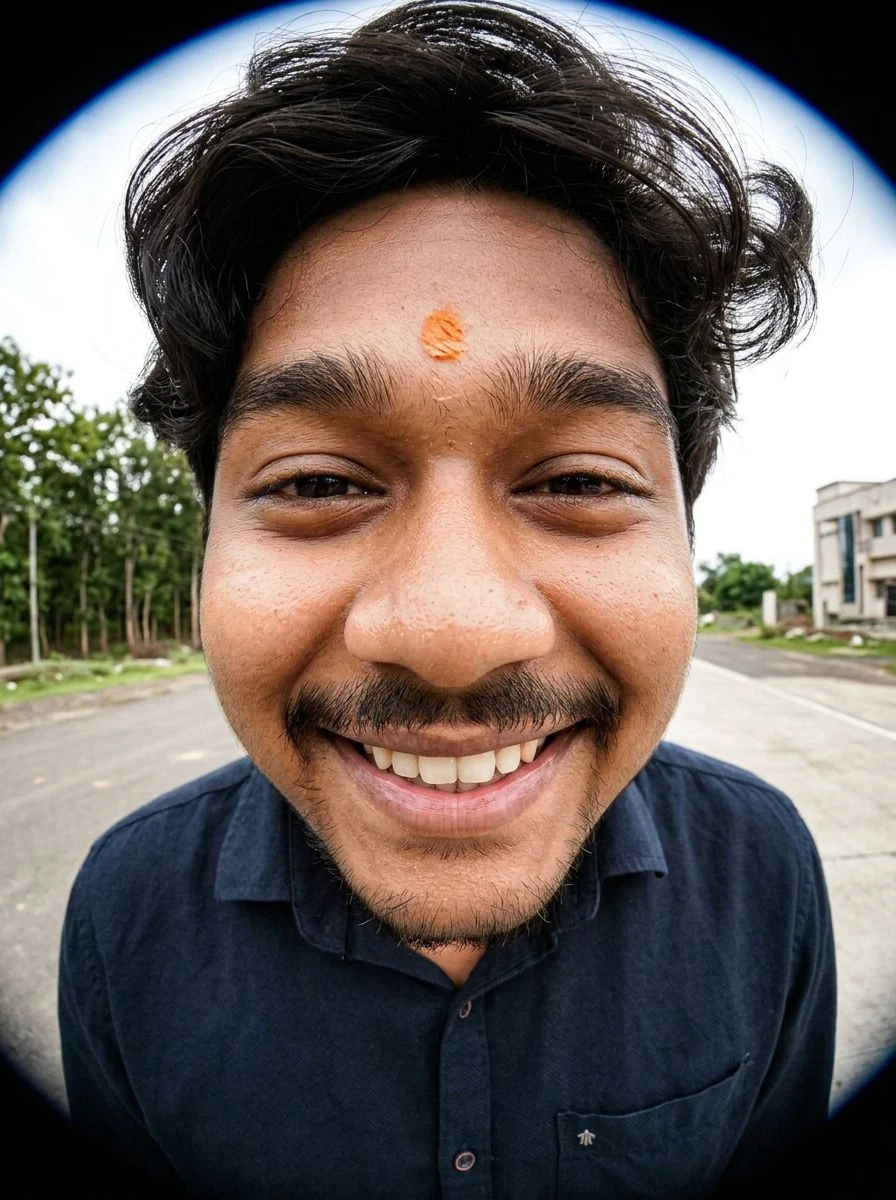
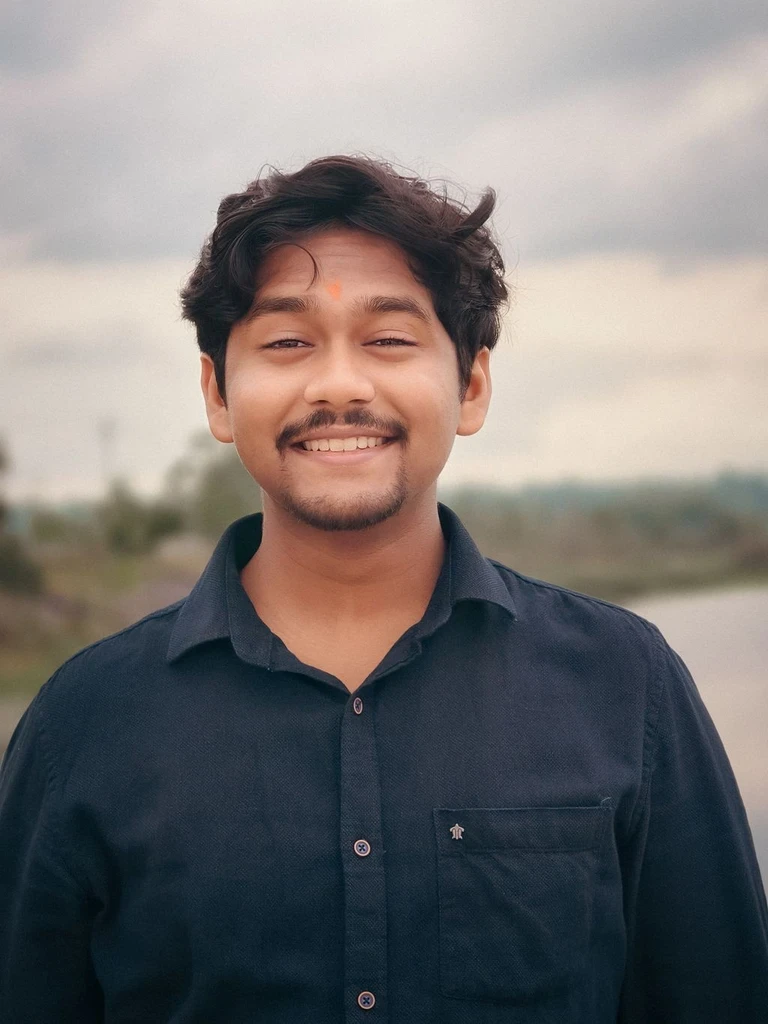 Before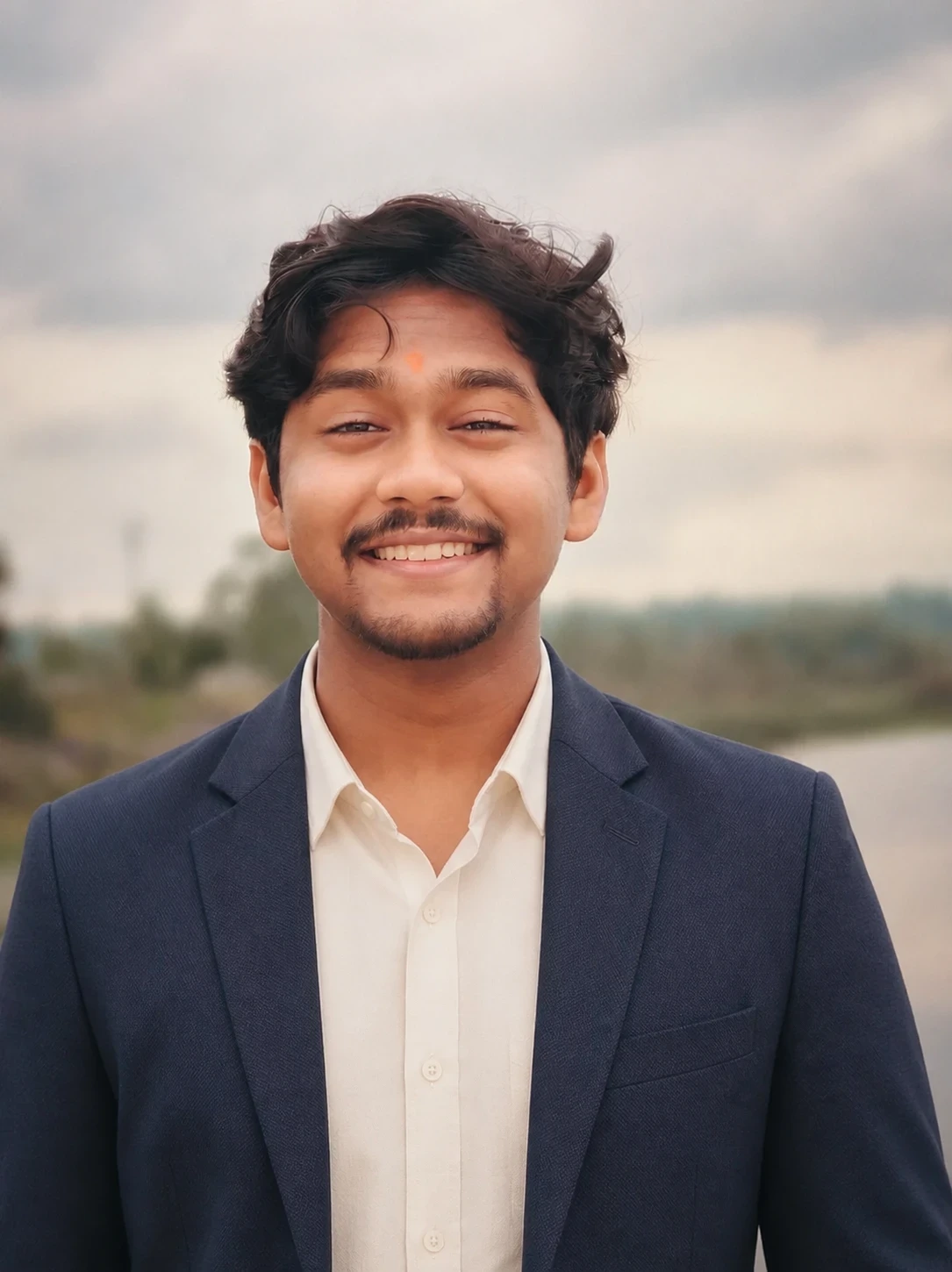
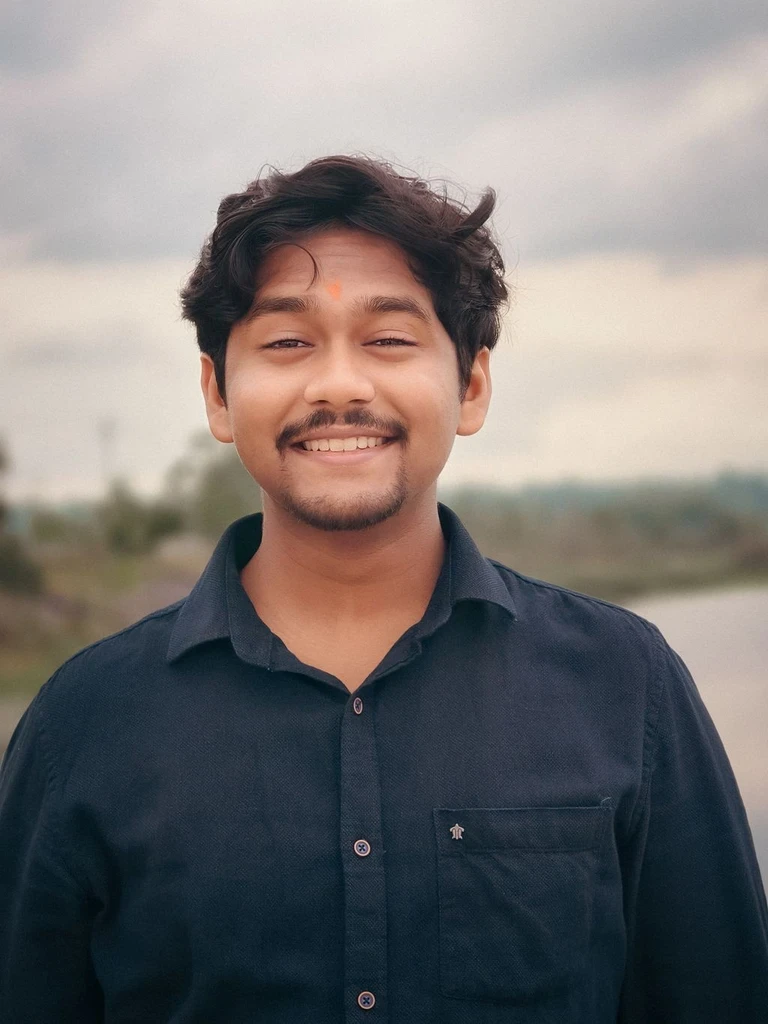
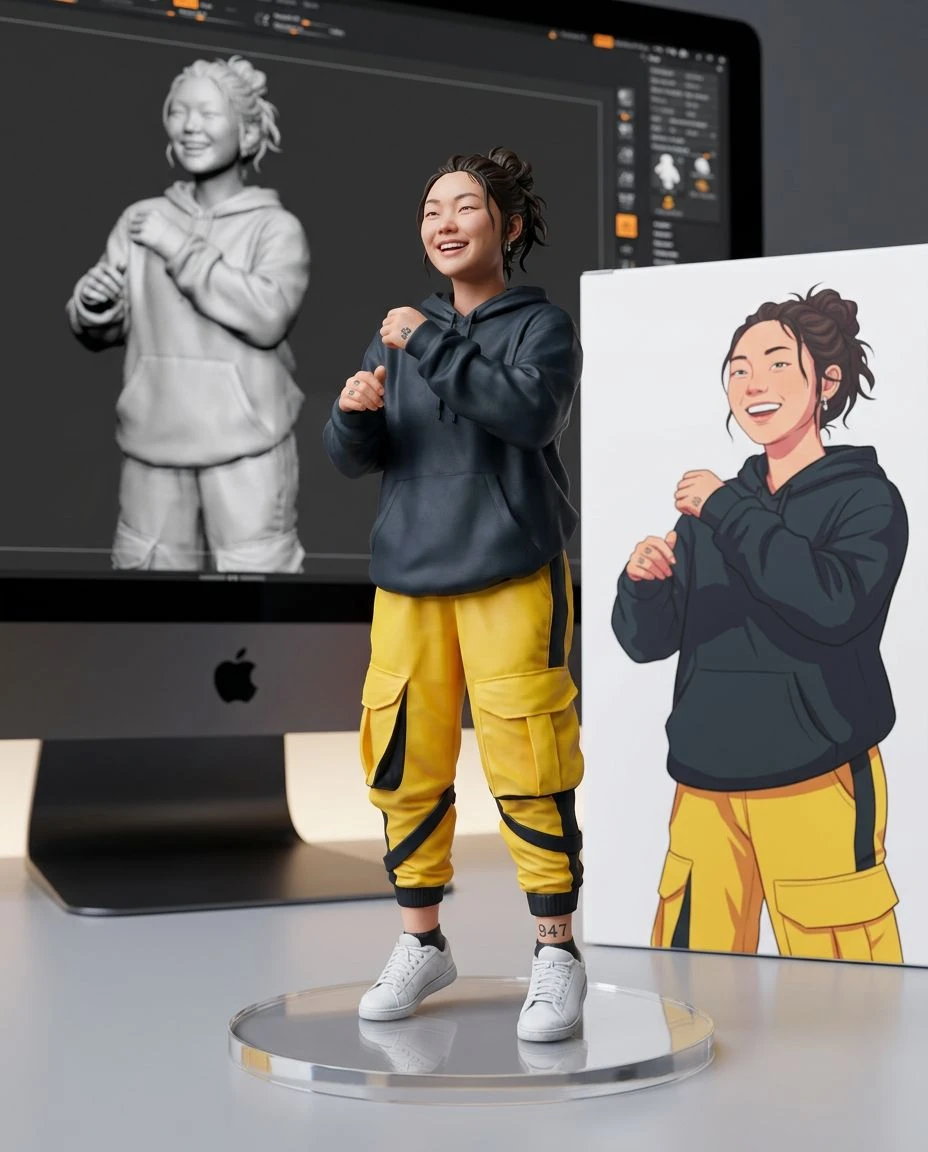
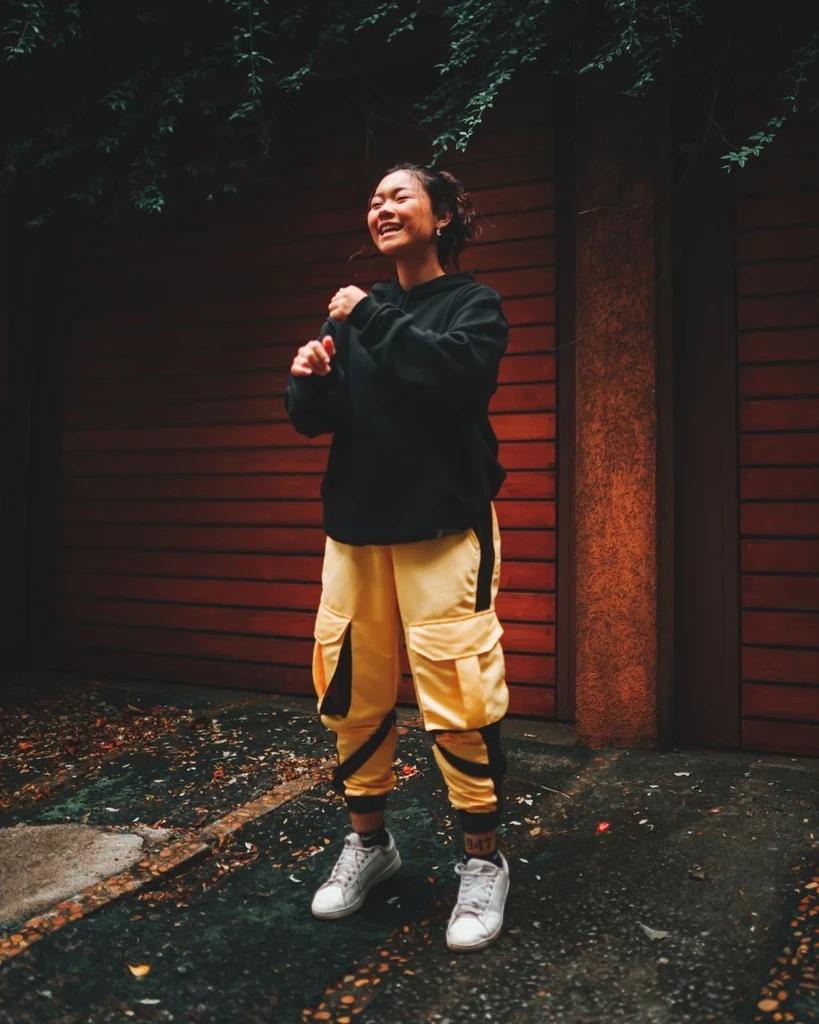 Before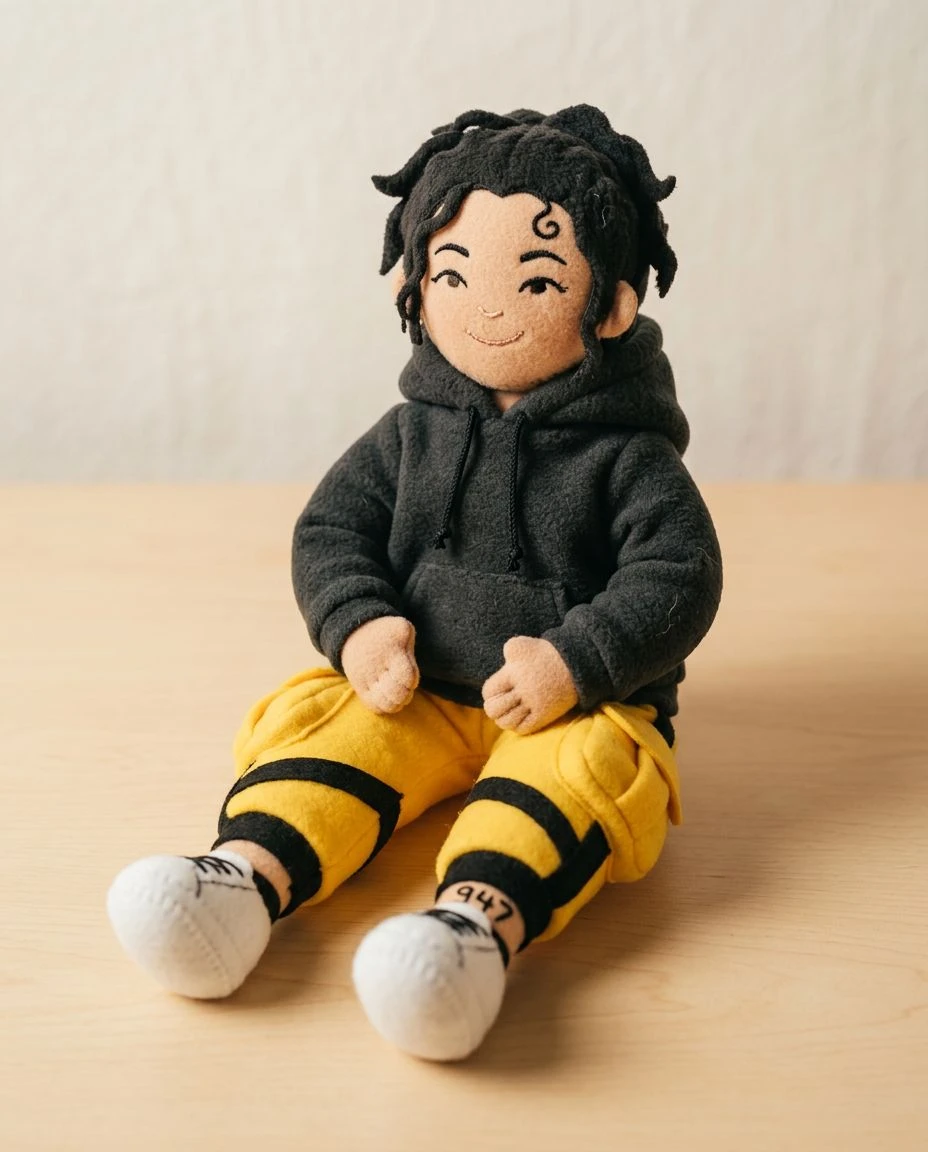
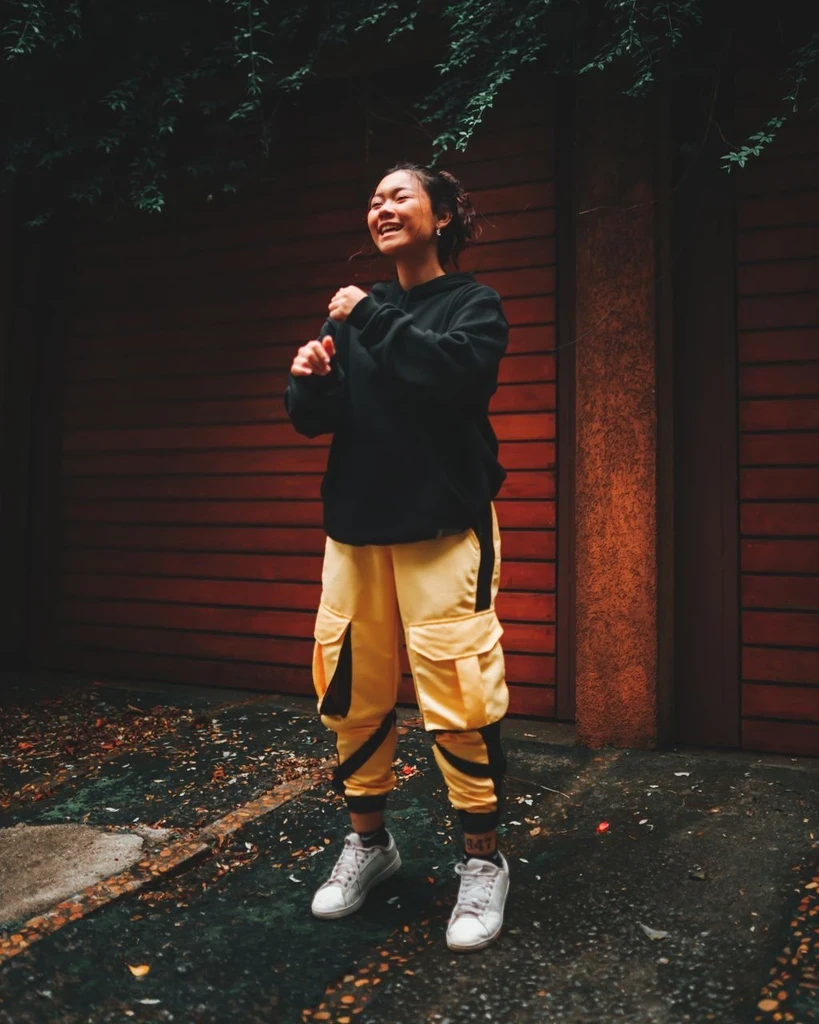 Before
Change the light and color of a photo while keeping its subject and composition as references.