Pencil Lines and Shading
Give your photo a graphite-inspired finish with contour lines, cross-hatching, and tonal variation.
AI photo to sketch
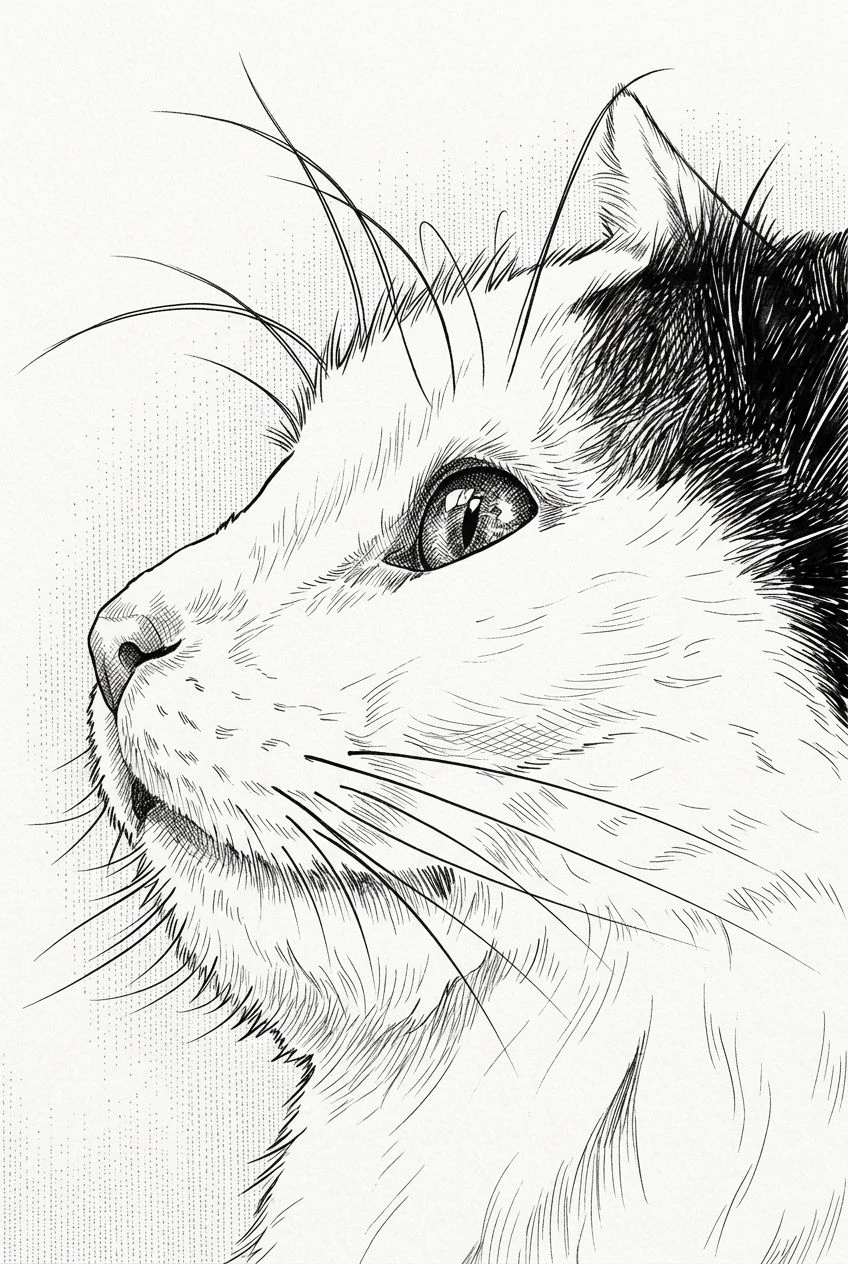
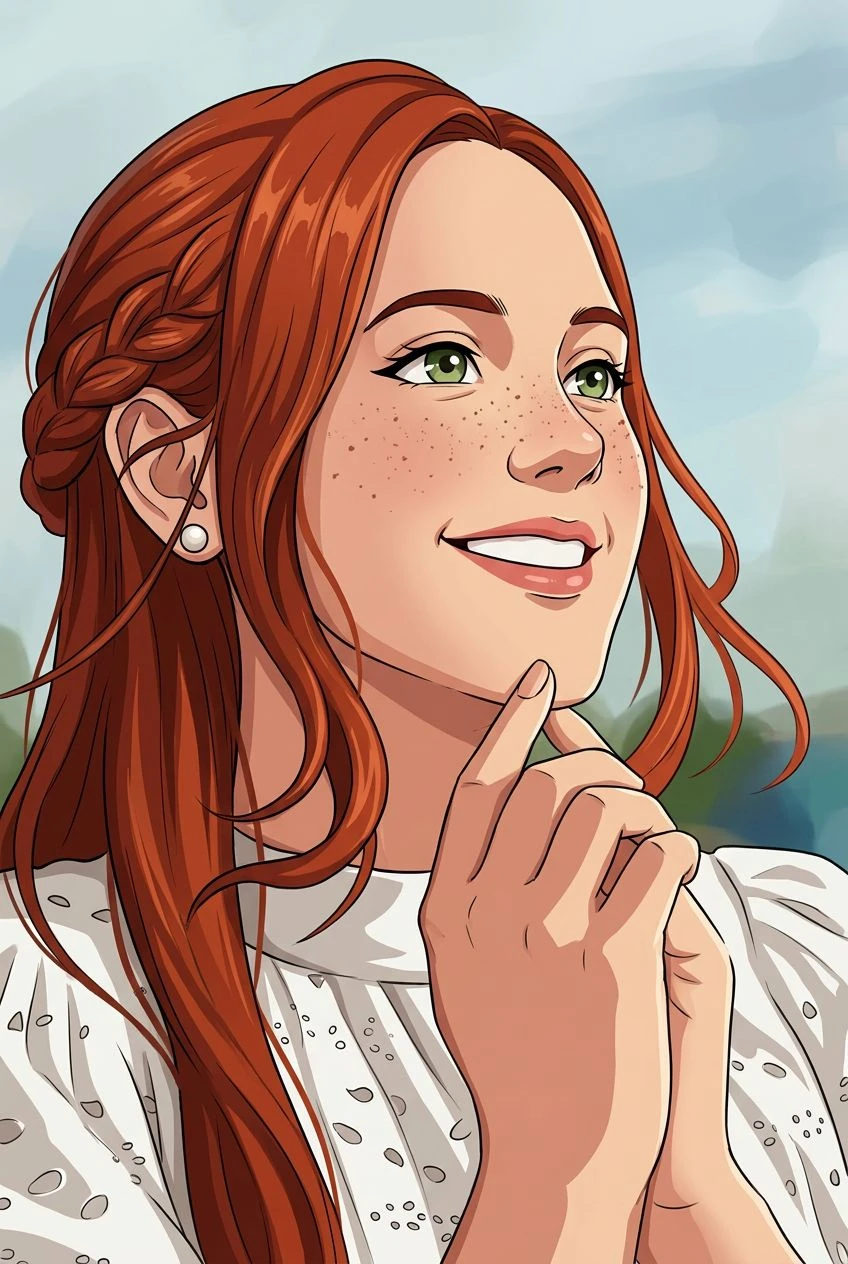
Discover the charm of hand-drawn art. Convert a favorite photograph into a graphite-style drawing with fine pencil lines, natural shading, and subtle paper texture.
Give your photo a graphite-inspired finish with contour lines, cross-hatching, and tonal variation.
A monochrome drawing can emphasize form, pose, and the character of a subject without the distraction of color.
The preset aims to reinterpret textures as pencil marks rather than simply removing color from the original image.
Try sketches of people, pets, architecture, or travel memories.
Start with a photo that clearly shows the subject you want to draw.
Choose a graphite-style transformation with hand-drawn shading.
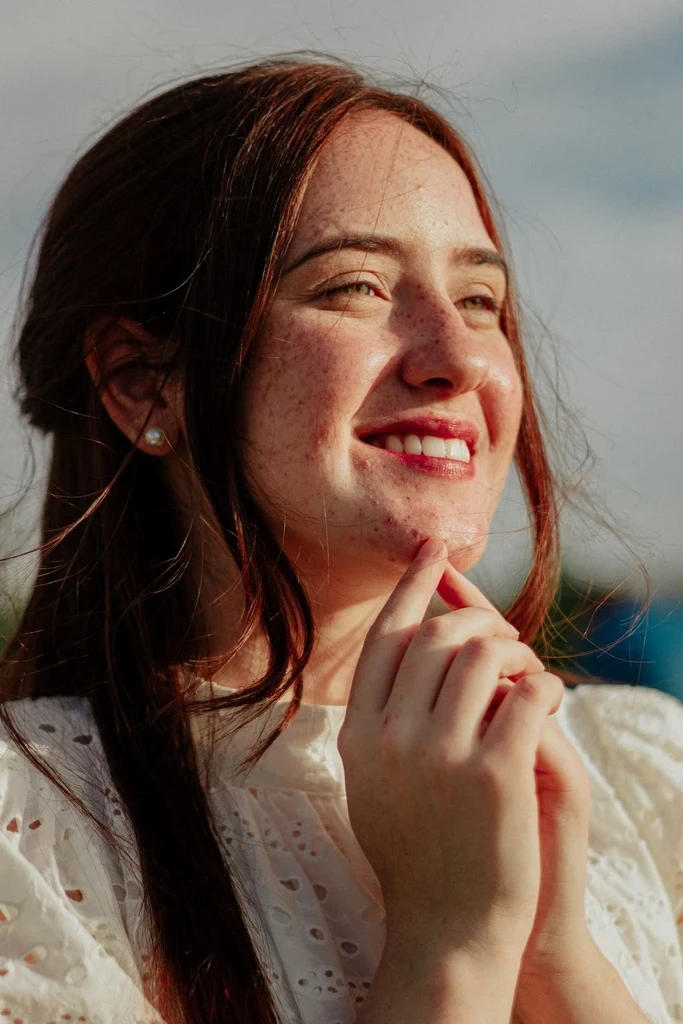
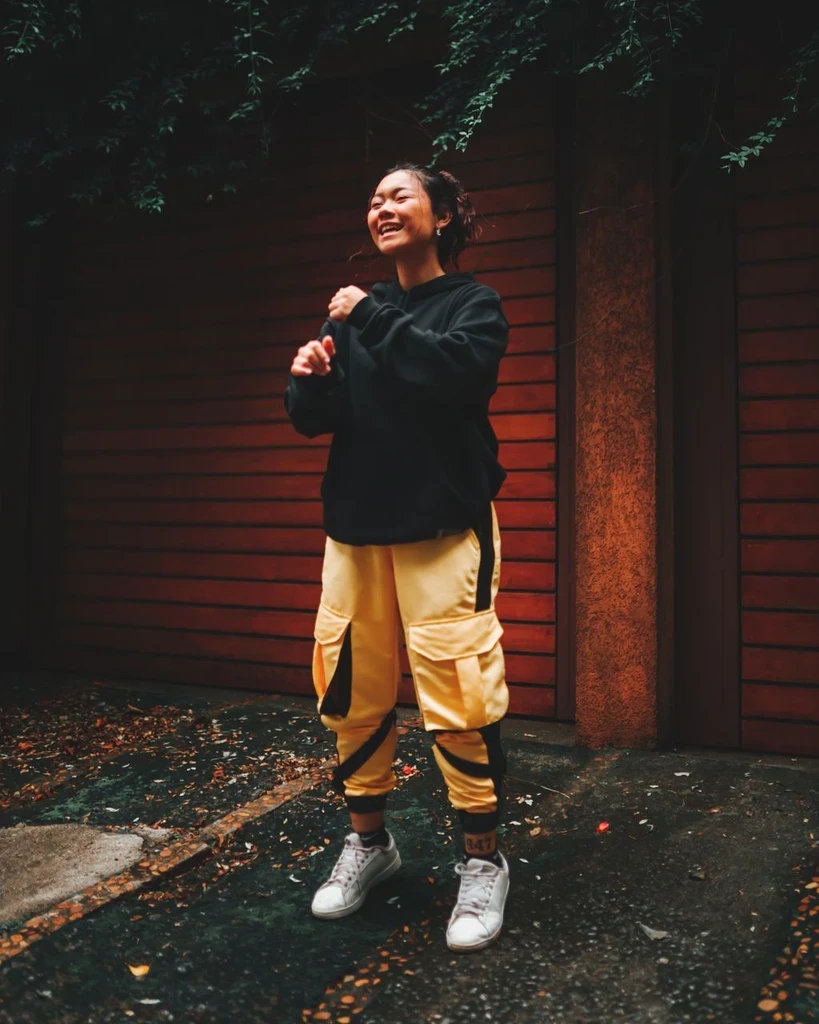
Review the sketch, compare it with the original photo, and download it.
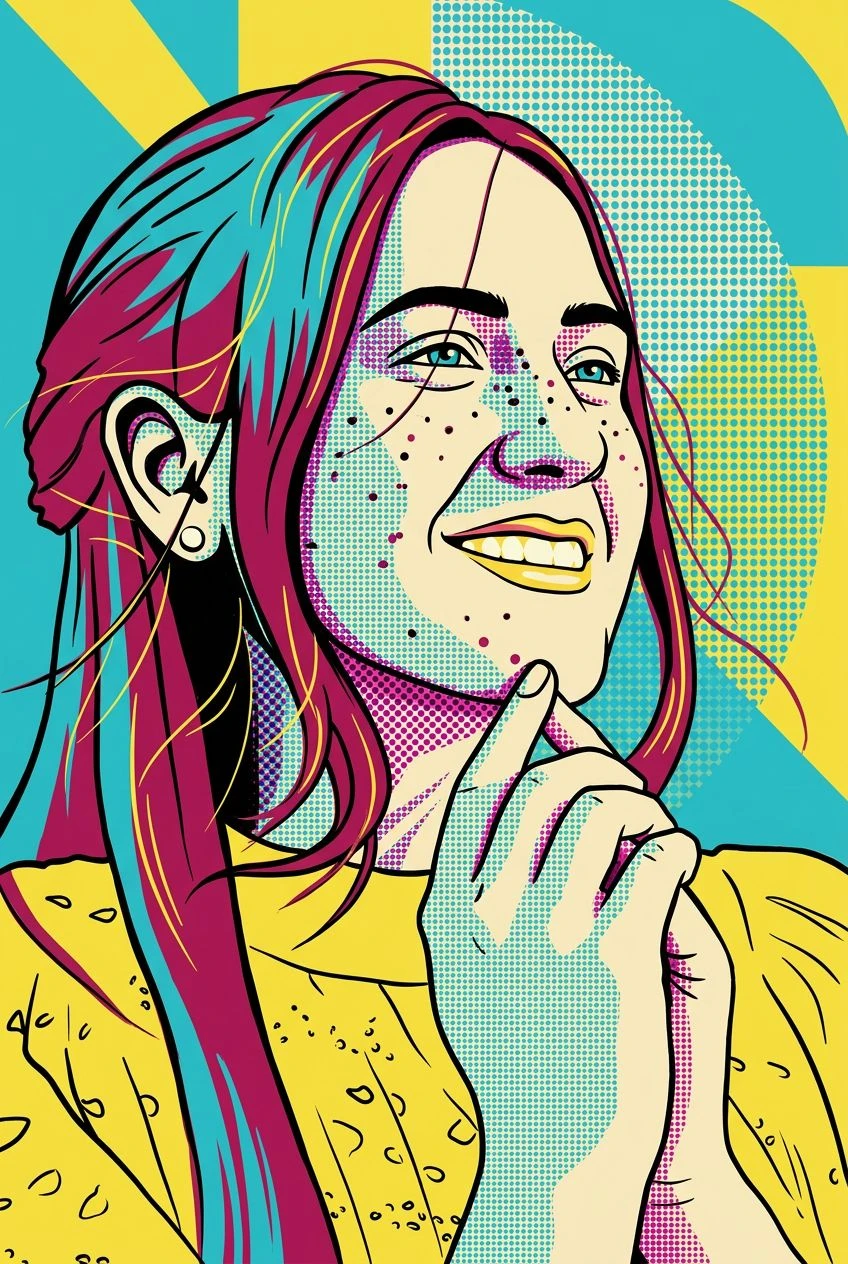
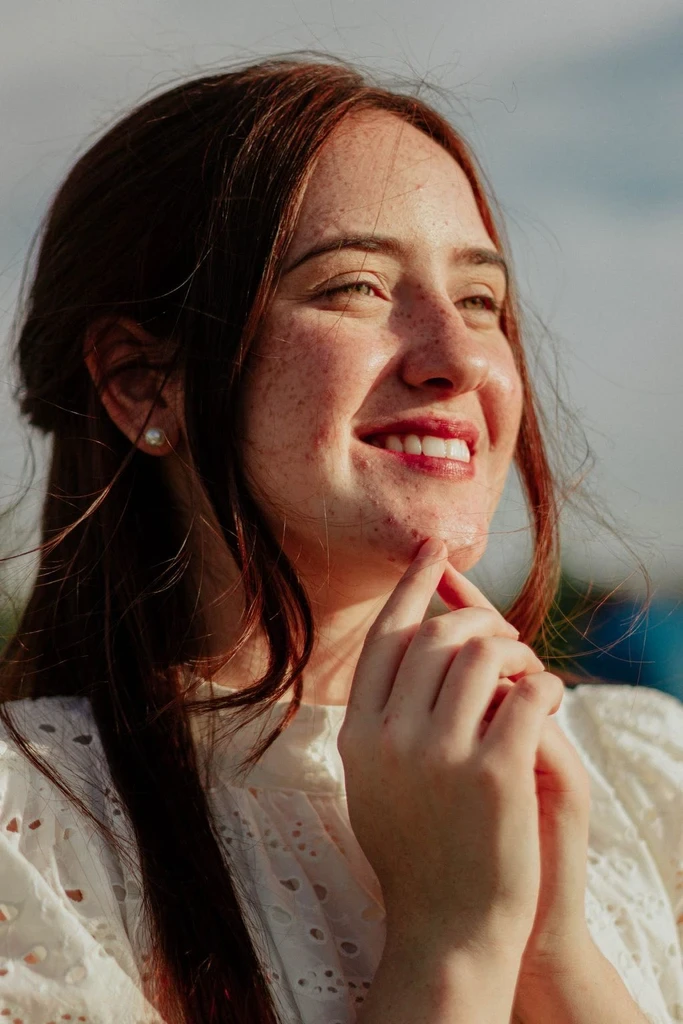
Explore the shape and expression of a familiar face in a classic drawing style.
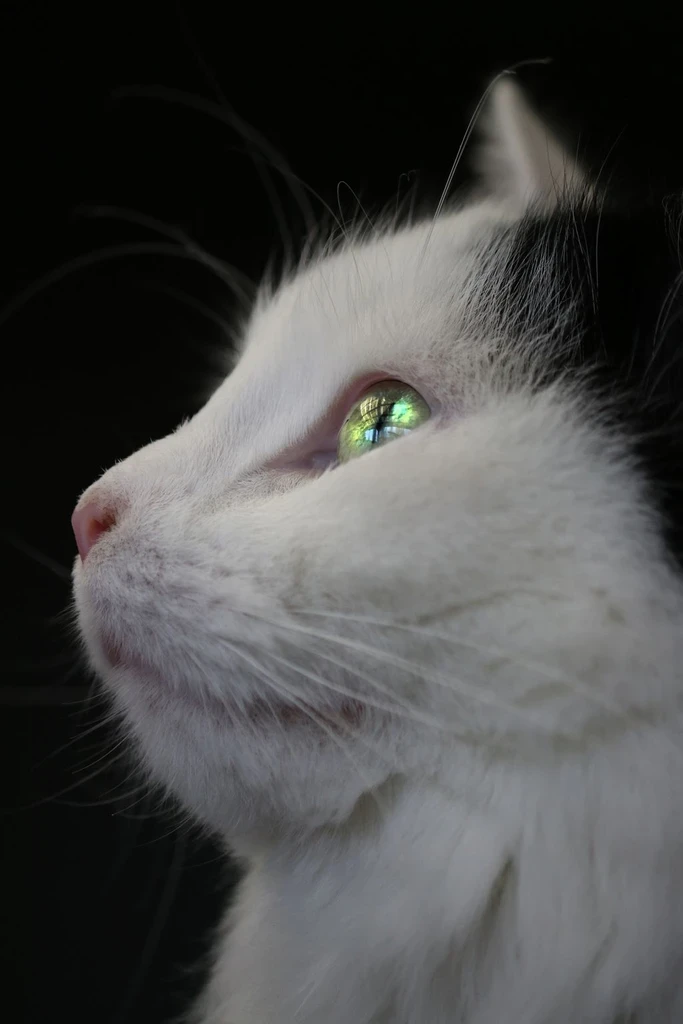
Turn your pet's photo into pencil-style art focused on outline and fur texture.
Highlight perspective, structure, and repeating lines in buildings and streets.
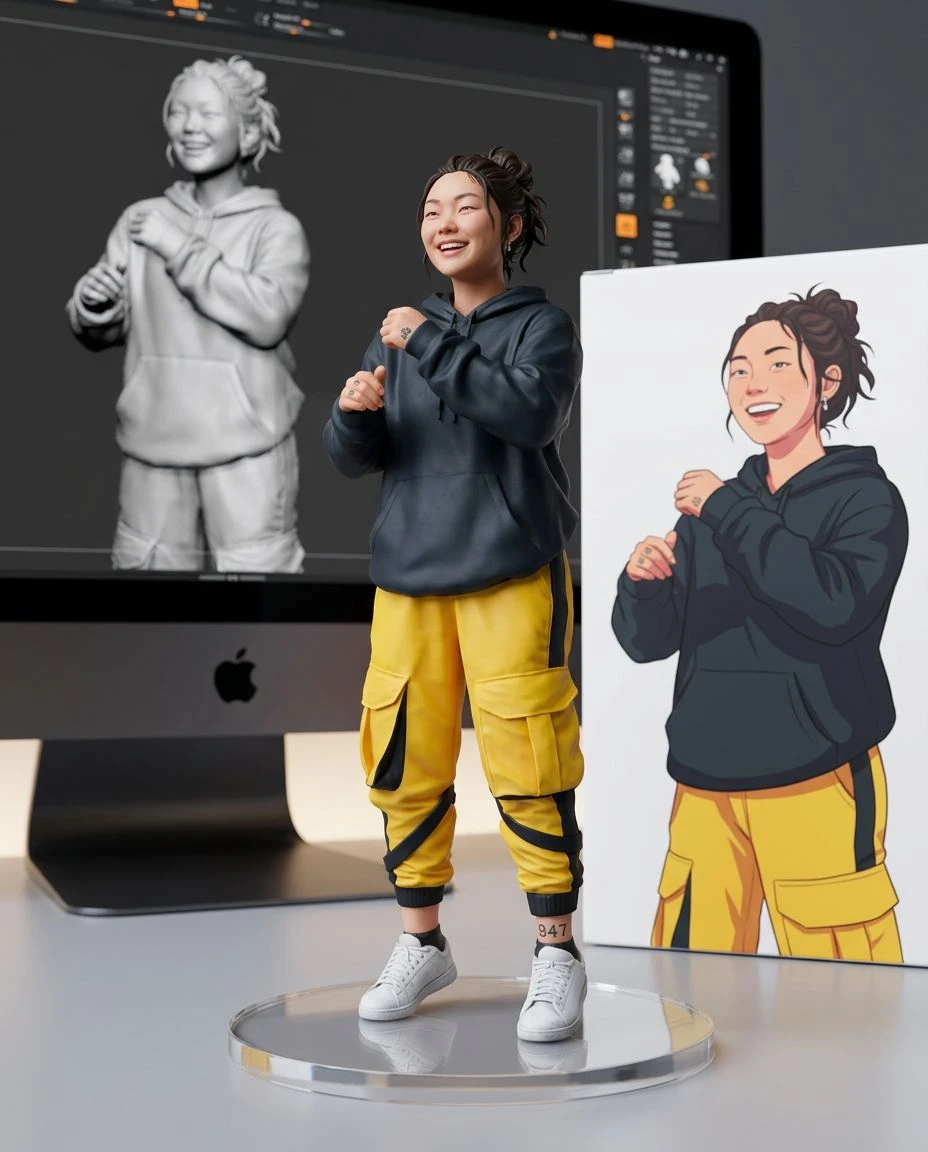
Experiment with hand-drawn-looking visuals for creative studies, mood boards, and keepsakes.
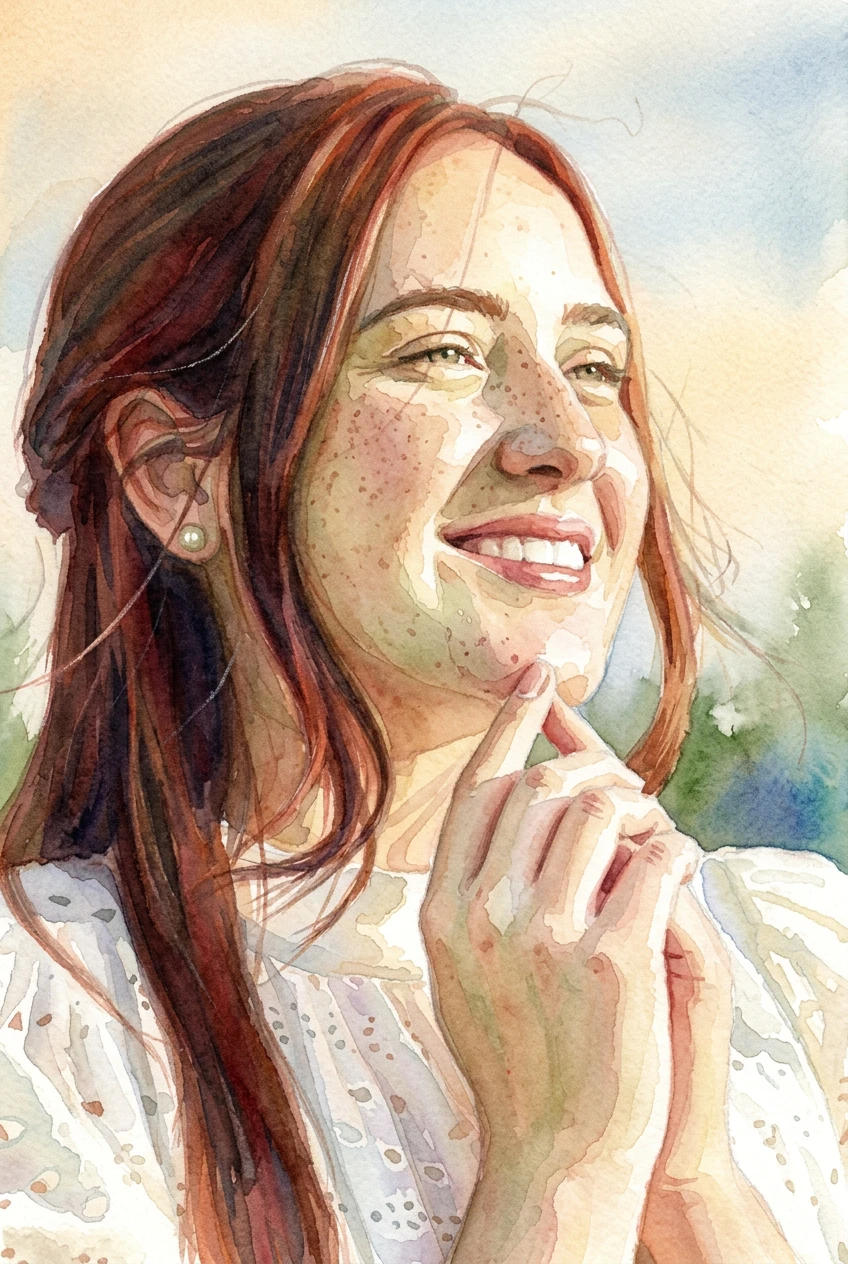
Pencil drawings use line pressure, cross-hatching, varied graphite tones, and the visible texture of paper. A convincing photo-to-sketch transformation attempts to recreate these marks, not just lower saturation or increase contrast. For a softer painted medium, try Photo to Watercolor.
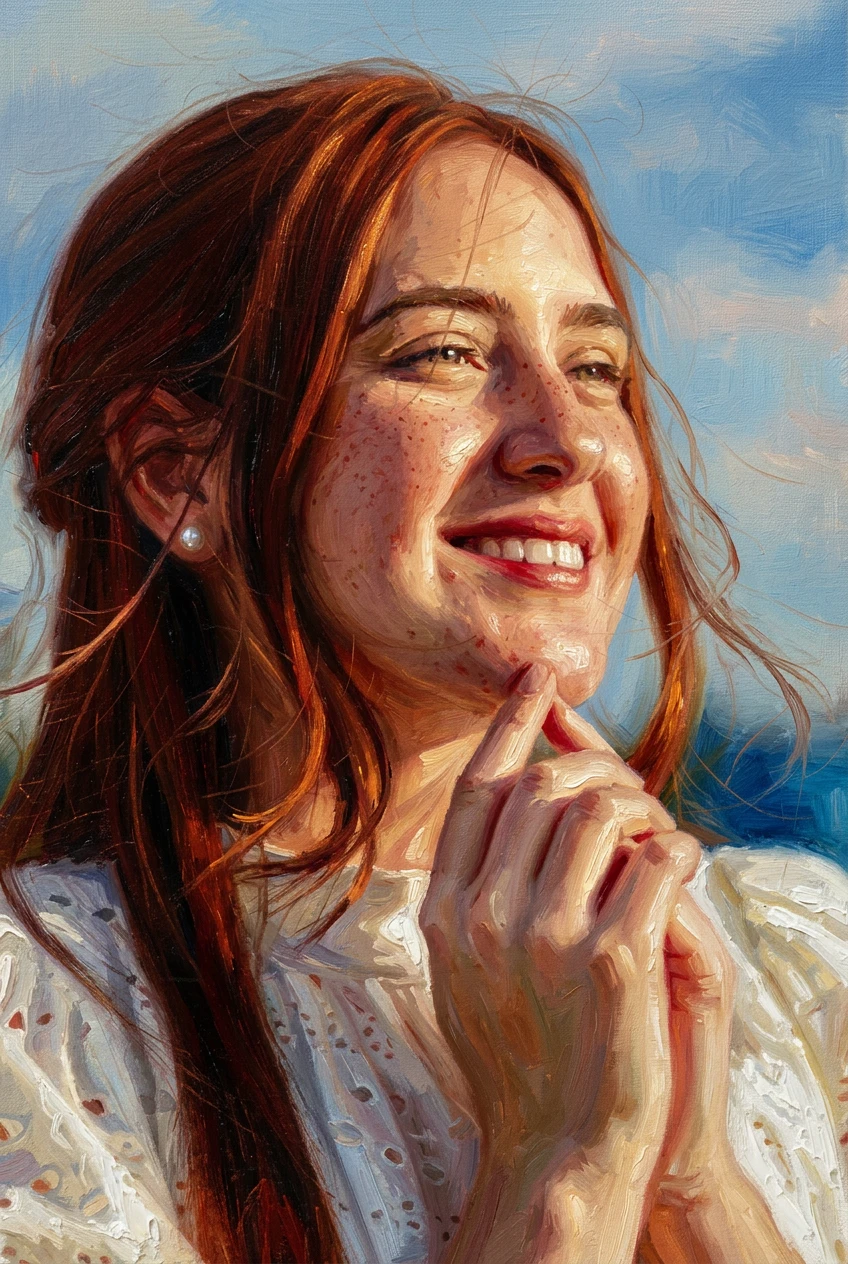
A painted wash, heavier brushwork, or the full collection.
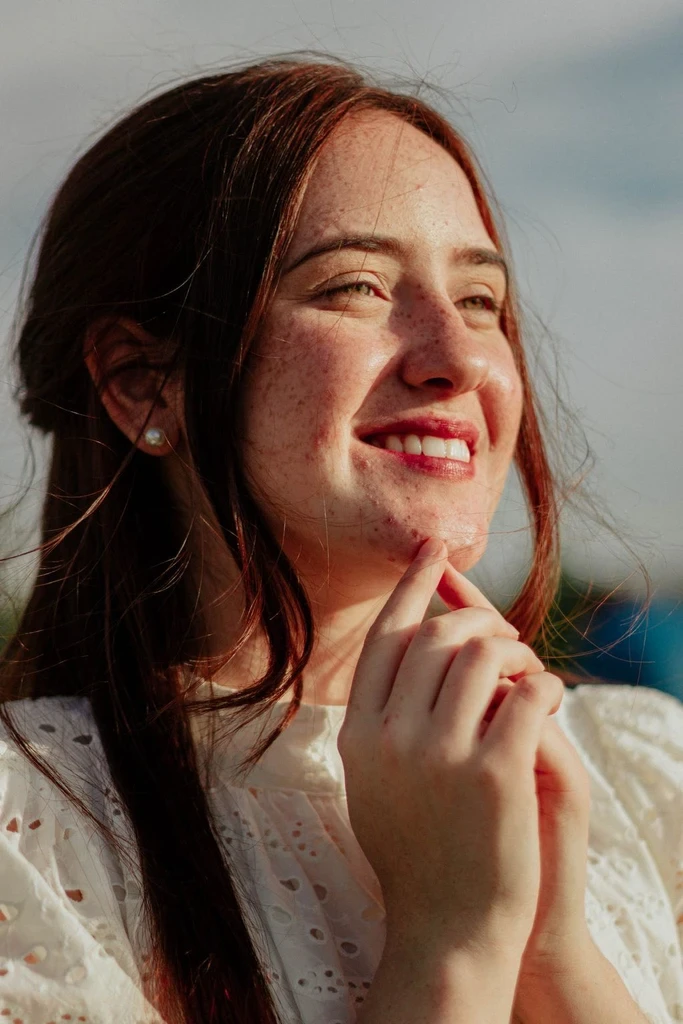
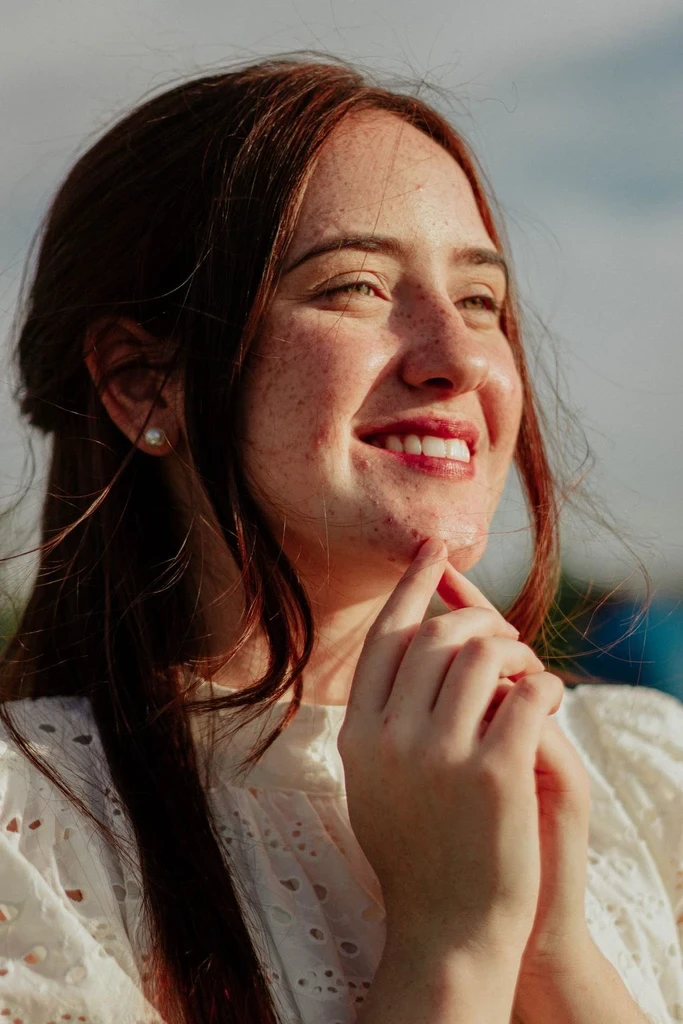
 Before
 Before
 Before
Start with one image and explore its hand-drawn side.