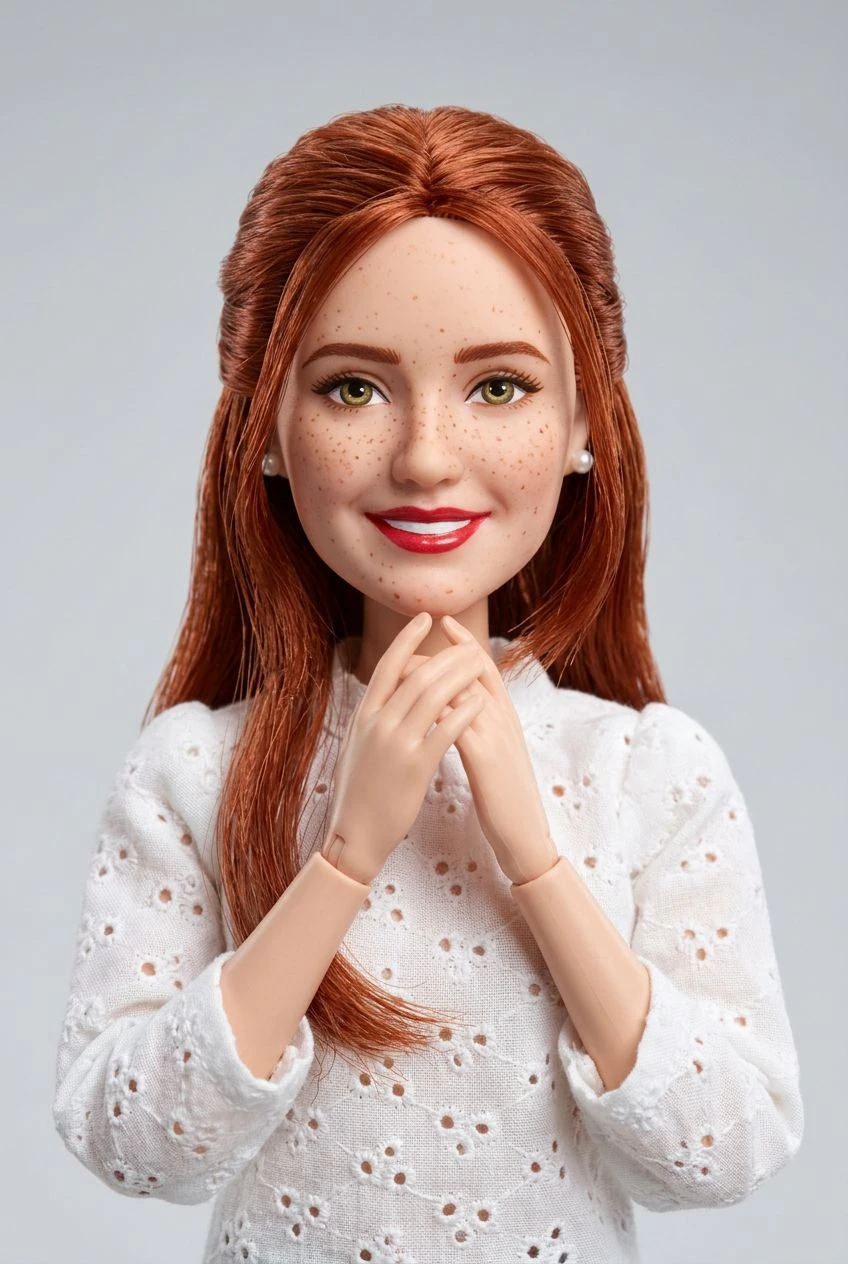
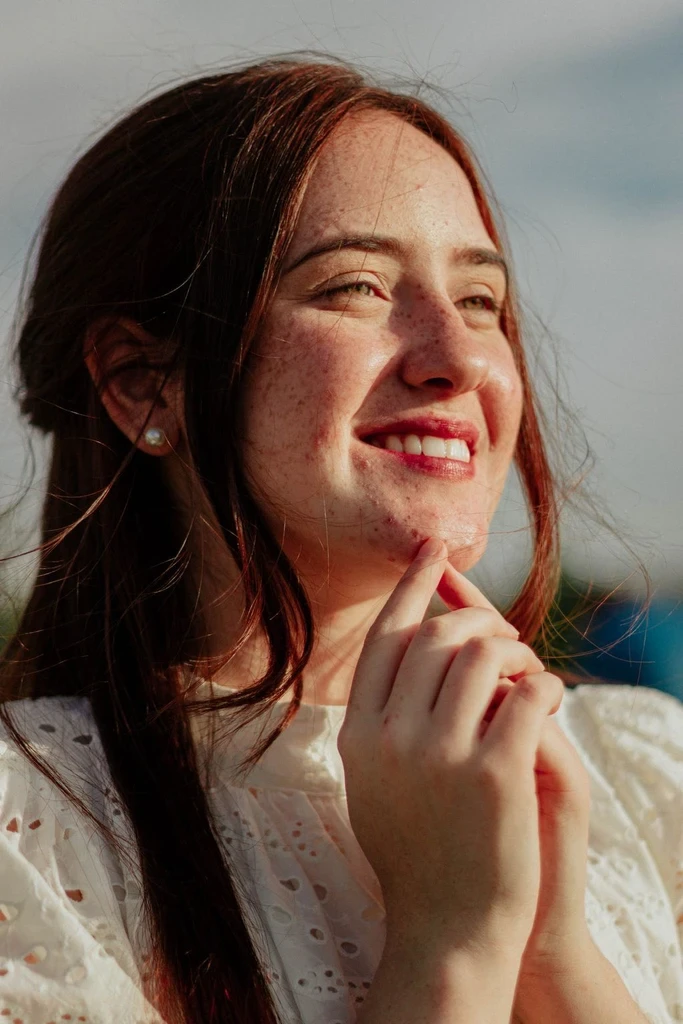
Sculpted, Tangible Surfaces
Create the appearance of matte clay materials and slightly imperfect handmade finishes.
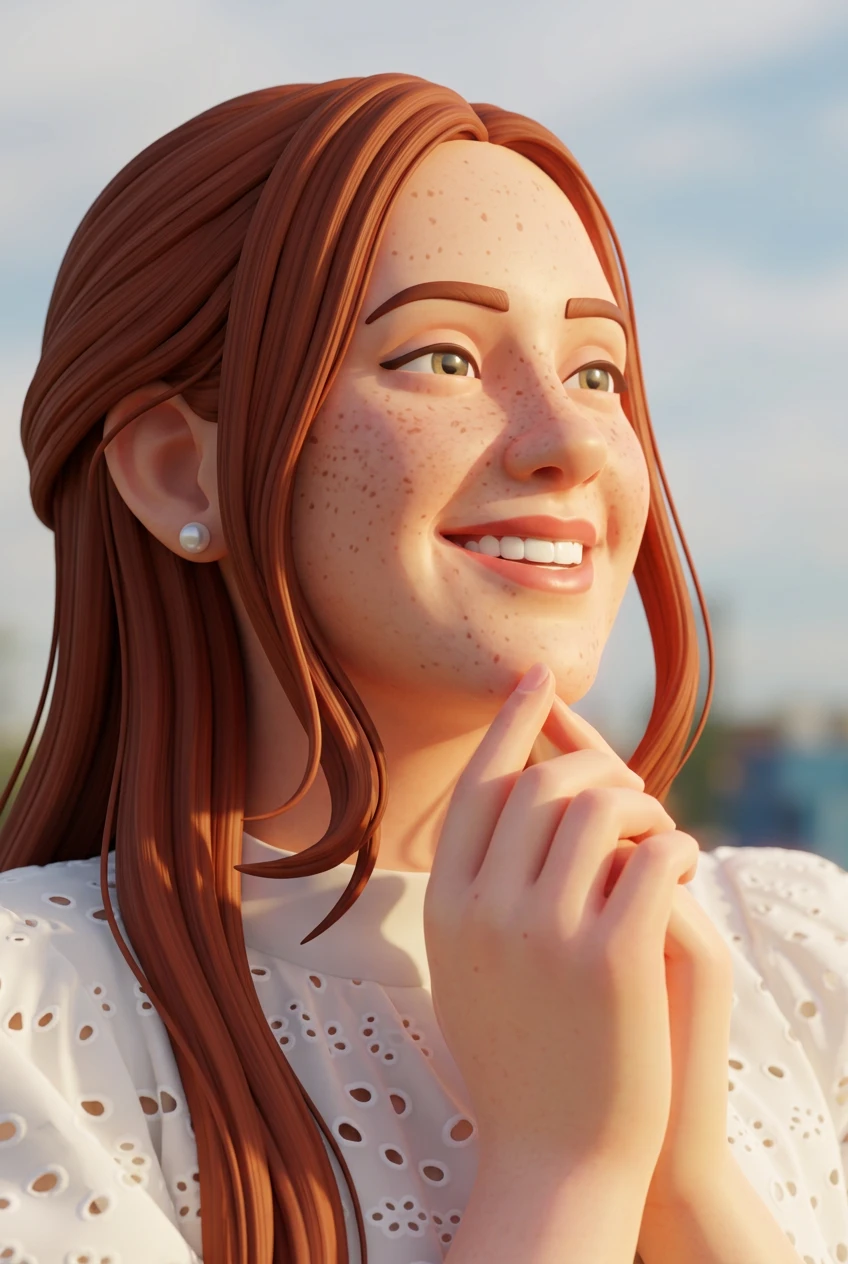
AI clay art effect
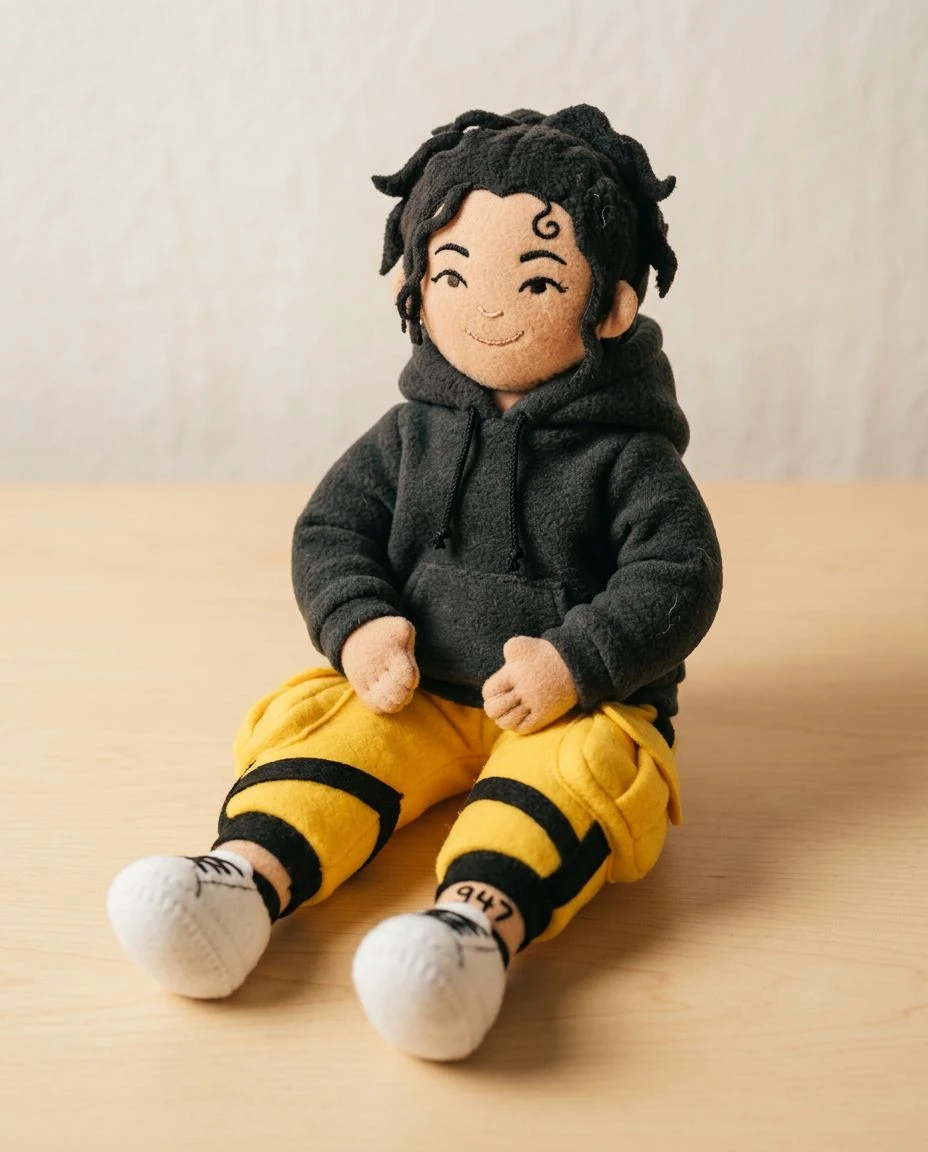
See familiar people, pets, and objects as if they were lovingly sculpted from clay. Upload a photo and turn it into a playful scene with rounded shapes and tactile handmade detail.
Create the appearance of matte clay materials and slightly imperfect handmade finishes.
Restyle faces, pets, and objects with softened contours and sculptural depth. The output is a picture of that clay look, not an editable 3D model.
Shift the rendering toward tactile material and miniature-scene lighting.
Keep important pose and silhouette cues as the source of the clay interpretation.
Choose a clear portrait, pet, or simple object.
Clay Art is already selected. It rebuilds the subject as matte, sculpted clay in a picture. Set strength to Subtle, Balanced, or Strong.
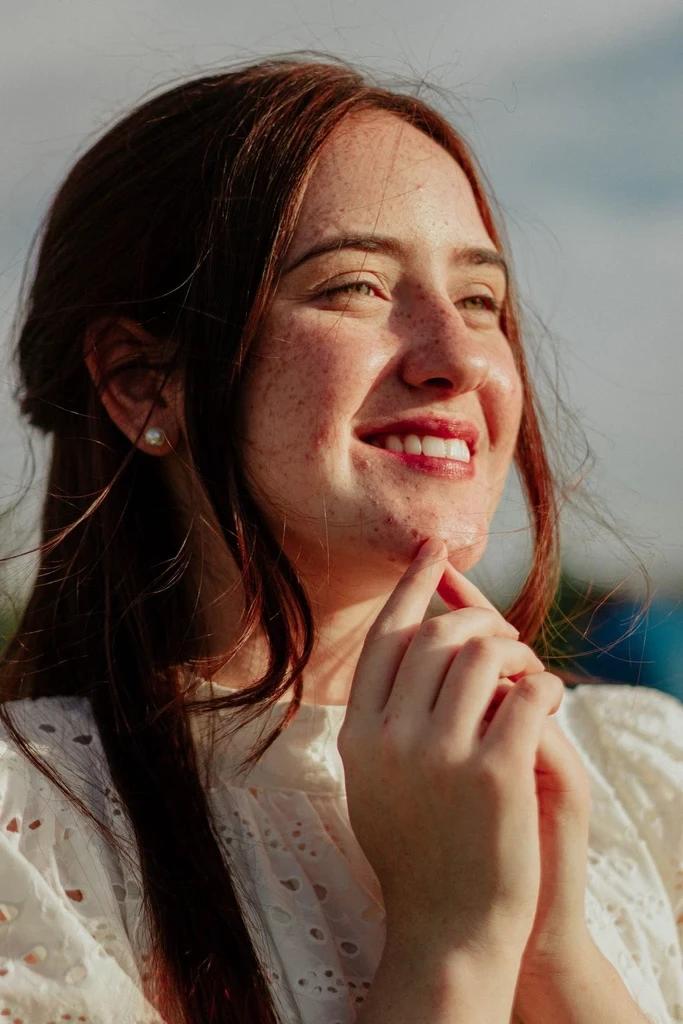
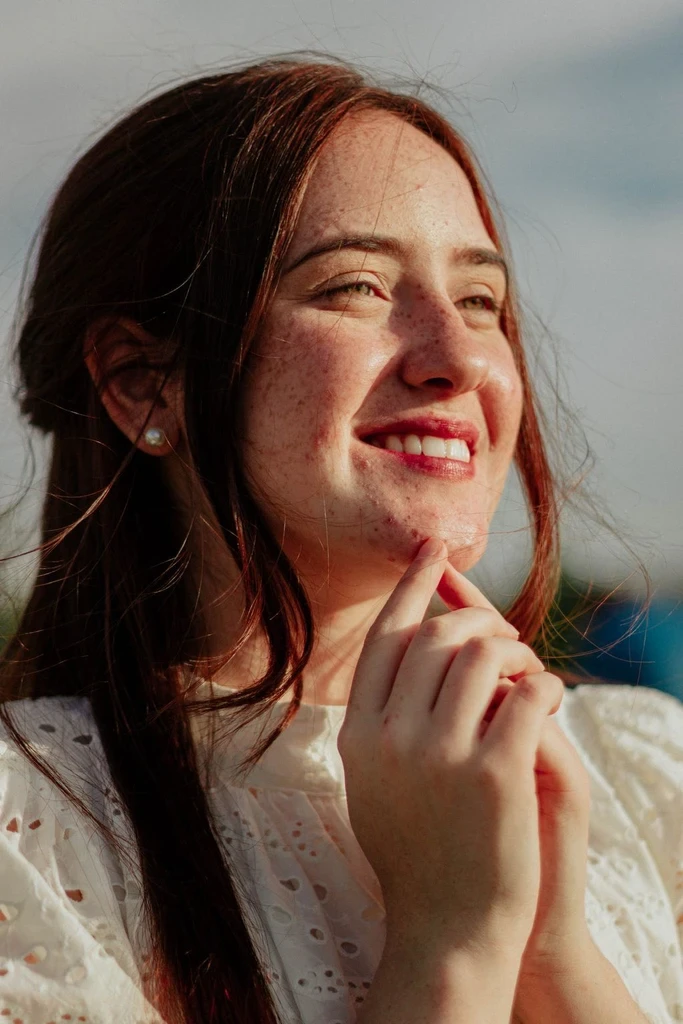
Preview the clay interpretation, compare it with your photo, and download the image.
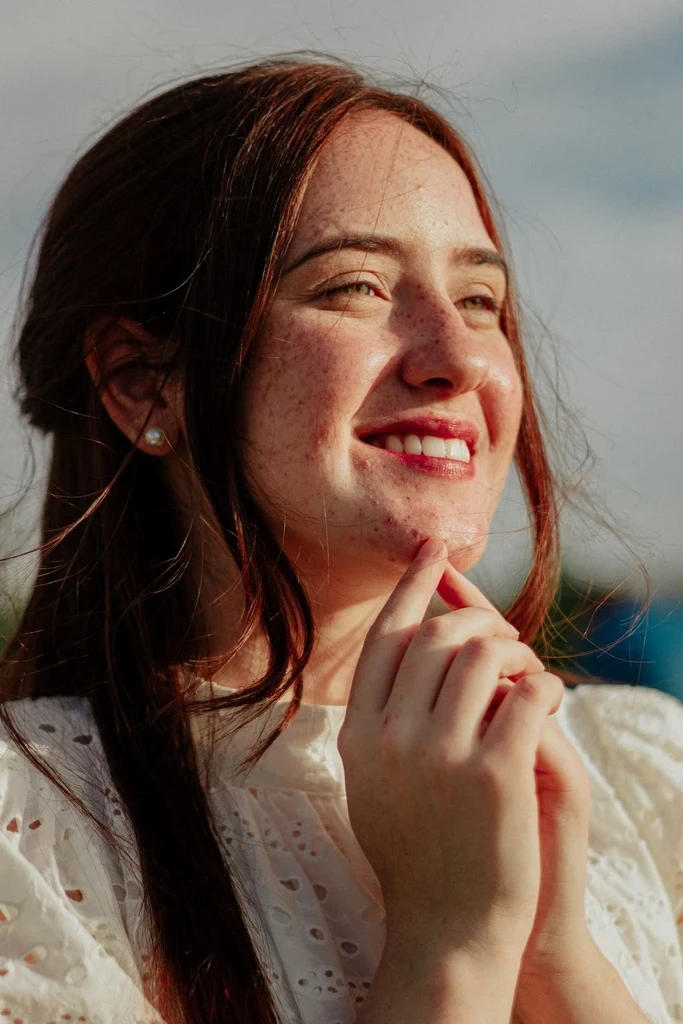
Create a playful sculpted interpretation of a profile photo.
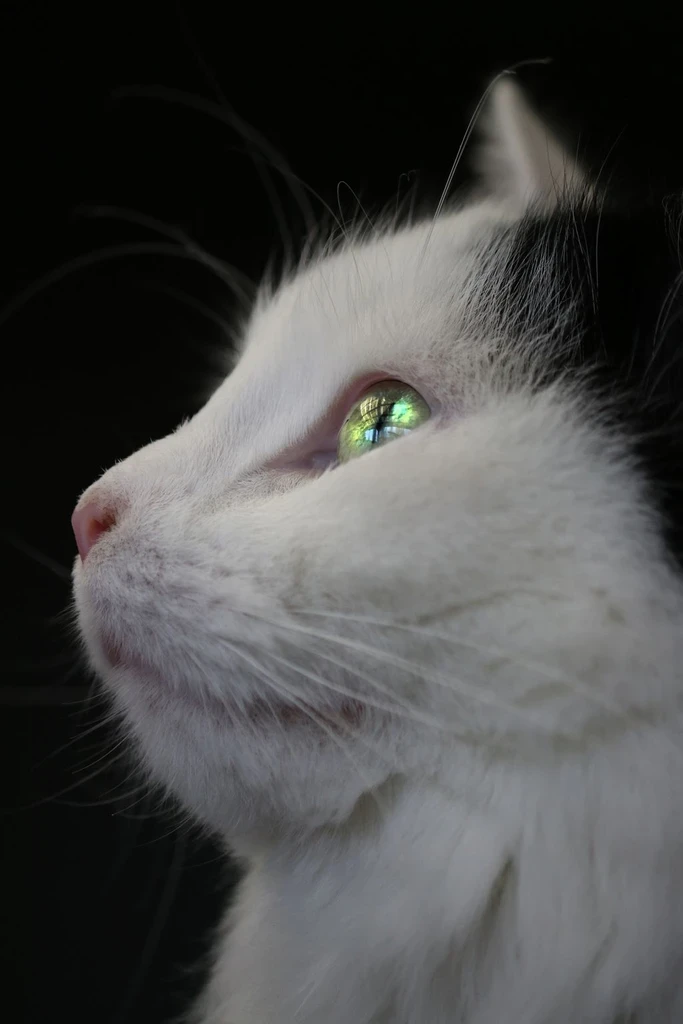
Imagine your pet as a tiny handmade clay character.
Explore clay-style pictures of simple objects and personal projects.
Turn a favorite moment into art with a handmade miniature feel.
Both styles use dimensional forms, and both results are pictures rather than editable 3D files. Clay Art leans into visible material texture and hand-built imperfections, while 3D Cartoon focuses on smooth polished animated rendering.
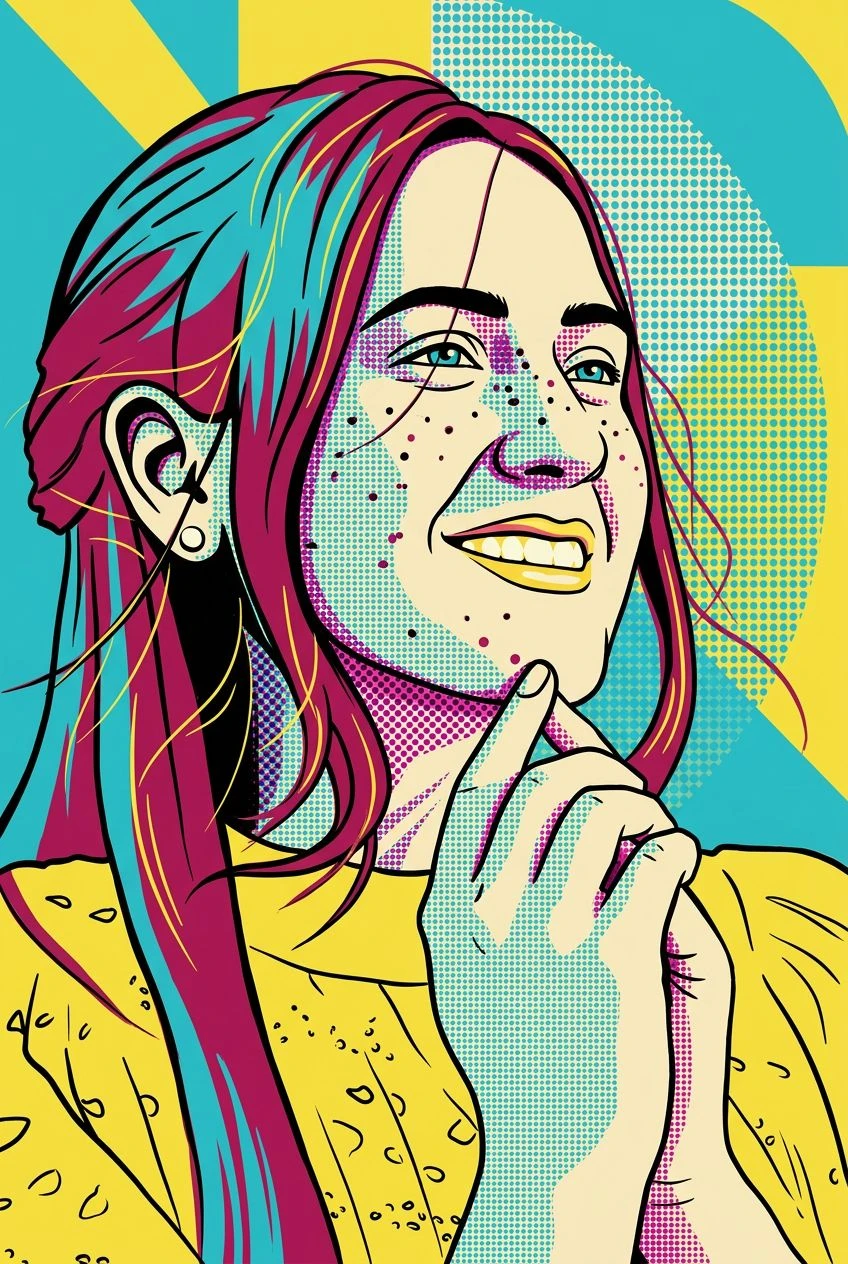
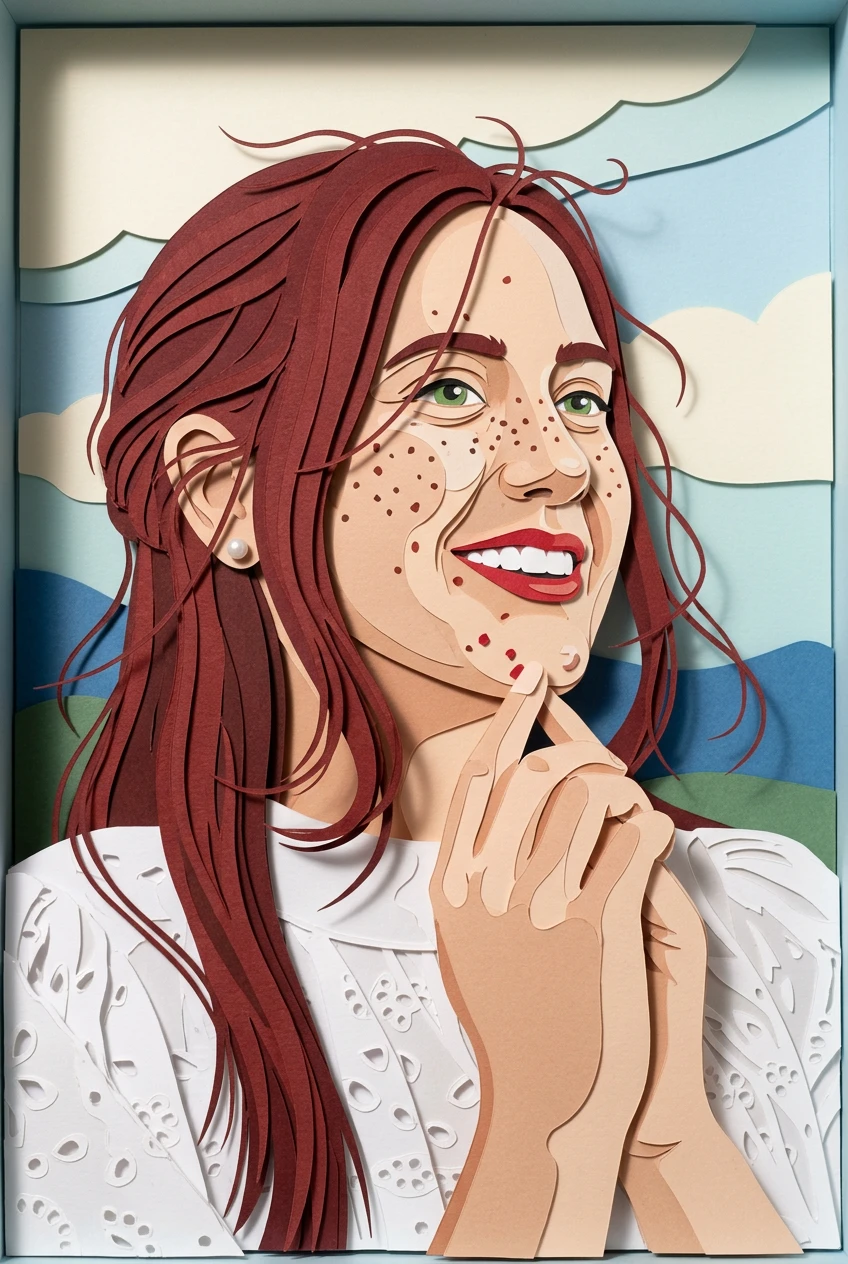
A smoother cartoon, layered paper, or a storybook painting.
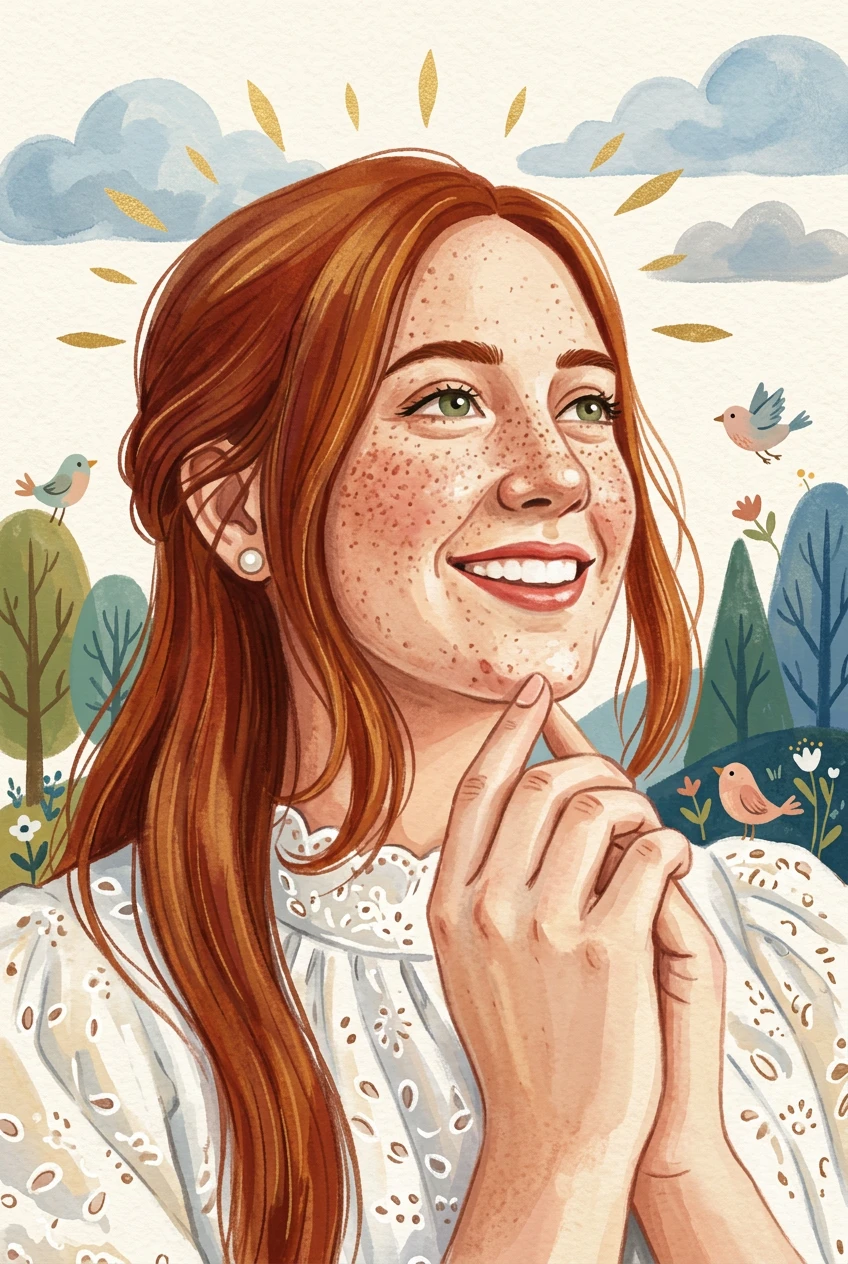
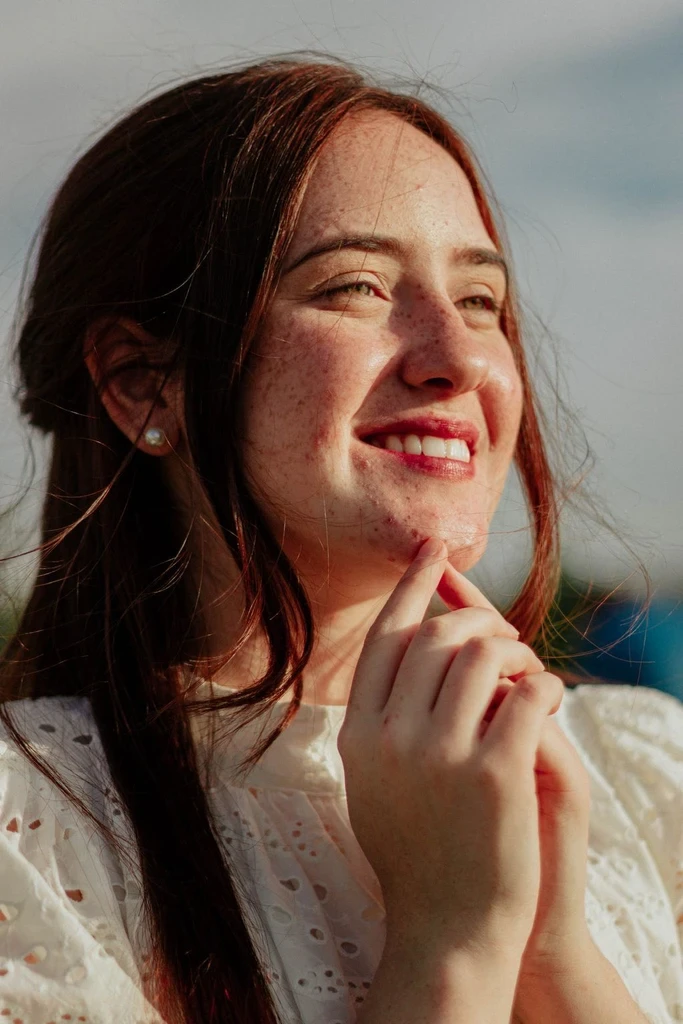
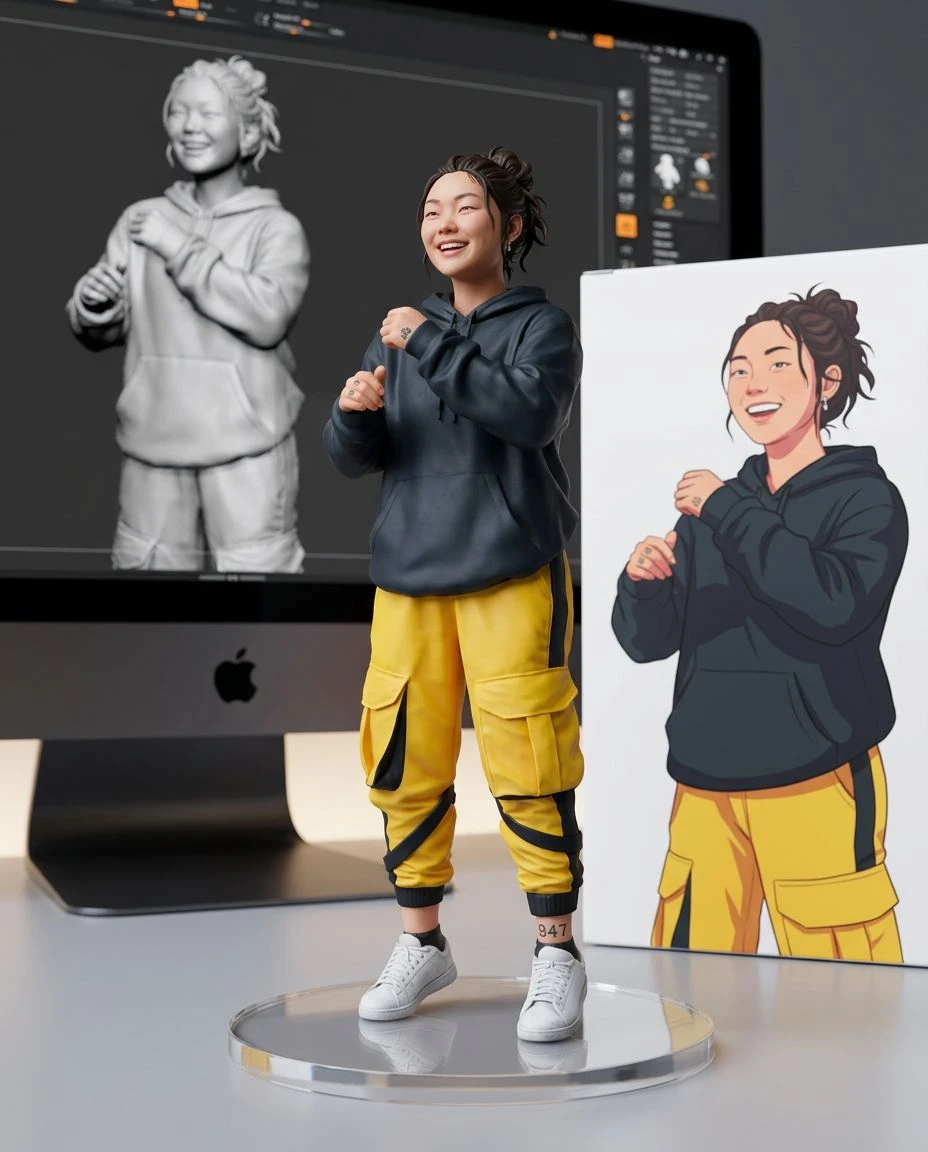
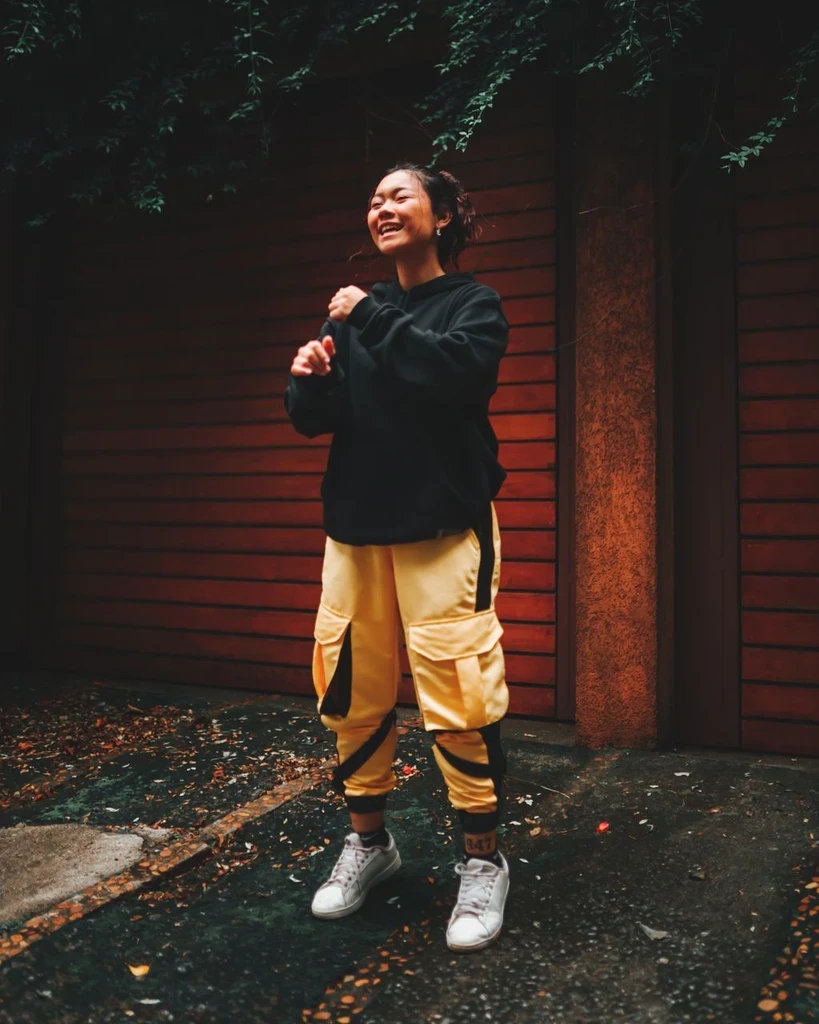 Before
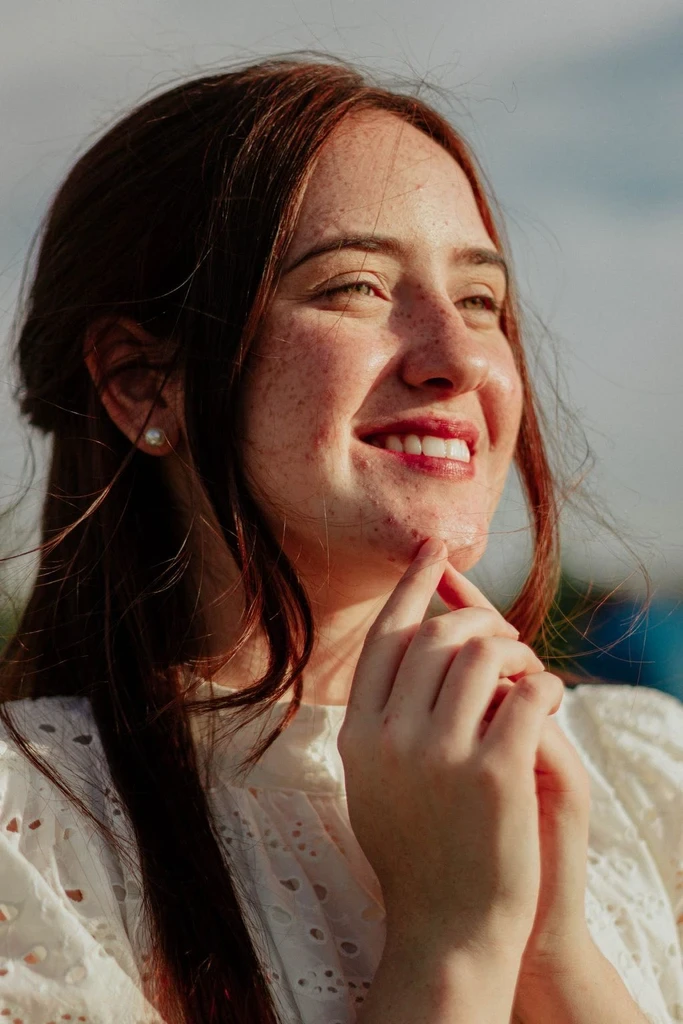
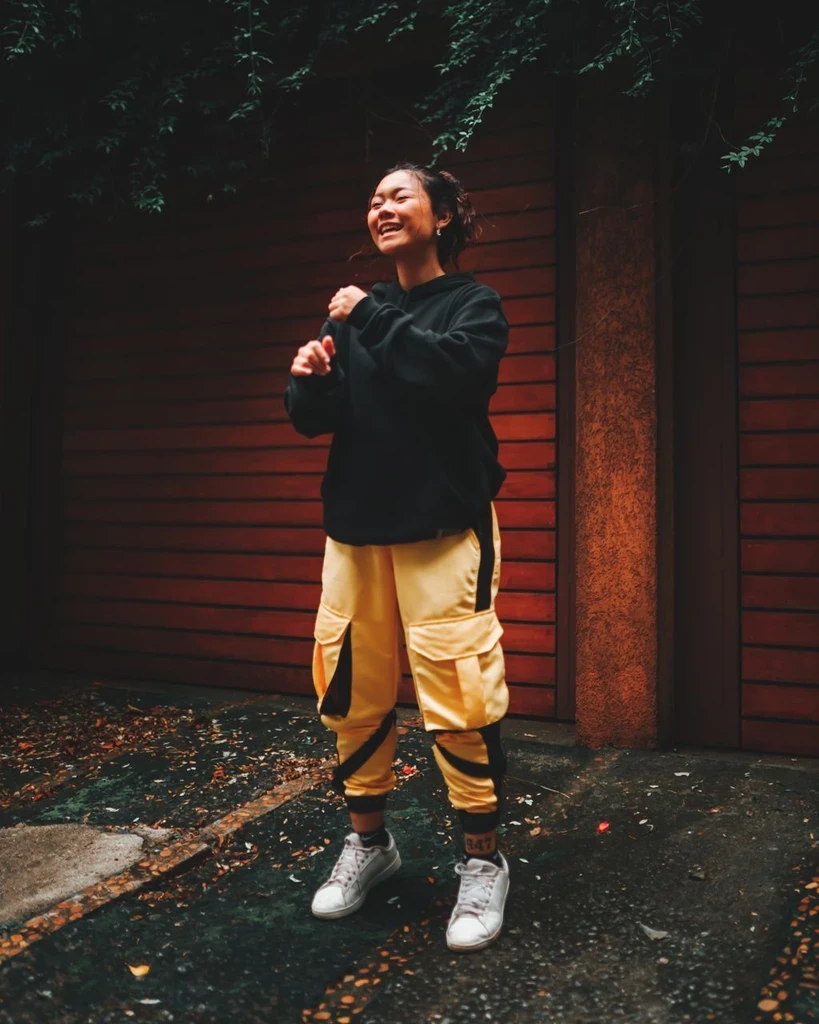 Before
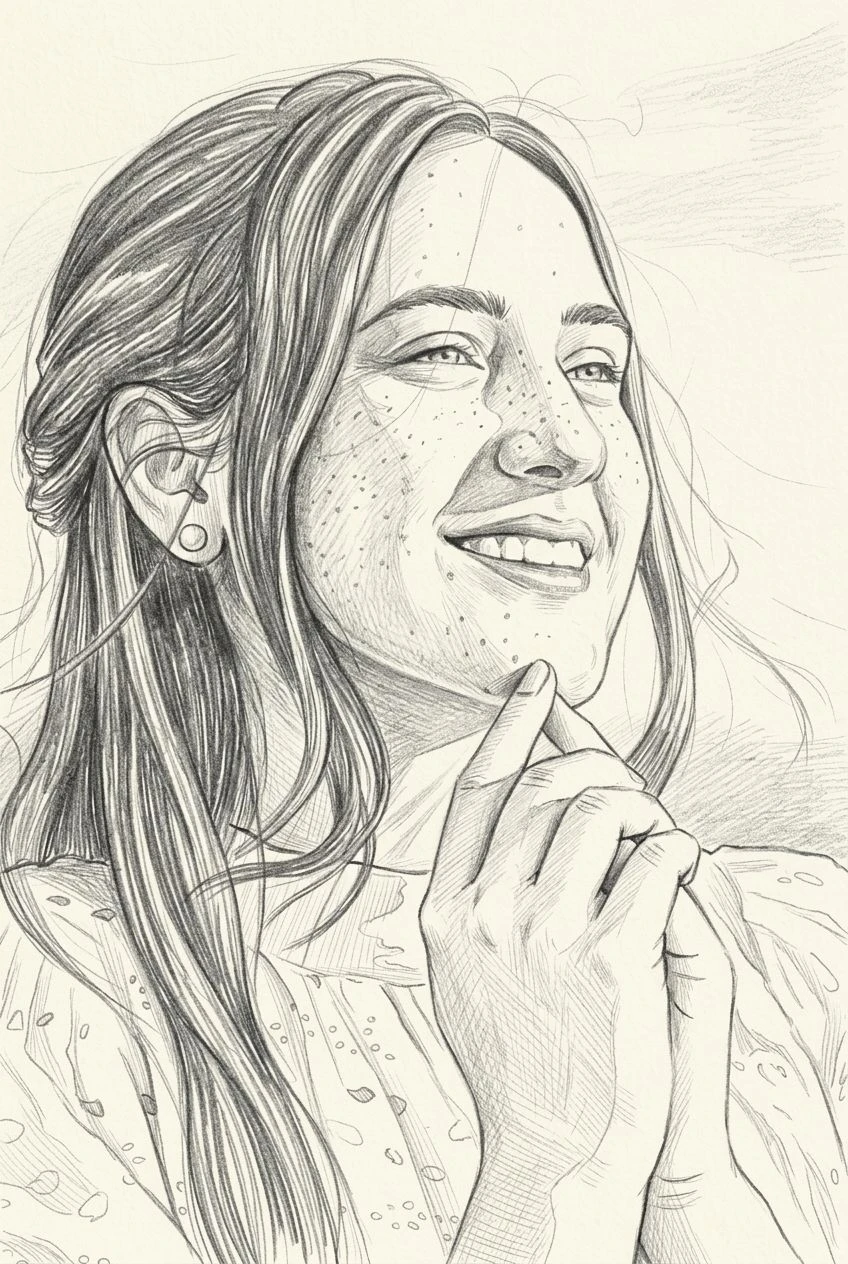
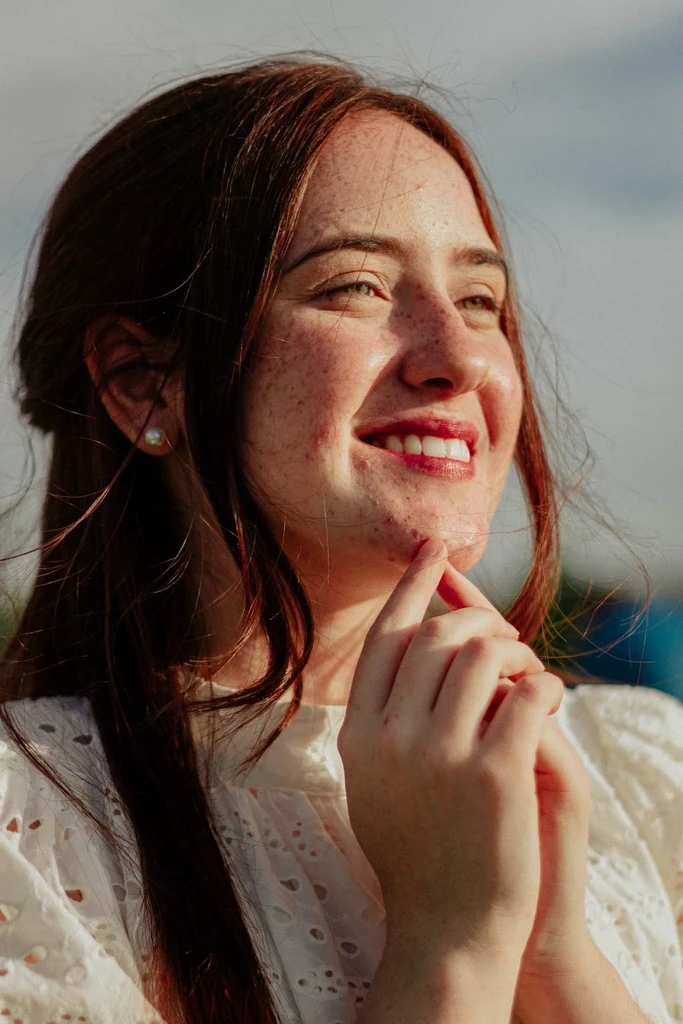
Upload a photo and see it as matte, handmade clay. The result is an image, not a 3D file.