Concept and pitch videos
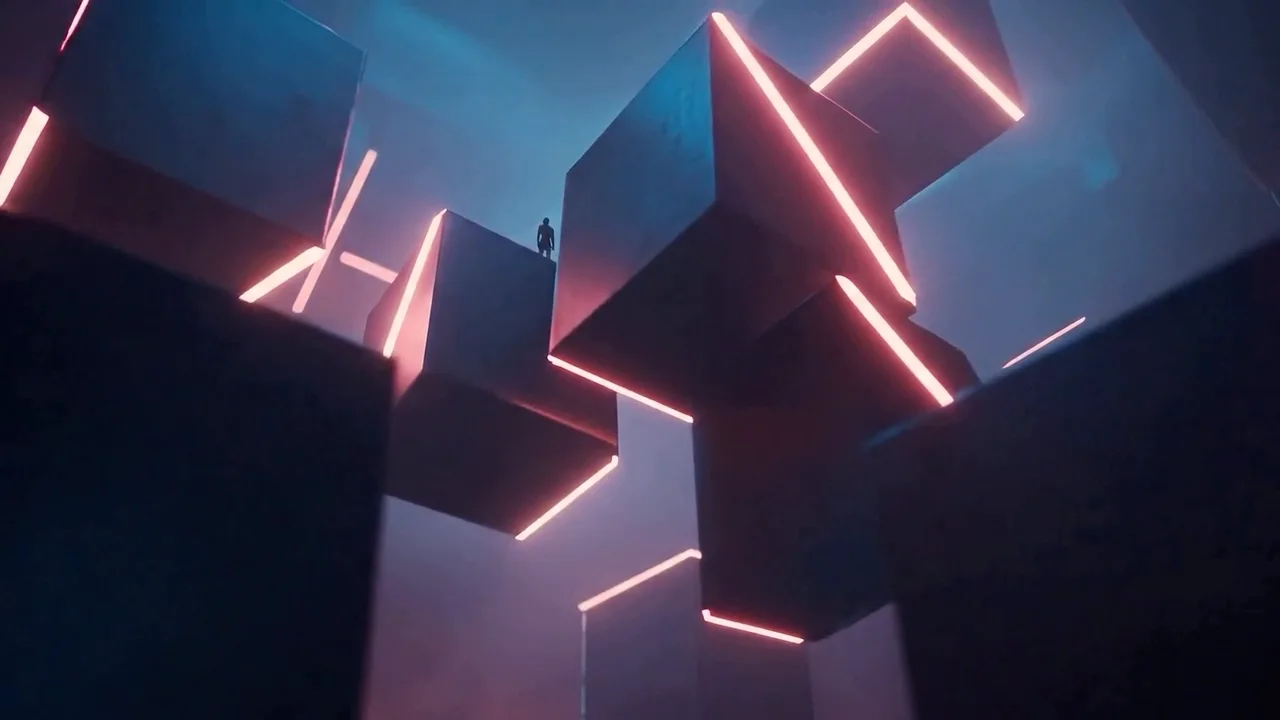
Turn a written idea into a moving scene to share direction before production.
Black Forest Labs video model
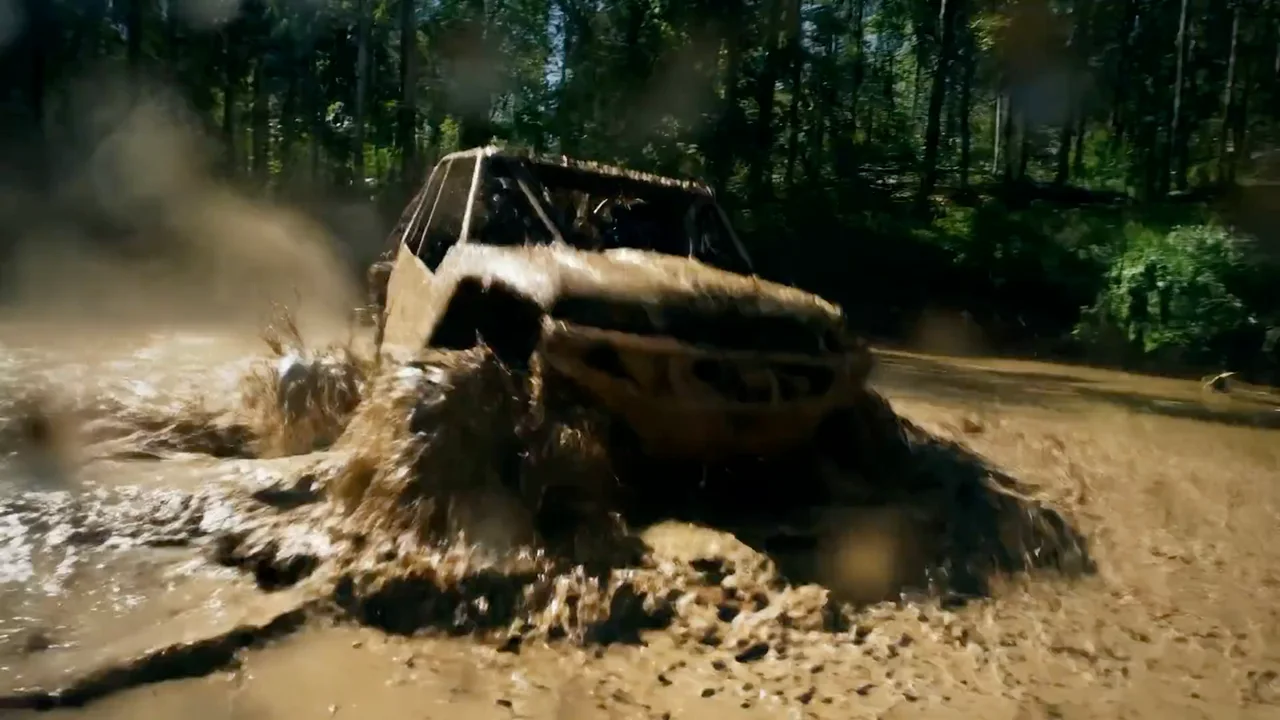
NewTurn a prompt, a starting image, or a sequence of keyframes into 5–20 second video at 720p or 1080p, with optional generated audio.
Turn a written idea into a moving scene to share direction before production.
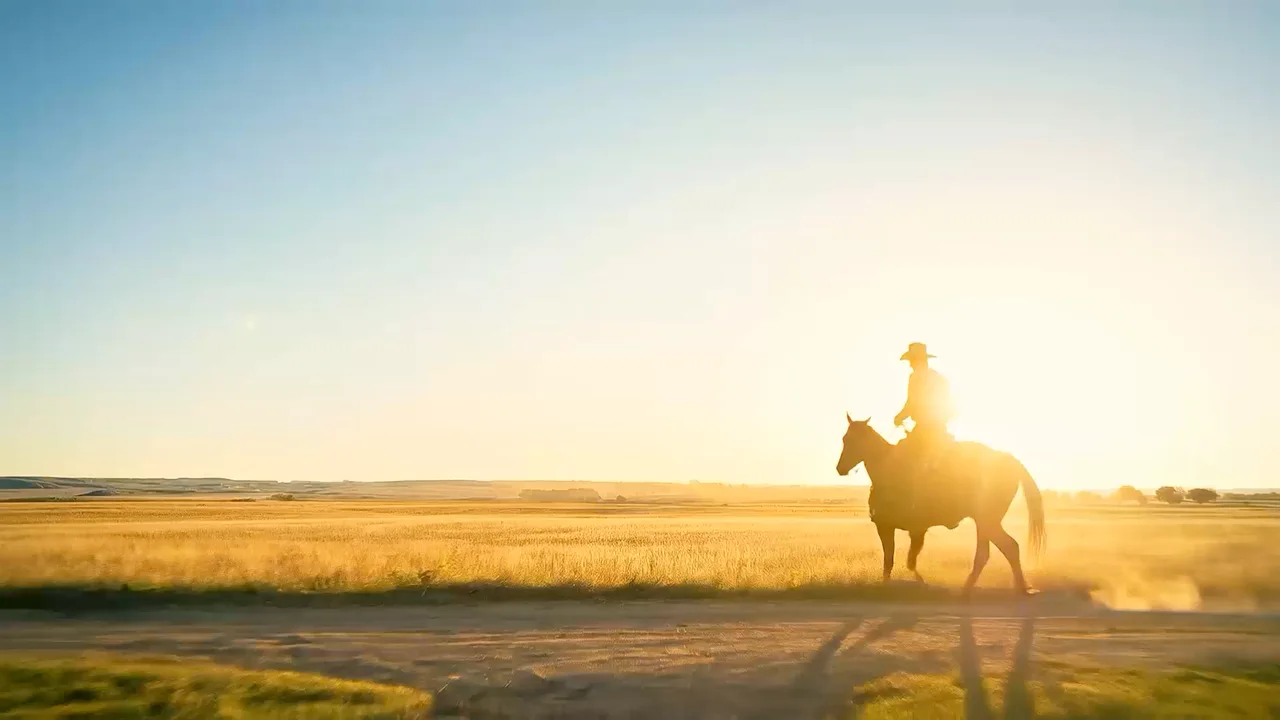
Bring an approved still to life while keeping its composition as the opening frame.
Arrange keyframes so a scene moves through set moments, from the first frame to the last.
Write a prompt for text-to-video, animate a starting image with an optional ending frame, or place up to 10 keyframe images along the timeline.
Choose any duration from 5 to 20 seconds, pick 720p or 1080p, and frame the shot from 21:9 widescreen to 9:16 vertical.
Keep audio on to generate sound with the clip, or turn it off when you plan to add music and voice in editing.
Choose Flux 3 Video or Flux 3 Max by input workflow and generation controls.
| Feature | Flux 3 MaxCurrent | |
|---|---|---|
| Input workflows | Text, start/end frames, or up to 10 keyframes | Text, storyboard images, or video extension |
| Clip duration | 5–20 seconds | 5–20 seconds |
| Resolution | 720p / 1080p | 720p / 1080p |
| Generation controls | Reasoning level, optional audio, and seed | Draft preview and safety tolerance |
Name the subject's action, the camera movement, and how the shot should end.
Keyframes are spread evenly across the clip, so upload them in the order they should appear.
Test timing and composition with shorter 720p clips, then render the final version at 1080p.

Explore other models, or browse the full catalog.