
Expand the canvas
Add new space in the direction you need without rebuilding the image from scratch.
Extend an image beyond its frame with matching scene detail.
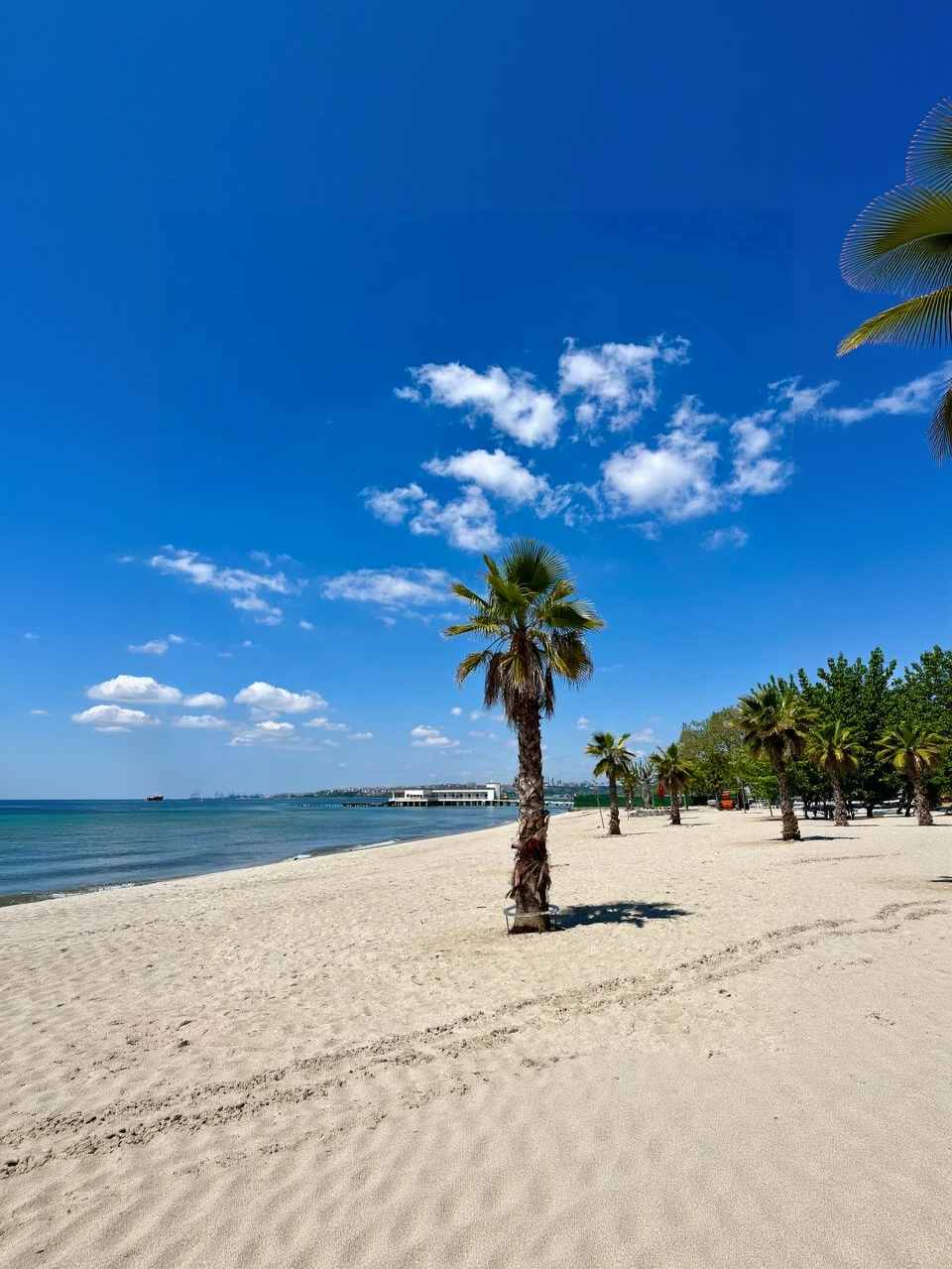
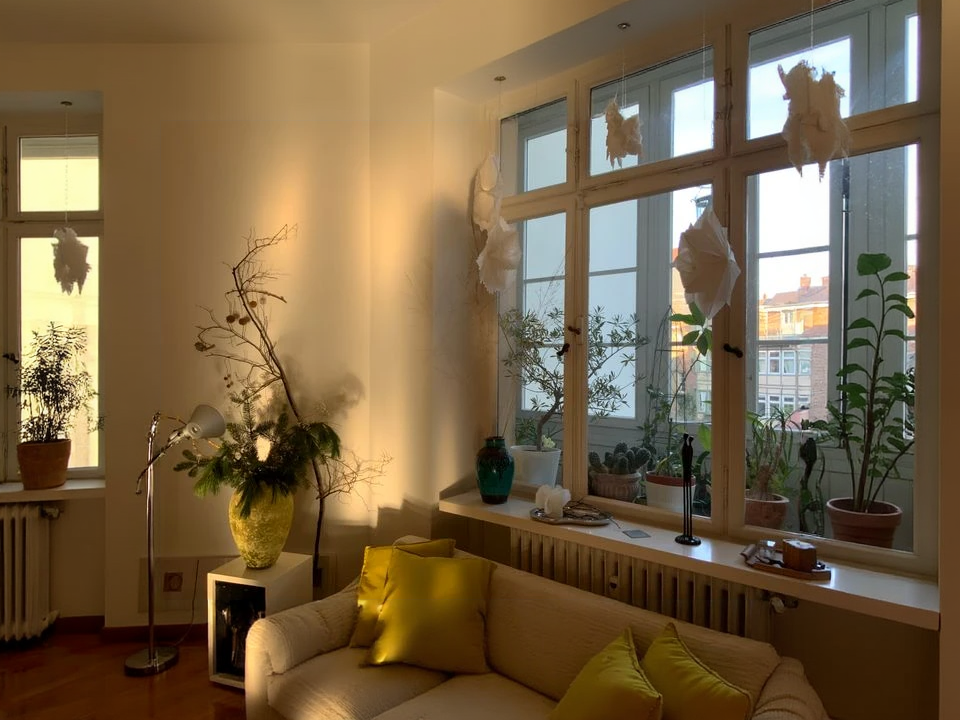
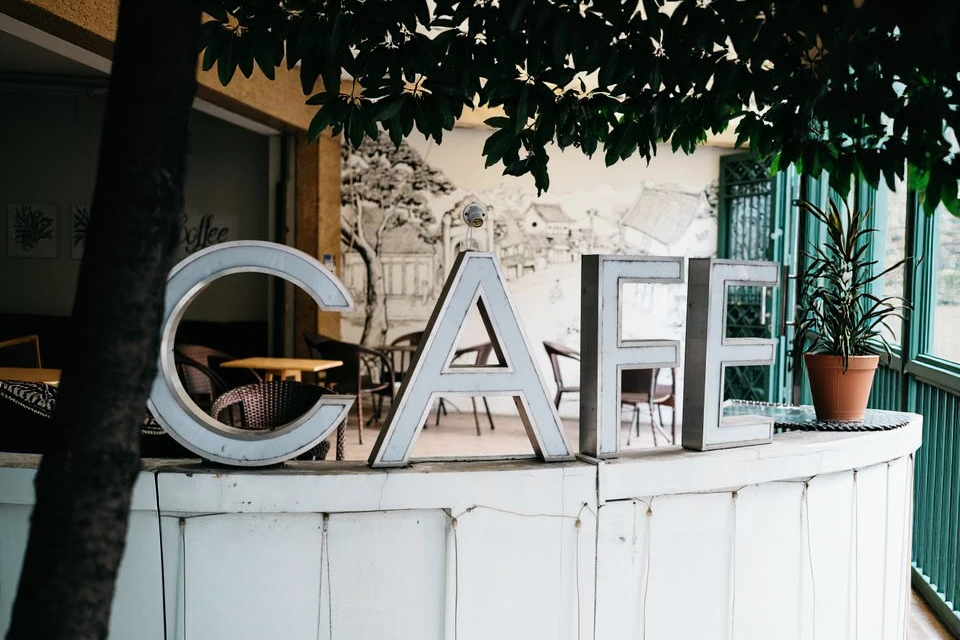
Upload a cropped photo, pick a direction and optional prompt, then download the wider scene.
Upload a JPG, PNG, WebP, or GIF with enough visible scene detail around the subject.
Choose the expansion direction, optionally describe what should fill the new area, then generate the wider image.
Review the outpainted edges, then download a wider image ready for banners or layouts.
Turn cropped or tight compositions into wider layouts for social posts, banners, product pages, and creative reuse.
Add new space in the direction you need without rebuilding the image from scratch.
AI continues the original scene with matching texture, color, lighting, and perspective.
Review the expanded image and download a wider result for your next layout or edit.
Answers about outpainting directions, prompts, formats, and credits.
Combine expansion with upscaling, background removal, or Studio image models for fuller layouts.
Keep creating
Use a focused tool for a specific task, or keep generating when you need more models, modes, and templates.
Upload a cropped photo above, pick a direction, and download a larger scene.