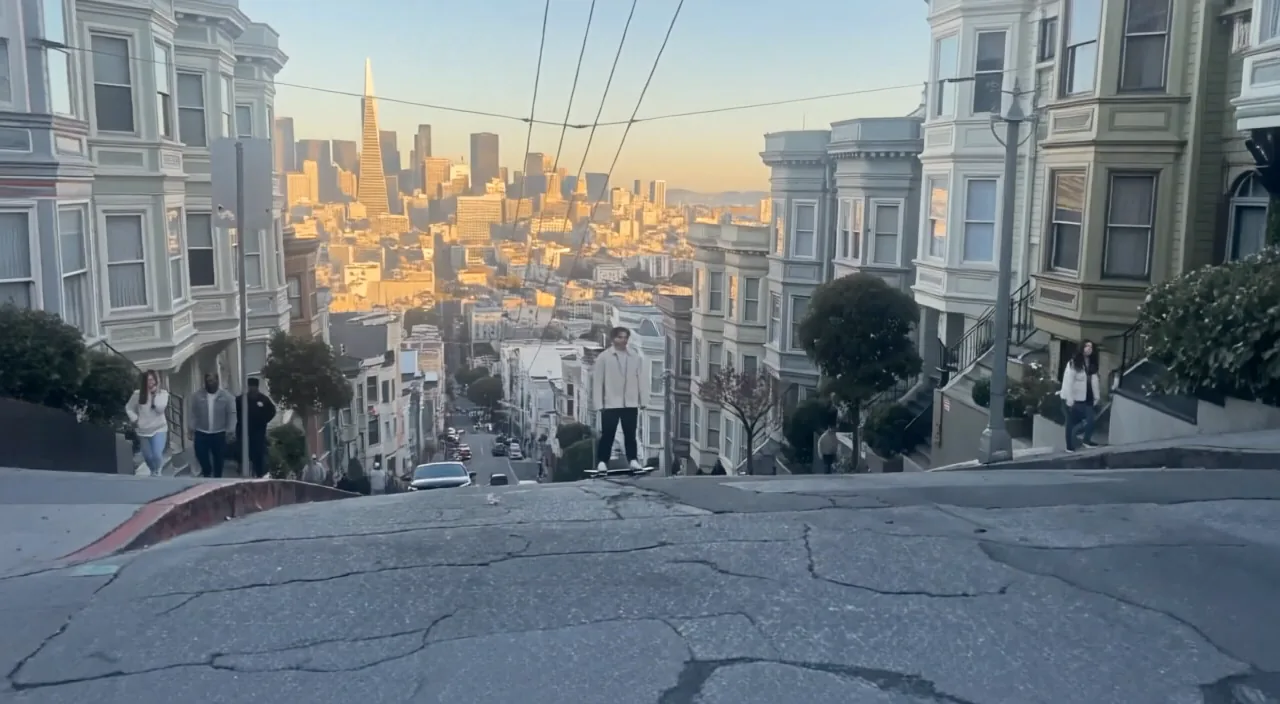
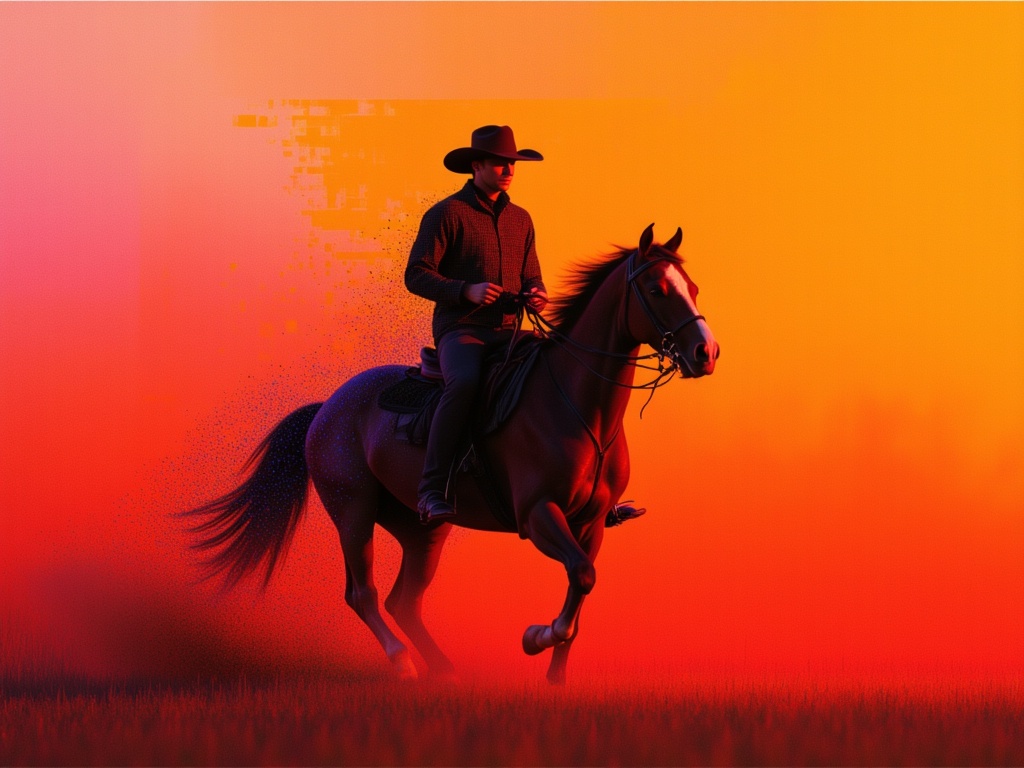
Narrative shots
Control how a scene begins, develops, and lands on its final composition.
Everyday video creation. Generate 4–15 second video at 768P from text, first and last frames, or image, video, and audio references.
Control how a scene begins, develops, and lands on its final composition.
Use reference images to guide recurring subjects and visual identity.
Animate an opening image, land on a final image, or use both to define the arc of a shot while H3 builds the motion between them.
Assign images to character or style, video to motion or camera language, and audio to voice or editing rhythm. H3 accepts up to 9 images, 3 videos, and 3 audio clips.
Choose frontier multimodal control, high-fidelity generation with Recast/Relight/Lip Sync/Extend, or a faster production variant.
| Feature | MiniMax H3 HighspeedCurrent | ||||||||
|---|---|---|---|---|---|---|---|---|---|
| Best for | Everyday video creation | Multimodal cinematic direction | Budget drafts and high-volume generation | Fast, reference-led production | Maximum-speed iteration | MiniMax's video model for realistic human motion and expressive character performance. | A faster Hailuo 2.3 variant for image animation and production iterations. | Generate from text or animate an image with optional first and last frame control. | A 512p Hailuo 02 variant for quick concepts and optional first and last frame guidance. |
| Input | Text, image, video, or audio references | Text, image, video, or audio references | Text, image, video, or audio references | Text, frames, multimodal references, or Recast source video | Text or first and last frames | Text to video · Image to video | Image to video | Text to video · Image to video | Text to video · Image to video |
| Resolution | 768P | 768P or 2K | 768P or 480P | 480P, 768P, or 1080P | 480P, 768P, or 1080P | 768p / 1080p | 768p / 1080p | 512p / 768p / 1080p | 512p |
| Frame control | First and last frames | First and last frames | First and last frames | First and last frames | First and last frames | First frame | First frame | First and last frames | First and last frames |
| Speed | Faster generation | Flagship | Budget drafts and high-volume generation | Faster than real time | Fastest | Standard | Fast | Standard | Fast |
Explain whether a reference controls character, motion, camera, style, sound, or timing.
Choose compatible first and last frames, then describe the transition between them.
Understand the inputs, generation settings, and outputs supported by MiniMax H3 Highspeed.



Explore other models, or browse the full catalog.