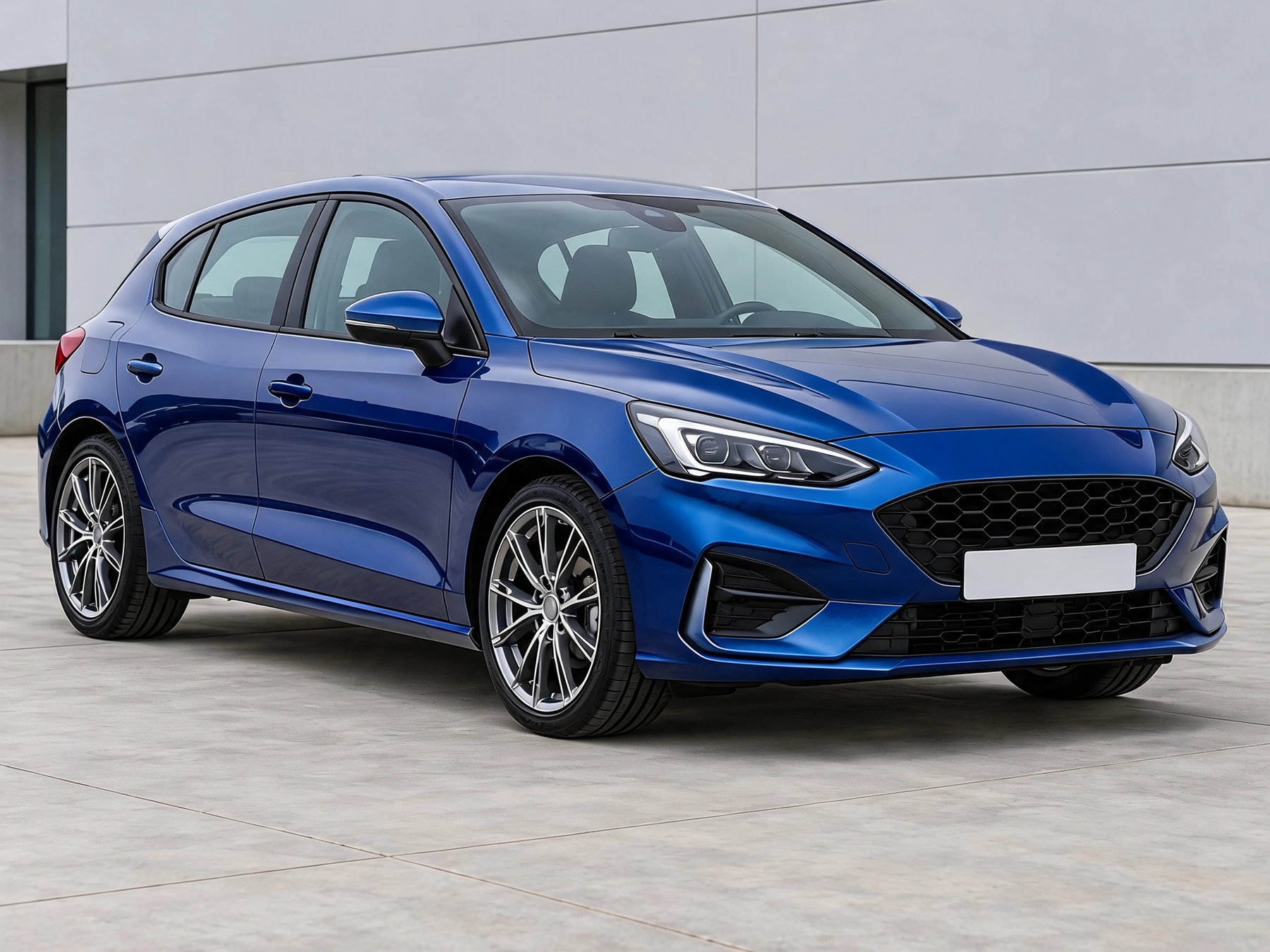
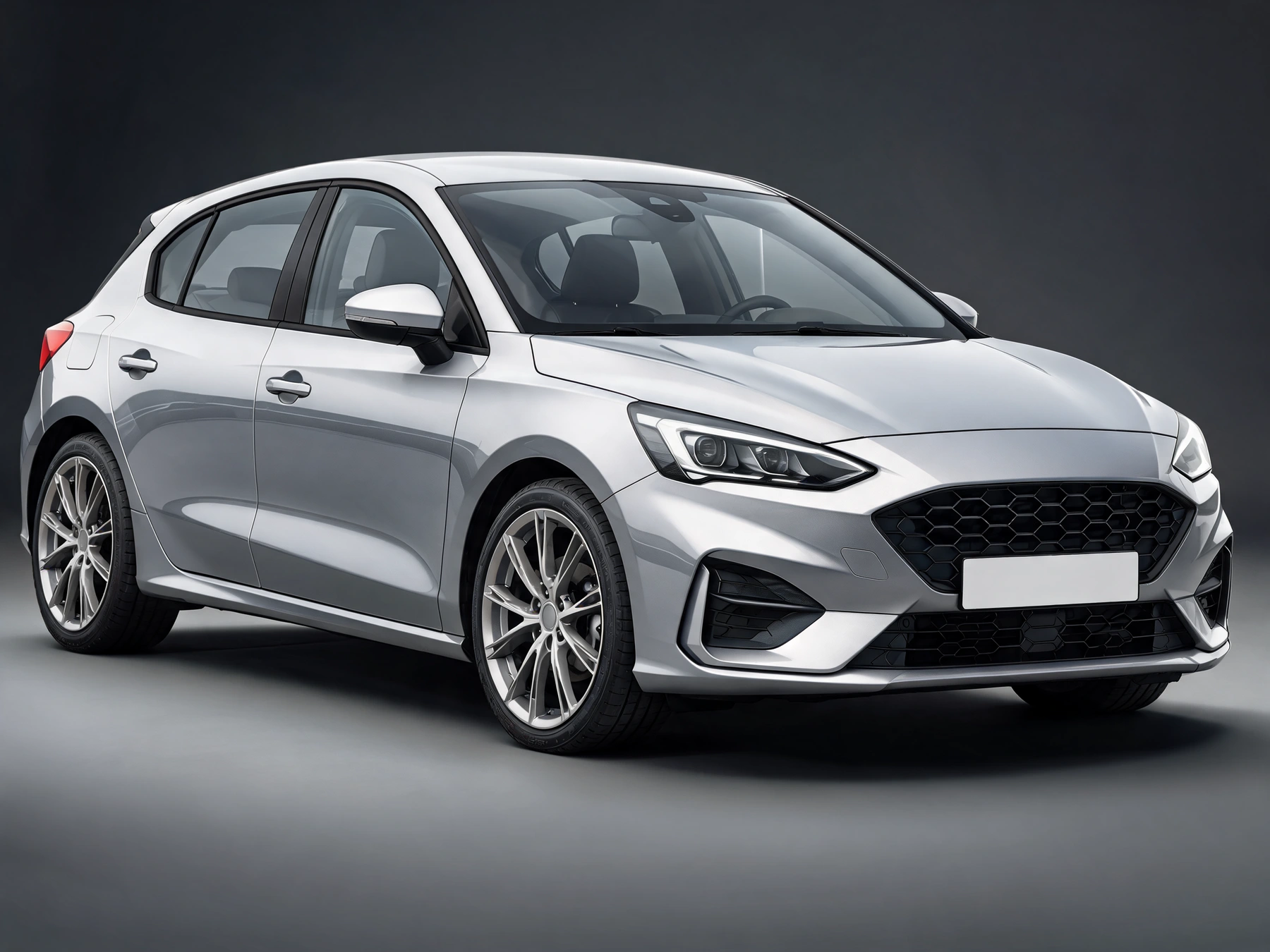
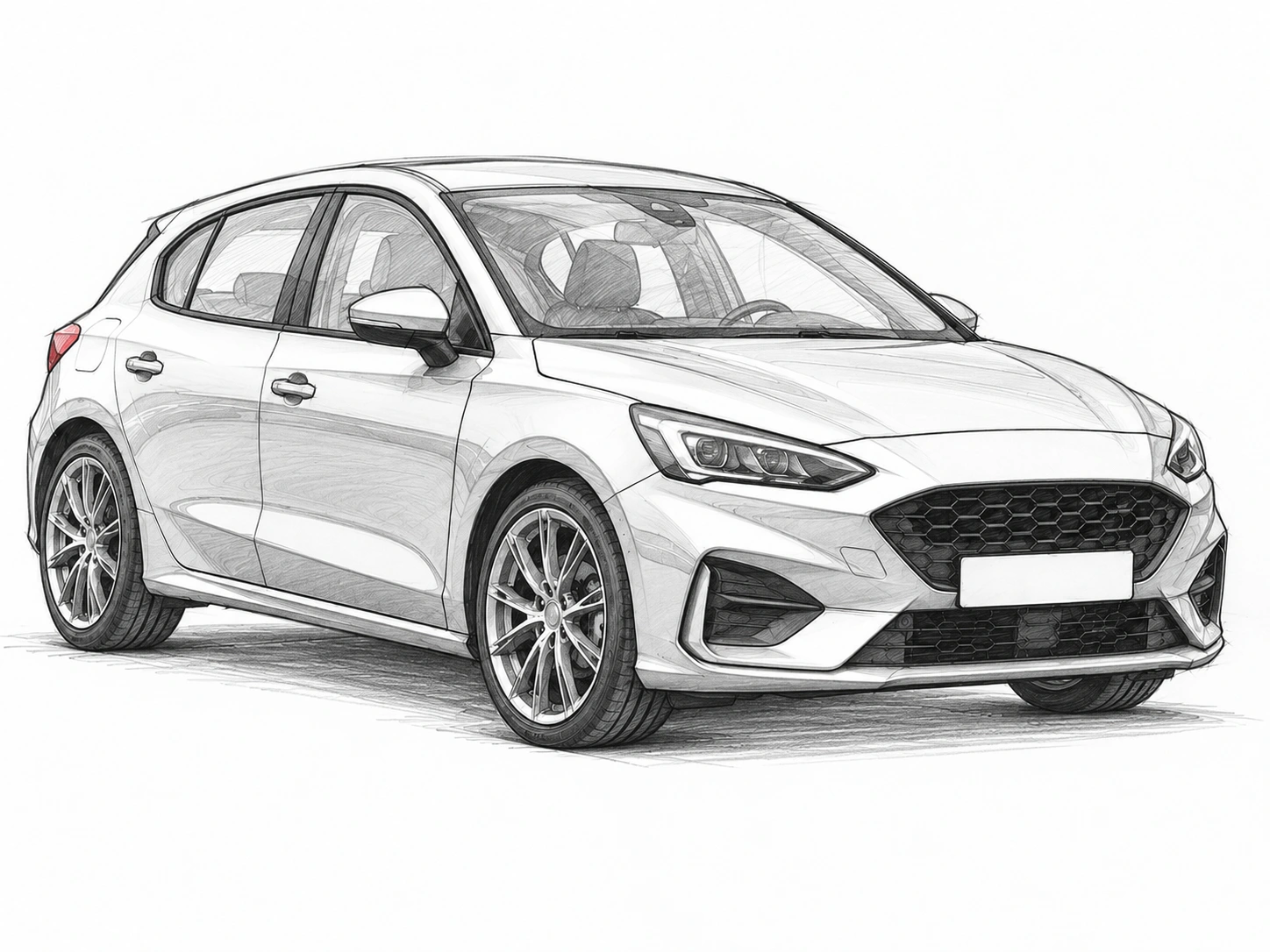
Your own car photo
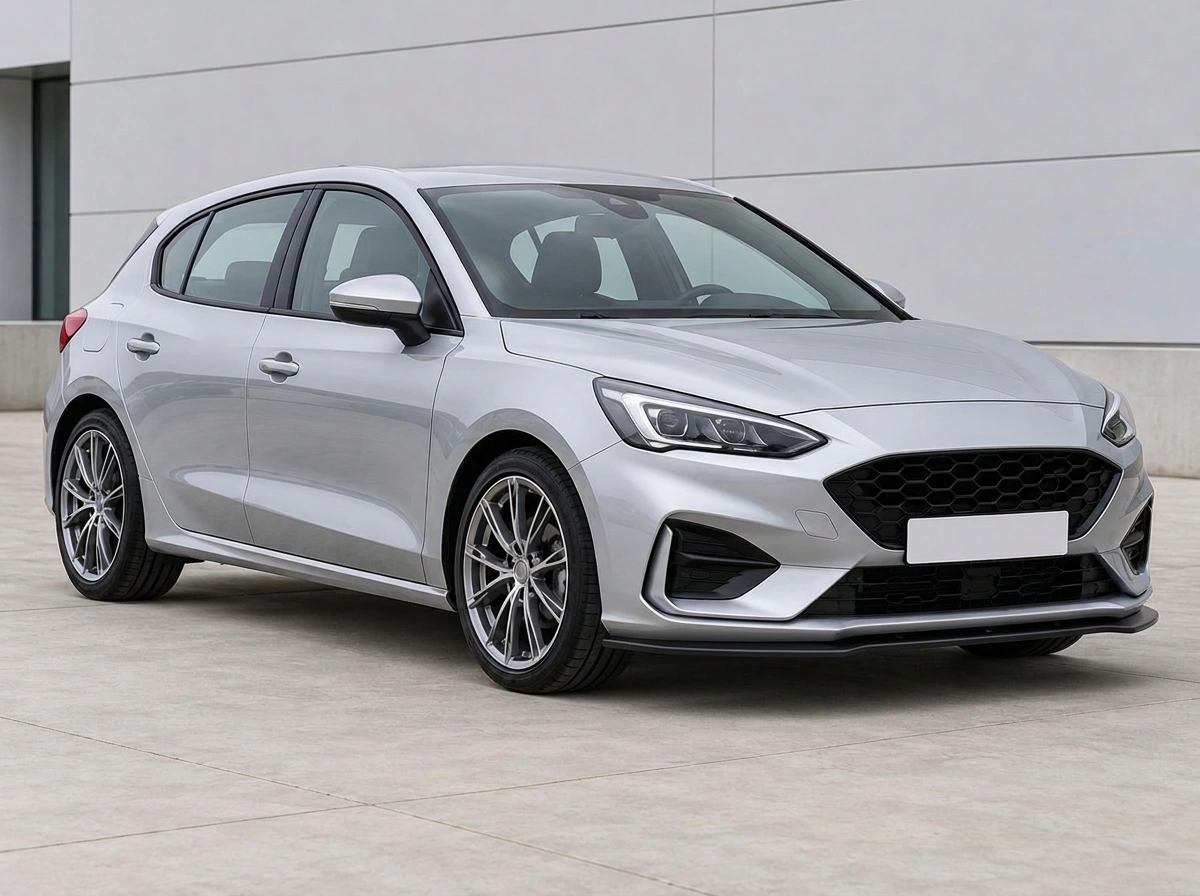
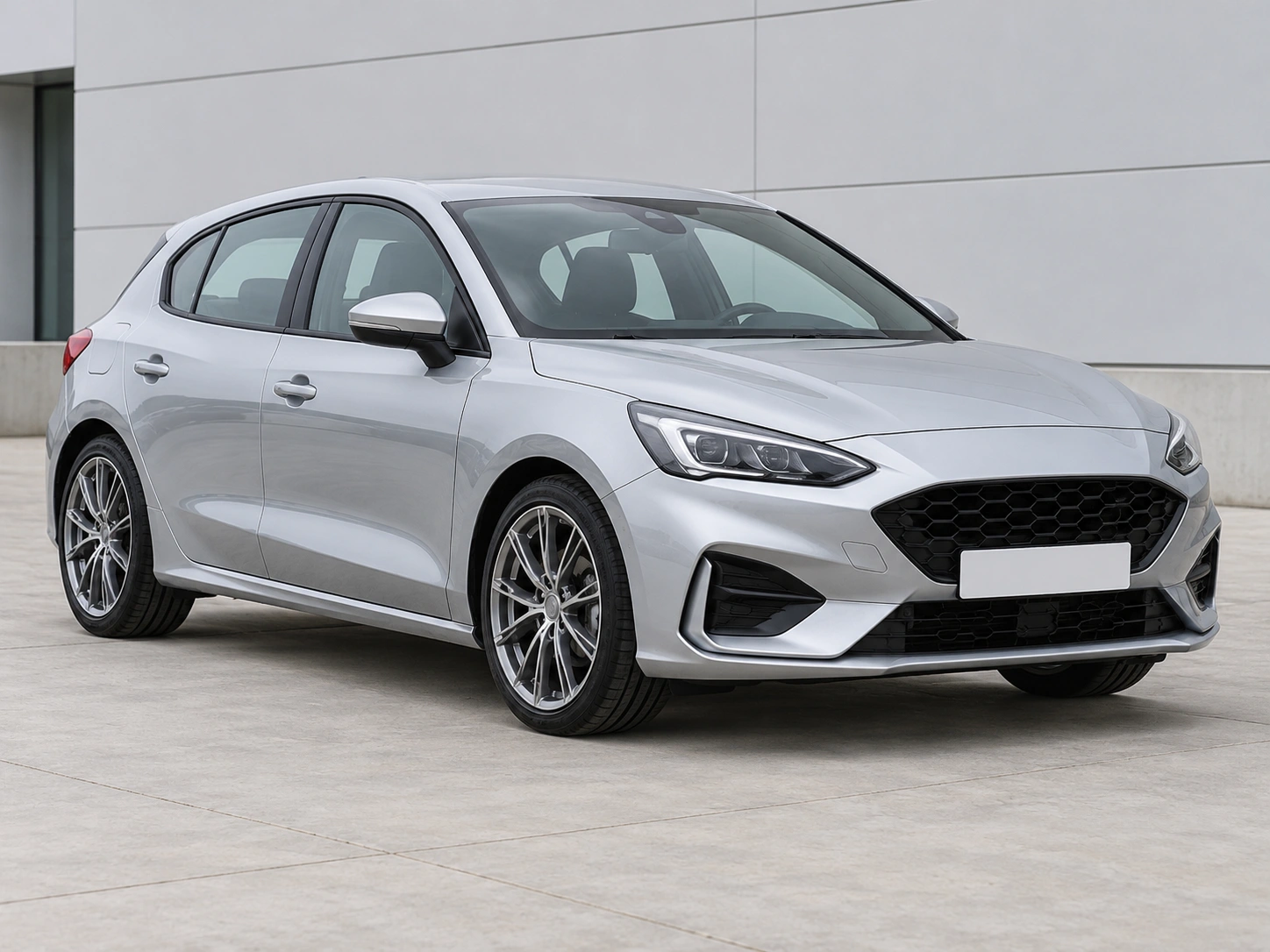
Use a clear photo showing the whole car and the part you want to change. Hidden parts remain unchanged.
Preview black trim, brake caliper colors, window tint or exhaust tips. Change one detail at a time.
Use a clear photo showing the whole car and the part you want to change. Hidden parts remain unchanged.
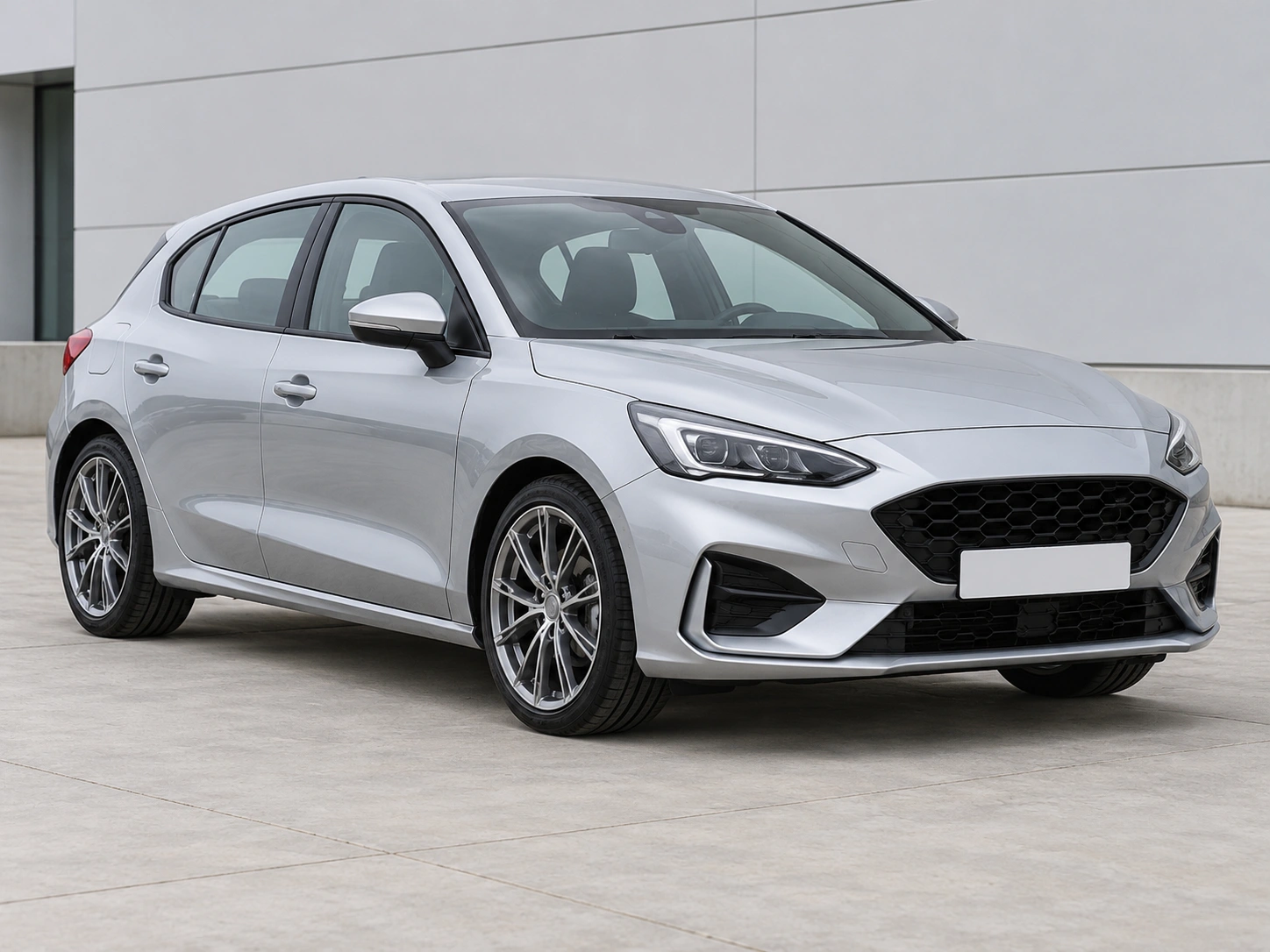
Preserve details outside the selected task. Check the car identity, viewpoint and all unselected parts in every result.
Review the result, then continue editing or download the image.
Use a clear photo showing the whole car and the part you want to change. Hidden parts remain unchanged.
Choose the task and its settings. Add a styling reference or describe the change when available.
Review the result, then continue editing or download the image.
Get answers about source files, settings, and results for Car exterior details.
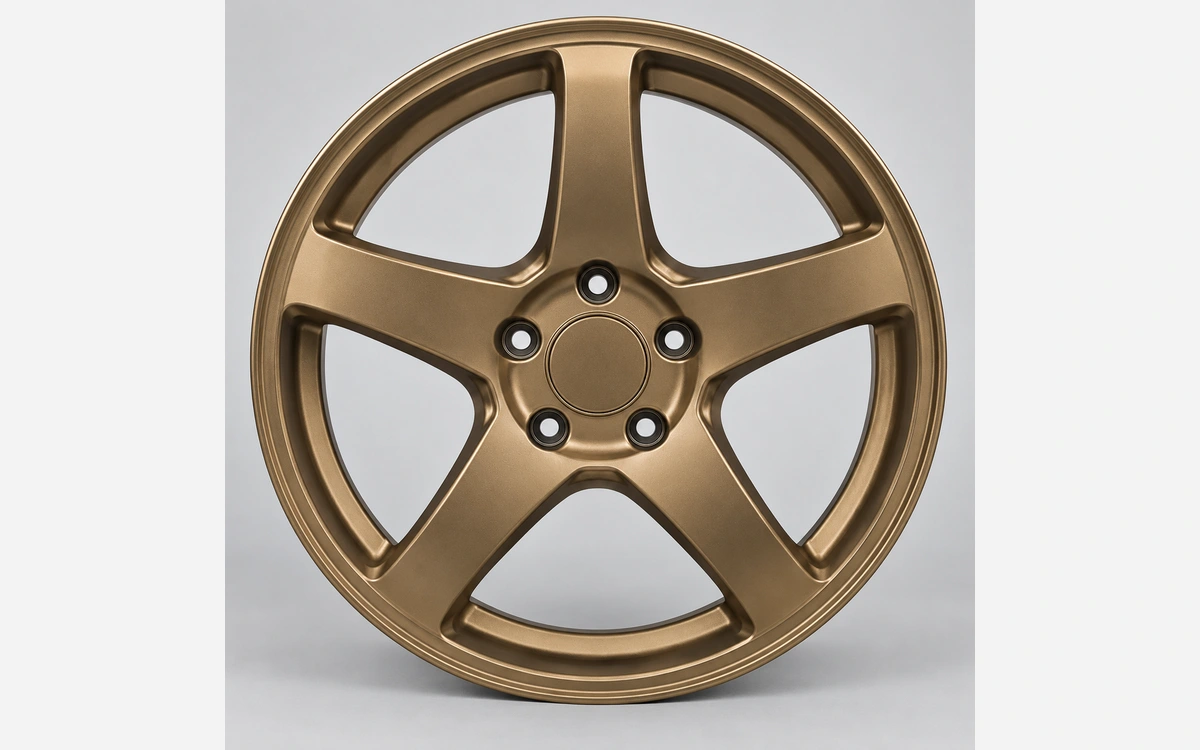
Start with your car photo and choose a focused tool: paint, wraps, wheels, body parts, exterior details or studio rendering.
Preview black trim, brake caliper colors, window tint or exhaust tips. Change one detail at a time.