Turn a photo into art
Choose a finished style, upload a photo, and generate on this page.
Art styles
Open a style page to see its examples and generate there.
Illustration
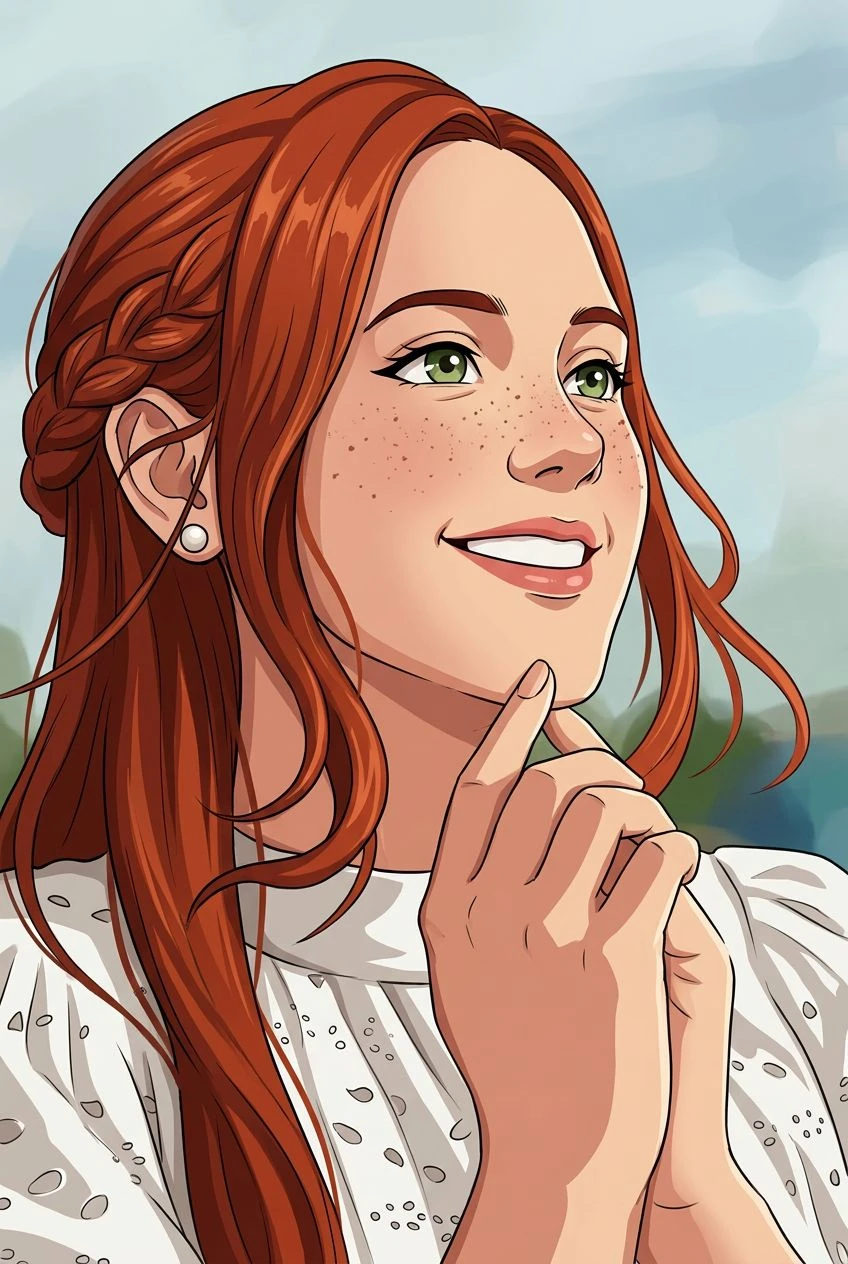
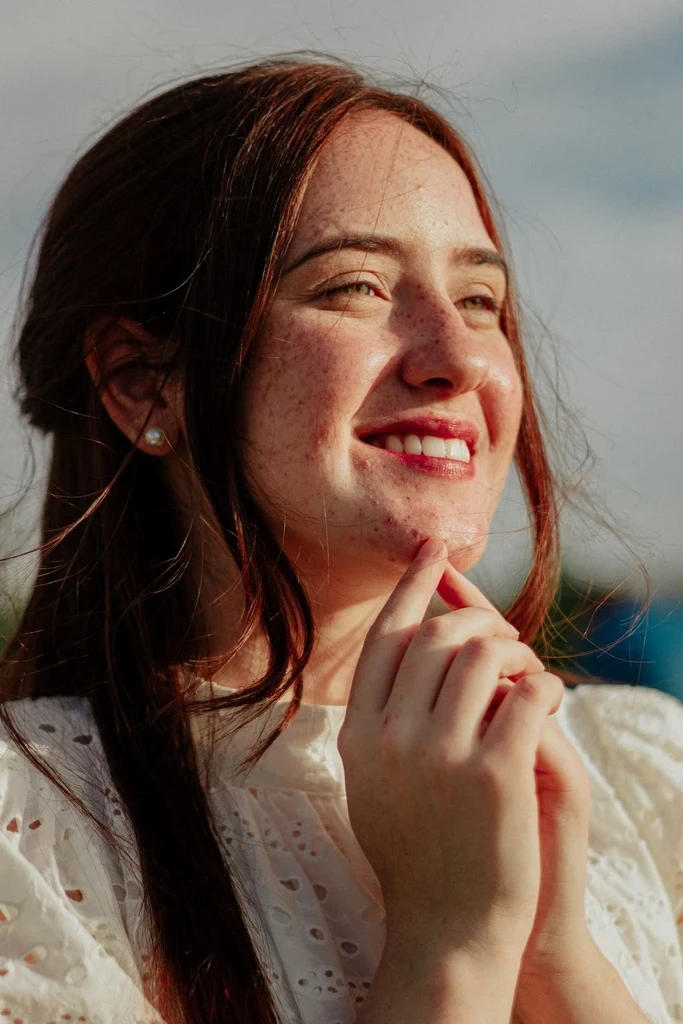
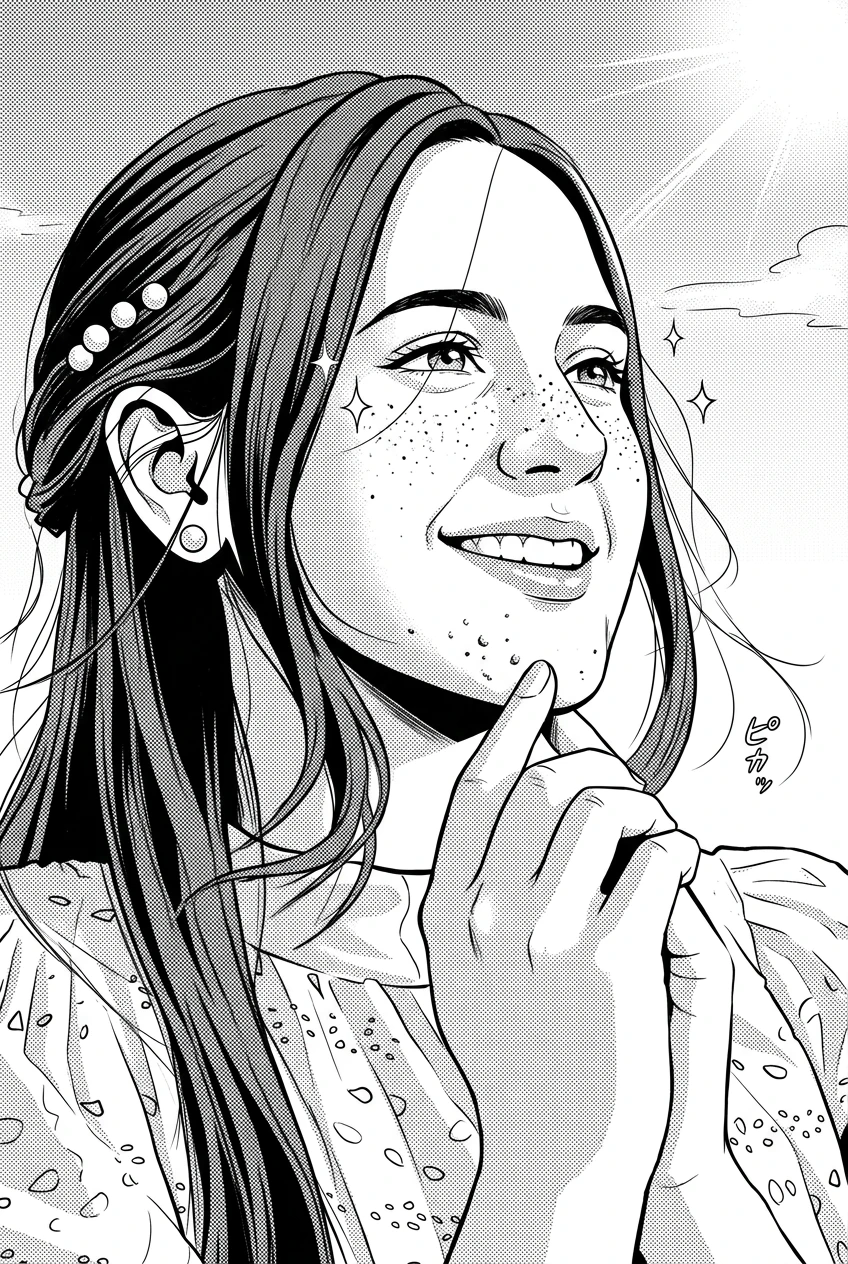
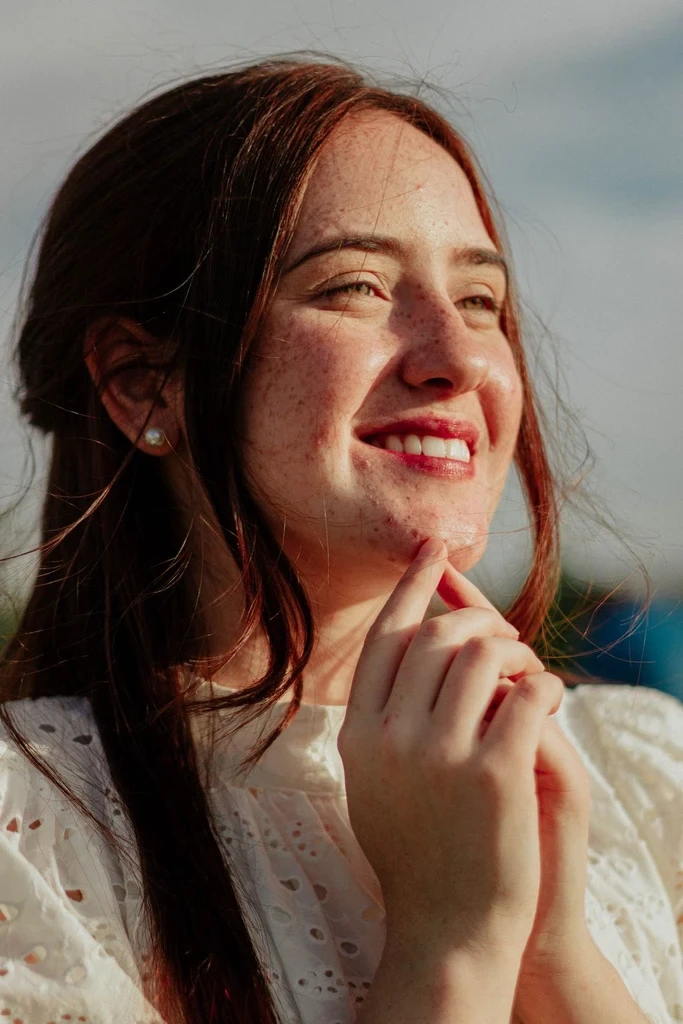
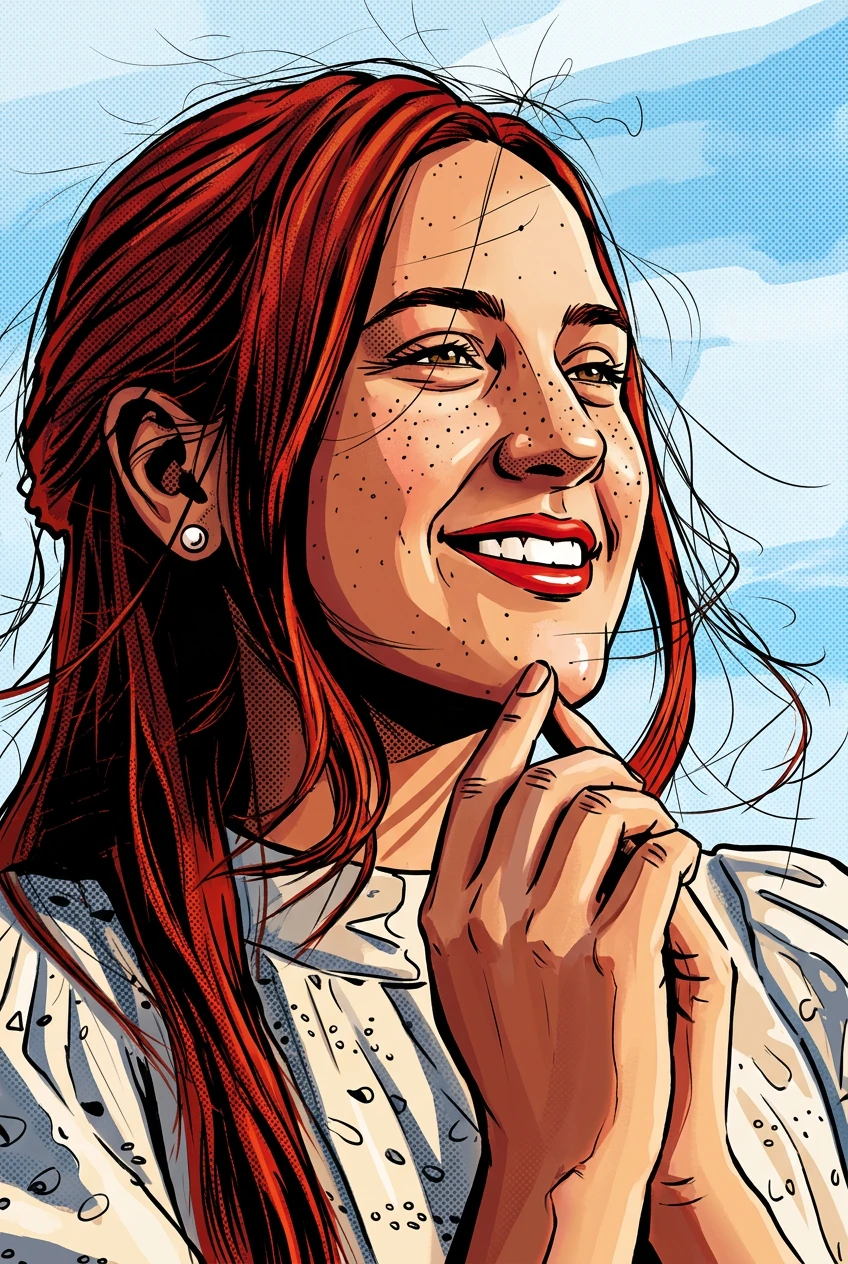
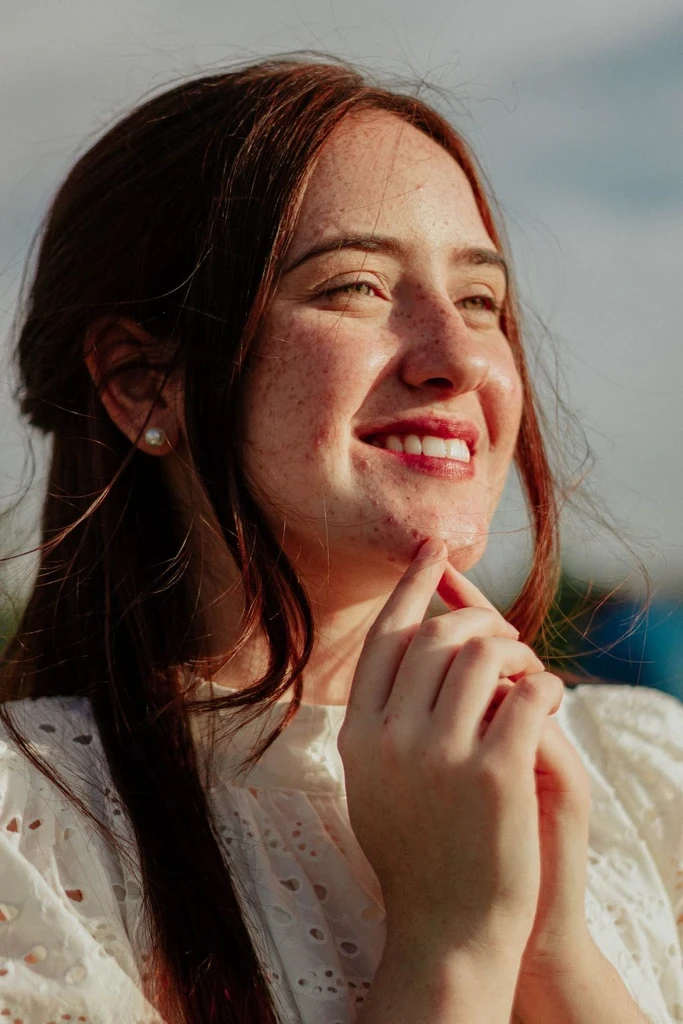
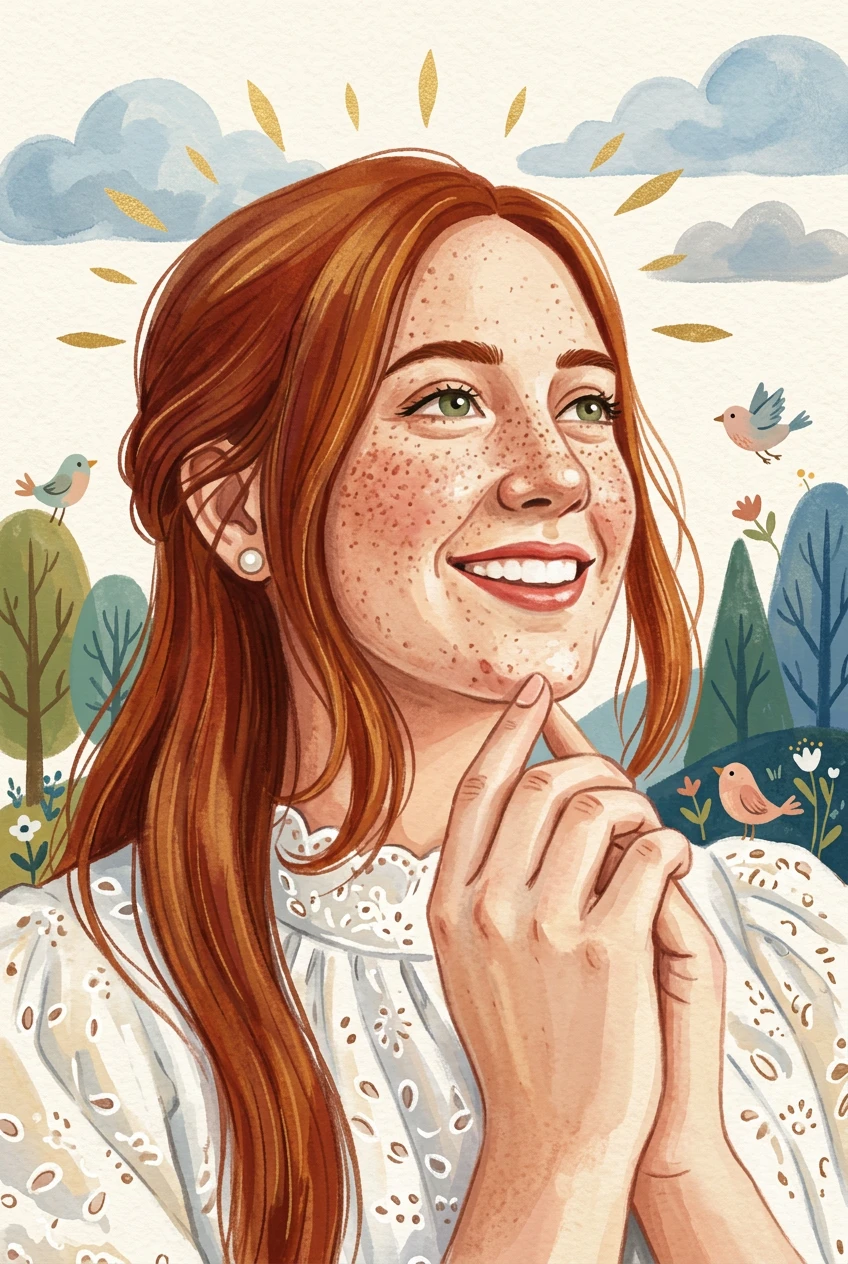
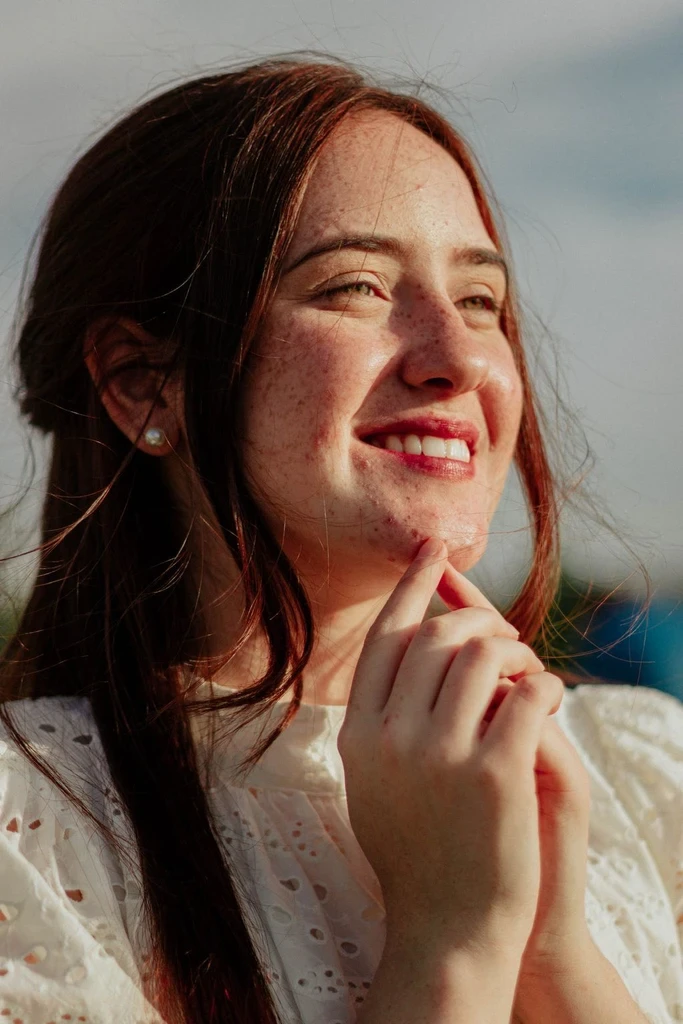
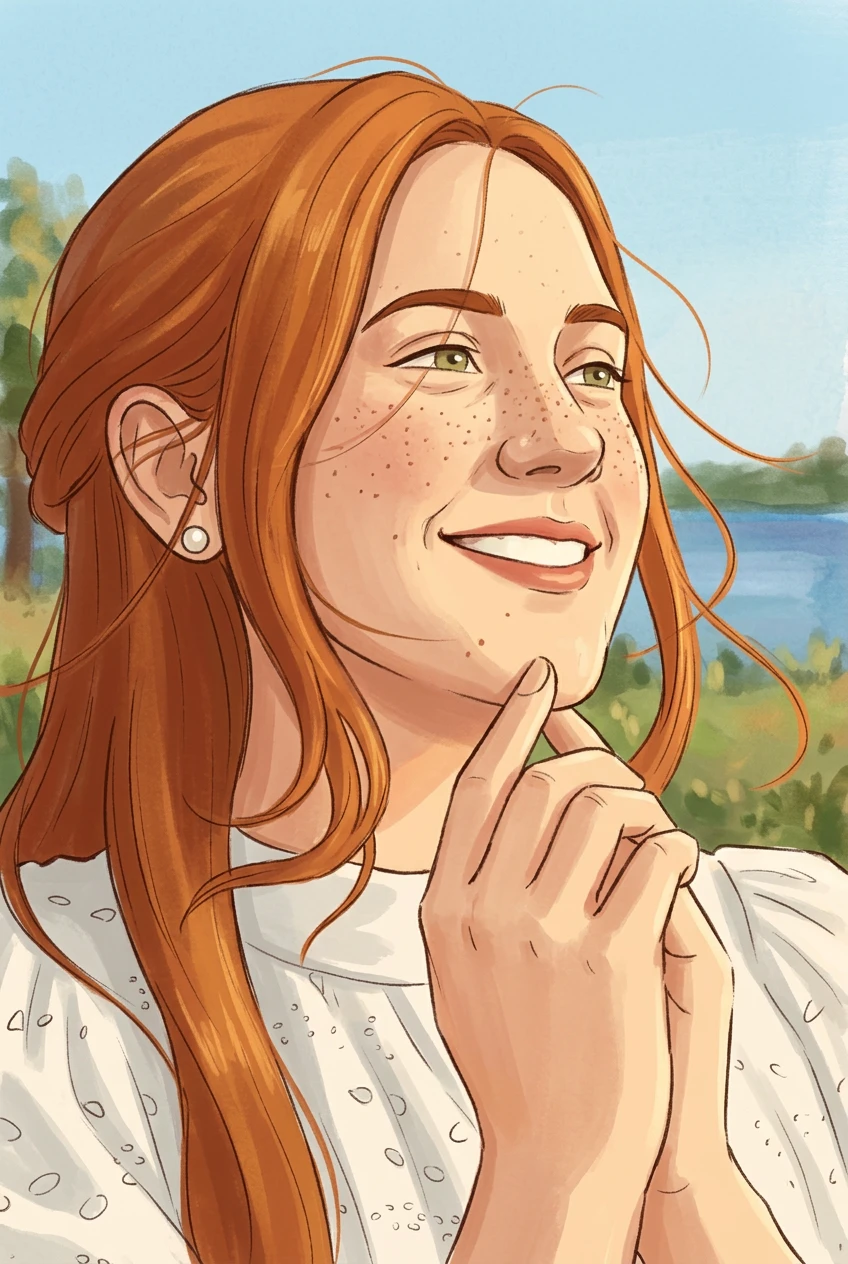
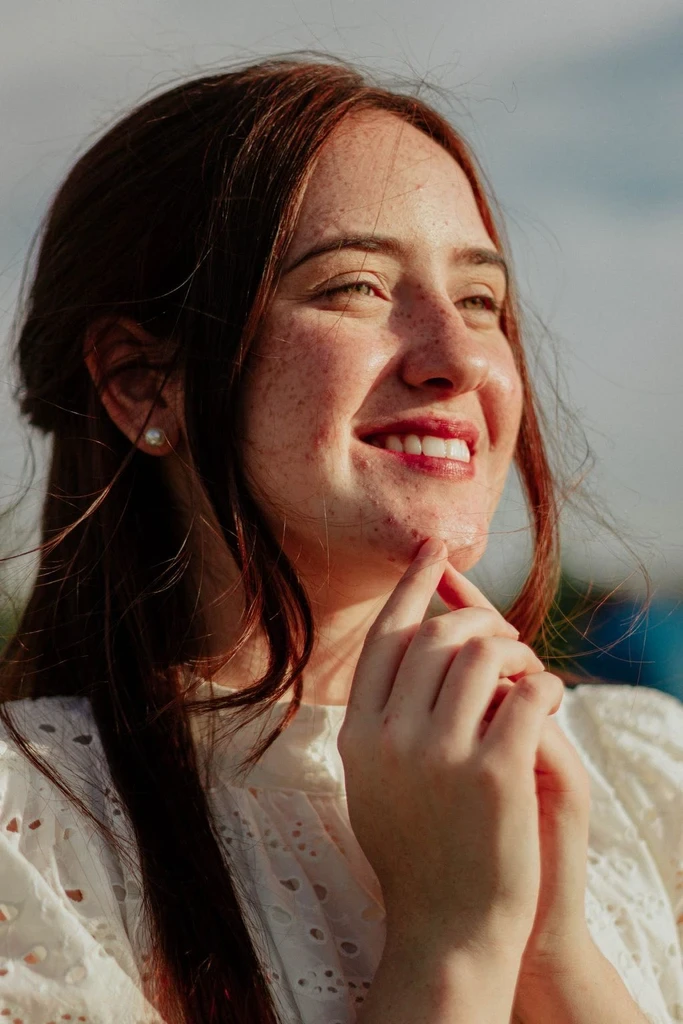
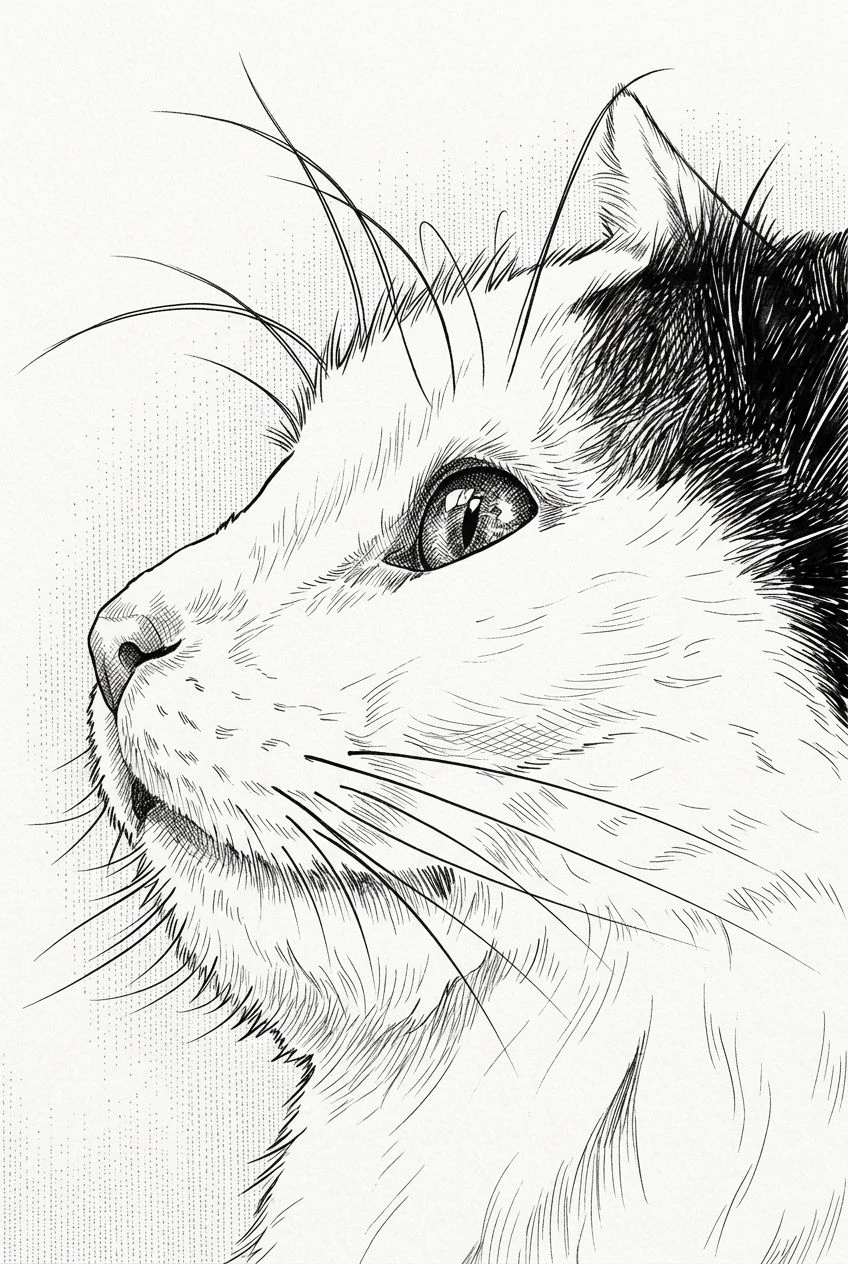
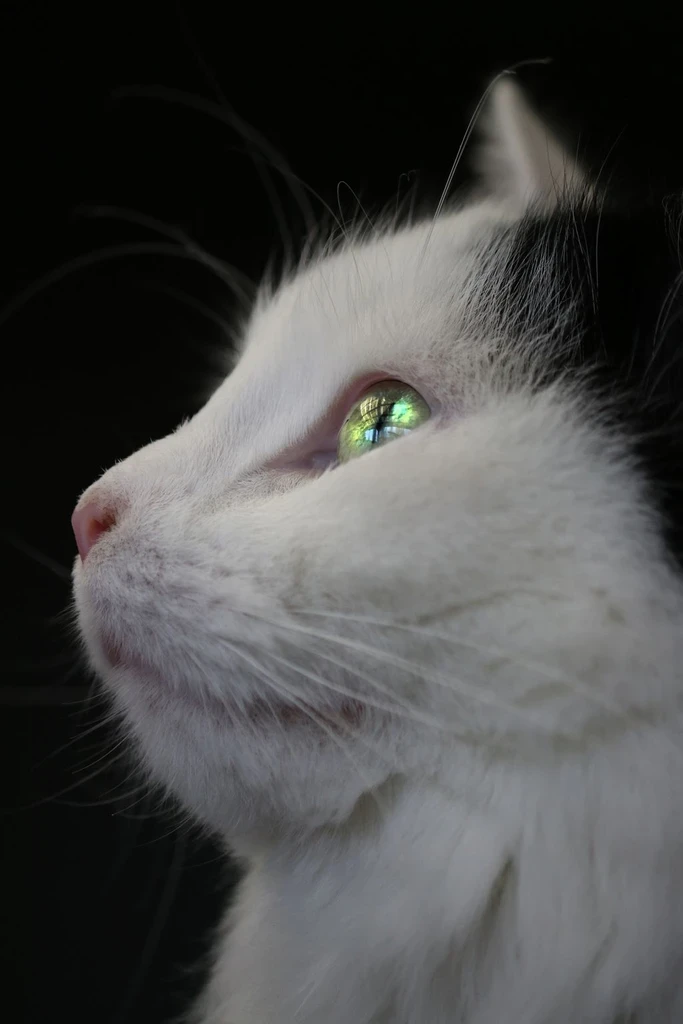
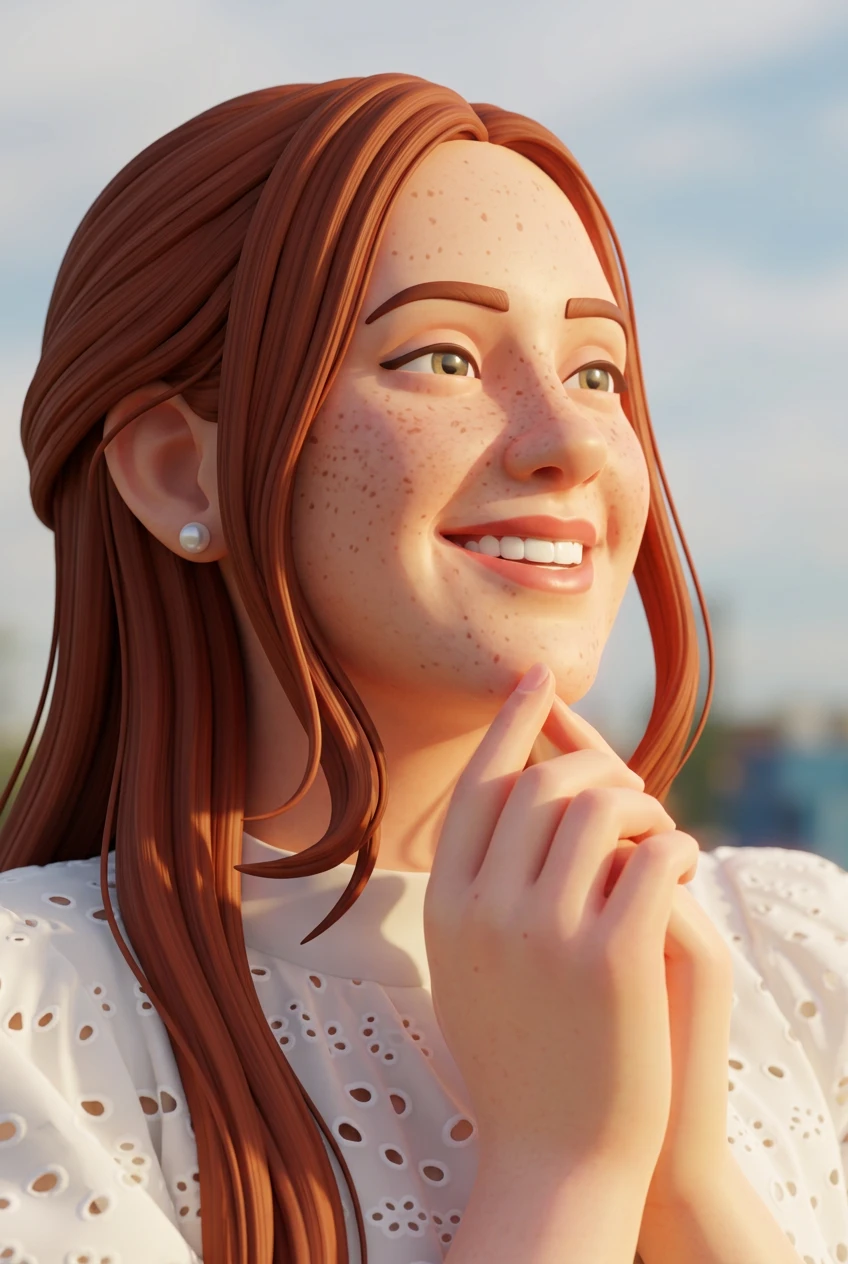
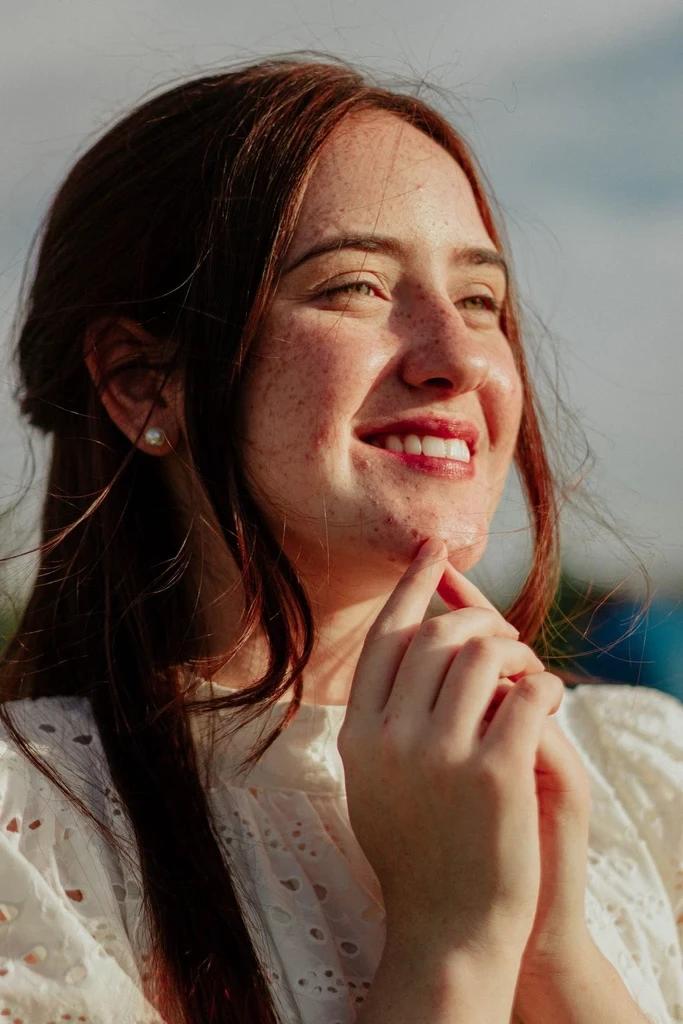
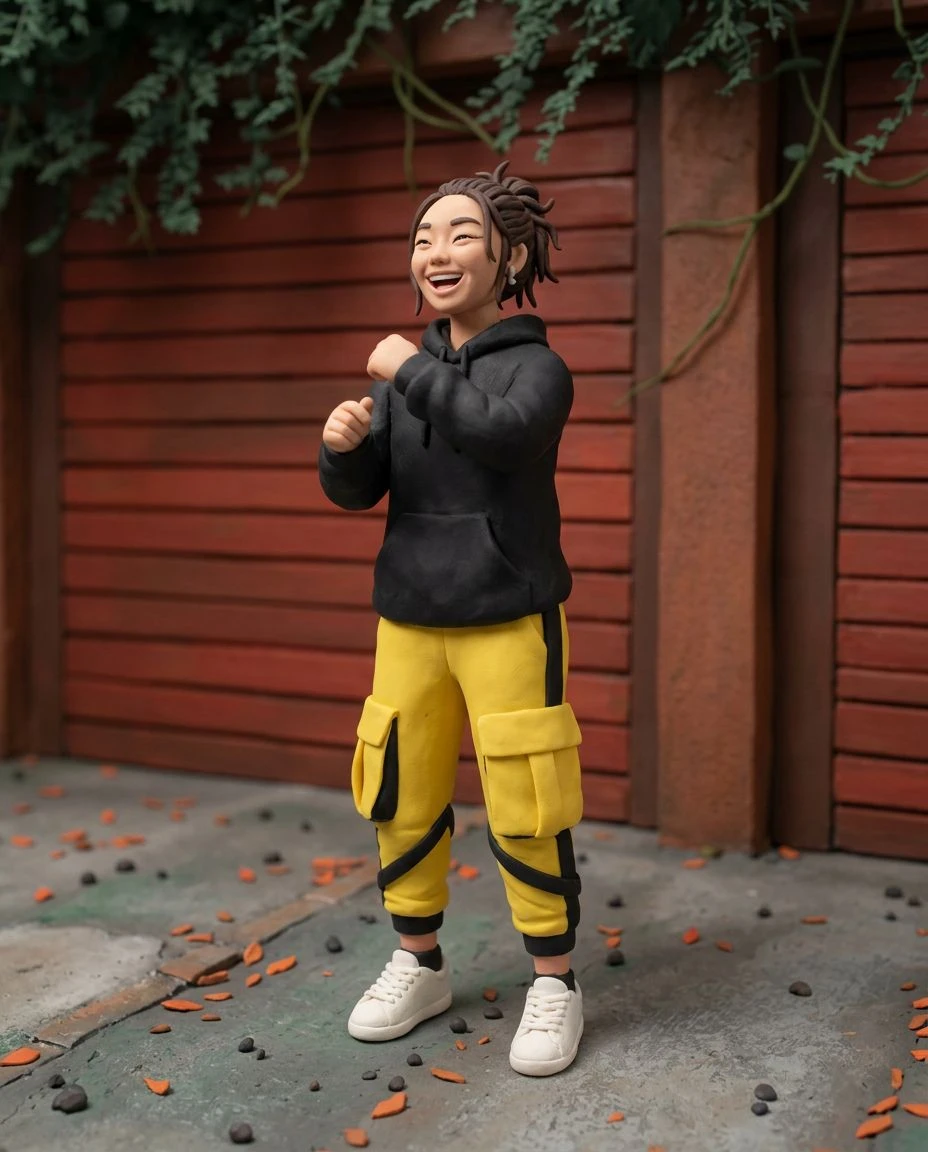
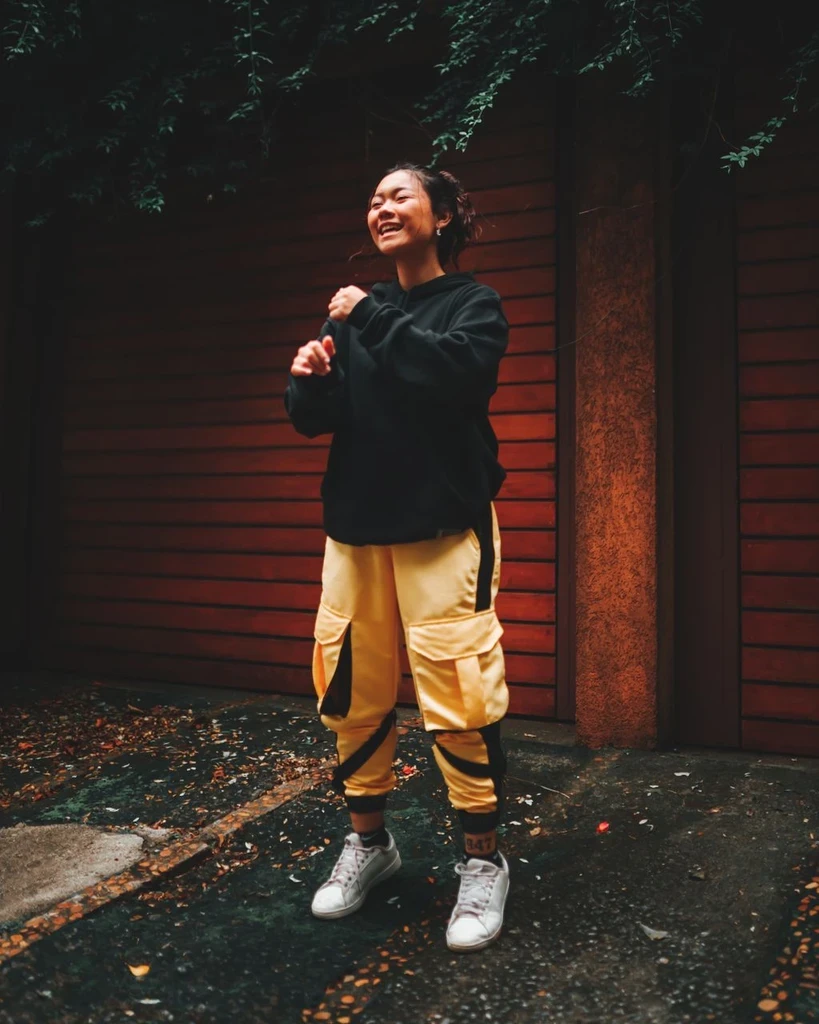
Cartoon
Traditional
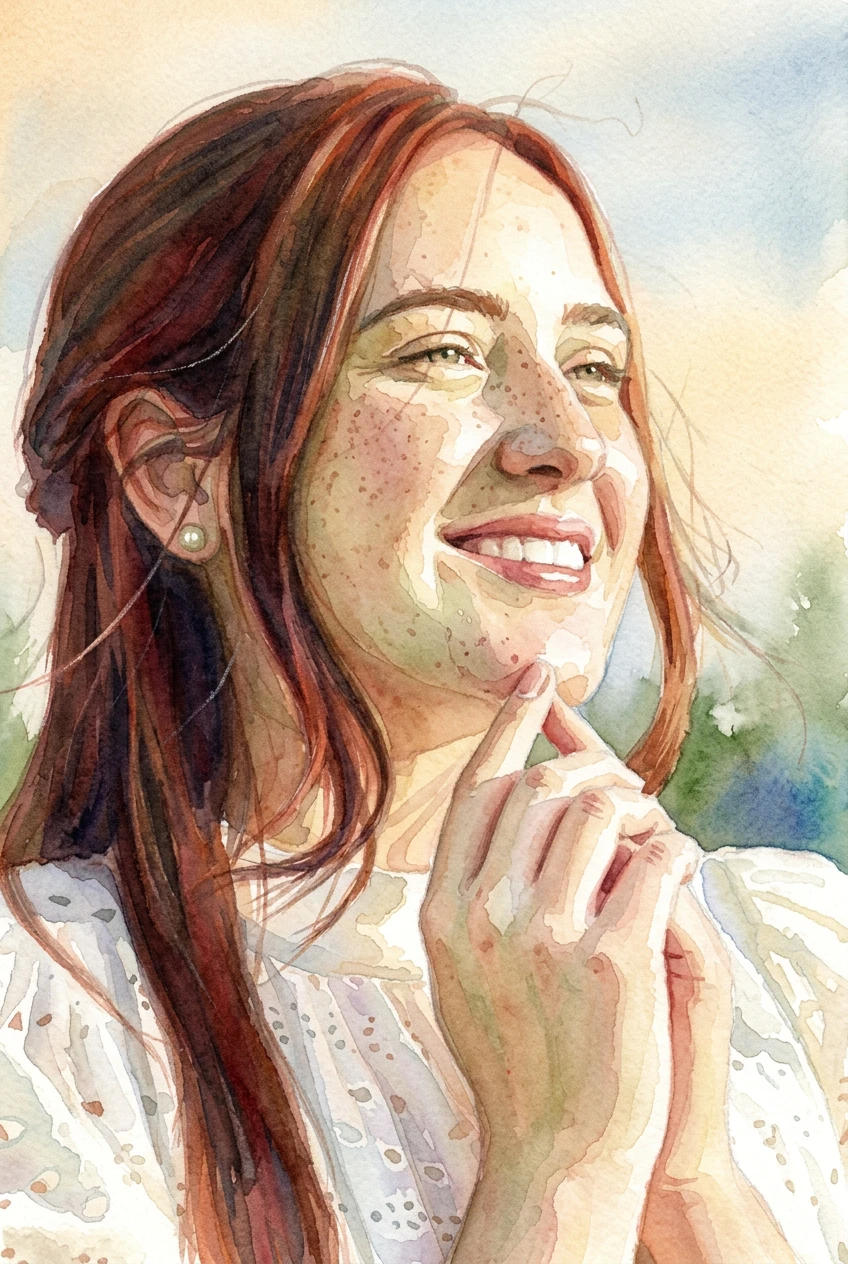
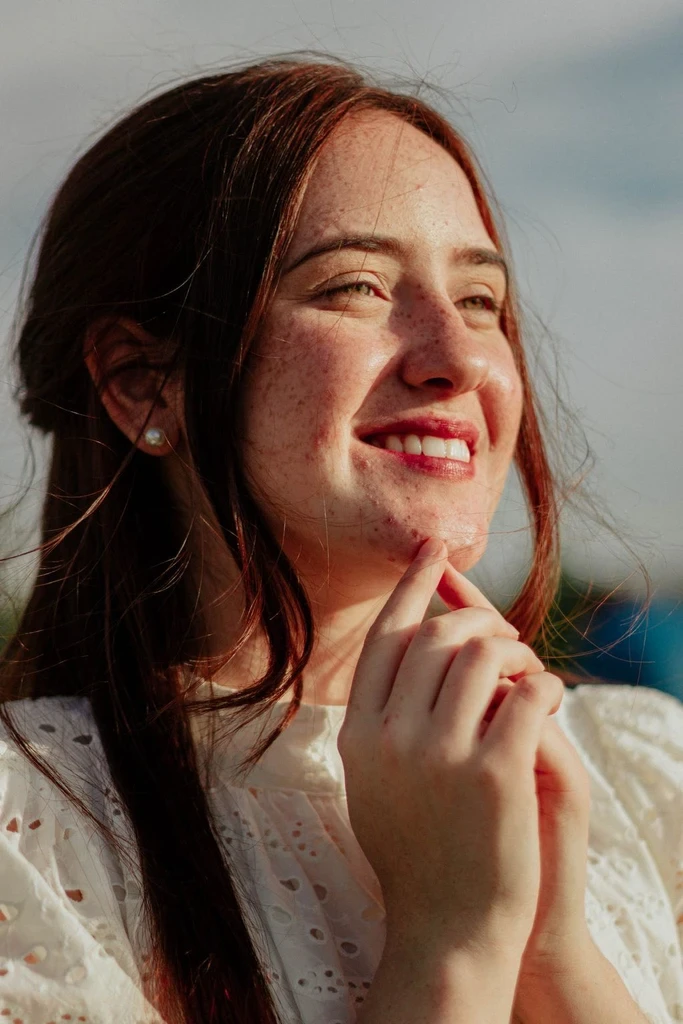
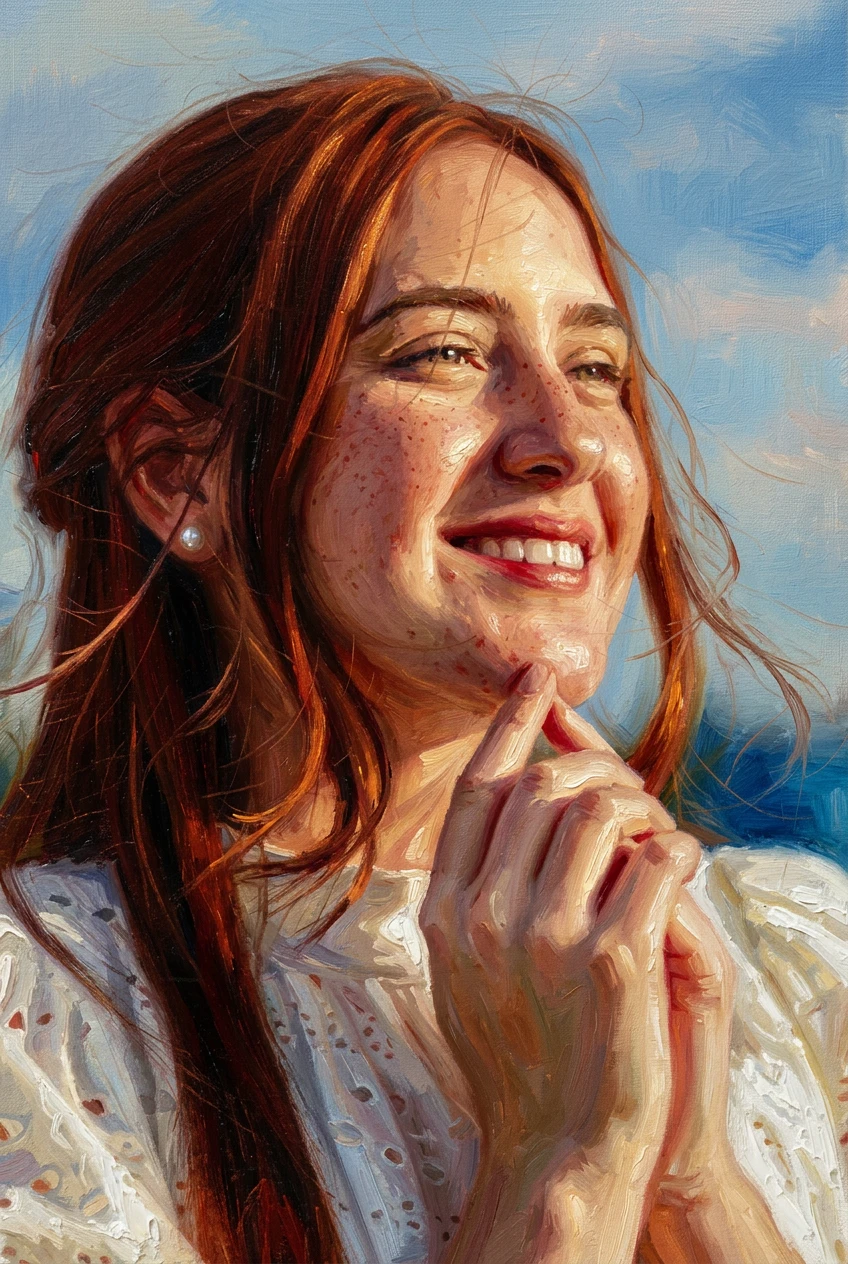
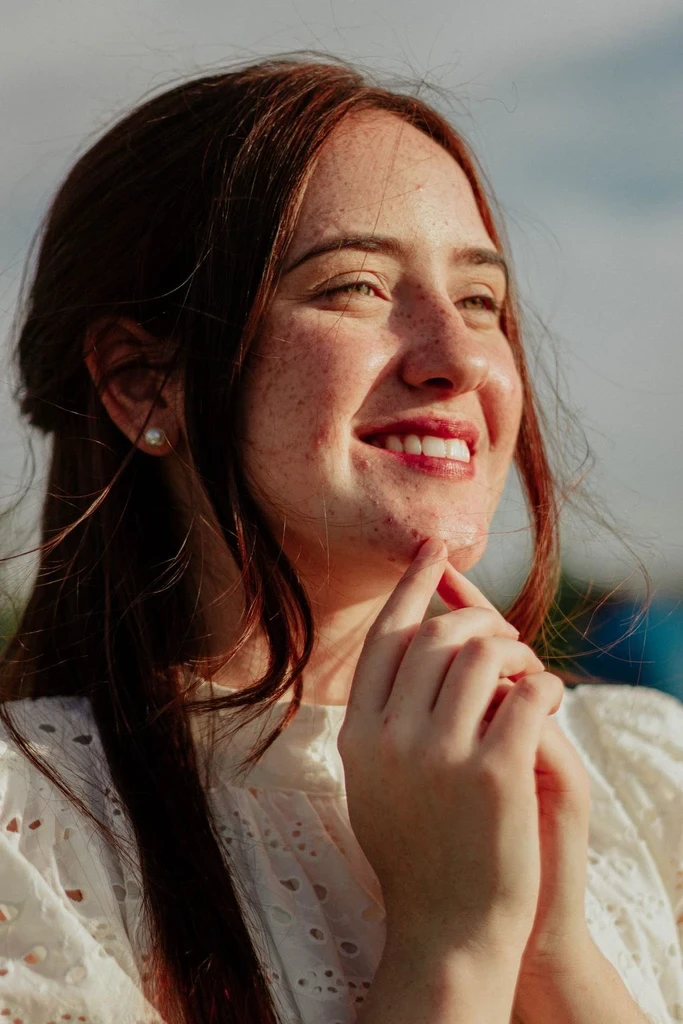
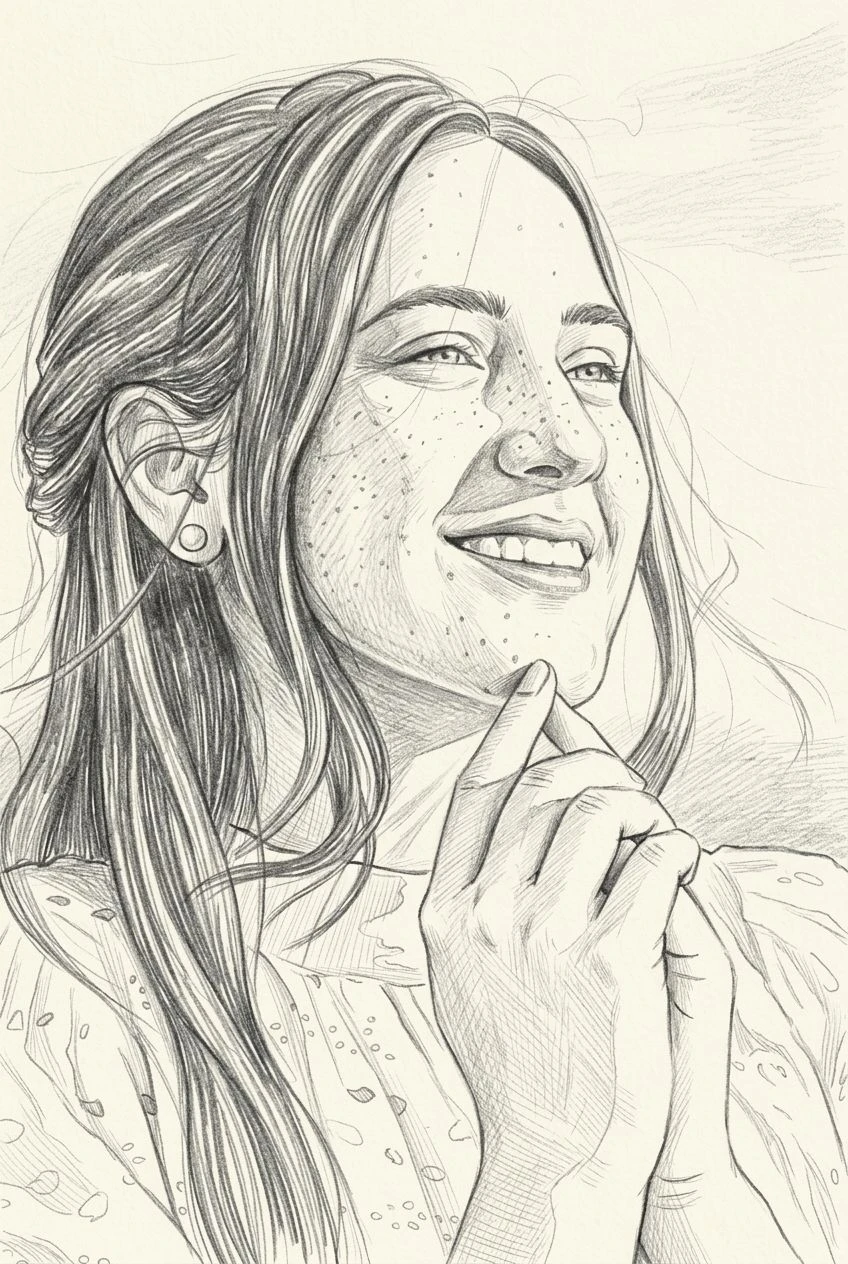
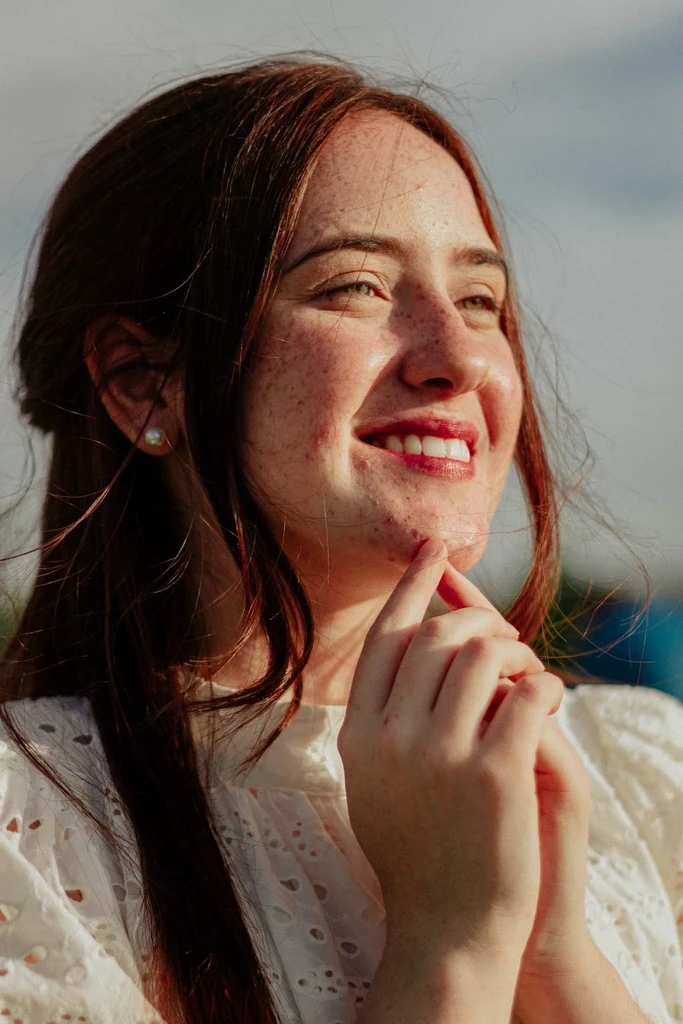
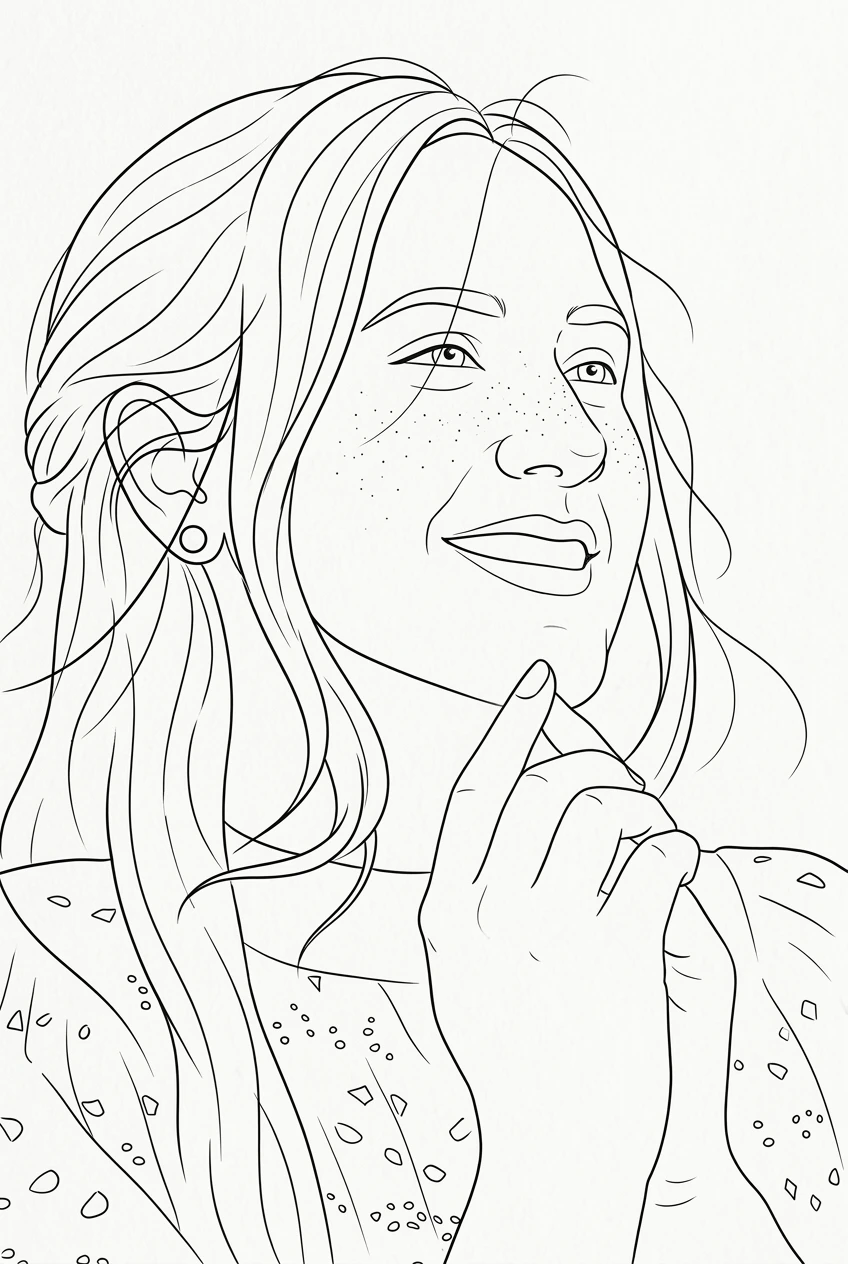
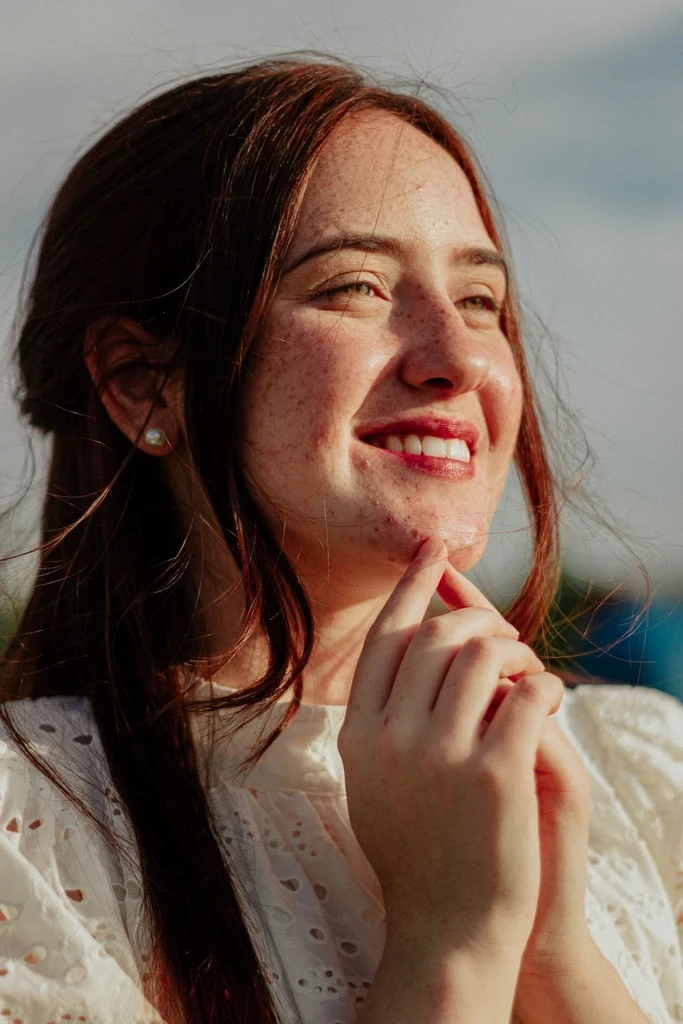
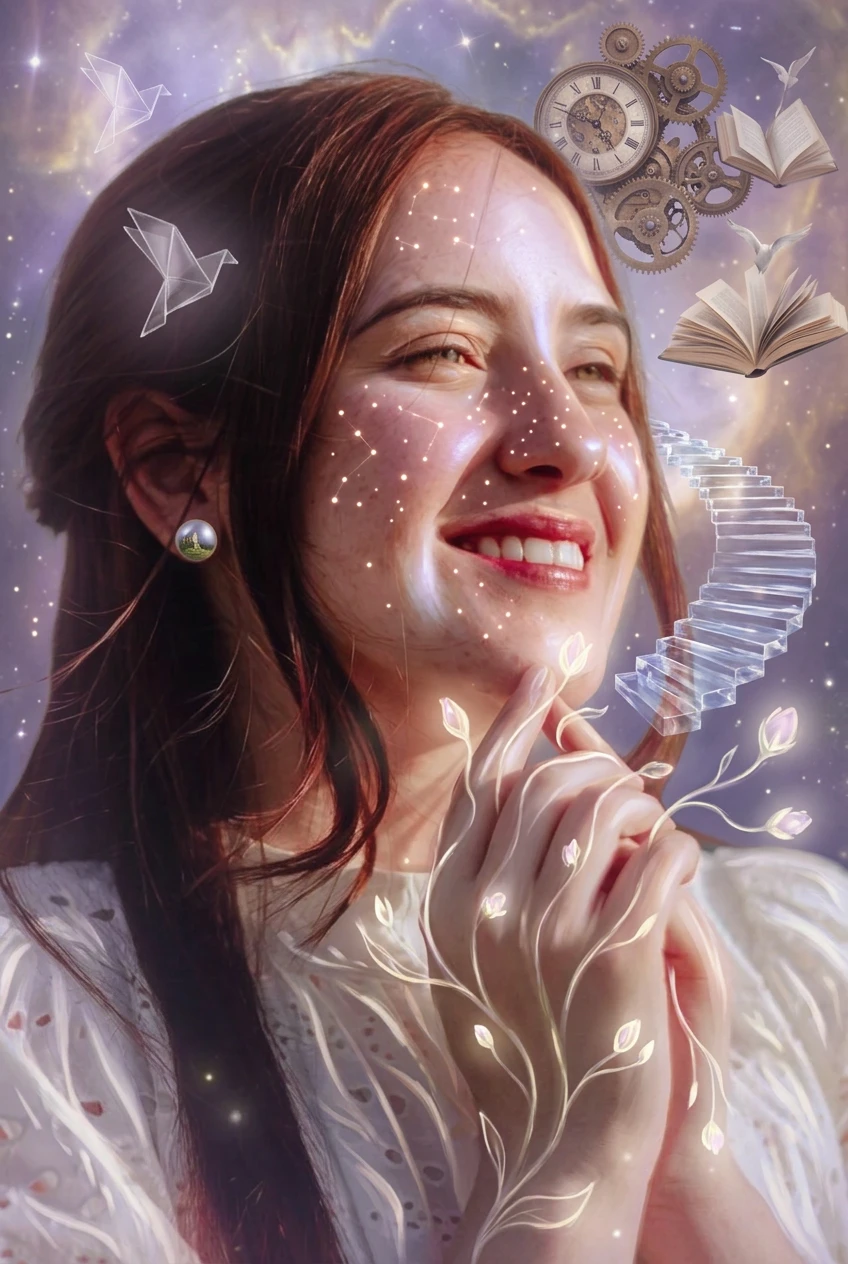
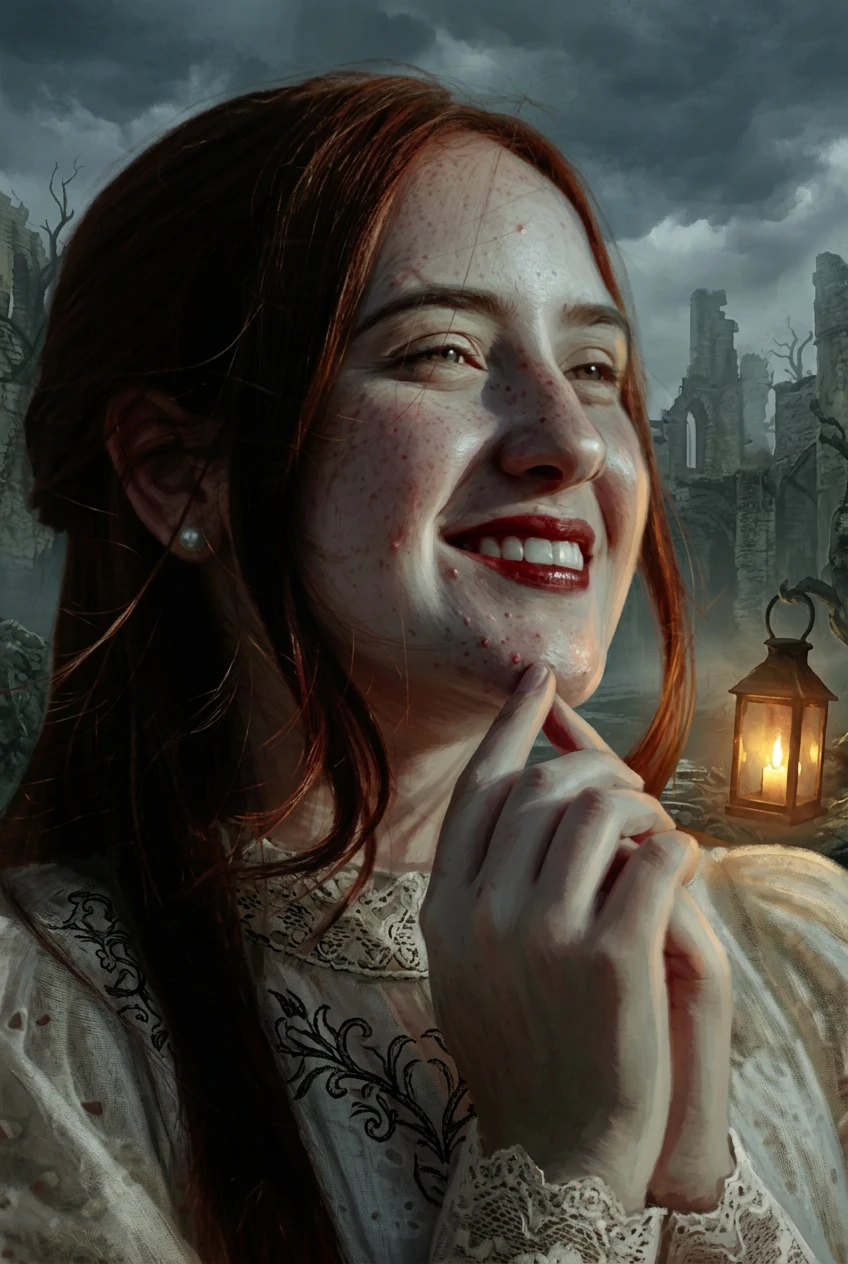
Fantasy
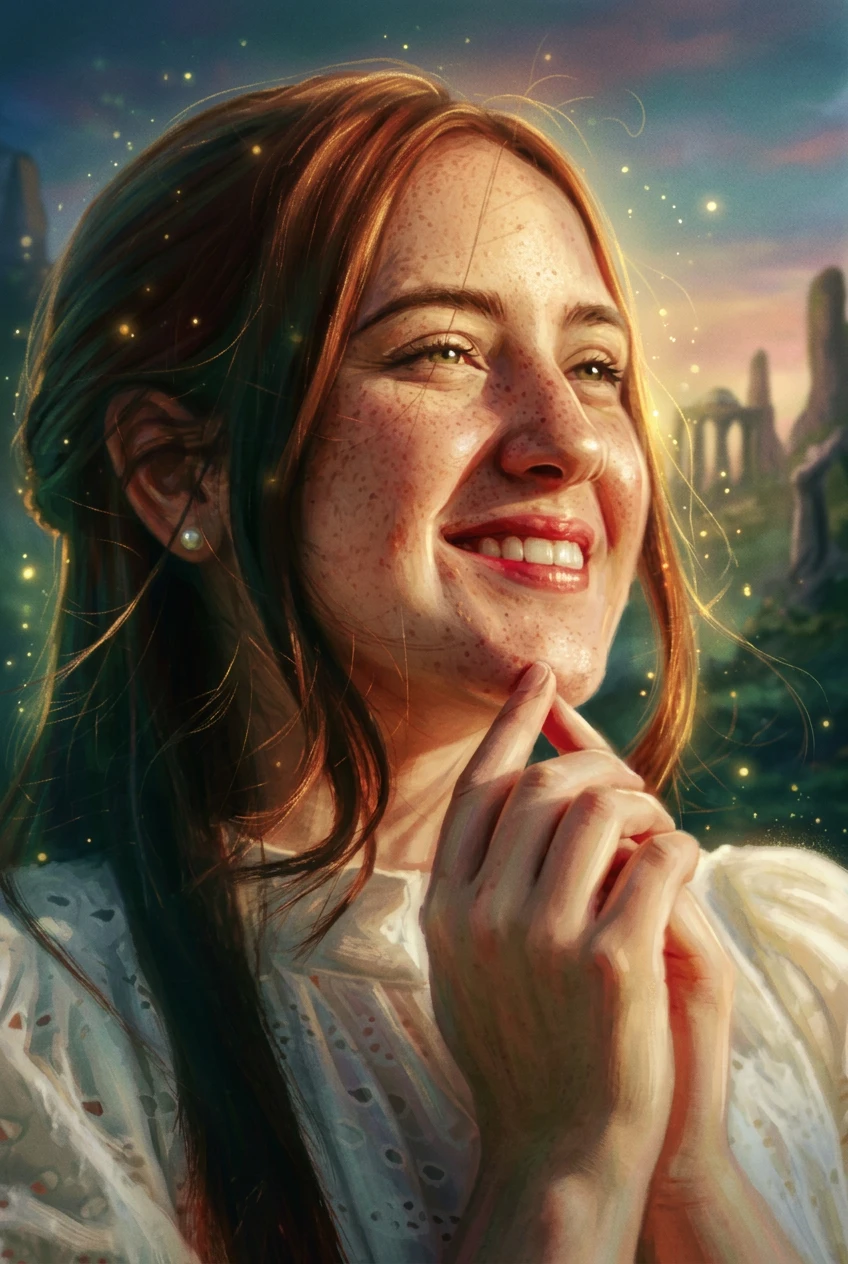
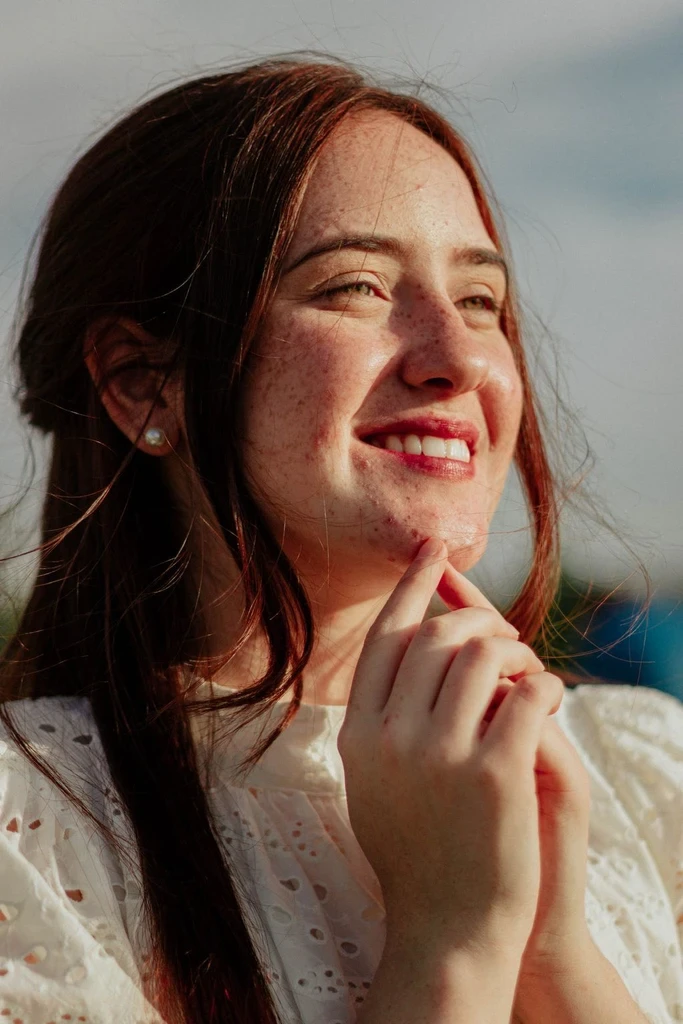
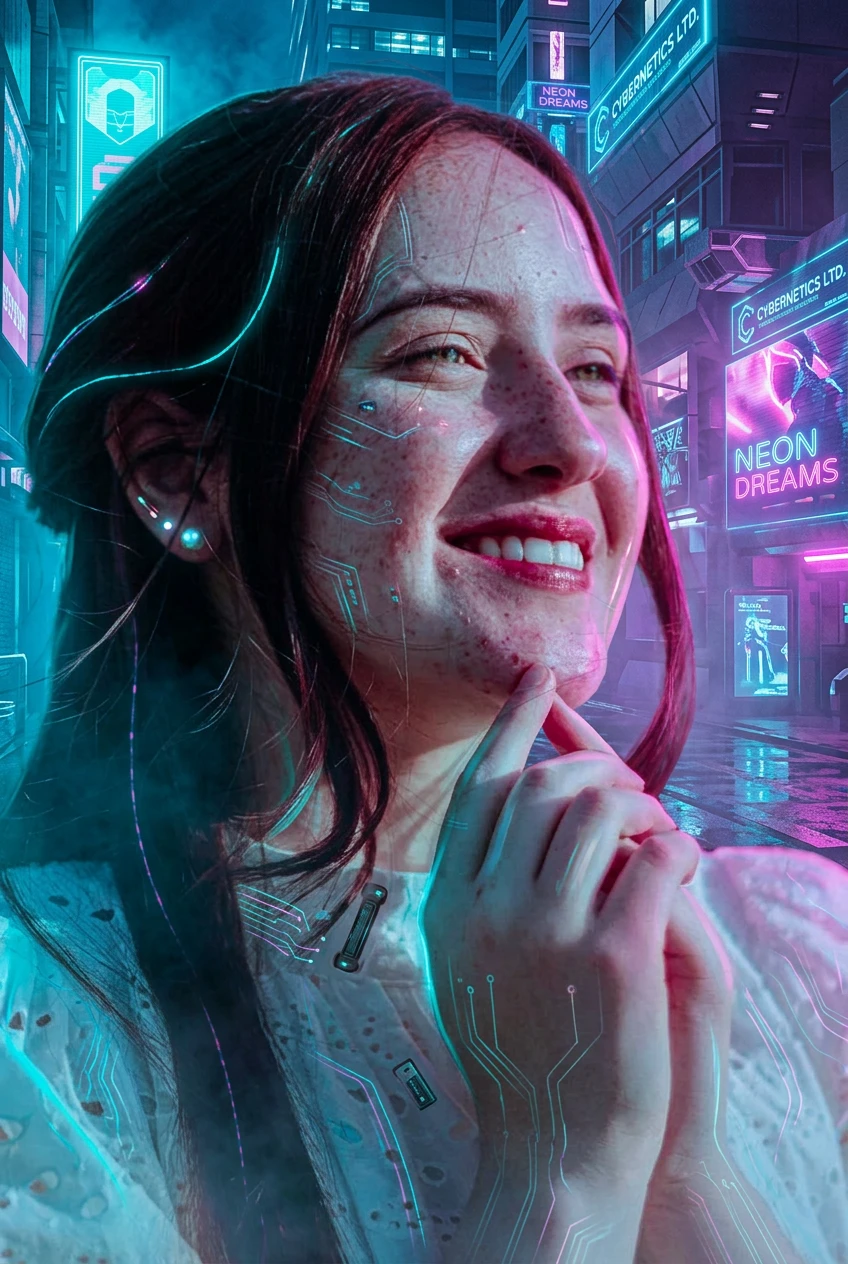
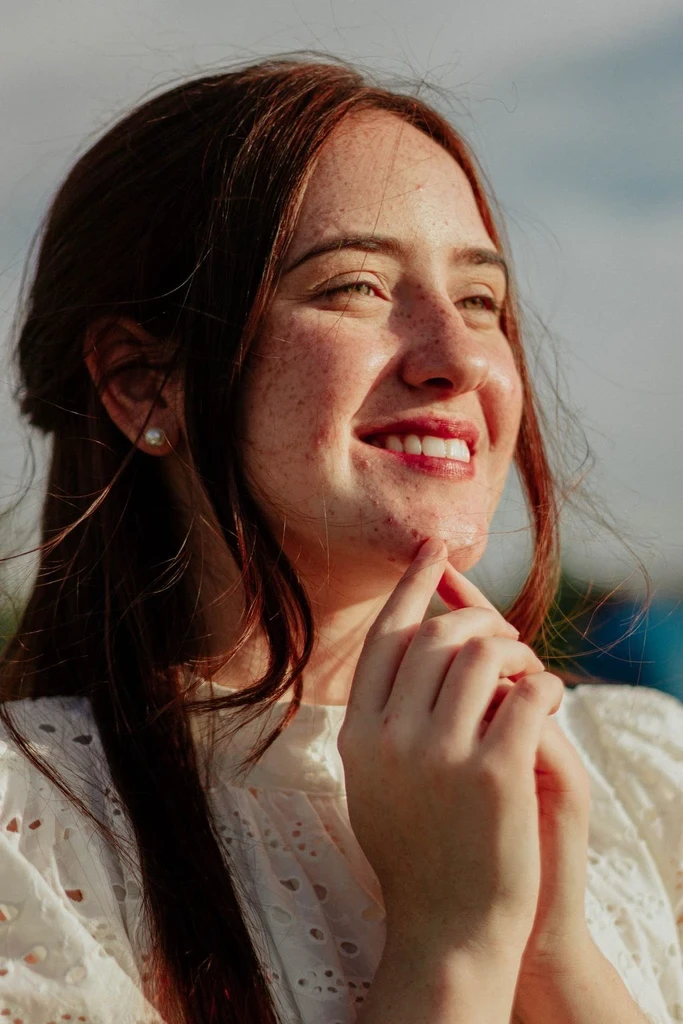
Graphic
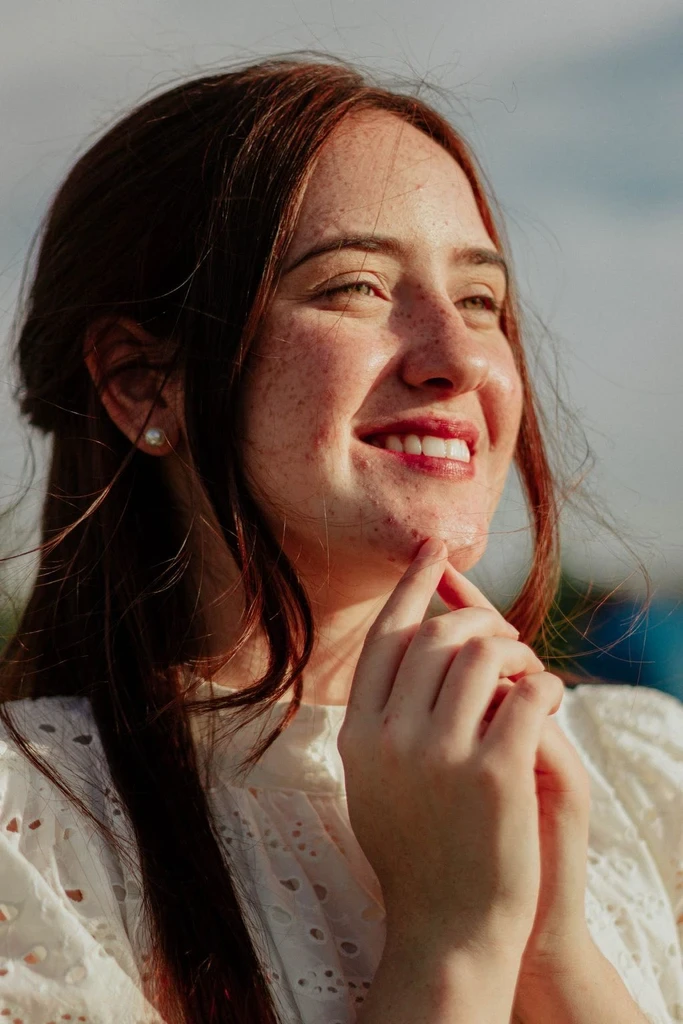
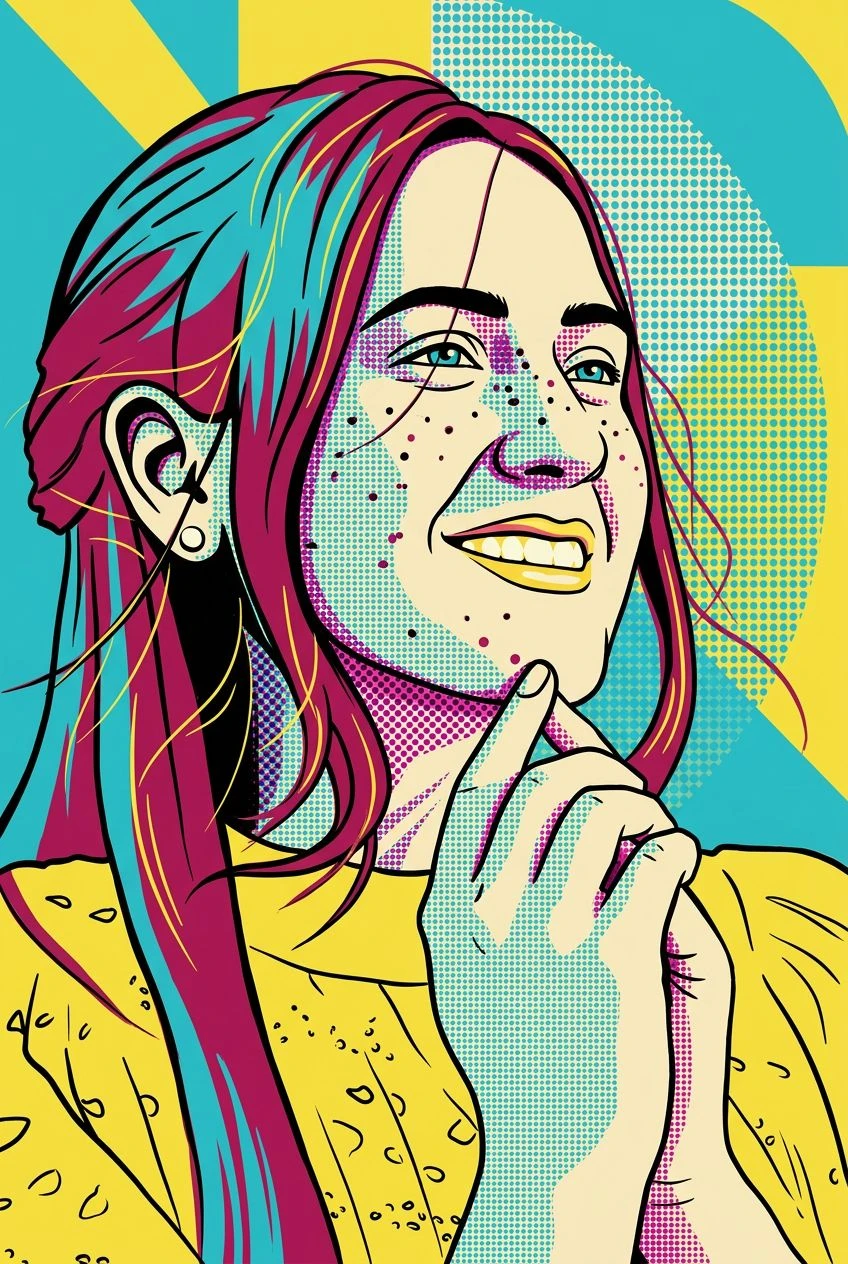
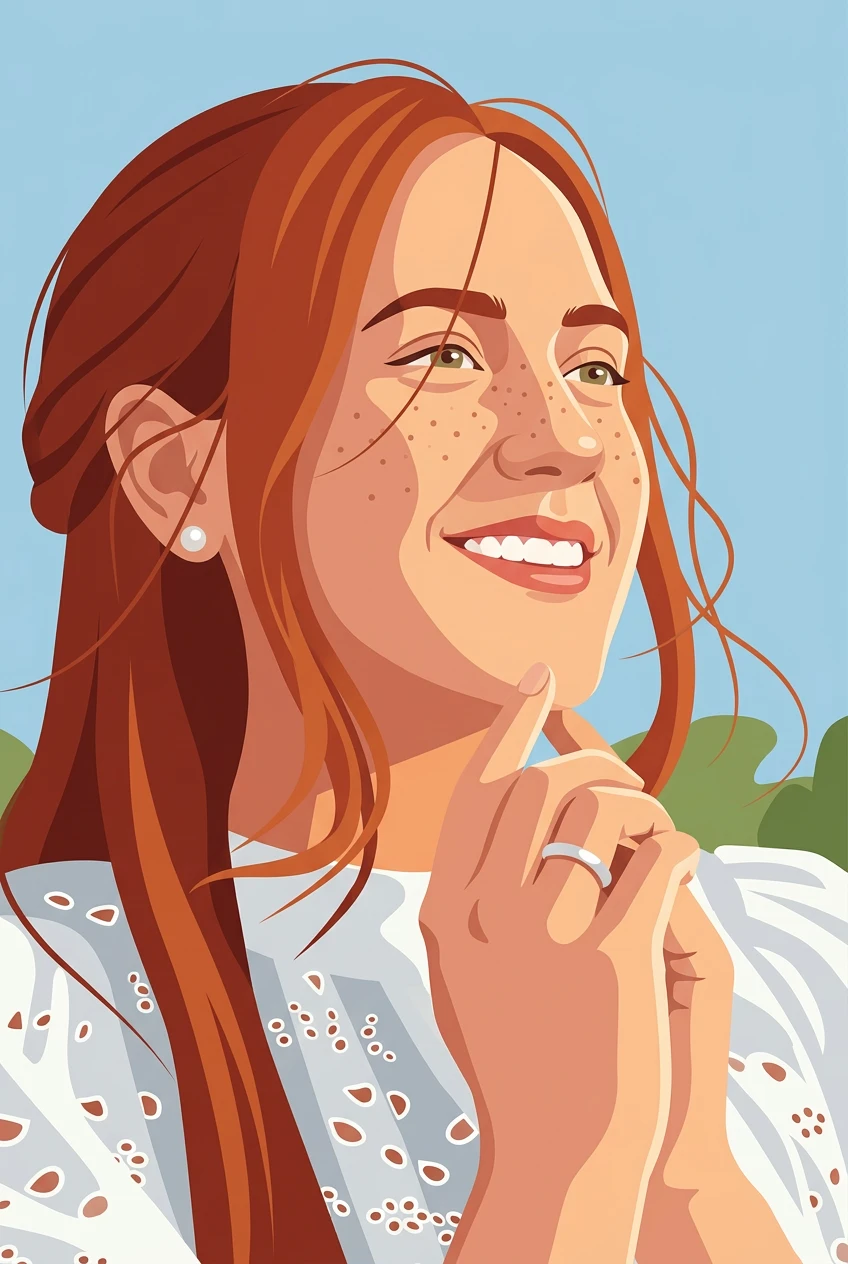
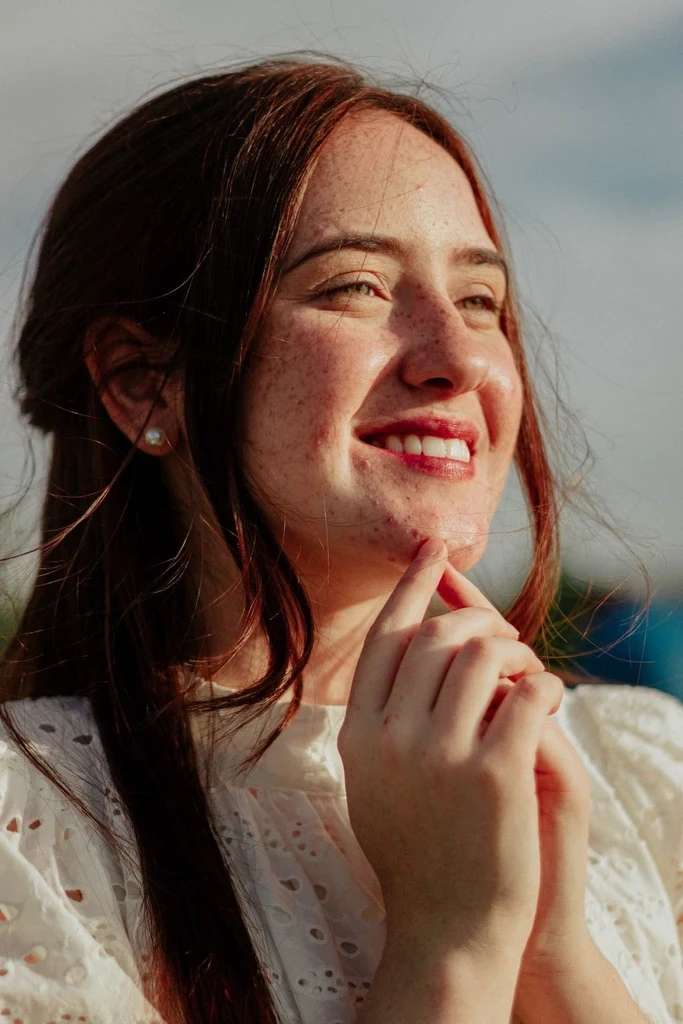
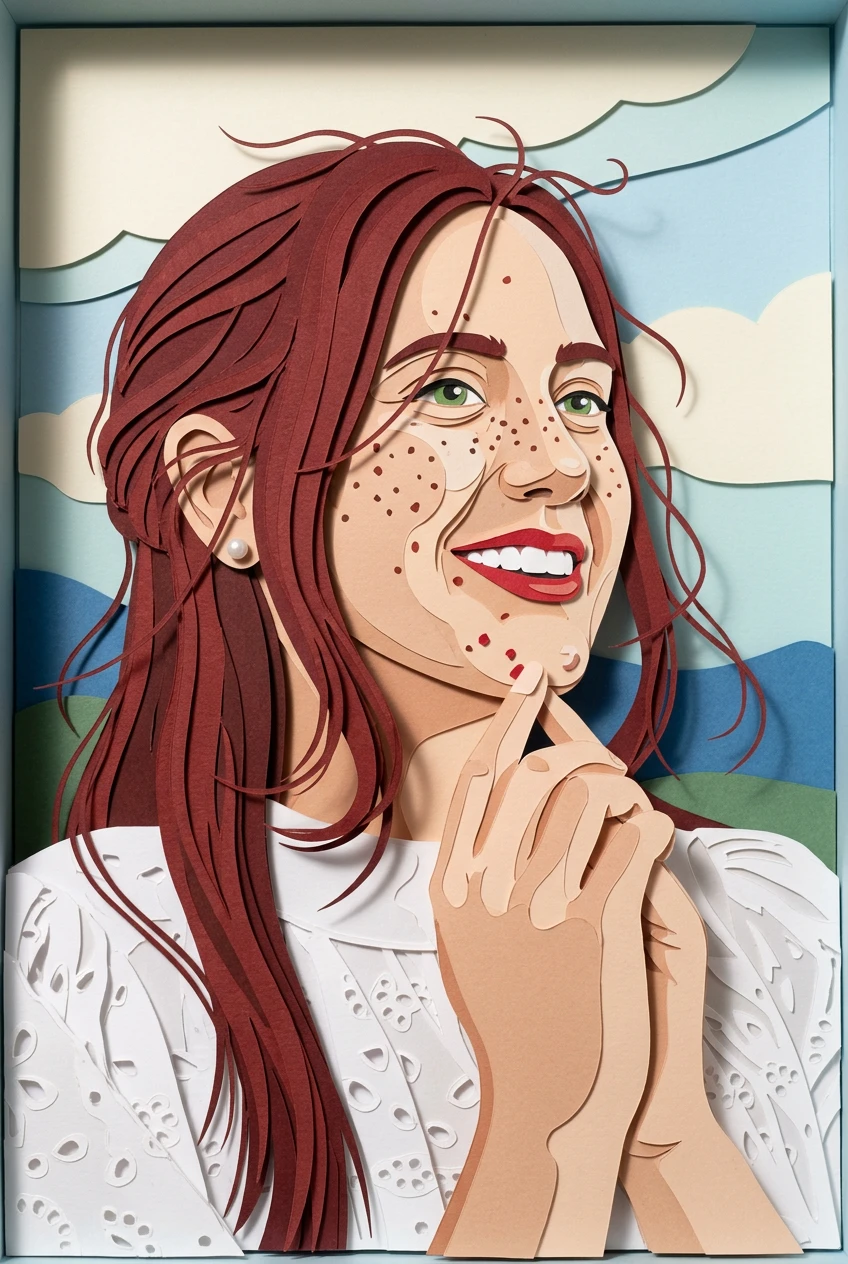
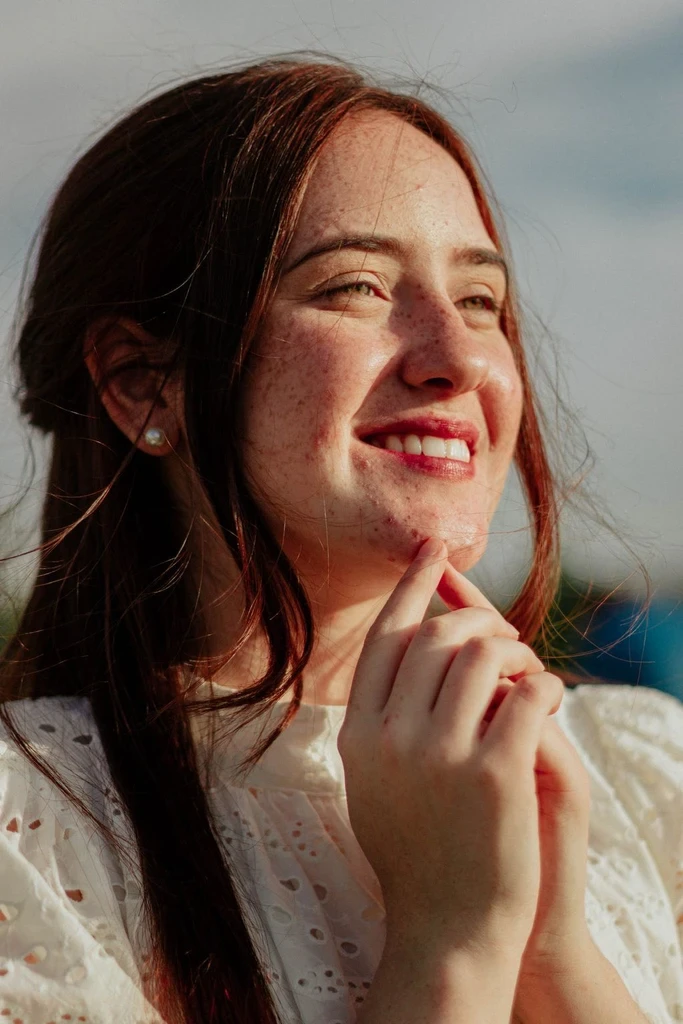
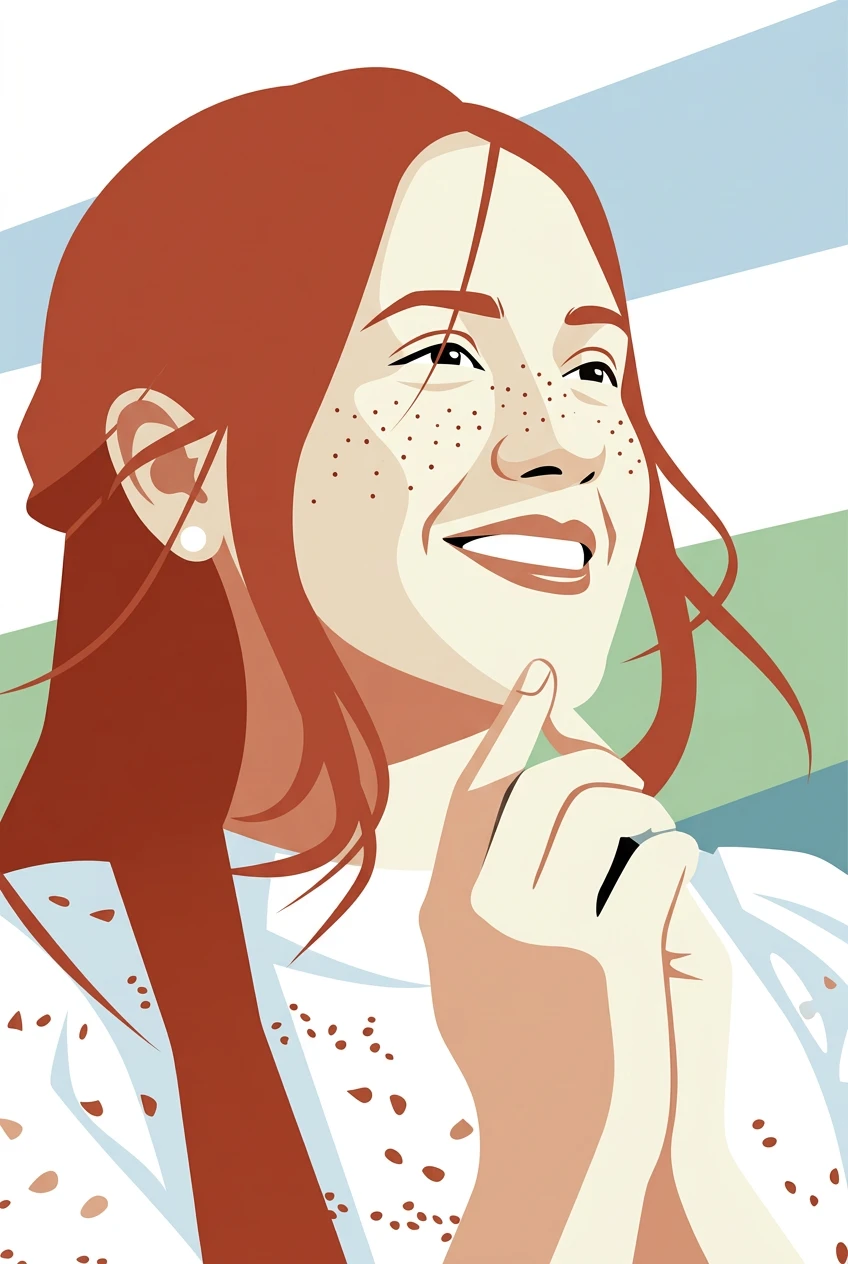
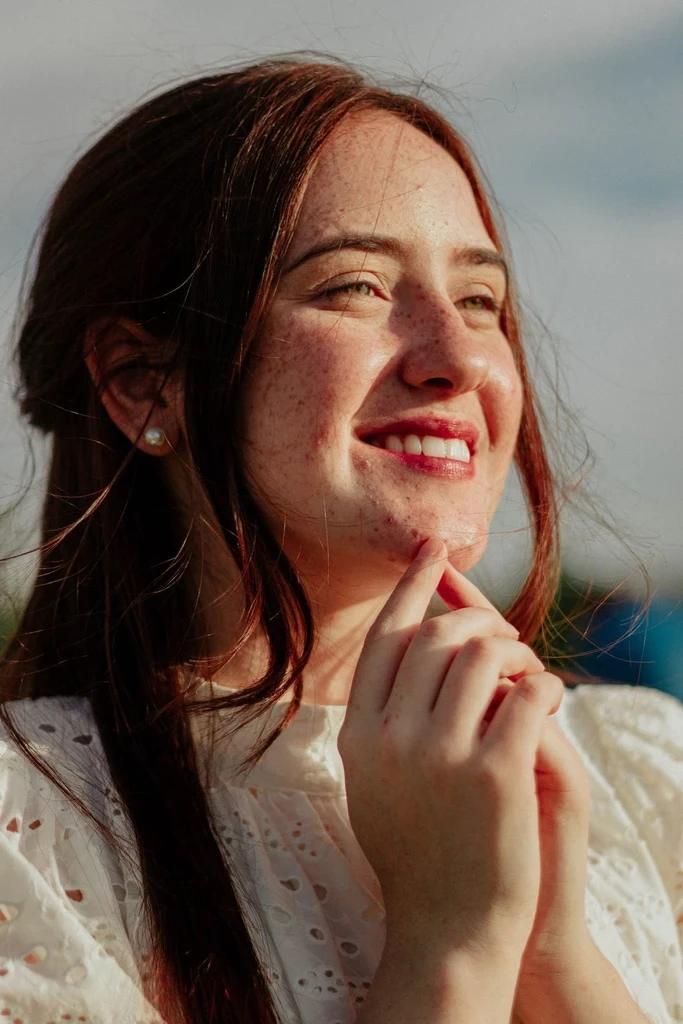
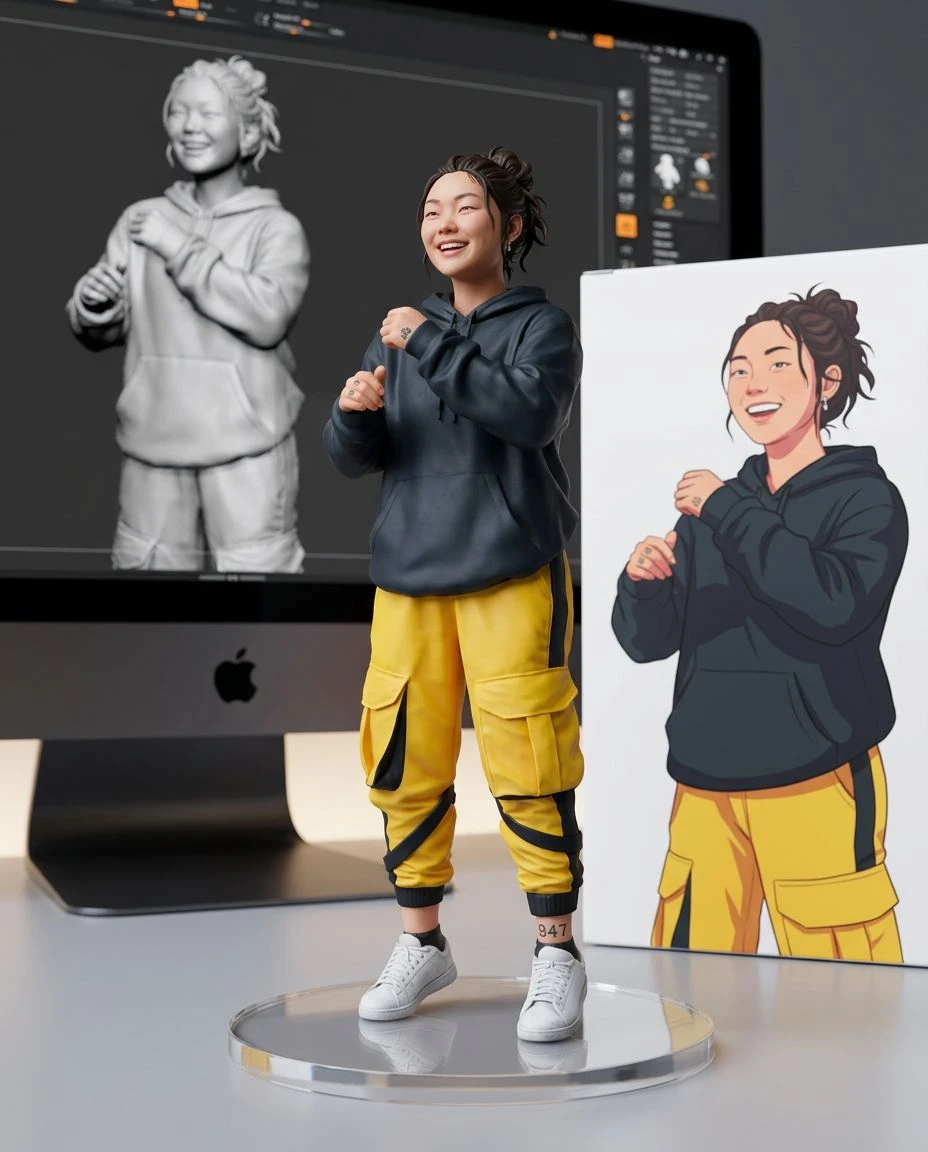
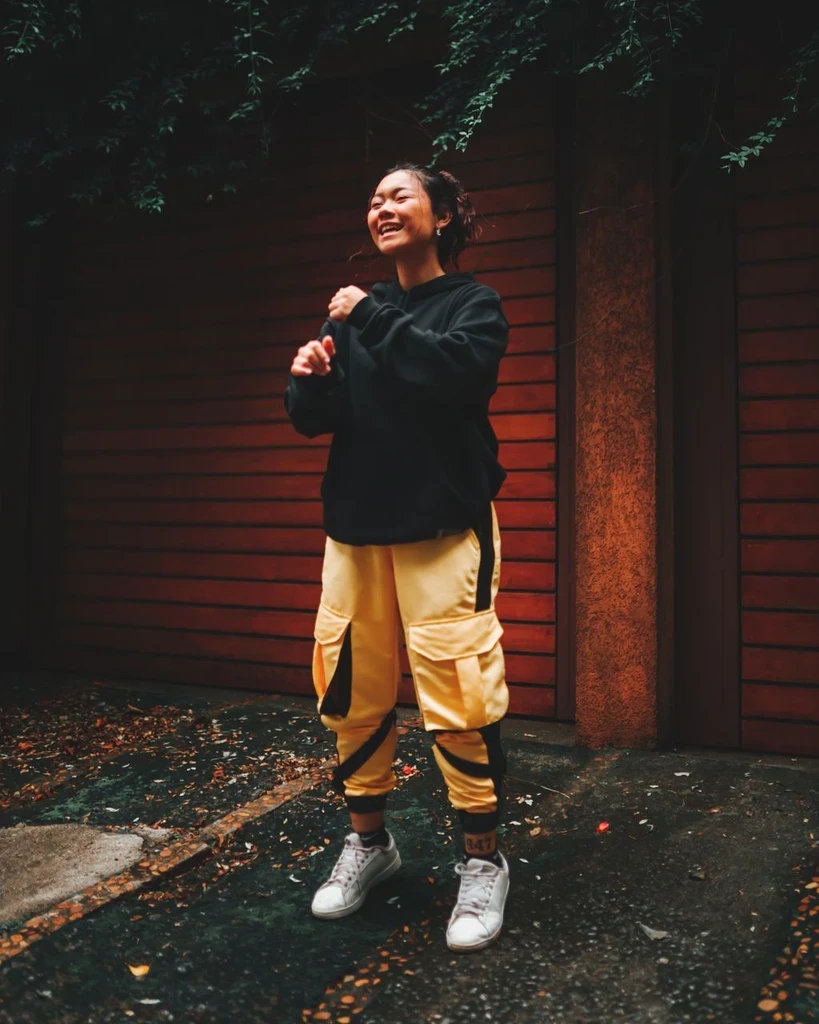
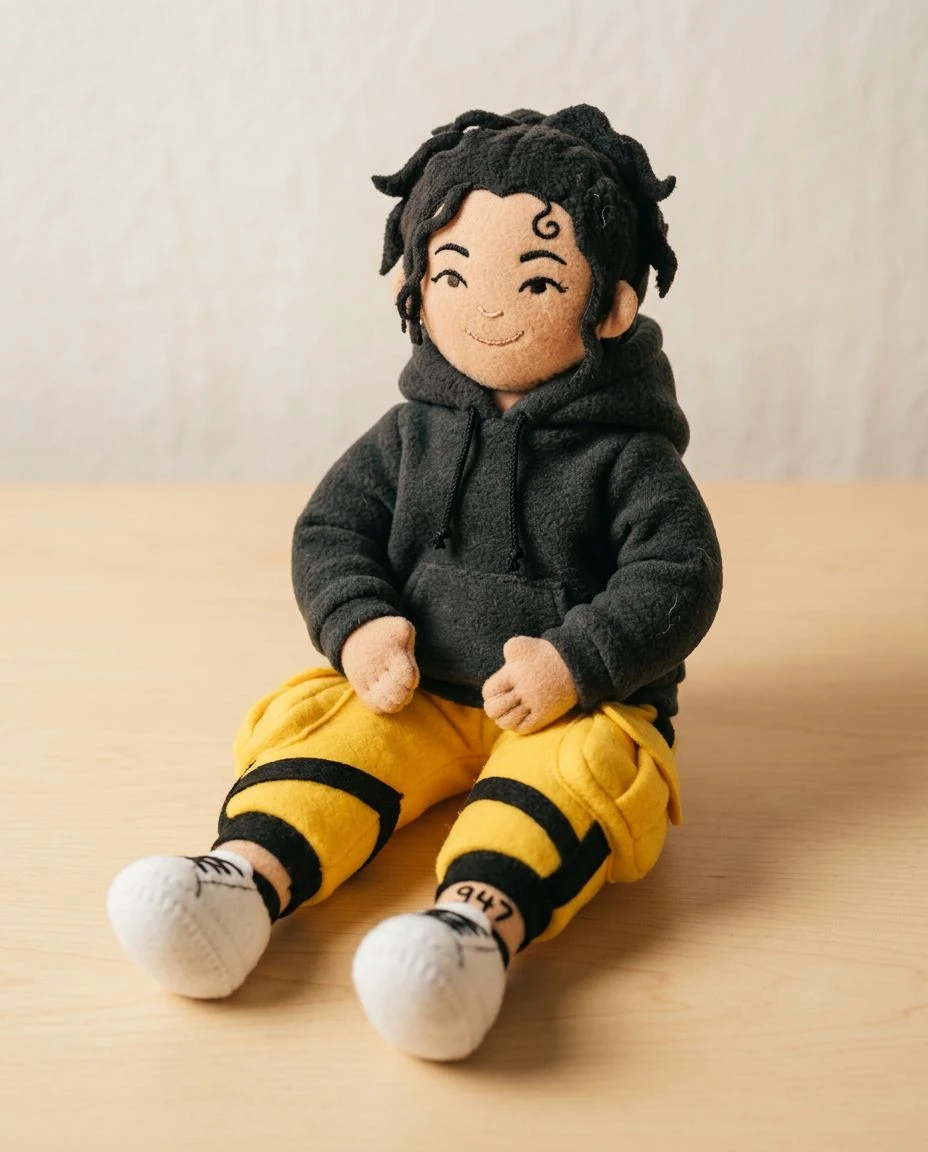
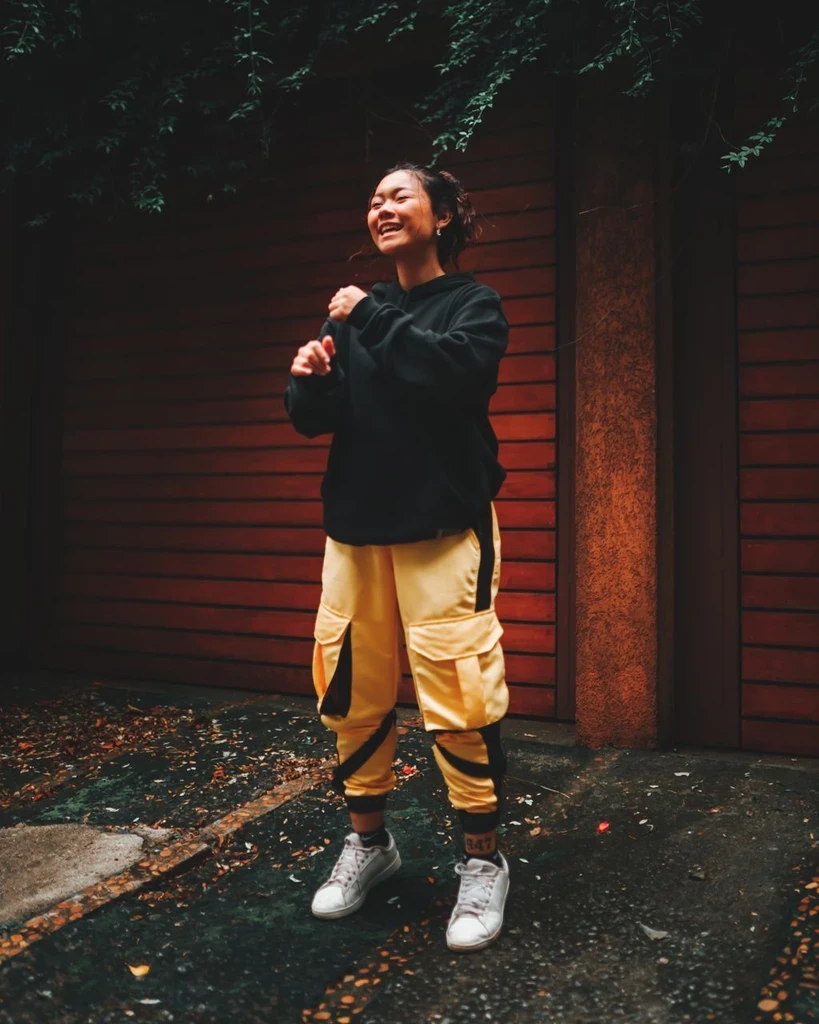
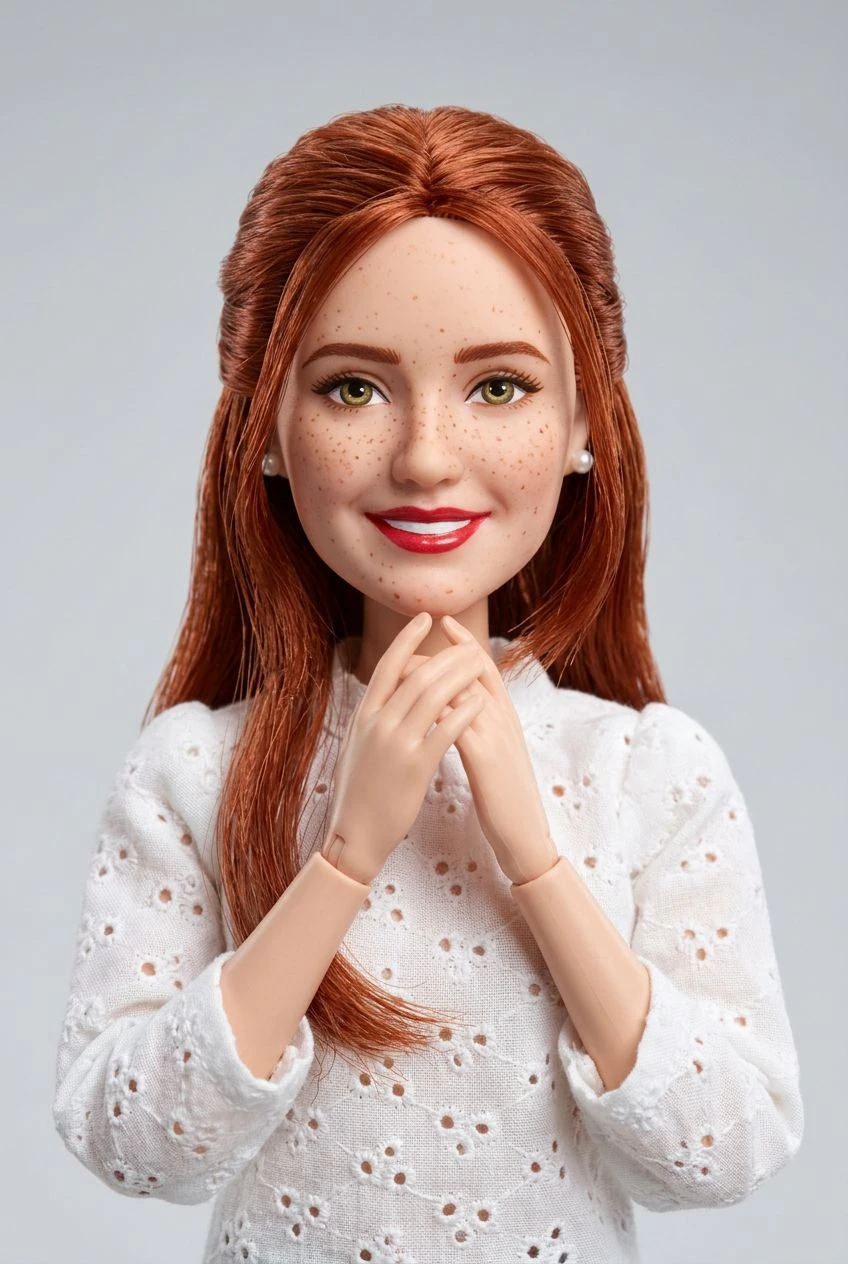
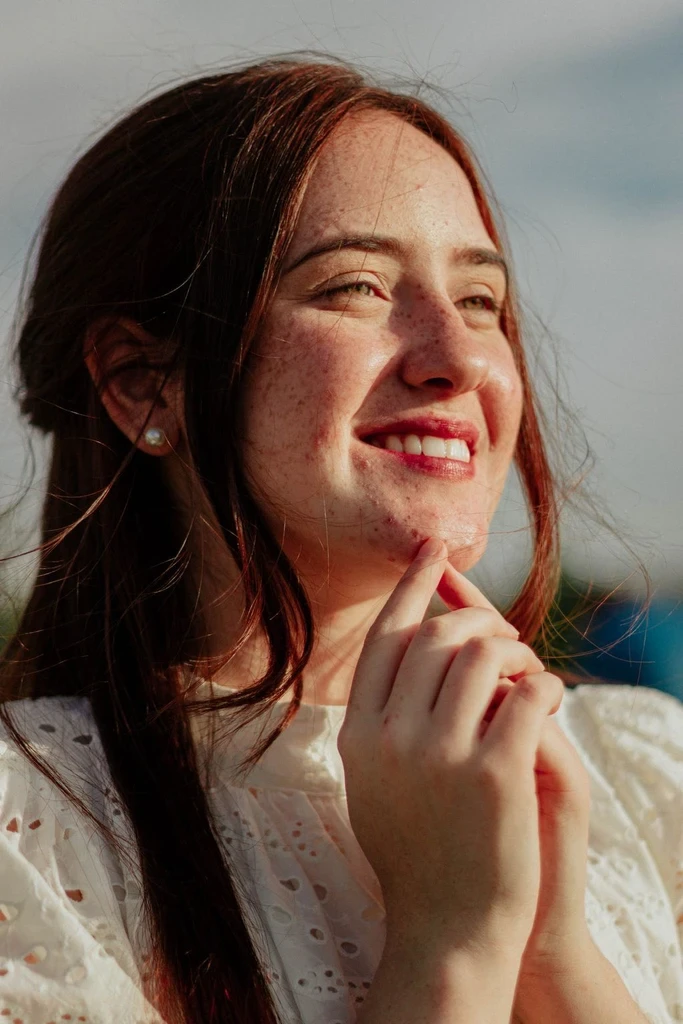
How to turn a photo into art
Choose a style, upload a photo, and generate. Optional direction and output settings stay under Settings.
Choose a style
Pick illustration, graphic, anime, or a 3D treatment from the style covers.
Upload a photo
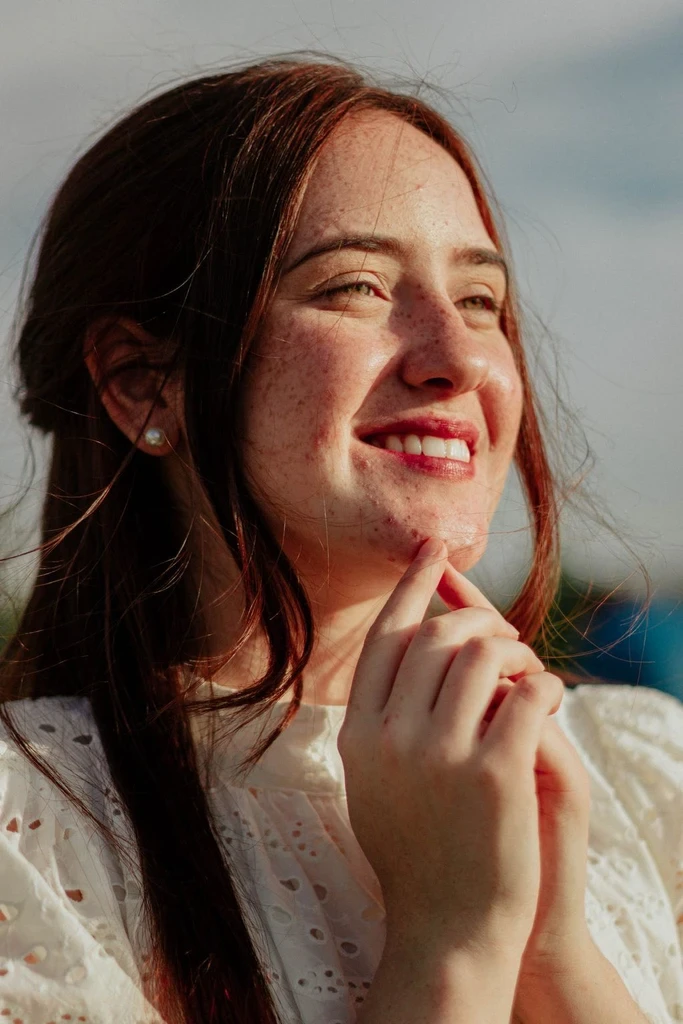
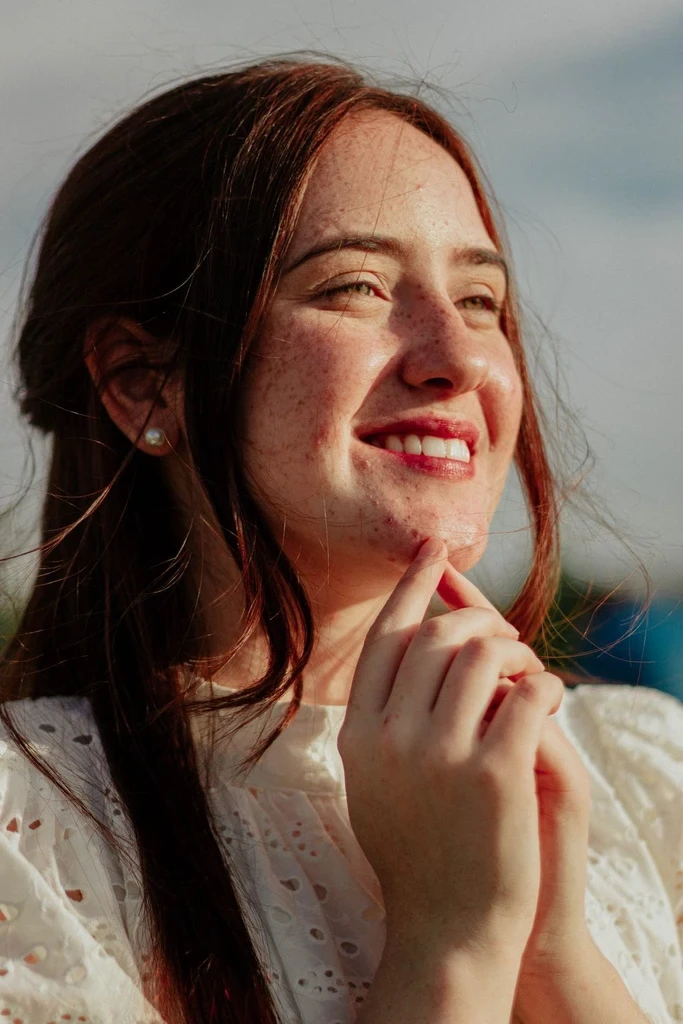
Use a clear photo of a person, pet, or scene. The selected style is applied to it.
Generate
Review the credit estimate and generate. Switch covers to try another style without leaving this page.
When to use the AI art generator
Use this page when you already have a photo and want a drawn, graphic, anime, or 3D look. Choose a style, upload the photo, and generate.
Create a picture from a prompt on the AI image generator. Open Effects for the full set of photo and video effects, including product and motion looks. Use AI tools to remove a background, upscale, or repair a photo.
Other ways to create
AI image generator
Create a new image from a prompt or reference images.
Image to art
Give your favorite images an artistic makeover. Upload a photo, choose from a collection of creative styles, and transform it into an illustration, painting, sketch, or more—all while keeping the original subject recognizable.
Image to illustration
Transform the pictures you already have into expressive illustrations. Upload a portrait, pet photo, or everyday scene, choose an illustration style, and see your image reimagined with AI.
All effects
Browse photo and video effects beyond these art styles.
AI art generator FAQs
How photo styles work, how they sit next to prompt-based image creation, and how to switch looks.