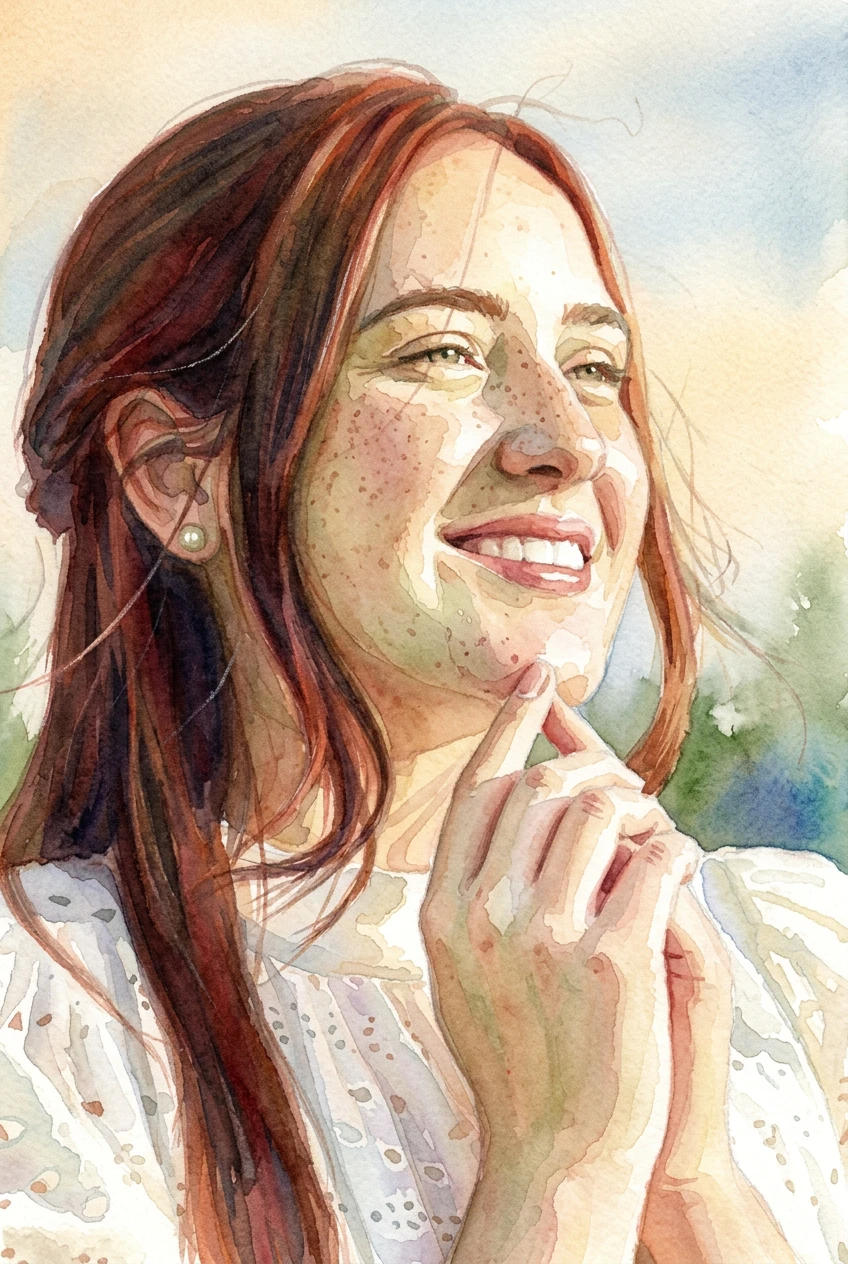
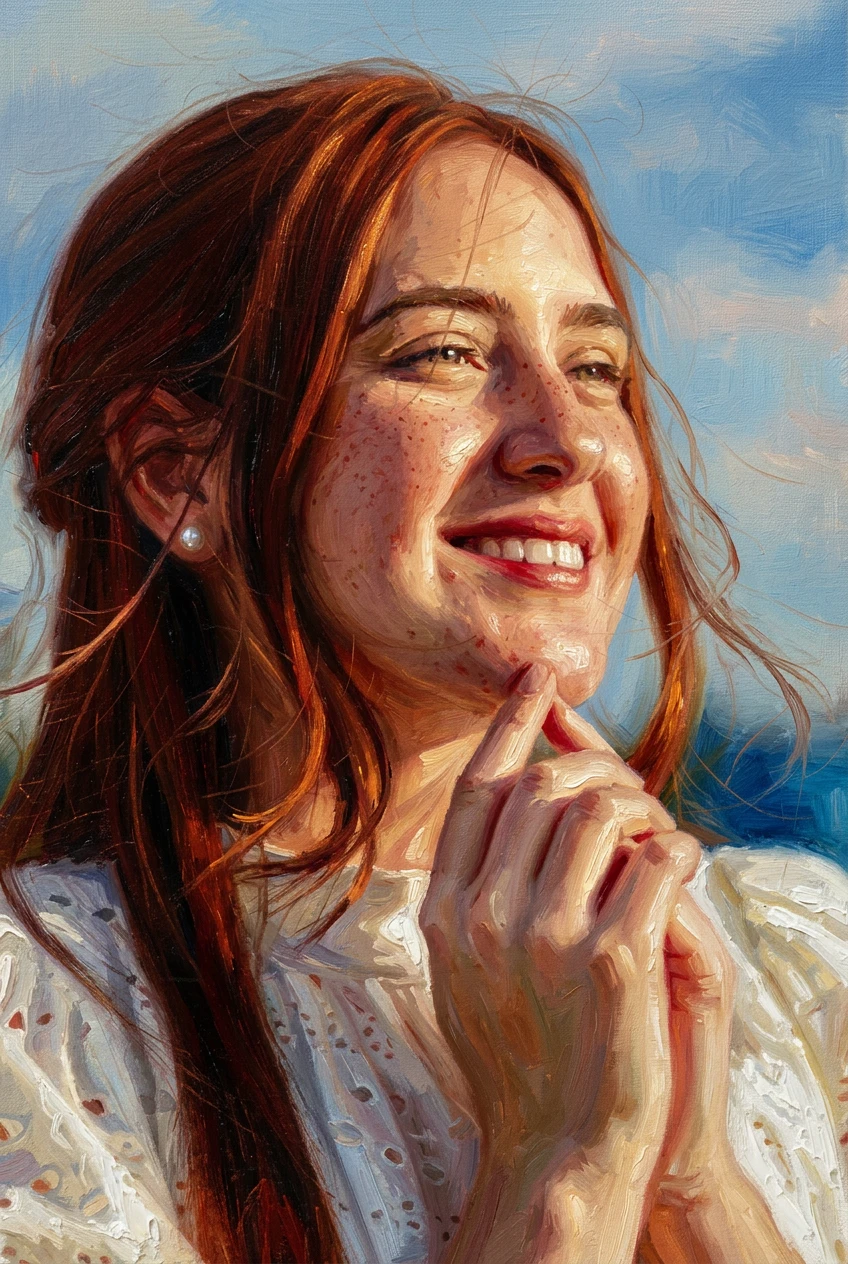
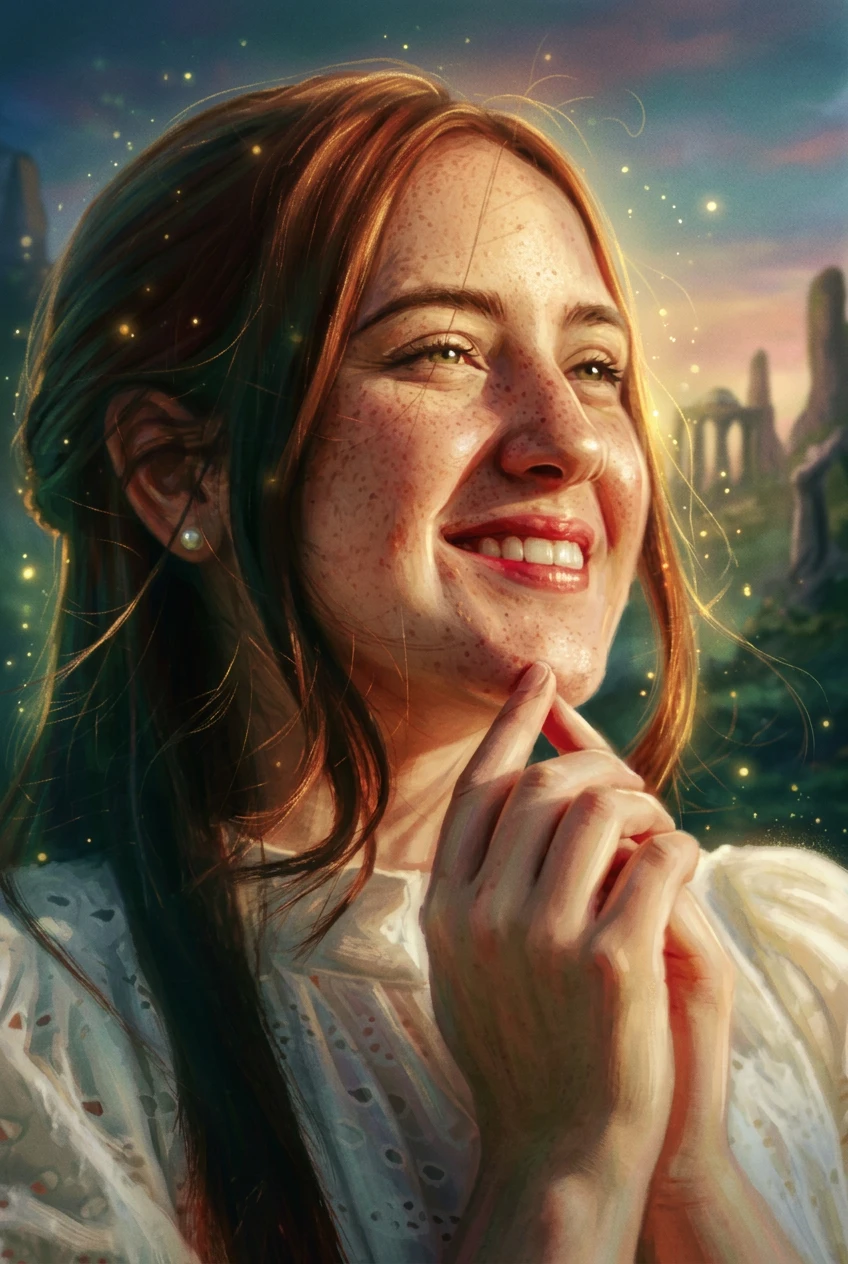
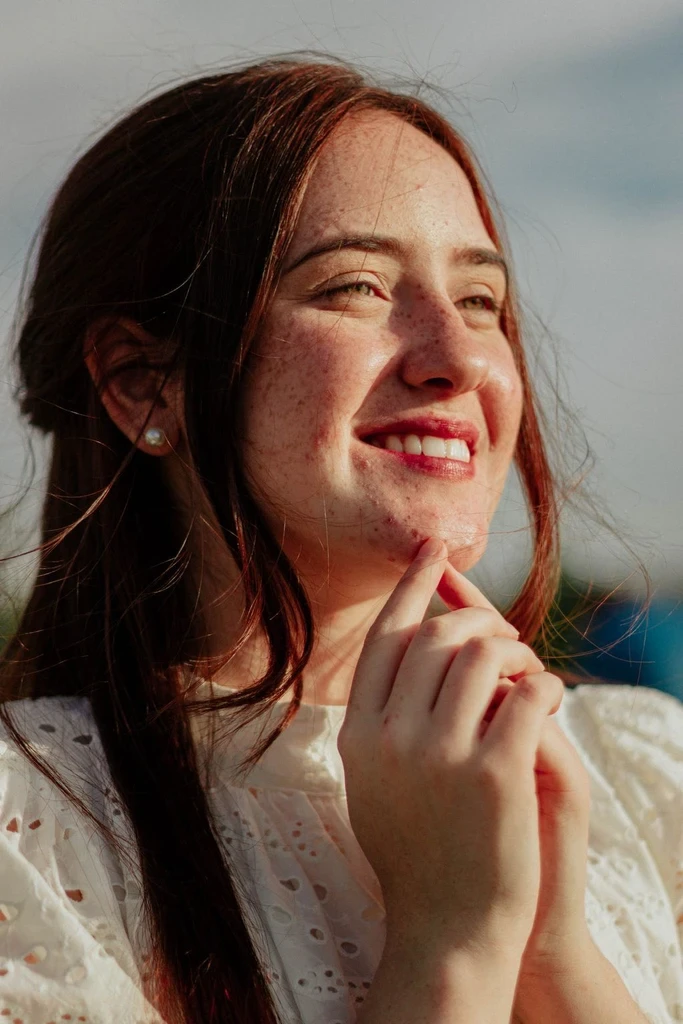
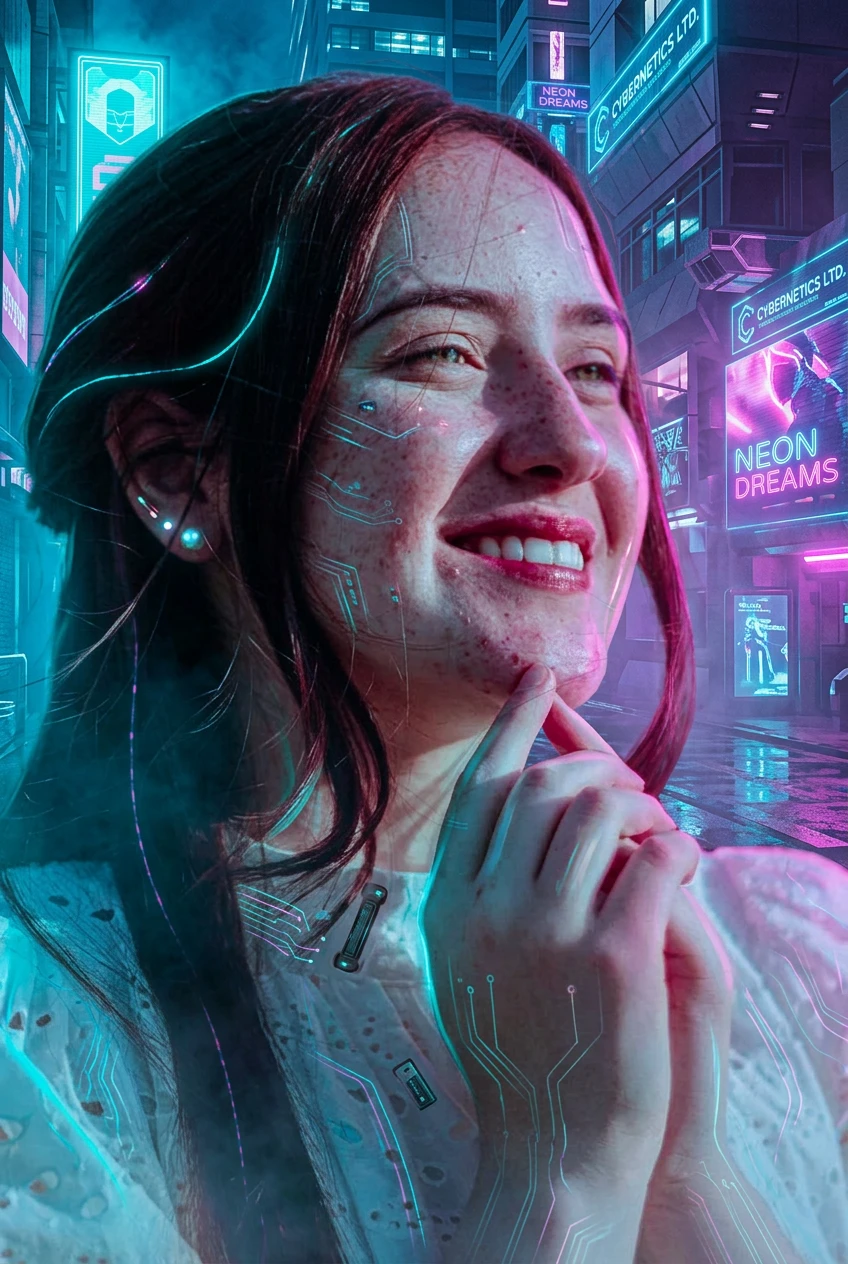
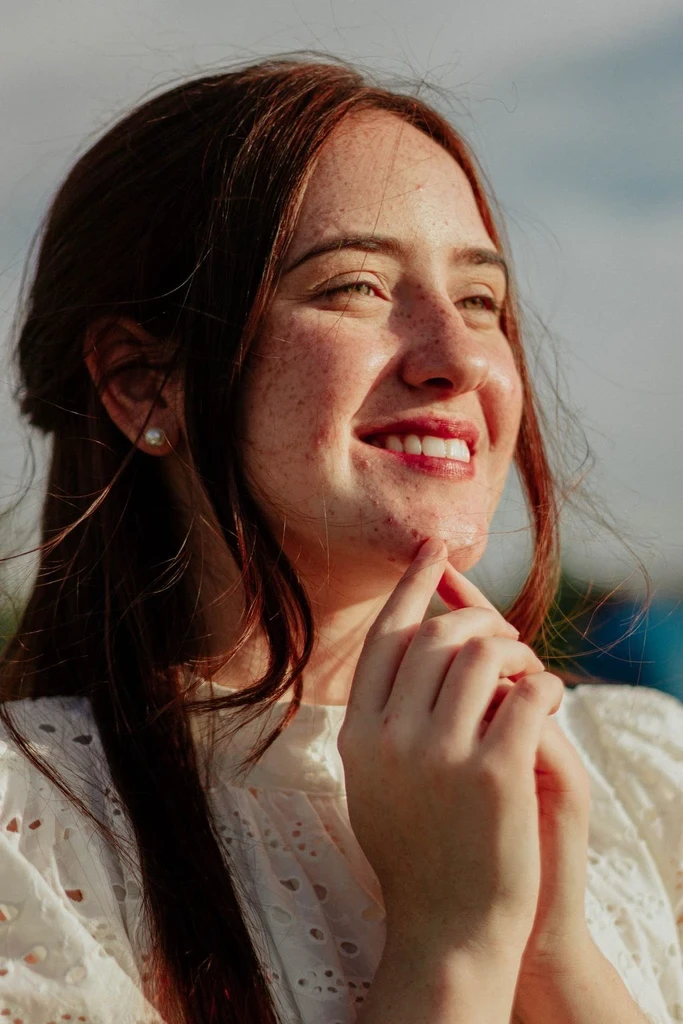
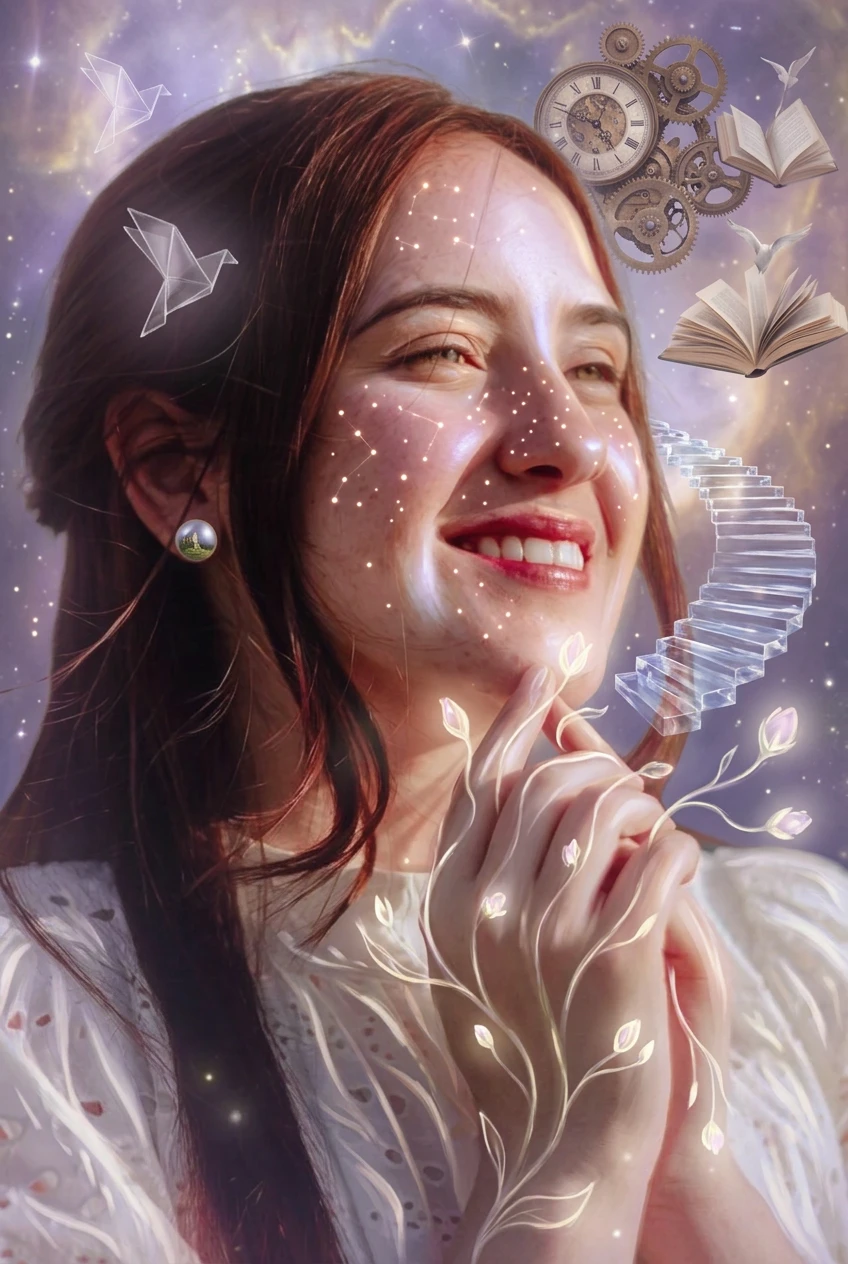
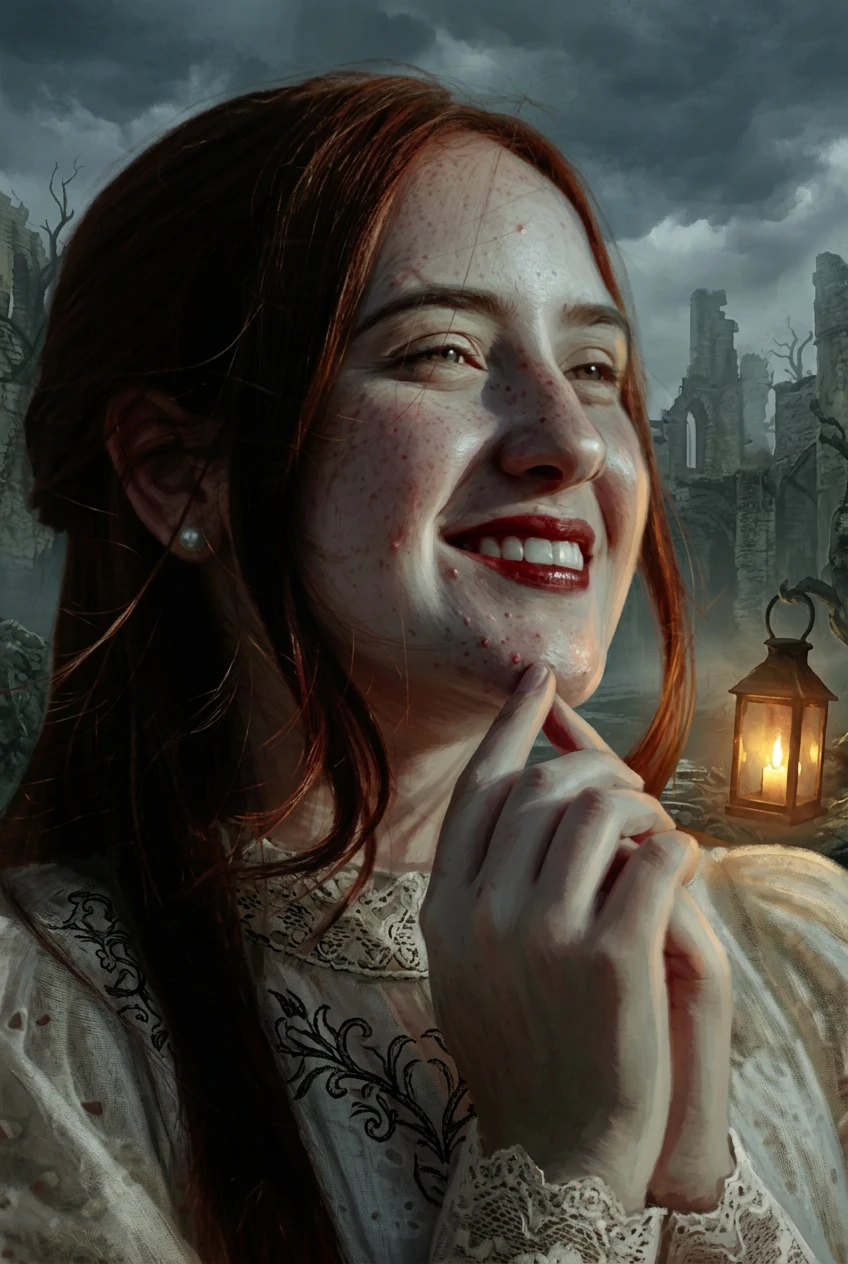
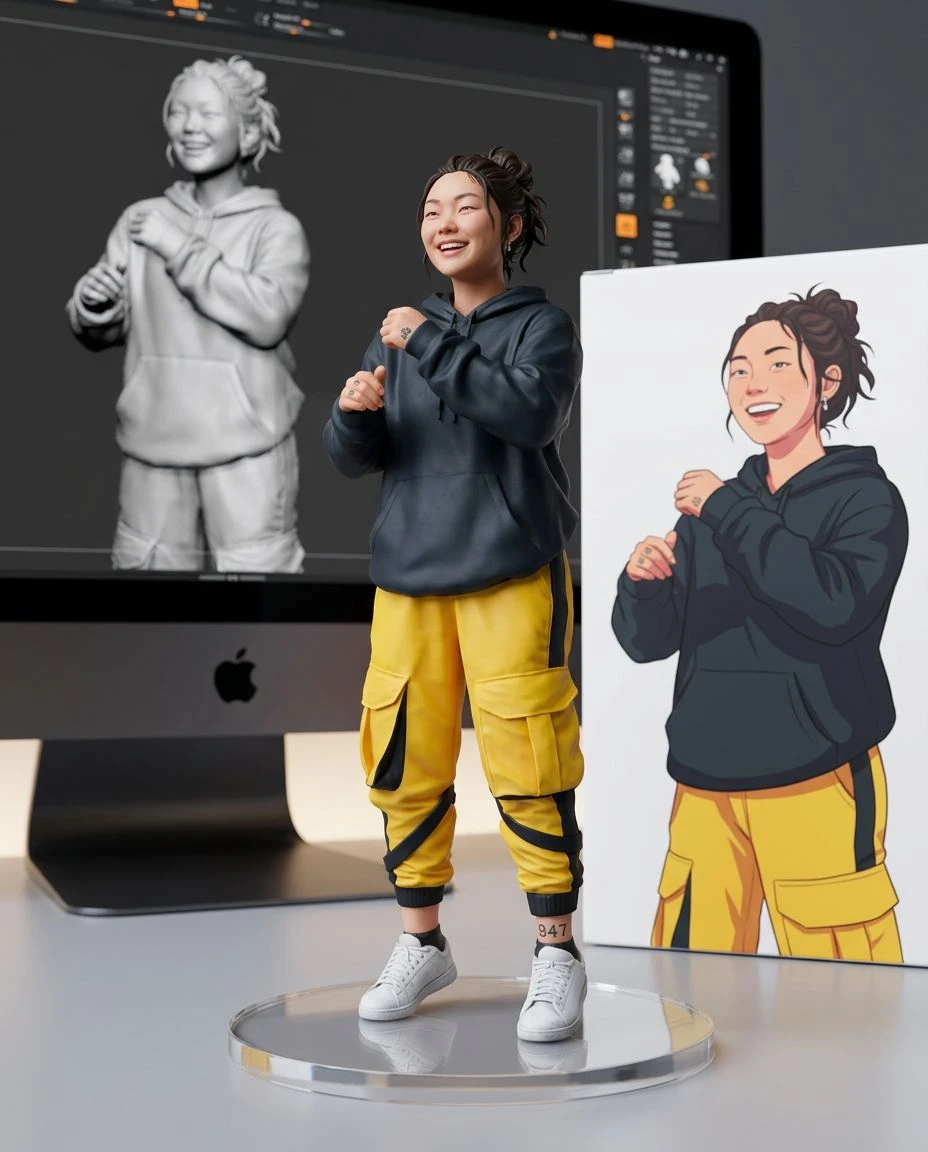
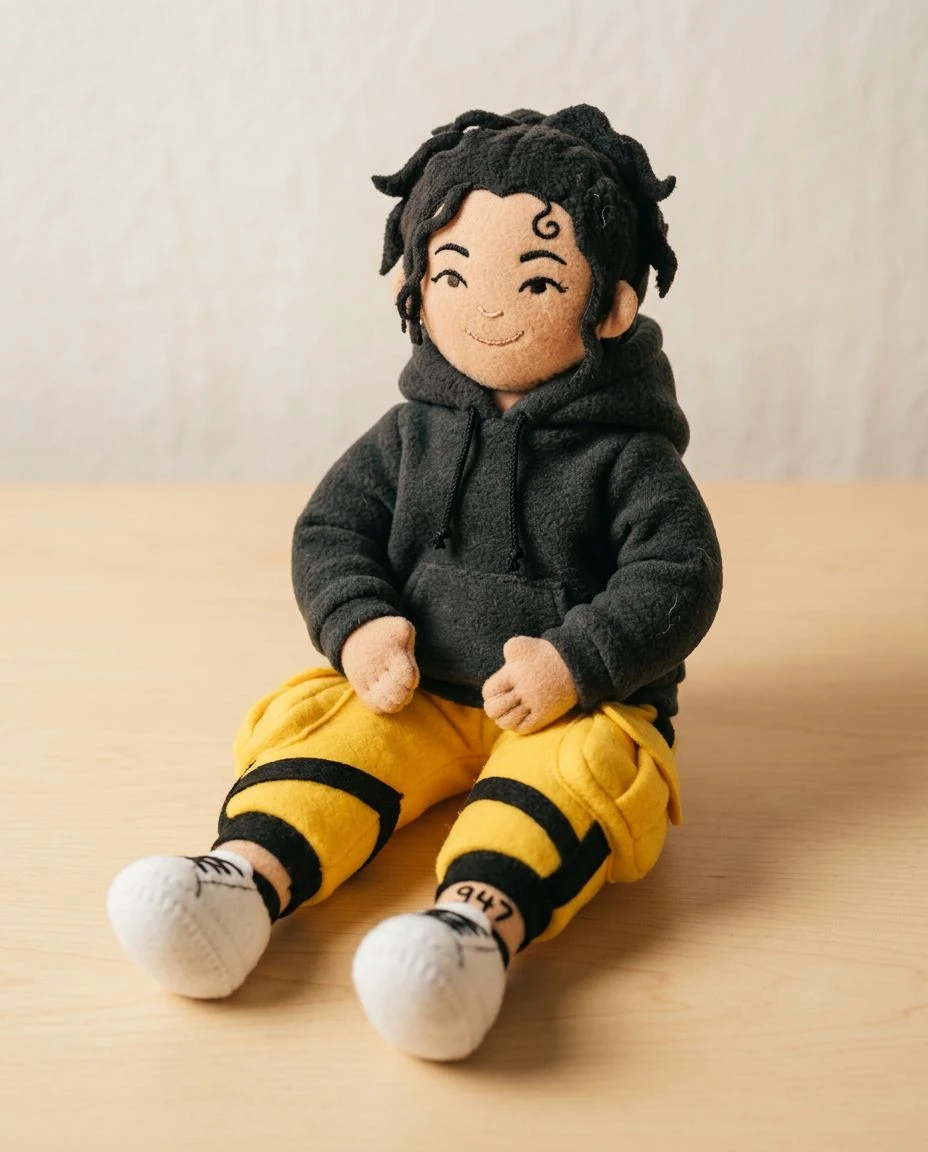
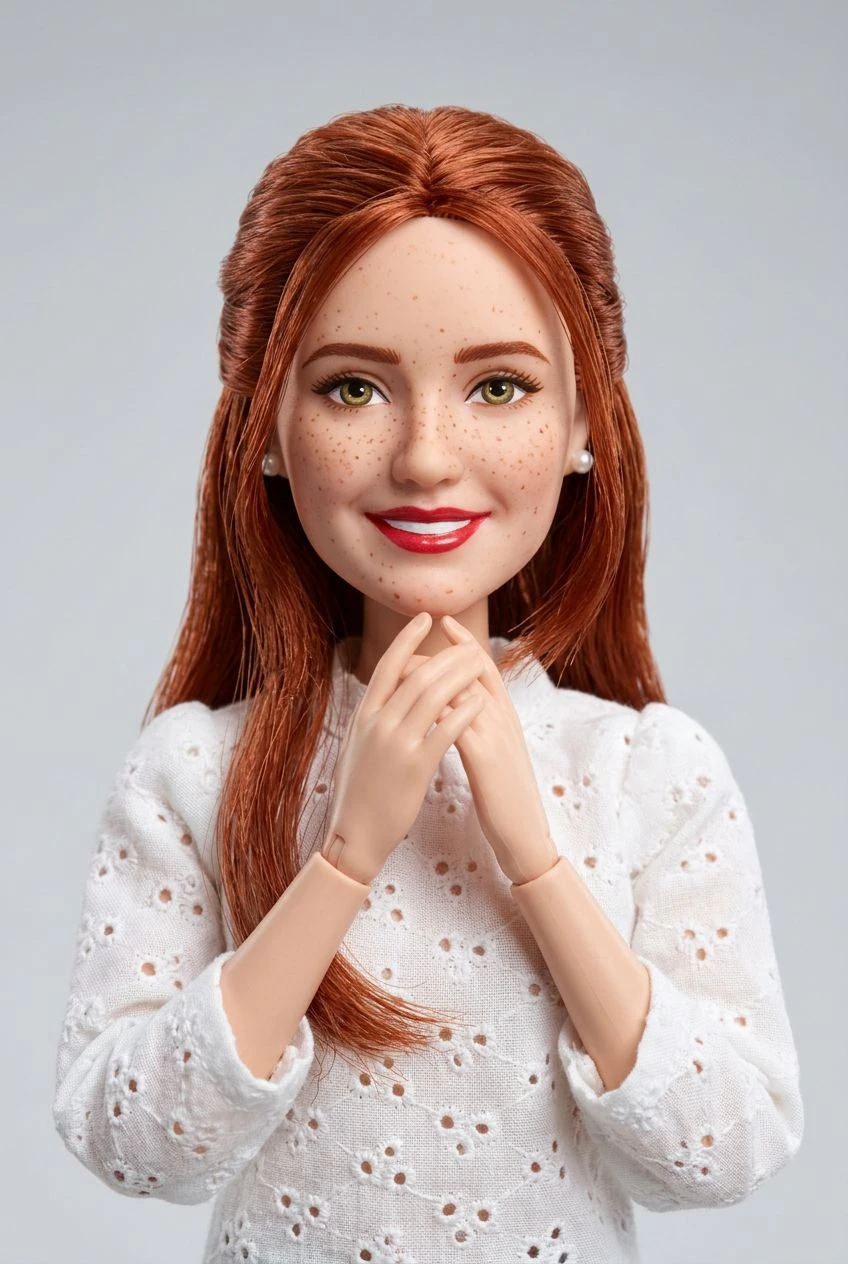
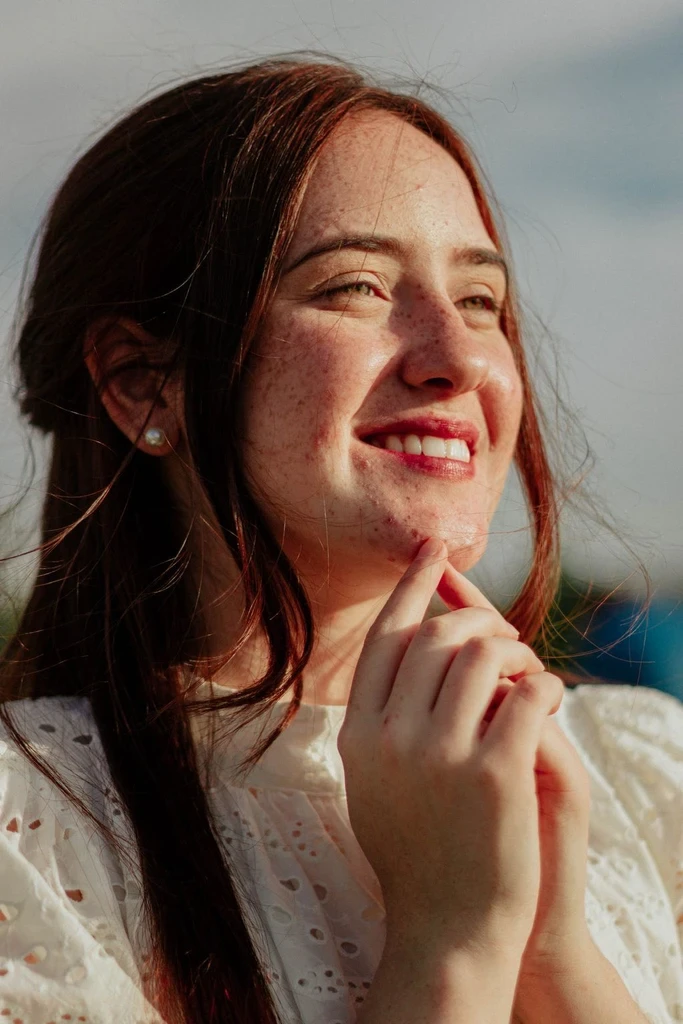
Explore Multiple Art Styles
Try watercolor, anime, oil painting, comic art, pixel art, and more without starting from a blank canvas.
AI image to art converter
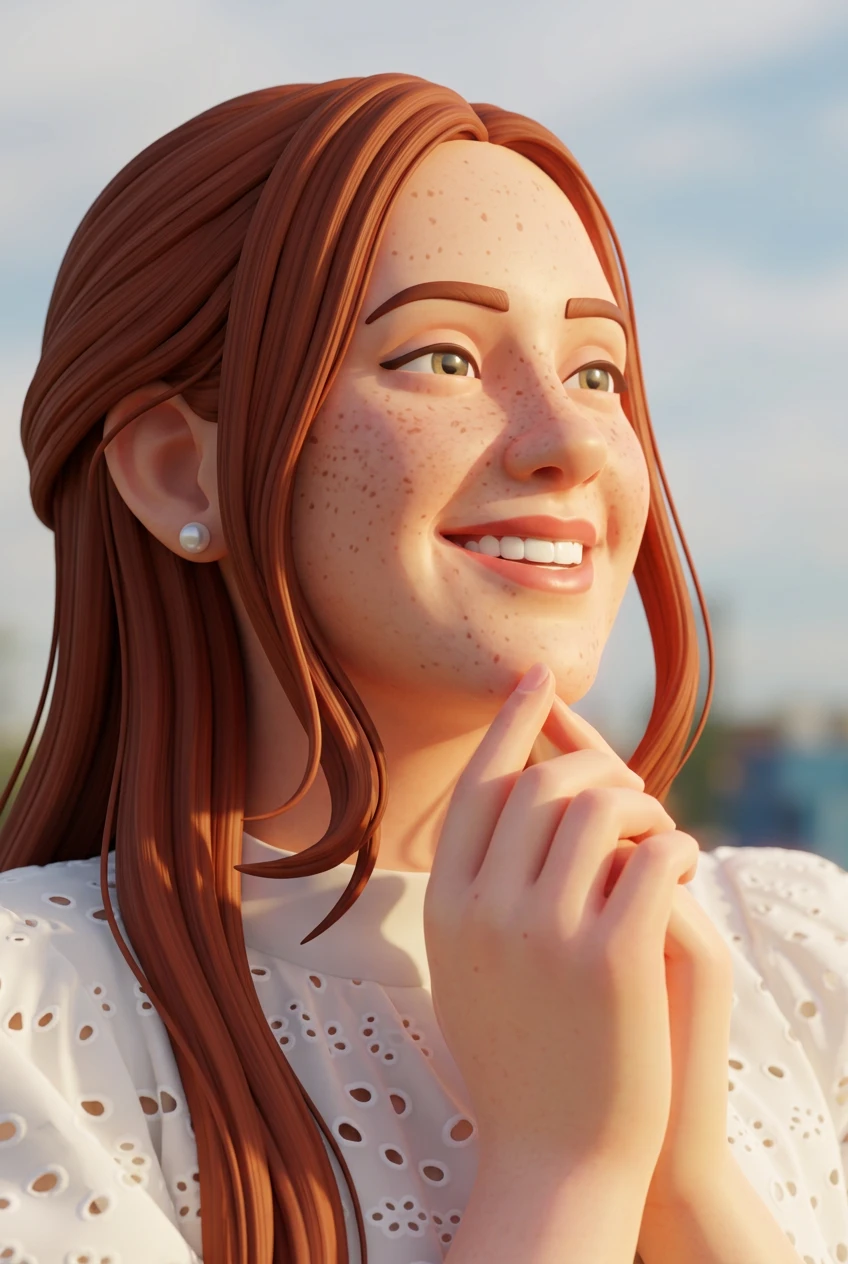
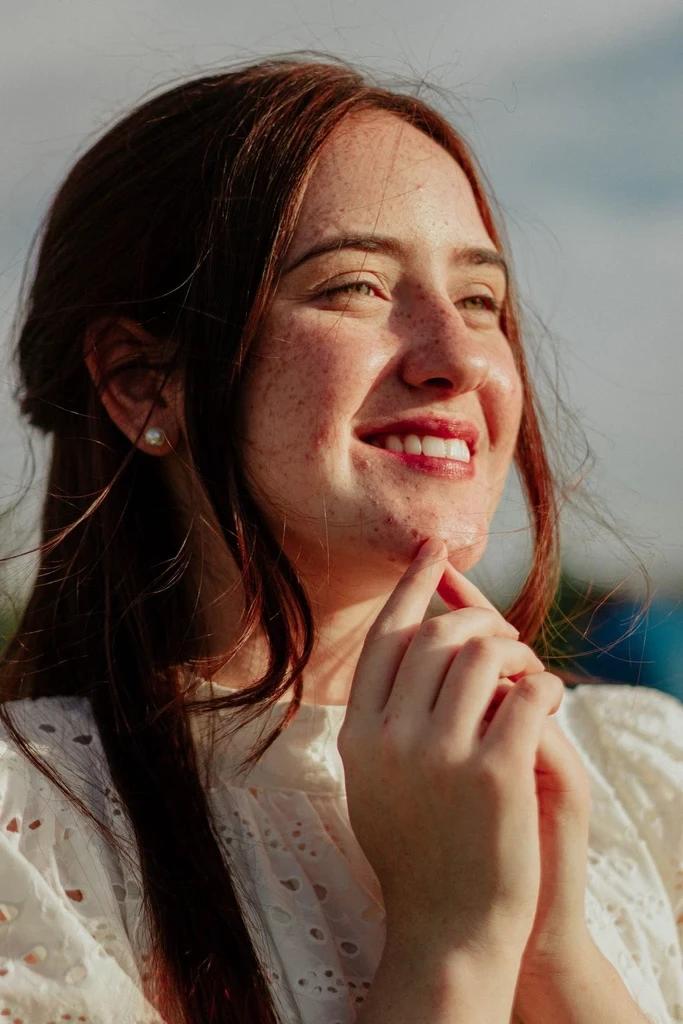
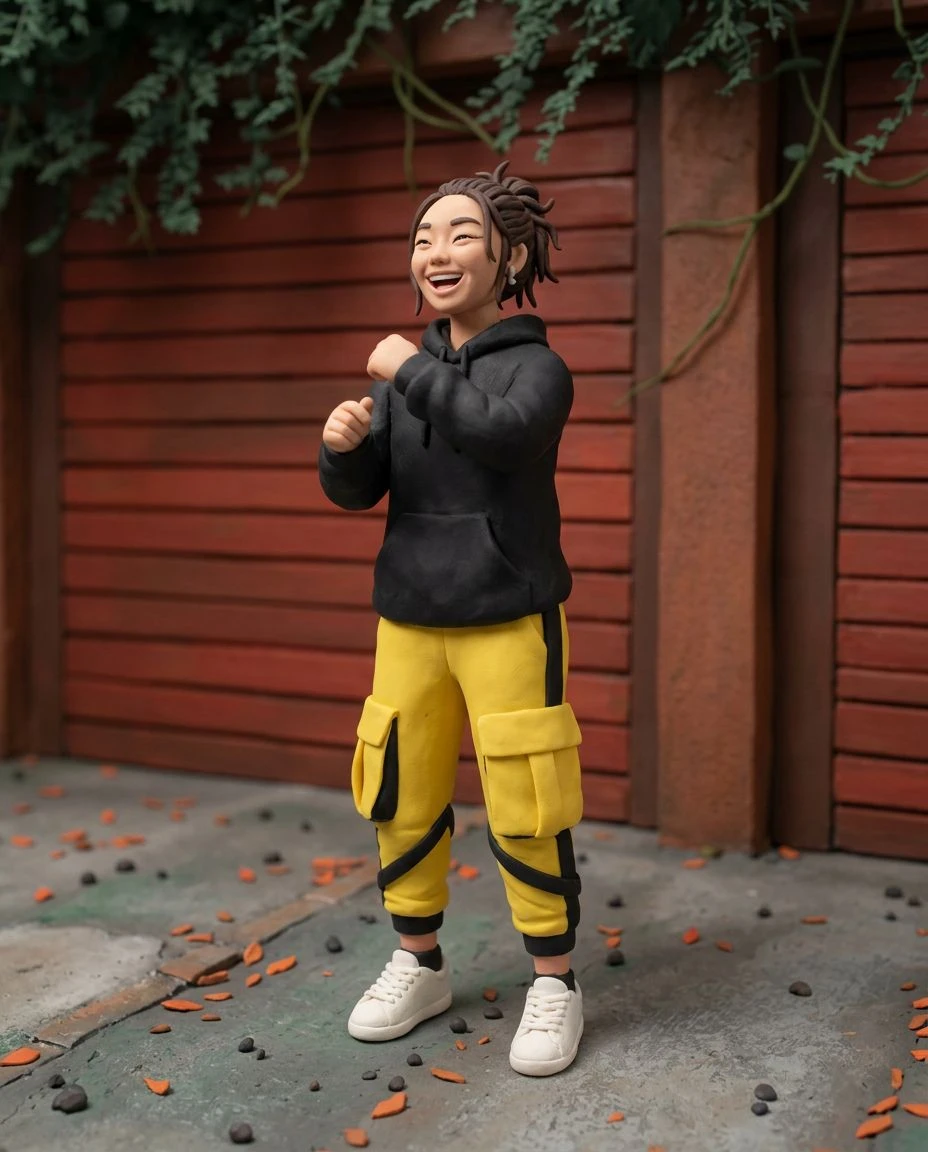
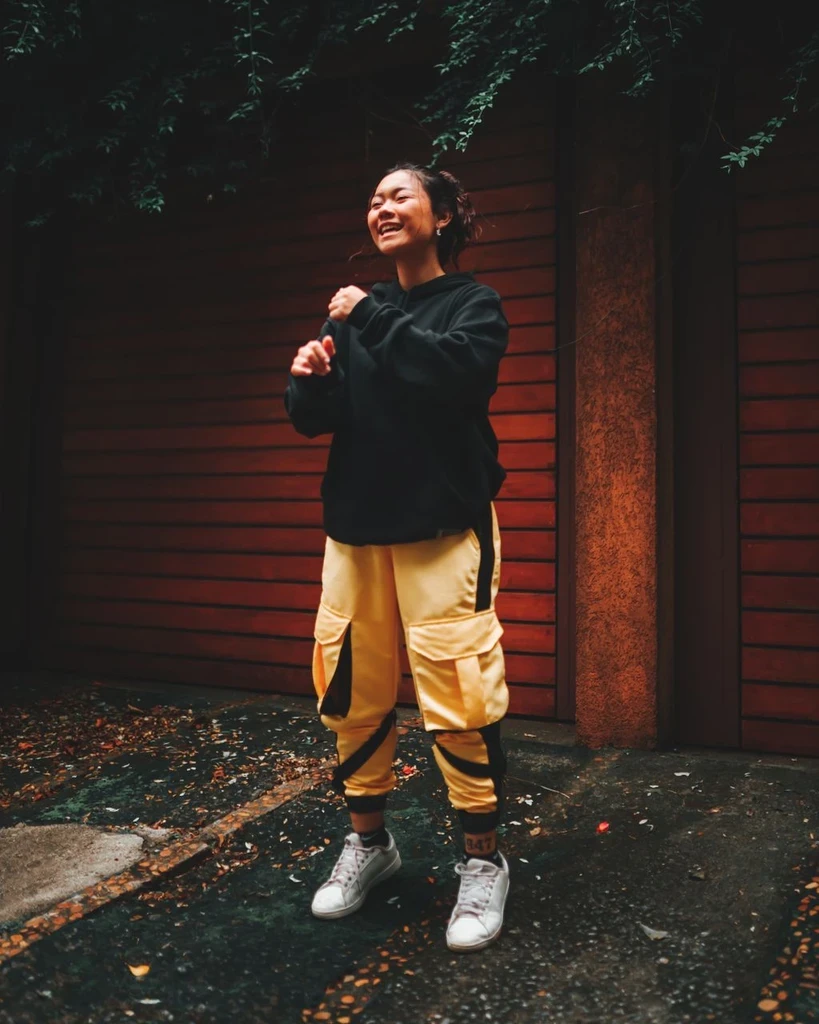
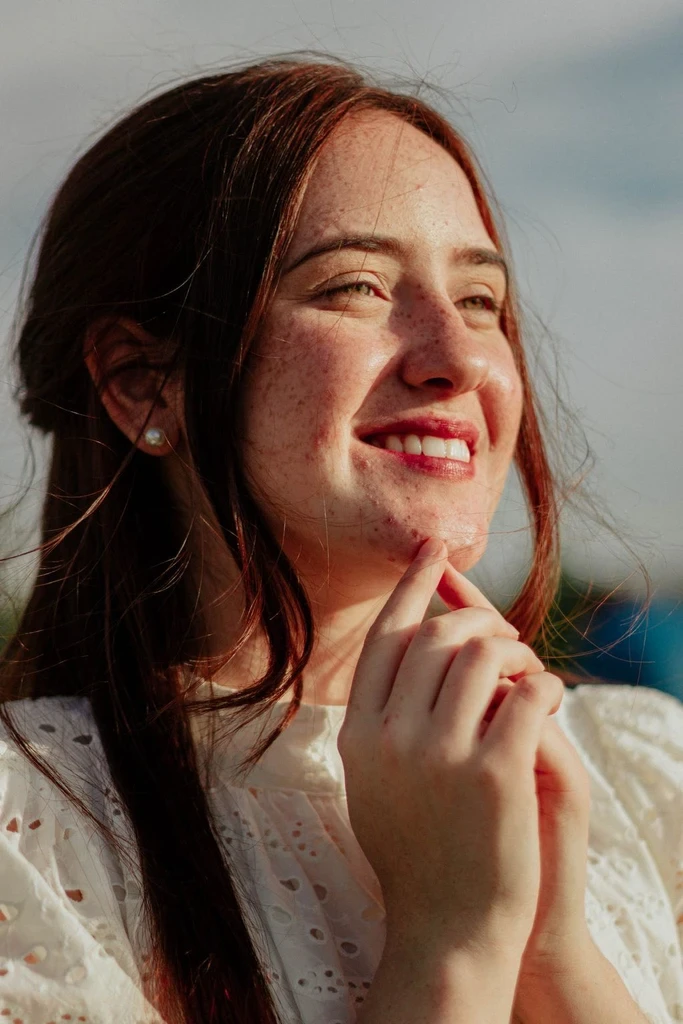
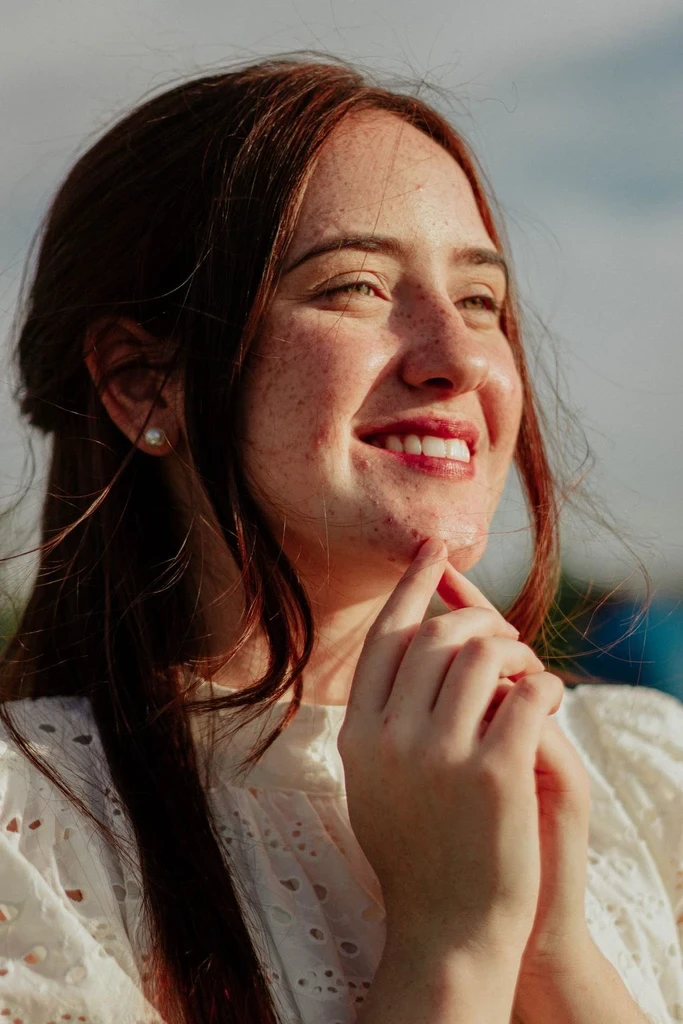
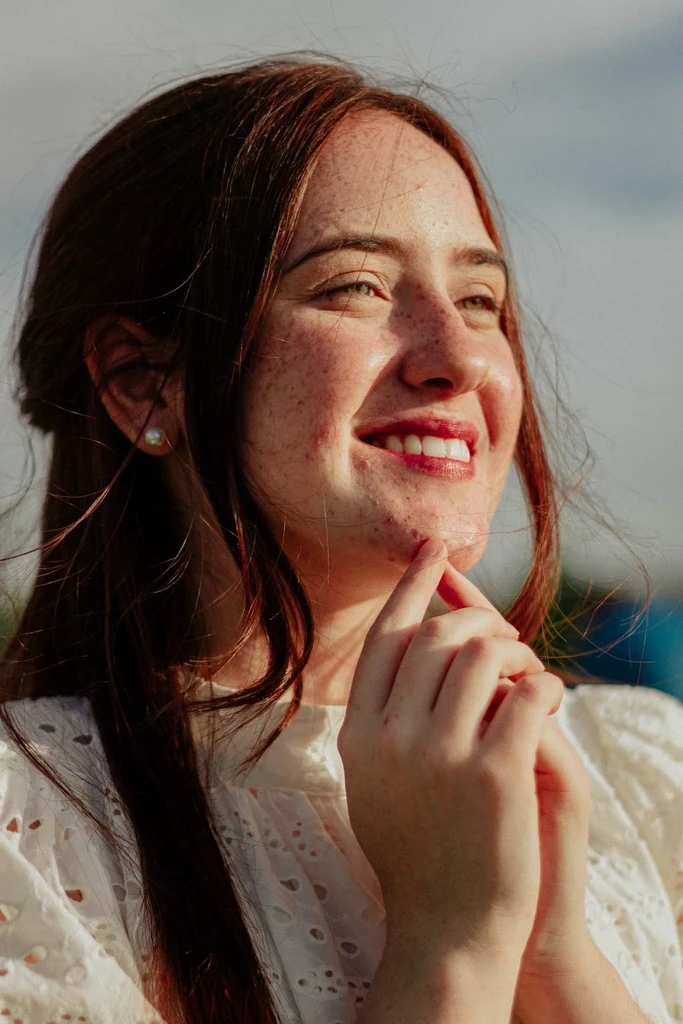
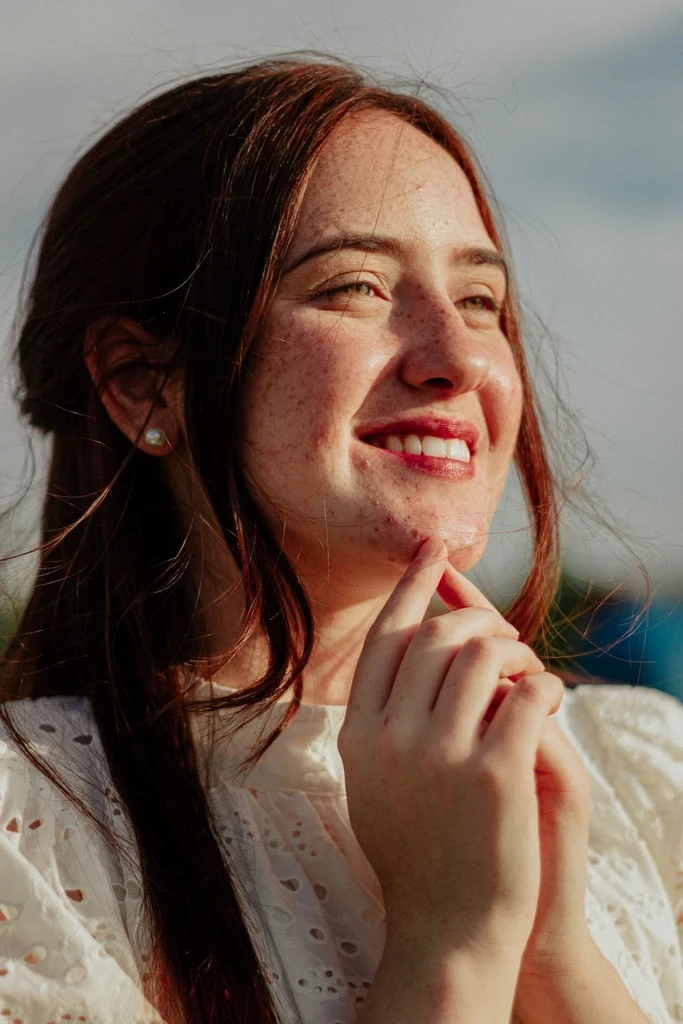
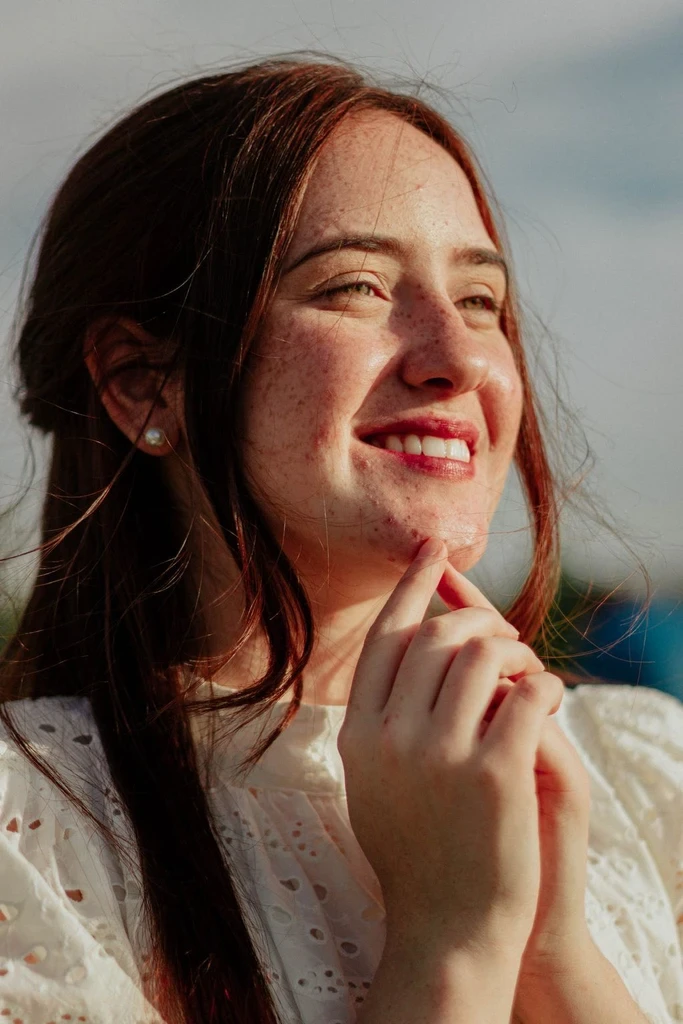
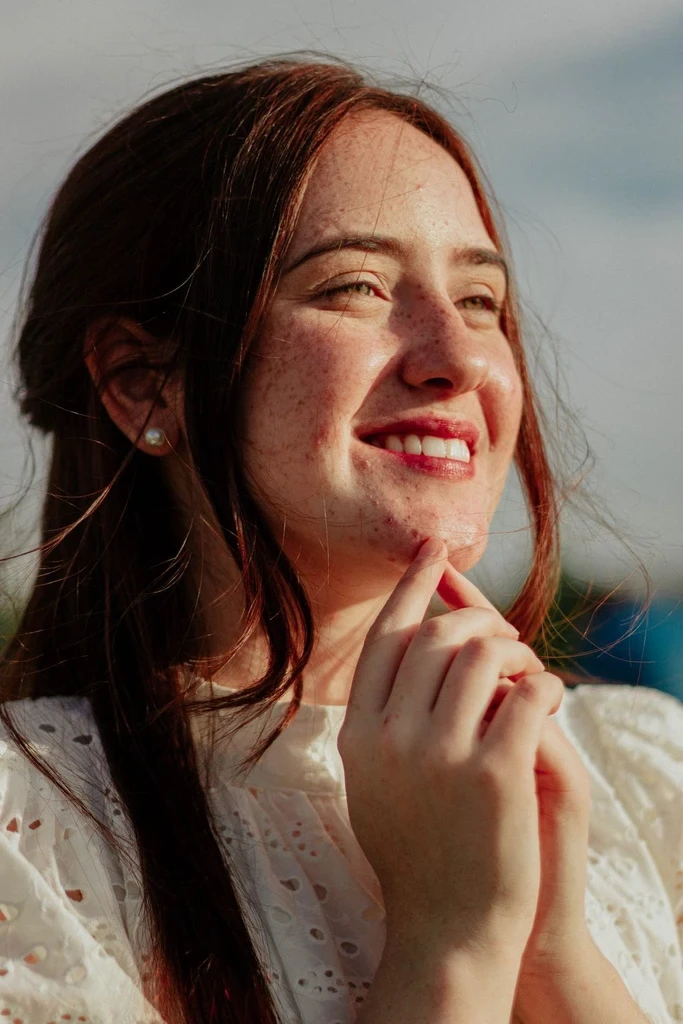
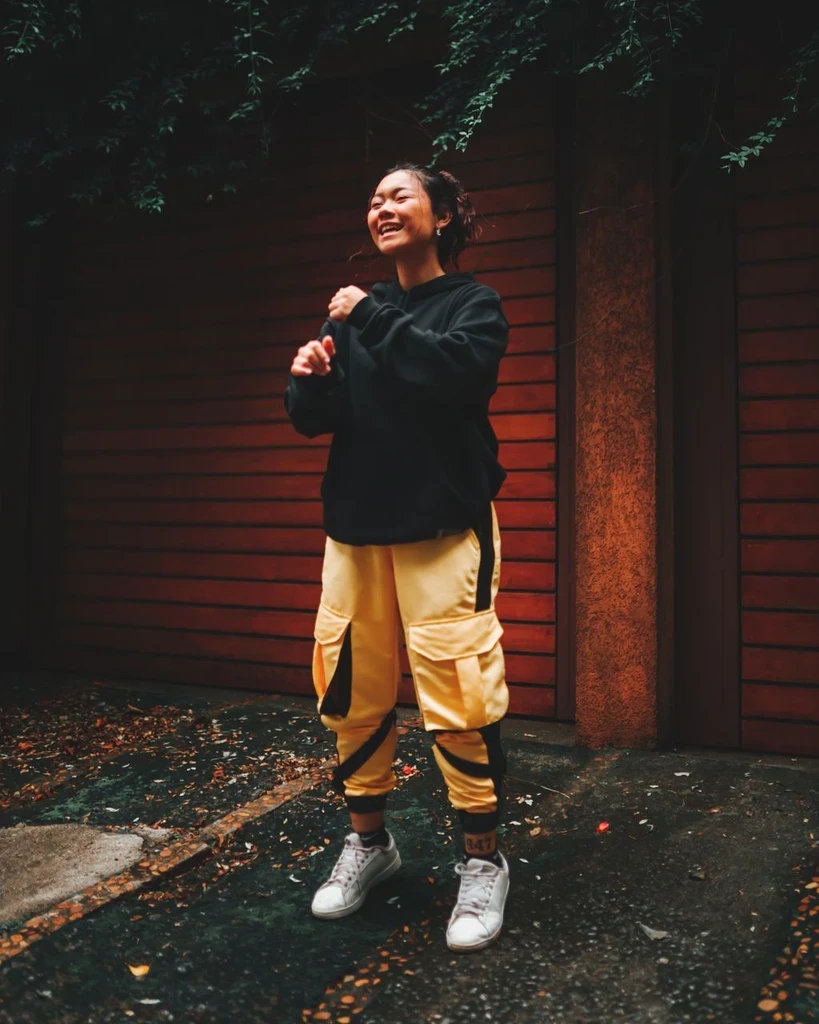
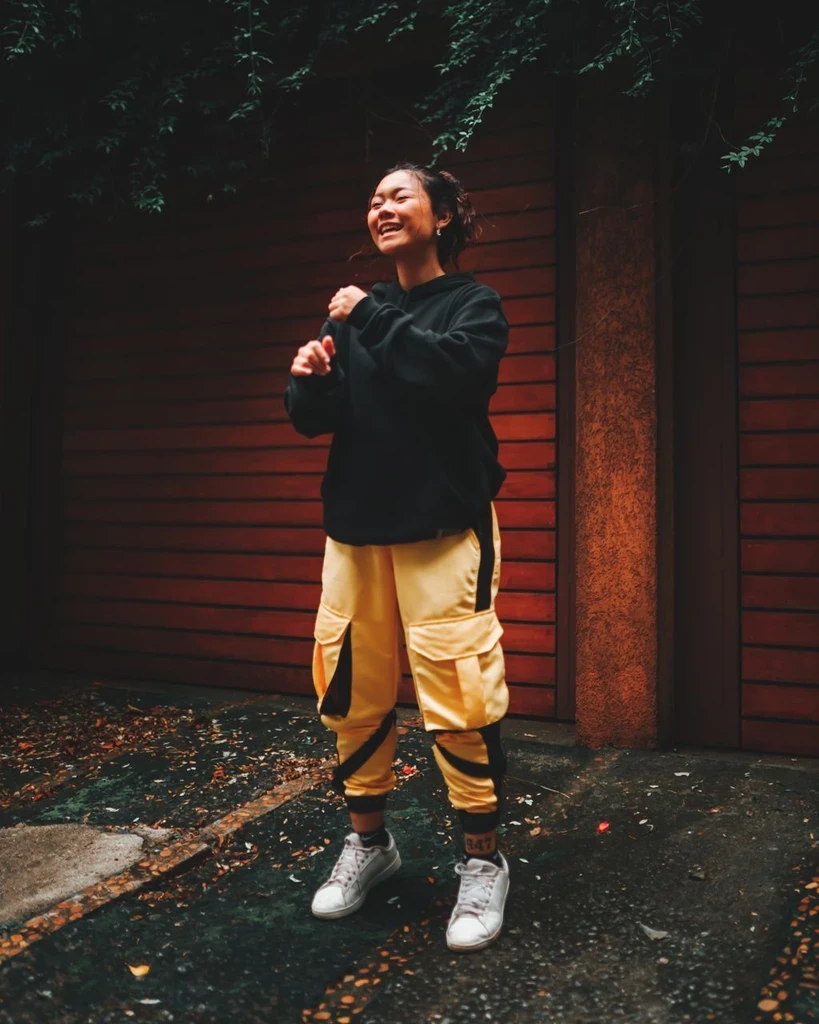
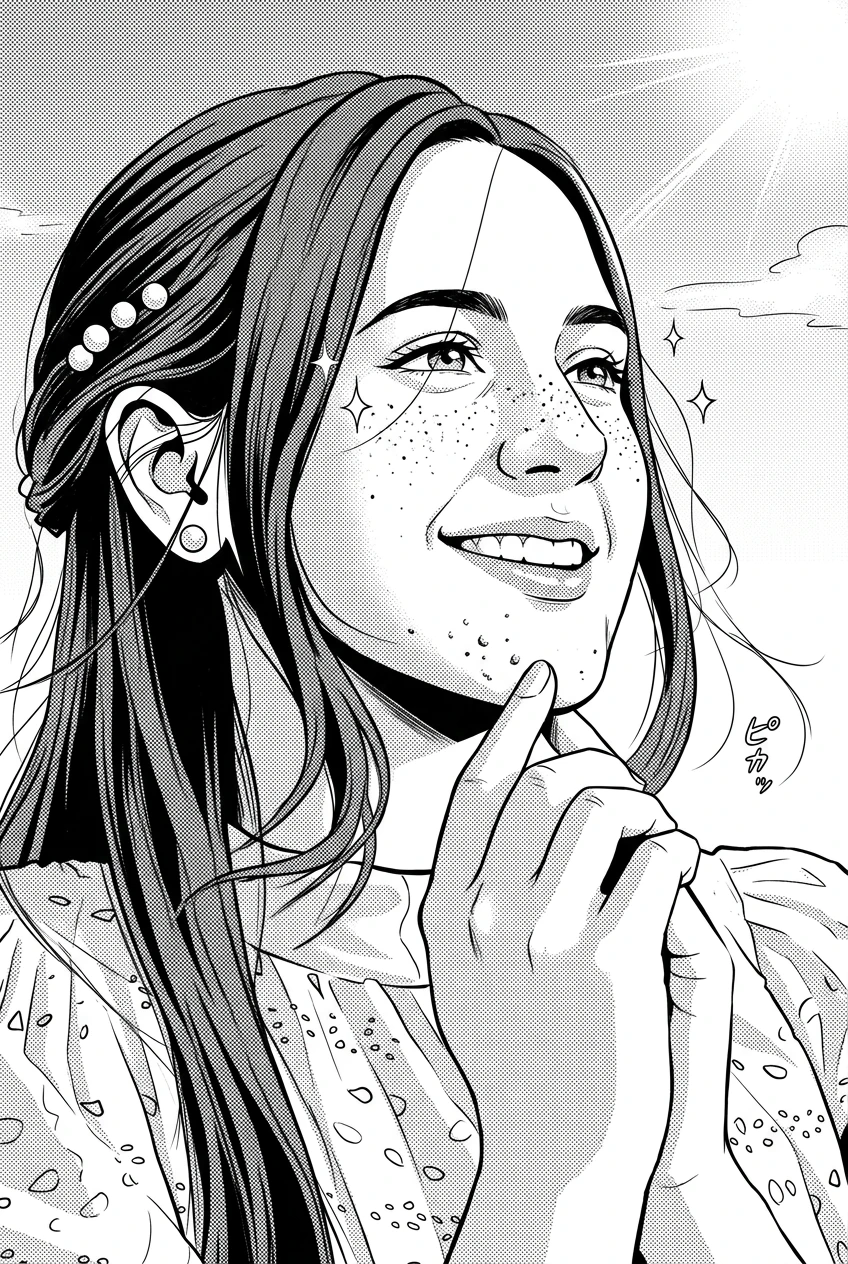
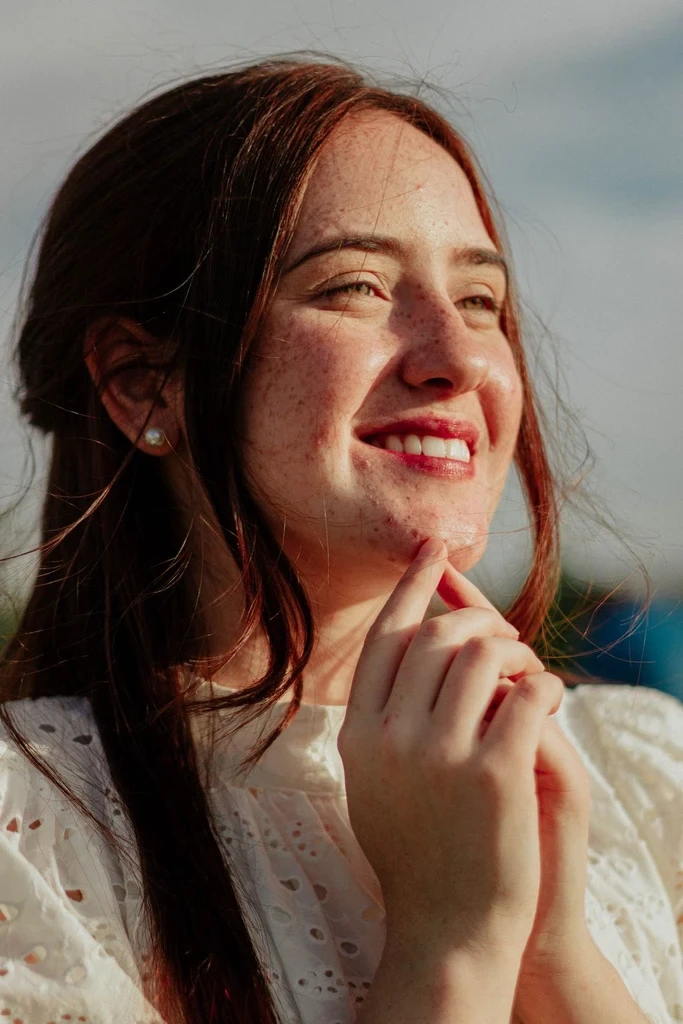
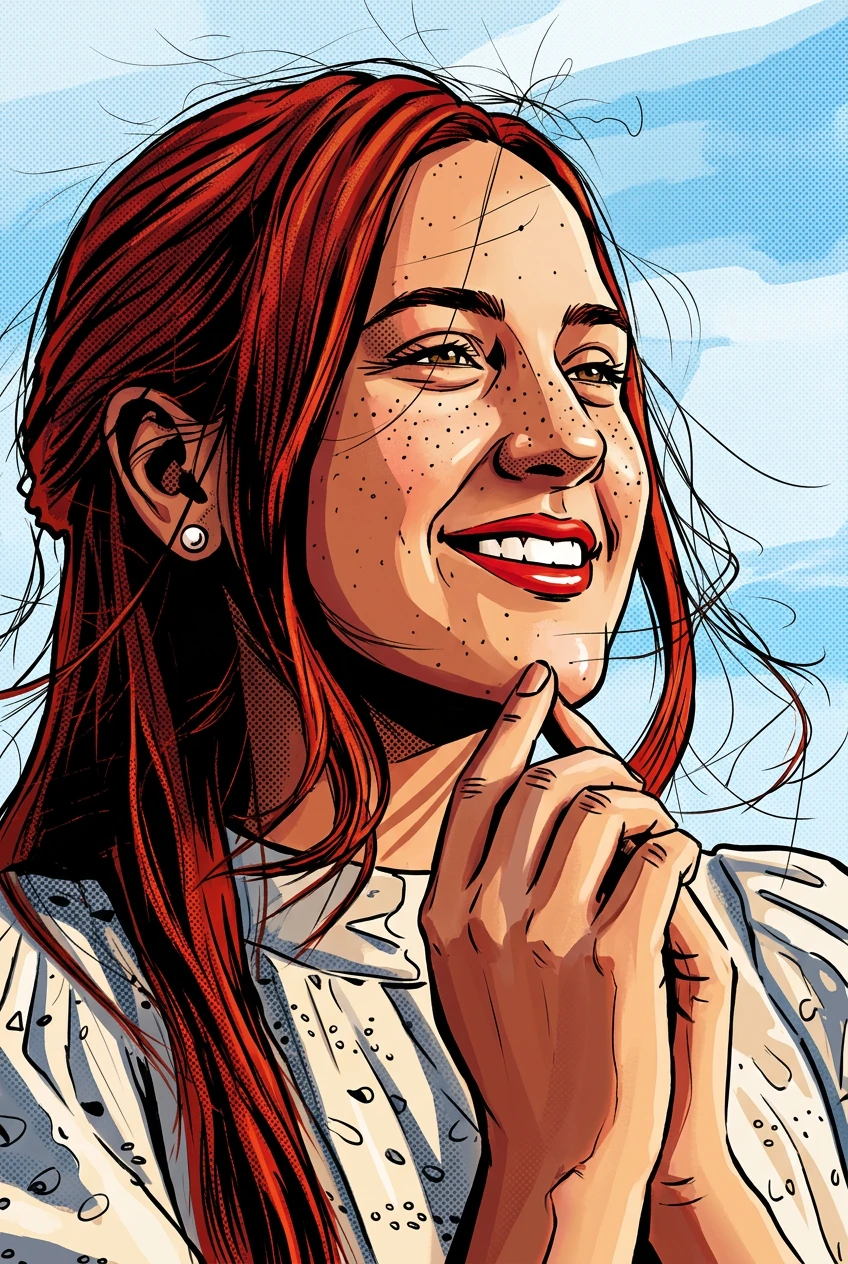
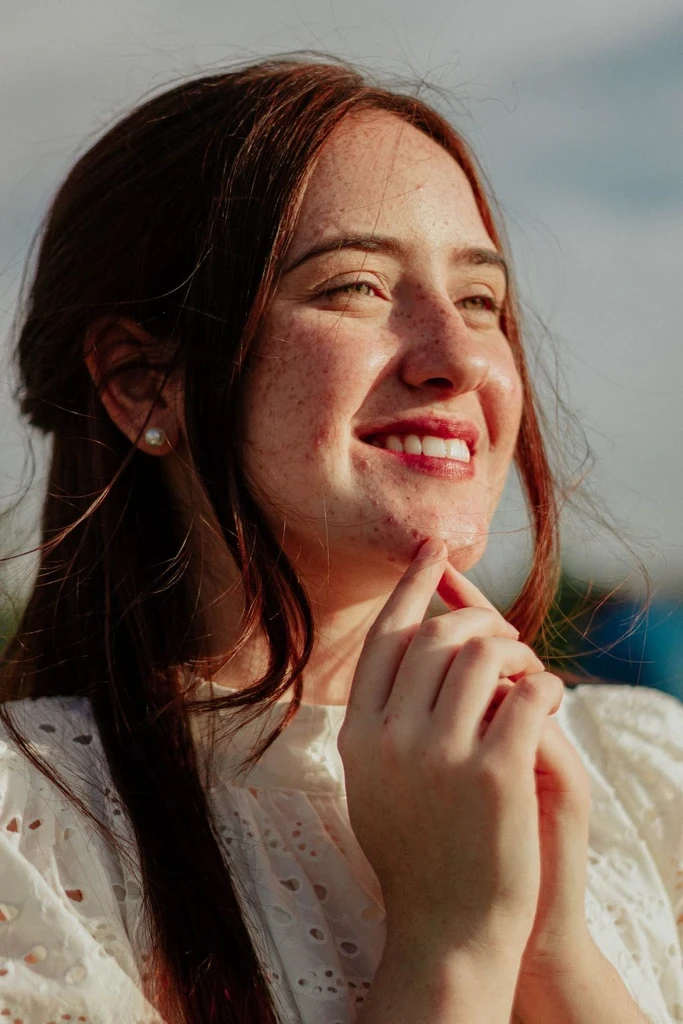
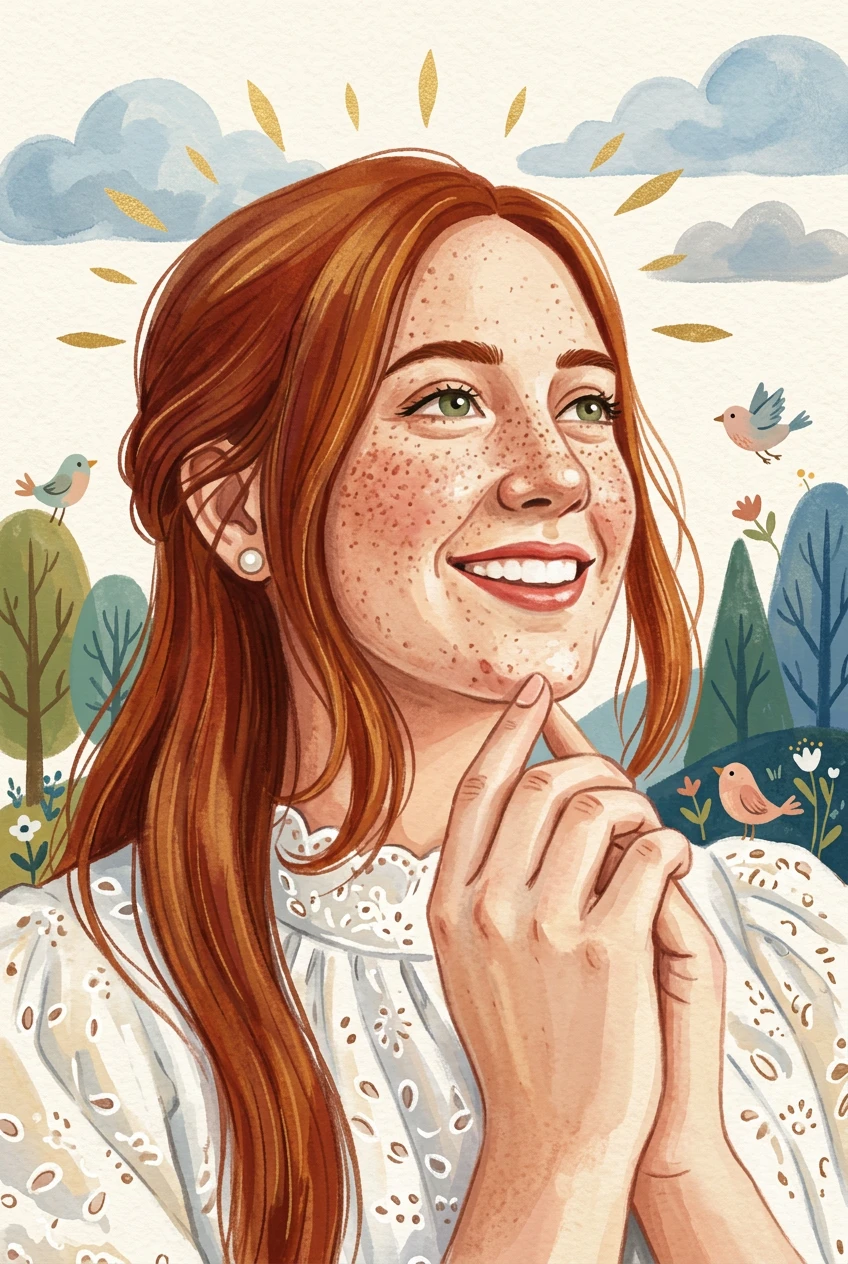
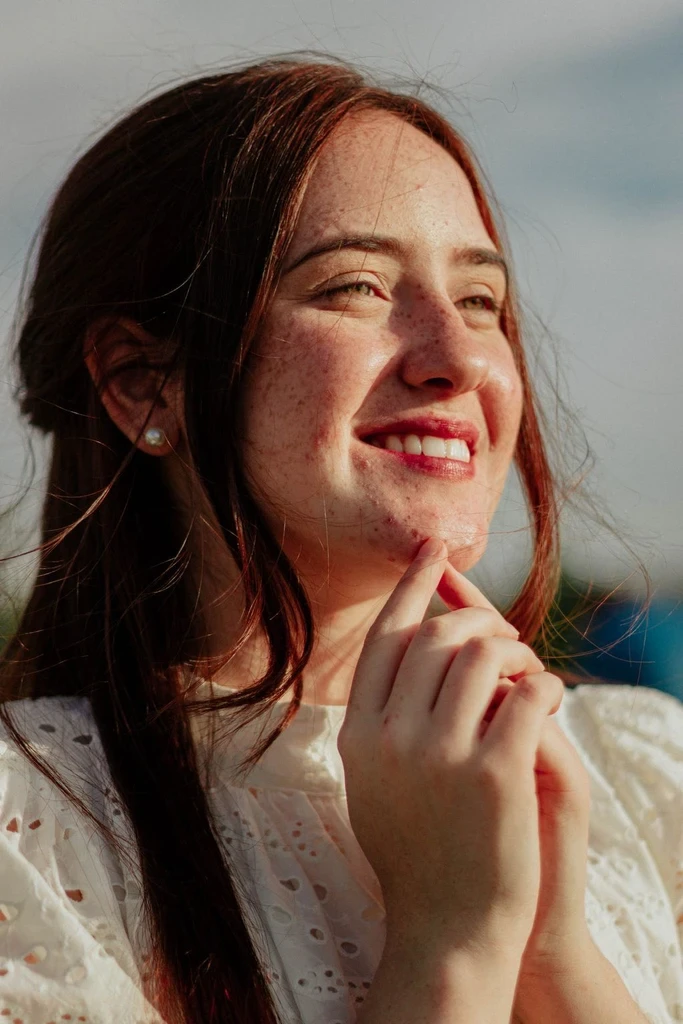
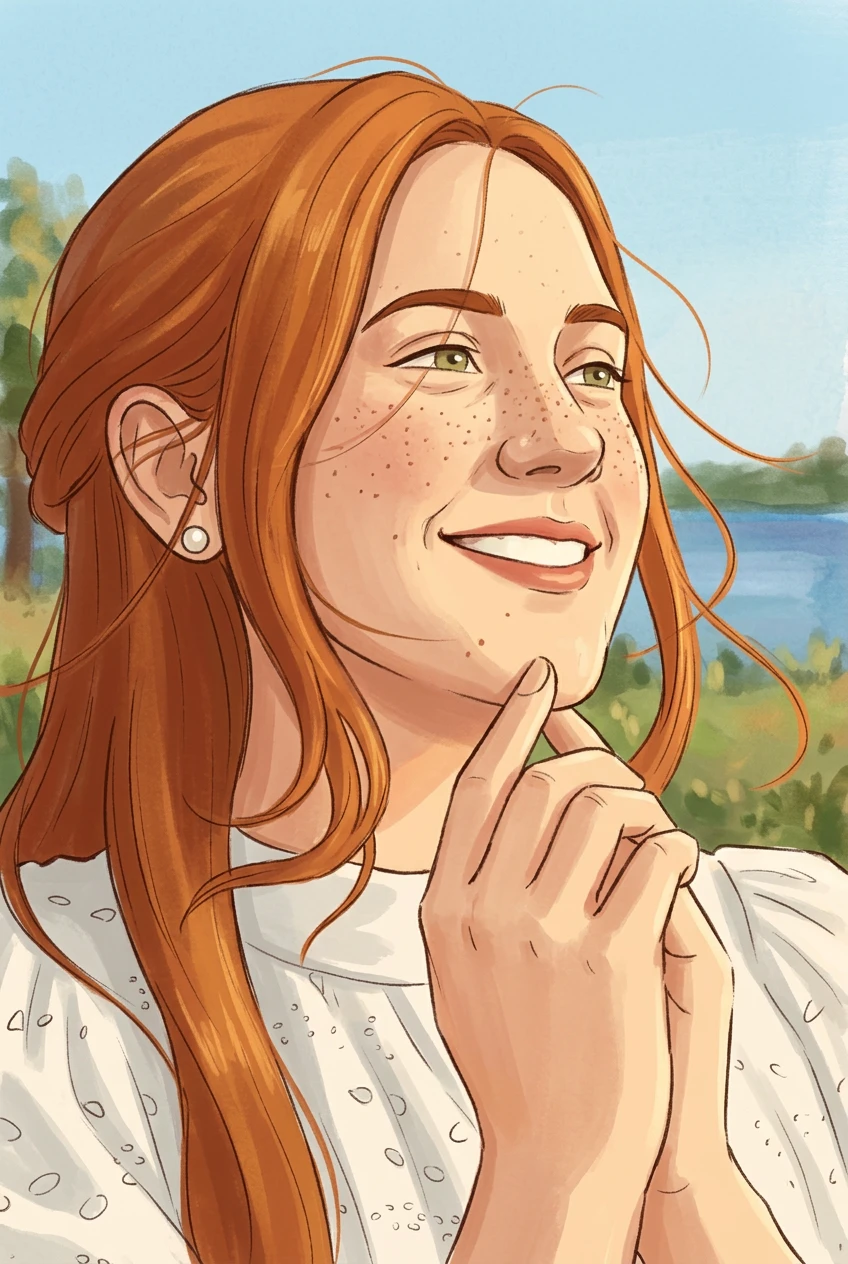
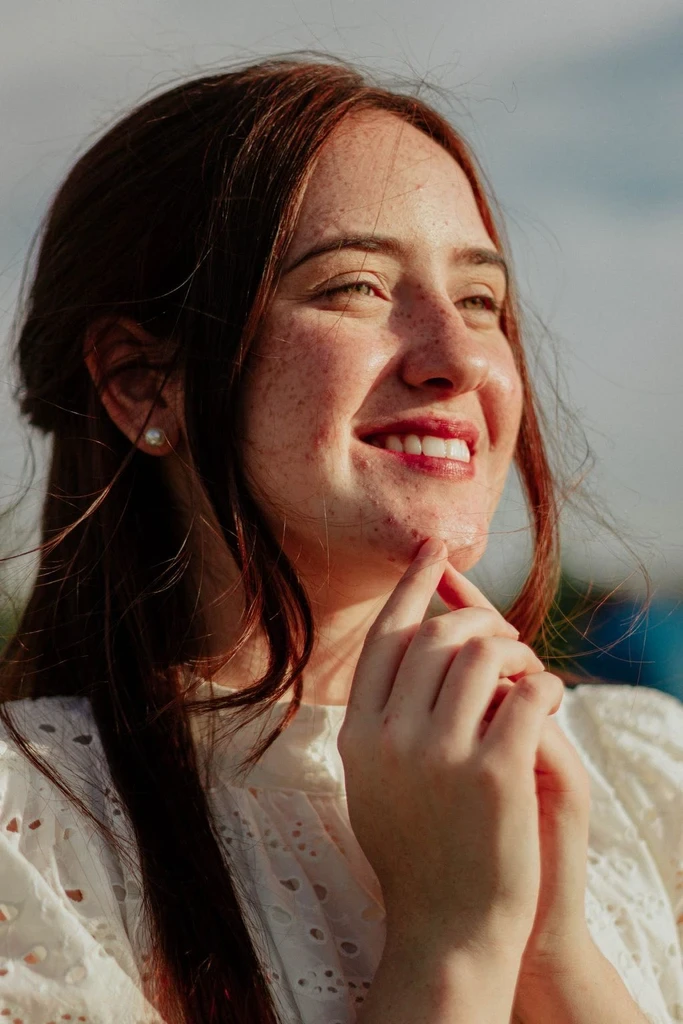
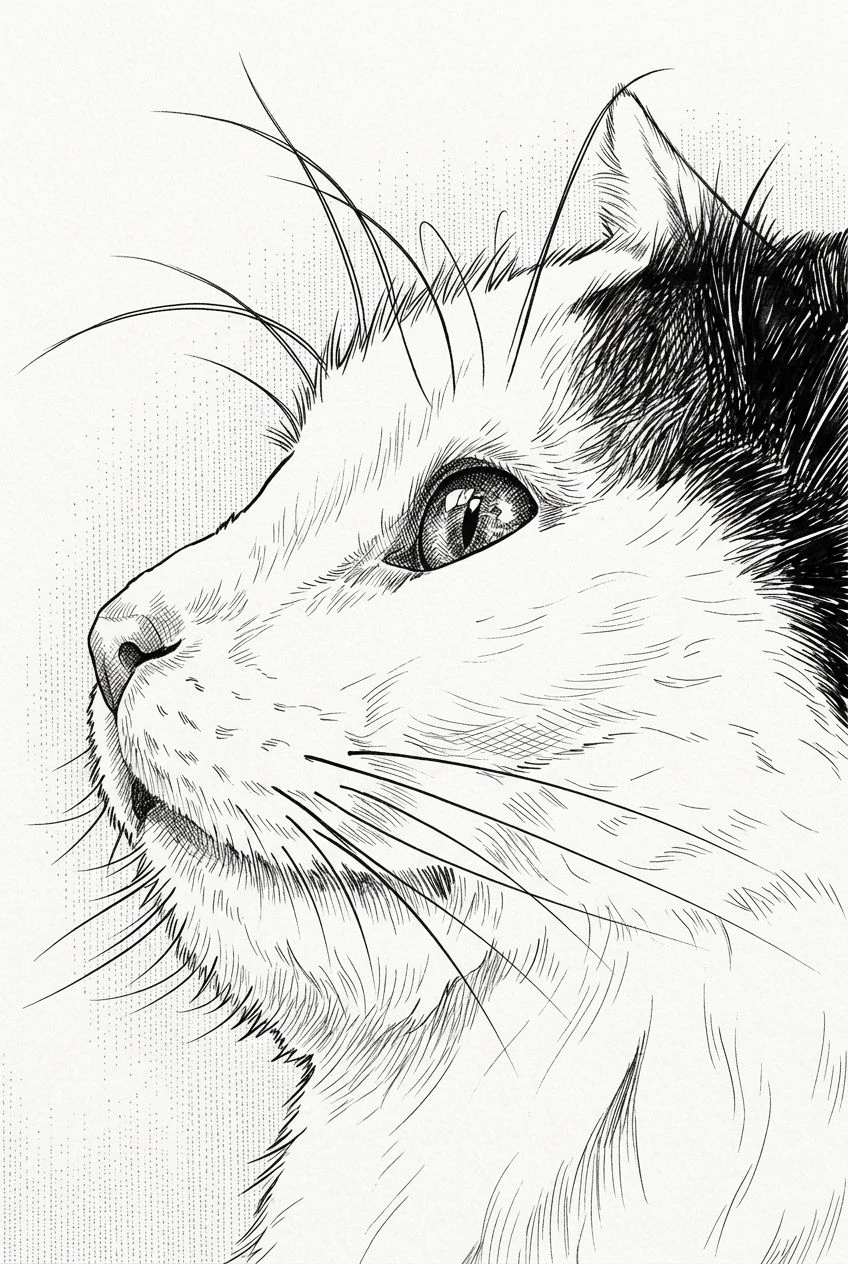
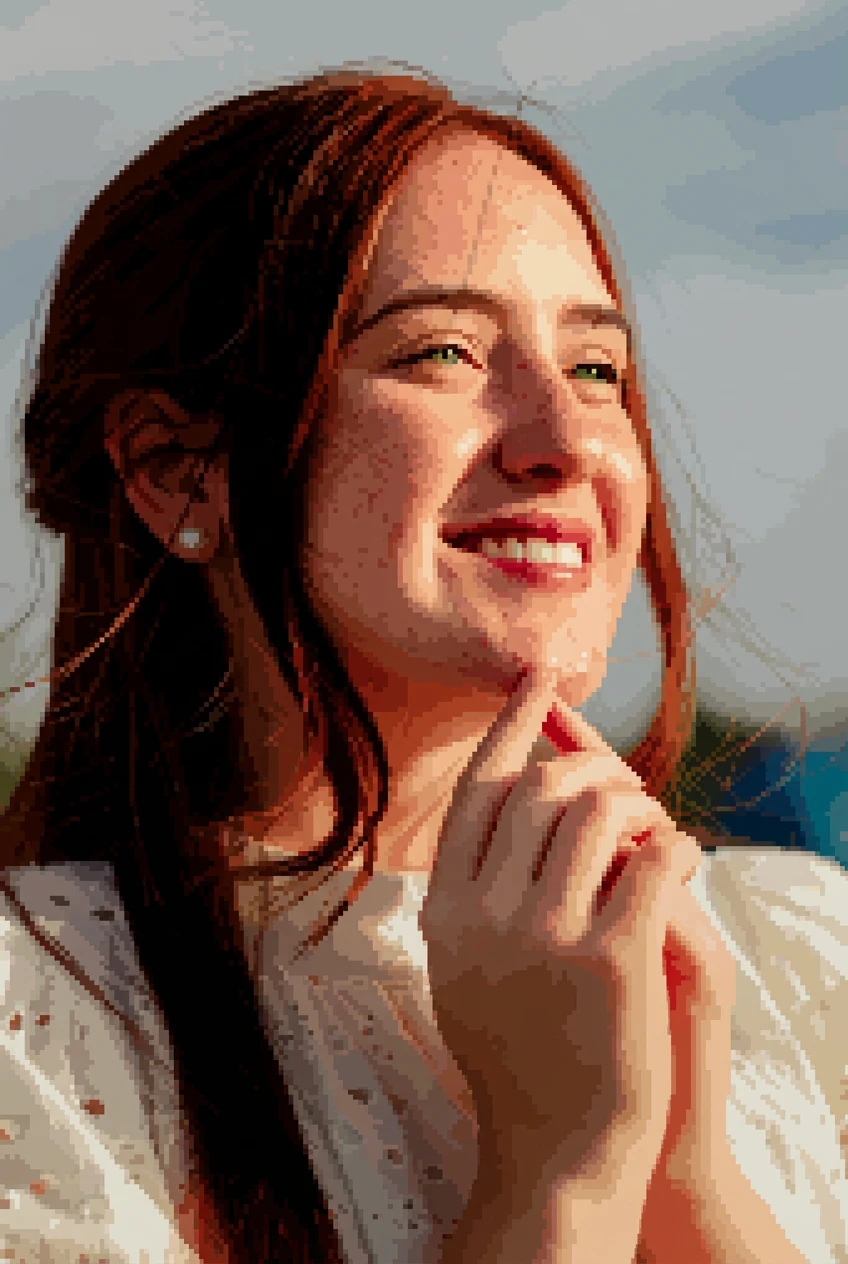
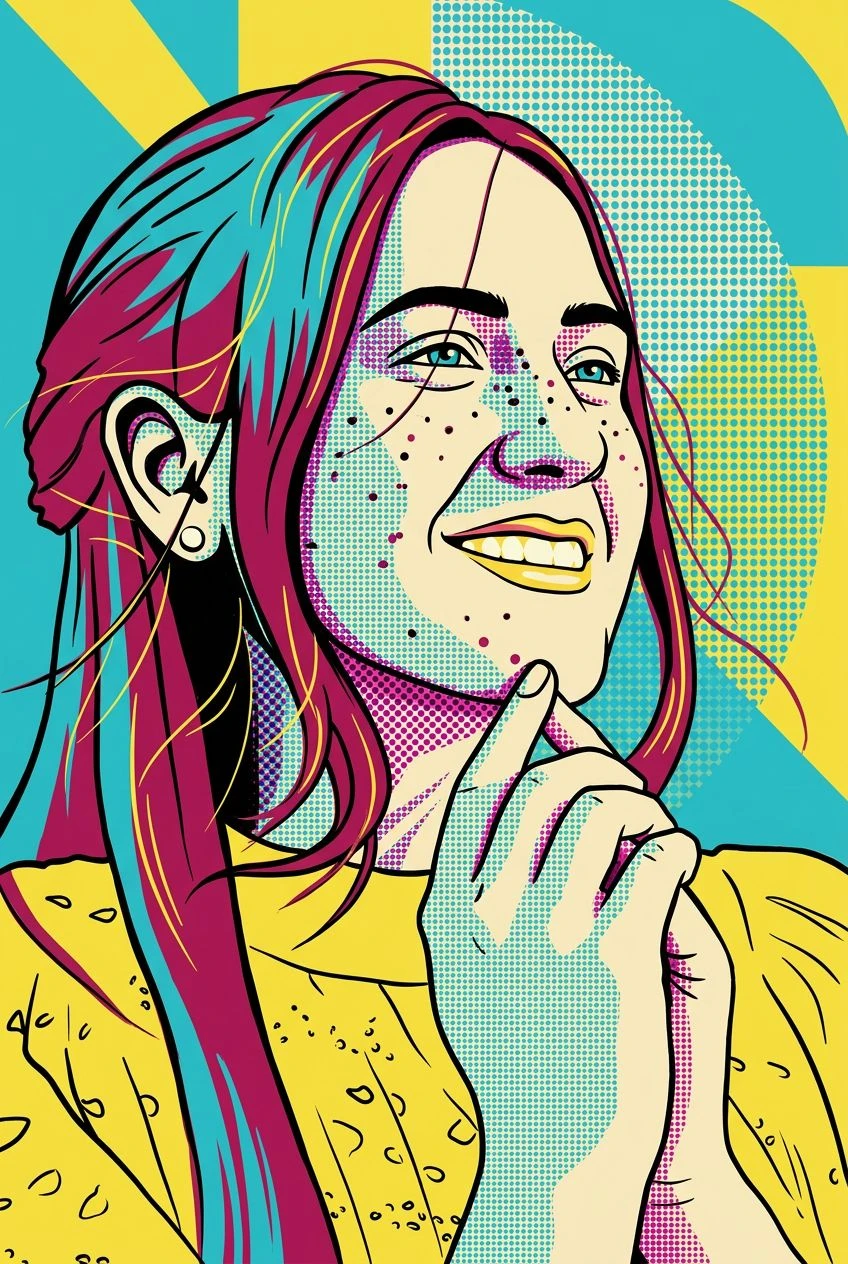
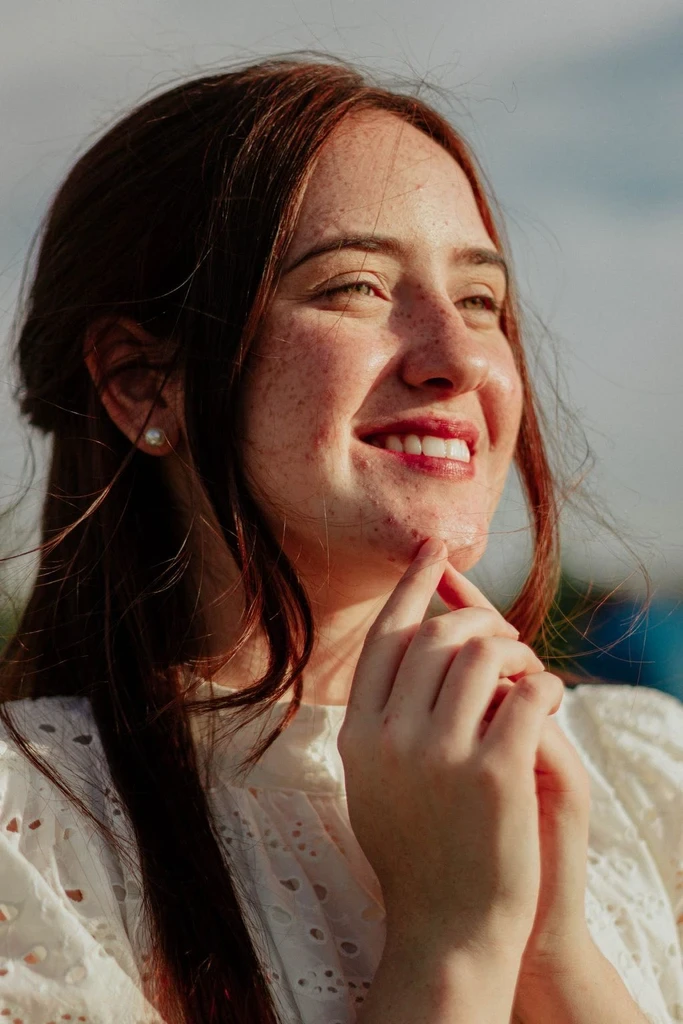
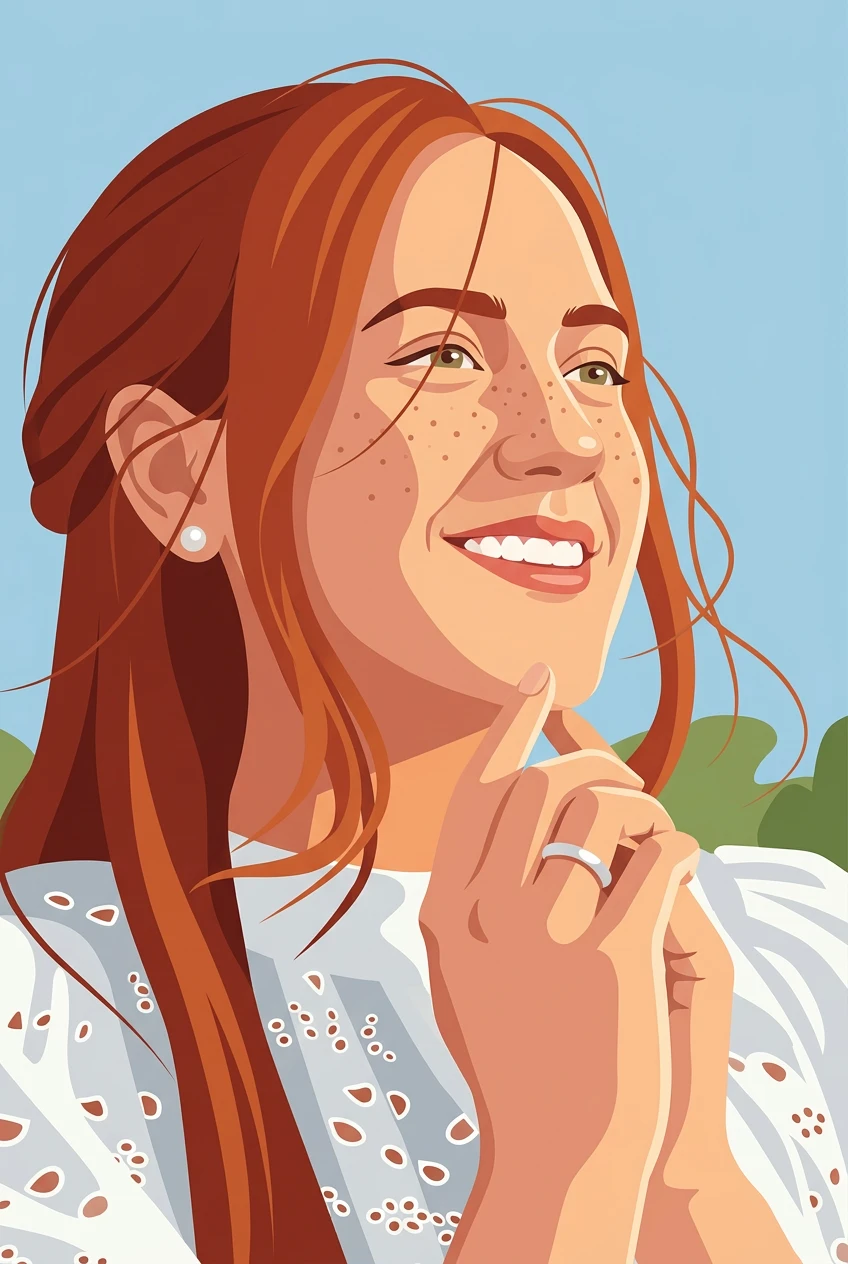
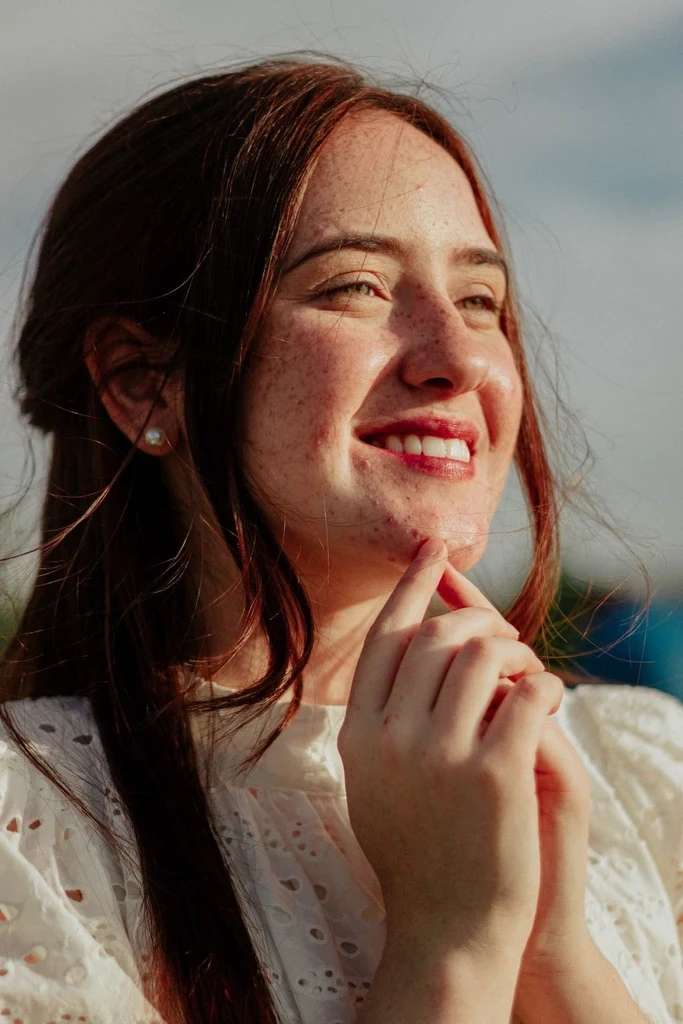
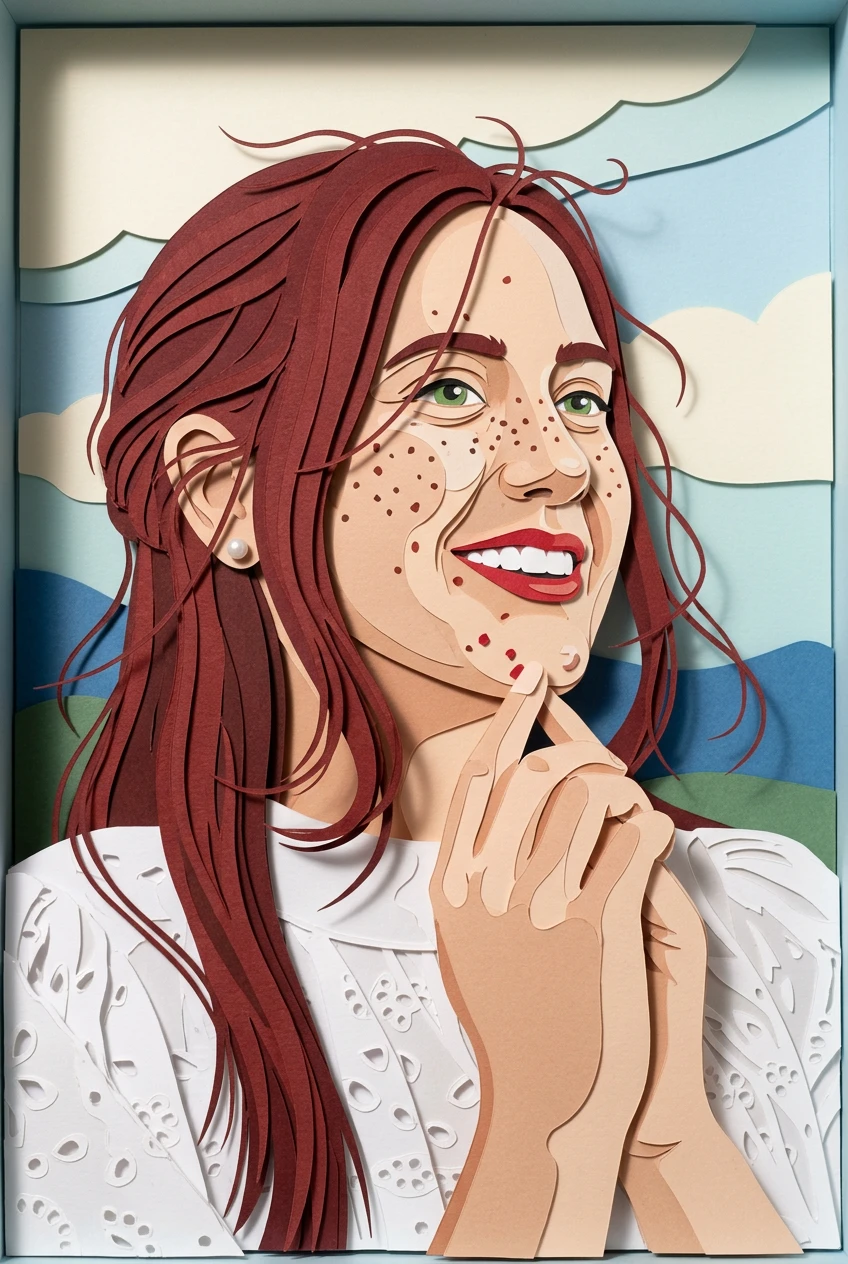
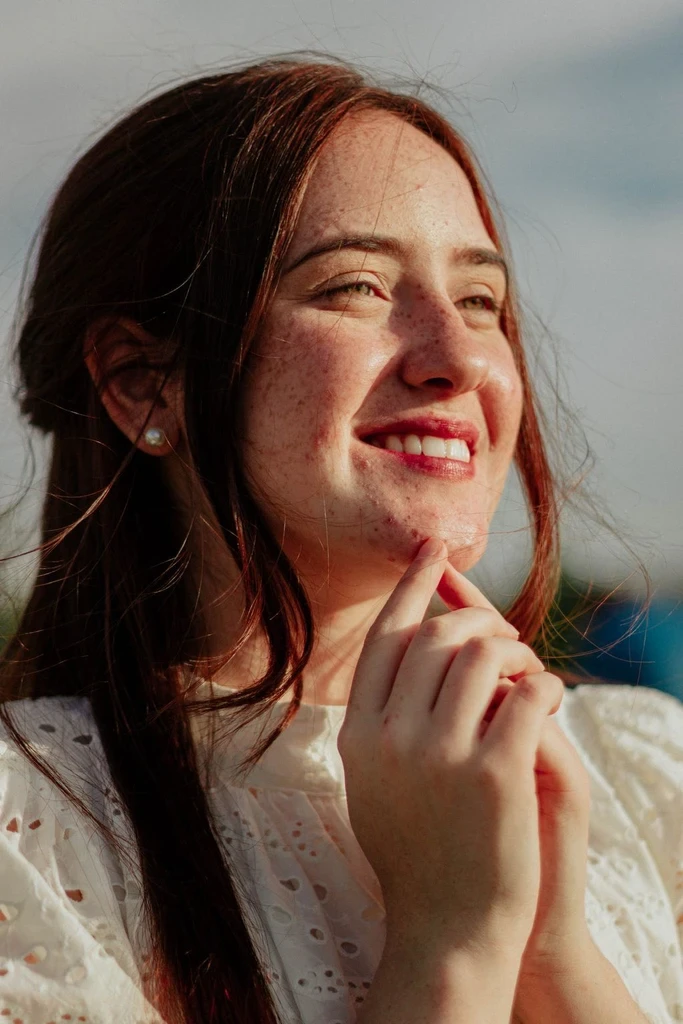
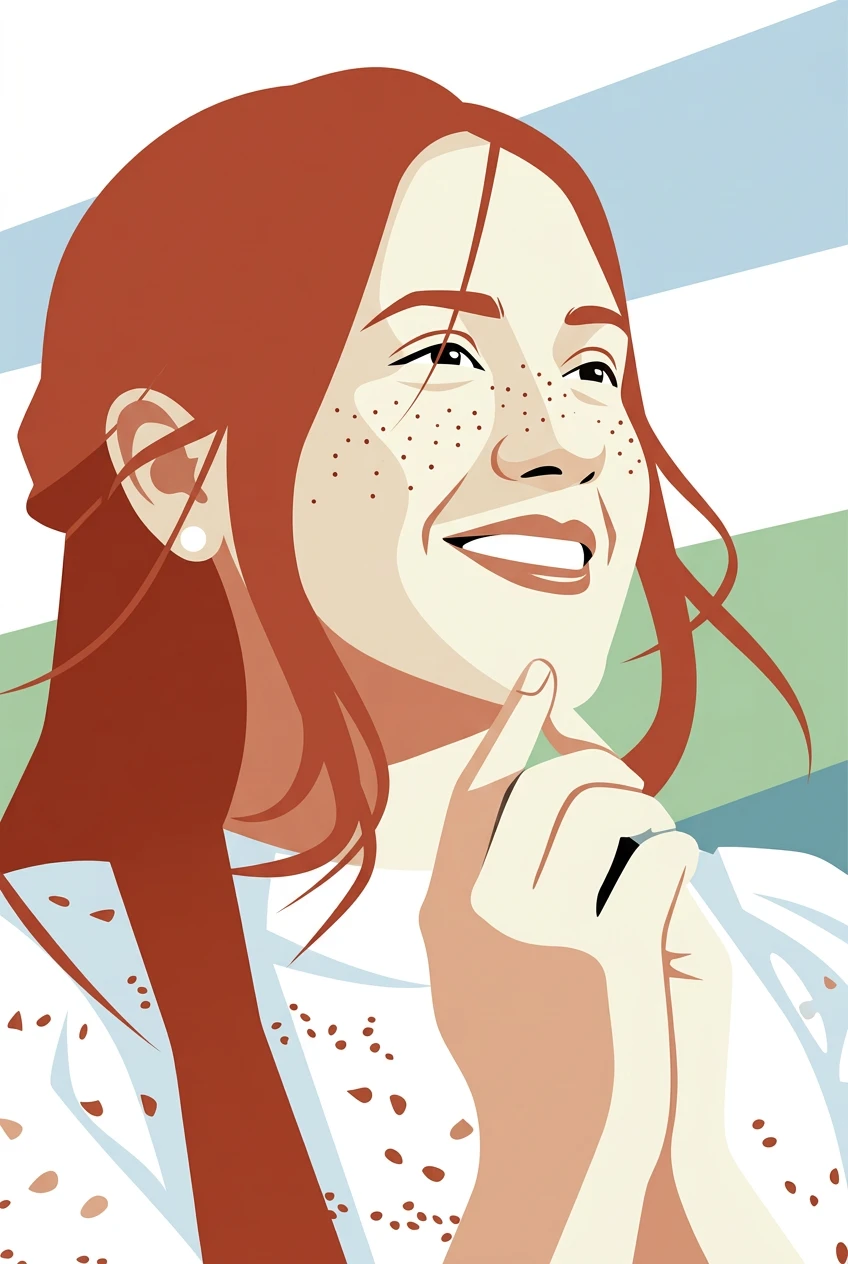
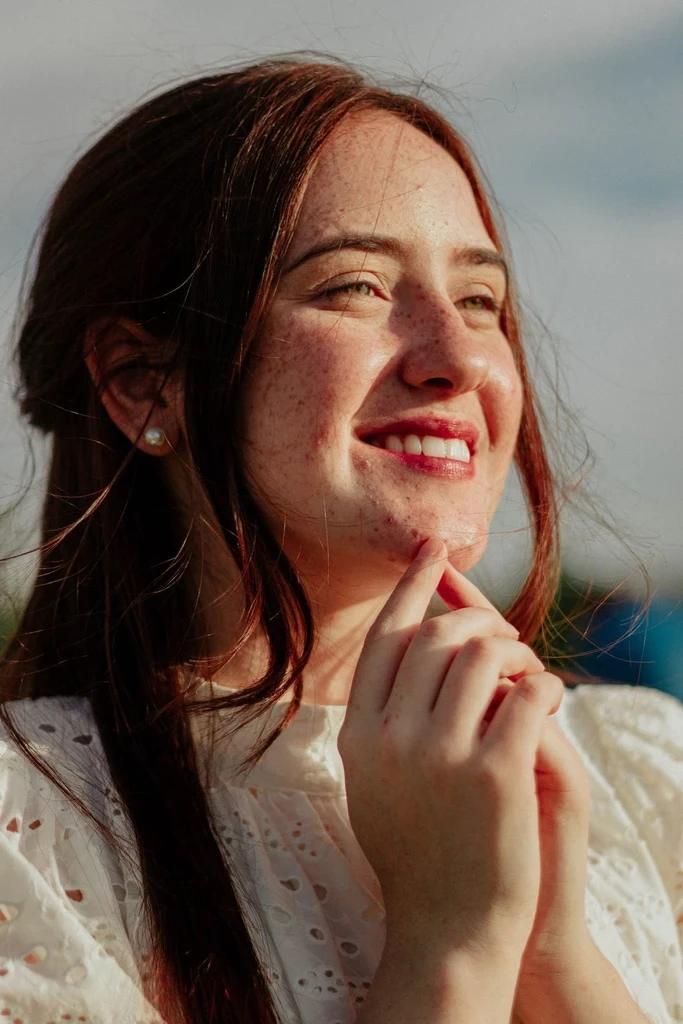
Give your favorite images an artistic makeover. Upload a photo, choose from a collection of creative styles, and transform it into an illustration, painting, sketch, or more—all while keeping the original subject recognizable.
From everyday snapshots to cherished portraits, your images can take on an entirely different look. Start with the photo you already have, pick a style that matches your idea, and create your own artistic version.
Try watercolor, anime, oil painting, comic art, pixel art, and more without starting from a blank canvas.
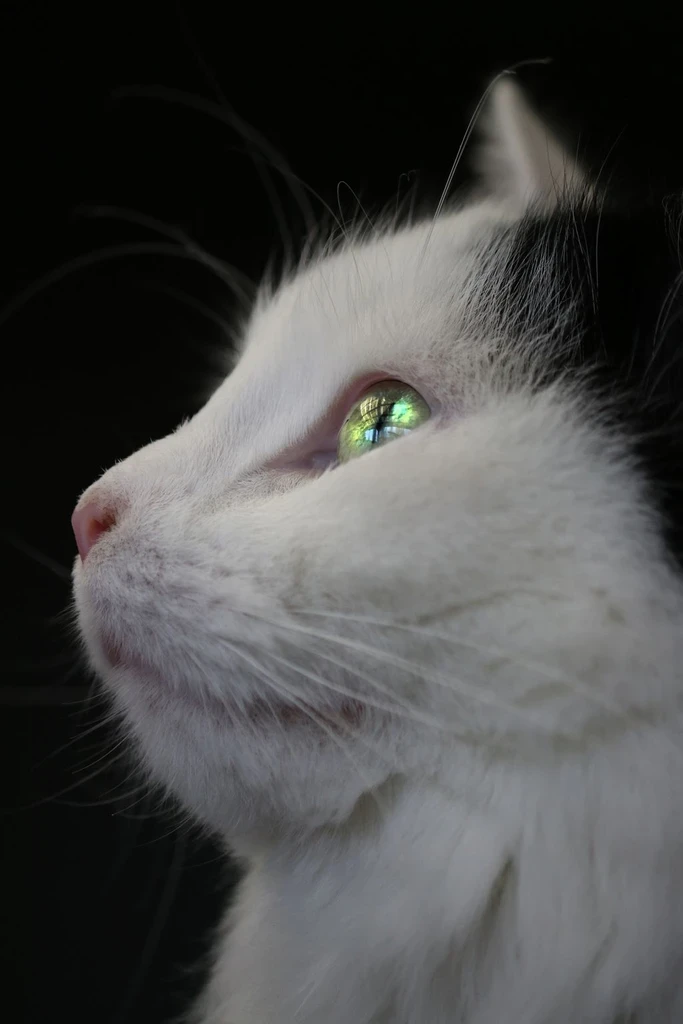
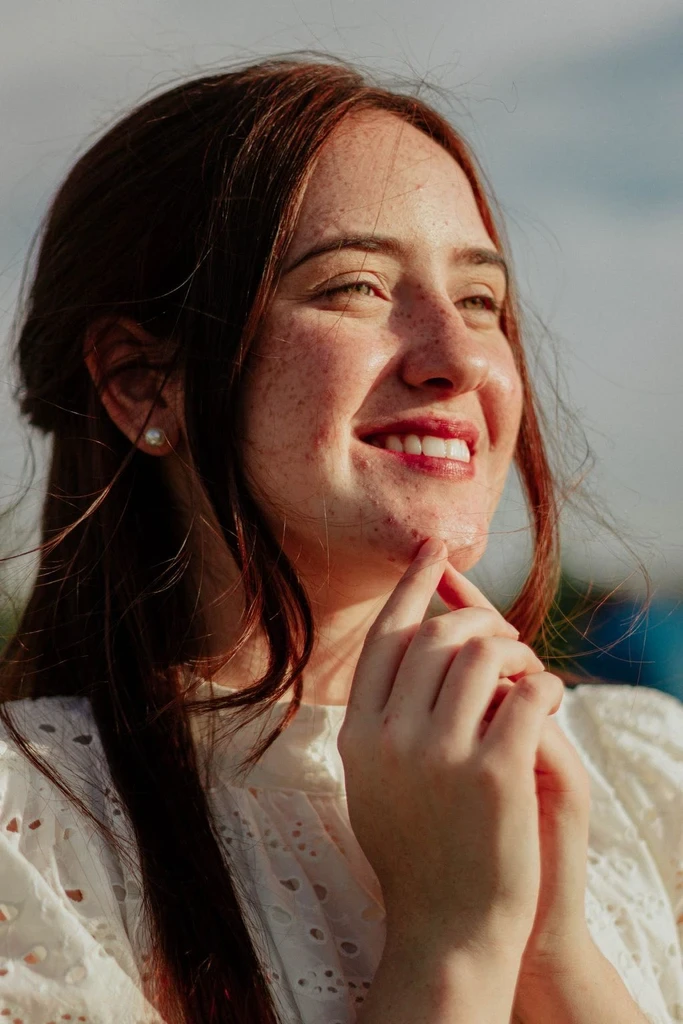
Use an existing portrait, pet photo, travel scene, or everyday moment as the starting point for something creative.
The transformation focuses on changing the artistic rendering while aiming to retain the main subject and composition. Results vary by source image and selected style.
Switch between styles and experiment with different levels of artistic interpretation until you find a result you like.
Choose a portrait, pet photo, landscape, or another picture from your device.
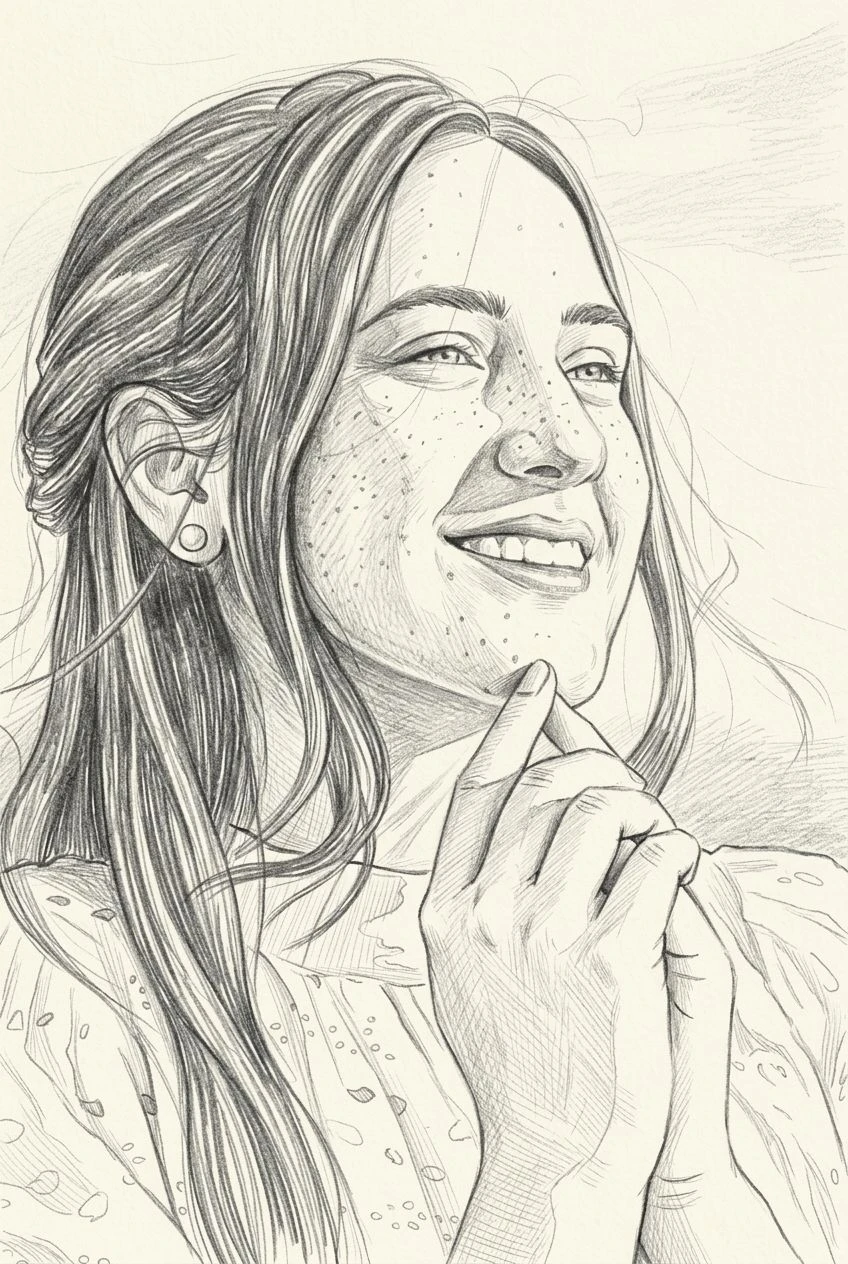
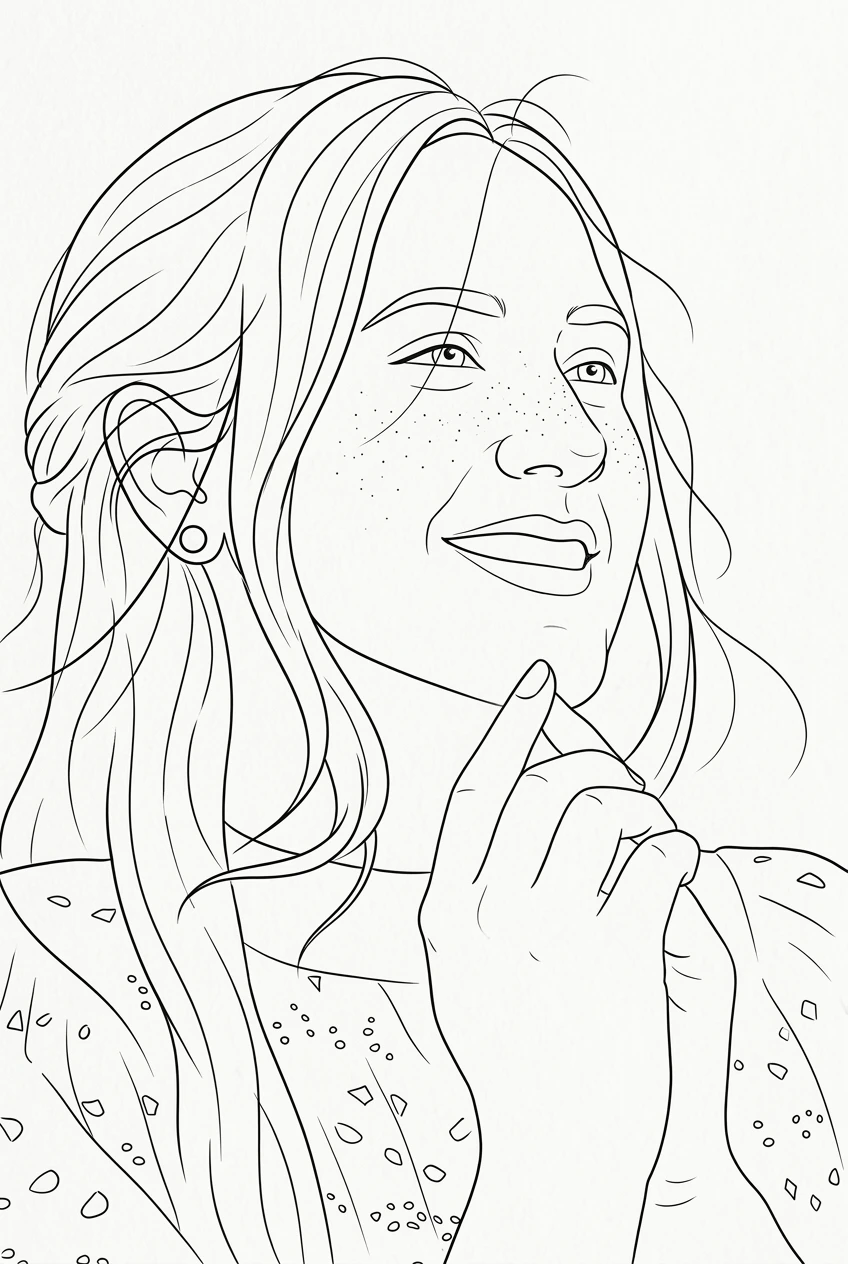
Explore different looks, from watercolor washes and pencil lines to colorful anime illustrations.
Create your stylized artwork, review the result, and save it to your device.
Give personal portraits a painted, illustrated, or animated look while keeping the person recognizable.
Turn a favorite pet photo into a playful cartoon, delicate watercolor painting, or charming storybook illustration.
Bring a new creative mood to city views, vacation photos, architecture, and nature scenes.
Explore personal artwork for cards, digital keepsakes, mood boards, and other creative projects.
On this page, art means changing how your photo is rendered: paint, pencil, pixels, or stylized color. You upload an image, choose a style, and generate a new picture—not a one-click filter on the original file.
Image to Art covers watercolor, oil painting, sketch, pixel art, anime, fantasy, and more. Image to Illustration focuses on drawn, publication-style looks: ink, comic, storybook, and cozy animation. Want a broader range of paint and texture? Stay here. Want the photo to look hand-drawn? Open Image to Illustration.
Open a style page to see its examples and generate there.
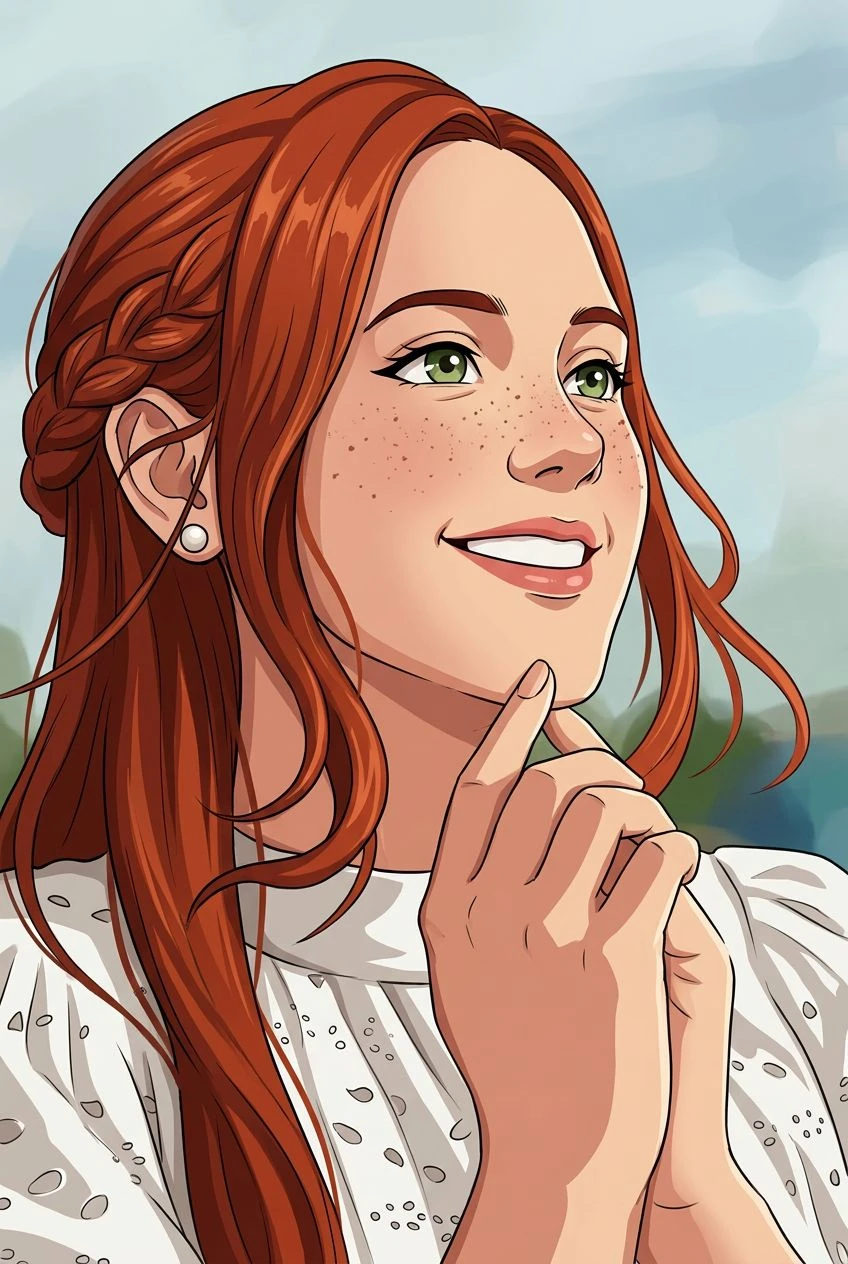
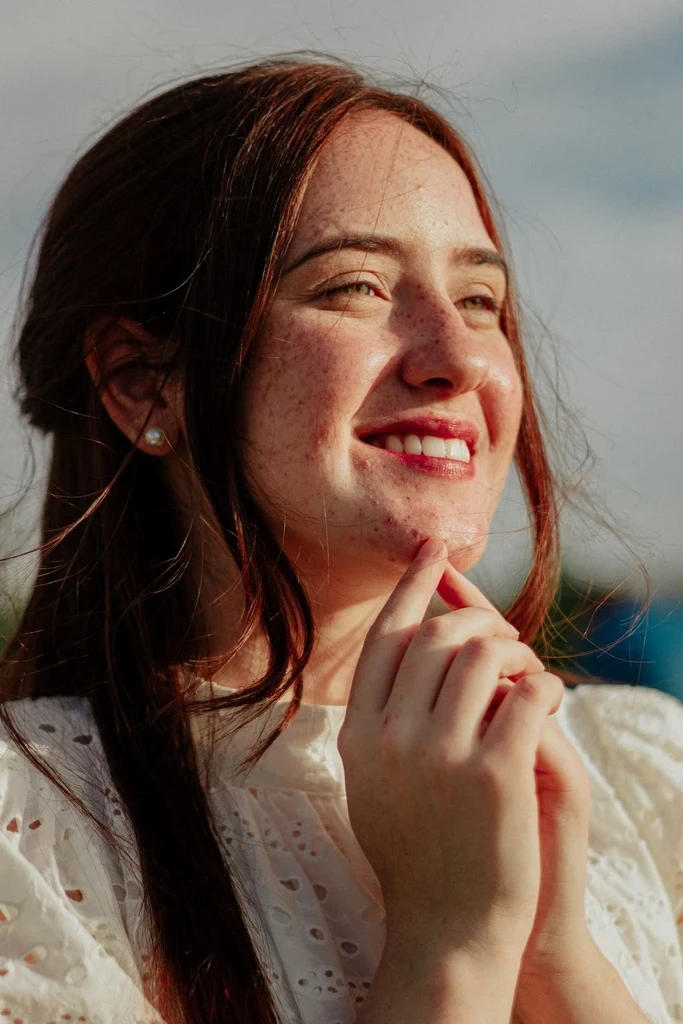
Your next piece of artwork can start with a picture you already love. Upload an image and explore what a different art style can bring to it.