Simplified Geometric Forms
Translate complicated textures into smoother, clearer shapes.
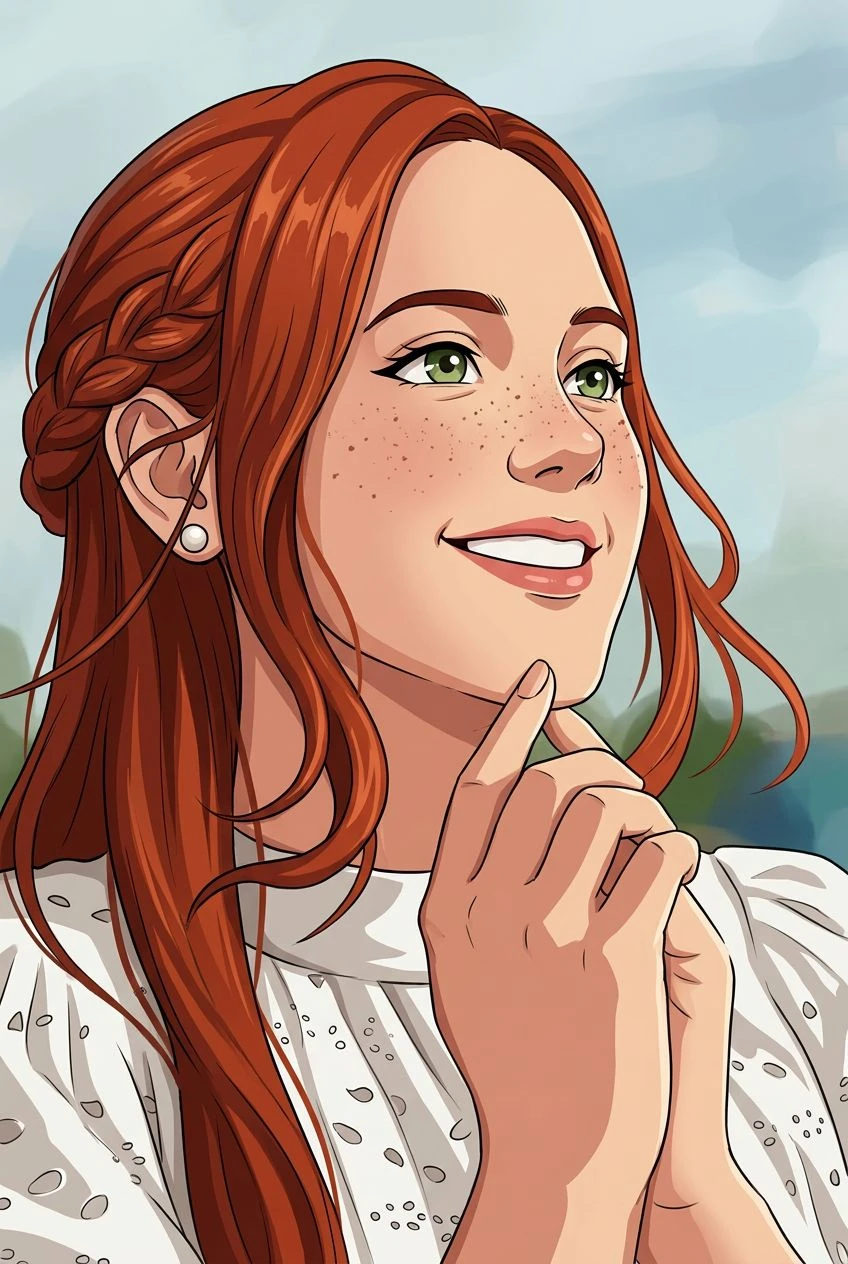
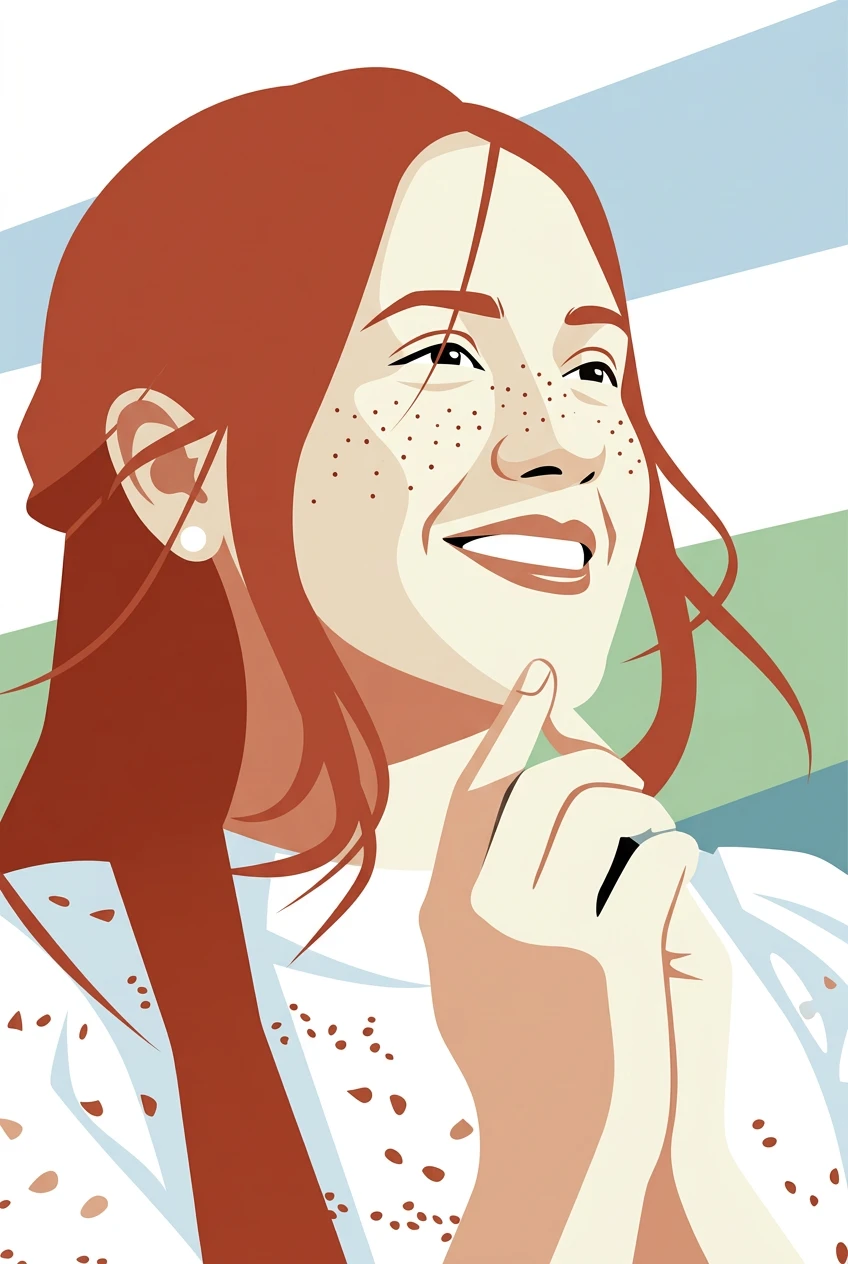
AI flat illustration effect
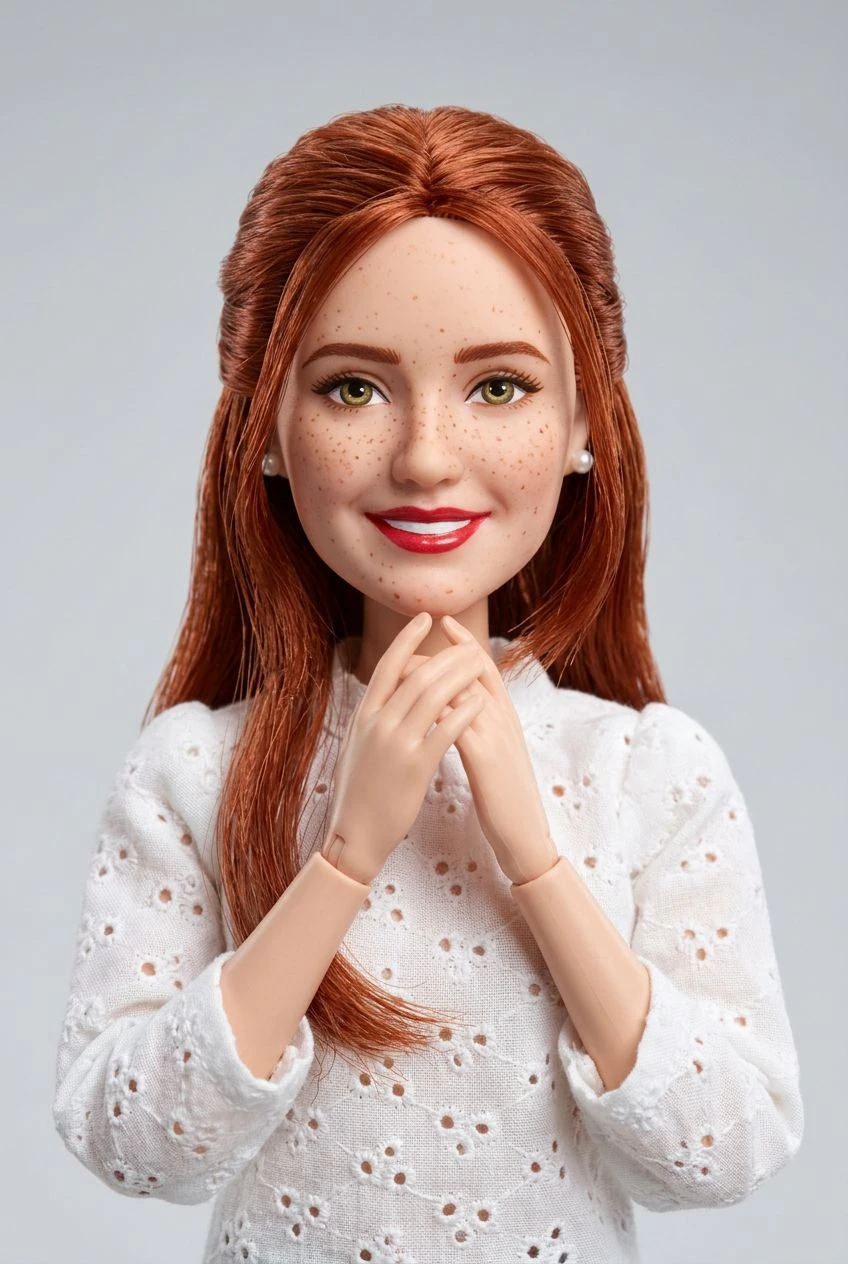
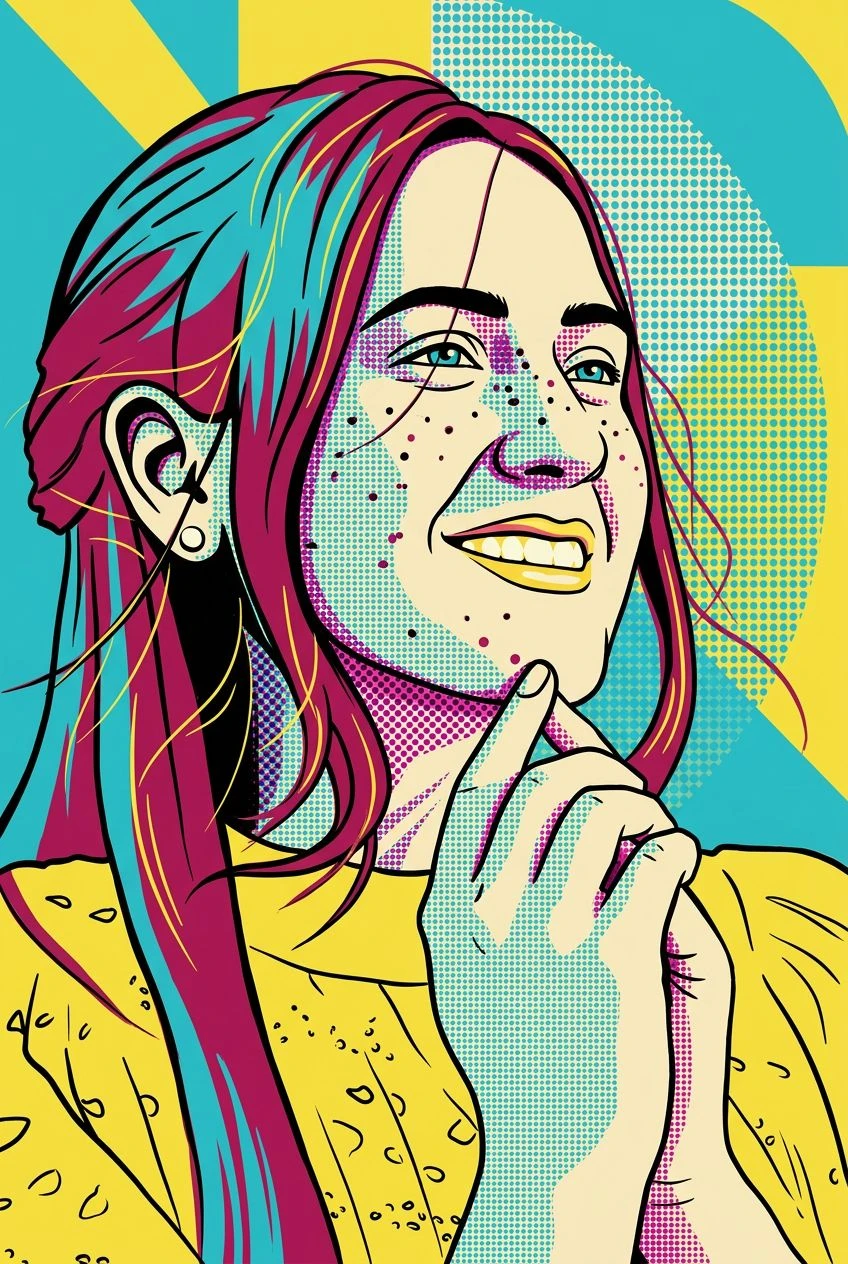
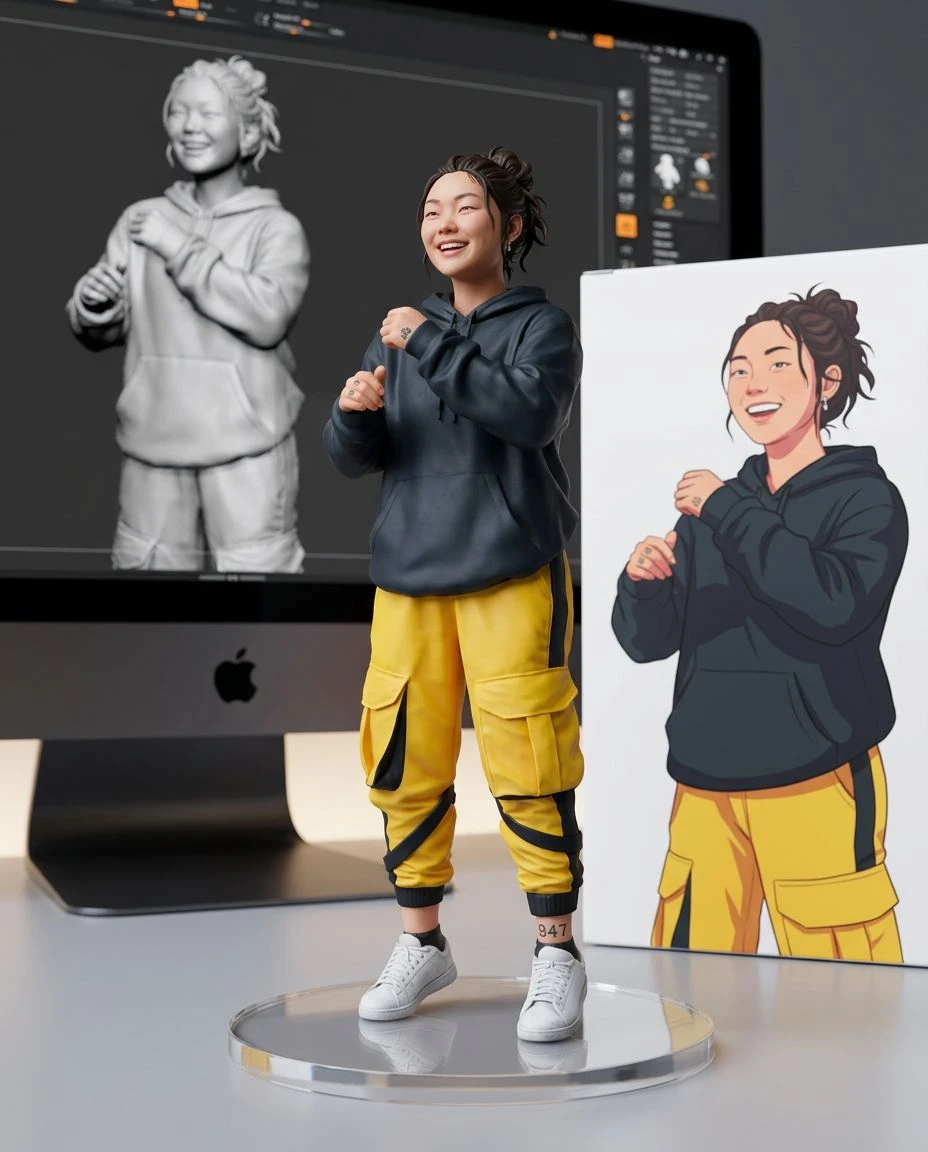
Trade photo textures for crisp shapes and confident color. Convert portraits, objects, and simple scenes into modern flat illustrations with a vector-inspired aesthetic.
Translate complicated textures into smoother, clearer shapes.
Create a polished illustrated look with minimal gradients and clutter.
Explore avatar concepts, decorative illustrations, and simple visual layouts. The download is a bitmap that looks flat, not an SVG.
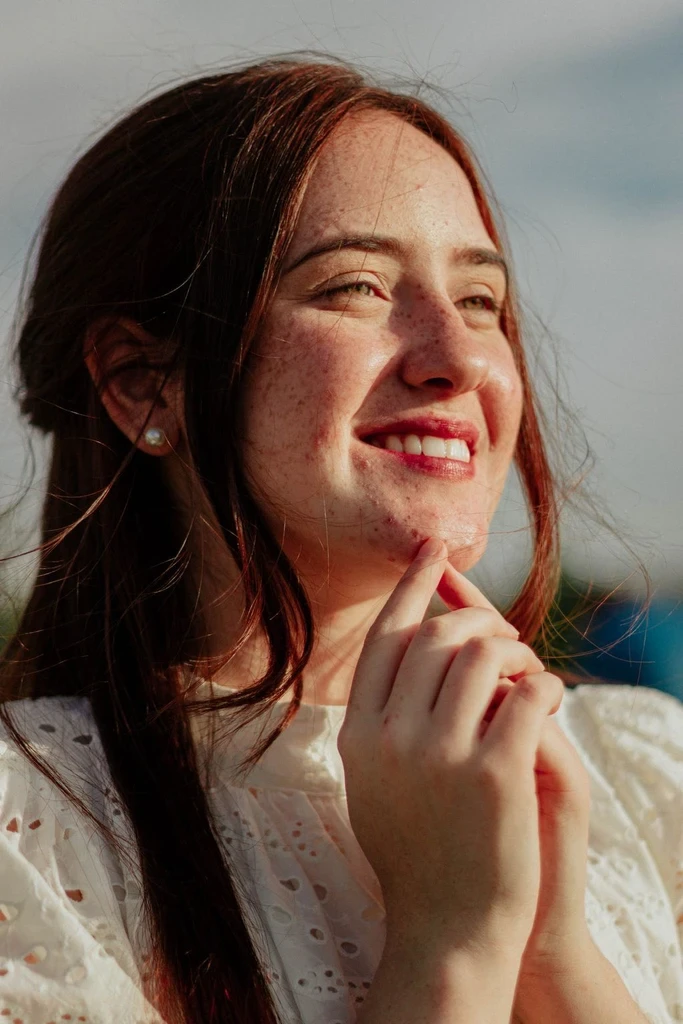
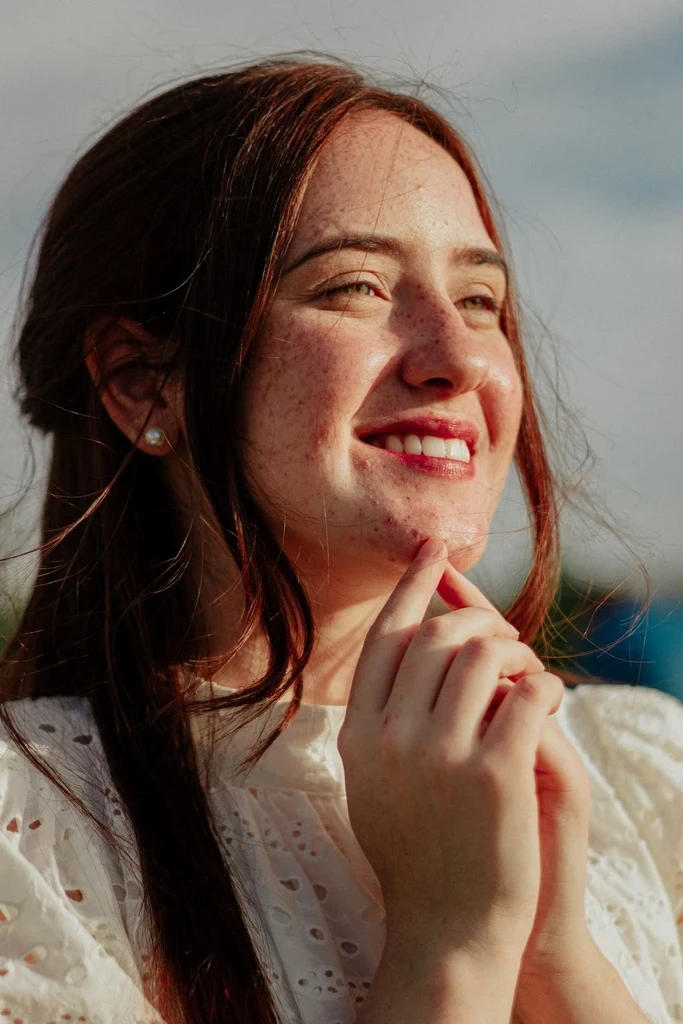
Use the uploaded photo to guide subject shape, pose, and visual hierarchy.
Choose a portrait, pet, object, or landmark with a clear silhouette.
The flat illustration style is already selected. It simplifies the photo into solid shapes and clean edges. Set strength to Subtle, Balanced, or Strong.
Preview the illustration, compare it with your photo, and download the image.
Create a modern illustrated profile image.
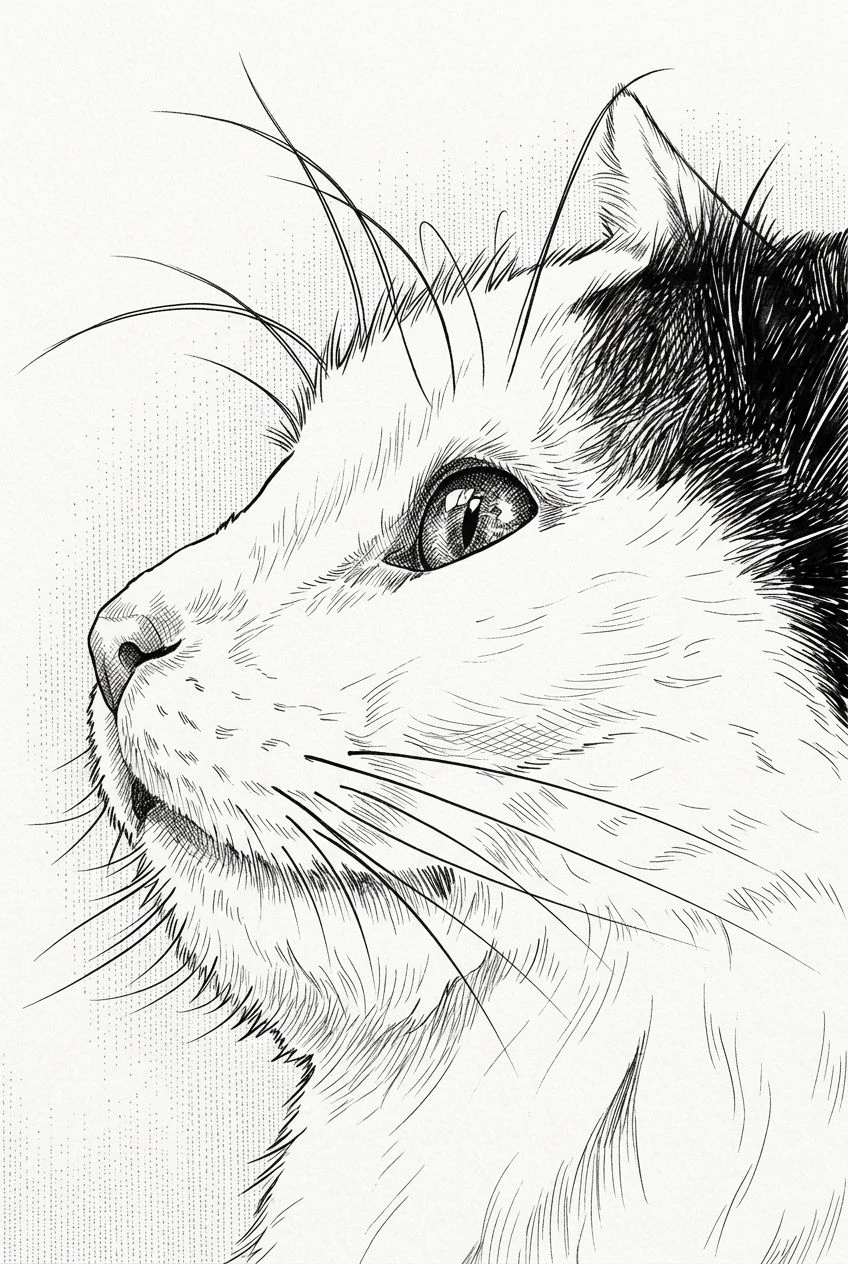
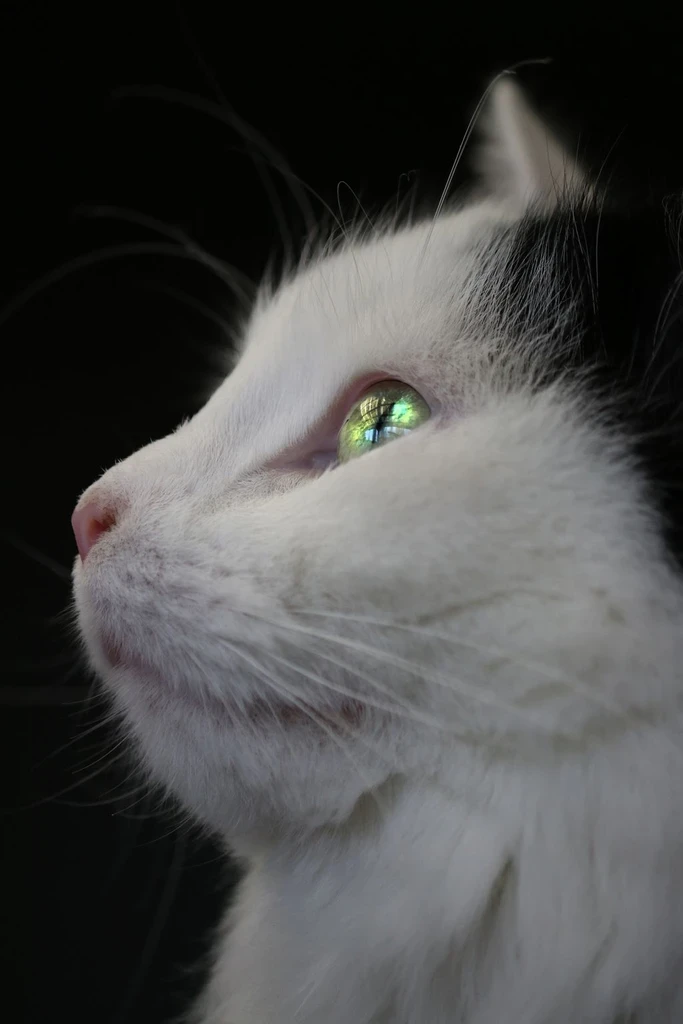
Simplify distinctive pet features into clean flat-color forms.
Explore a graphic version of a familiar object. Check logos and exact geometry before you rely on them.
Make landmarks and scenery feel like contemporary flat illustrations.
This effect creates a raster image that visually resembles flat vector illustration. It does not trace your photo into editable paths, produce an SVG, or guarantee print-ready vector geometry.
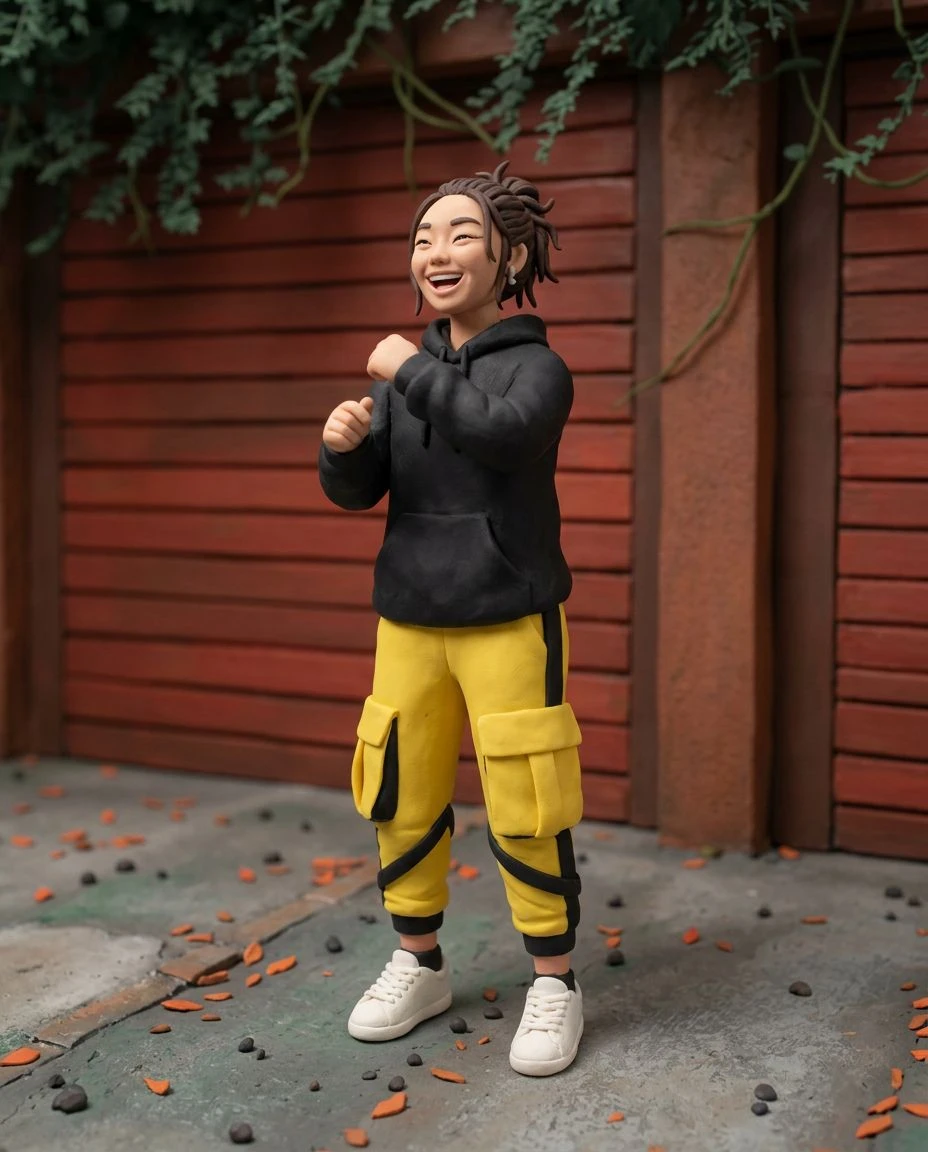
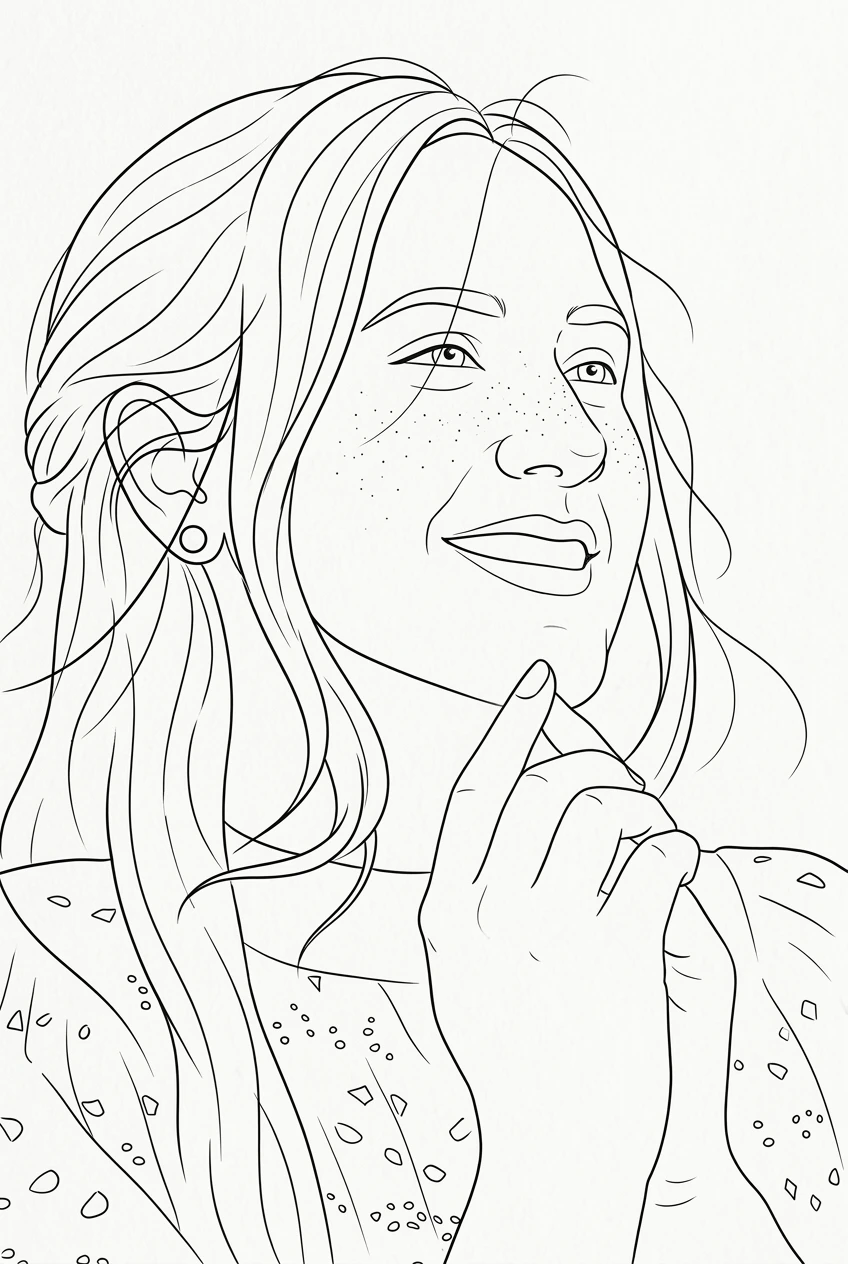
Outline drawing, a quiet poster, or halftone pop art.
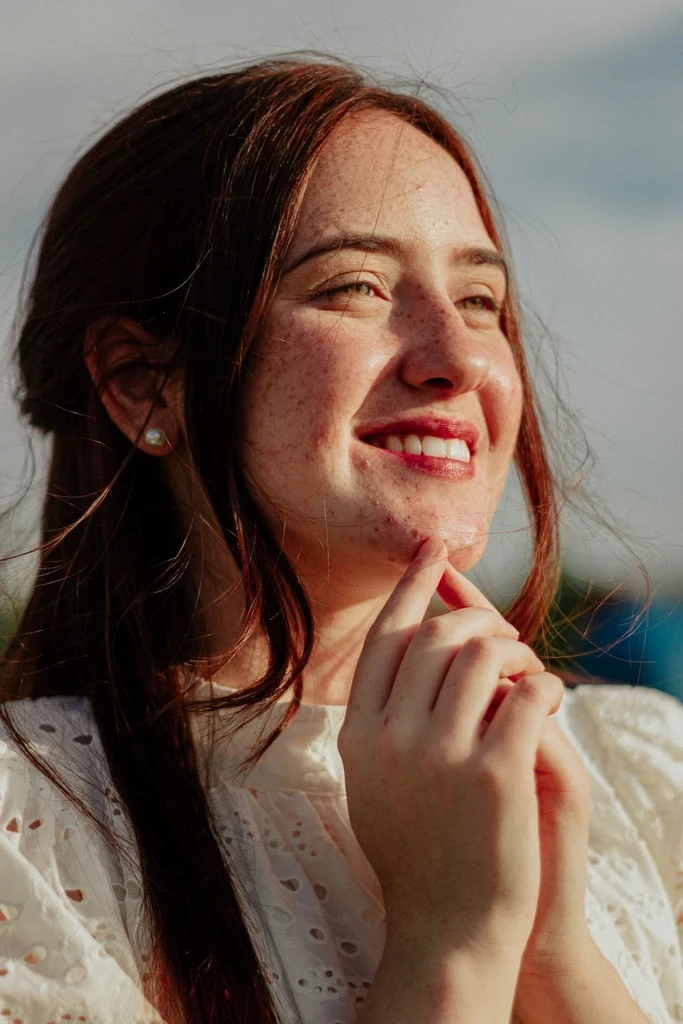
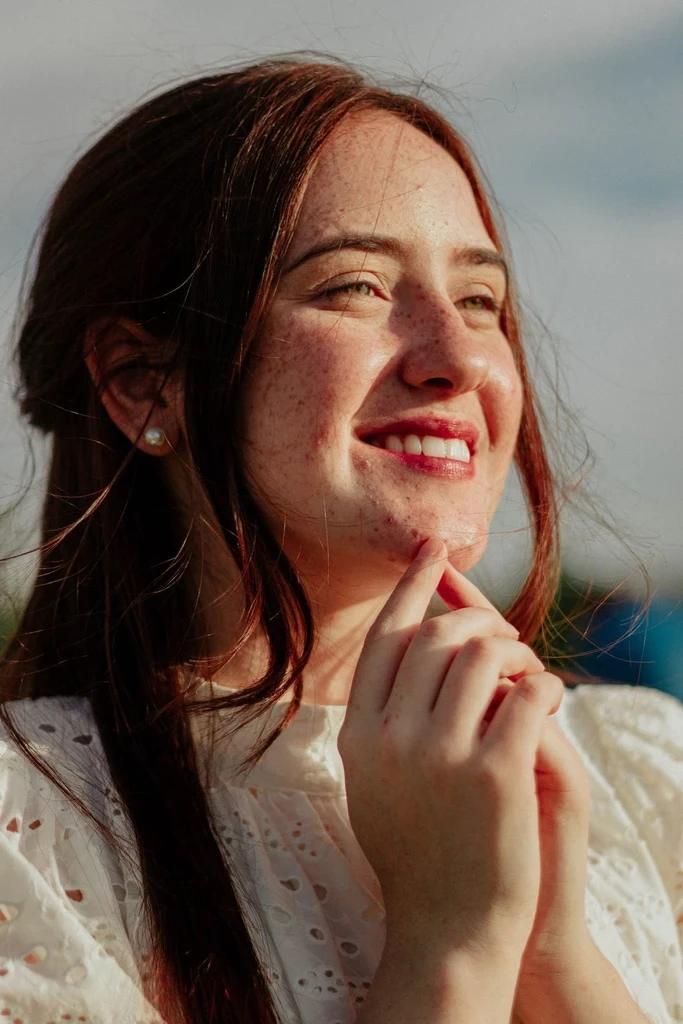
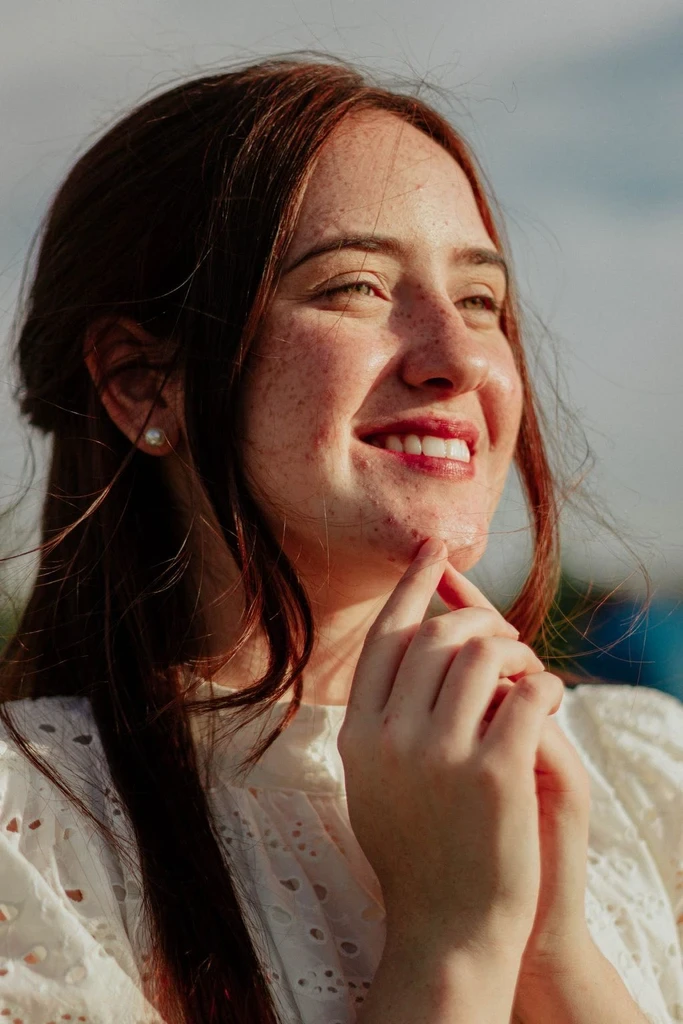
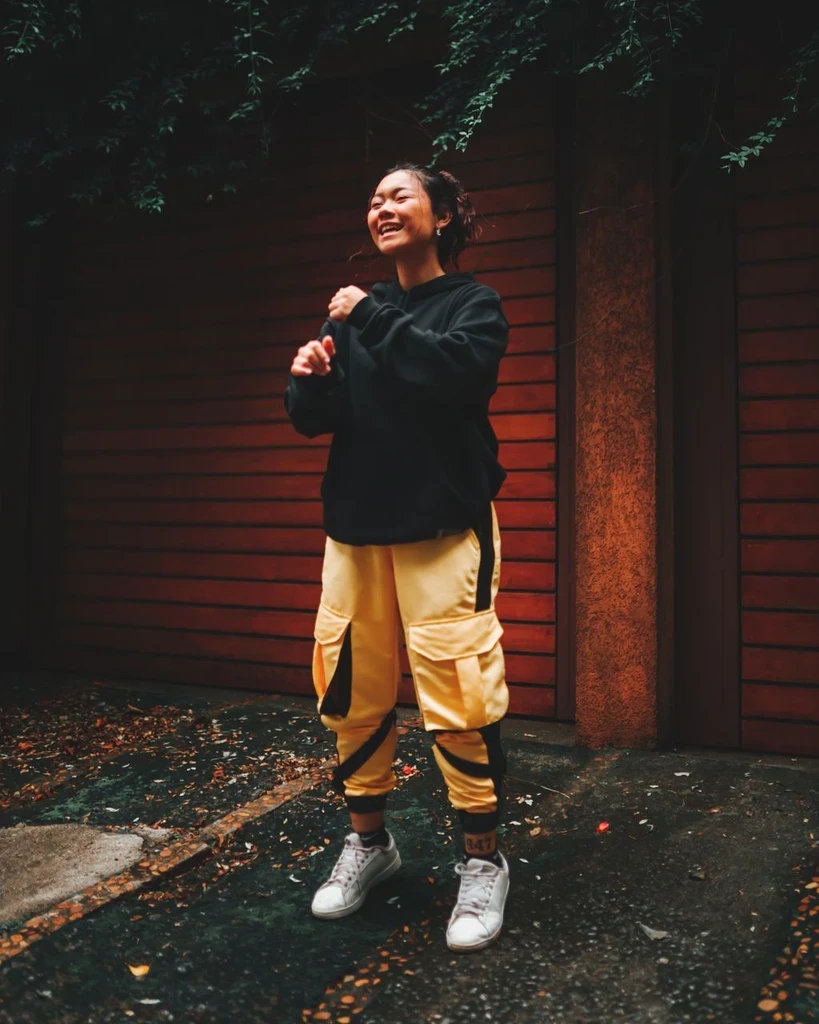 Before
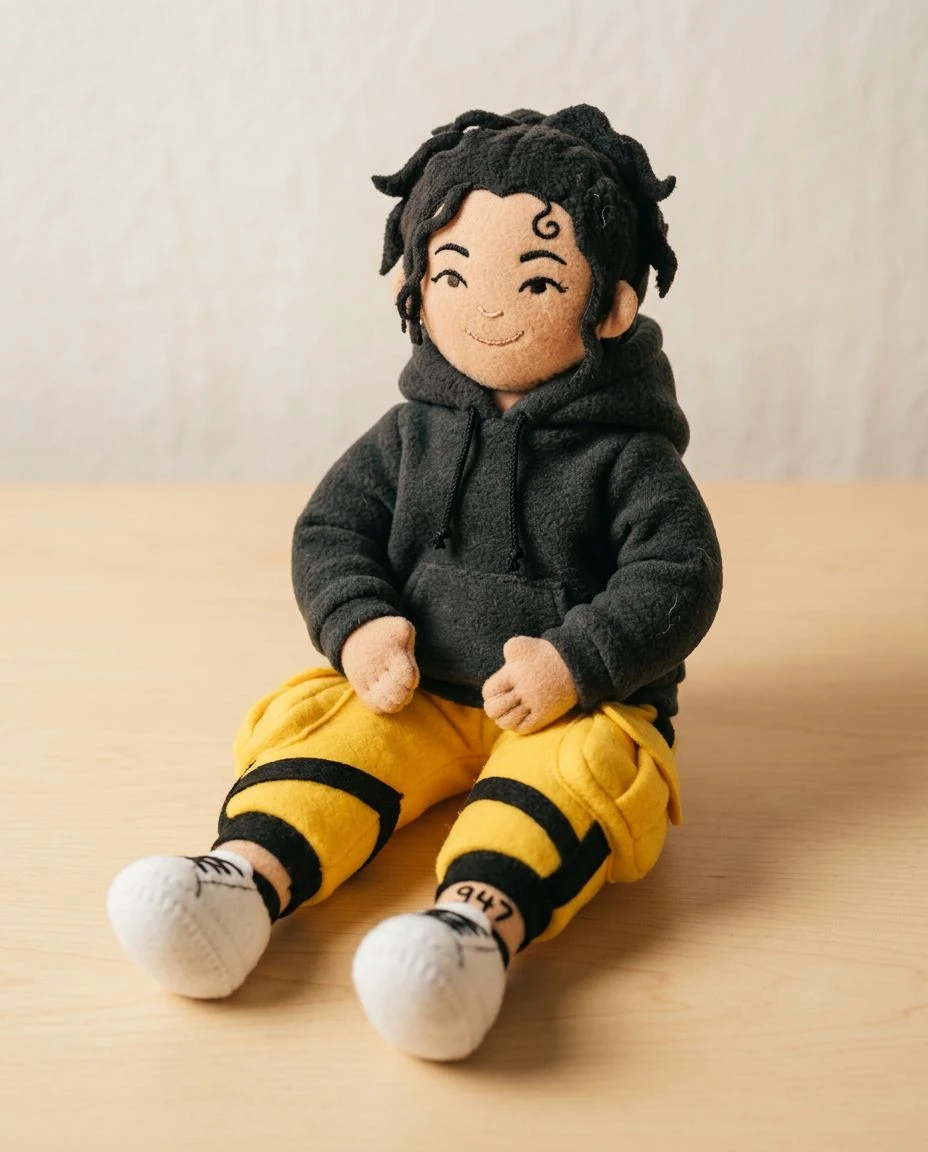
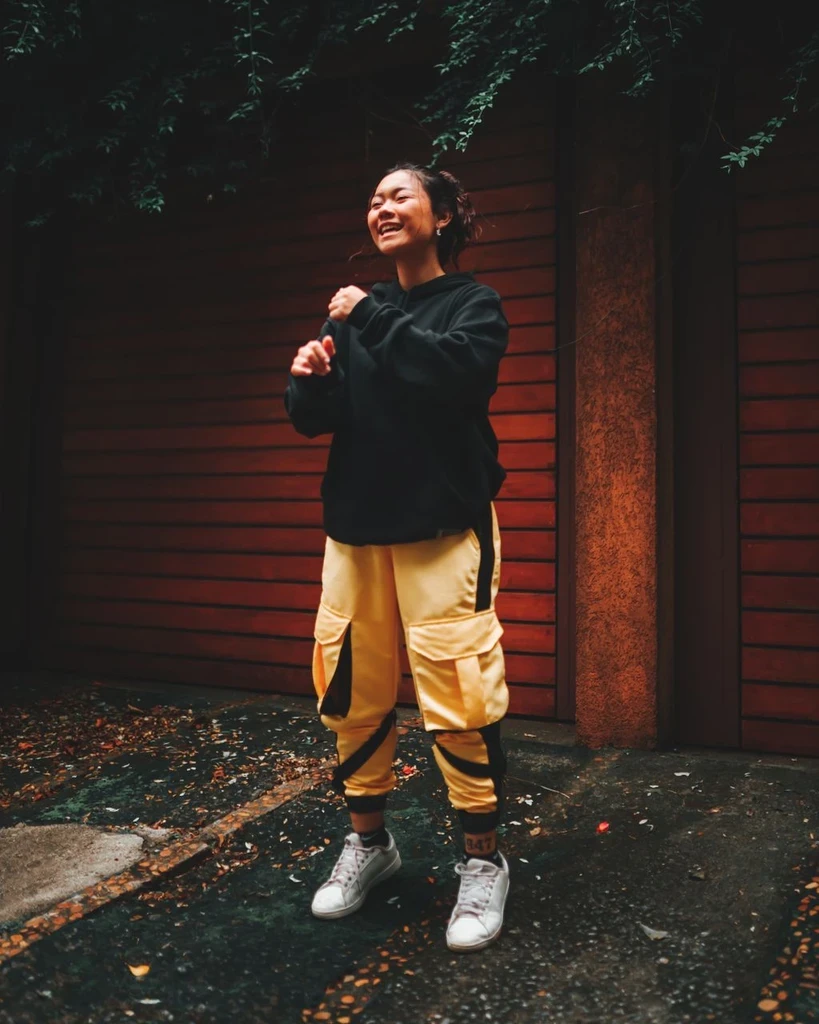
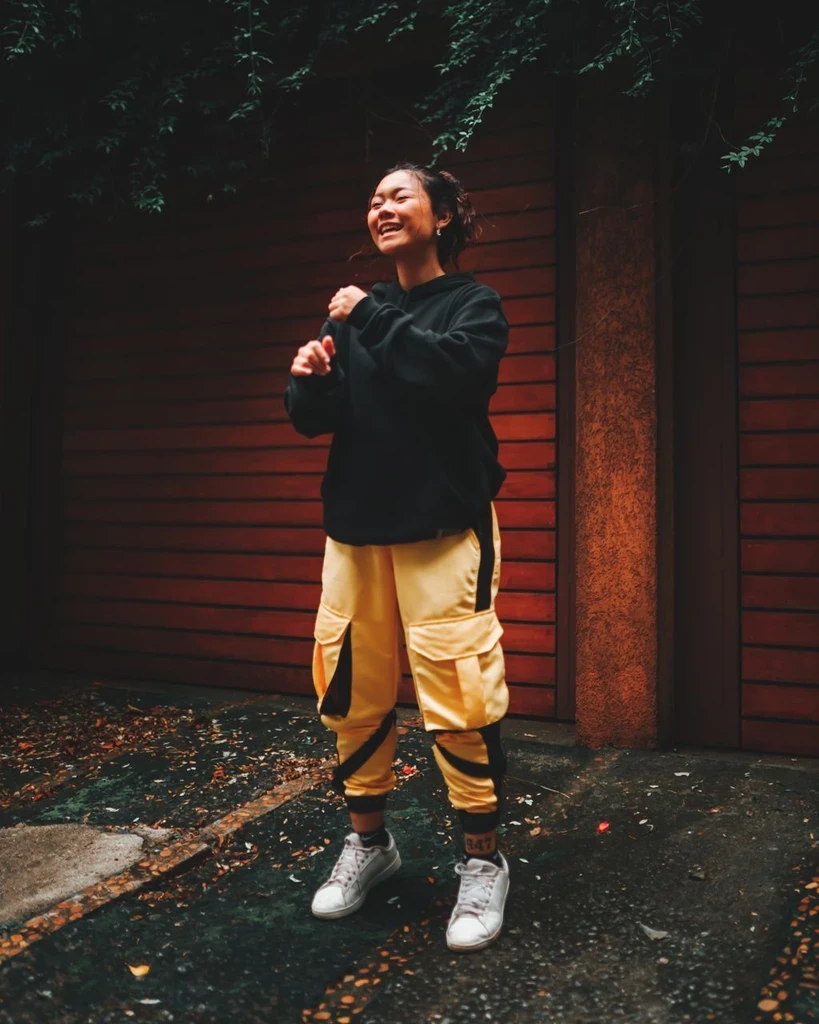 Before
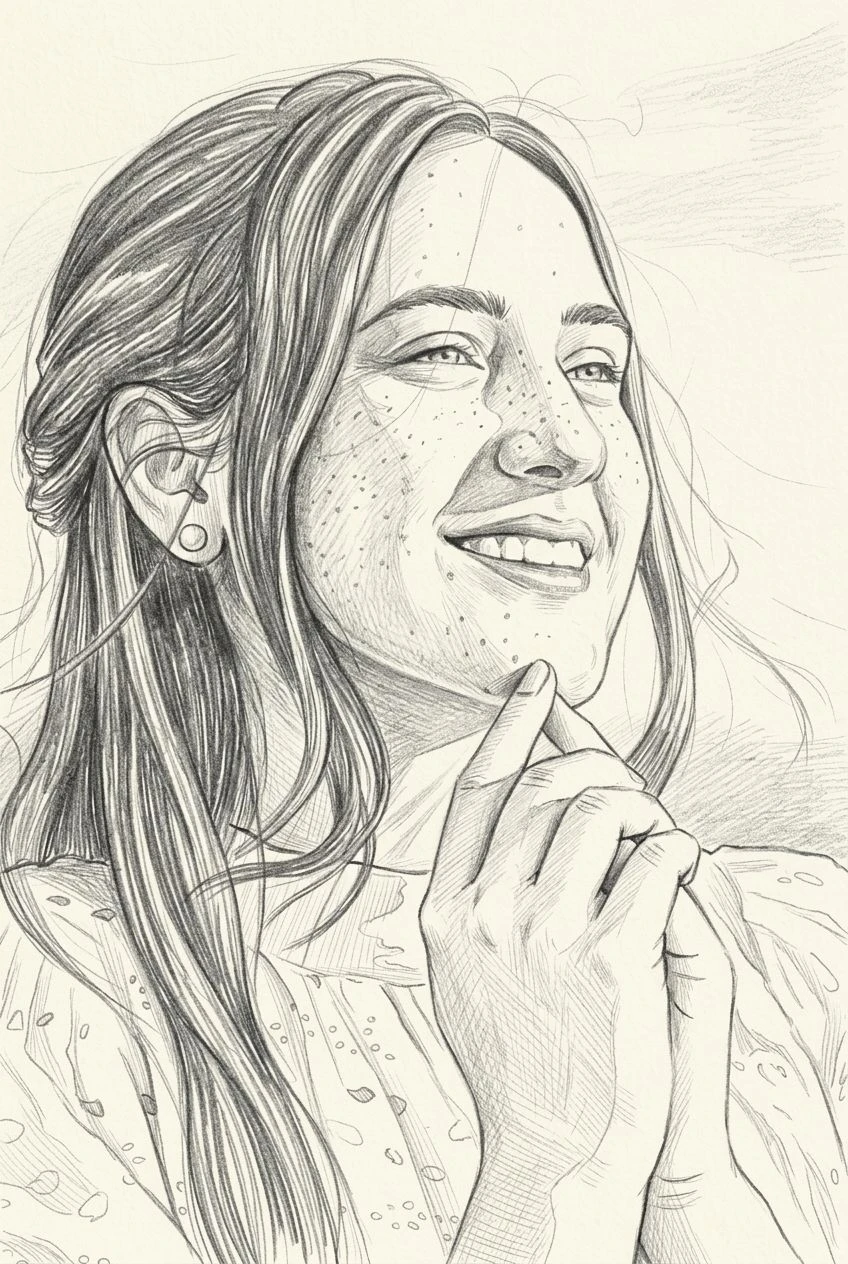
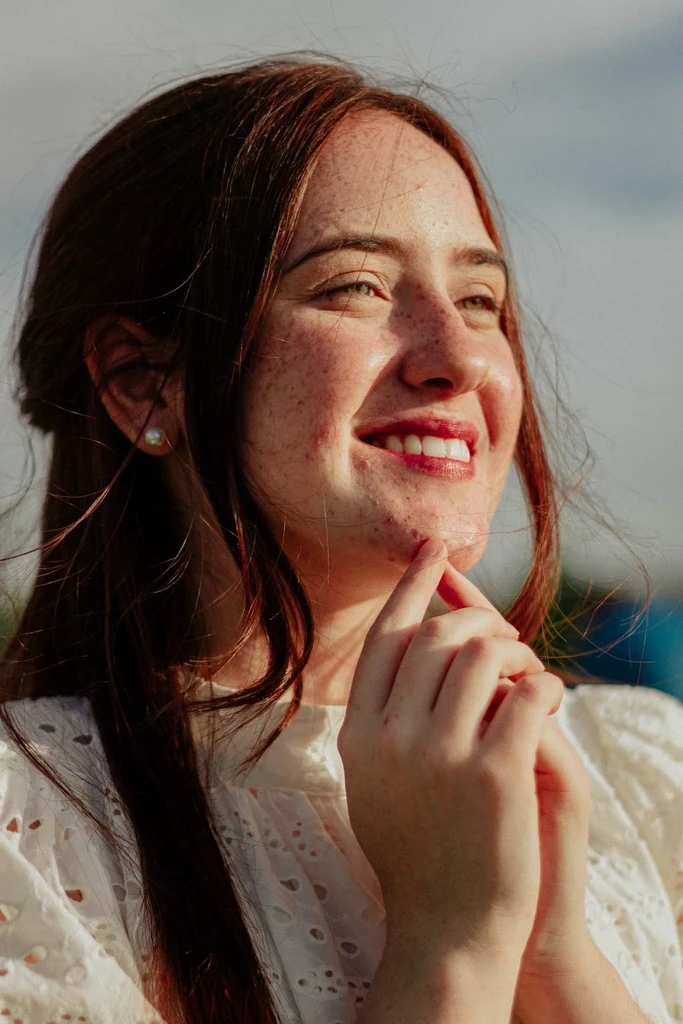
Upload a photo and simplify it into solid shapes and clean color. The file is an image, not an SVG.