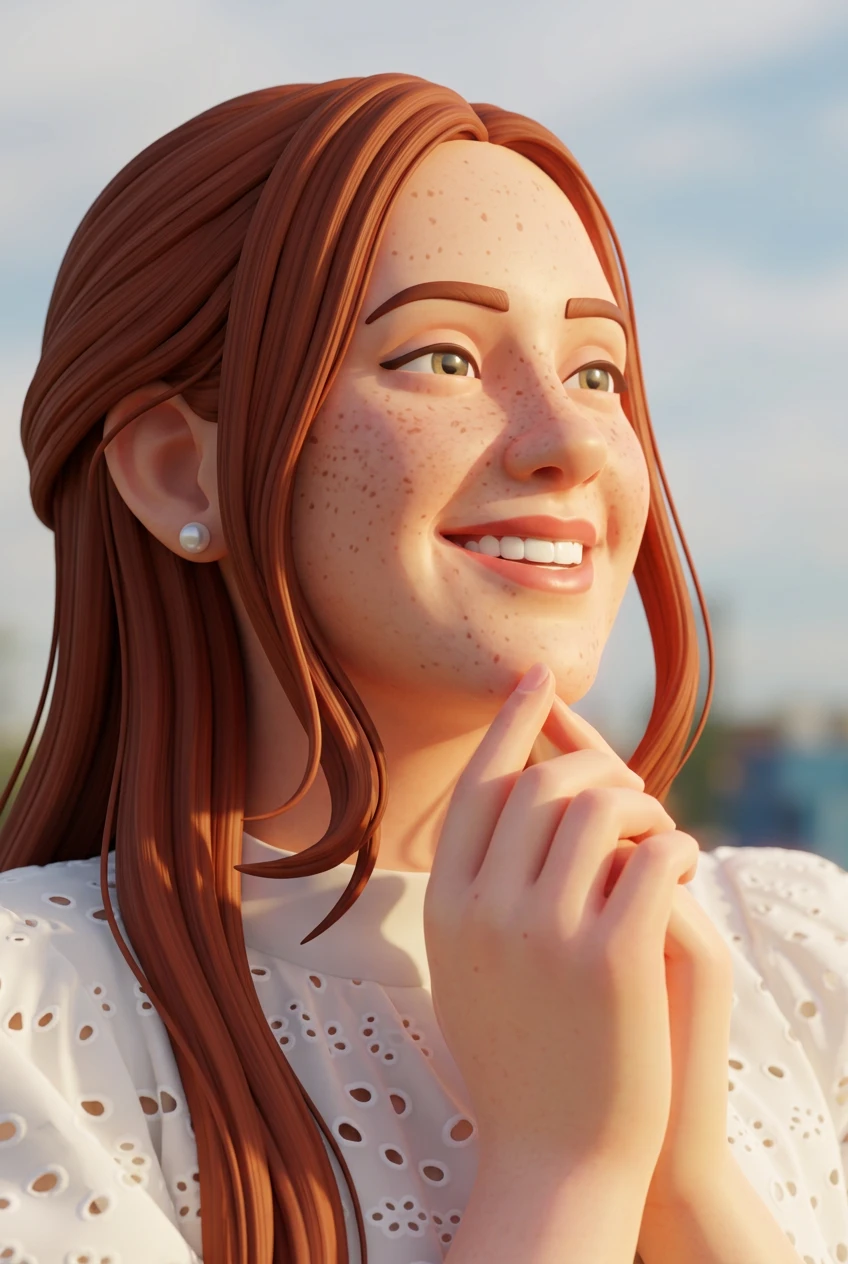
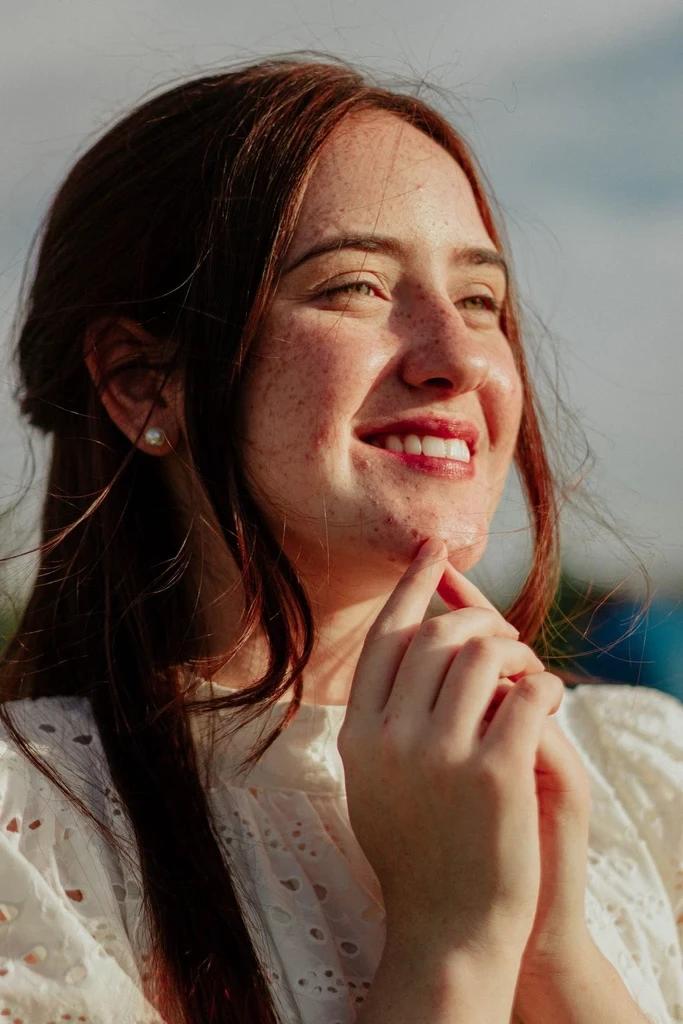
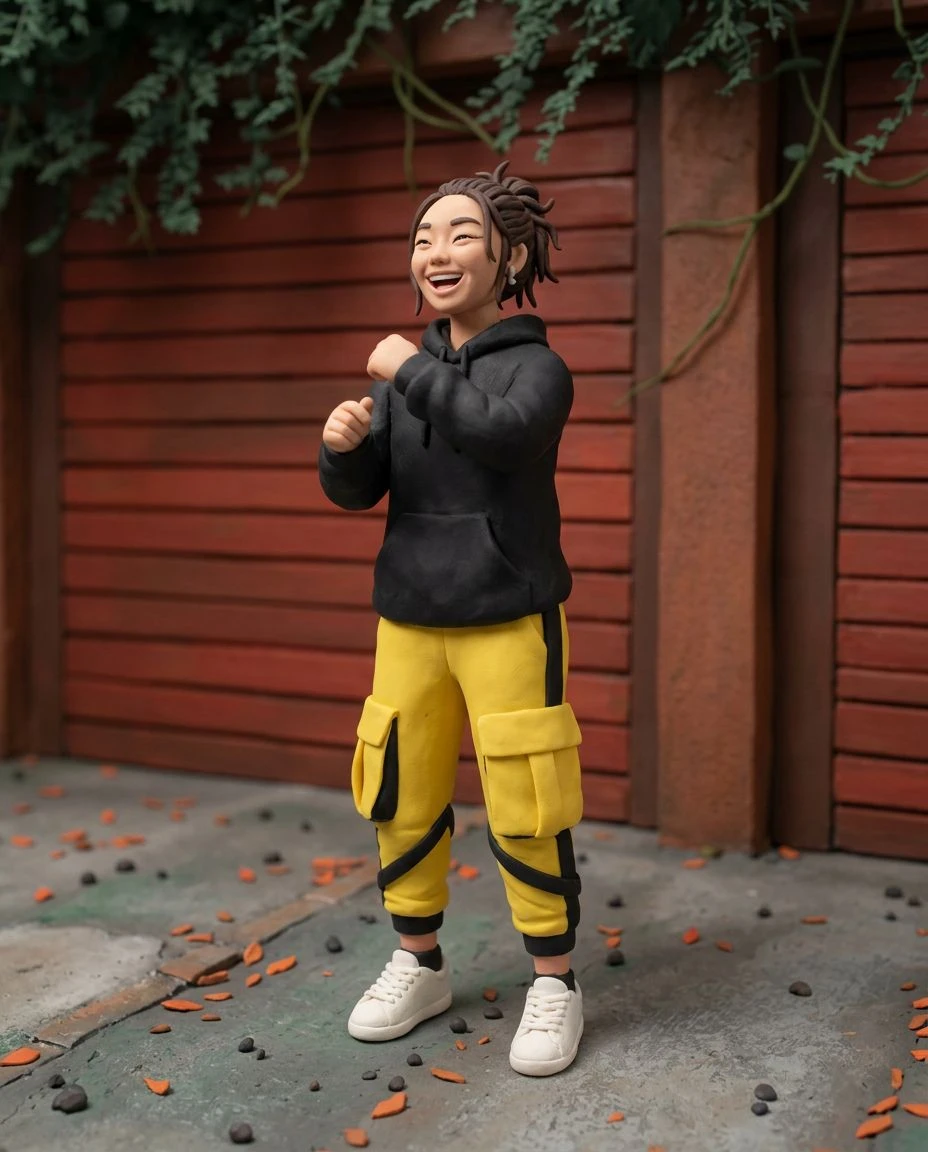
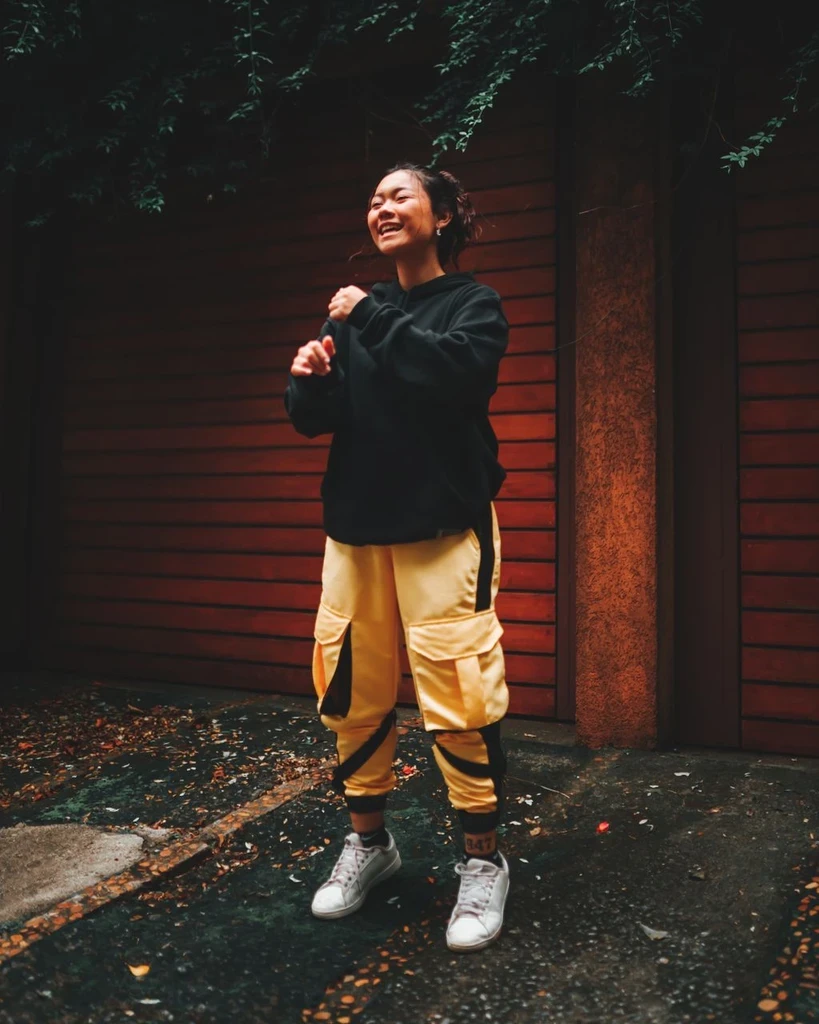
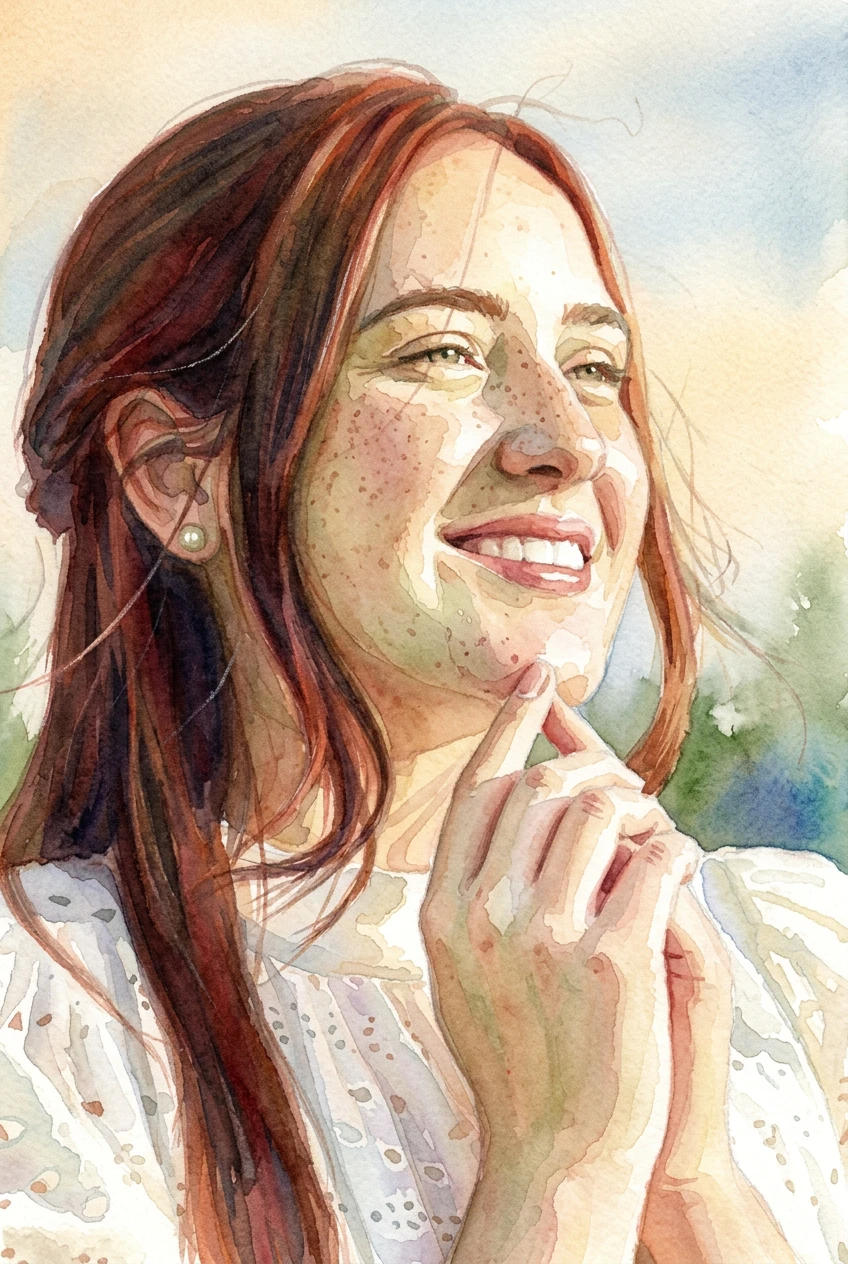
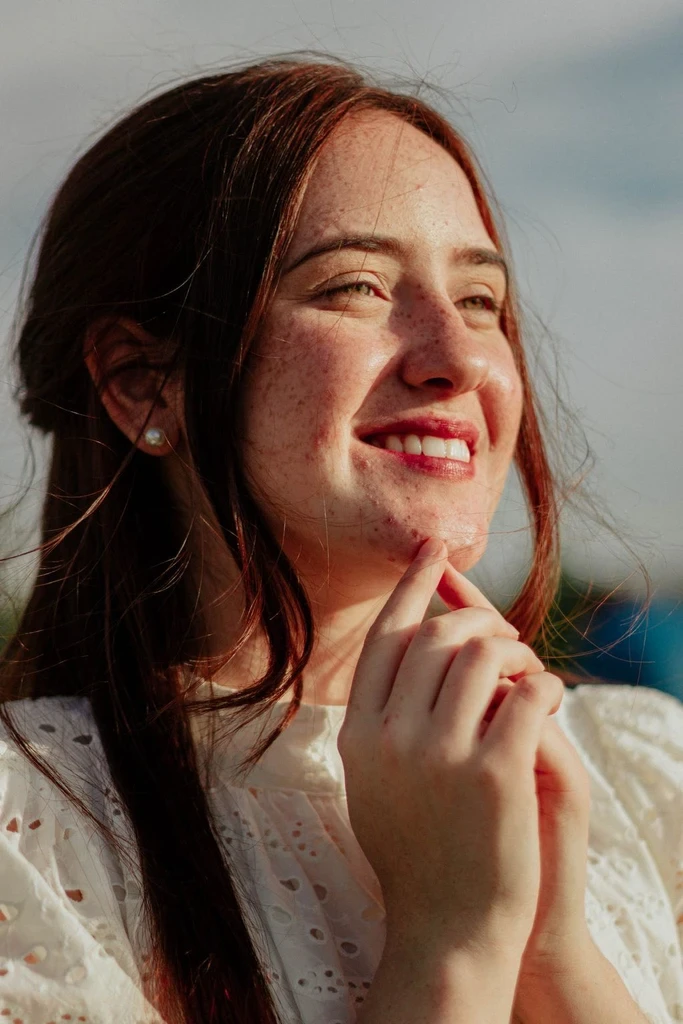
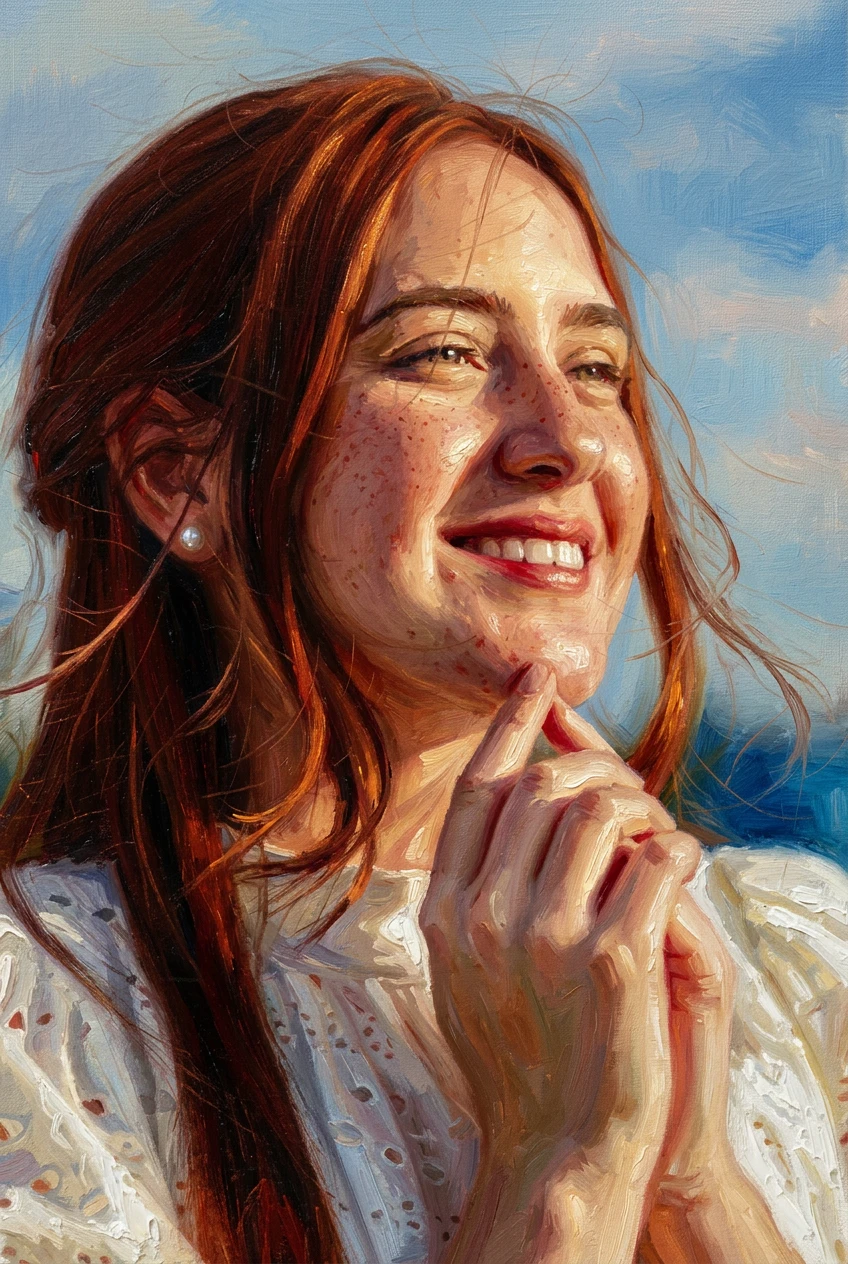
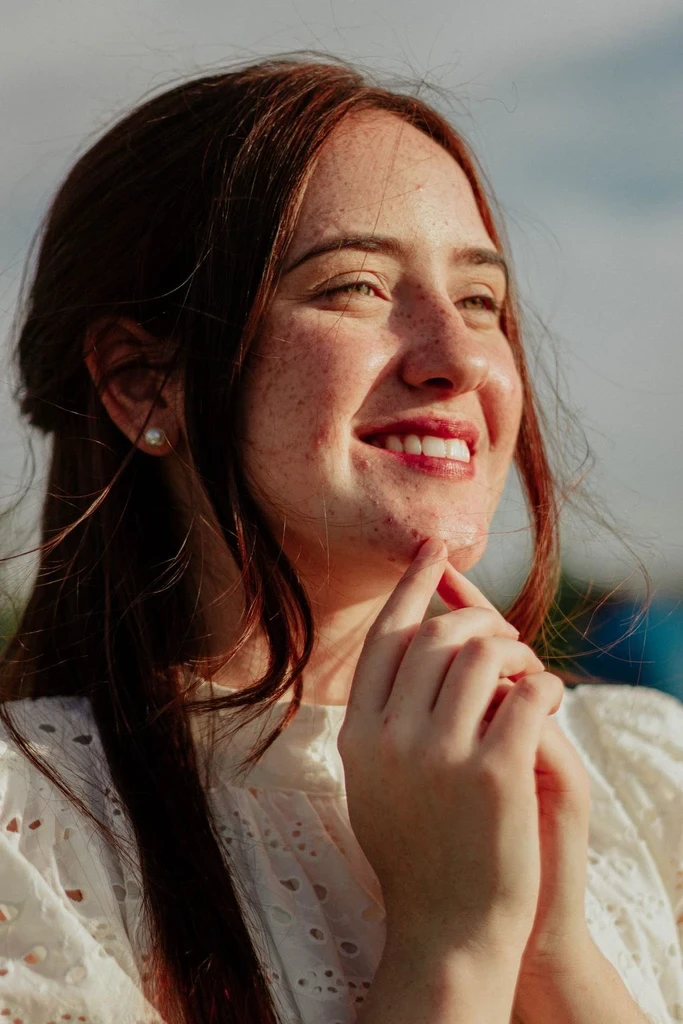
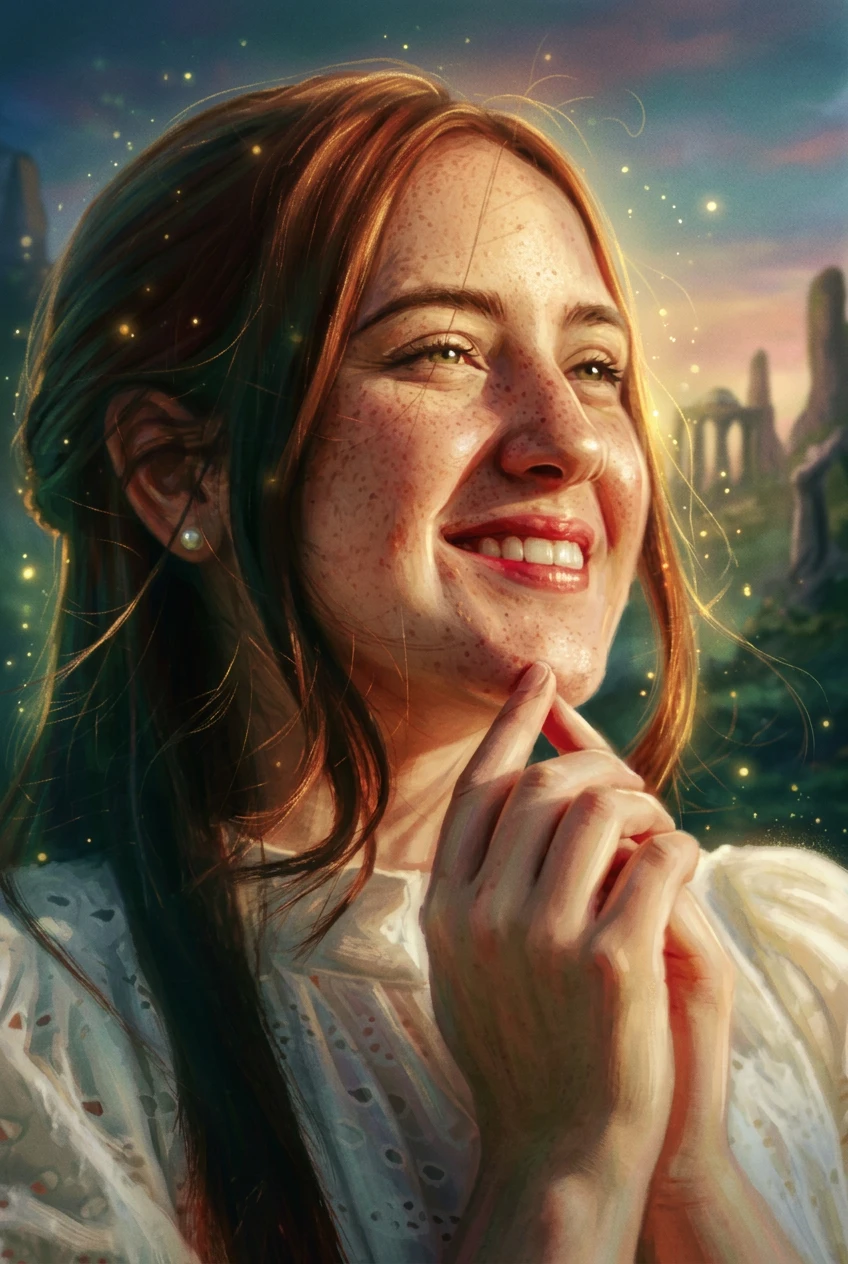
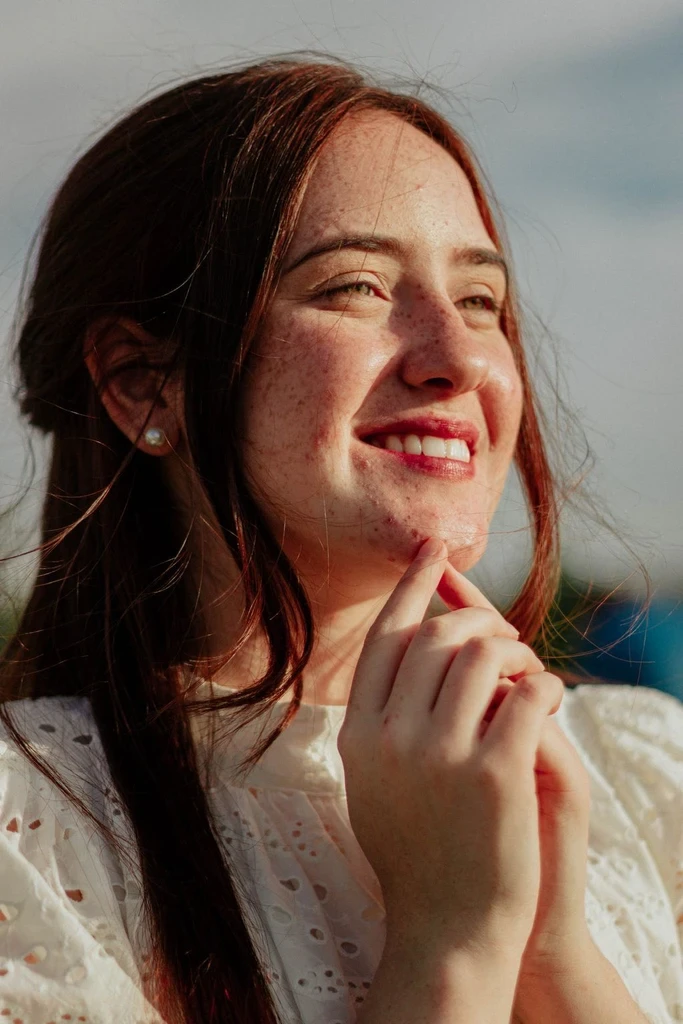
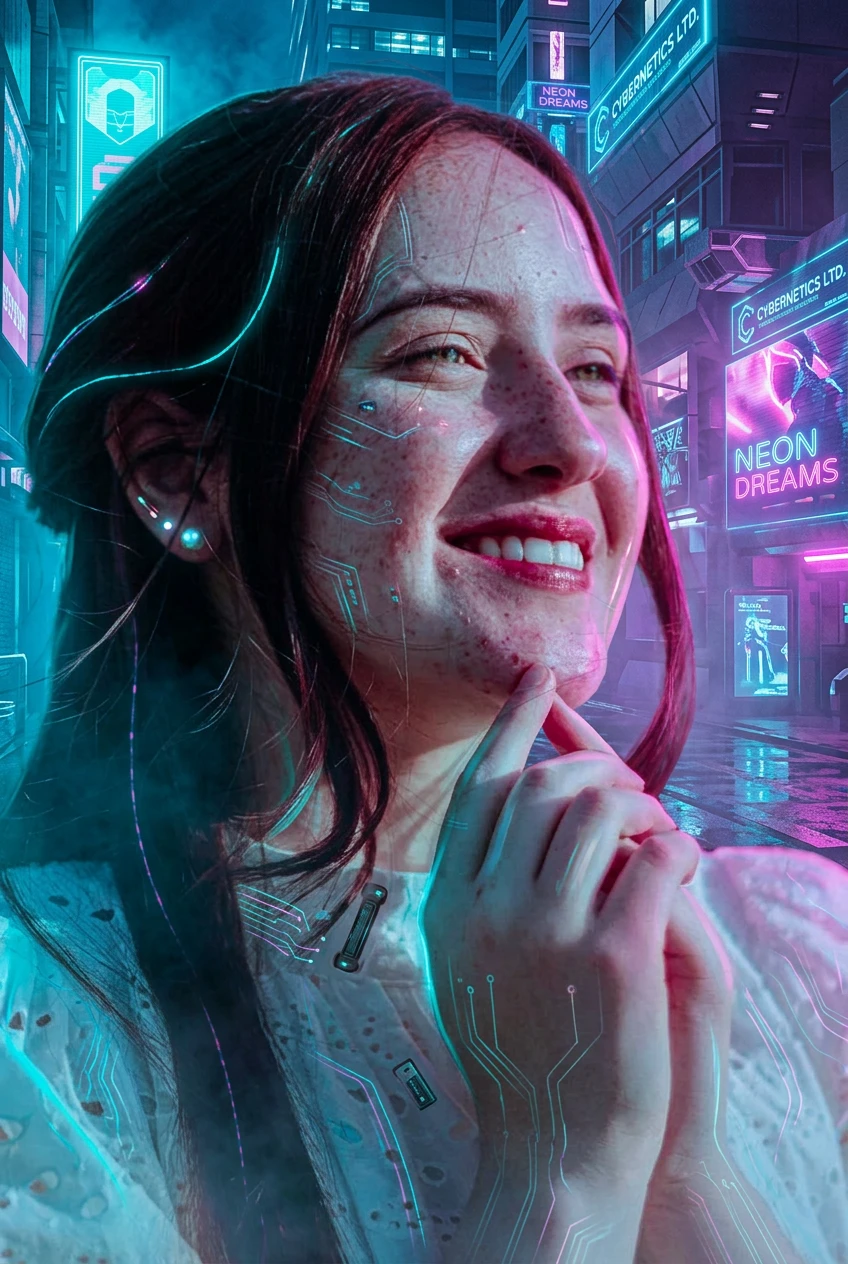
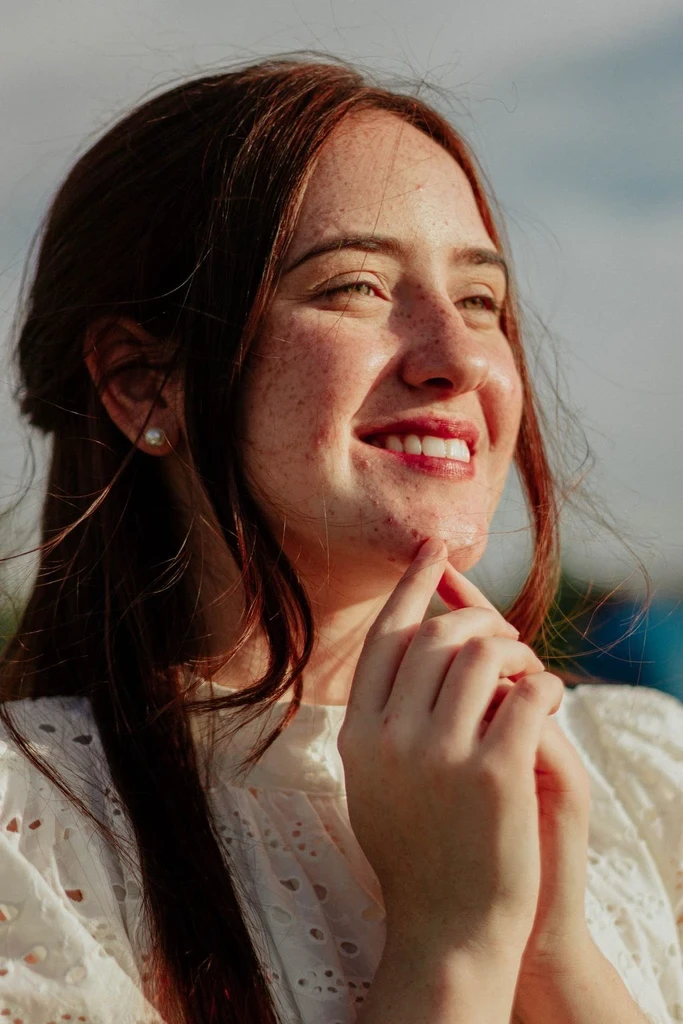
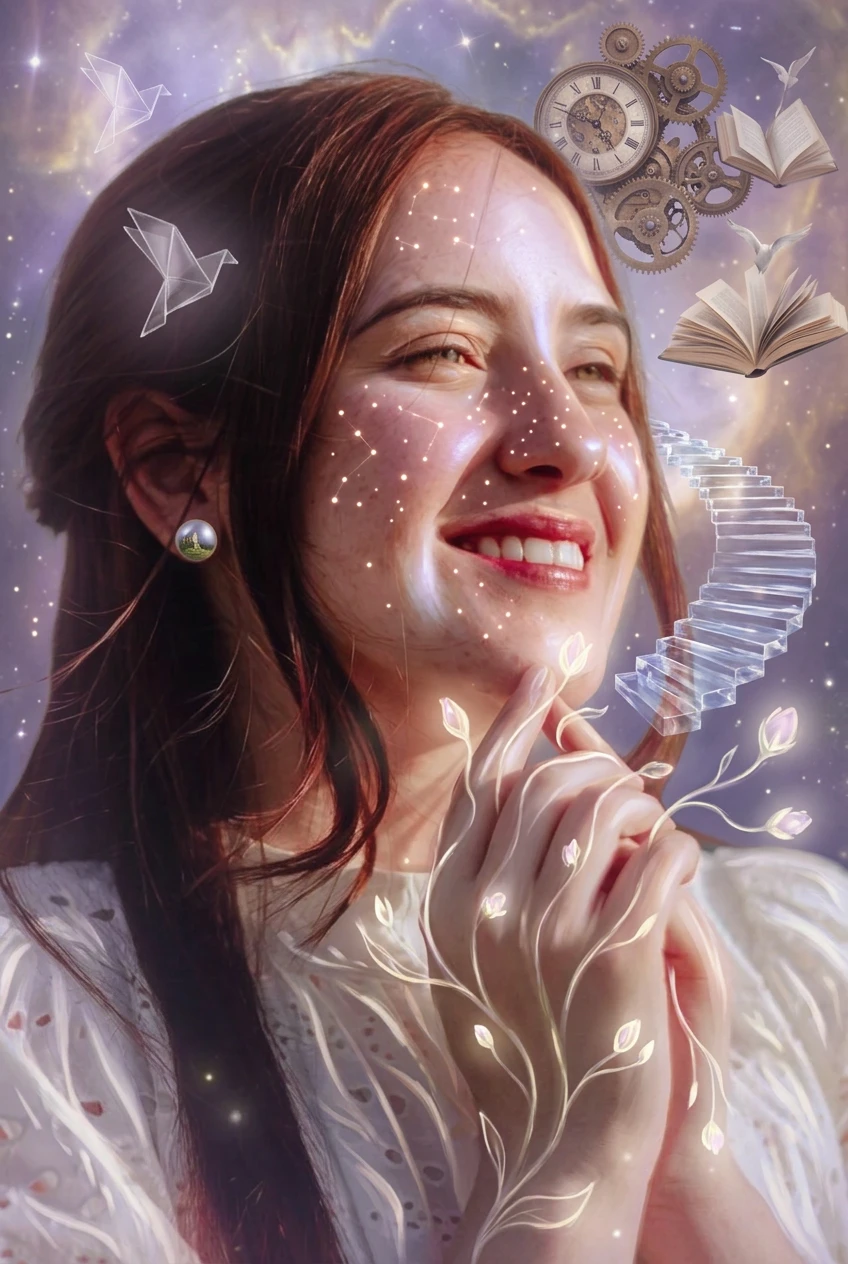
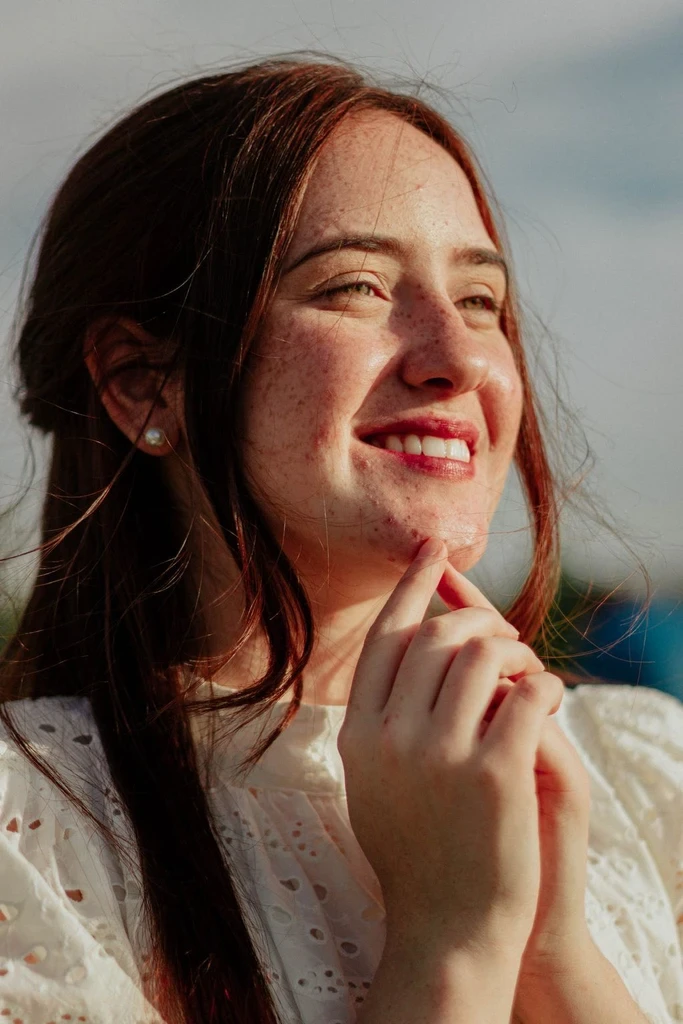
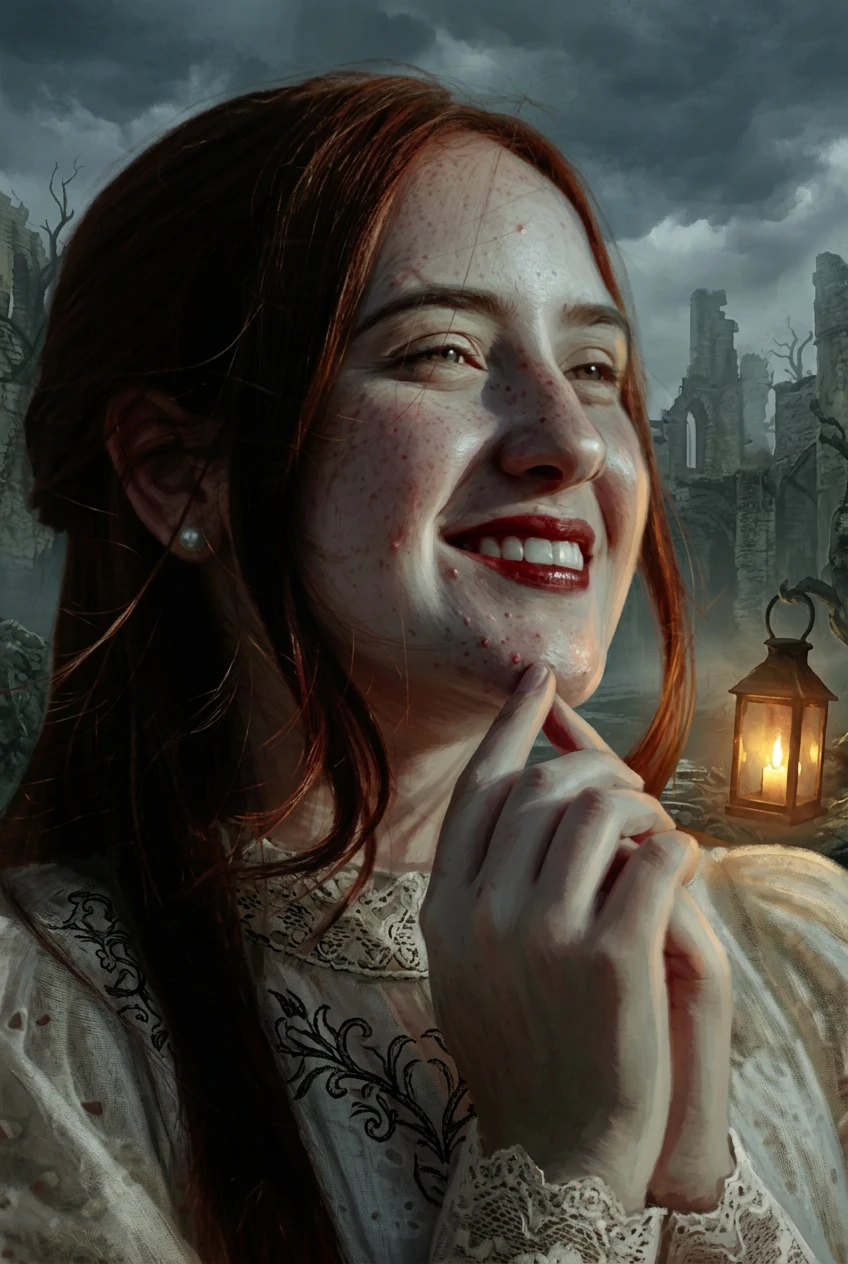
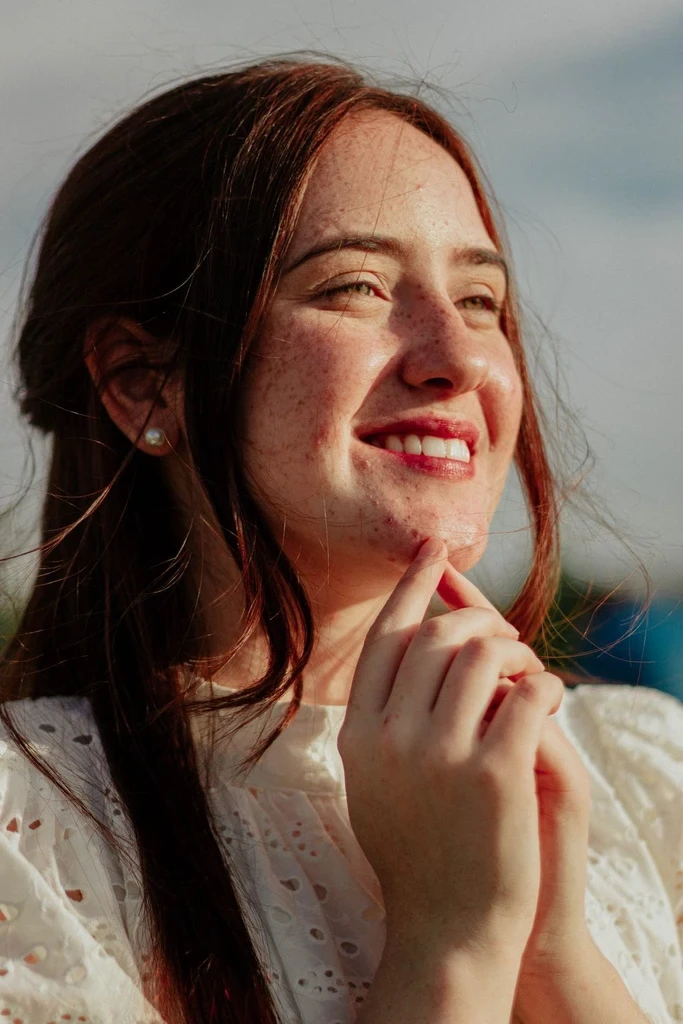
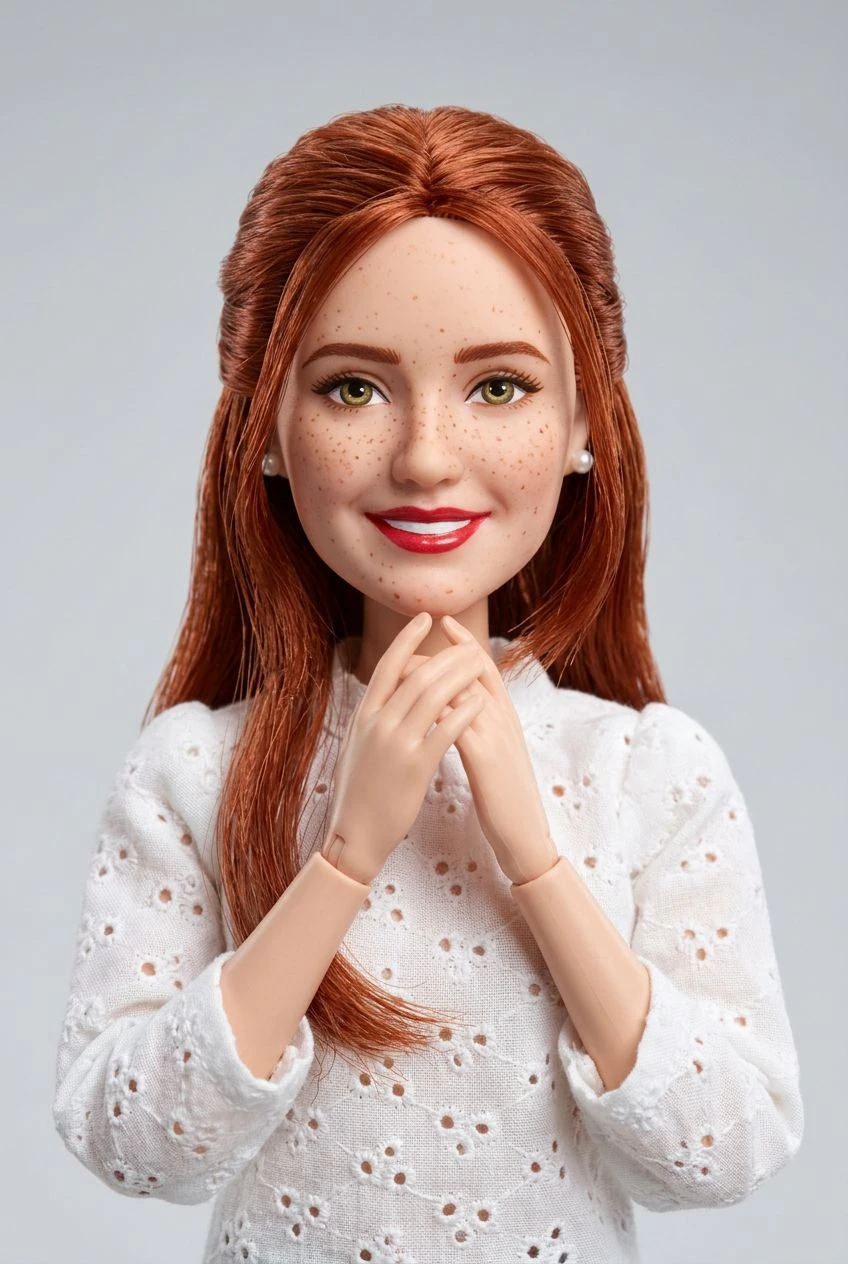
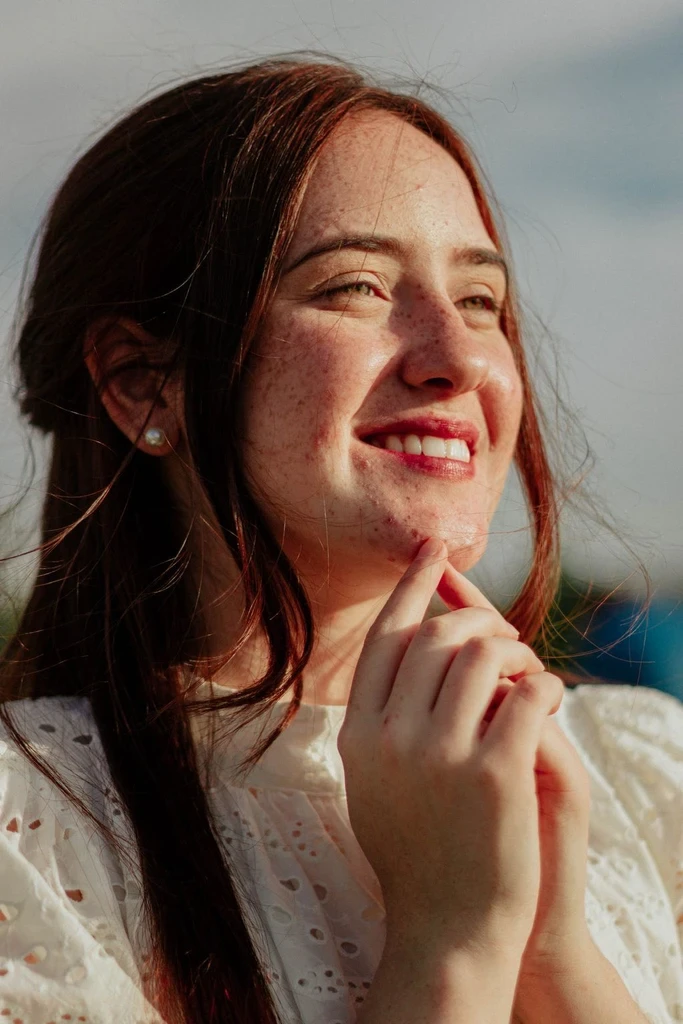
Start with a Photo You Already Love
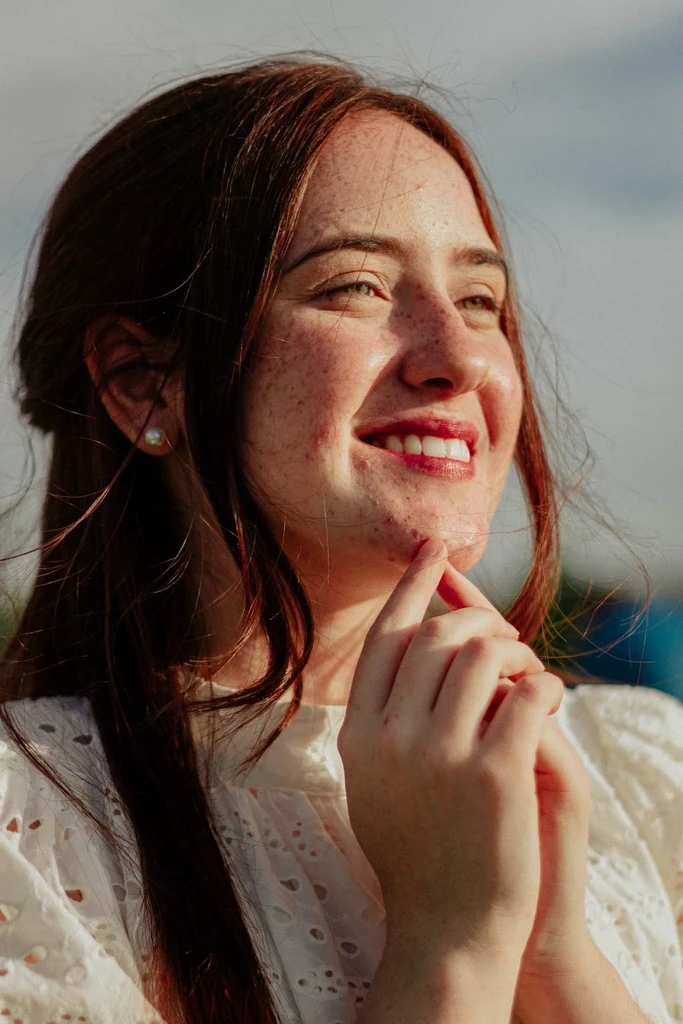
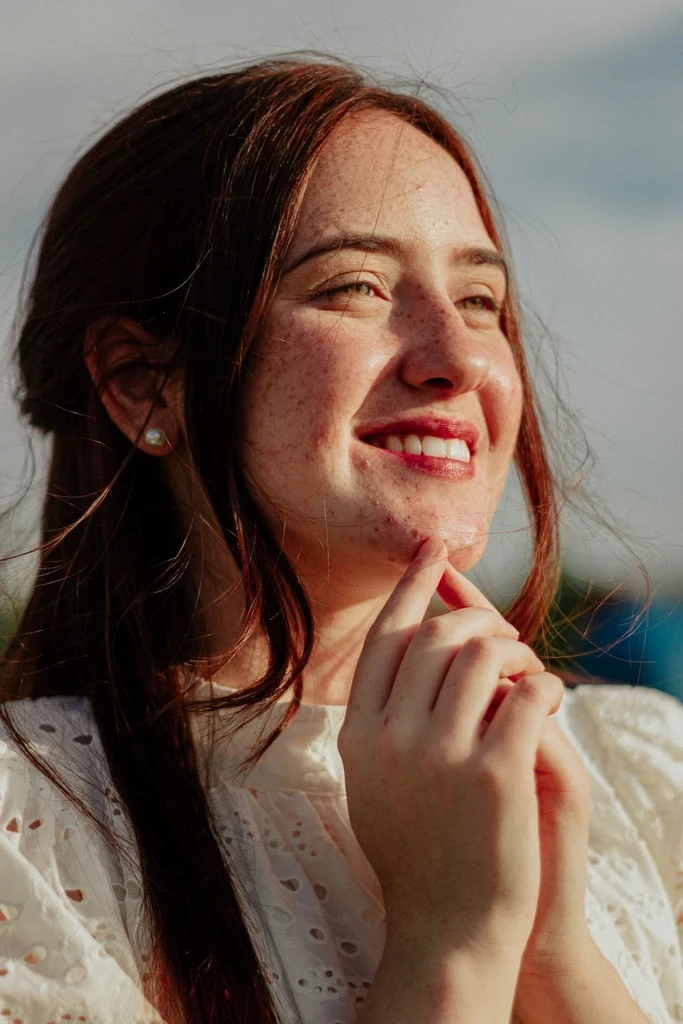
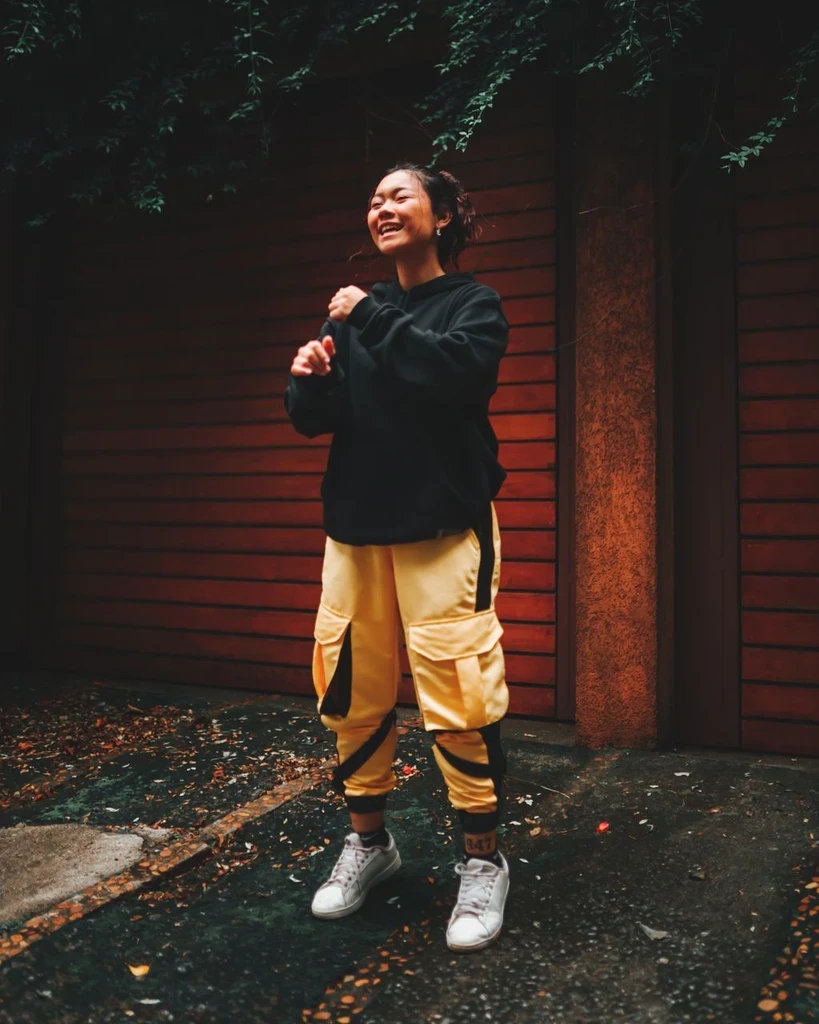
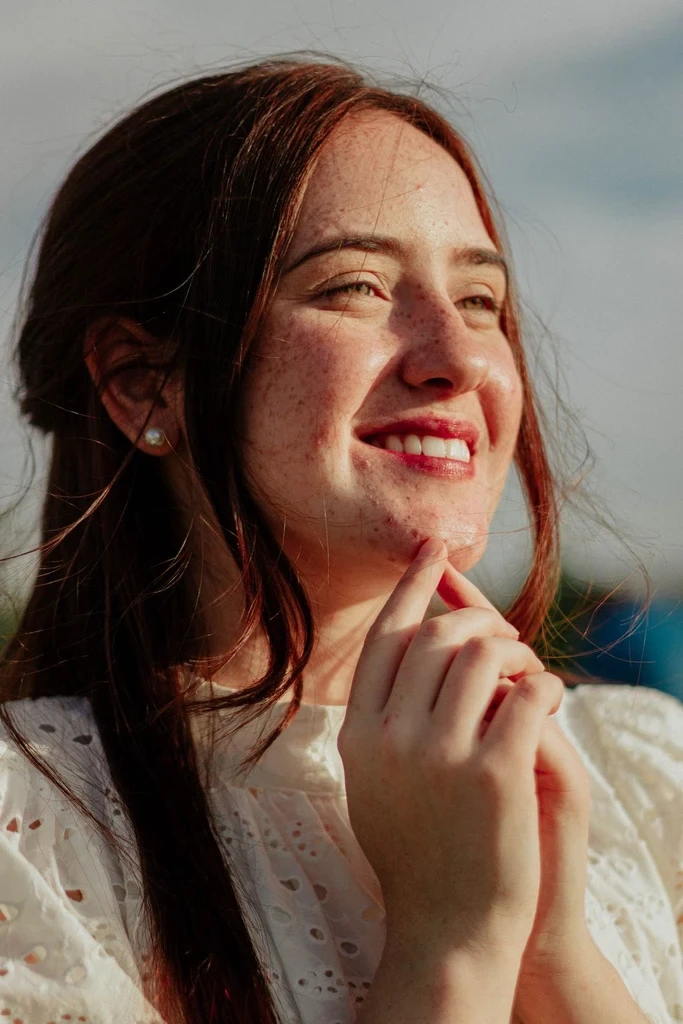
You do not have to describe every detail from scratch. Use the people, places, pets, or objects in your original image as the foundation for the illustrated result.
AI image to illustration converter
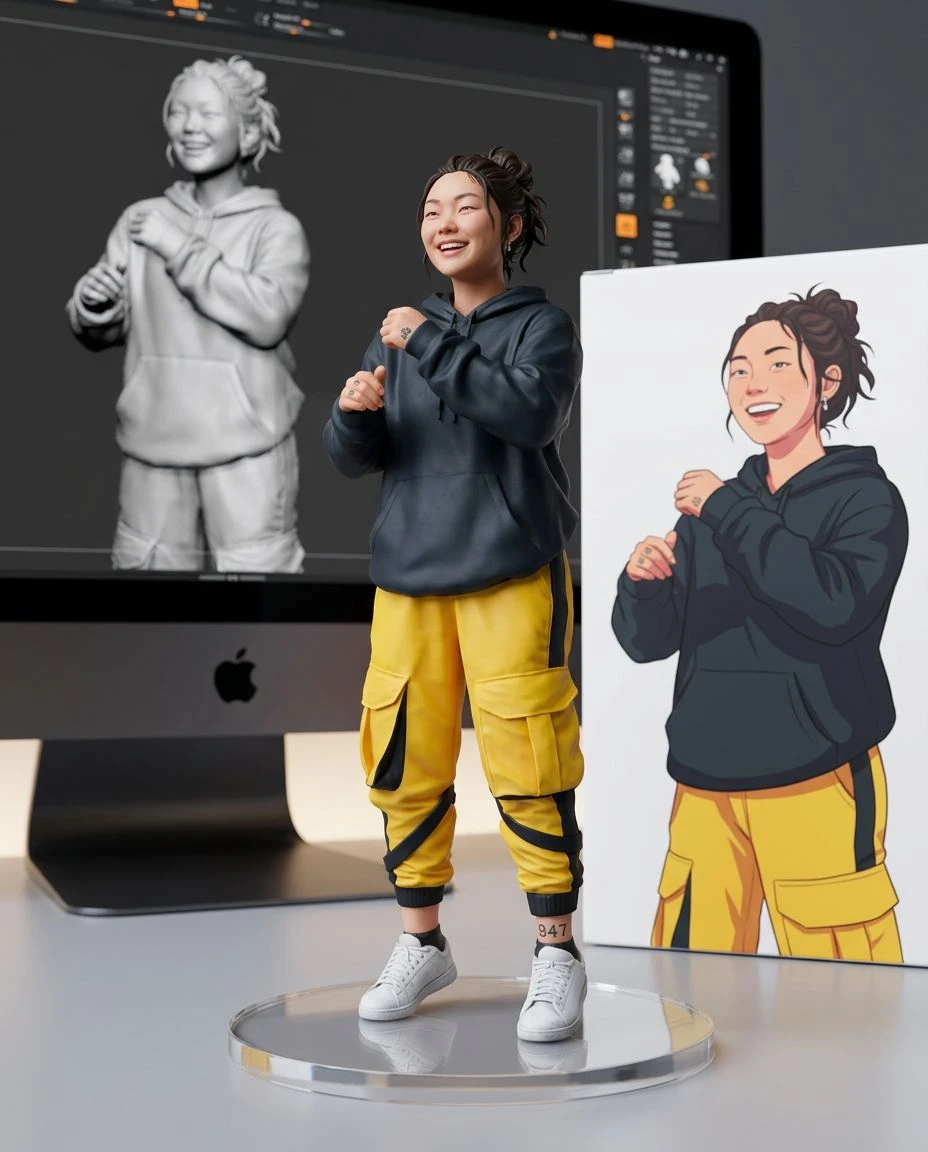
Transform the pictures you already have into expressive illustrations. Upload a portrait, pet photo, or everyday scene, choose an illustration style, and see your image reimagined with AI.
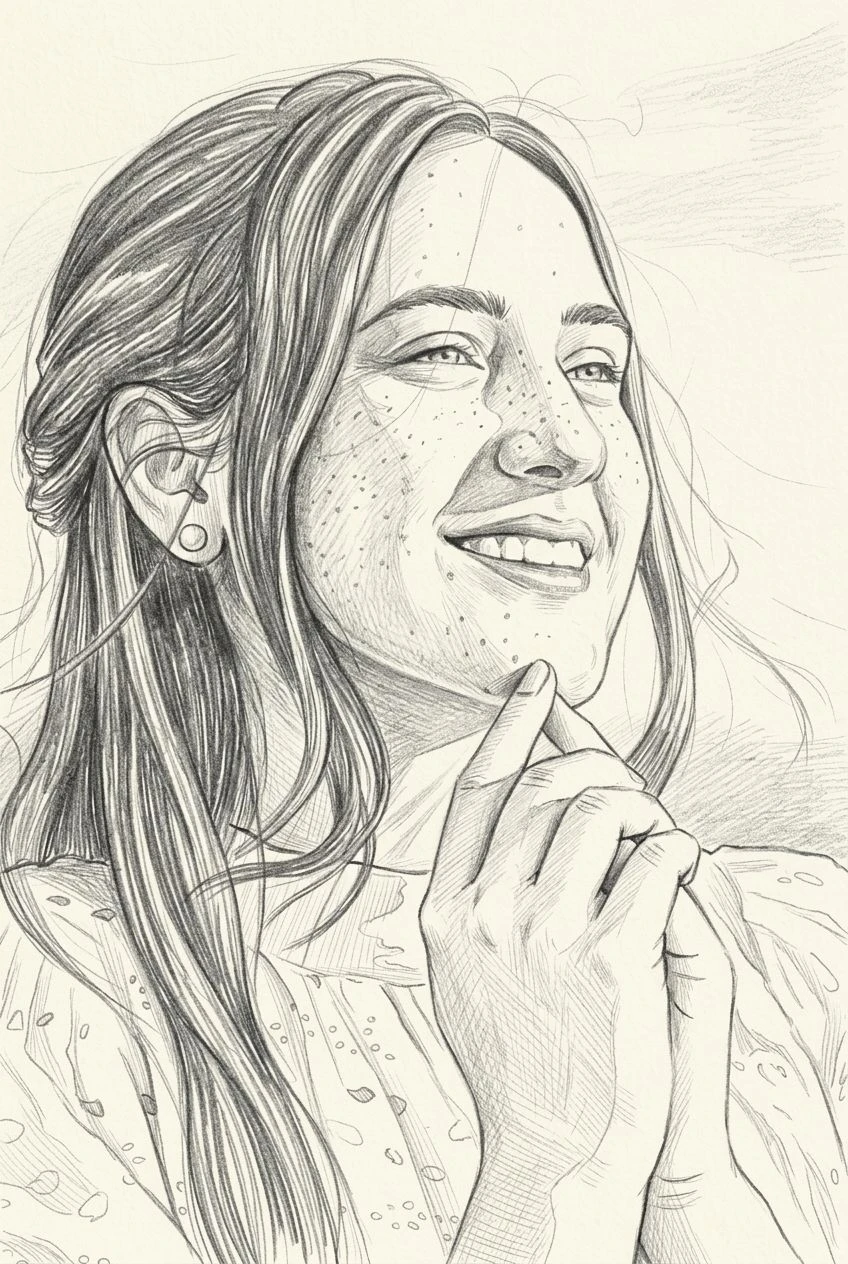
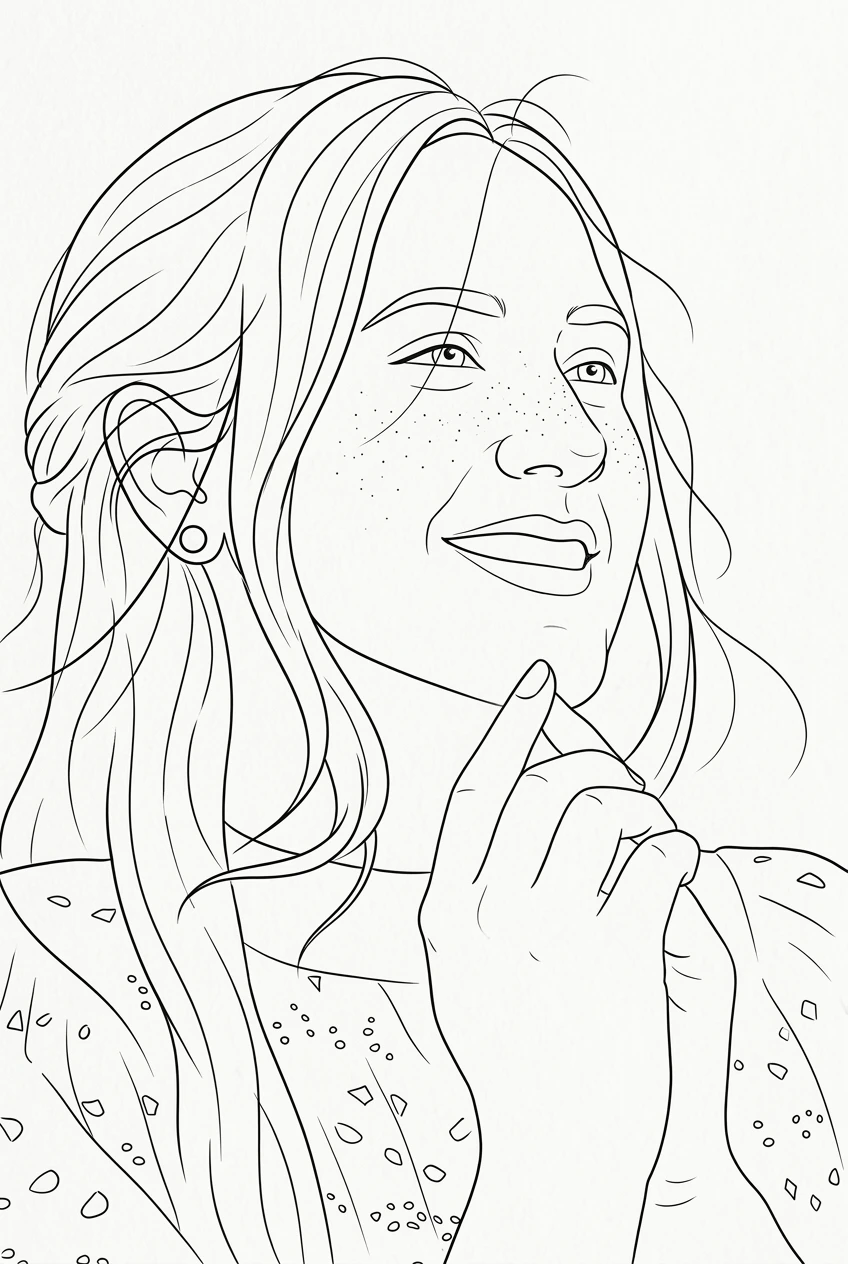
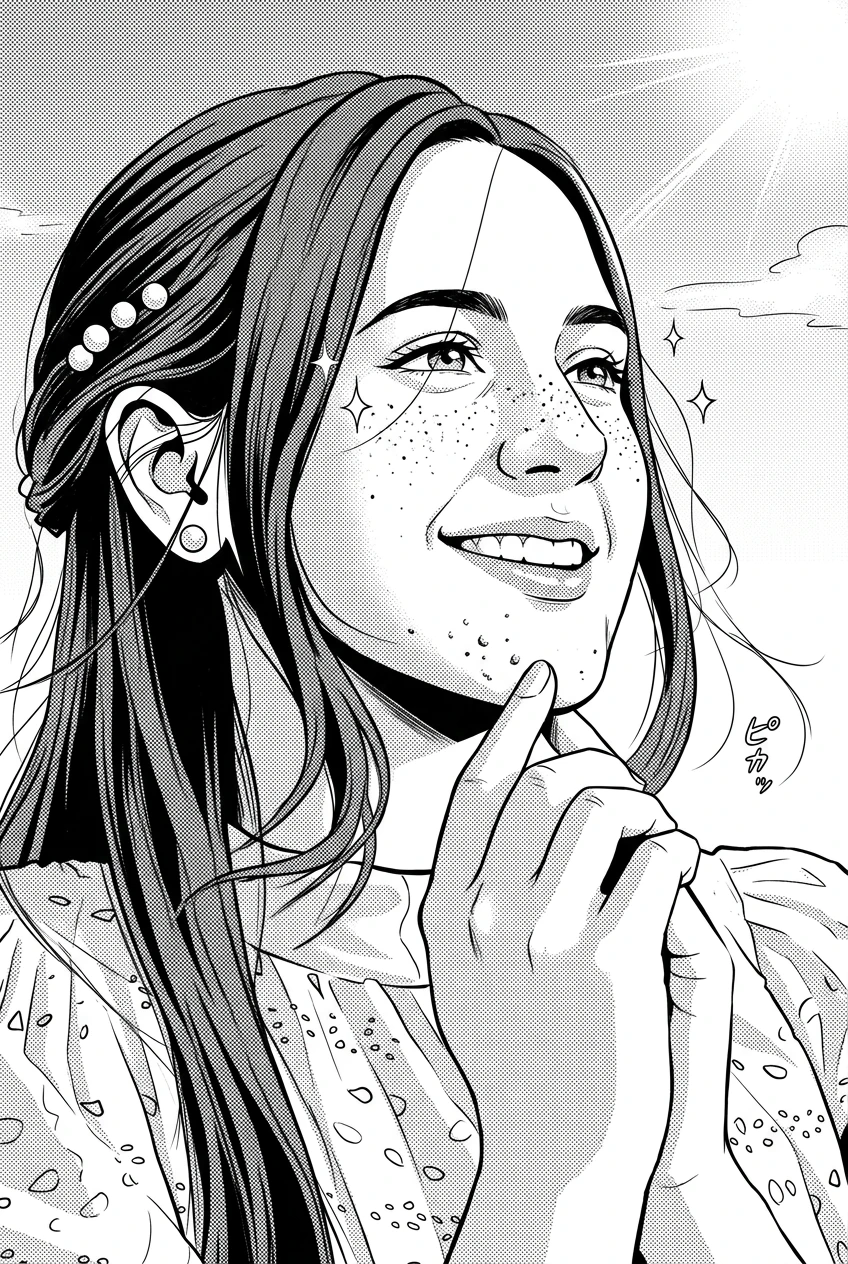
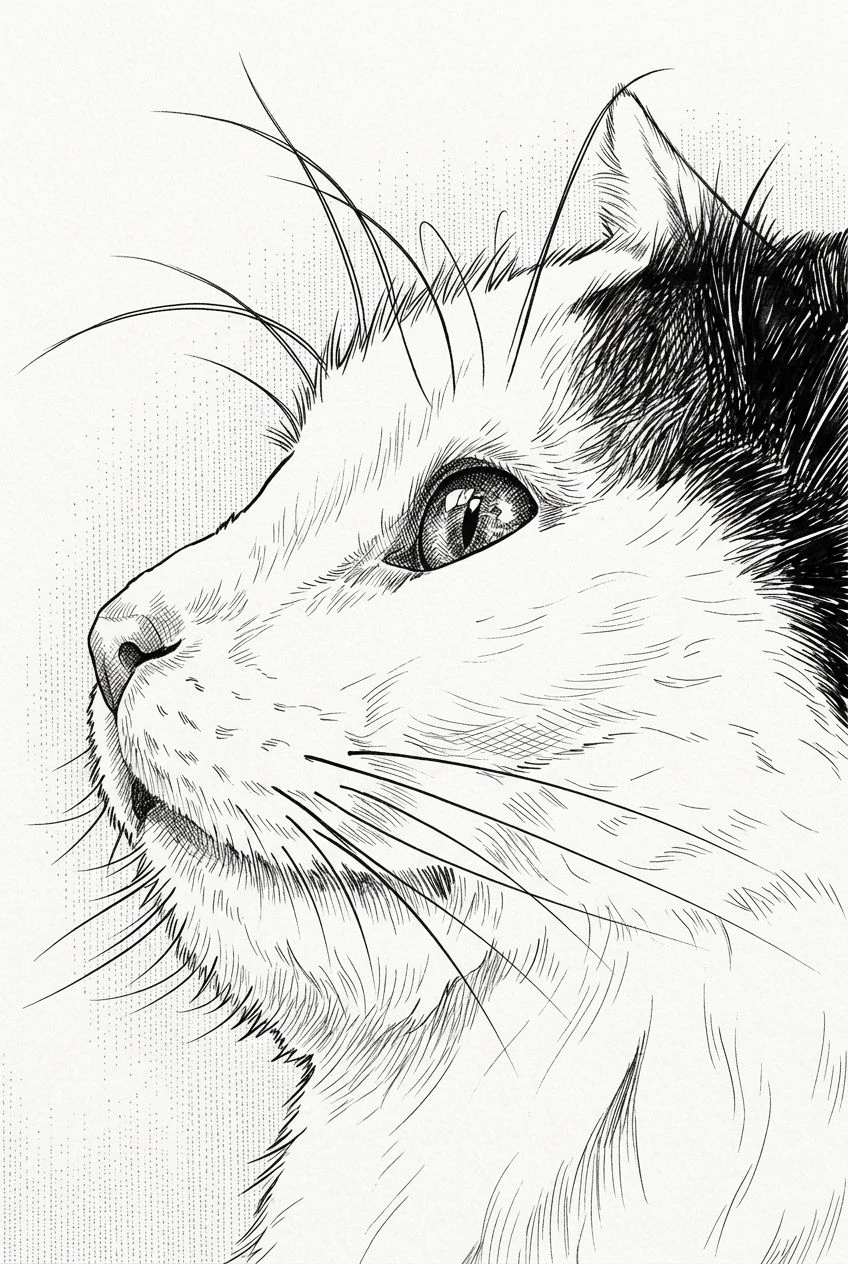
This page starts with ink illustration. The original subject and composition stay the reference, and you can switch to another illustrated look.
You do not have to describe every detail from scratch. Use the people, places, pets, or objects in your original image as the foundation for the illustrated result.
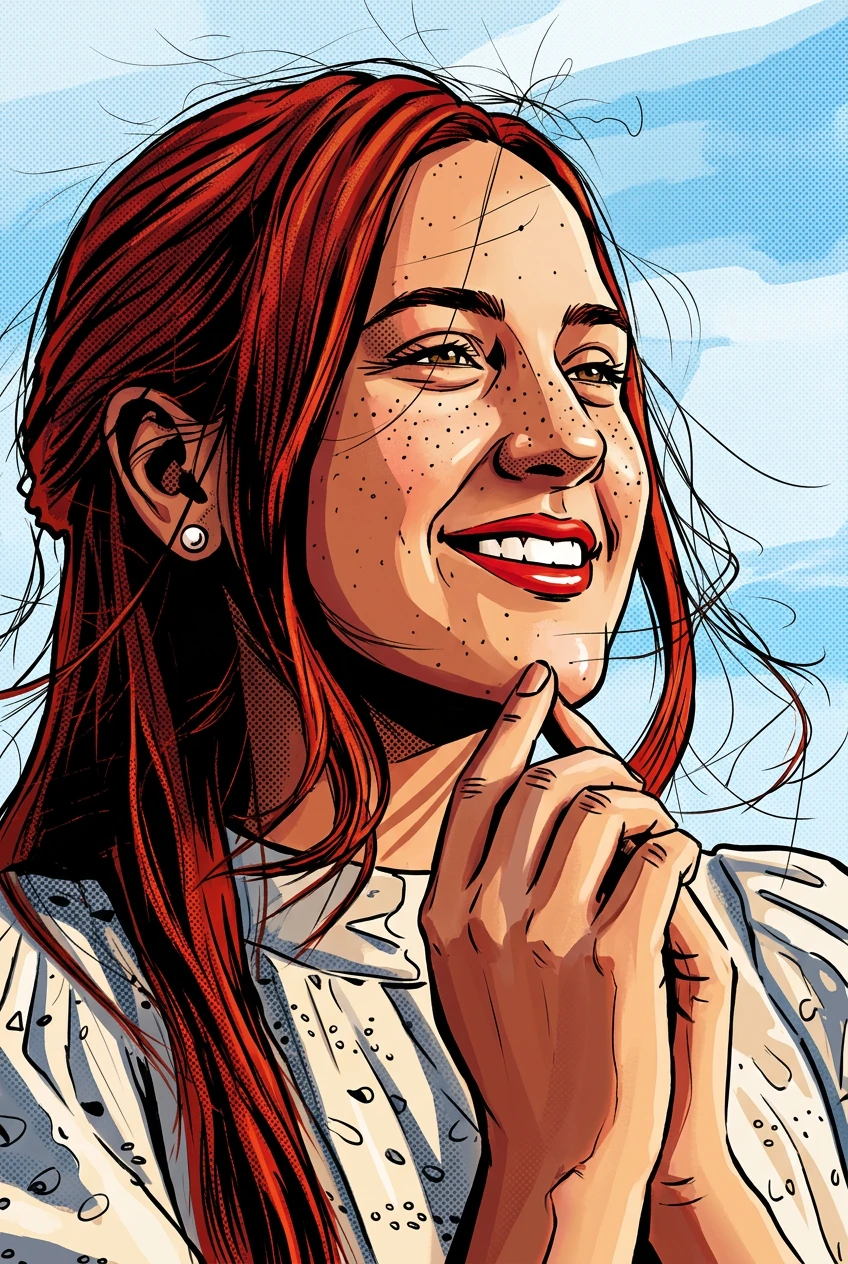
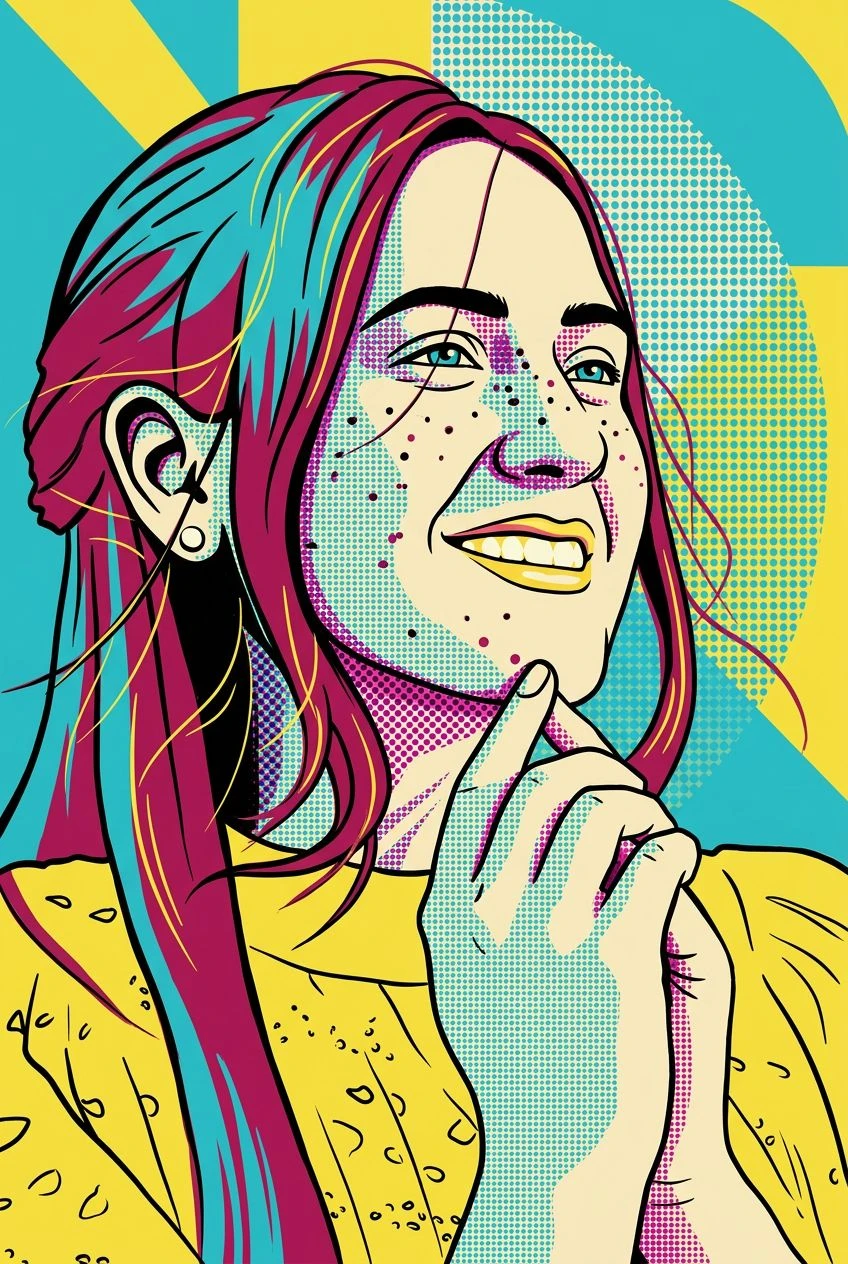
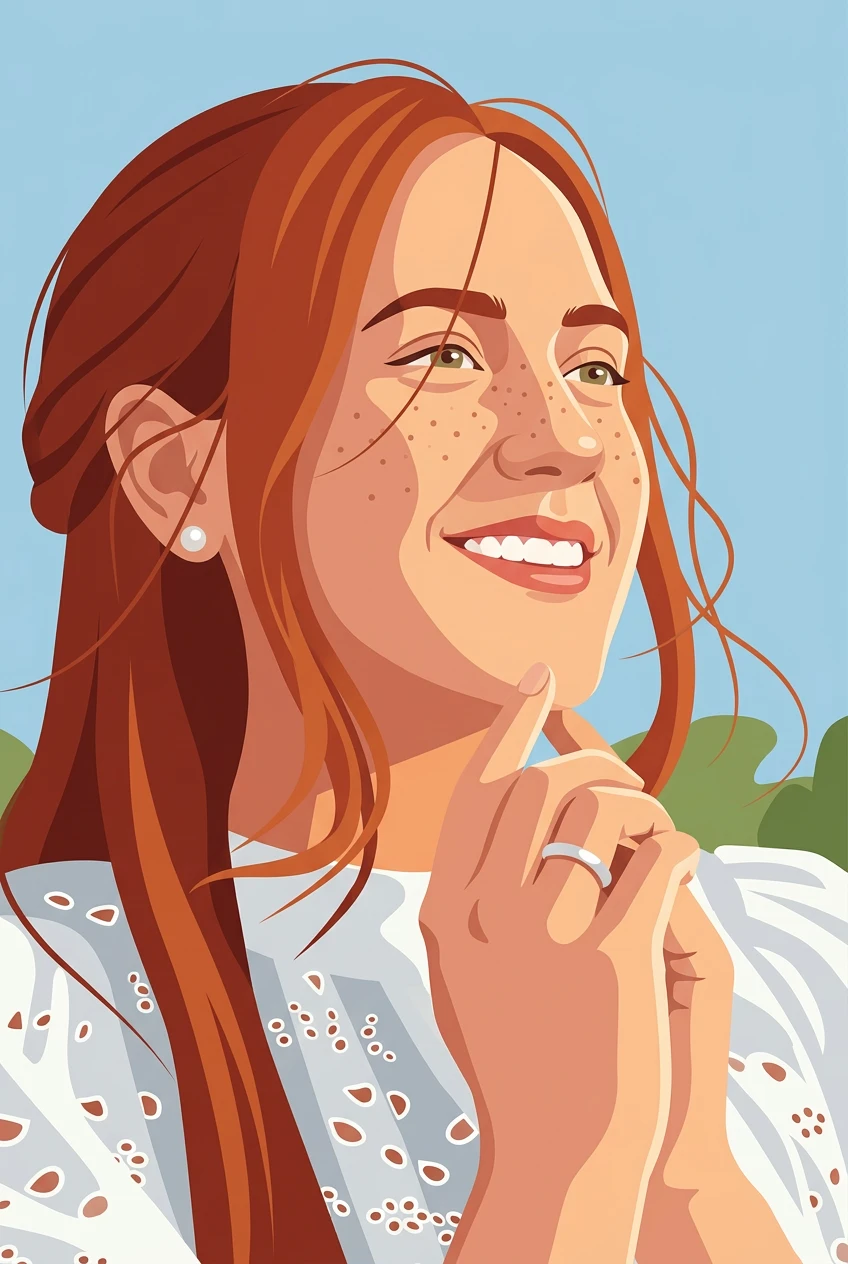
This page opens on ink linework. The same photo can also move toward anime, comic, storybook, cozy animation, or a flat illustration.
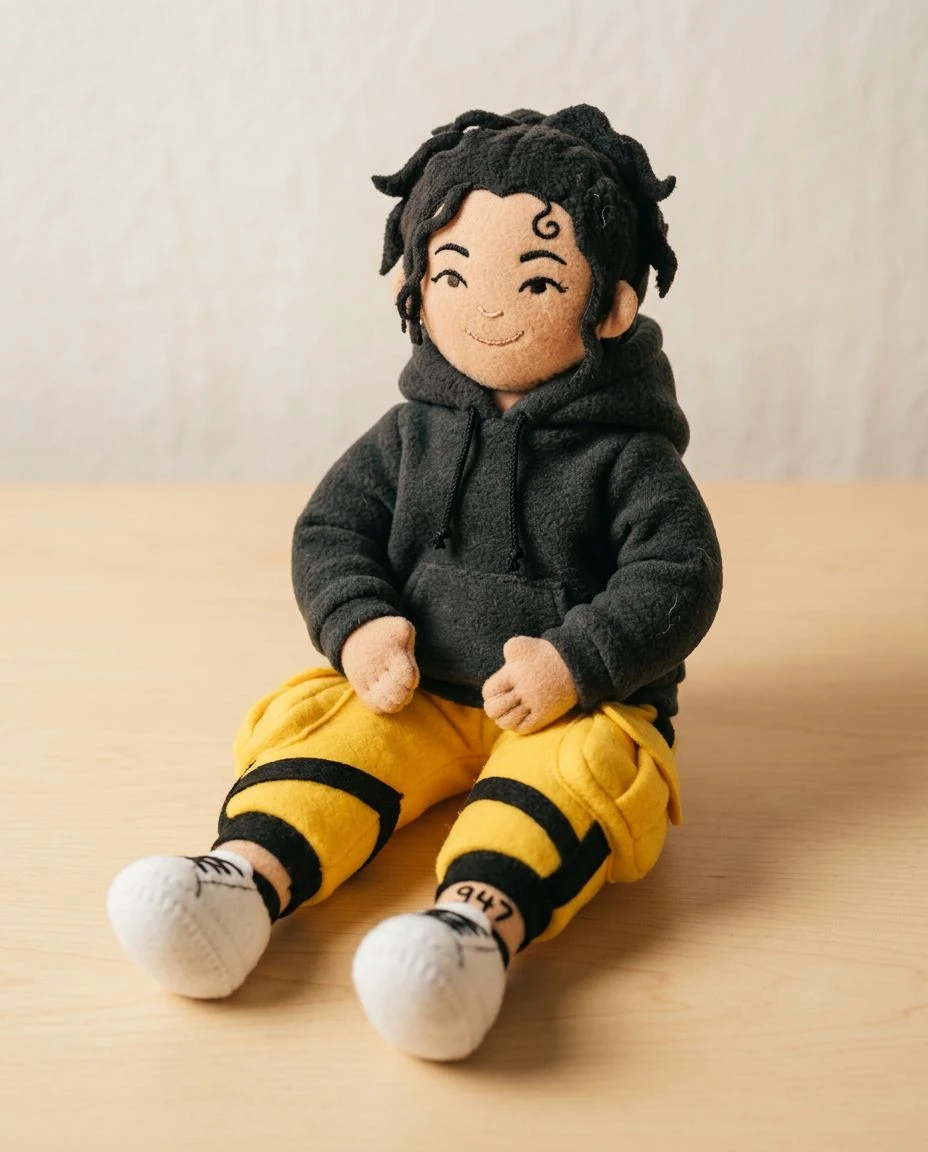
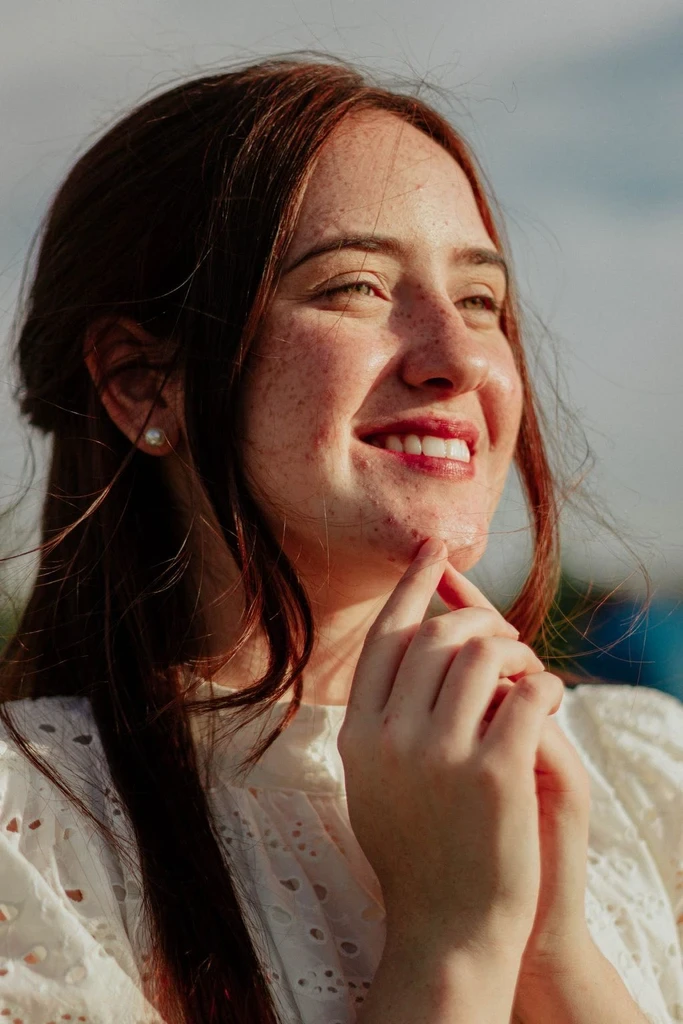
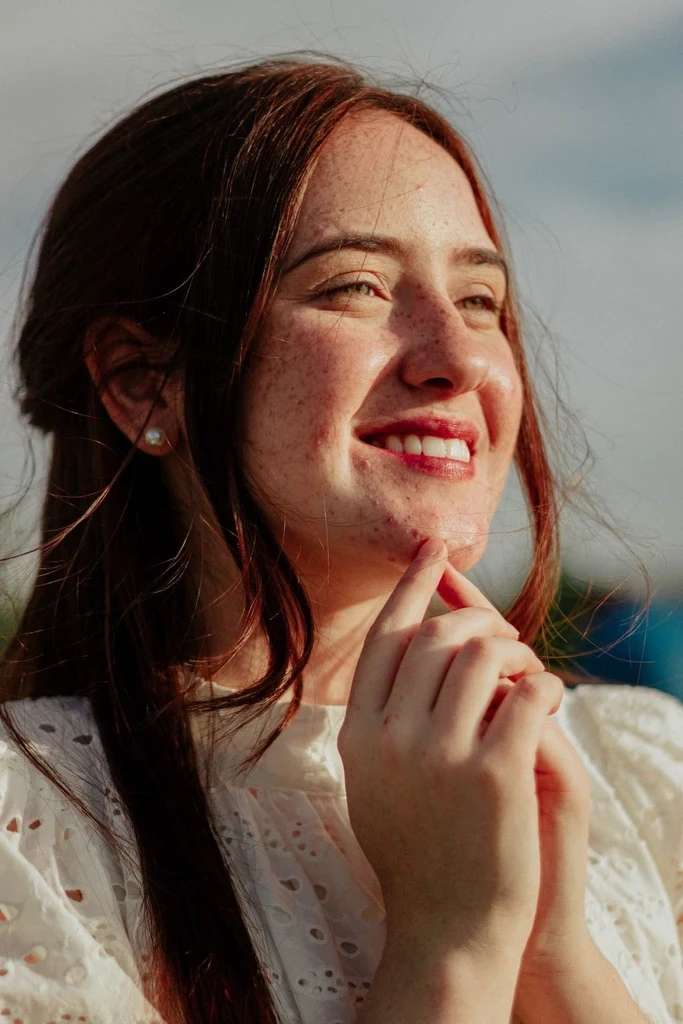
The transformation uses the original subject, pose, and composition as references while changing the drawing style. A stronger treatment may simplify smaller details.
Explore illustration-style portraits, character concepts, personal keepsakes, and social visuals without drawing each scene by hand.
Choose a clear photo of the person, pet, or scene you want to illustrate.
Ink illustration is already selected. Switch style in the tool, or open anime, comic, storybook, cozy animation, or flat illustration. Strength is Subtle, Balanced, or Strong.
Preview the drawing, compare it with your photo, and download the image.
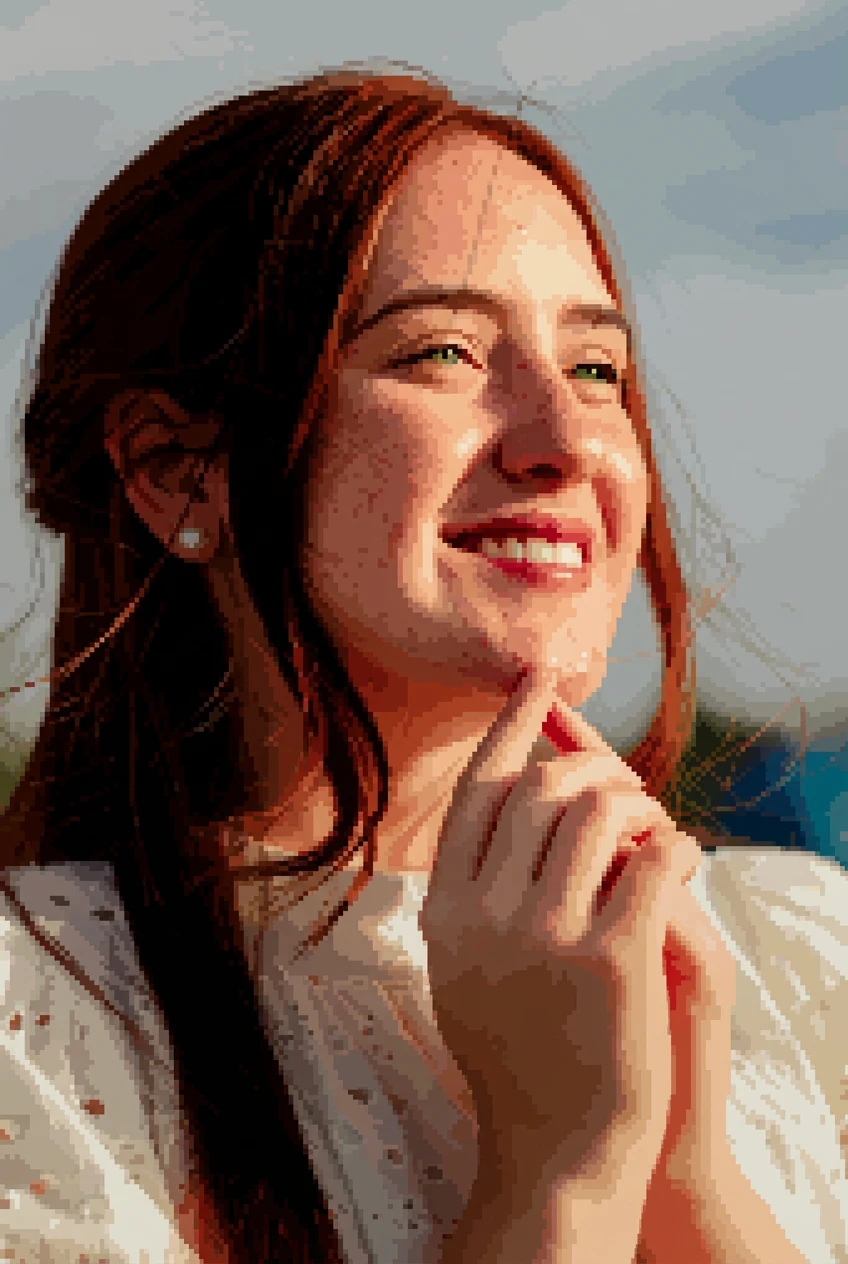
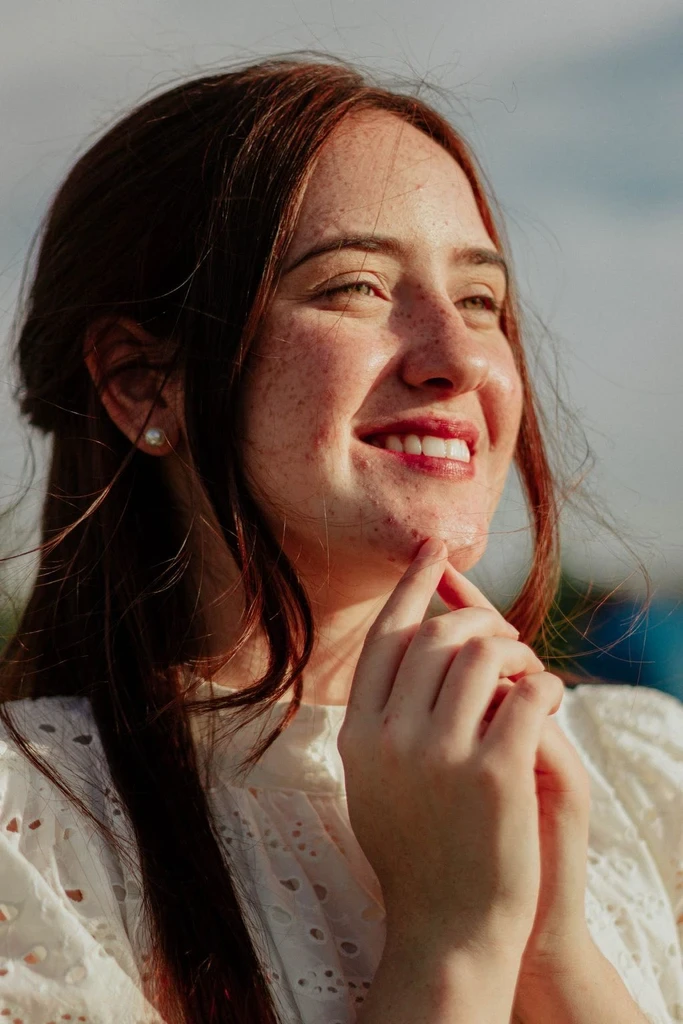
Give a portrait or selfie a drawn look while using the original face and expression as references.
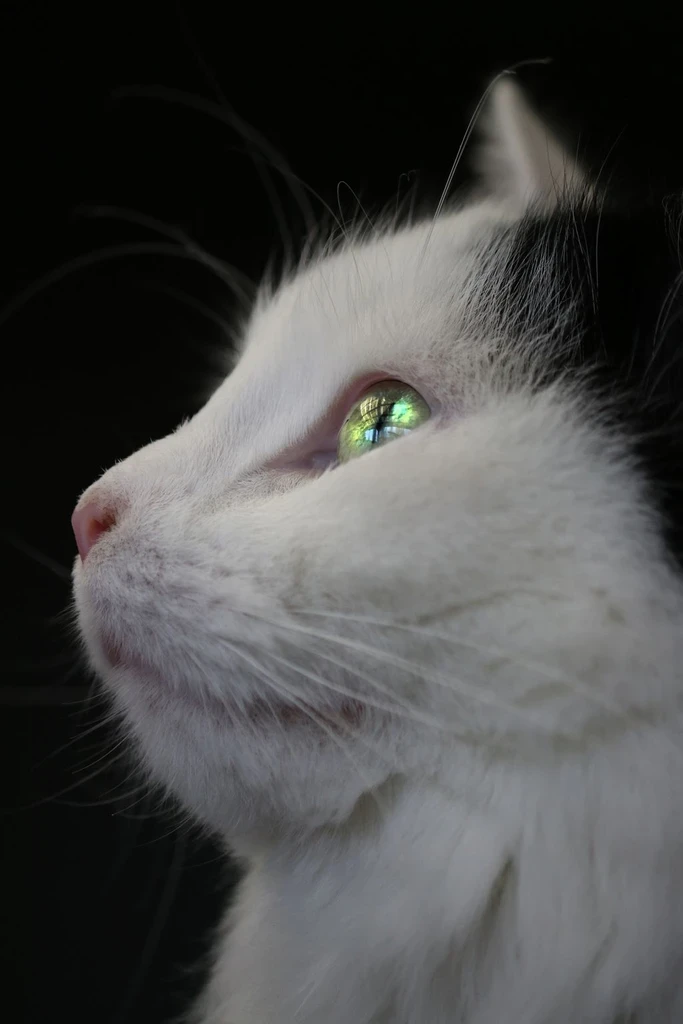
Turn a favorite photo of a cat, dog, or other pet into a drawn keepsake.
Transform places and everyday moments into illustrated scenes.
See how a pose, outfit, or scene might look as ink, a storybook page, or comic art.
Try illustrated images for posts, moodboards, or invitations. Check the result when logos, text, or exact product details matter.
A photograph captures light, texture, and detail through a camera. An illustration interprets those elements through deliberate shapes, lines, colors, and artistic decisions. This page begins with the composition of your uploaded image and applies an ink illustration, rather than a simple color filter.
Image to Illustration is for drawn outcomes: ink, anime, comic, storybook, cozy animation, and flat illustration. Image to Art is broader and also includes watercolor, oil painting, pencil sketch, and pixel art. Choose this page when you want the photo to look illustrated. Flat illustration is still a bitmap, not an SVG.
Open a style page to see its examples and generate there.
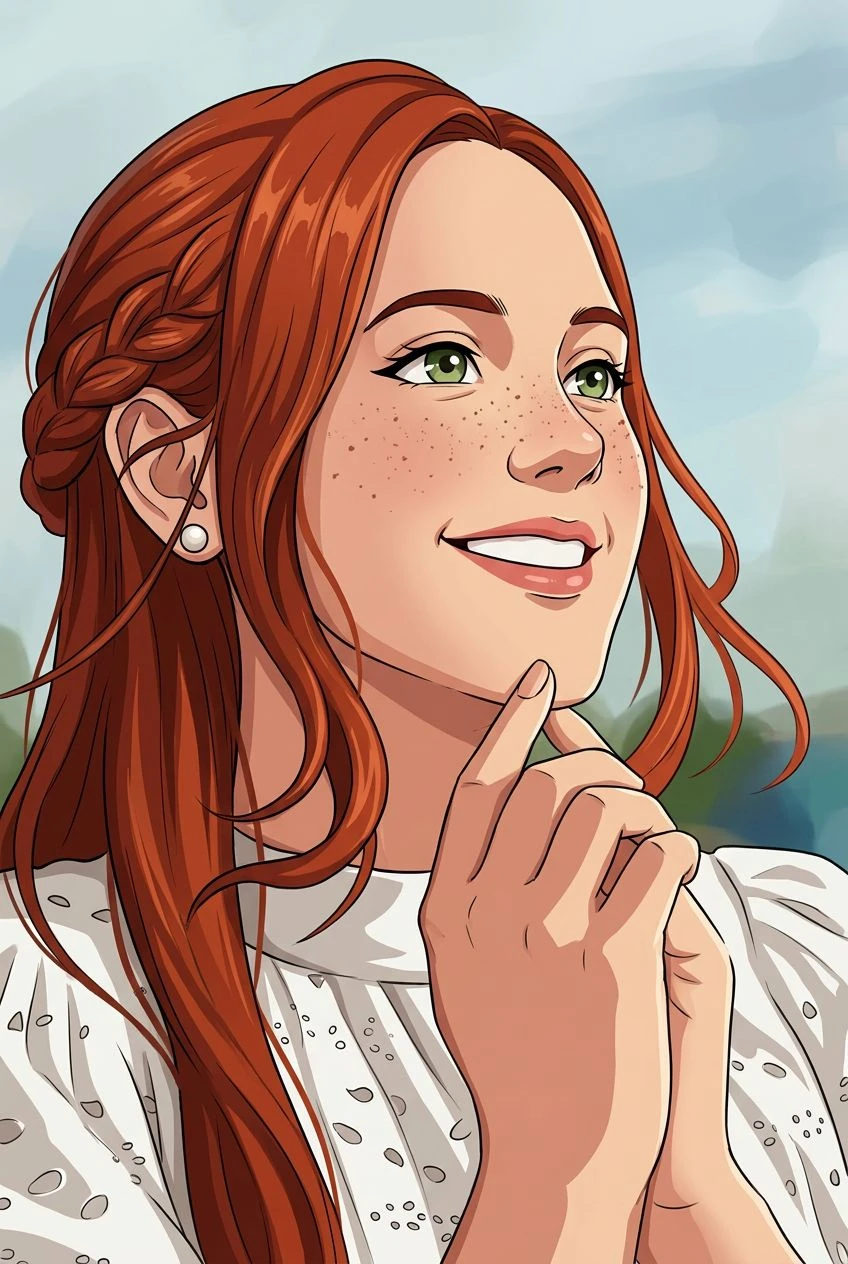
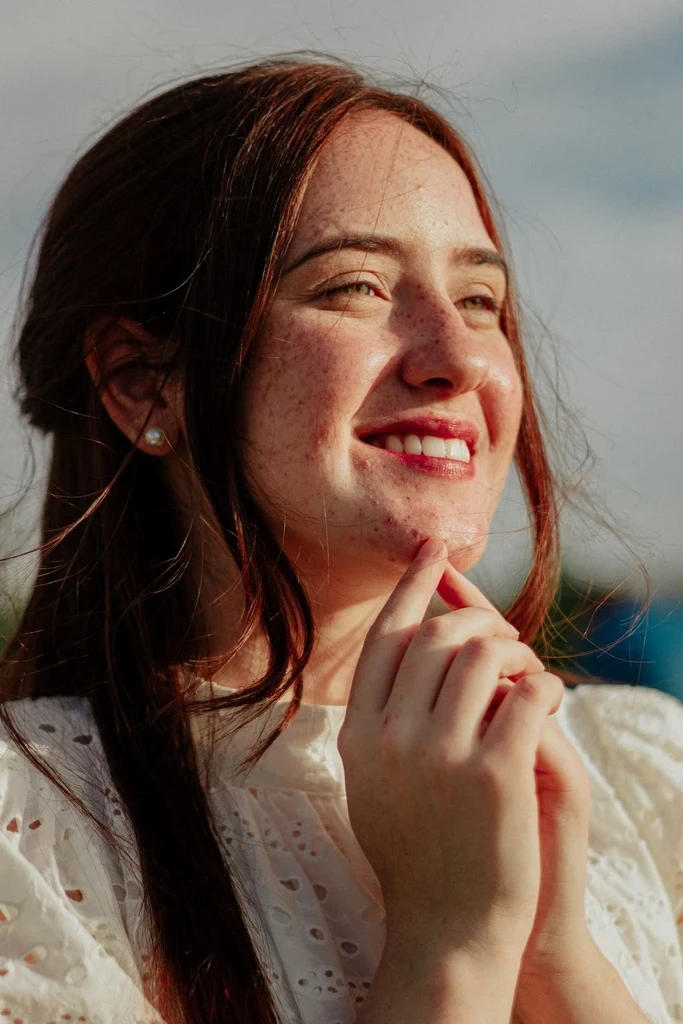
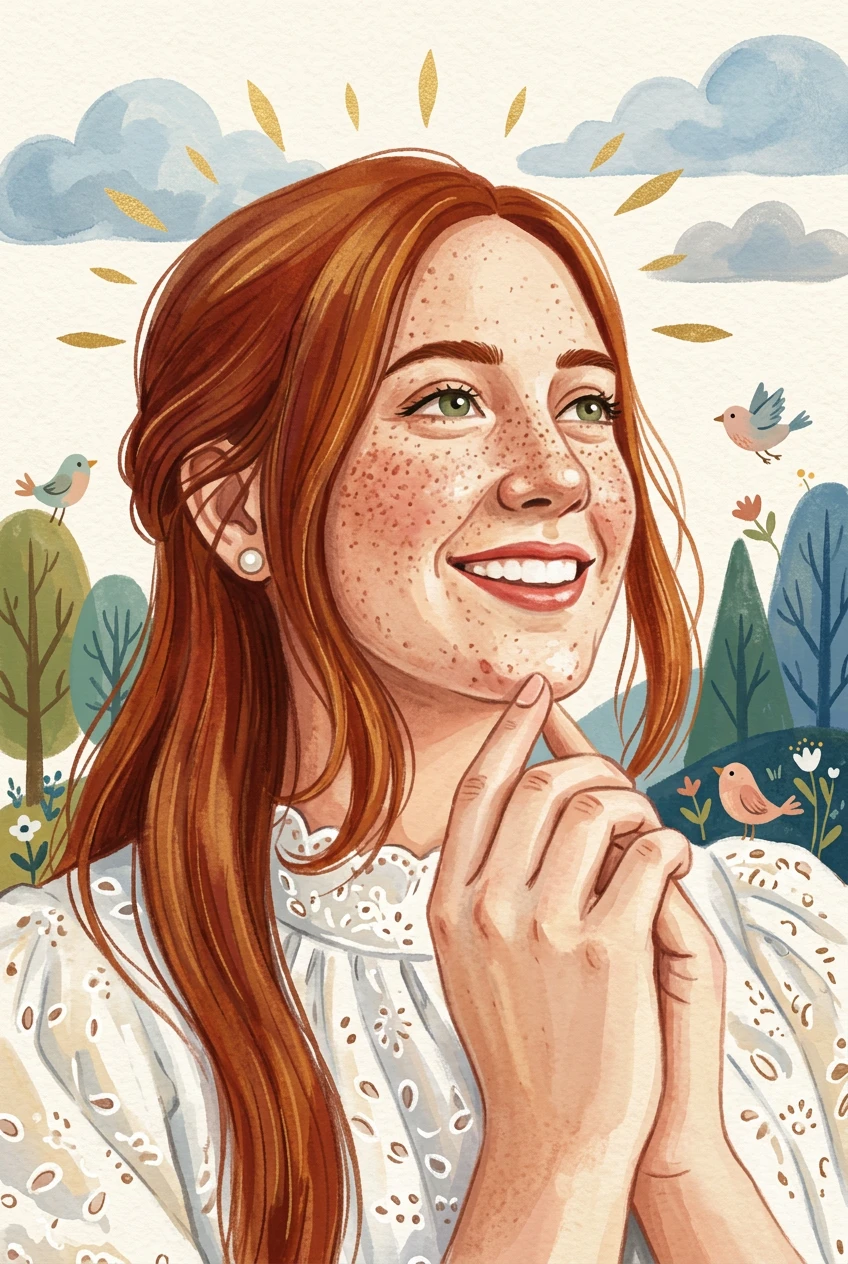
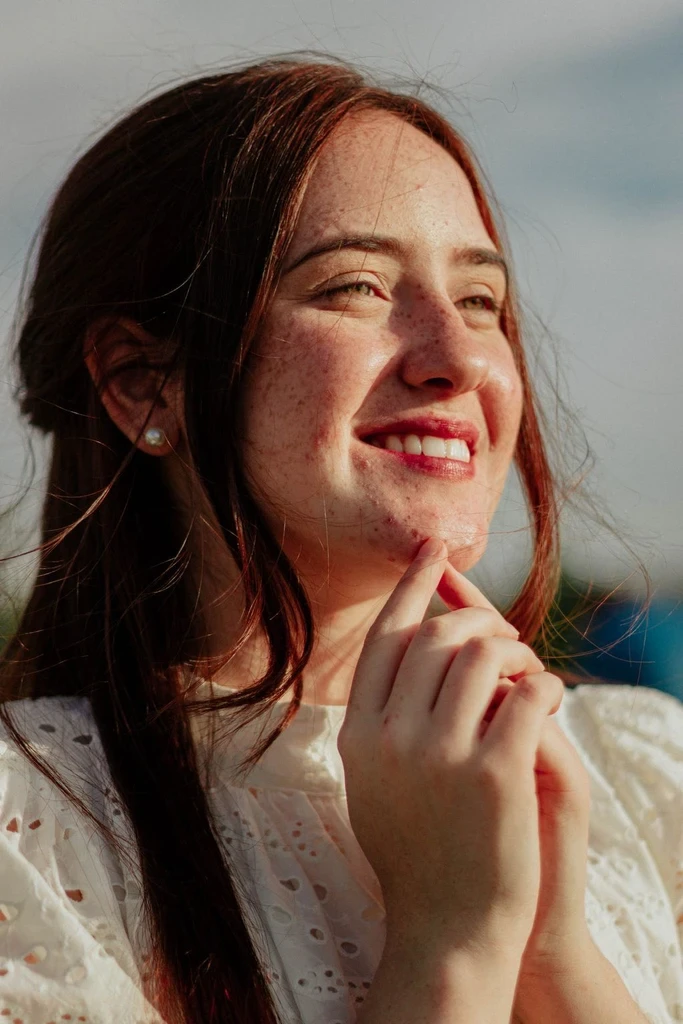
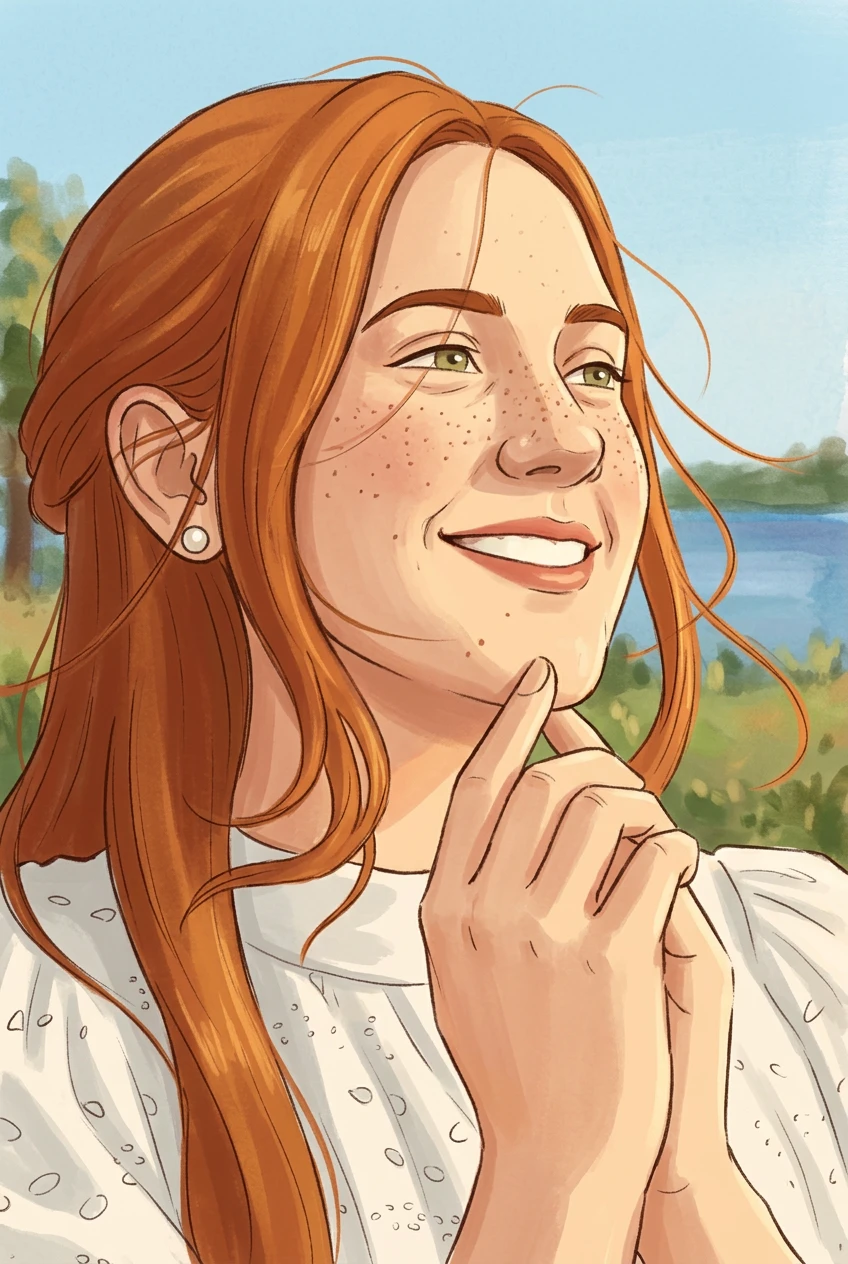
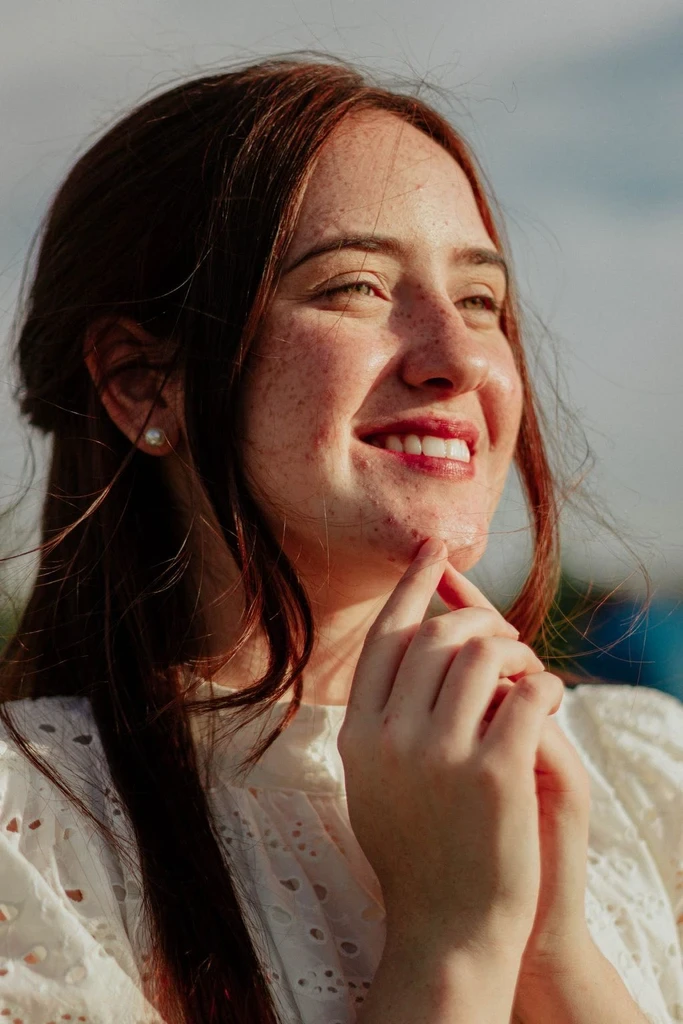
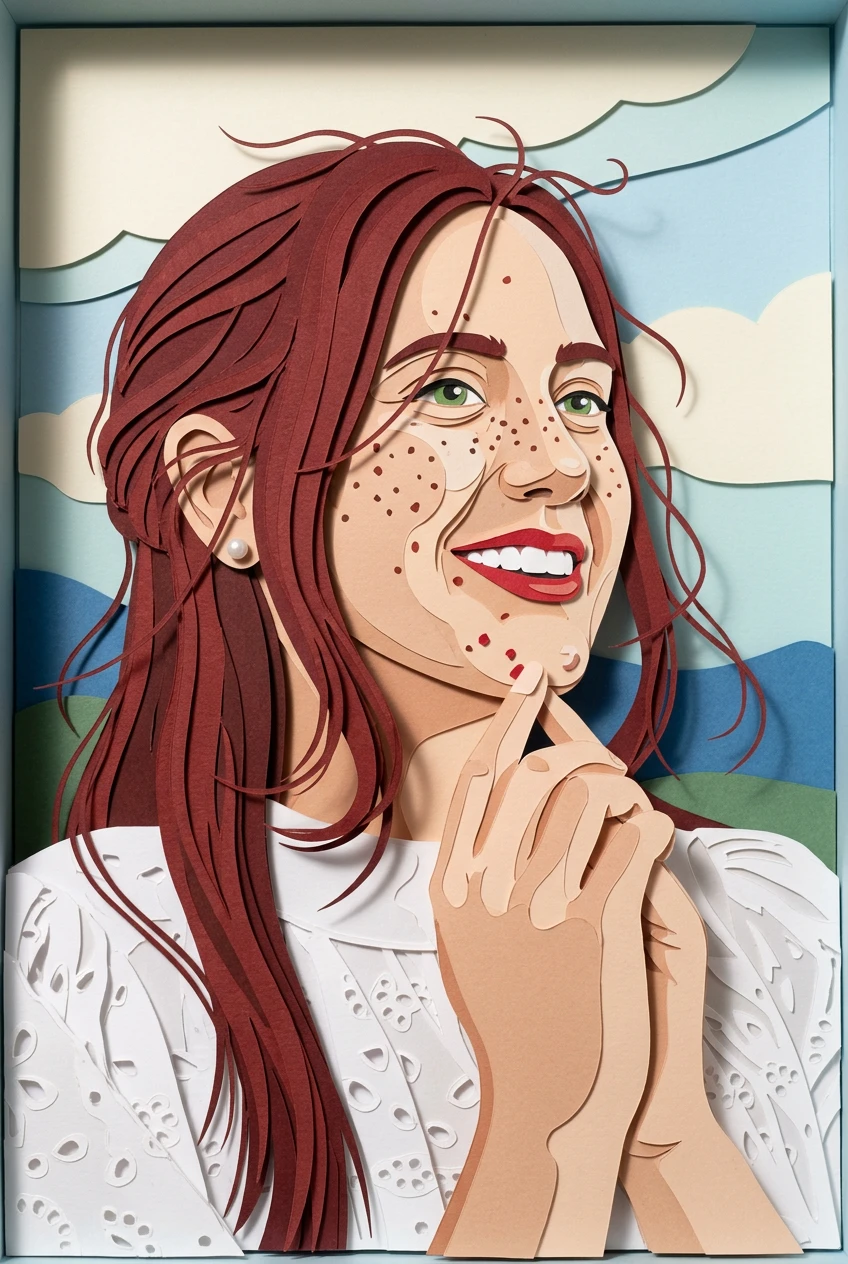
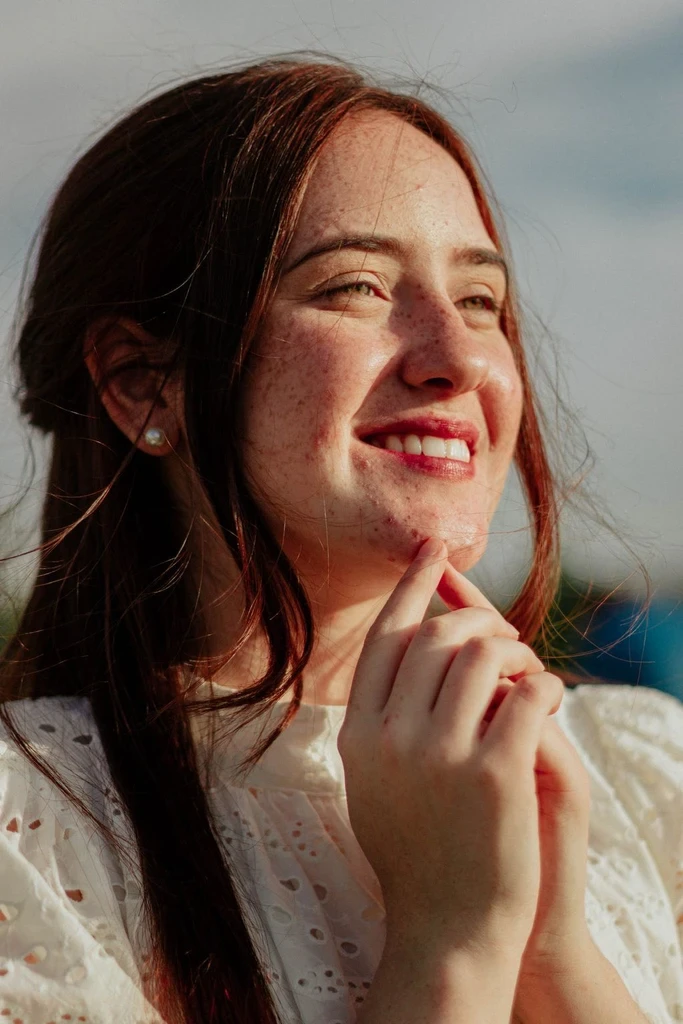
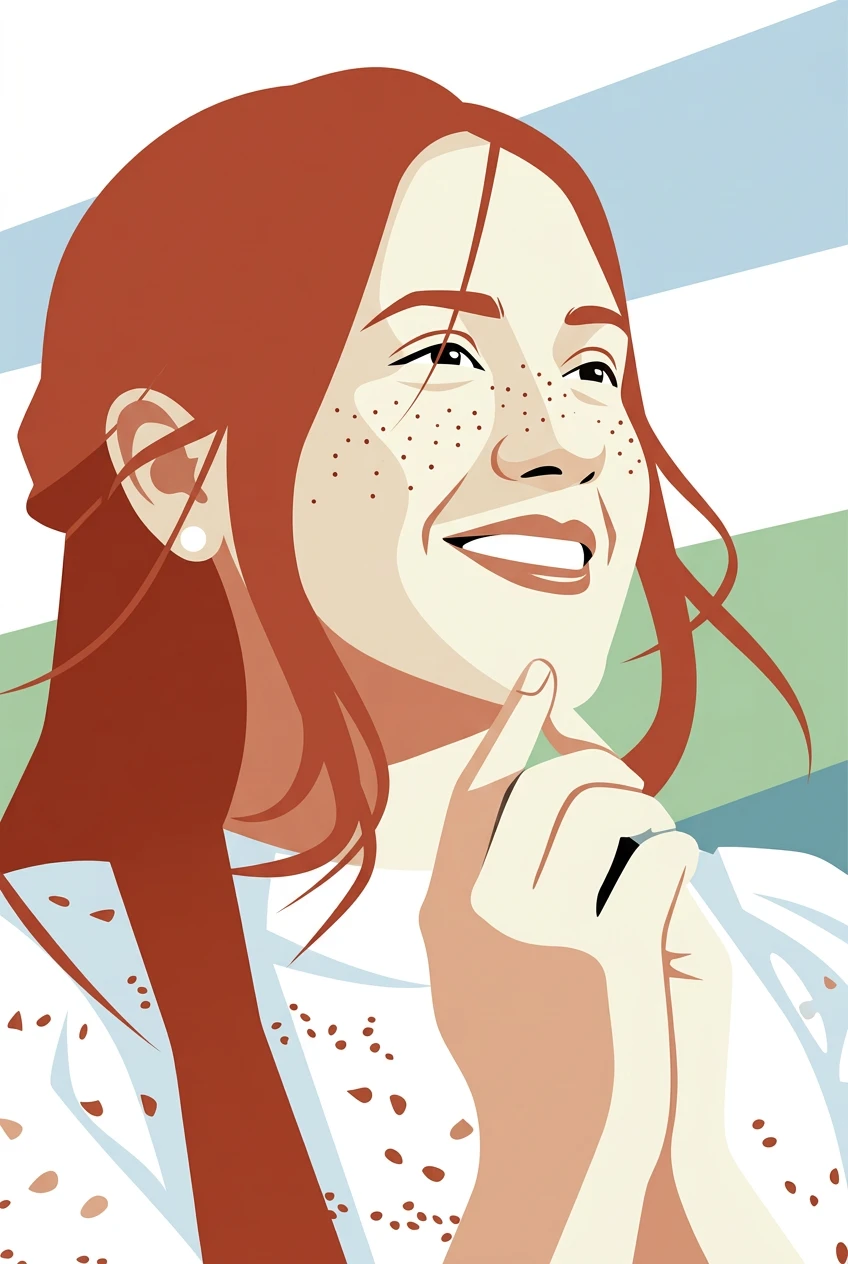
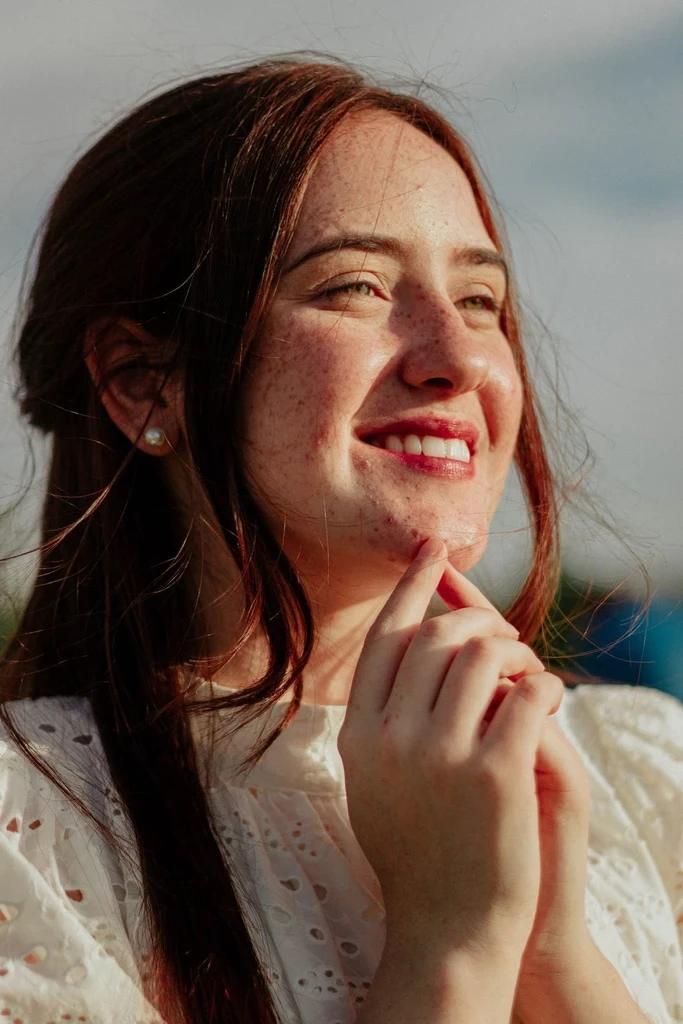
Upload a picture and start with ink linework. Switch style if you want a different illustrated look.