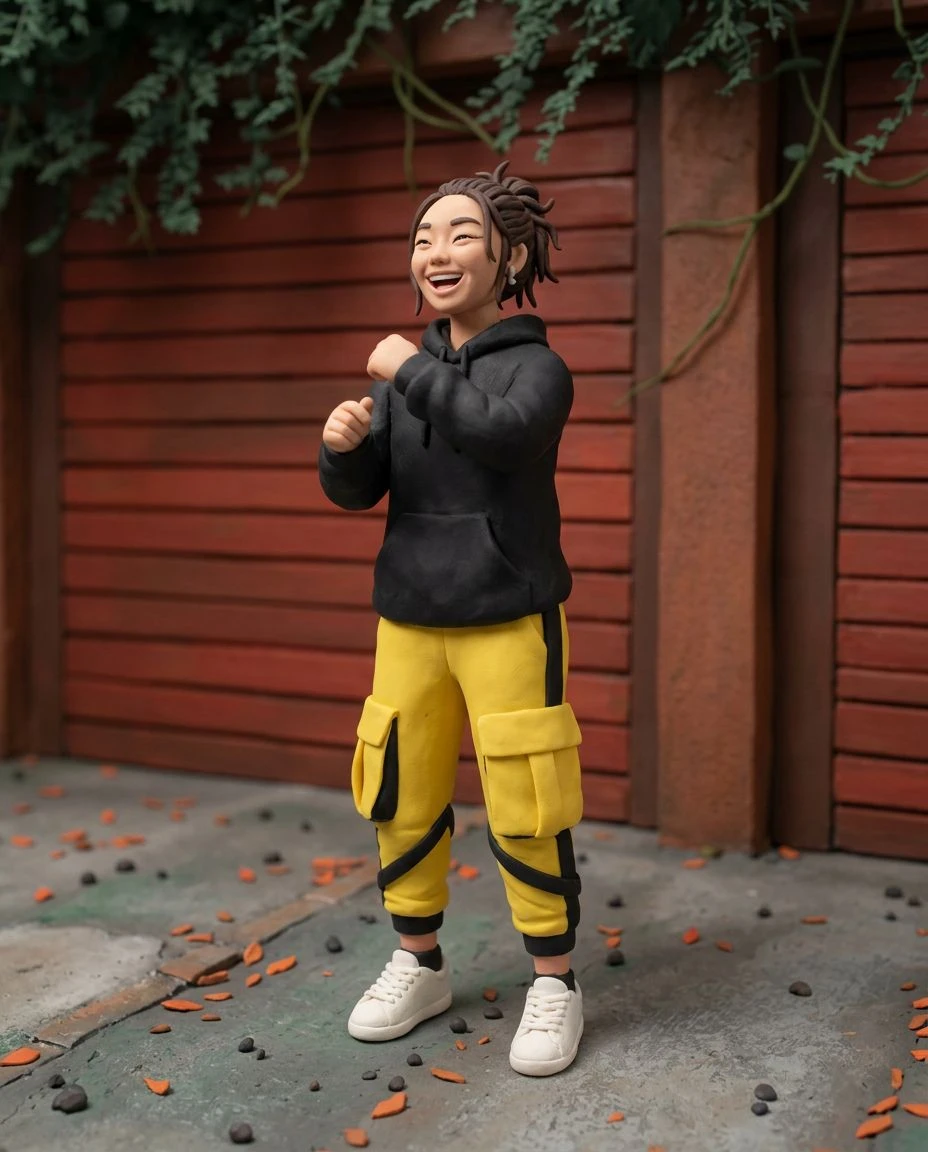
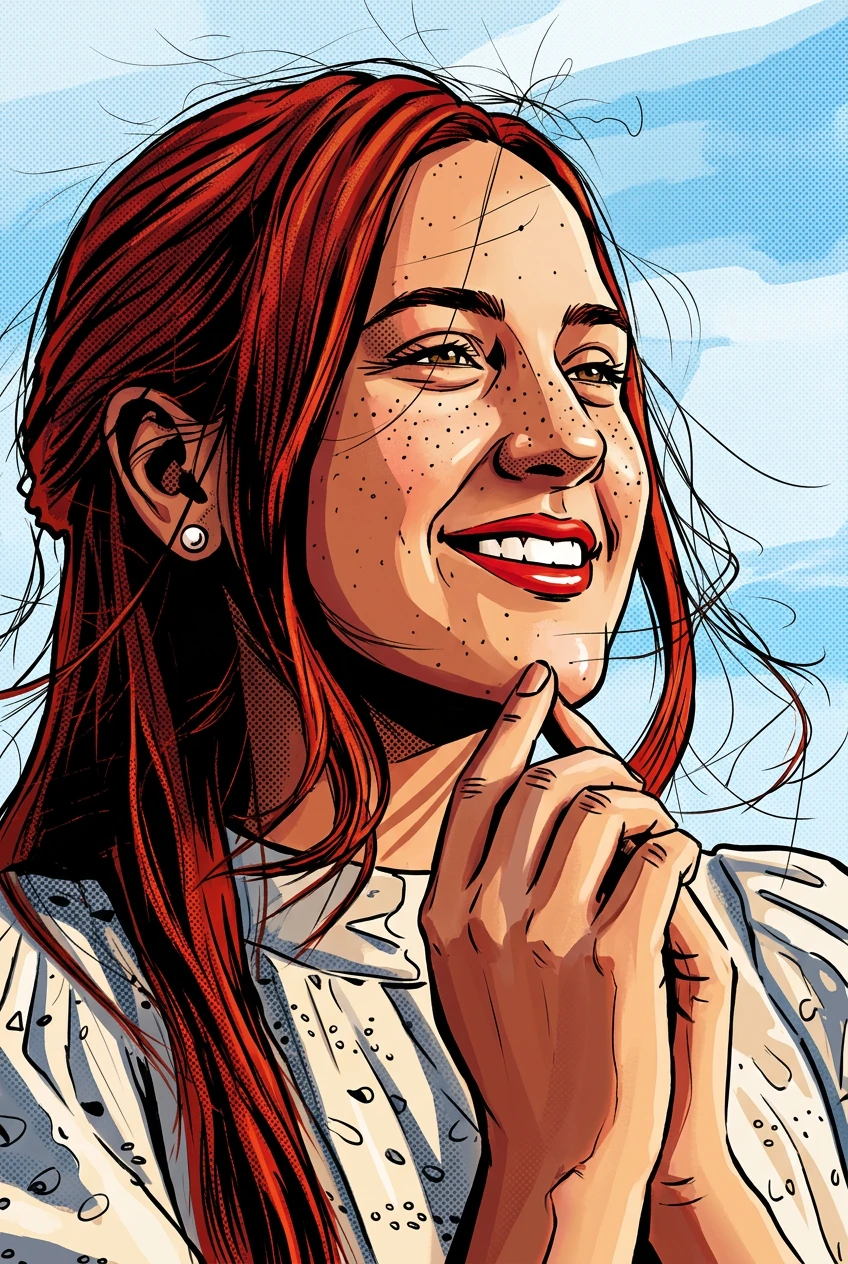
Expressive Brushstrokes
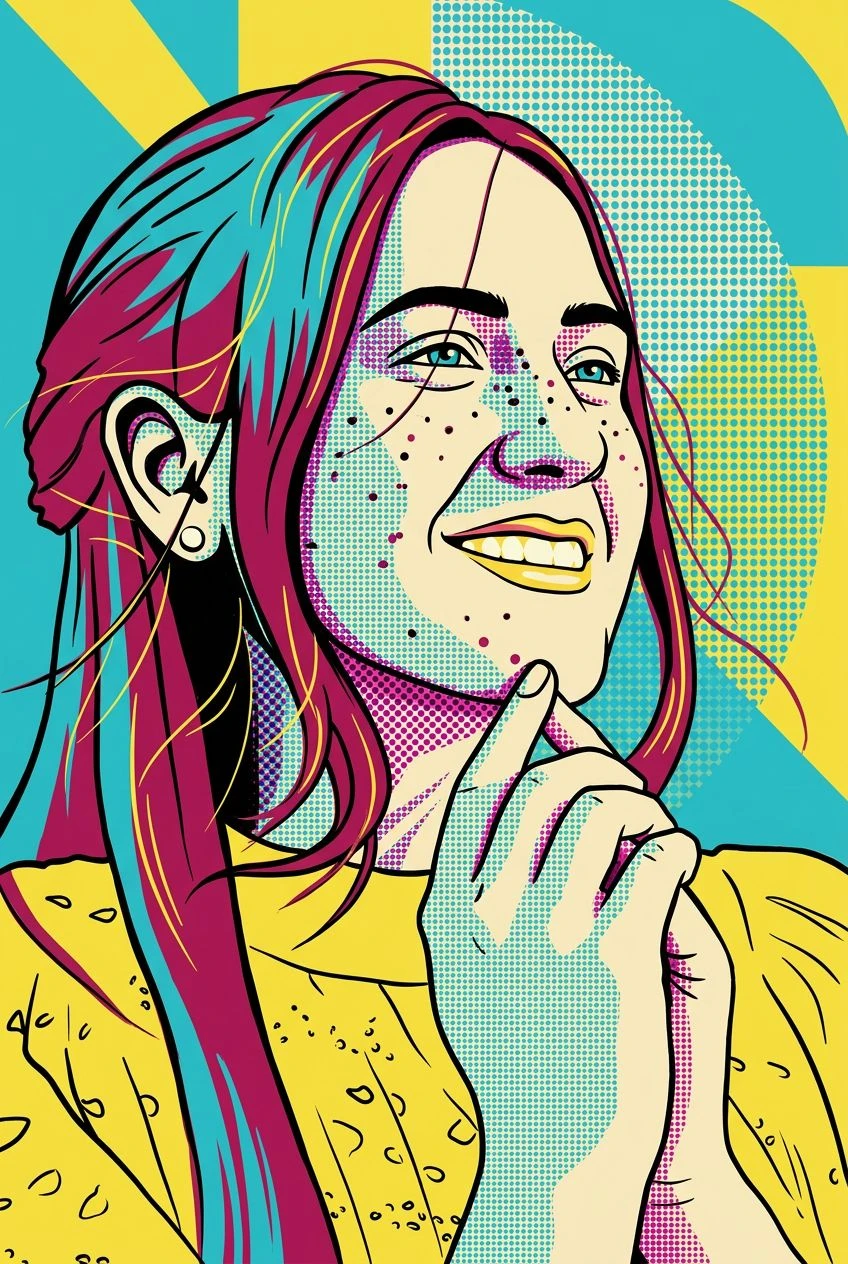
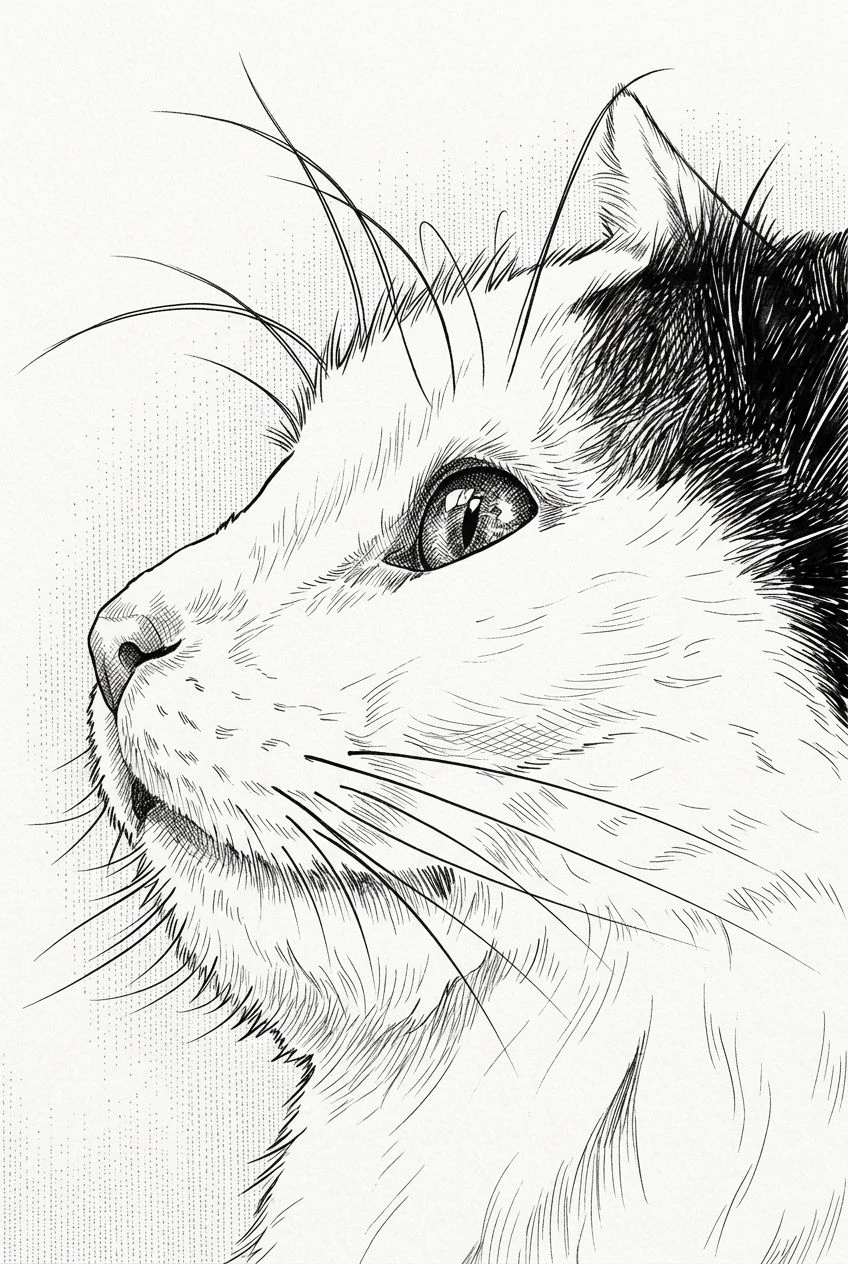
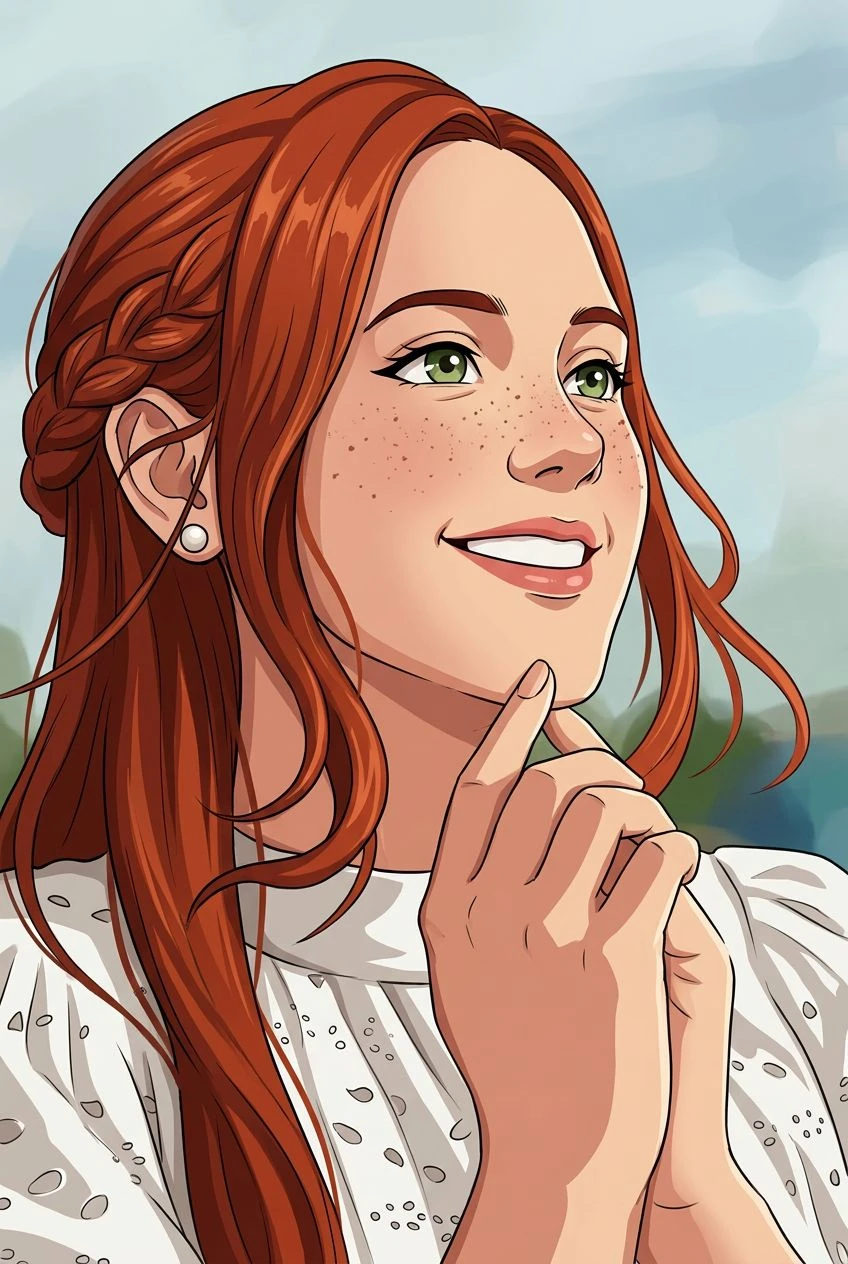
Replace the appearance of sharp photographic detail with the marks and textures of painted brushwork.
AI oil painting converter
Transform an everyday photograph into painterly artwork inspired by traditional oils. Discover rich colors, visible brushstrokes, and a textured canvas-like finish.
Replace the appearance of sharp photographic detail with the marks and textures of painted brushwork.
Reimagine light, shadow, and color as layered pigments with a more traditional fine-art feel.
Explore a digital painting look that suggests the tactile surface of classic oil-on-canvas work.
Start with the composition you already like and reinterpret it through an oil-painting aesthetic.
Select a portrait, pet image, still life, or landscape.
Apply a painting-inspired visual style with expressive strokes and rich colors.
Review your artwork, compare it with the original, and save the image.
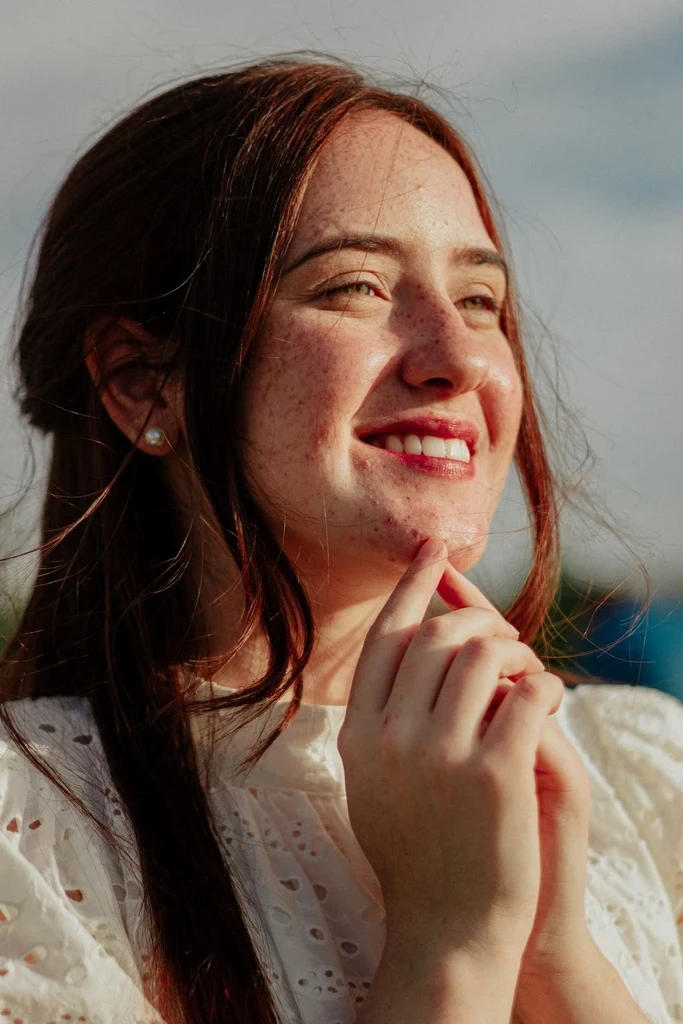
Give a favorite portrait a traditional, painterly presentation.
Celebrate a pet with rich brushwork and a canvas-inspired style.
Bring expressive color and texture to mountains, sunsets, city views, and natural scenes.
Reimagine flowers, food, or household objects in a fine-art-inspired medium.
Oil painting is associated with dense pigment, layered brushwork, and rich tonal depth. Watercolor has a lighter, more translucent character. If you prefer soft washes and airy color, explore Photo to Watercolor.
A lighter wash, a pencil drawing, or the full collection.
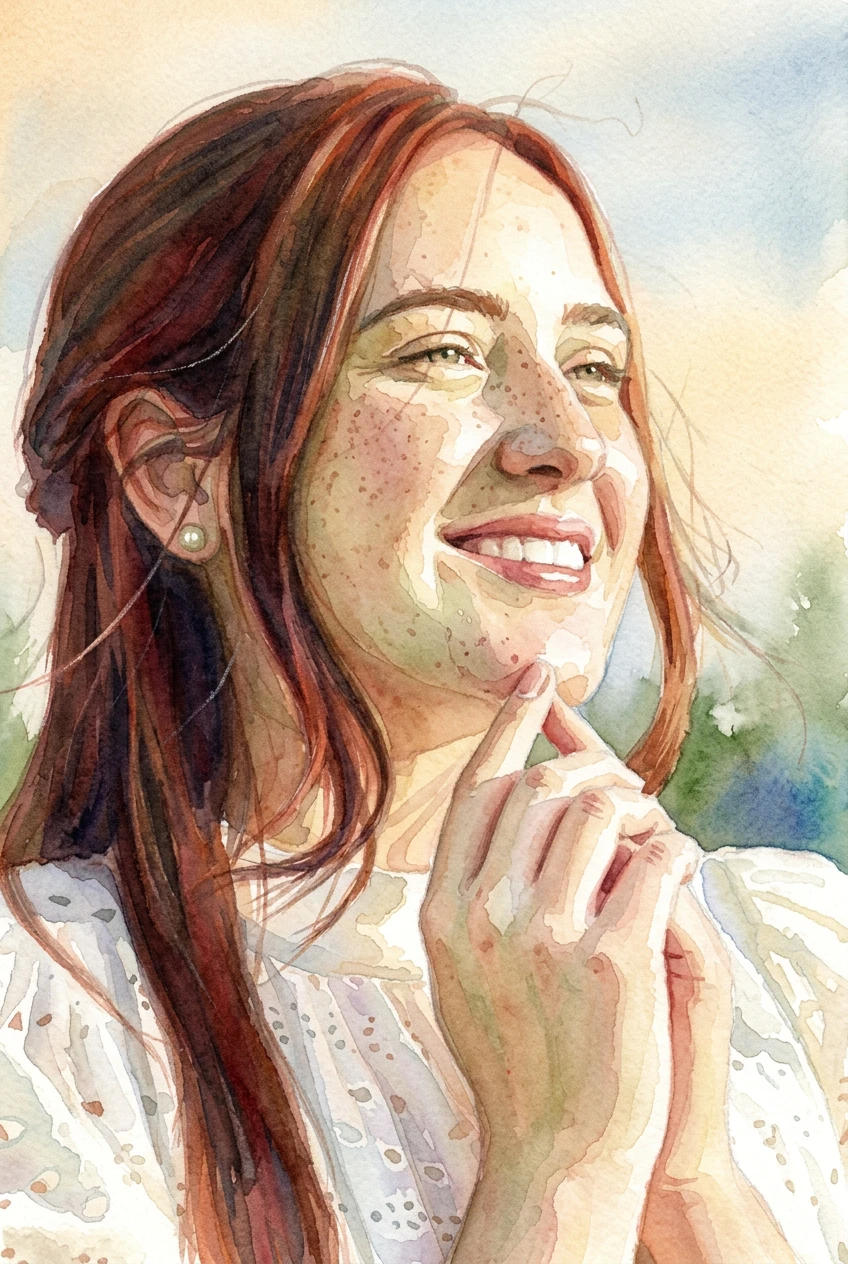
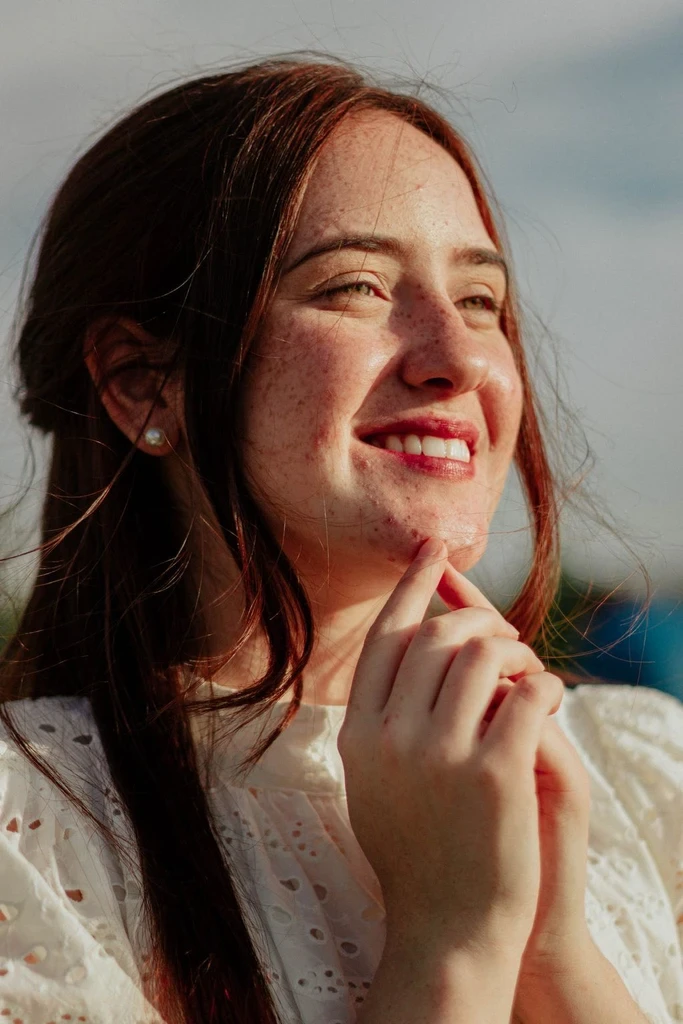
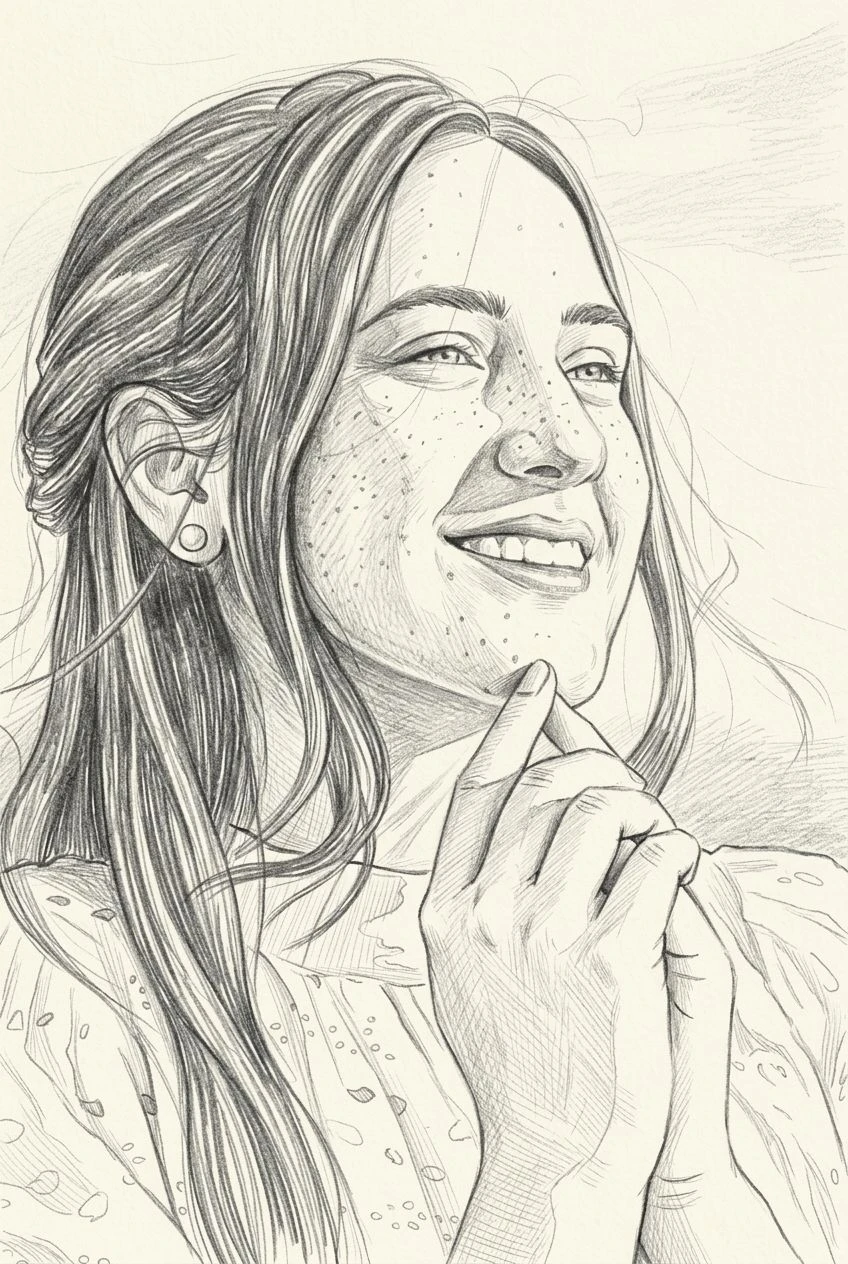
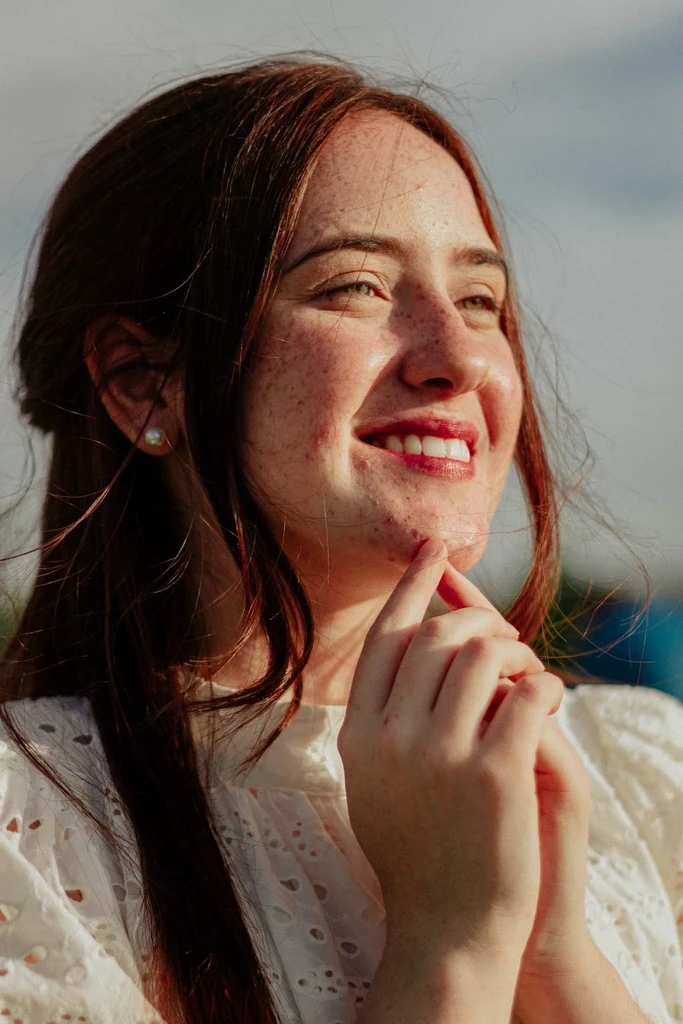
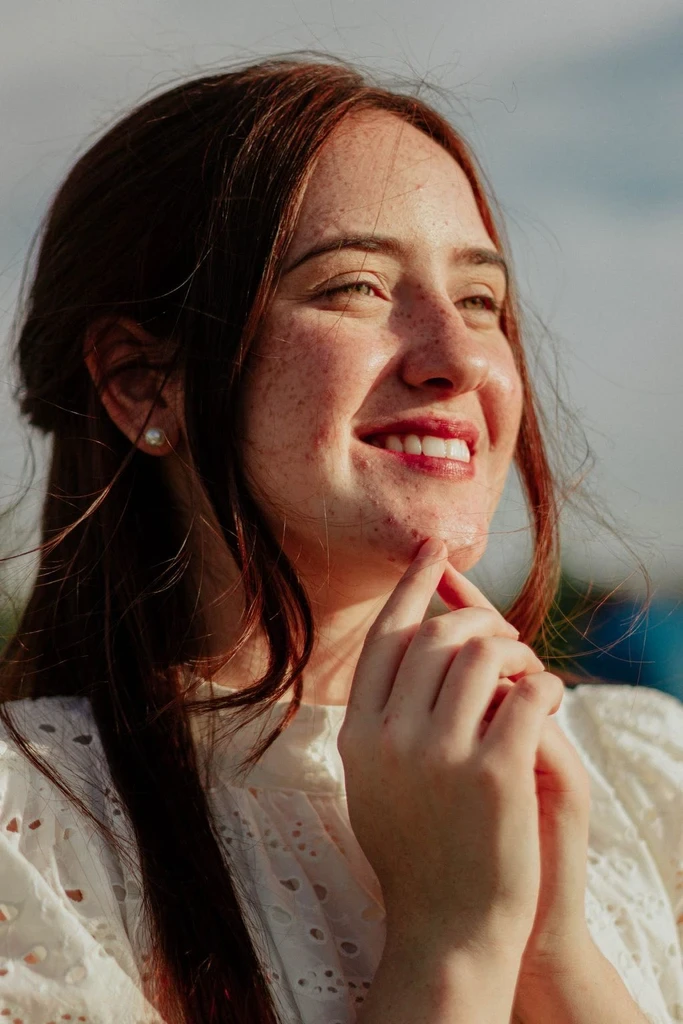
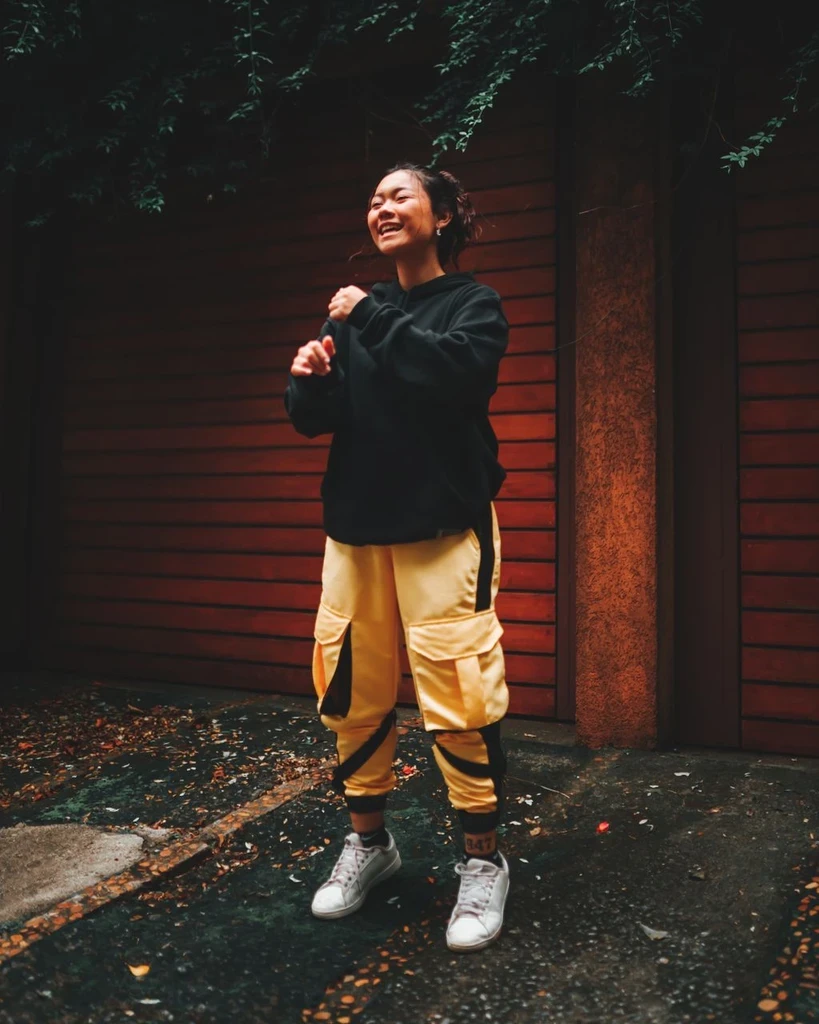
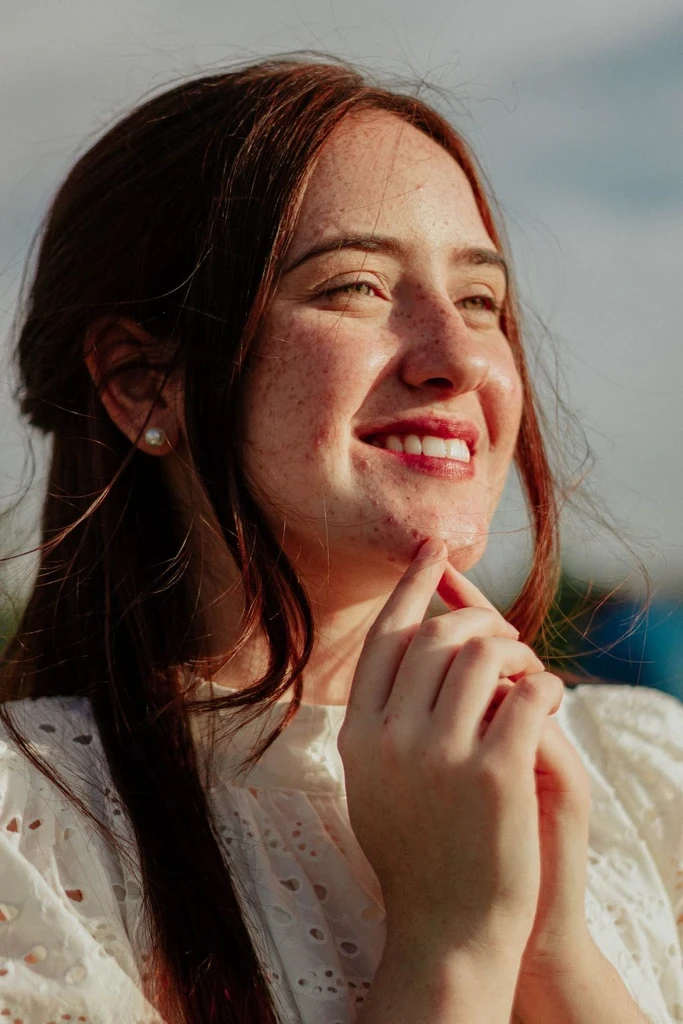
 Before
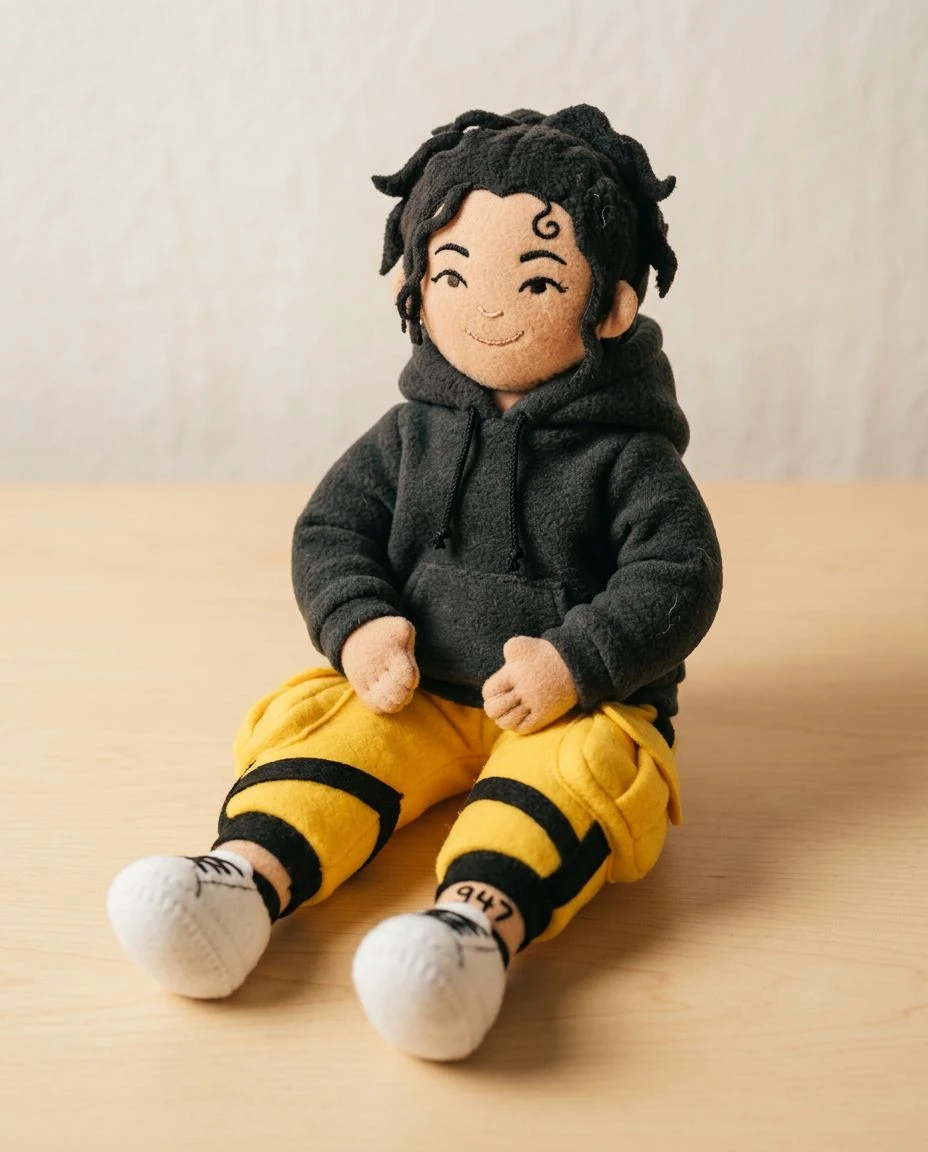
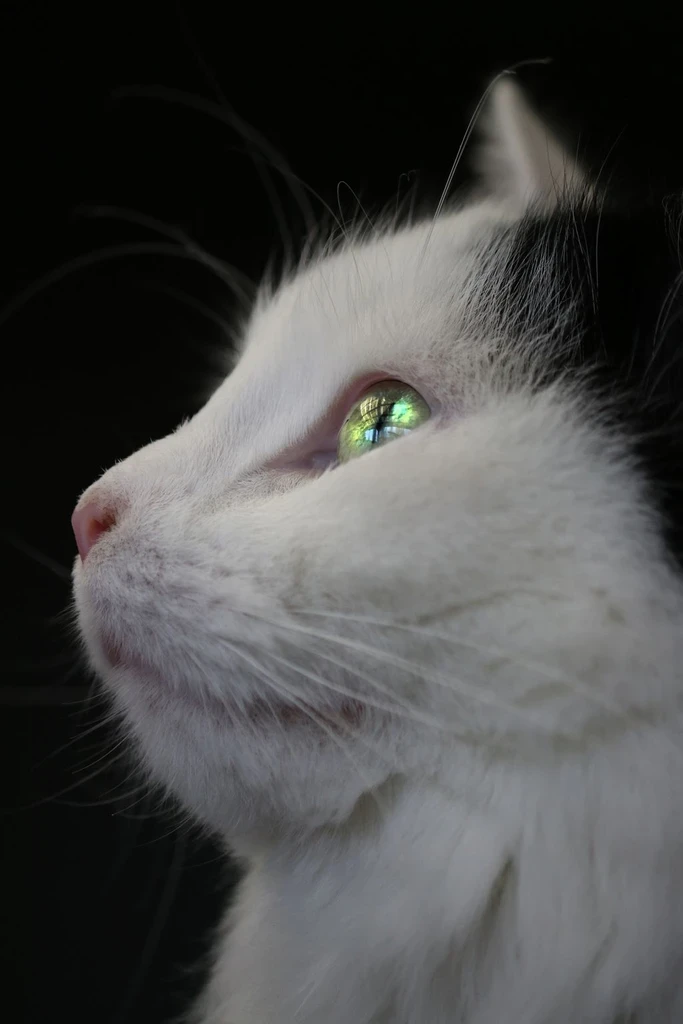
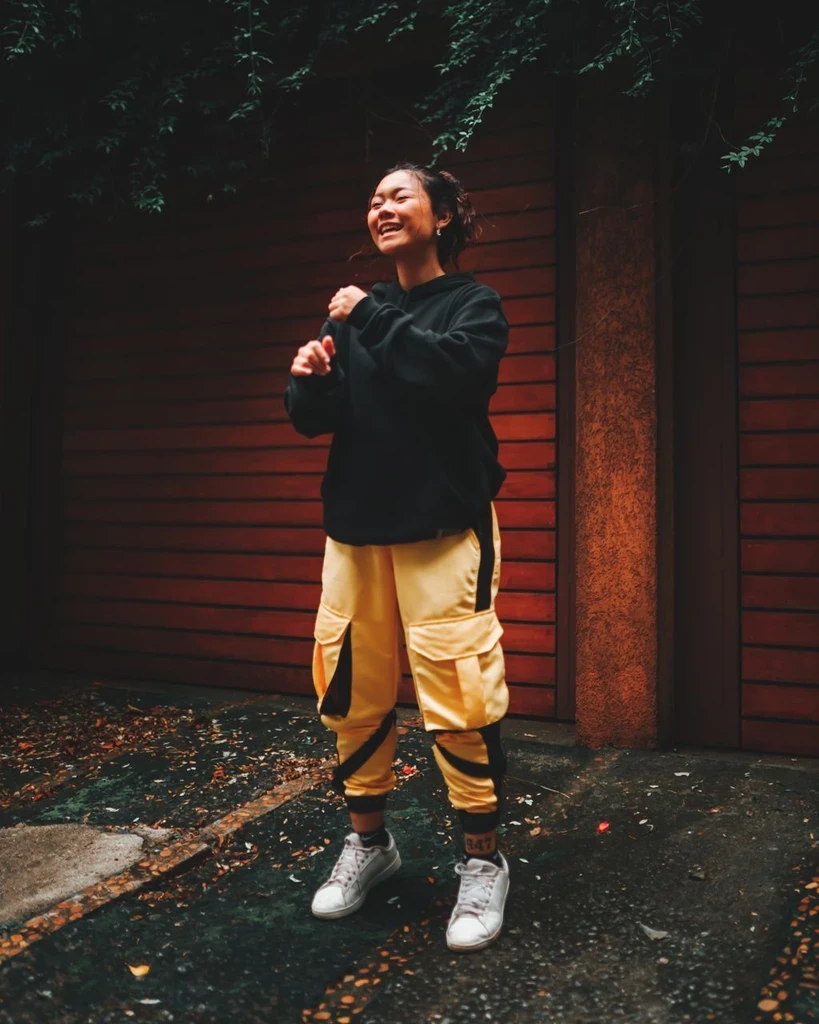 Before
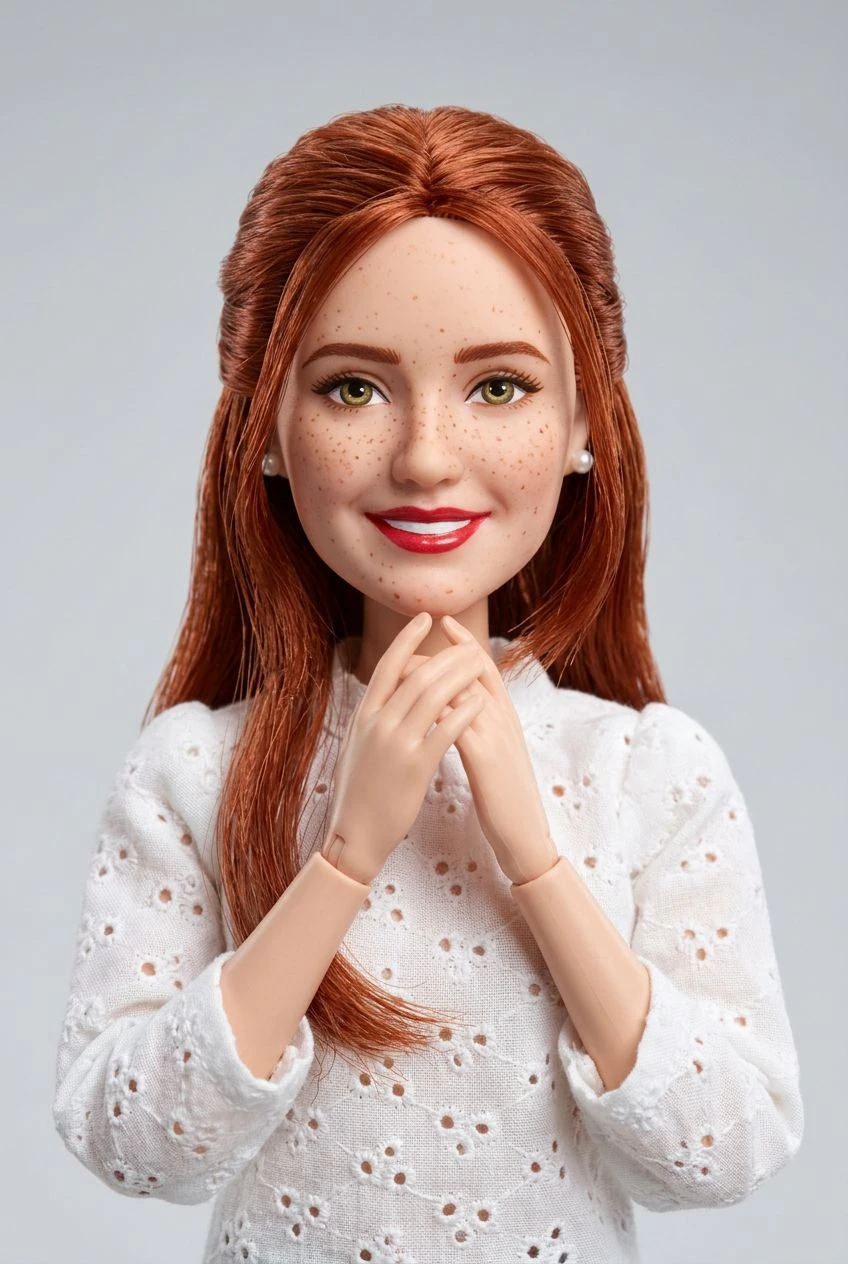
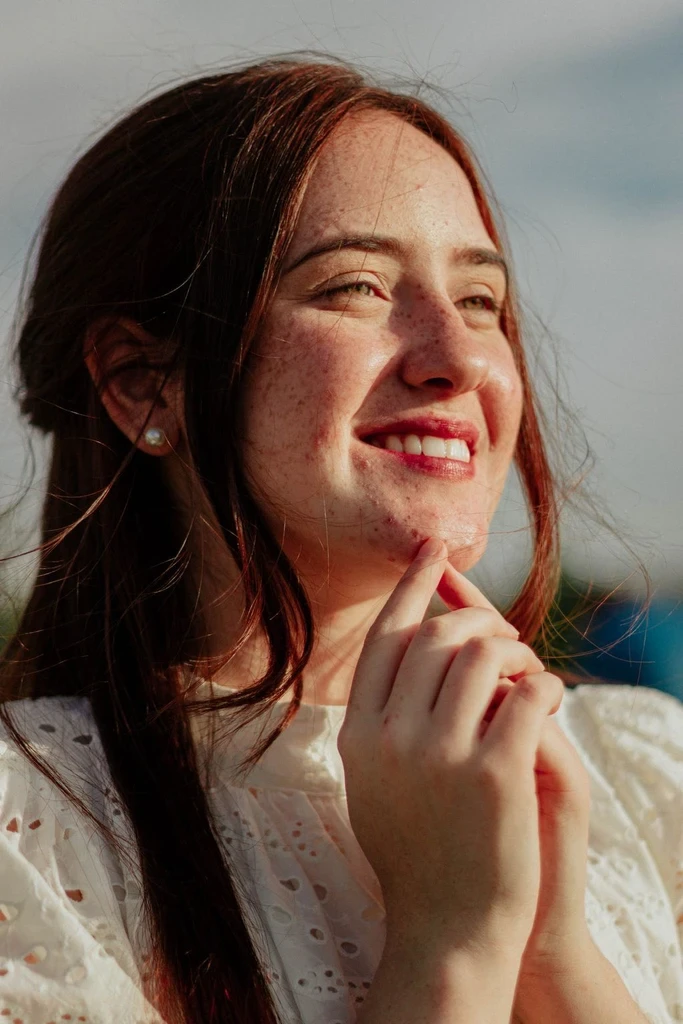 Before
A new artistic perspective can begin with the image you already have.