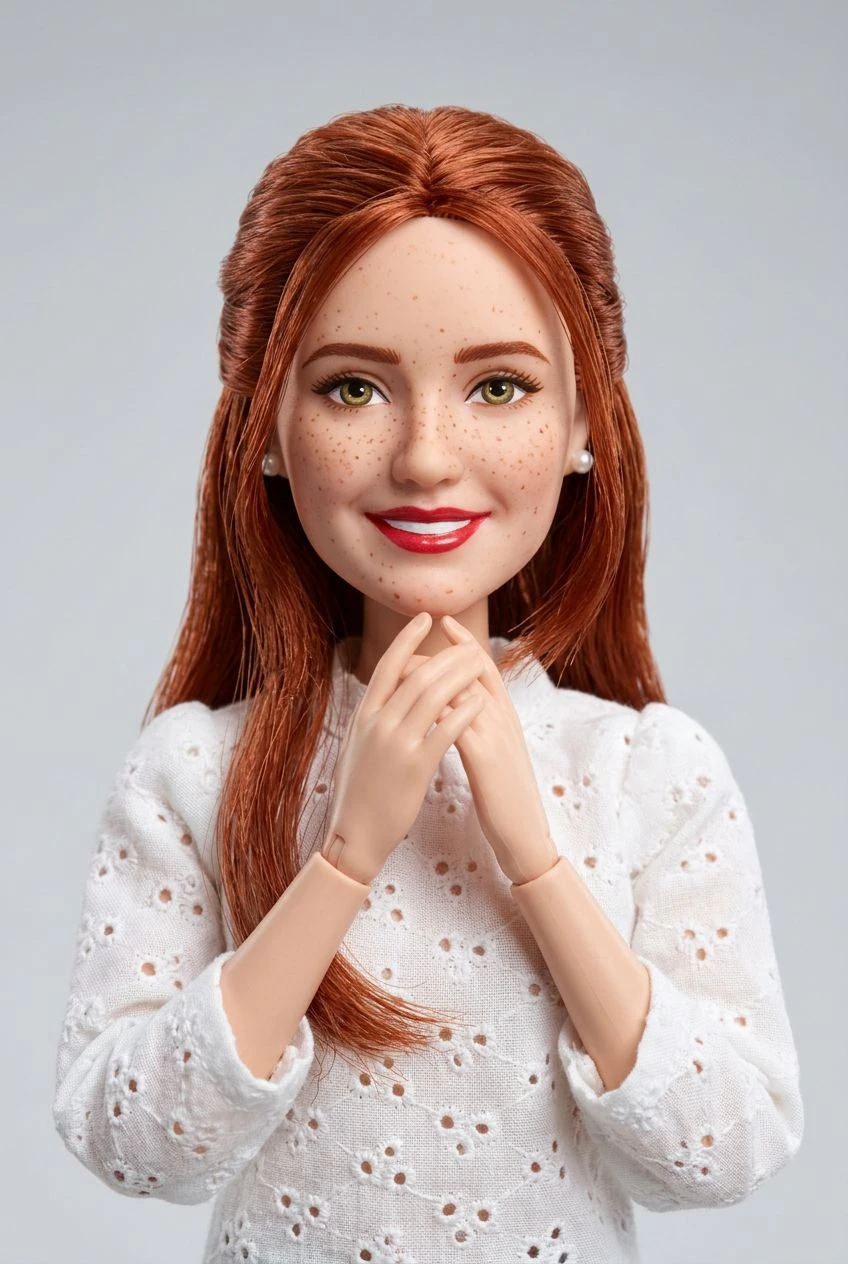
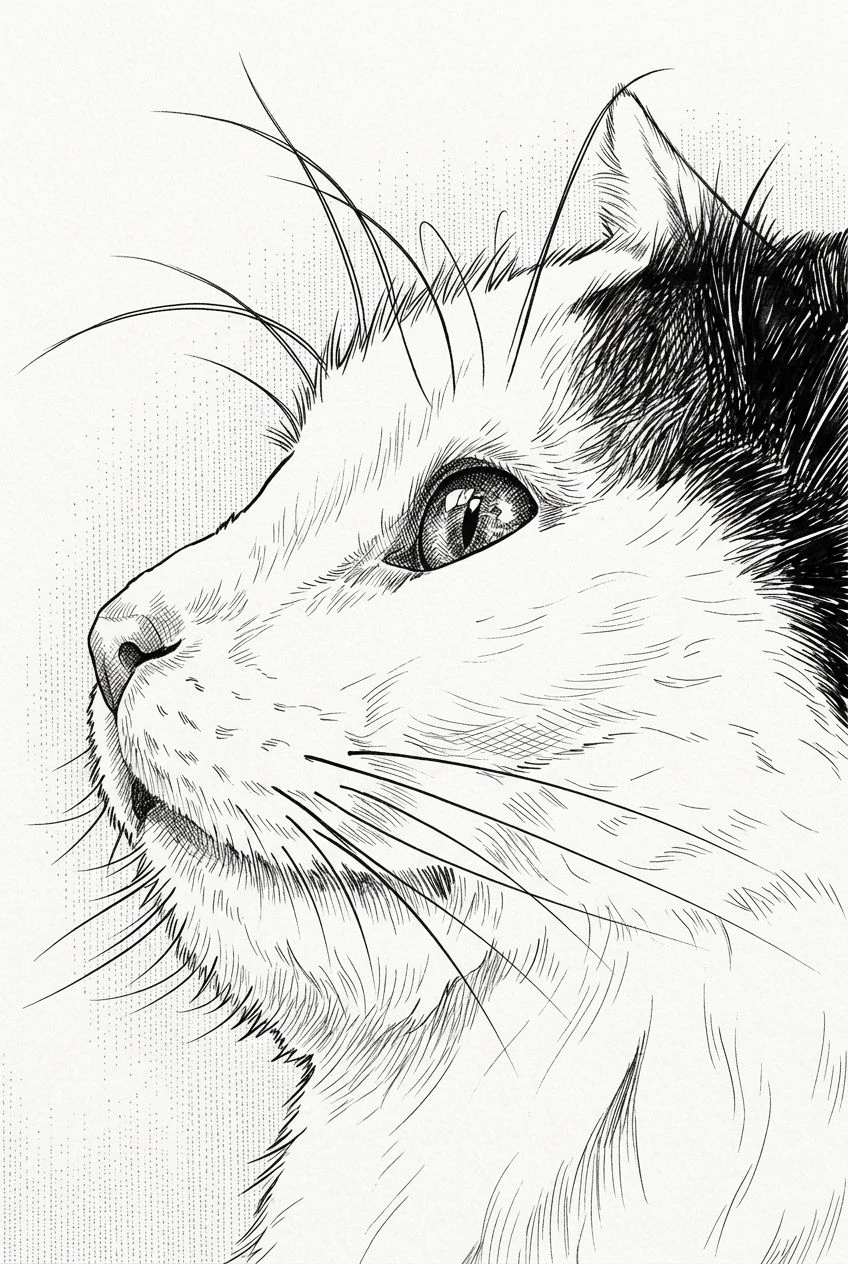
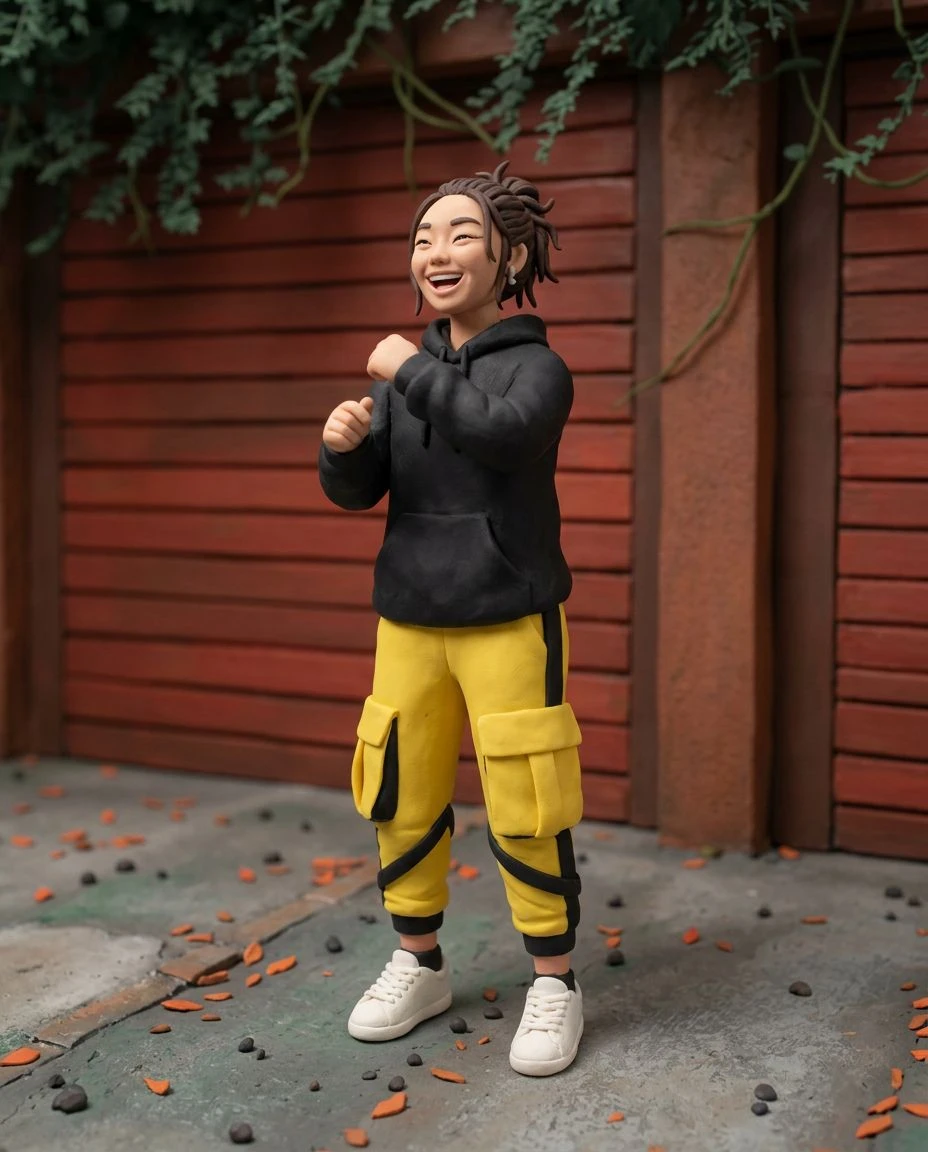
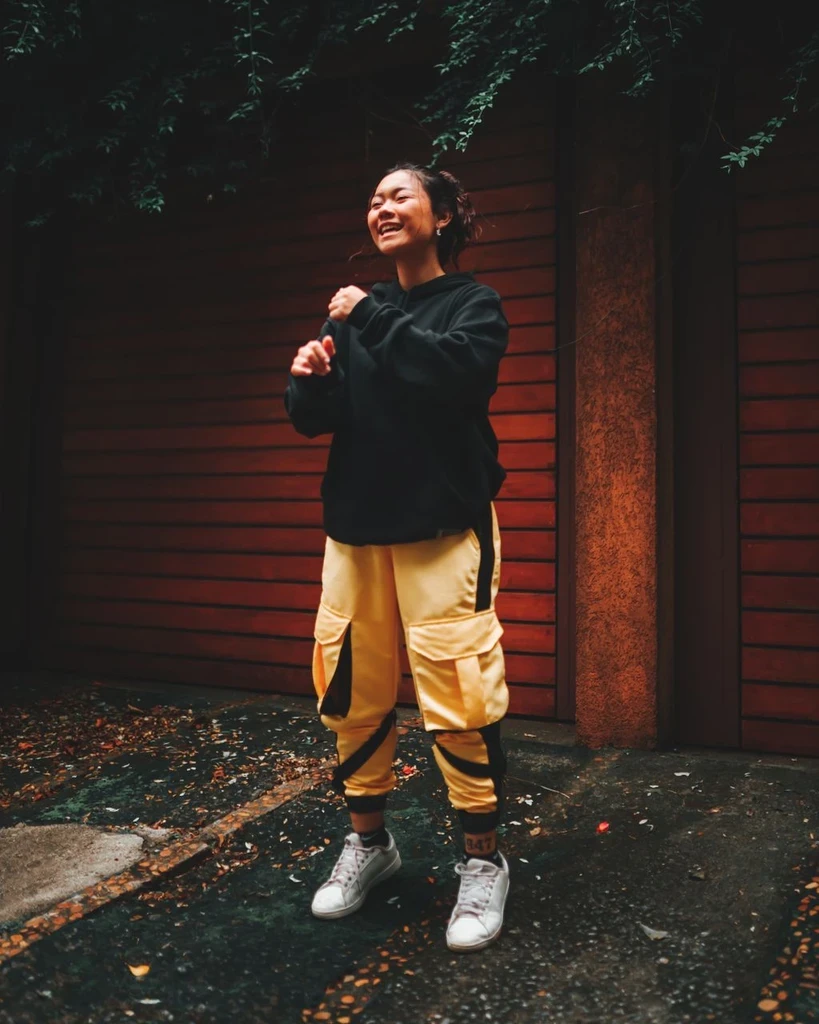
Graphic Ink Outlines
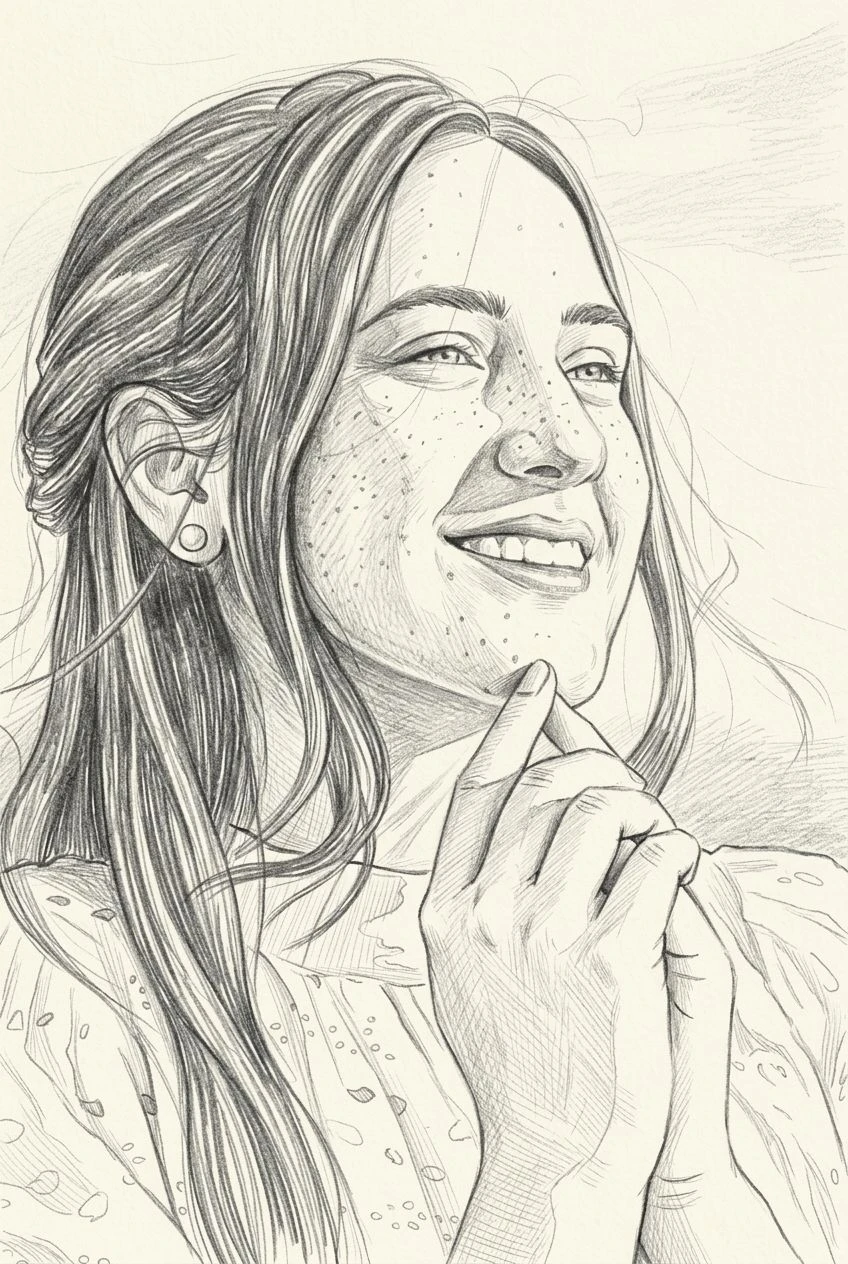
Emphasize subject contours with the strong linework associated with printed comics.
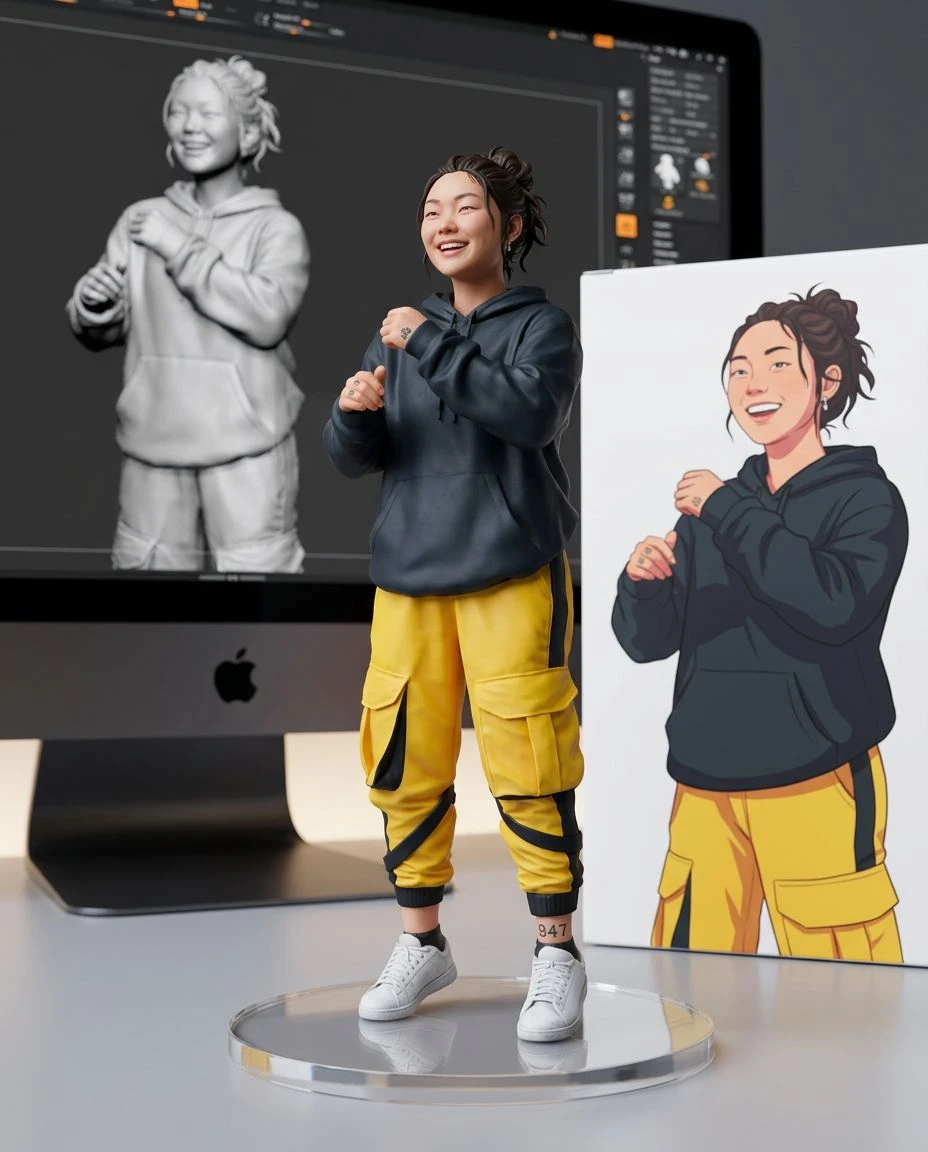
AI comic book effect
Make an everyday shot look ready for a comic-book page. Upload your image and apply vivid color, confident inking, and dramatic illustrated shading without starting from scratch.
Emphasize subject contours with the strong linework associated with printed comics.
Explore vivid color blocks, dramatic shadows, and posterized tones.
Bring energy to sports photos, dynamic portraits, and expressive gestures.
Reuse the people and composition in your uploaded image instead of inventing an unrelated scene.
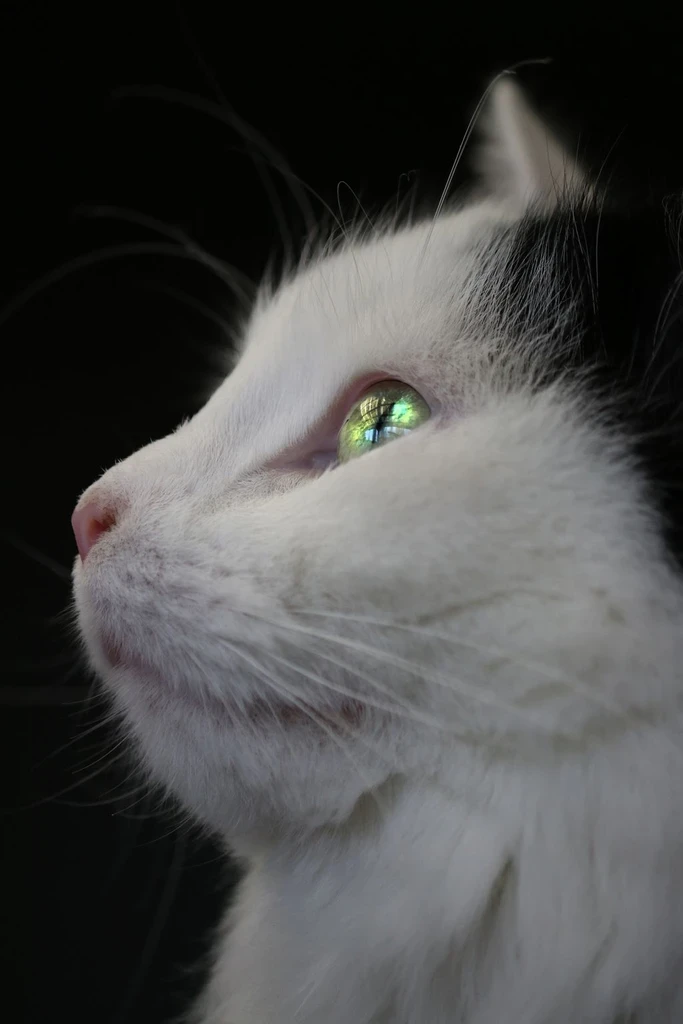
Choose a clear portrait, action pose, sports shot, or pet photo.
Comic Art is already selected. It adds bold outlines, graphic shadows, and vivid color. Set strength to Subtle, Balanced, or Strong.
Preview the comic interpretation, compare it with your photo, and download the image.
Restyle energetic poses as comic-book hero shots.
Give a favorite sports photo dramatic illustrated impact.
Make a playful portrait with bold color and graphic contours.
Create striking comic-style imagery for posts and personal projects.
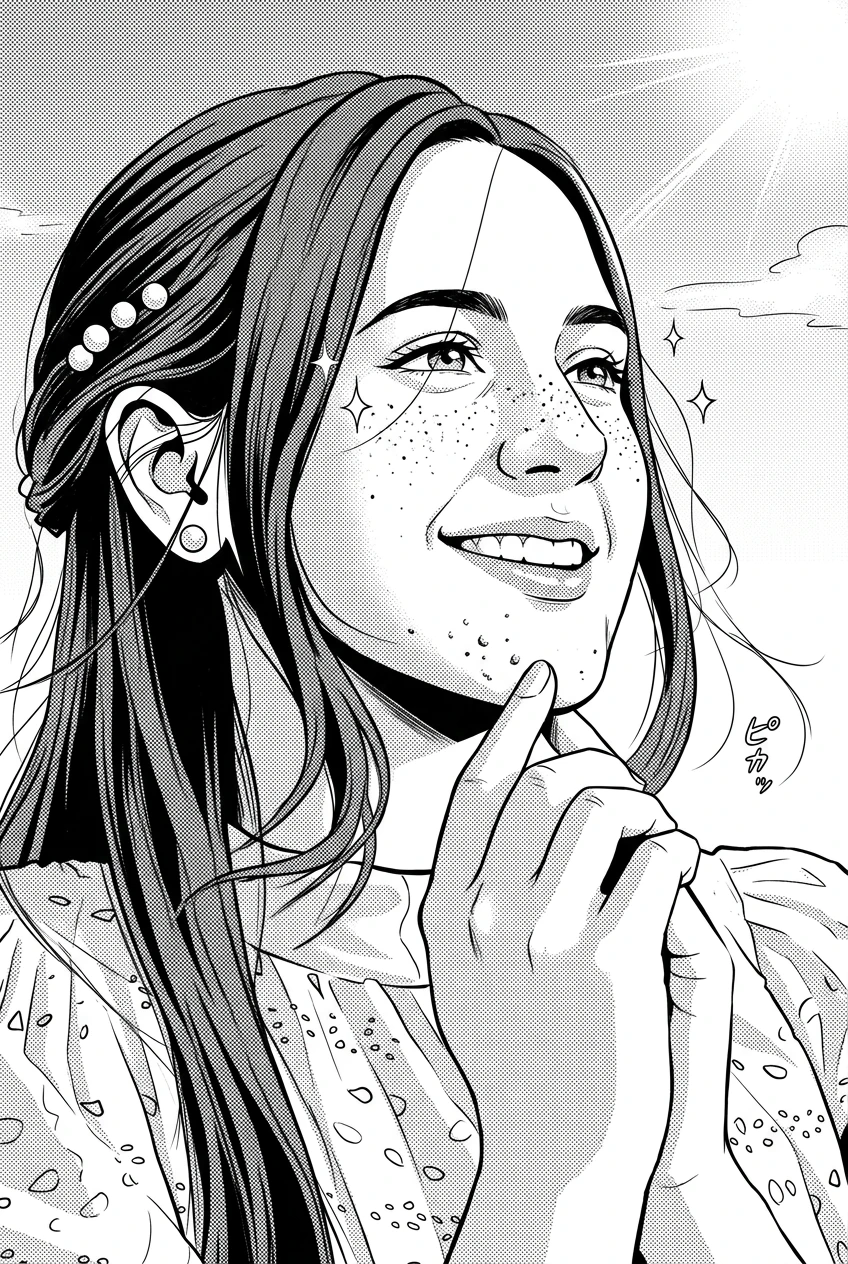
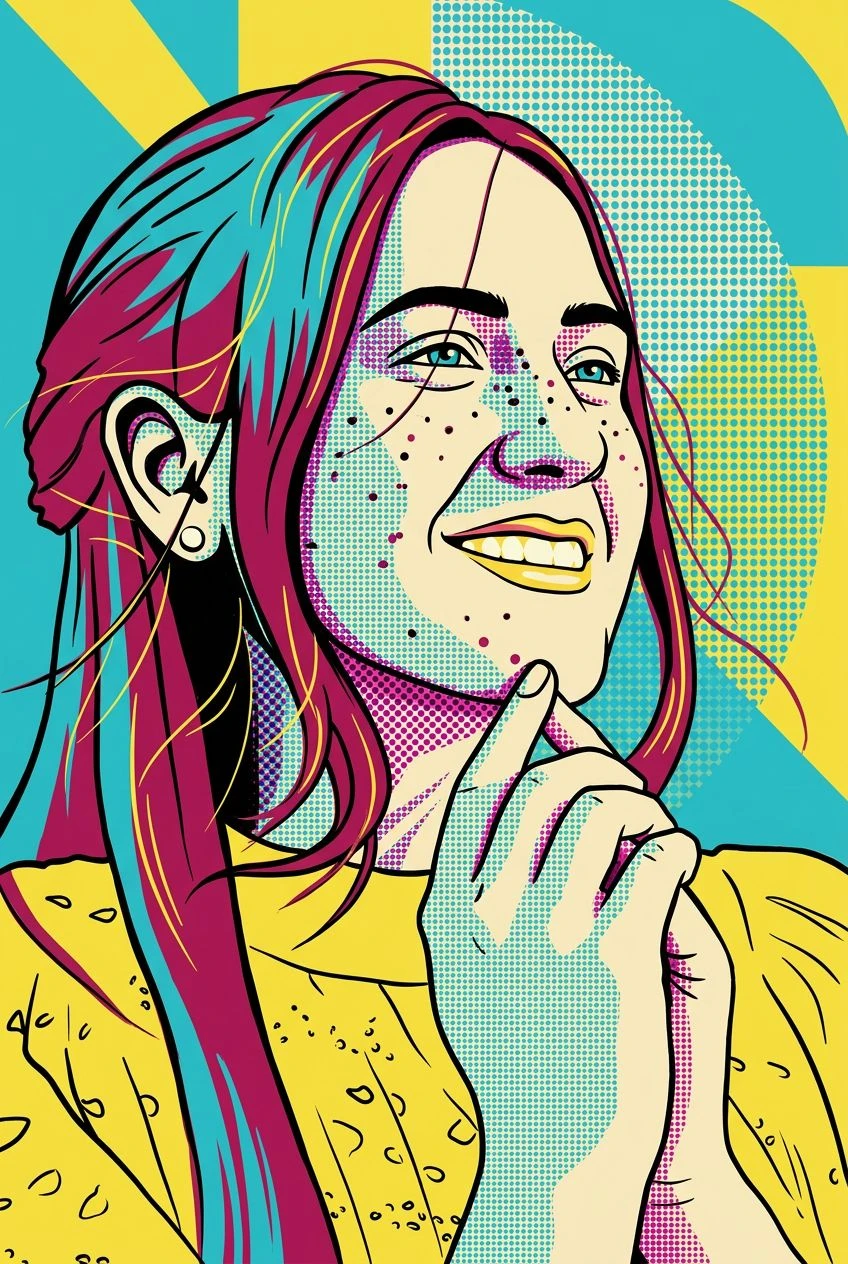
Comic-book artwork here emphasizes colorful inking and graphic shadows, while the Manga effect targets black-and-white lines and screentones. Try both on the same image to compare the visual language.
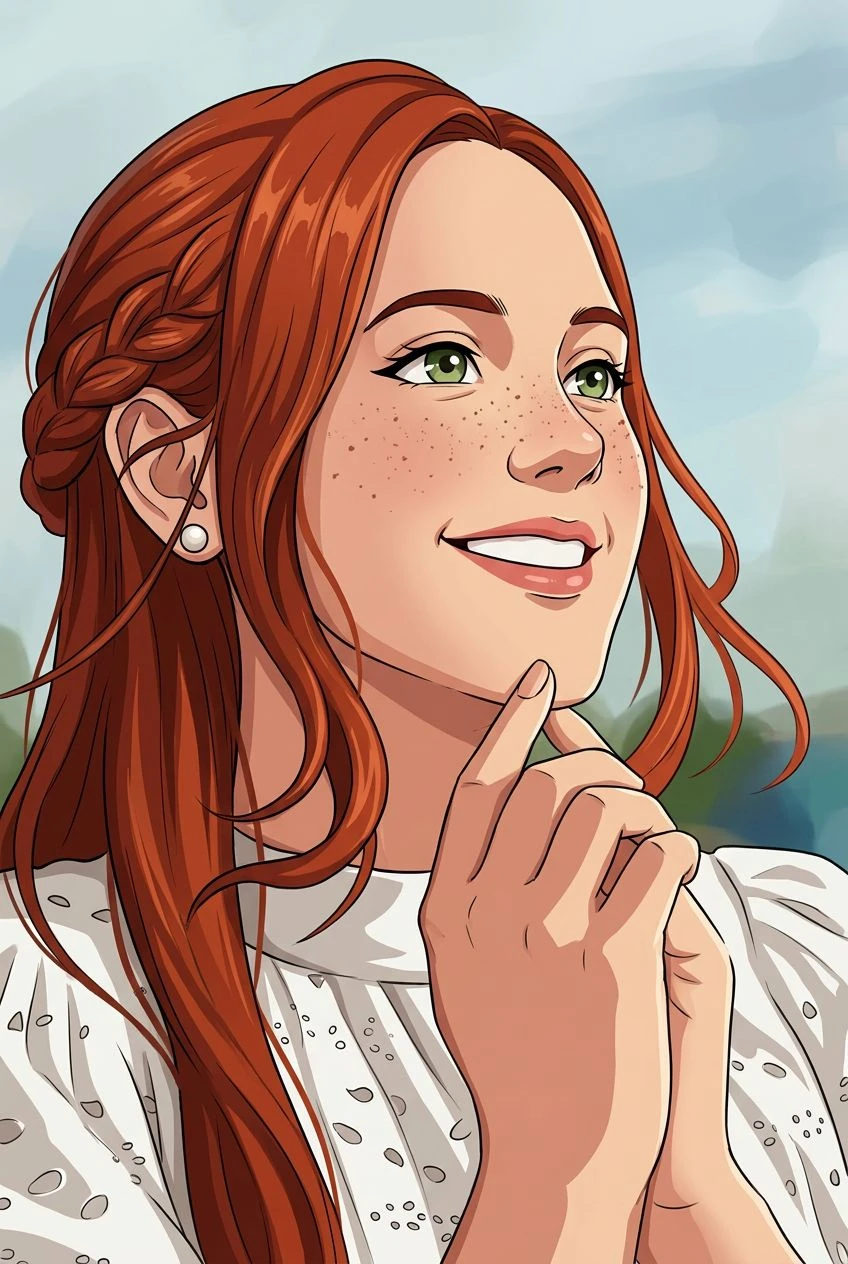
Black-and-white manga, anime color, or pop-art print texture.



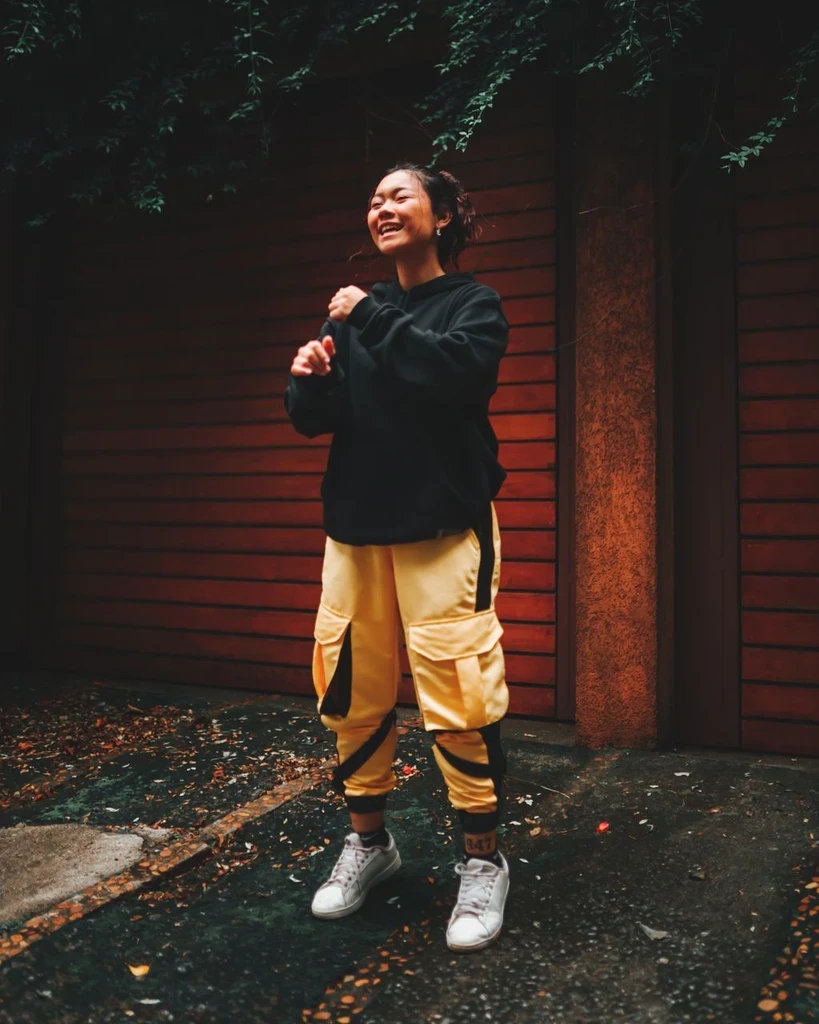 Before
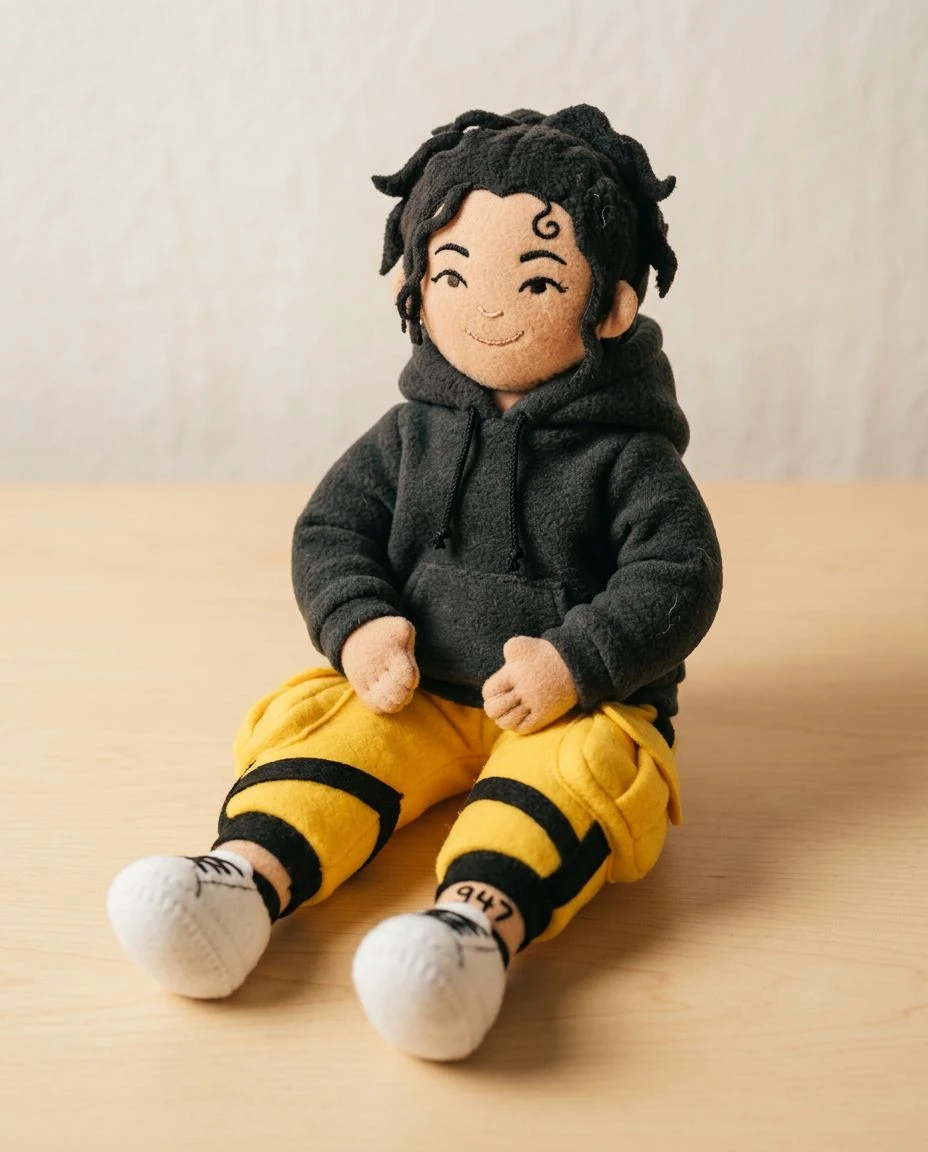
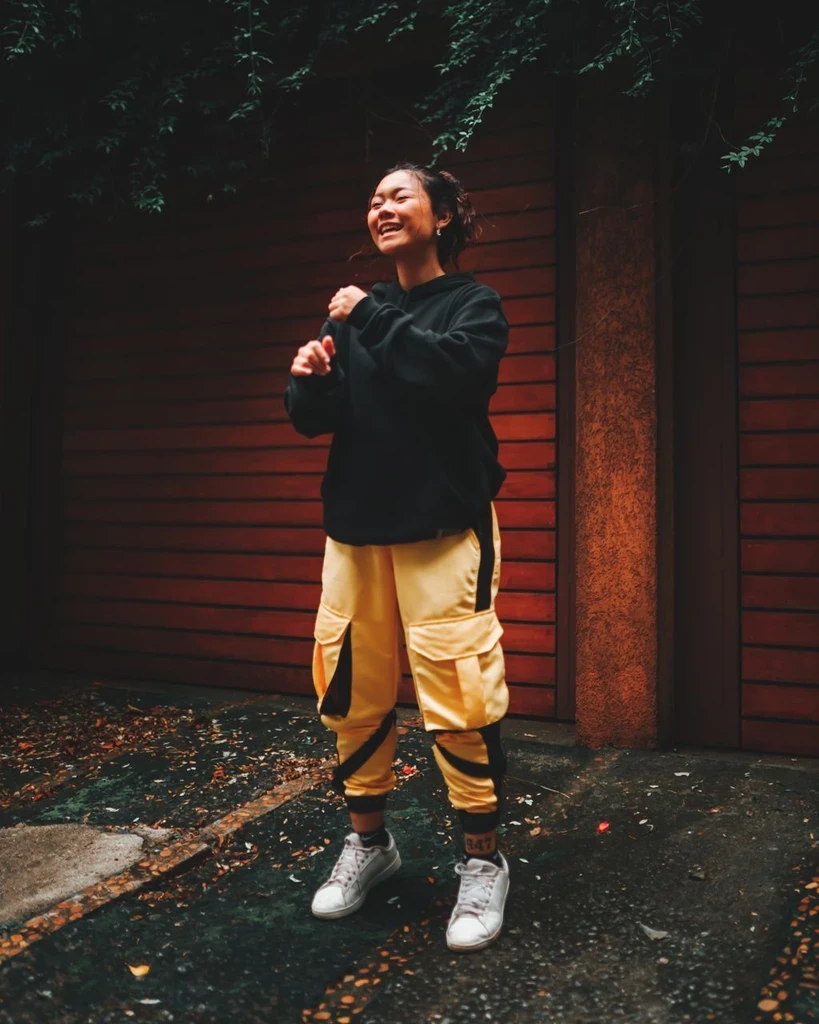 Before

Upload a photo and give it vivid color, confident ink, and graphic shadows.