Black-and-White Storytelling
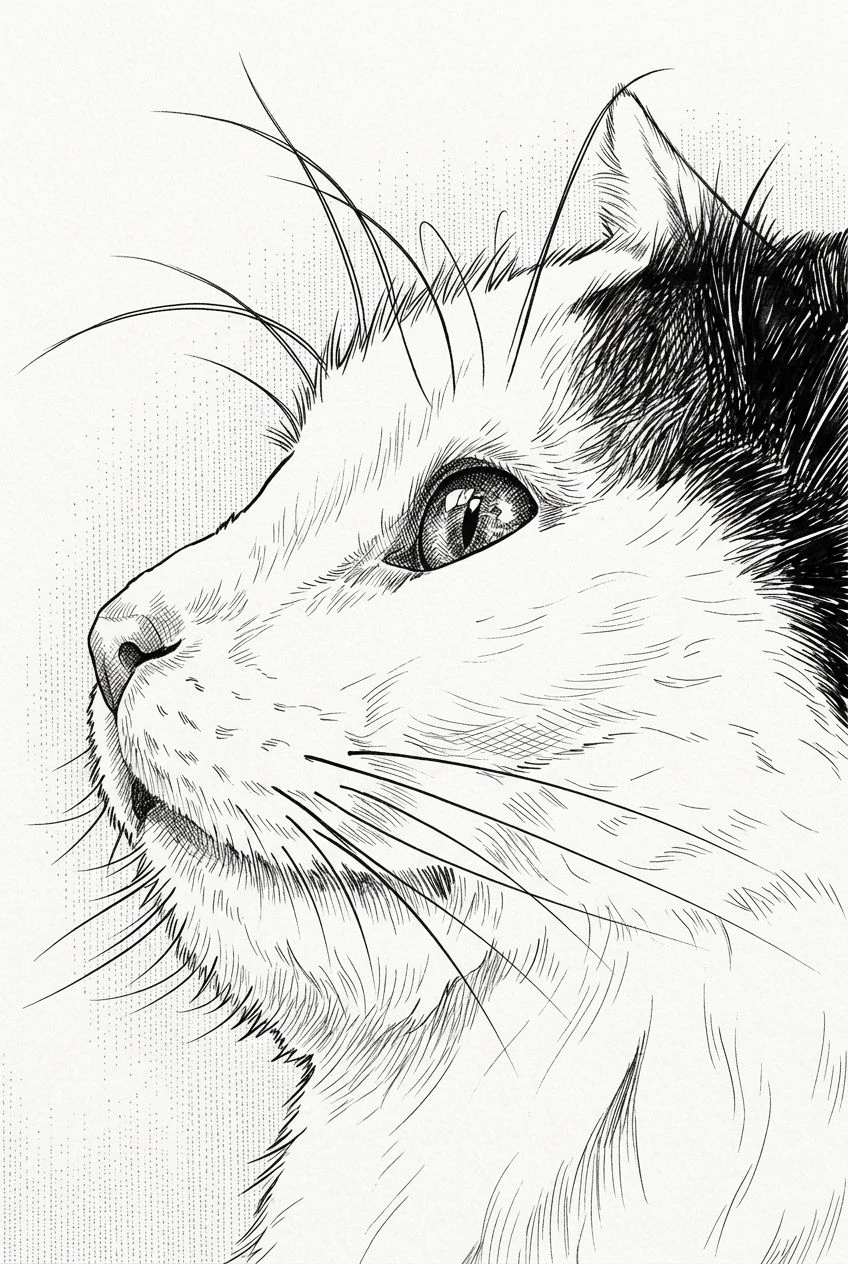
Replace photographic color with purposeful contrast, inked contours, and manga-inspired screentone texture.
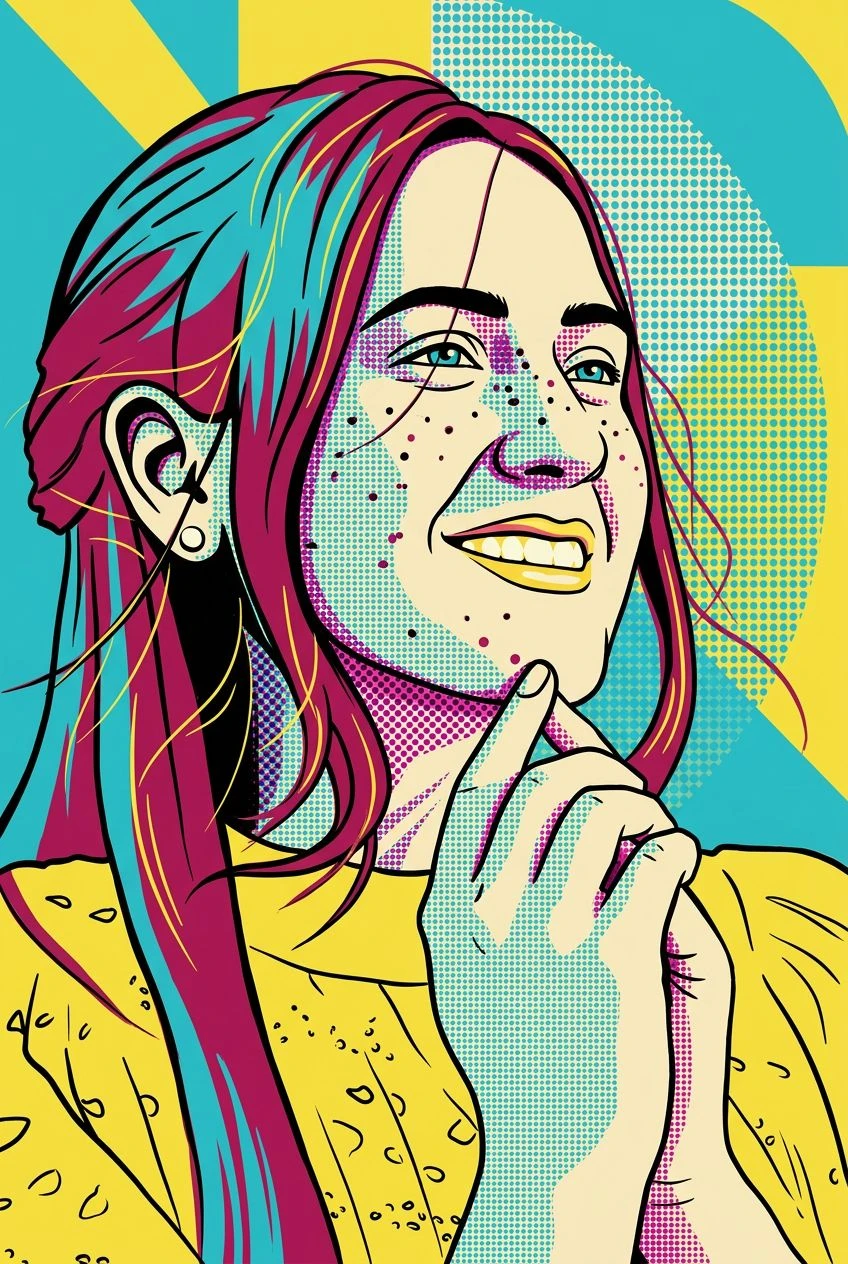
AI manga photo converter
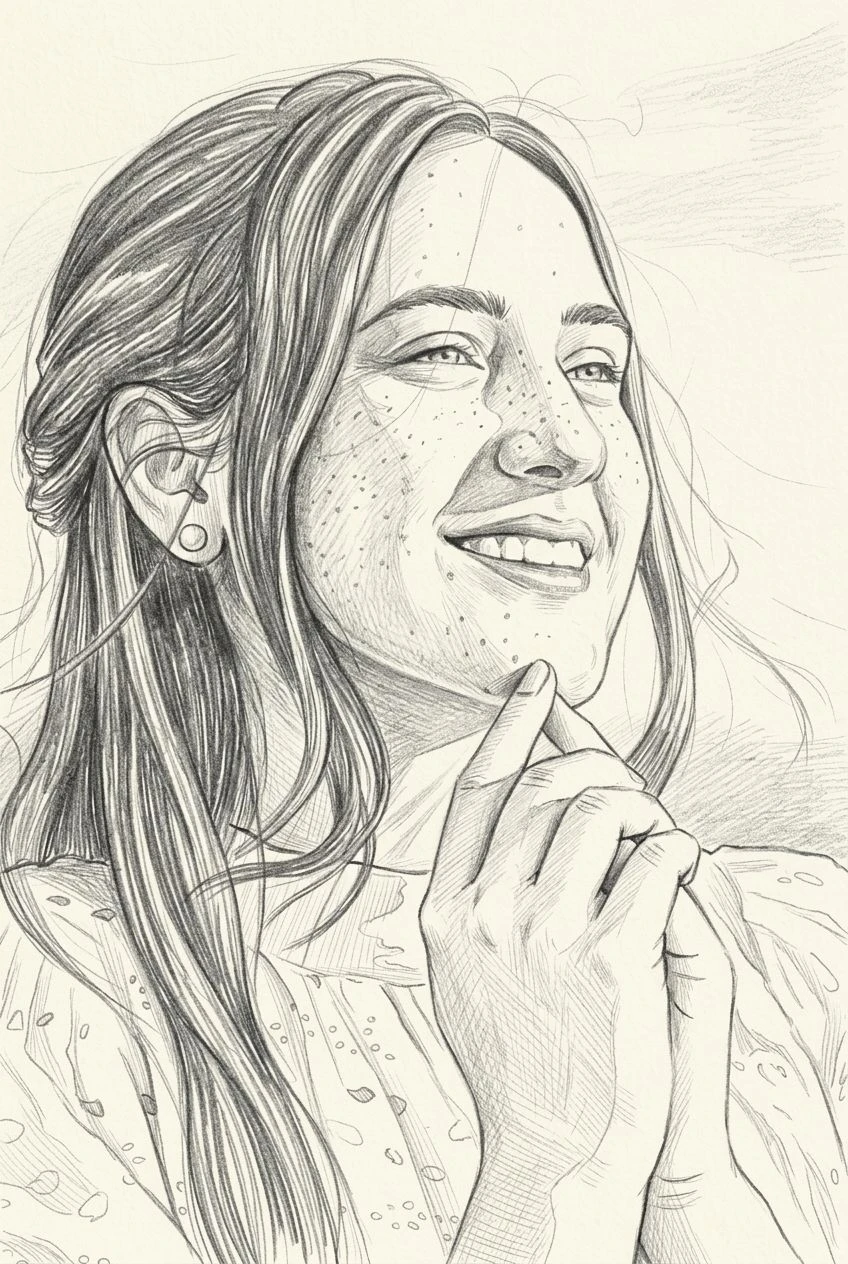
Bring the energy of manga illustration to a photo you already love. Convert portraits and everyday scenes into black-and-white line art with expressive shading and recognizable details.
Replace photographic color with purposeful contrast, inked contours, and manga-inspired screentone texture.
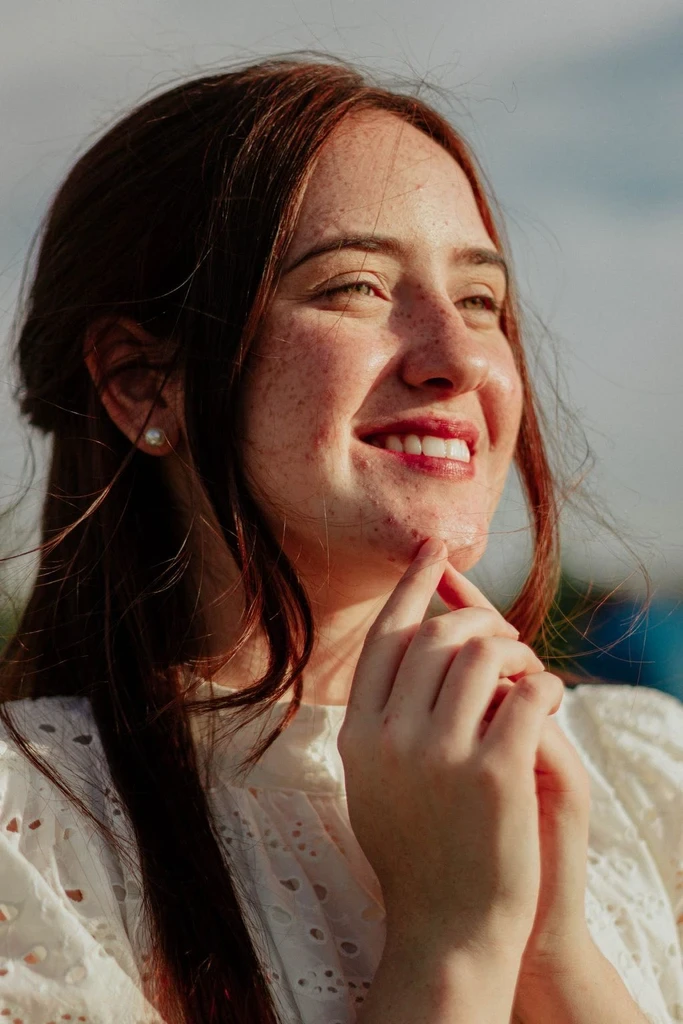
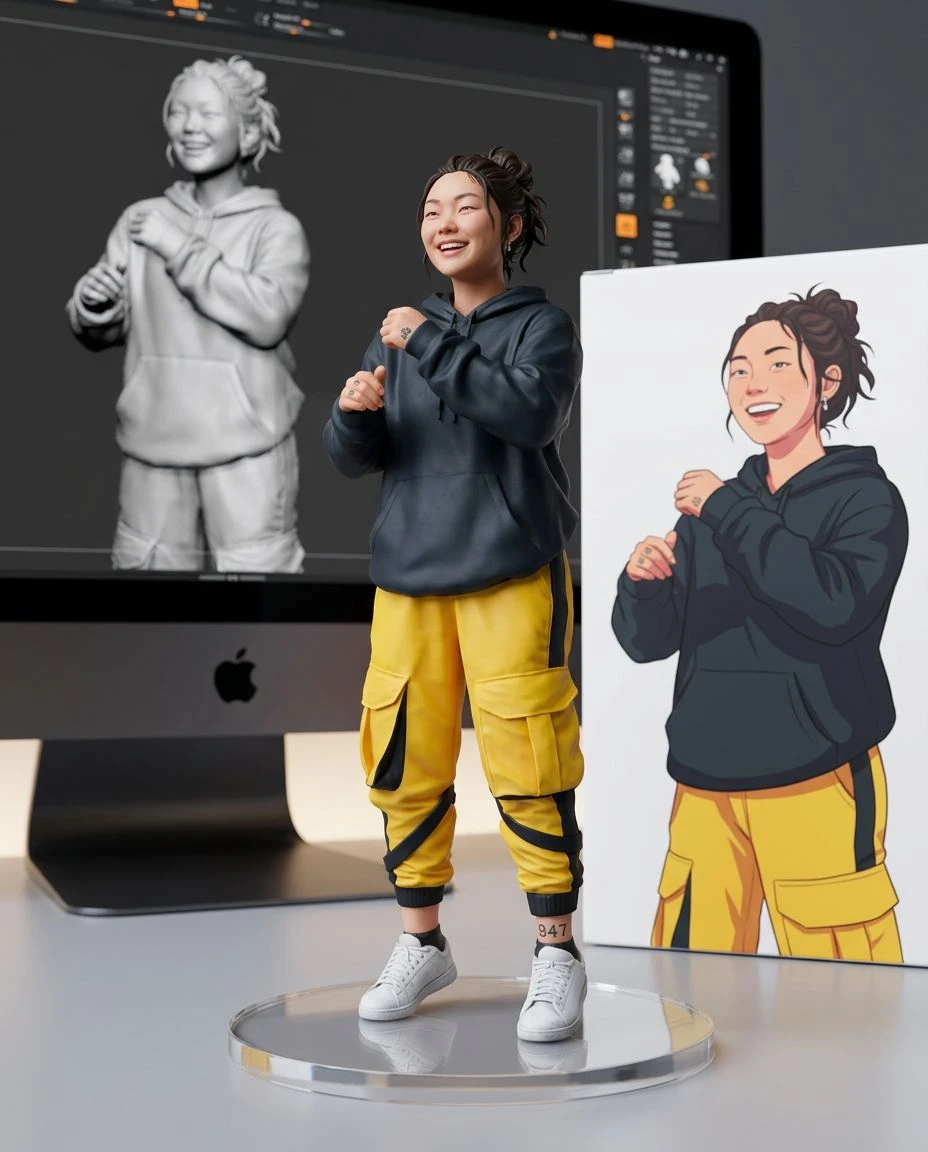
Give facial expressions, hairstyles, and poses an illustrated look while aiming to retain the source subject.
Create line-based artwork rather than simply removing the colors from the photo.
Use an existing selfie, character pose, or street photograph as your composition reference.
Choose a clear selfie, pose, pet, or street scene.
Manga is already selected. It redraws the photo with ink contours and screentone shading. Set strength to Subtle, Balanced, or Strong.
Preview the manga interpretation, compare it with your photo, and download the image.
Give your profile picture the feeling of a black-and-white manga panel.
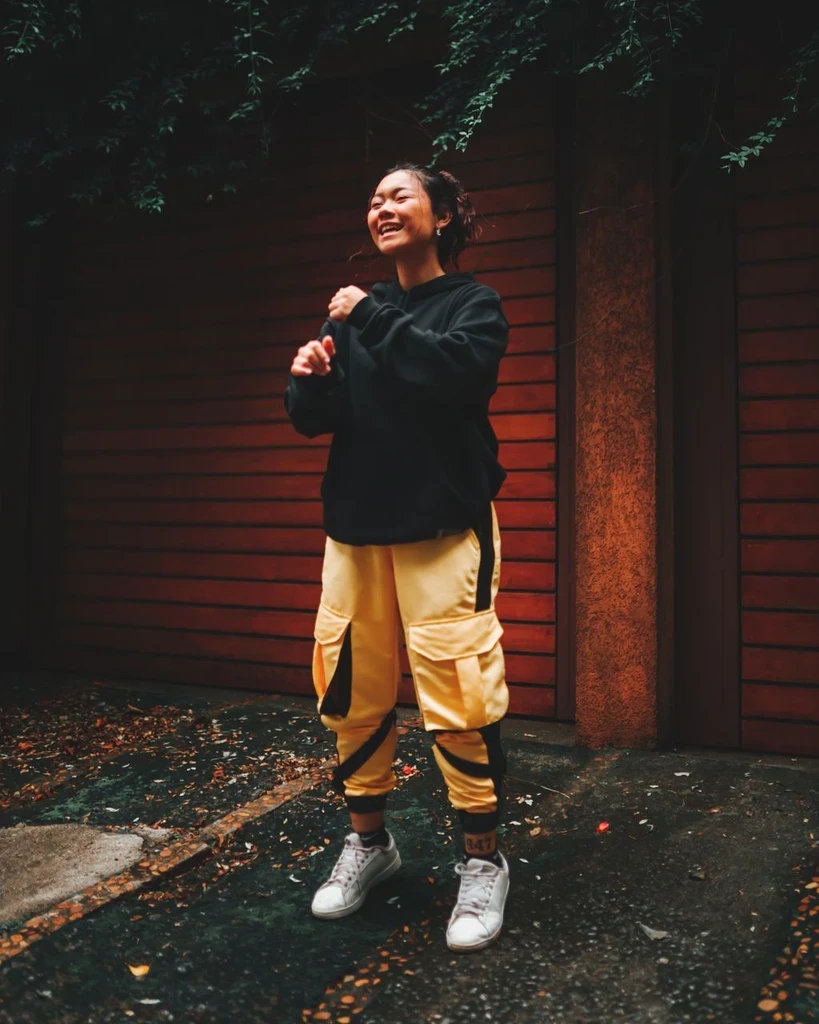
Explore how your outfit or pose might translate into hand-inked character art.
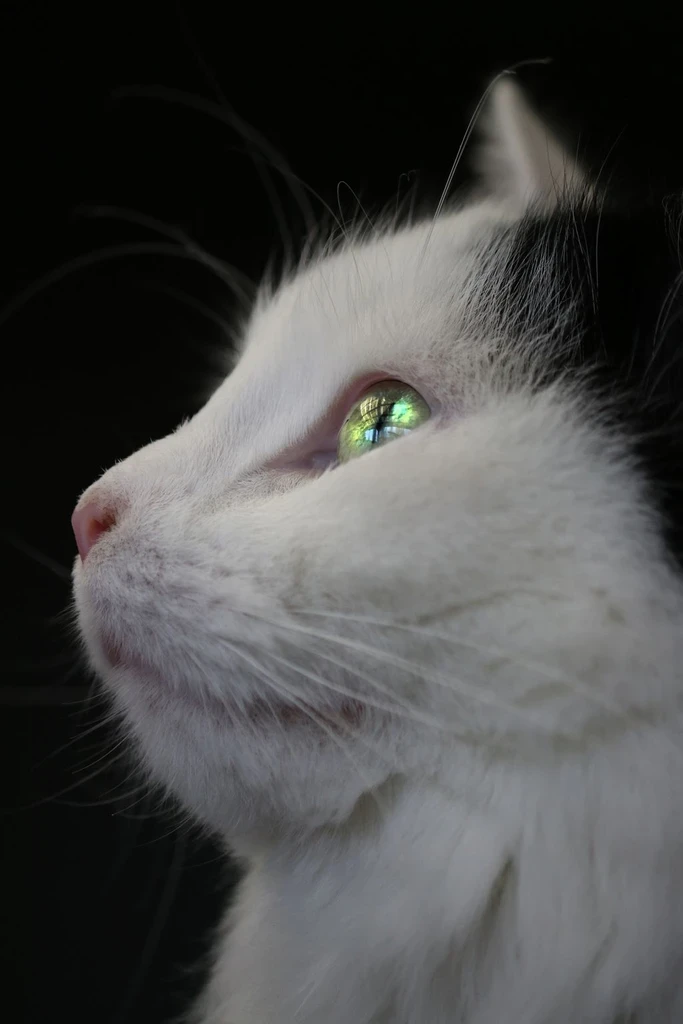
Turn distinctive fur patterns and expressions into playful illustrated portraits.
Restyle cafés, streets, and daily moments as manga-inspired scenes.
A grayscale photo retains realistic lighting and texture; manga illustration relies on intentional contours, ink shadows, and pattern-based shading. This tool aims for the second look, although fine screentone details may vary.
Color comic pages, anime linework, or a pencil sketch.
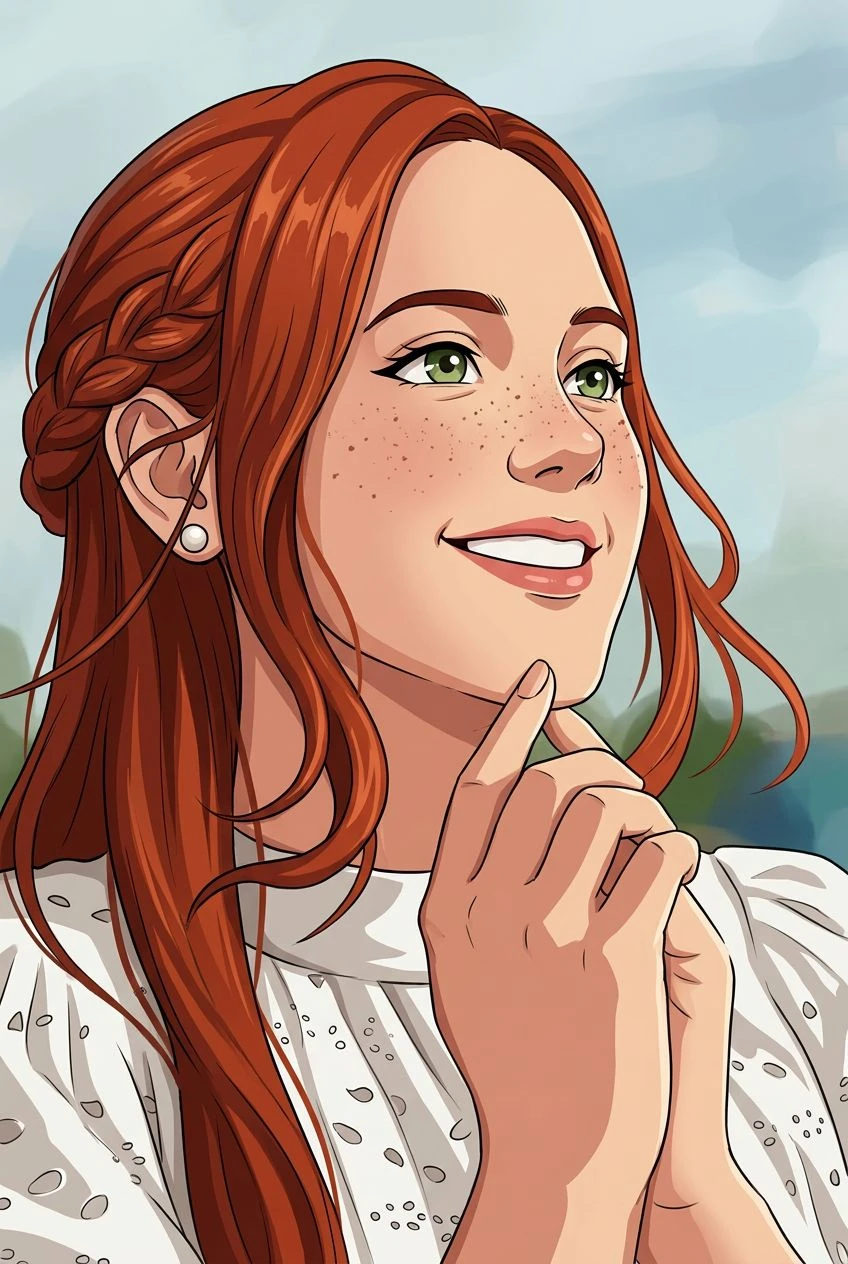
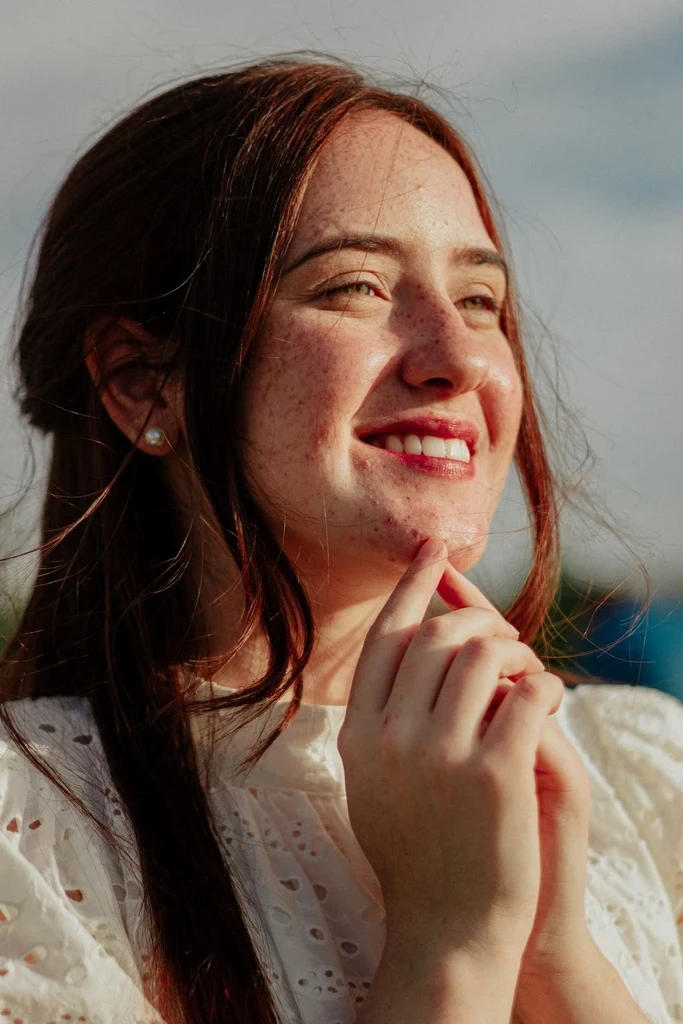
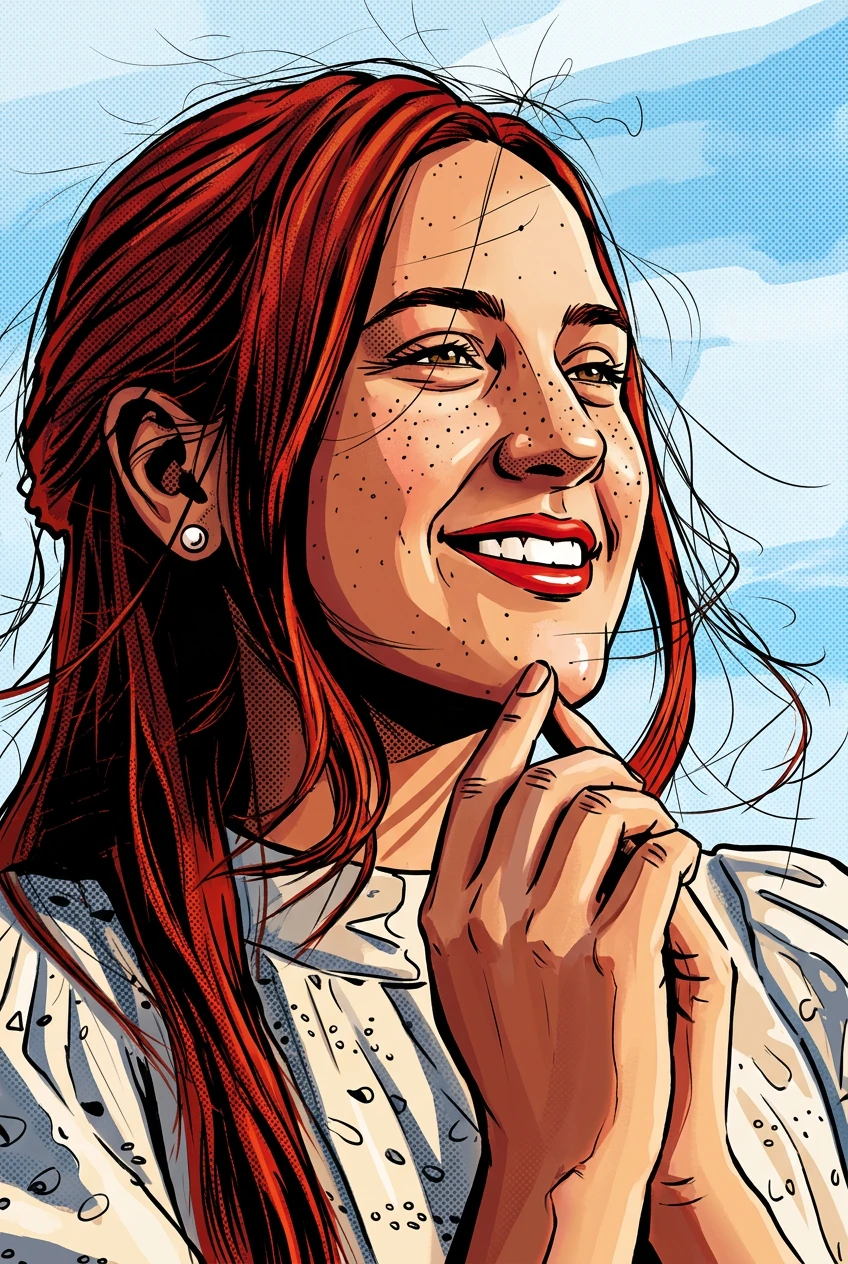
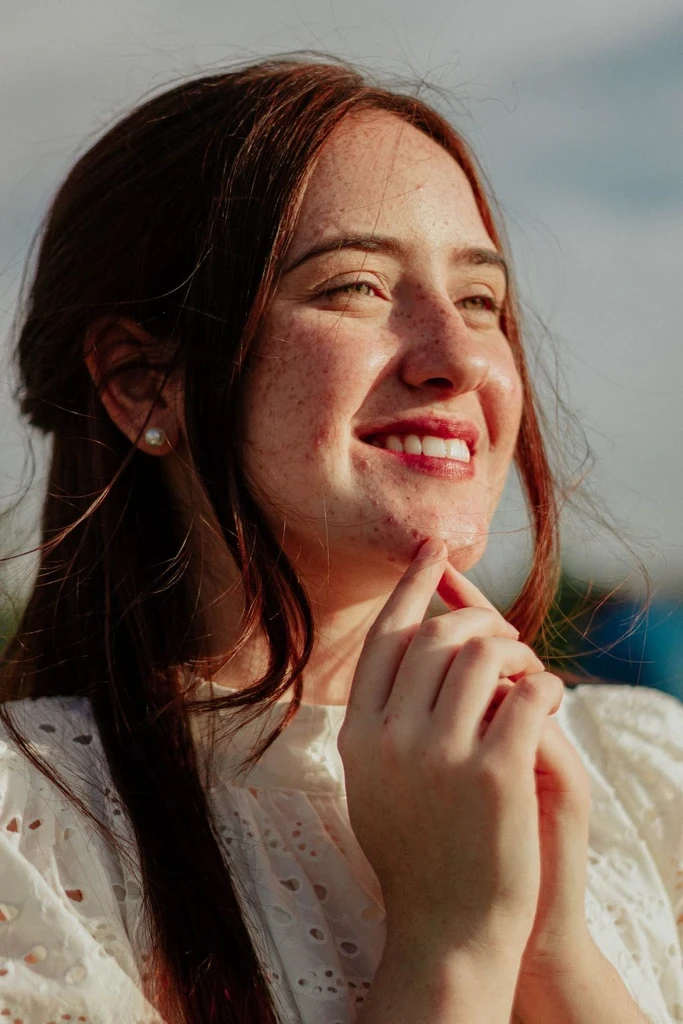
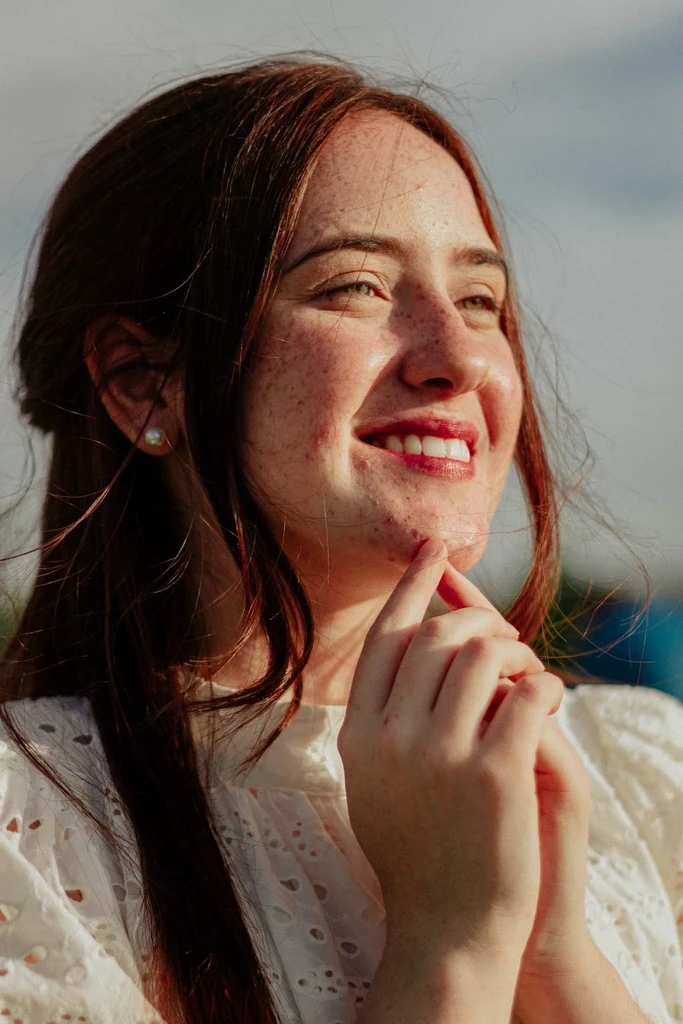
 Before
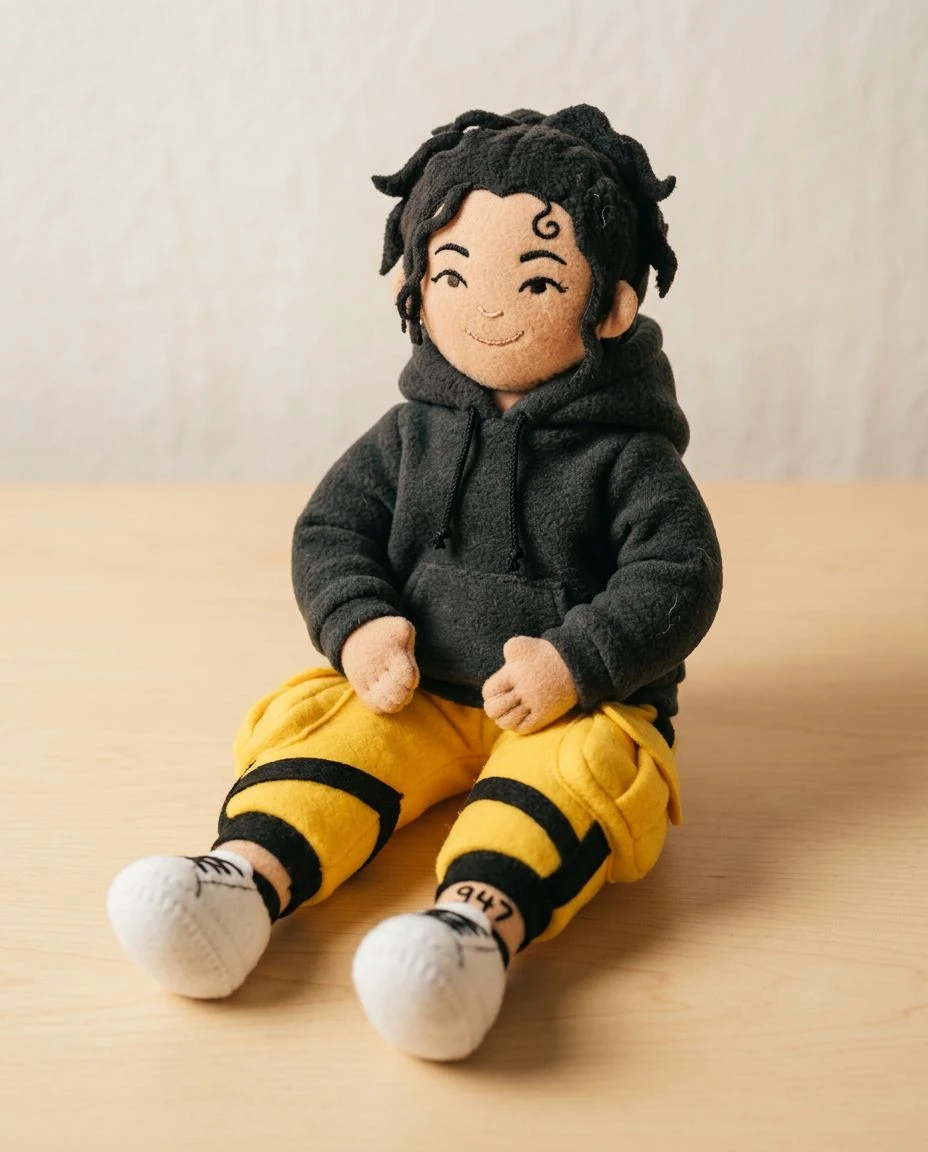
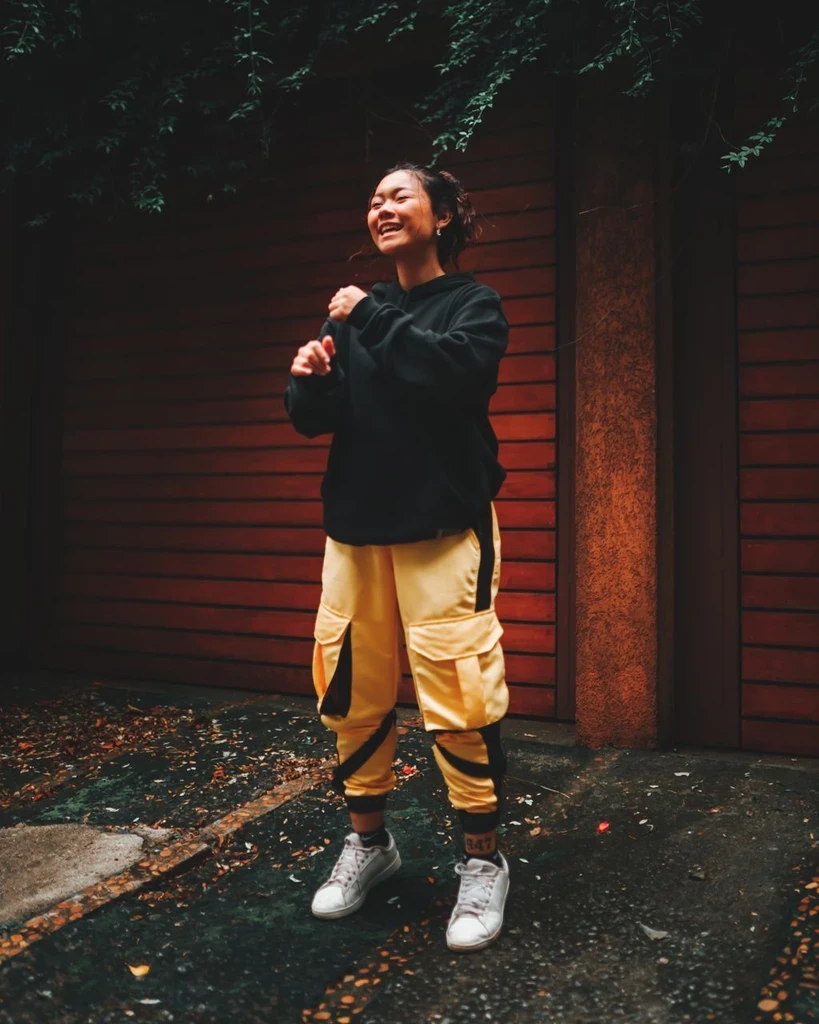 Before
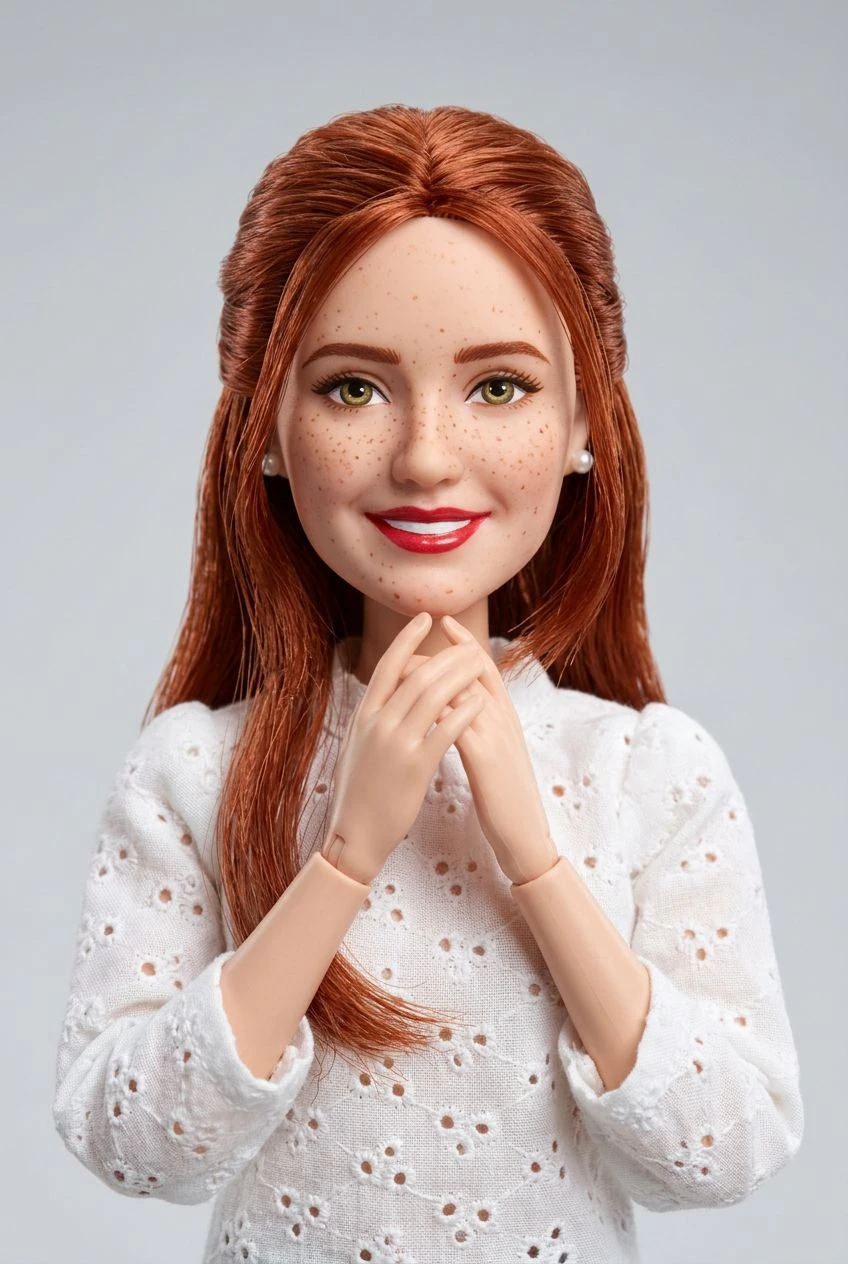
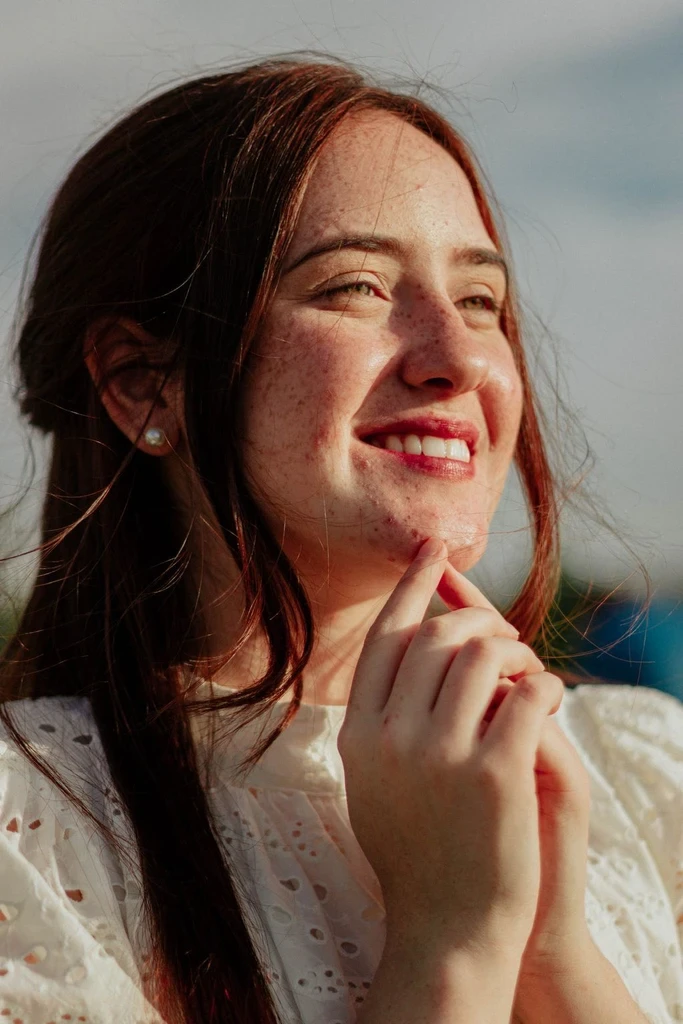 Before
Upload a photo and see it redrawn with ink lines and screentone shading.