Fabric and Stitch Detail
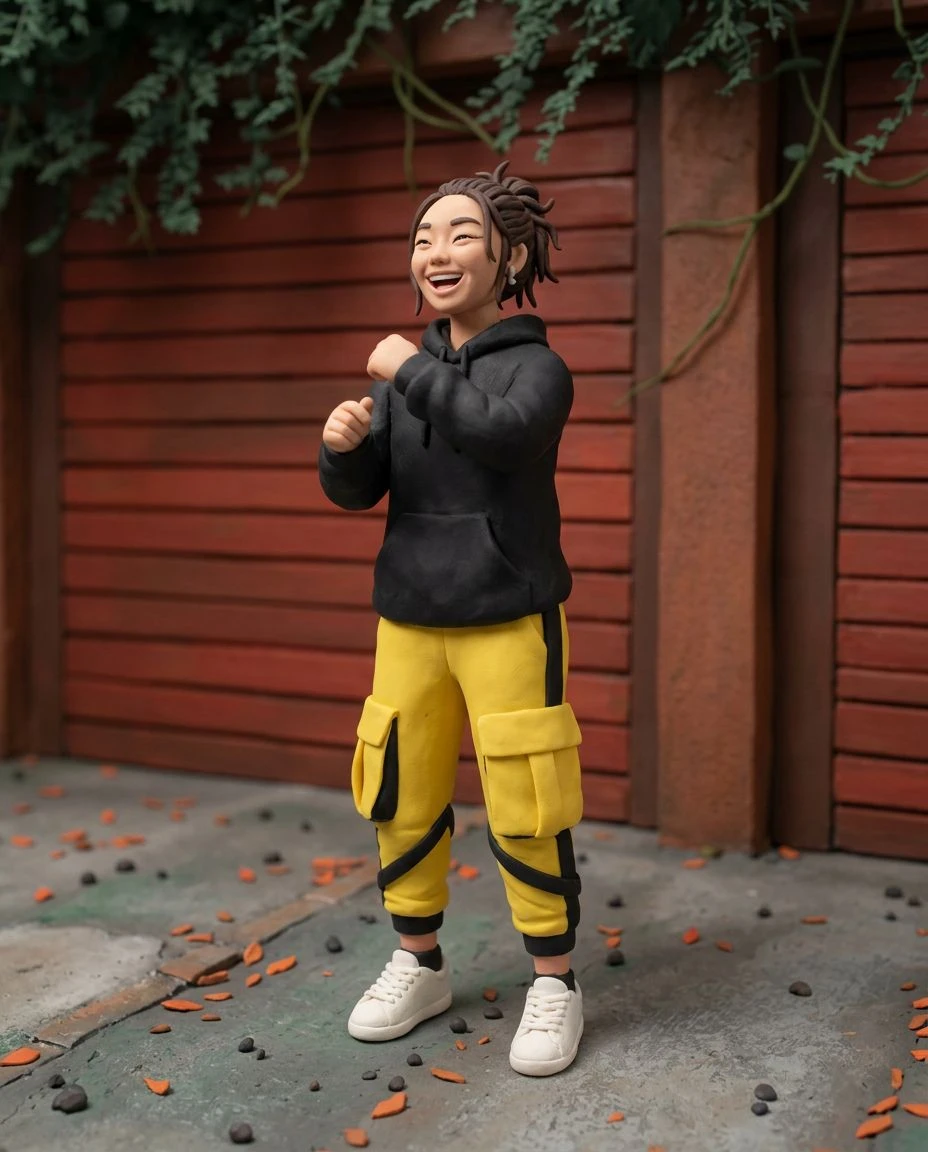
Explore matte fleece, felt, and embroidered features that read as a physical plush rather than a plastic figure.
AI photo to plush toy
See a familiar face or character as a handmade plush. Upload a photo and explore soft fleece surfaces, visible seams, and playful stuffed-toy silhouettes built from your image.
Explore matte fleece, felt, and embroidered features that read as a physical plush rather than a plastic figure.
Carry over colors, markings, and silhouette cues so the plush still feels like your subject.
Try plush reinterpretations of pet photos, portraits, or brand characters.
Visualize keepsake plush ideas before physical production.
Pick an image with clear markings, colors, and a readable outline.
Plush Toy is already selected. Adjust style strength if you want a subtler or bolder stuffed look.
Preview the plush artwork, compare with your photo, and download the result.
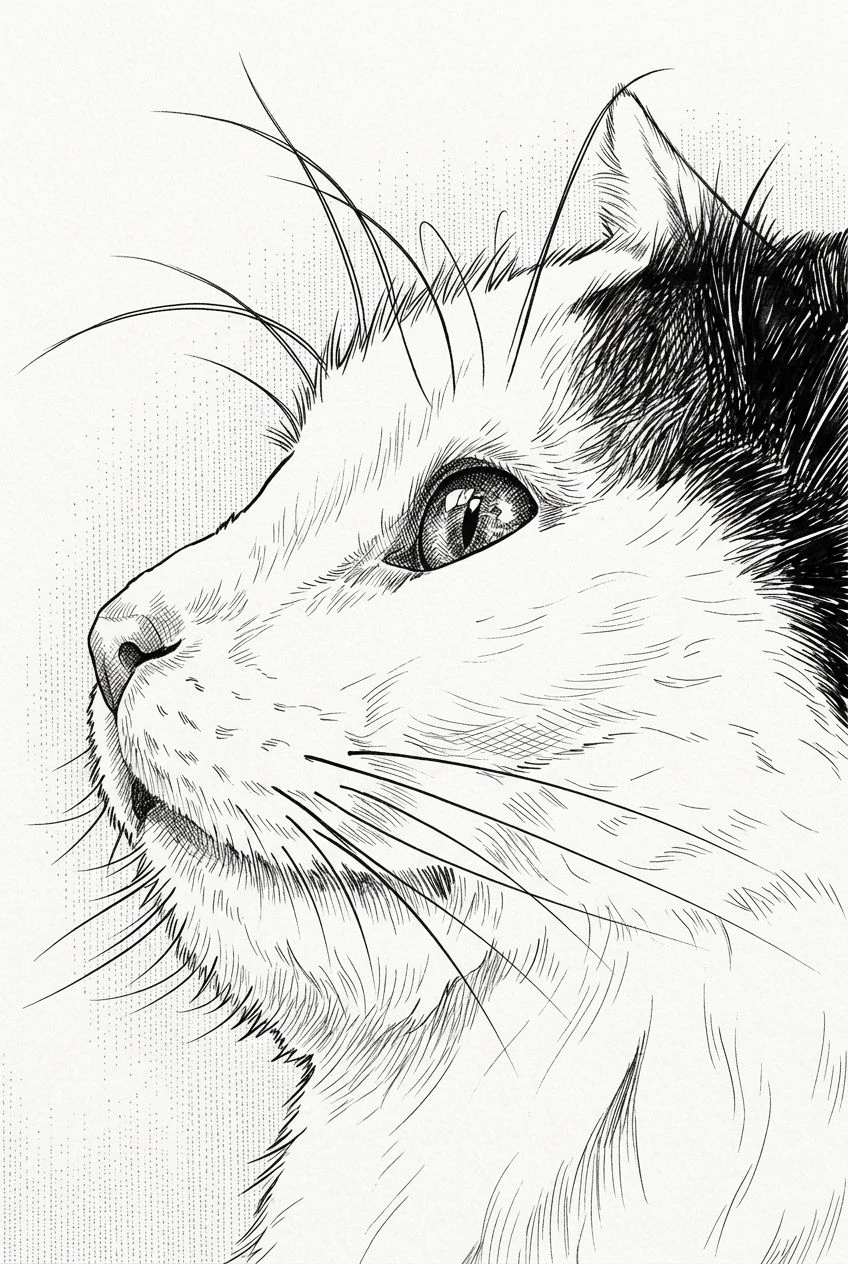
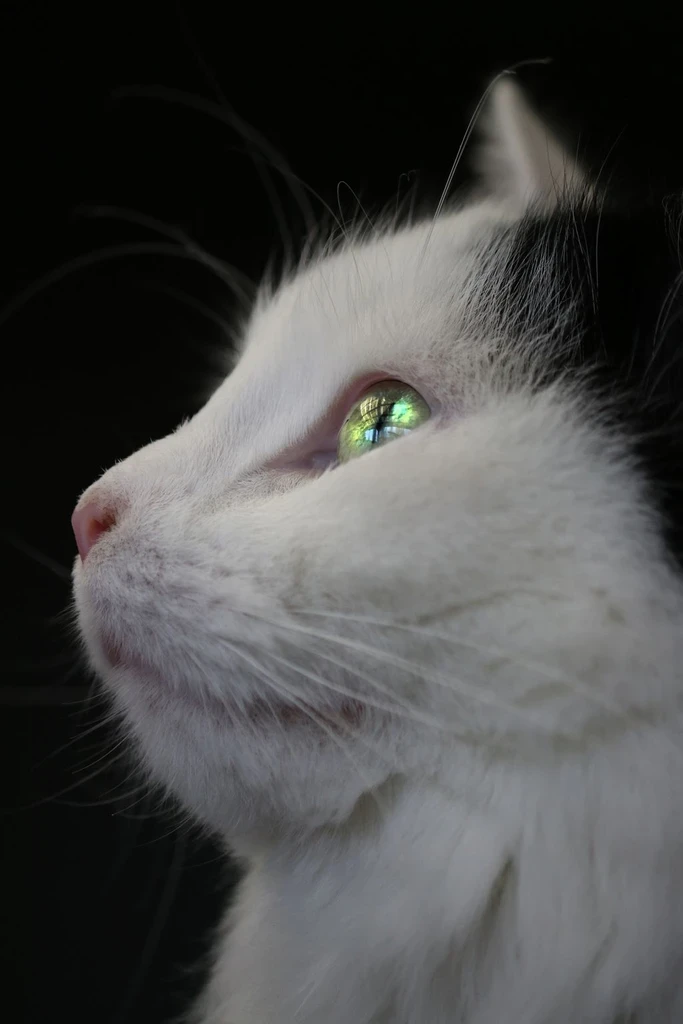
Imagine your pet as a sewn plush with familiar coat patterns.
Explore softer merchandise directions for characters and logos.
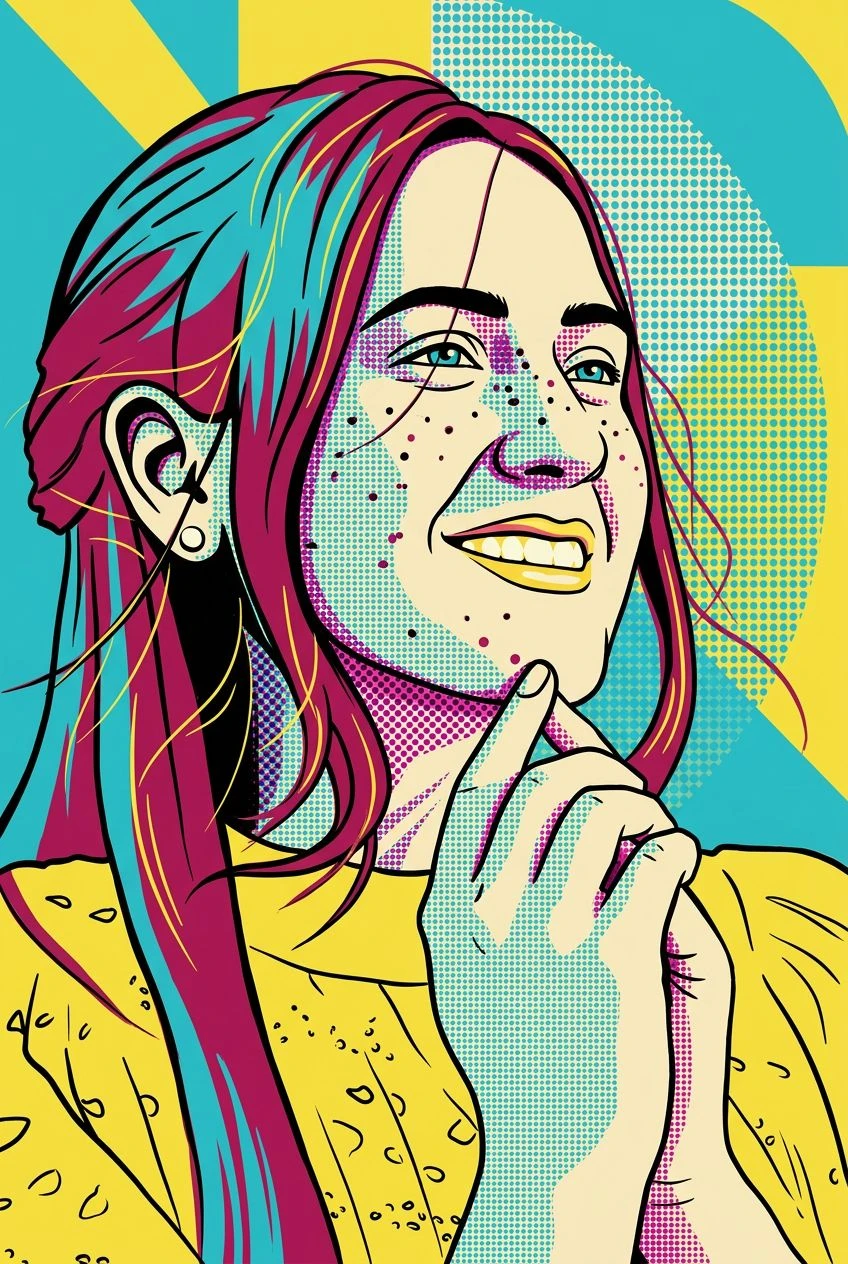
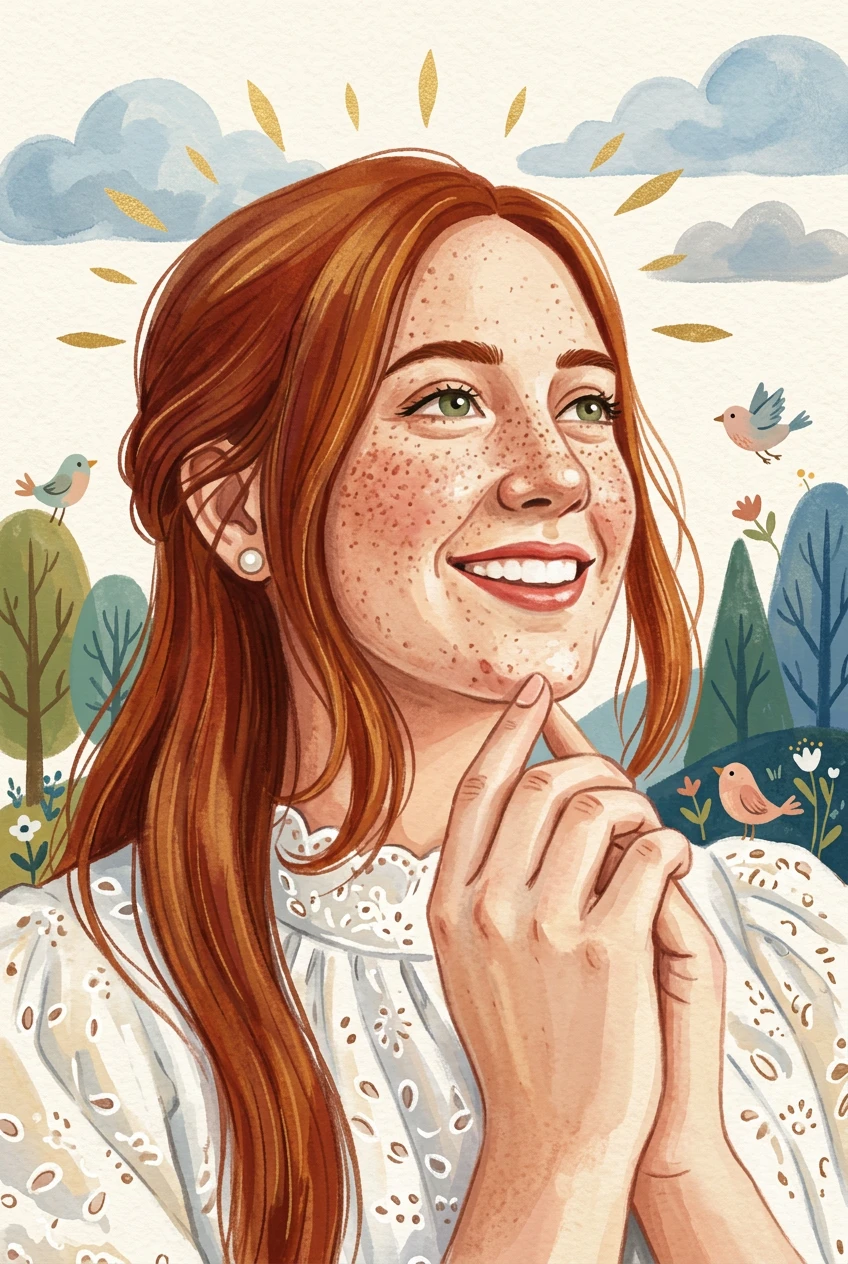
Turn a portrait into a playful stuffed-toy illustration.
Create charming plush-style avatars from everyday photos.
Both styles turn a photo into a dimensional character, but plush emphasizes fabric, stuffing, and visible seams. Collectible Figure leans toward painted resin or boxed-toy presentation.
Handmade figures, glam doll styling, or the full style catalog.
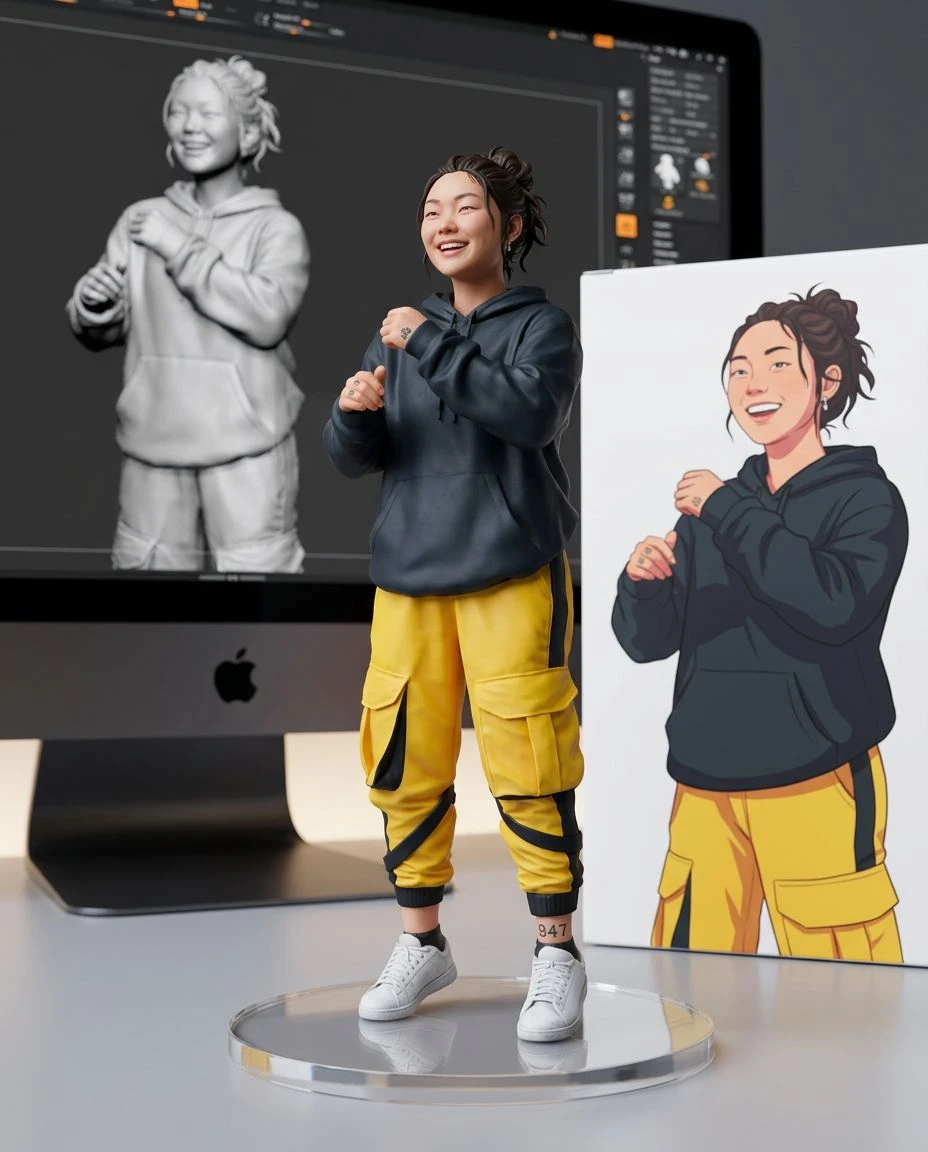
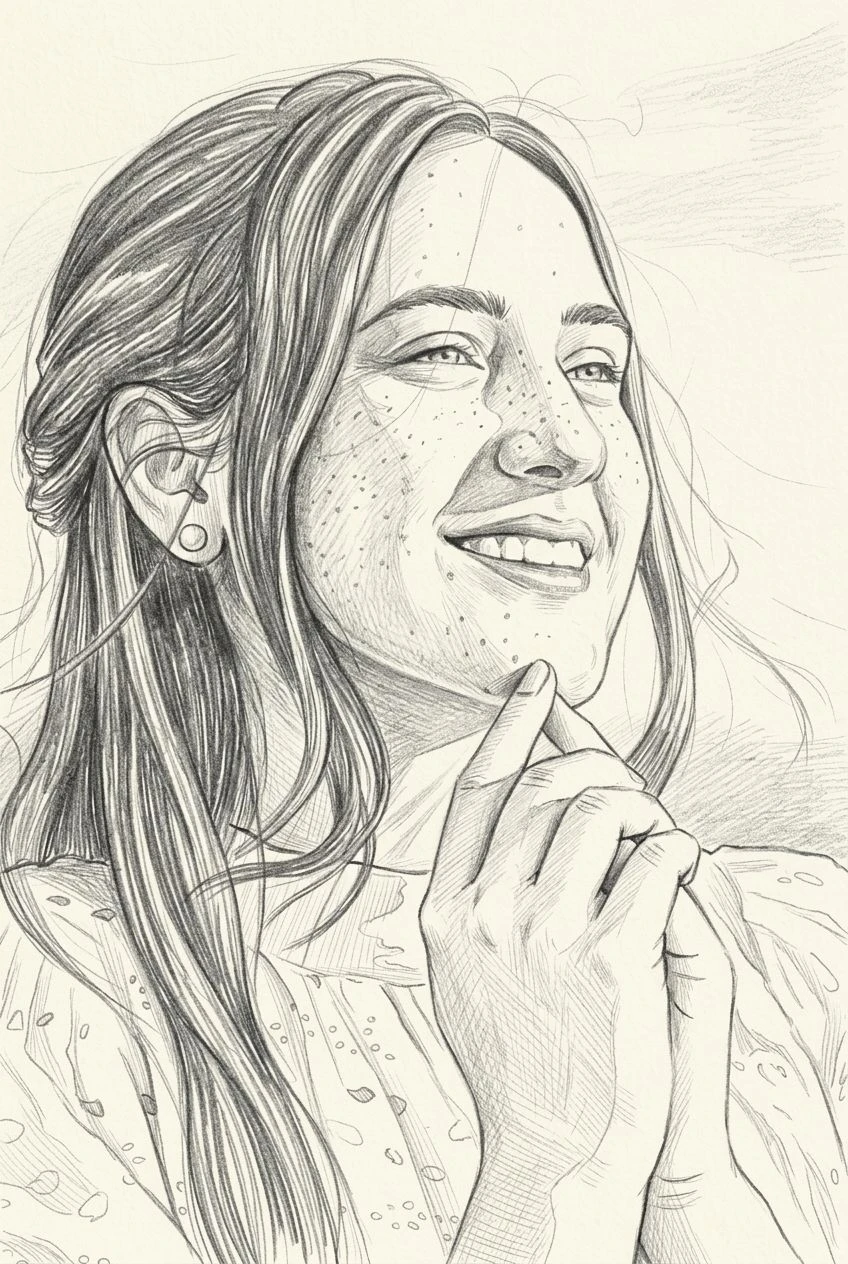
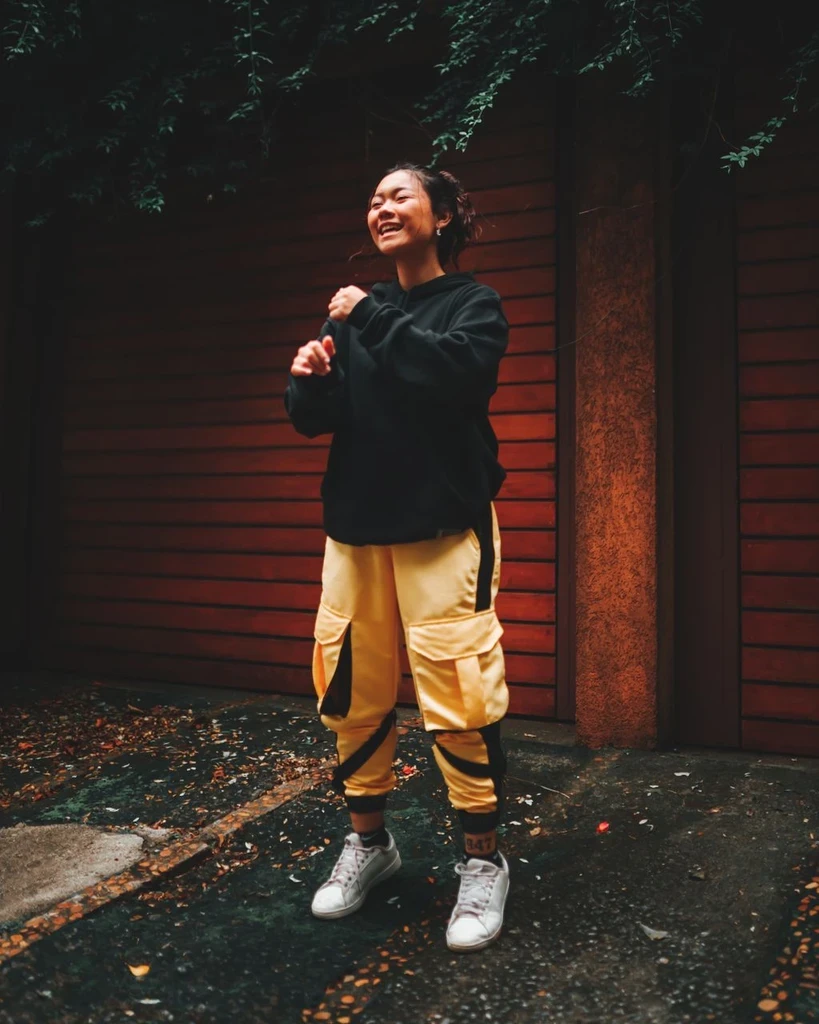
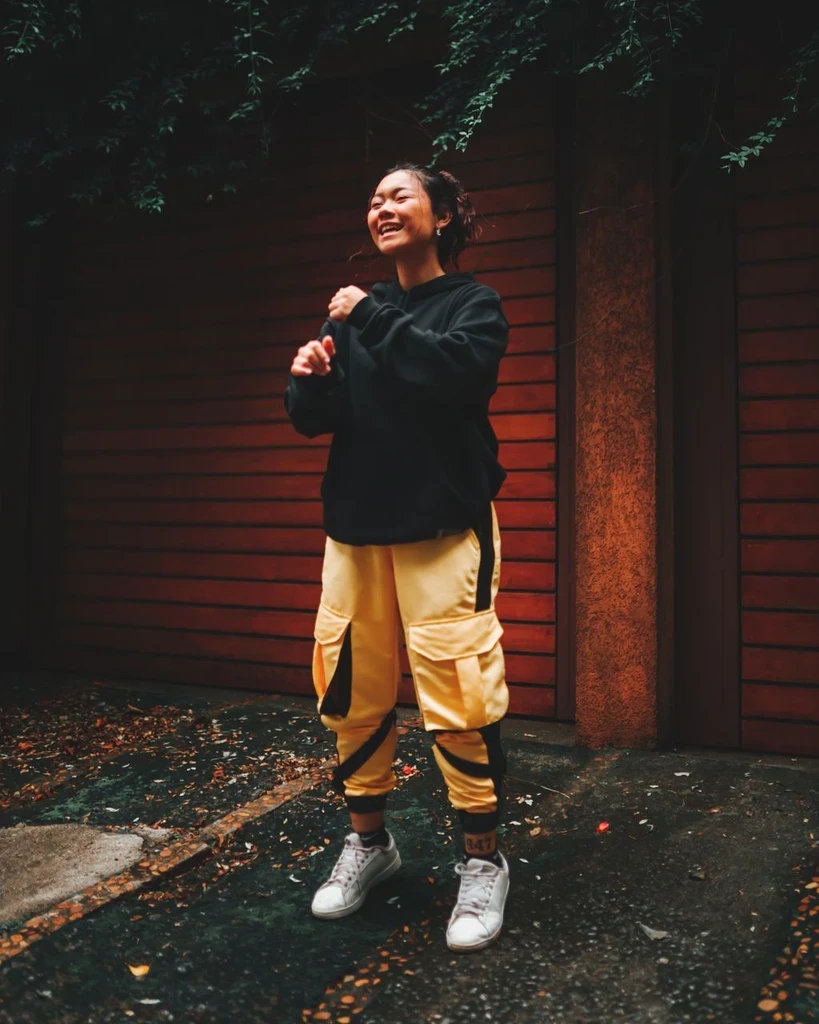 Before
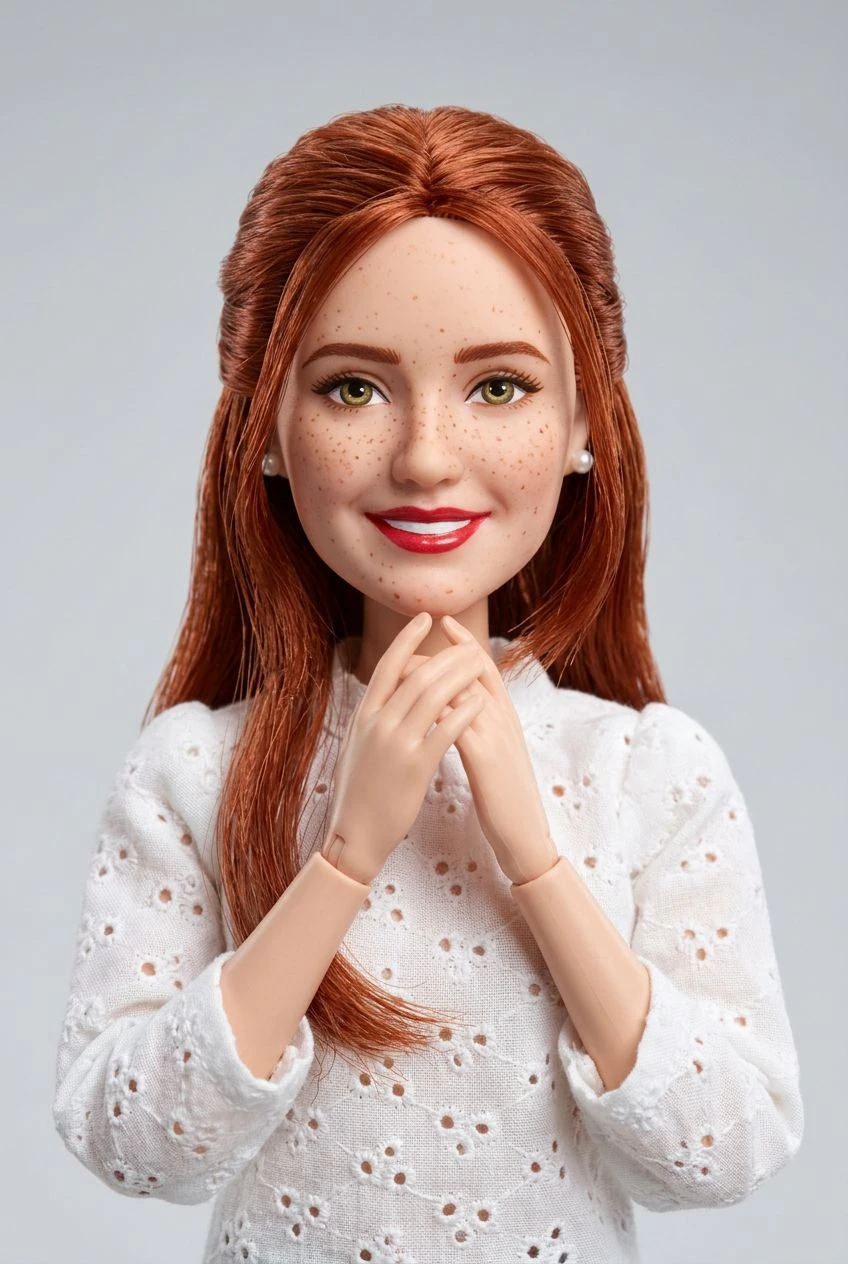
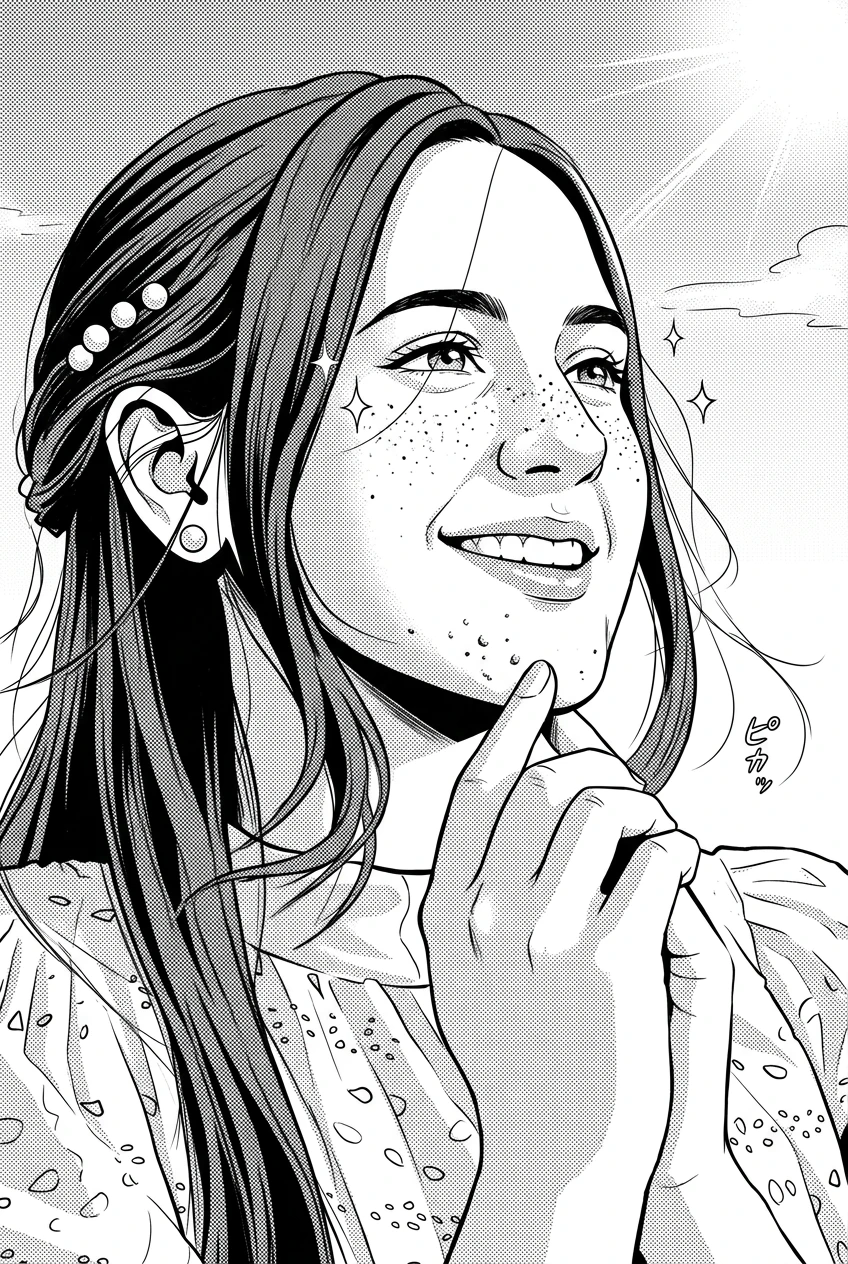
 Before