Vivid Graphic Color
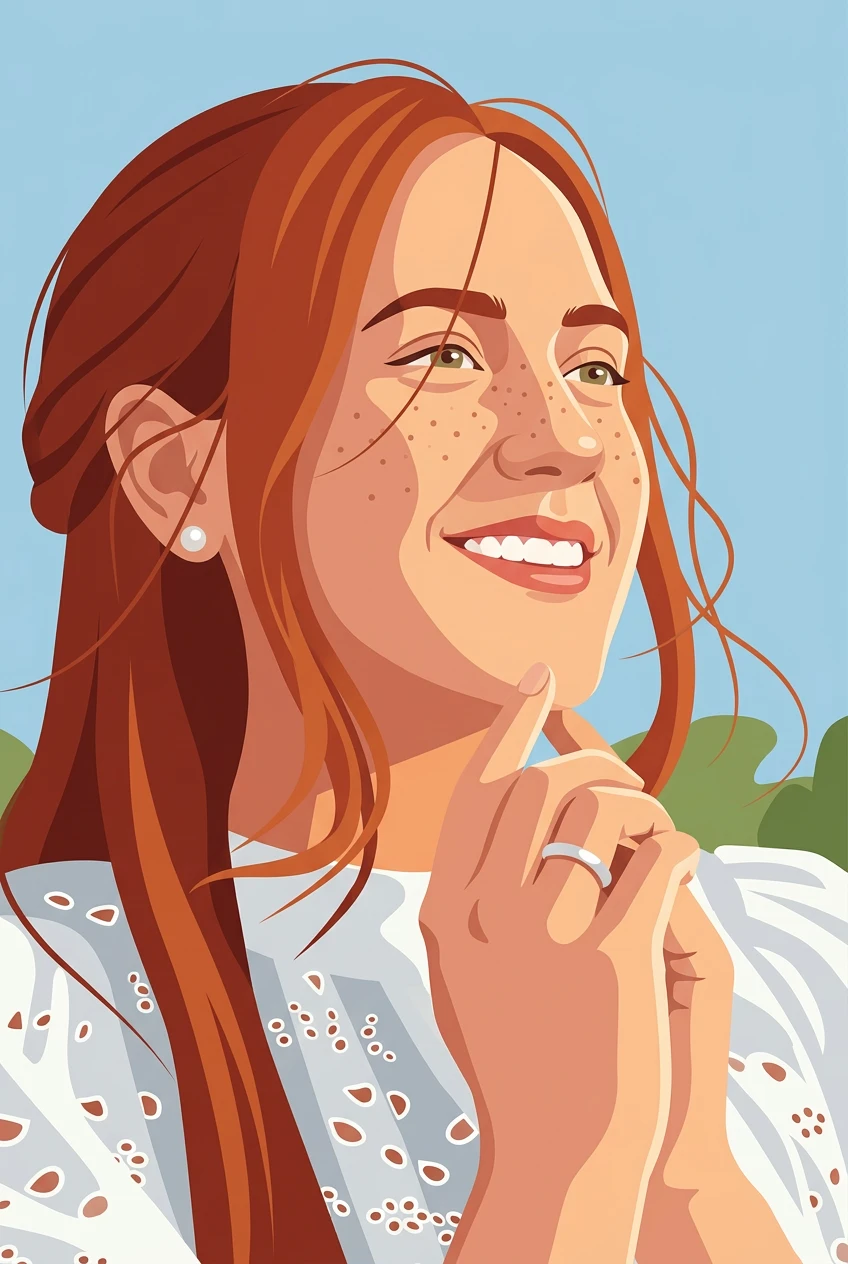
Push your image toward bright contrasts and bold flat color areas.
AI pop art photo converter
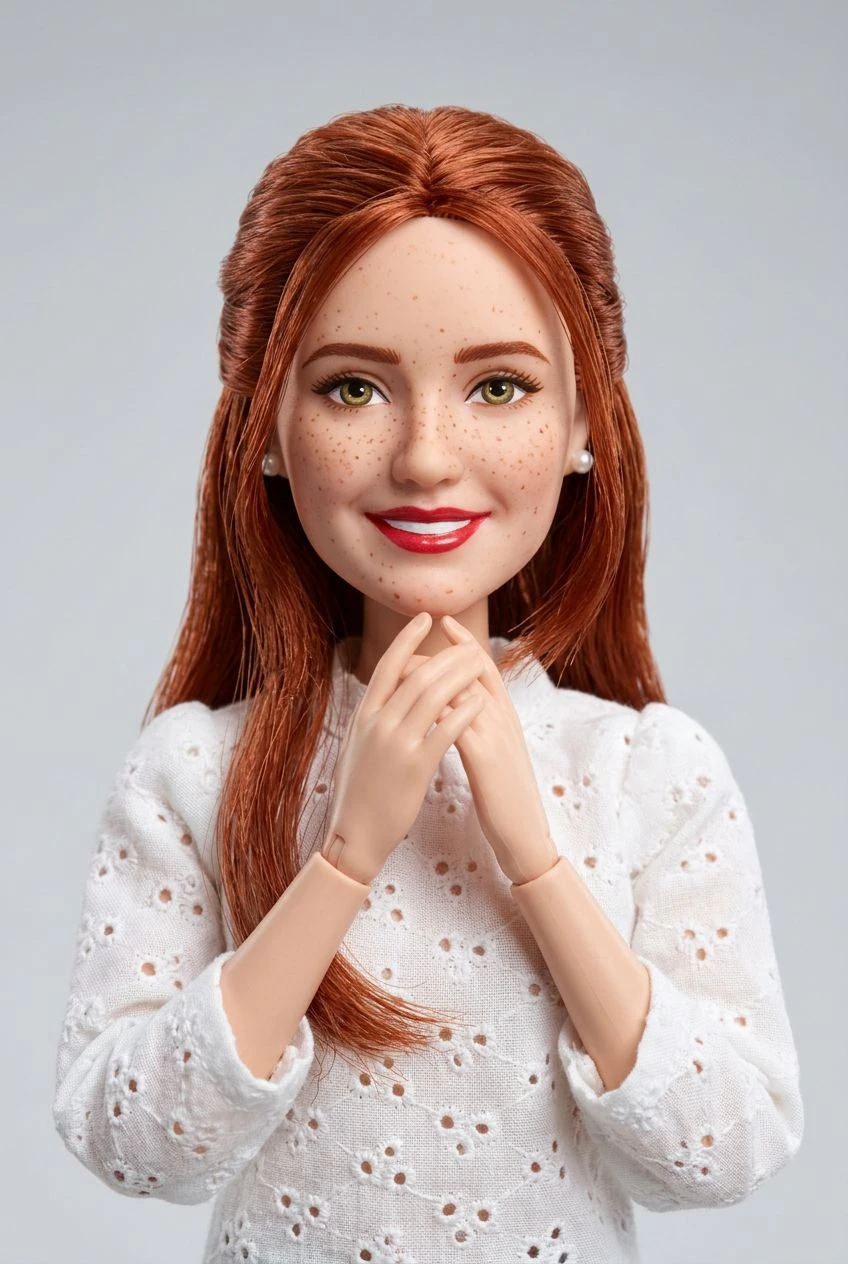
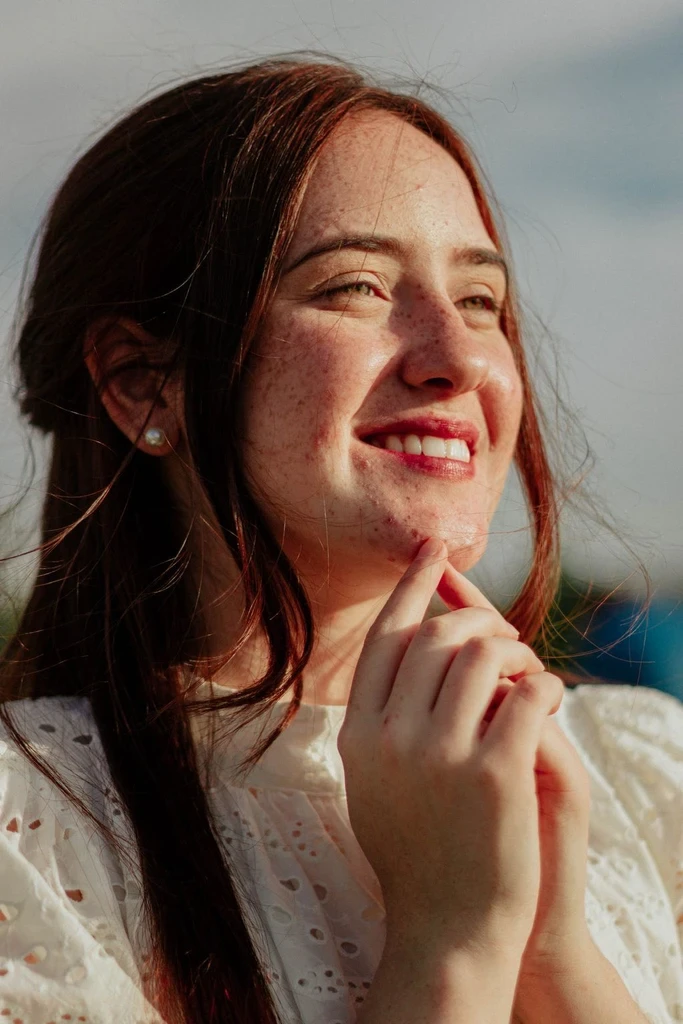
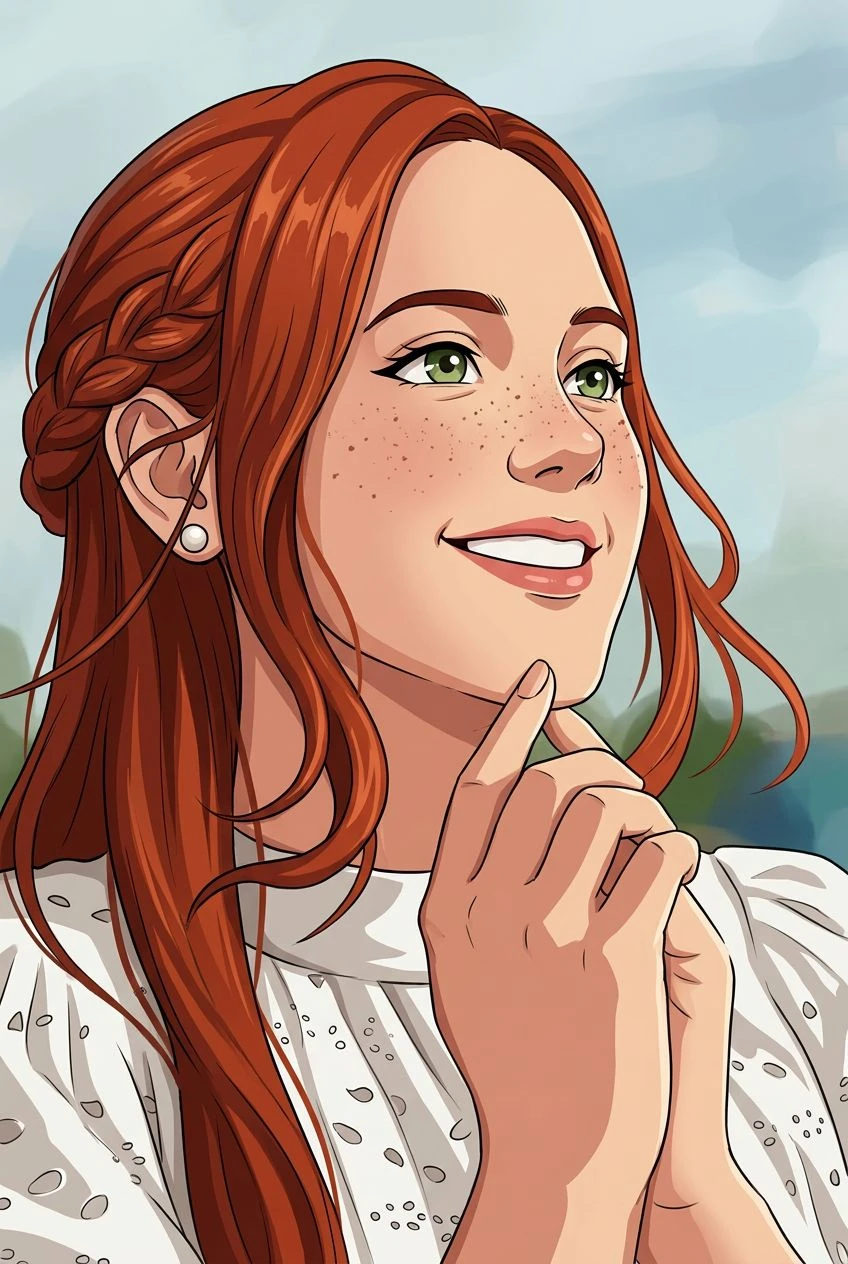
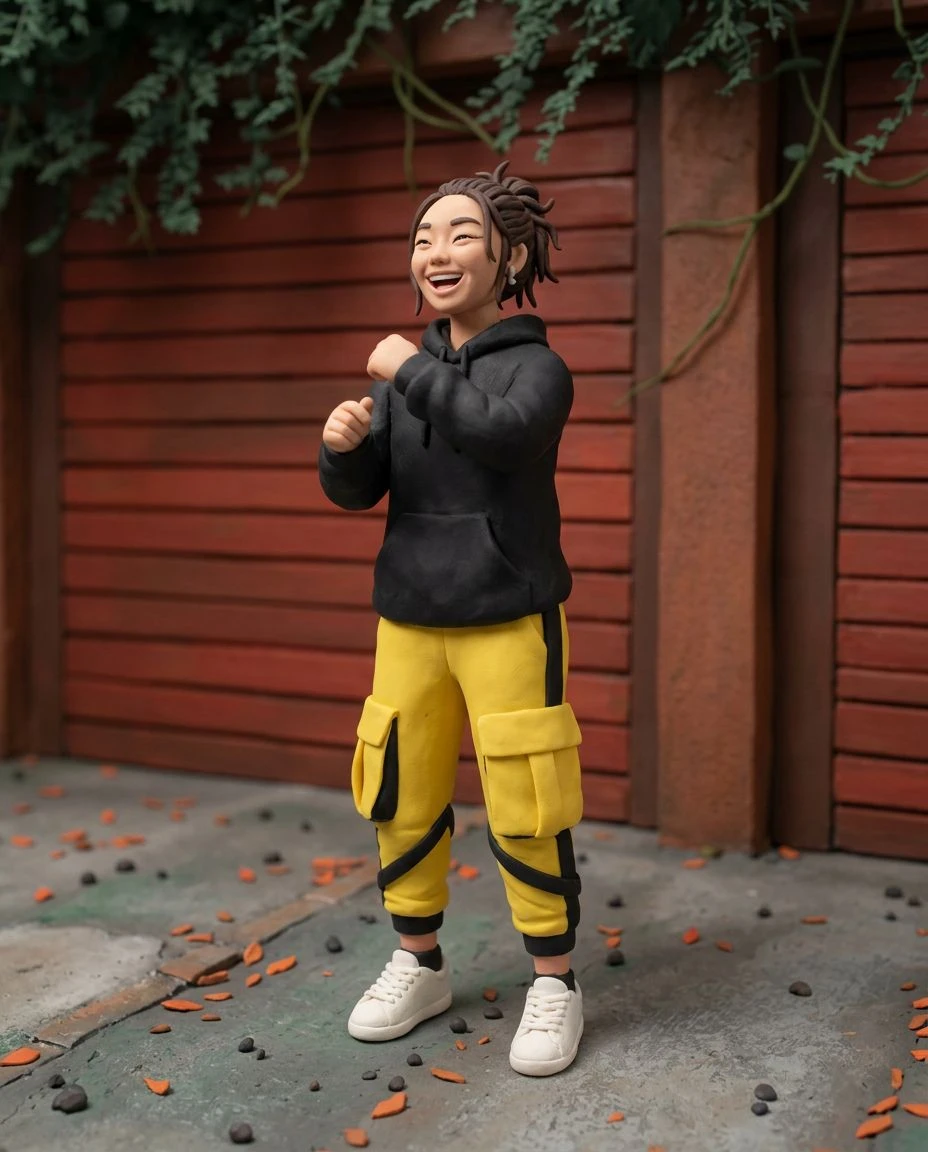
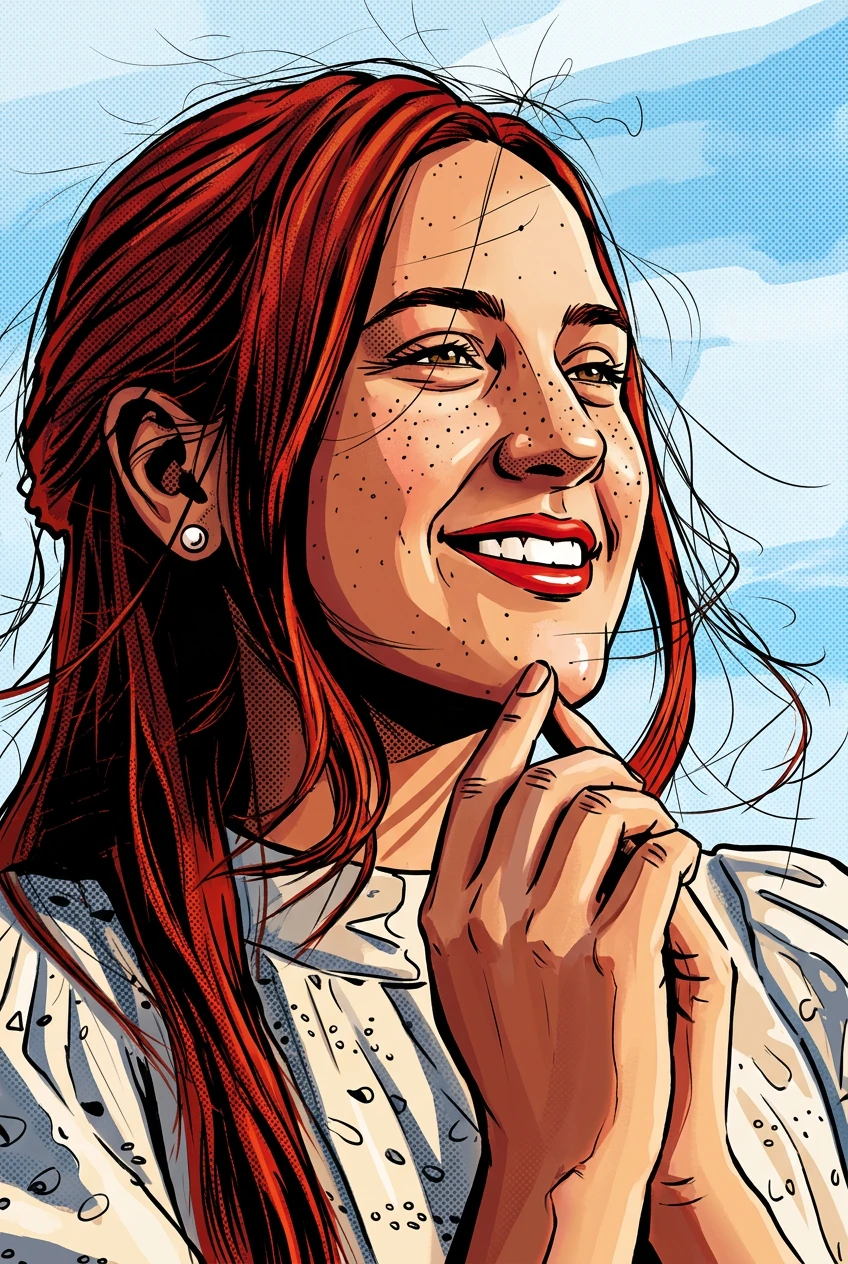
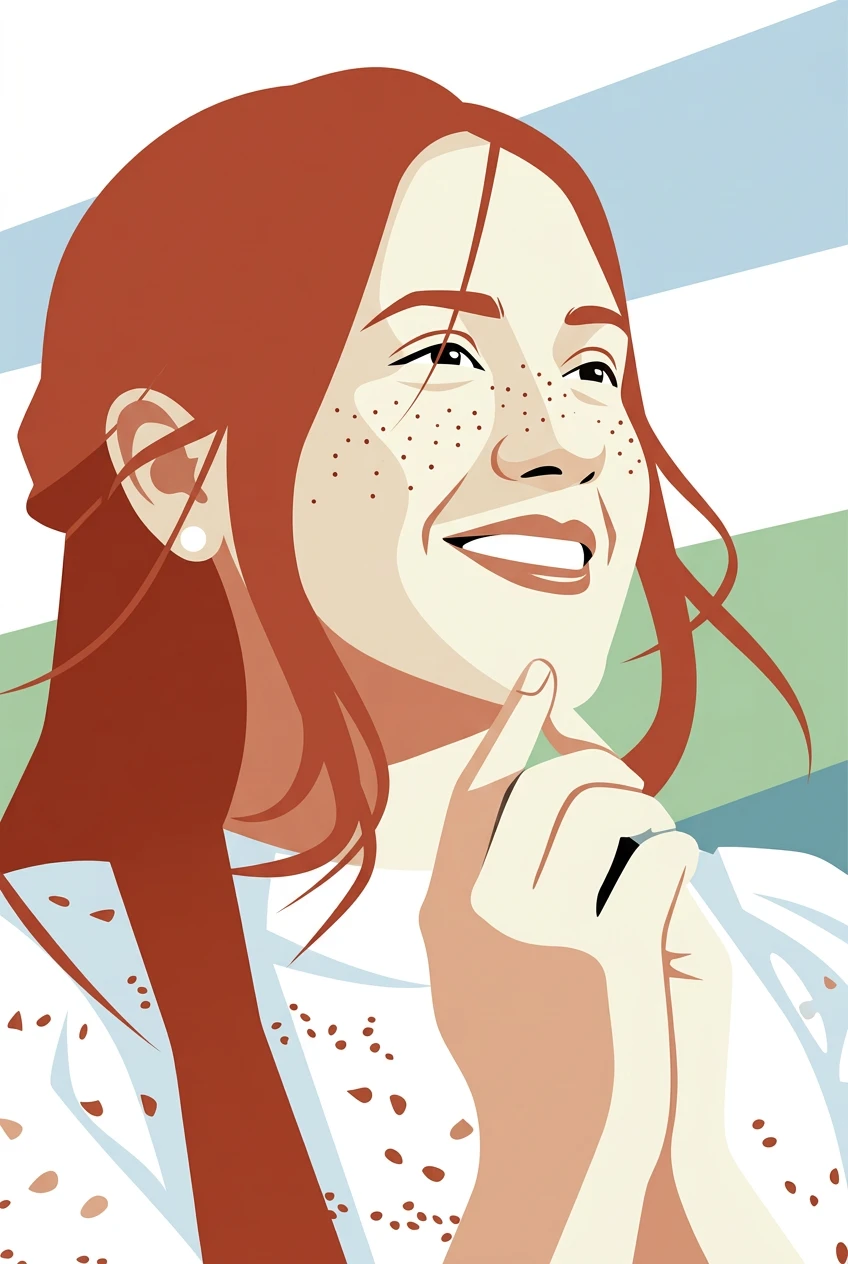
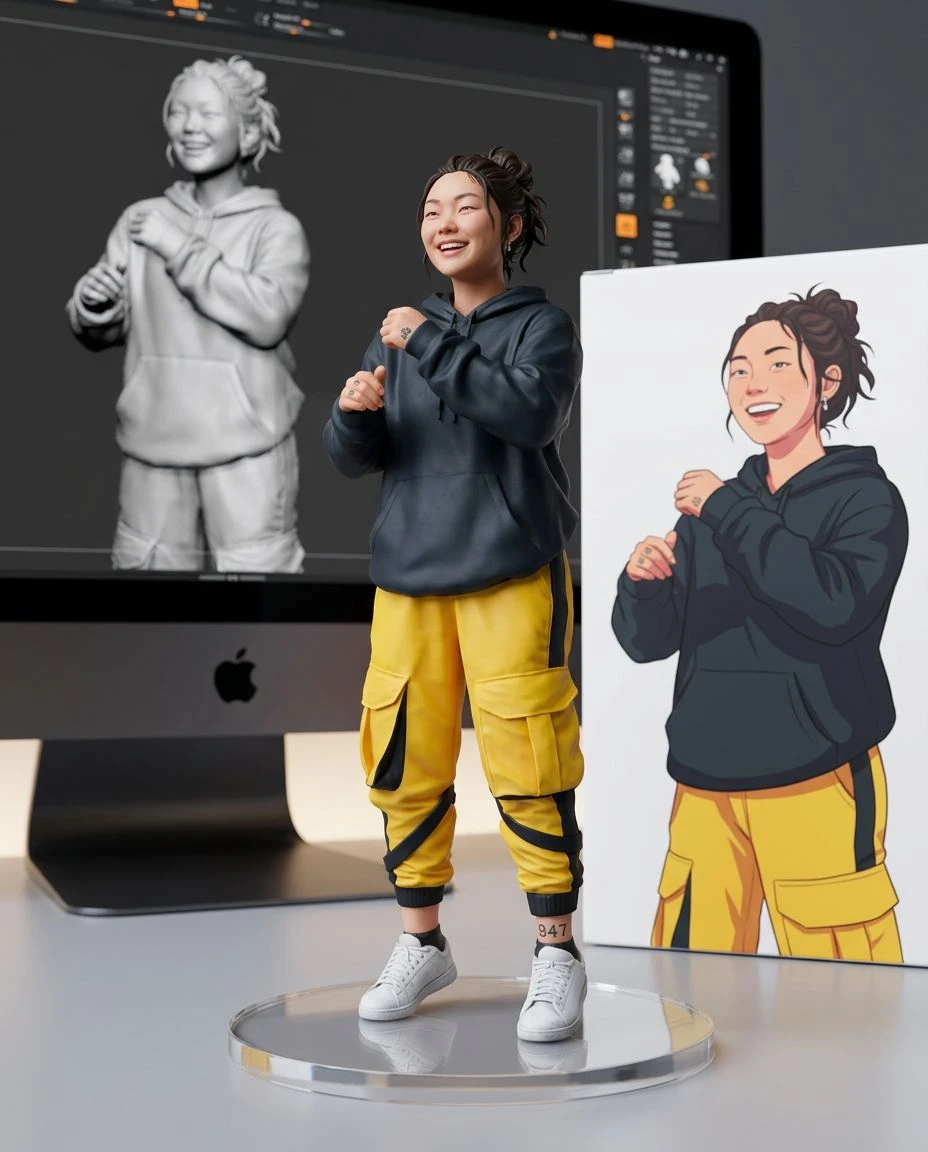
Make your photo impossible to overlook. Reimagine portraits and playful snapshots with vibrant color, punchy outlines, and retro graphic patterns inspired by pop art.
Push your image toward bright contrasts and bold flat color areas.
Explore classic print-inspired dot patterns and graphic shading.
Use recognizable facial and object contours to anchor a high-impact composition.
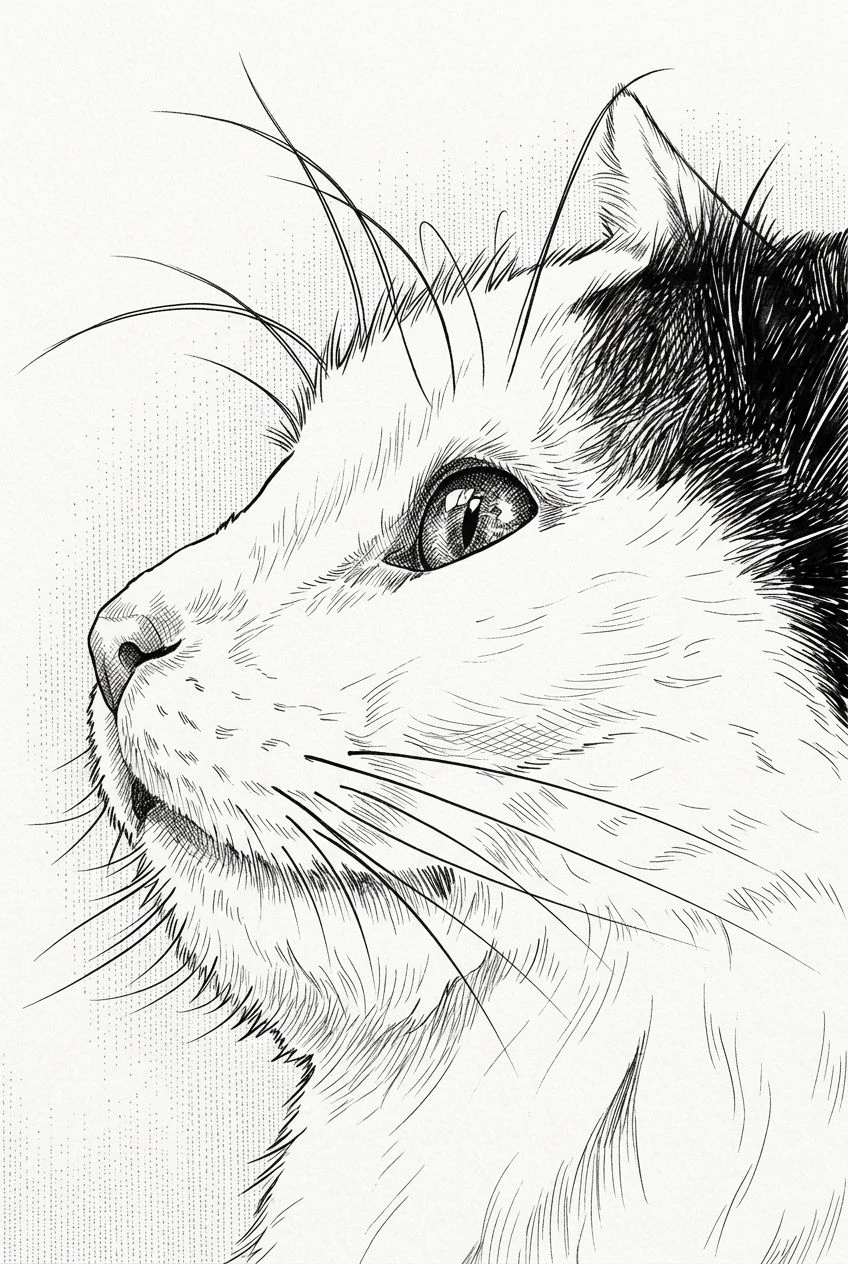
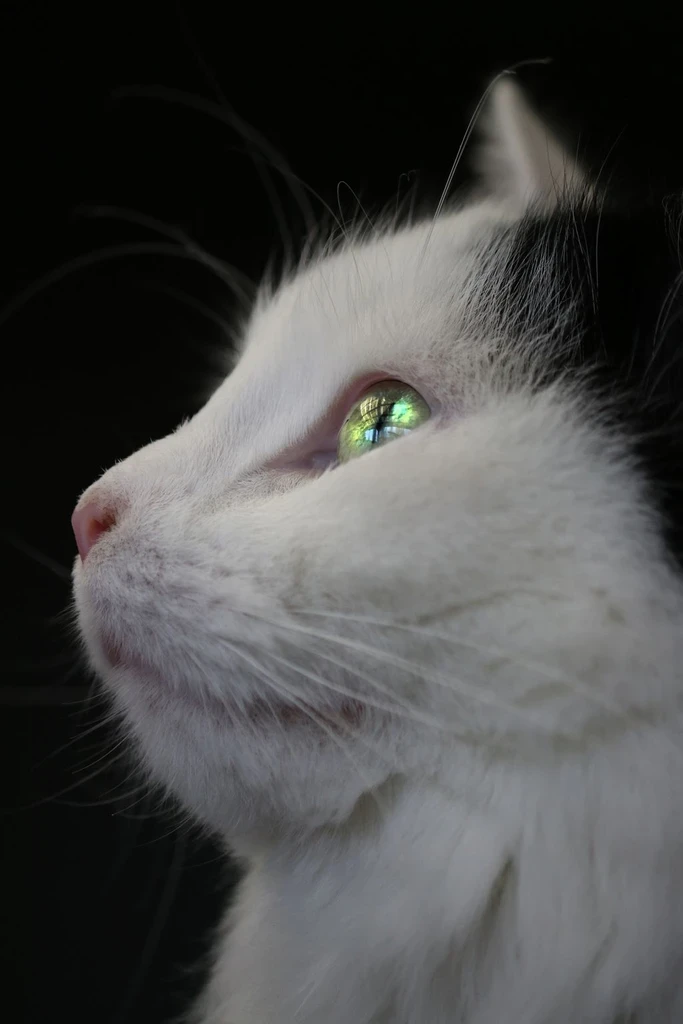
Make statement-making imagery from a favorite portrait or pet photo.
Choose a portrait, pet, or object with a clear silhouette.
Pop Art is already selected. It pushes the photo toward flat color, halftone texture, and thick outlines. Set strength to Subtle, Balanced, or Strong.
Preview the result, compare it with your photo, and download the image.
Turn a familiar face into bold graphic artwork.
Celebrate a pet with exaggerated color and strong lines.
Create eye-catching imagery for personal invitations or moodboards.
Explore vivid graphic treatments you might later print. Print size depends on the downloaded resolution.
Both may use thick outlines and halftones. Pop Art places more emphasis on color blocking and print-like graphic repetition. Comic Art aims for a narrative illustration look.
Narrative comic ink, flat shapes, or a quieter poster.
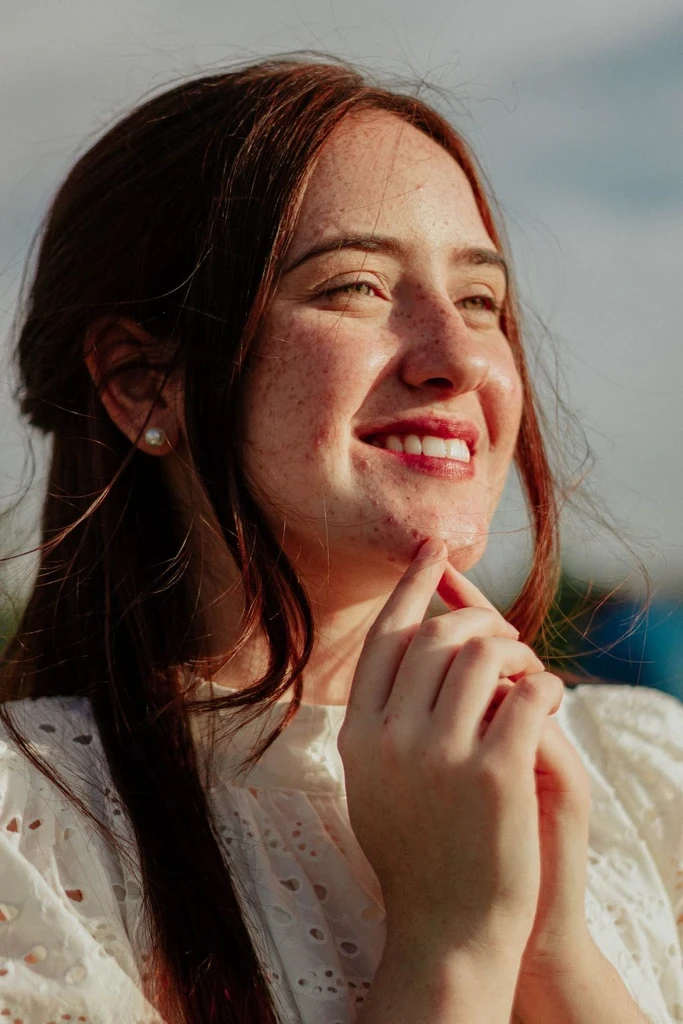
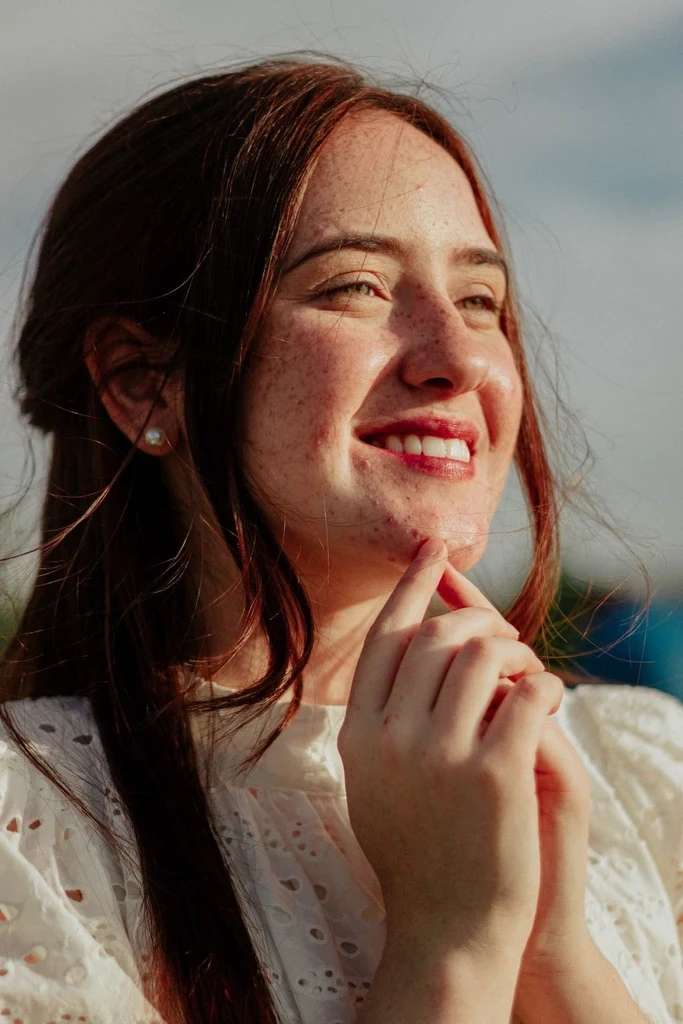
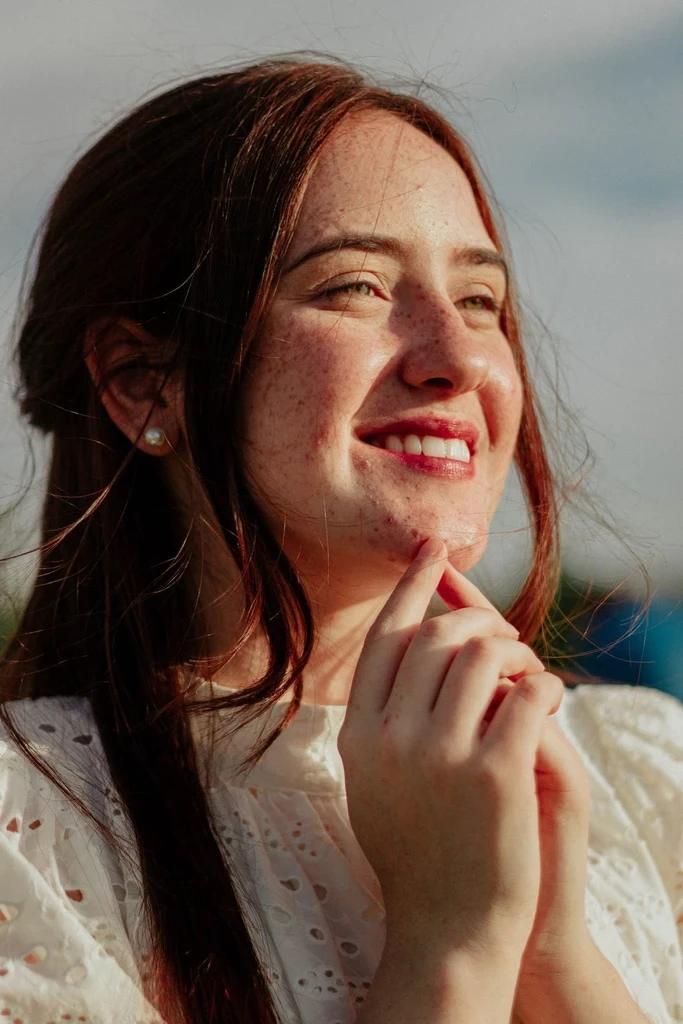
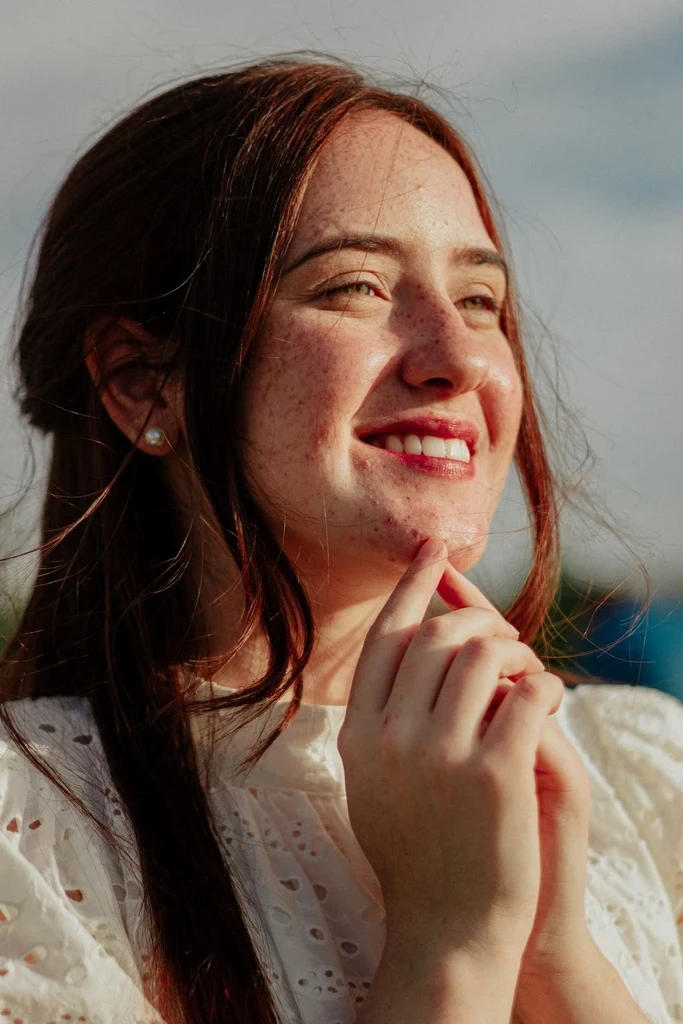
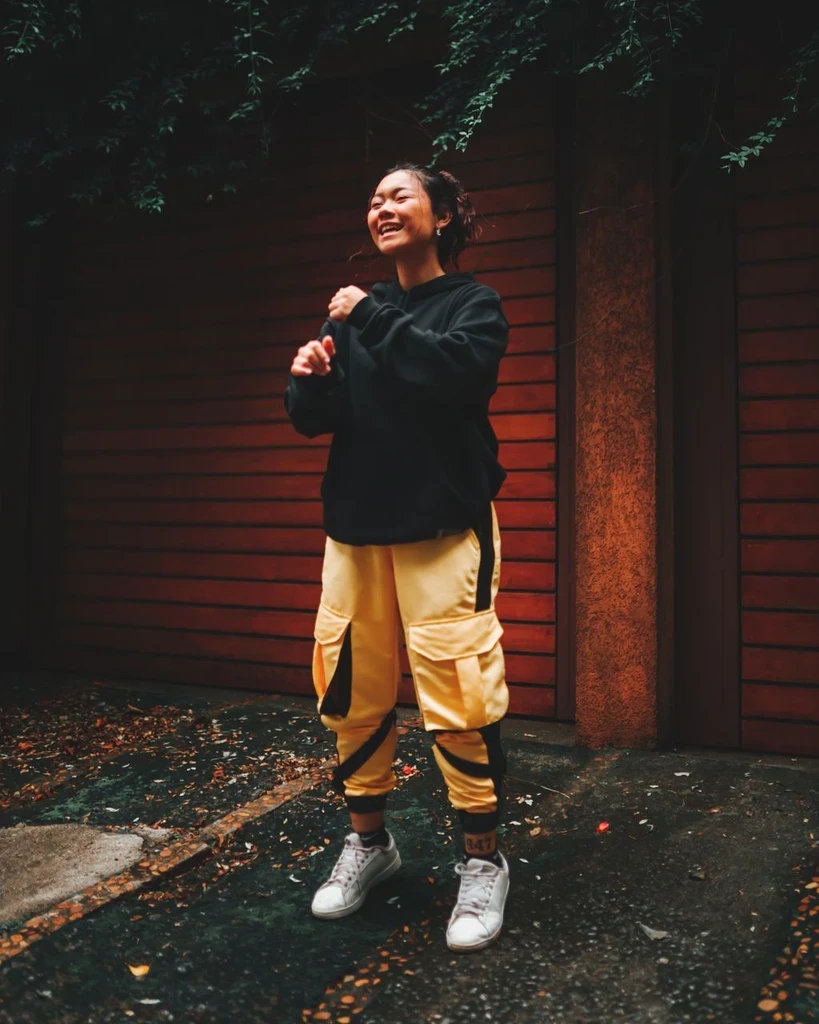 Before
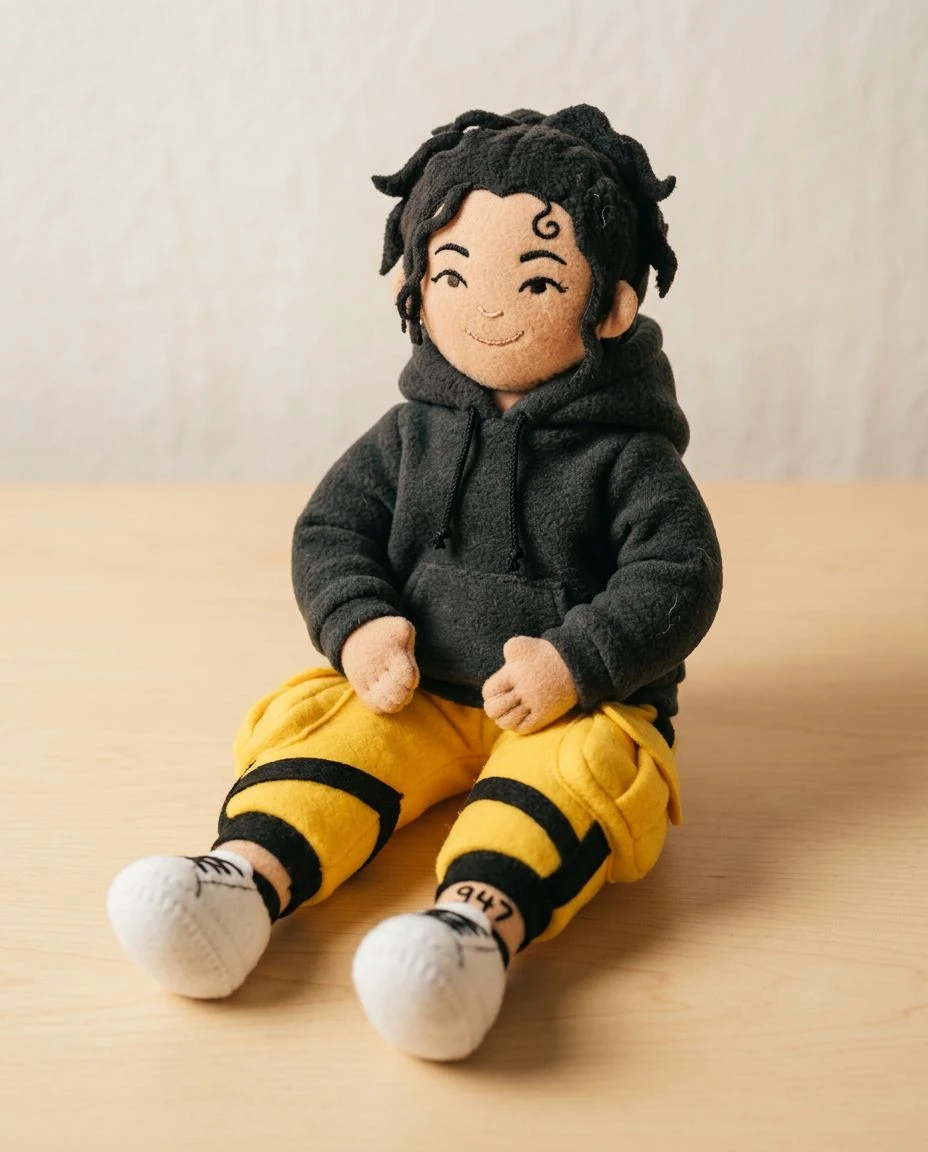
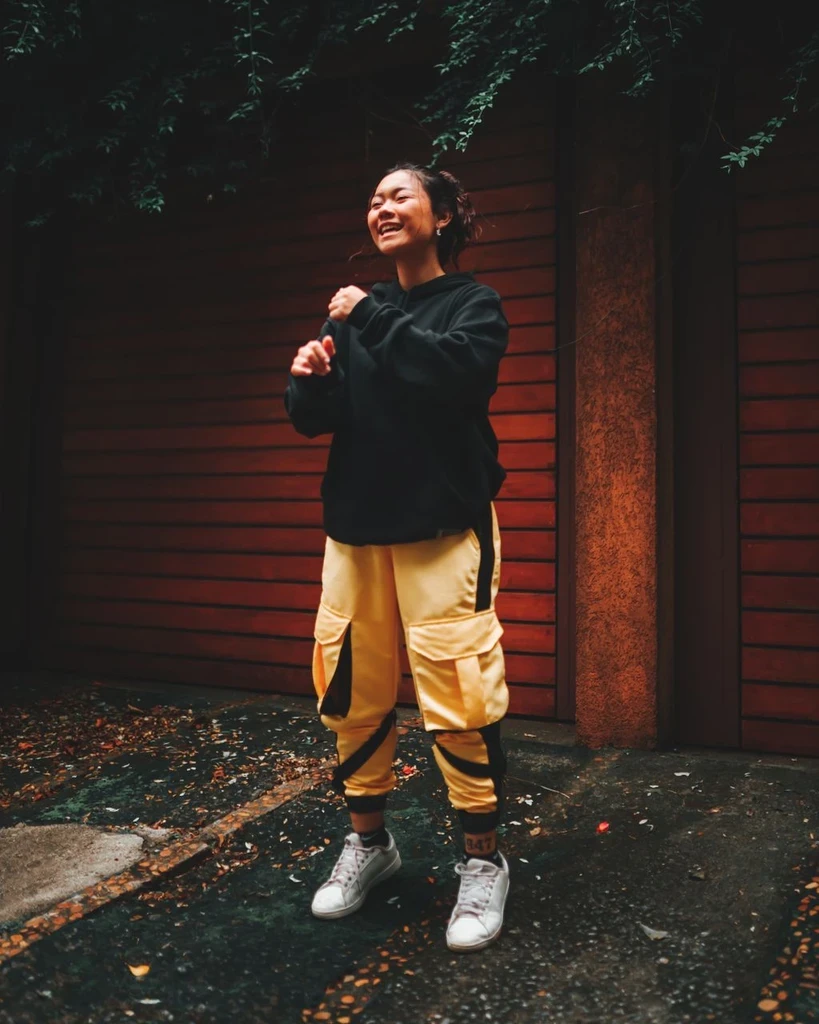
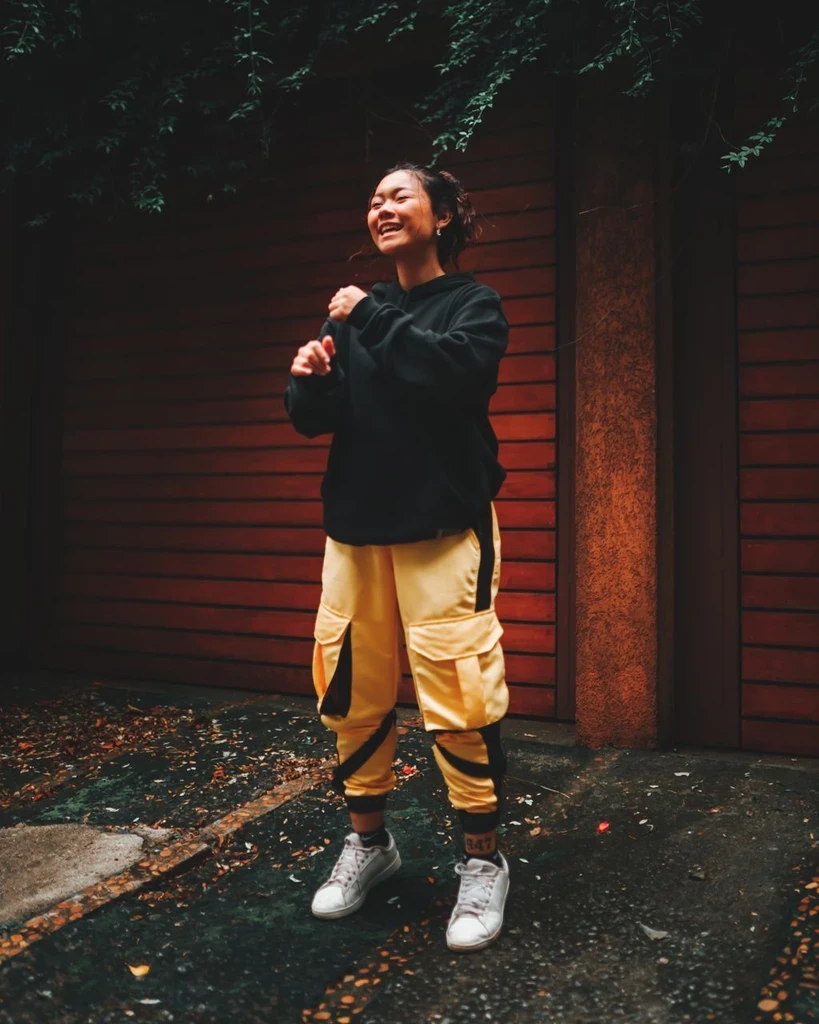 Before
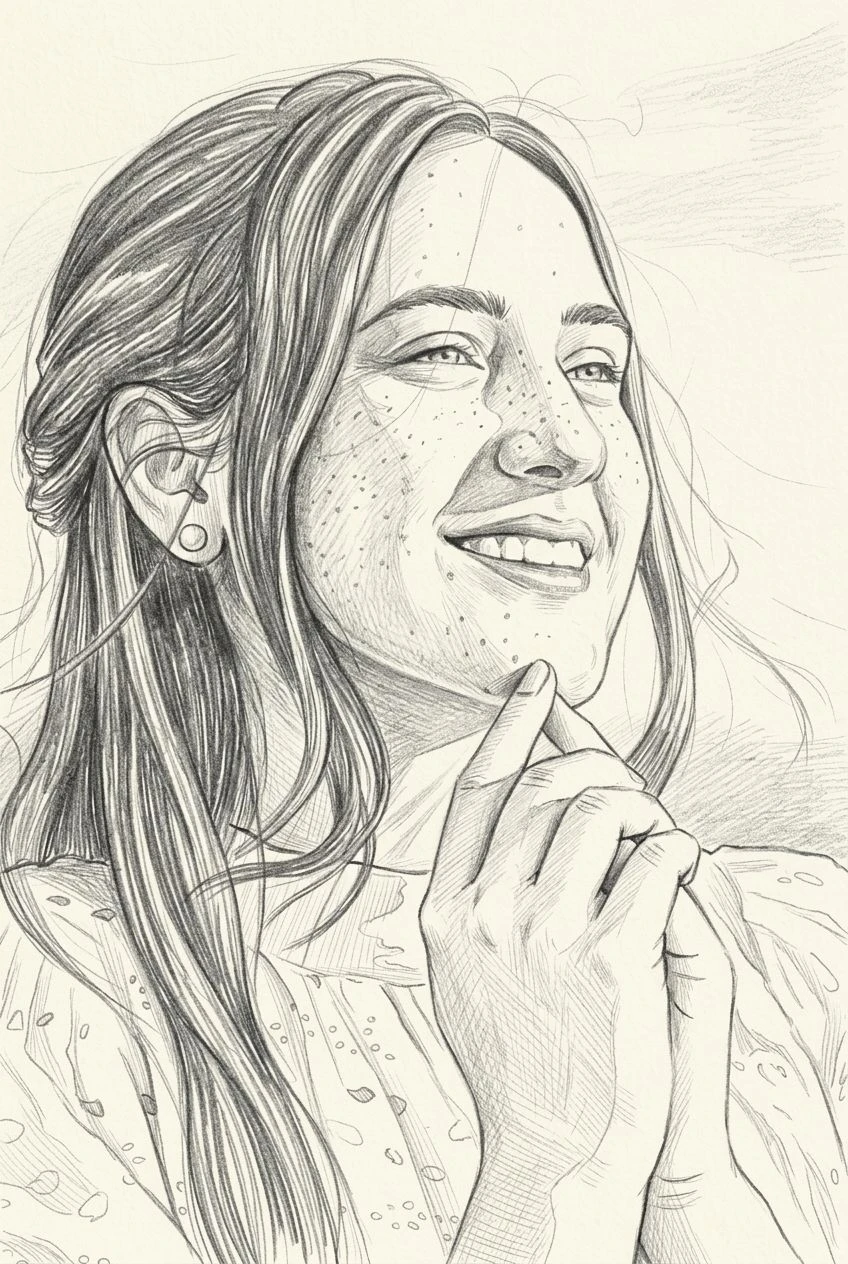
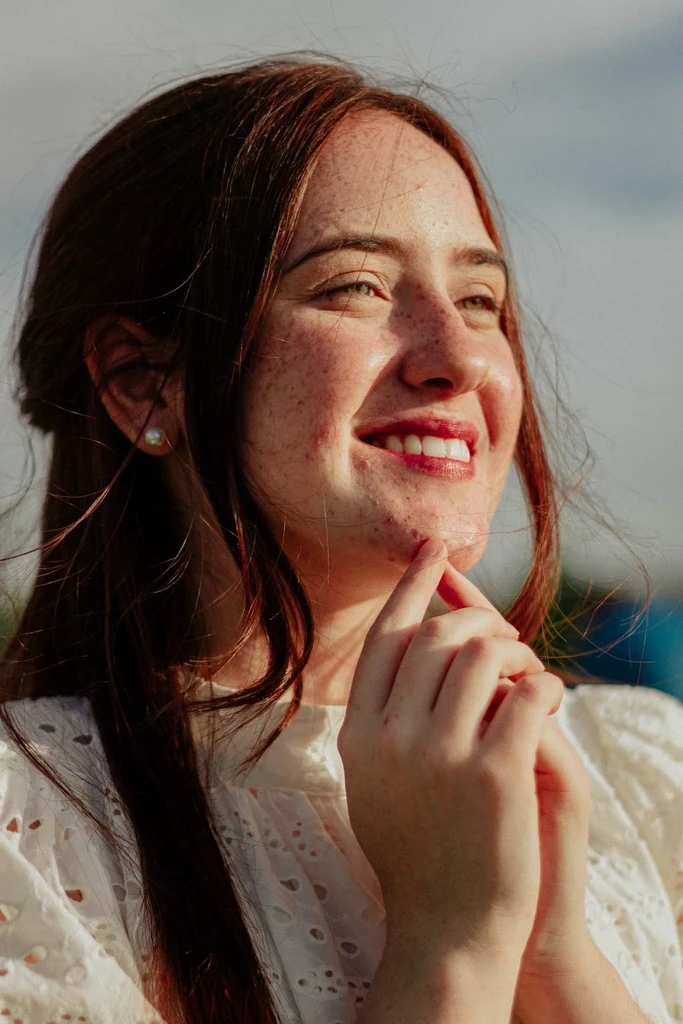
Upload a portrait or pet photo and push it into vivid color and halftone texture.