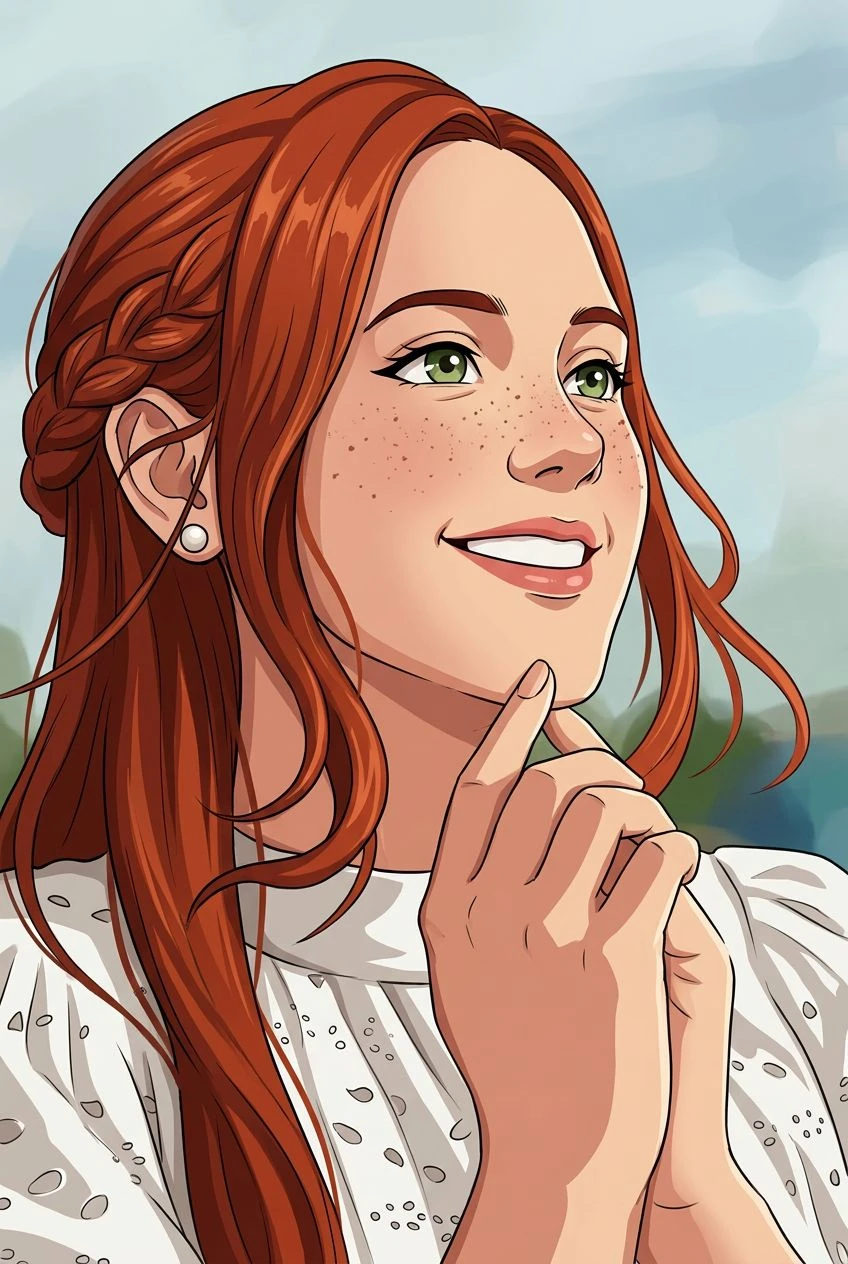
Layered Paper Depth
Recreate the sense of overlapping paper sheets and small cast shadows.
AI paper cut effect
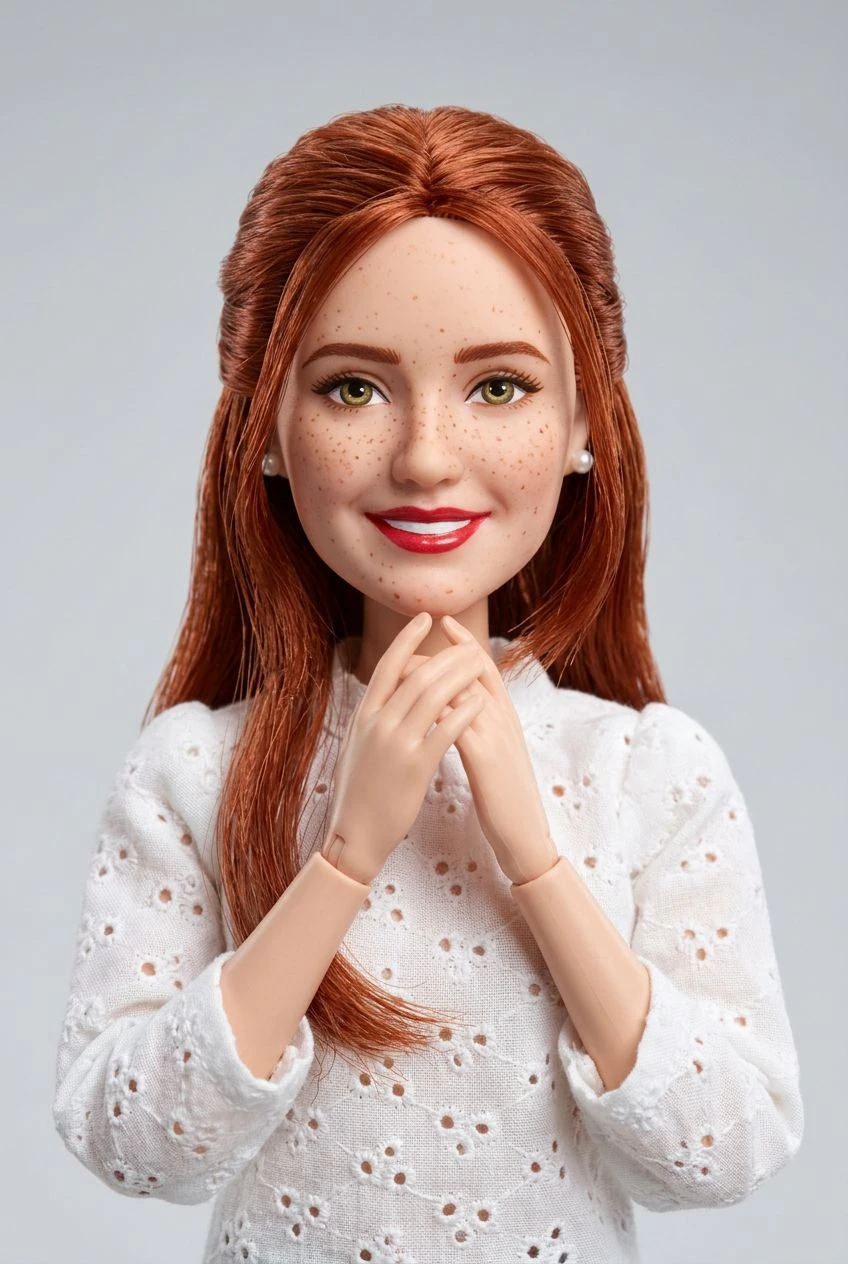
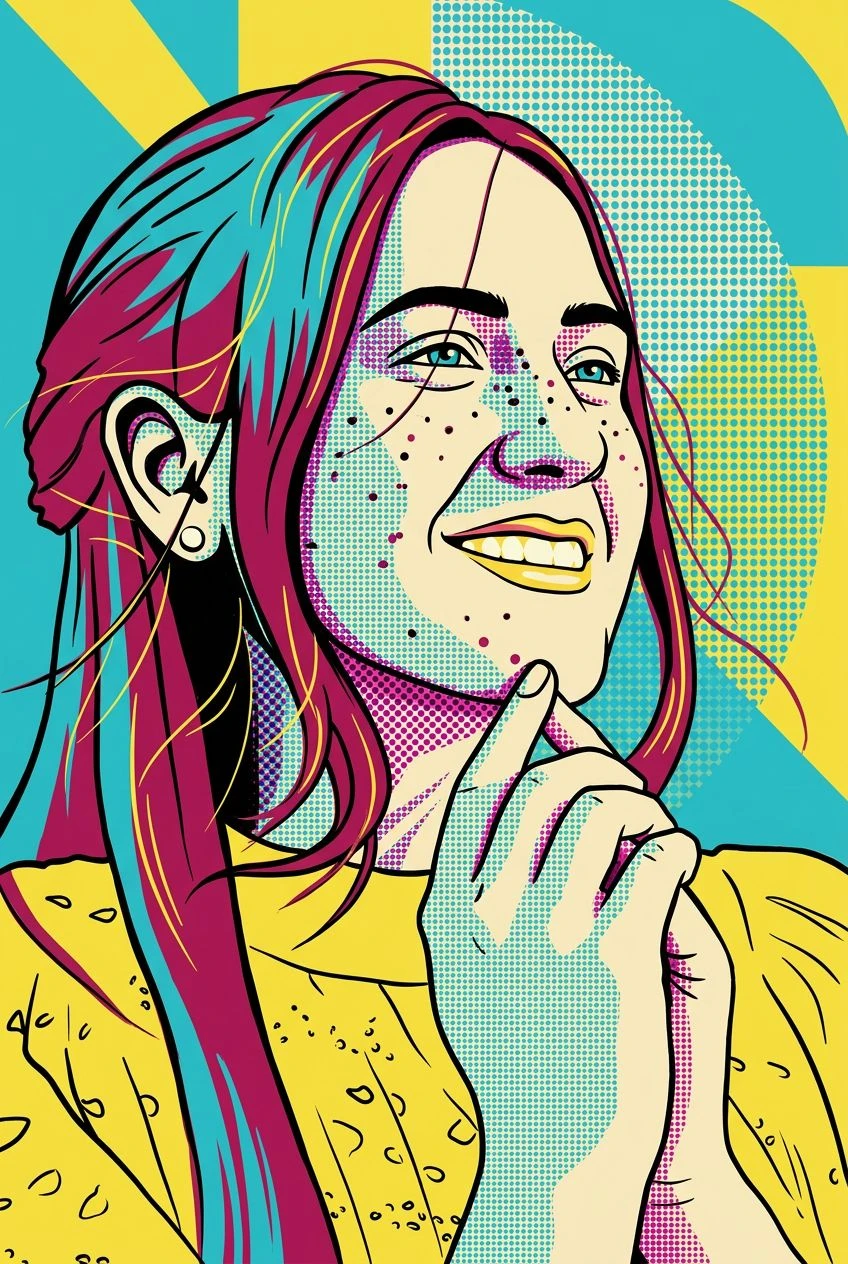
Give your photo the look of a handcrafted paper sculpture. Transform people, pets, and scenes into colorful stacked paper layers with clean cut edges and gentle depth.
Recreate the sense of overlapping paper sheets and small cast shadows.
Turn detailed scenes into clean cutout forms with tactile surfaces.
Explore bold or gentle paper palettes suited to playful artwork.
Let the original subject and composition guide the layered papercraft arrangement.
Choose a pet, portrait, or simple scene with a clear silhouette.
Paper Cut is already selected. It restyles the photo as layered colored paper in an image, not a cutting template. Set strength to Subtle, Balanced, or Strong.
Preview the paper-cut look, compare it with your photo, and download the image.
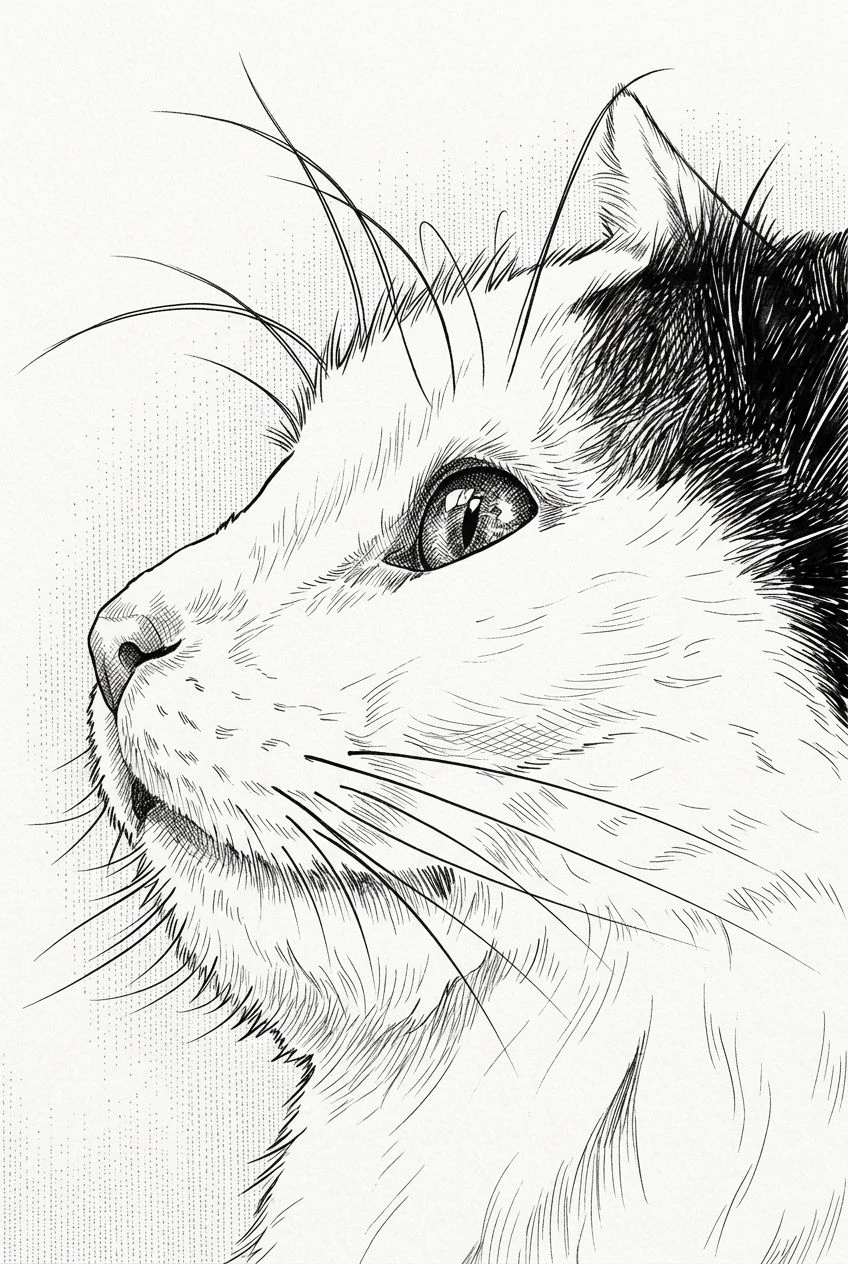
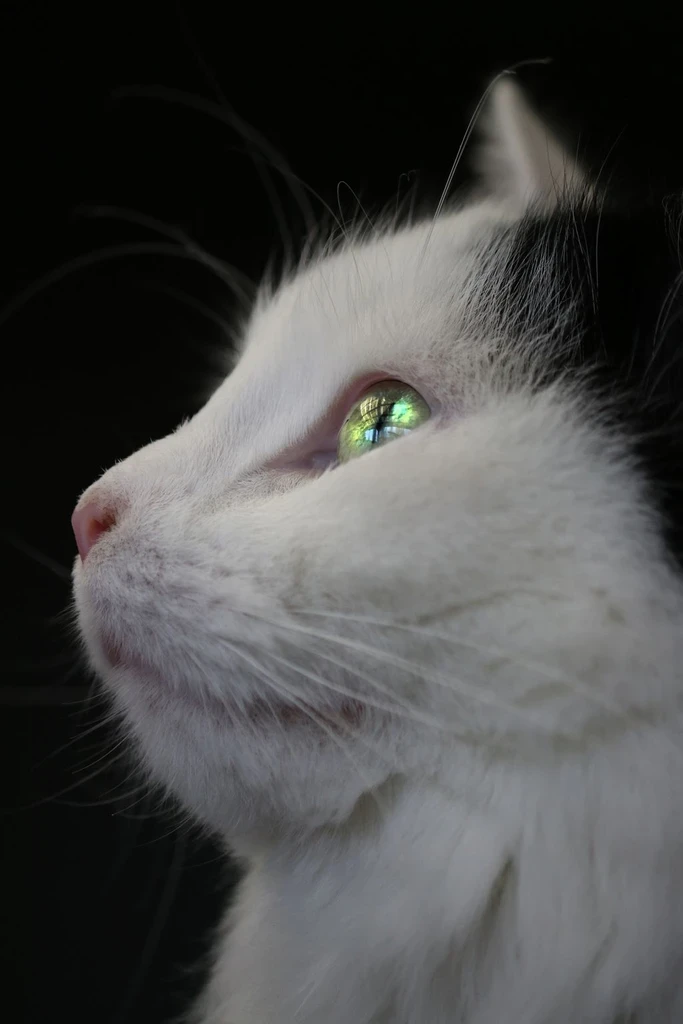
Make a familiar companion look like layered paper artwork.
Give landscapes and simple scenes a festive handcrafted feel.
Explore paper-cut-style pictures for personal events. This is an image, not a cut file.
Turn a source photo into a dimensional illustrative composition.
The effect uses the visual cues of stacked paper: separated color planes, crisp cut edges, and soft shadows between layers. It is a rendered image, not a physical cutting template.
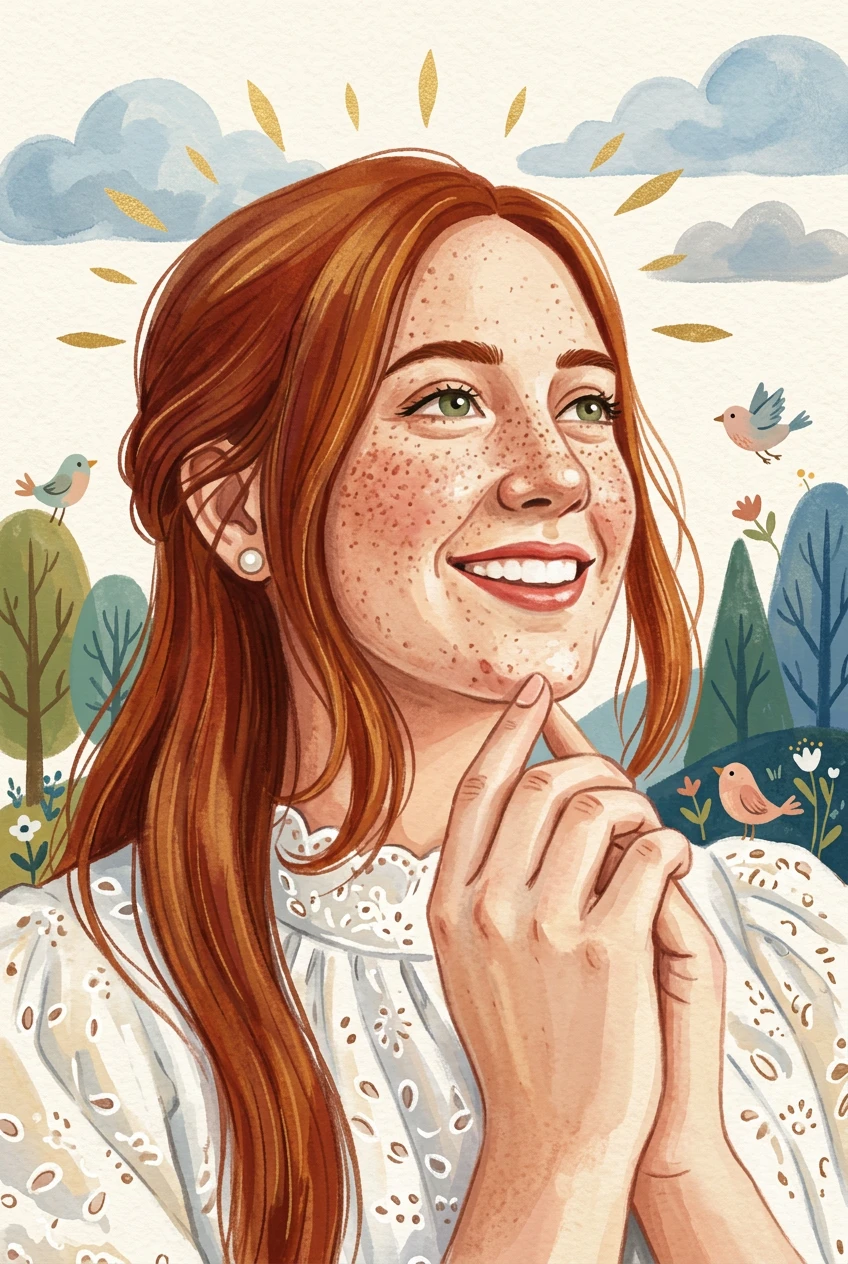
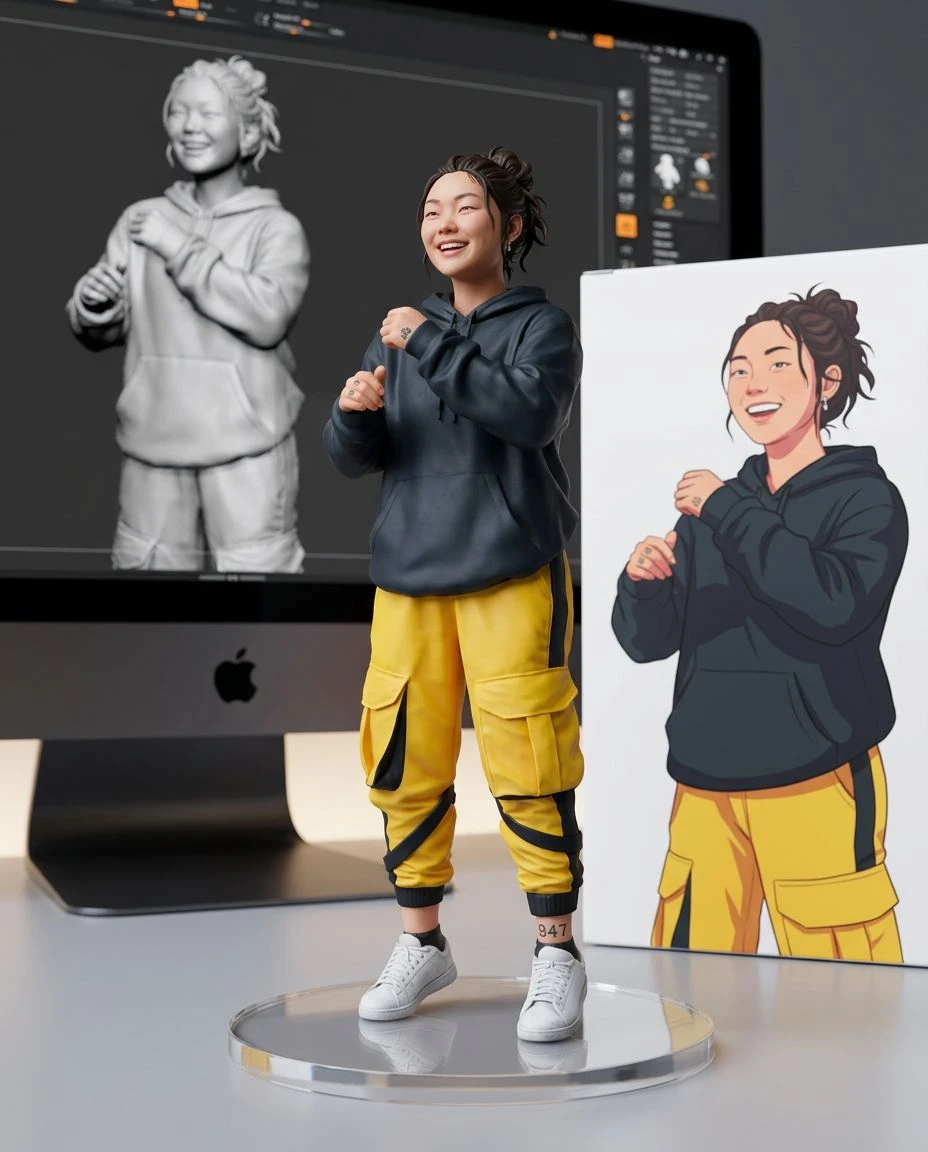
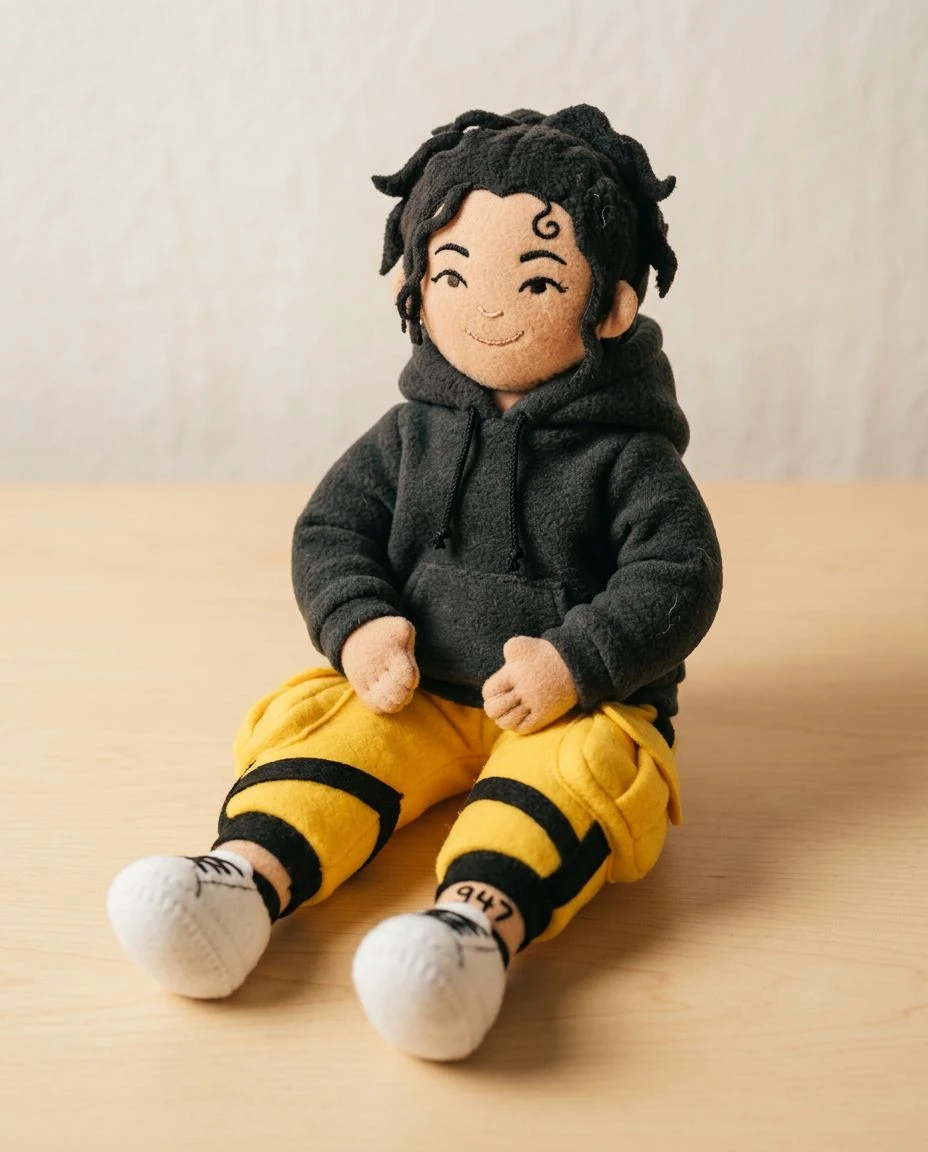
Flat digital shapes, clay, or a storybook painting.
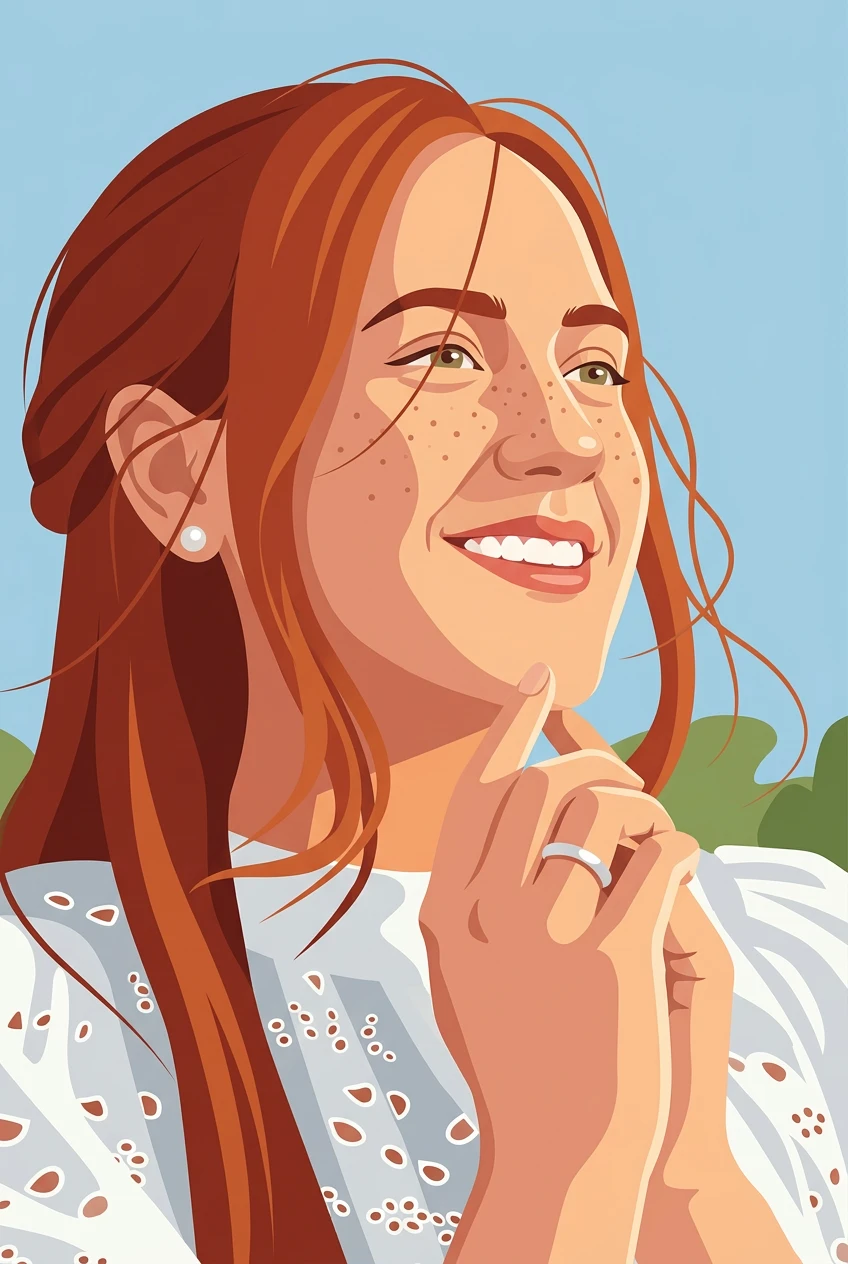

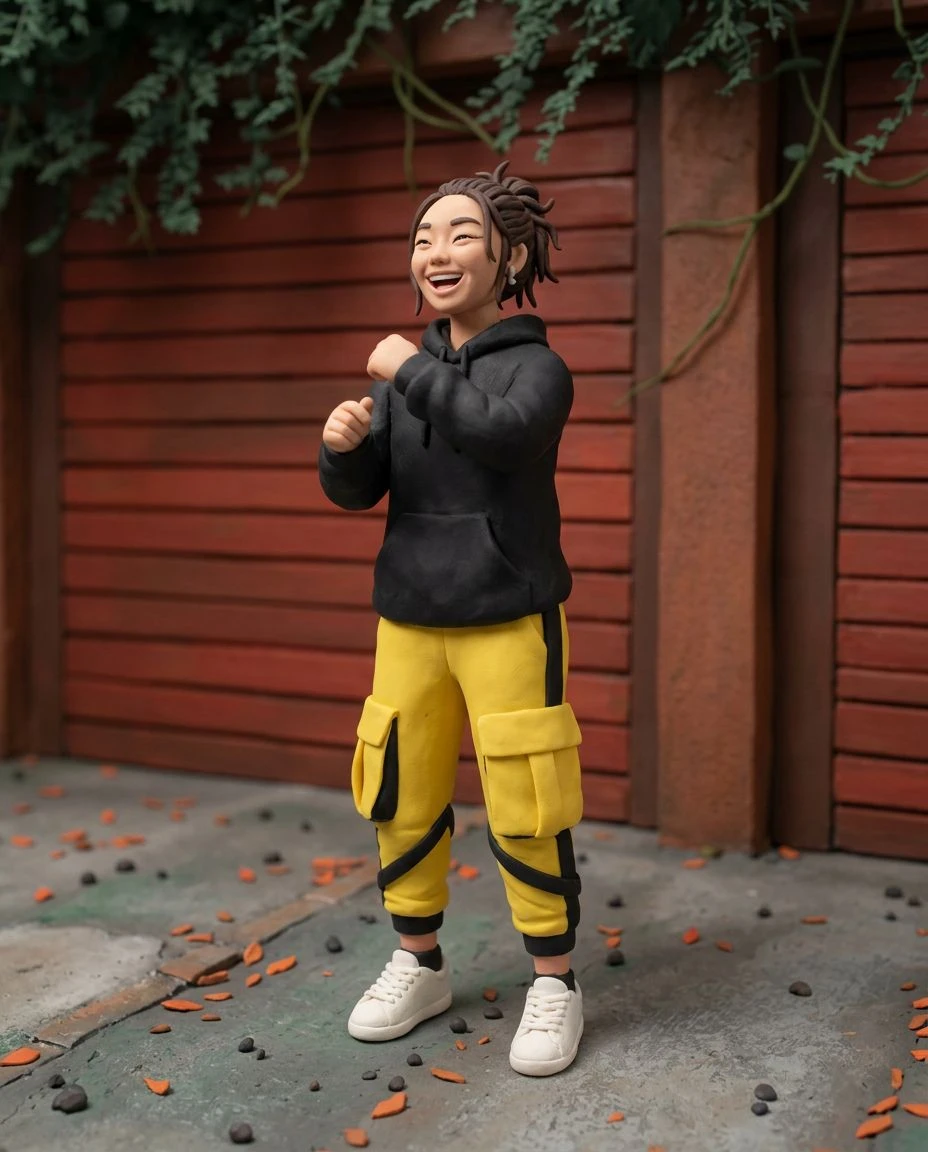
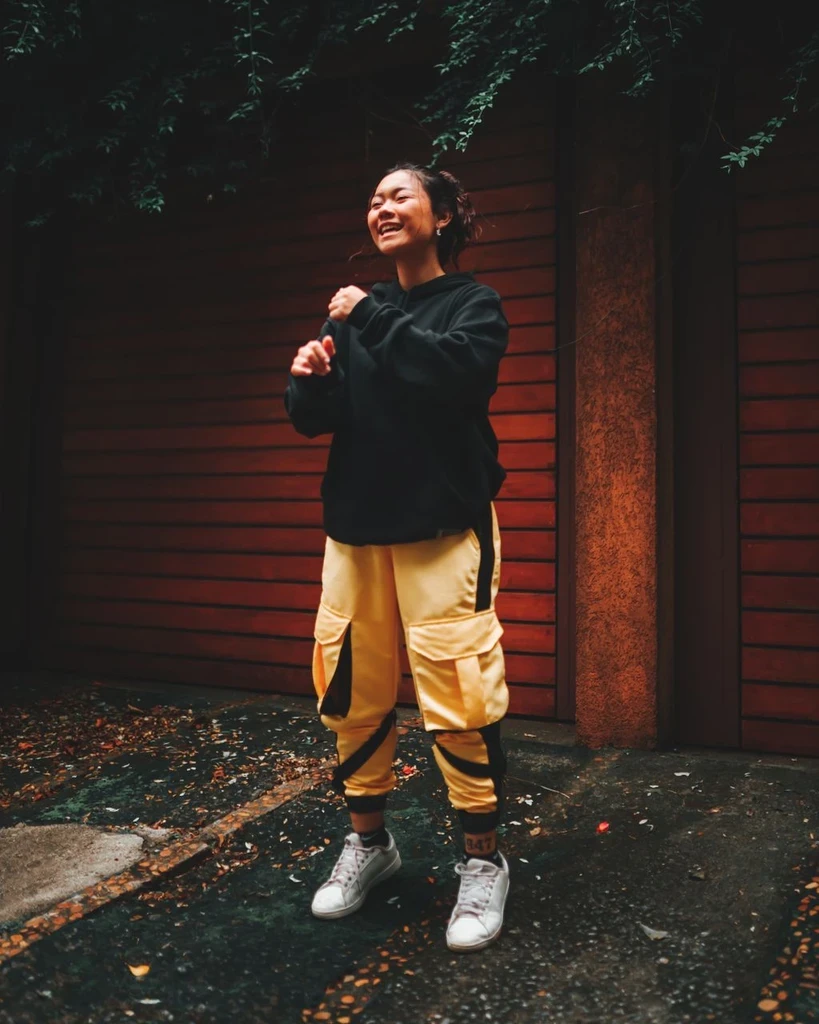

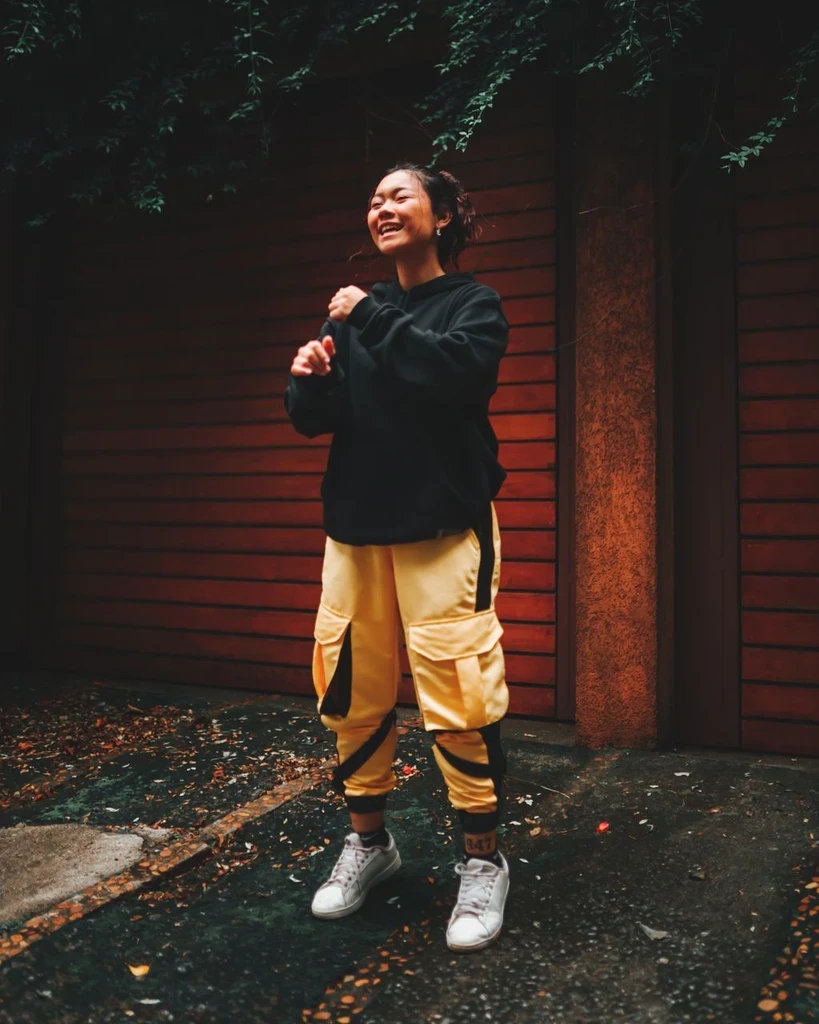 Before
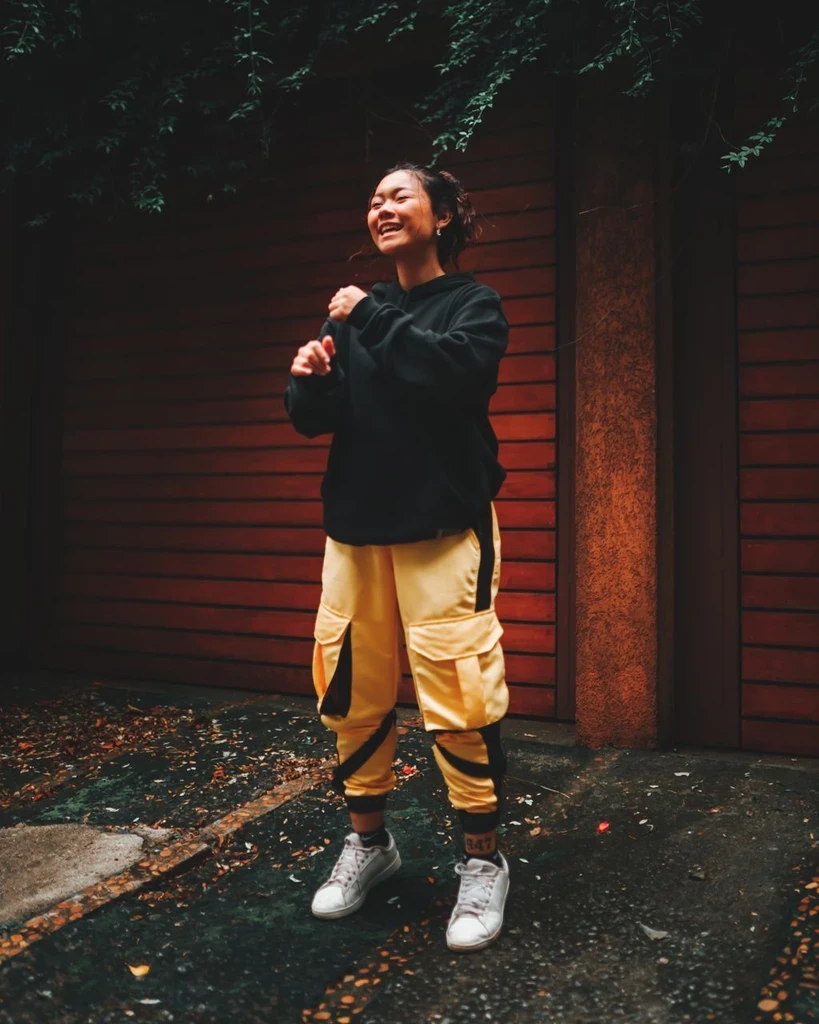 Before
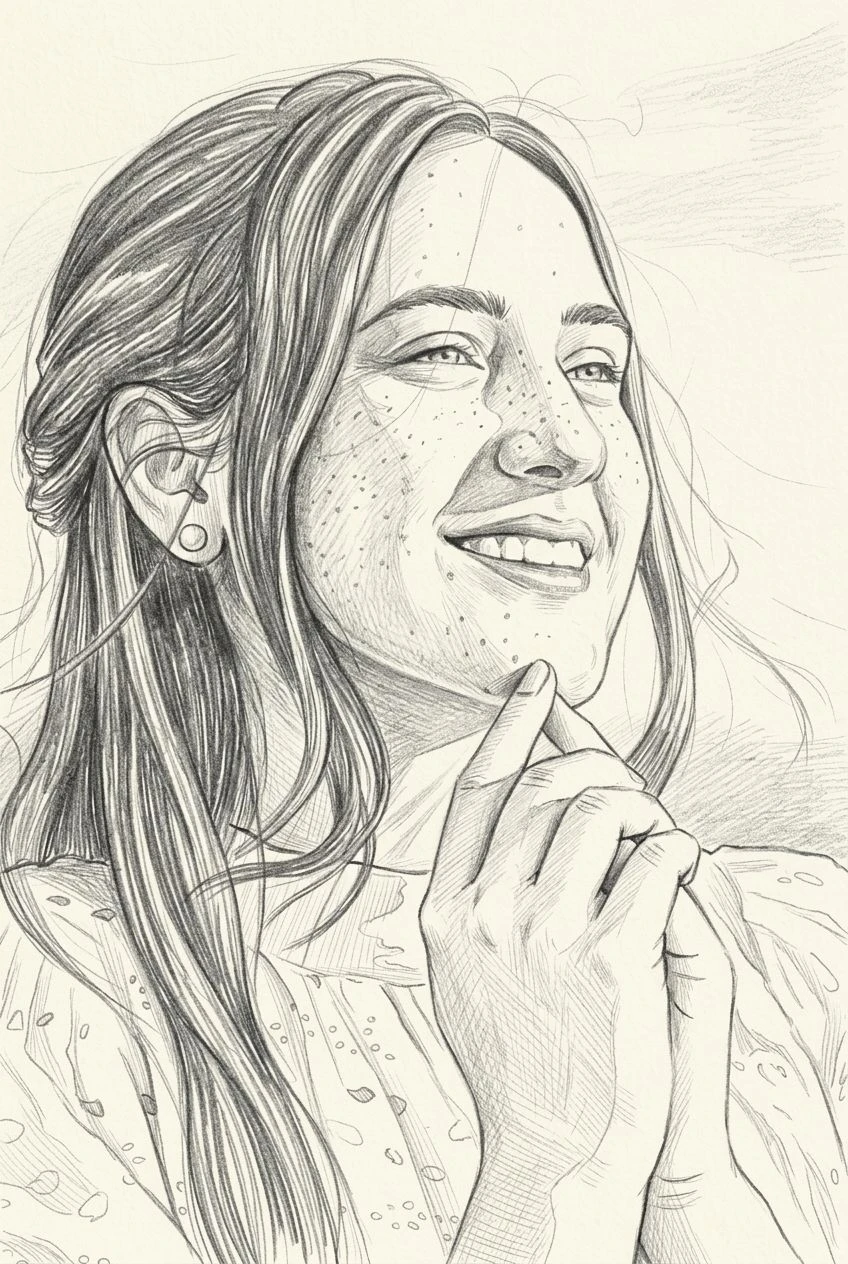

Upload a photo and restyle it as stacked colored paper. The result is an image, not a cut file.