Focus on Essential Shapes
Simplify complex photo details into clear subject outlines.
AI line art converter
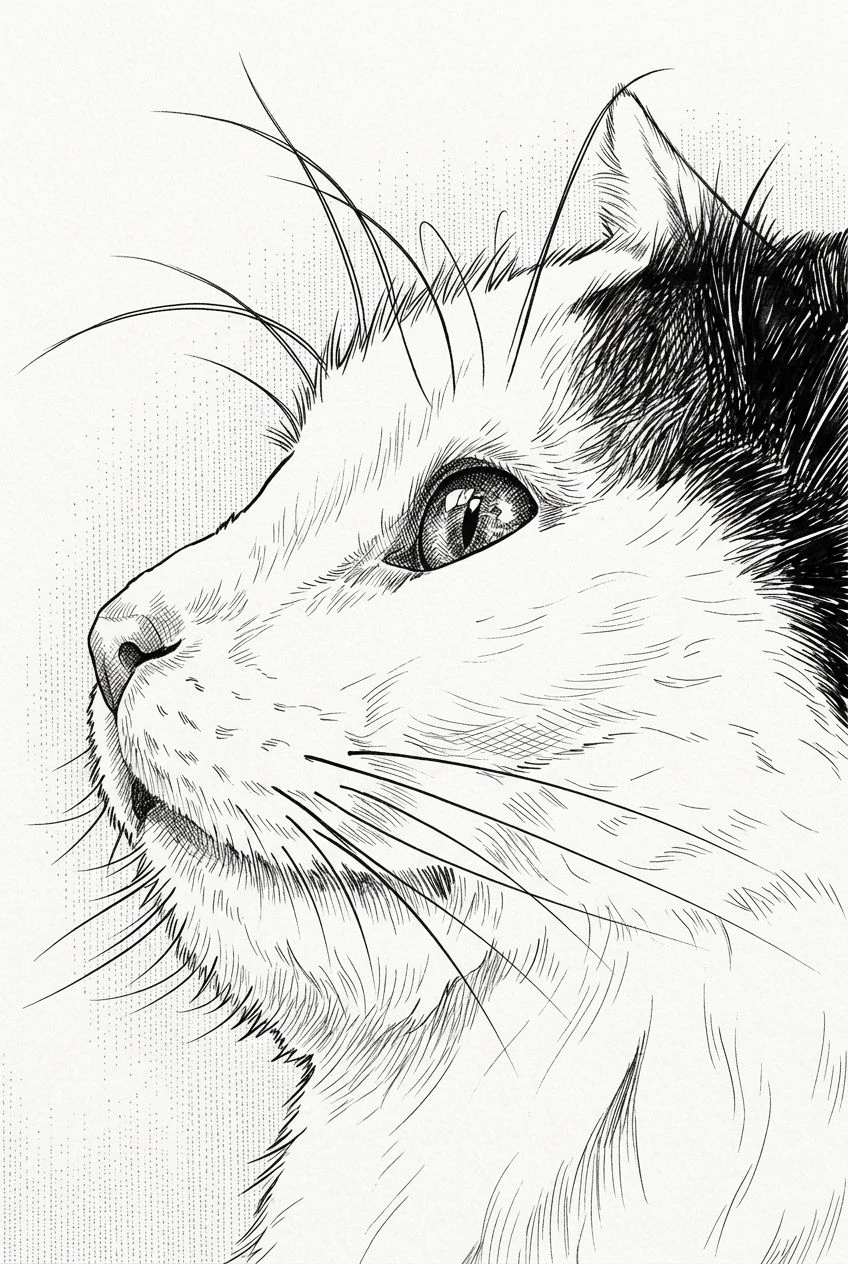
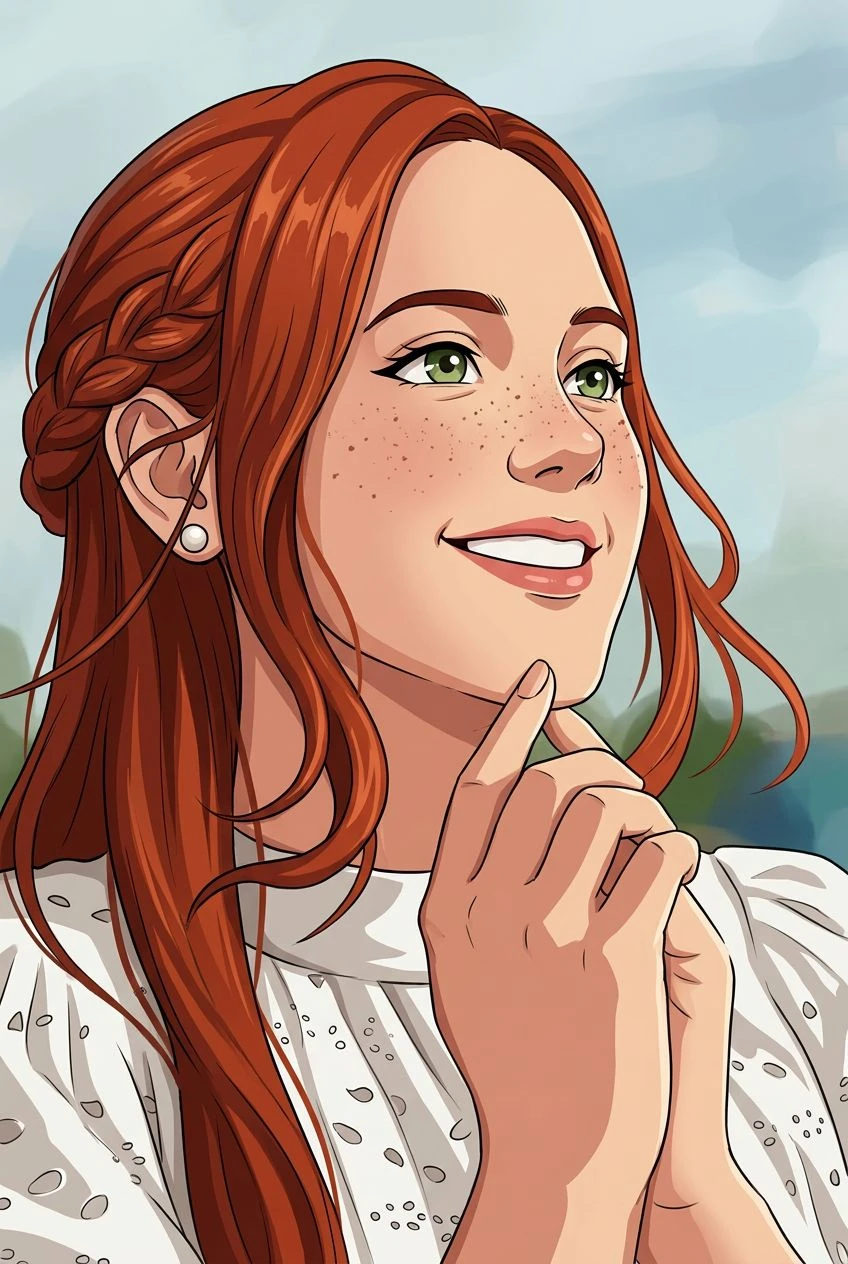
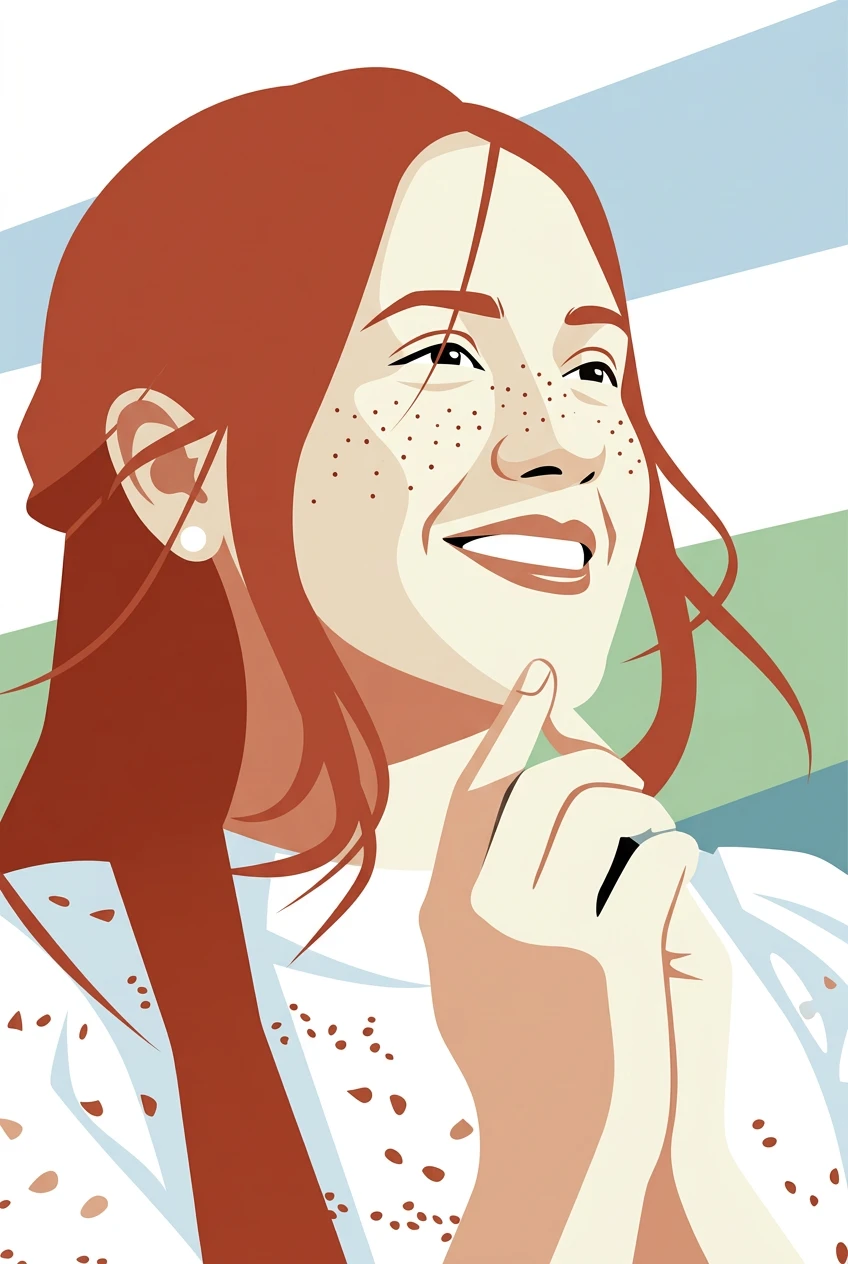
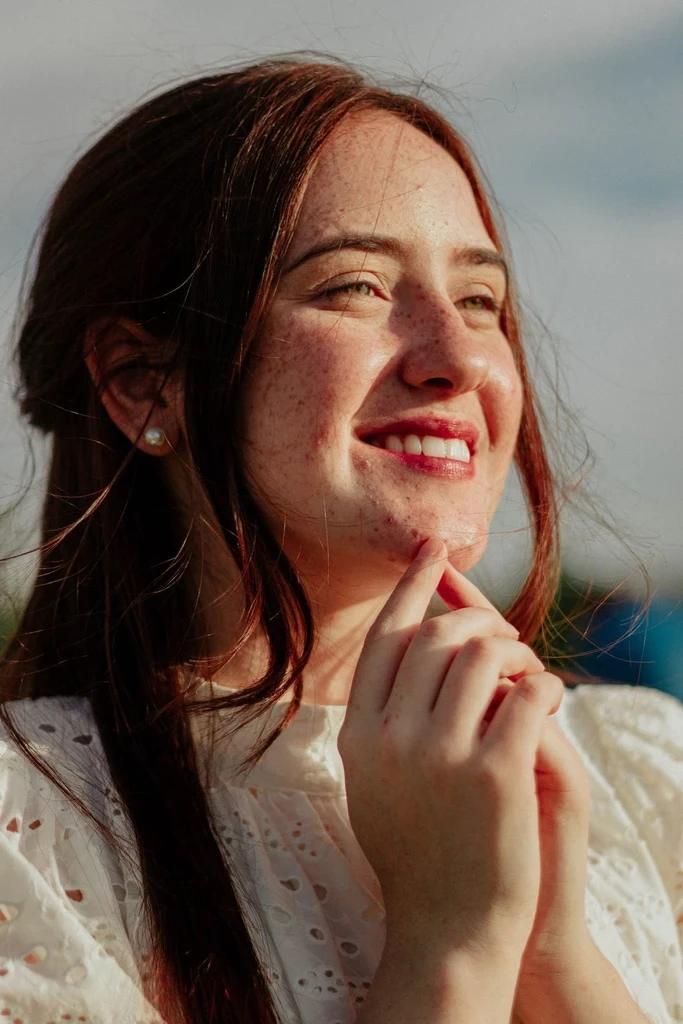
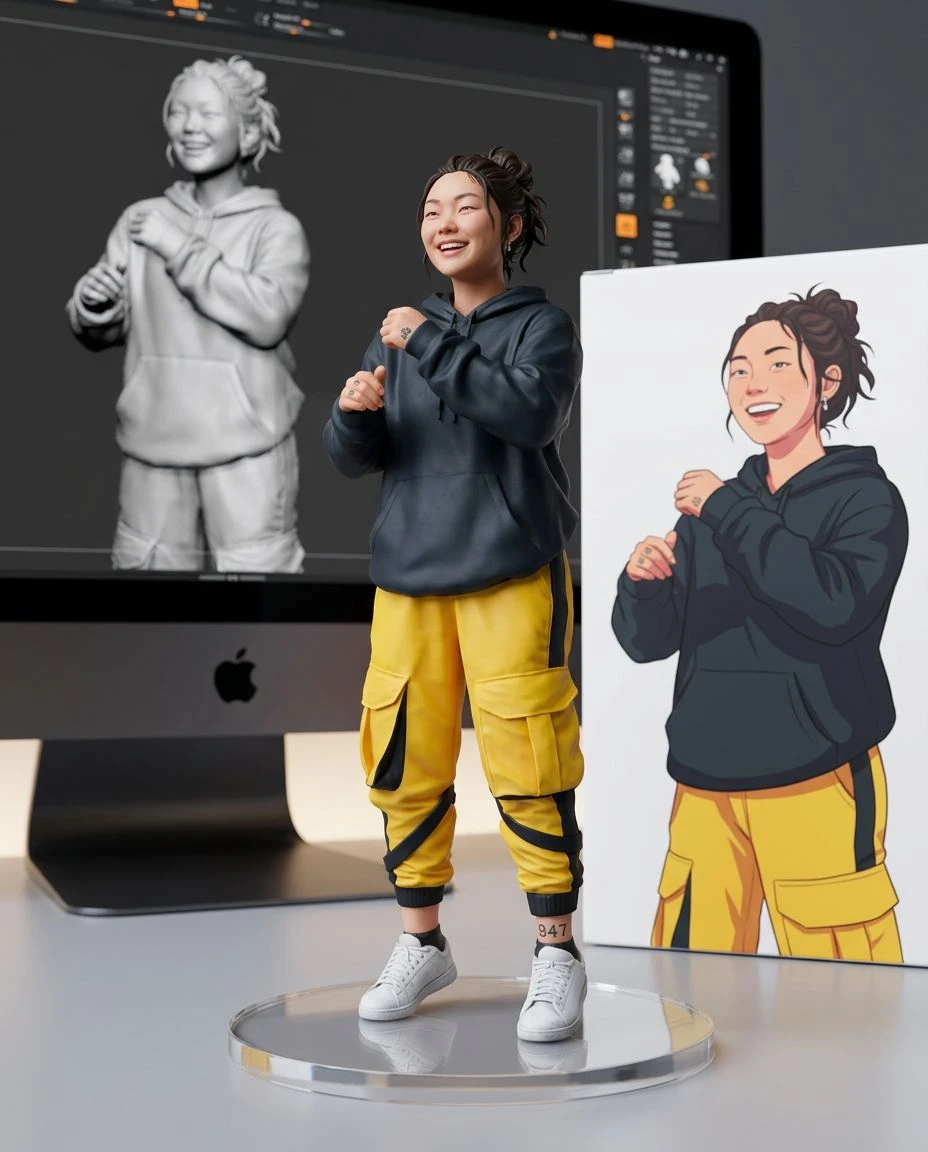
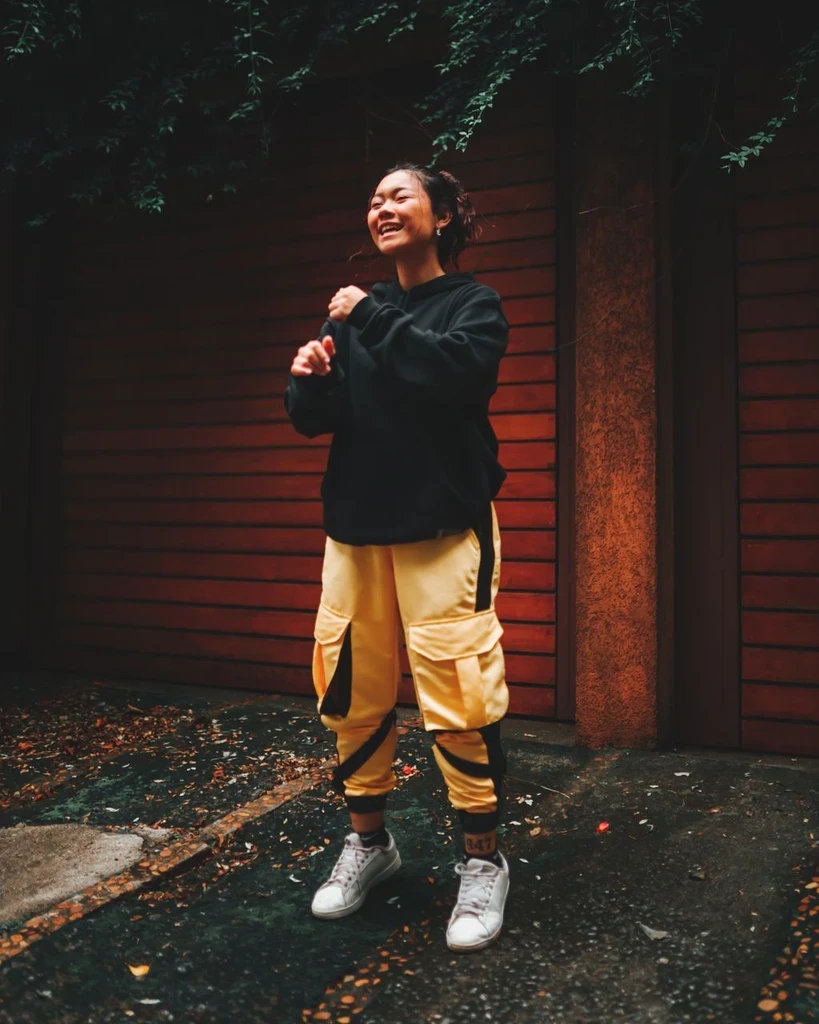
Reduce a photograph to the lines that matter. Transform portraits, pets, and objects into clean outline illustrations with intentional contours and open white space.
Simplify complex photo details into clear subject outlines.
Explore minimal strokes and generous white space instead of photographic shading.
Create line-drawing inspiration for cards, prints, and simple graphic layouts. The result is a picture, not editable vector paths.
Keep the main composition and recognizable profile while removing visual clutter.
Choose a portrait, profile, pet, or object with a clear silhouette.
Line Art is already selected. It reduces the photo to clean contours and open space. Set strength to Subtle, Balanced, or Strong.
Preview the line drawing, compare it with your photo, and download the image.
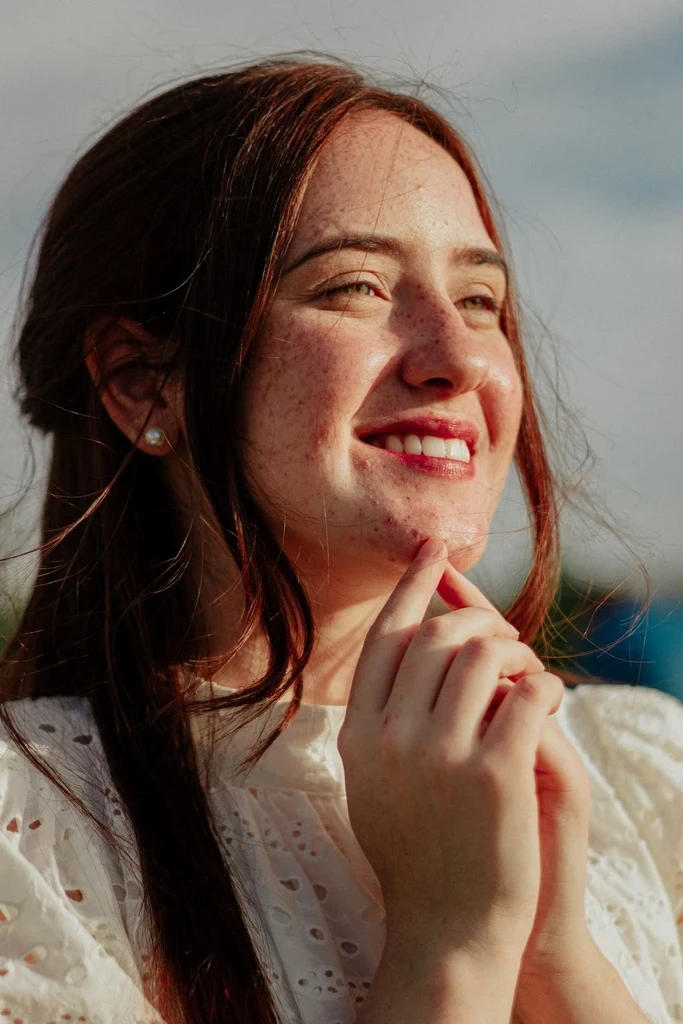
Create a refined outline illustration from a headshot or side profile.
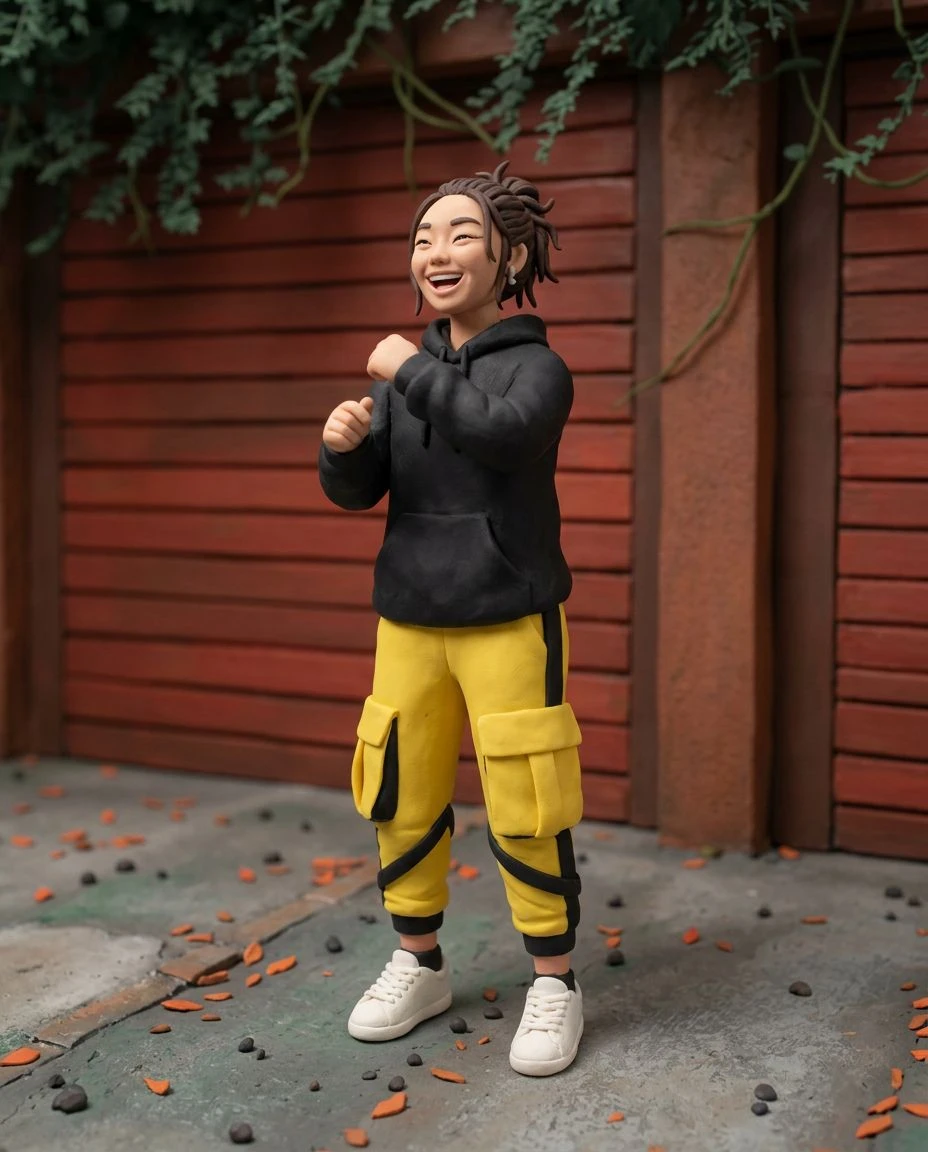
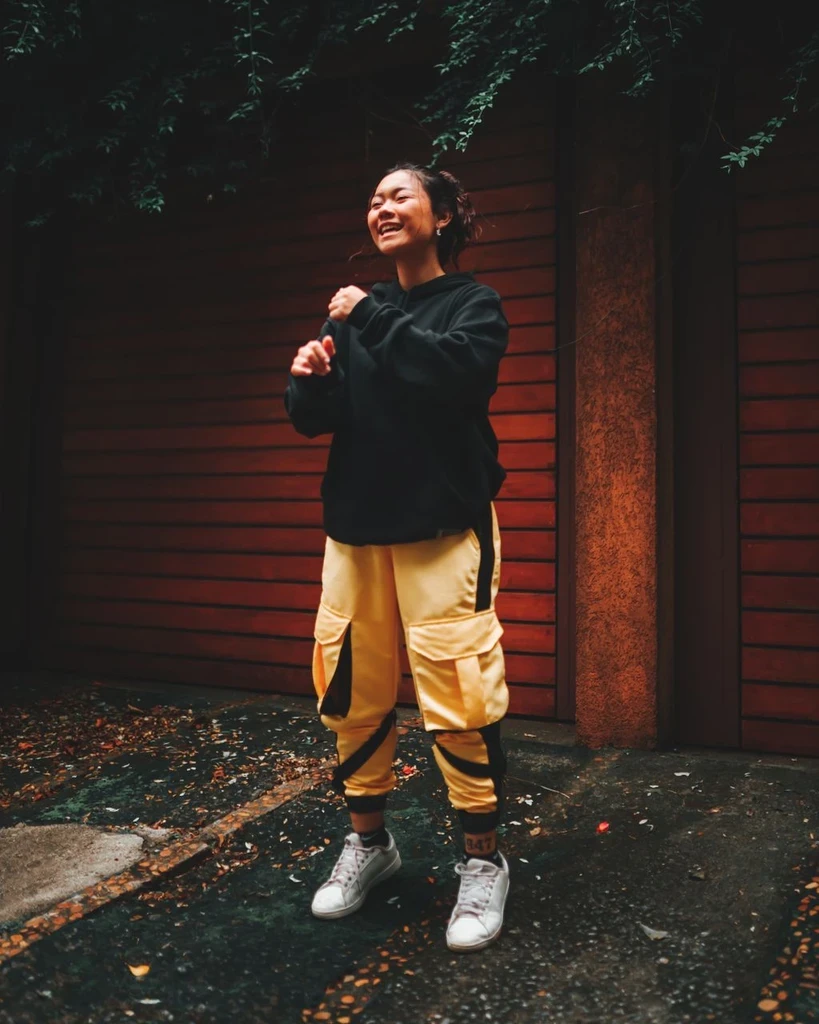
Highlight distinctive ears, faces, and poses with simple linework.
Turn a meaningful two-person photo into restrained outline art.
Explore the essential geometry of a product or household object.
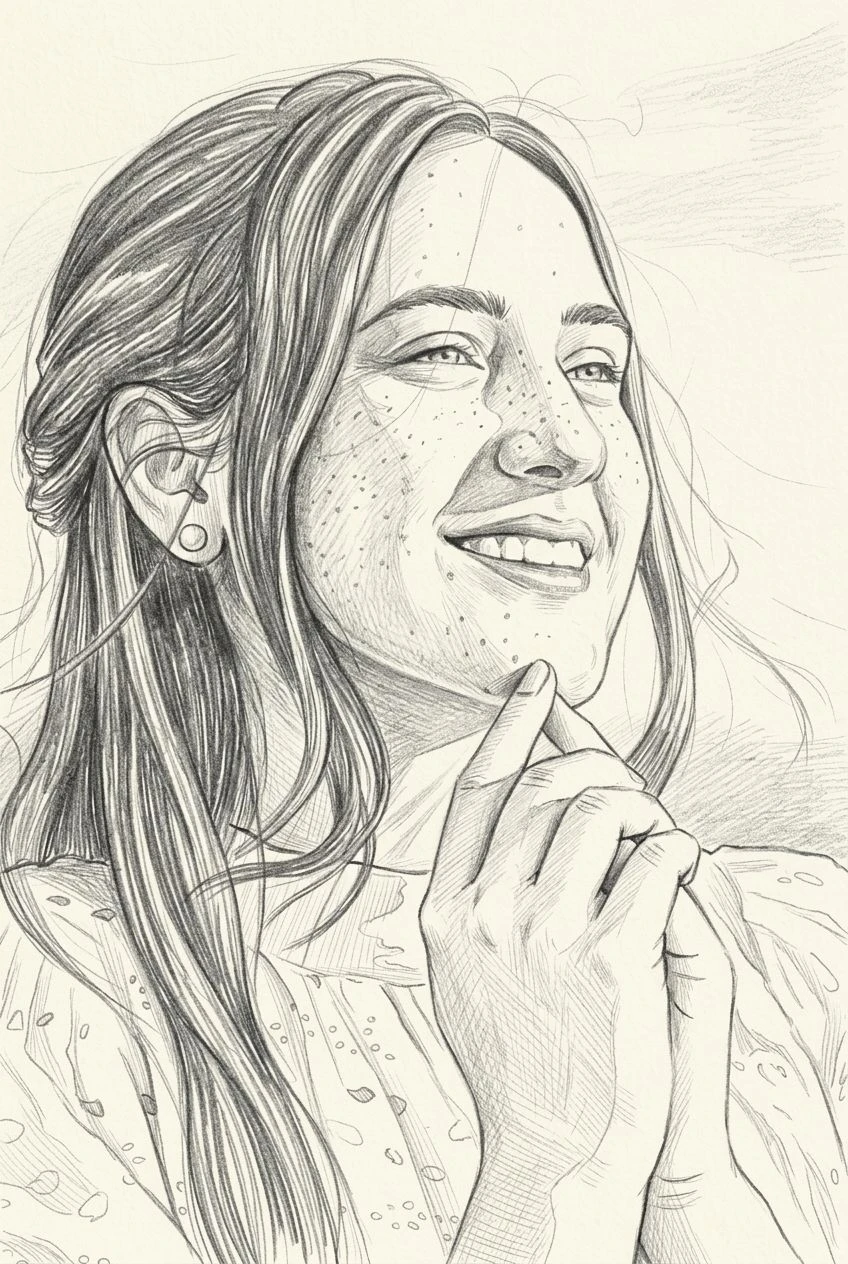
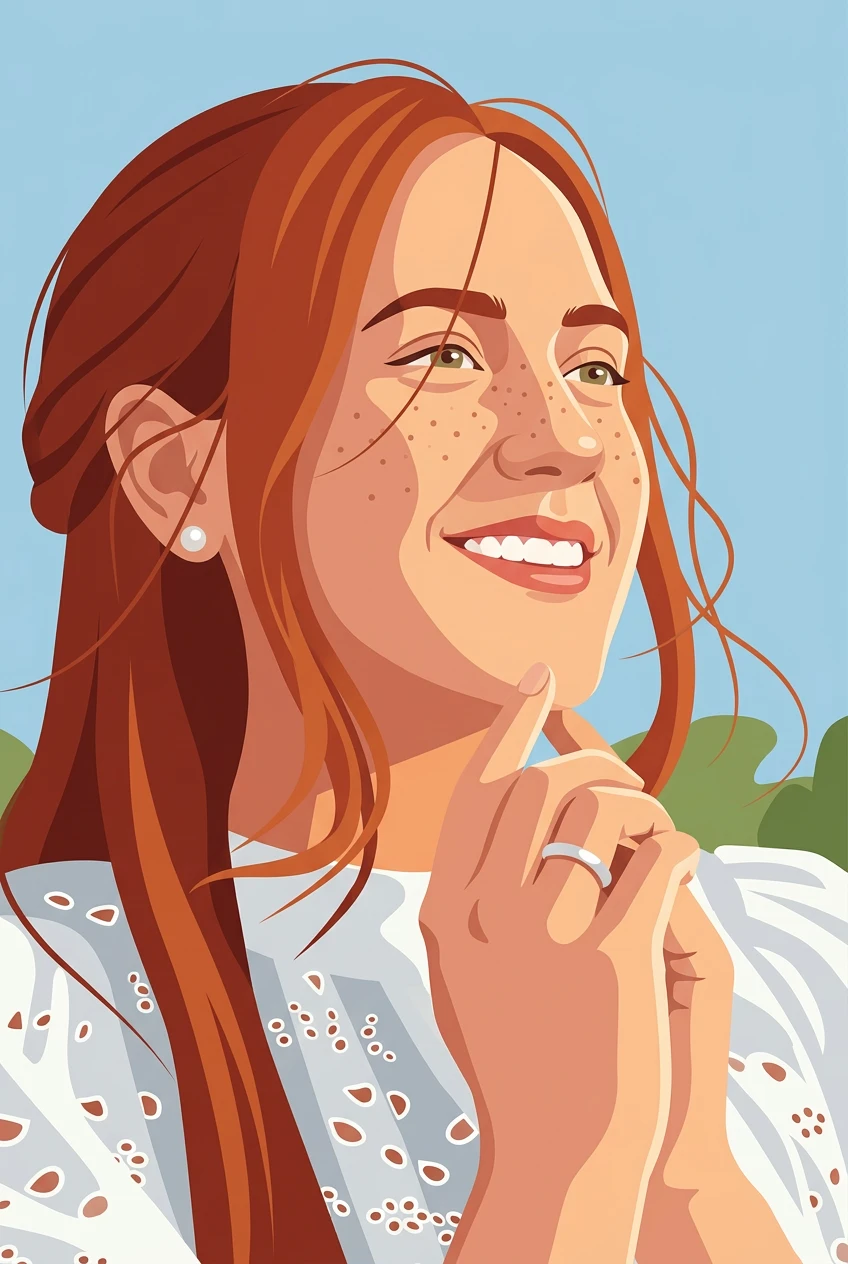
Line Art reduces the scene to deliberate contours, while Pencil Sketch includes graphite texture, shading, and tonal depth. Choose Line Art when you want a cleaner, more graphic result. The file is a raster image, not an editable SVG.
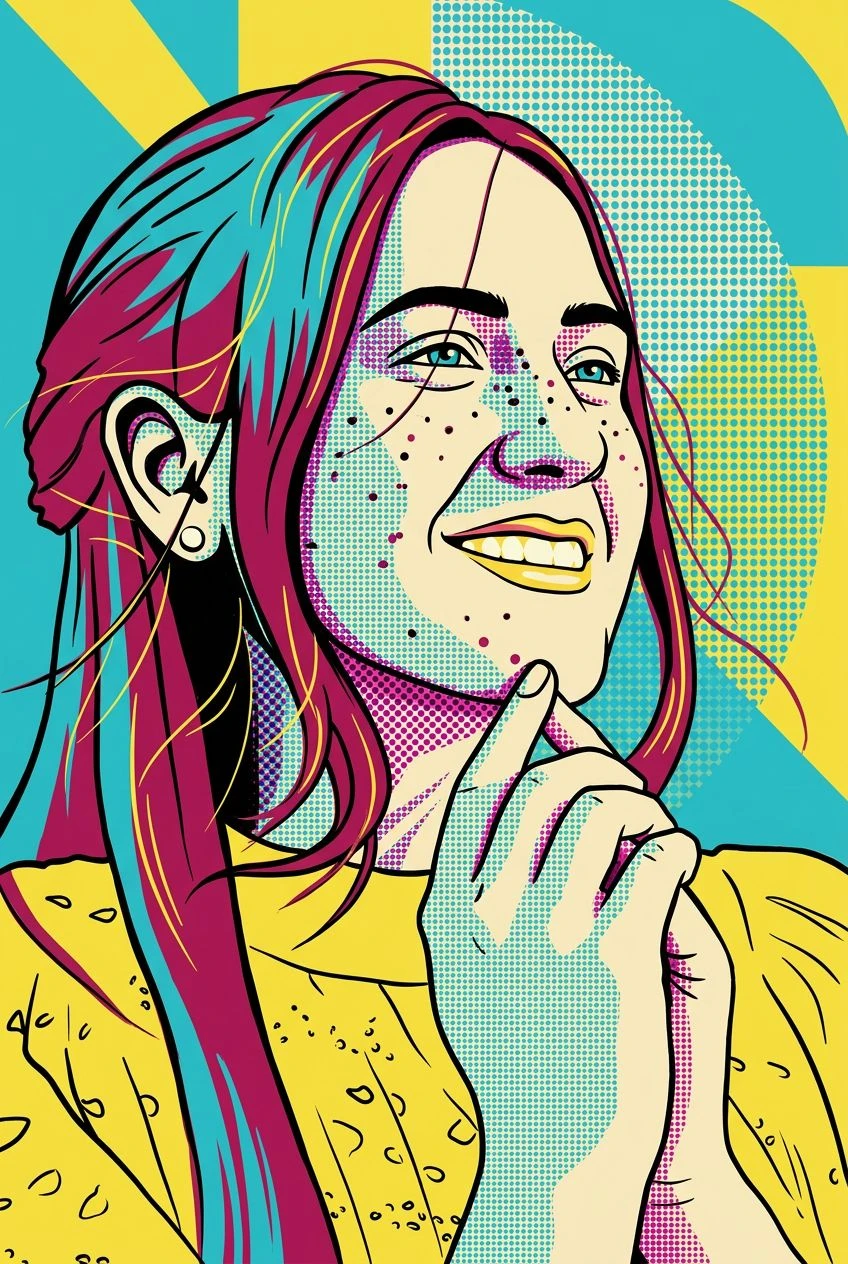
Pencil shading, flat color, or a quiet poster.
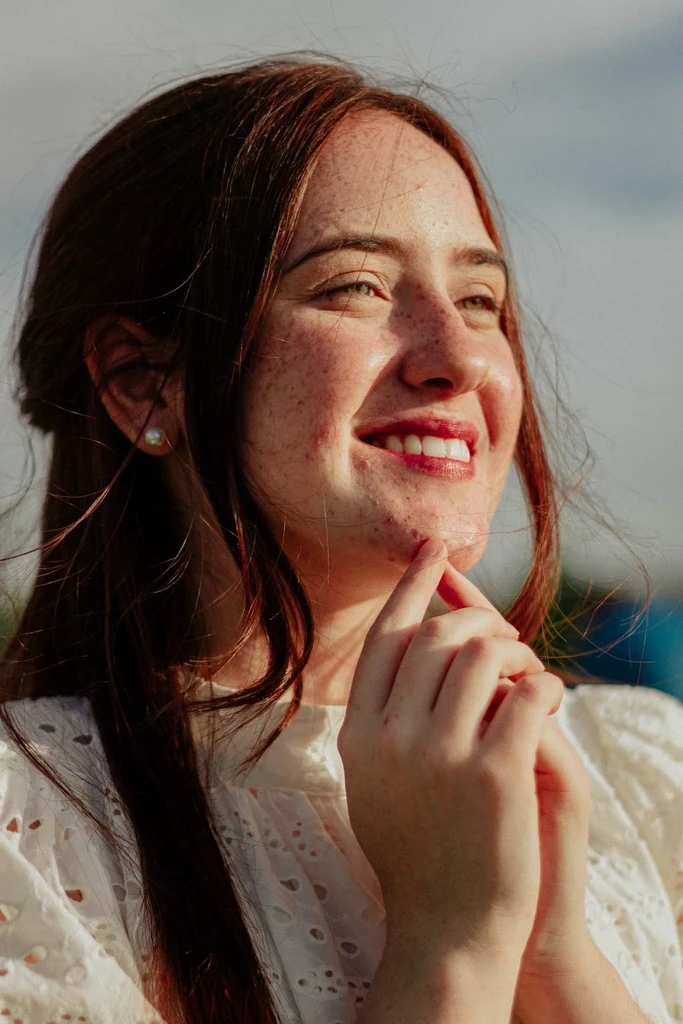
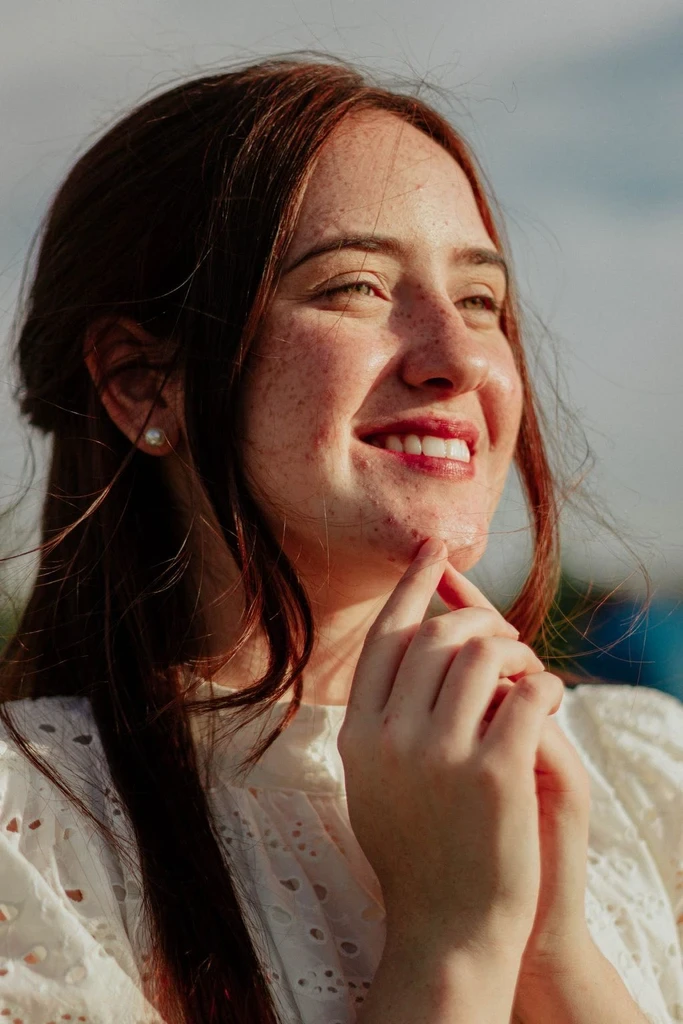
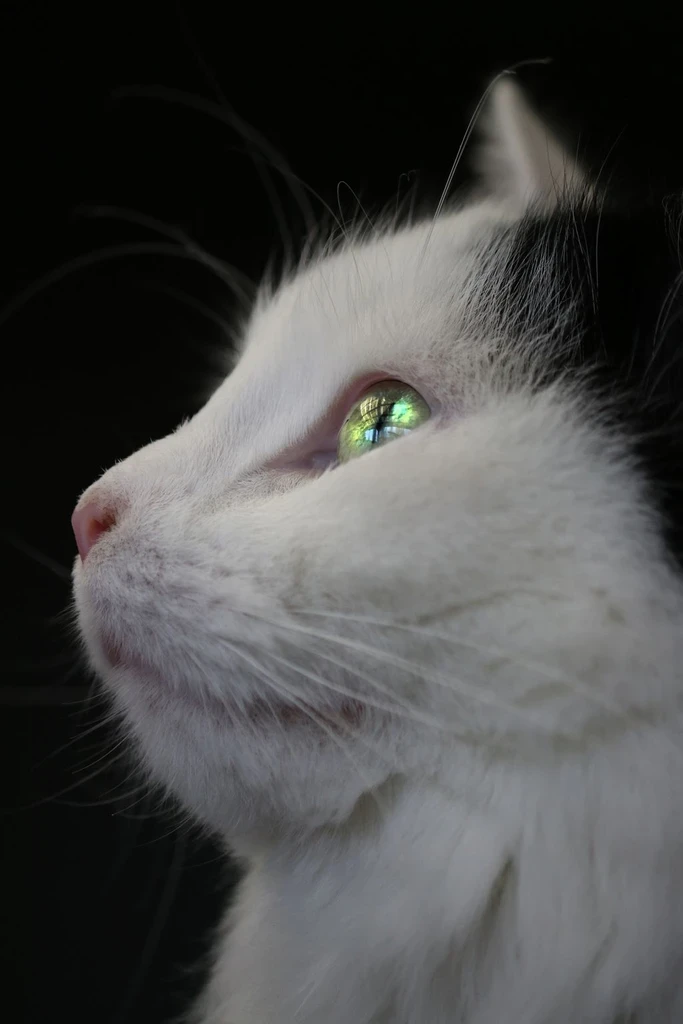
 Before
 Before
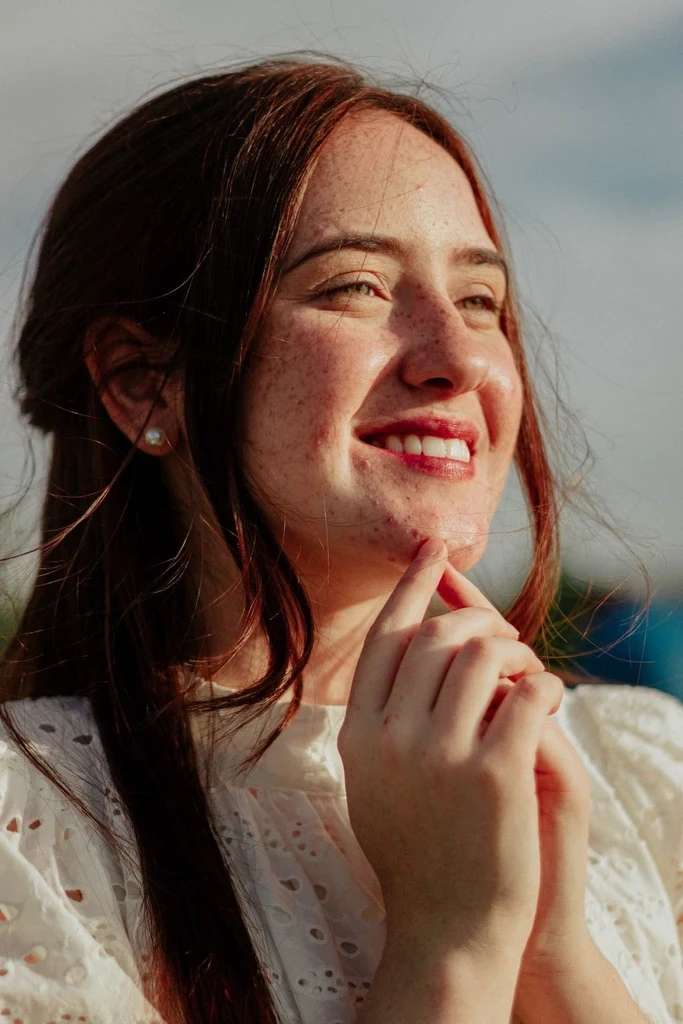
 Before
Upload a photo and reduce it to clean contours and open space.