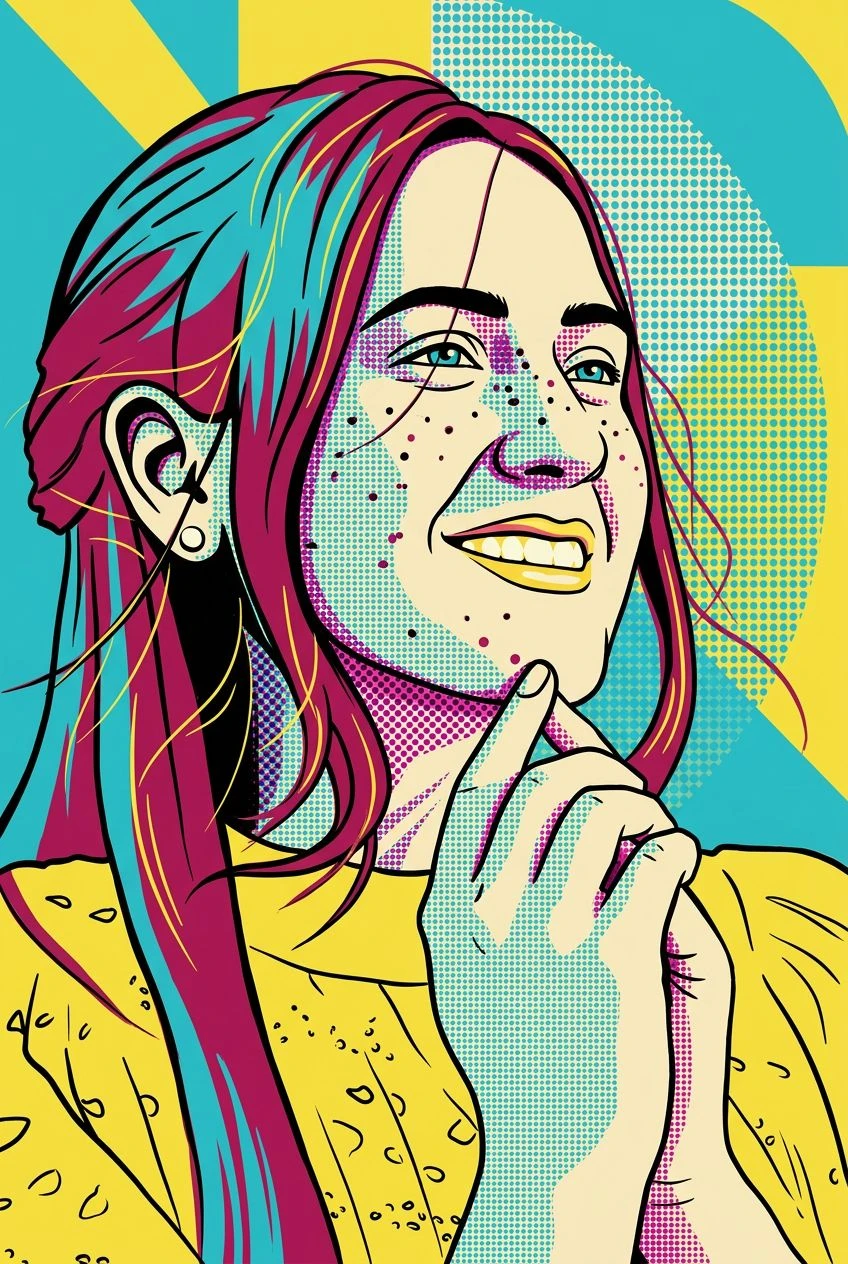
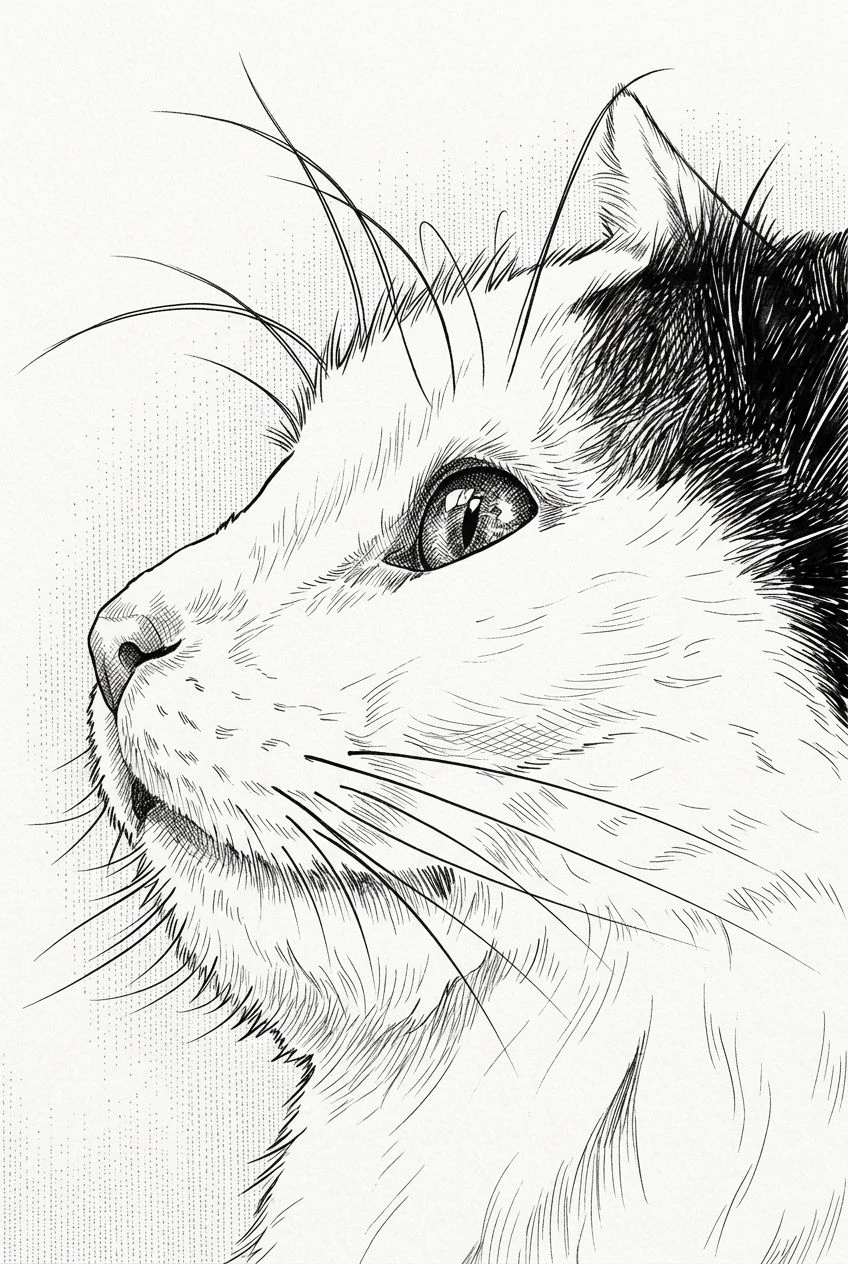
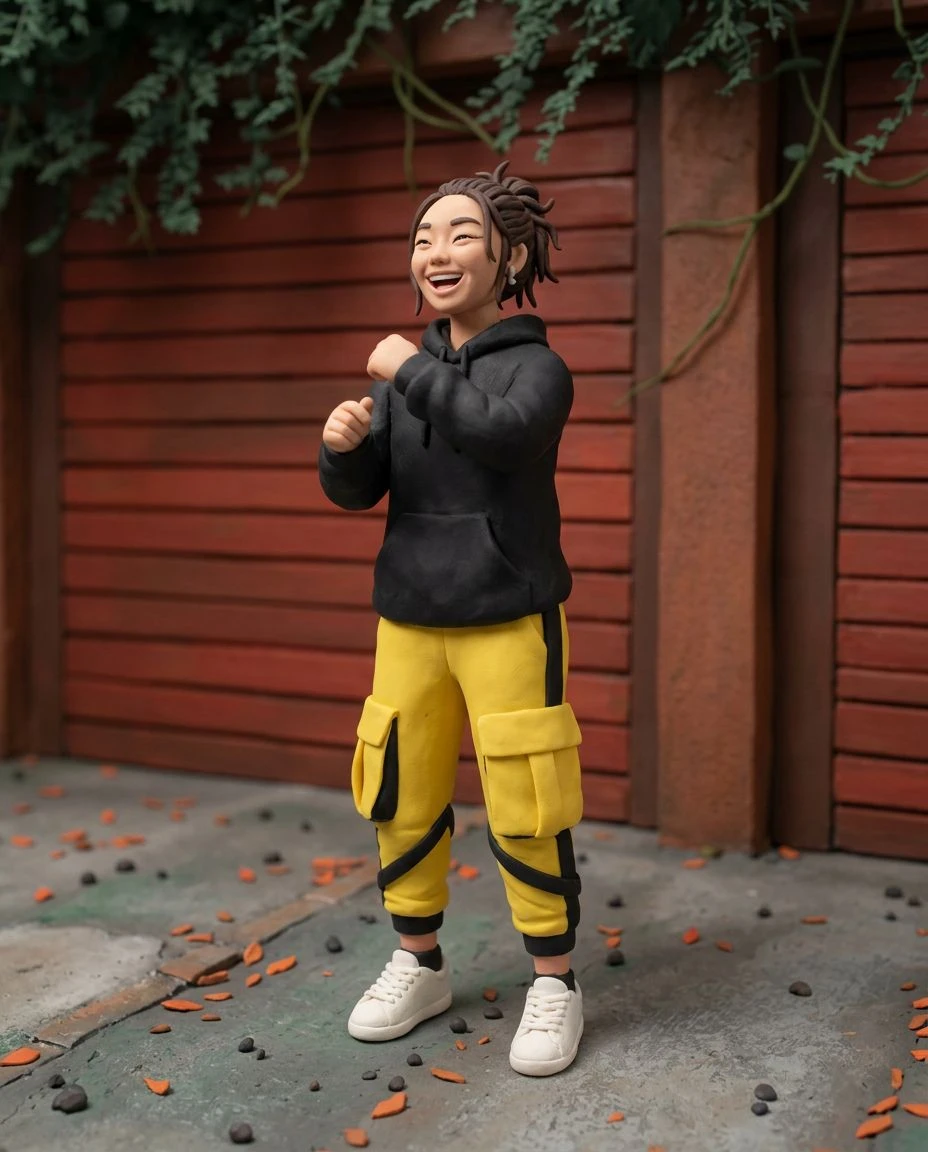
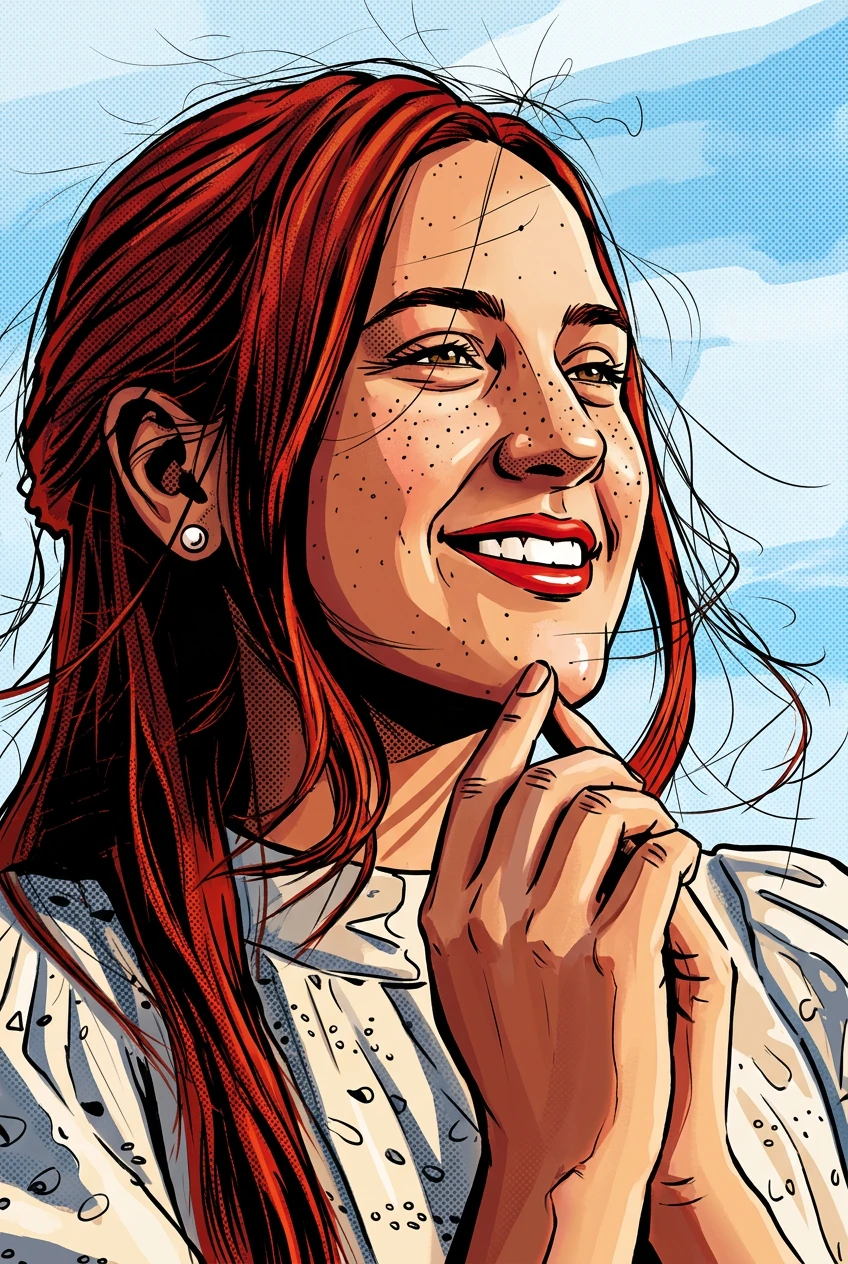
Bold Pixel-Style Shapes
Reinterpret photographic detail as blocky forms and simplified color regions inspired by old-school game graphics.
AI photo to pixel art
Give your favorite image a retro makeover. Transform photos into pixel-style artwork inspired by classic video games, with blocky shapes, crisp edges, and a simplified color palette.
Reinterpret photographic detail as blocky forms and simplified color regions inspired by old-school game graphics.
Explore a reduced palette and a nostalgic visual language reminiscent of classic pixel art.
The effect aims to retain the original scene and subject while simplifying details to fit the style.
Experiment with pixel-style portraits, pets, landscapes, and creative profile images.
Choose an image with a clear subject or well-defined scene.
Apply a retro pixel-inspired visual treatment.
Review the result and download the image.
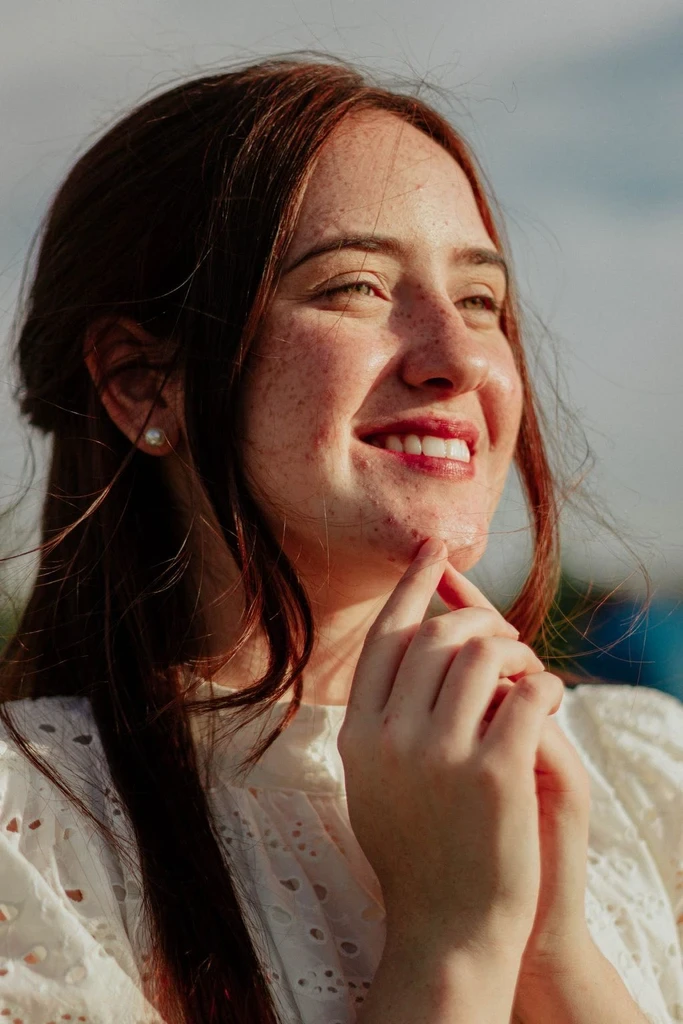
Give a selfie or portrait a nostalgic game-inspired appearance.
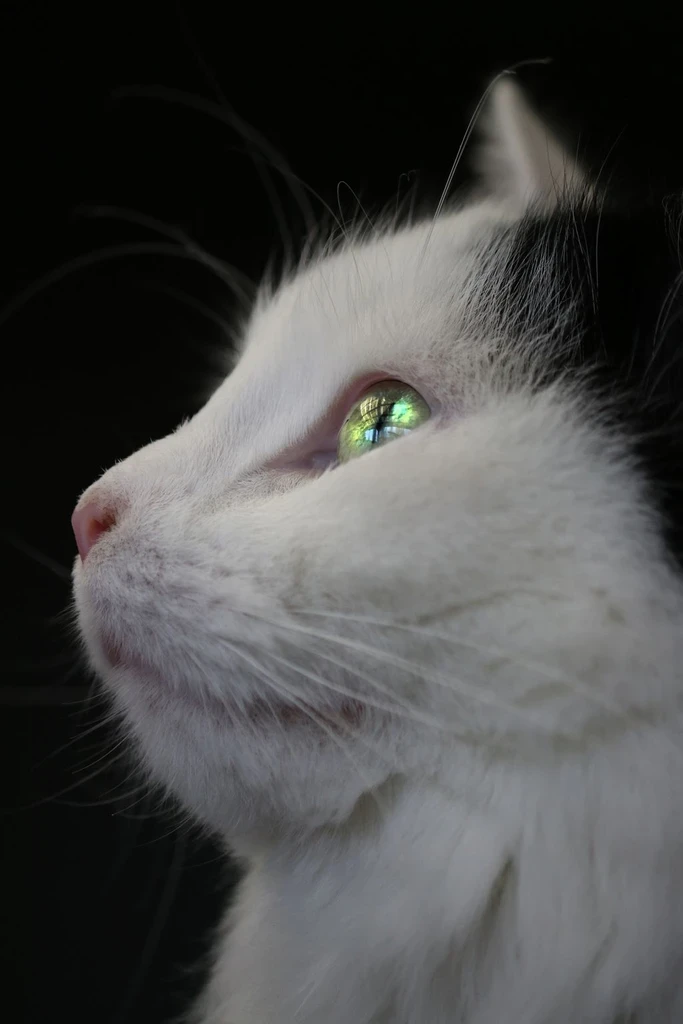
Turn a beloved pet into a colorful character-like illustration.
Reimagine mountains, streets, and night scenes with simplified blocky color.
Explore retro-inspired visuals for personal concepts and aesthetic references.
This converter uses AI to create an image with a pixel-art appearance. It is designed for creative visual transformation, not guaranteed exact pixel grids, limited-palette compliance, or production-ready game sprites. If your project requires strict sprite dimensions or pixel-by-pixel control, review and refine the result in a dedicated pixel-art editor.
Compare a smoother cartoon, an anime illustration, or the full collection.
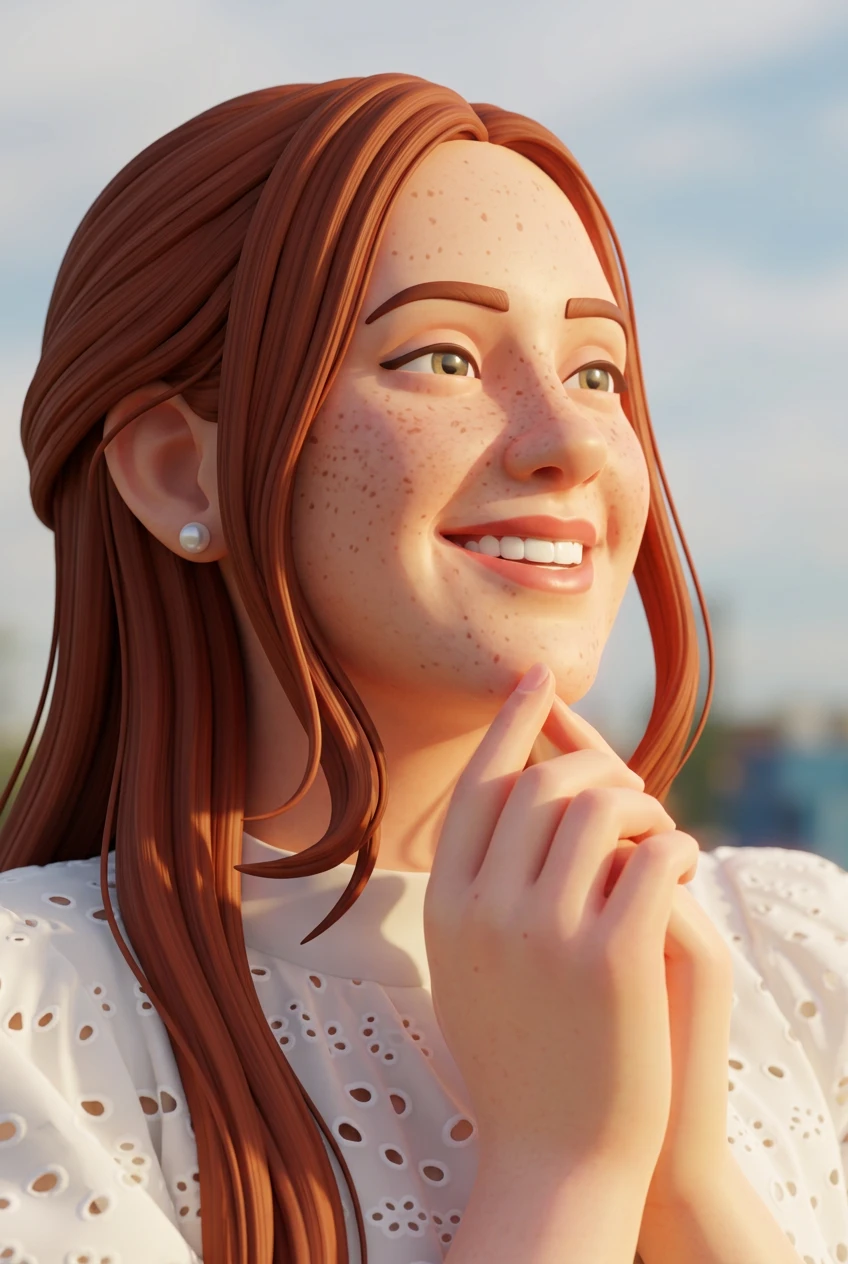
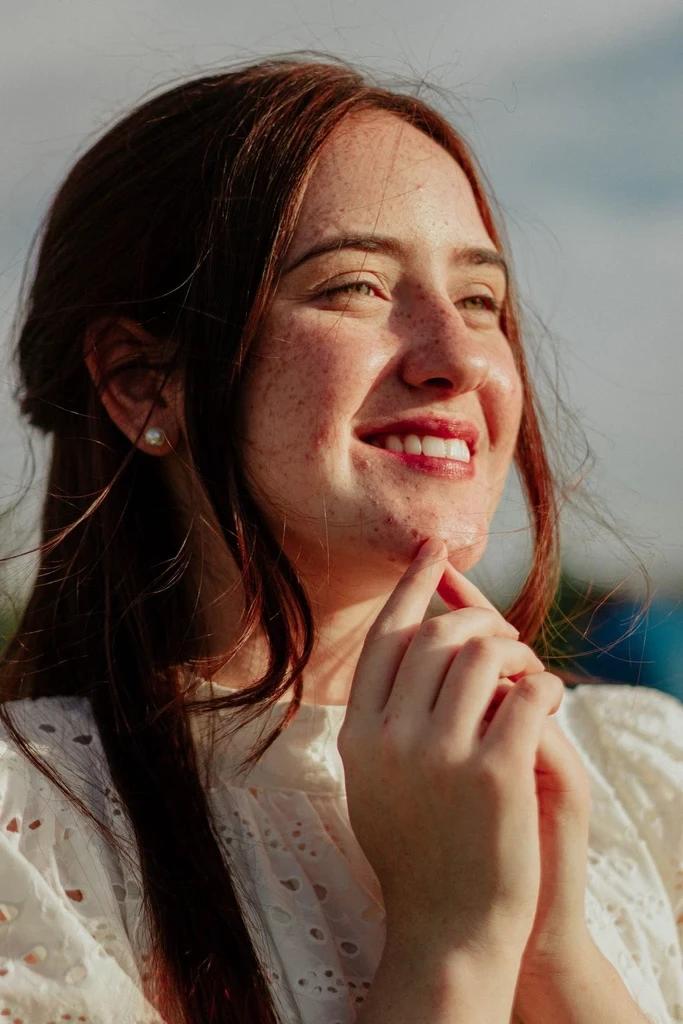
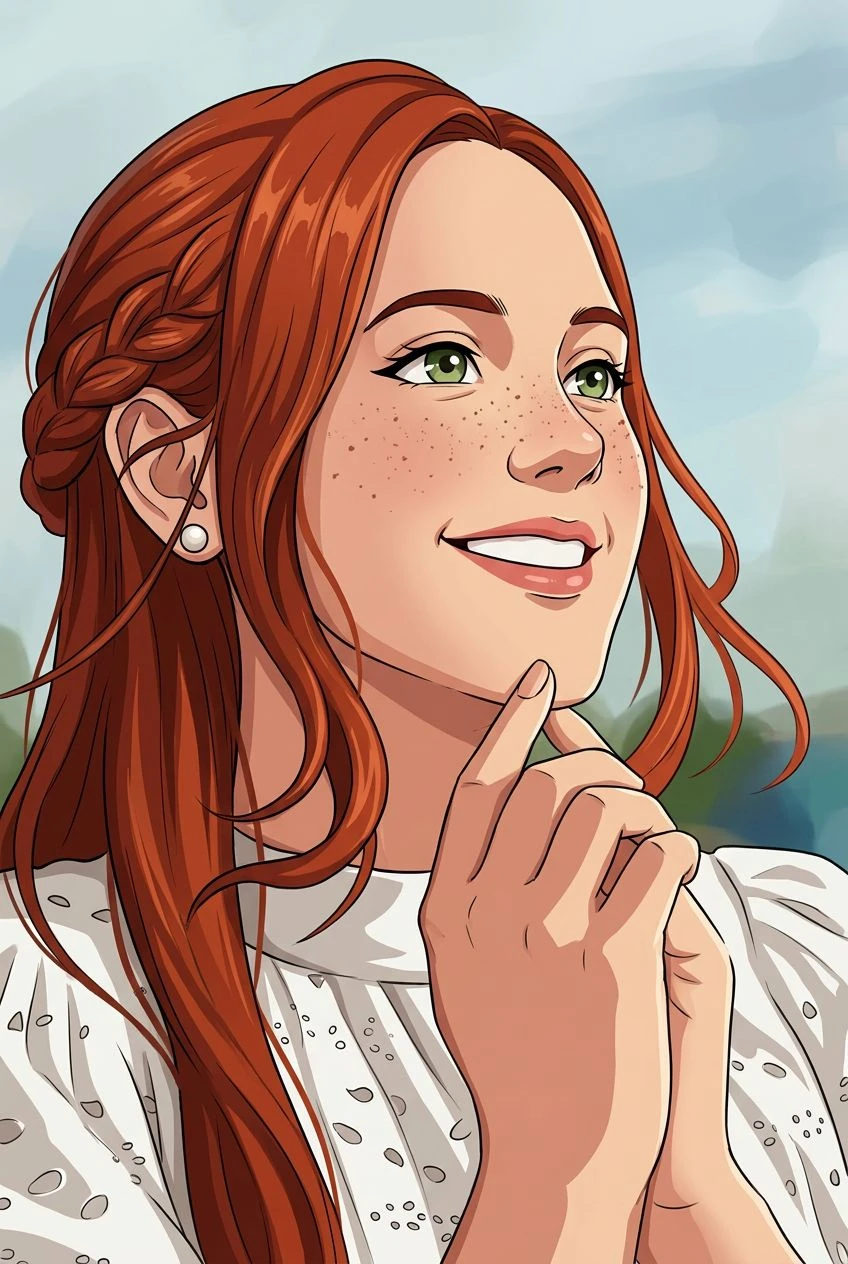
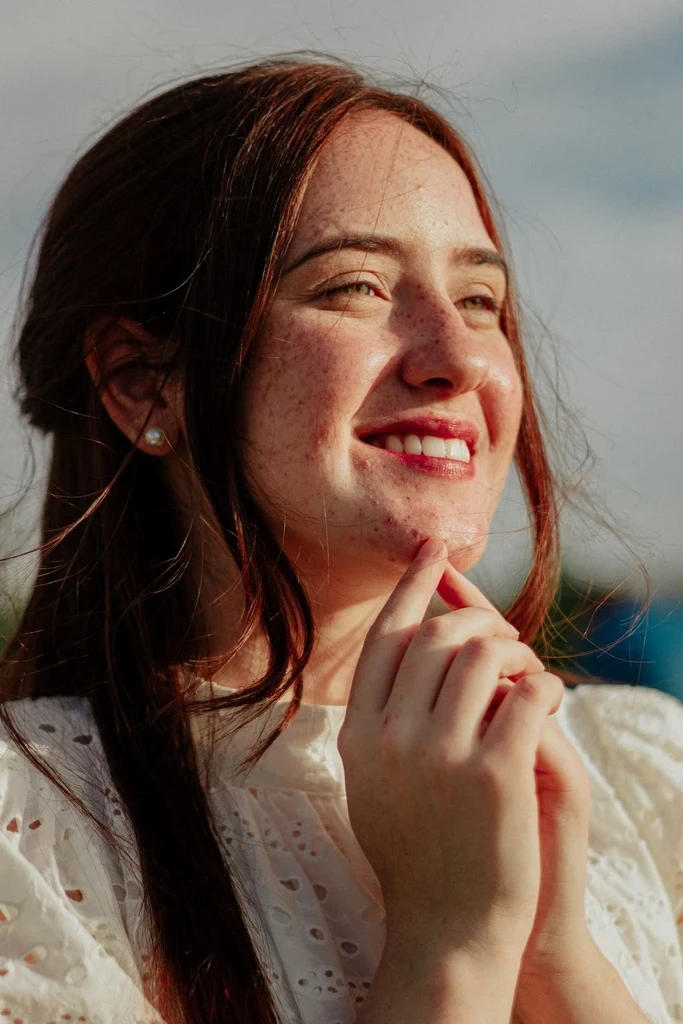
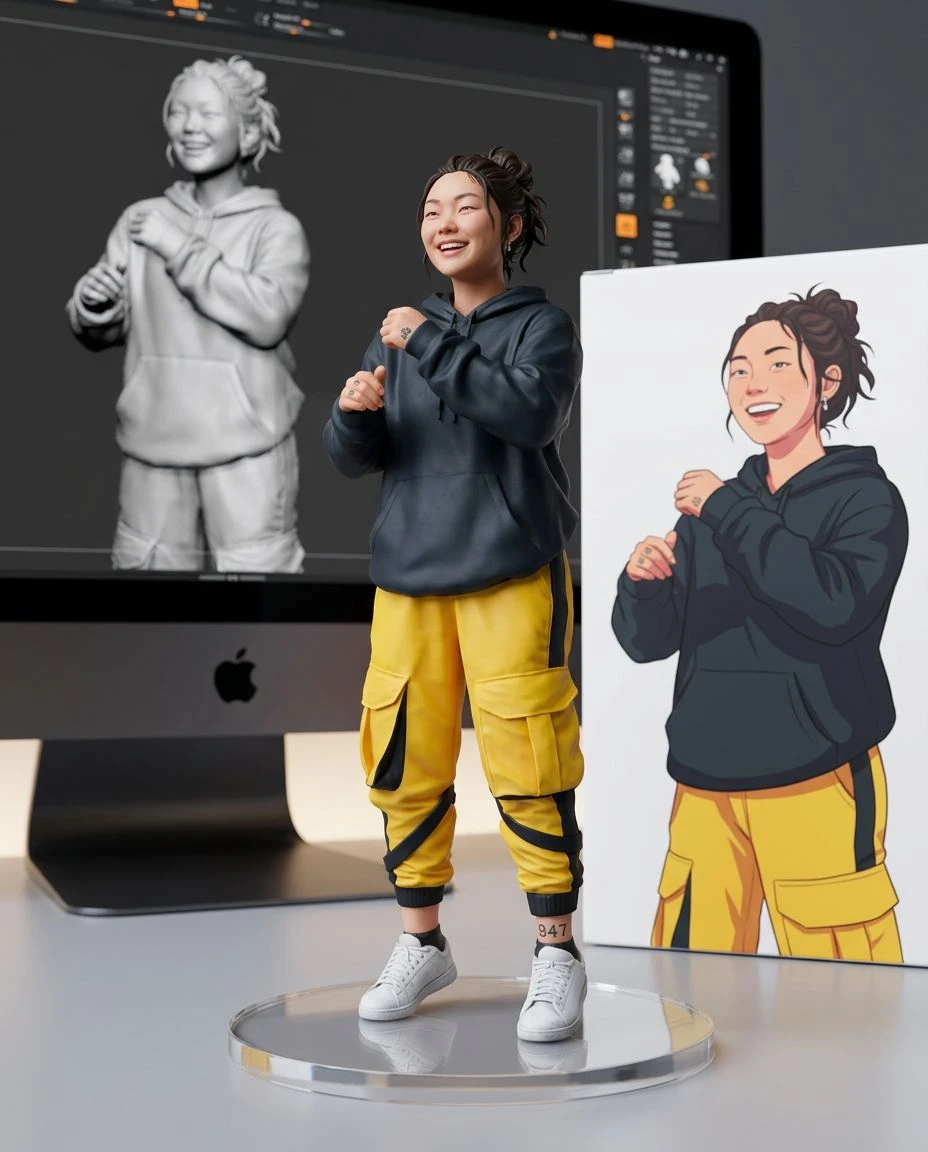
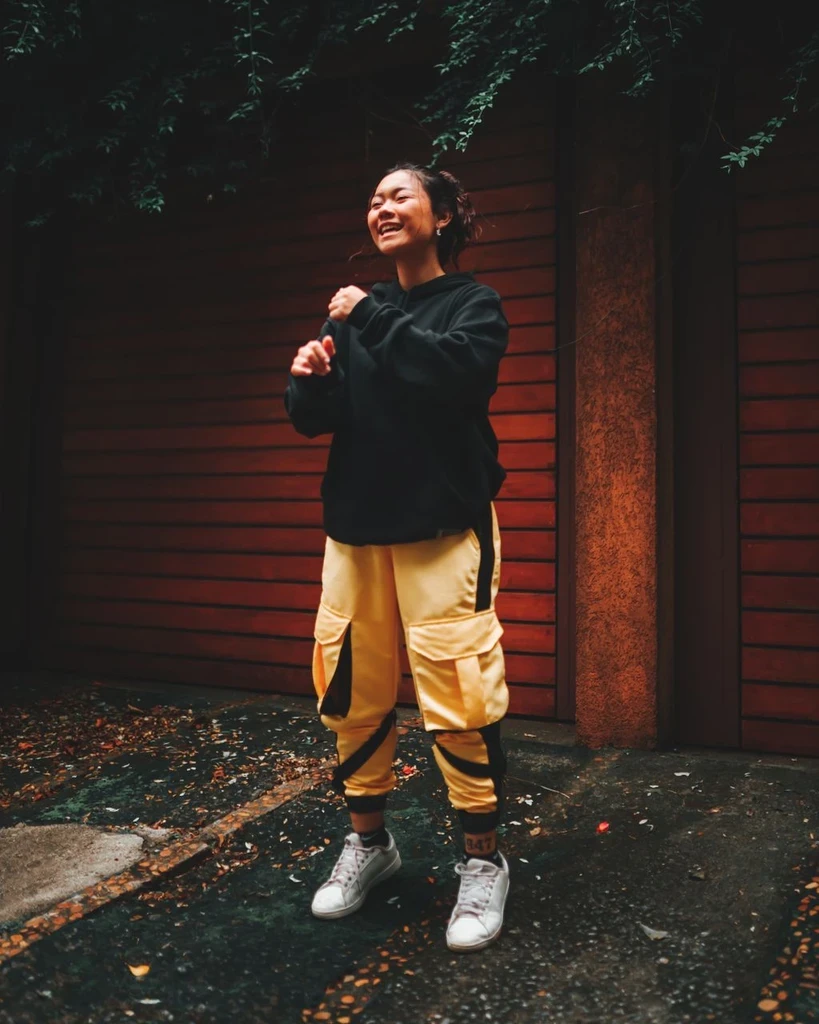
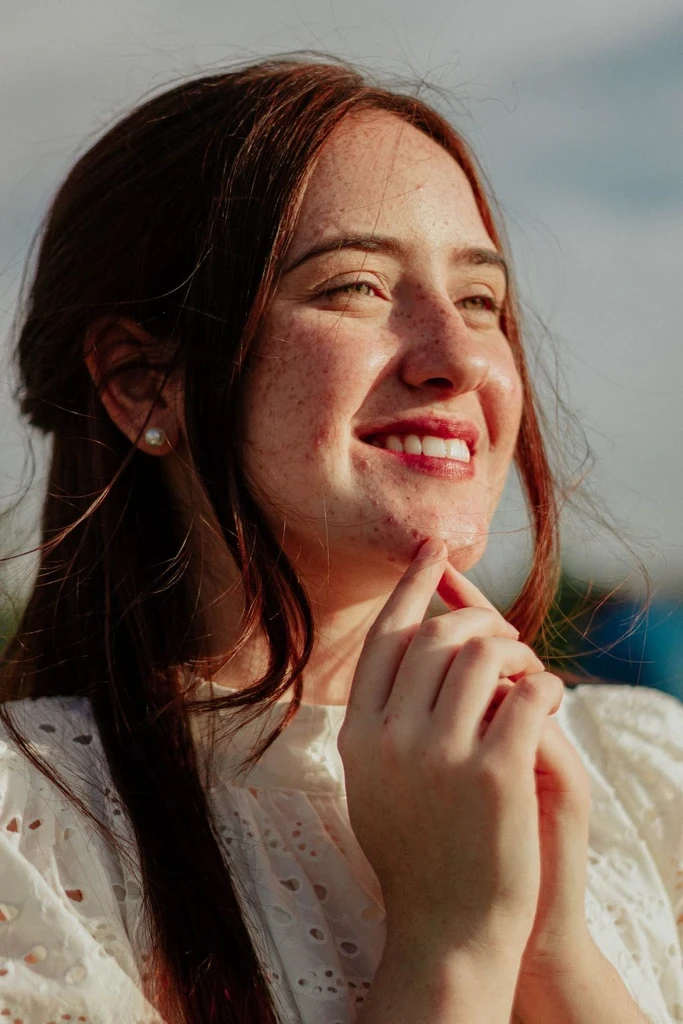
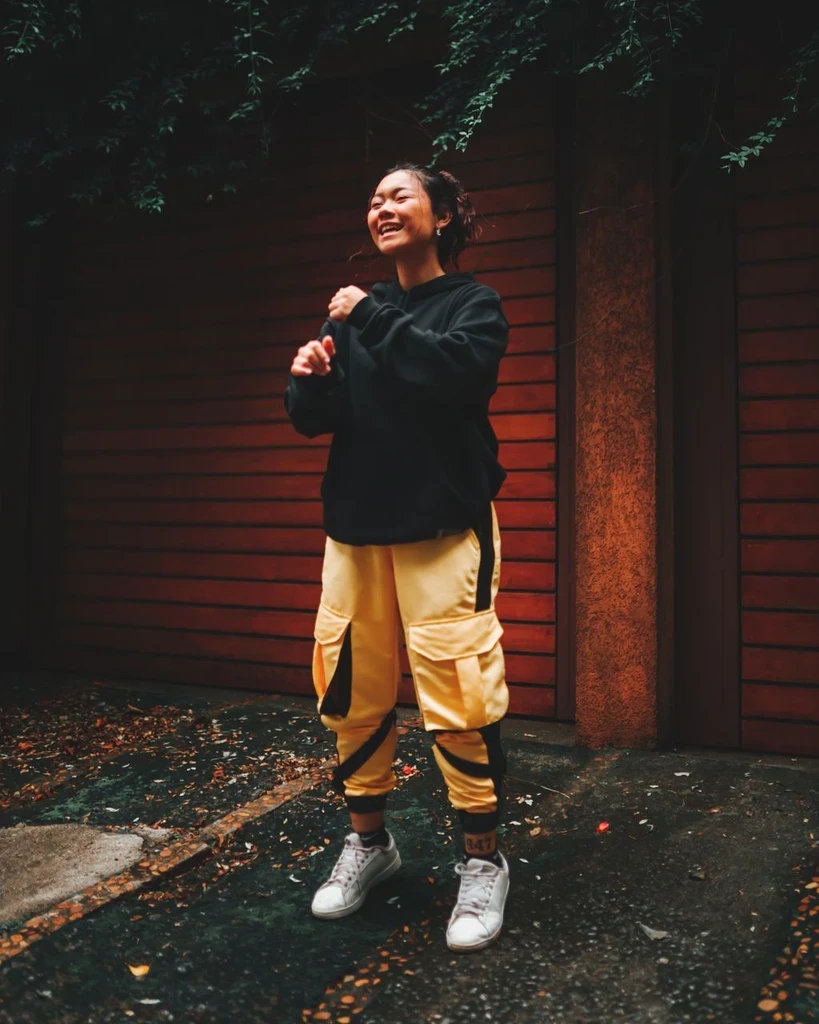 Before
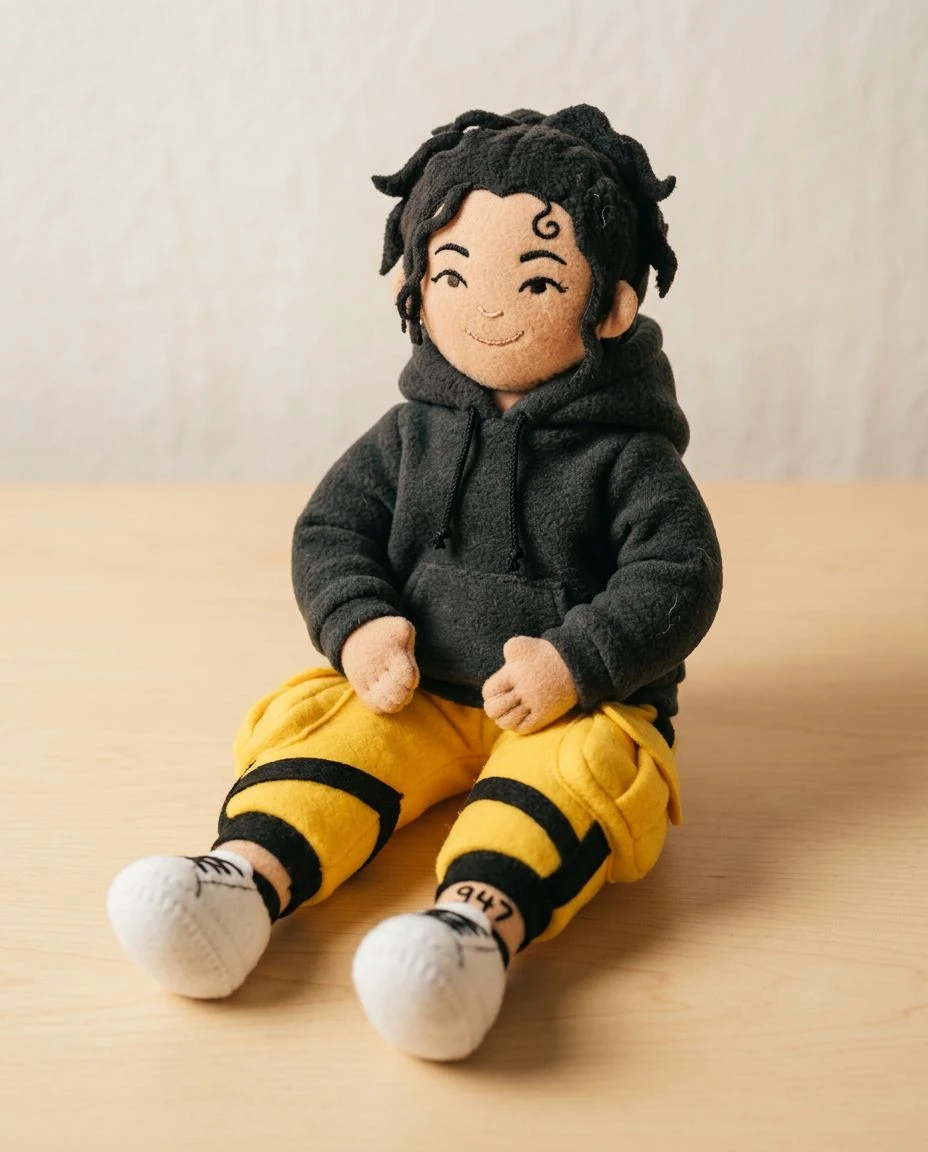
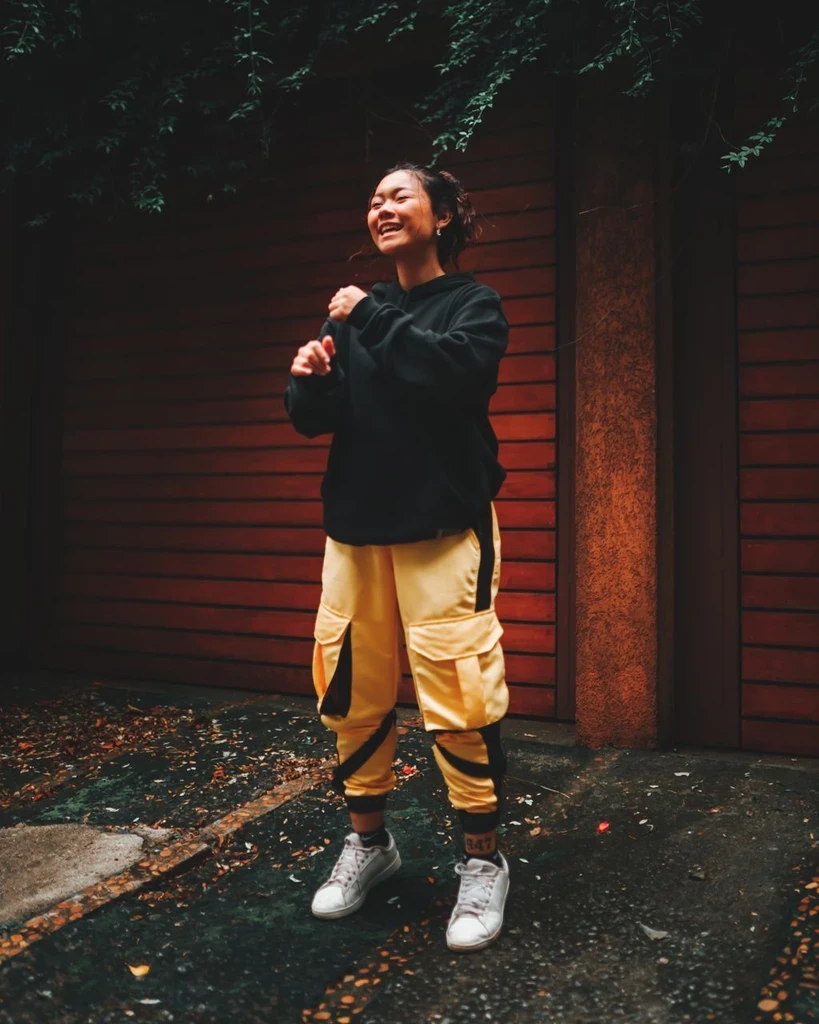 Before
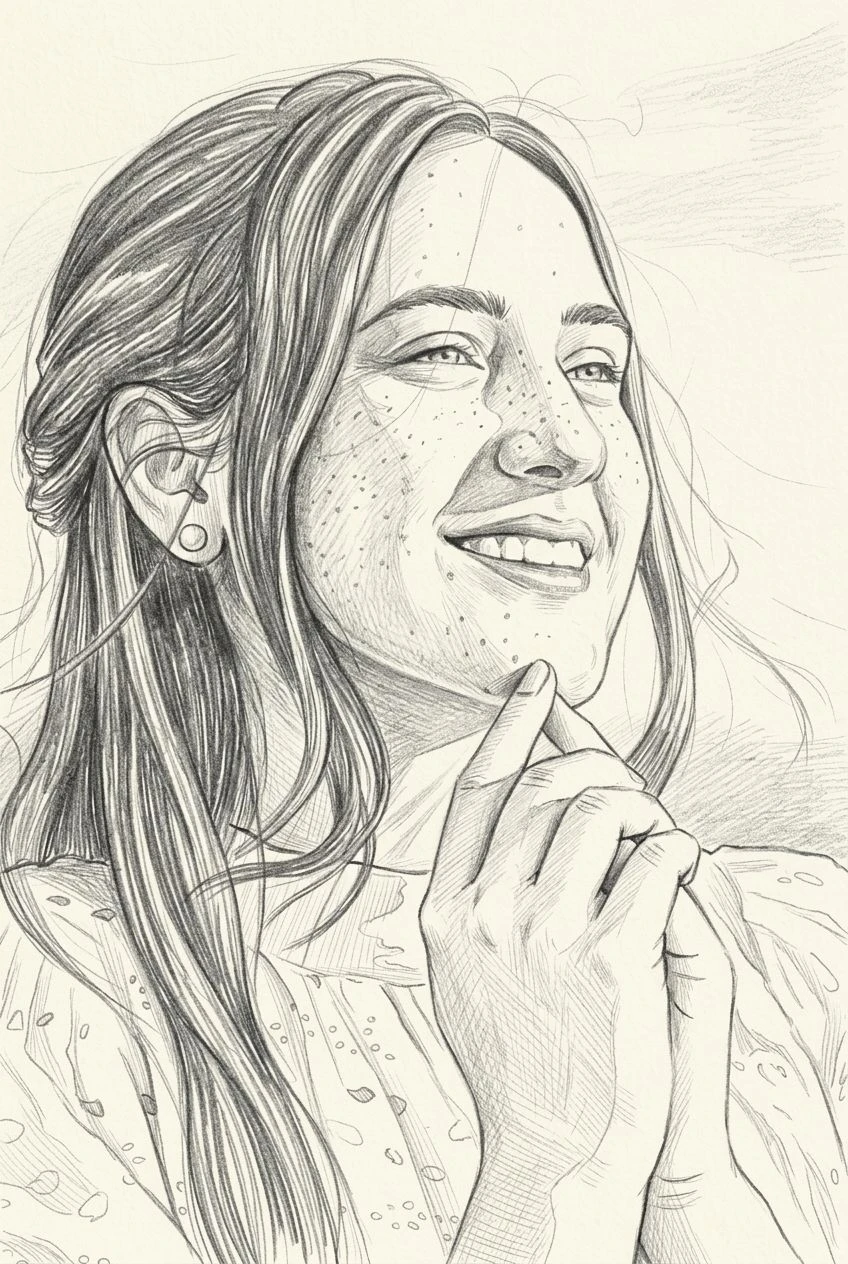
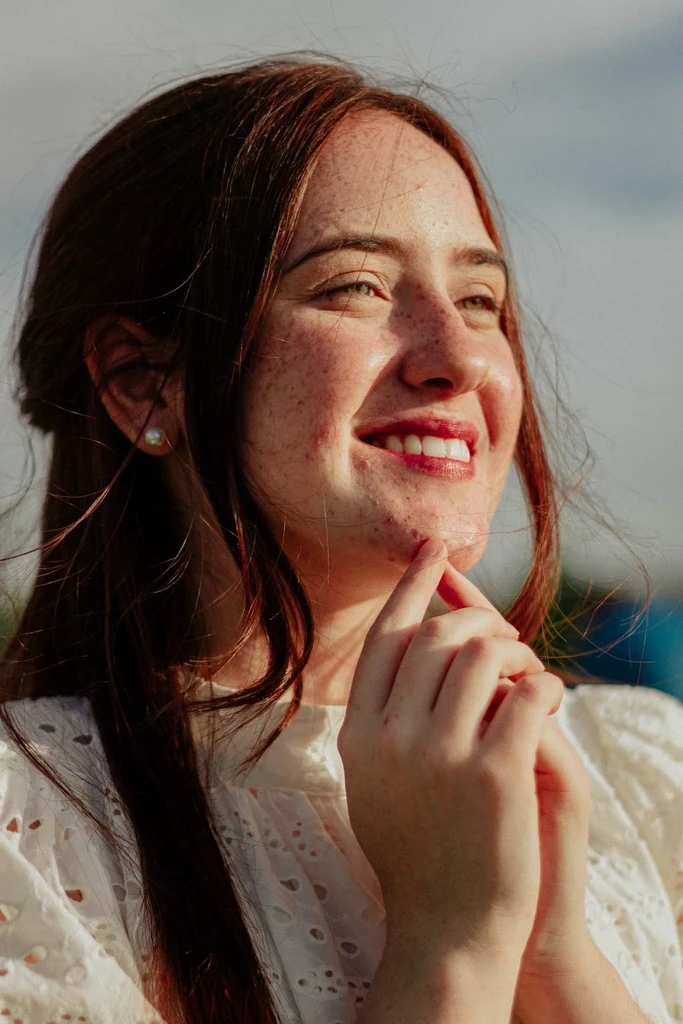
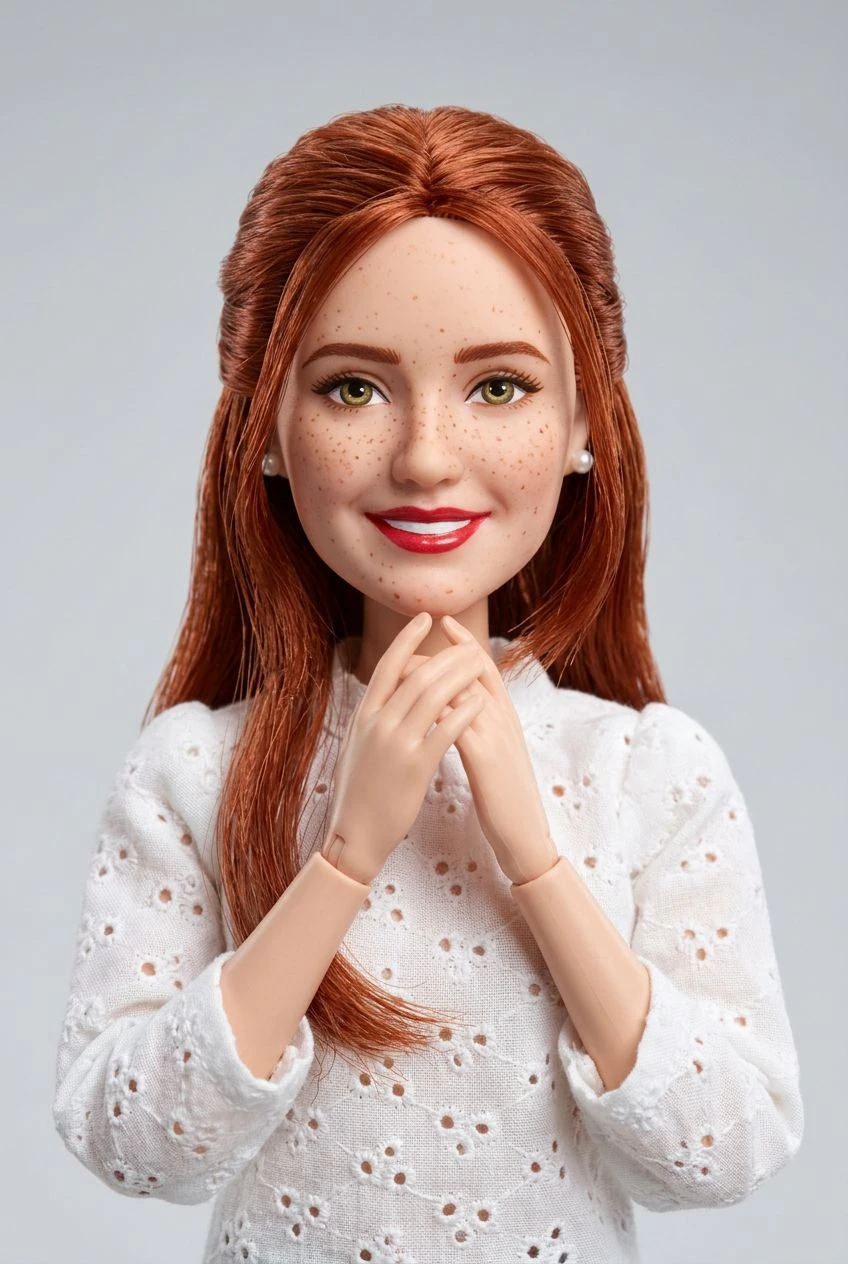
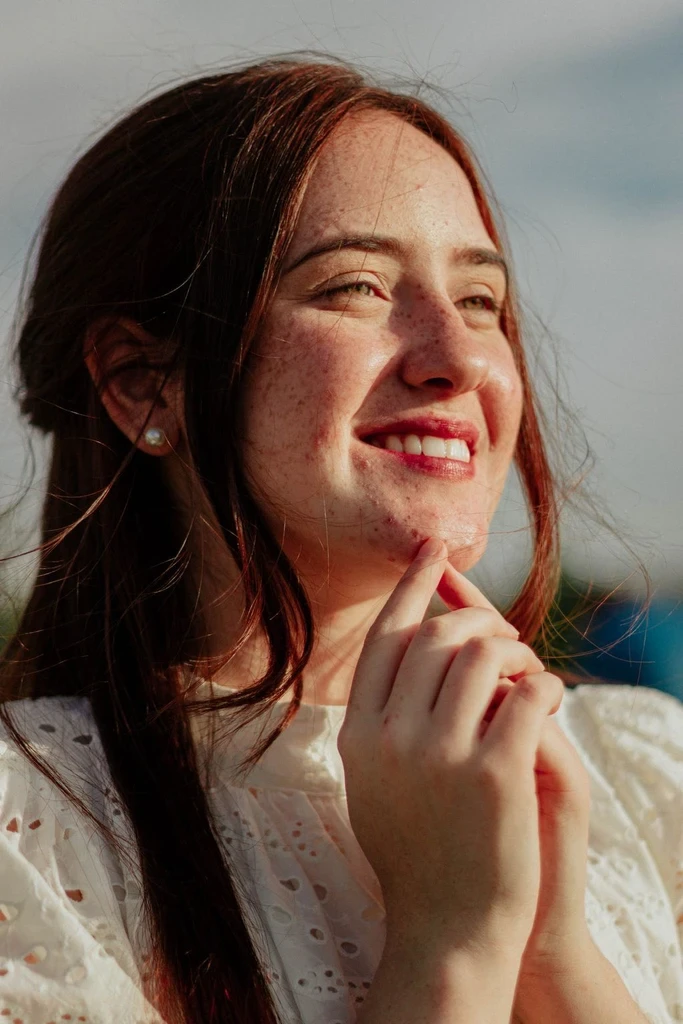 Before
Your next pixel-style creation starts with a picture you already have.