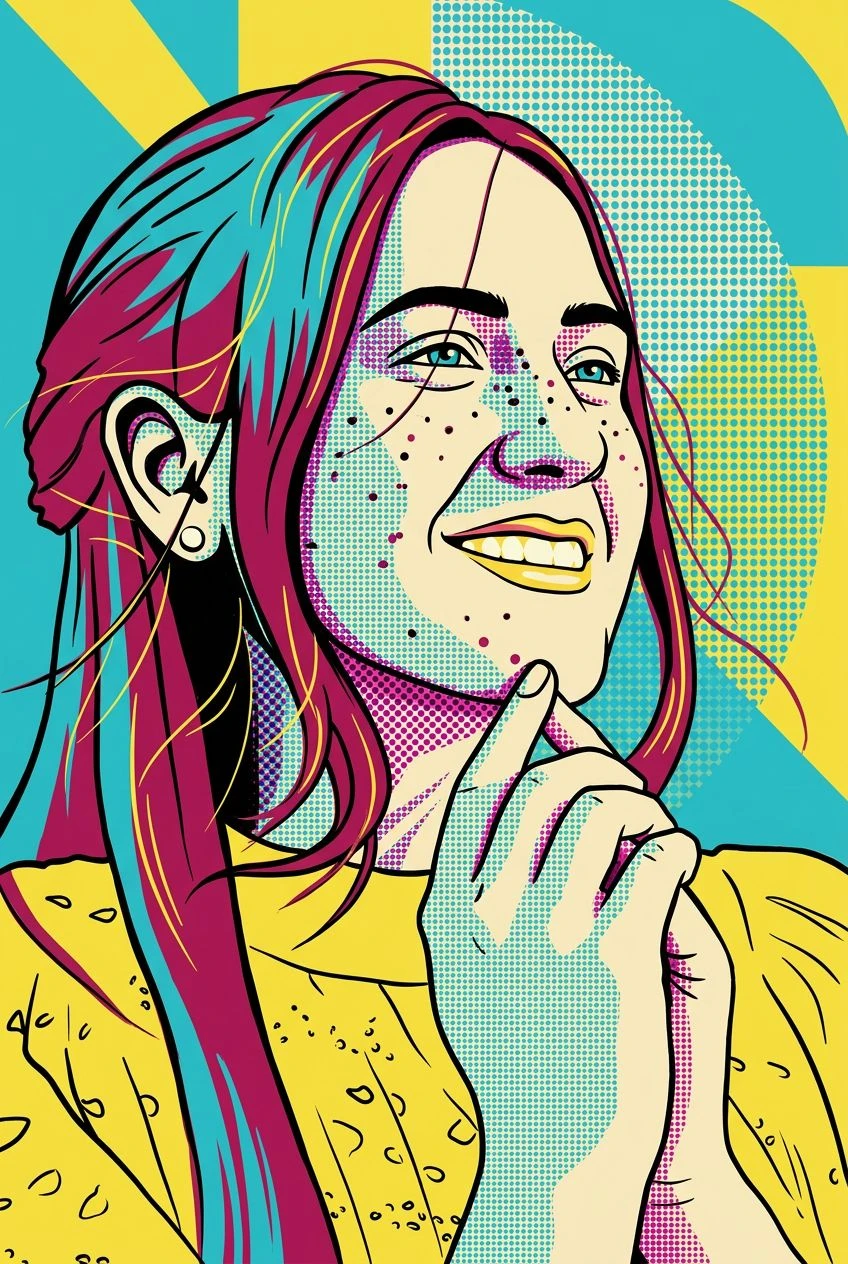
Bold, Playful Character Design
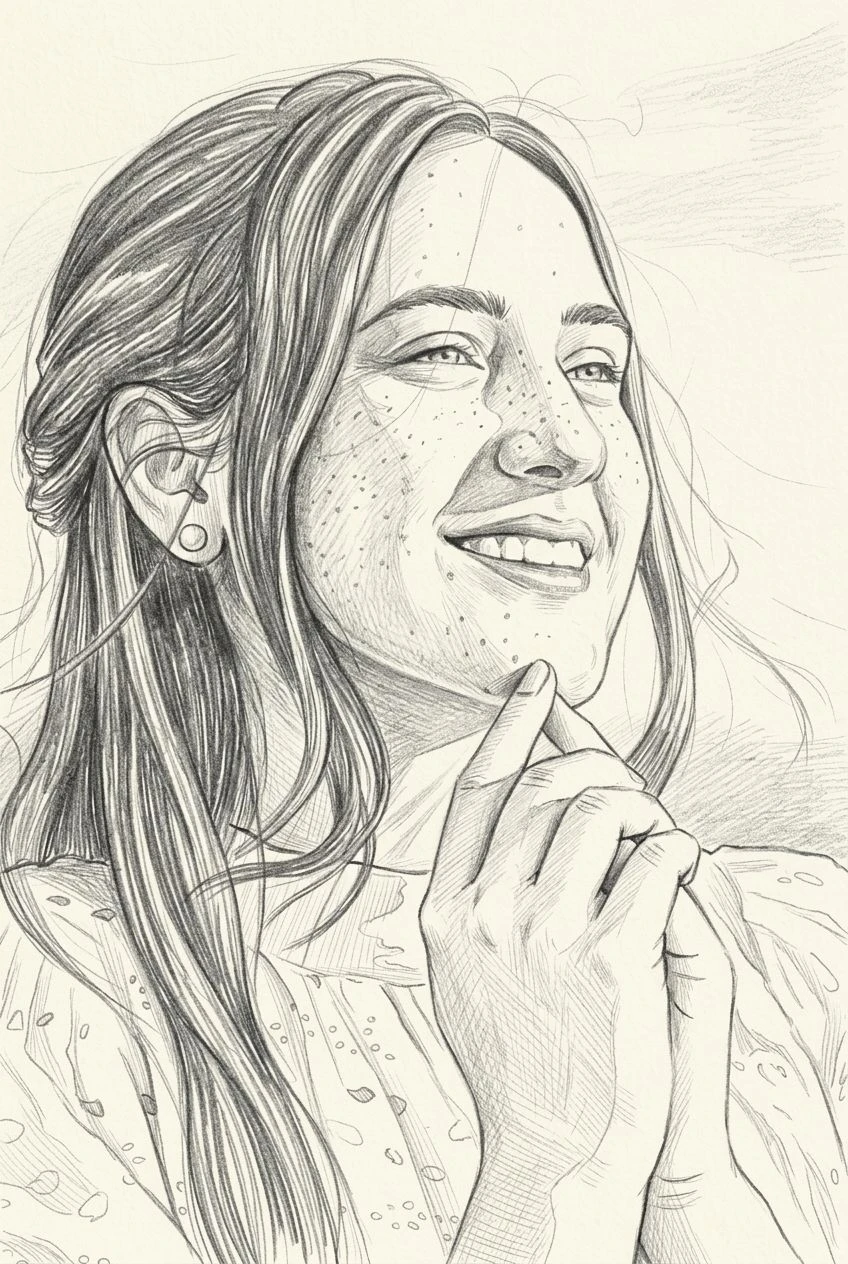
Transform photographic details into expressive shapes and colors that feel more like illustration than a camera snapshot.
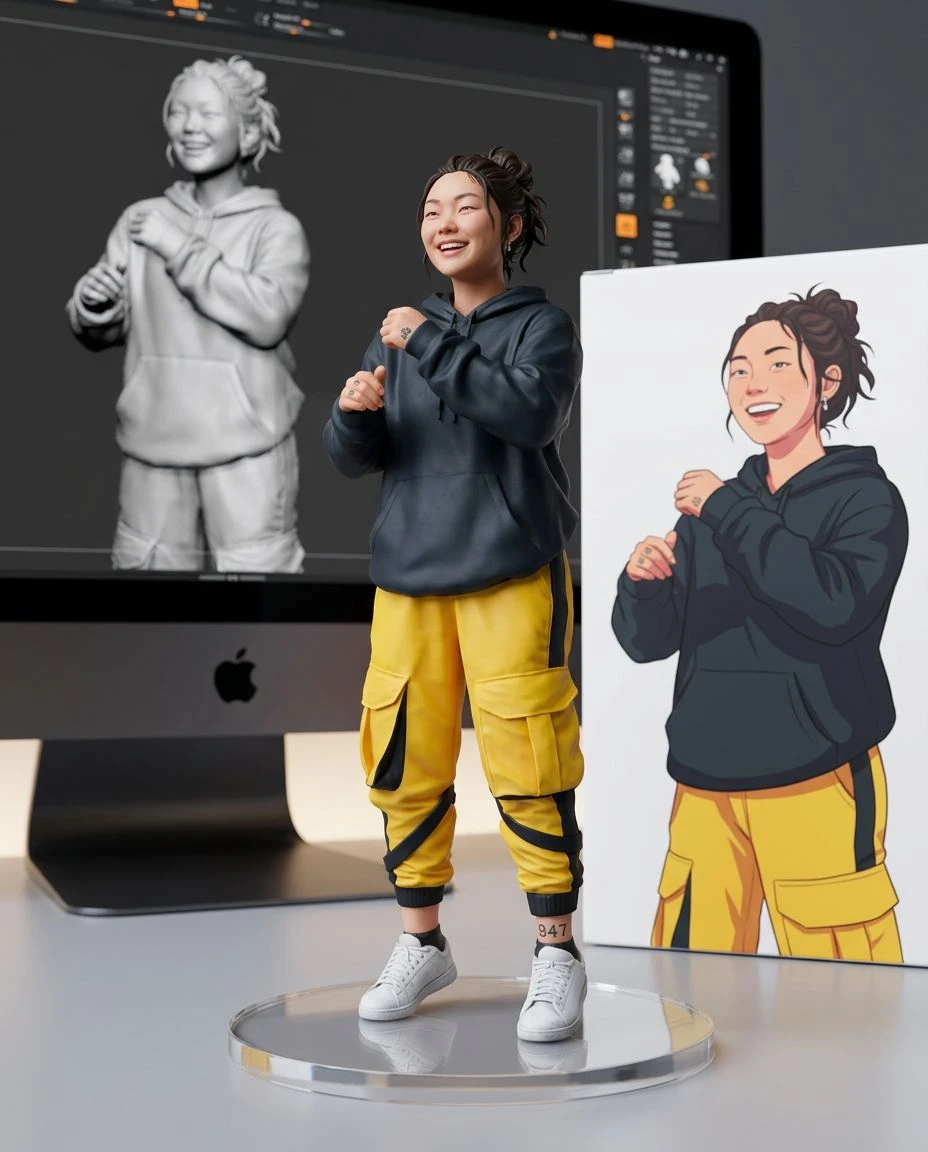
AI cartoon photo converter
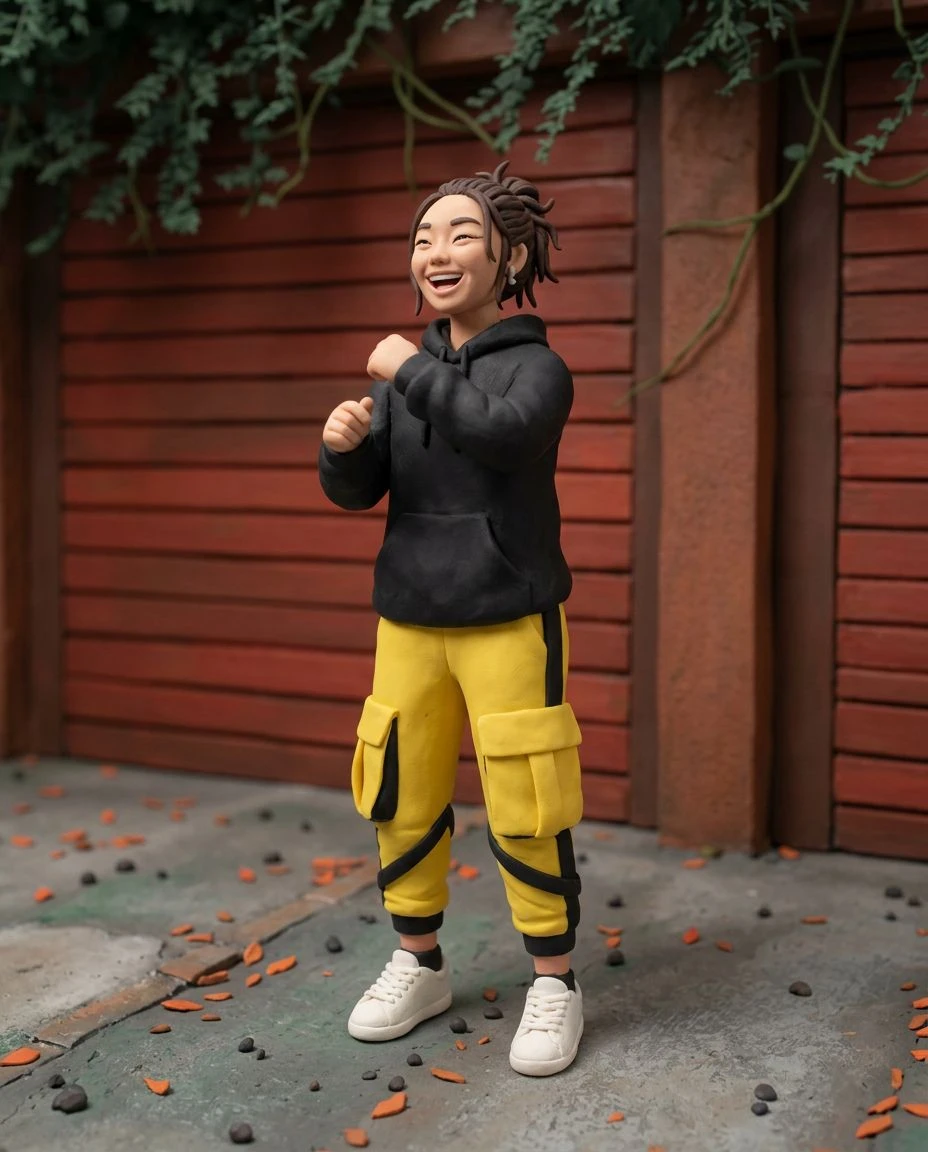
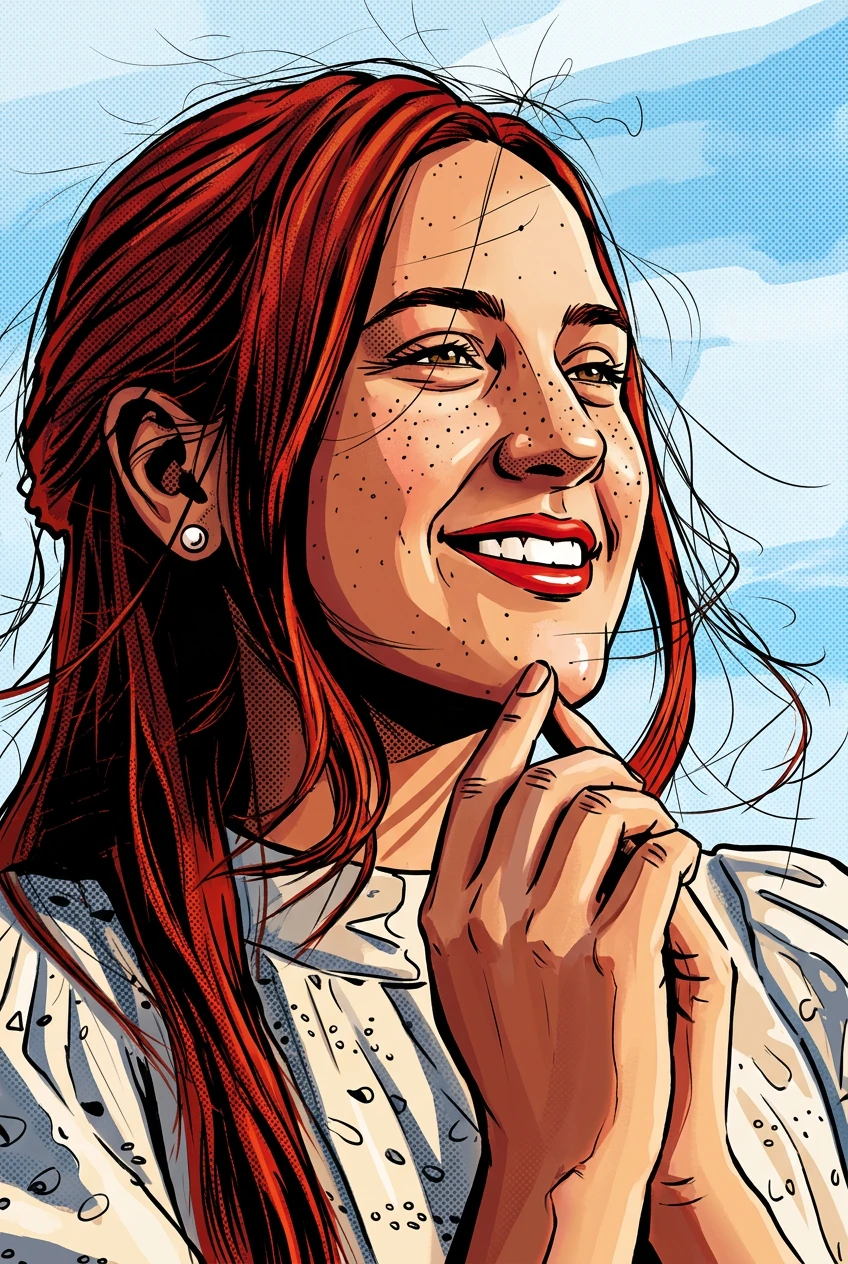
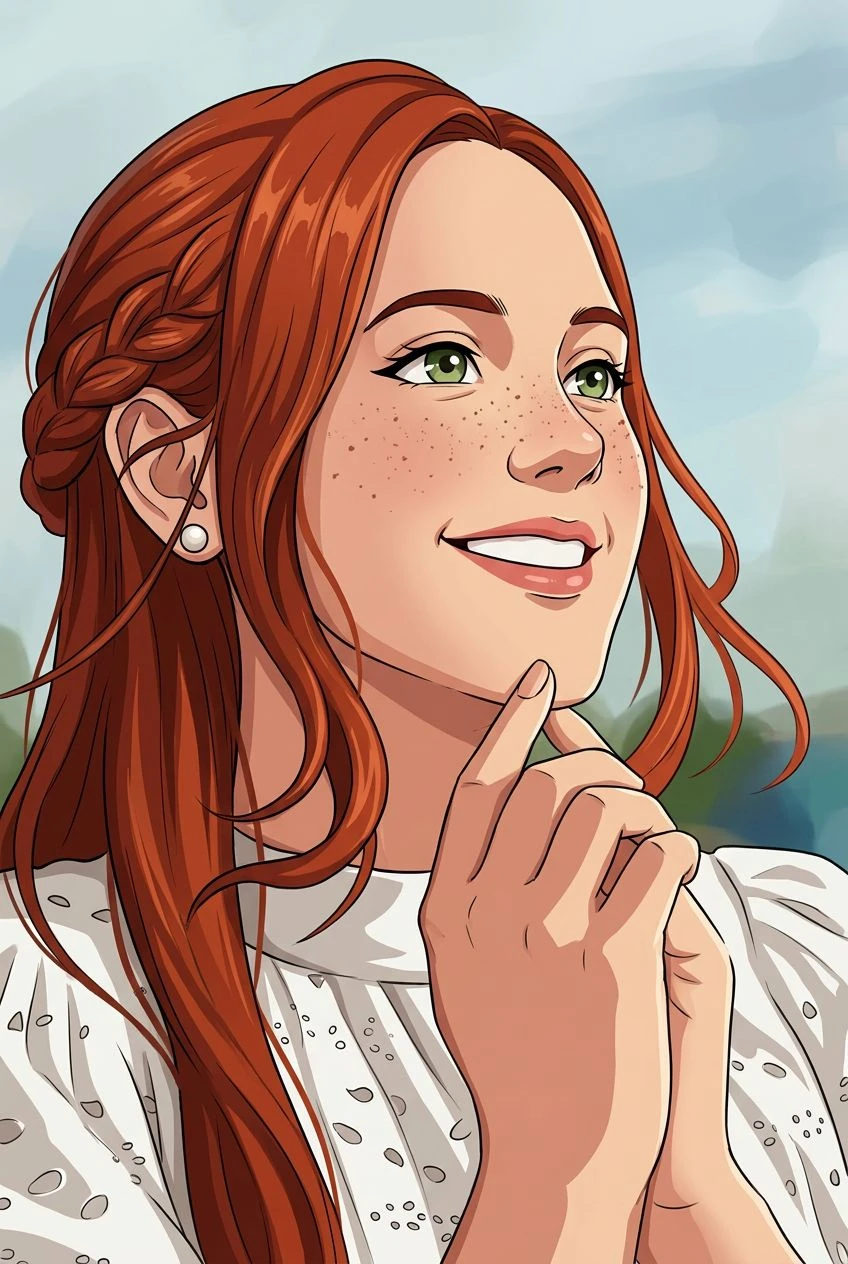
Add a playful new personality to your pictures. Upload a photo and turn it into colorful cartoon artwork with simplified shapes, expressive details, and a polished illustrated finish.
Transform photographic details into expressive shapes and colors that feel more like illustration than a camera snapshot.
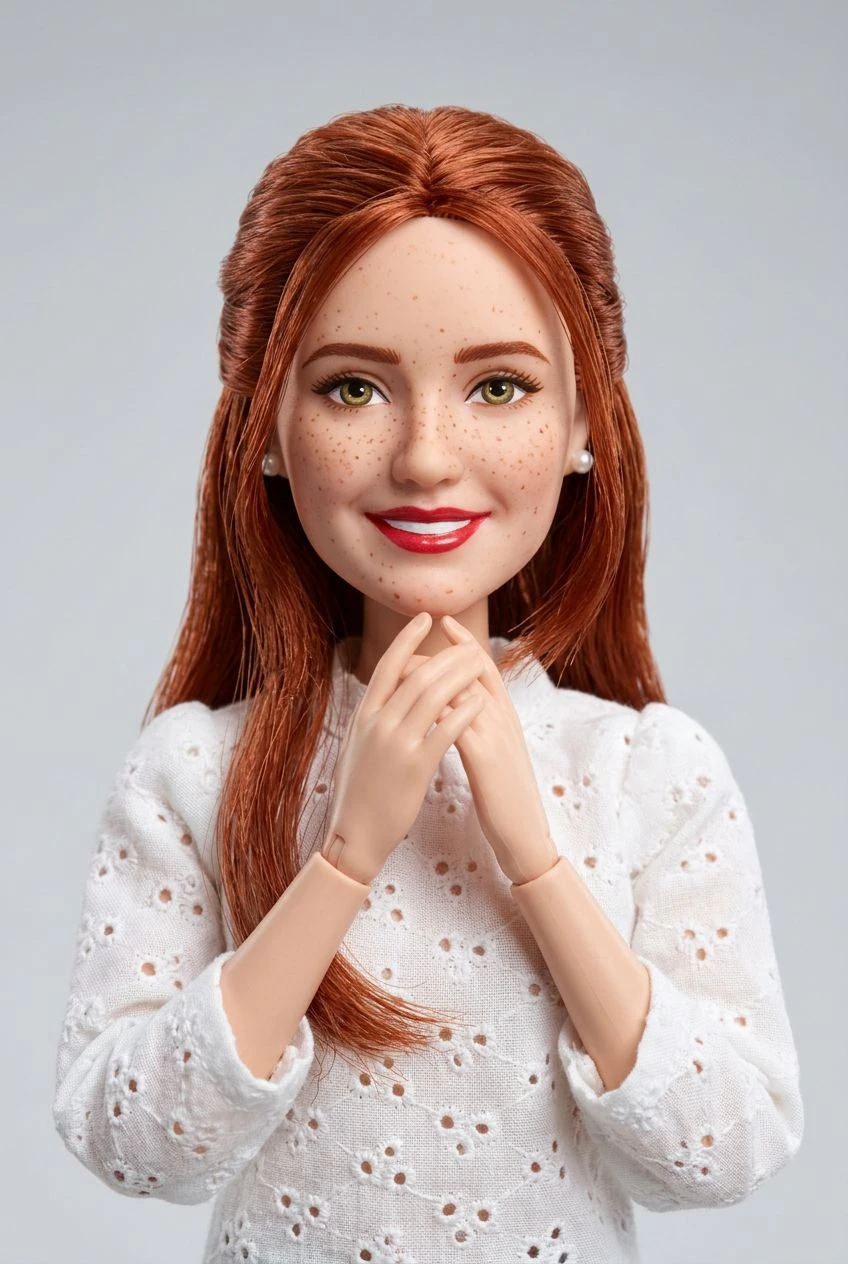
Create a three-dimensional cartoon appearance with soft materials, rounded forms, and studio-inspired lighting. The output is a picture, not an editable 3D model.
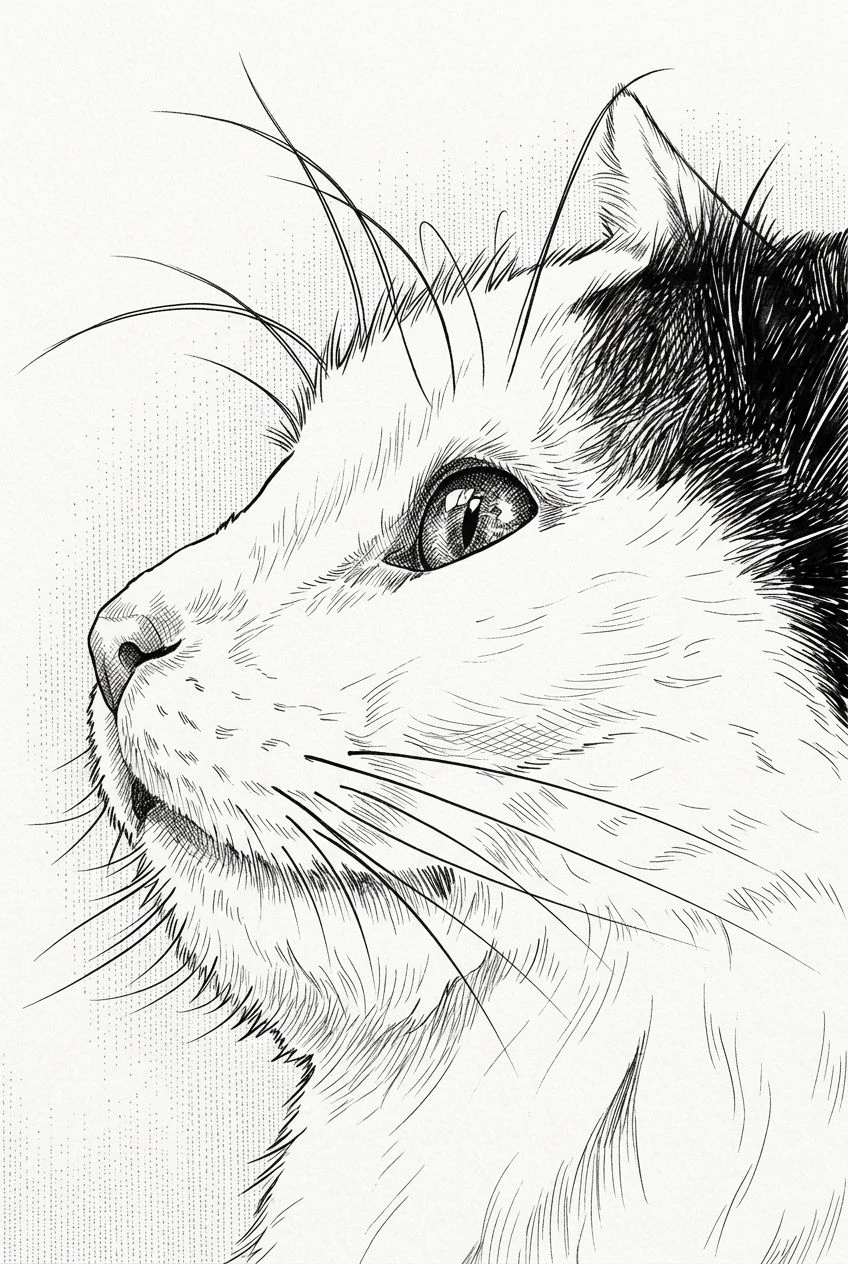
Experiment with portraits, friends, families, and pets while aiming to keep their most recognizable features.
Start with the photo you already have, select a cartoon look, and generate your next creative variation.
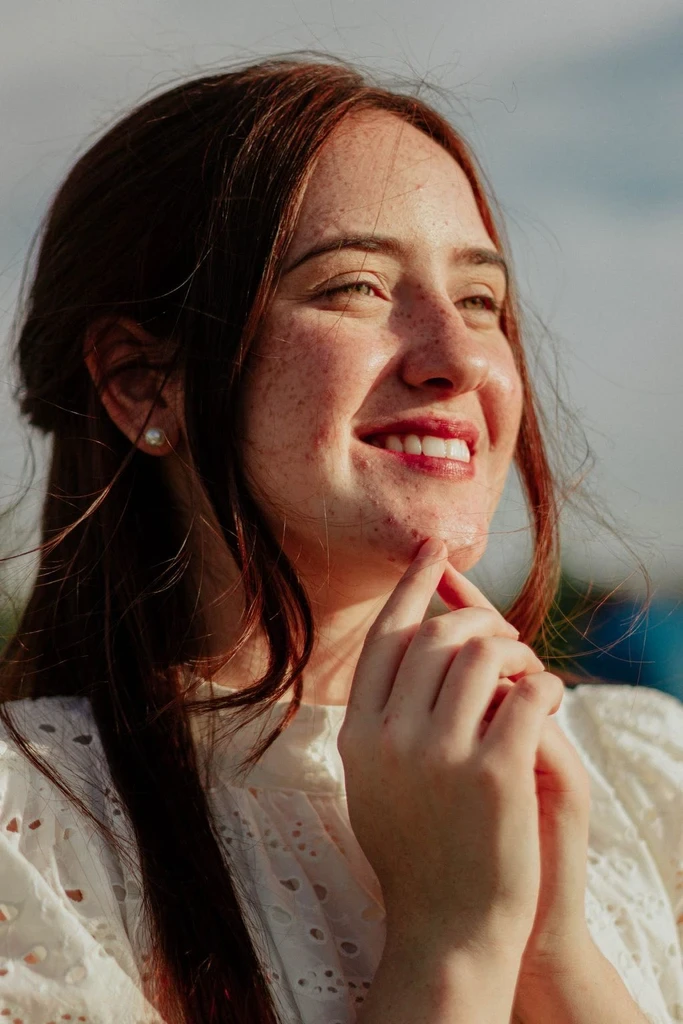
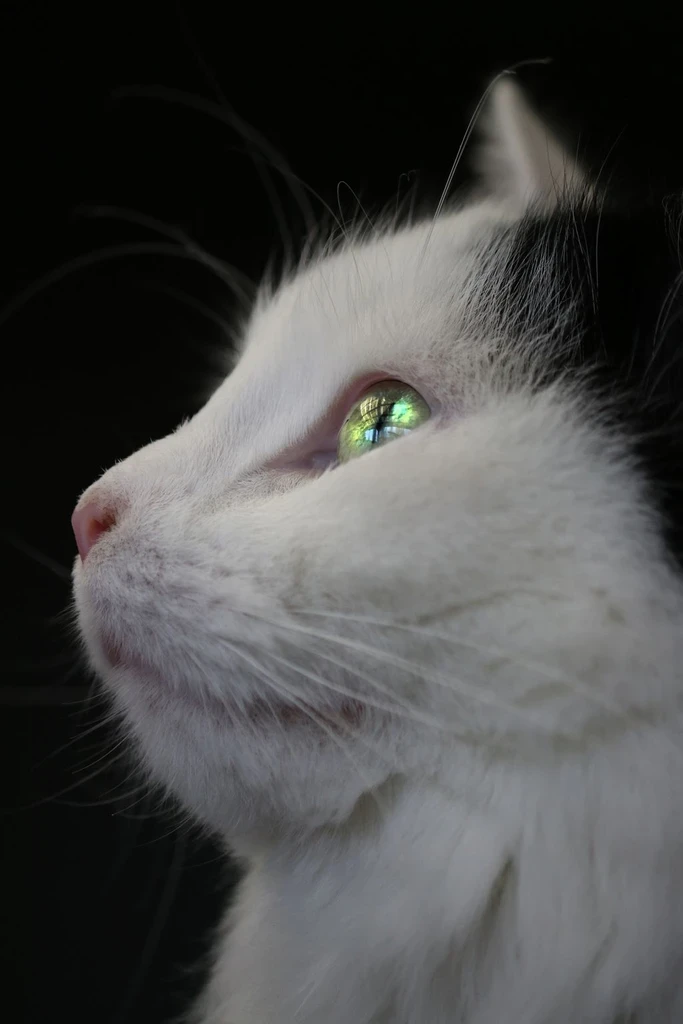
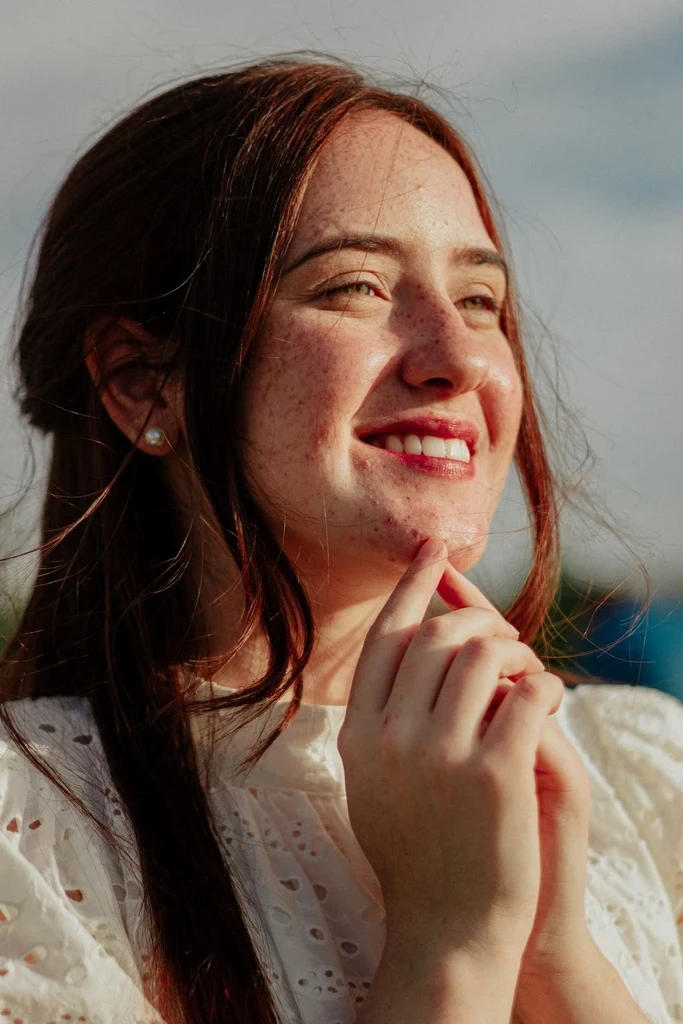
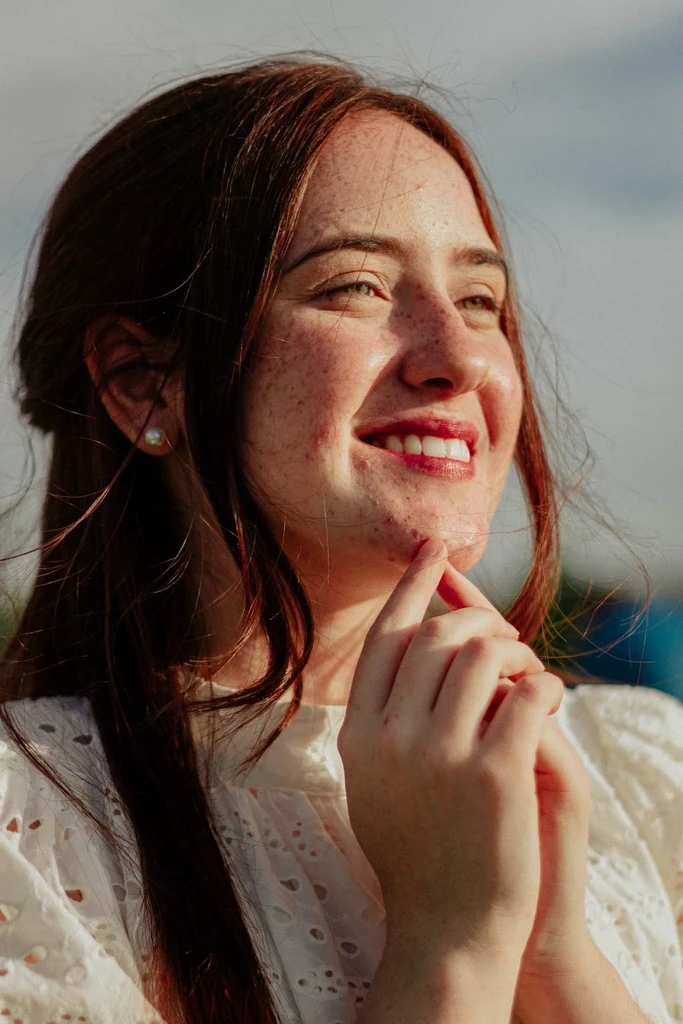
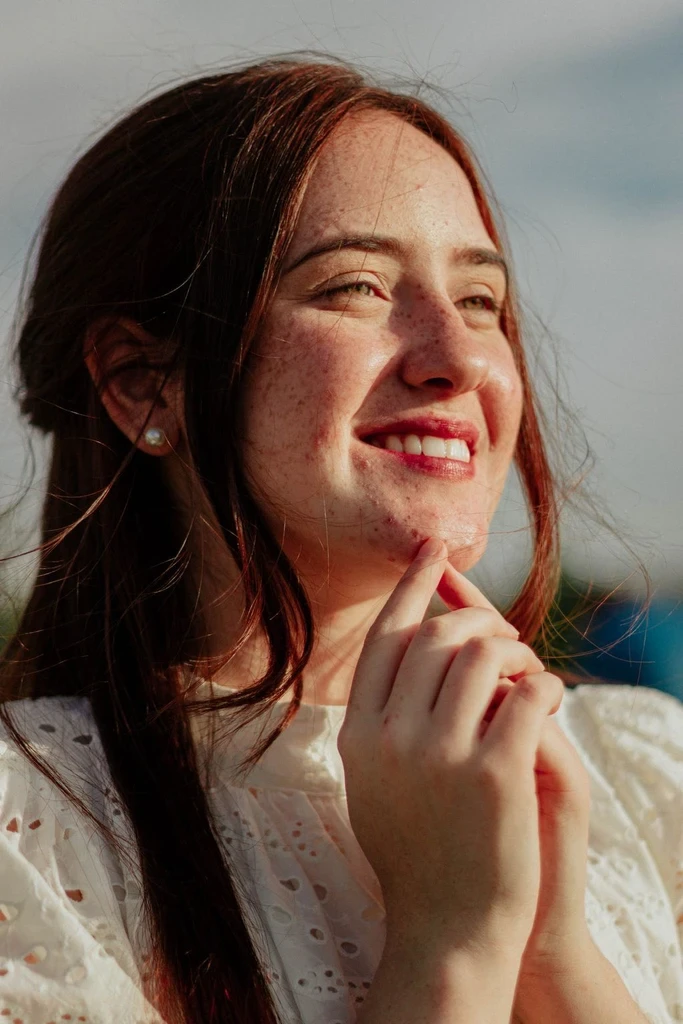
Upload a well-lit portrait, pet photo, or other image.
Select the cartoon preset available in the style picker.
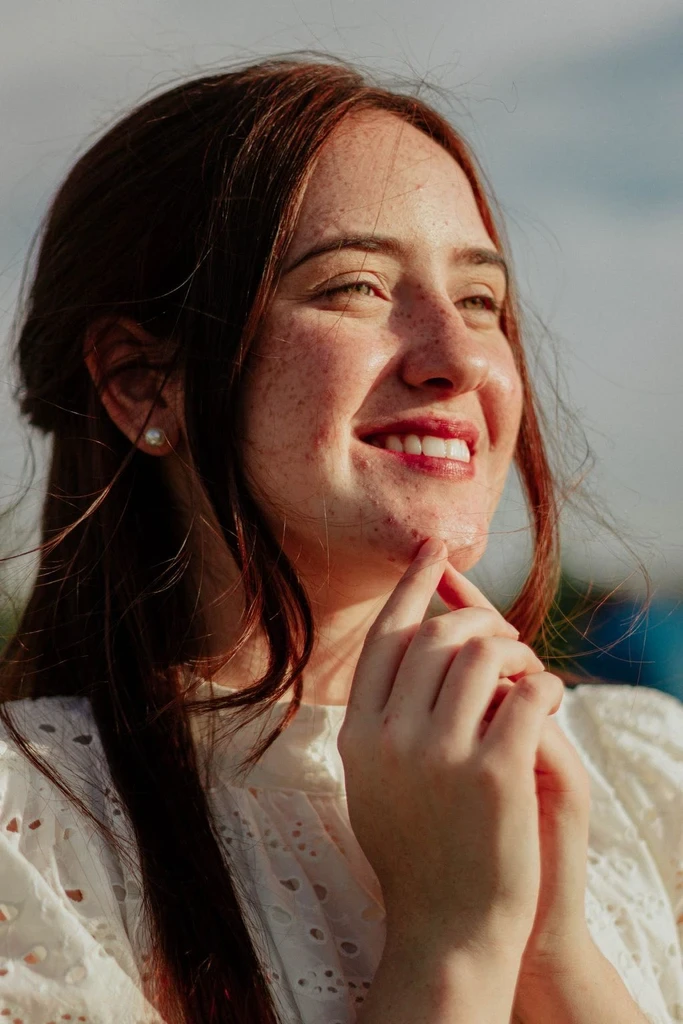
Generate a cartoon version, compare it with your original, and download it.
Give profile pictures an expressive, illustration-inspired appearance.
Experiment with a group photo as a lighthearted, artistic keepsake.
Turn a pet's funny pose or unique expression into charming cartoon-style art.
Explore colorful variations of ordinary photos for personal posts and creative projects.
Cartoon styling often focuses on simplified shapes, playful proportions, and expressive materials. Anime styling tends to emphasize linework and cel-style shading. Try Photo to Anime if you want an anime illustration, or stay with Cartoon for a more rounded, playful look.
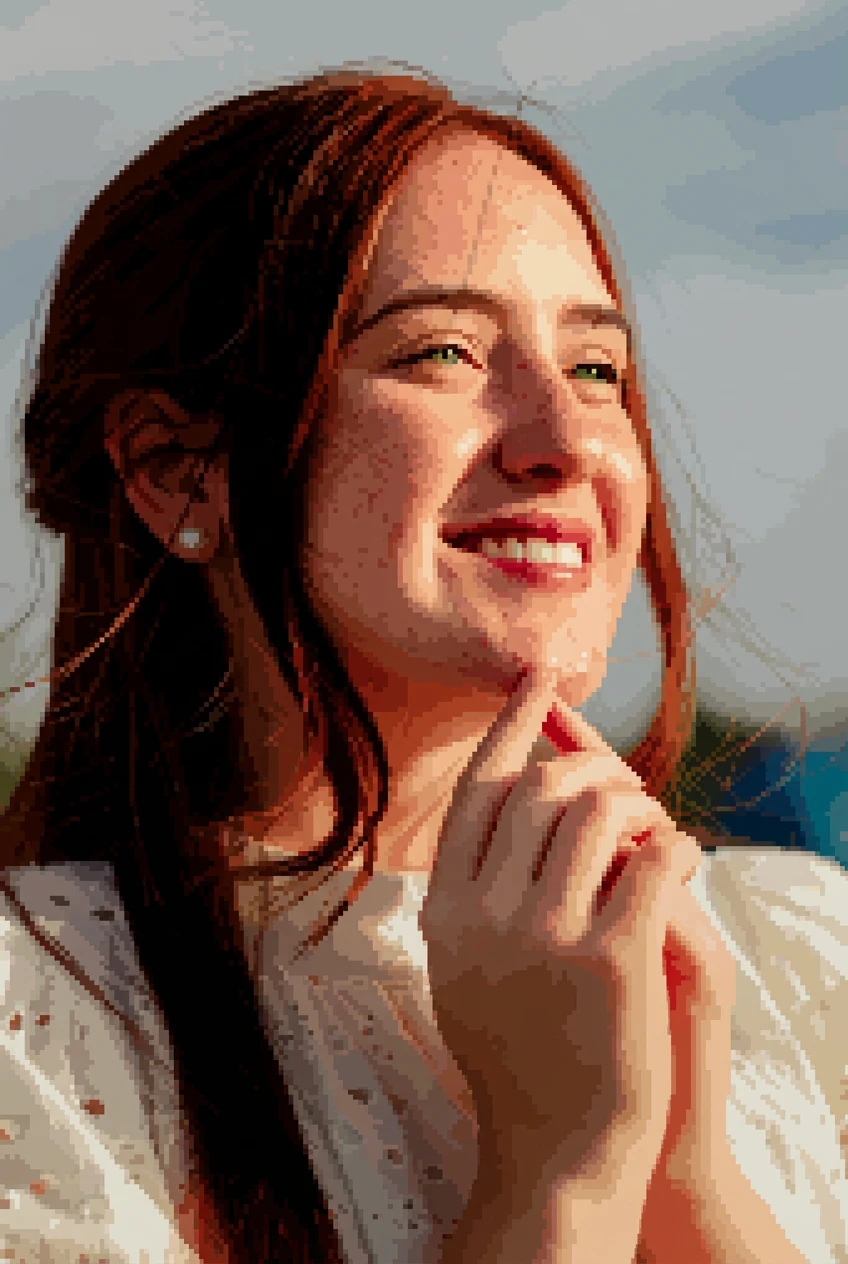
Compare an anime illustration, pixel art, or the full image-to-art collection.
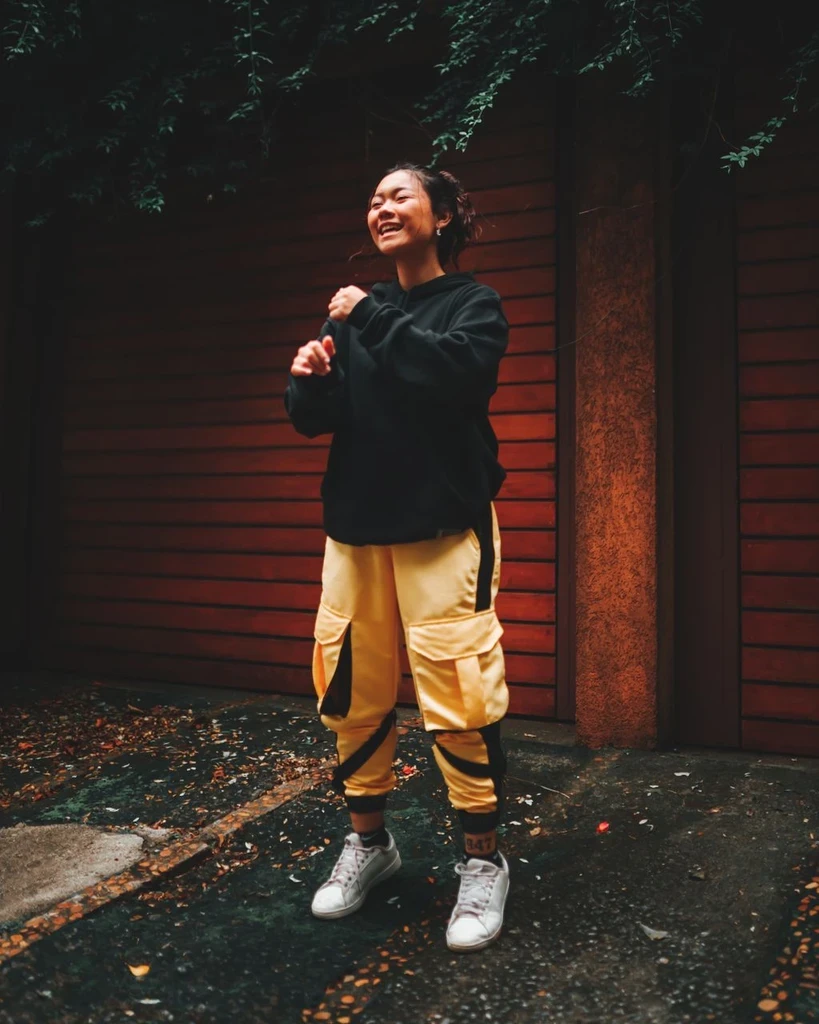
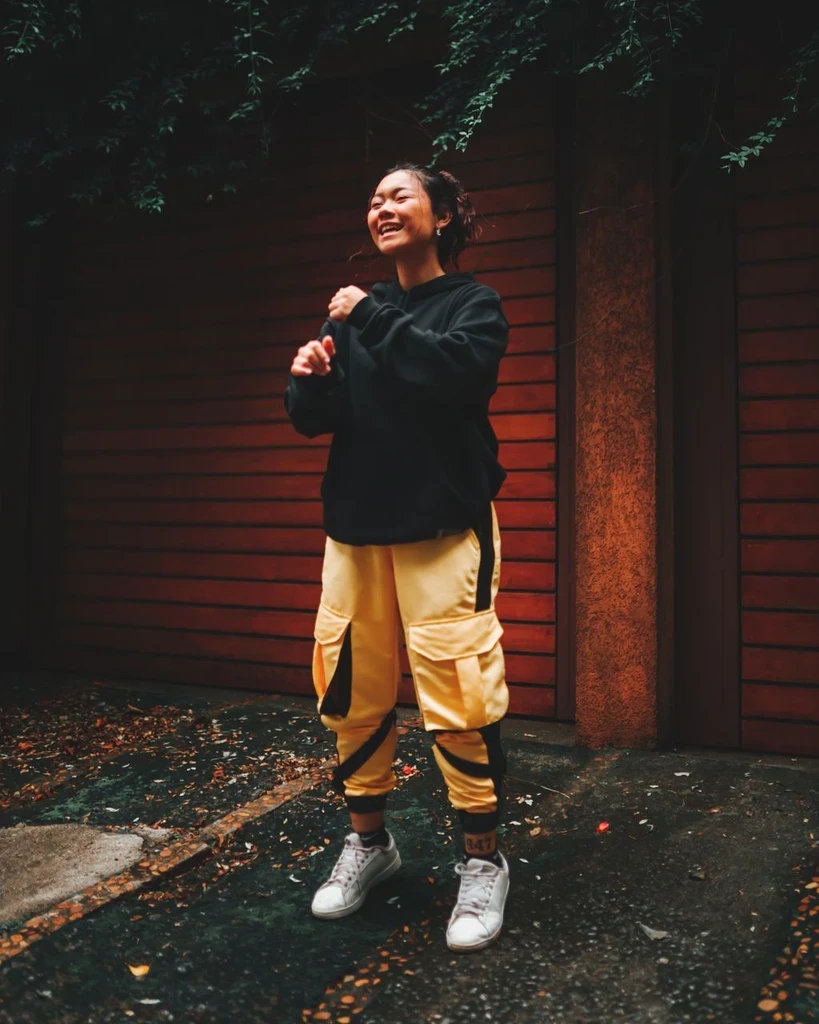 Before
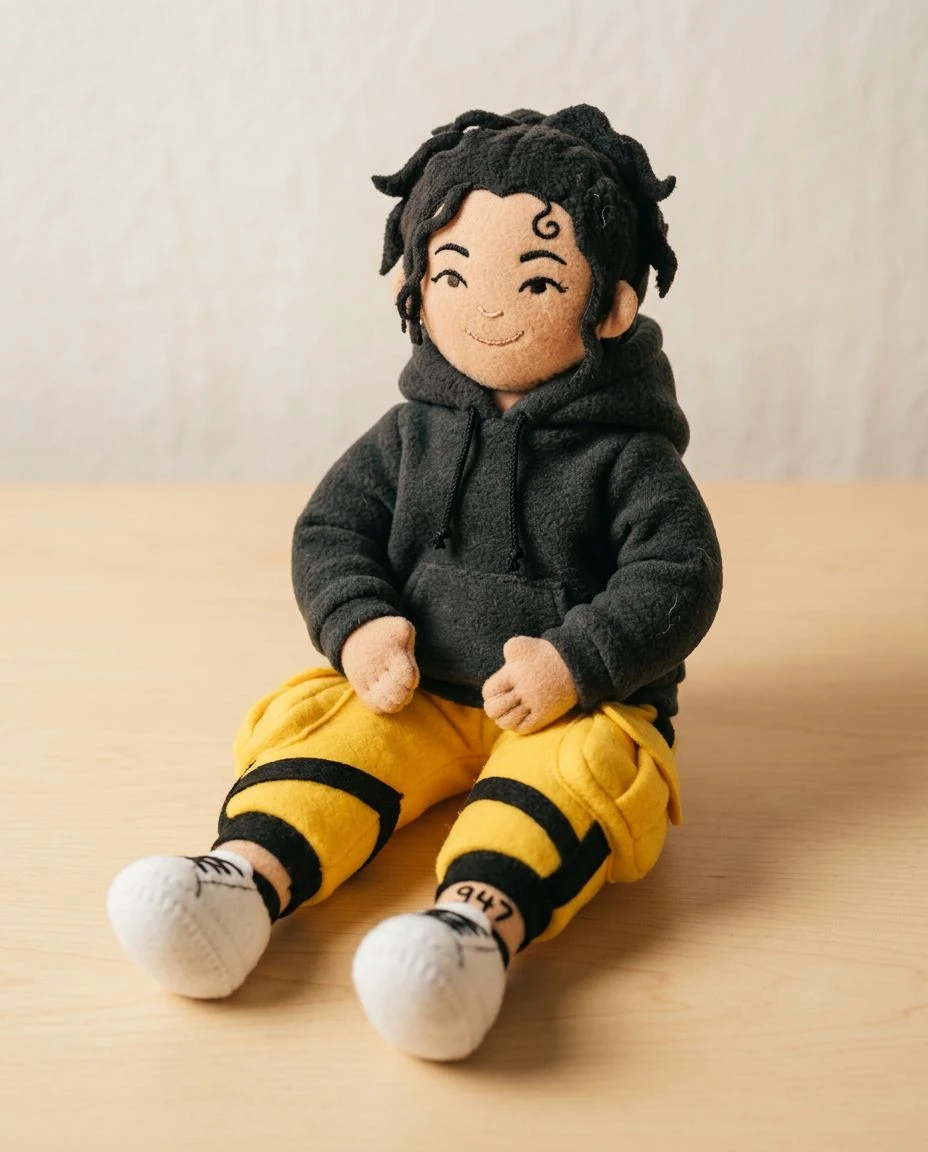
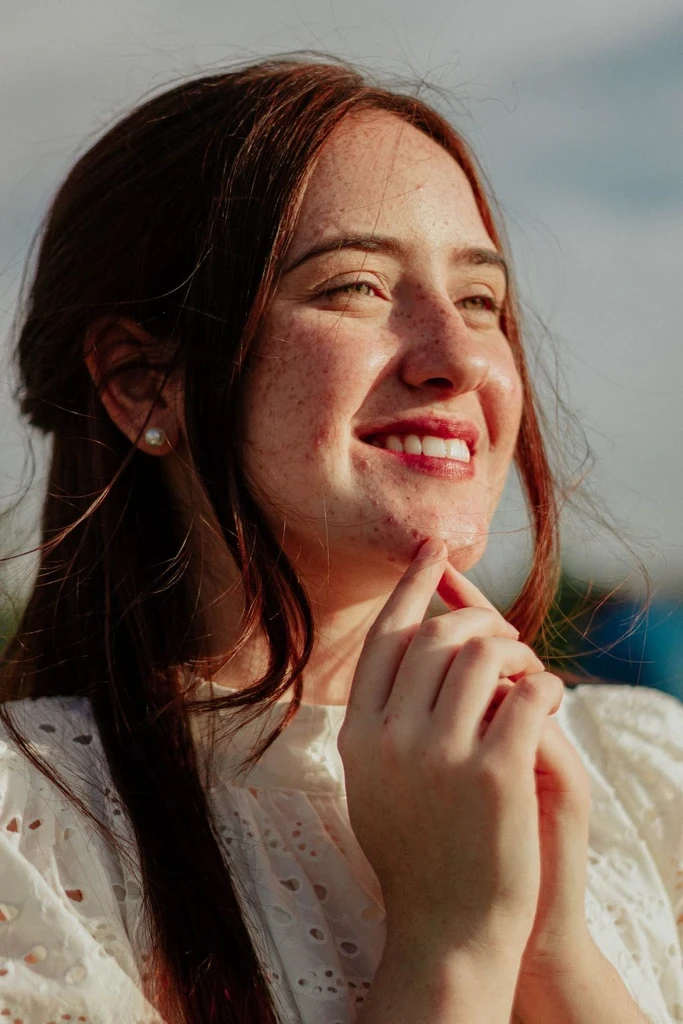
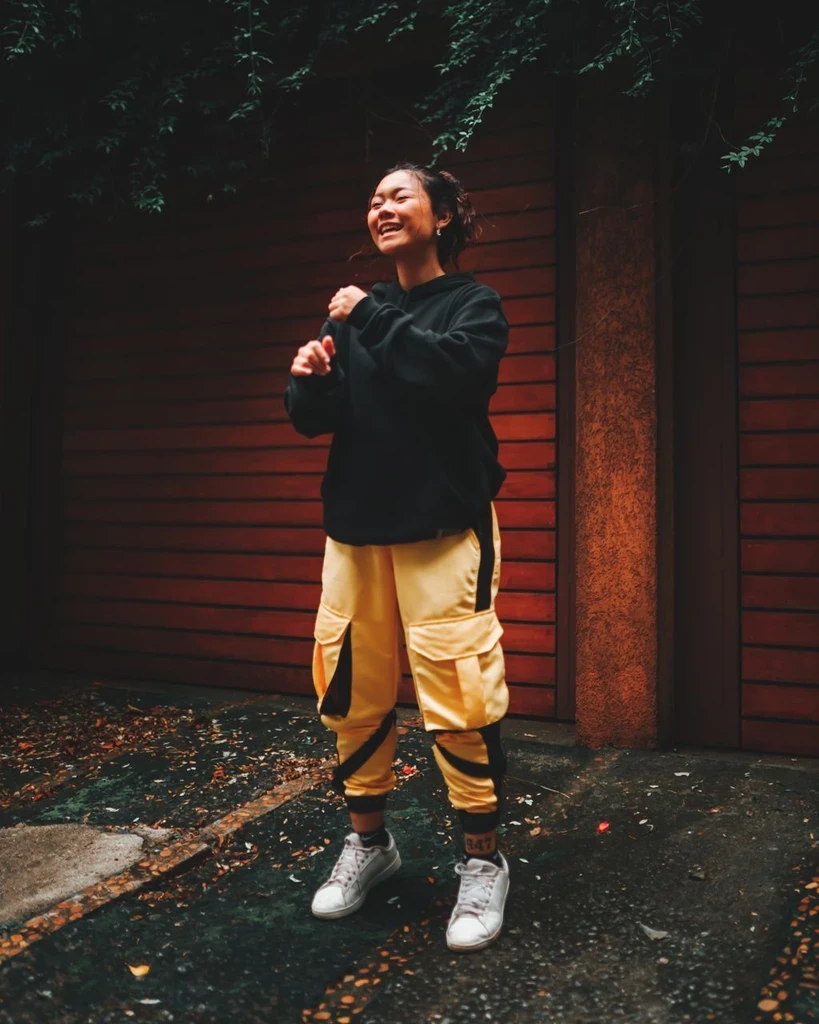 Before
 Before
A playful illustration can start with a single upload.